



文章目录
俗话说,磨刀不误砍柴工!
作为技术人员,拥有一些好用的工具对我们来说是很关键的。
它们能极大地的提高我们的工作效率和学习效率。
真香系列 ⭐⭐⭐⭐⭐
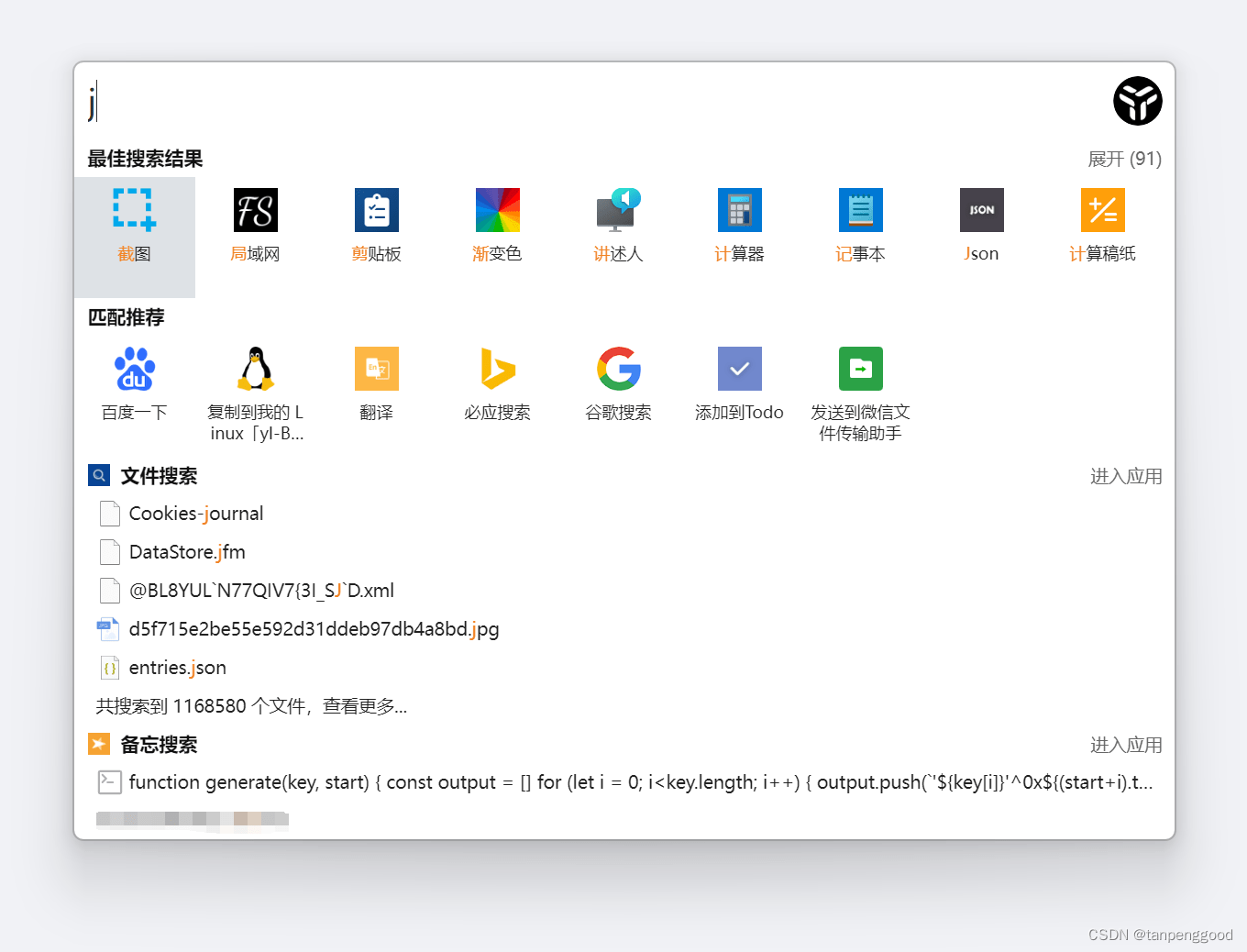
uTools【真香】
推荐理由:
新一代效率工具平台
自由组合插件应用,打造专属你的趁手工具集
一个强大的工具箱
推荐插件:取色、todo、随机密码、githelper、mysql文档、javascript文档、linux命令文档
快捷键「Alt + 空格」,呼出 uTools 搜索框
Geek Uninstaller【真香】
推荐理由:
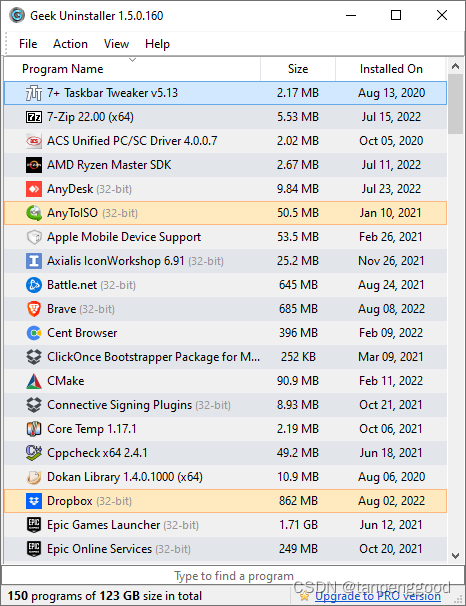
Efficient and Fast, Small and Portable. 100% Free
Clean Removal and Force Removal
Native X64 support
Easy-to-use User Interface
Uninstall Microsoft Store Apps
OBS Studio【真香】
https://obsproject.com/
https://github.com/obsproject/obs-studio
推荐理由:
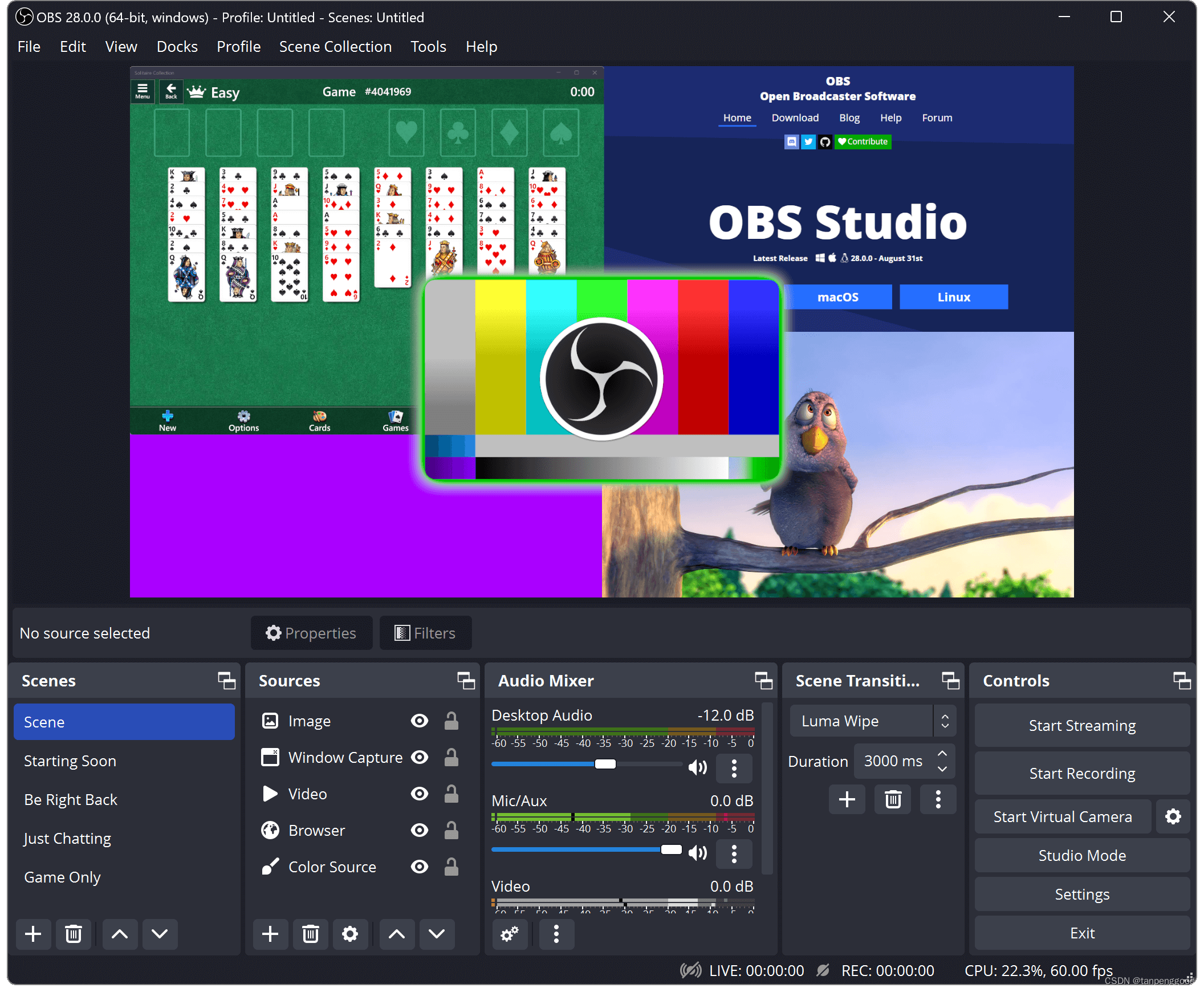
OBS Studio - Free and open source software for live streaming and screen recording
FileZilla【真香】
https://filezilla-project.org/index.php
推荐理由:
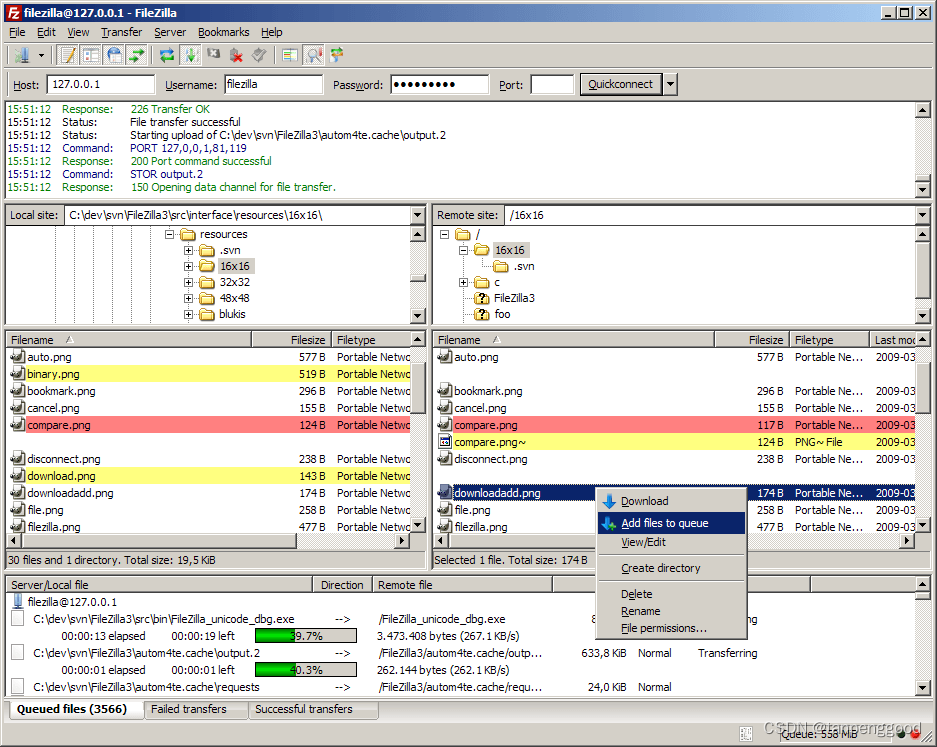
FileZilla Client is a fast and reliable cross-platform FTP, FTPS and SFTP client with lots of useful features and an intuitive graphical user interface.
Last but not least, FileZilla Server is a free open source FTP and FTPS Server.
SQLyog【真香】
https://github.com/webyog/sqlyog-community
https://github.com/webyog/sqlyog-community/wiki/Downloads
推荐理由:
SQLyog is an all-round Management Tool (/‘GUI’/‘Frontend’) for MySQL/MariaDB.
PS:个人认为它是 Windows 上最好用的 MySQL 数据库 GUI 工具,不接受任何反驳。
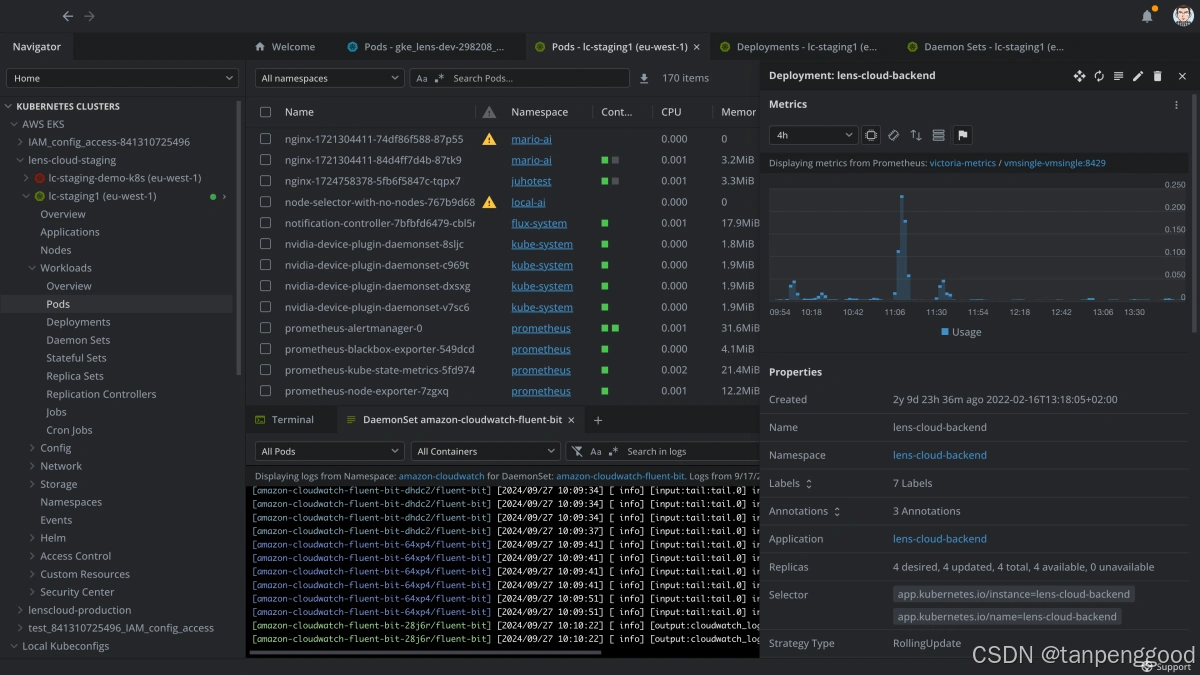
Lens【真香】
https://github.com/lensapp/lens
推荐理由:
The way the world runs Kubernetes.
With over 1 million users, Lens is the most popular Kubernetes IDE in the world.
Lens 拥有超过 100 万用户,是世界上最受欢迎的 Kubernetes IDE。
VirtualBox【真香】
https://github.com/myspaghetti/macos-virtualbox
推荐理由:
VirtualBox is a general-purpose full virtualization software for x86_64 hardware (with version 7.1 additionally for macOS/Arm), targeted at laptop, desktop, server and embedded use.
VirtualBox 是一款适用于 x86_64 硬件的通用完全虚拟化软件(适用于 macOS/Arm 的版本为 7.1),适用于笔记本电脑、台式机、服务器和嵌入式使用。
推荐系列 ⭐⭐⭐⭐
Vitrite【推荐】
https://download.cnet.com/Vitrite/3000-2072_4-10079850.html
推荐理由:
一个可以调整几乎任何可见窗口的透明度的一个小型实用程序
有10种不同级别的透明度
1==最透明
9==最不透明
0==无透明度
快捷键:
Ctrl + Shift + (数字 1~9)将现在置顶的窗口透明化不同的程度。
Ctrl + Shift + 0 将现在置顶的窗口恢复 Windows 默认的透明度。
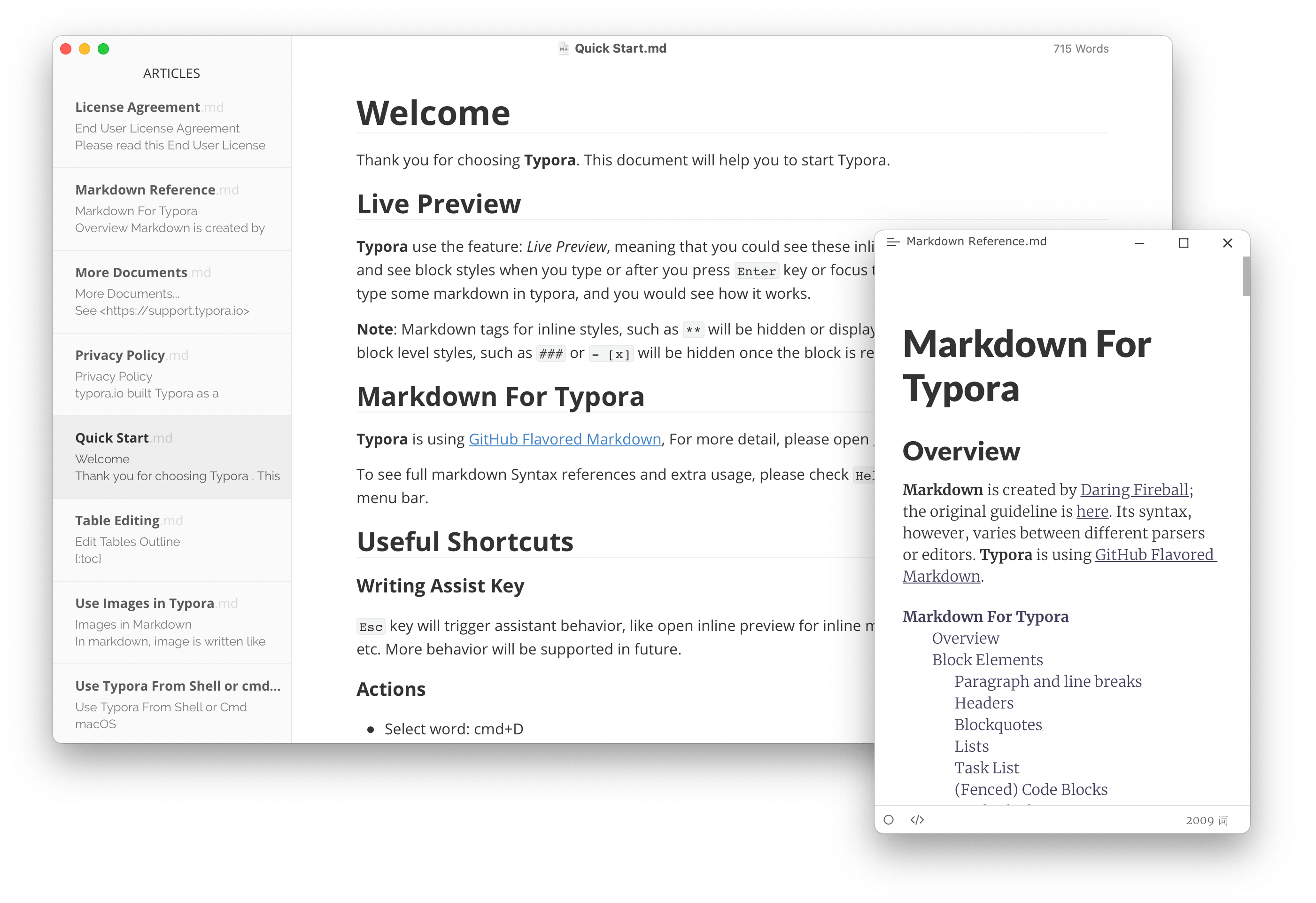
Typora【推荐】
https://typora.io/
https://typoraio.cn/
推荐理由:
A minimal Markdown editor and reader.
可以导出md pdf html word等各种格式
PS:
缺点就是从
1.0.0版本开始收费了。





 扫一扫
扫一扫


 5531
5531

 被折叠的 条评论
为什么被折叠?
被折叠的 条评论
为什么被折叠?
 到【灌水乐园】发言





