



Looper.prepare();
mHandler = new Handler() {
public void handleMessage(Message msg) {
// 处理消息队列中的消息。
}
};
// 开启消息循环,会从消息队列中取出消息,没有消息时等待新消息的到来。
Looper.loop();
}
}
综合这两个示例,我们了解了Android消息机制的使用方法,也看到了发送消息、创建消息队列、开启消息循环以及处理消息的过程,下面给出一个更直观的“消息传递流程图”:

通过流程图可以看到整个消息传递过程,也可以看到在不同的阶段涉及的类:
-
消息发送:通过
Handler向关联的MessageQueue发送消息; -
消息存储: 把发送的消息以
Message的形式存储在MessageQueue中; -
消息循环:通过
Looper不停地从MessageQueue中获取消息,队列中没有消息时就阻塞等待新消息; -
消息分发和处理:
Looper获取消息后分发给Handler进行处理。
前面提到消息传递流程主要分为“发送消息”、“存储消息”、“消息循环”和“消息分发和处理”几个不同阶段,我本打算按照这个流程来分别讲解每个阶段,但是在具体行文的时候发现每个阶段并不是完全分割开来的,比如在讲“发送消息”之前要先了解“消息的存储结构”和“消息循环的开启”,而“消息的分发”又是属于“消息循环”的功能。
正是由于这几个阶段之间的相互关系,导致没有办法严格按照消息传递的顺序讲解Android消息机制。思虑再三,我决定通过上面讲解的Android消息机制通用示例来一步步解析其背后的逻辑流程。
再来看下通用示例:
class LooperThread extends Thread {
public Handler mHandler;
public void run() {
// 1. 初始化 Looper 对象,其内部会创建消息队列。
Looper.prepare();
mHandler = new Handler() {
public void handleMessage(Message msg) {
// 4. 处理消息队列中的消息。
}
};
// 2. 开启消息循环,会从消息队列中取出消息,没有消息时阻塞等待新消息的到来。
Looper.loop();
}
// 3. 发送消息
mHandler.sendEmptyMessage(0);
}
在示例代码中用不同的序号标注了“消息传递机制”的各个关键点,以下的内容也都是根据这些关键节点进行讲解的。
3.1 消息载体
“消息”是Android消息机制中信息的载体,它包含了在整个消息传递过程中想要传送的数据,要理解“消息机制”就要先了解这个消息载体类Message:
/**
-
Defines a message containing a description and arbitrary data object that can be
-
sent to a {@link Handler}. This object contains two extra int fields and an
-
extra object field that allow you to not do allocations in many cases.
-
While the constructor of Message is public, the best way to get
-
one of these is to call {@link #obtain Message.obtain()} or one of the
-
{@link Handler#obtainMessage Handler.obtainMessage()} methods, which will pull
-
them from a pool of recycled objects.
*/
public final class Message implements Parcelable { … }
Android框架中对消息载体Message的声明虽然简短,却传达了最核心最重要的两点信息:
Message的作用:Message是包含了描述信息和数据对象并且在消息机制中发送给Handler的对象,其中的数据对象主要包括两个整型域和一个对象域,通过这些域可以传递信息。整型的代价是最小的,所以尽量使用整型域传递信息。
/**
-
User-defined message code so that the recipient can identify
-
what this message is about. Each {@link Handler} has its own name-space
-
for message codes, so you do not need to worry about yours conflicting
-
with other handlers.
*/
public int what;
/**
-
arg1 and arg2 are lower-cost alternatives to using
-
{@link #setData(Bundle) setData()} if you only need to store a
-
few integer values.
*/
public int arg1;
public int arg2;
/**
-
An arbitrary object to send to the recipient. When using
-
{@link Messenger} to send the message across processes this can only
-
be non-null if it contains a Parcelable of a framework class (not one
-
implemented by the application). For other data transfer use
-
{@link #setData}.
-
Note that Parcelable objects here are not supported prior to
-
the {@link android.os.Build.VERSION_CODES#FROYO} release.
*/
public Object obj;
Message的创建方式:虽然Message有公有构造函数,但是建议使用其提供的obtain系列函数来获取Message对象,这种创建方式会重复利用缓存池中的对象而不是直接创建新的对象,从而避免在内存中创建太多对象,避免可能的性能问题。
/**
-
Return a new Message instance from the global pool. Allows us to
-
avoid allocating new objects in many cases.
*/
public static Message obtain() {
synchronized (sPoolSync) {
// 缓存池中存在可用对象时去缓存池获取 Message 对象。
if (sPool != null) {
// 获取缓存中的对象,并把缓存池指针后移。
Message m = sPool;
sPool = m.next;
m.next = null;
// 清除标志位
m.flags = 0; // clear in-use flag
// 更新当前缓存池大小
sPoolSize–;
return m;
}
}
// 缓存池中没有可用对象时直接创建一个新的 Message 对象。
return new Message();
}
Message中有一系列obtain函数用以在不同场景中获取对象,但这个是最核心的,其他函数都会在其内部调用它,有兴趣的同学可以自行查看源码,考虑到篇幅问题,这里就不再一一列举说明了。
看到这里,相信大家都会有一个疑问:obtain函数是从缓存池中获取Message对象,那缓存池中的对象是什么时候被添加进去的呢?既然缓存池中的对象都是一些可以被重复使用的对象,很明显是在Message对象不再被需要的时候,即从MessageQueue中取出并分发给Handler的时候,被添加到缓存中的,使用的是recycleUnchecked函数:
/**
-
Recycles a Message that may be in-use.
-
Used internally by the MessageQueue and Looper when disposing of queued Messages.
*/
void recycleUnchecked() {
// 设置标志位为“使用中”,在从缓存中取出时会清除这个标志位。
flags = FLAG_IN_USE;
// Message 对象中的信息都不再有意义,在放入缓存池前直接清空。
what = 0;
arg1 = 0;
arg2 = 0;
obj = null;
replyTo = null;
sendingUid = -1;
when = 0;
target = null;
callback = null;
data = null;
synchronized (sPoolSync) {
// 缓存池中只缓存一定数量的 Message 对象,默认是 50 个。
if (sPoolSize < MAX_POOL_SIZE) {
// 把对象放在缓存池的链表首部。
next = sPool;
sPool = this;
// 及时更新缓存池大小。
sPoolSize++;
}
}
}
3.2 创建消息队列
消息队列的创建对消息传递至关重要,它决定了消息在传递过程中的存取方式。但是线程在默认情况下是没有消息队列的,也无法在其内部进行消息循环。如果想为线程开启消息循环就需要使用到Looper类,它可以为关联的线程创建消息队列并开启消息循环,创建消息队列的方式是调用prepare()接口:
/**
-
Class used to run a message loop for a thread. Threads by default do
-
not have a message loop associated with them; to create one, call
-
{@link #prepare} in the thread that is to run the loop, and then
-
{@link #loop} to have it process messages until the loop is stopped.
*/
public final class Looper {
// 省略无关代码
// sThreadLocal.get() will return null unless you’ve called prepare().
static final ThreadLocal sThreadLocal = new ThreadLocal();
// 内部的消息队列和关联的线程
final MessageQueue mQueue;
final Thread mThread;
// 省略无关代码
/** Initialize the current thread as a looper.
-
This gives you a chance to create handlers that then reference
-
this looper, before actually starting the loop. Be sure to call
-
{@link #loop()} after calling this method, and end it by calling
-
{@link #quit()}.
*/
public static void prepare() {
// 创建可退出的消息循环,主线程的消息循环是不可退出的。
prepare(true);
}
private static void prepare(boolean quitAllowed) {
// 如果当前线程已经有了 Looper 对象就直接抛出异常,
// 因为一个线程只能有一个消息队列。
if (sThreadLocal.get() != null) {
throw new RuntimeException(“Only one Looper may be created per thread”);
}
// 创建 Looper 对象并和线程关联。
sThreadLocal.set(new Looper(quitAllowed));
}
// 私有构造函数,创建消息队列并获取当前线程对象。
private Looper(boolean quitAllowed) {
mQueue = new MessageQueue(quitAllowed);
mThread = Thread.currentThread();
}
可以看到Looper.prepare()只是在内部创建了一个MessageQueue对象并和当前线程关联起来,同时还保证了每个线程只能有一个消息队列。
很显然MessageQueue就是用来存储消息对象的结构了,看下它的声明:
/**
-
Low-level class holding the list of messages to be dispatched by a
-
{@link Looper}. Messages are not added directly to a MessageQueue,
-
but rather through {@link Handler} objects associated with the Looper.
-
You can retrieve the MessageQueue for the current thread with
-
{@link Looper#myQueue() Looper.myQueue()}.
*/
public final class MessageQueue { … }
MessageQueue是一个持有消息对象列表的类,而这些消息对象通过和Looper关联的Handler添加并最终由Looper进行分发,其中有个关键信息需要引起我们的格外关注:list of messages,这是不是告诉我们虽然这个类的名字是queue但是其内部并不是队列而是列表呢?确实如此,MessageQueue的内部是使用单向链表的方法进行存取的,这点在后面解析Message的存取过程中会看到,在这里就不详细讲述了。
3.3 开启消息循环
“消息队列”创建完成了,是不是就可以直接向其中添加消息对象了呢?还不到时候,还需要先开启消息循环,来监听消息队列的情况,这时需要使用Looper.loop()接口:
/**
-
Run the message queue in this thread. Be sure to call
-
{@link #quit()} to end the loop.
*/
public static void loop() {
// 获取当前线程的 Looper 对象,获取失败时抛出异常。
final Looper me = myLooper();
if (me == null) {
throw new RuntimeException(“No Looper; Looper.prepare() wasn’t called on this thread.”);
}
// 获取当前线程的消息队列。
final MessageQueue queue = me.mQueue;
// 省略无关代码
// 开启一个无限循环来监听消息队列的情况
for (;😉 {
// 获取消息队列中的消息对象,如果没有消息对象就阻塞等待。
Message msg = queue.next(); // might block
if (msg == null) {
// 消息队列正在退出时就终止监听并退出循环
return;
}
// 省略无关代码
try {
// 分发消息,把消息发送合适的处理对象。
msg.target.dispatchMessage(msg);
dispatchEnd = needEndTime ? SystemClock.uptimeMillis() : 0;
} finally {
if (traceTag != 0) {
Trace.traceEnd(traceTag);
}
}
// 省略无关代码
// 回收消息对象,放入消息缓存池中以待后续复用。
msg.recycleUnchecked();
}
}
这段代码本身比较复杂,我省略了其中和核心逻辑无关的部分代码,以方便大家阅读和理解,其核心逻辑就是利用一个“无限循环”来监听消息队列,当发现有可用消息就取出并分发处理,如果没有就一直等待。
3.4 发送和存储消息
“消息队列”已经创建完成,“消息循环”也已经开启,终于可用发送消息了。
要发送消息,就要使用到Handler类了,其中的send和post系列方法都可以进行“消息的发送”,核心方法都是一样的,在这里就以post方法来讲解下发送消息的过程:
/**
-
Causes the Runnable r to be added to the message queue.
-
The runnable will be run on the thread to which this handler is
-
attached.
-
@param r The Runnable that will be executed.
-
@return Returns true if the Runnable was successfully placed in to the
-
message queue. Returns false on failure, usually because the -
looper processing the message queue is exiting.
*/
public final boolean post(Runnable r) {
return sendMessageDelayed(getPostMessage®, 0);
}
private static Message getPostMessage(Runnable r) {
// 把 Runnable 对象封装成 Message 并设置 callback,
// 这个 callback 会在后面消息的分发处理中起到作用。
Message m = Message.obtain();
m.callback = r;
return m;
}
public final boolean sendMessageDelayed(Message msg, long delayMillis) {
if (delayMillis < 0) {
delayMillis = 0;
}
// 把延迟时间转换为绝对时间,方便后续执行。
return sendMessageAtTime(msg, SystemClock.uptimeMillis() + delayMillis);
}
public boolean sendMessageAtTime(Message msg, long uptimeMillis) {
// 消息队列,即通过 Looper.prepare() 创建的消息队列。
MessageQueue queue = mQueue;
if (queue == null) {
RuntimeException e = new RuntimeException(
this + " sendMessageAtTime() called with no mQueue");
Log.w(“Looper”, e.getMessage(), e);
return false;
}
// 把消息添加到消息队列
return enqueueMessage(queue, msg, uptimeMillis);
}
private boolean enqueueMessage(MessageQueue queue, Message msg, long uptimeMillis) {
// 设置消息队列的目标,用于后续的消息分发过程。
msg.target = this;
if (mAsynchronous) {
msg.setAsynchronous(true);
}
// 消息对象入队
return queue.enqueueMessage(msg, uptimeMillis);
}
通过一系列的调用过程,Handler最终会通过 MessageQueue.enqueueMessage()把消息存储到消息队列中,MessageQueue内部又是如何存储这个发送过来的消息对象的呢?
boolean enqueueMessage(Message msg, long when) {
// 消息对象的目标是 null 时直接抛出异常,因为这意味这个消息无法进行分发处理,
// 是不合法的消息对象。
if (msg.target == null) {
throw new IllegalArgumentException(“Message must have a target.”);
}
// 消息正在使用时抛出异常,消息不能并发使用。
if (msg.isInUse()) {
throw new IllegalStateException(msg + " This message is already in use.");
}
synchronized (this) {
// 正在退出消息循环时,回收消息对象。
if (mQuitting) {
IllegalStateException e = new IllegalStateException(
msg.target + " sending message to a Handler on a dead thread");
Log.w(TAG, e.getMessage(), e);
msg.recycle();
return false;
}
msg.markInUse();
msg.when = when;
Message p = mMessages;
boolean needWake;
// 把消息对象添加到消息队列的合适位置
if (p == null || when == 0 || when < p.when) {
// New head, wake up the event queue if blocked.
// 消息队列为空或者当前消息对象的时间最近,直接放在链表首部。
msg.next = p;
// 更新链表指针
mMessages = msg;
// 如果原来消息循环处于阻塞状态就重新唤醒
needWake = mBlocked;
} else {
// Inserted within the middle of the queue. Usually we don’t have to wake
// up the event queue unless there is a barrier at the head of the queue
// and the message is the earliest asynchronous message in the queue.
needWake = mBlocked && p.target == null && msg.isAsynchronous();
Message prev;
// 根据消息对象中的时间信息寻找合适的插入位置
for (;😉 {
prev = p;
p = p.next;
if (p == null || when < p.when) {
break;
}
if (needWake && p.isAsynchronous()) {
needWake = false;
}
}
// 找到合适位置后插入链表
msg.next = p; // invariant: p == prev.next
prev.next = msg;
}
// We can assume mPtr != 0 because mQuitting is false.
// 唤醒等待,这时消息循环可以继续获取消息了,之前有可能处于阻塞等待状态。
if (needWake) {
nativeWake(mPtr);
}
}
return true;
}
3.5 消息分发处理
当消息队列中有新的消息并且消息循环被唤醒后,消息队列中的消息就可以被取出并分发给合适的处理者了,这点可以在“开启消息循环”一节中看到,利用的是msg.target.dispatchMessage(msg),而target就是Handler对象,直接看具体的分发过程:
public void dispatchMessage(Message msg) {
// Message 对象是从 Runnable 封装形成的时候,callback 不为空。
if (msg.callback != null) {
handleCallback(msg);
} else {
// mCallback 是在 Handler 的构造函数中设置的,也可以不设置。
if (mCallback != null) {
// 调用 Handler 的 callback 处理消息
if (mCallback.handleMessage(msg)) {
// 可以拦截消息,之后 Handler.handleMessage 将无法继续处理这个消息。
return;
}
}
// 调用 Handler 的 handleMessage 处理消息,子类会实现这个方法。
handleMessage(msg);
}
}
private static void handleCallback(Message message) {
// Message 中的 callback 是 Runnable,直接执行 Runnable.run()。
message.callback.run();
}
/**
-
Callback interface you can use when instantiating a Handler to avoid
-
having to implement your own subclass of Handler.
*/
public interface Callback {
/**
-
@param msg A {@link android.os.Message Message} object
-
@return True if no further handling is desired
*/
// Handler 的回调方法,通过返回值可以进行消息拦截。
public boolean handleMessage(Message msg);
}
/**
- Subclasses must implement this to receive messages.
*/
// Handler 的处理消息回调,子类需要实现。
public void handleMessage(Message msg) {
}
消息的分发是有一定优先顺序的:
-
首先会考虑交给
Message.callback来处理,如果是通过post系列函数发送的消息会走到这里进行处理,而通过send系列函数发送的消息默认是没有这个回调接口的; -
如果
Message.callback不存在就考虑交给Handler.callback来处理,在处理过程中可以通过返回值拦截消息; -
如果
Handler.callback不存在或者存在但是在处理消息过程中没有进行拦截,就会交给Handler.handleMessage来处理,这个接口需要子类实现,也是在实际工作中最常用的处理消息的地方。
到这里,消息的传递过程就基本讲完了,大家可以结合之前的流程图仔细揣摩,相信可以对Android消息机制有更深刻的理解。
4.1 主线程消息循环的创建
前面讲到一个线程默认是没有消息队列的,也无法在其内部开启消息循环,但是我们在实际工作中经常会直接在主线程中使用Handler来进行消息的发送和处理,并且运行正常,这是因为主线程在启动的时候就已经创建了消息队列并开启了消息循环,只是这个过程是透明的,我们没有感知到。
了解Activity启动过程的同学应该已经想到了这个创建过程是在哪里了,没错,就是在ActivityThread,不了解启动过程的同学也不要担心,后续我会讲解具体的启动过程。在这里,大家只要简单地把ActivityThread当做Activity的启动入口即可,直接来看入口函数:
/**
-
This manages the execution of the main thread in an
-
application process, scheduling and executing activities,
-
broadcasts, and other operations on it as the activity
-
manager requests.
-
{@hide}
*/
public final class ActivityThread extends ClientTransactionHandler {
public static void main(String[] args) {
// 记录开始,用于后续通过 systrace 检查和调试性能问题。
面试复习笔记
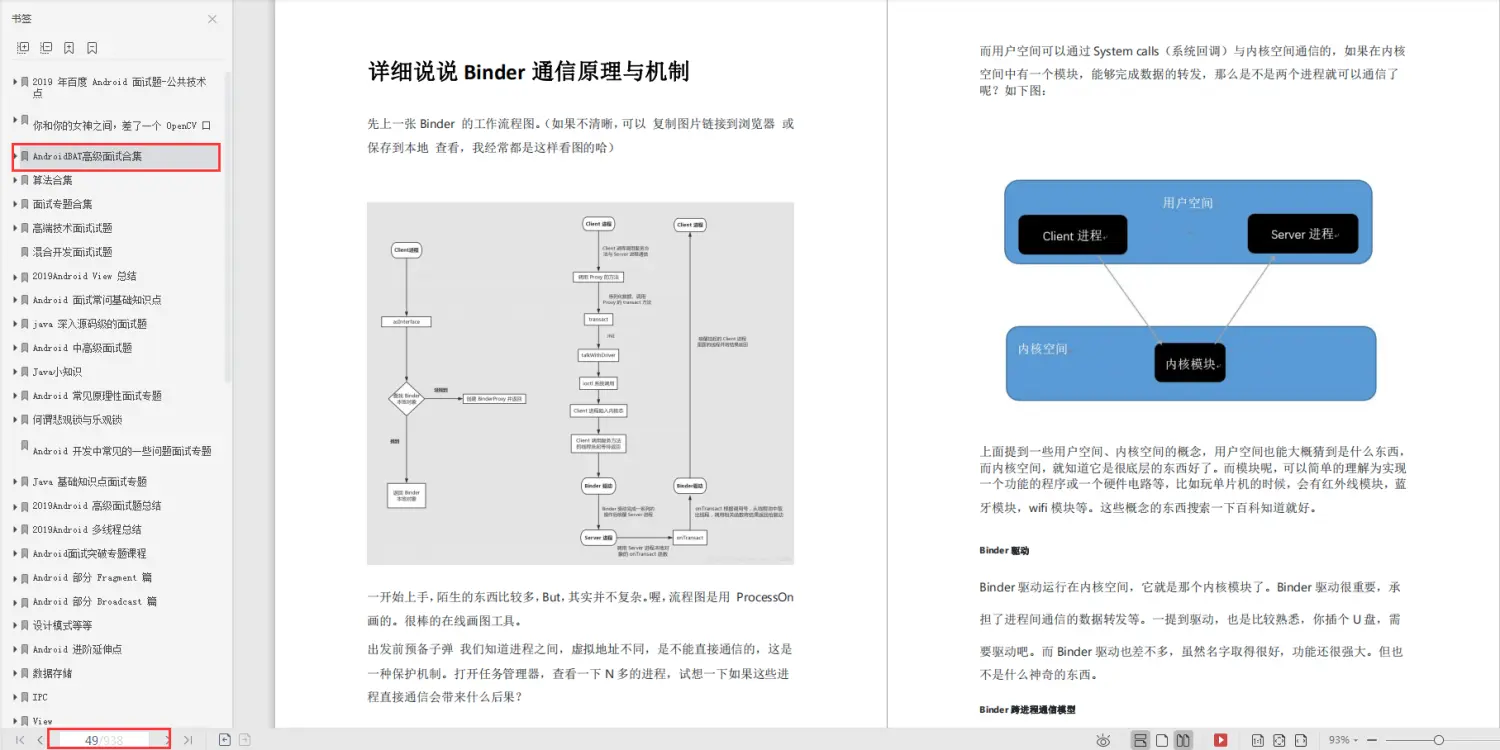
这份资料我从春招开始,就会将各博客、论坛。网站上等优质的Android开发中高级面试题收集起来,然后全网寻找最优的解答方案。每一道面试题都是百分百的大厂面经真题+最优解答。包知识脉络 + 诸多细节。
节省大家在网上搜索资料的时间来学习,也可以分享给身边好友一起学习。
《960页Android开发笔记》
《1307页Android开发面试宝典》
包含了腾讯、百度、小米、阿里、乐视、美团、58、猎豹、360、新浪、搜狐等一线互联网公司面试被问到的题目。熟悉本文中列出的知识点会大大增加通过前两轮技术面试的几率。
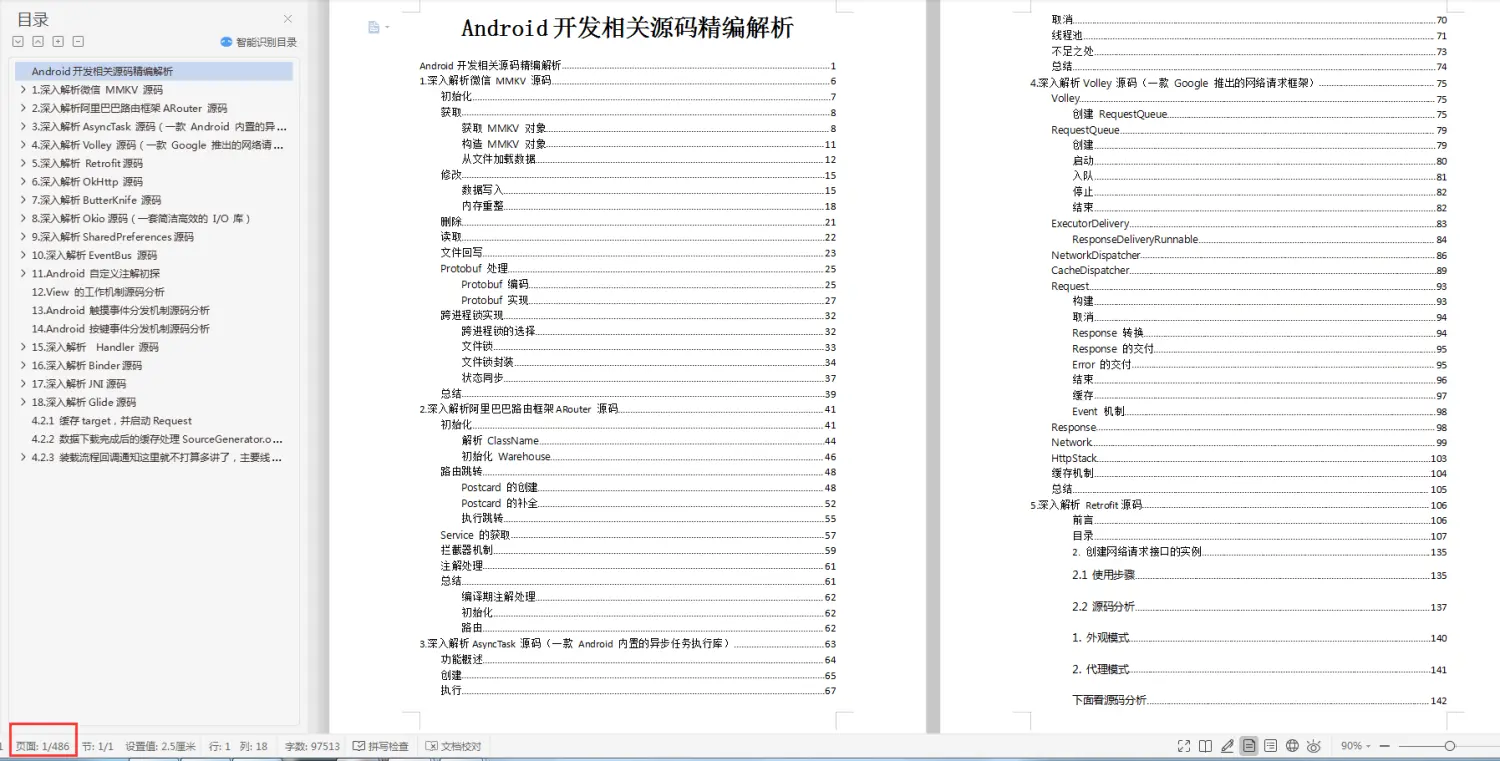
《507页Android开发相关源码解析》
只要是程序员,不管是Java还是Android,如果不去阅读源码,只看API文档,那就只是停留于皮毛,这对我们知识体系的建立和完备以及实战技术的提升都是不利的。
真正最能锻炼能力的便是直接去阅读源码,不仅限于阅读各大系统源码,还包括各种优秀的开源库。
《Android学习笔记总结+移动架构视频+大厂面试真题+项目实战源码》,点击传送门,即可获取!
anages the execution of the main thread in an
-
application process, scheduling and executing activities,
-
broadcasts, and other operations on it as the activity
-
manager requests.
-
{@hide}
*/
public final class ActivityThread extends ClientTransactionHandler {
public static void main(String[] args) {
// 记录开始,用于后续通过 systrace 检查和调试性能问题。
面试复习笔记
这份资料我从春招开始,就会将各博客、论坛。网站上等优质的Android开发中高级面试题收集起来,然后全网寻找最优的解答方案。每一道面试题都是百分百的大厂面经真题+最优解答。包知识脉络 + 诸多细节。
节省大家在网上搜索资料的时间来学习,也可以分享给身边好友一起学习。
《960页Android开发笔记》
[外链图片转存中…(img-OTj81f7Q-1715415664242)]
《1307页Android开发面试宝典》
包含了腾讯、百度、小米、阿里、乐视、美团、58、猎豹、360、新浪、搜狐等一线互联网公司面试被问到的题目。熟悉本文中列出的知识点会大大增加通过前两轮技术面试的几率。
[外链图片转存中…(img-WJ3NCMIi-1715415664243)]
《507页Android开发相关源码解析》
只要是程序员,不管是Java还是Android,如果不去阅读源码,只看API文档,那就只是停留于皮毛,这对我们知识体系的建立和完备以及实战技术的提升都是不利的。
真正最能锻炼能力的便是直接去阅读源码,不仅限于阅读各大系统源码,还包括各种优秀的开源库。
[外链图片转存中…(img-2S9O4Oy7-1715415664243)]
《Android学习笔记总结+移动架构视频+大厂面试真题+项目实战源码》,点击传送门,即可获取!





 扫一扫
扫一扫


 417
417

 被折叠的 条评论
为什么被折叠?
被折叠的 条评论
为什么被折叠?
 到【灌水乐园】发言





