



 本文作者分享了学习Python的个人经历,强调理解基本语法的重要性,并介绍如何通过IDLE环境编程。重点讲解了Python的定义、下载安装过程,以及使用IDLE的简单操作和常见快捷键,包括关闭界面和程序退出技巧。
This article is the author's original, reproduced also please indicate the source.
This article only represents the author's own views, for reference only. If you have any objection, you are welcome to discuss.
Forrest
Catalog
目录
1.Blog itself introduction
This is the first episode of a series of blogs that author intends to record his python learning process. The author used to programme in C, Java SE, Java EE, which means he has the basic knowledge and programming literacy. So, the series of blogs intend to use the basic syntax of python as the learning subject.
Programming language is just a tool. People often make mistakes on their learning language journey, whatever it is the language for speaking, expressing, programming......I could tell you with my experience of learning spoken English. I have met lots of people, they want to improve, but the key they hold is wrong. They watch videos, presentations, doing tests...... You could find the material they use just can't get rid of the shadow of chinese assistance. They are actually learning how to translate as an interpreter, that is totally one different subject from our intention. So, the best way is that make yourself in an English enviornment, make your mind actively to think about what does this phrase mean in mind. Then you can learn fast.
So that is why I explain all about this. Because I'm going to learn python, it may help in my next new job position. So currently, my attention just needs to be concentrating on the basic syntax, with a little impression, feelings of my previous programming experience, that's enough.
2.Defination of python
Python is a kind of object-oriented, interpreted programming language.
3.Download and install
Python Releases for macOS | Python.org
The author would like to use macOS as the operation system for coding. Link above is the macOS version, go click and press install, go straight, then you will get two new applications in your menu:
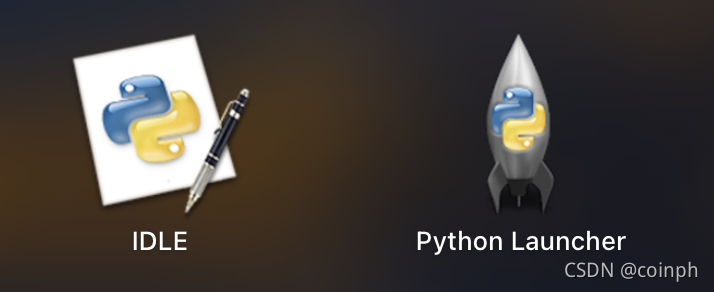
IDLE
IDLE, intergrated development environment, it is like a terminal form when you open it. While you are coding, the IDLE could highlight your key word in your script(as we all know python is an interpreted language), function like that, and so on.
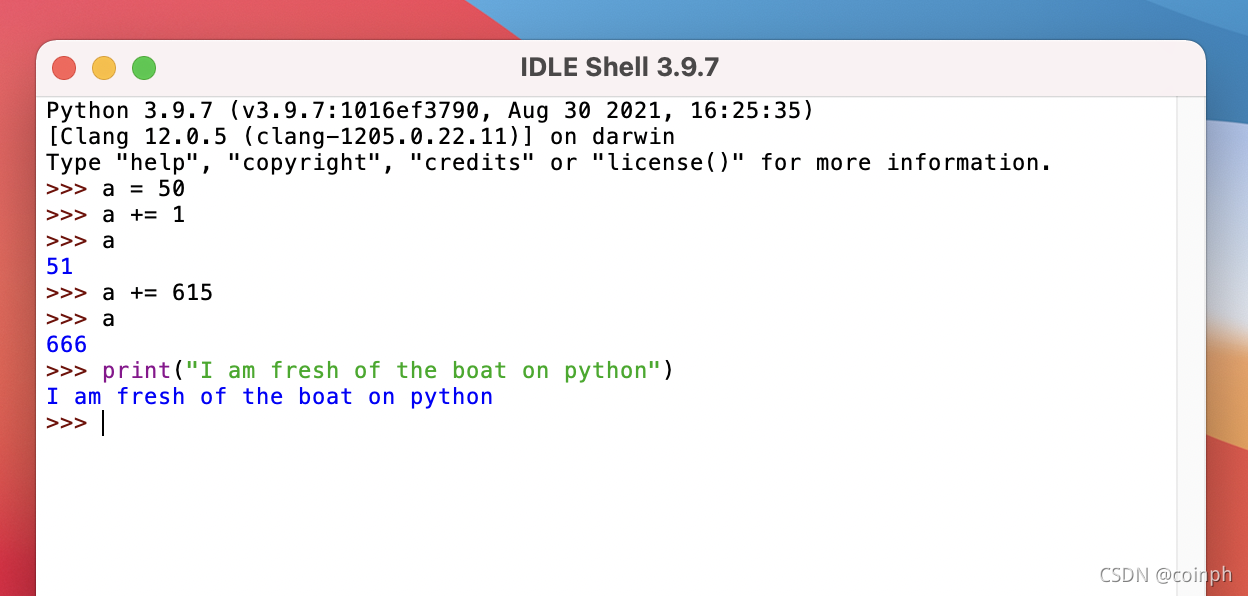
4.Fresh of the boat
-There is no need to define the variable before you use it.
-simple 'print' operation, the objective string should be enclosed with a pair of brackets.
5.Few of the common Hotkeys
-For closing the interface:
1.ctrl + Z + enter
2.key 'quit()' and enter
3.directly close the window by clicking fork
-Shutdown program
-If you want to shut down the current running program, use ctrl + C.
For instance, lets programme an endless running program: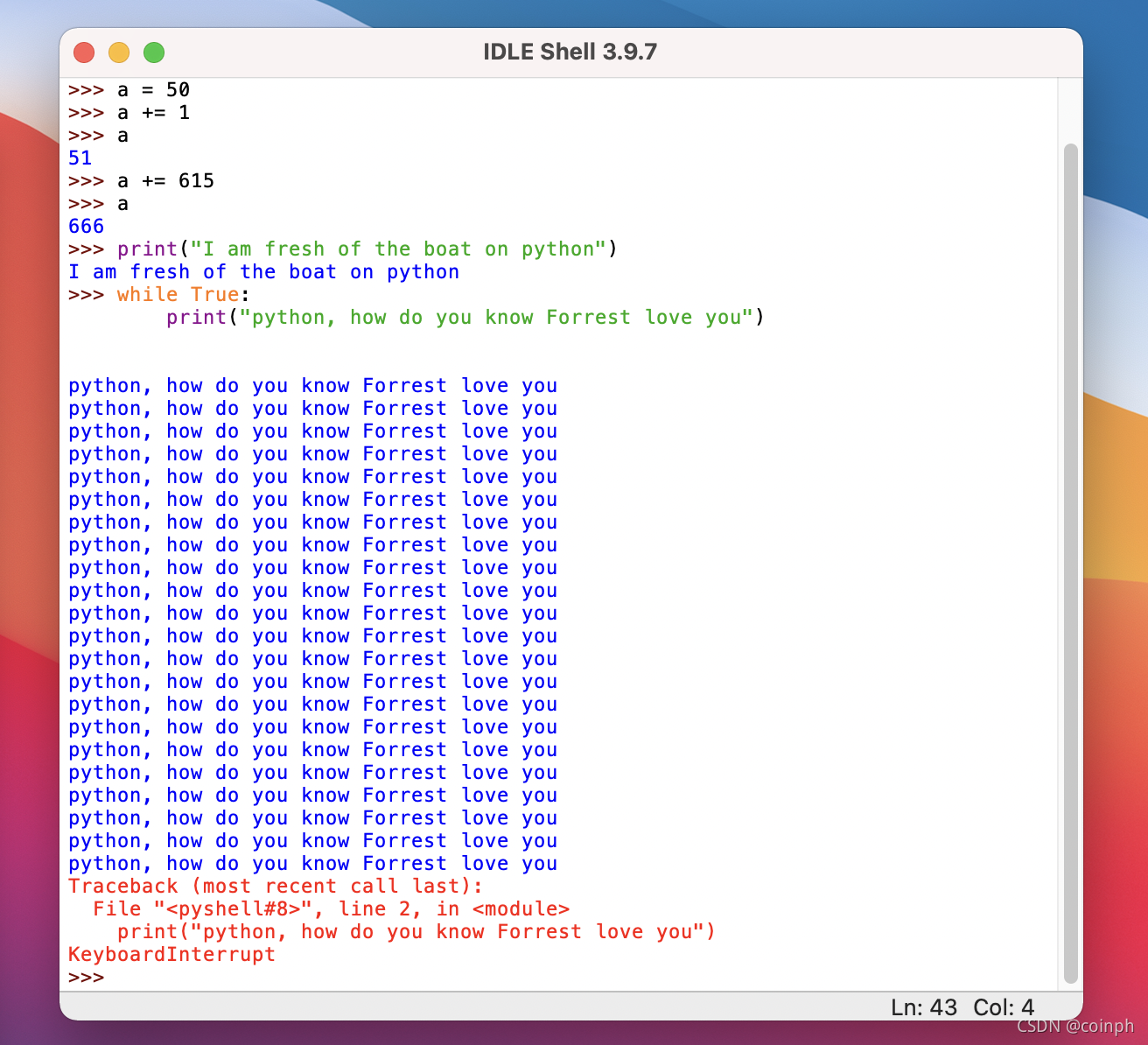
Ok, this is the end of our today's lesson learn, please stay tuned on the next episode.





 扫一扫
扫一扫


 158
158

 被折叠的 条评论
为什么被折叠?
被折叠的 条评论
为什么被折叠?
 到【灌水乐园】发言





