


 本文详细描述了在Ubuntu22.04更新后安装Nvidia驱动及CUDA/CuDNN的步骤,包括选择合适的驱动、安装CUDA工具包、确定CuDNN版本并安装,最后通过PyTorch和TensorFlow测试环境是否正常。
Recently, I have updated my Ubuntu Operating System to version 22.04 and I find out that the installation of CUDA and Cudnn is much more simpler that earlier version. Therefore, I have decided to create this blog to help others setting up the environment easily.
Nvidia Drivers
Let’s us start with Installation of Nvidia Driver. Basically this driver is installed when we update our Ubuntu Operation System. Basically we need to know which driver has been used by our Operating System. In Ubuntu 22.04, we can click the “show application” on the bottom left and type in “additional driver” to check for the Nvidia Driver that we are using.
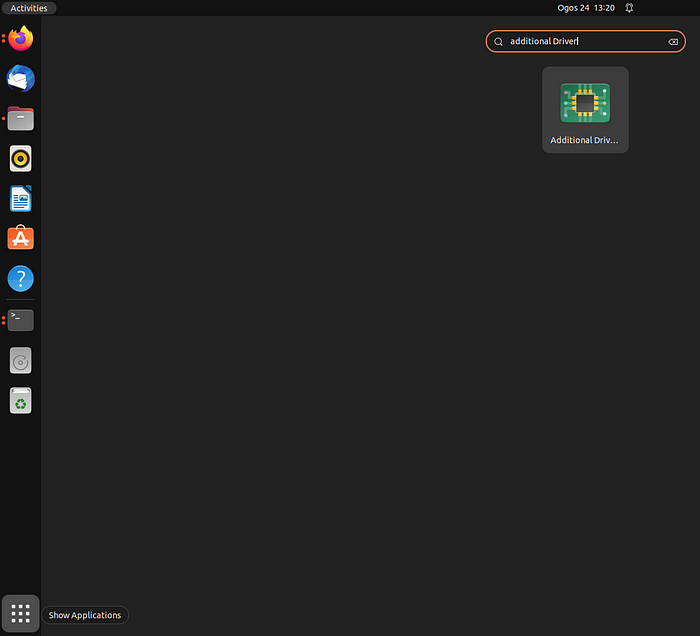
additional driver







 扫一扫
扫一扫


 2813
2813

 被折叠的 条评论
为什么被折叠?
被折叠的 条评论
为什么被折叠?
 到【灌水乐园】发言





