



目录
一 下载安装包online版(v2.8.0)
 https://github.com/goharbor/harbor/releases?page=12#release-v2.8.0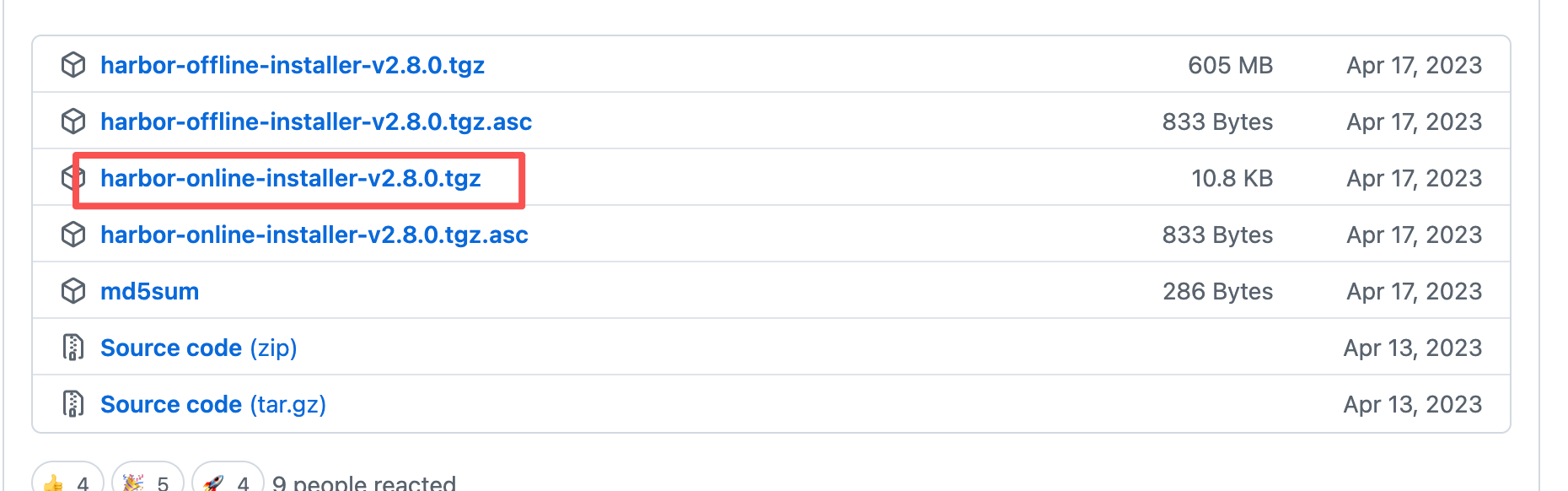
二 修改权限
chmod 777 harbor-online-installer-v2.8.0.tgz

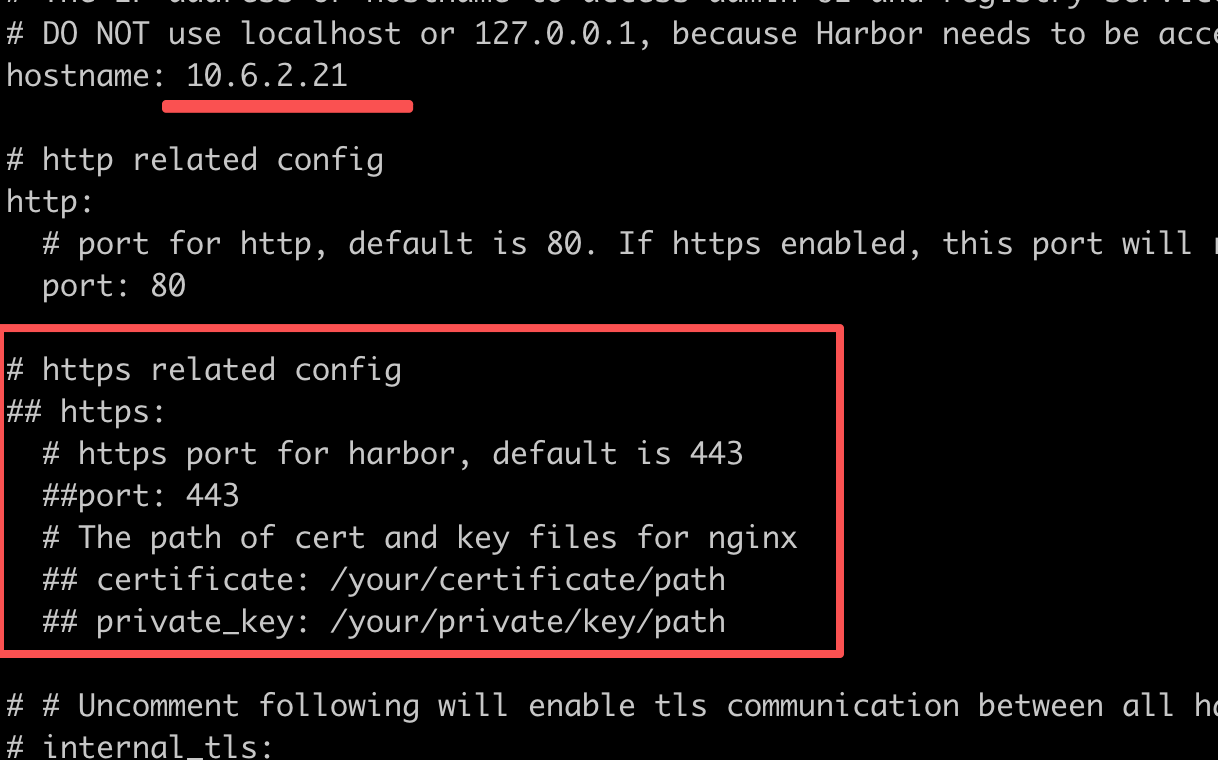
三 解压、复制配置文件、修改配置文件
tar -zxvf harbor-online-installer-v2.8.0.tgz # 解压tgz包
cp harbor.yml.tmpl harbor.yml # 创建一个配置文件
vim harbor.yml # 修改配置文件

四 启动
sh install.sh
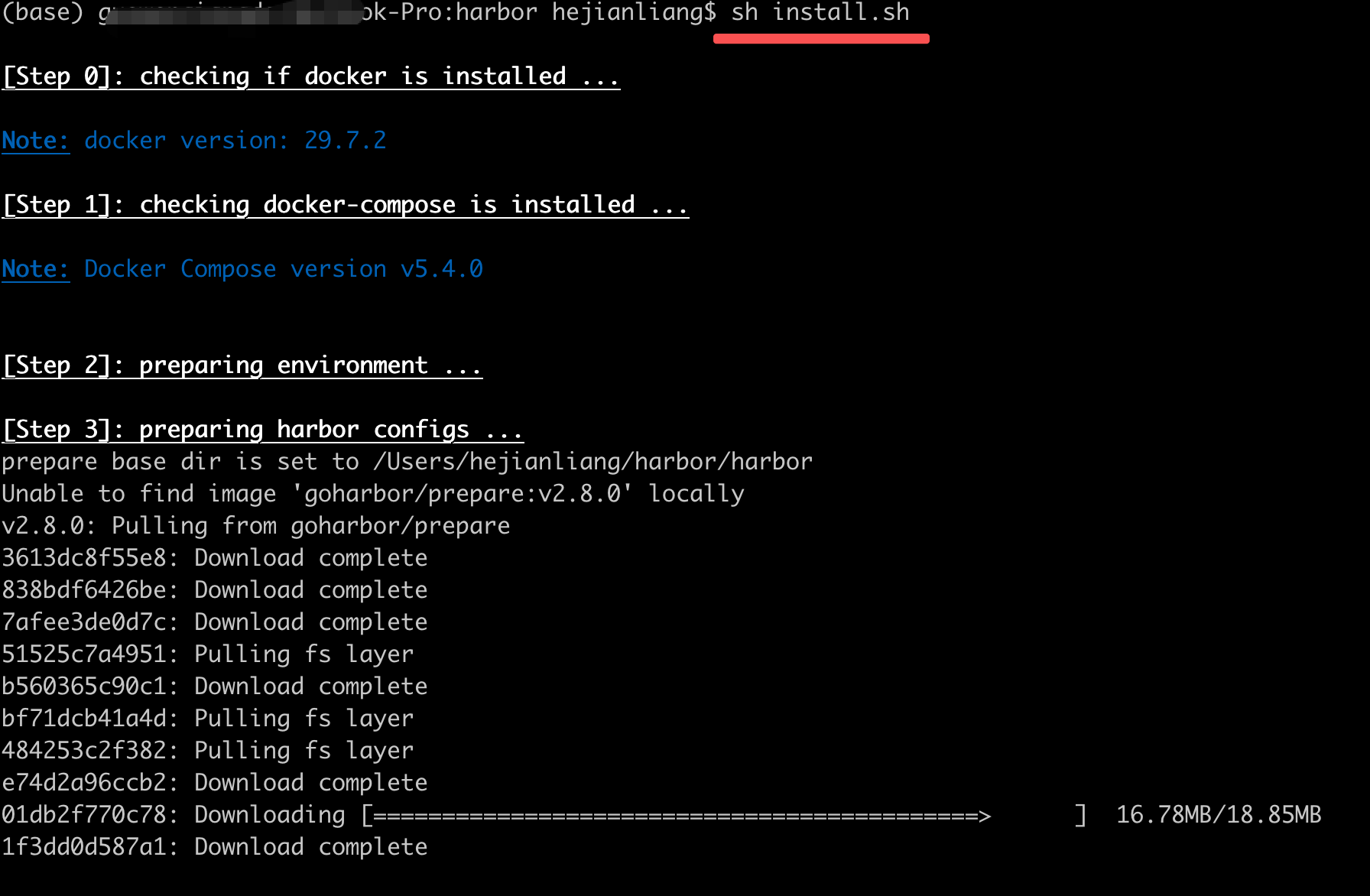
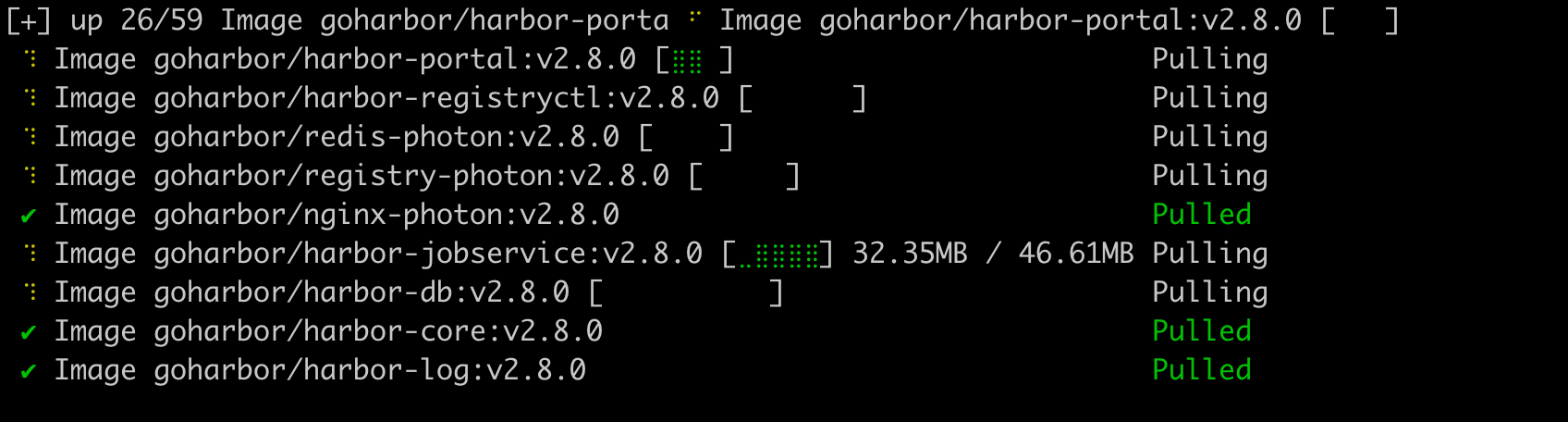
等待下载完成

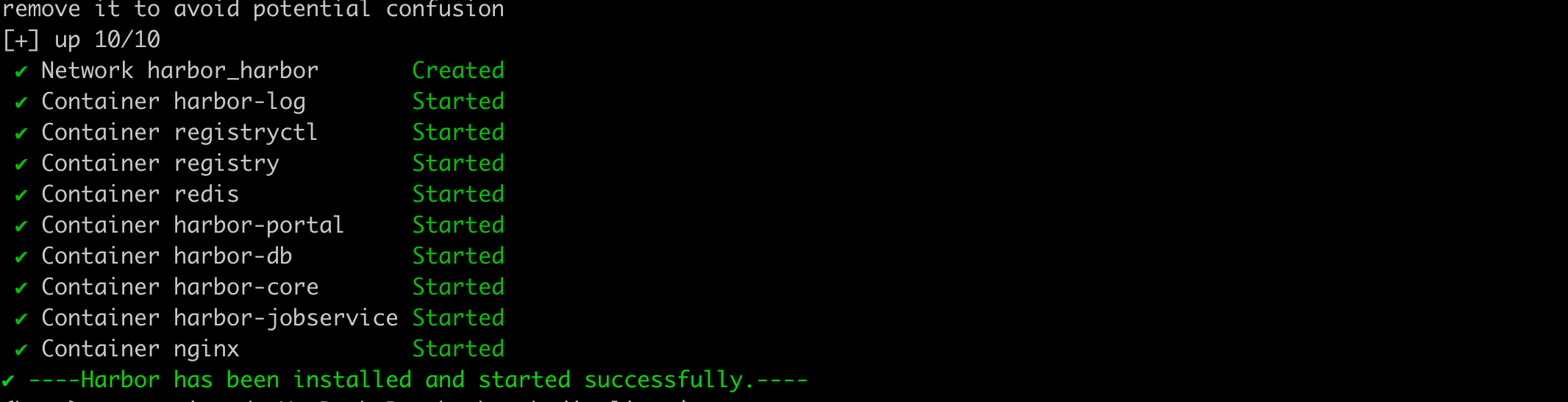
查看容器
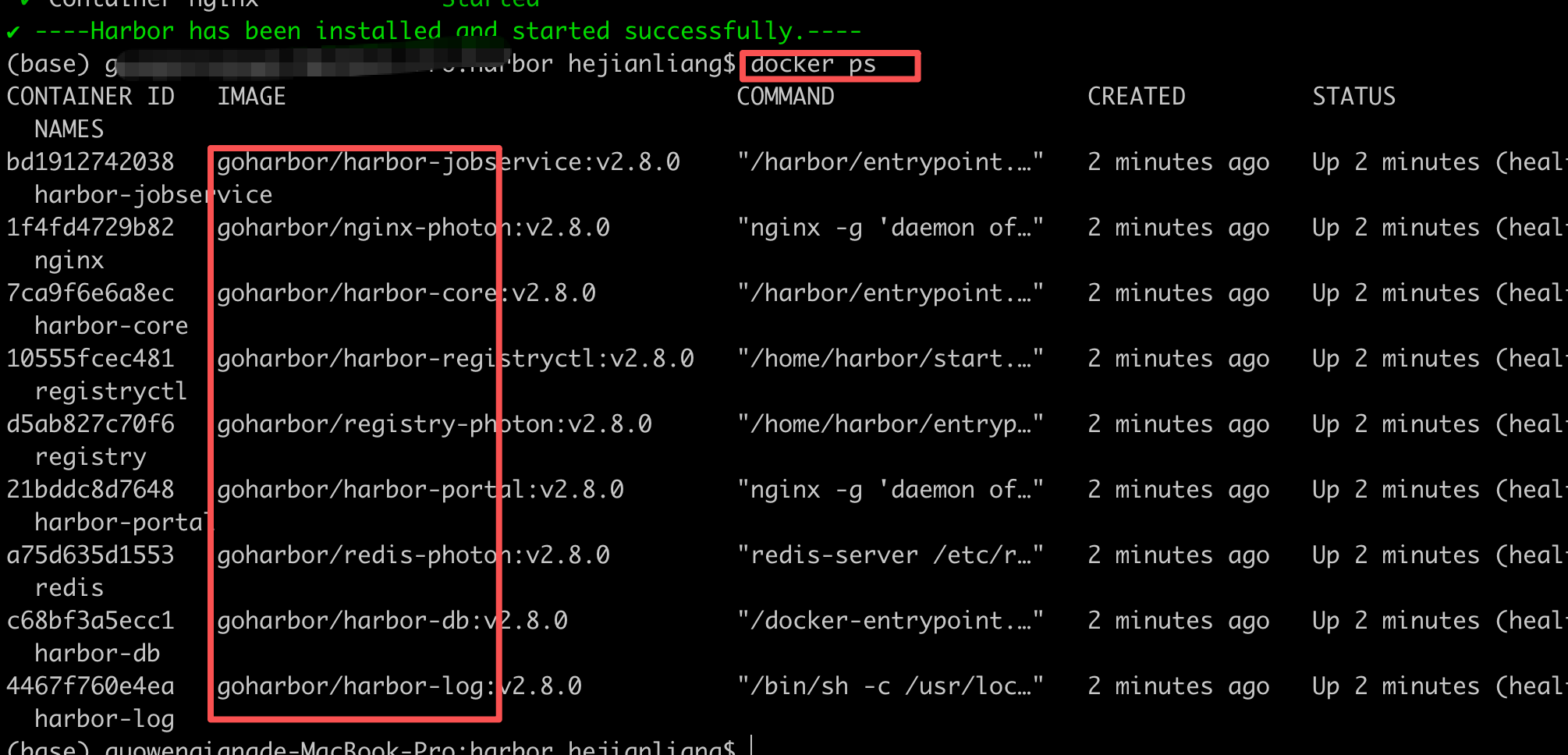
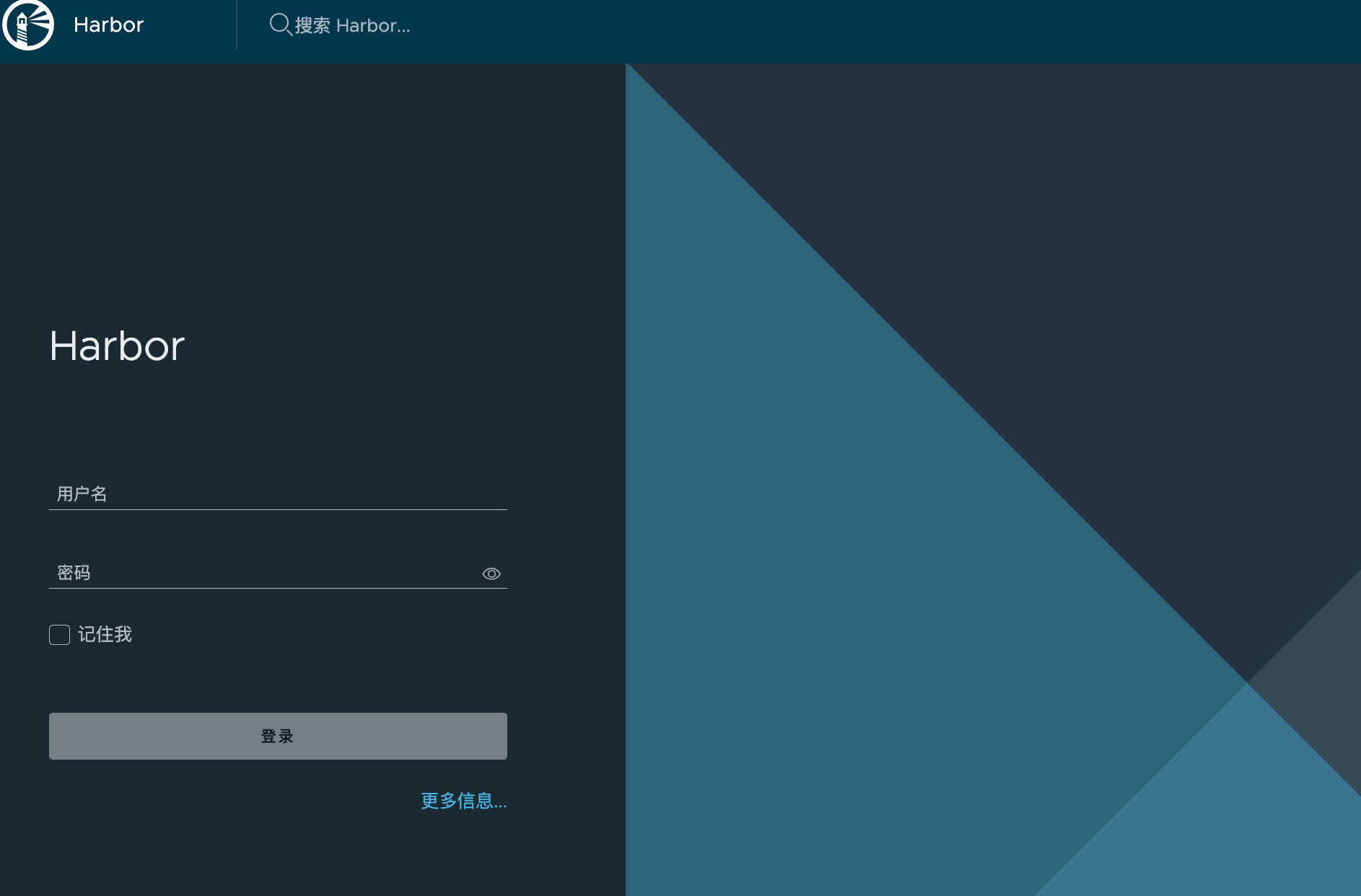
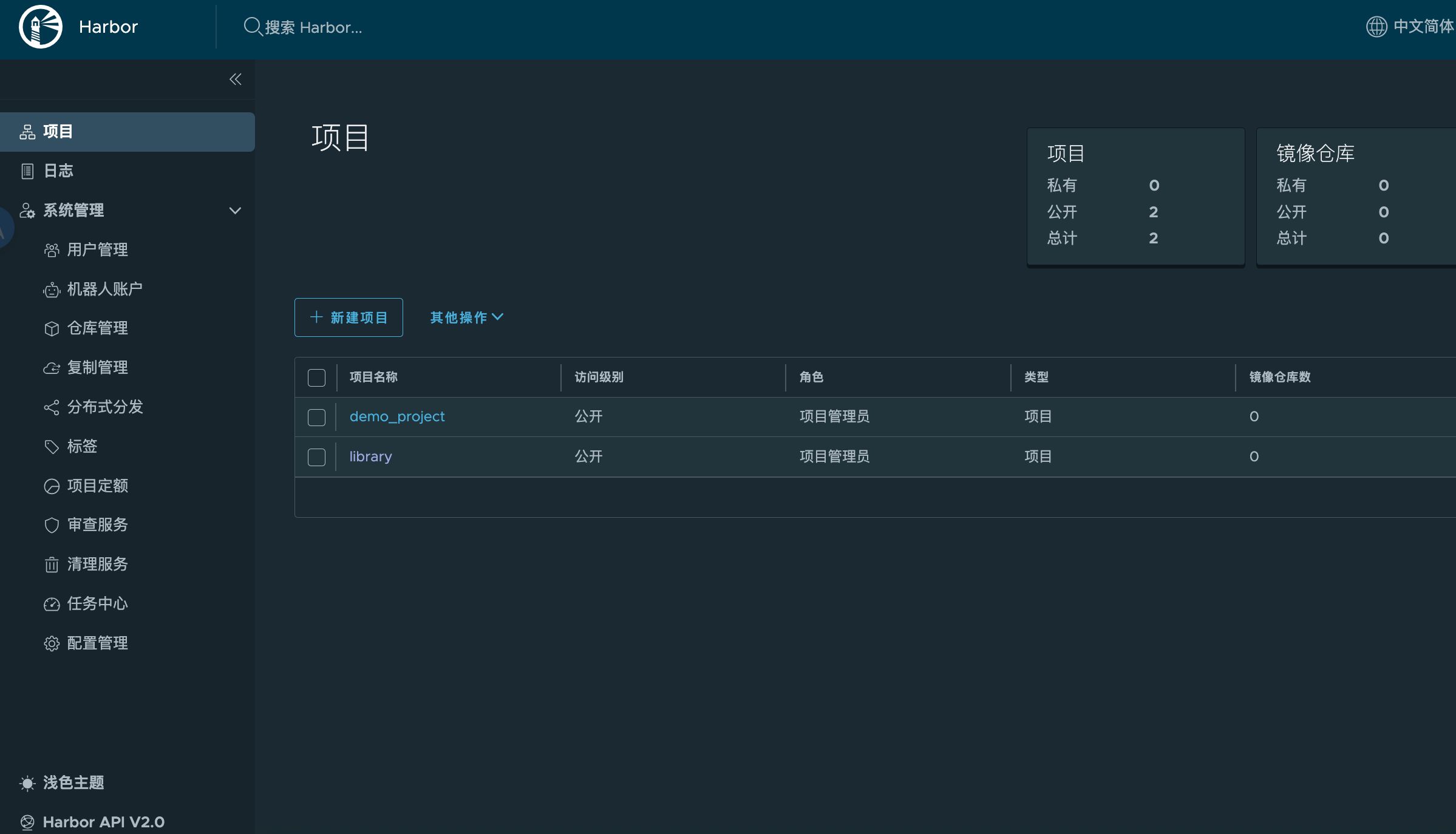
五 访问
http://localhost
admin/Harbor12345
附:可能遇到的问题
1 挂载目录问题
What's next:
Debug this container error with Gordon → docker ai "help me fix this container error"
docker: Error response from daemon: mounts denied:
The path /data is not shared from the host and is not known to Docker.
You can configure shared paths from Docker -> Preferences... -> Resources -> File Sharing.
See https://docs.docker.com/go/mac-file-sharing/ for more info.
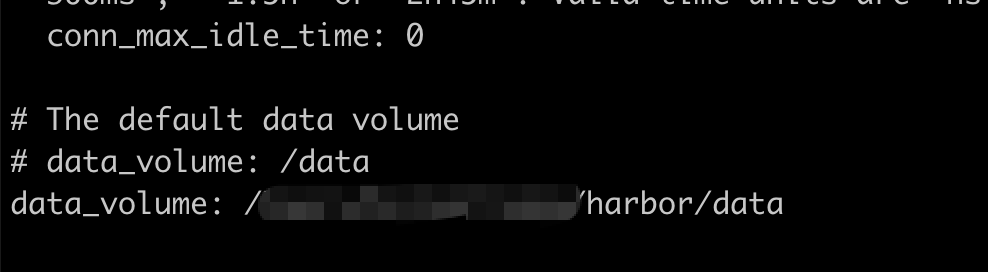
修改挂载目录(默认的有权限问题)
# 编辑配置 vim harbor.yml
data_volume: /data
# 修改 data_volume: /Users/harbor/data # 注意冒号后面有一个空格
重新执行 ./install.sh
2 已存在nginx冲突
✘ service... Error response from daemon: Conflict. The container name "/nginx" is already in use by container "6018fa6e5a2d3b93d9e015eef3201421af833496e583577dd13574a3aabf142e". You have to remove (or rename) that container to be able to reuse that name. 0.0s Error response from daemon: Conflict. The container name "/nginx" is already in use by container
重命名原来的nginx或删除即可。


 扫一扫
扫一扫


 1479
1479

 被折叠的 条评论
为什么被折叠?
被折叠的 条评论
为什么被折叠?
 到【灌水乐园】发言


