



vue快速上手:快速上手 | Vue.js
创建vue工程
npm create vue@latest通过交互式指令来创建vue3工程
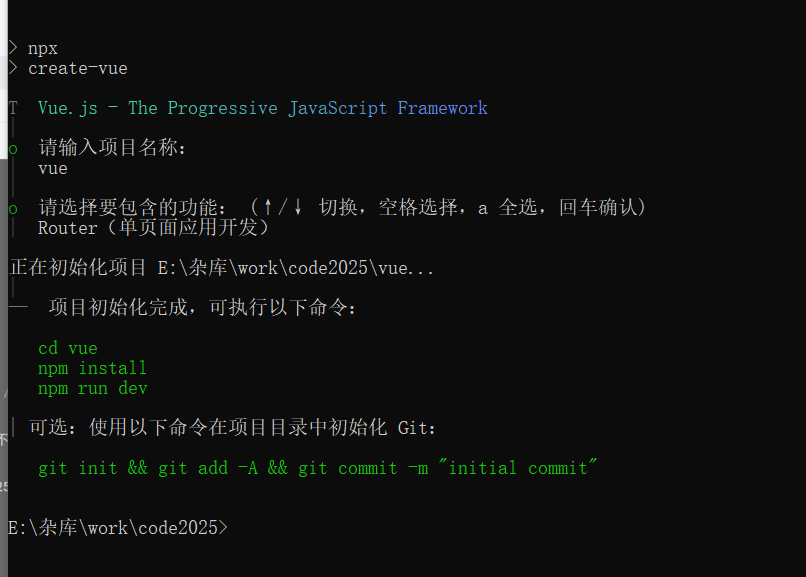
在命令行里运行
npm install
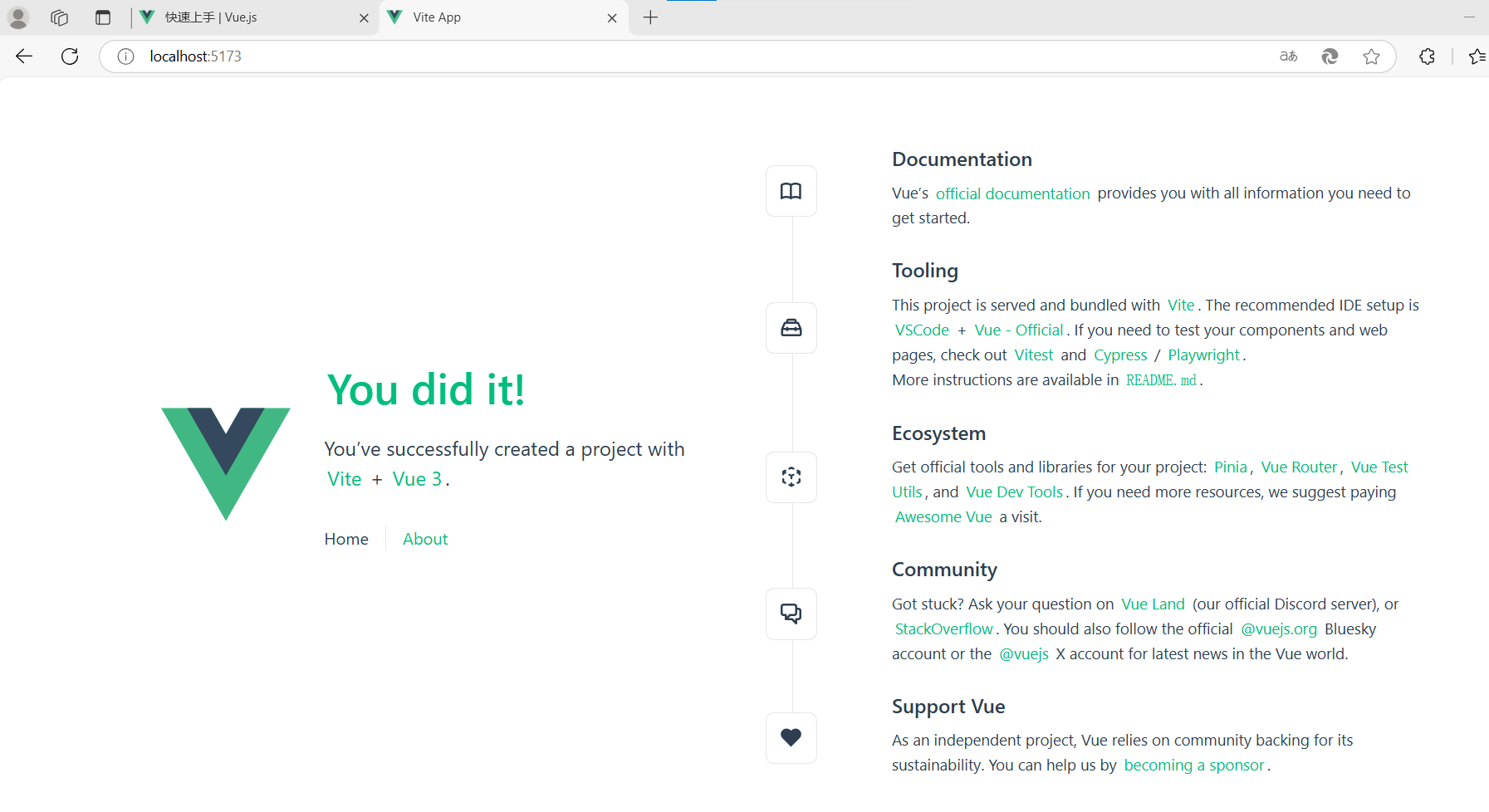
npm run dev 打开网址出来:http://localhost:5173/
在cmd里面连续两次CTRL+关掉vue
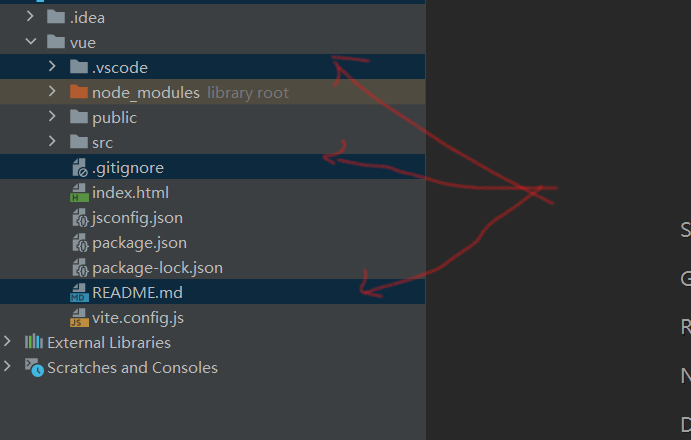
vue工程精简
删除无用的文件
在idea里面点击按钮启动
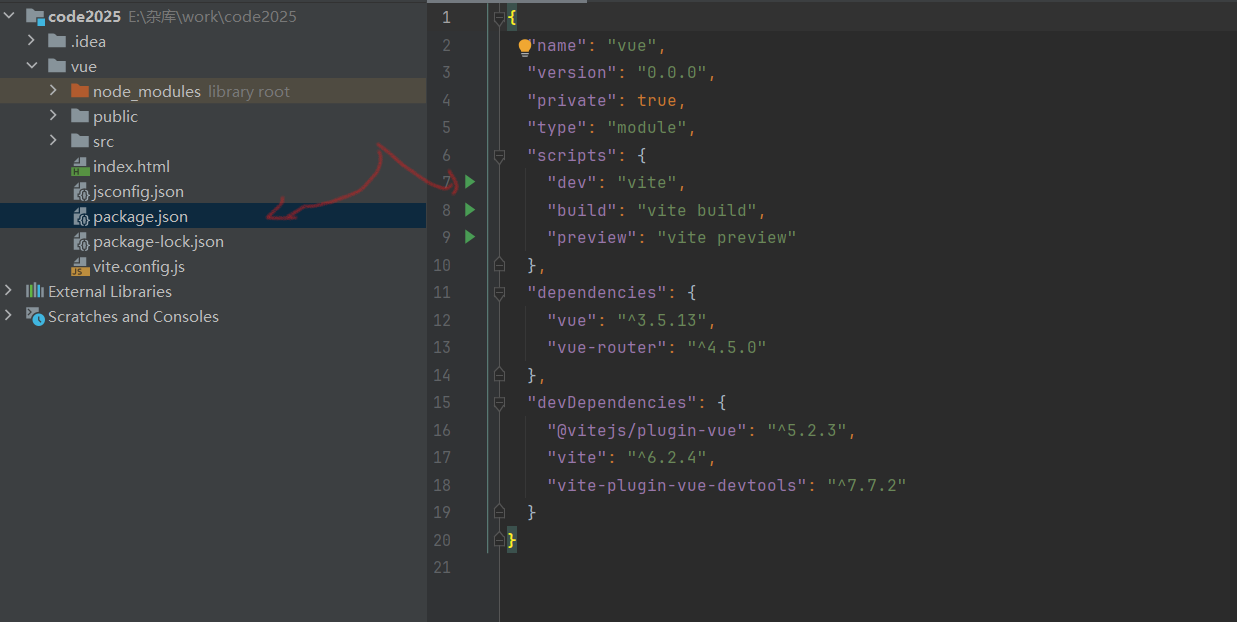
idea配置编码
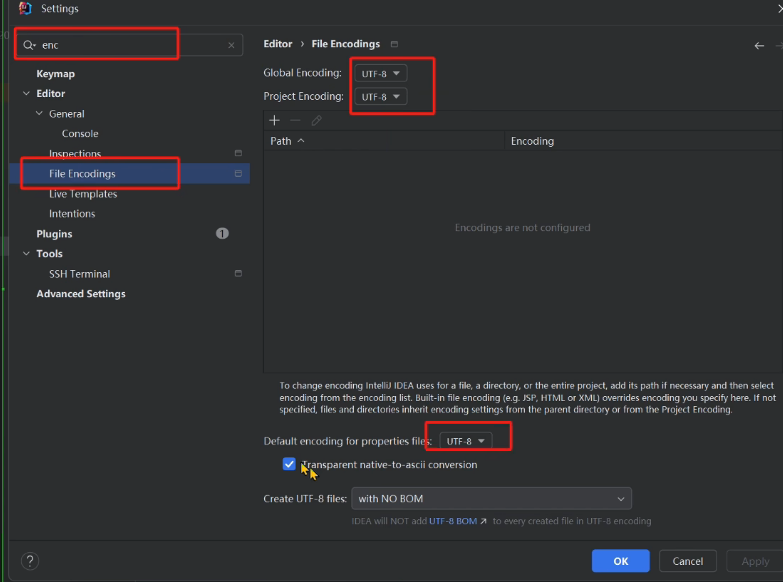
删除一些文件
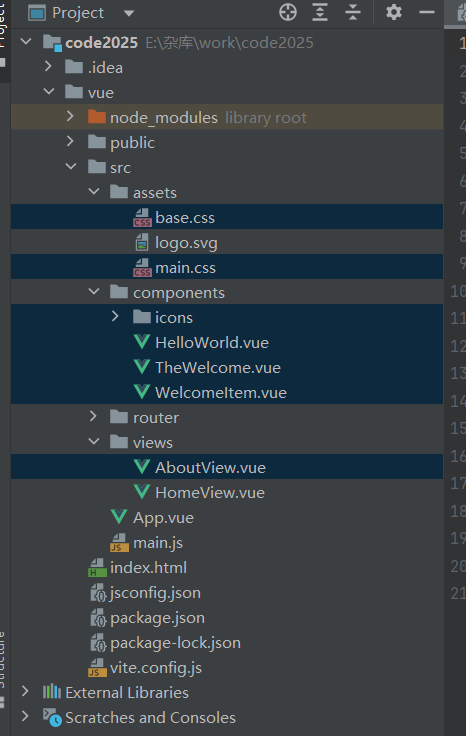
HomeView.vue修改成Home.vue
<template>
<div>
主页
</div>
</template>
<script setup>

</script>
App.vue
<template>

  <RouterView />
</template>
router.js精简
import { createRouter, createWebHistory } from 'vue-router'


  const router = createRouter({
    history: createWebHistory(import.meta.env.BASE_URL),
    routes: [
      {path: '/', name: 'home', component: import('../views/Home.vue'),
      },
    ],
  })

  export default router
main.js
import { createApp } from 'vue'
import App from './App.vue'
import router from './router'

const app = createApp(App)

app.use(router)

app.mount('#app')
全局css global.css
:root {
  --el-color-primary: green;
}

* {
  box-sizing: border-box;
}

body {
  margin: 0;
  padding: 0;
  color: #333;
  font-size: 14px;
}

a {
  text-decoration: none;
}

.card {
  background-color: white;
  padding: 10px;
  border-radius: 5px;
  box-shadow: 0 0 8px rgba(0, 0, 0, .12);
}
在main.js里面加引用
import './assets/css/global.css'创建404页面
<template>
<div style="height: 100vh;display: flex;align-items: center;justify-content: center;">
<div style="width: 50%">
  <img style=" width: 100%"src="@/assets/imgs/404.jpg" alt="">
  <div style="text-align: center; padding: 20px 0; font-size: 20px;"><a  style="color:darkred" href="/">请返回主页</a></div>
</div>
</div>
</template>
<script lang="ts">
</script>
import { createRouter, createWebHistory } from 'vue-router'
const router = createRouter({
history: createWebHistory(import.meta.env.BASE_URL),
routes: [
{path: '/', component: import('../views/Home.vue')},
{path: '/about', component: import('../views/About.vue')},
{path: '/notFound', component: import('../views/404.vue')},
{path: '/:pathMatch(.*)', redirect:'/notFound'},
],
})
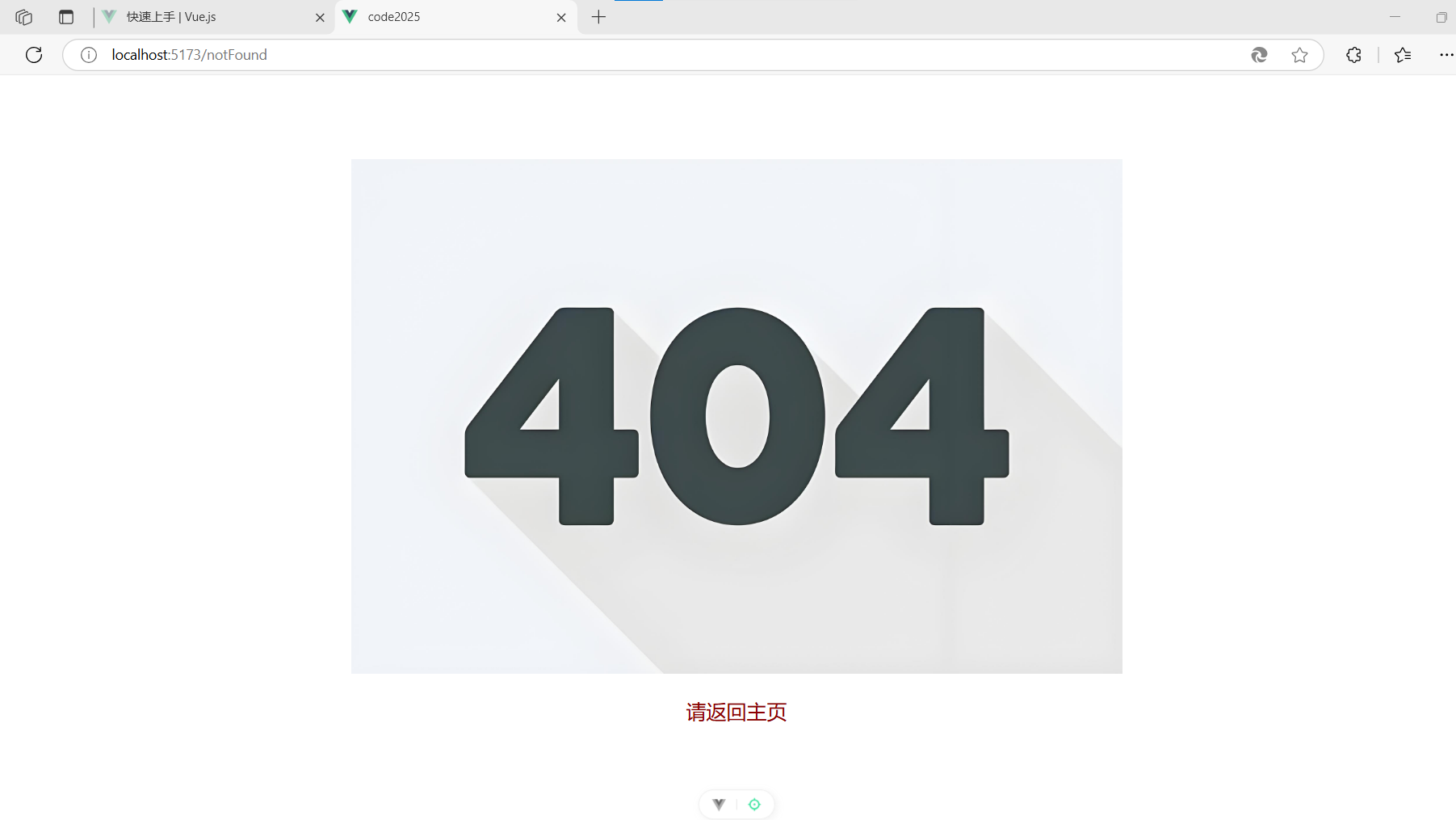
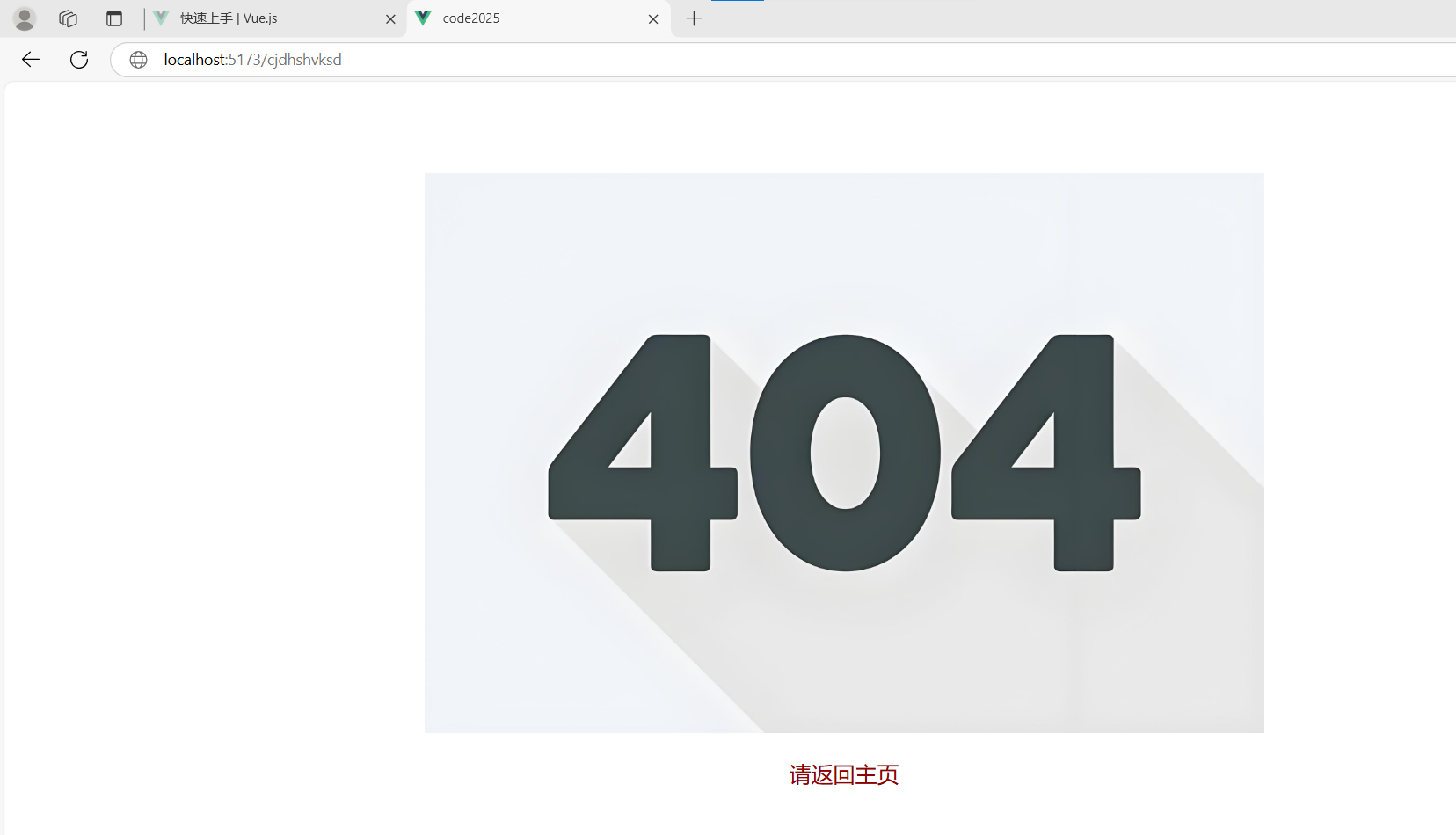
export default router{path: '/:pathMatch(.*)', redirect:'/notFound'},拦截/:的所有路径调转到404页面


 扫一扫
扫一扫


 5557
5557

 被折叠的 条评论
为什么被折叠?
被折叠的 条评论
为什么被折叠?
 到【灌水乐园】发言


