



 该博客介绍了如何在Java SpringBoot项目中利用OpenOffice将Word文档转换为PDF进行在线预览。首先,需要在Windows环境下安装并开启OpenOffice服务。接着,在maven中添加必要的依赖包,包括jodconverter-core、jodconverter-spring-boot-starter和jodconverter-local。然后,配置application.yml文件以指定OpenOffice服务的相关设置。最后,展示了如何编写Java控制器类,通过DocumentConverter将Word文件转换为PDF,并将其发送到前端展示。
Java SpringBoot项目利用openOffice实现word文档在线预览
一、准备环境:
系统环境:Window10
JDK:1.8及其以上
安装openOffice
openOffice安装地址:http://www.openoffice.org/download/.
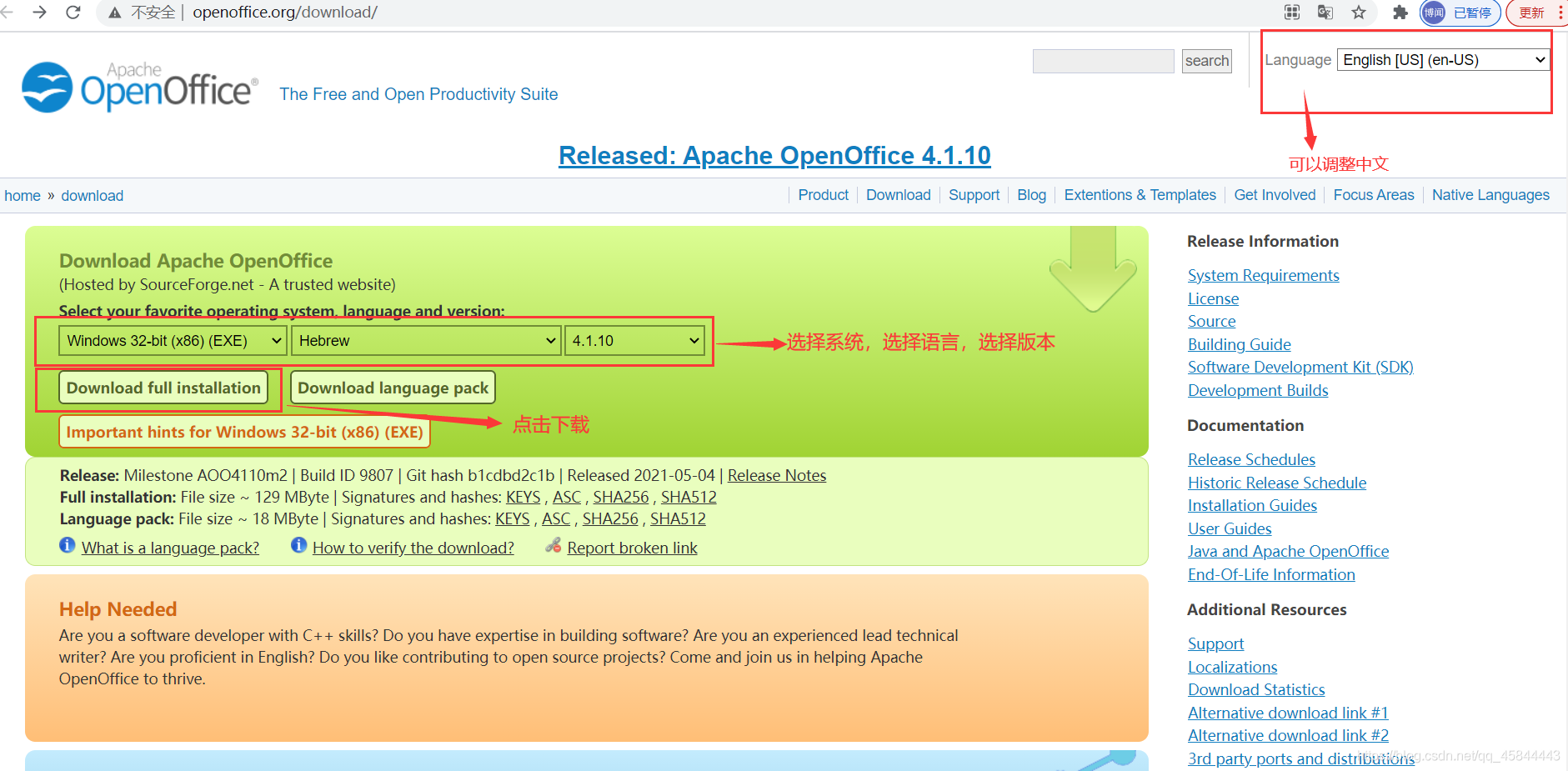
下载过后window系统直接下一步傻瓜式安装即可。
开启与查看openOffice服务cmd命令:
1.开启openOffice服务
cd C:\Program Files (x86)\OpenOffice 4\program

执行

soffice -headless -accept="socket,host=127.0.0.1,port=8100;urp;" -nofirststartwizard

2.查看是否启动成功

 netstat -ano|findstr "8100"

 查看pid对应的服务程序名

 tasklist|findstr "ipd值"
二、maven仓库添加需要的核心关系包
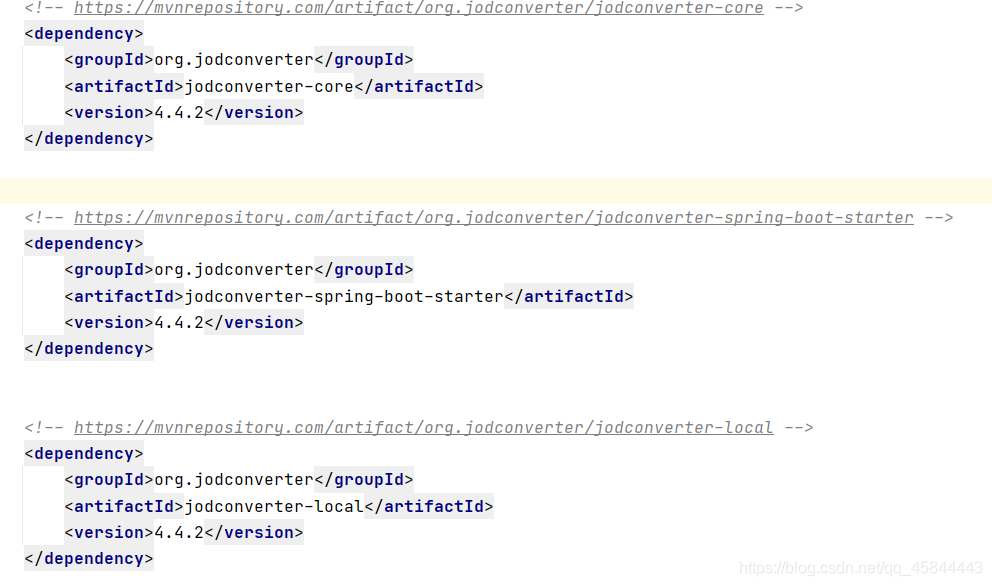
<!-- https://mvnrepository.com/artifact/org.jodconverter/jodconverter-core -->
		<dependency>
			<groupId>org.jodconverter</groupId>
			<artifactId>jodconverter-core</artifactId>
			<version>4.4.2</version>
		</dependency>


		<!-- https://mvnrepository.com/artifact/org.jodconverter/jodconverter-spring-boot-starter -->
		<dependency>
			<groupId>org.jodconverter</groupId>
			<artifactId>jodconverter-spring-boot-starter</artifactId>
			<version>4.4.2</version>
		</dependency>


		<!-- https://mvnrepository.com/artifact/org.jodconverter/jodconverter-local -->
		<dependency>
			<groupId>org.jodconverter</groupId>
			<artifactId>jodconverter-local</artifactId>
			<version>4.4.2</version>
		</dependency>
maven仓库查找地址: https://mvnrepository.com/
三、application.yml文件配置
jodconverter:
  local:
   enabled: true
   max-tasks-per-process: 10
   port-numbers: 8100
  #jodconverter.local.office-home=C:/Program Files (x86)/OpenOffice 4
四、编写转换查看java类
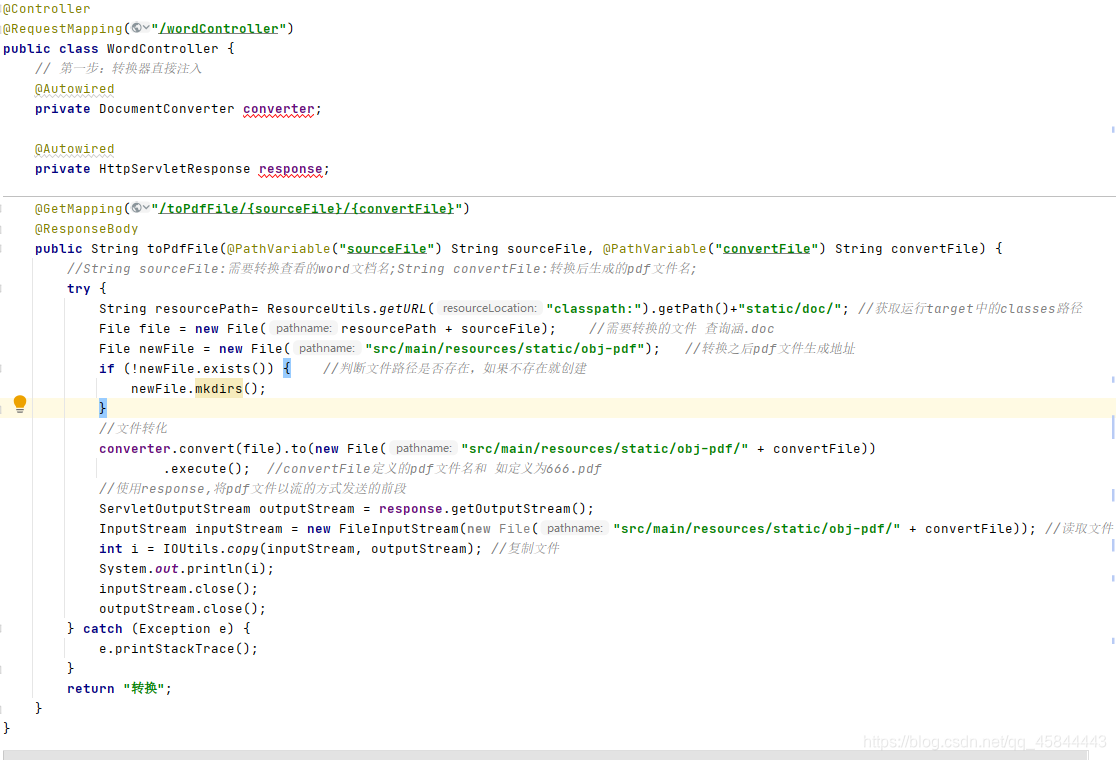
@Controller
@RequestMapping("/wordController")
public class WordController {
    // 第一步:转换器直接注入
    @Autowired
    private DocumentConverter converter;

    @Autowired
    private HttpServletResponse response;

    @GetMapping("/toPdfFile/{sourceFile}/{convertFile}")
    @ResponseBody
    public String toPdfFile(@PathVariable("sourceFile") String sourceFile, @PathVariable("convertFile") String convertFile) {
        //String sourceFile:需要转换查看的word文档名;String convertFile:转换后生成的pdf文件名;
        try {
            String resourcePath= ResourceUtils.getURL("classpath:").getPath()+"static/doc/"; //获取运行target中的classes路径
            File file = new File(resourcePath + sourceFile);    //需要转换的文件 查询涵.doc
            File newFile = new File("src/main/resources/static/obj-pdf");   //转换之后pdf文件生成地址
            if (!newFile.exists()) {    //判断文件路径是否存在,如果不存在就创建
                newFile.mkdirs();
            }
            //文件转化
            converter.convert(file).to(new File("src/main/resources/static/obj-pdf/" + convertFile))
                    .execute();  //convertFile定义的pdf文件名和 如定义为666.pdf
            //使用response,将pdf文件以流的方式发送的前段
            ServletOutputStream outputStream = response.getOutputStream();
            InputStream inputStream = new FileInputStream(new File("src/main/resources/static/obj-pdf/" + convertFile)); //读取文件
            int i = IOUtils.copy(inputStream, outputStream); //复制文件
            System.out.println(i);
            inputStream.close();
            outputStream.close();
        } catch (Exception e) {
            e.printStackTrace();
        }
        return "转换";
    }
}
HTTP请求方法:
get
请求参数:
| 参数 | 必填 | 类型 | 说明 |
|---|---|---|---|
| sourceFile | yes | String | 需要转换查看的word文档名 例:查询涵.doc |
| convertFile | yes | String | 转换后生成的pdf文件名 例:666.pdf |
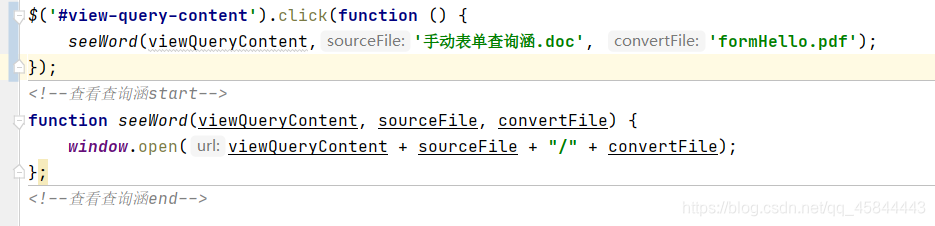
调用示例:





 扫一扫
扫一扫


 1万+
1万+

 被折叠的 条评论
为什么被折叠?
被折叠的 条评论
为什么被折叠?
 到【灌水乐园】发言





