



 在macOSCatalina中,系统默认Shell从Bash变为Zsh,导致.bash_profile配置失效。为解决此问题,需将.bash_profile的内容移至.zshrc文件,或者在.zshrc中source .bash_profile。本文介绍了这一变更及解决方案。
在WWDC 2019大会上,Apple发布了新的macOS系统——macOS Catalina。
也就是我现在使用的版本。
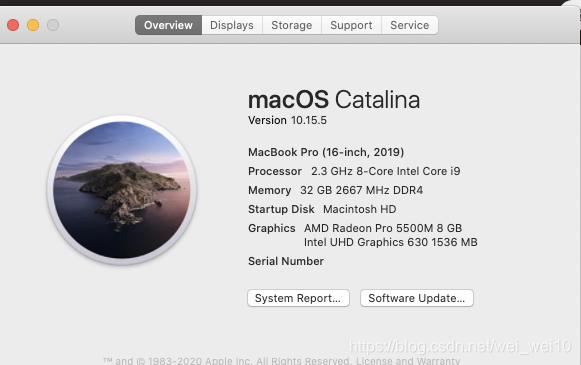
macOS Catalina其中有一个重大的变化就是将会使用Zsh取代Bash,成为操作系统的默认Shell。

在这里就要和大家分享一个注意点:
问:为什么更新了macOS系统到 Catalina后,.bashprofile不生效了?
答:因为在Catalina中mac 下采用Zsh代替了bash,Zsh加载的配置文件是~/.zshrc,所以.bash_profile没有生效。
那如何解决这个问题:
- 把.bash_profile中的配置,挪到.zshrc文件中。
- 在.zshrc文件中再加载一次.bash_profile
source ~/.bash_profile
今天就分享这么多,感谢大家支持!





 扫一扫
扫一扫


 1754
1754

 被折叠的 条评论
为什么被折叠?
被折叠的 条评论
为什么被折叠?
 到【灌水乐园】发言





