Improvement
Search and filter for budgets now available
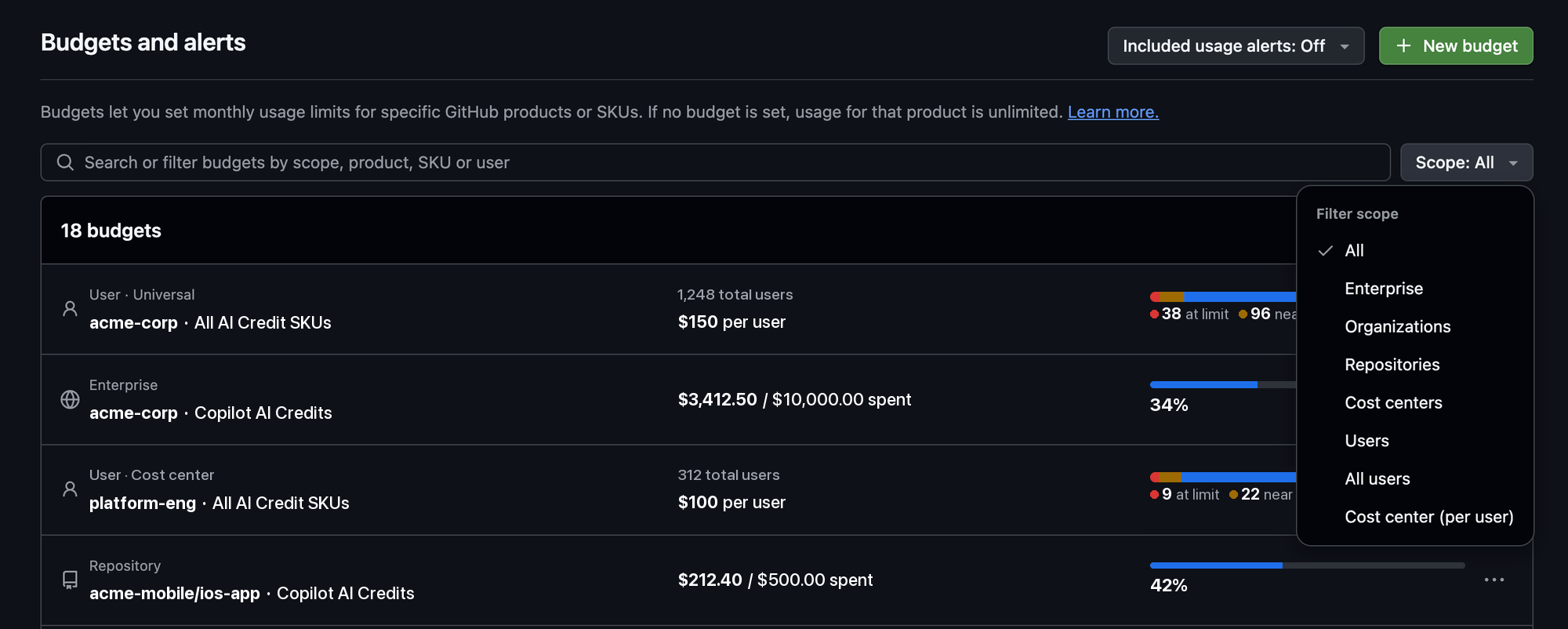
The “Budgets and alerts” page in your GitHub billing settings now shows all of your budgets in one list that you can search and filter. Whether you manage budgets for a personal account, enterprise or organization, you can find a specific budget without paginating through the full list.
With this release, you can:
- Search or filter budgets by scope, product, or SKU. In enterprises and organizations, you can also search by user.
- Narrow the list to one scope, such as organizations or cost centers, from the Scope menu.
- Track user-level budgets in the same list, including which budget applies to a specific user.
To learn more, see Setting up budgets.
