Have you often copied something but when you tried to paste it you realized that you copied over it?
Do you ever want to copy multiple items before pasting them somewhere?
If you’re like most Mac users then the answer to these questions is a loud “yes!”
What you need is a supercharged clipboard that enables you to copy several times before you ever have to paste anything and that’s where iClip comes in.
Where the built-in Mac clipboard can only copy one thing at a time, iClip automatically stores a history of all the things you’ve copied.
You can copy…copy…copy then paste…paste…paste at your convenience. Can you see how useful iClip will be in your workflow?
If you value your time, you owe it to yourself to be the next Mac user to start saving time and become more productive with iClip.
One of the keys to iClip’s popularity is its simplicity and ease of use.
First off, iClip was designed to be accessed as simply as the Mac’s Dock is. Just move your cursor to the side of the screen and iClip pops out for instant use.

To get things into and out of iClip you can…
- Drag & drop to and from your documents.
- Click on the arrows next to each bin to copy & paste to/from your documents with just 1-click.
- Go beyond the simple with powerful, customizable keyboard hot keys (shortcuts).
If you appreciate meticulous design and solid UI then you’ll love iClip.
Move the cursor over a clip bin for a moment to display a pop-up preview of the contents of a clip.

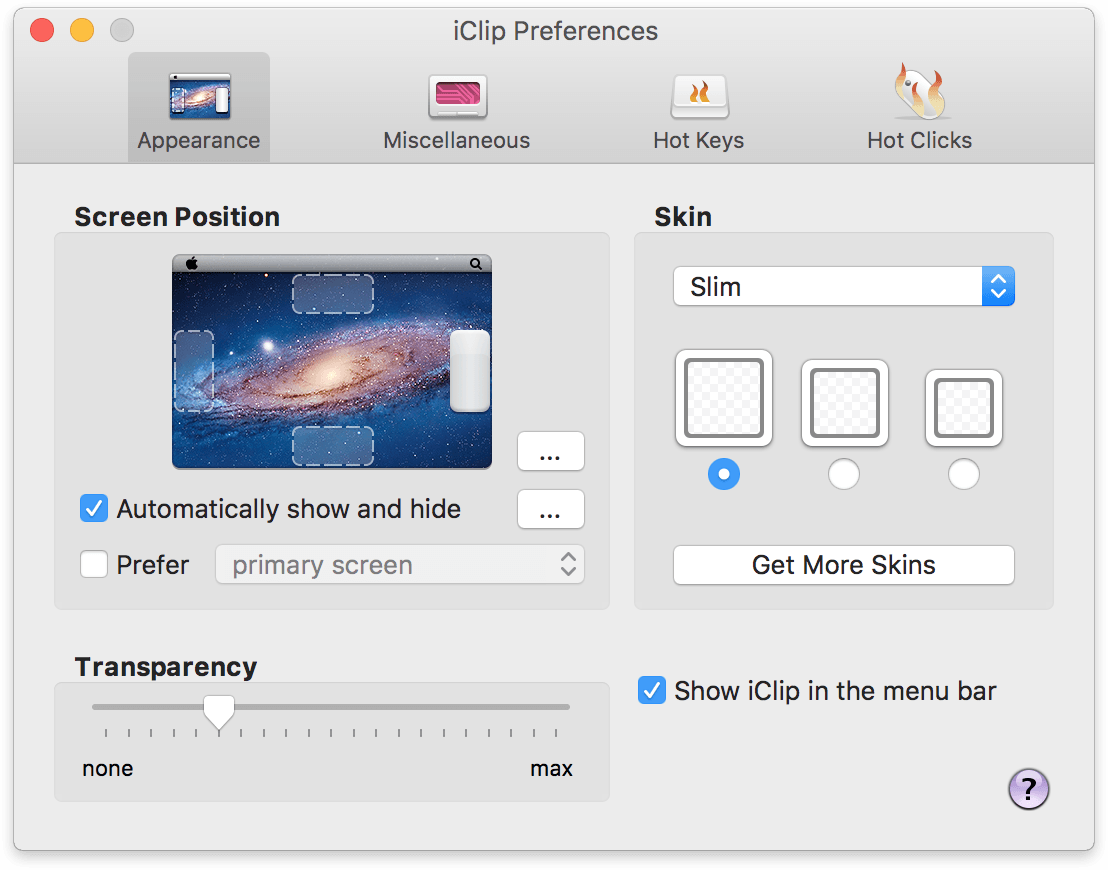
Imagine if ice cream came in only one flavor. Not much fun, eh? Take hold of the iClip preferences and go beyond plain vanilla.
- Choose the iClip screen position where it’s most convenient for the way you work.
- Try the various skins, bin shapes, and sizes.
- Adjust the transparency to your liking.
- and much, much more…
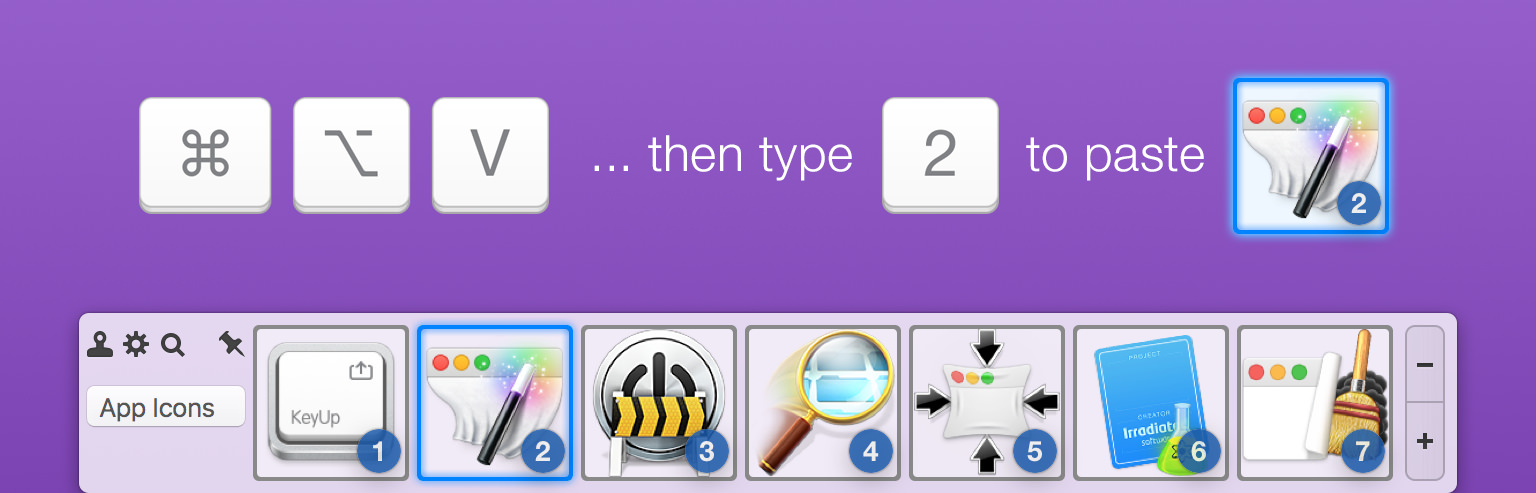
iClip isn’t just good looks. As simple as iClip is to use with your mouse, we didn’t forget the keyboard lovers in the crowd.
You’re able to use just about every iClip function with only your keyboard. Efficiently copy & paste in iClip without having to remove your hands from your keyboard.
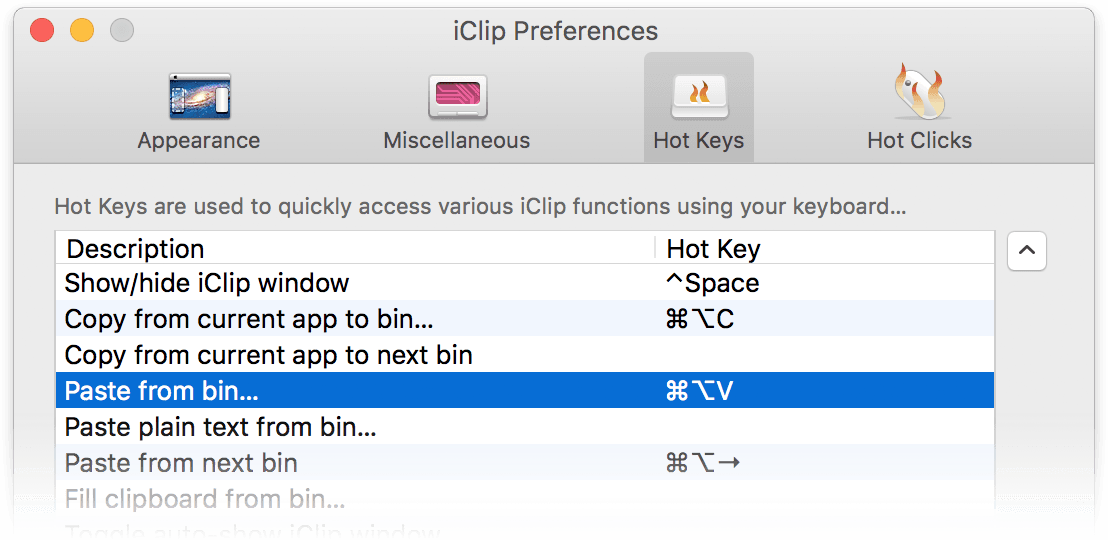
And to make it even better, all of iClip’s keyboard shortcuts are fully customizable by you.
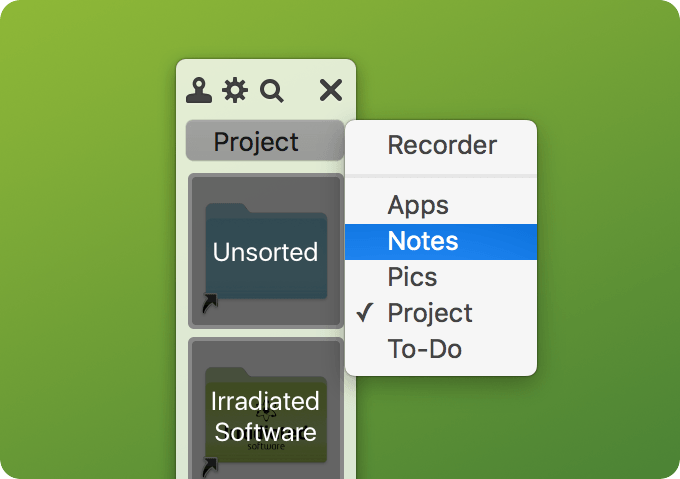
For when you’re repeating tasks, such as filling-out web forms, you can organize your stored clips into multiple sets and have them ready to paste in an instant.
You can have a set of clips for each project you’re working on and store various things like web addresses, frequently used clip-art like logos, code snippets, etc.
If you often have to respond to emails with a bunch of similar responses, you can use iClip to store them all. Having these all a single click or keyboard shortcut away make it really fast and efficient to handle tasks like this.
Do you need special handling of certain clipboard contents when they get copied into iClip, such as recording additional information or cleaning up the data? Do you want to add your own operations to modify select clippings, such as turning all their text to lowercase? iClip is scriptable in both AppleScript and JXA (Javascript for Applications). For more information, see iClip Scripting.
