



























You too can try changing static: to "static": as I’m not sure if anyone did as of yet
A member registered Oct 01, 2014 · View creator page →
Creator of
Multi-touch input for older GM versions (on Windows)
Read and write buffers with per-bit granularity!
Makes GameMaker 2024.11+ games run on Windows 7
Custom pseudorandom number generators for GameMaker!
A dynamic texture page loading system for HTML5 games!
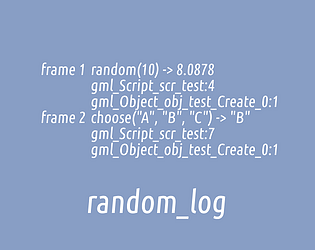
Tracks uses of random number generator functions!
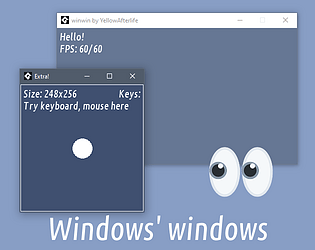
Create multiple windows in GameMaker games!
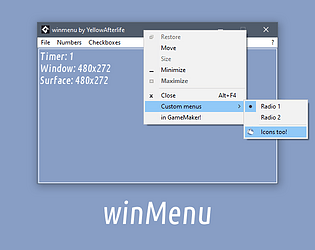
Native menus for GameMaker projects!
A high-end localization system for GameMaker!
A minimalistic WinSock wrapper for UDP sockets.
Makes buffer_set_surface work on all machines
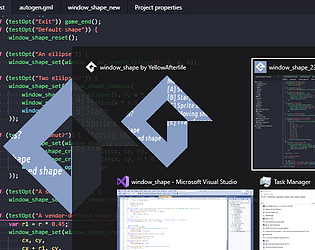
Custom window shapes for GameMaker games!
Allows user to drag-and-drop files/folders onto and out of the game window!
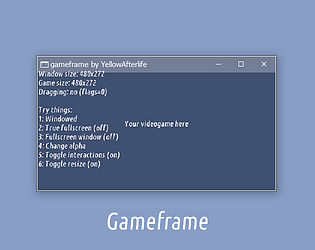
Custom window frame for GameMaker games
Enables Giant ships and challenges with non-Large sizes
Brings back the GM8-era display_set_all function
Lets you drop items in Spelunky 2 coop
Extracts high-precision mouse/pointer motion data on Windows. Good for drawing software!
Makes window resizing for GameMaker games less cursed.
Fixes a specific caveat in GMS1 games
A small hack to run the game on technically-incompatible GPUs
A minimal implementation of The EyeTribe's eye tracker API.
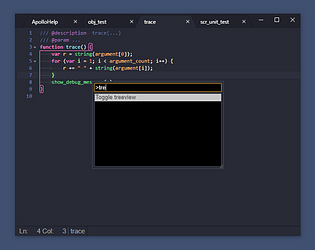
Allows to toggle the treeview using the Command Palette in GMEdit
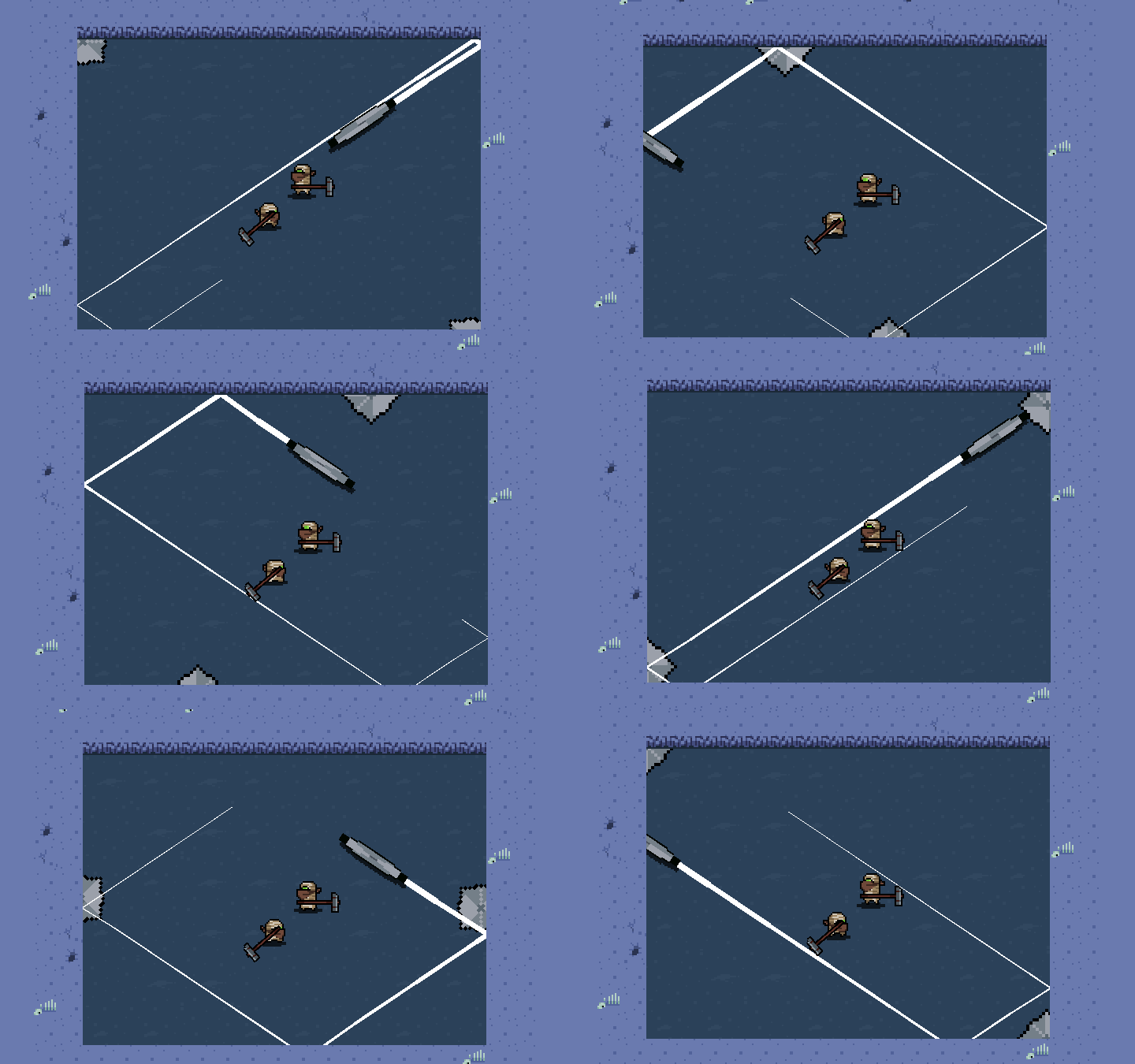
A 1-2 player game about hitting discs! Made for Disc Room Game Jam.
Action
Play in browser
Dynamically load animated GIFs as sprites in your GameMaker games!
A simple wrapper for WINAPI ShellExecute for GMS1/GMS2 games.
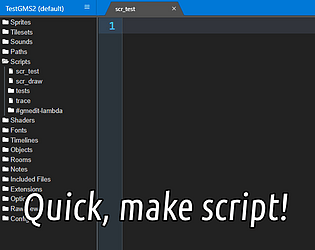
Quickly create scripts right from the code editor
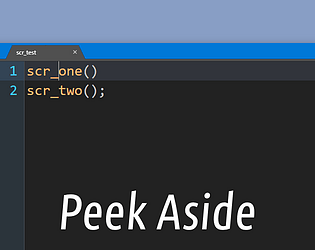
Open scripts for quick editing in a side view
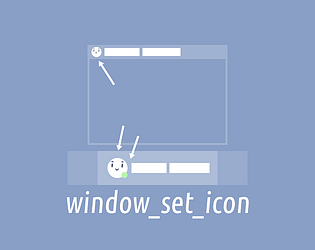
Dynamically change window icons / taskbar badges!
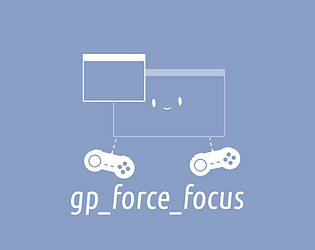
Lets GameMaker games poll XInput devices while not in foreground
Support high-density screens in GameMaker HTML5 games
Capture part/whole screen/all screens inside or outside of your Unity games
GML syntax highlighting for games, websites, and more
Re-compiles and replaces shaders mid-game
Low-level file functions for GameMaker games
Embed your game window into other windows. Without permission.
Descriptive error messages and better error handling for GameMaker data structure functions
Get information about the player's screen(s)!
Tweaks GameMaker's debug_get_callstack to output proper script names on HTML5 target.
Use multiple mice and keyboards in GameMaker games!
Bit flag based instance filtering for GameMaker
Microsecond precision that you deserve - for use in HTML5 games made with GameMaker
Error handling for GameMaker games
Text/image pasting, drag 'n drop, and file picking for GameMaker games on HTML5 target
Enables use of base64-encoded content in GameMaker HTML5 games
A crown that wields guns
Package GameMaker rooms and load them as you please
Capture part/whole screen/all screens inside or outside of your GM games
Debug commands mod for Nuclear Throne Together
Make Zip archives from GM games
A Haxe➜GameMaker compiler
Execute code snippets in your GameMaker games
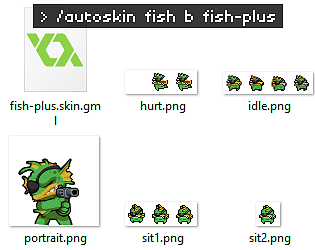
Automatically makes a skin mod with default sprites for specified character+skin
GOG.com API integration for GameMaker: Studio / GameMaker Studio 2
Prevents GameMaker games from freezing while being dragged/resized.
A userscript that adds code snippet syntax highlighting to a number of GameMaker forums
Code and asset live-reloading for GameMaker!
Color Ninjas is a versus game that is all about randomness, power ups, cowardice and shouting at each other!
Action
Recent community posts
Pixel Font Converter! community · Replied to Uraynuke™ in Trying to do an italic font, it gets cut off at the end
You can have a peek at your own fonts and other fonts in FontForge to see what’s up - from a few random fonts I opened, it seems like the right edge is adjusted so that the glyphs “overhang” rather than adjusting the spacing between them.
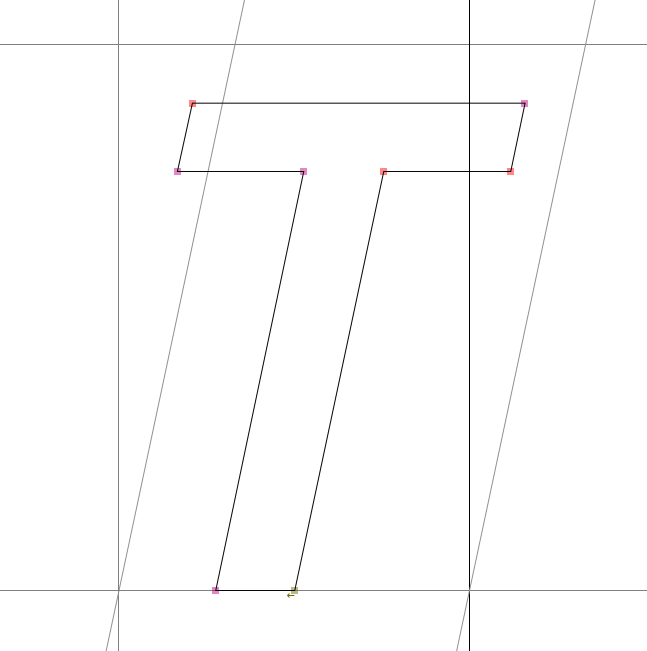
If your spacing rules are simple enough that Spacing works for them, you can probably use a \[] range from your first glyph to your last glyph.
