

Your cadence, loud and clear.
Big, simple cadence for indoor cycling. Connect a Bluetooth sensor and ride on iPhone, iPad, or Android.
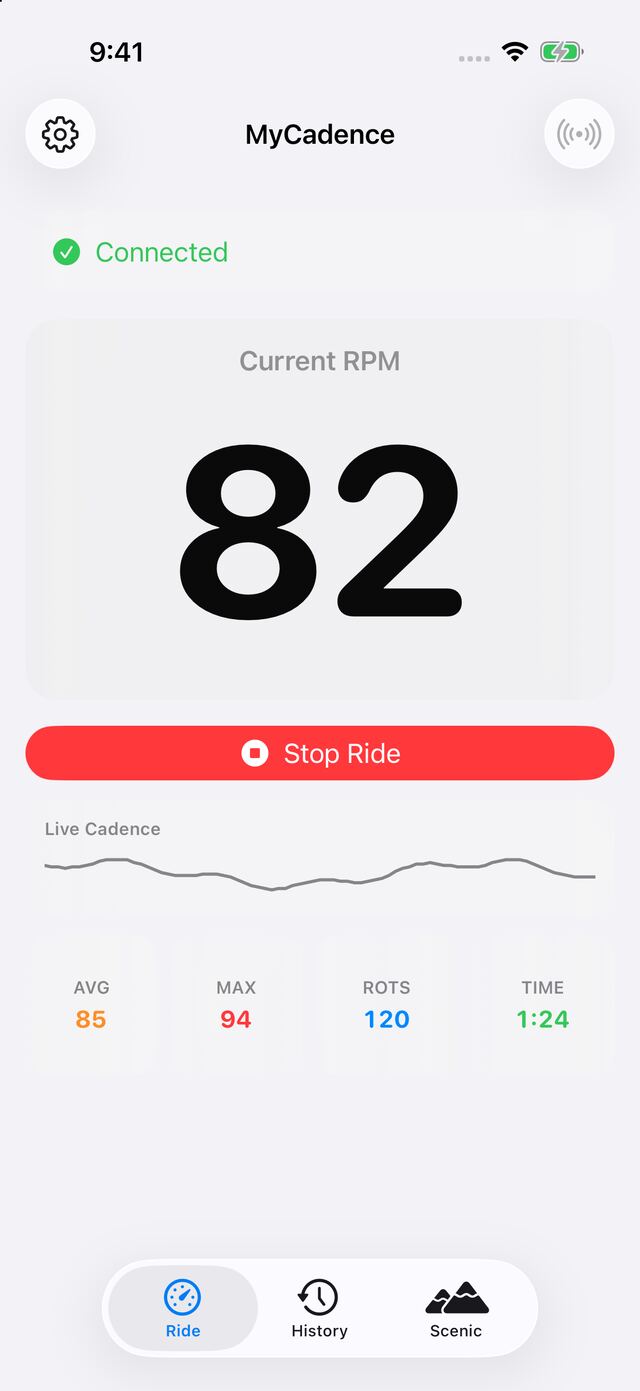
Free for unlimited rides, with no account. AVG, MAX, and ROTS require My Cadence Pro.
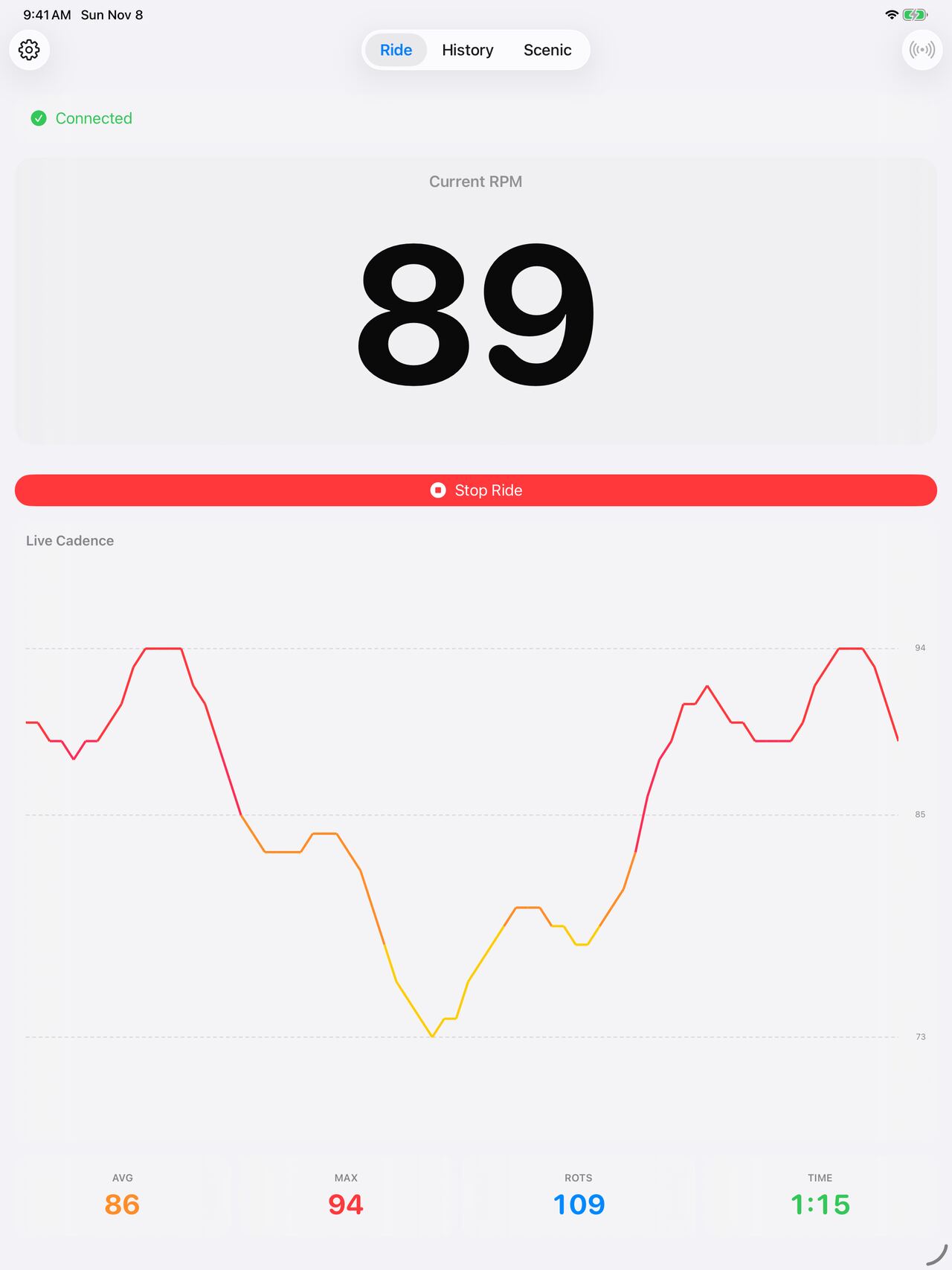
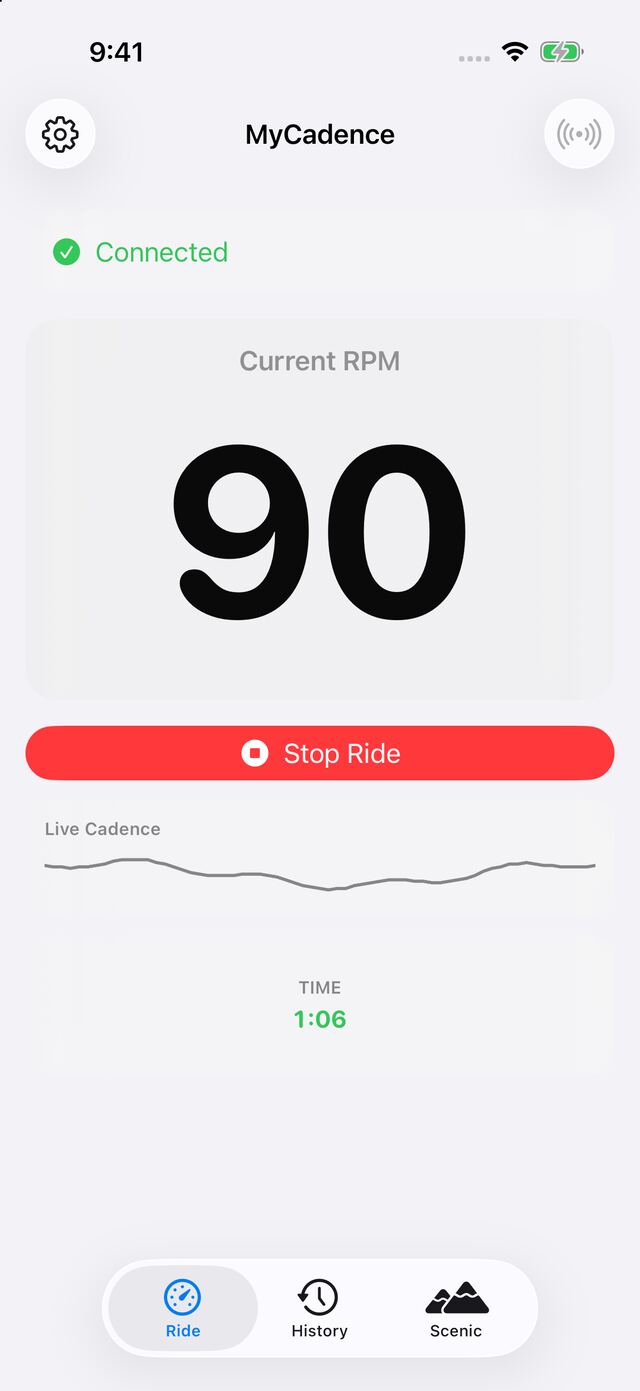
Big, simple cadence for indoor cycling.
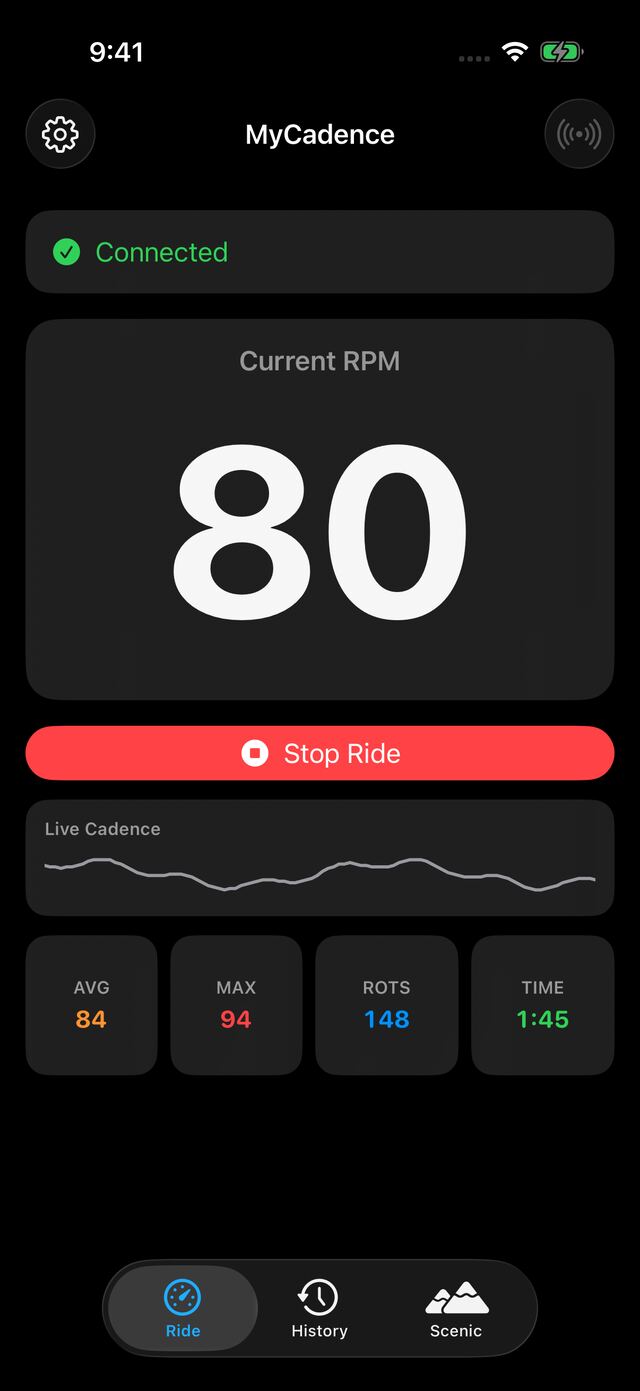
One number you can read mid-sprint, a live cadence line below it, and a clear Start and Stop. Light and dark mode are built in.
Works with Wahoo, Moofit, Garmin, Magene, and other sensors that broadcast the Bluetooth Speed and Cadence profile.
Cycling Power crank arms and bikes with custom built-in sensors may not show a reading. AVG, MAX, and ROTS require My Cadence Pro.
Every ride, remembered.
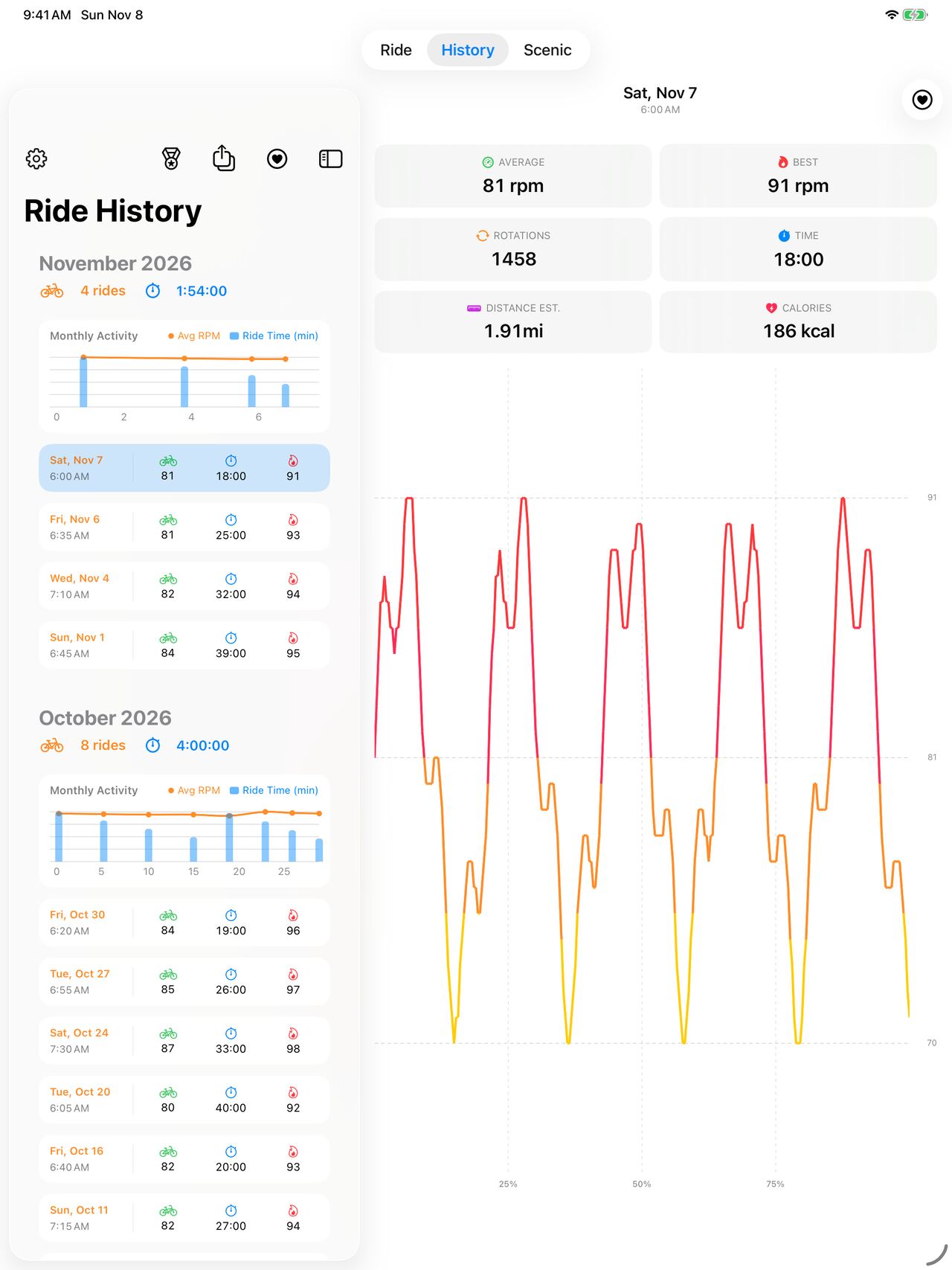
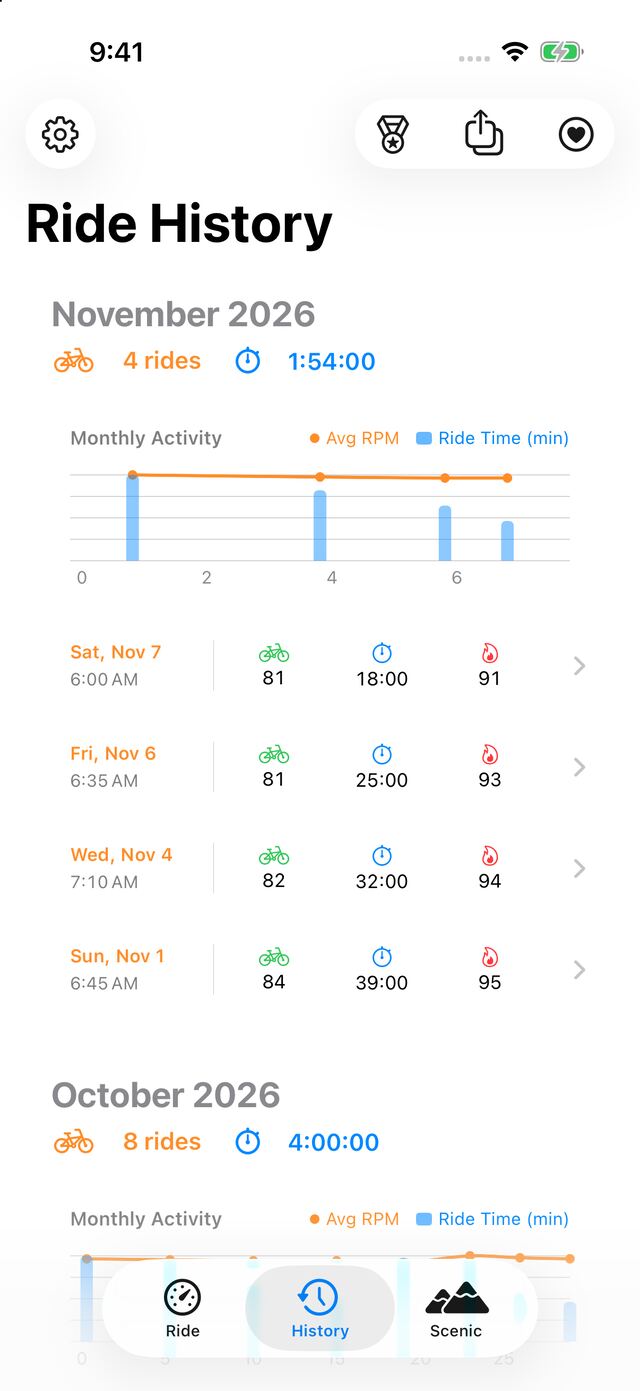
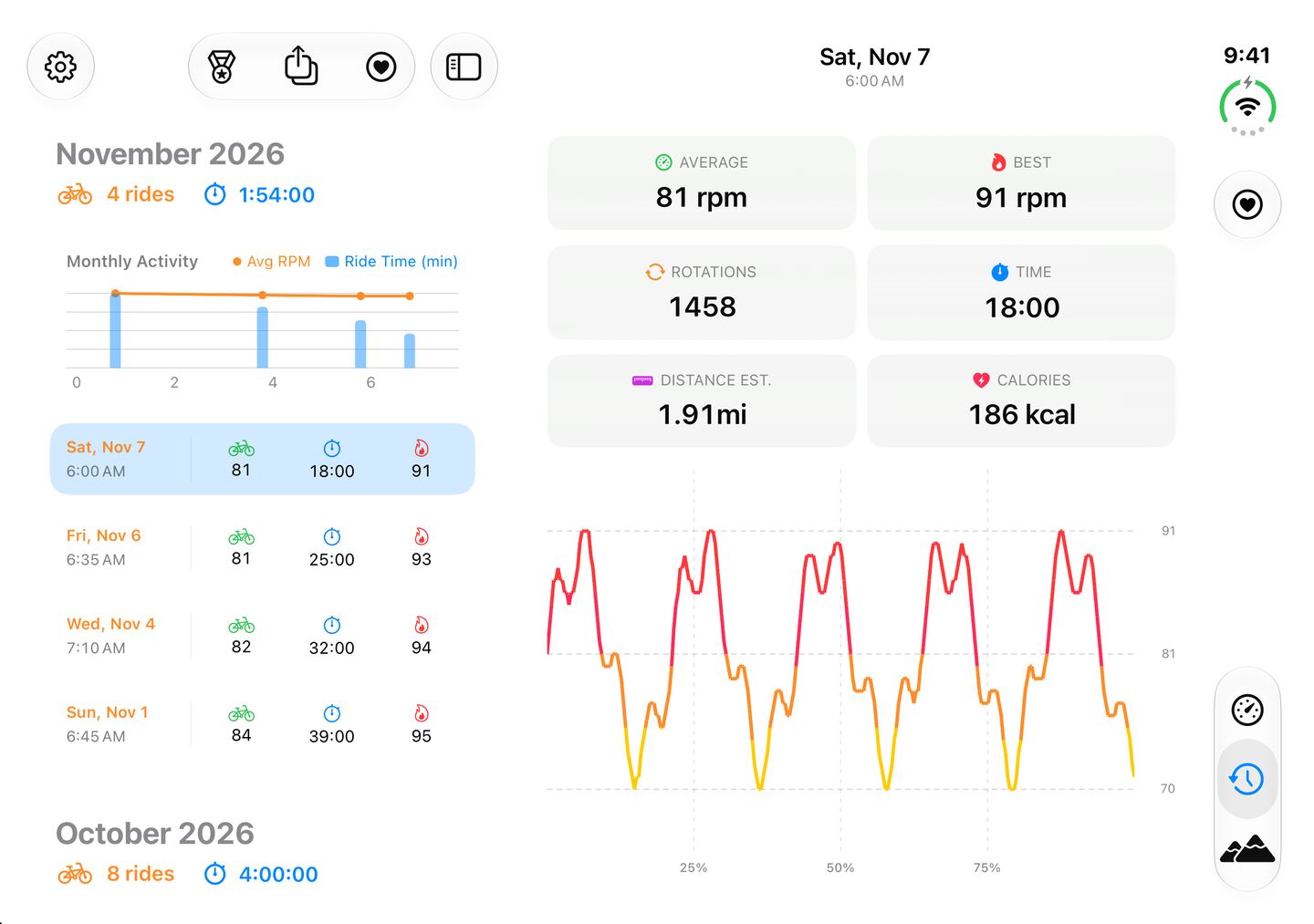
See rides grouped by month with total time, average cadence, and your best. On a big screen, History and the ride you pick sit side by side.
On iPhone and iPad, full ride history and activity charts require My Cadence Pro. Free keeps your two most recent rides in view.
Every ride, charted.
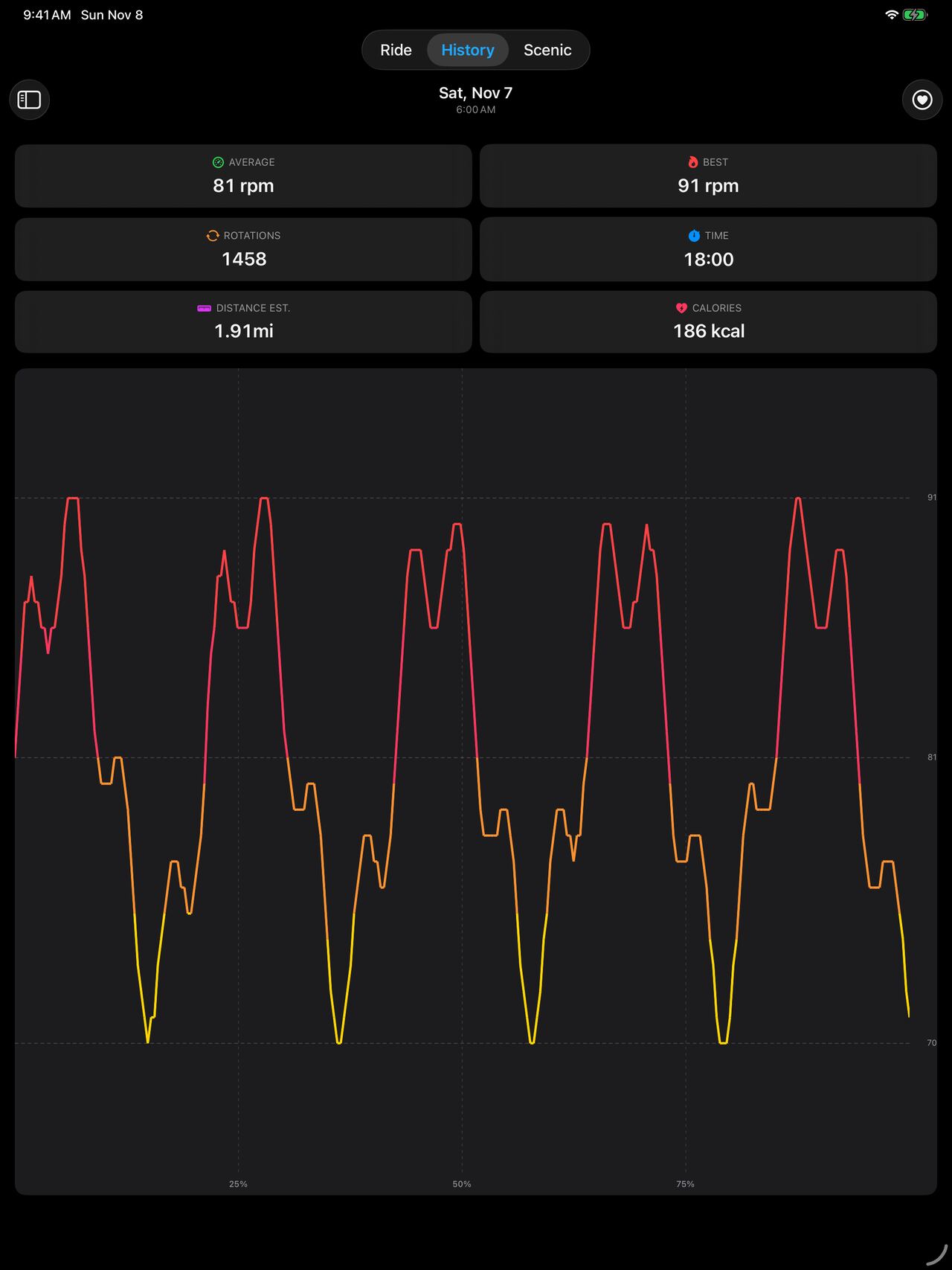
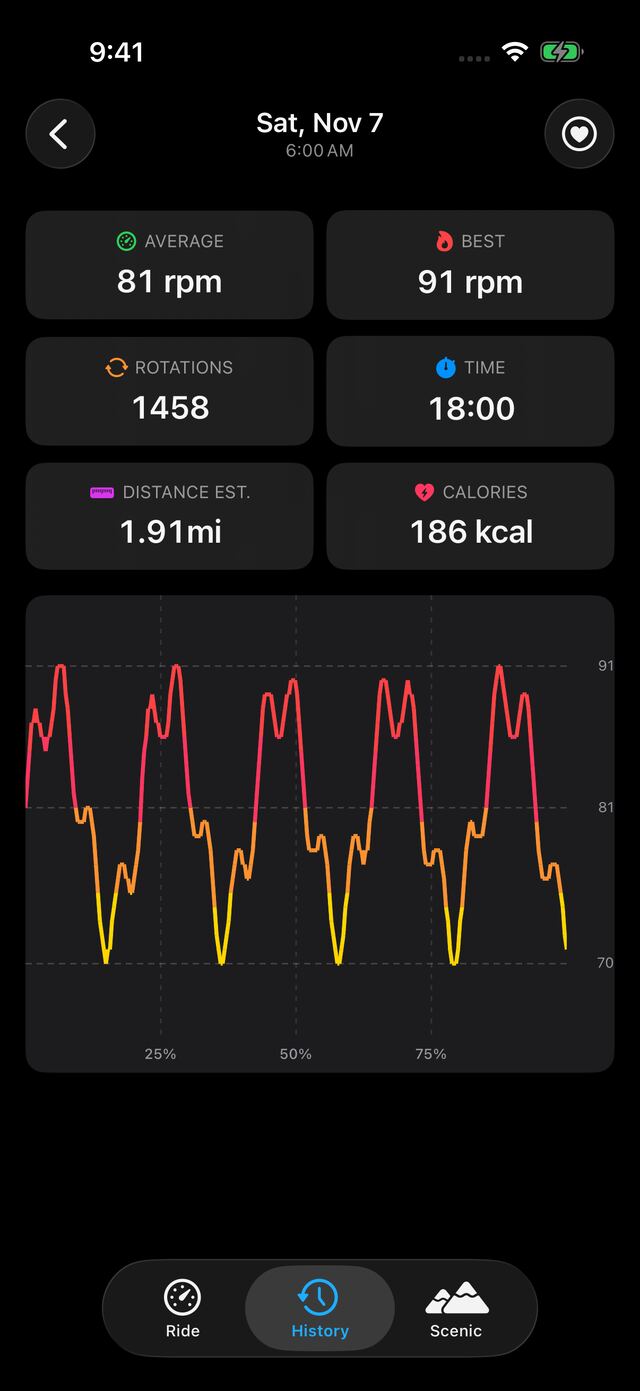
Open a ride to see how your cadence moved from start to finish, with average, best, rotations, and time. On iPhone and iPad, you also get estimated distance and calories.
Browsing all your ride charts on iPhone and iPad requires My Cadence Pro.
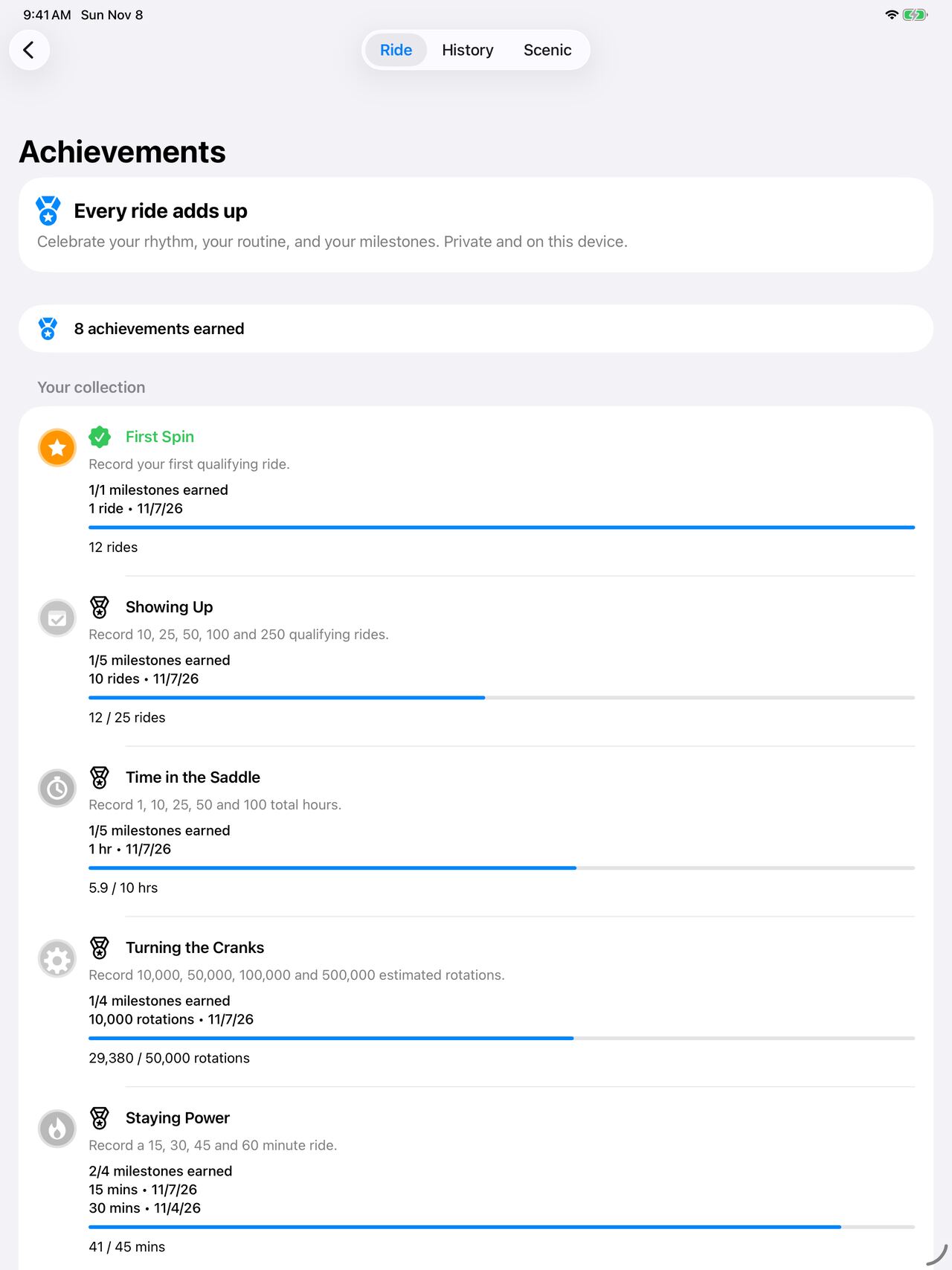
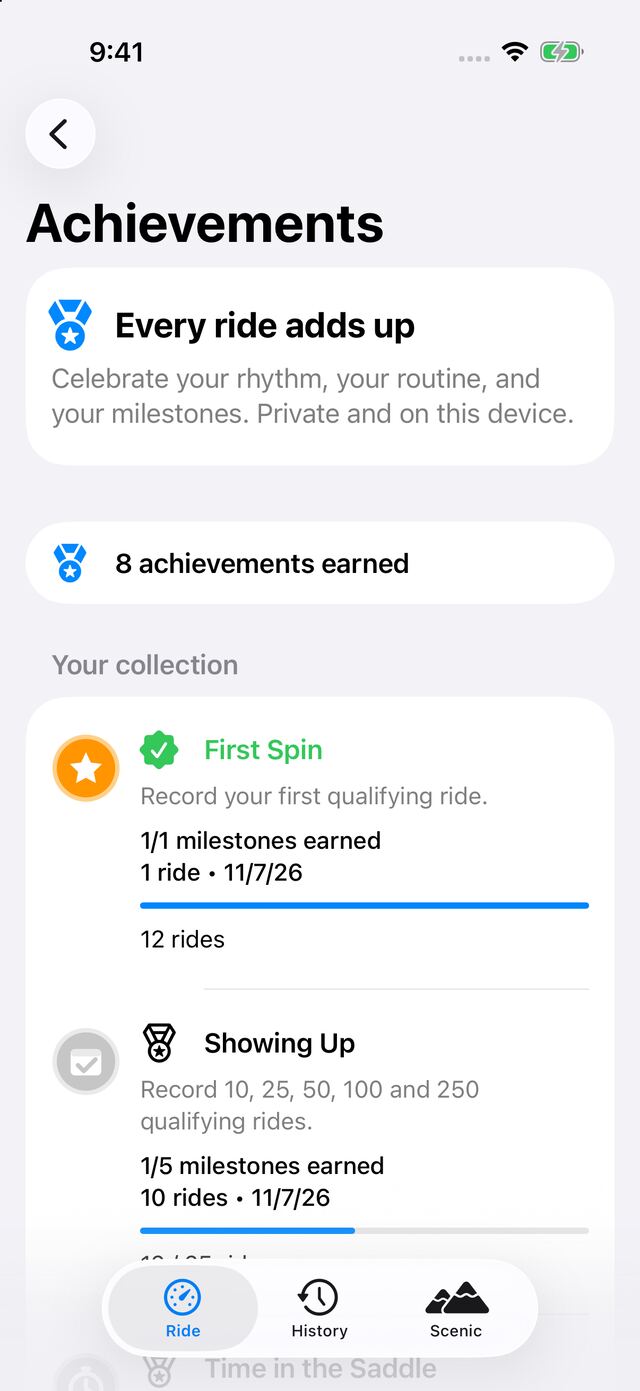
Earn badges as you ride.
Celebrate your rhythm, your routine, and your milestones. Achievements are private and stay on your device.
Achievement progress requires My Cadence Pro. Earned badges stay yours if Pro expires.
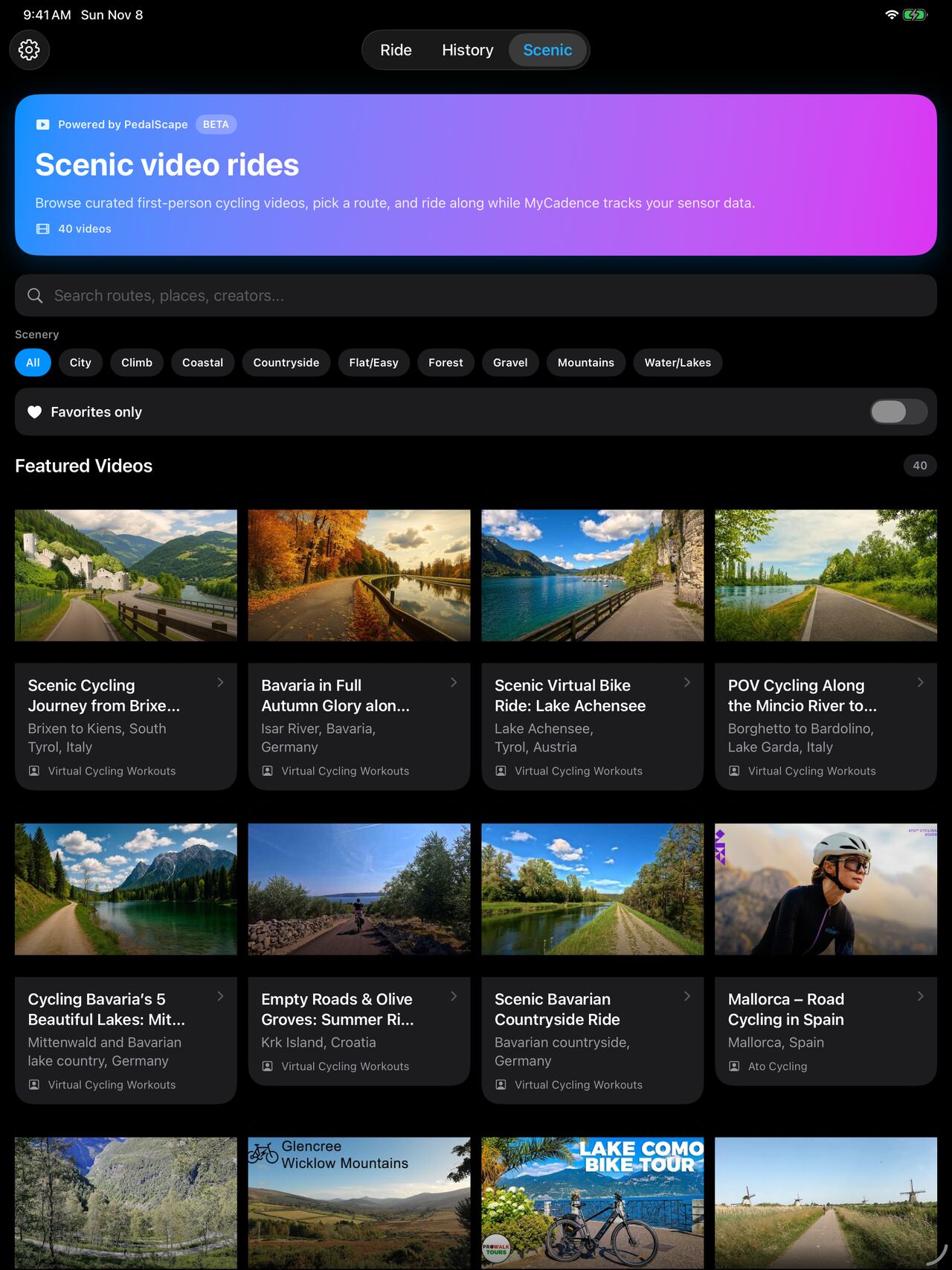
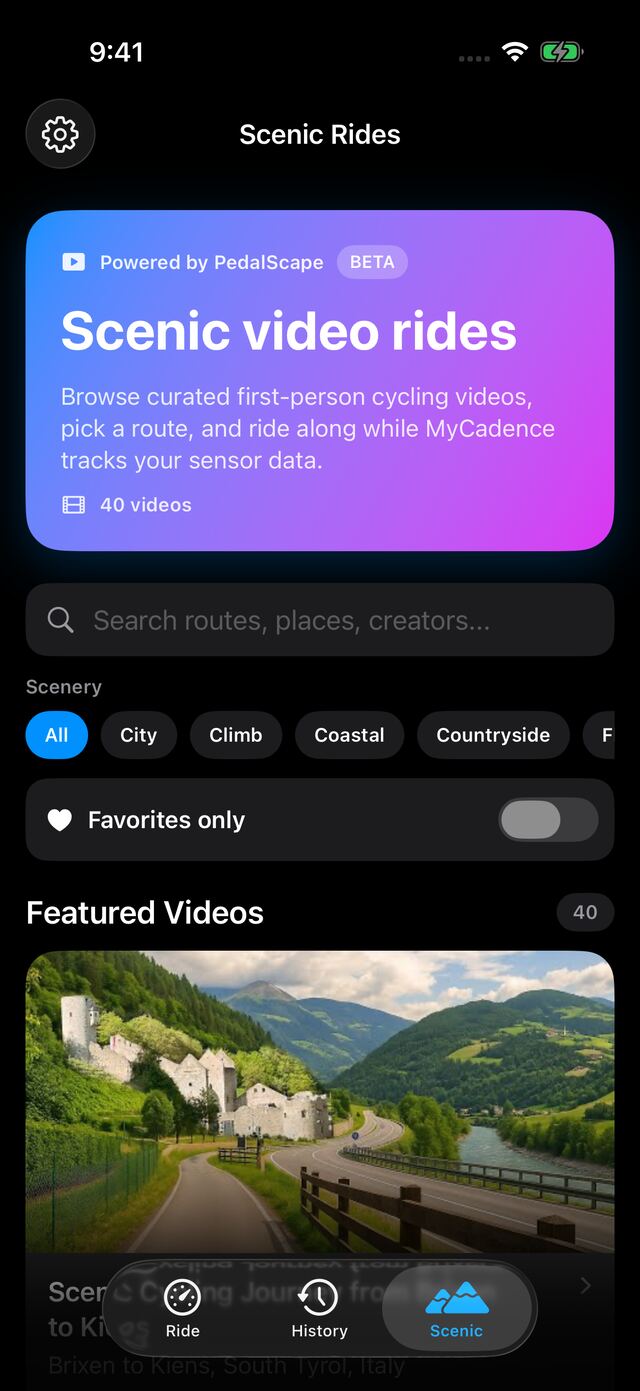
Ride somewhere beautiful.
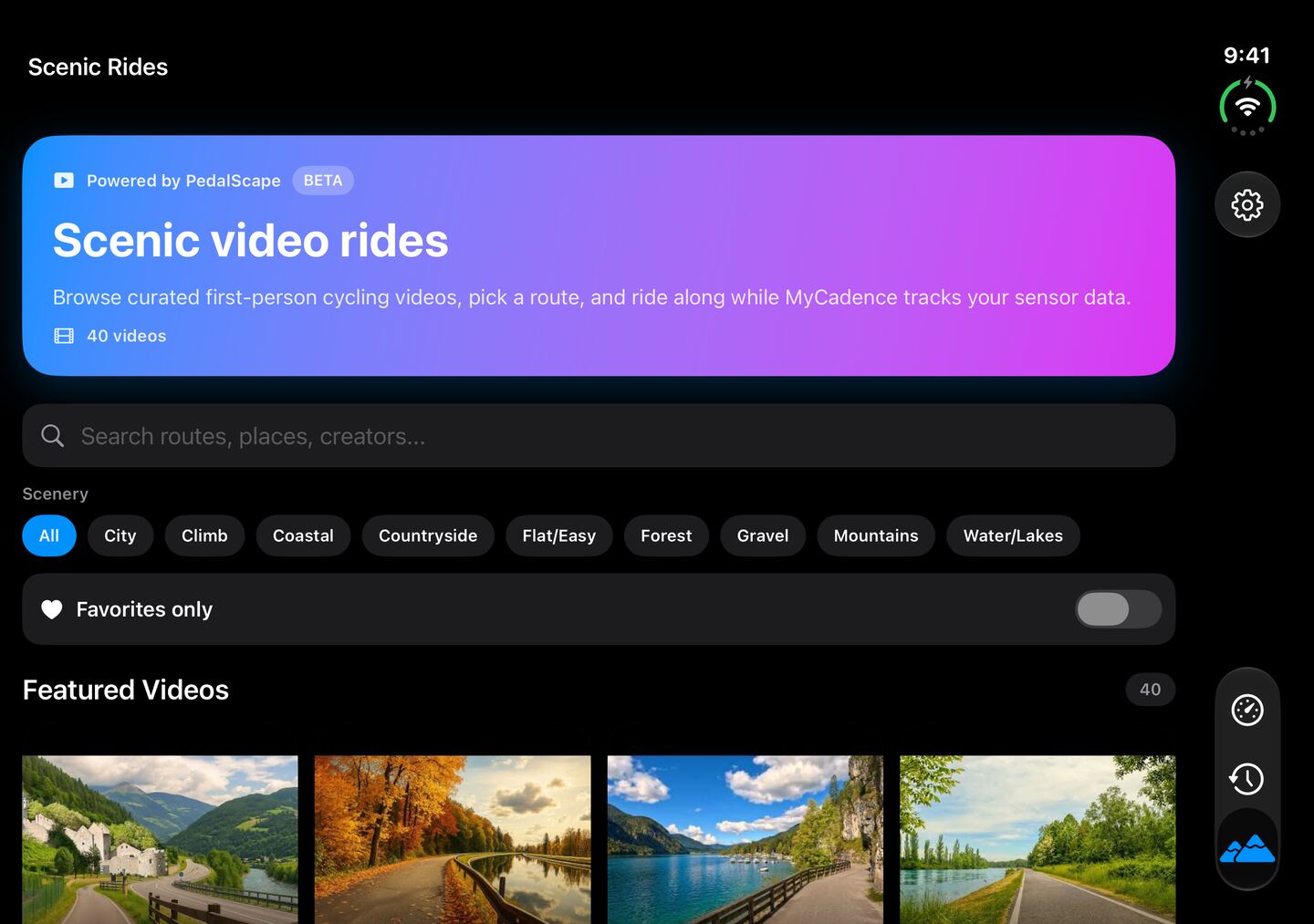
Pick a first-person cycling video and ride along while My Cadence tracks your sensor. Routes come from the PedalScape catalog.
iPhone and iPad only. Videos stream from YouTube, so Scenic needs internet. Three videos are free, and the full catalog requires My Cadence Pro.
Make it yours with Pro.
My Cadence is free for unlimited rides. My Cadence Pro adds custom colors, more stats, and more of your history. Choose monthly or lifetime. Both unlock the same features.
On iPhone, iPad, and Android
- Custom colors
- AVG, MAX, and ROTS during your ride
- Achievement progress
- Ride backup, import, and export
On iPhone and iPad
- Full ride history and activity charts
- Full scenic catalog
- Apple Health sync
- Spoken ride announcements
- Live Activity on iPhone
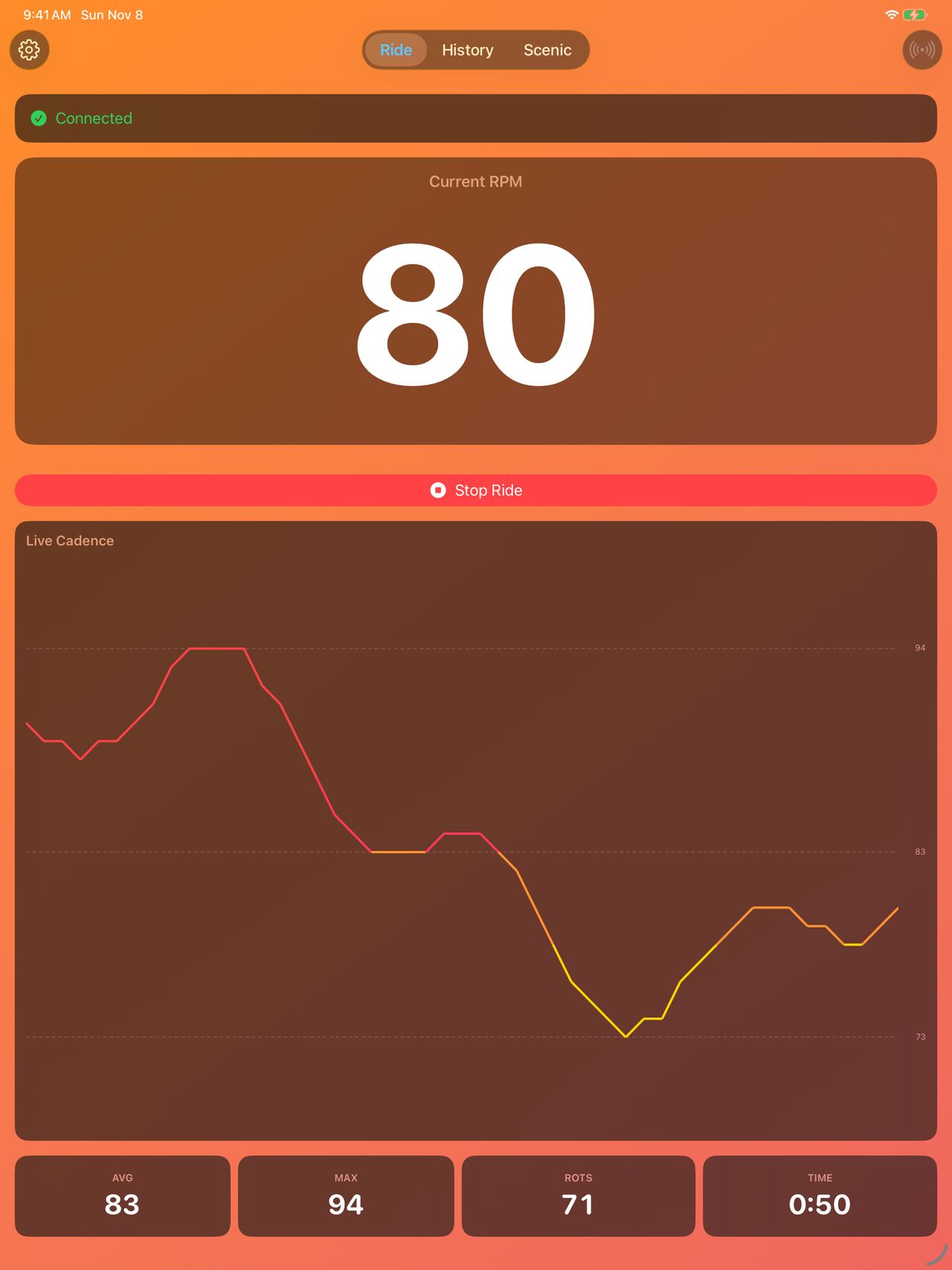
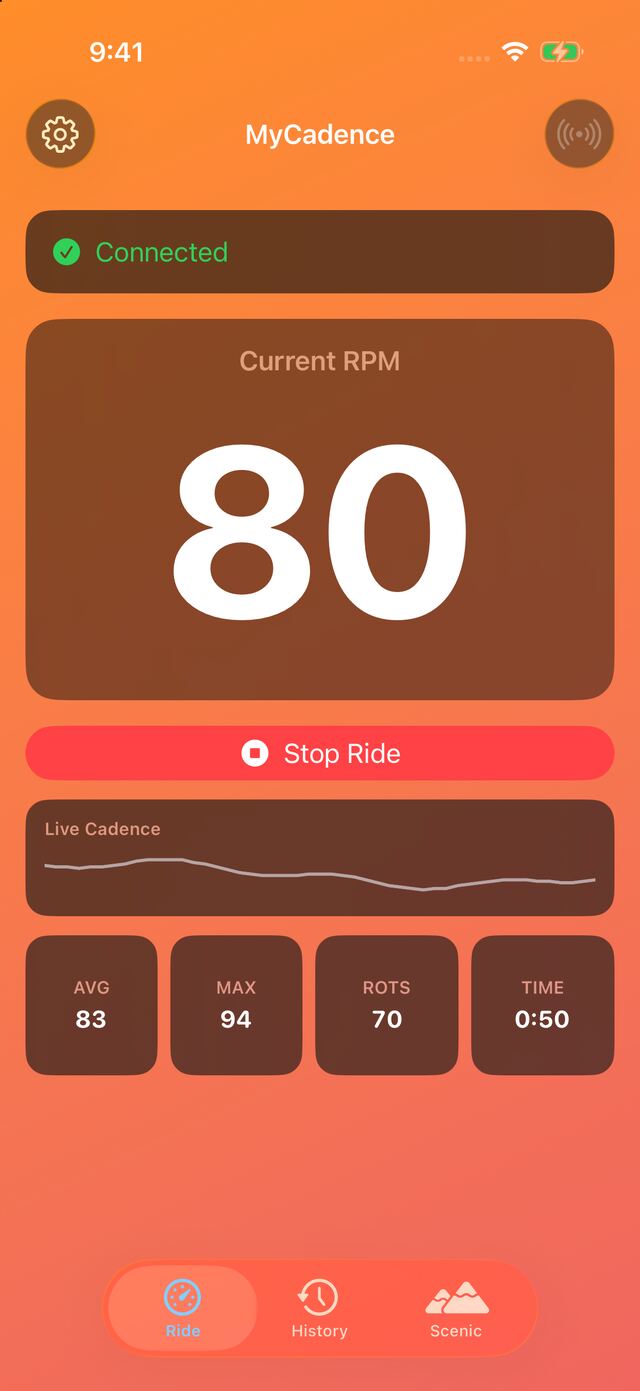
Ride on iPhone Duo, open or closed.
Ride and Scenic rearrange themselves as you fold, and your Start and Stop stay on screen. iPhone Duo support is in the iPhone app only.
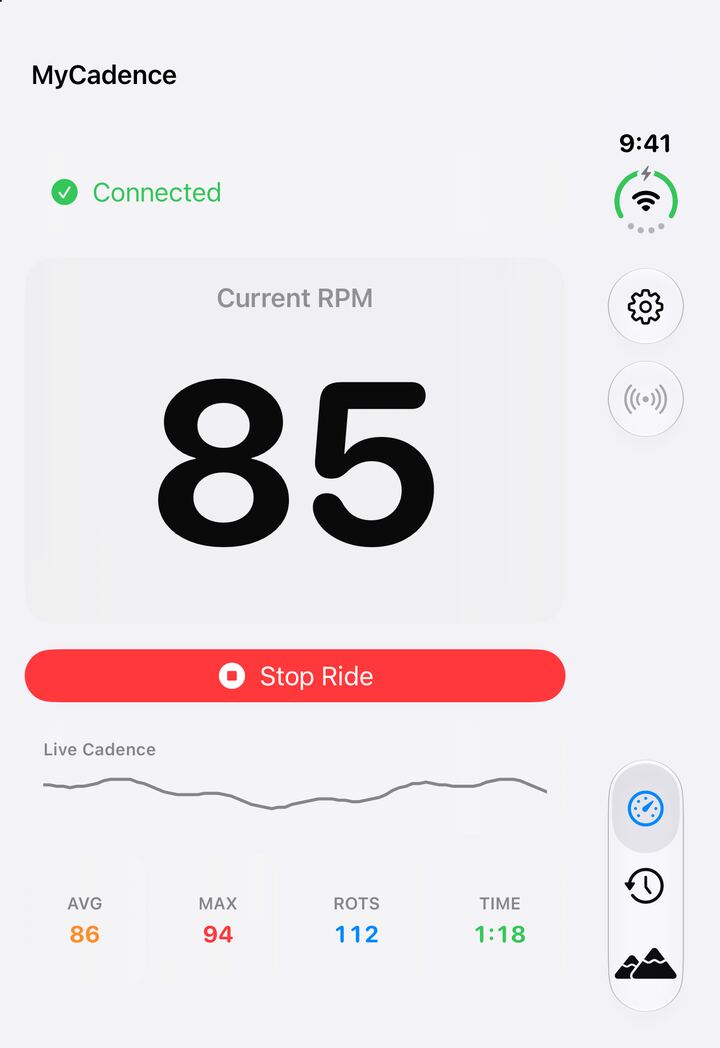
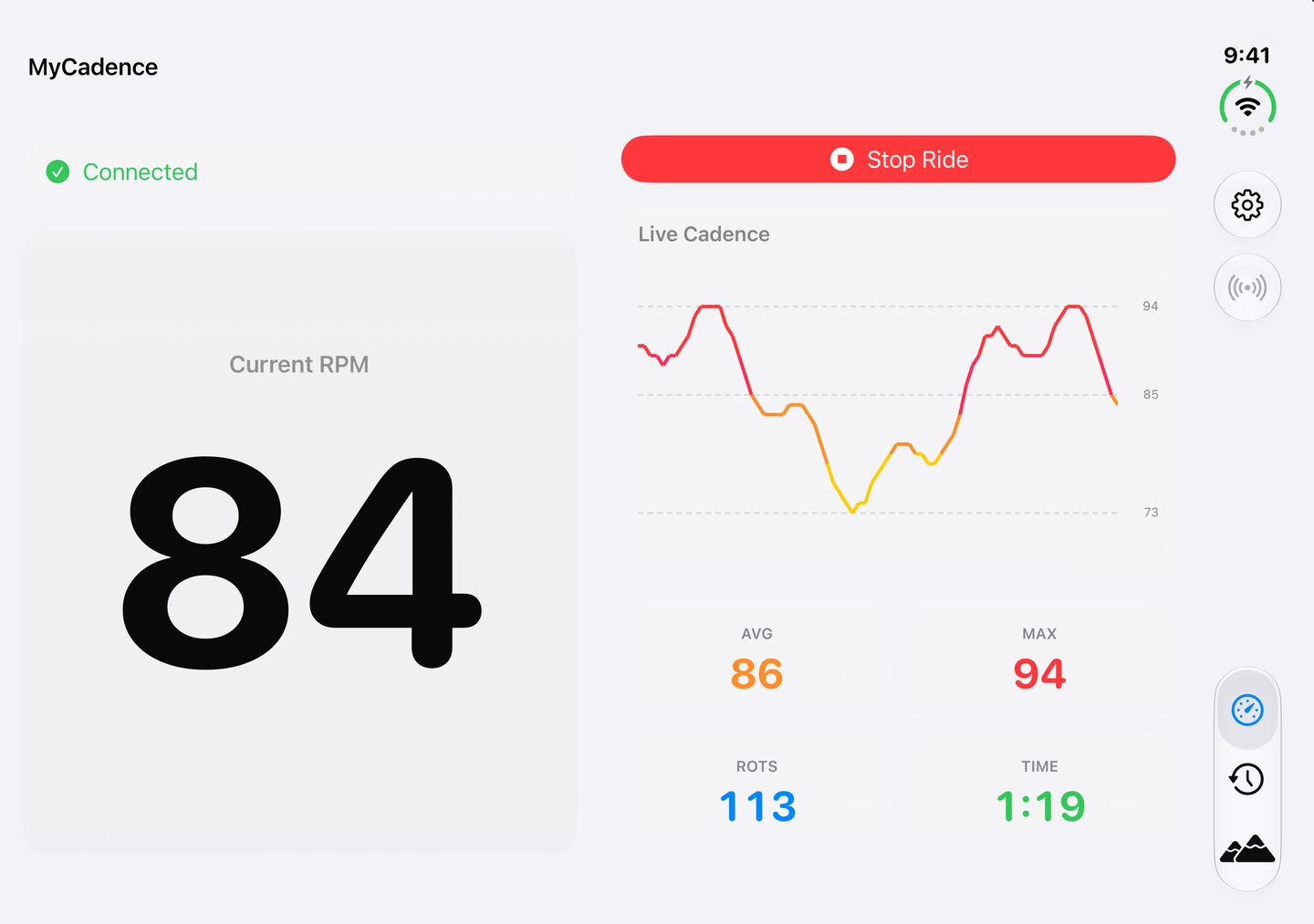
Pick your screen.
The cadence display is free everywhere. Here's what else comes with each version.
| Feature | iPhone and iPad | Android | Web Edition |
|---|---|---|---|
| Live cadence | Free | Free | Free |
| Ride history and ride charts | Latest 2 free, all with Pro | Free | Not available |
| Monthly activity charts | Pro | Not available | Not available |
| Achievement progress | Pro | Pro | Not available |
| AVG, MAX, and ROTS | Pro | Pro | Not available |
| Custom colors | Pro | Pro | Preset themes |
| Scenic video rides | 3 free, all with Pro | Not available | Not available |
| Apple Health sync | Pro | Not available | Not available |
| Spoken announcements | Pro | Not available | Not available |
| Live Activity on iPhone | Pro | Not available | Not available |
No account. No analytics.
My Cadence has no sign-up and no analytics or tracking code. Neither does this site.
Rides stay on your device
My Cadence stores your rides on your device. They leave the app only when you export them or sync them to Apple Health.
Apple Health is your call
With your permission, Pro on iPhone and iPad saves rides as workouts with cadence and estimated energy, and can read your weight for calorie estimates.
Rides work offline
A sensor ride needs only Bluetooth. Scenic videos stream from YouTube and need internet, and purchases go through the App Store or Google Play.
Just a browser? Try Web Edition.
Connect your sensor over Web Bluetooth and get a big live RPM with nothing to install. It works best in desktop Chrome or Edge and Android Chrome, and it doesn't save rides.

Your next ride, loud and clear.
Free for unlimited rides on iPhone, iPad, and Android.
