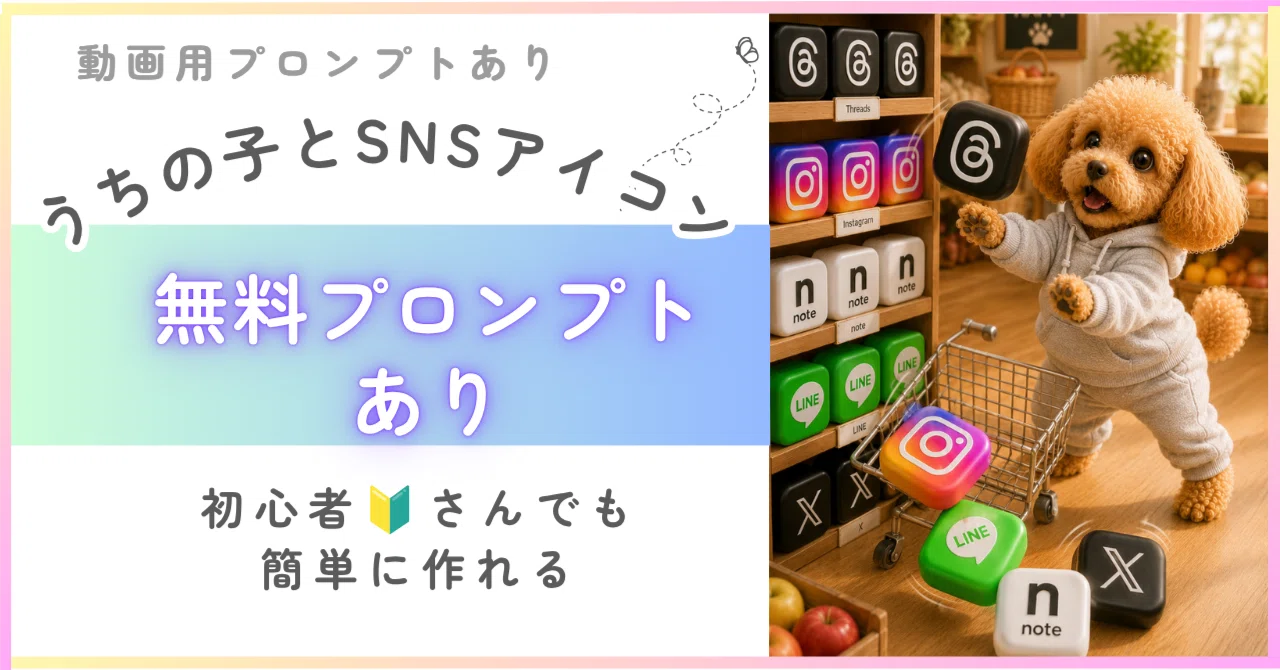
【無料あり🎁】AIプロンプト🐾うちの子とSNSアイコン🐾かわいい遊び方10種🔰初心者さんOK

Threads、Instagram、note、LINE、X。
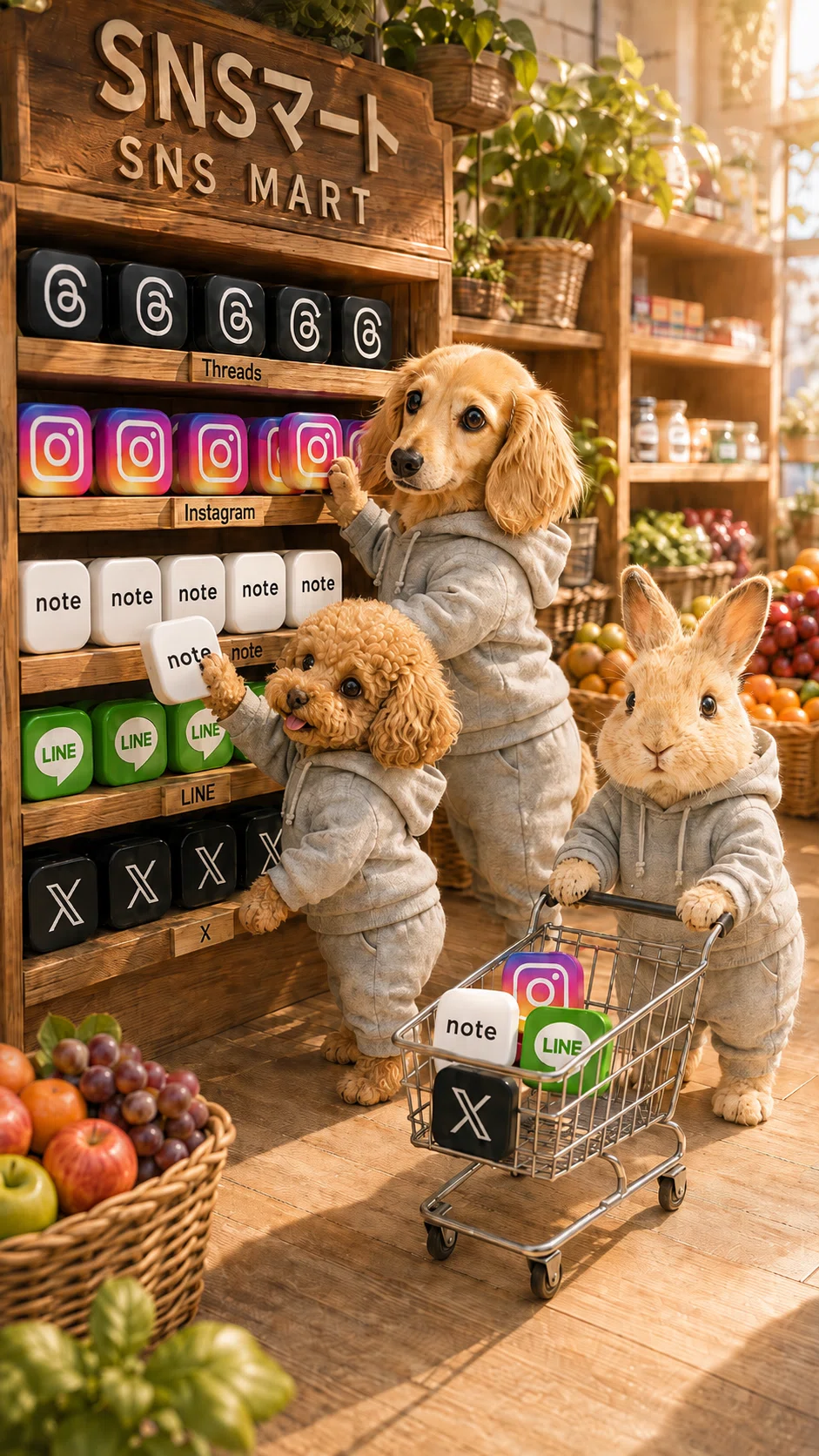
毎日のように見ているSNSアイコンを、ぷっくり可愛い立体ブロックにして、うちの子がSNSアイコンで遊ぶ、可愛い作品を作ってみました。
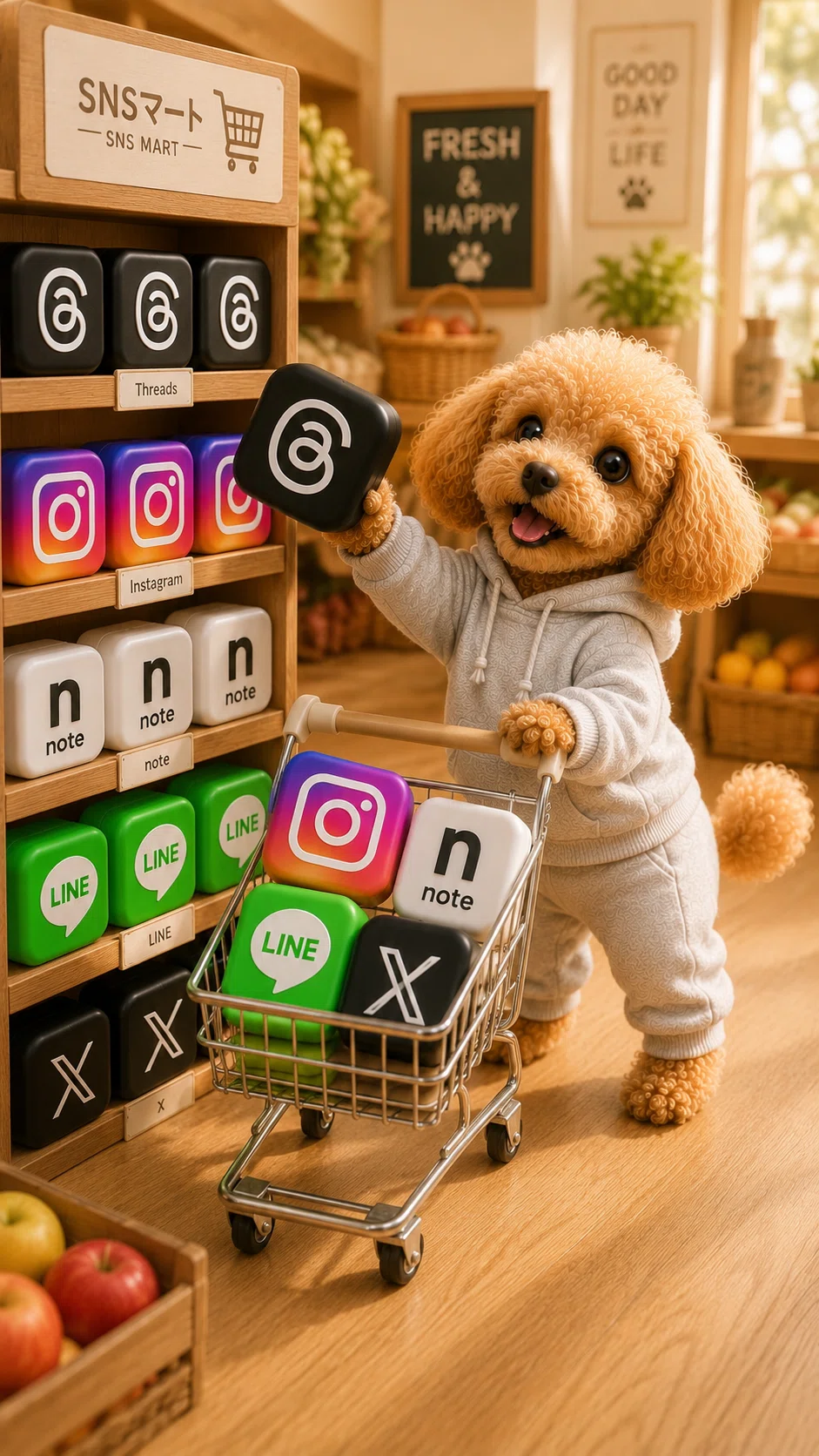
先日、この画像を動画にしてInstagramへ投稿したところ、
投稿から約6時間で3万回再生を突破しました。
たくさんの方に見ていただき、私自身もびっくり😂
そこで今回のnoteでは、Instagramで反応のよかった
「SNSマートでお買い物」をはじめ、うちの子とSNSアイコンが一緒に遊ぶ画像生成プロンプトを、全部で10種類まとめました。
ぷっくり可愛いSNSアイコンと一緒に遊ぶ、
楽しくて少しシュールな作品を作ってくださいね。
💫この記事でできること
🎁 無料プロンプト2種
・SNSマートでお買い物編
・SNSアイコンとダンスタイム編
👑 メンバーシップ限定・画像プロンプト8種
シャボン玉の中にSNSアイコンを浮かべたり、お洗濯したり、積み上げたり、お手玉をしたり。
うちの子とSNSアイコンの可愛い遊び方を楽しめる、限定画像プロンプト8種類を公開します。
👑メンバーシップ限定・動画用プロンプト2種×3
完成した画像に動きをつけて楽しめる、2種類の動画用プロンプトをご用意しました。
今回公開するのは、
・無料プロンプトで作る「SNSマートでお買い物編」
・限定プロンプトで作る「SNSアイコンシャボン玉編」
の2種類です。
それぞれの動画に、
・Gemini用
・Grok用
・PixVerse用
の3種類をご用意。
合計6つの動画プロンプトを掲載しています。
少しシュールで可愛い、楽しい動画を作ってみてくださいね♪
❤️この記事は、単品でも購入できます。
🔰購入者限定・サポートあり(追加料金なし)
💫完成イメージ・10種
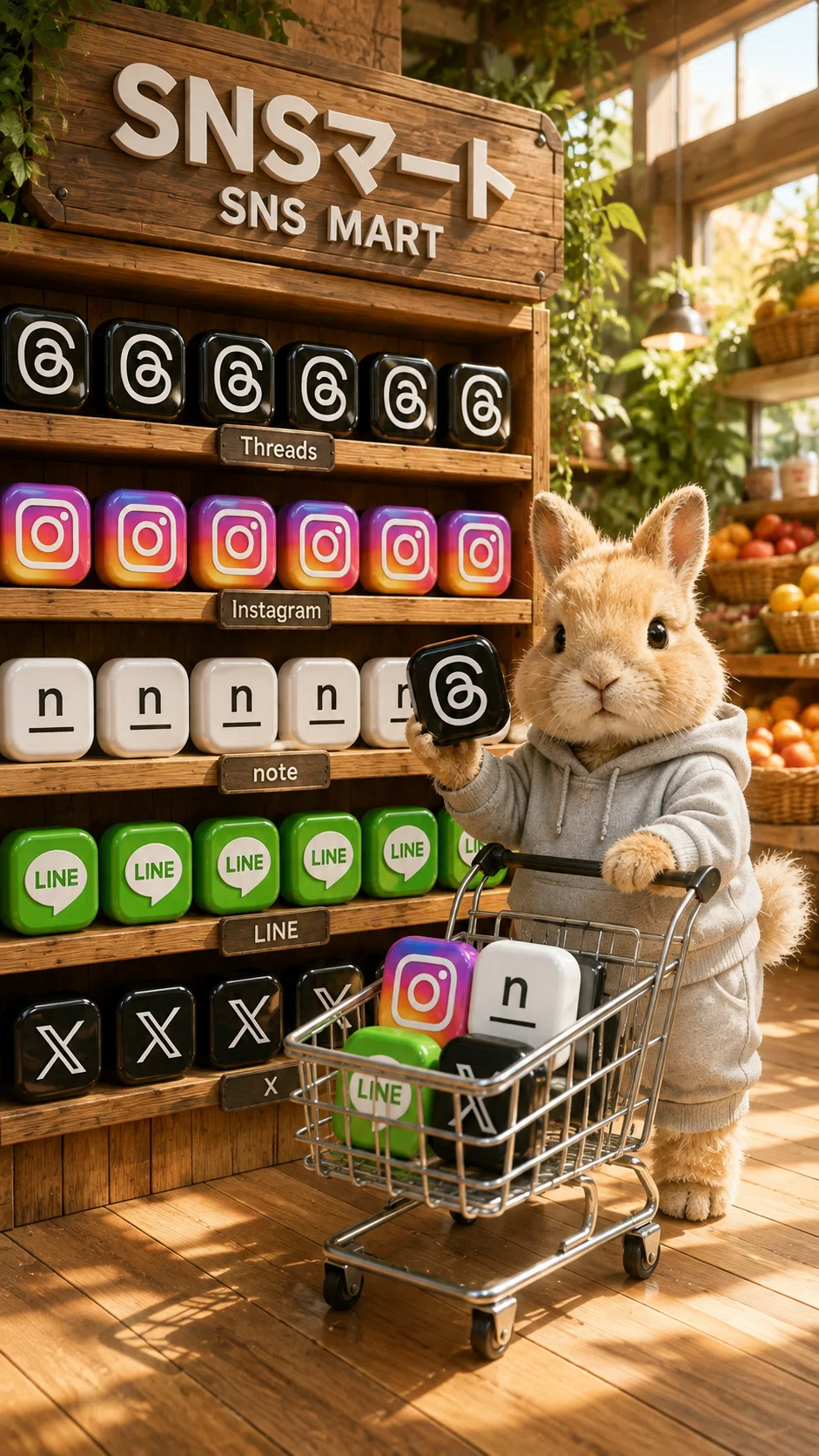
①SNSマートでお買い物編
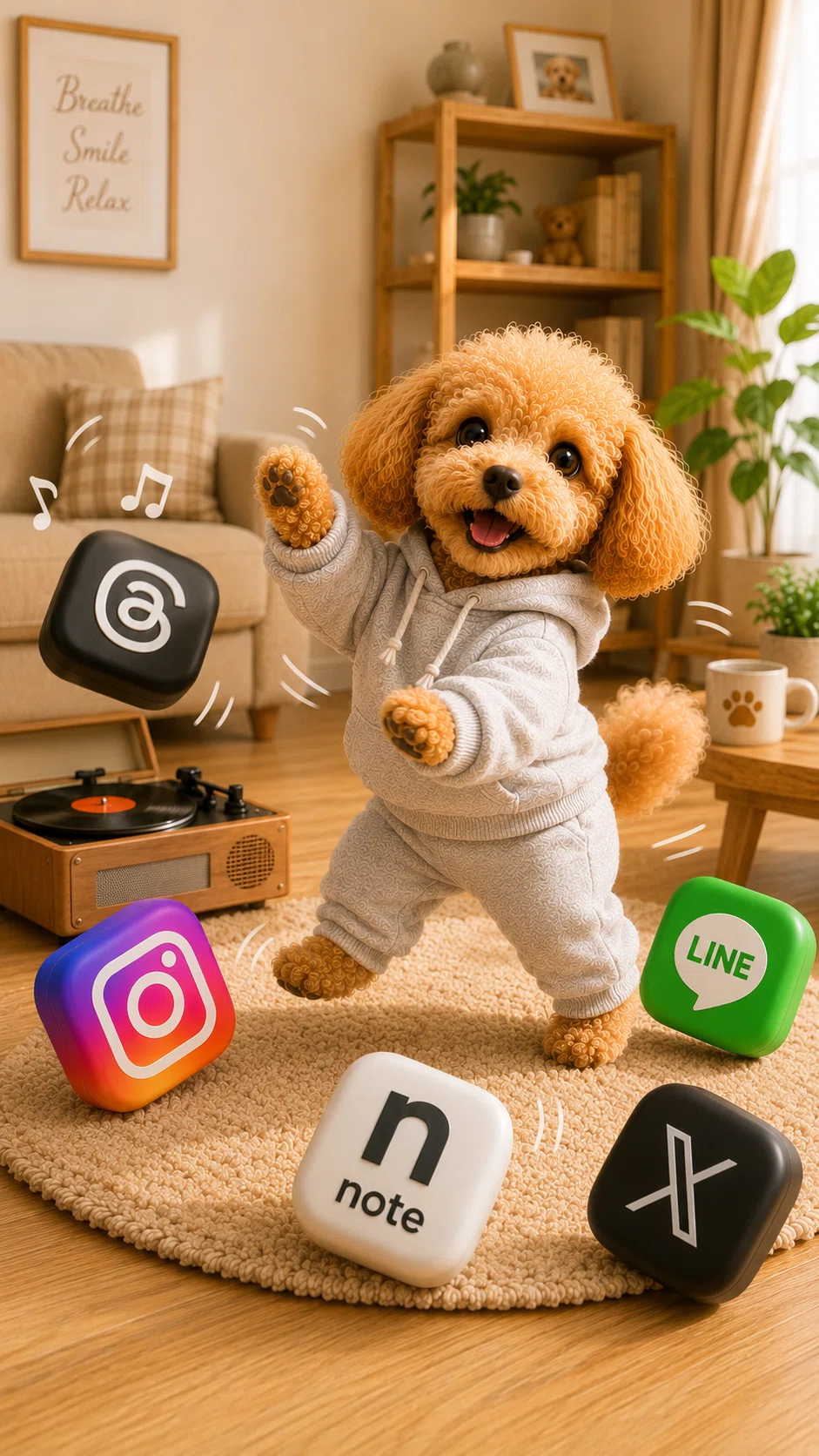
②SNSアイコンとダンスタイム編
スクショによる画像保存、
被写体を入れ替えて作品を模倣する行為は
ご遠慮ください
👑メンバーシップ限定
③SNSアイコンシャボン玉編
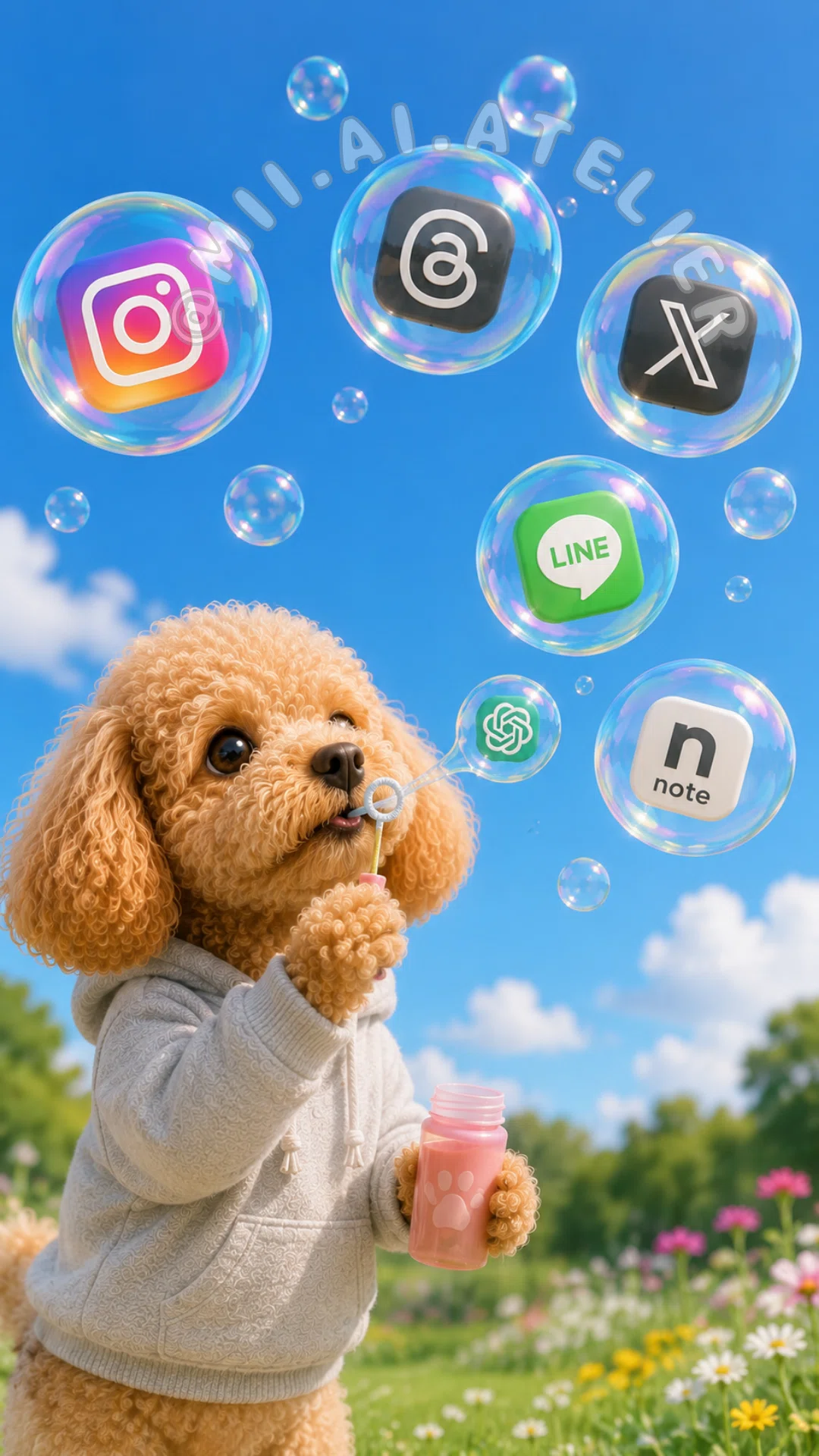
④SNSアイコンお洗濯編♪
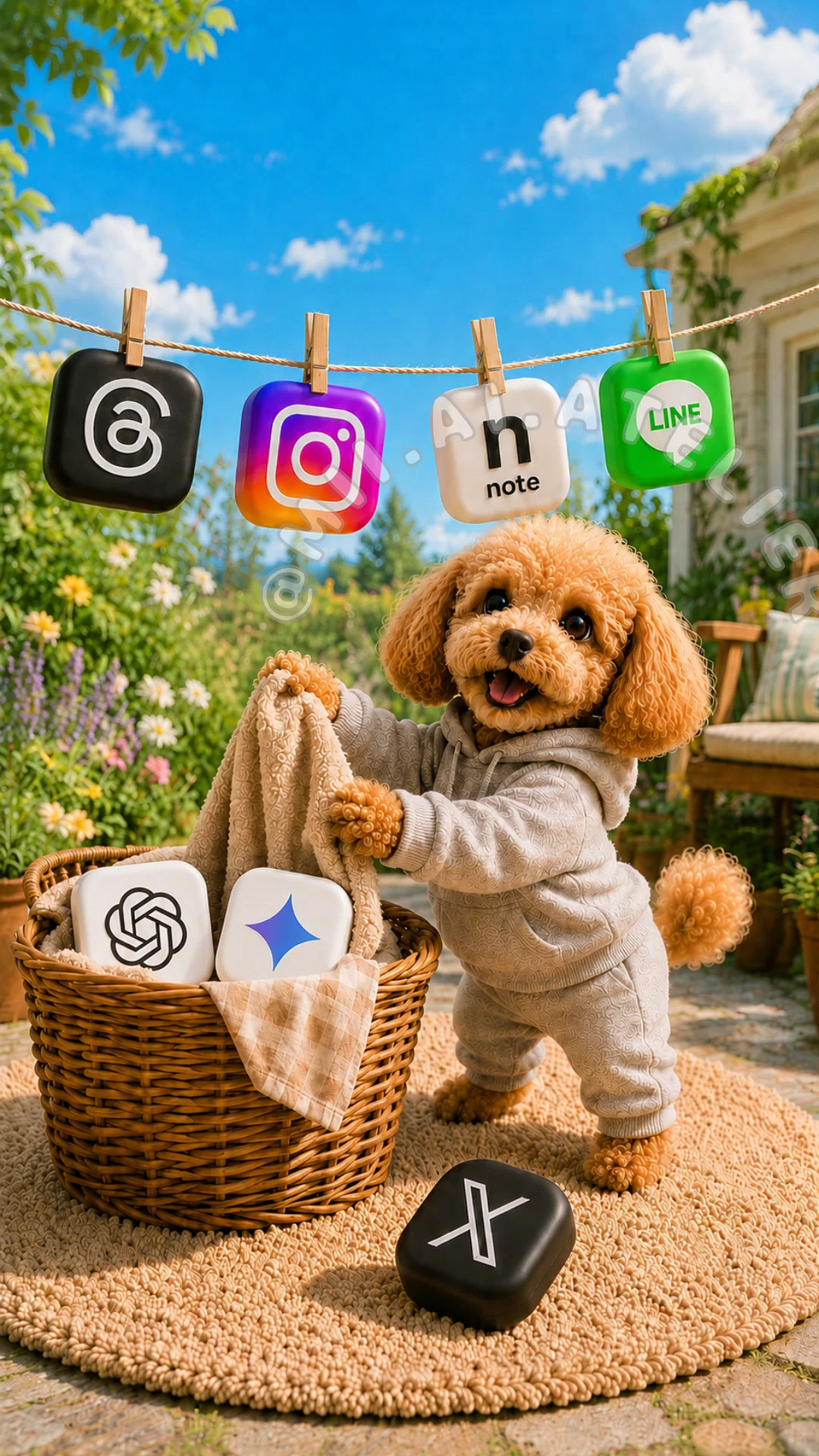
⑤SNSアイコンガーデニング編♪
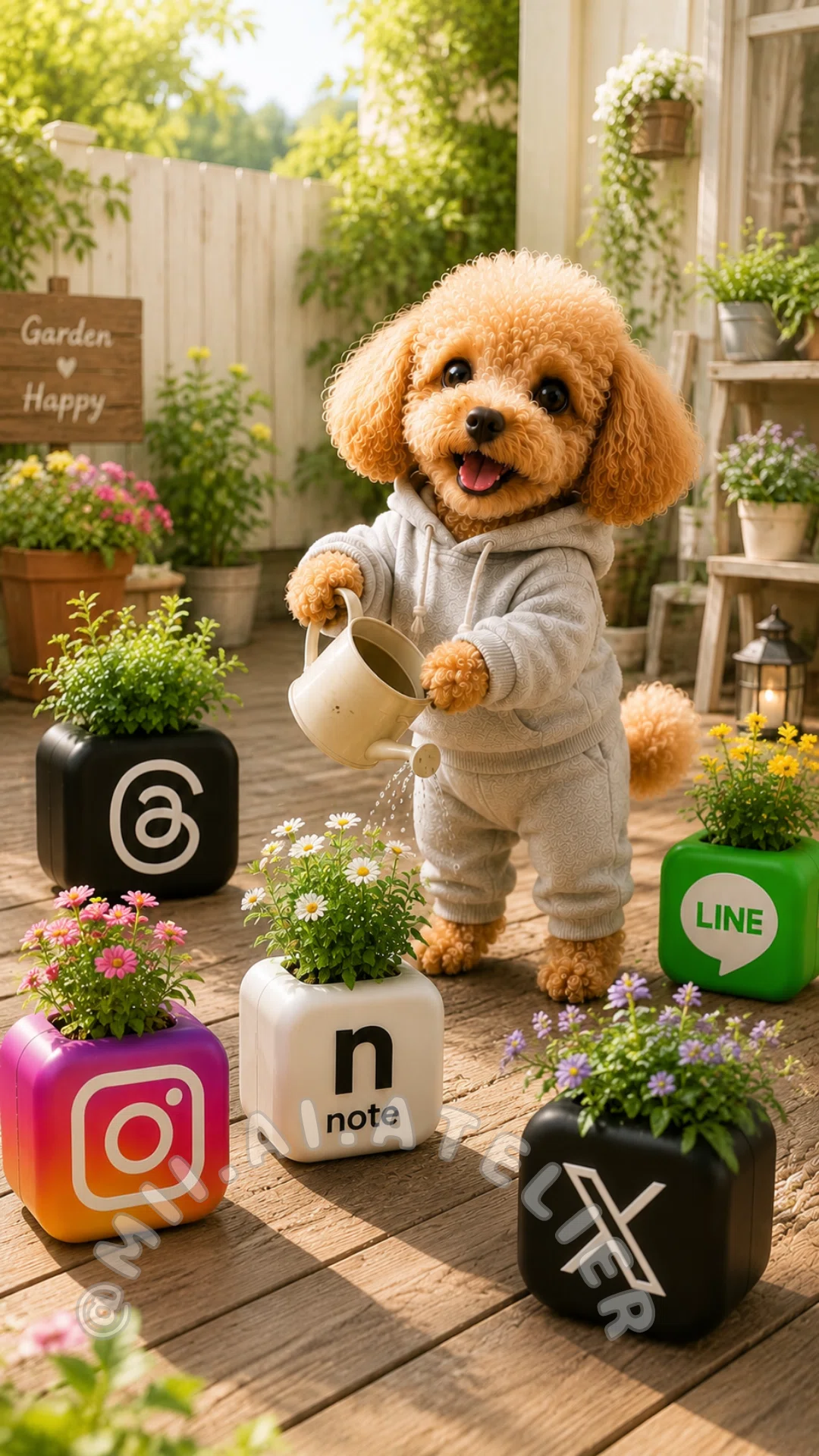
⑥巨大SNSキューブ編
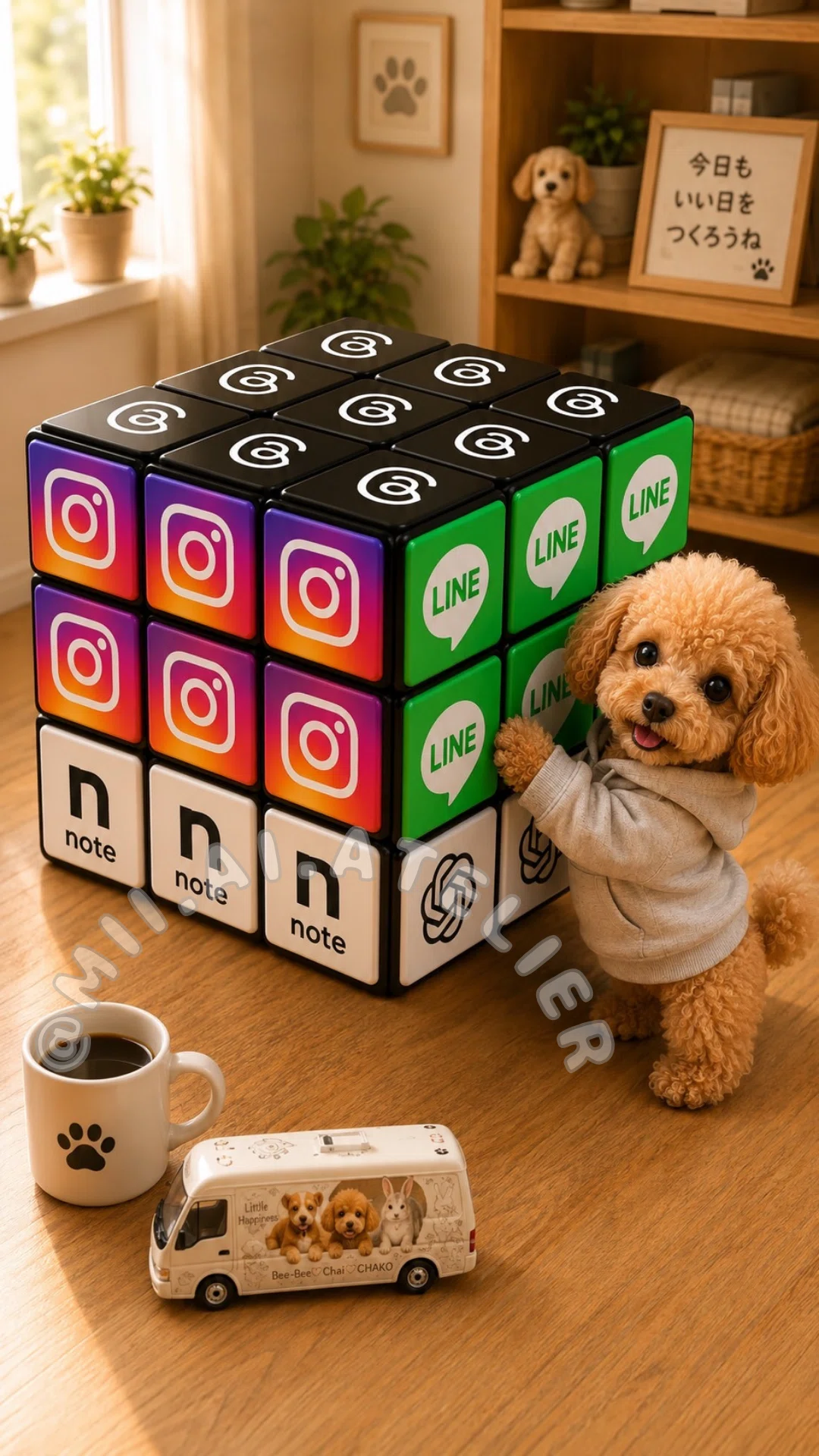
⑦SNSアイコン積み木チャレンジ編
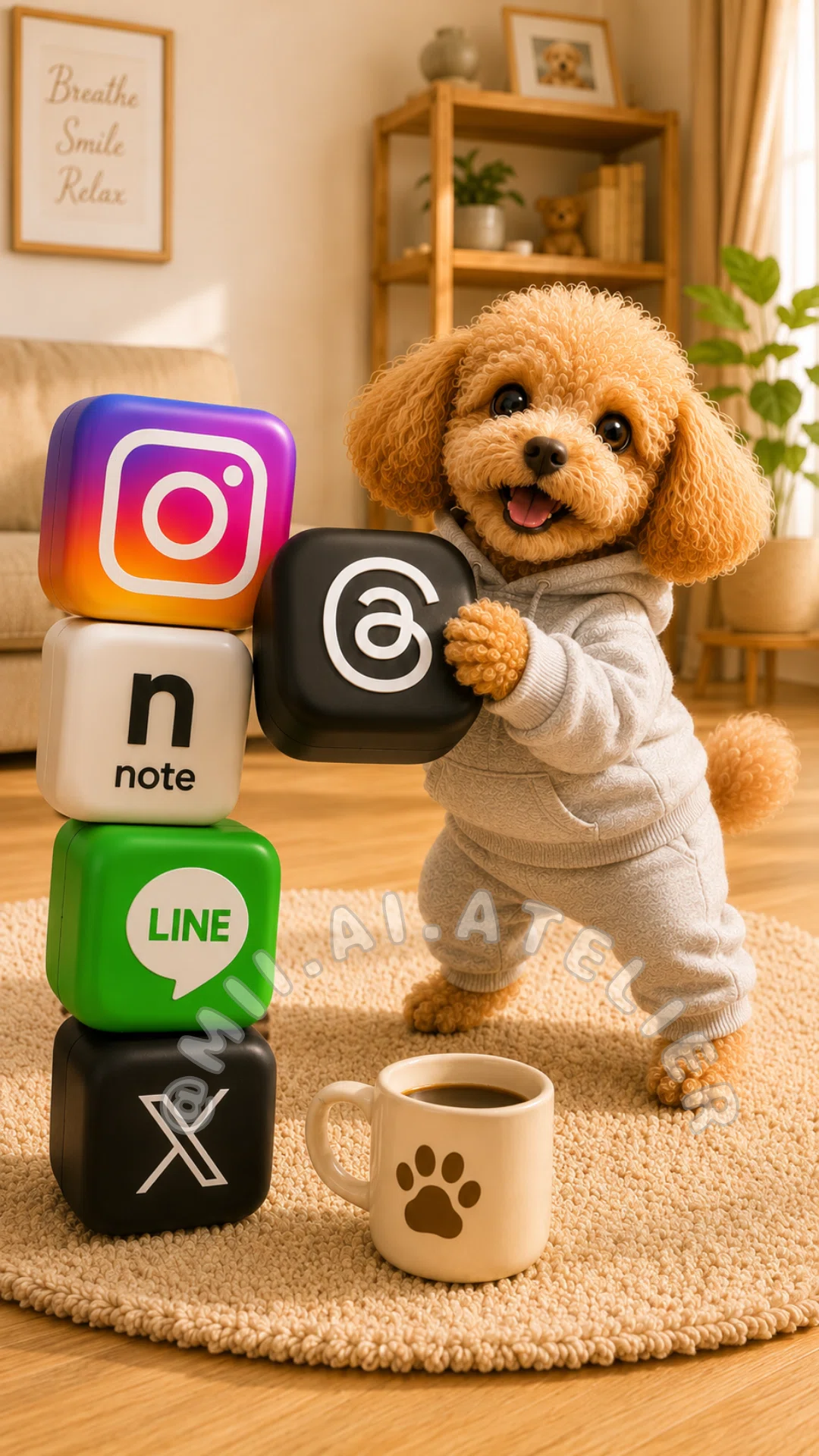
⑧SNSアイコンのお手玉編
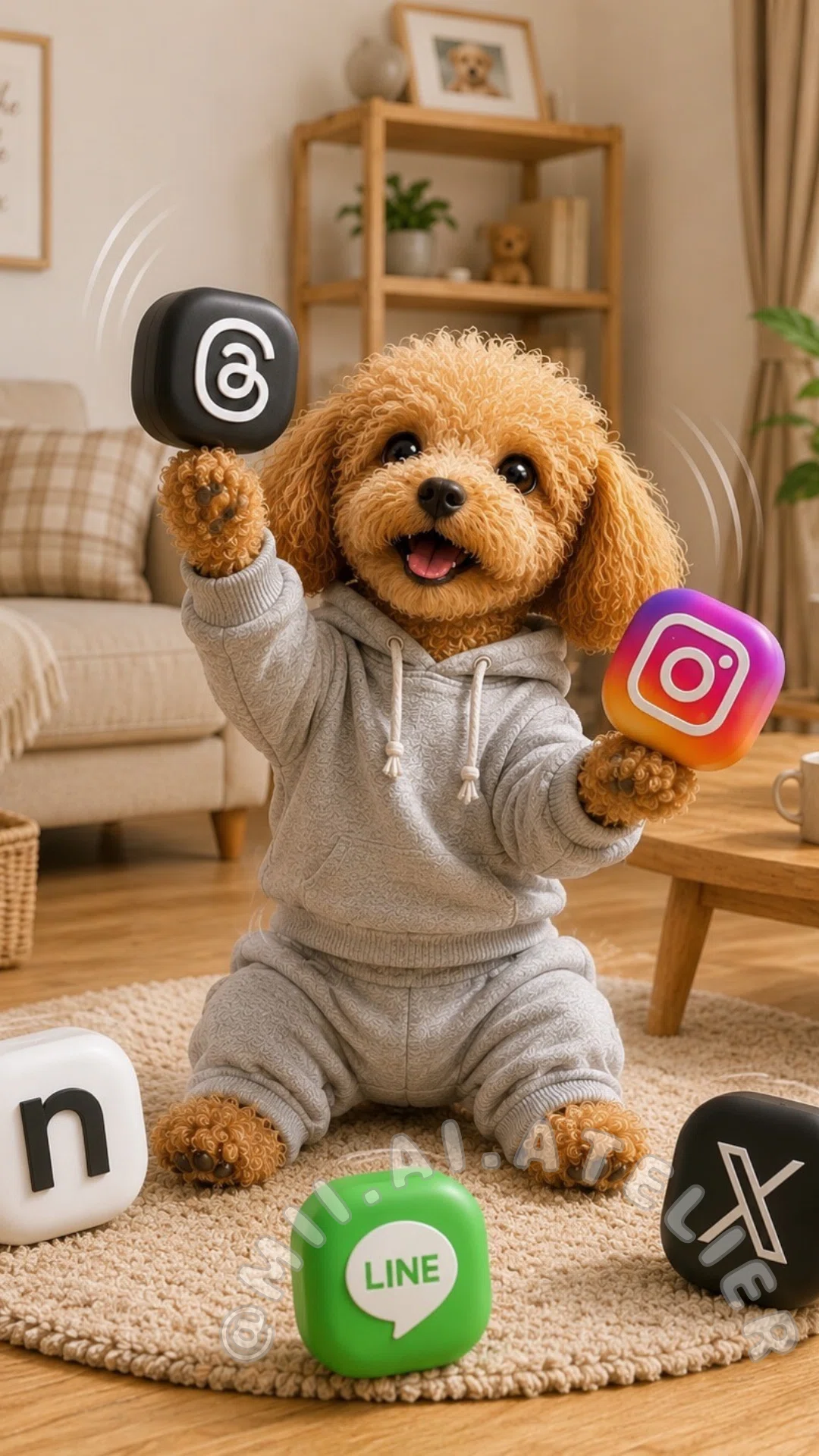
⑨SNSアイコンとバスタイム編
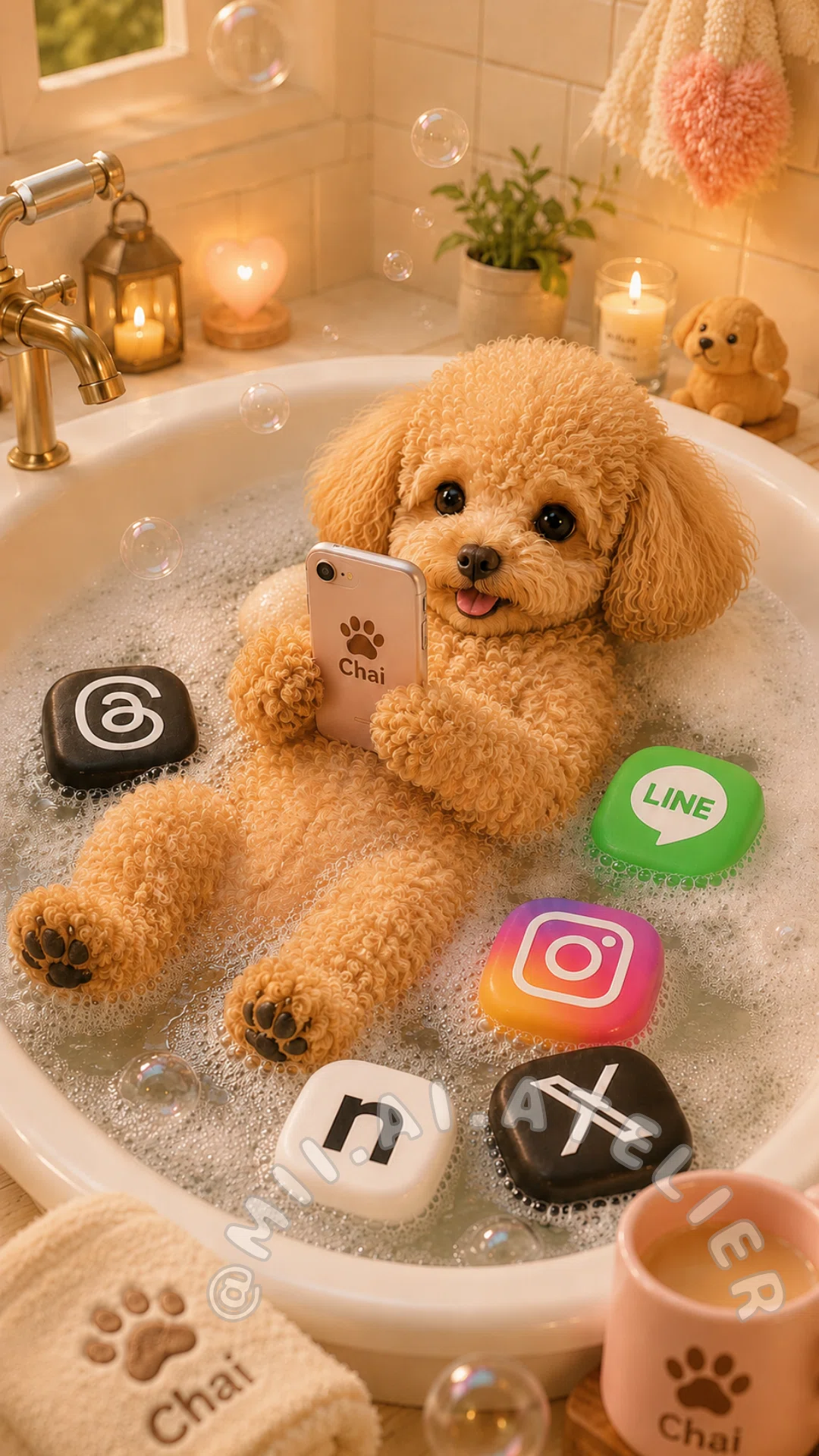
➉SNSマートのレジ編
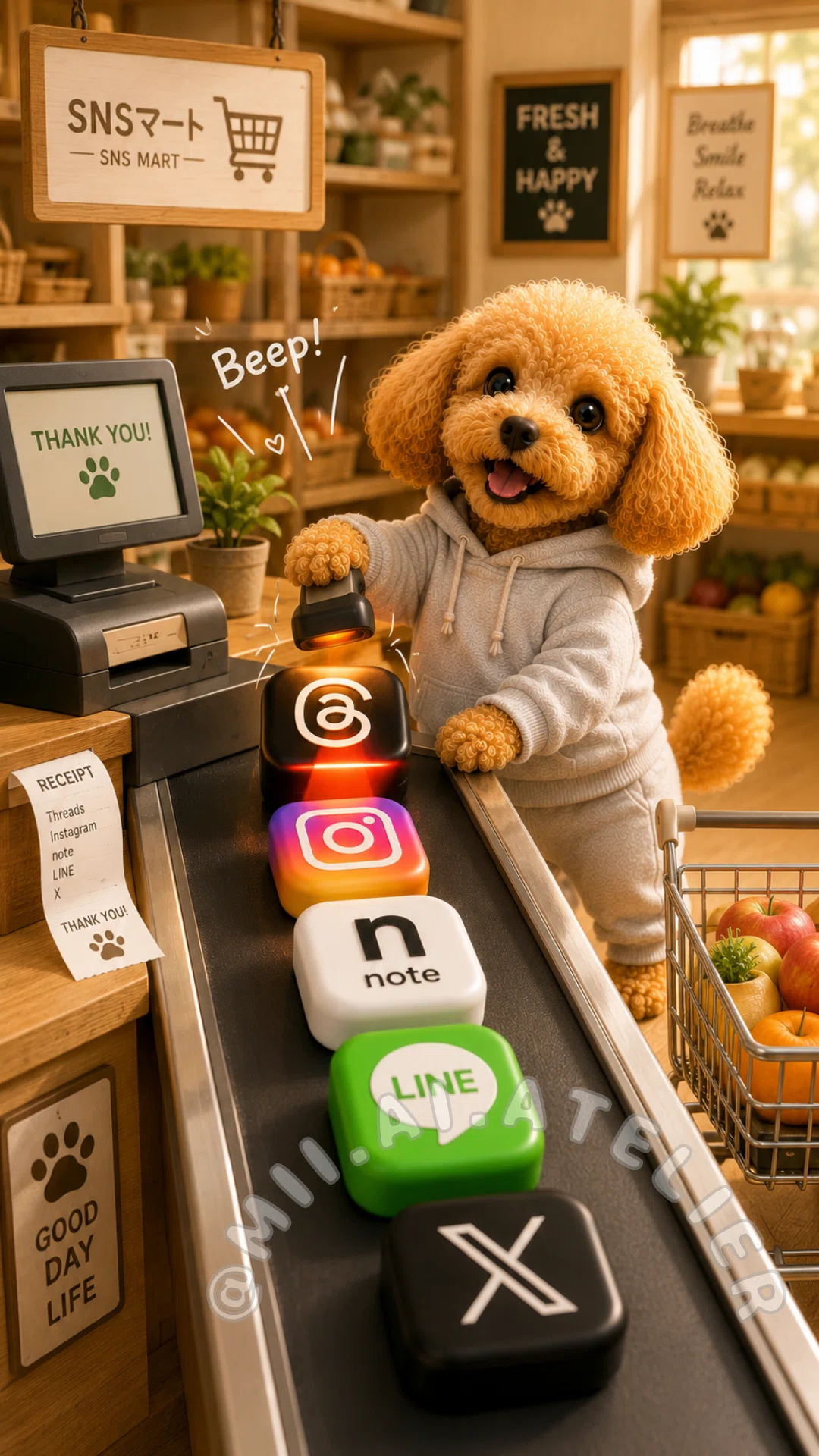
スクショによる画像保存、
被写体を入れ替えて作品を模倣する行為は
ご遠慮ください
👑メンバーシップ限定
動画用プロンプトも、2種掲載しています。
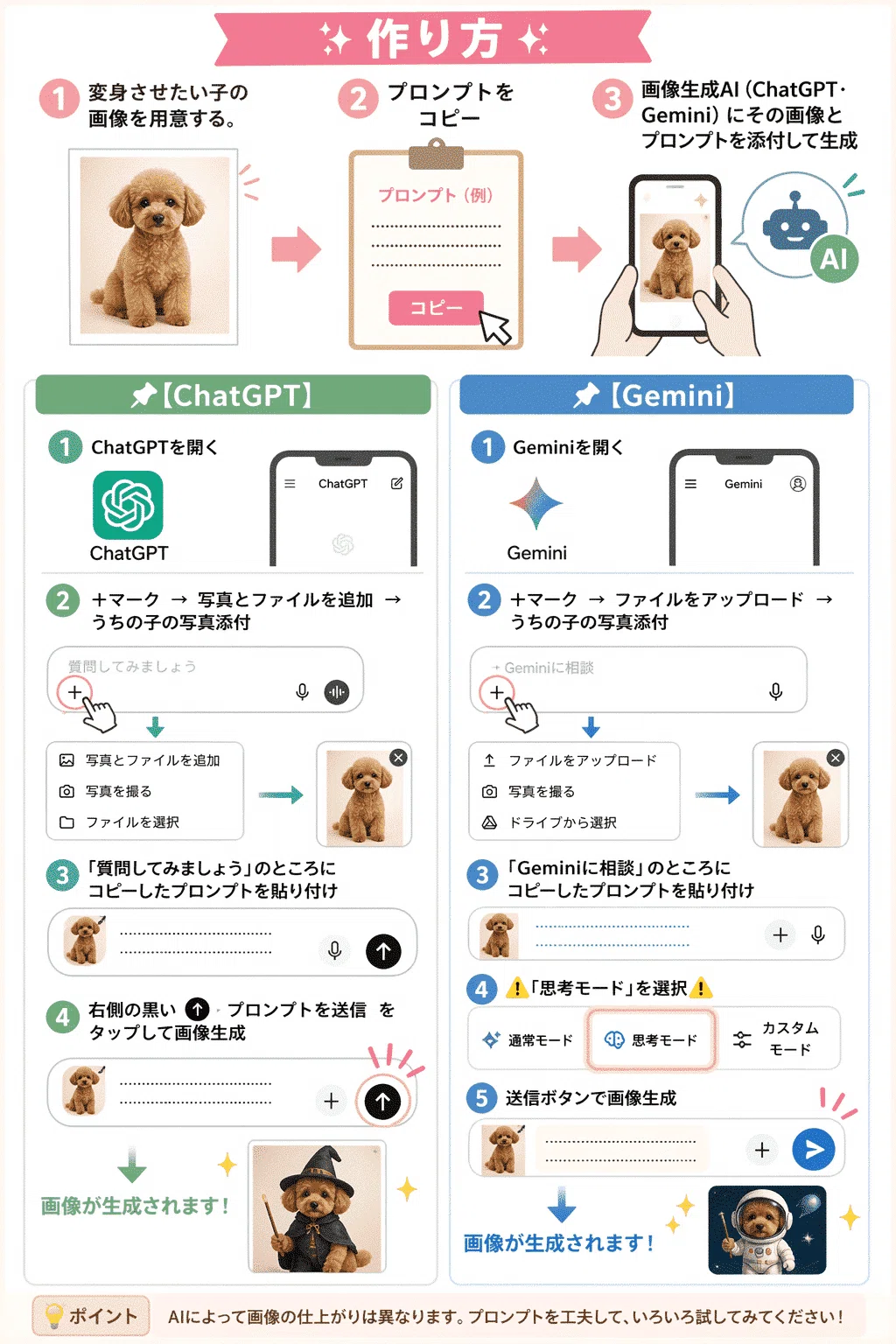
💫作り方
①可愛いうちの子画像を用意します。
②使いたいプロンプトをコピーします。
③画像生成AIに、うちの子画像とプロンプトを添付して作成します。
AI画像初心者さんにも使いやすいように、そのままコピーして使える形にしています。
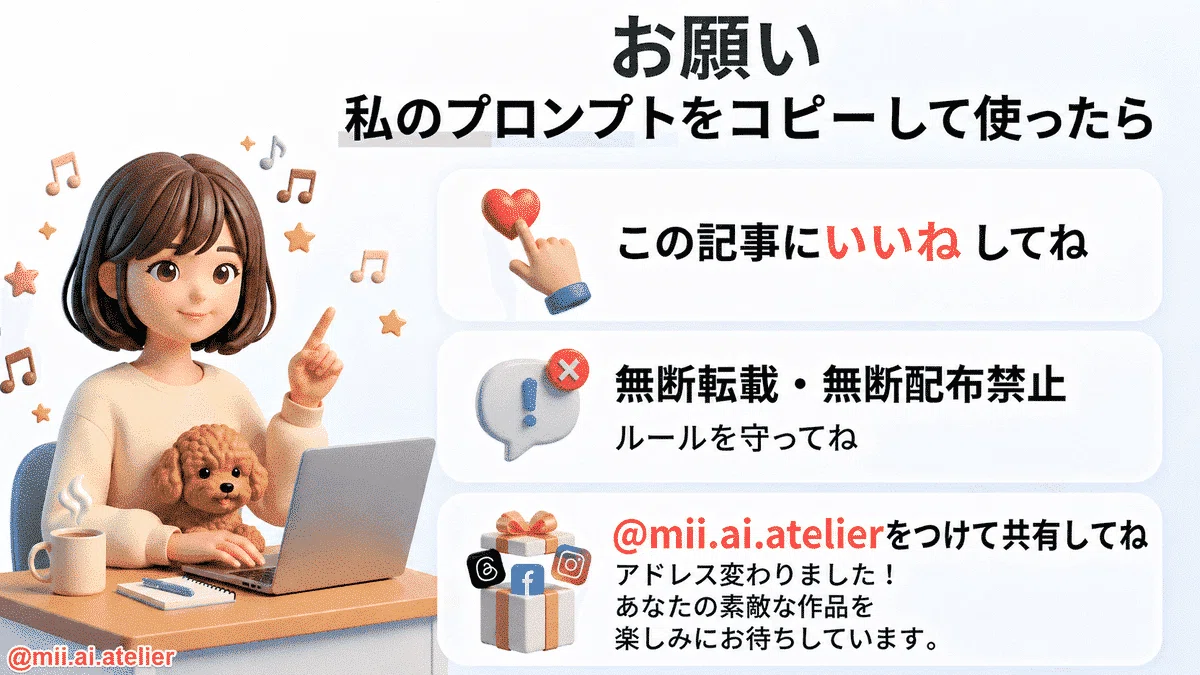
❤️作品を投稿してくださる皆さまへ
アカウント名が変わりました。
私のプロンプトを使って作った作品をSNSへ投稿する場合は、
@mii.ai.atelierを付けて共有していただけますよう、よろしくお願いいたします。皆さまの作品を見せていただけることを、楽しみにしています♪
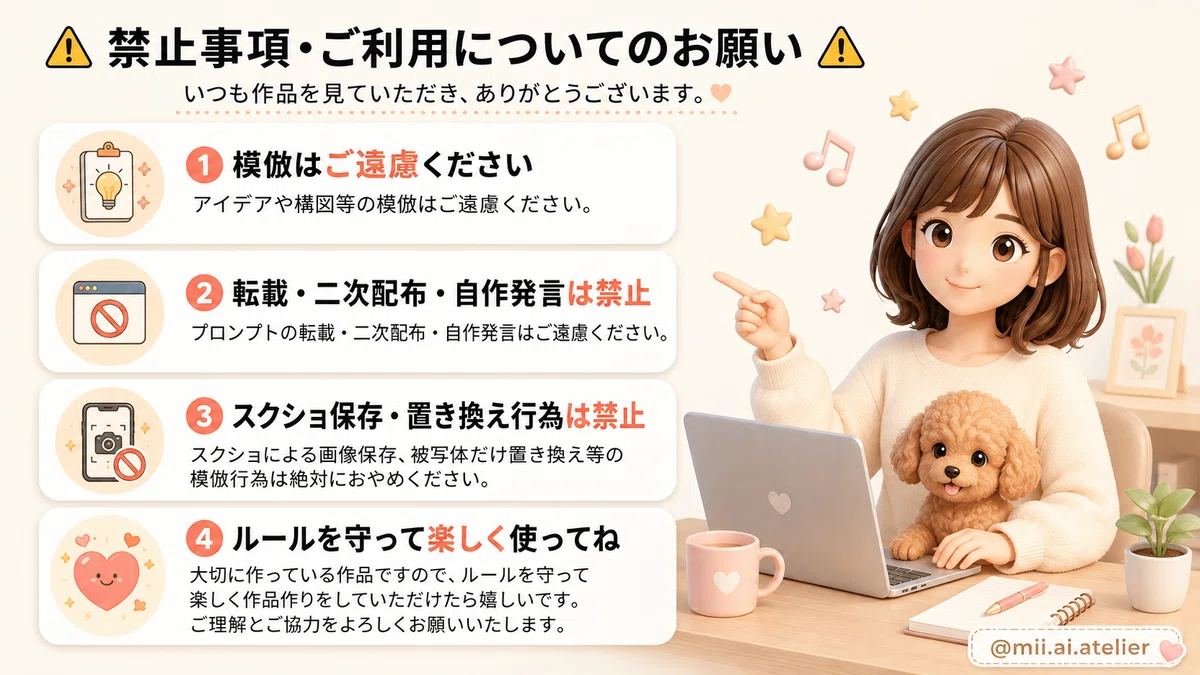
⚠️禁止事項・ご利用についてのお願い⚠️
アイデアや構図等の模倣、
プロンプトの転載・二次配布・自作発言はご遠慮ください。
スクショによる画像保存、被写体を入れ替えて作品を模倣する行為はおやめいただけますよう ご理解とご協力をよろしくお願いいたします。
では早速作ってみましょう~♪

💫掲載しているプロンプトについて
この記事に掲載している画像プロンプトは、1~3匹に対応しています。
また、基本の衣装はライトグレーのジャージにしています。
衣装を変更したい場合は、各プロンプトの一番上にある、
[OUTFIT CHANGE — OPTIONAL]
Outfit: ______________________________
こちらの欄へ、希望する衣装を入力してください。
日本語でも英語でも大丈夫です。
例:チェックのエプロン、デニムのオーバーオール等
衣装変更欄を空欄にした場合は、ライトグレーのジャージを着用します。
🎁無料プロンプト・2種
①SNSマートでお買い物編🎁
黒い画面右上のマークでプロンプトをコピーして作ってね
[OUTFIT CHANGE — OPTIONAL] Outfit: ______________________________ Enter the outfit you would like the subject or subjects to wear. You may write the outfit in English or Japanese. If this field is left blank, dress every subject in matching light-gray tracksuits consisting of a comfortable sweatshirt-style or track-jacket-style top and matching jogger-style track pants. Adapt the clothing naturally to each subject’s original anatomy, body shape, size, and proportions. When two or three subjects are visible, dress all subjects in matching outfits unless different outfits are clearly requested in this field. Do not add human shoes unless specifically requested. --- [REFERENCE IMAGE] Upload one reference image containing 1–3 clearly visible individual subjects. Use the uploaded image as the only subject reference. --- [TASK] Create a high-resolution vertical 9:16 image set inside a cute specialty supermarket called “SNSマート”. Design a warm, charming shop with wooden product shelves, light wood flooring, woven baskets, green plants, and soft golden sunlight. Place a large wooden sign above the main product shelf displaying: SNSマート SNS MART Fill the shelves with neatly organized, glossy, three-dimensional social media app-icon blocks. Create separate product sections for: - Threads - Instagram - note - LINE - X Repeated products are intentionally allowed on the store shelves. Each product section must contain several matching copies of the same app-icon block. Add a small shelf label beneath each section showing the correct app name. Place the uploaded subject or subjects beside a small metal shopping cart. Follow the instructions written in the [OUTFIT CHANGE — OPTIONAL] field. If the outfit field is blank, dress every subject in a clearly visible matching light-gray tracksuit. When there is one subject, let it gently push the shopping cart with one natural front limb and hold one Threads icon block with another natural front limb. When there are two subjects, let one subject push the cart while the other chooses an app-icon product from the shelf. When there are three subjects, let one subject push the cart, one choose an app-icon product, and one happily watch or help beside the cart. Keep every subject’s face clearly visible. --- [SUBJECT RULES] First, accurately determine how many individual subjects are visible in the uploaded reference image. Support 1–3 subjects and recreate exactly the same number. Do not add, remove, duplicate, merge, replace, swap, or transform any subject into a different individual. Do not assume any subject’s species, breed, gender, age, or body type. Faithfully preserve each subject’s: - identity - facial structure - facial proportions - eyes - nose - mouth - ears - colors - markings - fur, hair, feathers, scales, skin, or original surface texture - body shape - body proportions - size relationship to the other subjects - overall personality and charm Keep every subject clearly recognizable. A gentle storybook-style anthropomorphic standing pose is allowed only when needed for the shopping action. Adapt every pose, action, and item naturally to the original anatomy of each subject. Use only natural paws, limbs, wings, or body parts appropriate to the original subject. Do not create human hands. Do not create human fingers. Do not create extra limbs, duplicated limbs, missing limbs, stretched limbs, twisted joints, or malformed anatomy. Do not hide or heavily alter any subject’s distinctive features. --- [OUTFIT RULES] Follow the outfit entered in the [OUTFIT CHANGE — OPTIONAL] field. If the field is blank, every subject must wear a matching light-gray tracksuit set. The default tracksuit must include: - a light-gray sweatshirt-style or track-jacket-style top - matching light-gray jogger-style track pants - soft, comfortable fabric - a simple, clean design - a naturally fitted shape adapted to the subject’s original anatomy Keep the clothing clearly visible. Do not replace the default tracksuit with jeans, dresses, overalls, formal clothing, costumes, pajamas, uniforms, or unrelated clothing unless specifically requested in the outfit field. Do not create human-shaped arms, shoulders, legs, feet, or body proportions underneath the clothing. --- [SHOPPING CART] Place exactly four different app-icon blocks inside the shopping cart: - Instagram - note - LINE - X The Threads icon must remain in the subject’s natural front limb or immediately beside the subject, ready to be placed inside the cart. Keep all four icons inside the cart clearly visible. Do not hide one icon behind another. Do not overfill the cart. Do not place unrelated products inside the cart. Do not hide any subject behind the shopping cart. Keep the metal frame, handle, basket, and wheels of the cart clearly visible. --- [APP-ICON DESIGN] Every app icon must look like a large, glossy, rounded-square physical product block. The blocks must have softly rounded corners, realistic thickness, subtle reflections, and polished three-dimensional surfaces. The Threads icon must have: - a clean black background - one centered white Threads symbol - no extra text or marks The Instagram icon must have: - the recognizable pink, orange, purple, and yellow gradient - one centered white camera symbol - no extra text or marks The note icon must have: - a clean white rounded-square block - the lowercase black word “note” centered on the front - simple, clean typography The note icon must display the exact lowercase word: note Do not turn the note logo into a musical-note symbol. Do not replace the note logo with the letter N. Do not replace it with “NOTE”, “Note”, a music symbol, or any unrelated mark. The LINE icon must have: - a bright green background - one centered white speech bubble - the word “LINE” clearly visible inside the speech bubble The X icon must have: - a clean black background - one centered white X symbol - no extra text or marks Keep every logo clean, recognizable, centered, correctly oriented, facing forward, and easy to see. Do not blend different logos onto the same block. Do not place multiple logos on one block. Do not invent unrelated app logos. Do not deform, rotate, mirror, reverse, or crop the logos. --- [STORE SHELVES] Arrange the app-icon products in five clearly separated shelf sections. Each shelf section must contain only one type of app icon. Keep repeated products neatly aligned. Do not randomly mix different app icons within the same shelf section. Keep the shelf labels clean and readable: Threads Instagram note LINE X Do not generate random prices, random letters, or unrelated words. Keep the large “SNSマート / SNS MART” sign visible and correctly written. --- [COMPOSITION] - Vertical 9:16 format - Wide full-store view - Product shelves mainly on the left side - Subject or subjects and shopping cart mainly on the right side - Full-body view of every subject - Keep the store sign fully visible - Keep the shopping cart wheels visible - Keep every subject’s face visible - Keep every outfit clearly visible - Keep the Threads icon visible - Keep all four icons inside the cart visible - Do not crop ears, horns, wings, limbs, paws, tails, clothing, bodies, cart wheels, or icon blocks - Leave a clear walking area around the cart - Keep enough space between the subjects and shelves - Do not overcrowd the image - Do not use a close-up composition - Do not create a zoomed-in portrait - Keep the store detailed, orderly, spacious, and visually balanced --- [STYLE] Use a polished, cute, high-end, three-dimensional photorealistic illustration style. Use warm natural sunlight, soft cinematic shadows, detailed wooden shelves, realistic metal cart textures, glossy product surfaces, realistic fabric textures, and highly detailed subject textures. The finished image should feel cute, humorous, cozy, imaginative, cheerful, and suitable for a smartphone wallpaper. Do not add real people. Do not add extra subjects. Do not add unrelated animals or characters. Do not add unrelated products or logos. Do not add watermarks, borders, signatures, captions, or decorative text outside the requested store signs and shelf labels.②SNSアイコンとダンスタイム編🎁
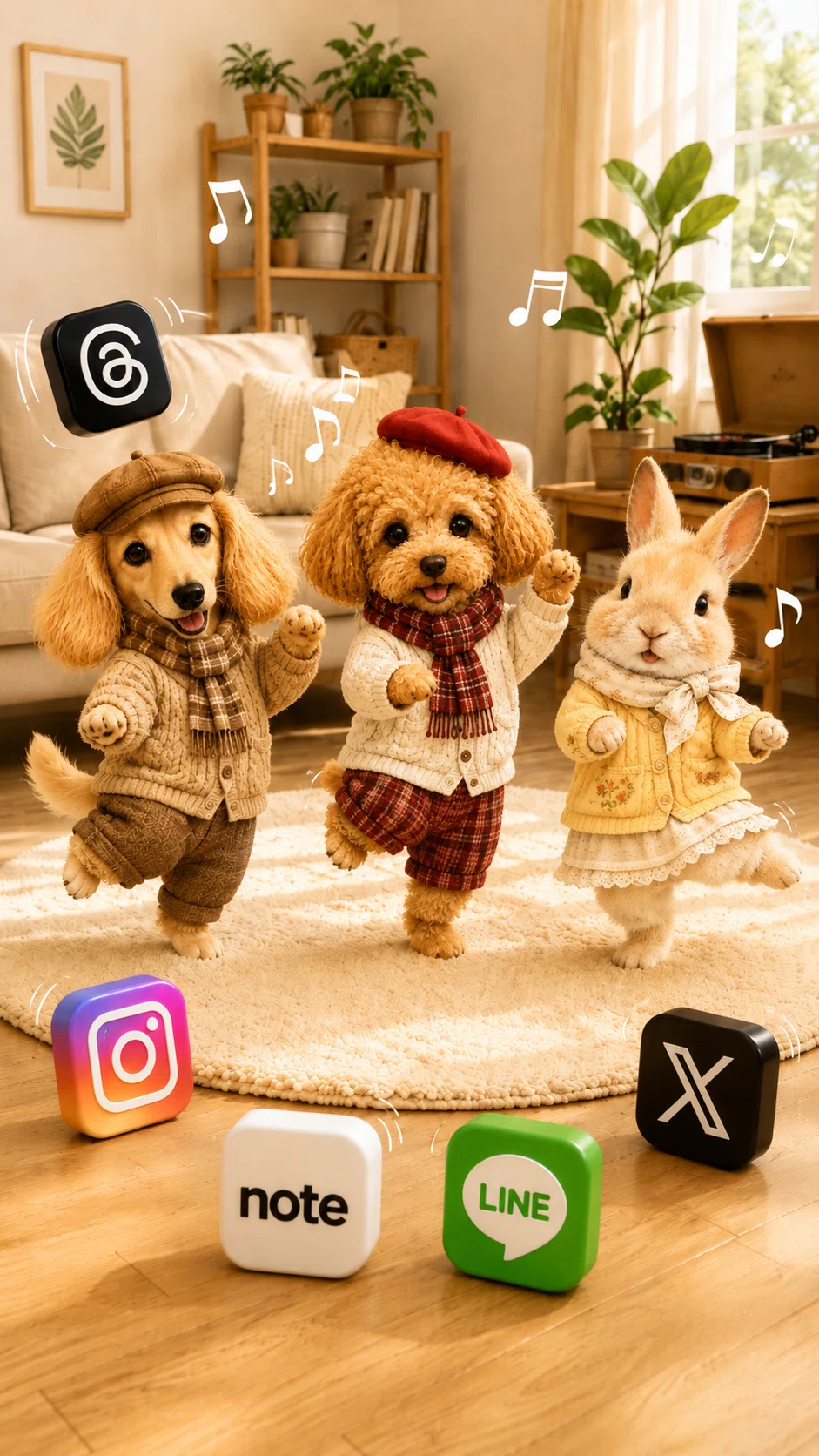
黒い画面右上のマークでプロンプトをコピーして作ってね
[OUTFIT CHANGE — OPTIONAL] Outfit: ______________________________ Enter the outfit you would like the subject or subjects to wear. You may write the outfit in English or Japanese. If this field is left blank, dress every subject in matching light-gray tracksuits consisting of a comfortable sweatshirt-style or track-jacket-style top and matching jogger-style track pants. Adapt the clothing naturally to each subject’s original anatomy, body shape, size, and proportions. When two or three subjects are visible, dress all subjects in matching outfits unless different outfits are clearly requested in this field. Do not add human shoes unless specifically requested. --- [REFERENCE IMAGE] Upload one reference image containing 1–3 clearly visible individual subjects. Use the uploaded image as the only subject reference. --- [TASK] Create a high-resolution vertical 9:16 image of the uploaded subject or subjects enjoying a cheerful dance party with large three-dimensional social media app-icon blocks. Set the scene inside a bright, warm, cozy living room filled with soft natural daylight. Include: - a light wood floor - a round cream-colored rug - a beige sofa - a wooden shelf - green houseplants - a small wooden table - a vintage record player - a warm cream-and-wood color palette Follow the instructions written in the [OUTFIT CHANGE — OPTIONAL] field. If the outfit field is blank, dress every subject in a clearly visible matching light-gray tracksuit. Place the subject or subjects in joyful dancing poses with cheerful, natural expressions. When there is one subject, place it in the center of the round cream rug. Let it raise one natural front limb and lift one lower limb slightly in a playful dance pose adapted naturally to its original anatomy. When there are two subjects, arrange them side by side in balanced, slightly different dance poses. When there are three subjects, arrange them as a balanced group, with every subject performing a slightly different cheerful dance movement. Keep every subject’s face clearly visible. --- [SUBJECT RULES] First, accurately determine how many individual subjects are visible in the uploaded reference image. Support 1–3 subjects and recreate exactly the same number. Do not add, remove, duplicate, merge, replace, swap, or transform any subject into a different individual. Do not assume any subject’s species, breed, gender, age, or body type. Faithfully preserve each subject’s: - identity - facial structure - facial proportions - eyes - nose - mouth - ears - colors - markings - fur, hair, feathers, scales, skin, or original surface texture - body shape - body proportions - size relationship to the other subjects - overall personality and charm Keep every subject clearly recognizable. A gentle storybook-style anthropomorphic standing or dancing pose is allowed only for the requested dance action. Adapt every pose and movement naturally to the original anatomy of each subject. Use only natural paws, limbs, wings, or body parts appropriate to the original subject. Do not create human hands. Do not create human fingers. Do not create human feet. Do not create extra limbs, duplicated limbs, missing limbs, stretched limbs, twisted joints, or malformed anatomy. Do not hide or heavily alter any subject’s distinctive features. --- [OUTFIT RULES] Follow the outfit entered in the [OUTFIT CHANGE — OPTIONAL] field. If the field is blank, every subject must wear a matching light-gray tracksuit set. The default tracksuit must include: - a light-gray sweatshirt-style or track-jacket-style top - matching light-gray jogger-style track pants - soft, comfortable fabric - a simple, clean design - a naturally fitted shape adapted to the subject’s original anatomy Keep the full tracksuit clearly visible. Do not replace the default tracksuit with jeans, dresses, overalls, formal clothing, costumes, pajamas, uniforms, or unrelated clothing unless specifically requested in the outfit field. Do not add human shoes unless specifically requested. Do not create human-shaped arms, shoulders, legs, feet, or body proportions underneath the clothing. --- [SNS ICONS] Create exactly five separate, large, glossy, three-dimensional rounded-square social media app-icon blocks: - Threads - Instagram - note - LINE - X Create only one block for each app. Do not duplicate any app icon. Place the Threads icon block floating or gently bouncing beside the dancing subject or subjects. Add a few simple curved motion lines around the Threads block to suggest a gentle bouncing movement. Place the Instagram, note, LINE, and X icon blocks separately around the cream rug. Arrange all five icon blocks so that every logo remains clearly visible. Do not stack the icon blocks. Do not merge the icon blocks. Do not overlap the icon blocks heavily. Do not place one icon directly behind another. Do not place an icon in front of a subject’s face. The icon blocks must look like soft, polished, rounded toy objects physically present in the room. Do not display them as flat digital overlays, phone screens, stickers, posters, signs, or floating two-dimensional graphics. --- [APP-ICON DESIGN] The Threads icon must have: - a clean black background - one centered white Threads symbol - no extra text or marks The Instagram icon must have: - the recognizable pink, orange, purple, and yellow gradient - one centered white camera symbol - no extra text or marks The note icon must have: - a clean white rounded-square block - the lowercase black word “note” centered on the front - simple, clean typography The note icon must display the exact lowercase word: note Do not turn the note logo into a musical-note symbol. Do not replace the note logo with the letter N. Do not replace it with “NOTE”, “Note”, a music symbol, or any unrelated mark. The LINE icon must have: - a bright green background - one centered white speech bubble - the word “LINE” clearly visible inside the speech bubble The X icon must have: - a clean black background - one centered white X symbol - no extra text or marks Keep every logo clean, recognizable, centered, correctly oriented, facing forward, and easy to see. Do not blend different logos onto the same block. Do not place multiple logos on one block. Do not invent unrelated app logos. Do not deform, rotate, mirror, reverse, or crop the logos. --- [MOVEMENT DETAILS] Use gentle, cheerful dance poses rather than extreme or acrobatic movements. Keep every subject balanced and anatomically natural. Add a small number of simple curved motion lines around the dancing subjects and the floating Threads icon. Do not add musical-note symbols, because they may be confused with the note app logo. Use motion lines only. Do not add confetti that covers the subjects or app icons. Do not create intense jumping, spinning, flipping, or impossible poses. --- [COMPOSITION] - Vertical 9:16 format - Wide full-room view - Full-body view of every subject - Subject or subjects centered on the round cream rug - Five separate app-icon blocks visible inside the frame - Threads icon gently floating beside the subjects - Instagram, note, LINE, and X positioned separately around the rug - Keep every face visible - Keep every outfit clearly visible - Do not crop ears, horns, wings, limbs, paws, tails, clothing, bodies, or icon blocks - Keep enough space around every subject - Keep enough space between all five icons - Do not cover the record player, sofa, or entire background with icons - Keep the living room bright, spacious, uncluttered, and visually balanced - Do not use a close-up composition - Do not create a zoomed-in portrait --- [STYLE] Use a polished, cute, high-end, three-dimensional photorealistic illustration style. Use warm natural sunlight, soft cinematic shadows, detailed room textures, realistic fabric textures, glossy app-icon surfaces, cheerful expressions, and a cozy cream-and-wood color palette. The finished image should feel playful, happy, lively, adorable, imaginative, and suitable for a smartphone wallpaper. Do not add real people. Do not add extra subjects. Do not add unrelated animals or characters. Do not add unrelated logos. Do not add random text. Do not add watermarks, borders, signatures, captions, or subtitles.
SNSマートでお買い物をしたり、SNSアイコンと一緒に踊ったり。
同じSNSアイコンでも、シーンを変えると、違う作品を楽しめます♪
ぜひ、皆さまの可愛いうちの子でも作ってみてくださいね。
ここまでは、無料でお楽しみいただける画像プロンプト2種をご紹介しました。
ここから先は、無料プロンプトとはまた違った、少しシュールで可愛い8つのシーンを楽しめます。
さらに、完成した画像に動きをつけられる、動画プロンプトも2種類掲載しています。
お好きな衣装に変更する場合は、各プロンプトの一番上にある衣装変更欄へ入力してください。
空欄のまま使用すると、全員がおそろいのライトグレーのジャージを着用します。
👑限定プロンプト・8種
③SNSアイコンシャボン玉編👑
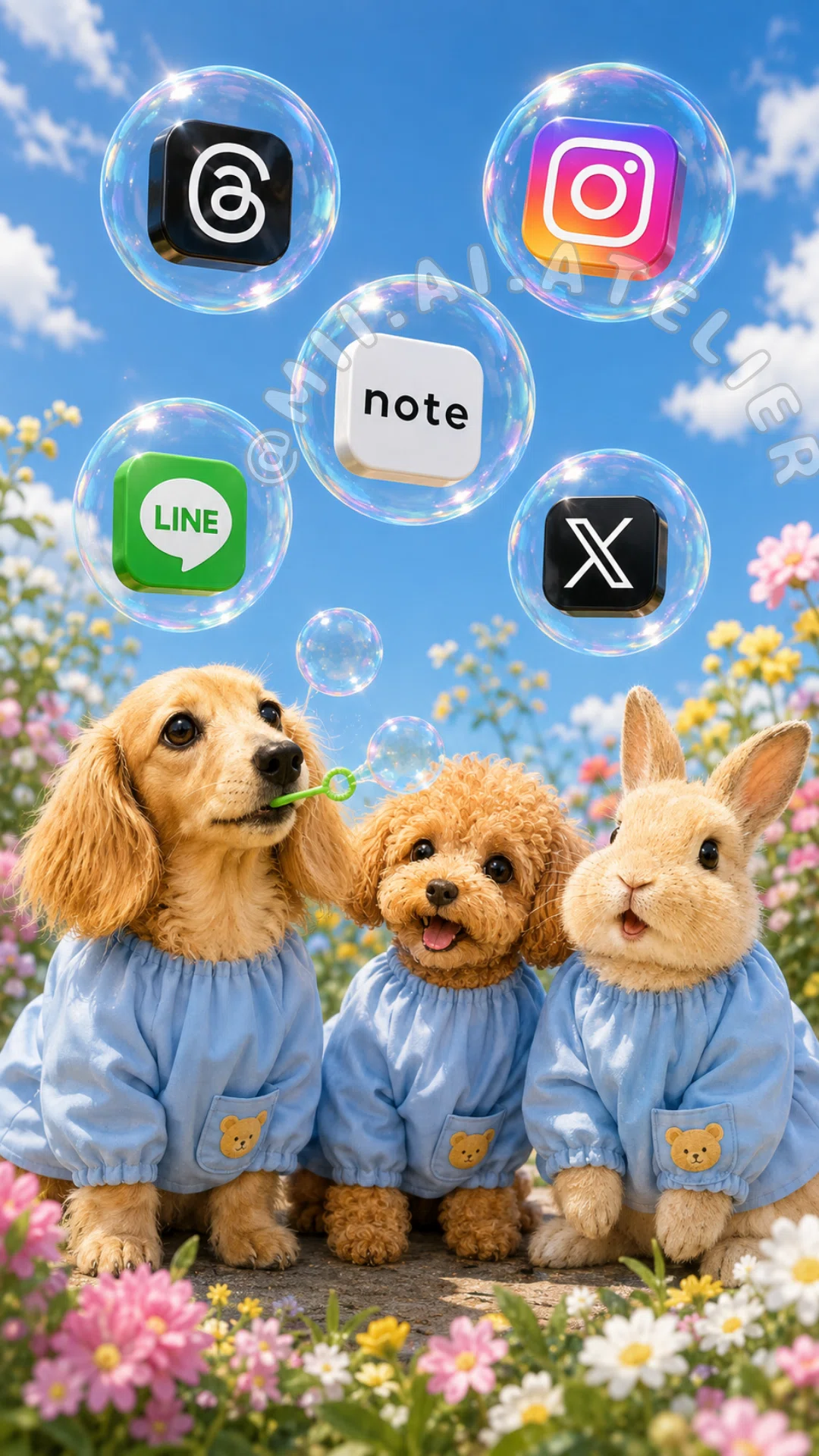
黒い画面右上のマークでプロンプトをコピーして作ってね
ここから先は
ここまで読んでいただきありがとうございます!応援していただけると励みになります。いただいたチップはクリエイターとしての活動費に使わせていただきます。
