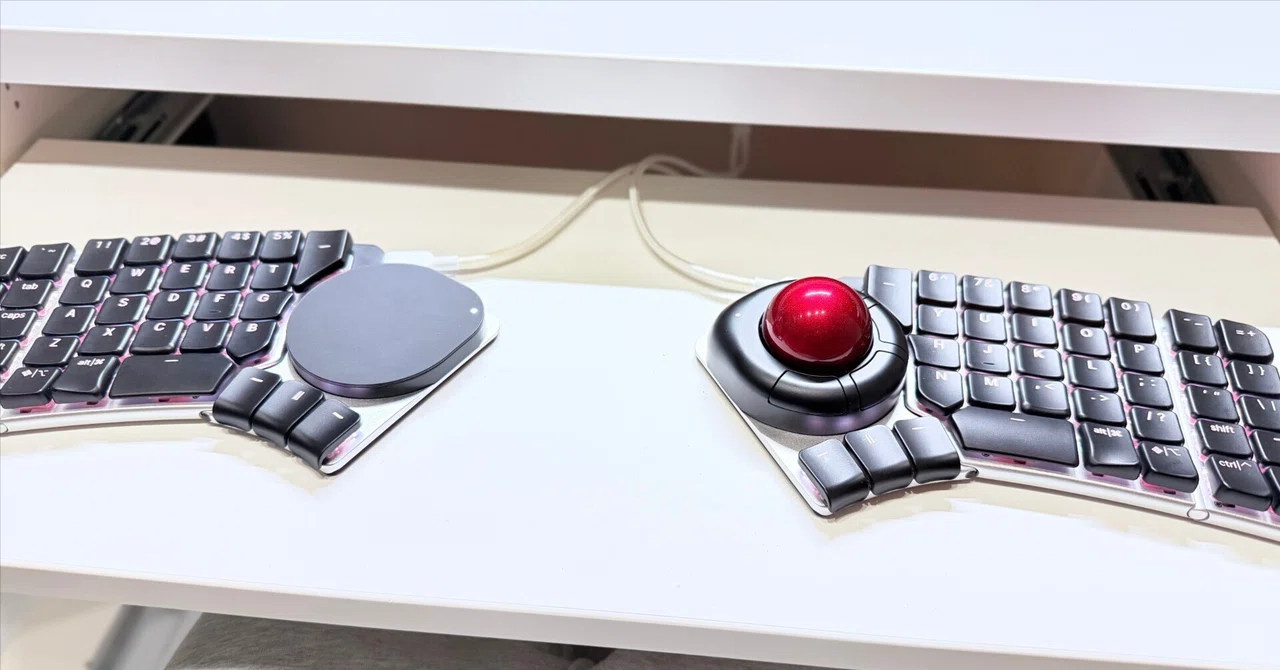
Naya Createが早速壊れた。不具合発生から解決までをまとめます。

お疲れ様です。りょぐ(@ryog_gadgets)です。
だーいぶ前にNayaCreateの記事を書いて数ヶ月経ちましたが、実はあれ以降全然触っていませんでした。
えー、Trackモジュールがうんともすんとも言わなくなったんですね。
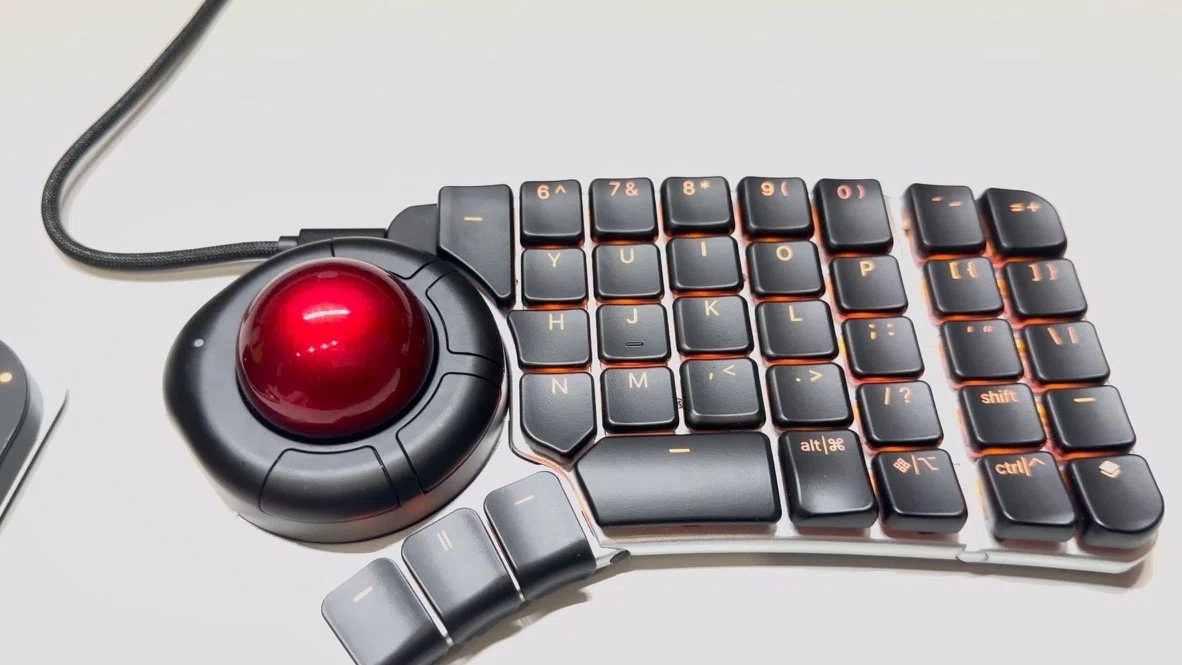
こういう海外系のガジェットはサポートが怖いところでもあると思います。
今回は、実際に僕が体験したNayaCreateの不具合から解決までをまとめます、同じような方の参考になれば幸いです。
⒈ことの発端
まず、前回記事を書いた時点では、問題なく動いていました。
当時ソフト面に難があったものの、キーの押し心地以外で結構満足しており、「これで最小構成できたわw」と浮かれていました。
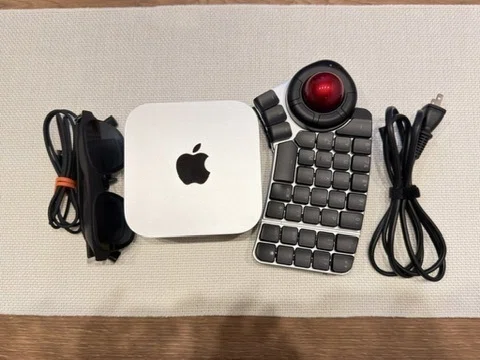
多分、あの記事からNayaCreateをメインに使い出して1週間ほど経ったある日、トラックボールのモジュールのボタンが反応しづらくなっていました。突然です。
「充電なくなってきたのかな?」と思い、充電をしていたんですが、事象は治らず、ついにはLEDもトラックボールもボタンも何も反応しなくなりました。
NayaFlowに接続しても、そもそもモジュール自体が認識されず、強制アップデートや過放電ロック解除手順を実施しても、想定される挙動にはなりませんでした。
ただ、バッテリーは生きていたのかNayaCreateに接続すると無線で使用でき、また、Touchモジュールは生きていたので、使用できないことはありませんでした。
ちなみに、僕の普段の使用環境としては、常時電源接続して、Bluetooth接続して使用している状態。そもそも過放電が起きる状態ではなかったと思うんですが…
2.Discordで情報収集
不具合は起きましたが、別のキーボードも健在ですし、ゆっくり解決すればいいやと思っていたのでまずは情報収集です。
公式のDiscordチャンネルがあるので、そこでいろいろ調べていたんですが、ほとんど英語でやりとりされています。僕は英語がほぼ全くできないので、ChatGPTに助けてもらいながら何とか書いてあることを読んでいました。
また、Xでも、僕より先にNayaCreateをGETして情報発信してらっしゃった方がいましたので、その方の投稿も遡って見ていきました。
情報収集した結果わかったことですが、
致命的な不具合が起きてる人は意外と少ない
LED、ボタン、トラックボールの入力、モジュールの認識ができない個体は調べた感じなかった。
公式が提示している復旧手順はモジュールの認識が前提のため、僕の場合は当てはまらず。
だったので、サポートに連絡して原因を見てもらおうとなりました。
3.サポートに連絡
先ほどのDiscordチャンネルでもサポートへの問い合わせは可能ですが、英語でやりとりする自信がなかったのと、以前配送関連でもメールでサポートとやりとりしていたこともあり、今回もメールで問い合わせることに。
まず送った文章がこちら
Hi
The Naya Create I bought the other day arrived with the module.
I've been using it for a while, but the Track module suddenly became unusable.
So, I would like you to tell me how to respond.
・Usage status
With modules connected to the left and right keyboards, both were connected to the charging cable and used.
・Event
The LED of the track module stopped lighting and stopped moving. However, it is possible to type and enter on the keyboard via Bluetooth, and the LED on the keyboard side is also glowing.
・What I did
I have performed battery recovery multiple times on this page, but it has not improved.
I look forward to working with you.
これを送ったのが2026年2月2日です。そこから一度自動返信が送られてきましたが、そこから1ヶ月の間放置されていました。
十数万したキーボードのサポート体制とは到底思えない所業ですが、海外だと割とあるあるなのかな。リマインドメールを送りました。1ヶ月て結構辛抱したほうじゃない?
Dear Naya Support Team,
I hope this message finds you well.
I am writing to follow up on my previous inquiry sent on February 2 regarding an issue with my Naya Create Track module. I have not yet received a response, so I wanted to kindly check whether my request has been reviewed.
For your reference, the issue is that the Track module suddenly stopped working — the LED no longer turns on and the module does not respond, although the keyboard itself still functions normally via Bluetooth. I have already attempted the battery recovery steps multiple times as described on your support page, but the issue persists.
I understand that you may be experiencing a high volume of inquiries, but I would greatly appreciate any update you can provide regarding this matter.
Thank you very much for your time and support. I look forward to your reply.
Best regards,
割とバチギレです。こういう時AIに英語でメールを作成してもらうのが便利でしたね。「ちょっとキレ気味で」みたいなオーダーにも答えてくれています。
すると、その日のうちに返信が来ました。自動返信ではなくアレキサンドロスからです。
Hi
Thank you for reaching out to Naya Technical Support, and please accept our apologies for the delayed reply. We are currently experiencing a higher-than-usual volume of inquiries, but we truly appreciate your patience while we work through each case as carefully and efficiently as possible.
We’re very sorry to hear that your Track Module is unresponsive. We understand how frustrating that must be, especially when it does not power on in either half of your Naya Create. This is certainly not the experience we want for you, and we will do our best to help you resolve it.
To begin, could you please share the following information with us:
-The model of your computer and its operating system
-The Software Version of your Naya Flow
-The Firmware Versions of your Naya Create and your Track Module
-The date you received your Naya Create and your order number
-The serial number of your Track Module
Since the Track Module appears unresponsive on both halves and the LED remains OFF whether wired or wireless, we would also like you to proceed with the troubleshooting steps below. Please record short demonstration videos while performing them so we can review the exact behavior.
Step 1 – Battery Recovery
Dock the Track Module onto the left half of your Naya Create.
Connect the left half to a wall power outlet using a USB-C charger and turn it ON.
Initiate the battery recovery process. You may stop the recording once the LEDs on the Naya Create turn OFF, indicating recovery has started.
Please leave the module in recovery overnight. The next morning, attempt to use it and check whether the issue persists.
Step 2 – Force Update
If the module remains unresponsive, dock it again onto the left half.
Connect the half directly to your computer using a reputable USB-C cable and turn it ON.
Open Naya Flow → Hardware Manager → Force Update and select your Track Module.
Follow the on-screen instructions to initiate the update (you may stop recording once the process begins).
After the update completes, test the module again.
Step 3 – Confirmation Video
If the issue still persists, please record a short video clearly showing that the module remains unresponsive in both halves, both when connected via cable and when attempting wireless use.
If these steps do not resolve the issue, please send us the requested information along with the videos. This will allow us to escalate your case with complete documentation and move forward with the appropriate next steps as quickly as possible.
Thank you very much for your cooperation and patience. We truly appreciate your collaboration, and we are committed to helping you find a solution.
Best regards,
Alexandros | Senior Customer Support Specialist
要約すると、
PCやNaya Flow、ファームウェア、注文情報、シリアル番号を送ってほしい
バッテリーリカバリーを一晩試してほしい
だめなら Force Update を試してほしい
それでもだめなら、左右どちらでも動かない様子を動画で送ってほしい
ということでした。
1に関してはまあ基本情報なので登録するとして、2以降は試したんだけどなぁという気持ちで再度実施しました。
動画を撮れと来たんですが、メールで動画送るのには容量の問題もあるんですよね、特に何も考えずにiPhoneで撮って送ろうと思ったら容量オーバーで送れませんでした。
結局解像度を下げて撮り直し、送ることができました。
ただ、動画を送った後は2日くらいで、「交換が必要」との返事をいただいたので、住所やら注文番号やらを送って、新しいモジュールを送ってもらうことになりました。
一旦は待ちです。
ただ、このNayaCreate、購入してから届くまでに僕の場合だと10ヶ月かかってるんですよね。まただいぶ待たされるんだろうなぁ、と、一旦はNayaCreateを使うことを諦めて、Nomu30の練習に勤しんだわけです。
4.事象から2ヶ月…ようやく届いた
サポートとのやりとりが終了したのが3月4日だったので、それからまた1ヶ月ほど待つ羽目になりました。
4月4日に中国から荷物が届き、中には新しいTrackモジュールが入っていました。
これでまたNaya Createが完全な状態で使えるようになりました。
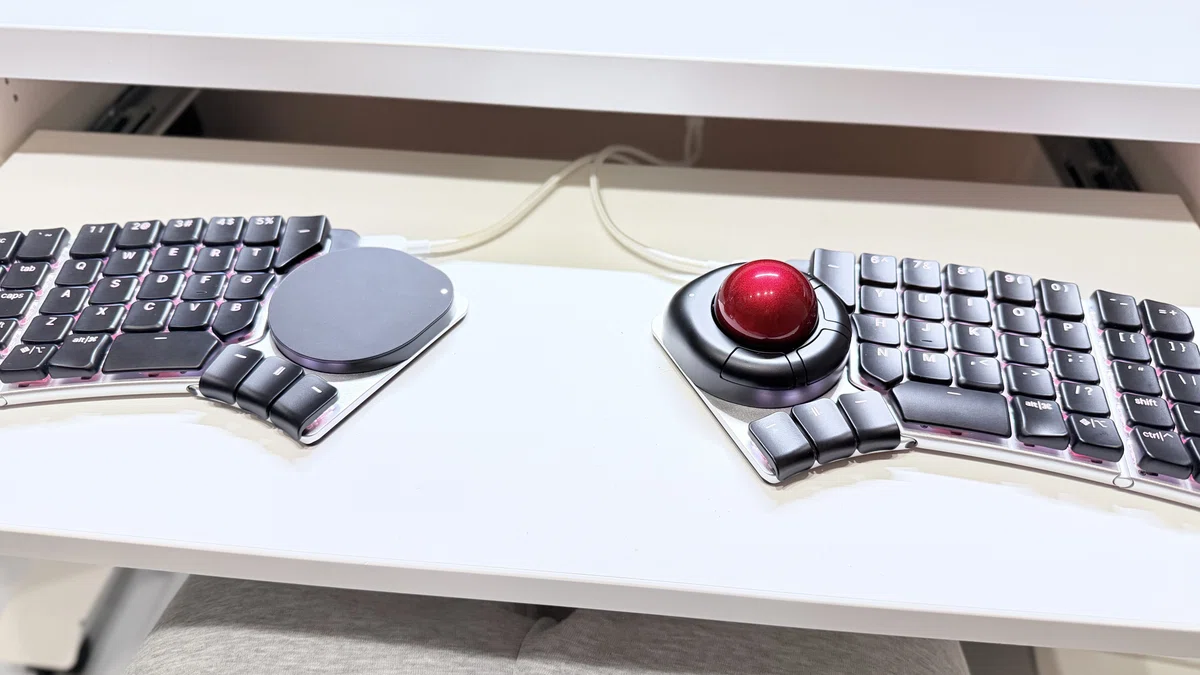
この期間、全然触ってなかったのでキー配置にまた慣れる修行が始まります。Nomu30に慣れたばっかだったのに。
5.今後やること
さて、一旦この十数万円するキーボードは使用できる状態になりました。これを本格的に使用していく上で、キー設定を新たに見直します。デフォルトだとちょっと使いづらいですし。
そして、この壊れたモジュール。
もう使用しなくなりましたし、返還指示もないので、こっちで処分でしょうから、これを機に分解して中身を見ていきたいと思います。
目で見て修理できそうなら修理して左右トラボマンになってやろうと思います。
キー設定と分解はまた記事にしようと思います。
6.まとめ
というわけで、今回はNayaCreateのモジュールがぶっ壊れたのでその解決までをざっくりまとめてみました。
この事象、調べた限りだとそんなに多くはなさそうなんですが、もし同じような状態の方は、もうさっさとサポートに投げるのが早そうです。
その時は、
復旧手順を一通り試して動画に収める
シリアルナンバーを写真で撮っておく
英語でブチギレている文章を用意しておく
これらをご準備ください。
…そういや、もう一つモジュール購入してるんだった。
Floatモジュール、3DCAD触る時に使いたいんだけど、全然音沙汰ないな、その間にNayaConnectとかいう新しい製品出してるし、アップデートの頻度も遅め。物理的な製品はいいのに、会社として大丈夫か?と未だに疑問は拭えません。
