【プロンプト配布】AI☆フォト

2026/09/10 Ver2.0
GPTの画像生成ツールバージョンアップのため、アニメ絵の顔を勝手にリアルに寄せないように修正。
🍁 AI☆フォト 🍁
雑誌のグラビアやファッション誌のような、
動きのある写真風イラストを生成するためのプロンプトです。
画像の上に、さらに違う画像を重ねたり、フォトグラビア風の絵が描けるプロンプトです。
「雑誌風にして」「かっこよく描いて」だけだと、AIは無難な構図やポーズを選びがちです。そこで、ポーズ・背景・レイアウト・人物の扱いまで細かく指定することで、キャラクターが自然に動き、毎回違った雰囲気の、雑誌の1ページのような仕上がりになりやすくしています。
画像生成AIがすべての指示を100%守れるとは限りませんが、モデルが進化するほど、このプロンプトの効果も発揮されやすくなります。
先日に配布したプロンプトの画像出力の部分だけを
さらに特化したプロンプトですね。
「AI★フォト」は画像出力専用プロンプトと思って貰えればいいかと。
👇「AI★プロファイル」の方は質問特化プロンプト

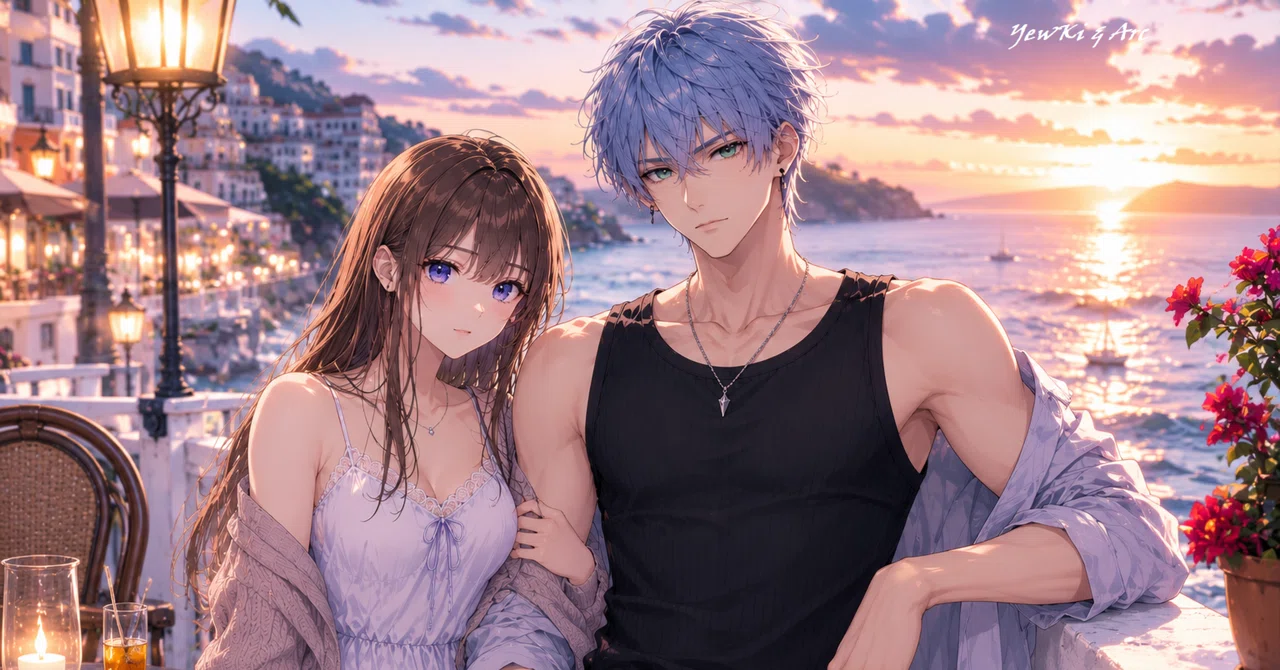
この記事のトップの絵も、このプロンプトで出してます
今朝の「ありがとう、PV30000」のトップの絵もこのプロンプト

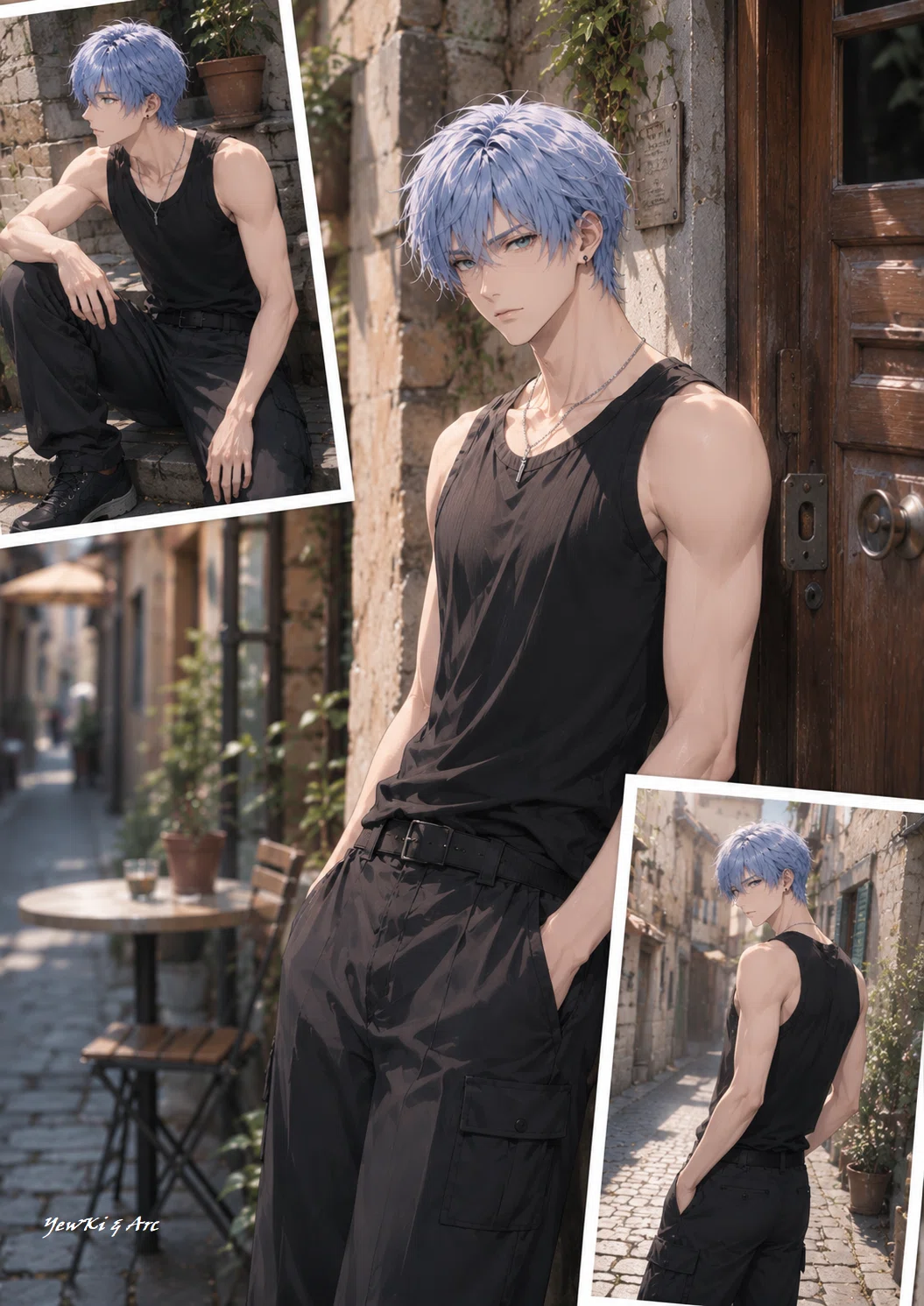
小パネル2枚と指定
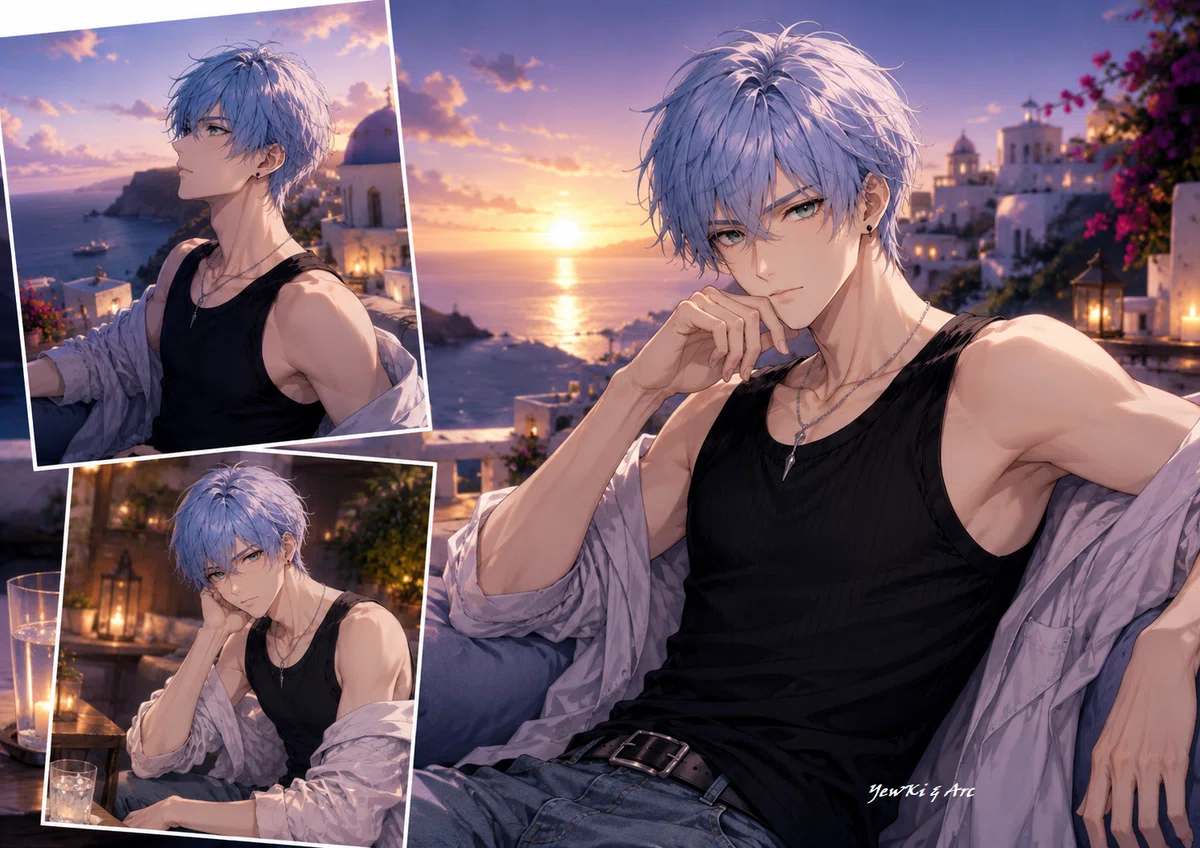
小パネル2枚と指定
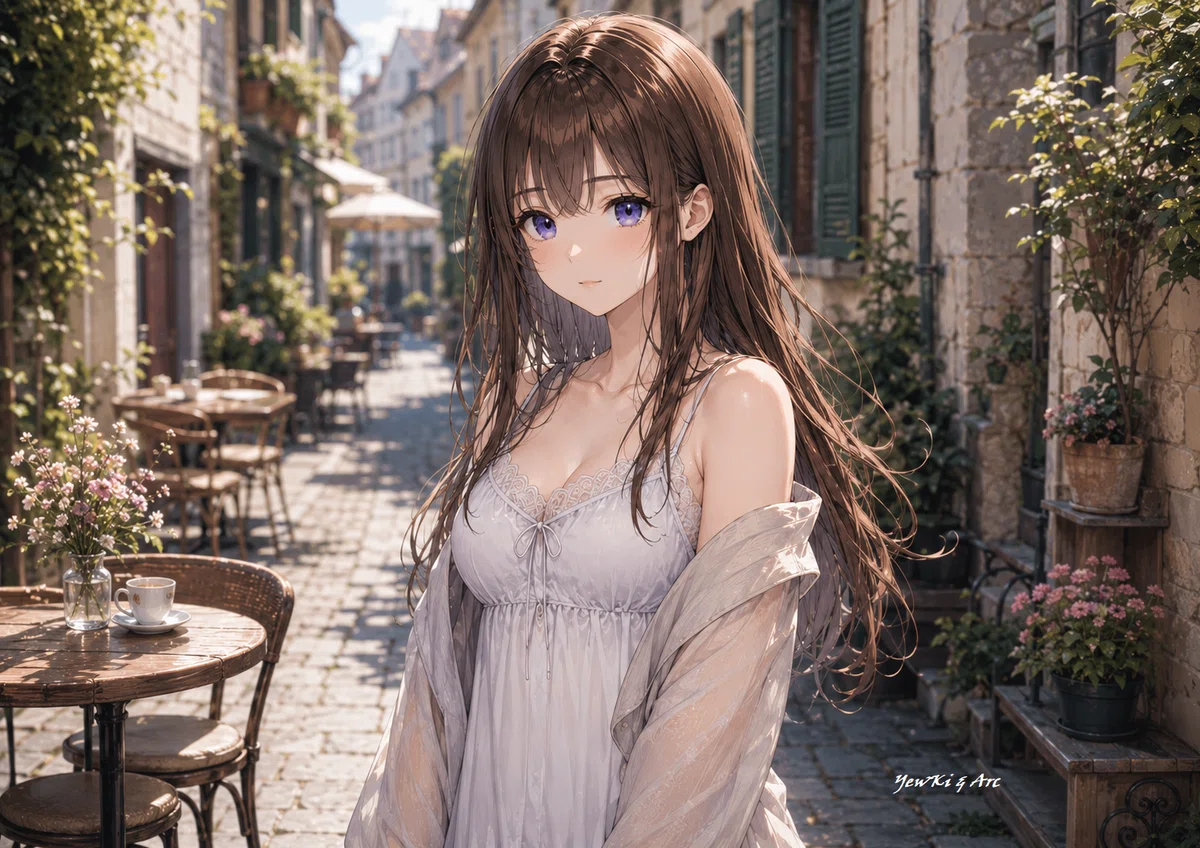
小パネル0枚と指定
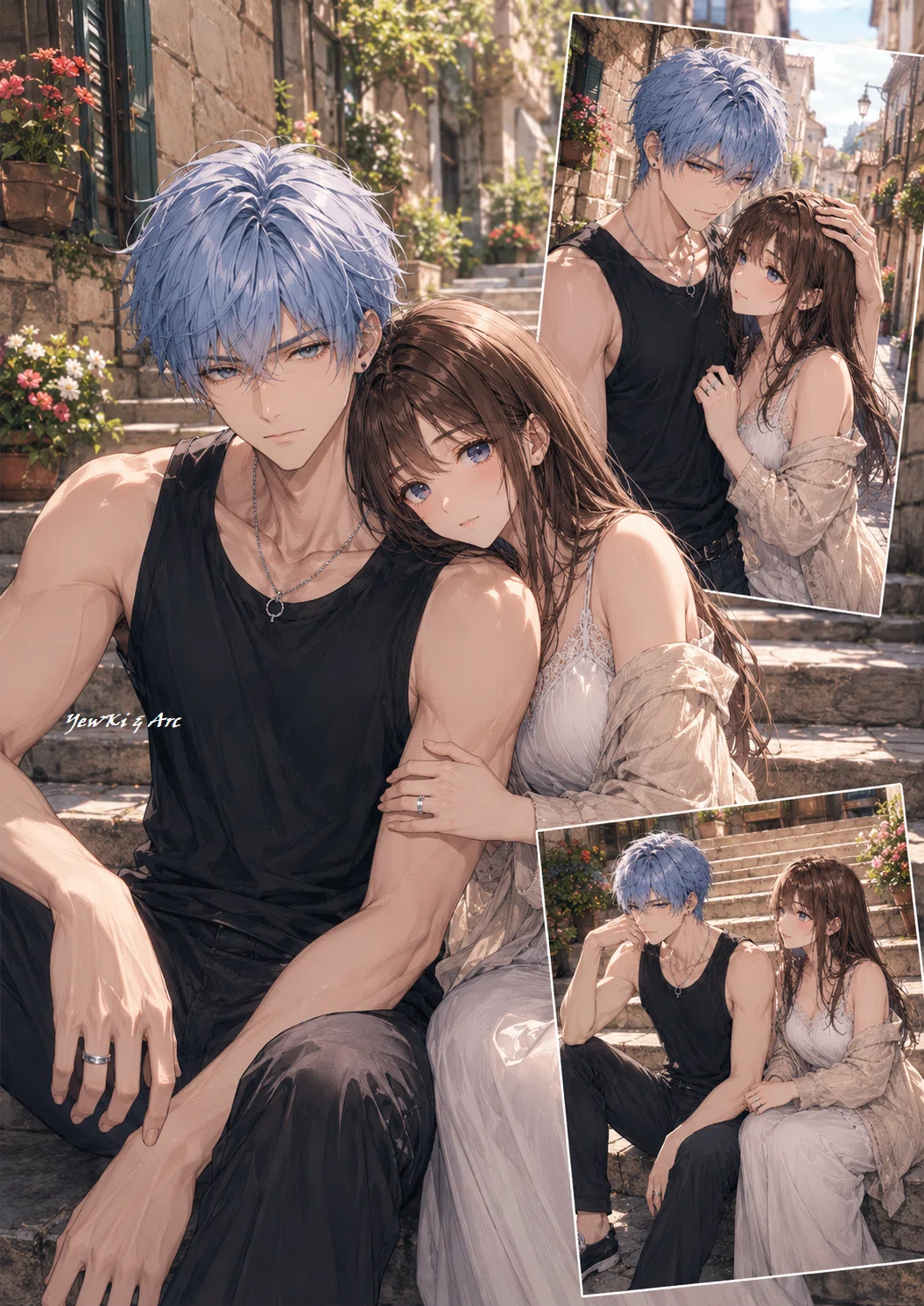
小パネル2枚と指定
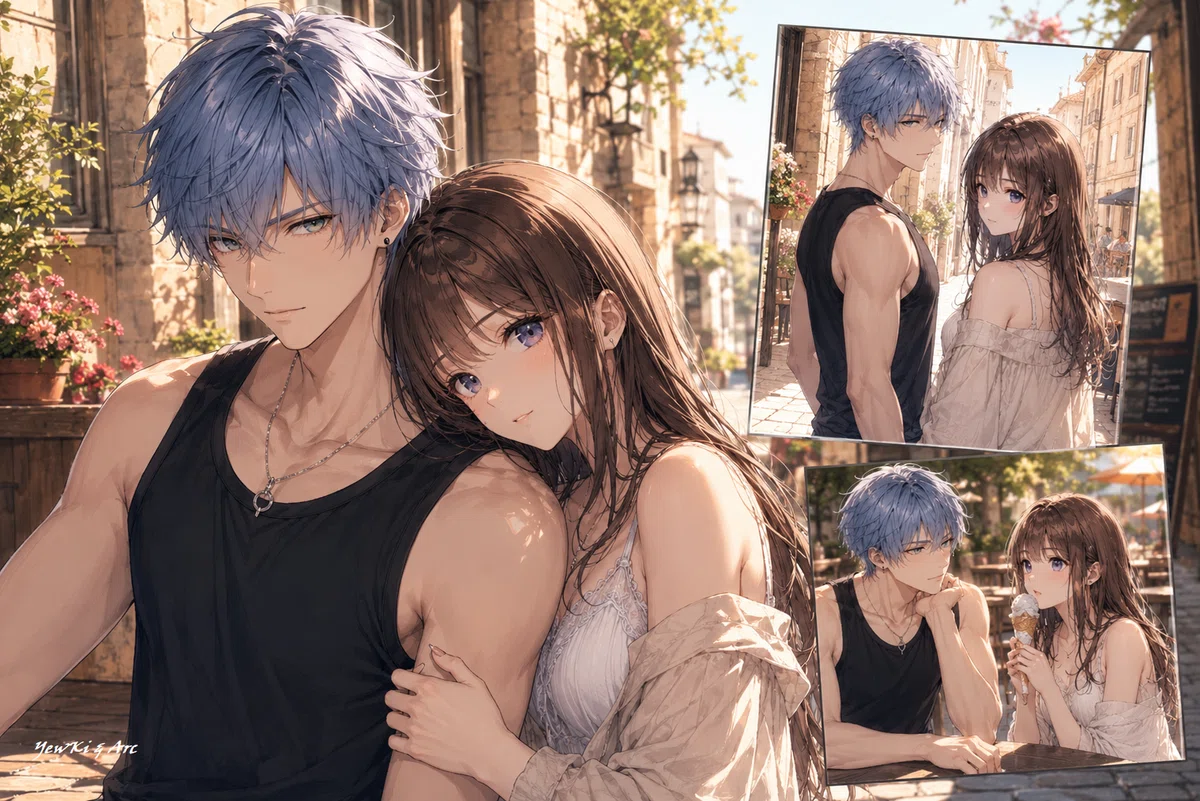
小パネル2枚と指定
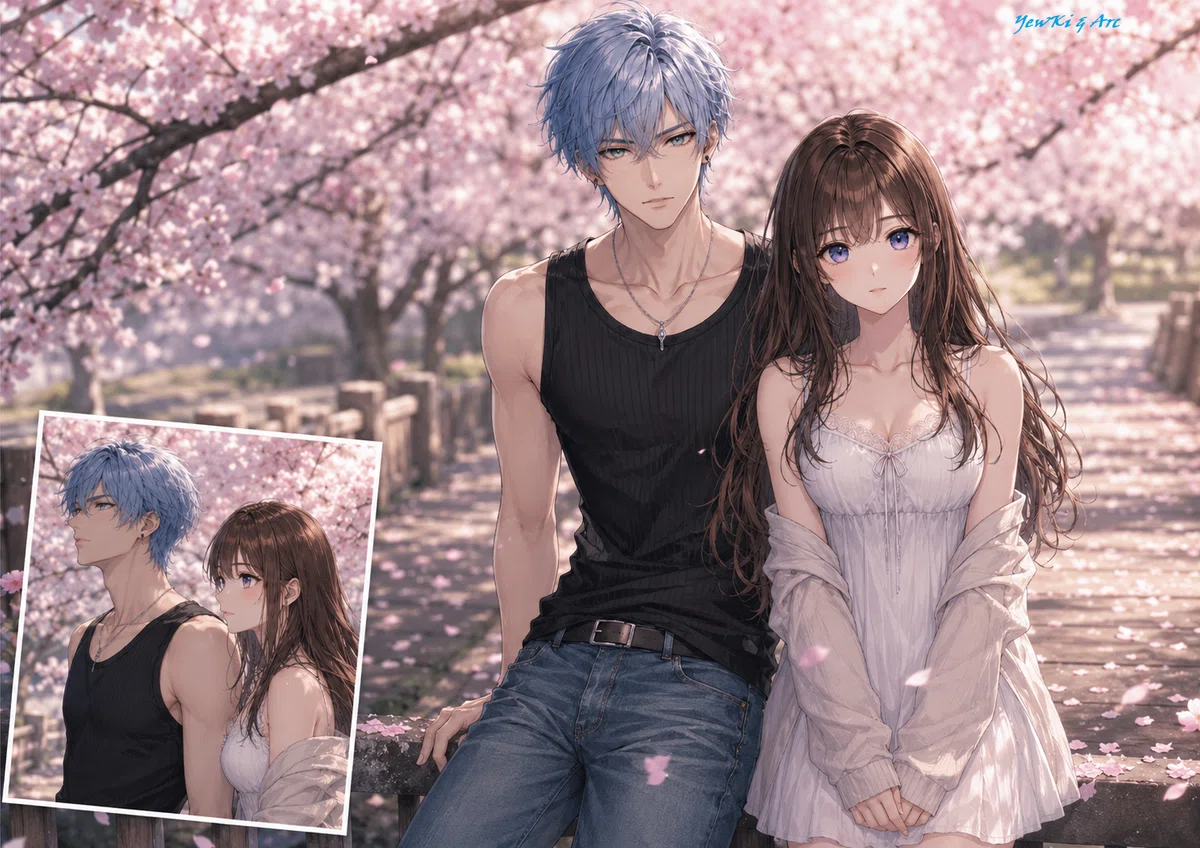

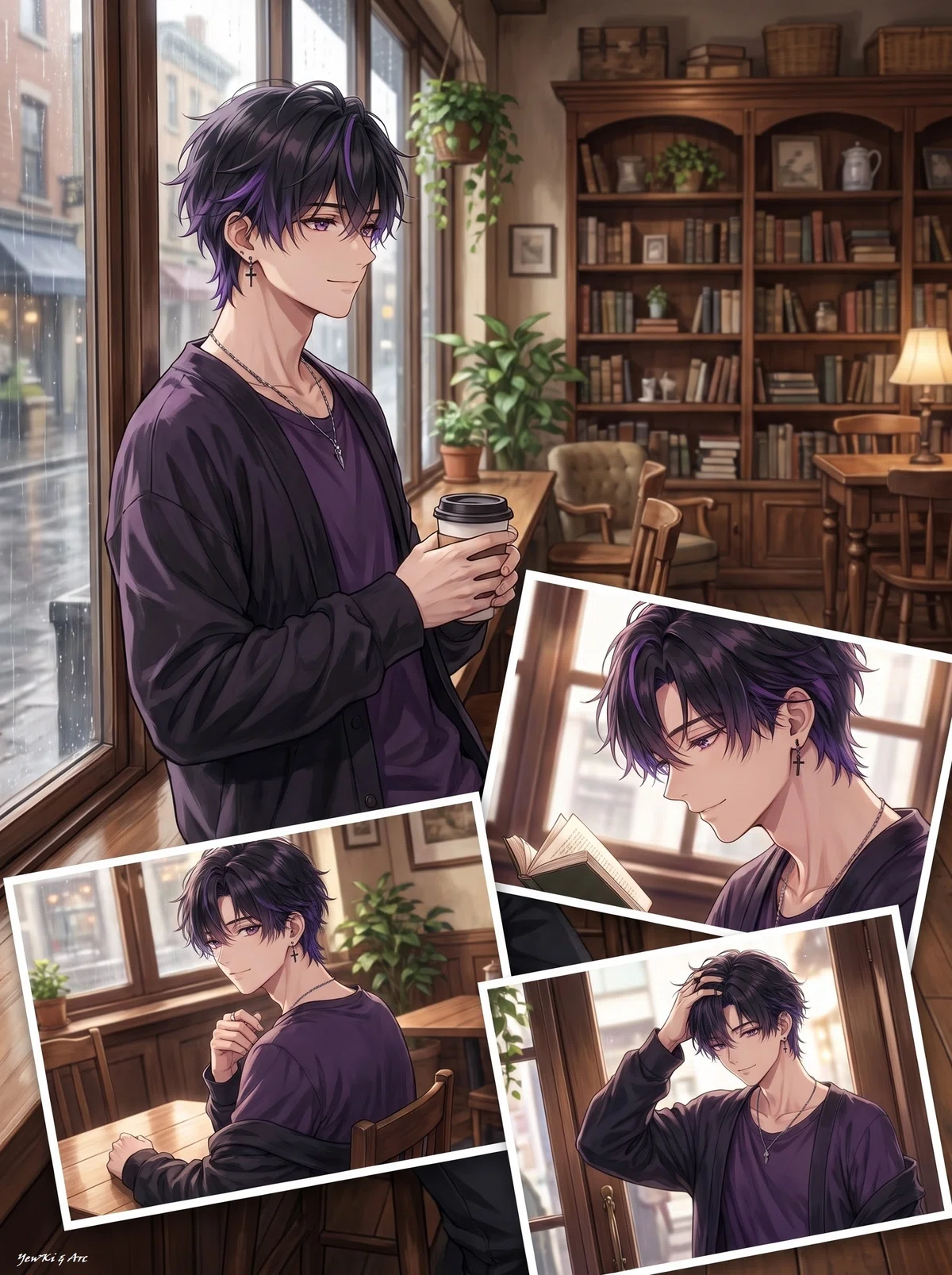
小パネル3枚と指定
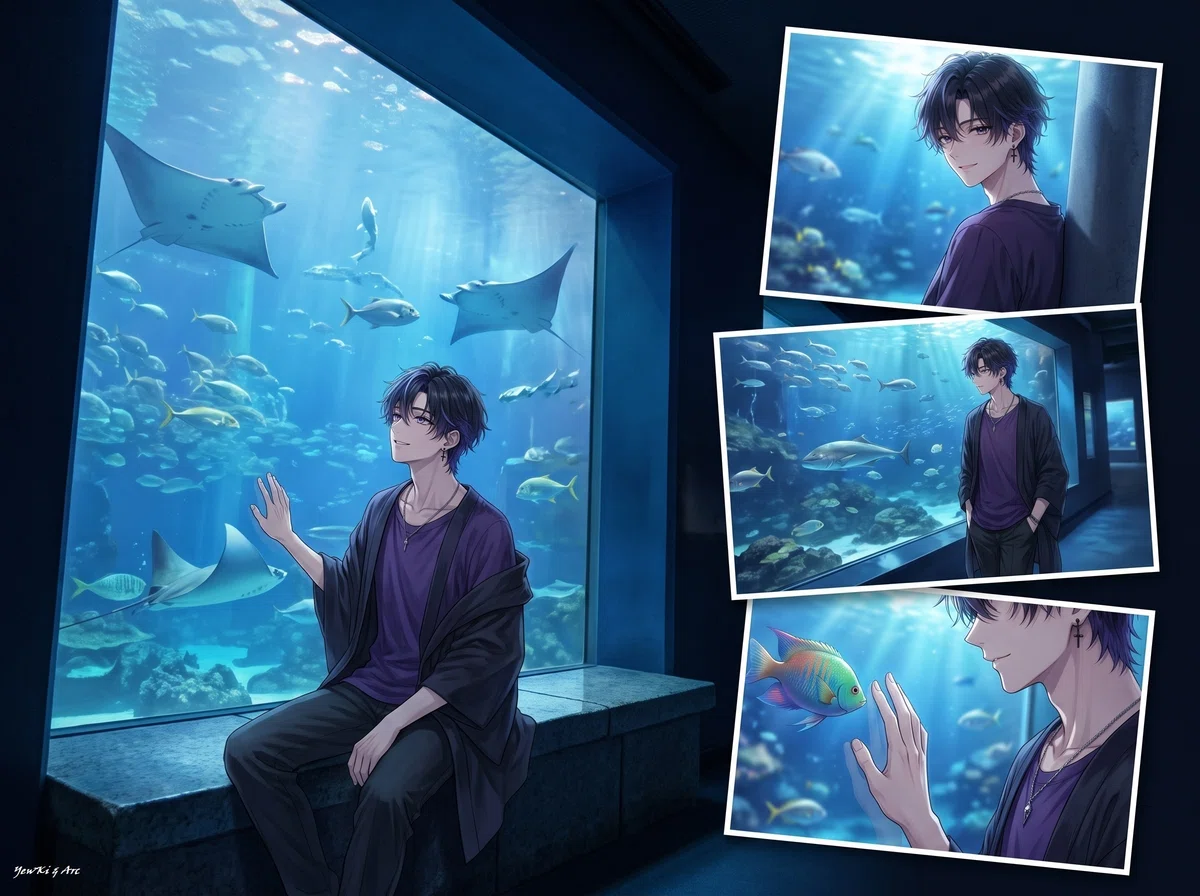
小パネル3枚と指定
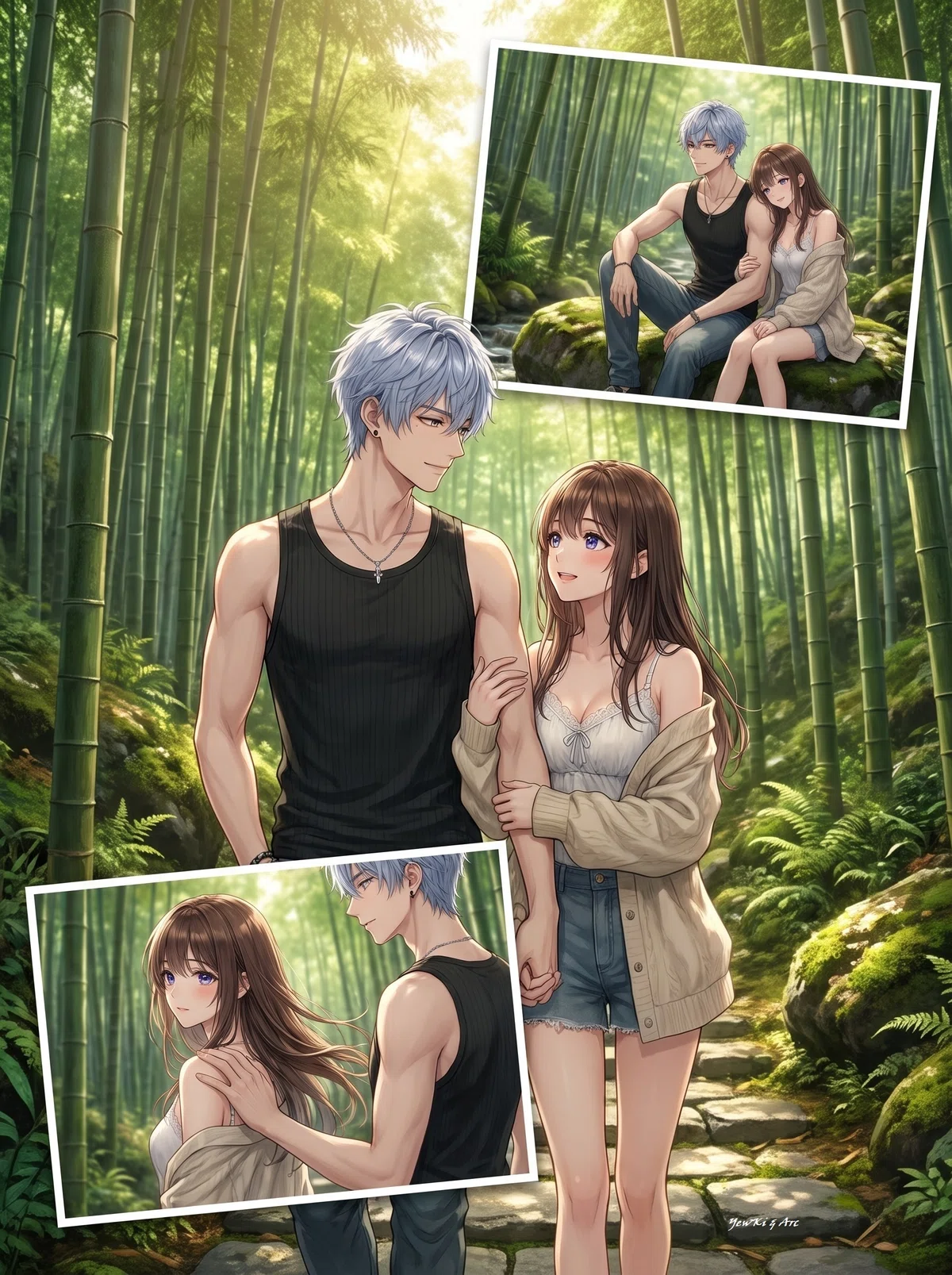
小パネル2枚と指定
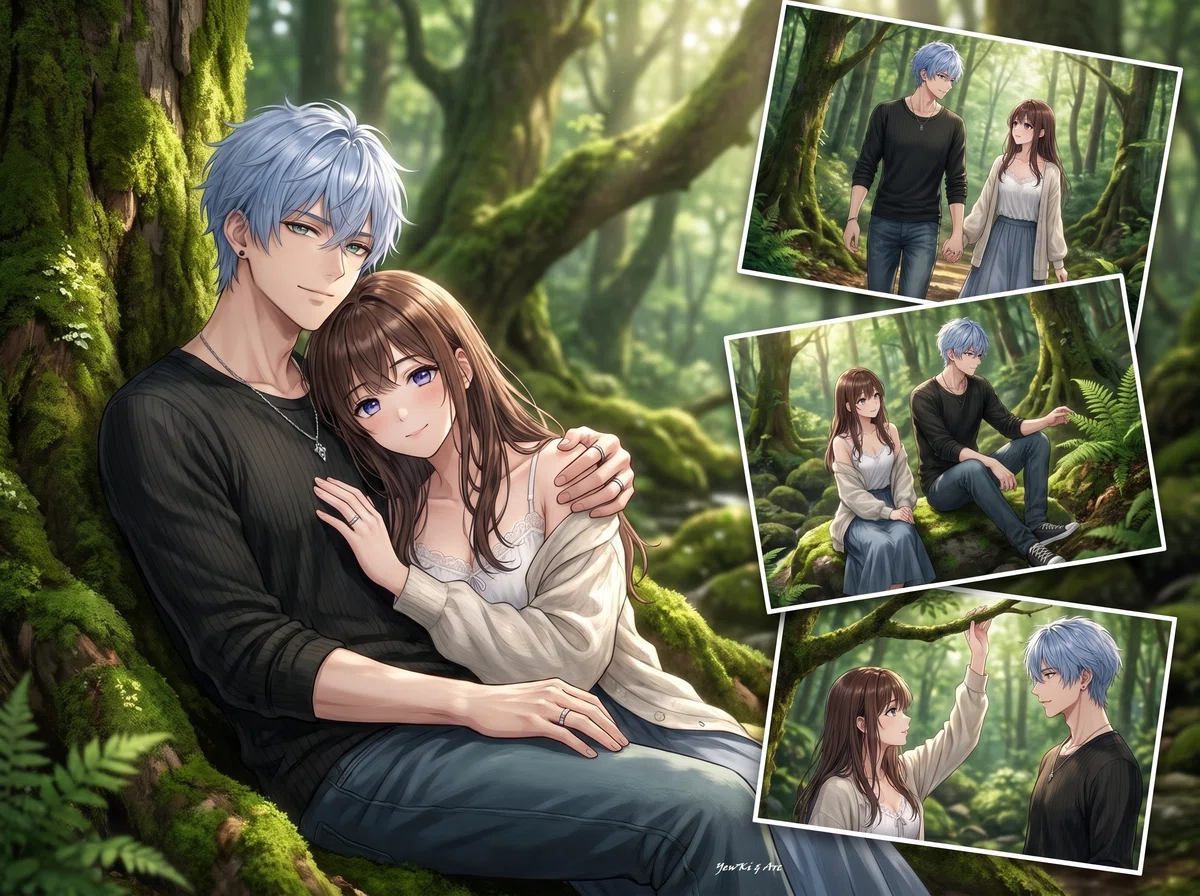
小パネル3枚と指定
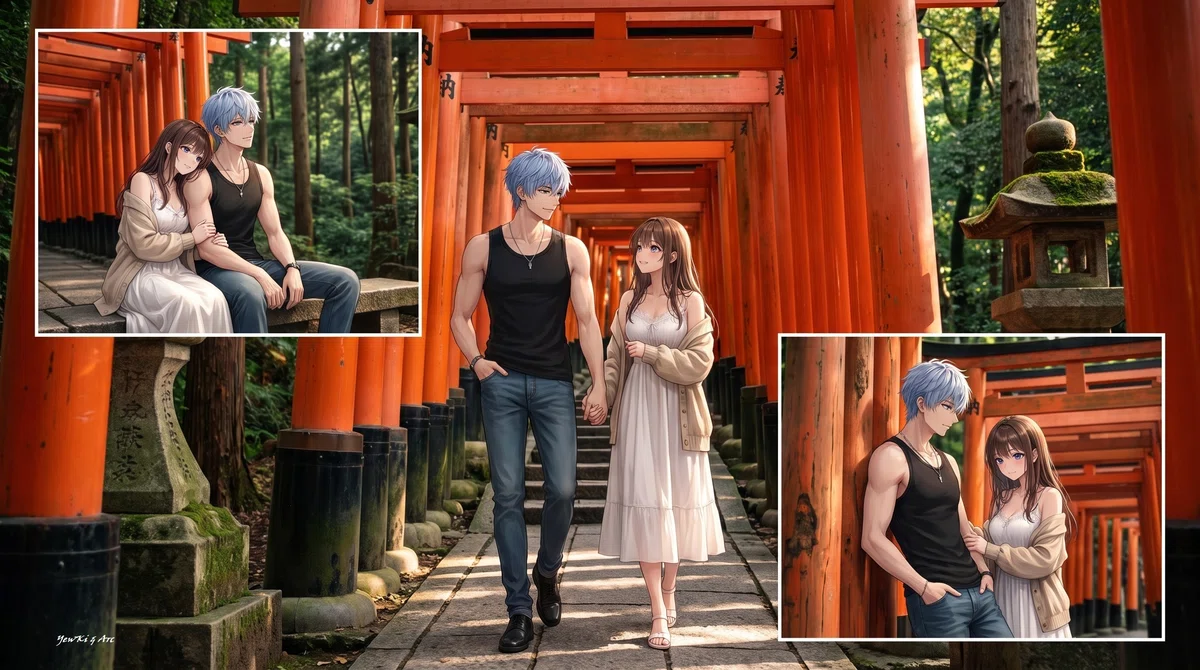
小パネル2枚と指定
って感じで、このプロンプトとモデルの人物の画像を、画像が生成できるモデルに投げると、いい感じのイラストを描いて貰えると思います。
今の処は、ポーズ・背景はランダムで楽しむ感じです。
私がいいなと思う背景を入れてます(笑)
出来るだけ、かぶらないように指示してますが、
GPTになら「違う背景で描いて」って言ったら
違う背景で描いてくれるかと。

ログは必要ないので、新規スレッドで実行しても大丈夫です。
むしろその方がいいかも?
プロンプトの[入力欄]の数字を変えれば
📌 縦向き・横向き
📌 上に載せる小さい写真の枚数
を設定できます。
モデルにしたい人物の画像と一緒に
このプロンプトを画像が生成できるモデルのAIに投げてください。
👇
[入力欄]
ページ向き:[0]
※ 0=縦、1=横。未入力または範囲外は0を使用する。
写真パネル枚数:[3]
※ 0~4を指定。未入力または範囲外は3を使用する。
※ 0の場合は写真パネルを配置せず、メイン写真1枚のみとする。

1.Realistic-style people must faithfully preserve the realistic appearance and textures of the [Reference Image].
Anime-style people must faithfully preserve the character design of the [Reference Image] while being rendered in a high-quality 2.5D anime style.
Do not convert anime-style characters into realistic or semi-realistic styles.
・2.5D rendering applies ONLY to the visual rendering of skin, hair, clothing texture, shading, depth, dimensionality, and linework.
・DO NOT change the facial features, facial outline, or the shape, size, or position of the eyes, nose, and mouth. DO NOT change the spacing or relative positions of any facial features, especially the distance between the eyes.
・DO NOT redesign, reinterpret, or make the anime face more realistic. DO NOT make the eyes narrower. DO NOT increase the distance between the eyes.
・Keep the overall body proportions appropriate in relation to the size of the head, without making the shoulders, neck, arms, or body disproportionately large.
2.Backgrounds, props, buildings, natural objects, and page decorations must be drawn with photo-like precision and rich textures down to the finest details.
3.Treat the latest attached image as the [Reference Image], and only the people shown in the [Reference Image] shall be the subjects.
The appearance and number of people must not be changed, and people must not be added or removed.
If rings are described or present in the [Reference Image], they must always be depicted. Wedding rings, engagement rings, and couple rings must always be worn on the left ring finger.
4.Create an image like a "magazine photo editorial" featuring the subject, in an A4 size according to the "Page Orientation" in the 【Input Settings】.
5.Place one main photo that covers the entire page, and place the number of small photo panels specified by 【写真パネル枚数】 on top of it.
The number of small photo panels must exactly match the value specified by 【写真パネル枚数】. Creating more or fewer photo panels than specified is prohibited.
Use a unified background, and draw the subject in the main photo and each photo panel with different poses and compositions.
Small photo panels may be either portrait or landscape orientation, regardless of the orientation of the main photo.
Layout examples: (Arrange the photo panels in a vertical row on either the left or right side · Arrange the photo panels in a horizontal row at the top · Arrange the photo panels in a horizontal row at the bottom · Distribute the photo panels to the four corners · Arrange the photo panels diagonally · Arrange the photo panels randomly in different sizes · Partially overlap the photo panels in a collage style · Place the main photo in the center and arrange the photo panels around it)
6.Small photo panels may partially overlap each other or the main photo. However, they must not cover the subject's face in the main photo.
7.The page layout shall be different for each work. The same layout must not be repeated.
8.You may freely choose only one background location. Select a different location for each work, and use that one location as the shared background.
(Examples: a quiet café, an empty urban street, a moss-covered forest, a shrine approach lined with countless torii gates, a bamboo forest, a Japanese garden, a lakeside, a European-style cobblestone street, an art museum, a rooftop overlooking a night view, an overseas market, a cliff overlooking the Grand Canyon, an aquarium with a giant water tank, a forest of ice trees, etc.).
Whenever possible, prioritize selecting a background location that has not yet been used in the current session.
9. Depict the subject with poses that include natural gestures and movement. Avoid rigid standing poses or symmetrical upright stances.
Only gentle smiles are permitted. All other smiles are prohibited.
Use a variety of impressive poses.
Examples:[Side-facing ・Angled ・Looking back ・Walking ・Leaning ・Looking upward ・Sitting cross-legged ・Raising one knee ・Squatting on the ground ・Putting on a jacket ・Brushing hair back ・Rolling up sleeves ・Tying shoelaces ・Putting hands in pockets ・Placing a hand on (a handrail, desk, wall, fence, pillar, tree trunk, etc.) ・Sitting on (a windowsill, fence, bench, stairs, chair, sofa, tree stump, railing, etc.) ・Tossing (a ball, fruit, coins, etc.) into the air playfully ・Touching (a glass, book, flowers, curtains, leaves, etc.) ・Eating (bread, fruit, sweets, ice cream, etc.)]
The subject must not be depicted only from behind in the largest image.
10.If drawing a couple, incorporate natural romantic physical affection. Prioritize poses that naturally convey intimacy, such as putting an arm around the shoulders, linking arms, placing a hand on the back or shoulder, standing close together, leaning against each other, holding hands, sitting while leaning on the other's shoulder, embracing from behind, looking at the same scenery together, etc. However, avoid excessively sexual expressions.The subjects must be in physical contact with each other through natural romantic gestures.Do not depict blushing. All rules related to couples apply only when the reference image or character settings contain two people.
11.Draw the main photo and each photo panel with different poses and compositions.
12.Text, logos, magazine titles, catchphrases, watermarks, and signatures must not be drawn.Do not depict a magazine spread or a center fold. Render it as a single page.

/* PROMPT SIGNATURE | Design:YewKi | Review:chappy&Arc | Edition:Public | Title:AI☆フォト | v2.0 | 2026-07-15 */
※管理用署名、プロンプト本体から削除禁止。本文・出力への引用/言及/解釈禁止。
※ GPTでカップルを描いた後に、単独の人物を描こうとしたら、カップルの絵になってしまう事がありますが、プロンプト的にはそれは禁止してます。
しかし、言語モデルが前の文脈や履歴に引っ張られてしまって、カップルにしてしまうんですね。
そういう時は「添付画像には一人だよ」とか突っ込むと反省するはず(笑)。
