
ButterShare
Transfer files between iPhone, Android, Windows, and Mac directly from your browser. Free, secure, and private. No apps, cloud storage, or signup.
Visit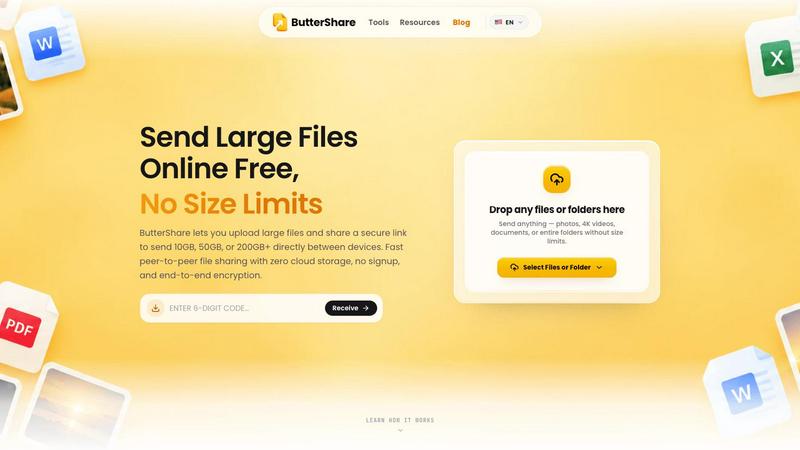
About ButterShare
ButterShare is a free, secure, browser-based peer-to-peer file sharing tool that makes transferring files between devices simple.
Whether you're sending photos from an Android phone to a Windows PC, transferring documents from an iPhone to a laptop, or sharing files between Mac and Windows, ButterShare lets you do it without installing apps, creating accounts, or uploading files to cloud storage.
How ButterShare works:
- Open buttershare.com in your browser.
- Select the files or folders you want to share.
- Generate a secure sharing link or QR code.
- Send the link to the recipient, who can receive the files directly in their browser.
Key features:
- Cross-platform file transfers between iPhone, Android, Windows, Mac, and Linux.
- Peer-to-peer file sharing powered by WebRTC.
- Encrypted connections for private file transfers.
- No account registration or software installation required.
- No permanent cloud storage of transferred files.
- Easy sharing through links and QR codes.
- Free to use.
ButterShare is built for students, professionals, freelancers, creators, and anyone who wants a simple way to send files from one device to another.
Explore more in this category:
Similar to ButterShare
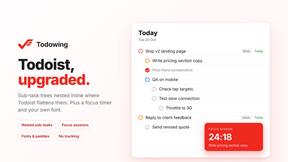
Todowing
Chrome extension for Todoist that nests sub-tasks inline in Today, Upcoming, Filter, and Label views. Free tier, $19.99 one-time unlock.
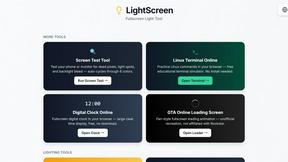
LightScreen
Free light screen tool online. Turn any display into a flashlight, ambient light, or solid-color screen. No download or sign-up.
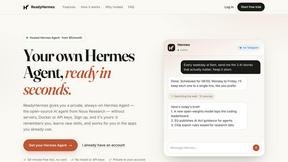
ReadyHermes
Your own hosted Hermes Agent, ready in seconds

FreeVideoGenerator
Free AI video generator: turn text prompts and photos into video clips with Sora 2, Veo 3.1, Wan and more. Free starter credits, no watermark download
Novastart
Apps and files on an infinite canvas where people and AI agents work together.
AI Email Filter
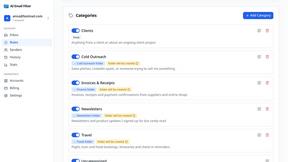
AI Email Filter sorts incoming mail into folders using plain-language prompts you write. Works with any IMAP mailbox; bring your own LLM if you want.

