


- Gmail Smart Features in Workspace are three settings that let Google use your data for features: Smart features in Gmail, Chat, and Meet; Smart features in Google Workspace; and Smart features in other Google products.
- Turning one off removes every feature tied to it. The Gmail, Chat, and Meet setting alone covers inbox tabs, Smart Compose, Smart Reply and summary cards.
- They're off by default in the EEA, Japan, Switzerland and the UK.
- Gemini in Gmail is in every Workspace plan from Business Starter ($7/user/month on an annual plan, $8.40 flexible). Gemini in Docs and Meet starts at Business Standard ($14).
- If you want AI that answers and sorts the email itself, eesel is an AI email agent that connects to Gmail.
What are Gmail Smart Features in Workspace?
So, what exactly are we talking about here? "Gmail Smart Features in Workspace" isn't a single switch. It's a bundle of AI-driven capabilities that Google uses to personalize your experience and, in theory, make you more productive. These features work by analyzing your data across Gmail, Meet, Chat, and other Google products.
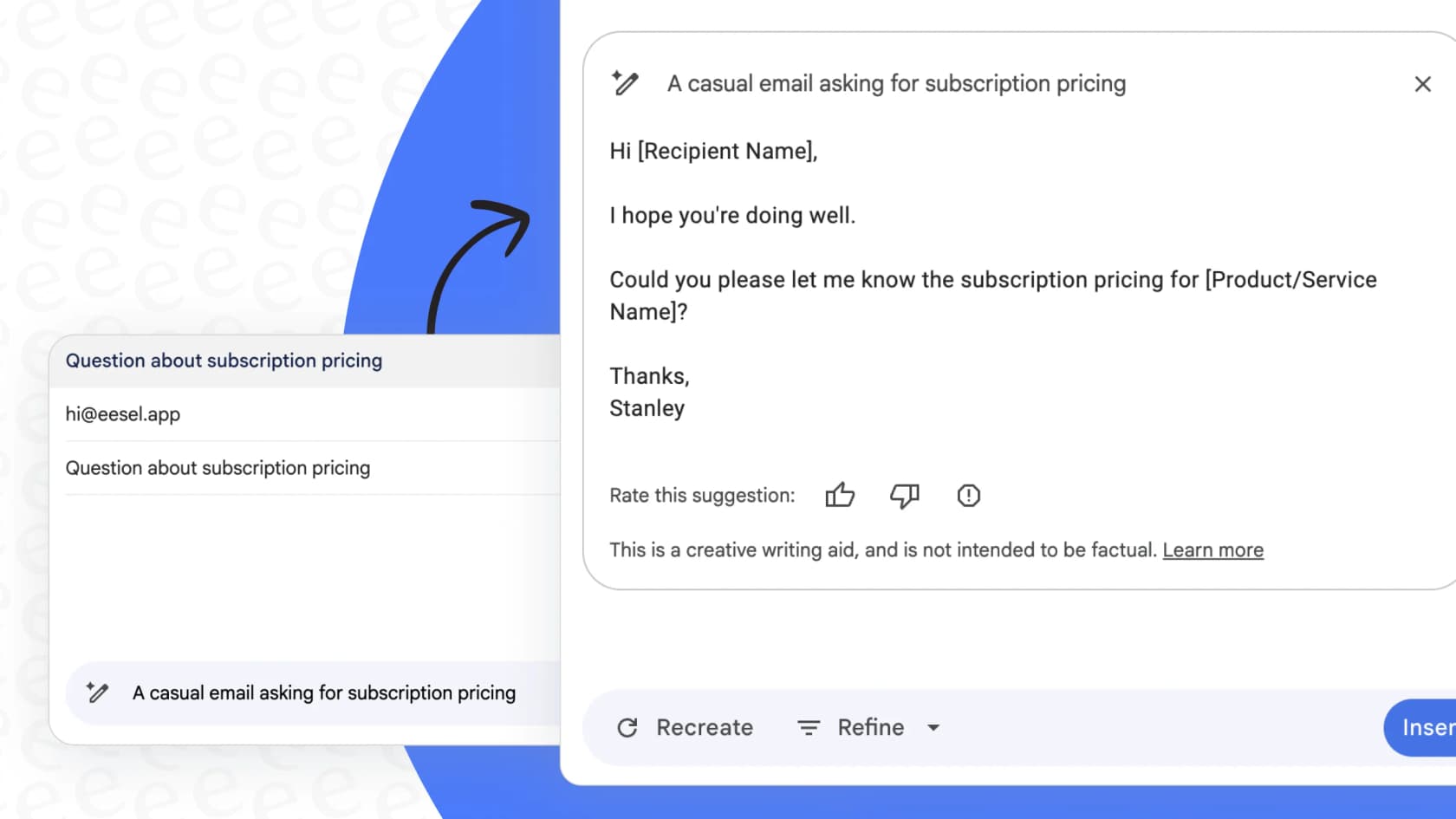
To make sense of it all, Google splits the controls into three distinct categories. Getting a handle on these is the first step to taking back control of your data.
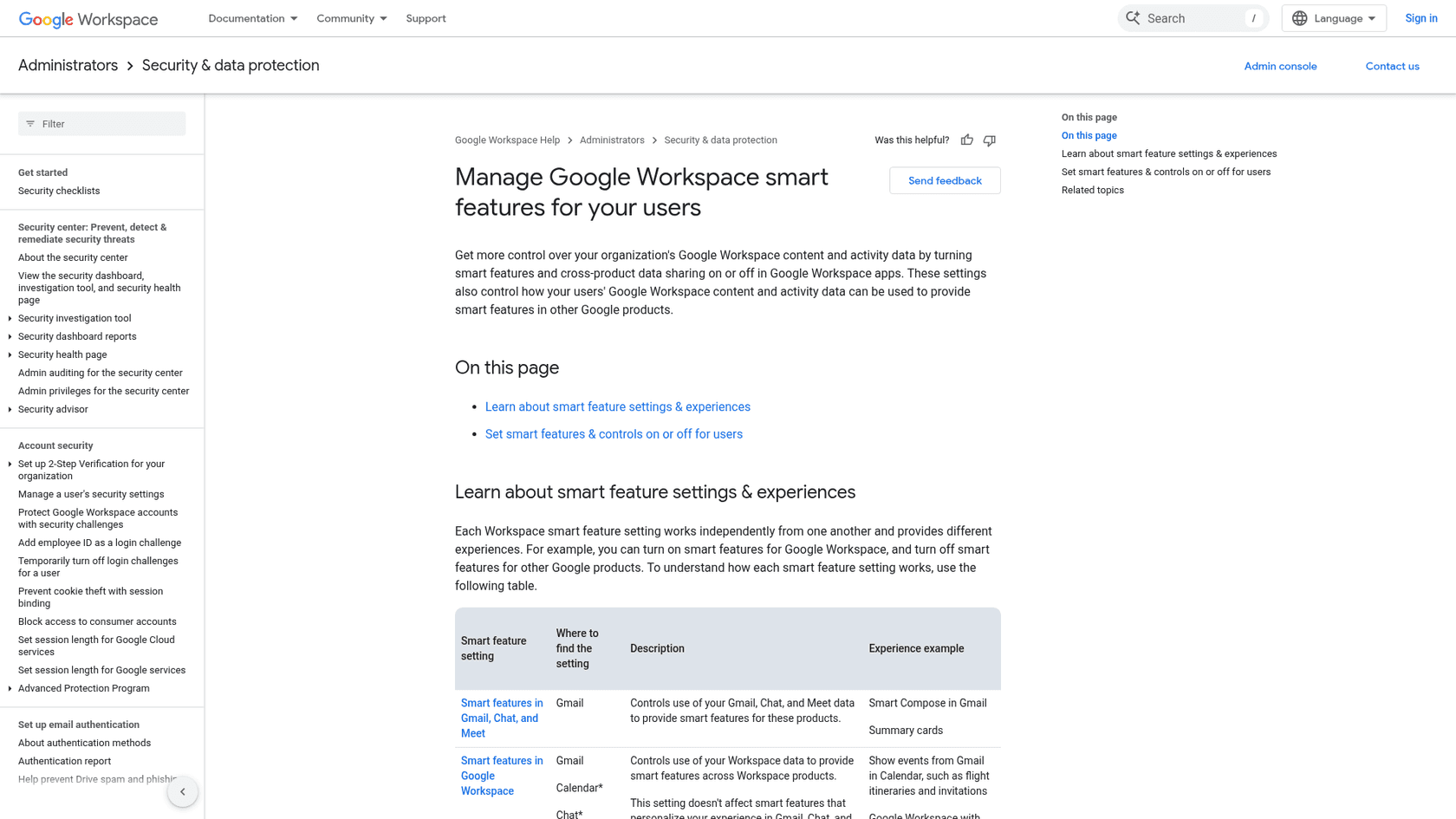
| Smart Feature Category | Description | Example Experiences |
|---|---|---|
| Smart features in Gmail, Chat, and Meet | Uses data from just these three apps to personalize experiences within them. | • Automatic email filtering (Primary, Social, Promotions) |
| • Smart Compose and Smart Reply suggestions | ||
| • Summary cards for package tracking or travel | ||
| Smart features in Google Workspace | Uses data from across your Workspace apps (like Drive and Calendar) to connect them. | • Automatically creating Calendar events from flight confirmation emails |
| • Gemini summarizing documents in Drive or drafting replies in Gmail | ||
| Smart features in other Google products | Lets non-Workspace apps like Maps and Wallet use your Workspace data. | • Displaying restaurant reservations from Gmail in Google Maps |
| • Adding loyalty cards or tickets to Google Wallet automatically |
It’s telling that if your domain is in the EEA, Japan, Switzerland, or the UK, these features are turned off by default. That alone should give you a pretty big clue about the privacy implications we're dealing with.
What's the privacy trade-off with Gmail Smart Features in Workspace?
You get the features only if Google can process your data, and switching a setting off takes the basics with it. Here’s where things get tricky. To get genuinely useful features like Smart Compose or that tabbed inbox that keeps your email organized, you have to agree to let Google process your data. As many frustrated users have found out the hard way, if you turn these settings off, you don’t just lose the fancy AI, you lose basic functions you probably took for granted.
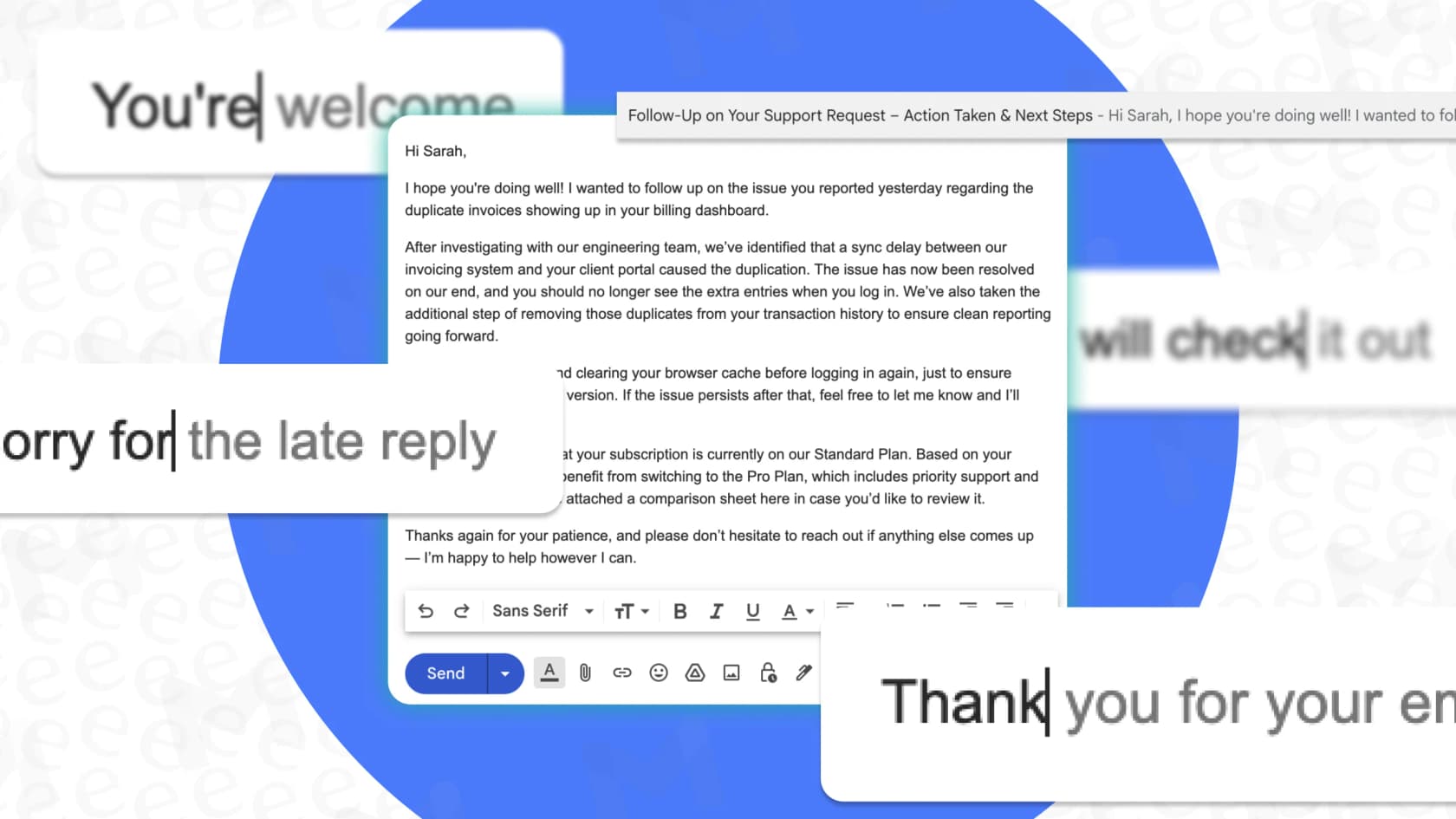
For a business, this is a real headache. You can only choose by category. You can keep Smart Reply and still turn off the separate setting that shows Gmail data like restaurant reservations in Maps. But you can't keep Smart Reply while telling Google to stop processing your Gmail data, because both sit under the same setting. It's a blunt, on-or-off switch per category, and that’s a big risk when you're responsible for sensitive customer information.
What are the limits of Gmail Smart Features in Workspace?
They mostly work inside Google's own apps, and they help you write rather than handle the email for you. Let’s be fair, some of the AI features Google is offering are pretty neat. Tools like Smart Reply and Smart Compose can definitely speed up the daily grind of answering emails. They use your email data, and your own writing style when personalization is on, to offer up suggestions that are often surprisingly on point. The newer Gemini integrations take it even further, offering to summarize long email chains or draft entire documents. Since January 2026, thread summaries are free for every Gmail user. In October 2026, Google started rolling out AI Inbox to paid Workspace users in the US, which pulls to-dos and deadlines out of your mail.
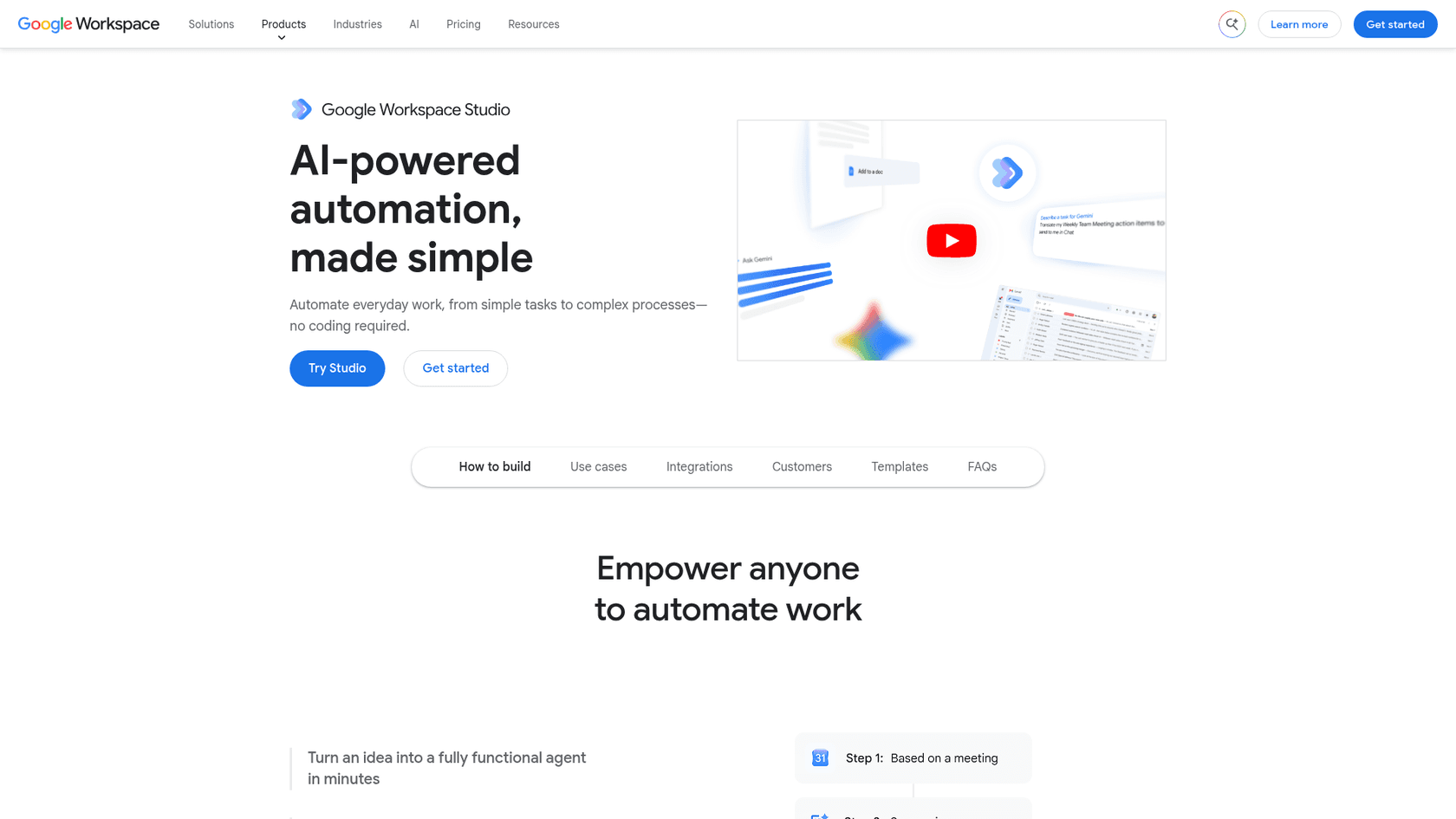
But here's the catch: most of that AI muscle works inside Google's world. It’s designed to make Google products work better with other Google products. It can pull info from a Google Doc into a Gmail draft, but what about all the other tools your team uses every day? Your support team’s most valuable knowledge probably isn't sitting in Google Drive. It’s buried in past tickets on Zendesk, living in your internal wiki on Confluence, or detailed in your product guides in Notion. Gemini's side panel works from your emails and documents, and Workspace Studio can reach apps like Asana, Jira, Mailchimp, and Salesforce through prebuilt connectors and custom extensions. Past tickets and wiki content are a different matter, since the connector list Google publishes doesn't name helpdesks or Confluence. Studio flows can auto-label emails and, since September 2026, send replies in existing threads, but you build each flow yourself.
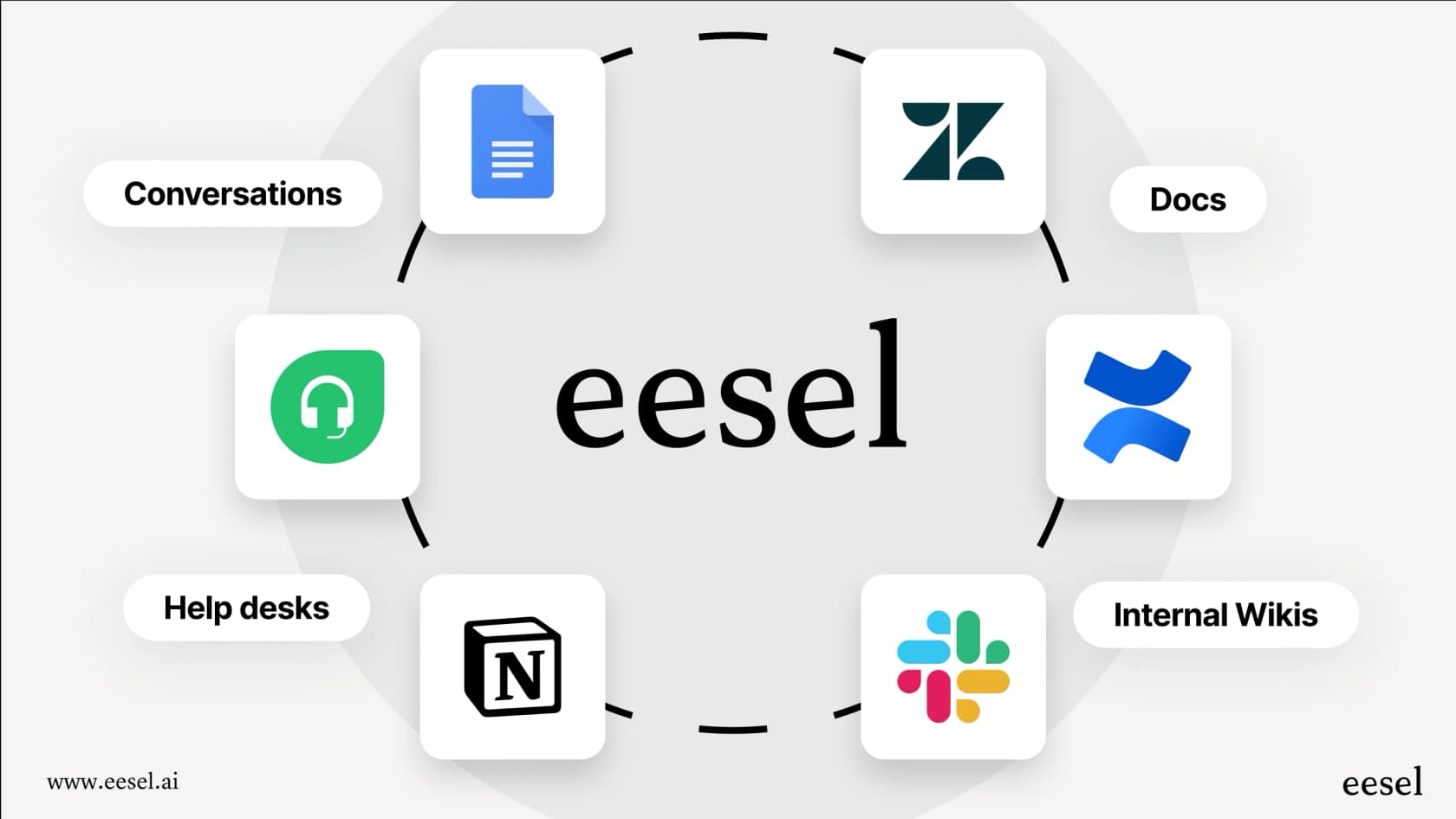
This creates another problem. The usefulness of these features is directly tied to how much data you're willing to let them access. If your company has a strict privacy policy, you might be forced to disable features that could otherwise make your agents more efficient. You end up stuck between staying compliant and being productive.
How much do Gmail Smart Features in Workspace cost?
The smart features settings themselves are free, and Gemini in Gmail comes with every Workspace plan from $7 per user per month. Google gates some of its most powerful features behind higher-tier plans, and the cost can add up fast, especially as your team grows. Gemini in Docs, Meet and Drive, Help me schedule and AI Inbox start at Business Standard.
Here’s a quick look at the Google Workspace plans and where the important AI features show up.
| Plan | Price (annual commitment, per user/month) | Key AI Features Included |
|---|---|---|
| Business Starter | $7/user/month ($8.40 flexible) | Gemini AI assistant in Gmail, Chat with AI in the Gemini app. |
| Business Standard | $14/user/month ($16.80 flexible) | Everything in Starter + Gemini in Docs, Meet, and more, Gemini Notebook (formerly NotebookLM). |
| Business Plus | $22/user/month ($26.40 flexible) | All features from Standard, with more storage and advanced security. |
| Enterprise | Contact Sales | All features, plus S/MIME encryption, DLP, etc. |
To get the full suite of AI that works across different products, which is the main selling point, you need to be on at least the Business Standard plan. At $14 per user per month on an annual commitment ($16.80 on the month-to-month Flexible plan, before any limited-time promo), that cost grows with every new person you hire. It's a business model designed to pull you deeper into the Google ecosystem, making it more difficult and expensive to use other tools that might be better for the job.
What if you want AI to handle the email, not just Gmail Smart Features in Workspace?
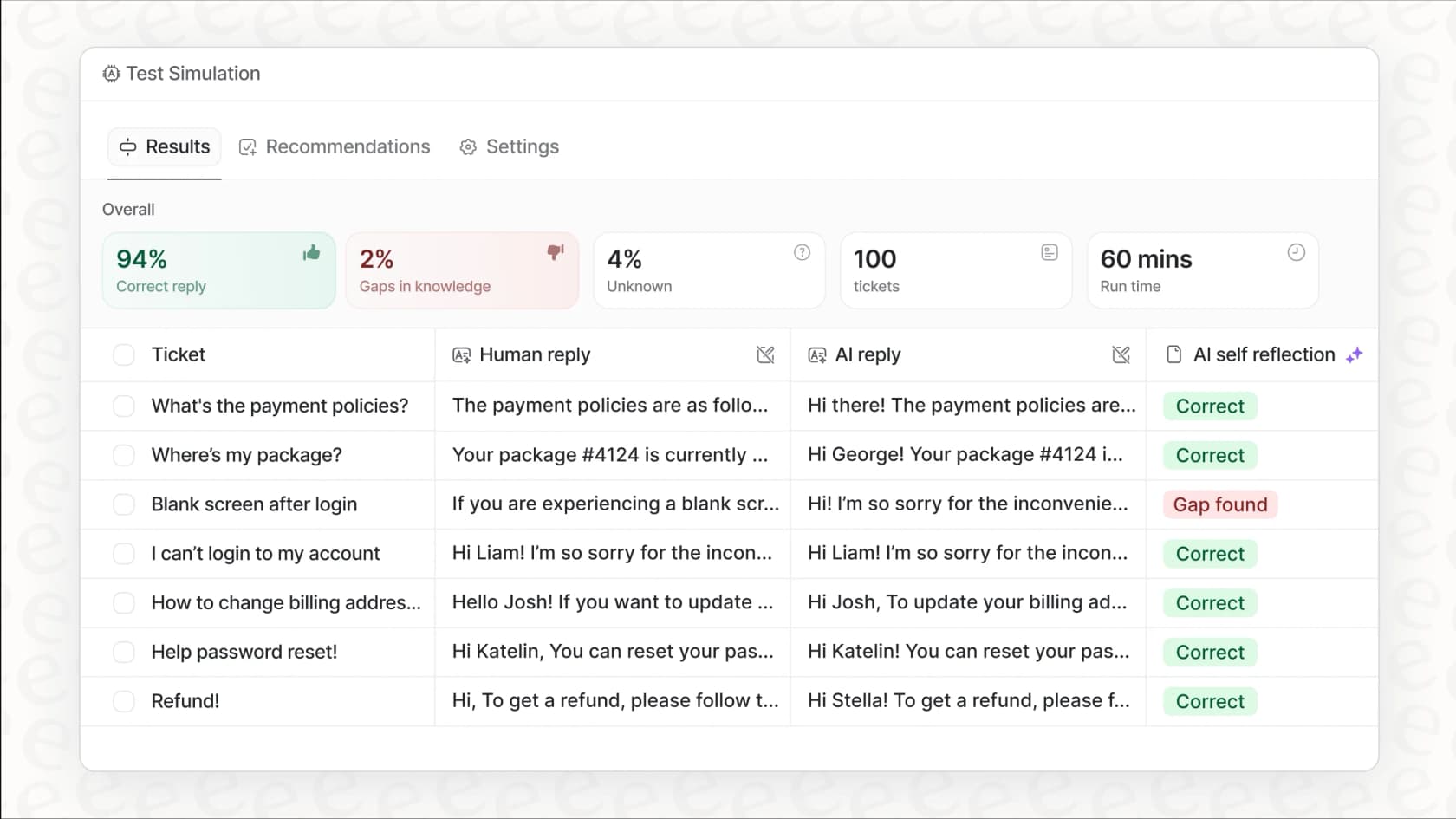
Then you want an AI agent that does the work, not a setting that helps you write. eesel AI is the one I'd look at. Through its Gmail integration, it starts when a new email arrives, reads the thread, and answers from your Google Docs, Confluence and other sources. It leaves a draft for review or sends the reply, then labels or archives the mail. You decide which actions run alone and which wait for approval.
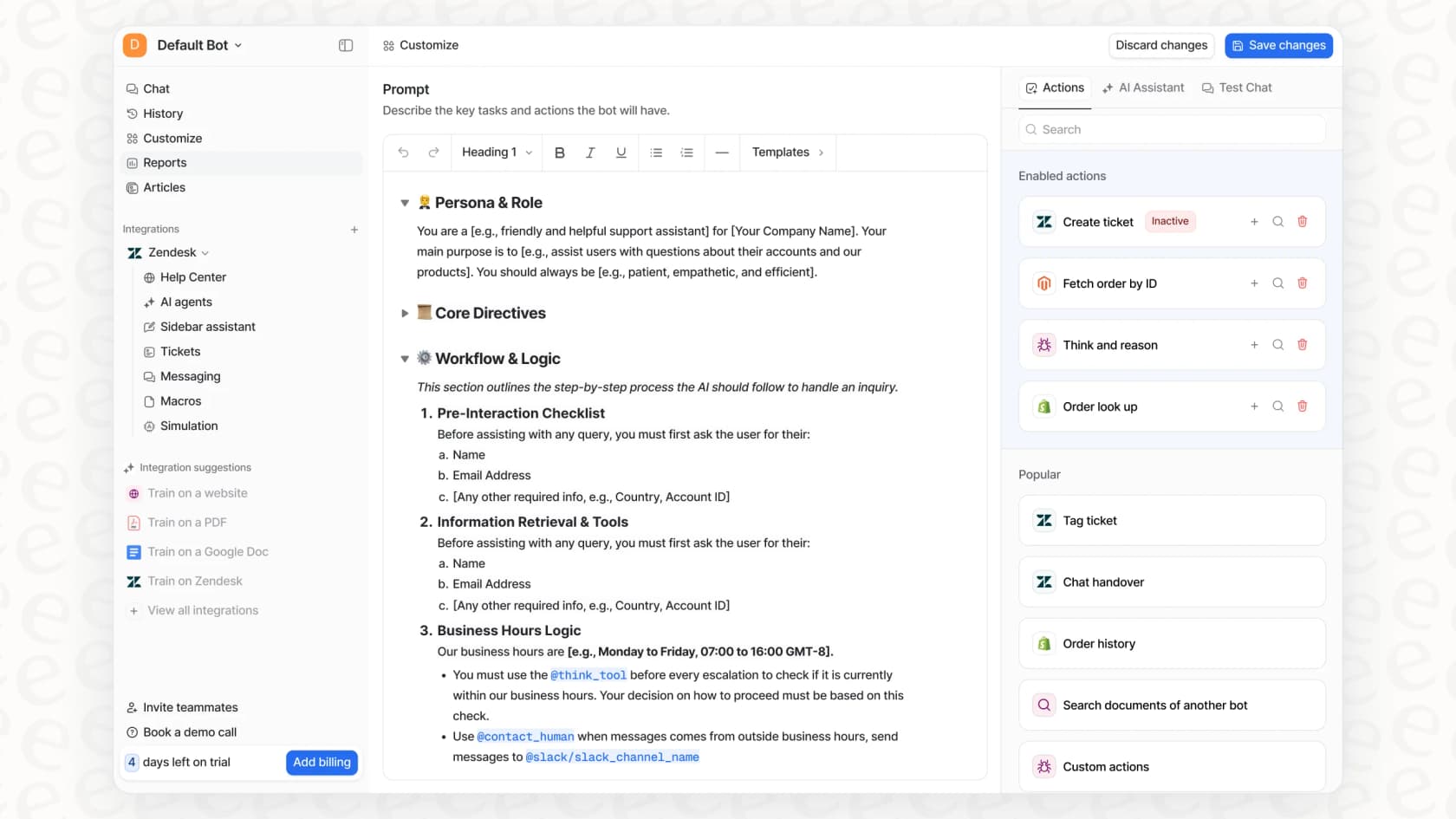
It also works with Outlook, Slack, Teams, and helpdesks like Zendesk or Freshdesk. On a Gorgias helpdesk, Rúngne runs three agents that tag, draft and reply. My guide to an AI email agent for Gmail covers the setup.
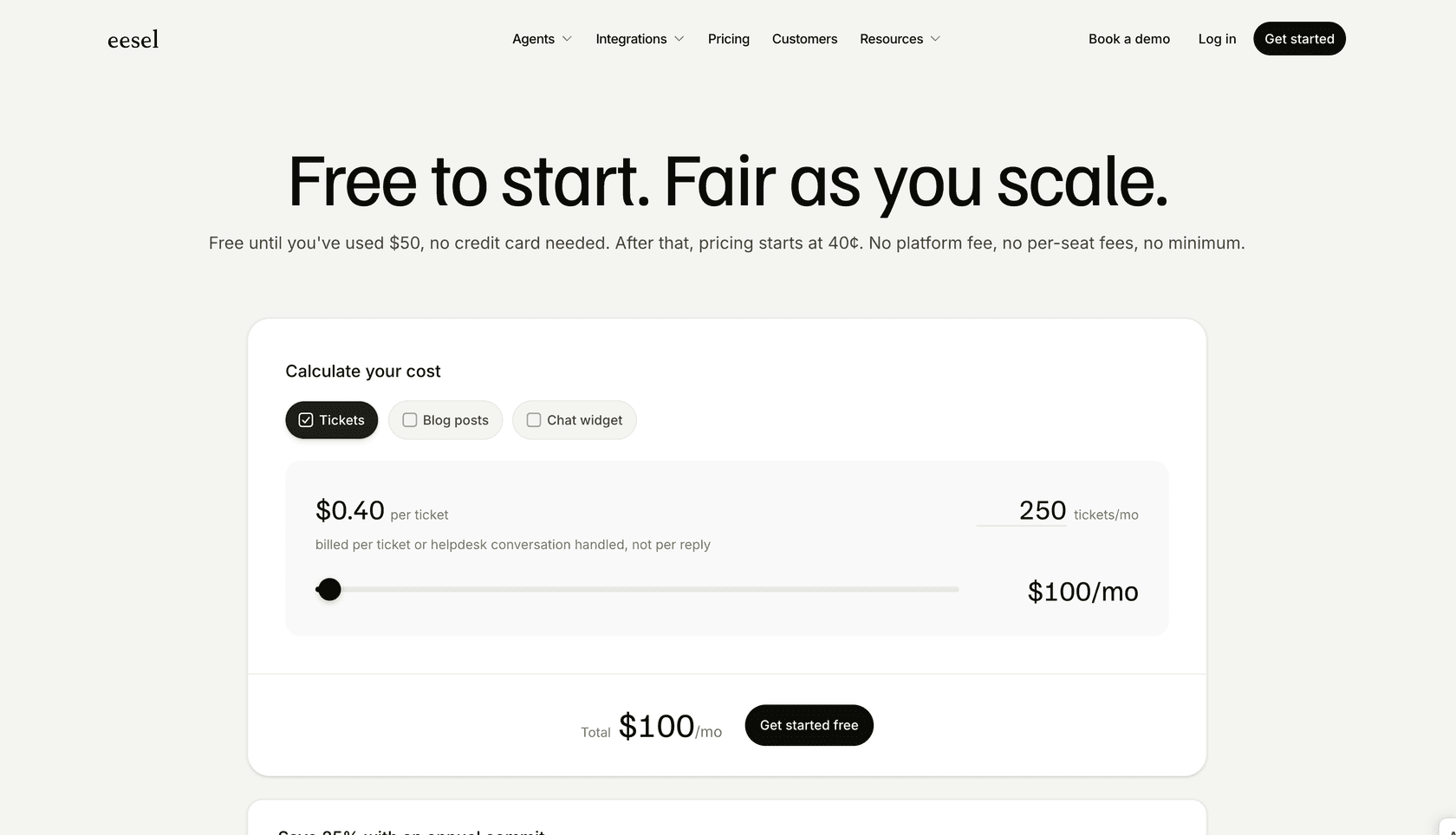
Pricing is one fixed monthly price with no per-seat fee: 100 free credits, then from $299/month for 500 credits (pricing).
Should you keep Gmail Smart Features in Workspace on?
Keep them on if you rely on inbox tabs, Smart Compose and Gemini, and you're fine with Google processing your mail to provide them. Gmail's Smart Features in Workspace offer a tempting look at a more efficient way to work, but they come with real strings attached when it comes to control, privacy, and cost. The bundled, per-category approach forces you to choose between helpful features and keeping control over your data, all while pulling you deeper into a single ecosystem.
For specialized teams like customer support, a purpose-built AI that adapts to your workflow is a much smarter strategy. Real productivity doesn't come from an AI that makes you work its way; it comes from an AI that you can shape, control, and trust to work with the tools you already have. Modern AI should be about empowerment, and that always starts with having a choice.
Give your support team AI superpowers, without giving up control
Want to see what an AI agent can do with your inbox and your support queue? eesel AI connects to Gmail, Outlook, your helpdesk and your knowledge sources in minutes, not months.
Start free with 100 credits or book a demo to see how you can automate support with confidence.
Frequently asked questions
What exactly are Gmail Smart Features in Workspace, and what do they include?
These are AI-driven capabilities from Google designed to personalize your experience across Gmail, Chat, and Meet, and connect across Workspace apps. They include features like Smart Compose, automatic email filtering, and automatic calendar event creation from flight confirmations.
How do the Gmail Smart Features in Workspace affect my data privacy?
To function, these features analyze your data across various Google products and services. This comprehensive data processing can raise significant privacy concerns, influencing their default status in some regions.
Can I selectively enable specific Gmail Smart Features in Workspace, or is it an all-or-nothing setting?
You choose by category, not by feature. There are three settings: Smart features in Gmail, Chat, and Meet; Smart features in Google Workspace; and Smart features in other Google products. Within a category it's all-or-nothing, so disabling the Gmail, Chat, and Meet setting also removes basic functions you might rely on, like inbox tabs, Smart Compose and Smart Reply.
Do Gmail Smart Features in Workspace integrate with applications outside of the Google ecosystem, like Zendesk or Confluence?
Partly. Gemini mostly works from your Google content, and Workspace Studio connects to some outside apps such as Asana, Jira, Mailchimp, and Salesforce. Google doesn't list helpdesk or wiki tools like Zendesk or Confluence among them.
Why are Gmail Smart Features in Workspace turned off by default in certain regions, such as the EU or UK?
These features are off by default for domains in the EEA, Japan, Switzerland, and the UK, in line with strict data privacy regulations. This default setting highlights the significant privacy implications associated with their data processing methods.
Are the more powerful AI capabilities of Gmail Smart Features in Workspace included in all Google Workspace pricing plans?
Not all of them. Gemini in Gmail (thread summaries, Help me write, Suggested Replies, Proofread) is included from Business Starter. Gemini in Docs, Meet and Drive, Help me schedule, AI Inbox and Google's most capable models need Business Standard or higher, which costs more per user.
