

Canary Deployment is a deployment strategy in which a new version of an application is gradually released to a small percentage of users or traffic before making it available to everyone. Instead of sending all users to the new version immediately, the new version is first tested with a limited audience. The team monitors the new version and gradually increases traffic if it performs as expected.
Workflow
Canary Deployment runs the existing and new versions at the same time. The stable version continues serving most users while a smaller portion of traffic is directed to the new version.
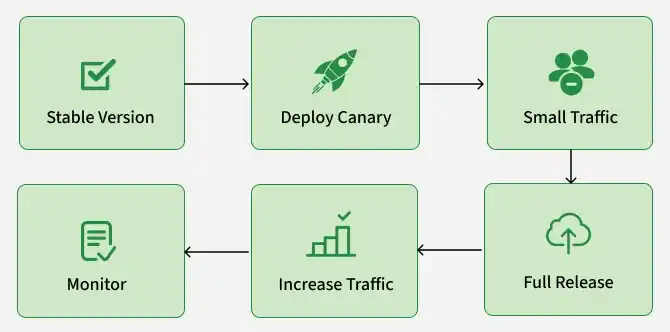
The general process is:
- The existing application version is running.
- A new version is built and tested.
- The new version is deployed alongside the existing version.
- A small percentage of traffic is directed to the new version.
- The canary version is monitored.
- If the canary performs well, more traffic is directed to it.
- The process continues until the new version receives all traffic.
- The old version is removed or kept temporarily for rollback.
The traffic distribution can be controlled using load balancers, service meshes, API gateways, or other traffic management mechanisms.
Canary Release Process
A typical Canary Release follows several stages.
Step 1: Prepare the New Version
The new application version is developed, built, and tested.
- Automated tests are executed.
- The application is packaged or containerized.
- The deployment artifact is prepared.
Step 2: Deploy the Canary
The new version is deployed alongside the stable version.
- The stable version continues running.
- The canary version is made available to receive traffic.
- The canary does not immediately replace the stable version.
Step 3: Send Limited Traffic
A small percentage of users or requests are directed to the canary. This limits the impact of potential problems.
Step 4: Monitor the Canary
The application and user behavior are monitored. The team checks whether the new version performs as expected.
Step 5: Increase Traffic
If the canary remains healthy, more traffic is gradually directed to it. The rollout can be paused at any stage if problems are detected.
Step 6: Complete the Release
Once the canary successfully handles the required traffic, it becomes the primary version. The previous stable version can then be removed or retained temporarily for rollback.
Implementing Canary Releases
Step 1: Prerequisites
Check Docker:
docker --versionCheck Node:
node --versionCreate a working directory:
mkdir deployment-strategies-democd deployment-strategies-demoStep 2: Build the Application
mkdir app
cd app
Create: app.js, package.json, Dockerfile
Step 3: Create package.json
{
  "name": "deployment-demo",
  "version": "1.0.0",
  "description": "Deployment strategy demonstration",
  "main": "app.js",
  "scripts": {
    "start": "node app.js"
  },
  "dependencies": {
    "express": "^4.21.2"
  }
}
Step 4: Create app.js
const express = require("express");

const app = express();

const PORT = 3000;
const VERSION = process.env.VERSION || "v1";

app.get("/", (req, res) => {
    res.send(`
        <html>
            <head>
                <title>Deployment Demo</title>
            </head>
            <body>
                <h1>Hello from ${VERSION}</h1>
                <p>Deployment strategy demonstration</p>
            </body>
        </html>
    `);
});

app.listen(PORT, () => {
    console.log(`Application ${VERSION} running on port ${PORT}`);
});
Step 5: Create Dockerfile
FROM node:20-alpine

WORKDIR /app

COPY package.json .

RUN npm install

COPY app.js .

EXPOSE 3000

CMD ["npm", "start"]
Step 6: Build the Docker Image
docker build -t deployment-demo:v1 .Step 7: Test the Application
docker run -d \
  --name test-v1 \
  -p 3000:3000 \
  -e VERSION=v1 \
  deployment-demo:v1
Open: http://localhost:3000
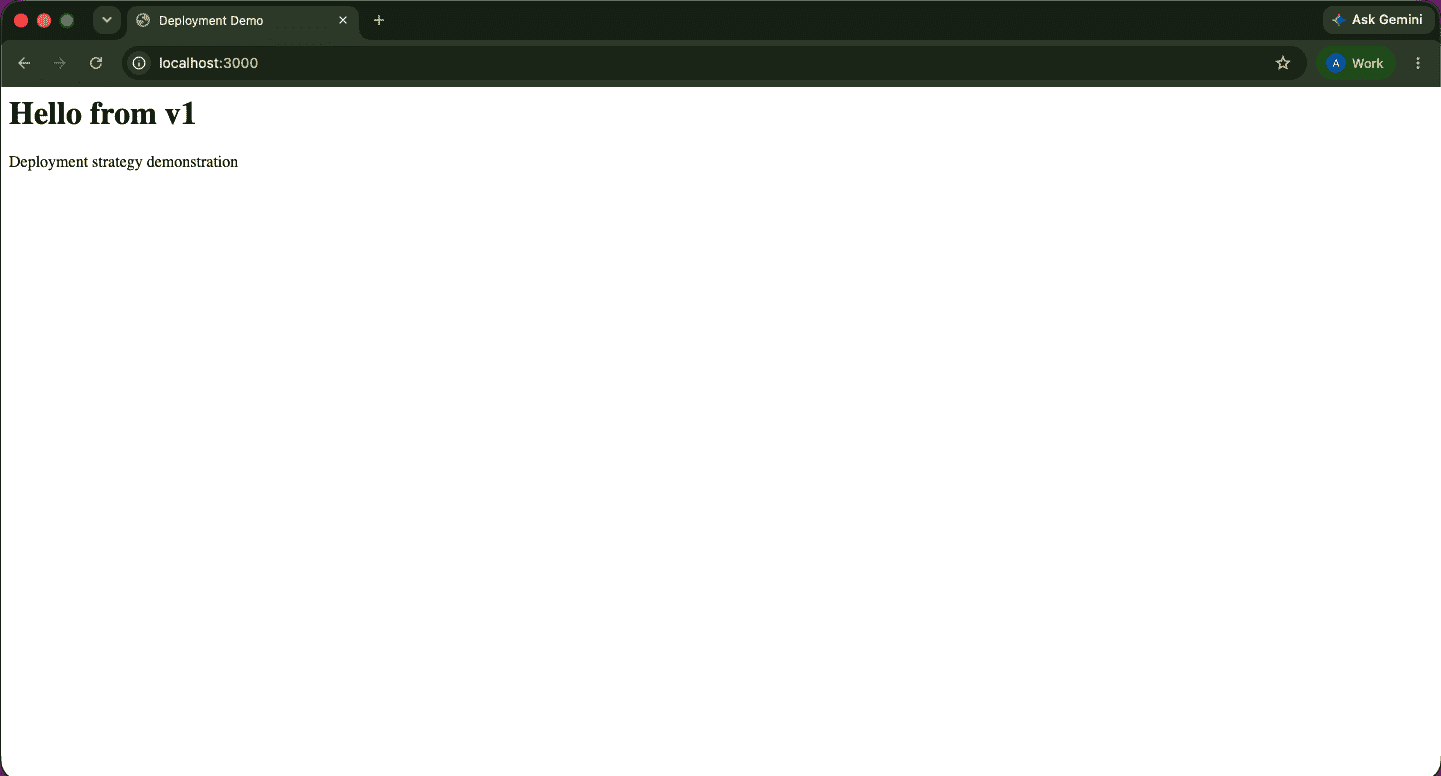
then
docker stop test-v1docker rm test-v1Step 8: Create V2
docker build -t deployment-demo:v2 .Test v2:
docker run -d \
  --name test-v2 \
  -p 3000:3000 \
  -e VERSION=v2 \
  deployment-demo:v2
Open: http://localhost:3000
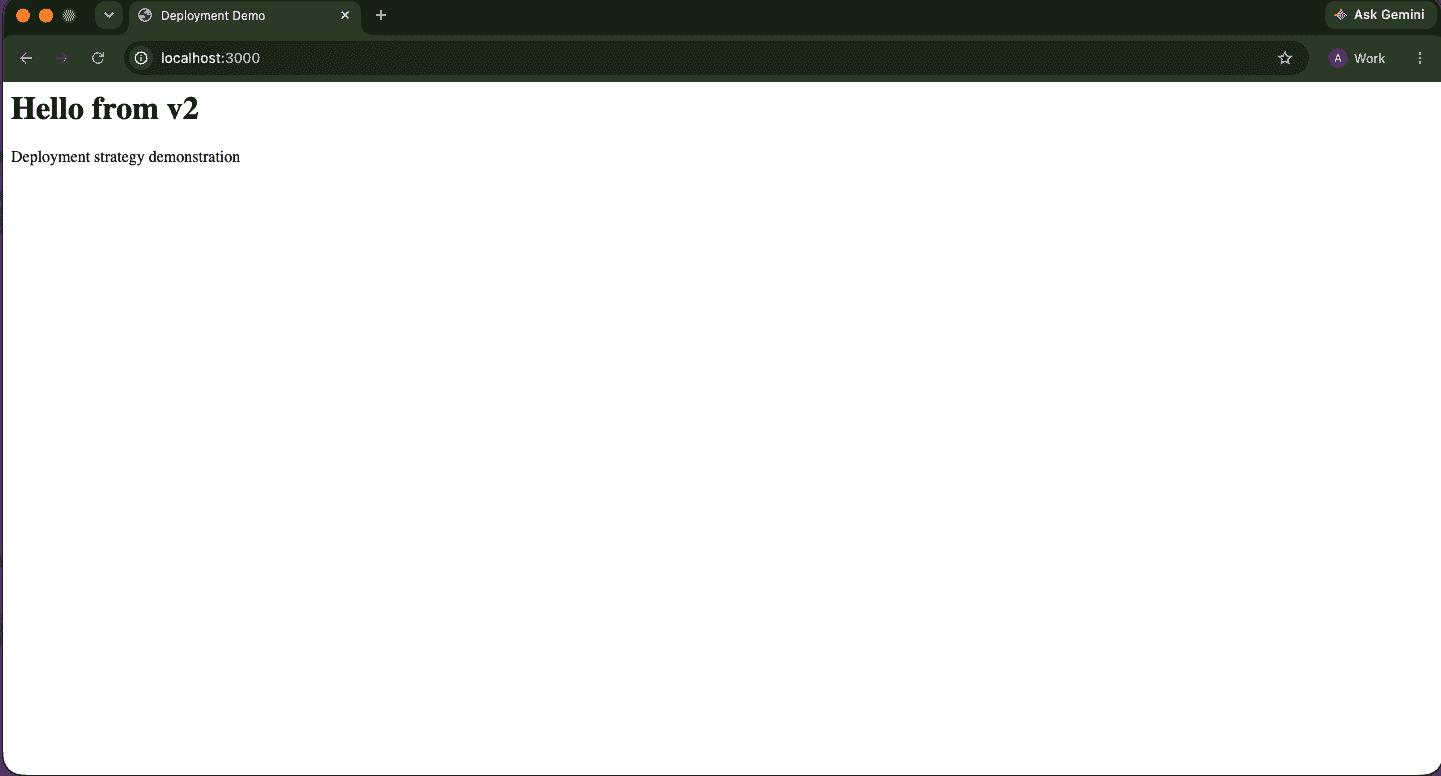
then:
docker stop test-v2docker rm test-v2Step 9: Run V1
docker run -d \
  --name app-v1 \
  -p 3001:3000 \
  -e VERSION=v1 \
  deployment-demo:v1
Open: http://localhost:3001
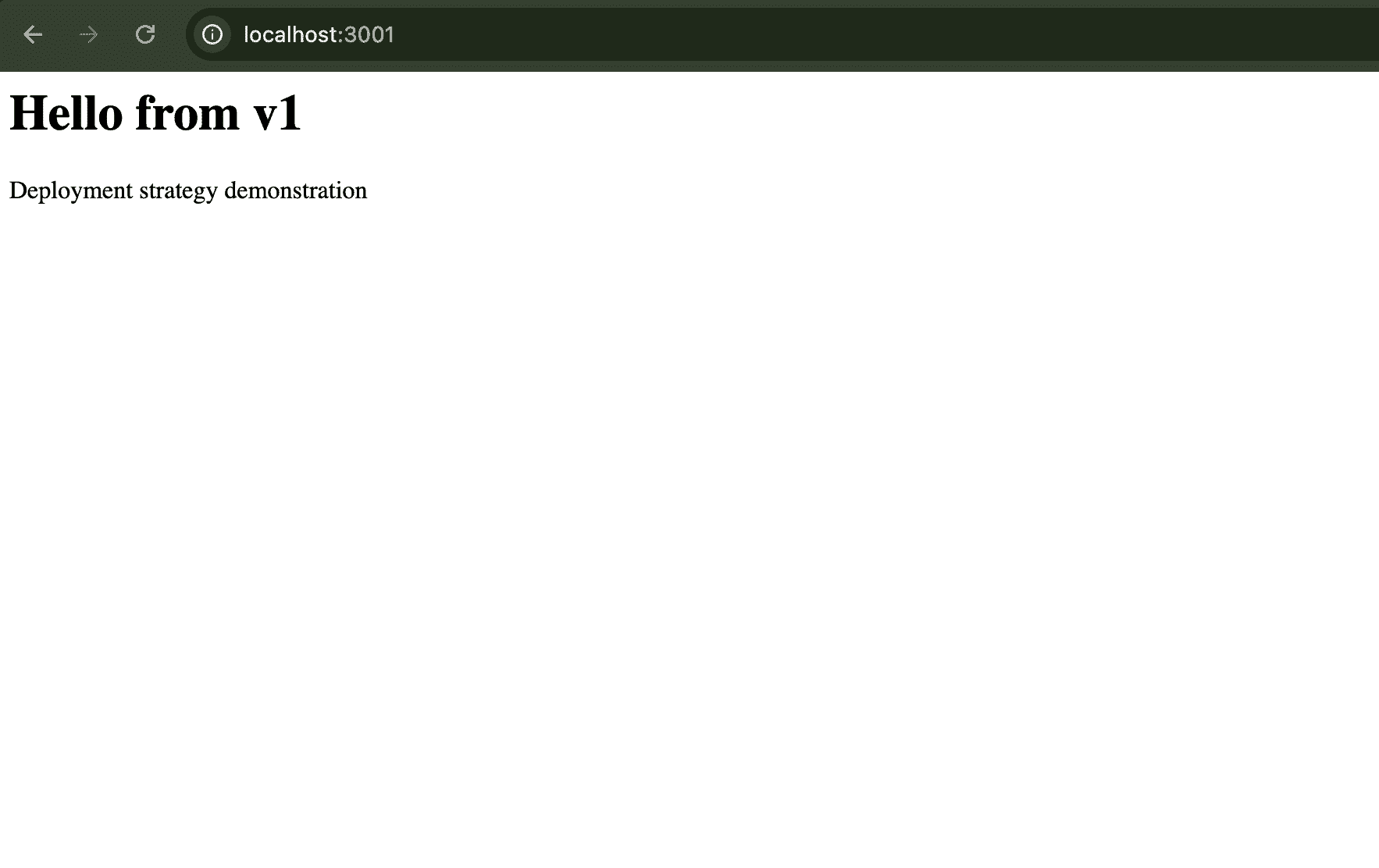
Step 10: Run V2
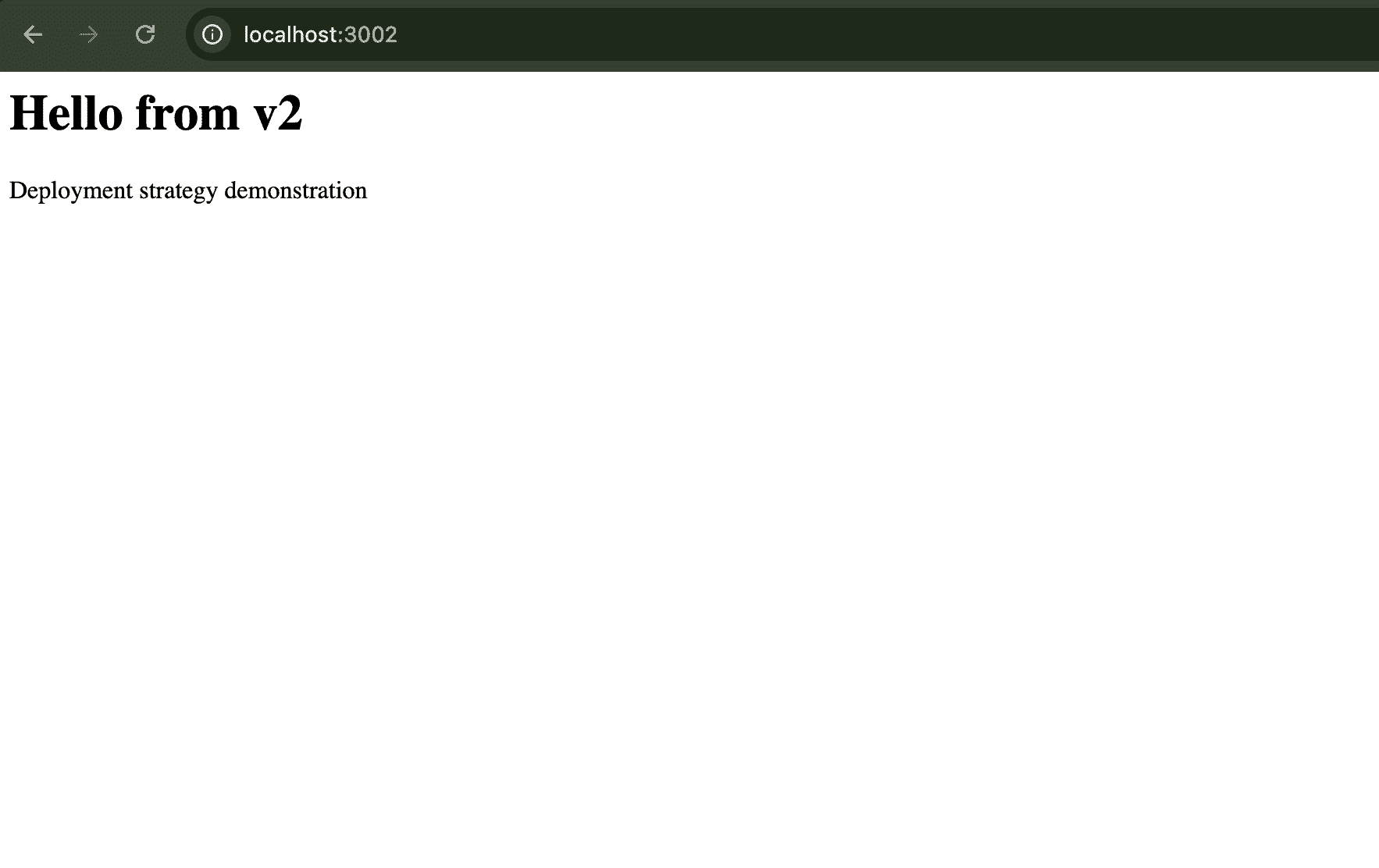
docker run -d \
  --name app-v2 \
  -p 3002:3000 \
  -e VERSION=v2 \
  deployment-demo:v2
Open: http://localhost:3002
Step 11: Create Nginx Configuration
cd ..
mkdir nginx
cd nginx
touch nginx.conf
In nginx.conf
events {}

http {
    upstream backend {
        server host.docker.internal:3001;
        server host.docker.internal:3002;
    }

    server {
        listen 80;

        location / {
            proxy_pass http://backend;
        }
    }
}
Step 12: Start Nginx
docker run -d \
  --name nginx-canary \
  -p 8080:80 \
  -v "$(pwd)/nginx/nginx.conf:/etc/nginx/nginx.conf:ro" \
  nginx
Open: http://localhost:8080
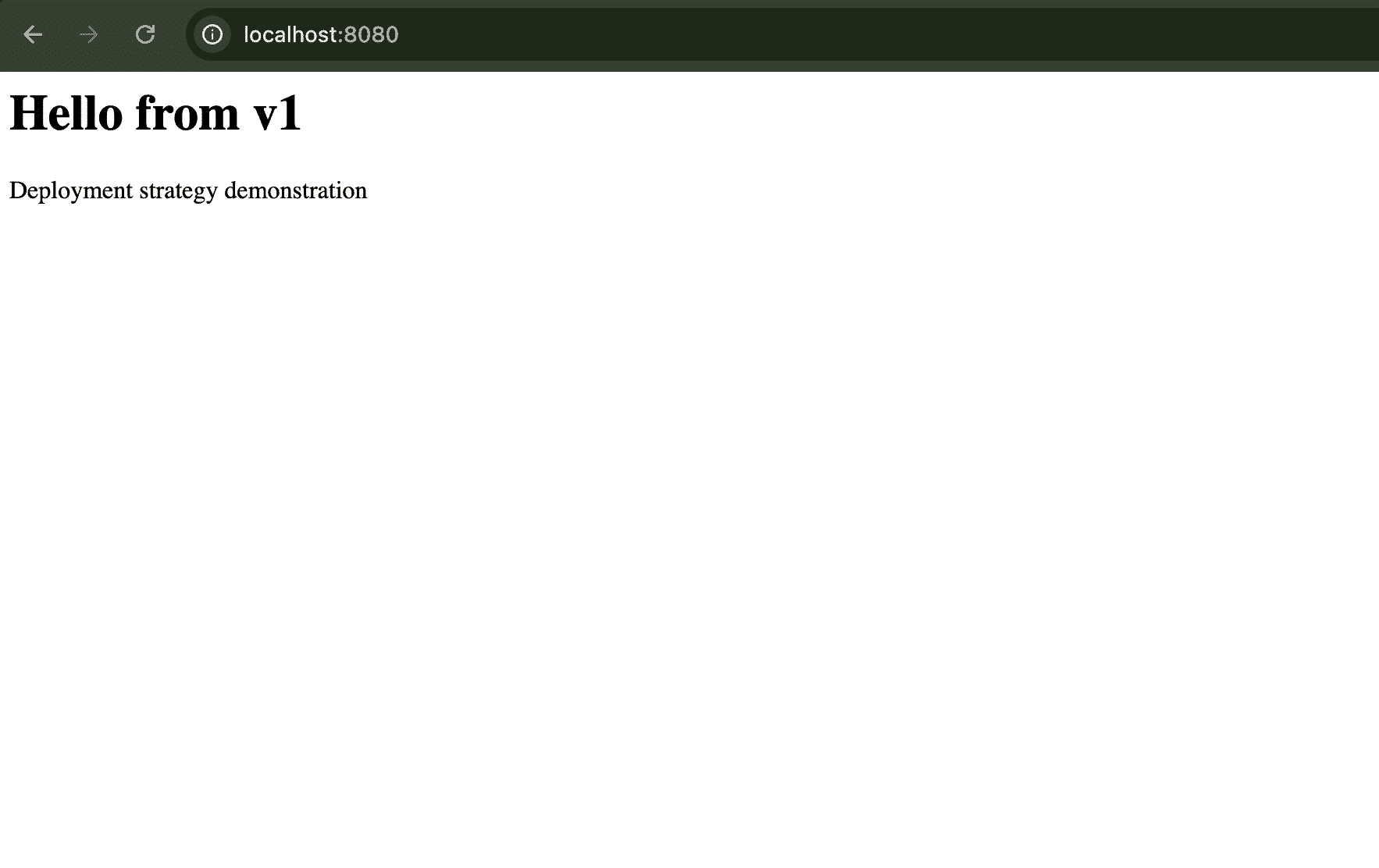
Now Update nginx.conf
events {}

http {
    upstream backend {
        server host.docker.internal:3001 weight=9;
        server host.docker.internal:3002 weight=1;
    }

    server {
        listen 80;

        location / {
            proxy_pass http://backend;
        }
    }
}
Step 13: Reload Nginx
docker exec nginx-canary nginx -s reload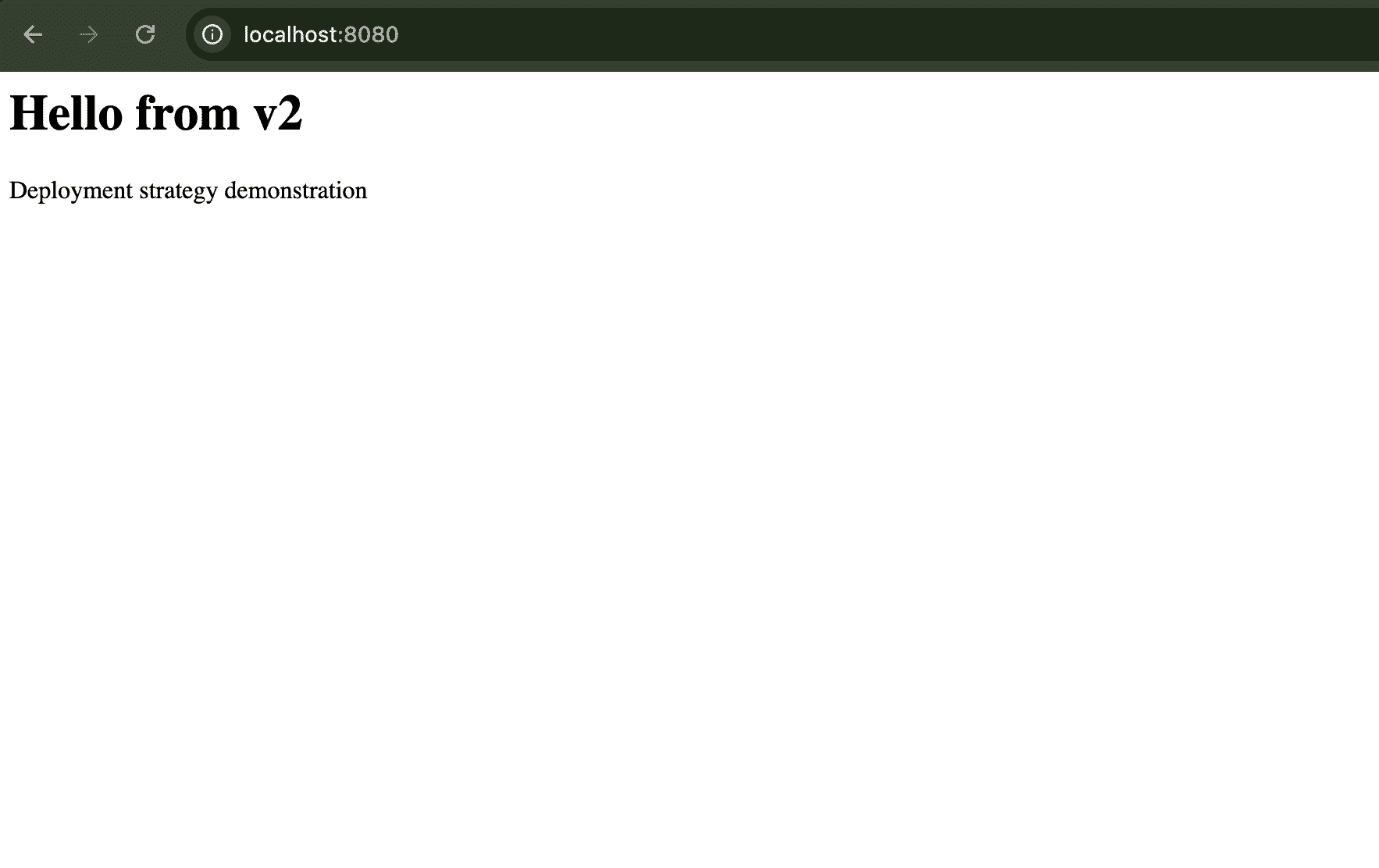
Step 14: Keep Updating the weights to increase the canary traffic
server host.docker.internal:3001 weight=x;
server host.docker.internal:3002 weight=y;
Use Cases
Canary Deployment is useful when releasing changes that could significantly affect users or application behavior. Common use cases include:
- Large applications can expose a new version to a small percentage of users first.
- Individual services can be released gradually without immediately affecting all consumers.
- A small percentage of traffic can be used to evaluate a release before full deployment.
- Major application changes can be tested with a limited audience.
- Canary deployments can be integrated into CI/CD pipelines to automatically release new versions in stages.
- The new version can be evaluated under real traffic before complete rollout.
Best Practices
- Automated Testing: Use CI/CD pipelines to constantly test new versions automatically before canary deployment.
- Gradual Rollout: Don't turn on too much traffic toward a canary version all at once, this is risky; do it gradually.
- Monitoring and Clear Alerts: Real-time alerts should be set up so that identification and reaction are swift in case of any issue with the canary release.
- User Feedback: Take feedback from users who have been interacting with the canary version to know their experience and make an informed decision about the release.
Canary vs Blue-Green Deployment
Canary and Blue-Green Deployment both run different application versions during a release, but they handle traffic differently.
| Feature | Canary Deployment | Blue-Green Deployment |
|---|---|---|
| Main Approach | Gradually exposes the new version | Switches traffic between environments |
| Traffic | Small percentage initially | Usually switched between environments |
| User Exposure | Gradual | Usually broad after the switch |
| Old Version | Continues receiving most traffic | Remains available as the inactive environment |
| Monitoring | Continuous during gradual rollout | Mainly before and after traffic switch |
| Rollout | Multiple stages | Usually one major traffic switch |
| Rollback | Redirect traffic away from canary | Switch traffic back to old environment |
| Infrastructure | May require additional capacity | Requires two environments |
| Main Goal | Validate new version with limited users | Quickly switch between two complete environments |
