
Mobile Tickets

Introduction
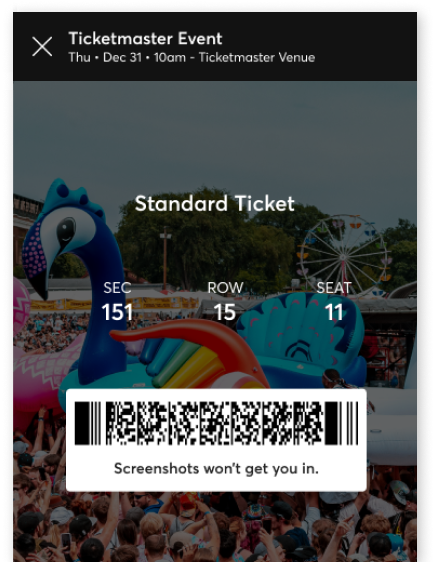
Mobile tickets are downloaded directly to your phone. No need to print or search through your emails - find them in your Ticketmaster App or save them to your mobile wallet.
How Do I Use Them?


1. Download the app

2. In My Tickets add your tickets to your phone wallet before the event
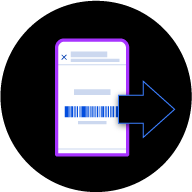
3. Choose 'Transfer'. Make sure to transfer every ticket that isn't yours
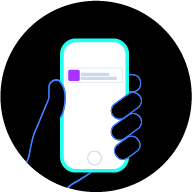
4. Your friends will get an email to accept their ticket
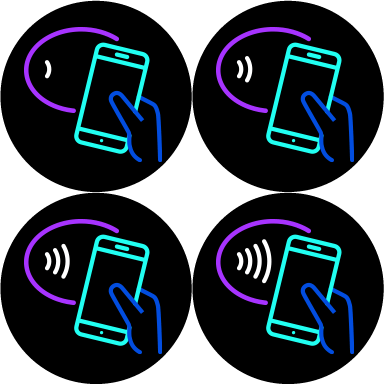
5. Once in your wallet, just tap your phone to enter the venue, similar to contactless payment. Screenshots won’t be accepted.



6. Enjoy the event!
What's So Good About Mobile Tickets?
Less Waiting
You no longer need to wait for your tickets in the post. They're saved on your phone as soon as you buy them...
Easy To Sell
Did your plans change and you can't go? Mobile tickets are easy to sell to another fan...
Transfers
Are you the organised one who buys tickets for everyone else? Mobile tickets let you transfer directly to your group...
The Trees Will Thank You
Paperless tickets are an easy way to go green...
Transfer Tickets in Three Easy Steps
- 1. In your Ticketmaster account, find the event you'd like to transfer tickets for.
- 2. Tap 'Transfer', select the ticket(s) you'd like to send and enter the recipient's info.
- 3. We'll send an email to your recipient to accept their tickets in their account.
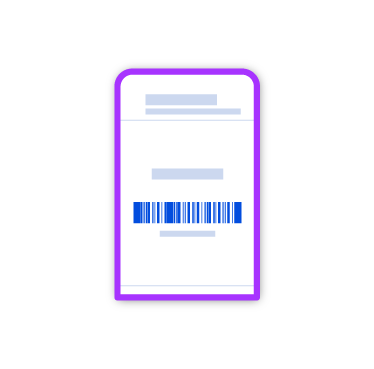

Need to cancel a transfer? If the ticket hasn't been accepted, there's still time! Simply select the ticket and 'Cancel Transfer'
How to accept a ticket transfer
How to cancel a ticket transfer
How to transfer tickets
FAQs
Mobile tickets are easier, safer and better than print-outs or paper tickets. Here are some answers to questions that are often asked.
-
No. A mobile ticket must be provided either within the app, the mobile website or your phone's wallet to gain entry. Additionally, you can't forward tickets using a screenshot.
-
Don’t get caught out by phone signal, make sure you view your ticket in the Ticketmaster App in advance and add to your phone’s mobile wallet.
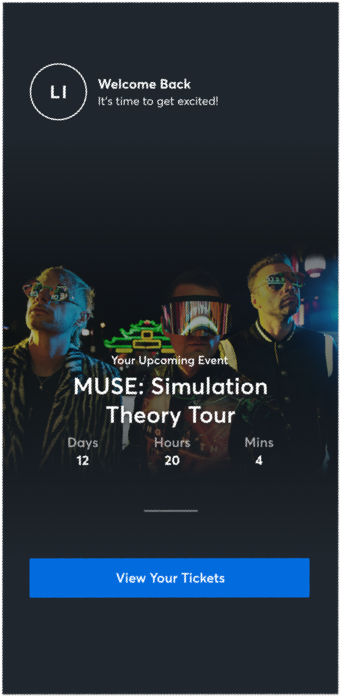
Get Our App and Get Going
Discover more of the events you love with the Ticketmaster App. No PDFs. No paper. Browse, buy and store your tickets all in the app - just turn up, scan your phone and have a great time.
Download the Ticketmaster App (Republic of Ireland)


Download the Ticketmaster App (Northern Ireland)
