


Whether you've built your new PC or got one of the best custom PC builders to do it for you, the next thing to figure out is what to do with your old PC. Sure, you could sell it or give it to a gaming buddy, but depending on how long you've owned it, dealing with a sale could be more effort than it's worth. If that's the case, it's time to turn that old PC into a project, and we've got plenty of suggestions on how to give that aging hardware a new lease on life.
10 Turn it into an AI hosting machine
LLMs are fun to play with, and they're even better when local

Even if your old PC isn't a next-gen AI PC, you can still have a lot of fun running LLMs and other AI tasks locally. Pretty much any hardware released in the last decade is powerful enough to run models like Ollama's LLMs for generating text and as a chatbot, and you can generate images as well if you have a graphics card with a decent amount of VRAM. To maximize performance, you'll want to ditch Windows and run a trimmed version of Linux, possibly Pop_OS! if you have an Nvidia graphics card, although your preferred distro should be fine. It might be slower than the latest tech at generating responses, but that's only to be expected.
9 AI image generator
Stable Diffusion doesn't need a powerful PC


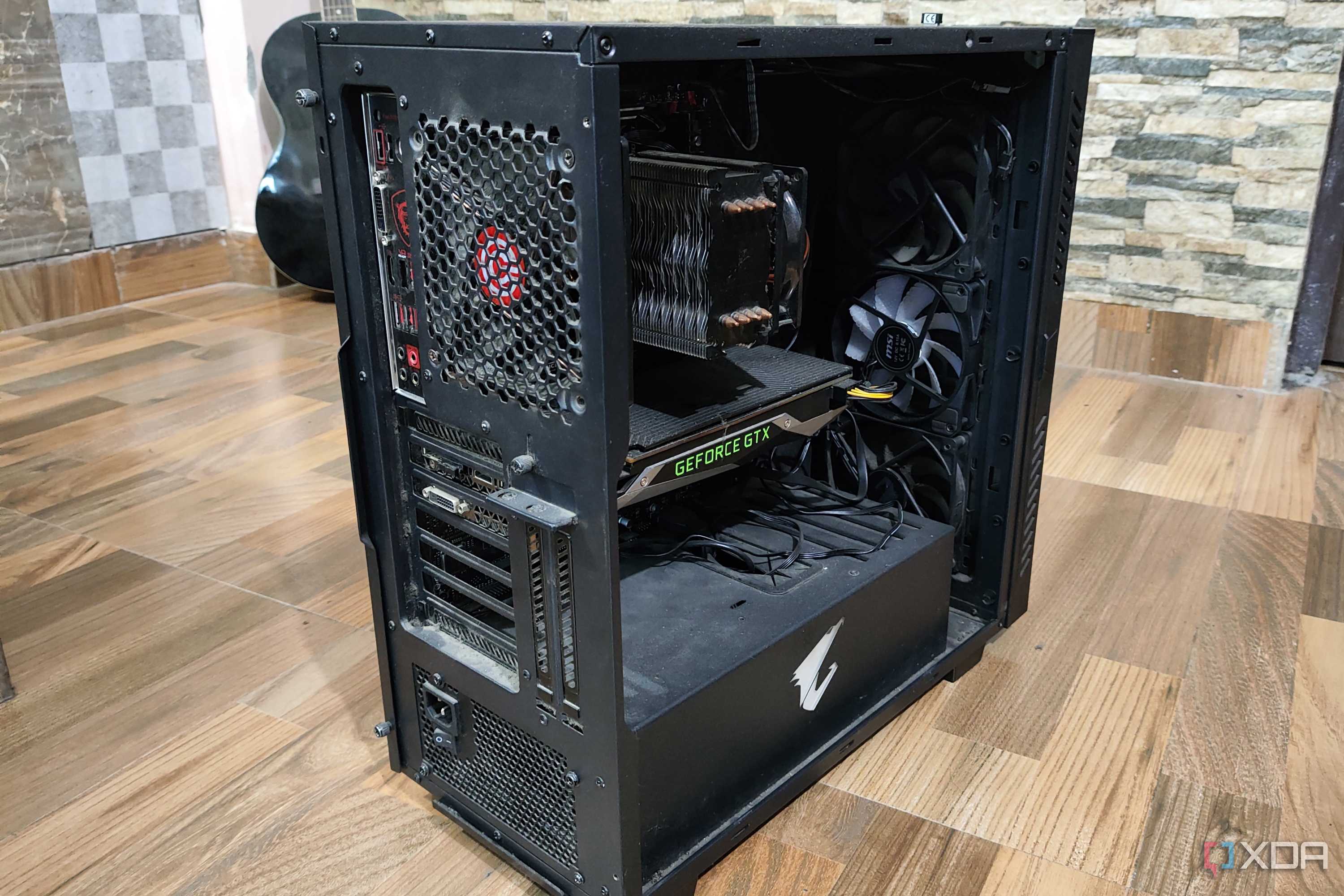
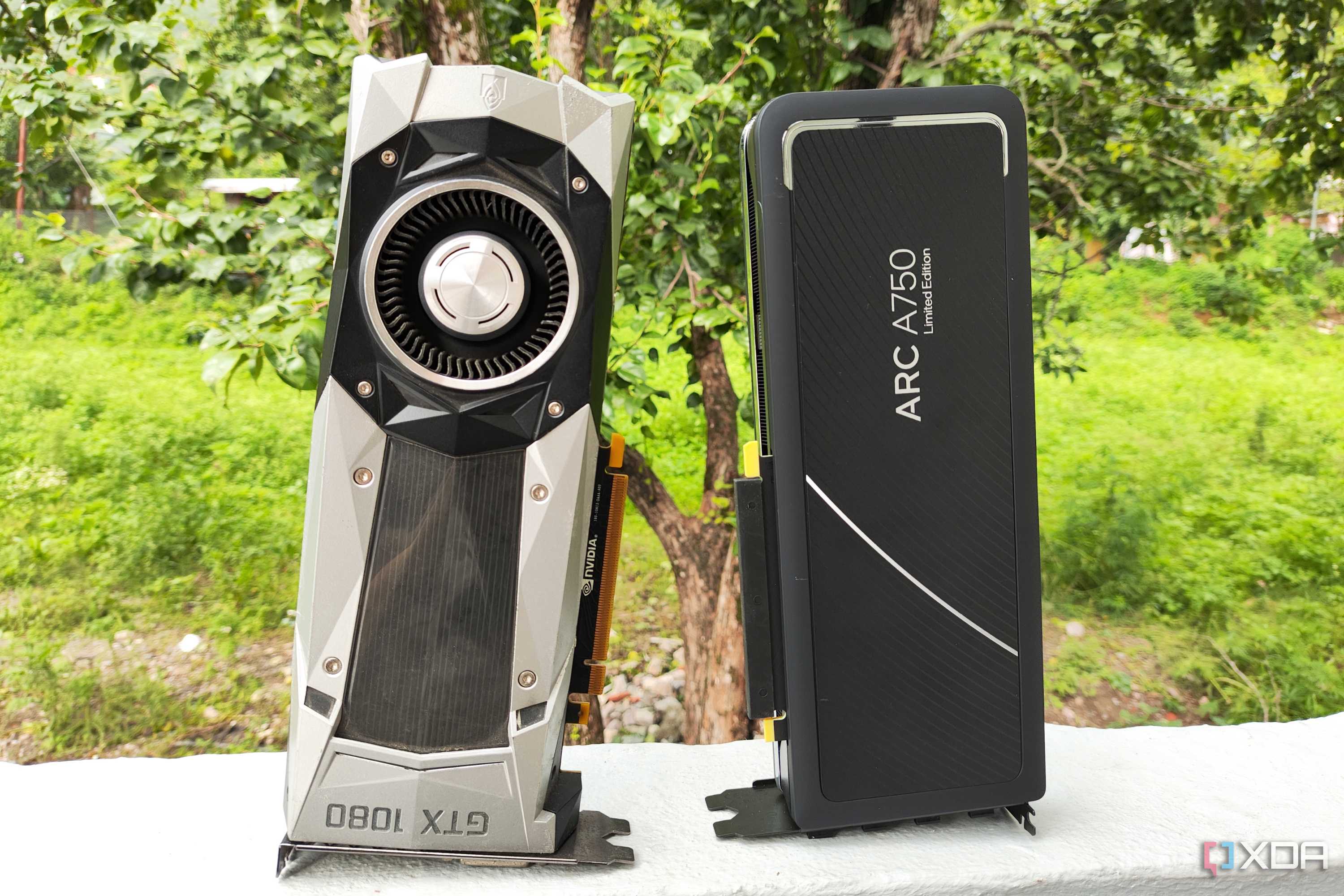

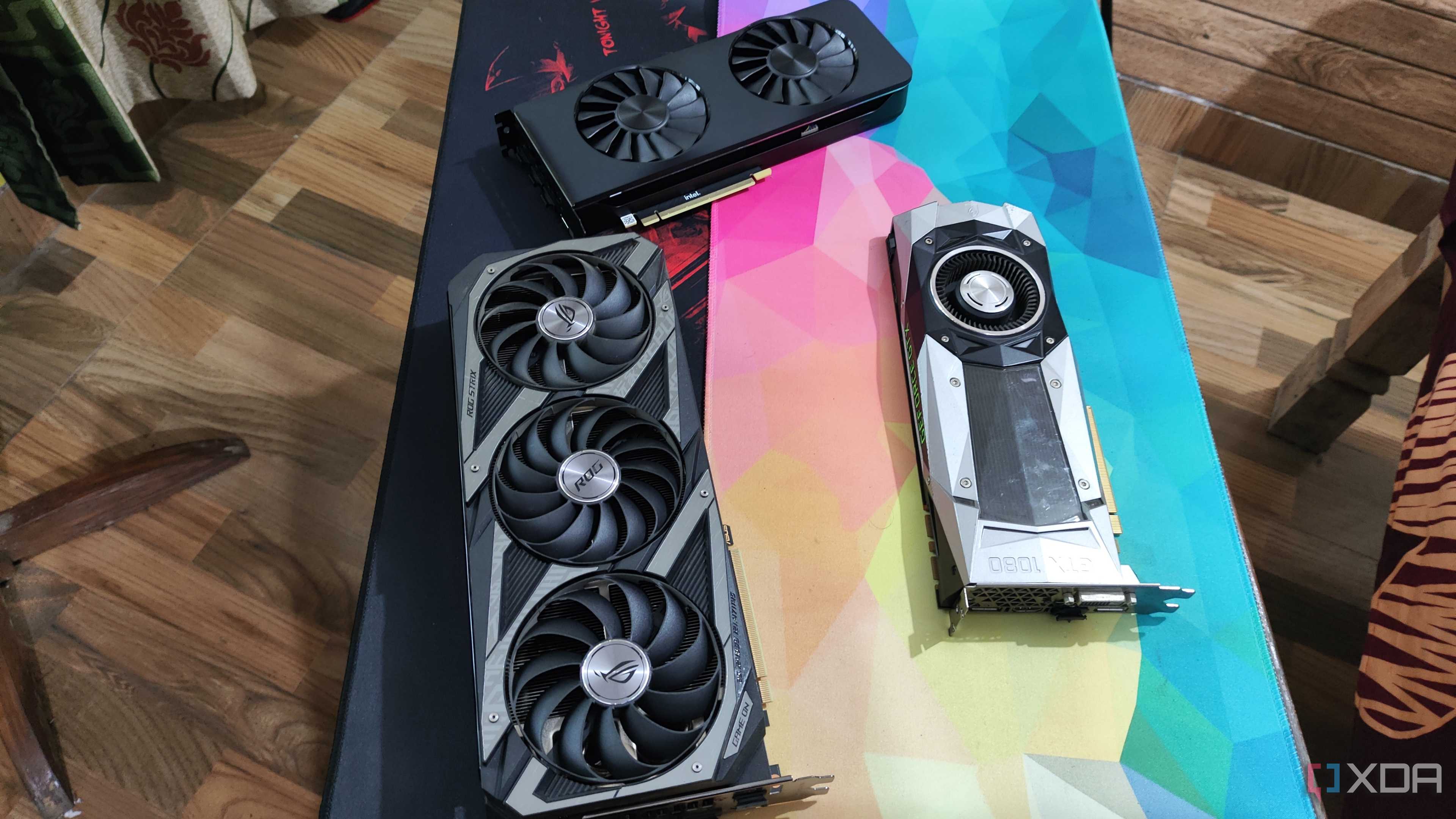
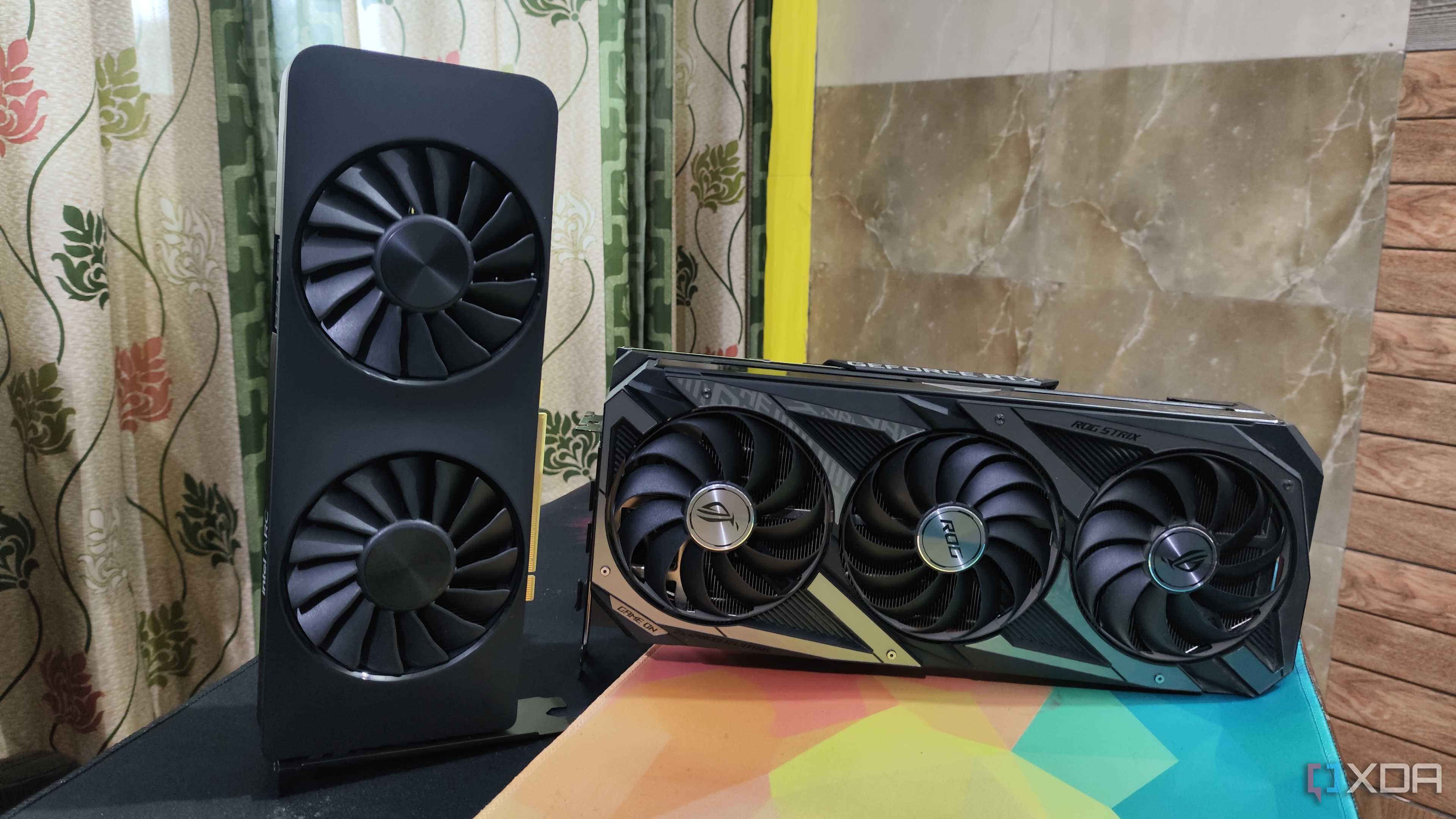
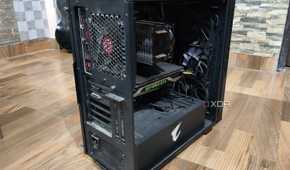

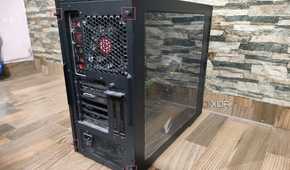
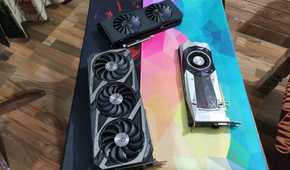
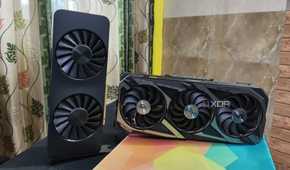
AI image generators are useful tools, but the online versions only allow you to generate images with a few tokens before you have to pay up or wait for the next cycle. However, some of them can be run locally on your computer with the code and models you've selected. That's awesome to know because of the dubious ethics of the training models that many of the online image generators use. The most important component of your old PC is the graphics card, as AI image generation is very VRAM-heavy and also weighted in favor of Nvidia GPUs. But that doesn't mean you can't use a lesser GPU or AMD parts, as anything over 4GB of VRAM will get you generated images, they just might not arrive quickly.
8 Replace Google Drive
Reduce your reliance on cloud subscriptions


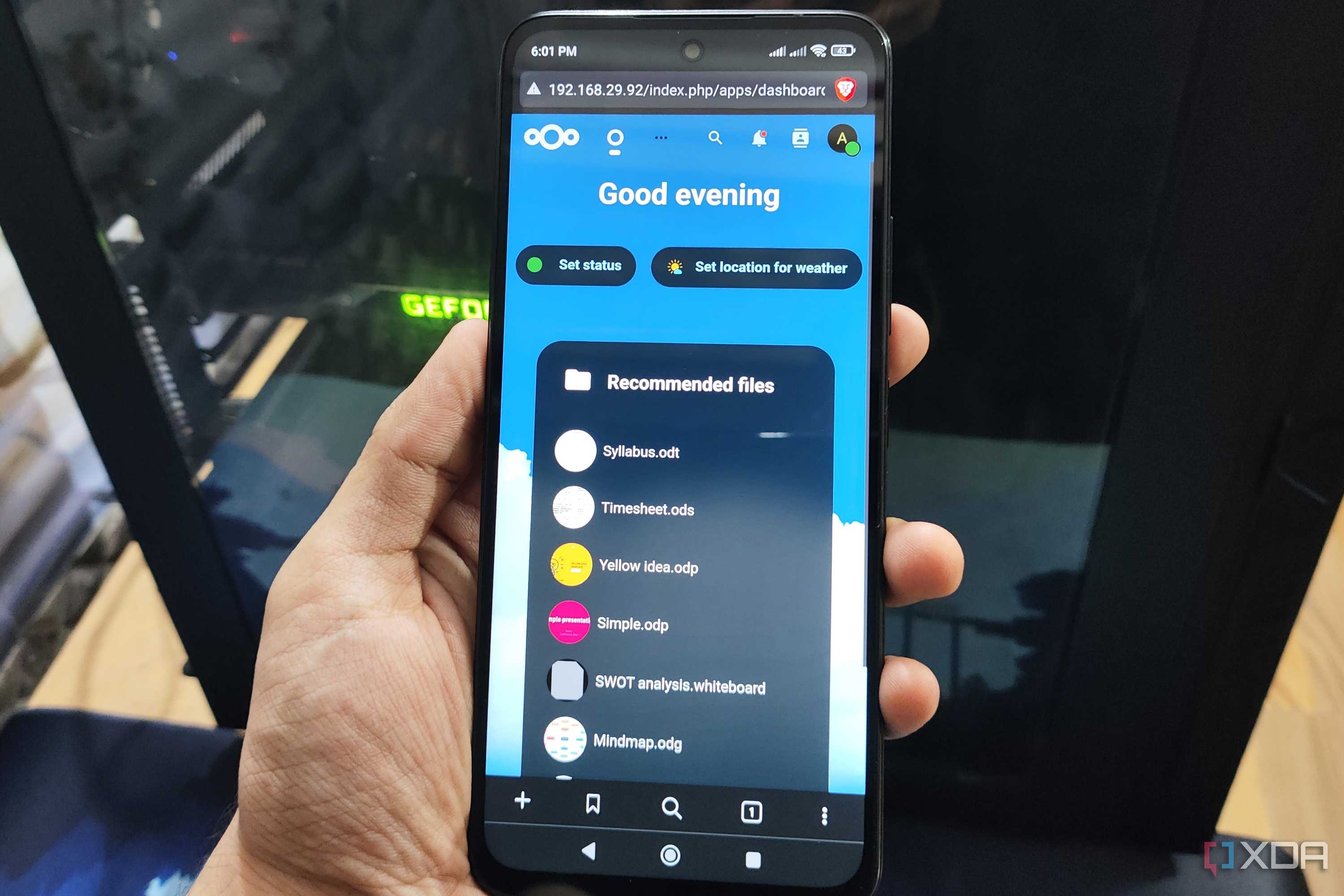
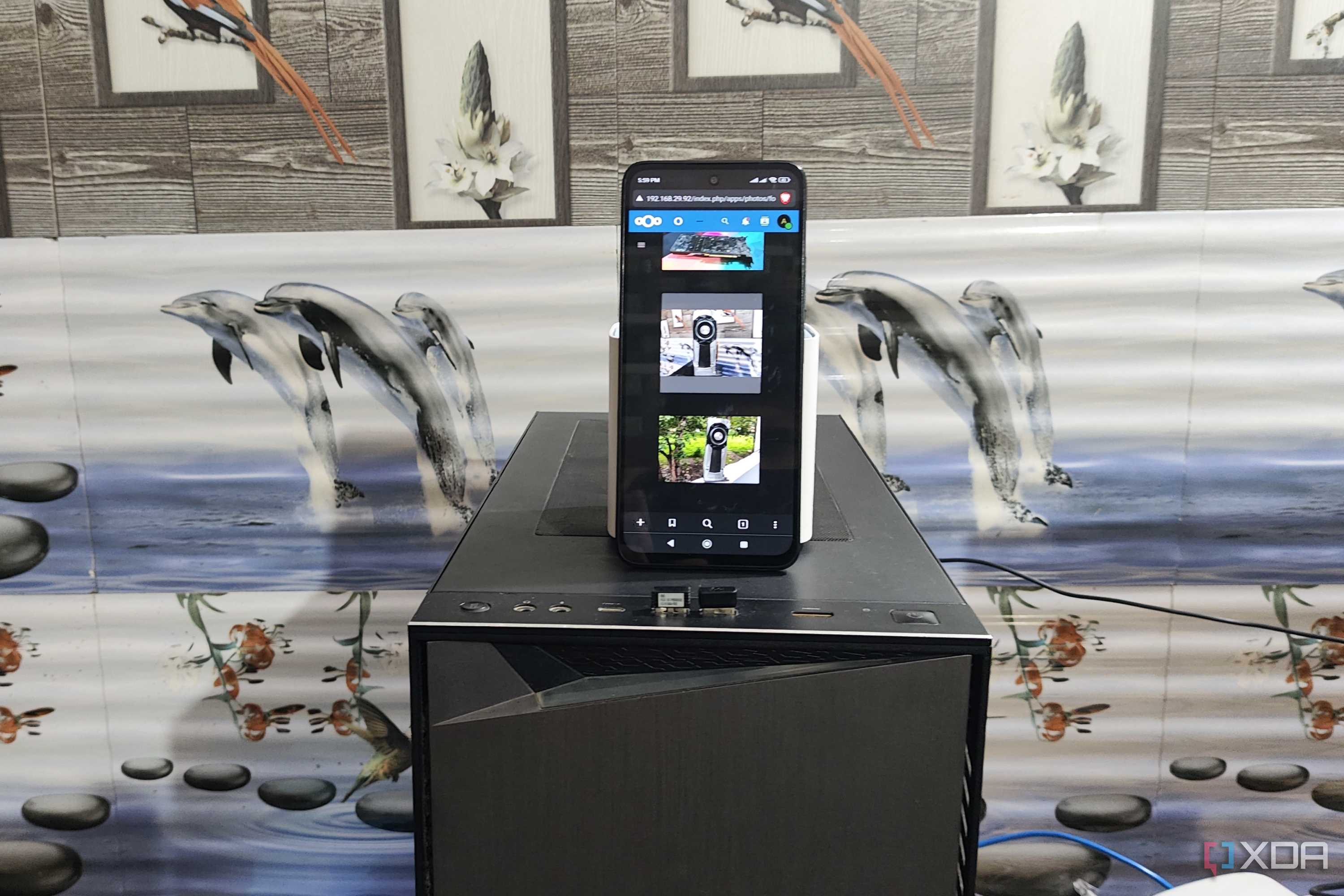
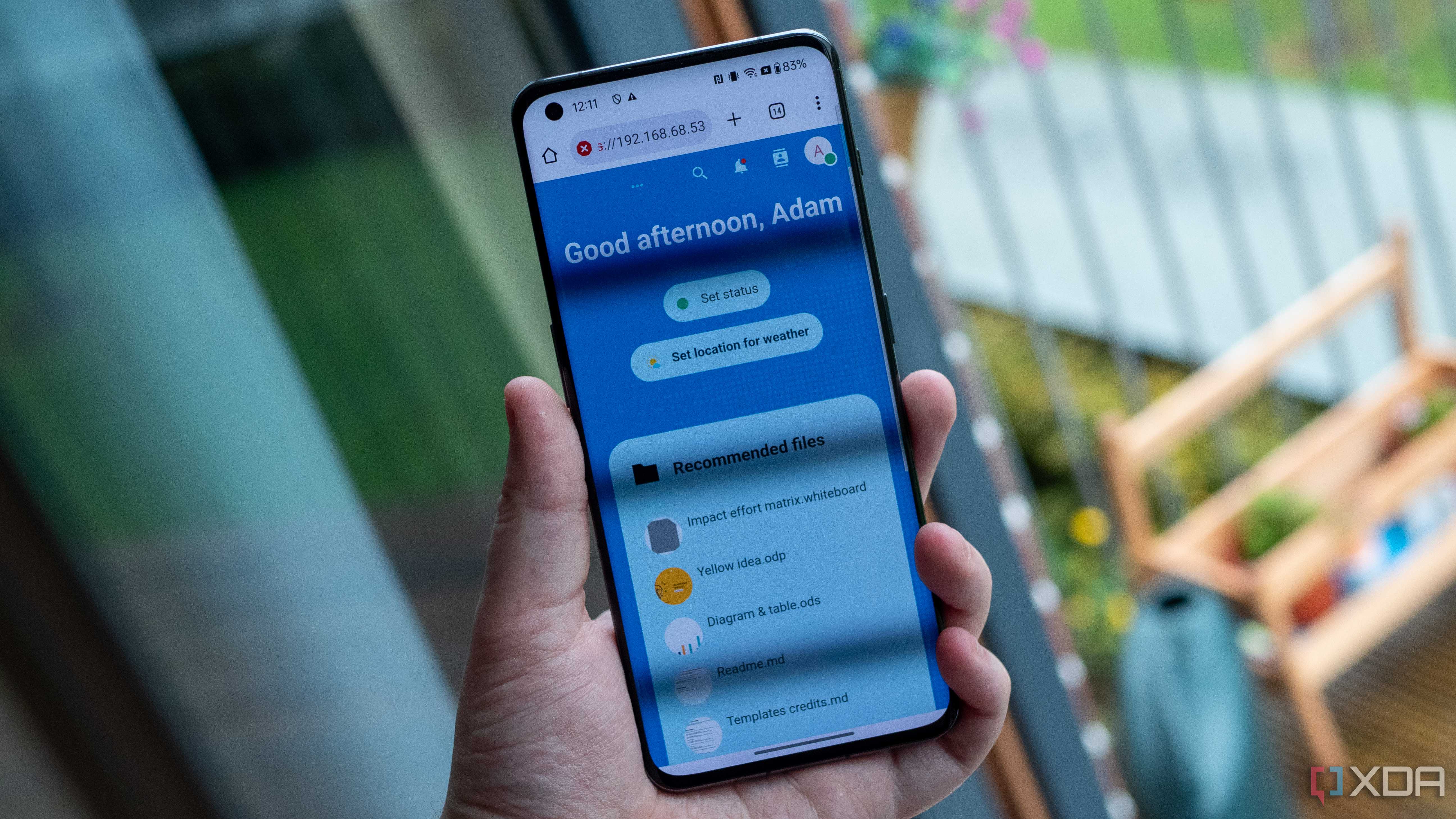
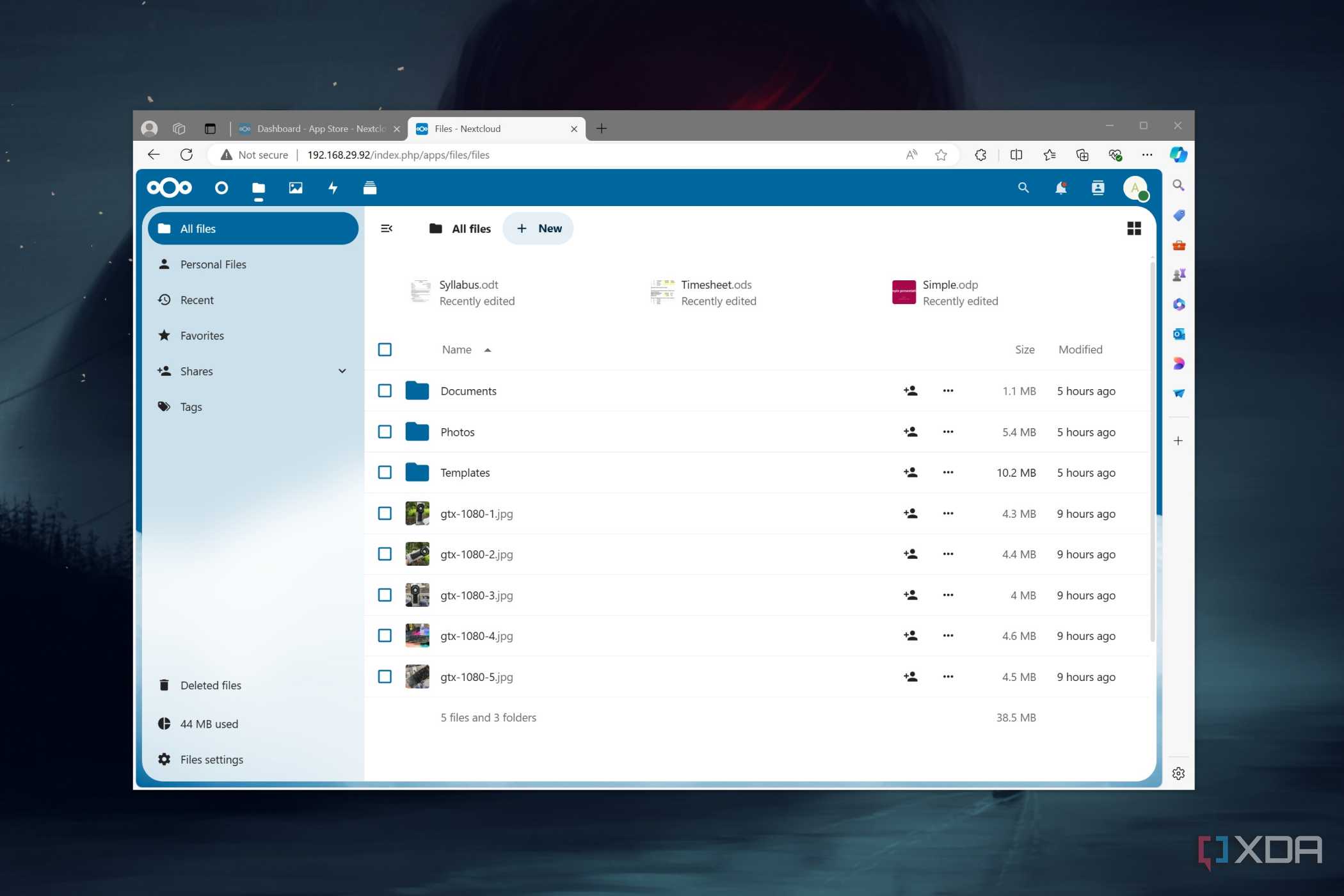
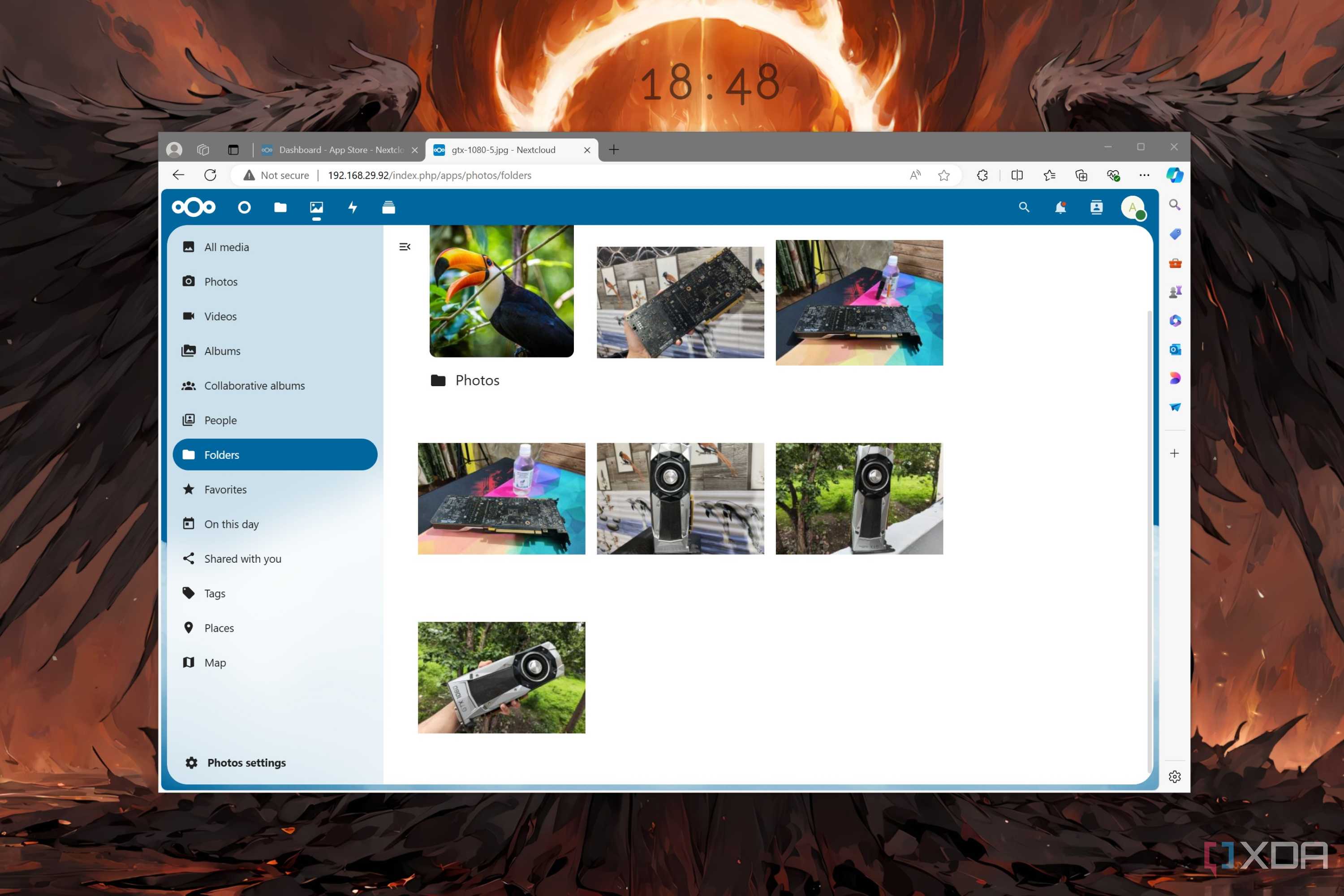



Even if you're using a free cloud storage provider instead of paying for a subscription, having your data on someone else's server comes with compromises. But with an old PC and a little bit of time, you can create your own cloud server, using services like Nextcloud to provide your data storage needs. It's a fantastic way to reuse old hardware, partly because the only thing that gets expensive is the storage drives, and it will run on a virtual potato. Plus, you'll take back control of your data, and learn a few tricks with Docker in the process. That sounds like a winning combination to me, and it's one step closer to running your own home server or NAS.
7 Make a retro gaming console
Retro gaming is huge, and it doesn't take powerful hardware to do




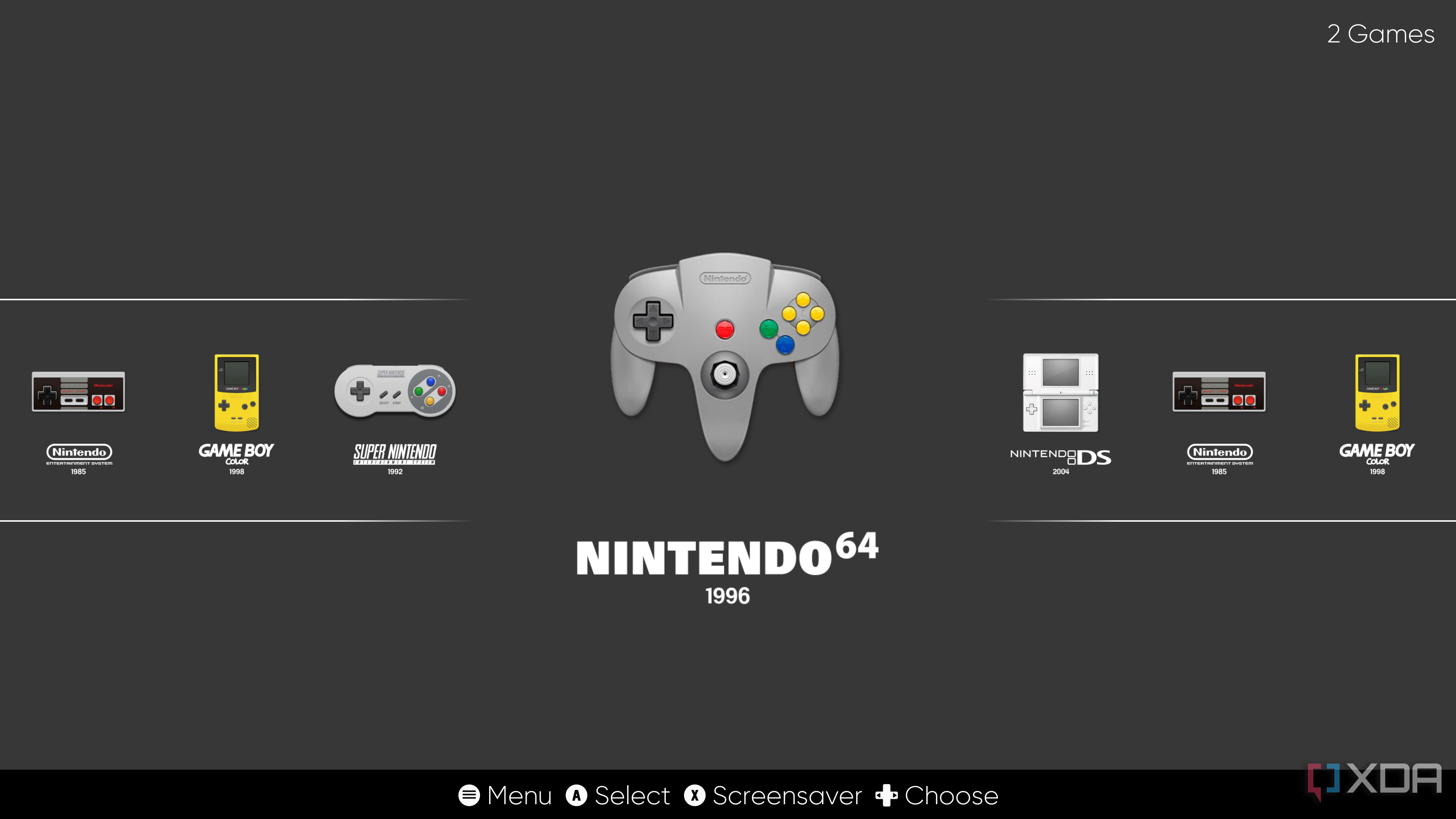
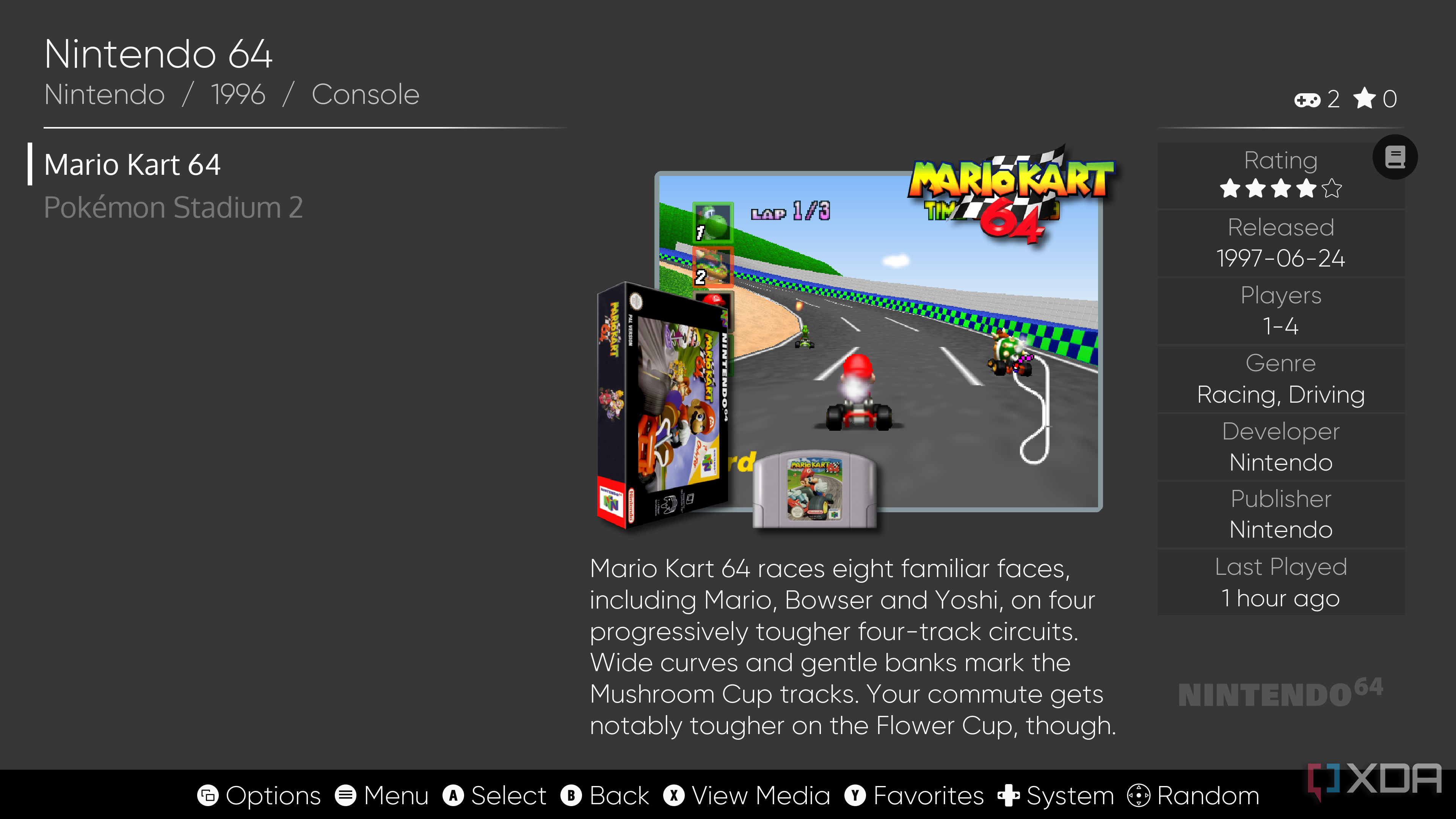
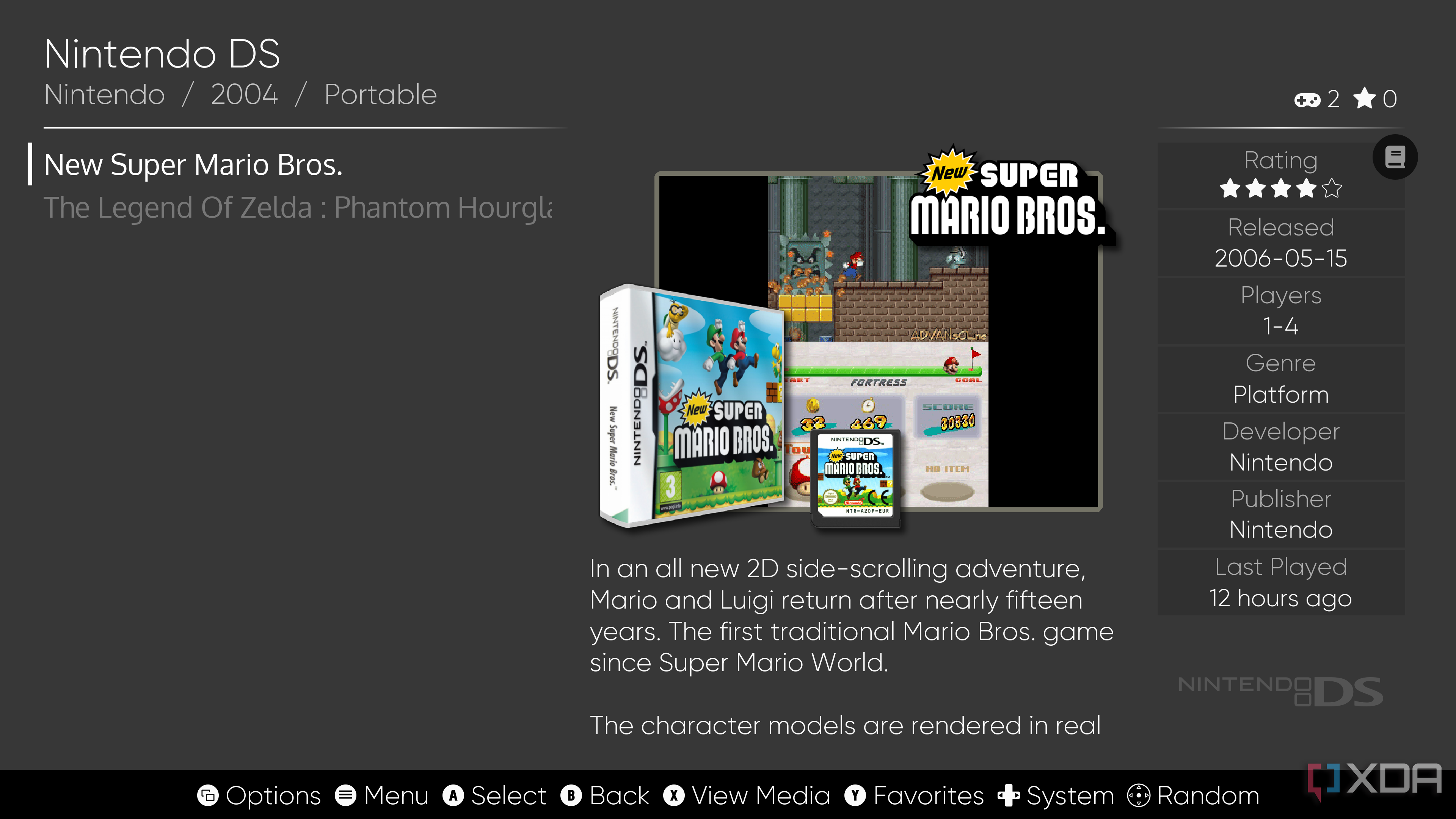




Like anyone who grew up in the '80s and '90s, I have a fond recollection of the amazing games of the 8-bit and 16-bit eras. Games like Secret of Mana, the early Final Fantasy series, or any of the hundreds of games that spawned sequels, remasters, or reboots that still chart well today. And because they were designed to run on something with less processing power than the average modern kitchen appliance, it should be no problem for your old PC to emulate them. You can choose from a wide variety of emulators, but we suggest ones that provide a dashboard for many emulators, like EmuDeck or EmulationStation, so you can worry about which games you want to play, rather than having to set up multiple emulators from scratch.
6 Make a smart home hub
Home Assistant is the best addition to any smart home


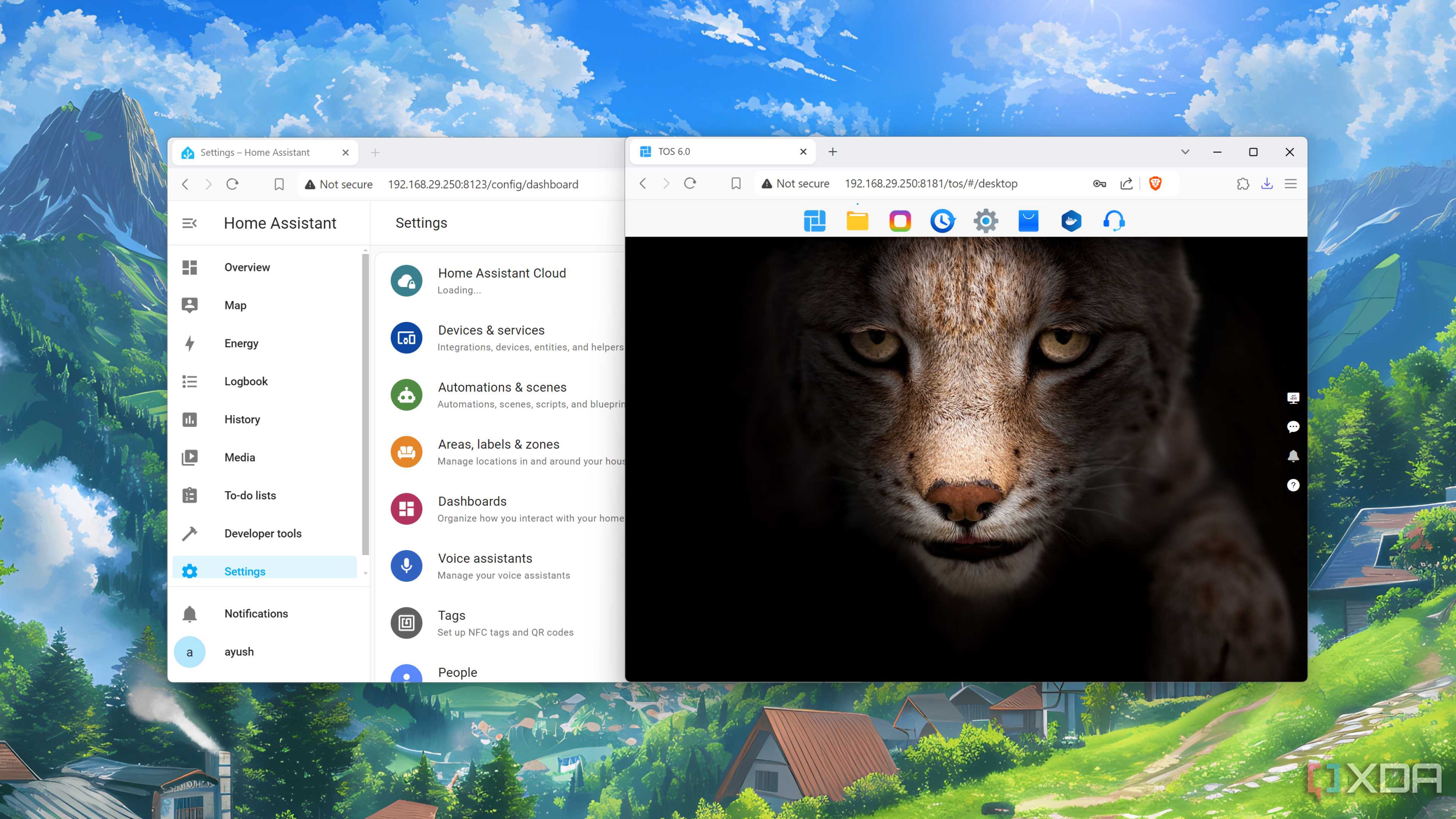
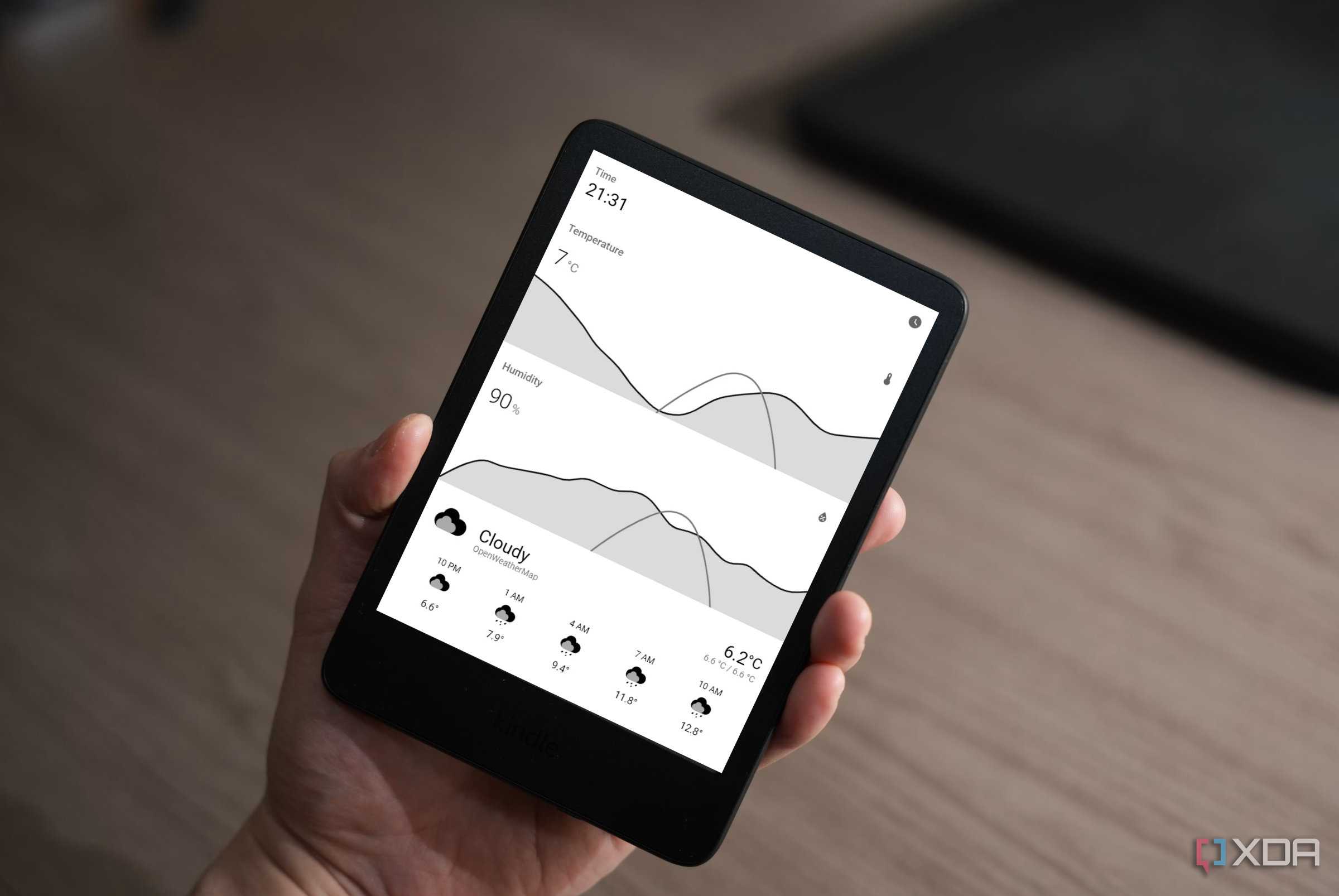
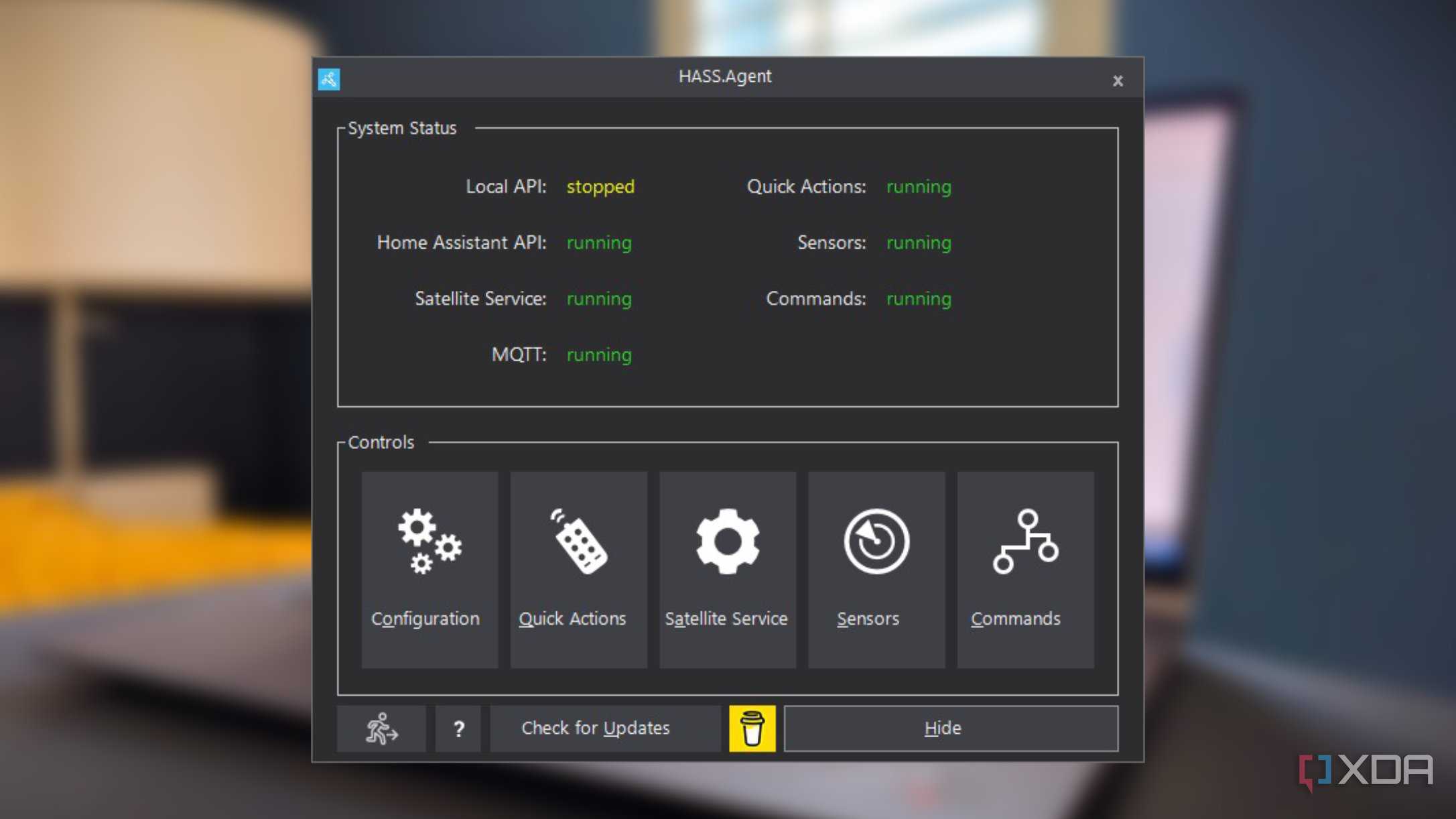
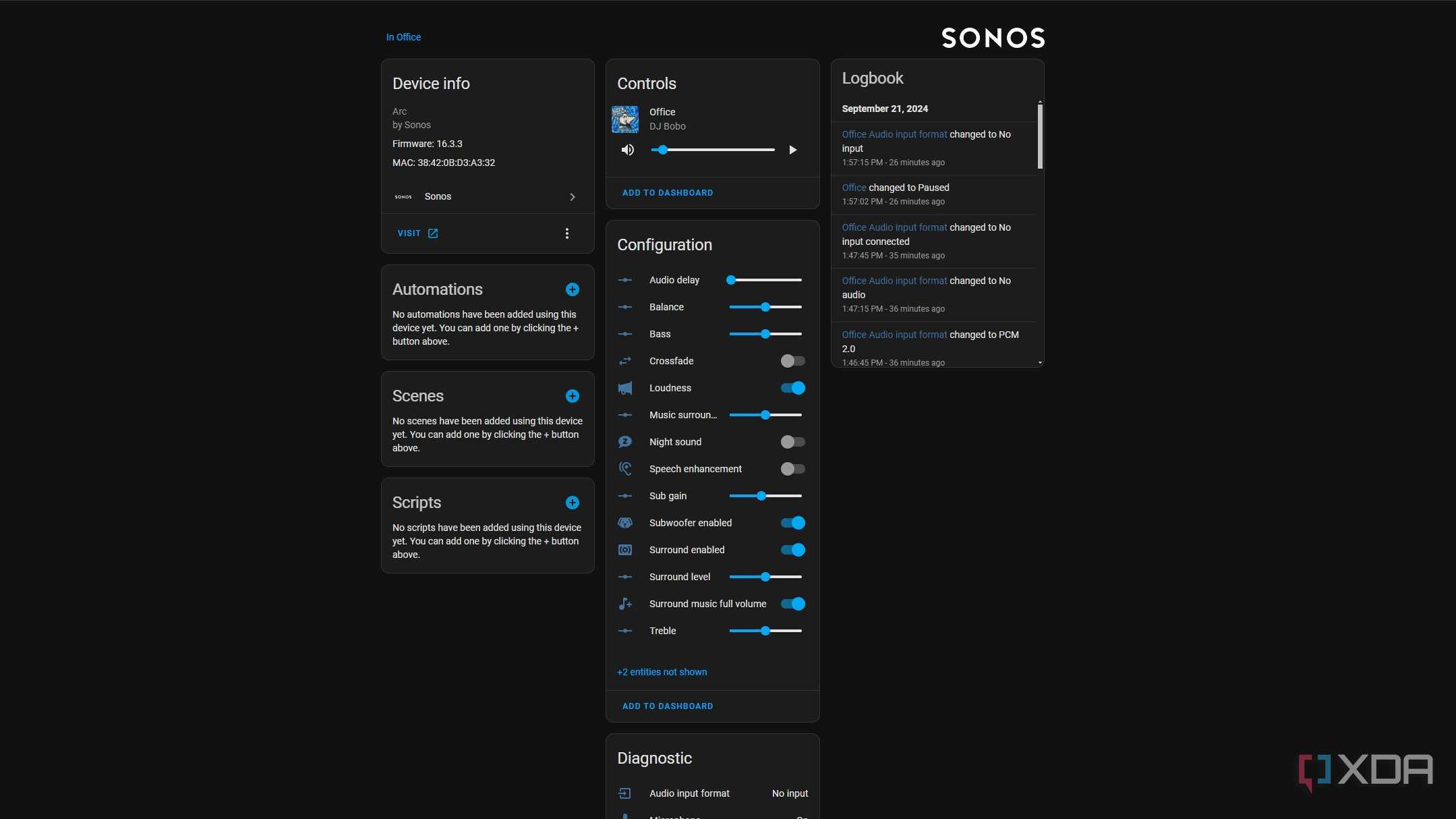
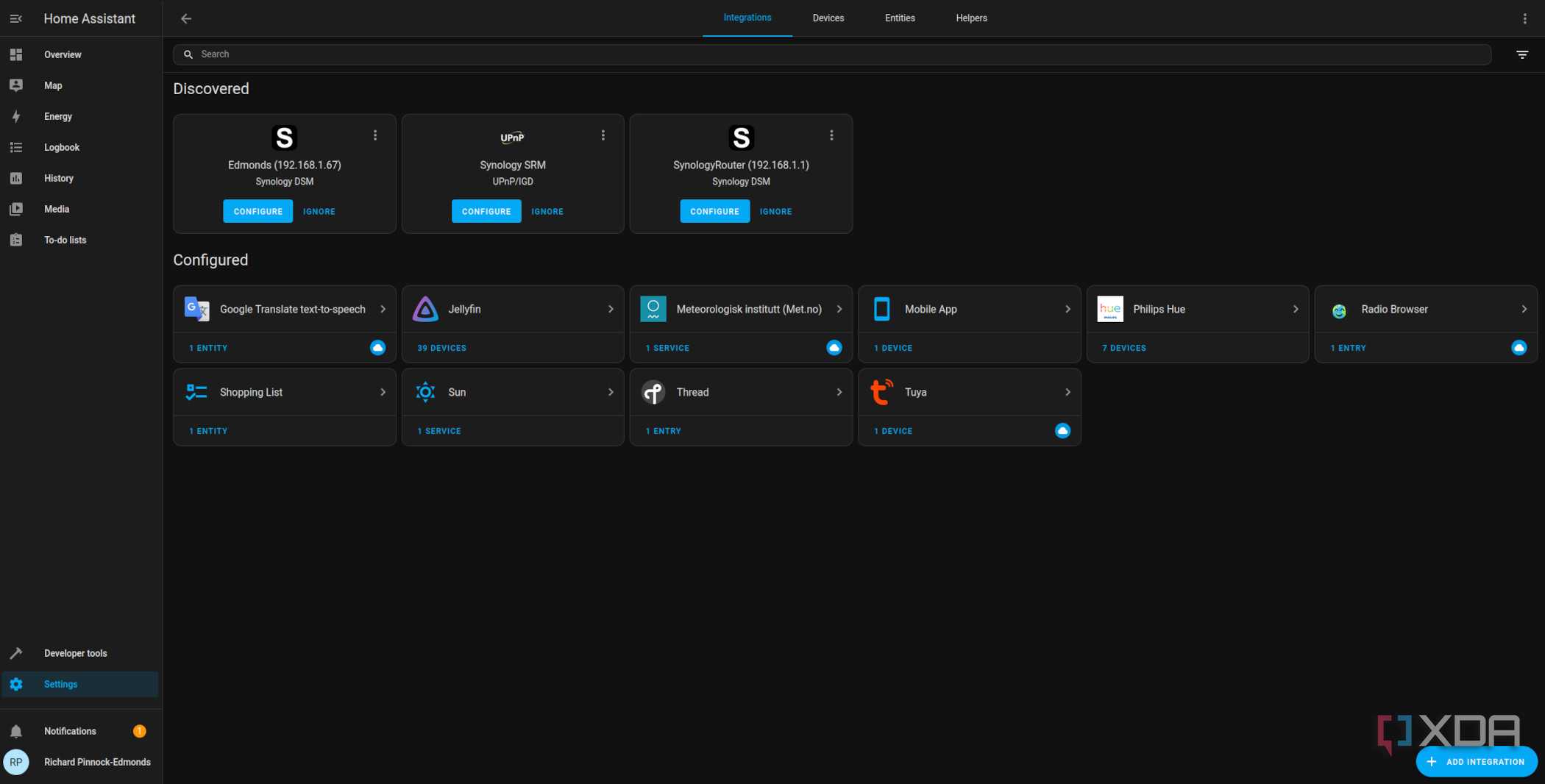
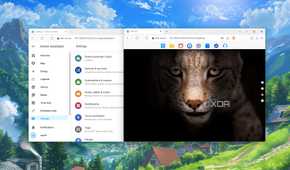

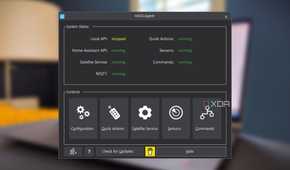
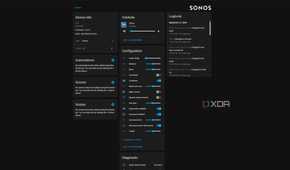
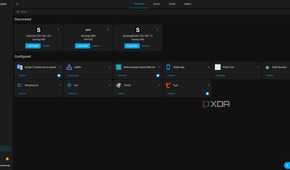
Smart home devices are a fantastic addition to any home, but they come with one big problem. That's how to get multiple ecosystems talking to one another, so you don't need to switch between multiple apps to control everything. Home Assistant is not only the best option, but it's easy to set up, runs on a huge variety of hardware and, because it was designed to run on low-powered SBCs, your old PC will do just fine. In fact, it's probably overqualified, but that's fine because it keeps more hardware away from the scrap heap, and we like that kind of thing.
5 Run Kubernetes
Time to learn the wonders of containers

Containers aren't going away any time soon, so if you want to learn how to use them, what better place than an old PC that you don't mind accidentally breaking the operating system on? Any old PC from the last decade or so that can run Linux will be just fine running Kubernetes, although you might want to start with Talos Linux as that's specifically developed for container use. If your old hardware is having issues, you can try Ubuntu and get K8s running there, but it's a lot more work.
4 Make a NAS
Store all your files and more


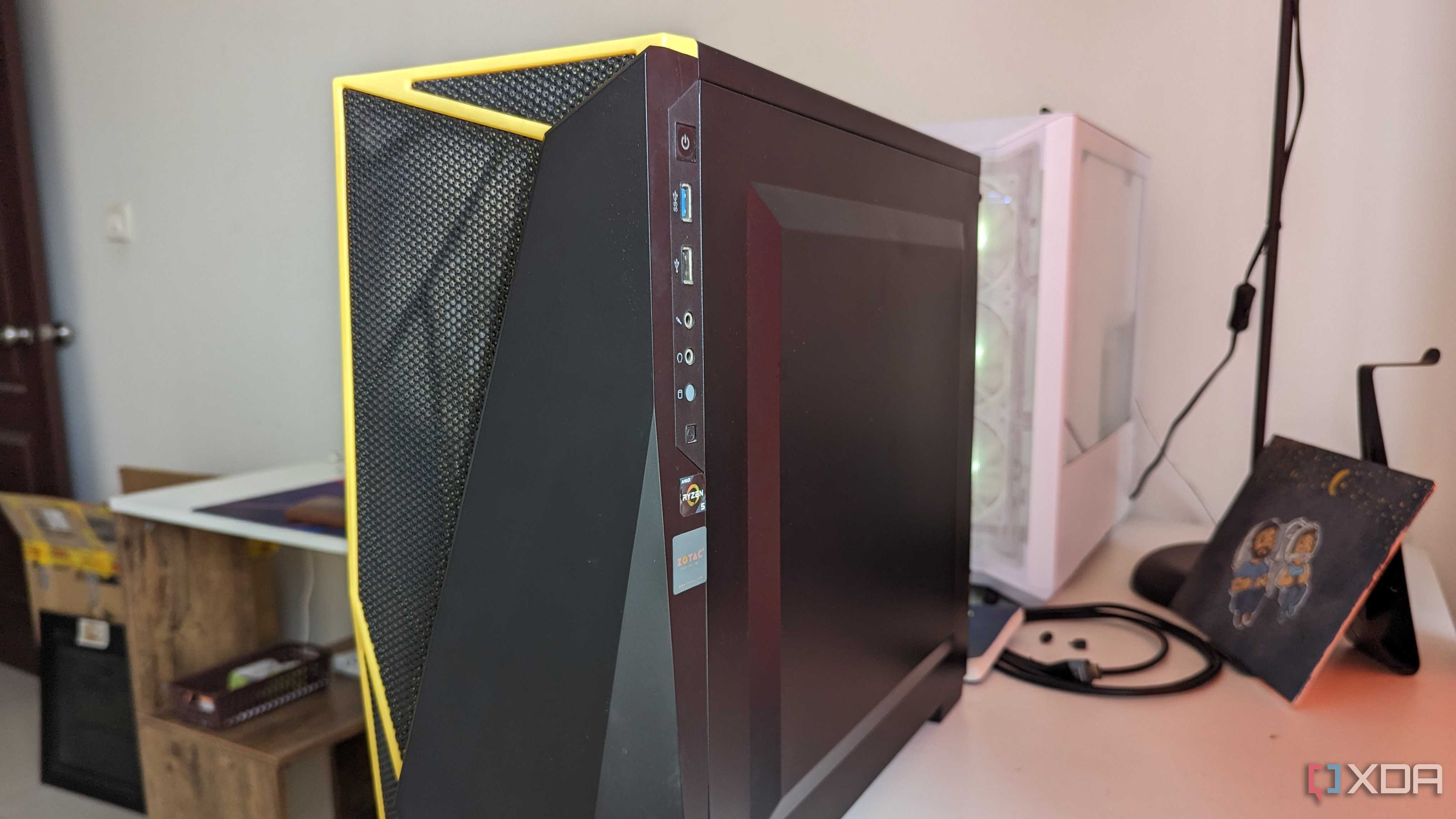
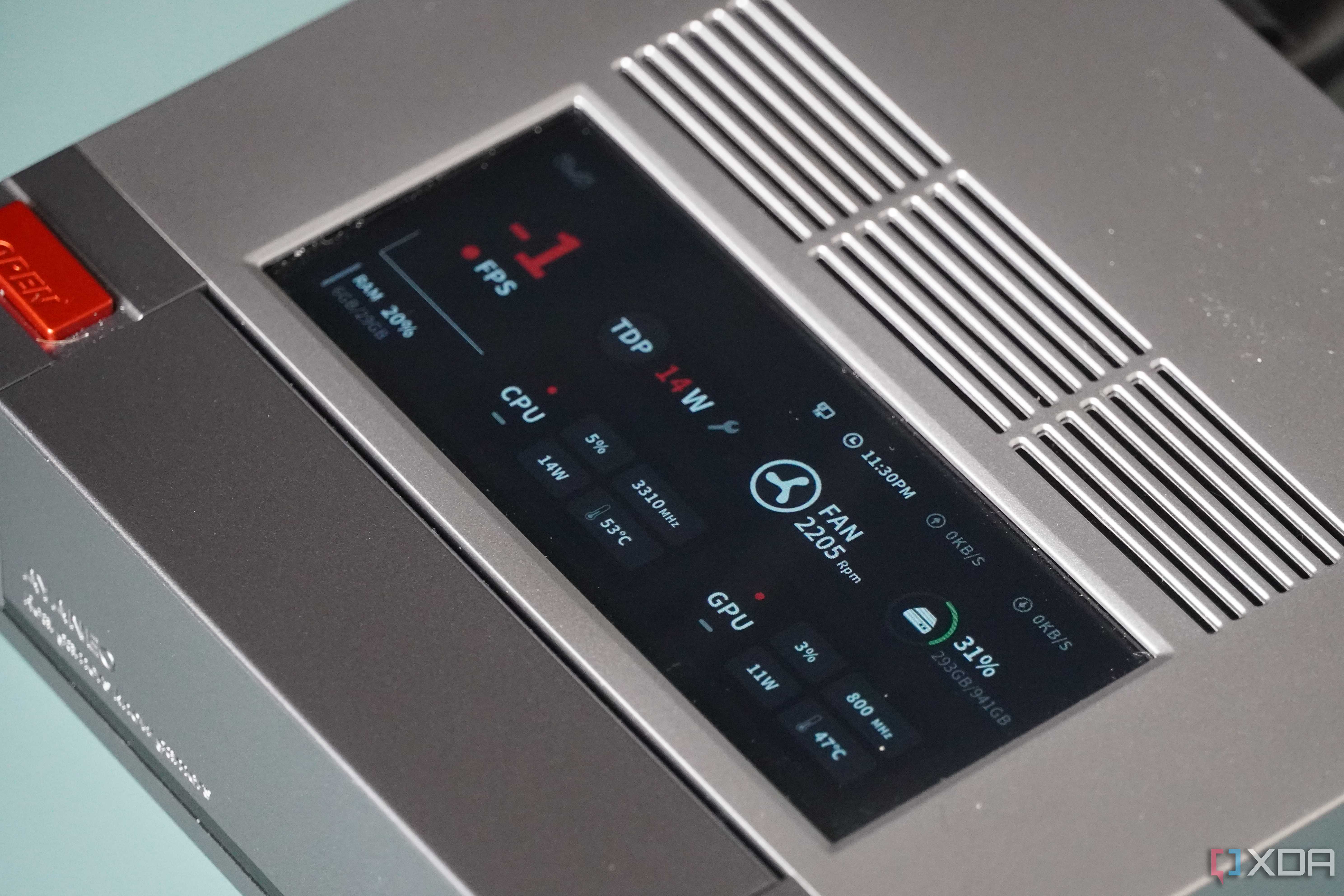
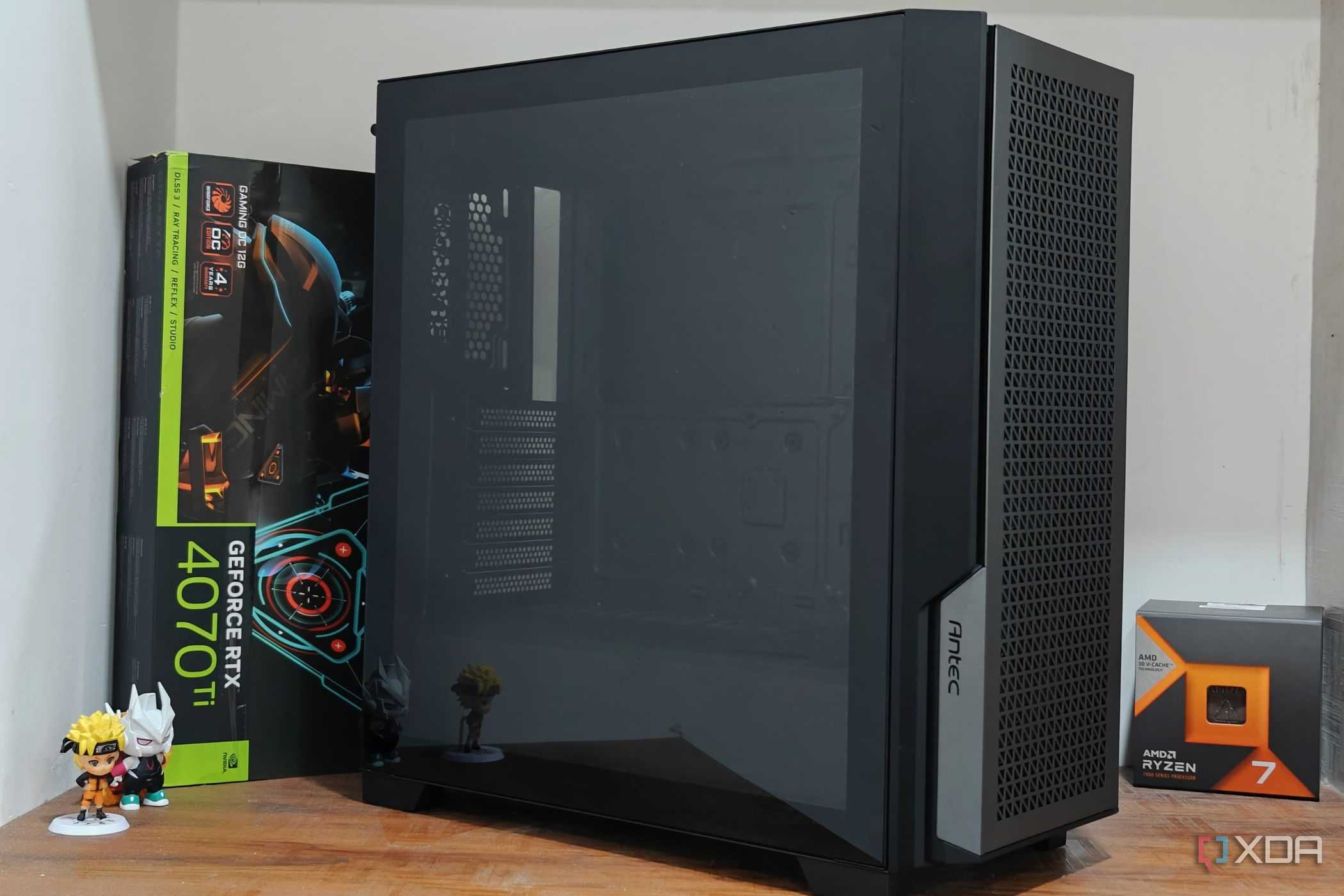
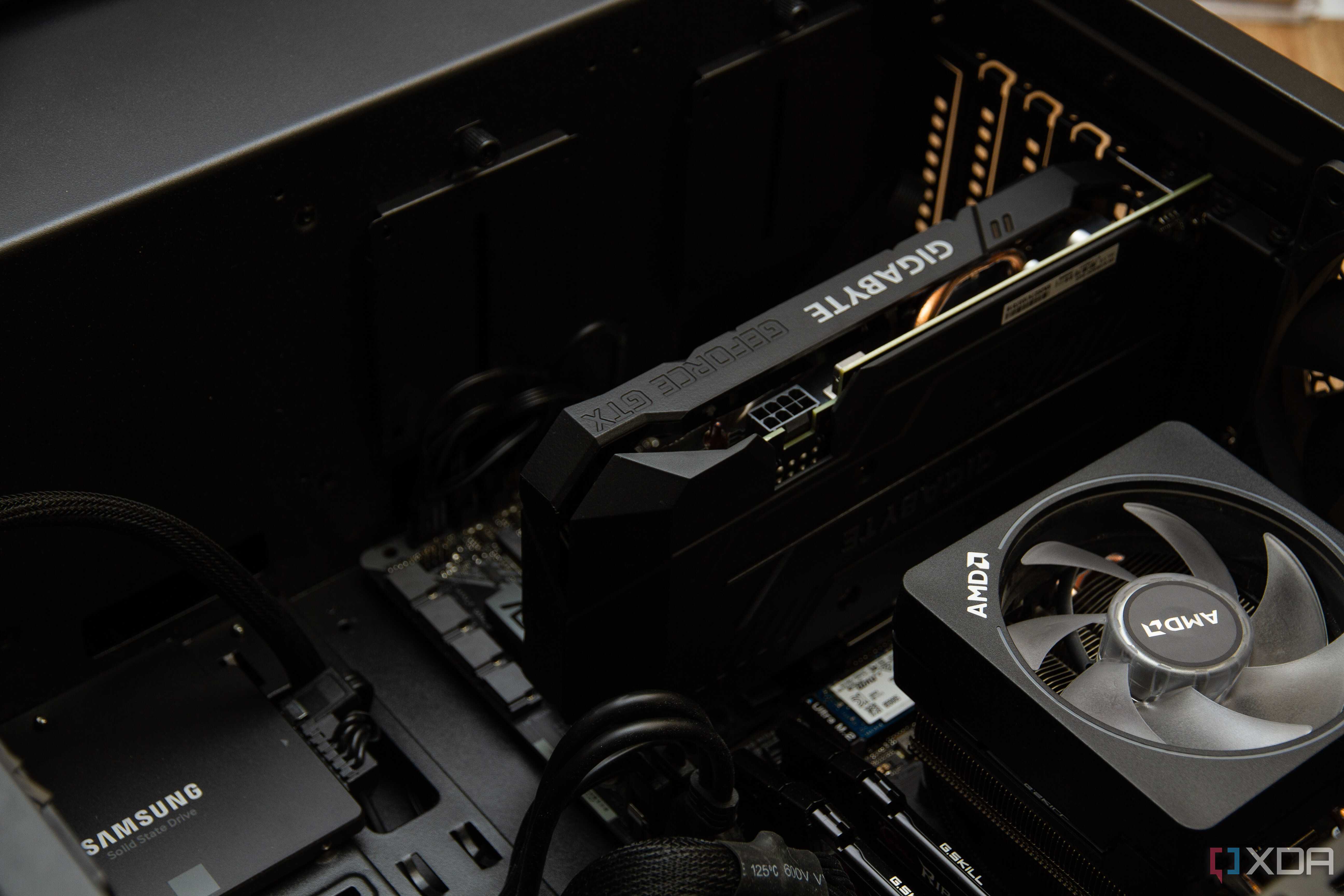
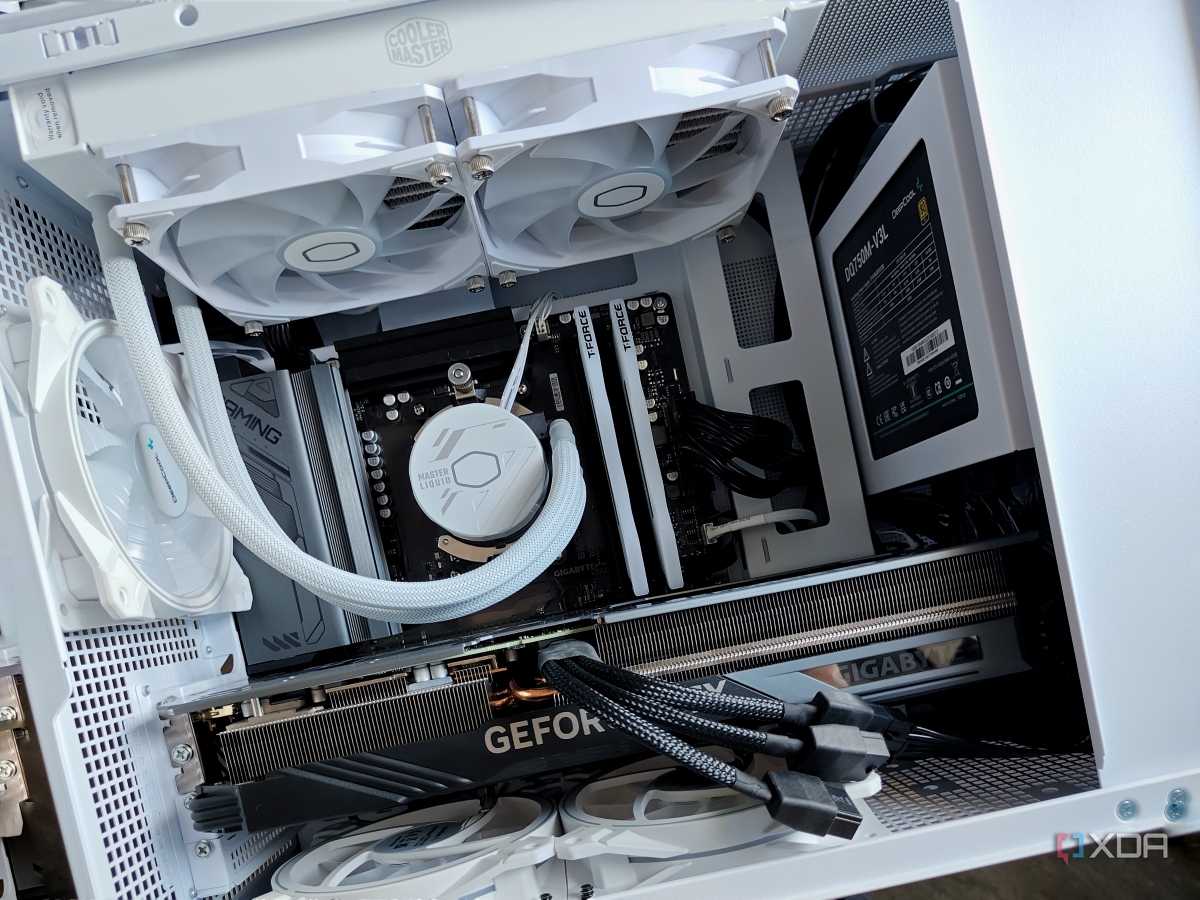

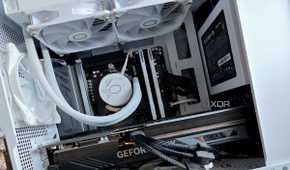
While running Nextcloud is enough for some users, there's nothing quite like running your own NAS, which can handle storage duties while also running containers, virtual machines, game servers, and more. You don't need to buy purpose-built NAS hardware, because all those do is simplify the process for you. Any old PC that still runs can be turned into a NAS with a few more hard drives added to it. All you need to decide on is which operating system to use, from Proxmox for virtual machine management, or Linux servers, or more customized OSes like TrueNAS Scale. Then you can figure out what services to run on it, from Minecraft servers to media servers, and enjoy reducing your reliance on cloud services and their subscriptions.
3 Make a Windows server
It's quick and easy to turn an old Windows PC into a server


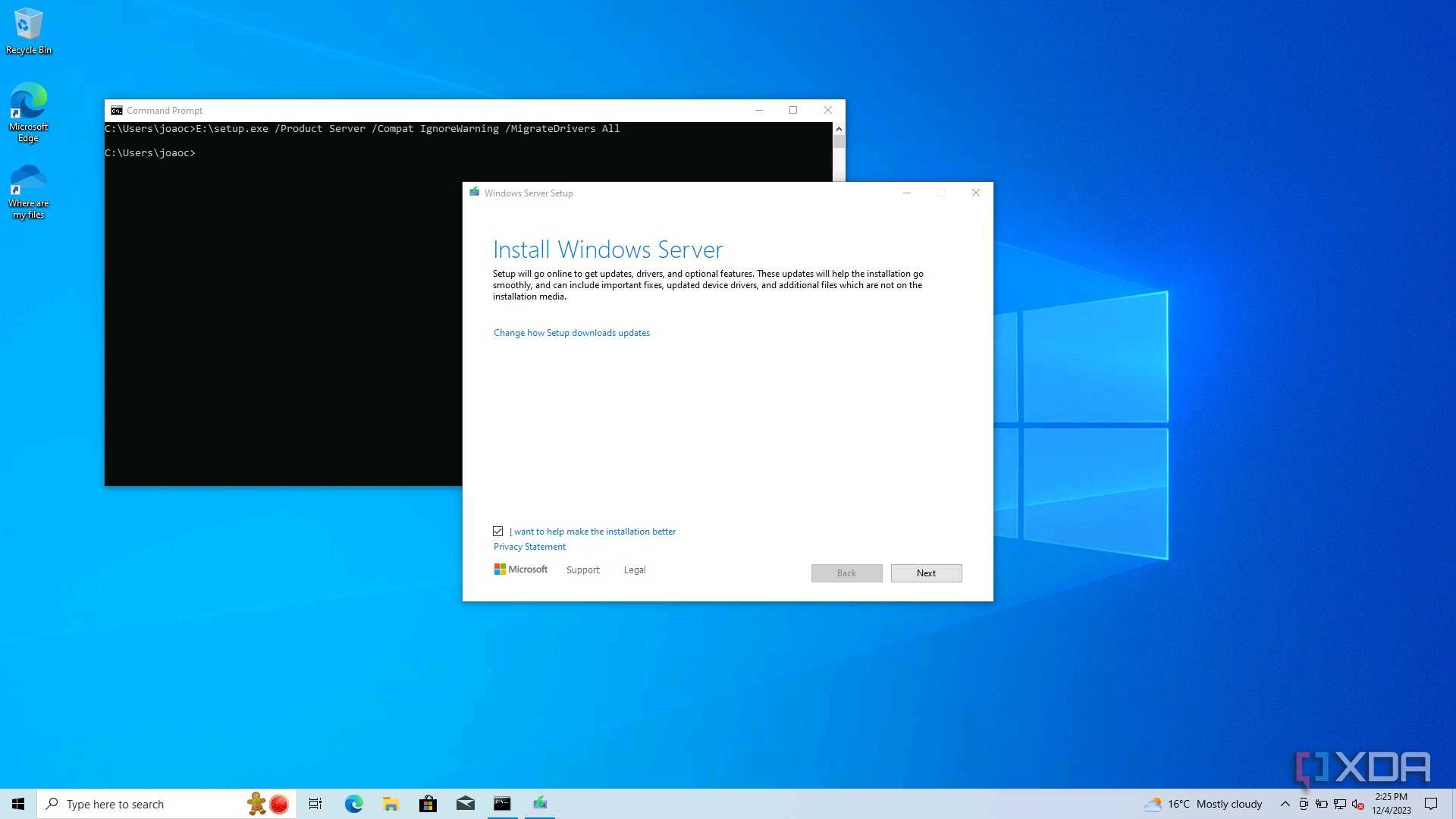
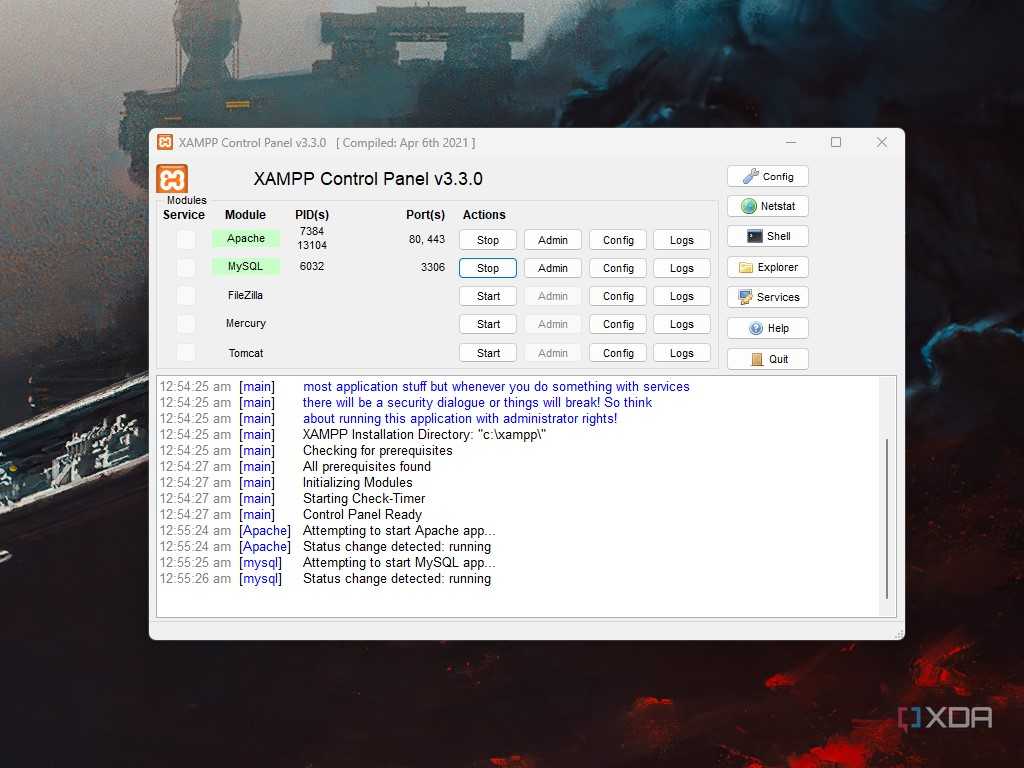
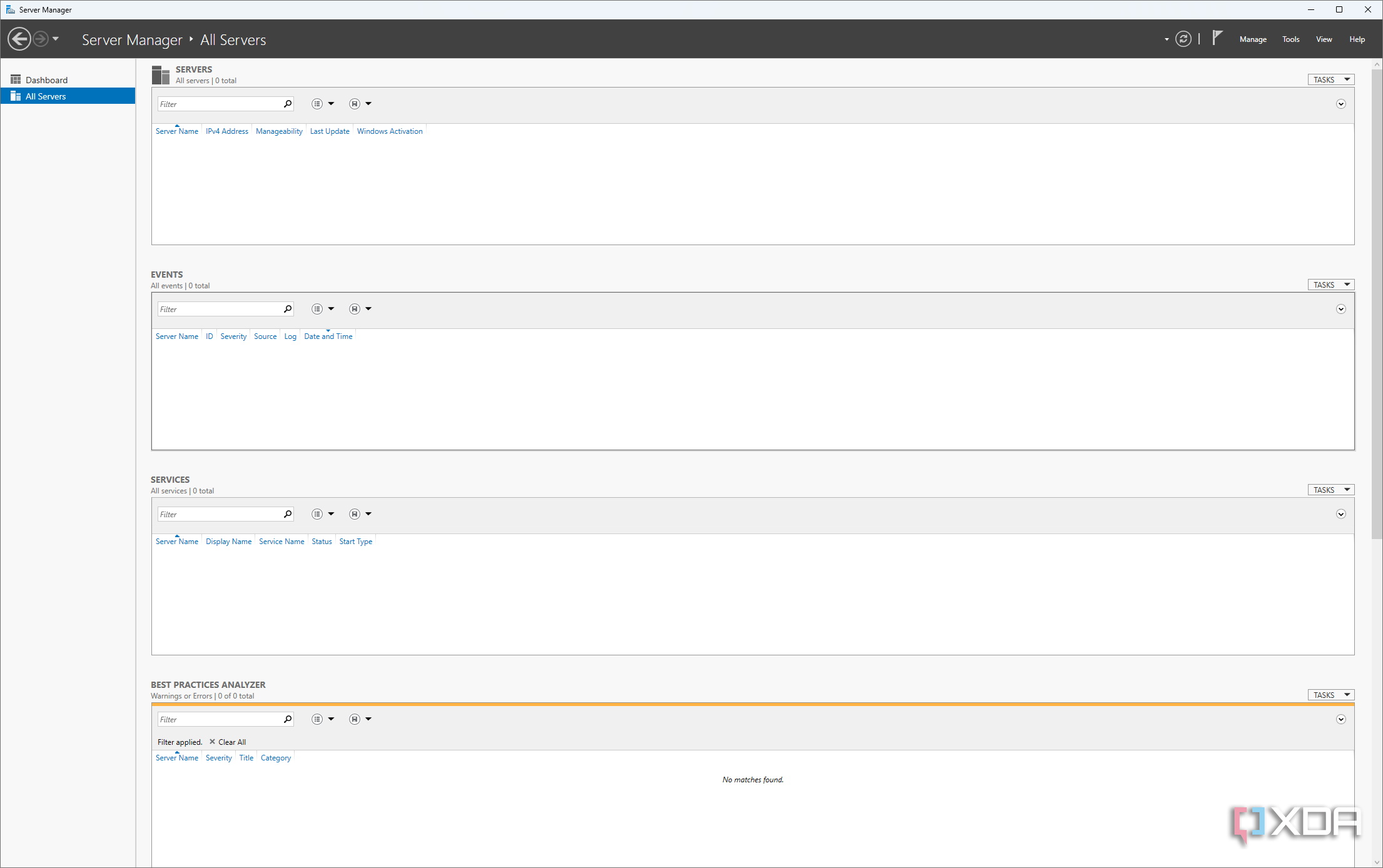
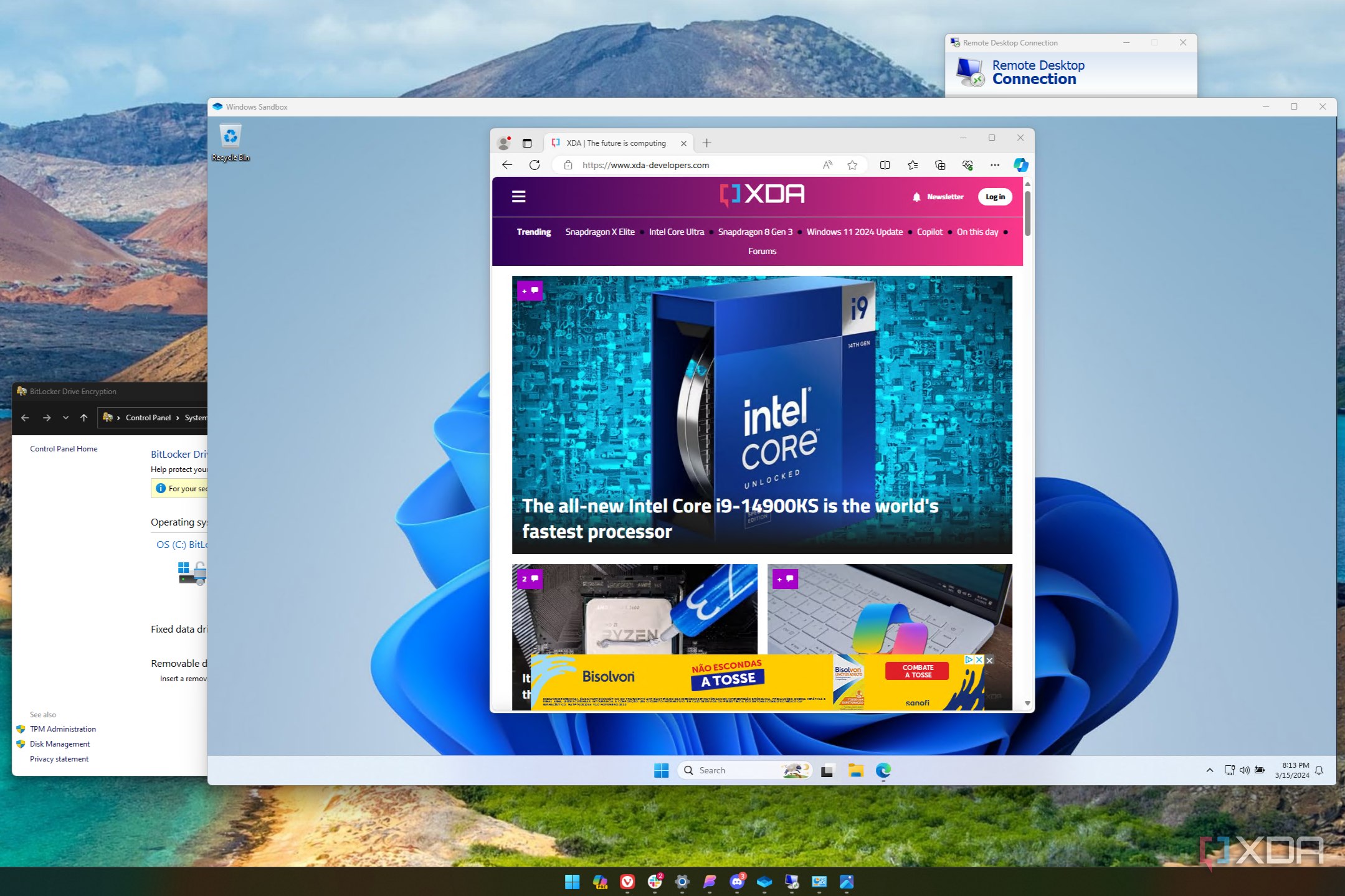
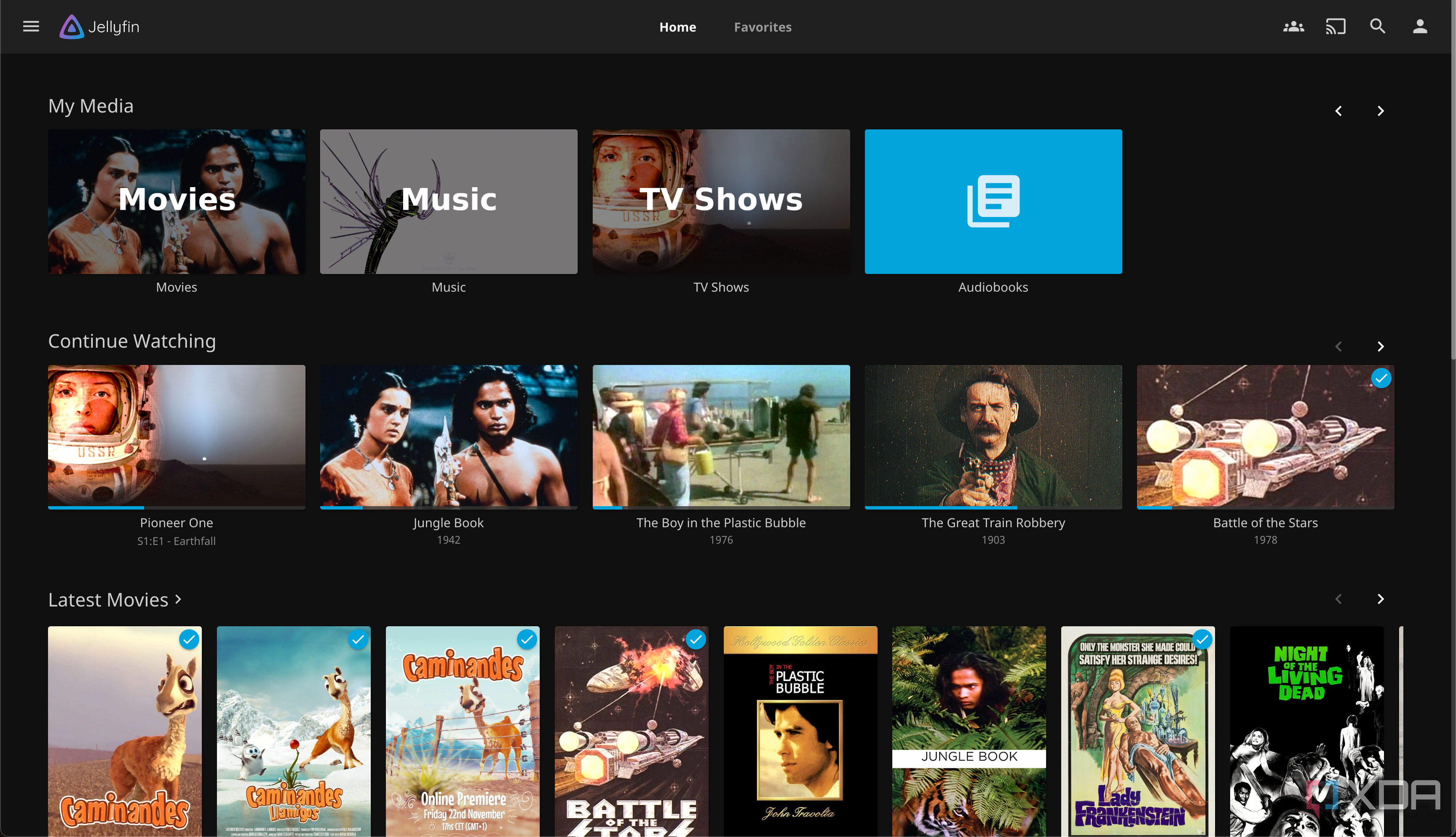
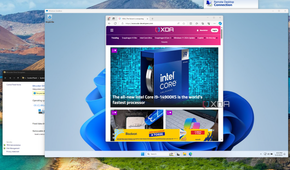
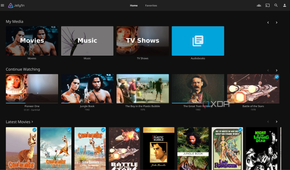
If you're thinking about the amount of work choosing a new operating system to turn that old PC into a home server is going to be, why not keep the OS that's already installed? Windows can be just as useful as a server, and even the consumer version of Windows 11 can be put into server duty with a little bit of work. The bonus here is that it's the operating system that you're already familiar with, so the learning curve is smaller than it would be if you were to delve into the world of Linux and other OSes. That makes tasks like sharing storage folders easier, or installing Plex Media Server or Jellyfin for rolling out your own streaming service.
2 Start a homelab
Proxmox is great for home lab use


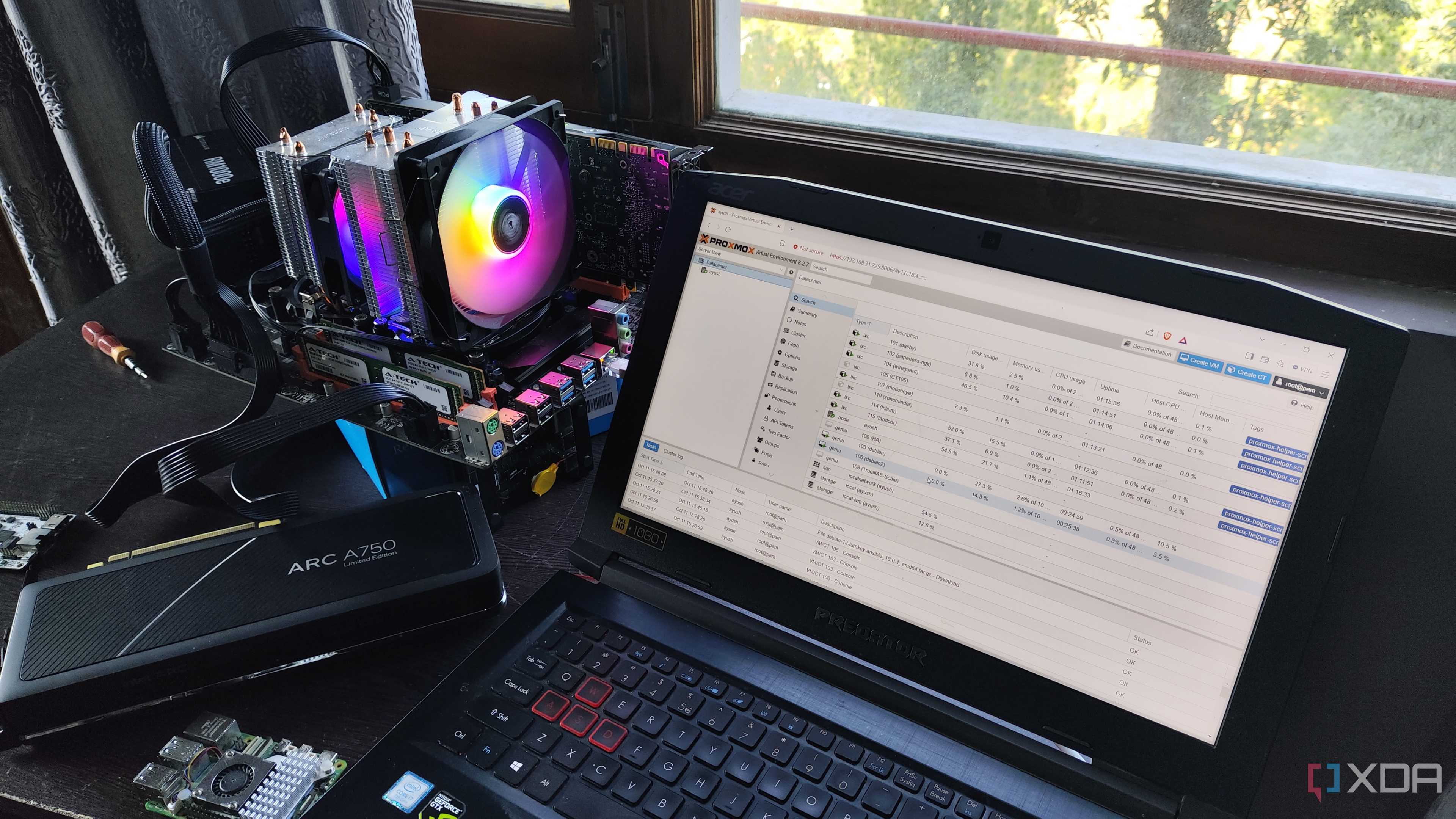
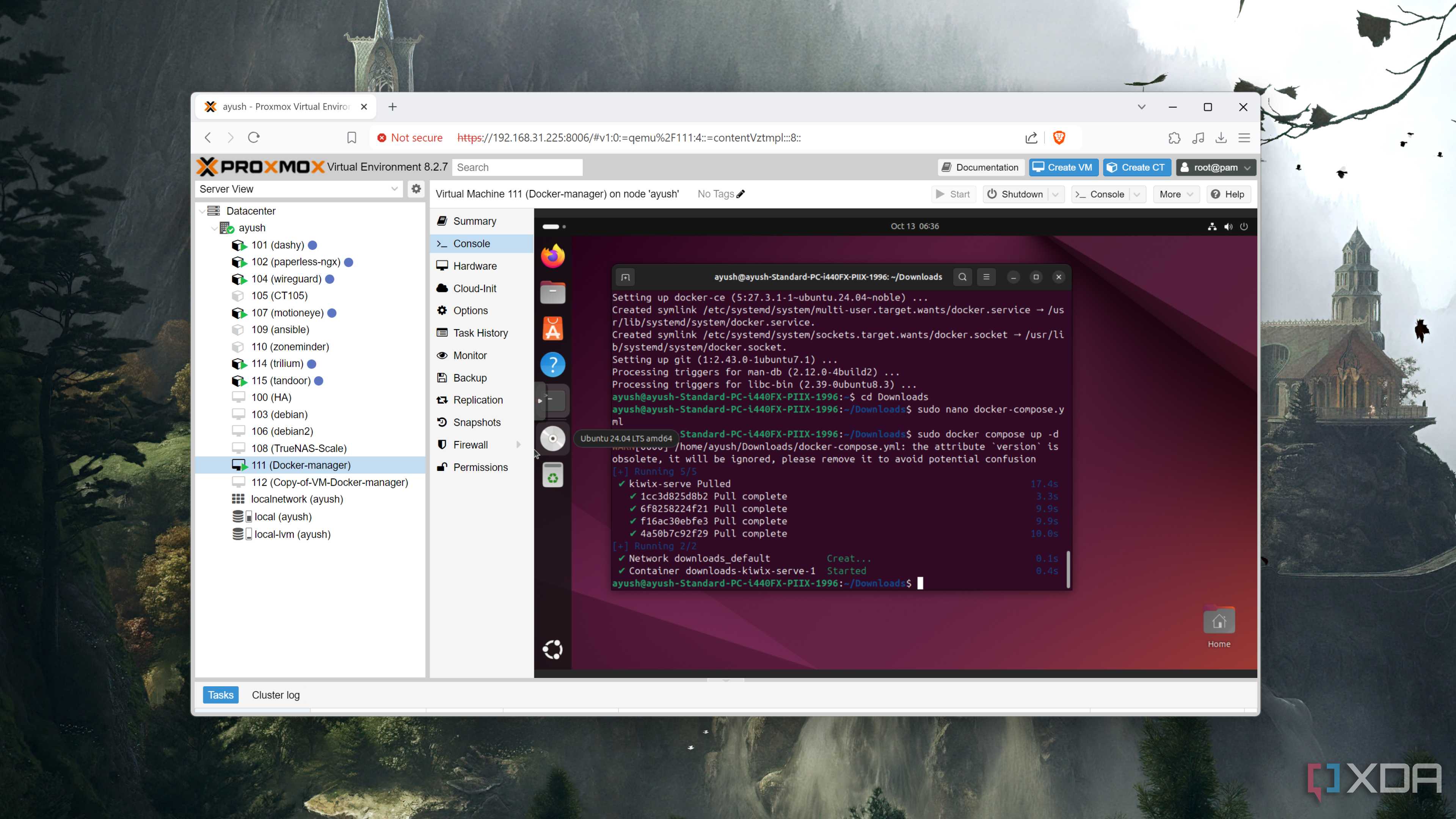
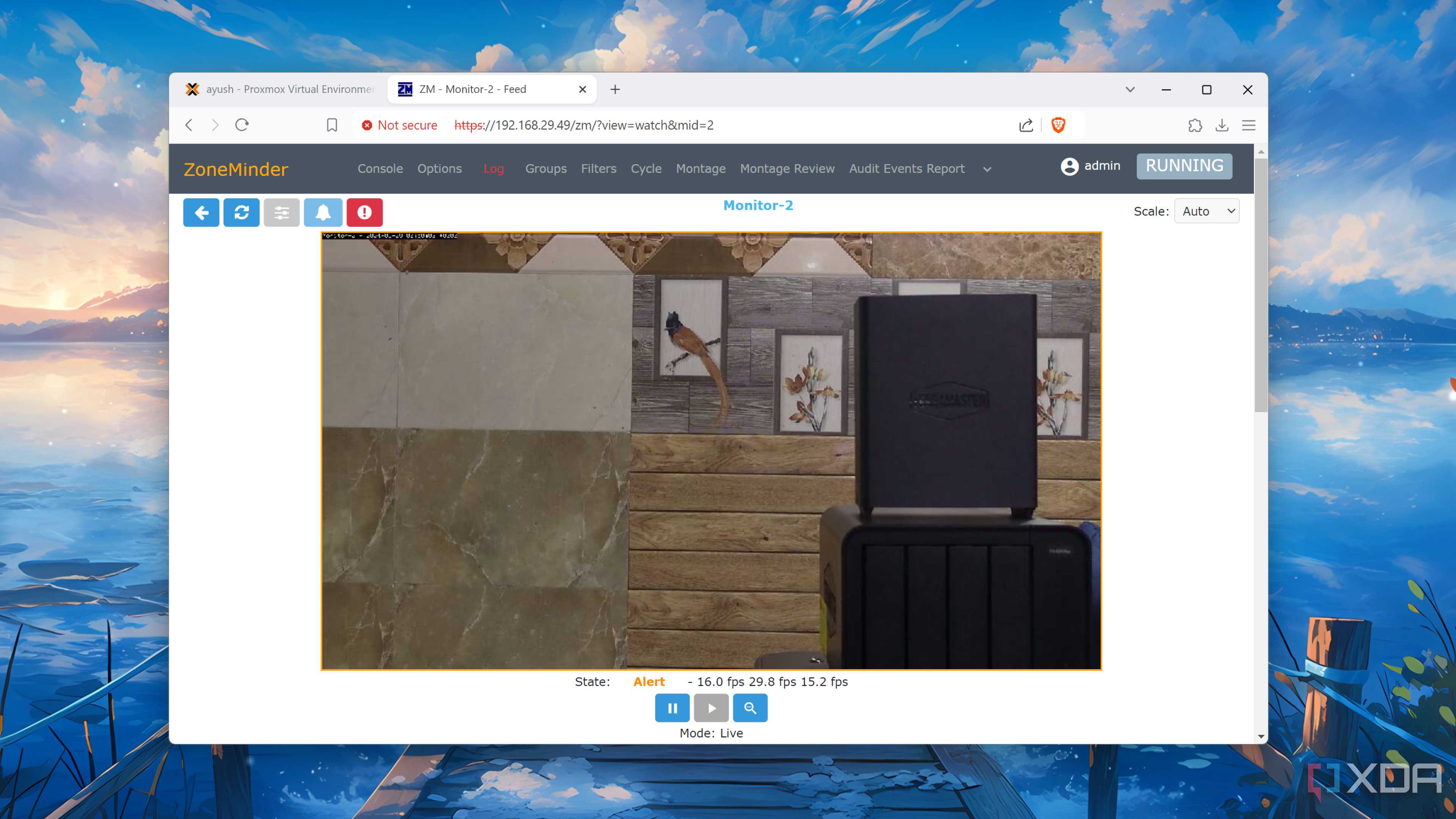
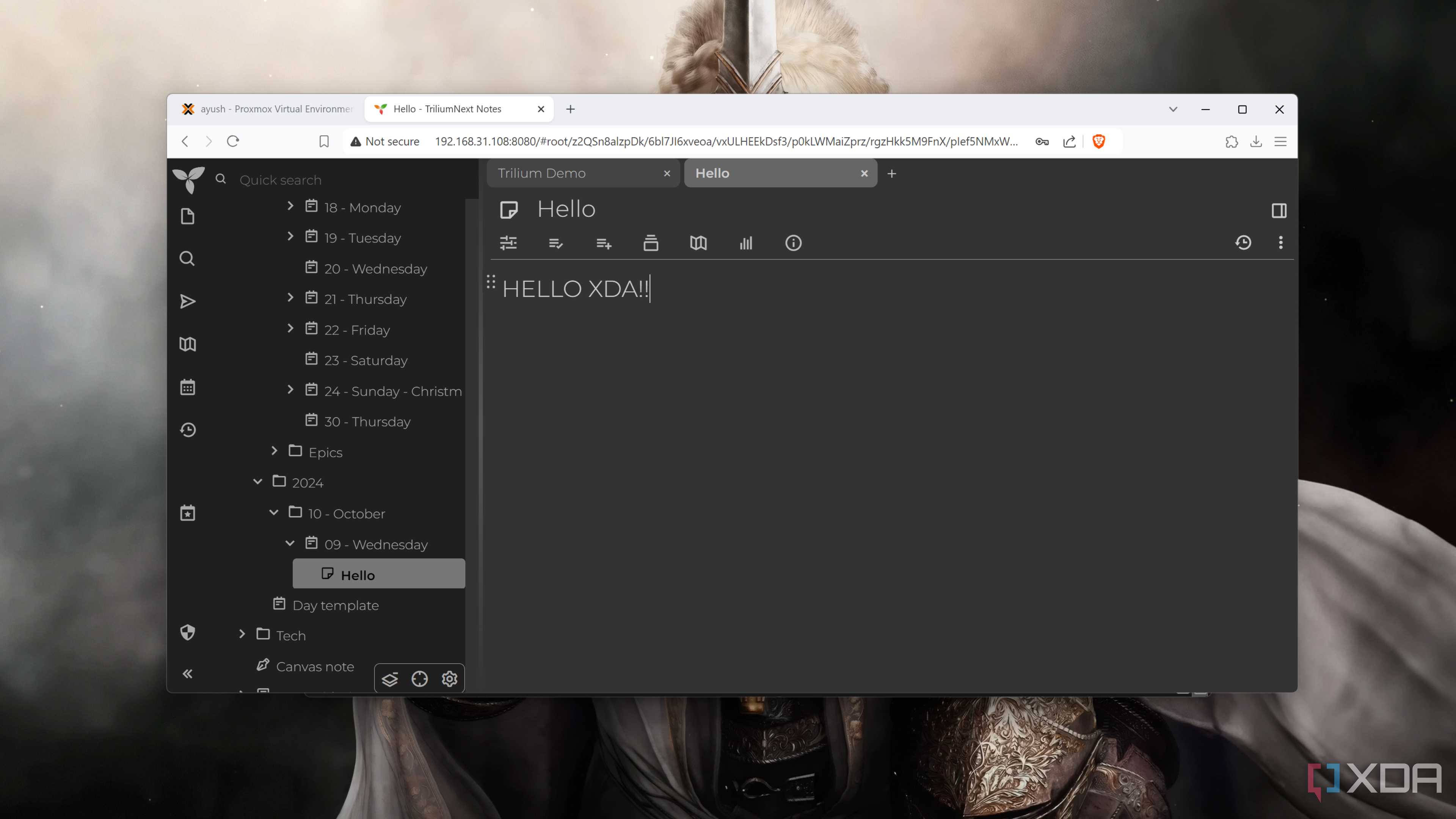
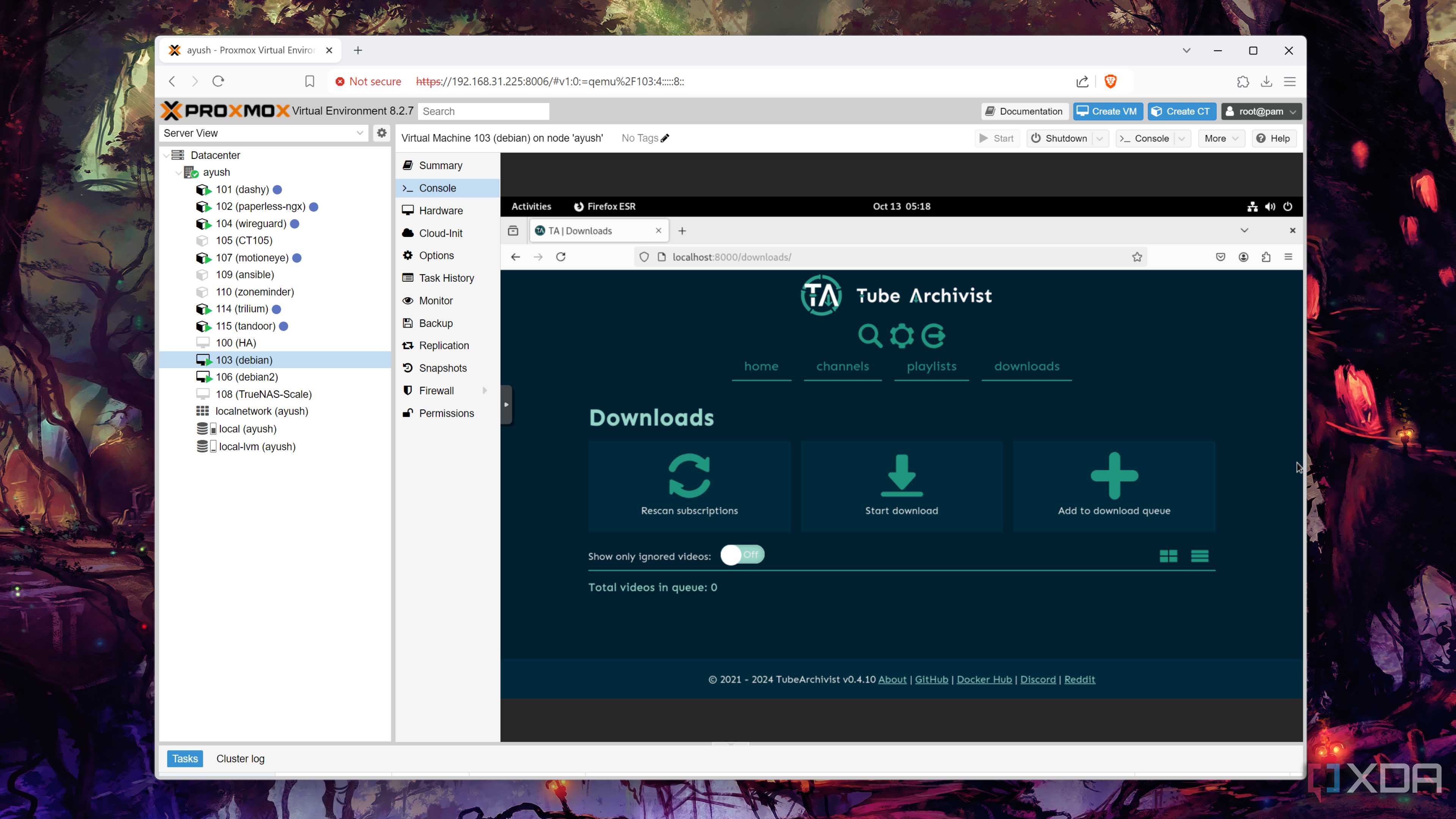
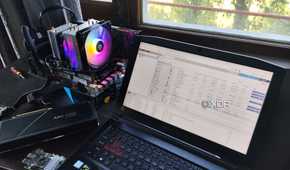
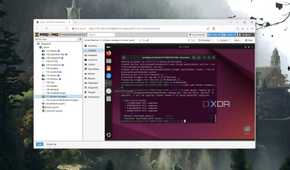

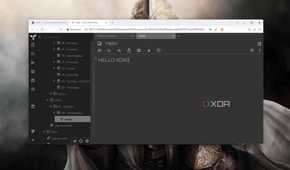
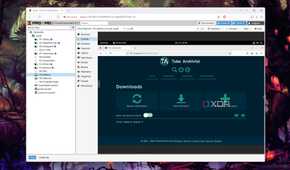
Proxmox is one of the best operating systems to use if you want to play with virtual machines, as it runs the virtual machines on the underlying hardware, cutting out the overhead from GUI-based virtualization solutions. That makes it perfect for installing on an older PC, and you can go one step further by using lightweight Linux Containers, which don't even need a full OS to run. And it's less complex than OSes like TrueNAS, which is great if you want to focus on the virtual machines and not have to worry as much about configuring the underlying operating system.
1 Experiment with other OSes
It's time for some distro-hopping

One of my favorite uses for older PC hardware is to try out different operating systems to see which ones are the most successful at bringing back the level of performance I remember when I first used them. I've done this many times over the years with dozens of Linux distros, and every time, I've learned new skills and an appreciation for how the software we run on our computers can enhance or hinder performance. You could try a lightweight operating system or install Bazzite to create a new gaming PC to plug into your TV, as it offers a SteamOS-like experience without having to buy a Steam Deck.
You can do a lot with an old PC and some spare time
If you like the idea of reusing old hardware, we hope this list gives you some ideas on what to use your old PC for. Whatever you decide, it's also worth upgrading the boot drive to an SSD, if you aren't already using one, as it's the biggest performance increase you can make for older hardware. New operating systems and other tasks can only go so far, though, and if you find your old PC is still flagging, it's time to consider some upgrades so you can get a little more effective life out of it.
