


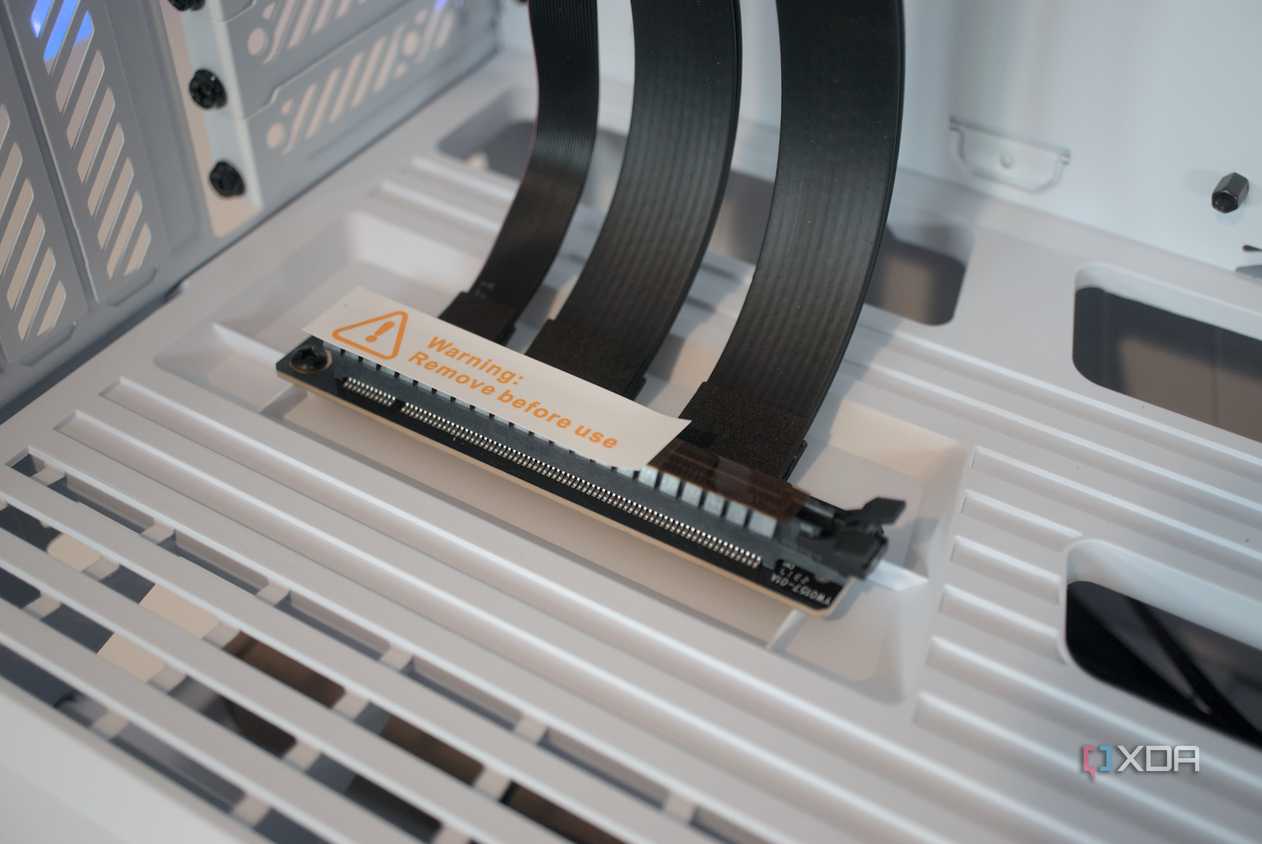
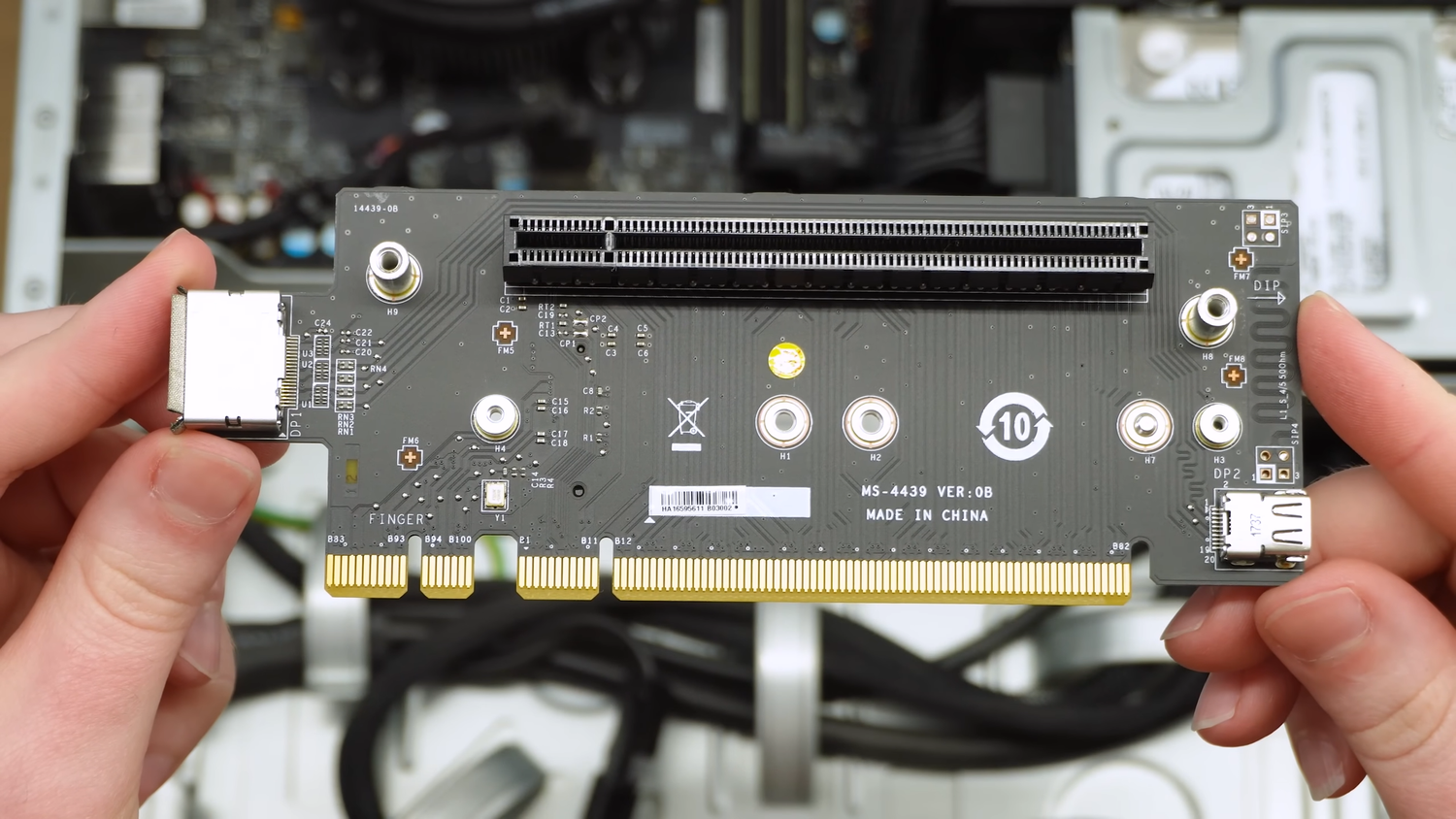
A shiny new gaming PC is an investment, and the last thing you want to do is undermine it with a small, deceptively risky component. PCIe risers are essentially extensions for PCIe slots, allowing cards to be mounted in different positions than they otherwise could be, or splitting a slot, allowing for bifurcation. Many builders use these successfully to show off their GPU, but in a lot of cases, they simply just aren't worth the hassle they create.
Potential for performance issues
A very finicky thing to diagnose
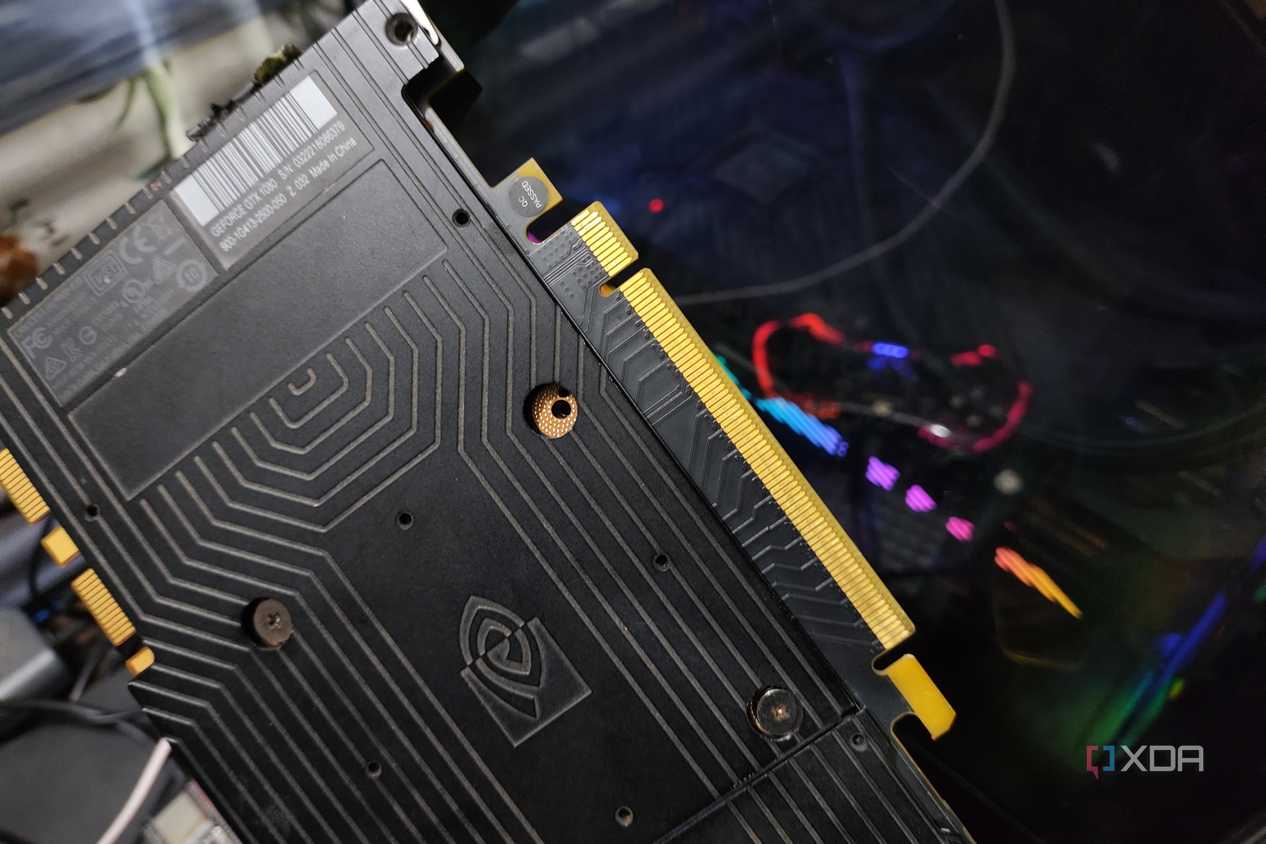


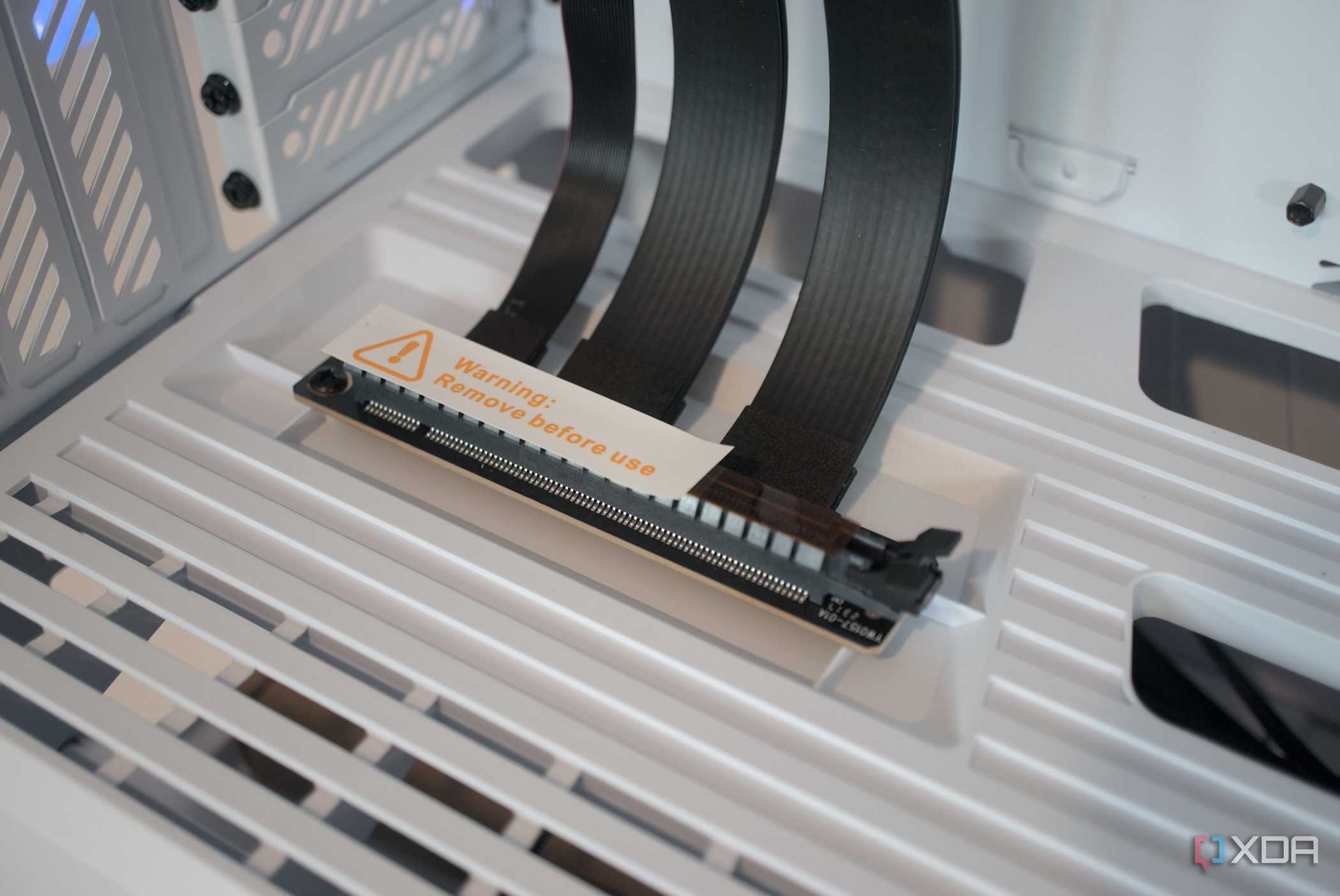
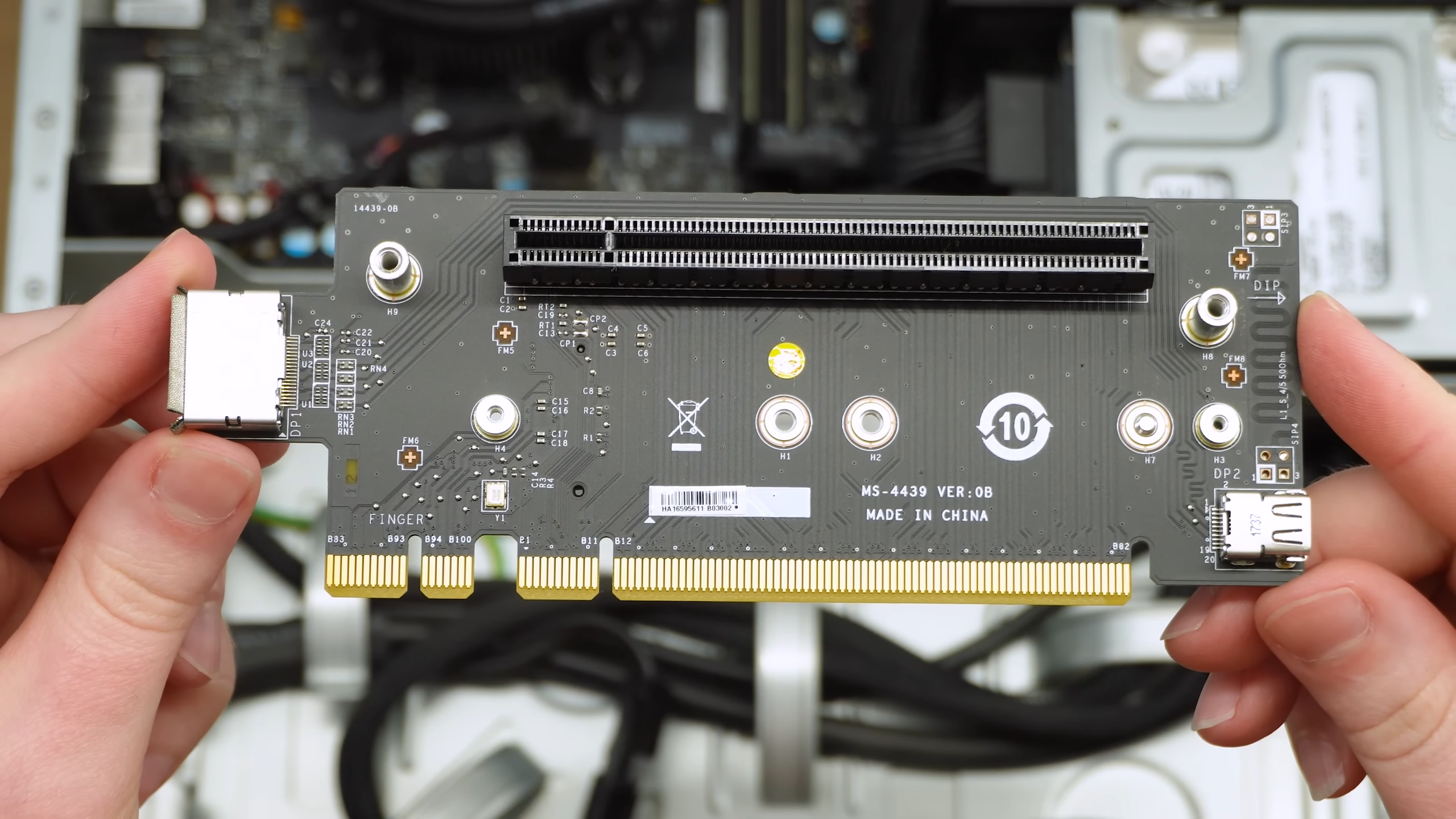 Credit: Source: Bringus Studios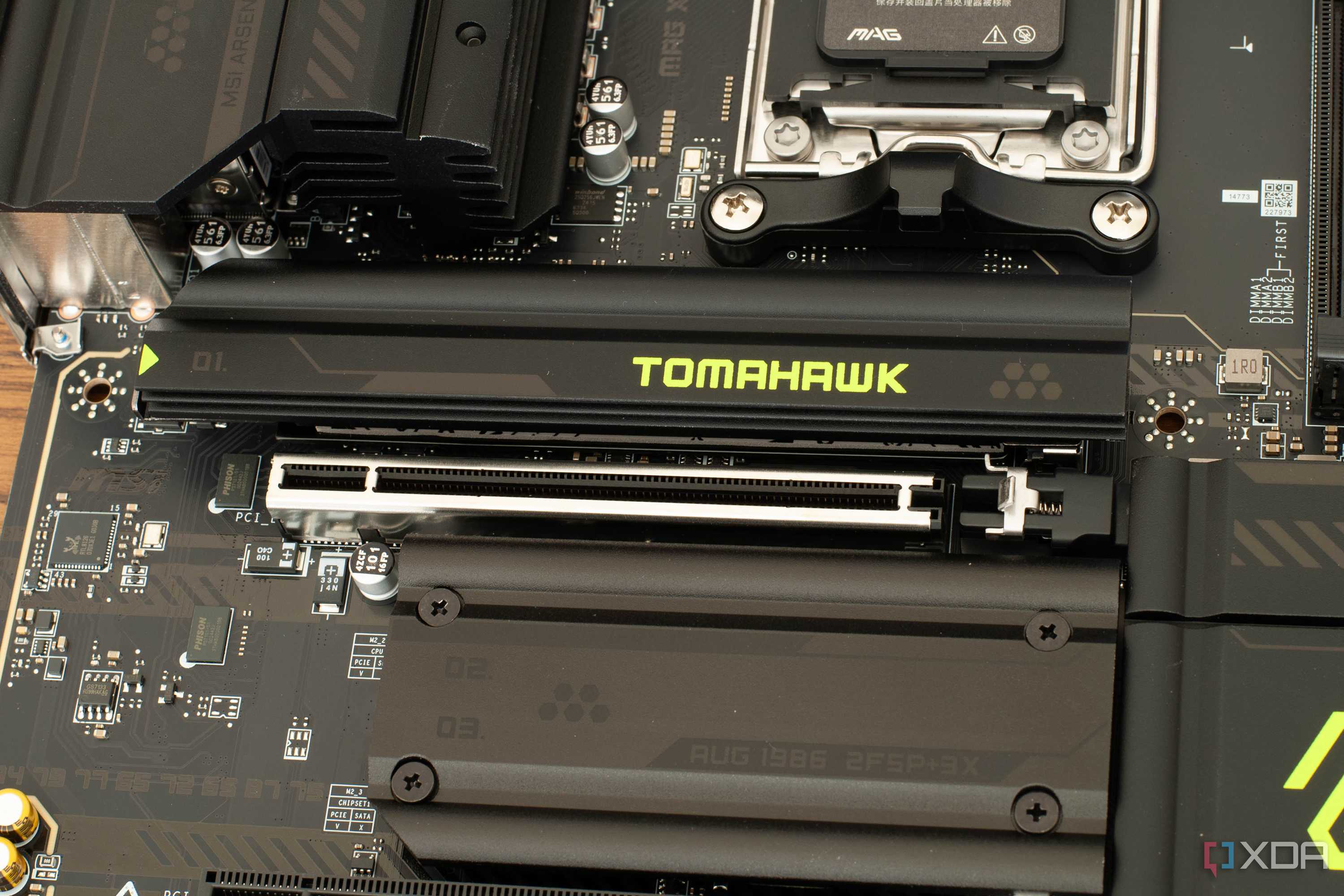
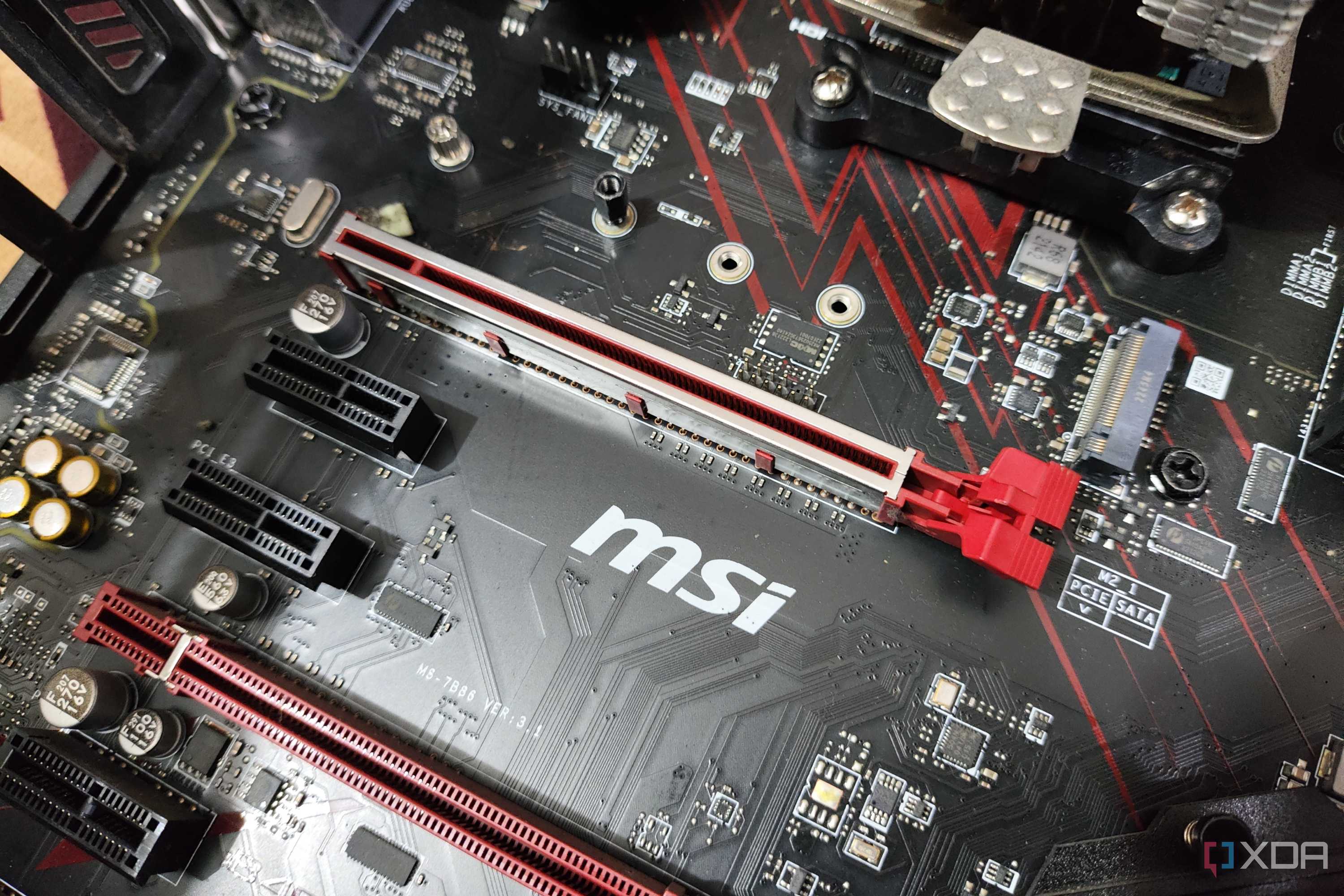
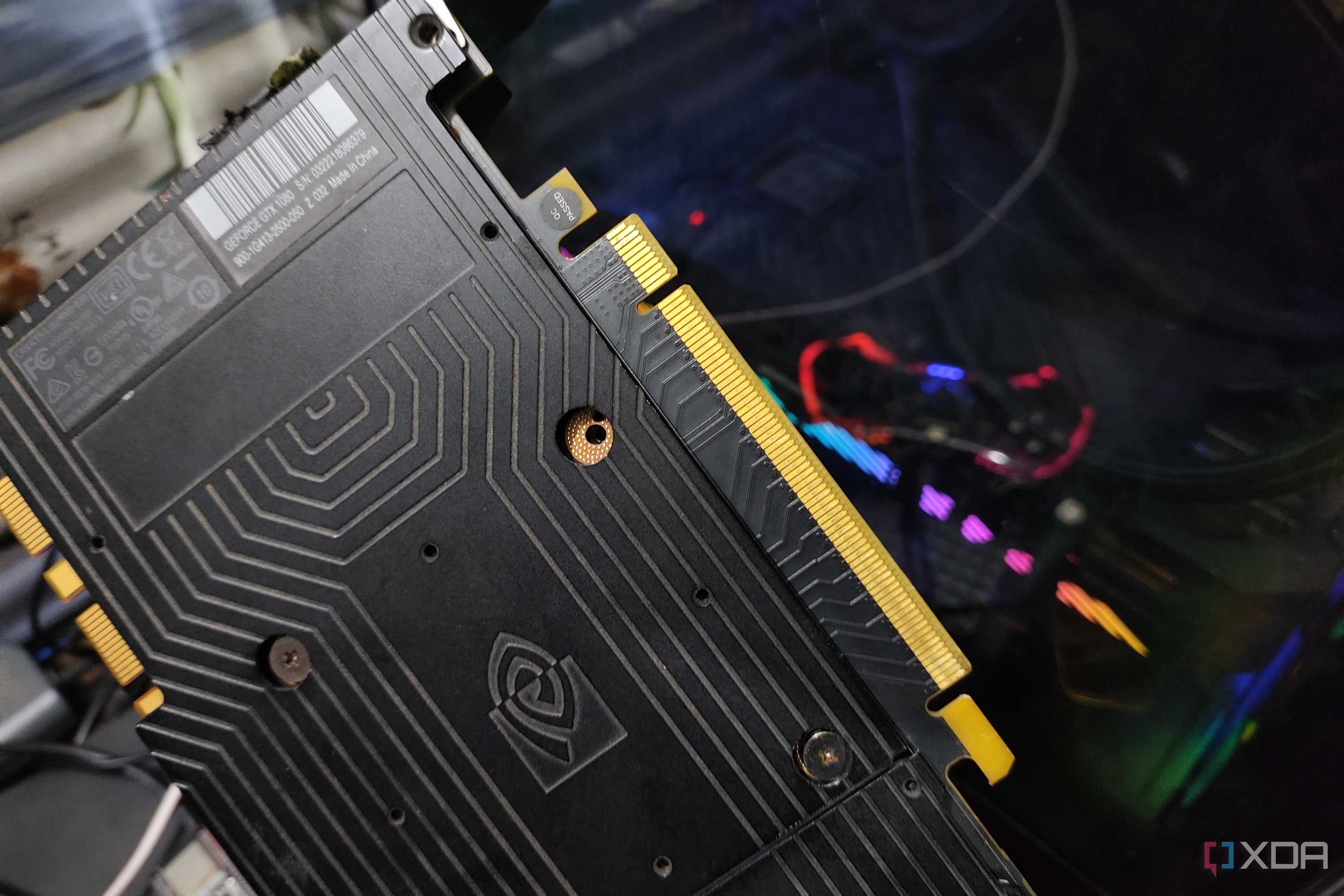
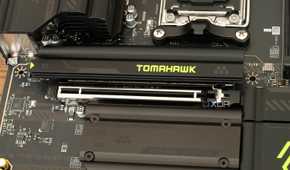
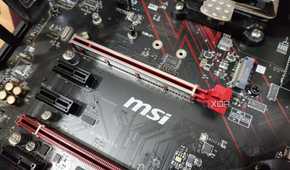
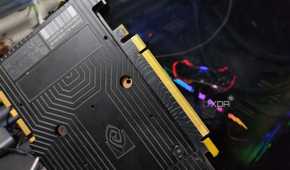
PCIe devices are not particularly robust in connection. We think of them as pretty close to plug and play, but in reality, PCIe lanes are pretty sensitive. Extending them with riser cables can cause signal degradation and even loss of bandwidth. High-quality risers can mask these issues pretty well, but extending any kind of PCIe connection will have these risks.
Symptoms of issues with PCIe riser cables can be as benign as some random crashing here and there, but they can also be extremely annoying to diagnose and fix. Stuttering in games, black screens under load, and even total system crashing, complete with BSODs. These symptoms aren't as simple to fix as they might be with a faulty RAM stick or a badly seated CPU.
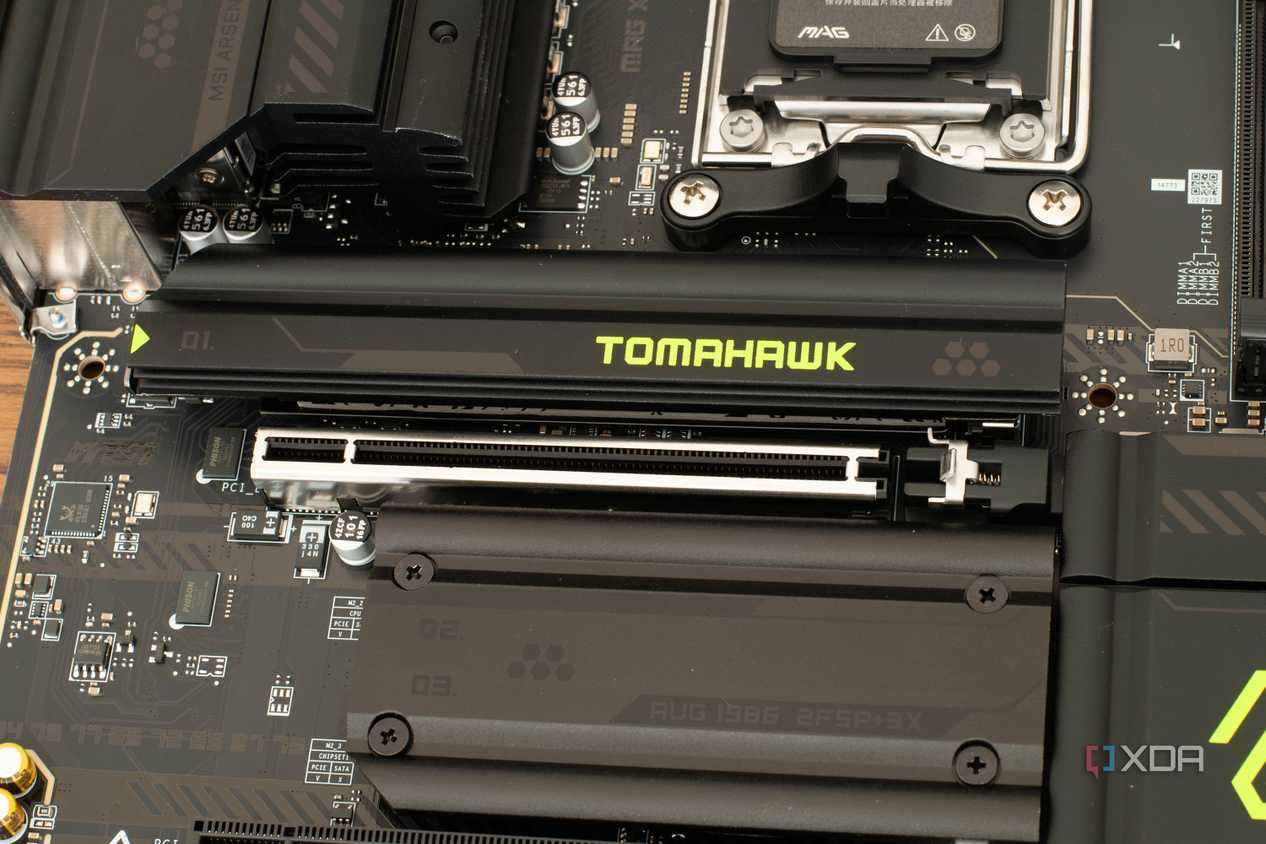
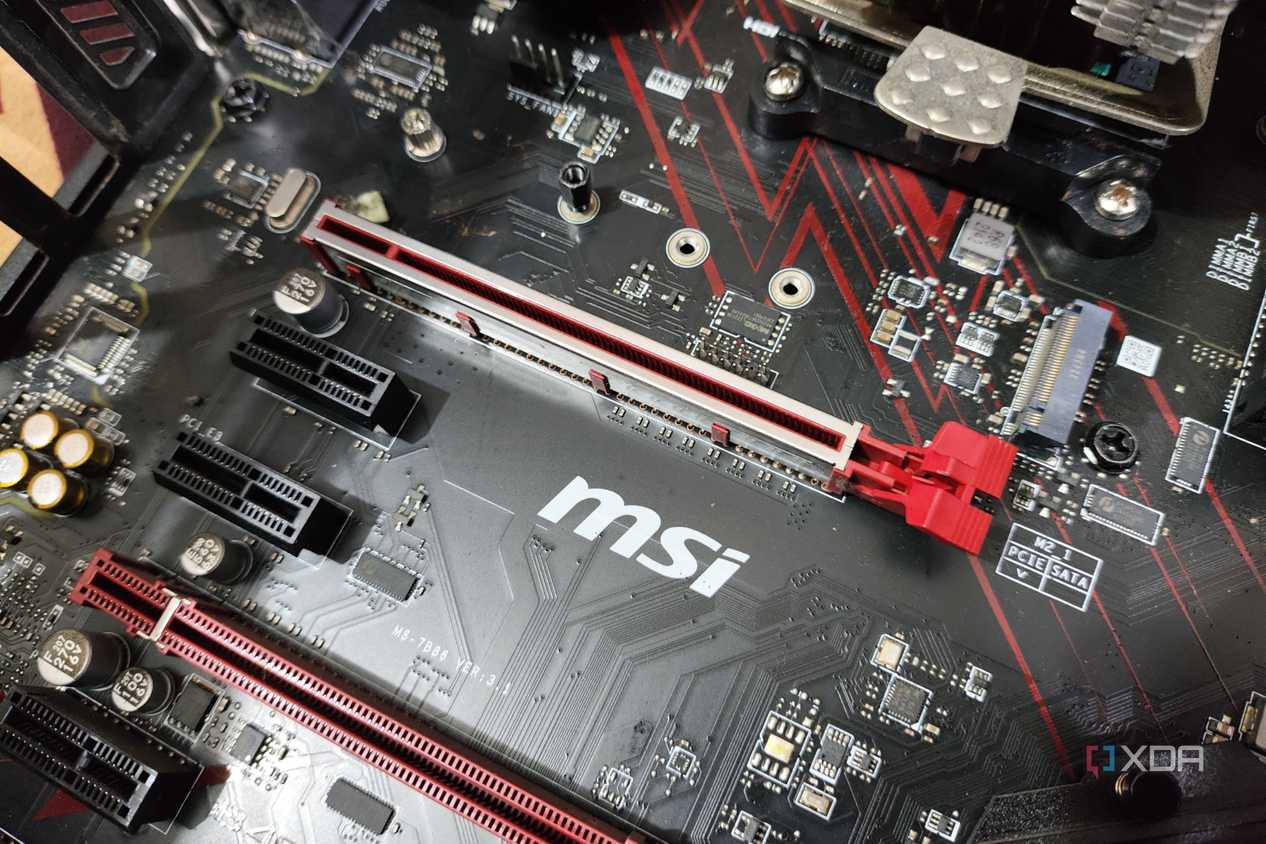
Issues with diagnosing potential issues with riser cables can compound if you have a version mismatch among your hardware. If your card, motherboard, and riser differ in PCIe revision at all, you're asking for trouble. You can have issues with even getting your GPU detected with certain configurations. For a cable that can cost you a pretty penny at the high end, it's just not worth it.
Cooling compromises
Worse thermals might not be worth the look

Using a riser in a full-size chassis is usually in order to mount a GPU in a vertical fashion, which, depending on the case, can cause issues with thermals. Most cases that support a vertical mount will have the card's fans positioned very close to the side panel, which can limit access to cool, fresh air coming in from the front of the case.
The problems aren't just intake related. The warm exhaust air from your GPU also needs to go somewhere, and mounting vertically can dump the heat back into the card itself, or onto other components in the system, depending on the way your fans are configured. This compounds thermal load onto other components and ultimately makes for a warmer, louder PC.
Potential for failure
Adding more points of failure just isn't a good idea

When it comes to building a PC, every enthusiast knows there are several points of failure with essentially all components in your rig, some more devastating than others. Everything from the pins on your motherboard to the barbs on your water cooler's radiator are potential points of failure for your system, both in cases of user negligence and pure wear and tear.
Riser cables add yet another point of failure for your build, and they're not exactly robust pieces of hardware themselves. Physically speaking, risers use ribbon cables and small connections that aren't nearly as durable as a direct PCIe slot connection. Over time and multiple connection cycles, you can easily have a cable that is rendered non-functional.
This holds especially true with cheaper options. The Gen 3 and 4 risers that are on the budget end of the spectrum will almost certainly give you issues with the slightest of damage. These low-cost risers will often cut corners on shielding the cables themselves, soldering, and other parts of quality control.
Riser cable failure can be as small and inconspicuous as a failure to boot, or as spectacular as causing an electrical fire. While the latter is rare, it absolutely can still happen with cheaper risers that may not have undergone the proper quality assurance to make sure they're safe to use. When it's all said and done, adding more points of failure to your rig (especially one that involves your GPU) isn't something I would recommend.
Riser cables have their uses, and have improved with time
While it is true that PCIe riser cables can create a whole host of issues, including hard to diagnose issues with your system, increased thermal load, and failure of the cable itself, these risers have improved with each passing PCIe generation.
Gen 5 risers are not nearly as finnicky and issue-ridden as the Gen 4 and 3 ones are, but still, your mileage may vary. I wouldn't recommend that the average PC builder use a riser in their next full-size build, but if you're a seasoned enthusiast with a ton of experience, or you're trying to put together a compact SFF PC, a riser could be the cherry on top of a slick build.
