


Managing the cables around your work area can either be a massive chore or cathartic, depending on what kind of person you are. No matter what side of that fence you fall on, it’s a necessary task that may feel daunting depending on the number of devices you have. If you’ve developed a nasty rat's nest of cables behind your setup, here are 4 tips to help you tidy things up.
4 Cable ties
Simple, small, effective

Cable ties are the best way to secure extra slack on your cables. Once you've sorted everything, you can gather similar cables together and tie them down to secure them. You can buy Velcro cable ties, or instead reuse the plastic ones that commonly come with new products. For cables that you don't intend on unplugging very often, it might be a good idea to secure them with zip ties for a more permanent solution.
3 Cable troughs
Underrated place to shove your mess

Cable troughs are extremely underrated and underutilized. For anyone with their desk against a wall, this can almost be your one-size fits all solution. Instead of shoving your cables behind your desk, troughs allow for a dedicated area to route your cables and forget about them. Some allow for whole power bars to be placed inside, but alternatively, you can just secure those some place else around your desk using Velcro or other adhesive.
2 Label your cables
Don't get confused amidst all the tangles


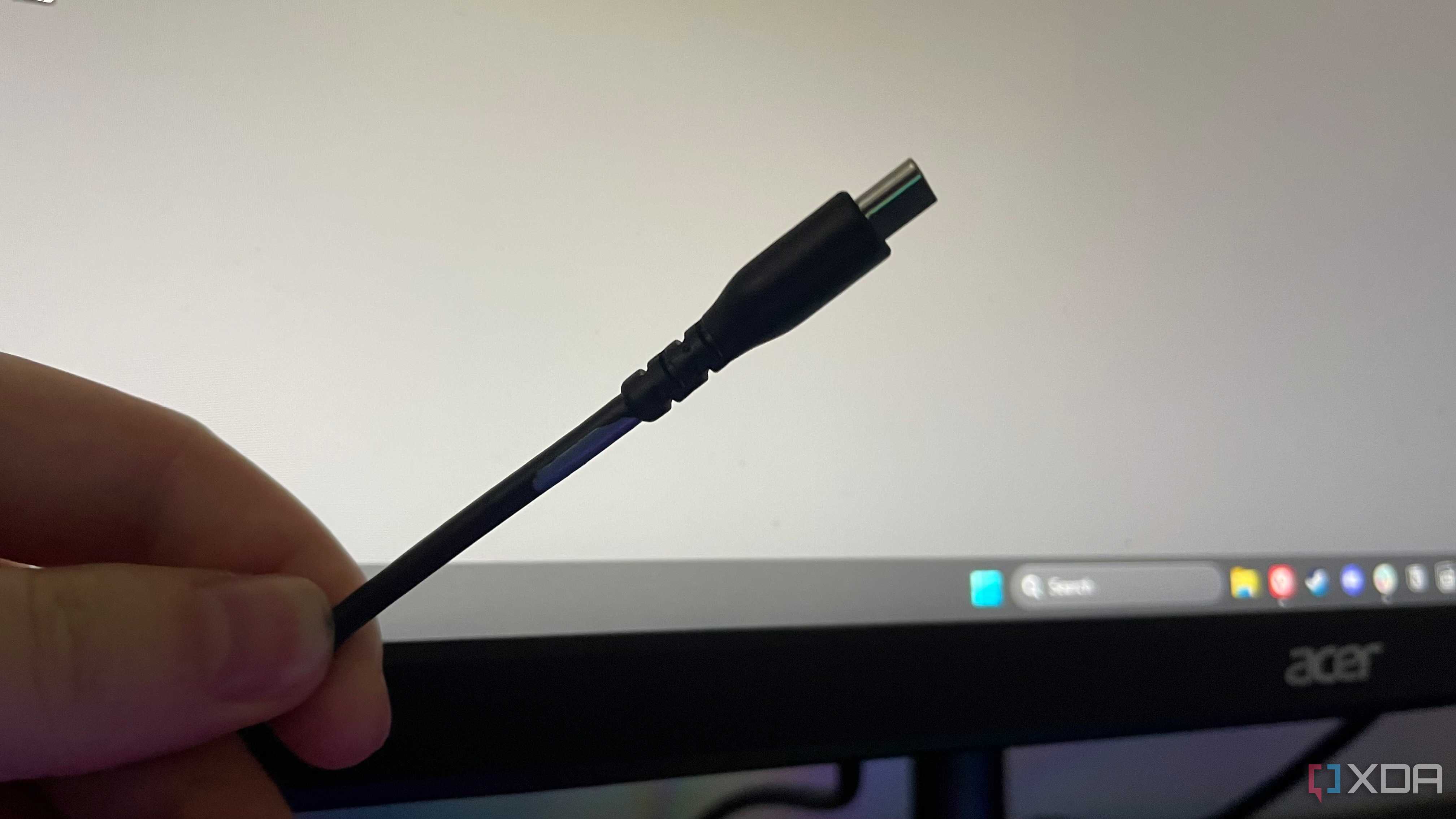
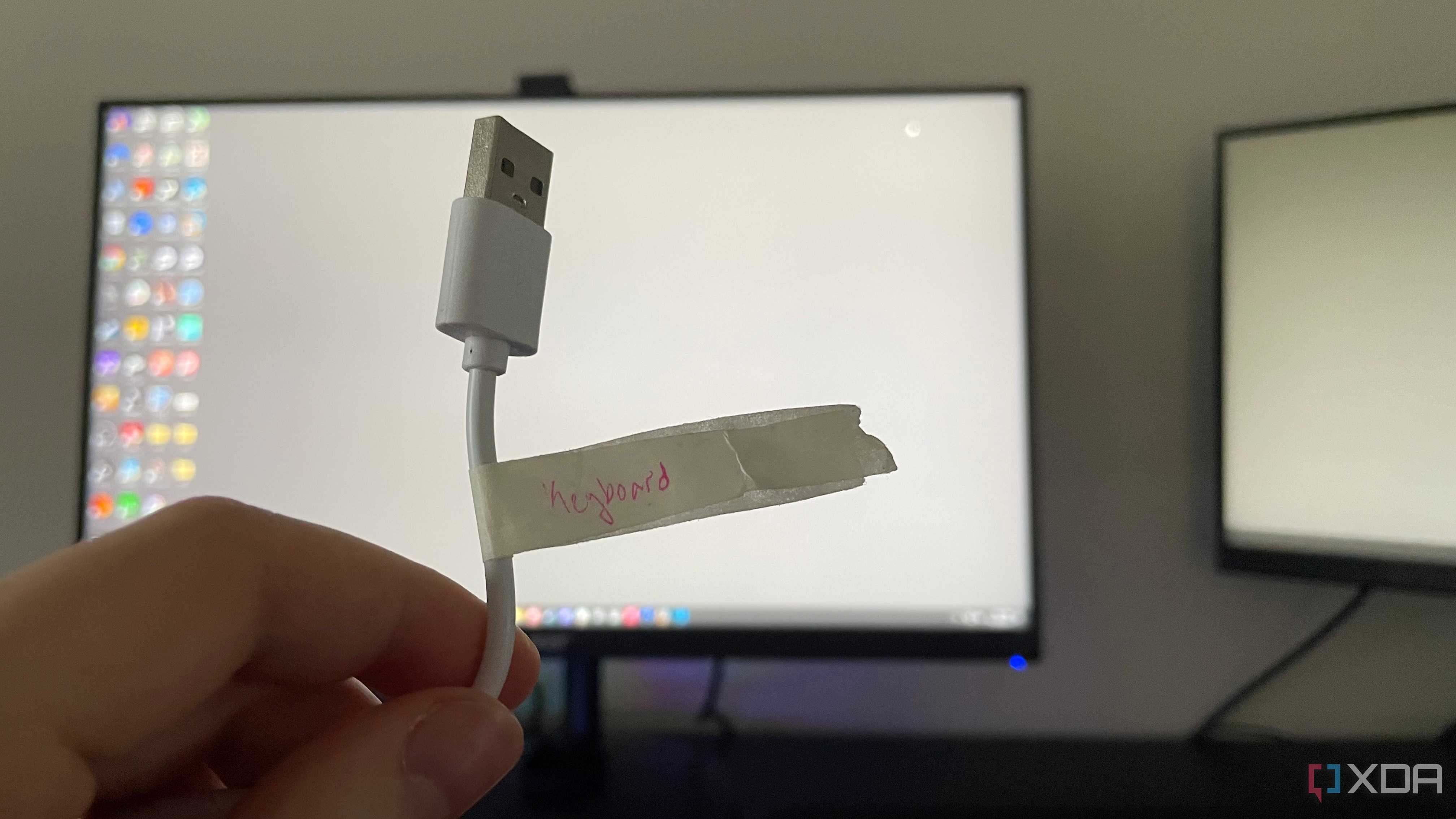
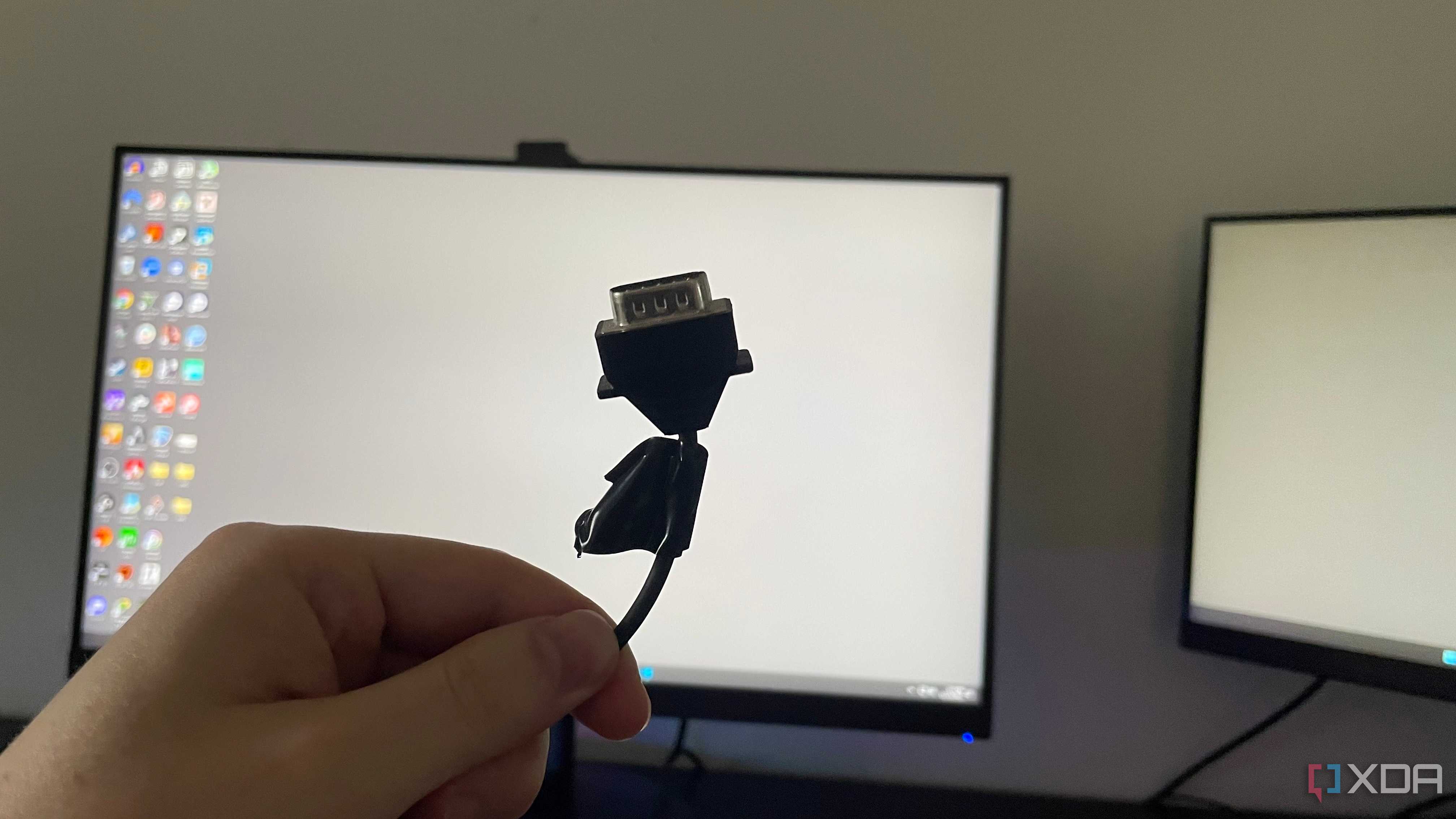
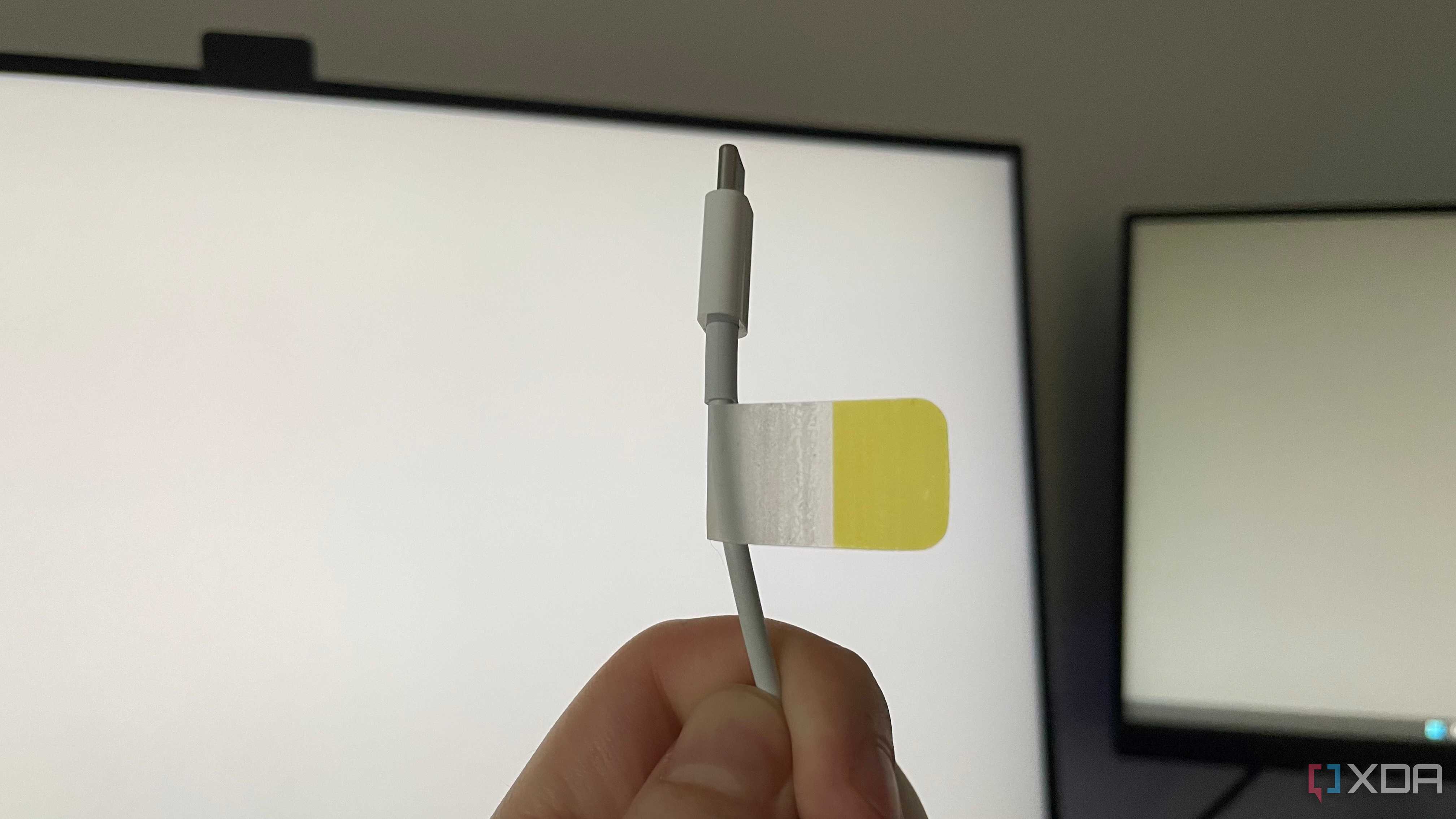
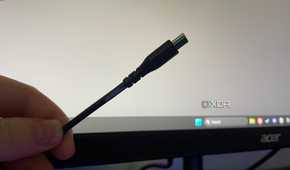
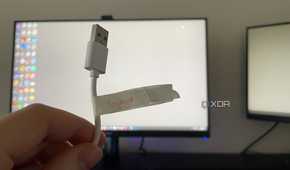
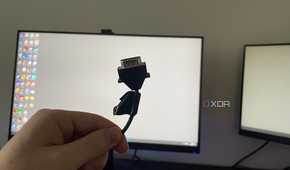
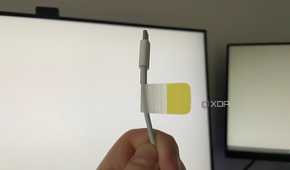
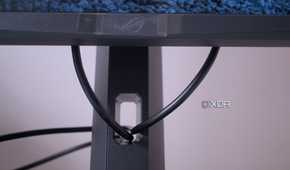
Knowing which cable is which is half the battle. In a sea of black silicone, it makes it hard to get lost if you label them properly. Adhesive markers can work, but I find they're sometimes prone to falling off. Masking tape is also a fine option, but it's not really possible to color code. You'll likely be writing what the cable is on the tape itself.
A far better alternative to adhesive options, in my opinion, is nail polish. You don't need anything special, the cheap stuff from the drug store will do. You could do red for power, blue for USB, yellow for display, for example. Whichever system you devise will almost certainly be better than no system at all.
1 Go wireless where you can
The most effective strategy is elimination

This is the ultimate way to eliminate cable clutter. Cutting the cable can be tough with certain devices. Obviously power cables and display cables will have to be run, but wireless peripherals are a dime-a-dozen these days. Wireless receivers are much easier to manage, if you have to at all. As long as you're within range, using them should be easy.
Once you get it tidy, it's easier to keep clean
Spending a few hours tidying things up can save you massive headaches when you need to swap out devices or cables. It's so much easier to keep things nice and neat once you've done this. It doesn't stop at your office setup though - if your desk was a mess, chances are you'll need some help sorting out your PC cable management too!
