


It can be easy to forget about the ergonomics of your setup in the midst of designing your home office. Factors like gear, performance, and general practicality are often at the forefront, and things like desk height, chair, and comfort can be an afterthought to many. But I'm guessing that you probably would like to be able to work and play for long periods without sacrificing your body (or your wallet). Ergonomic solutions can cost a fortune, but you don't have to go down that route. Here are 4 free ways to improve the ergonomics of your home office that you can do today.
4 Monitor height
One of the most straightforward changes you can make
Source: mockup.photos 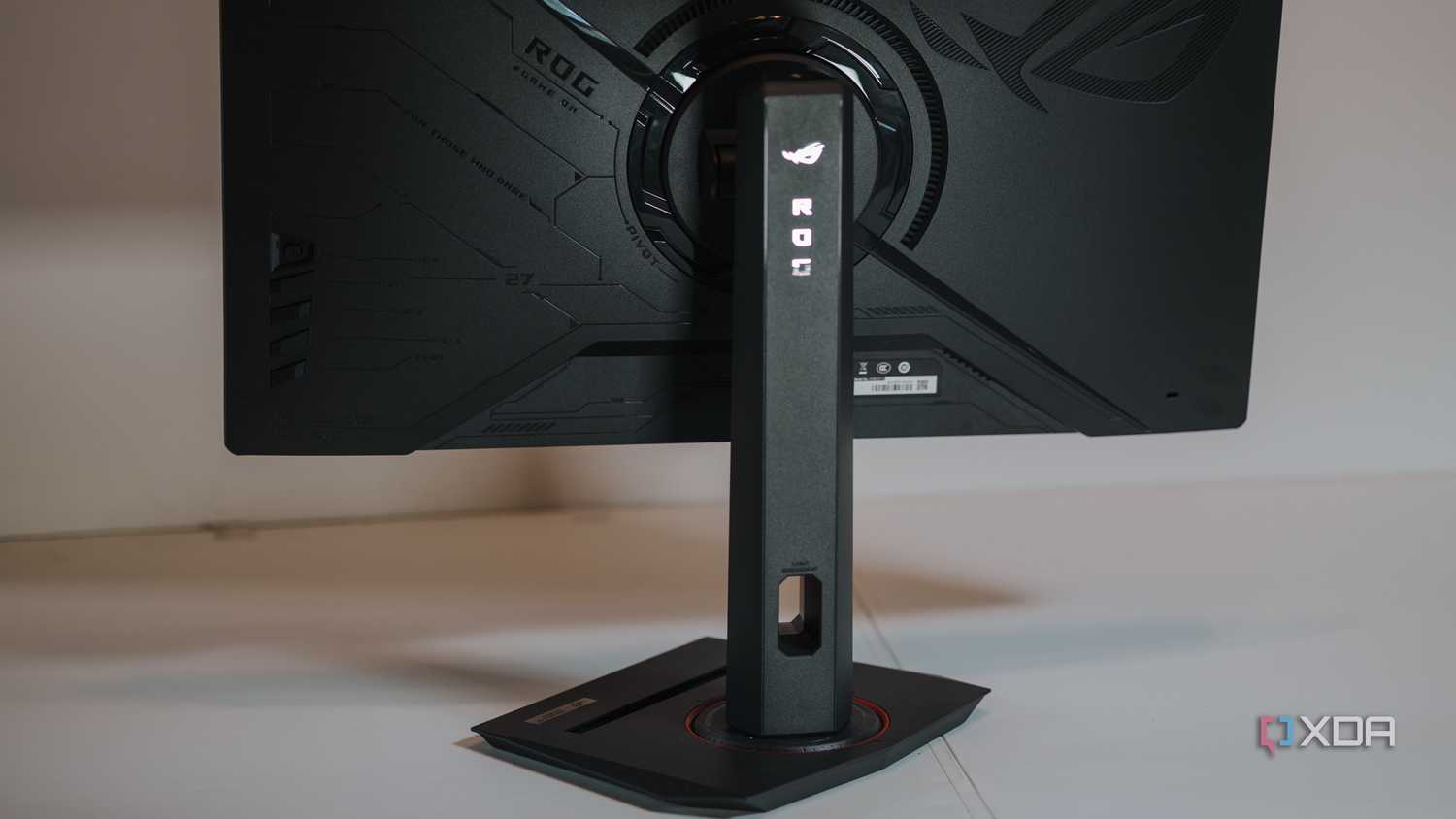




Source: mockup.photos 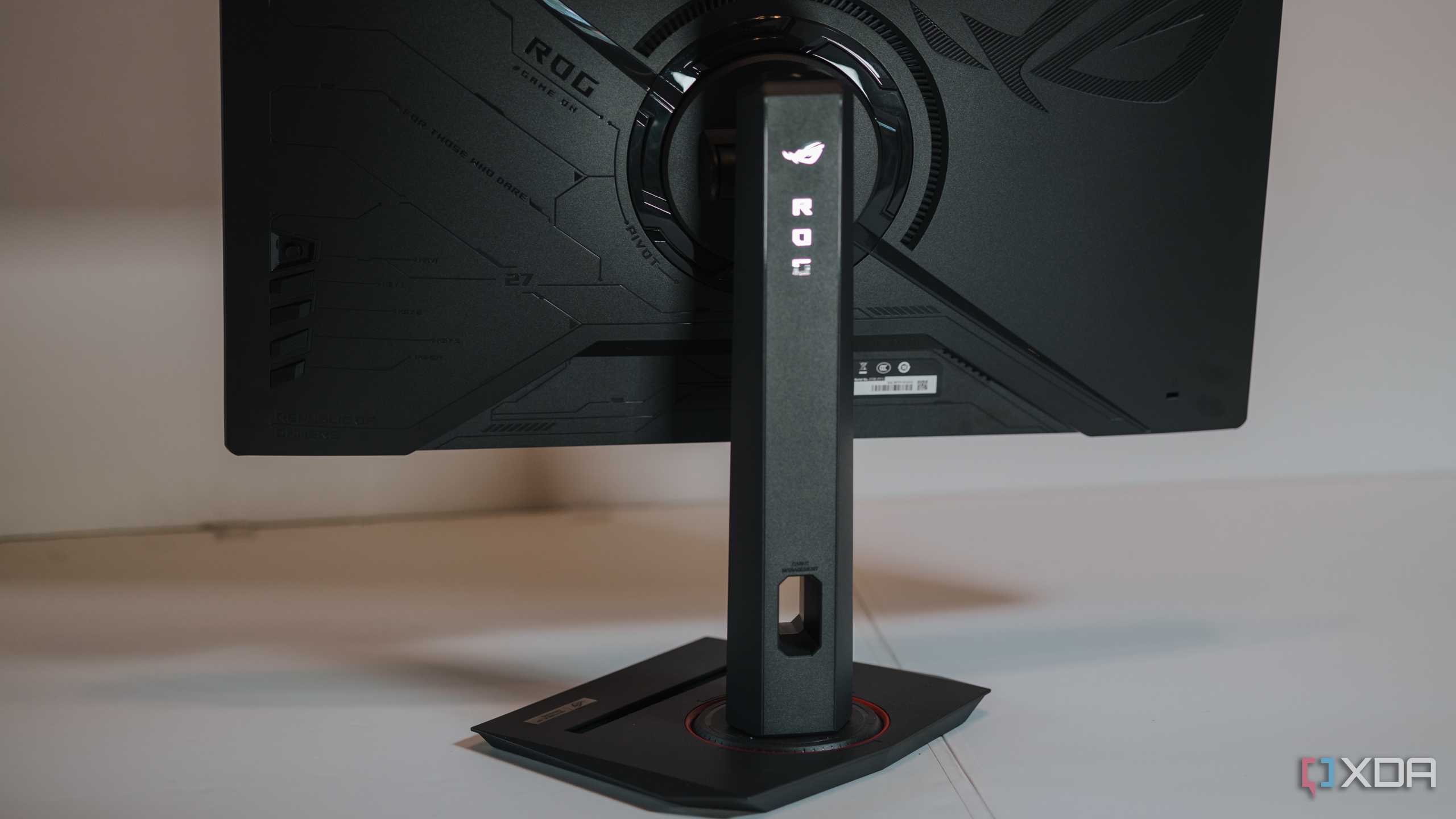


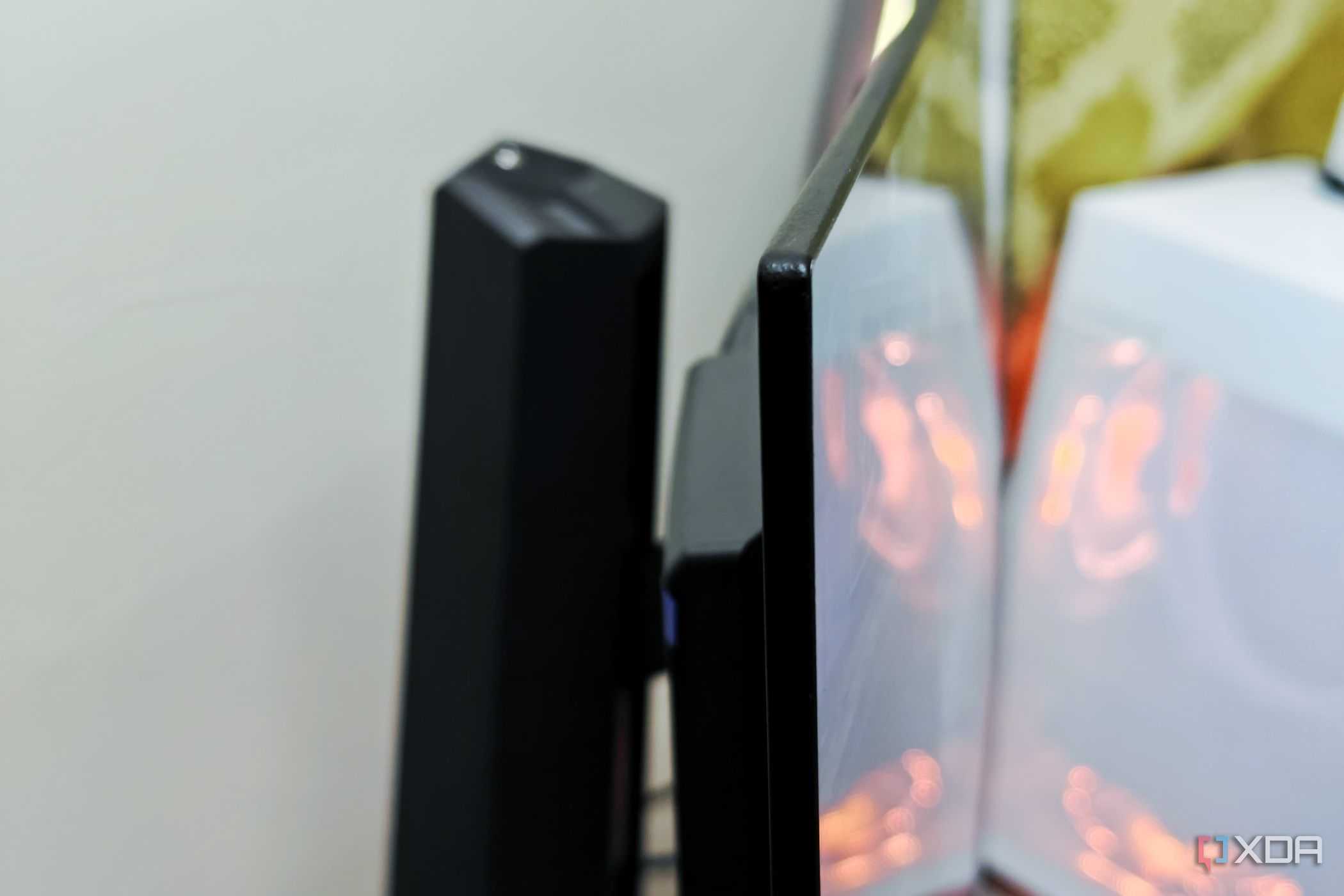



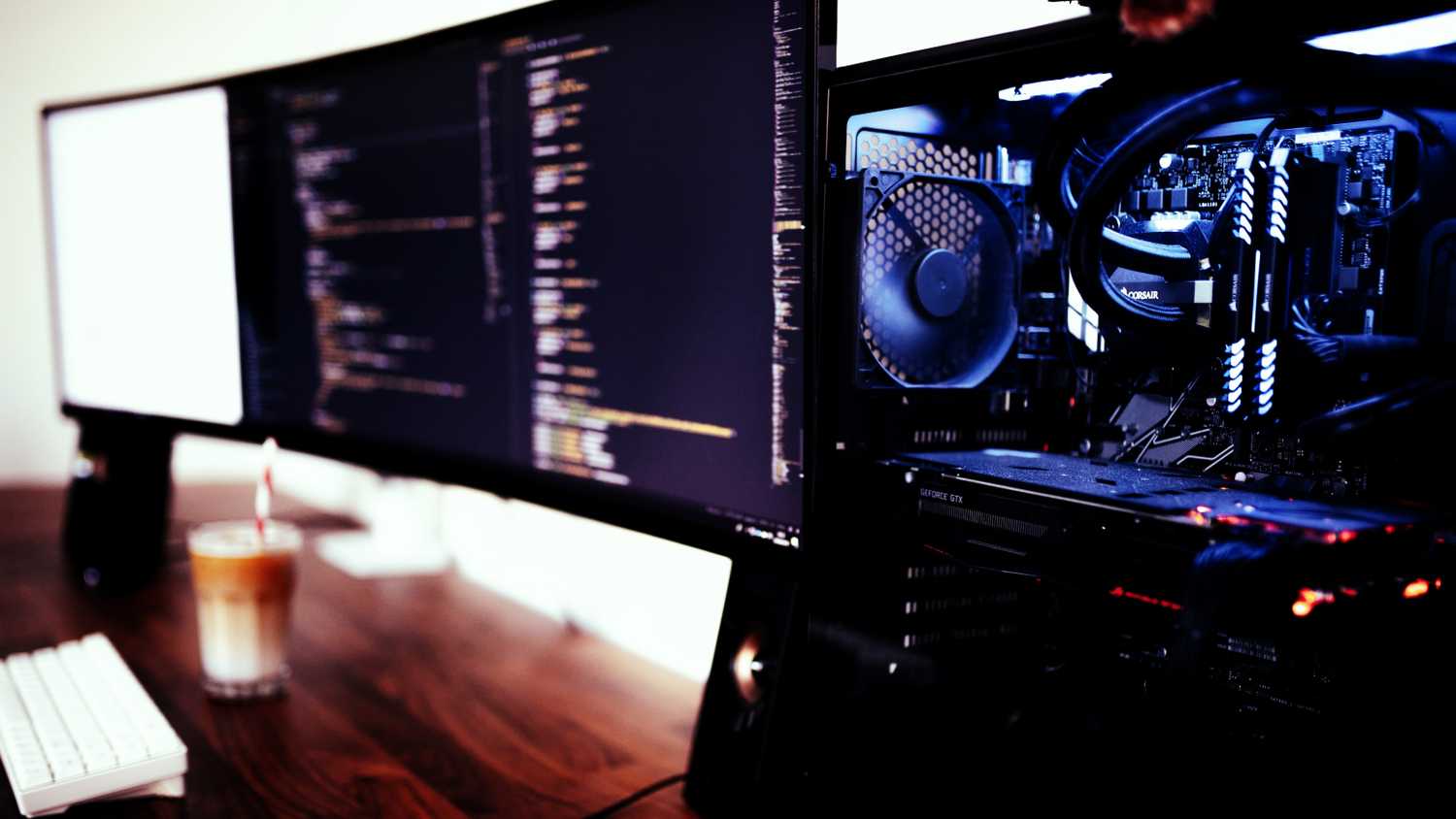
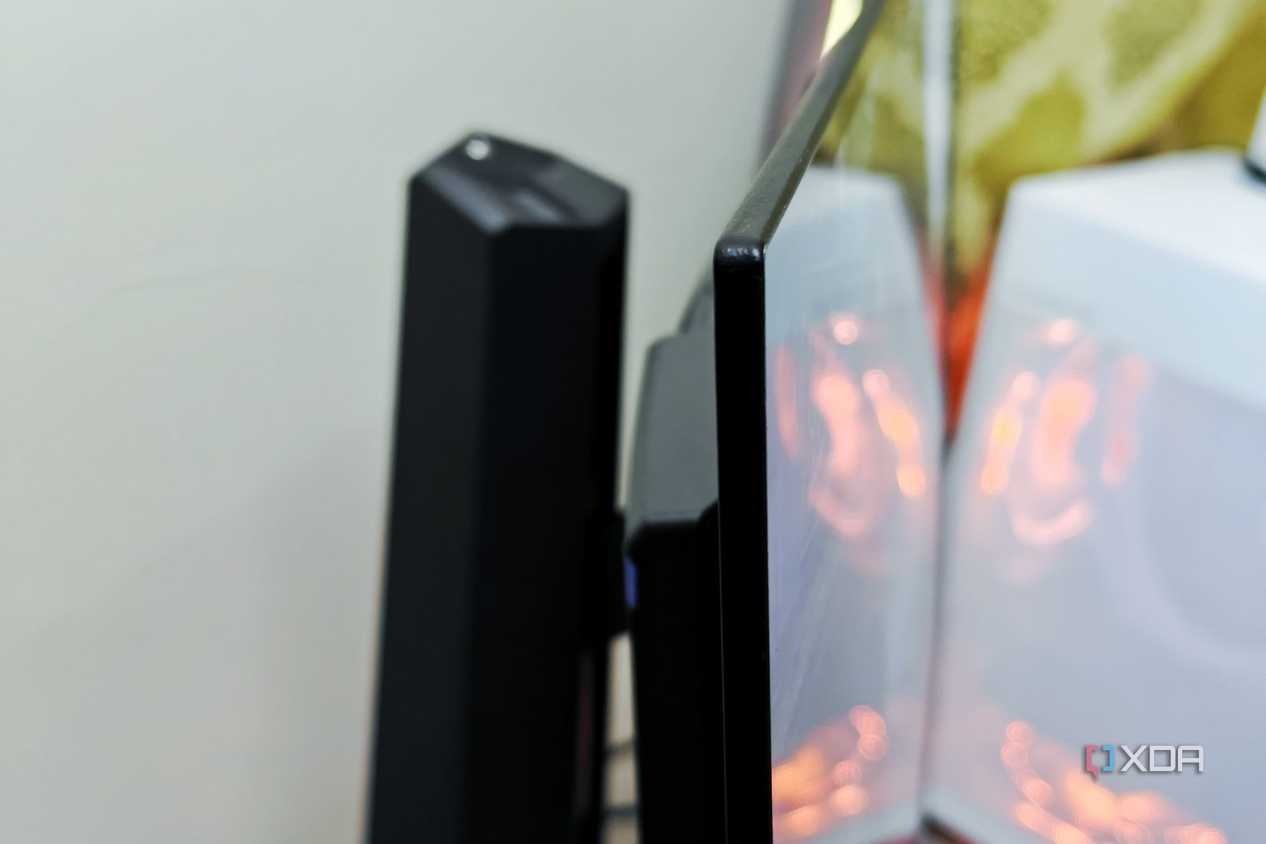
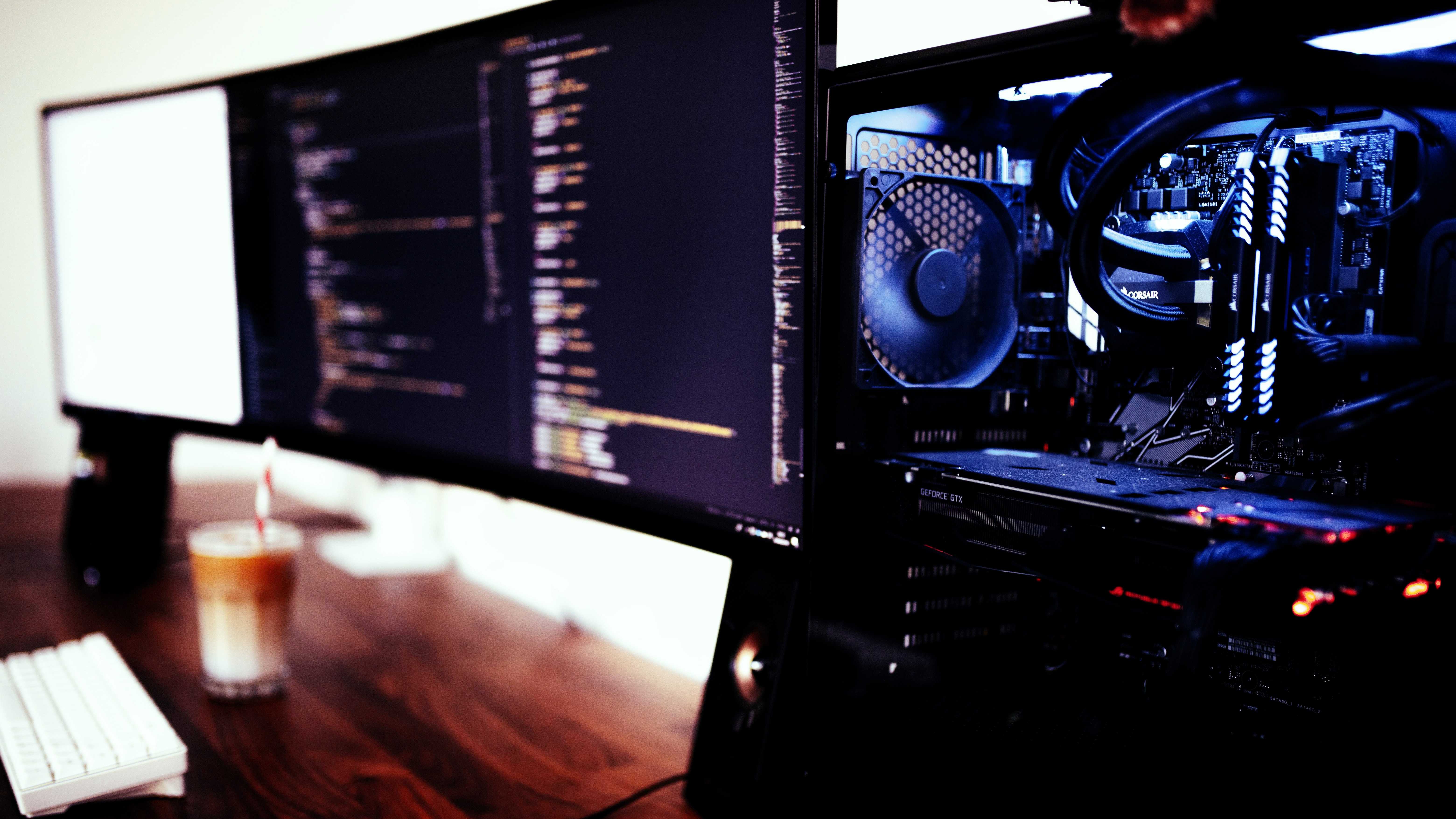
The height of your monitor dictates a lot in terms of the ergonomics of your setup. It's the main focus of your vision, and if your work requires you to use a computer with any kind of regularity, dialing in the position of your monitor is worth the small amount of effort it will take. A poor monitor position can cause postural issues and neck pain. The general rule of thumb is to have the middle of your display at eye level, so that your head can comfortably be looking straight ahead.
Most modern desktop computer monitors have robust adjustment mechanisms, making height and tilt adjustment fairly trivial. If height adjustment is not an option on your display, placing a hefty book of some kind under your monitor stand is a great way to give it some extra height. The same goes for laptops. Until you're able to procure a dedicated stand and external peripherals for your laptop, stacking up books to give it some height could have an ergonomic benefit. We just definitely don't want you to be looking downwards on an ongoing basis.
3 Light your space properly
Vision care is crucial

It's easy to forgo turning the lights on during a marathon work session that goes deep into the night. Some also prefer darker spaces for their setup, but it's actually rough on your body. More specifically, it's your eyes you have to worry about. Blue light can cause eye strain, headaches, and disrupt sleep.
Taking care of your peepers is as simple as keeping your workspace well lit, since looking at a bright display in a dimly lit work area is an easy way to cause eye strain. A warm desk or floor lamp, even at a low setting, is better than no light at all. For longer sessions, especially those close to bedtime, changing your screen temperature to a warmer tint can bring relief, as those longer light wavelengths are easier on the eyes. This can be done through the "Night Light" setting within Windows or the "Night Shift" setting on macOS. Alternatively, if you're looking to shell out a few bucks, you can pick up blue light filtering glasses. Also, keeping your display away from strong light sources like the sun is a good idea, as you don't want to be fighting against glare to see your screen properly. Balance is what you're going for.
2 Adjust your sitting position frequently
Posture isn't everything

We're told to maintain good posture, regardless of whether you're seated or standing. It's good advice, but the better advice is to vary your body position while working, and getting up from your chair and moving around is a great way to do just that. A sit-stand desk is obviously ideal, but even taking a short stroll around your home and doing some light stretching can mitigate musculoskeletal issues that come from desk work. Ergonomic chairs and devices can only mitigate the sedentary stress that computer work puts on your body. Staying in one position, even if it's an optimal one, is detrimental to your health and even your productivity. Comfortable arrangements for working will vary from person to person, but the key is to switch between a selection of them, and to regularly include bouts of activity.
1 Consider where your home office is placed
The room you do your work in matters

Where you choose to do your work actually does matter, but probably not for the reasons you think. Obviously, you want to avoid distractions and create a space where it will be easy for you to focus - but it goes deeper than that. The state of your room dictates a lot about your brain state, and interestingly enough, it is directly tied to the height of your ceiling.
How your physical environment affects your ability to perform specific types of thinking is known as the Cathedral Effect. It's named after the grand ceilings found in cathedrals and how they've been scientifically proven to promote abstract, creative thinking. That doesn't mean a low ceiling is bad, however. Low ceilings promote more detail-oriented tasks with pre-defined constraints. We can't change the height of our ceiling on a whim, but it's worth experimenting with different working environments depending on the type of work at hand. This could mean moving to different areas of your home, or even venturing outside if you're in need of a high ceiling.
What works for others may not work for you
It's easy to follow conventional wisdom when it comes to ergonomics. Solutions like buying a new sit-stand desk, ergonomic peripherals, or even copying a seating position may not make things ideal for you. The best solution is to experiment. Try a bunch of different things and see what feels good to you. If you have any real discomfort or pain, it's worth seeing your doctor or getting a referral to a specialist. They will be able to assess your situation and give you the best course of action for your work scenario.
