


Network-Attached Storage servers are some of the most useful devices you can add to your setup, regardless of whether you’re a casual user on the hunt for a file-sharing server or a hardcore privacy enthusiast looking to get rid of intrusive cloud platforms. If you’re as much of a data hoarder as I am, you’ll love the superior file archival, centralized storage, and easy recovery options offered by NAS rigs.
But even if you leave their backup-centric features aside, NAS devices have a lot of utility in home lab environments. With how powerful yet affordable modern storage servers have become as of late, even a budget-friendly NAS can double as a reliable self-hosting workstation. If you’ve been using your NAS specifically for backup and file-transfer workloads, here are some reasons why you should try hosting a couple of services on it.
Plenty of storage space for your apps
Perfect for storage-hogging services


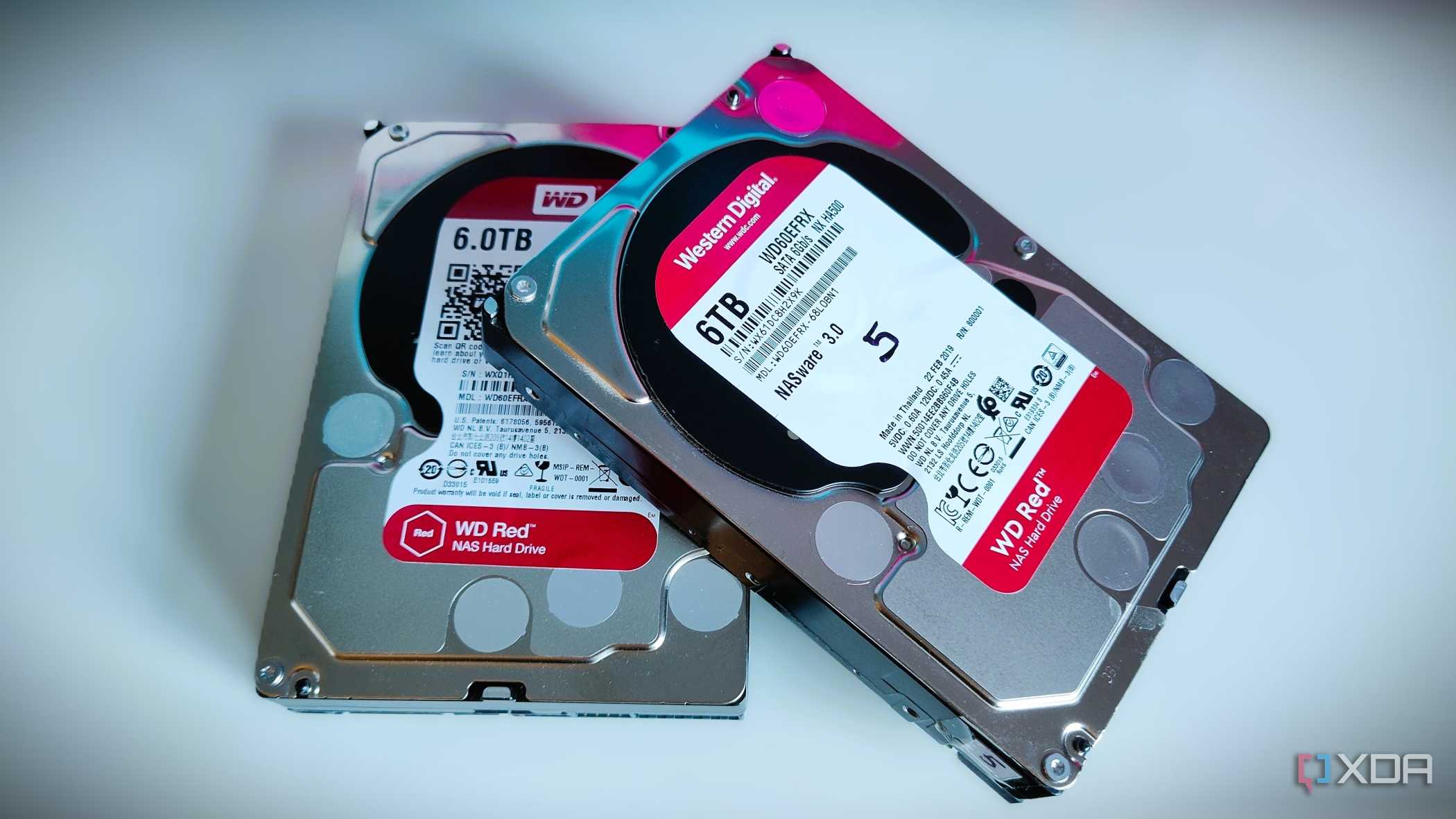
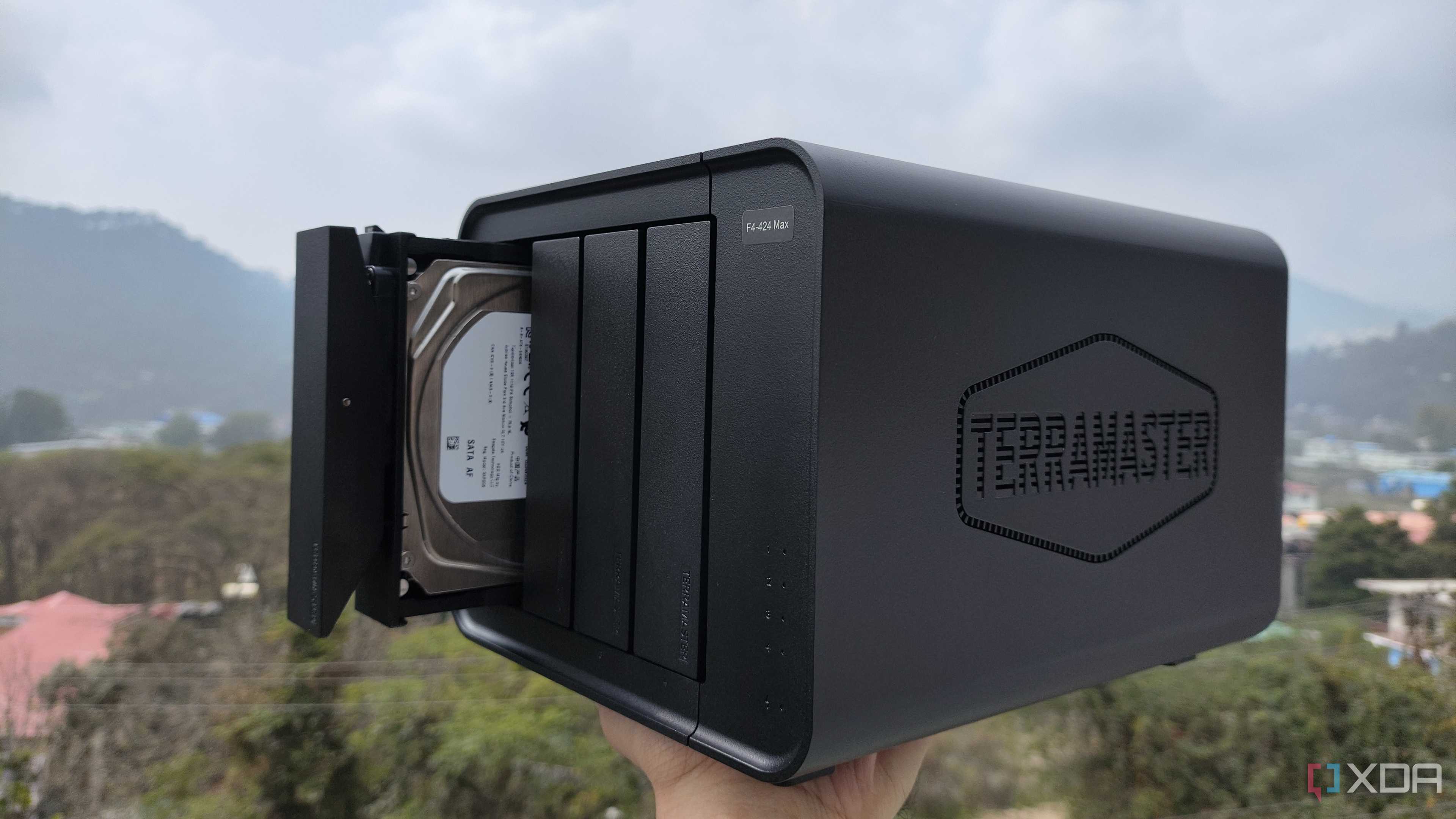
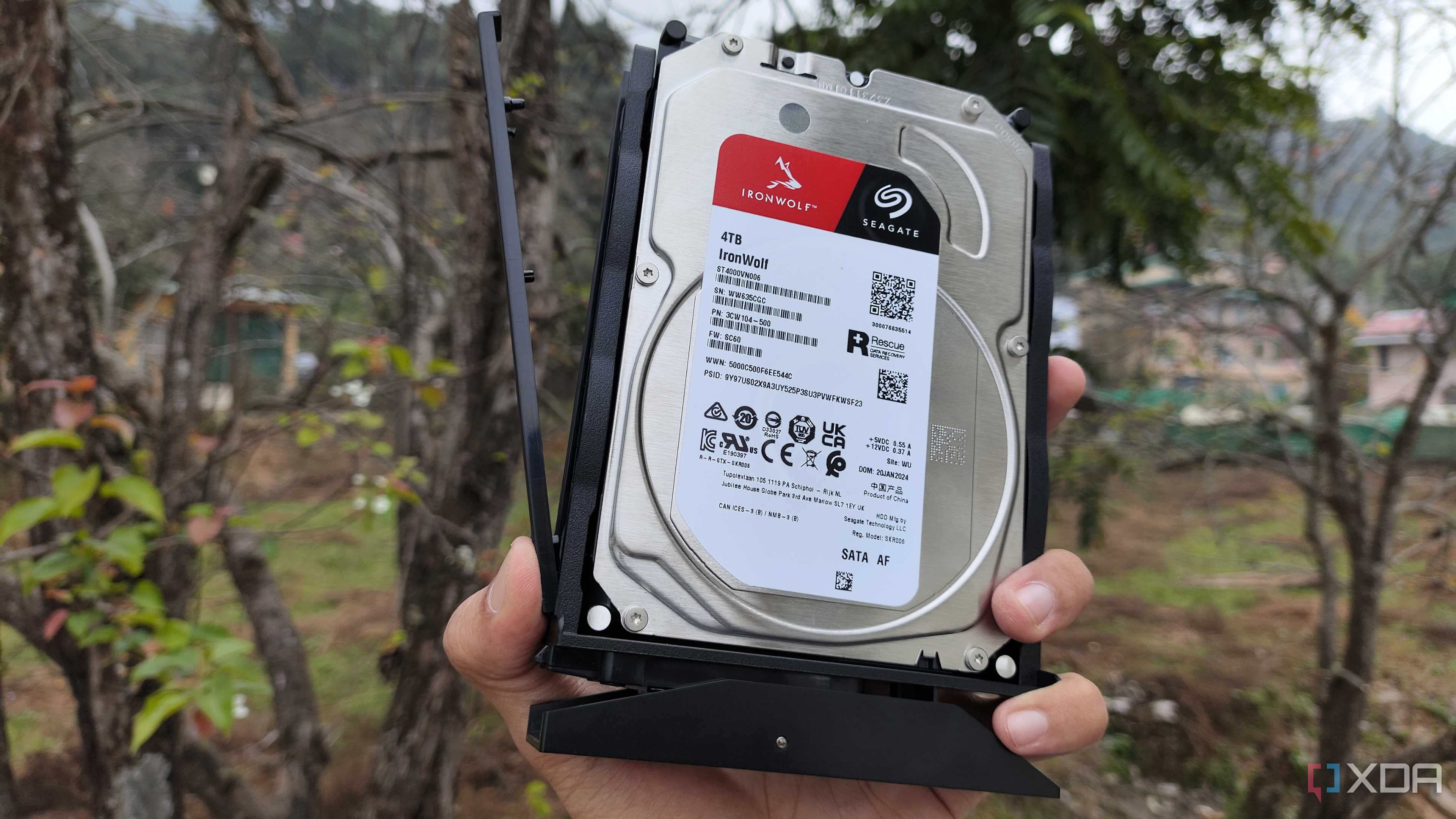
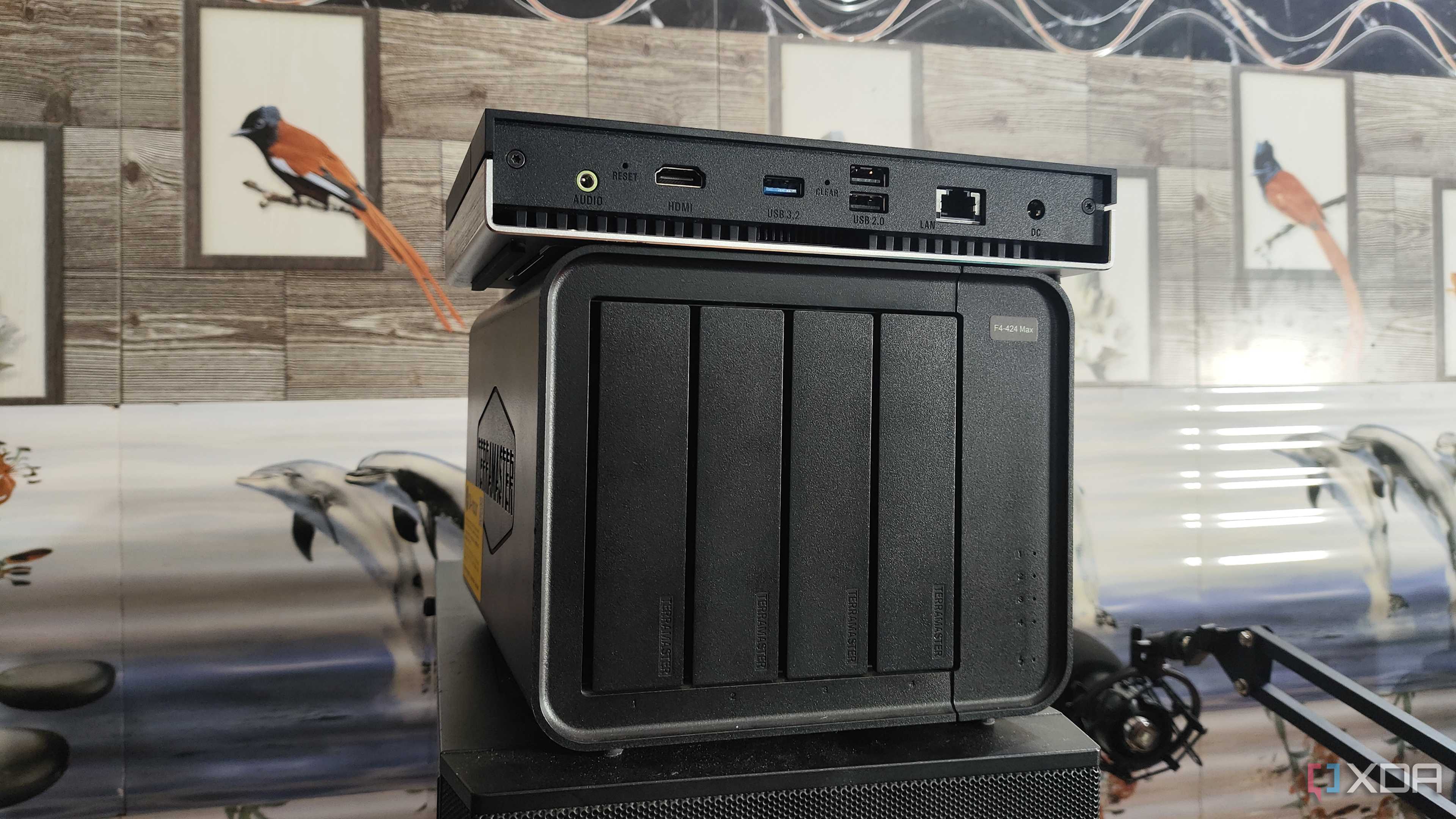
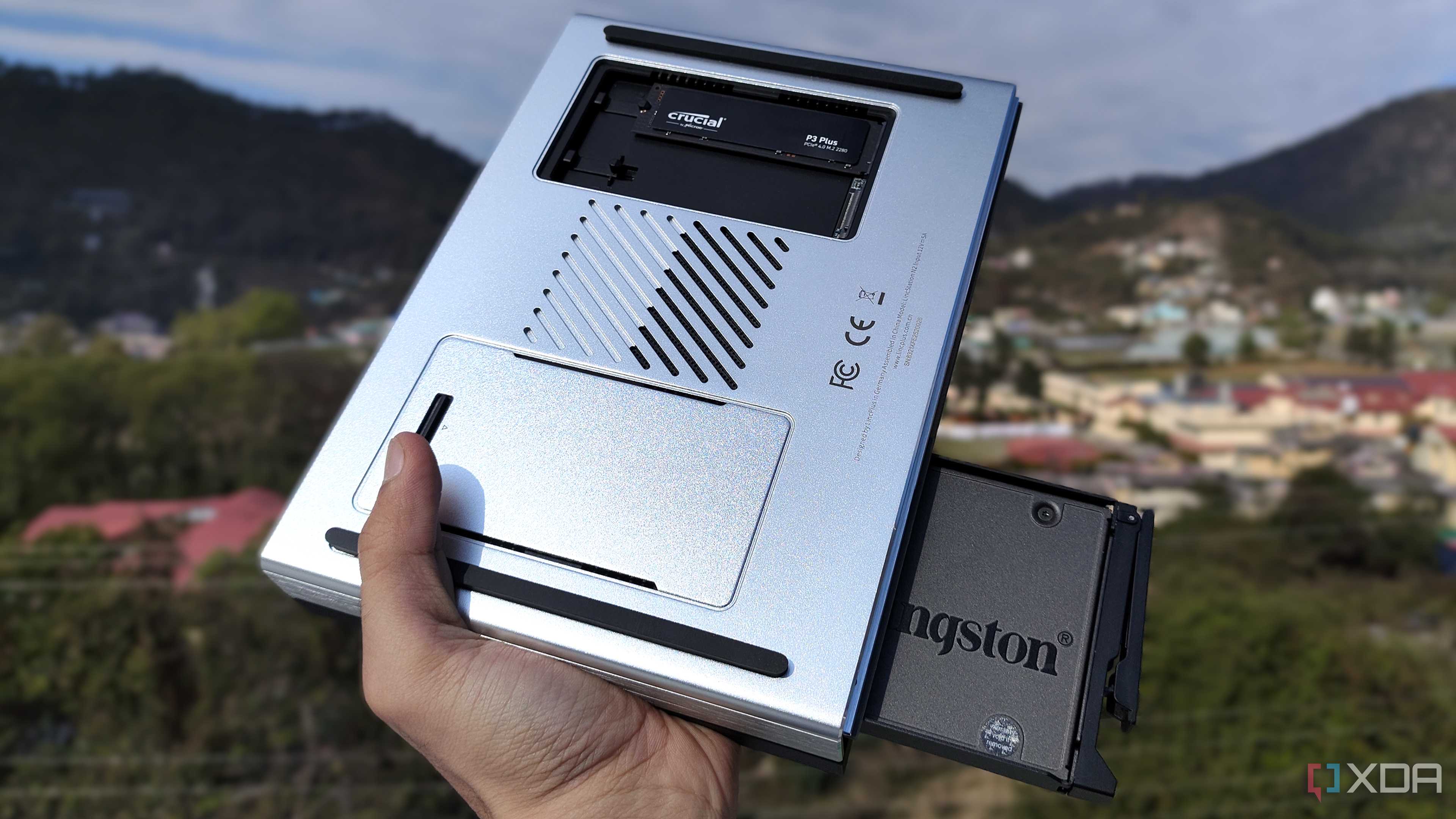

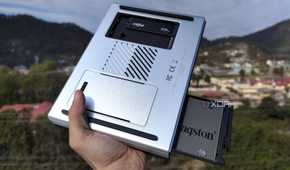
Although the self-hosted ecosystem has a variety of apps, many of them are centered around helping you manage huge amounts of data. There’s Jellyfin for media, Immich for photos, Calibre-Web for ebooks, Paperless-ngx for documents, and Gitea for project repos – and those are just the popular ones. Frigate alone is capable of generating dozens of gigabytes worth of footage once you pair it with a couple of surveillance cameras. Even if you set data retention limits, you’ll still need enough storage capacity to house the daily footage.
Unless your server has a lot of HDDs slotted into it, you’re bound to run out of space while hosting these services – and I say that as someone who barely has enough storage capacity on my Proxmox node for my ebook and media library. A NAS becomes quite handy in this scenario, as typical 4-bay units offer enough capacity to store all your self-hosted archives.
And you can make your life a lot easier if you deploy your services directly on your storage server…
Directly use datasets to store app files
Instead of relying on network shares

If you’re running your self-hosted stack on a dedicated home server, apps like Jellyfin and Calibre-Web support using your NAS as the storage repository via network shares. The caveat? Network shares – especially those of the NFS variety – can be a massive pain to set up. NFS shares, in particular, require a lot of elbow grease to set up due to the way their permissions work.
And that’s before you throw unprivileged containers into the mix. For the uninitiated, unprivileged containers have some restrictions to heighten security – including one that stops you from mounting network shares directly. While you could use some workarounds to pair your NAS to them, a simple solution involves running containers directly on your NAS. That way, you can store essential data on your NAS datasets without dealing with annoying permissions and ACLs of network shares.
Containers work well on a NAS
Even a cheap NAS can run several containerized apps

Home lab setups may be characterized by bulky server PCs and entire racks’ worth of networking equipment, but you don’t need enterprise-grade hardware to self-host useful services. That’s because most pre-built and custom NAS distros let you deploy applications inside containers. Unlike their virtual machine counterparts, containers are fairly lightweight and don’t hog too many system resources, making them perfect for your average storage server.
NAS-centric operating systems also tend to ship with app stores/containerization platforms, which include hundreds of cool services that you can deploy with just the press of a button. Better yet, all the essential settings are laid out as toggles and options, so you don’t have to deal with long config files or complex terminal scripts in your self-hosted app stack.
Better energy efficiency than a home server
At least, for pre-built NAS rigs

Compared to the average home server, pre-built NAS units are extremely energy-efficient thanks to their soldered, mobile processors. Heck, even the more expensive 4-bay storage servers relying on power-hungry HDDs don’t contribute to your energy bills all that much. If you’re anything like me, you probably use your NAS 24/7 for your backup and file-sharing needs anyway. Throwing a couple of lightweight containers on top of the usual snapshot and Rsync tasks won’t cause major spikes in its energy consumption.
NAS devices can double as amazing home lab nodes


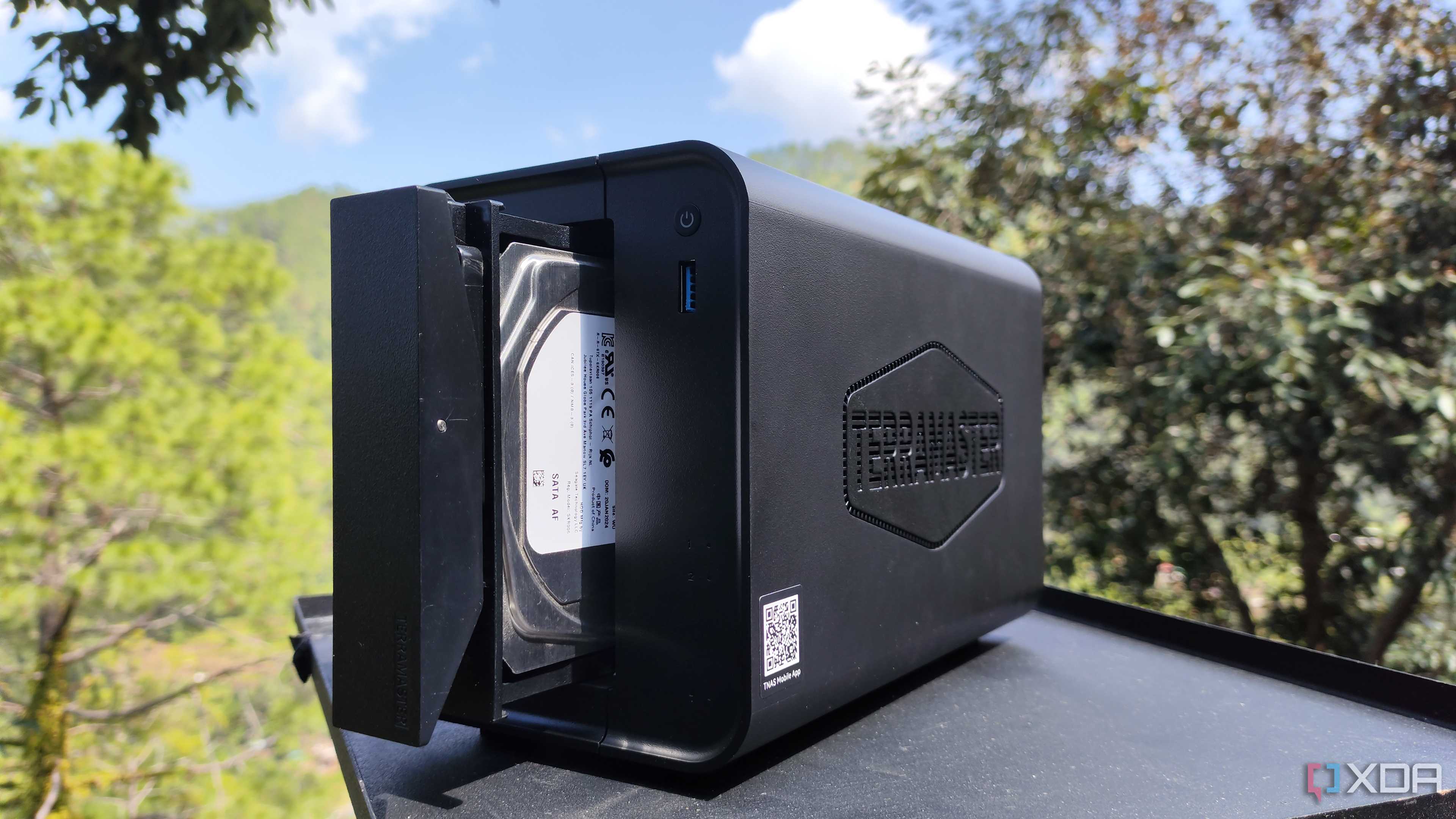
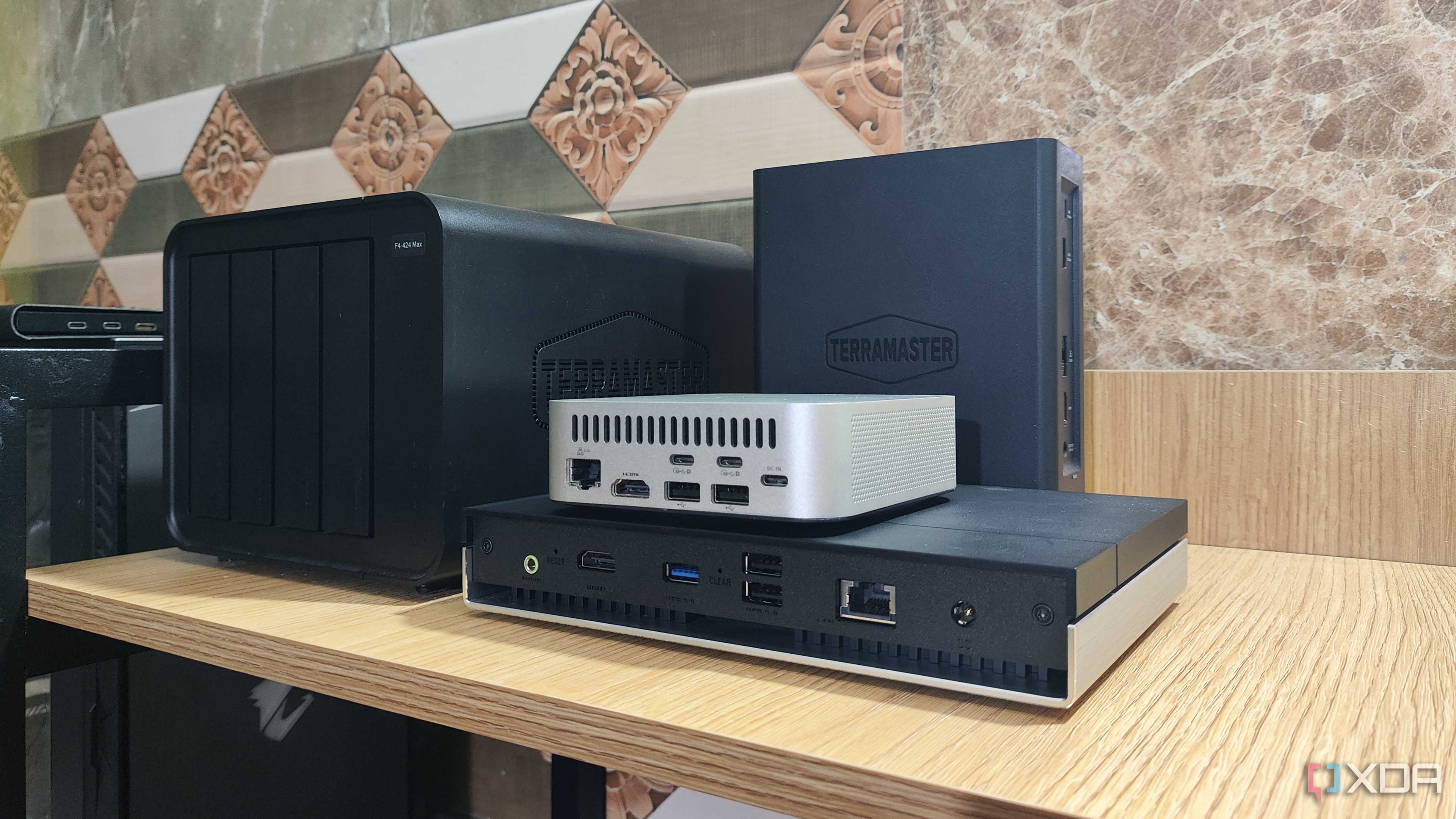
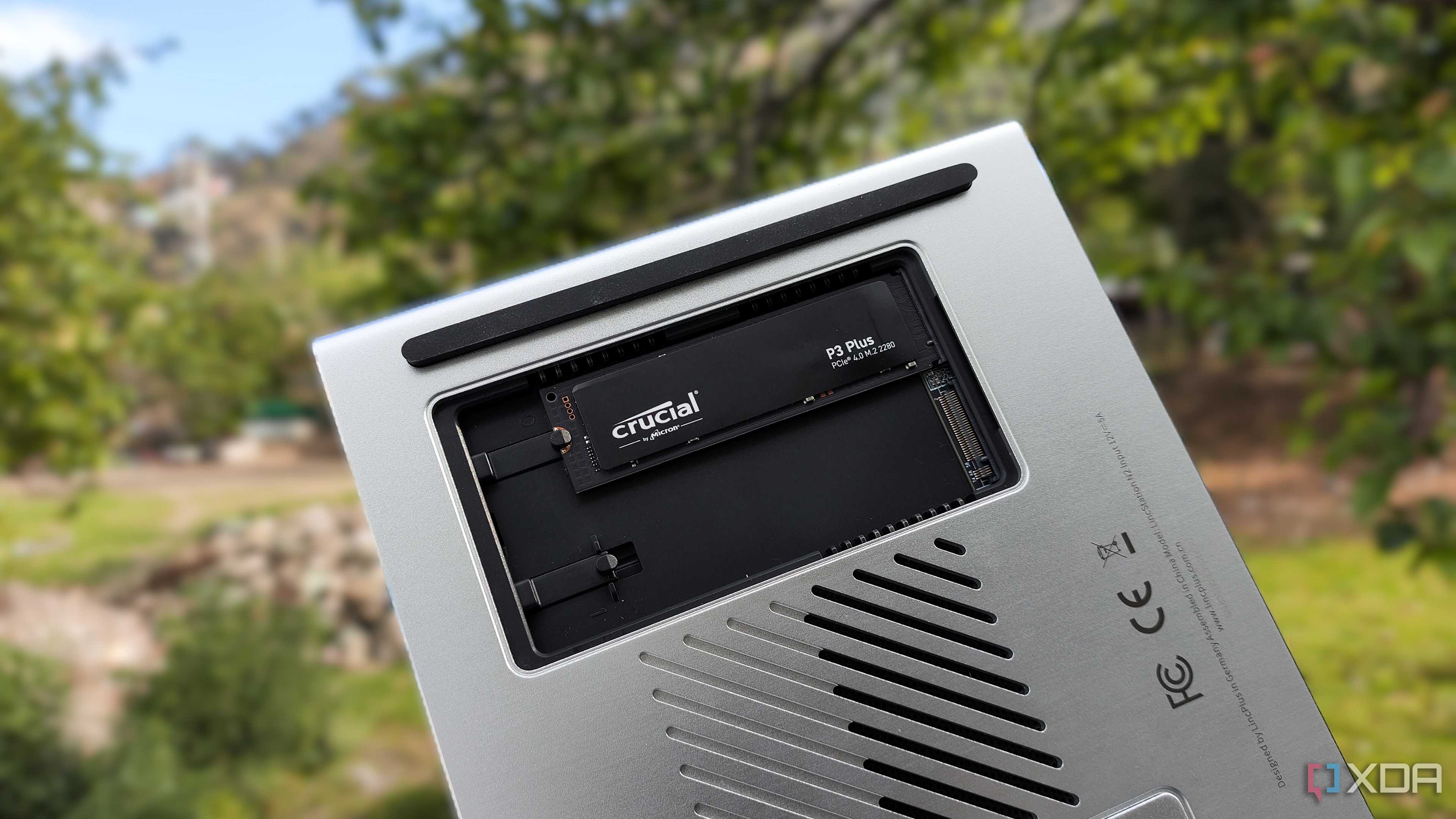
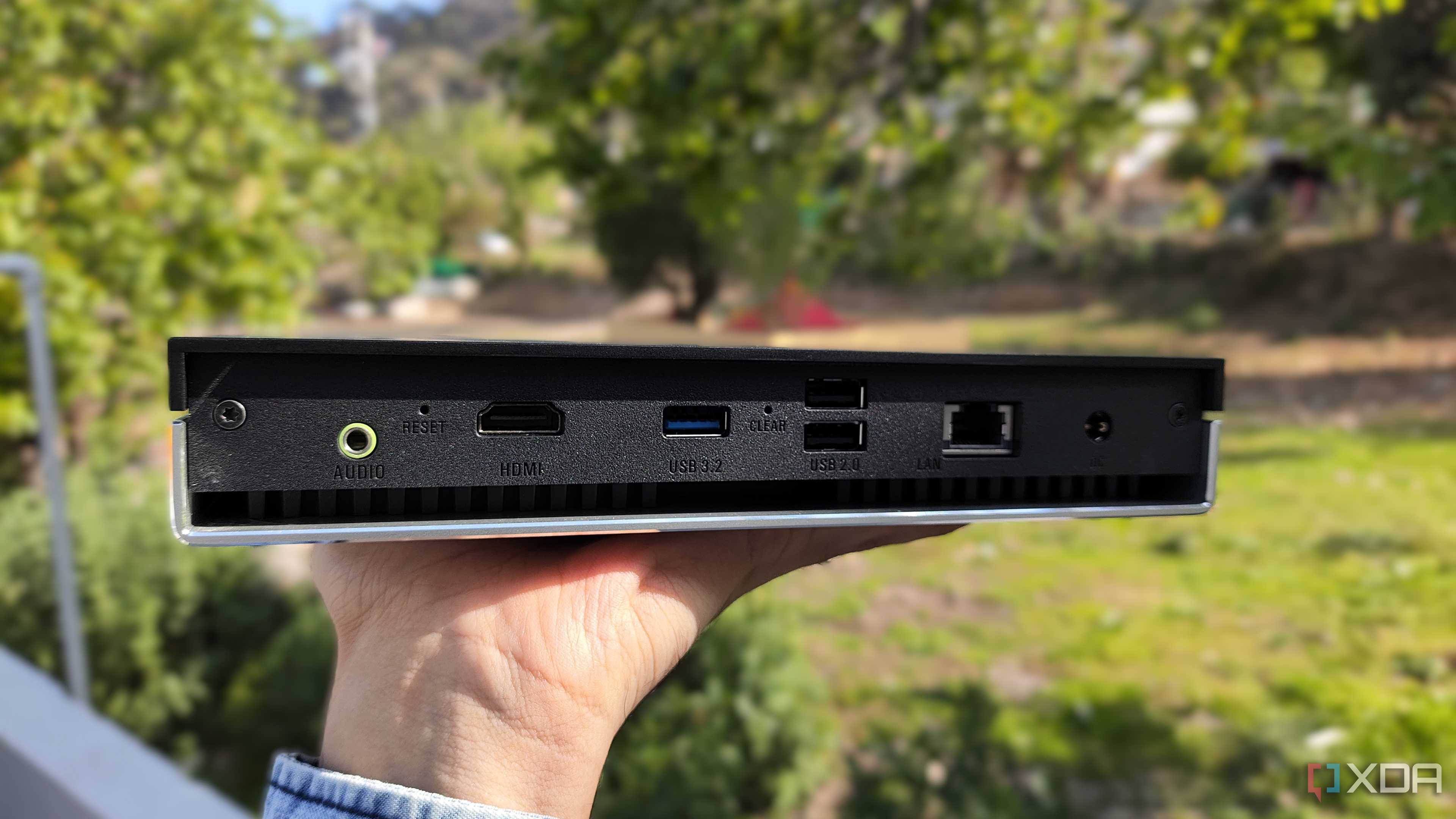
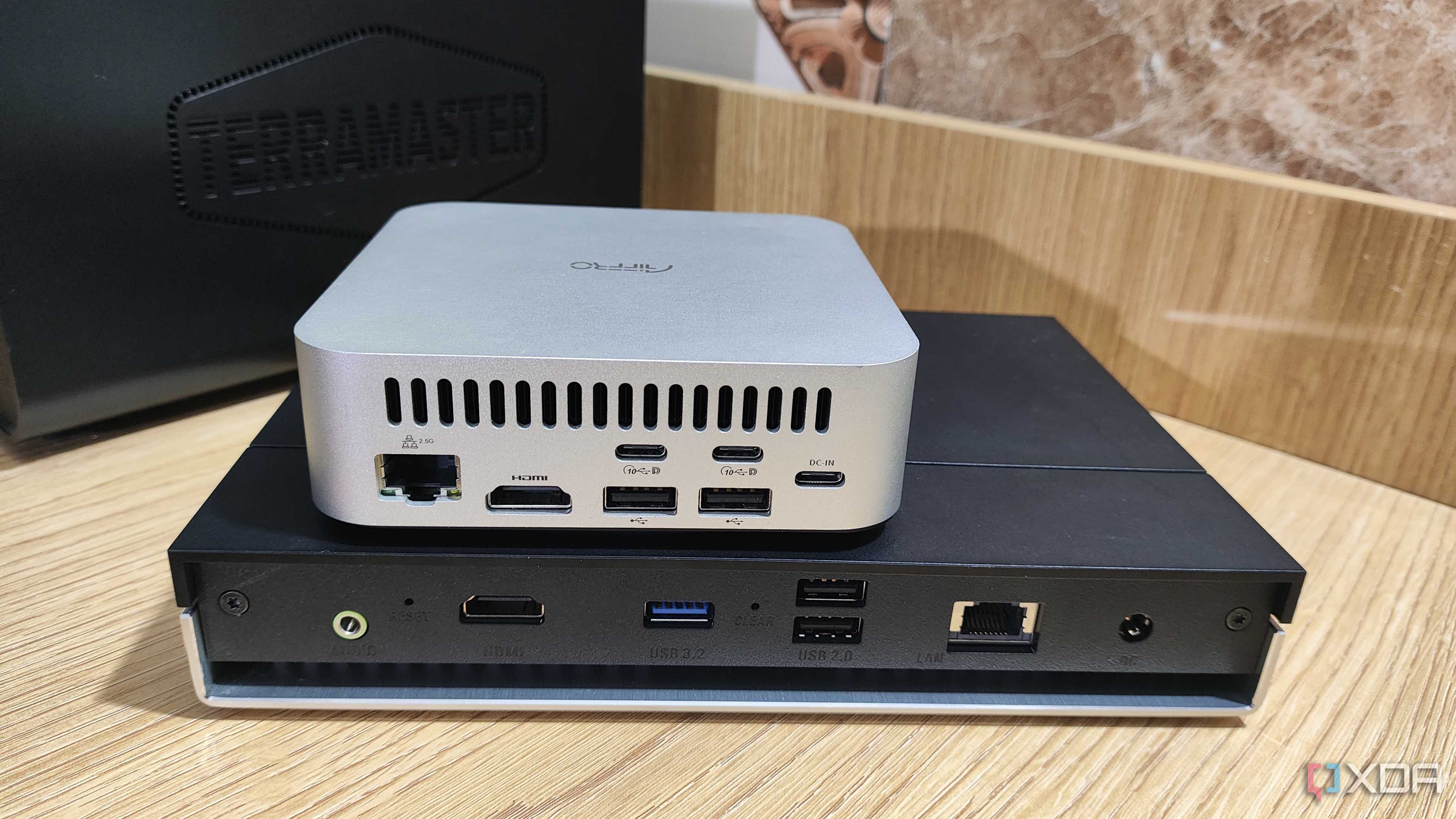
As someone who has been hosting services on my NAS for a long time, I have to admit that it’s a really useful part of my home lab. Of course, I run plenty of experimental projects, quirky apps, and dev VMs in a dedicated server-tier rig. But I always use my NAS for mission-critical services that require a lot of disk space, mostly because I don’t want to ruin an entire evening configuring NFS permissions. If you’re wondering, then yes, I speak from experience.
