


OLED displays have reached the point where they're almost an automatic recommendation, regardless of the workload. They look fantastic, have near-instant response times, and are slowly starting to become more affordable. For TVs, they're pretty much the de facto choice, and for PC monitors, they're gaining ground at an alarming rate.
Despite that, living with one day-to-day is different from looking at one in a demo room. There are obvious disadvantages to owning an OLED, like the risk of burn-in and the cost, but there are a handful of things about OLEDs that aren't mentioned as much as they probably should be. These aren't deal-breakers, but they're worth knowing before you take the plunge.
OLED brightness is weird
If you're used to LCDs, it might look odd


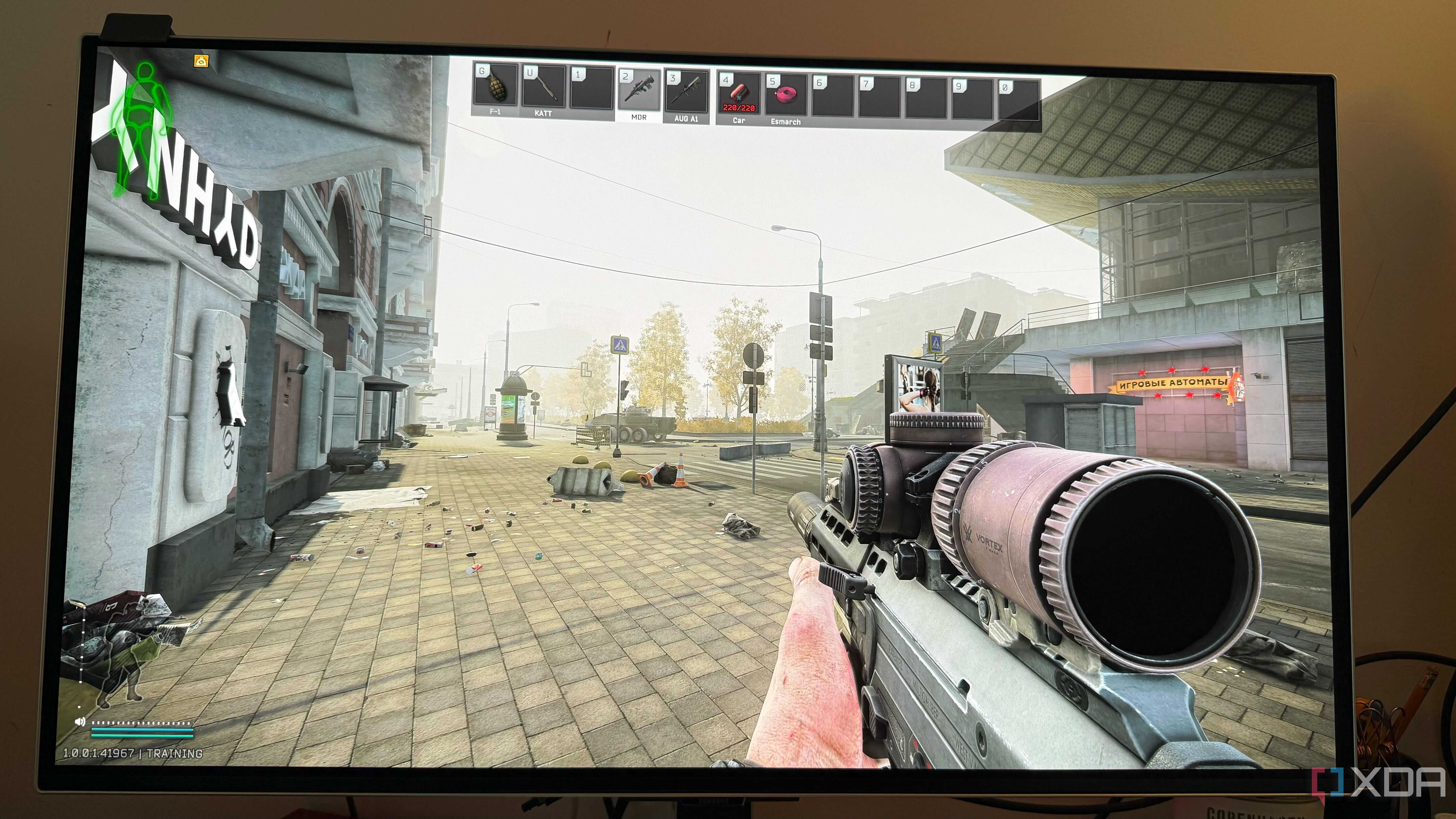
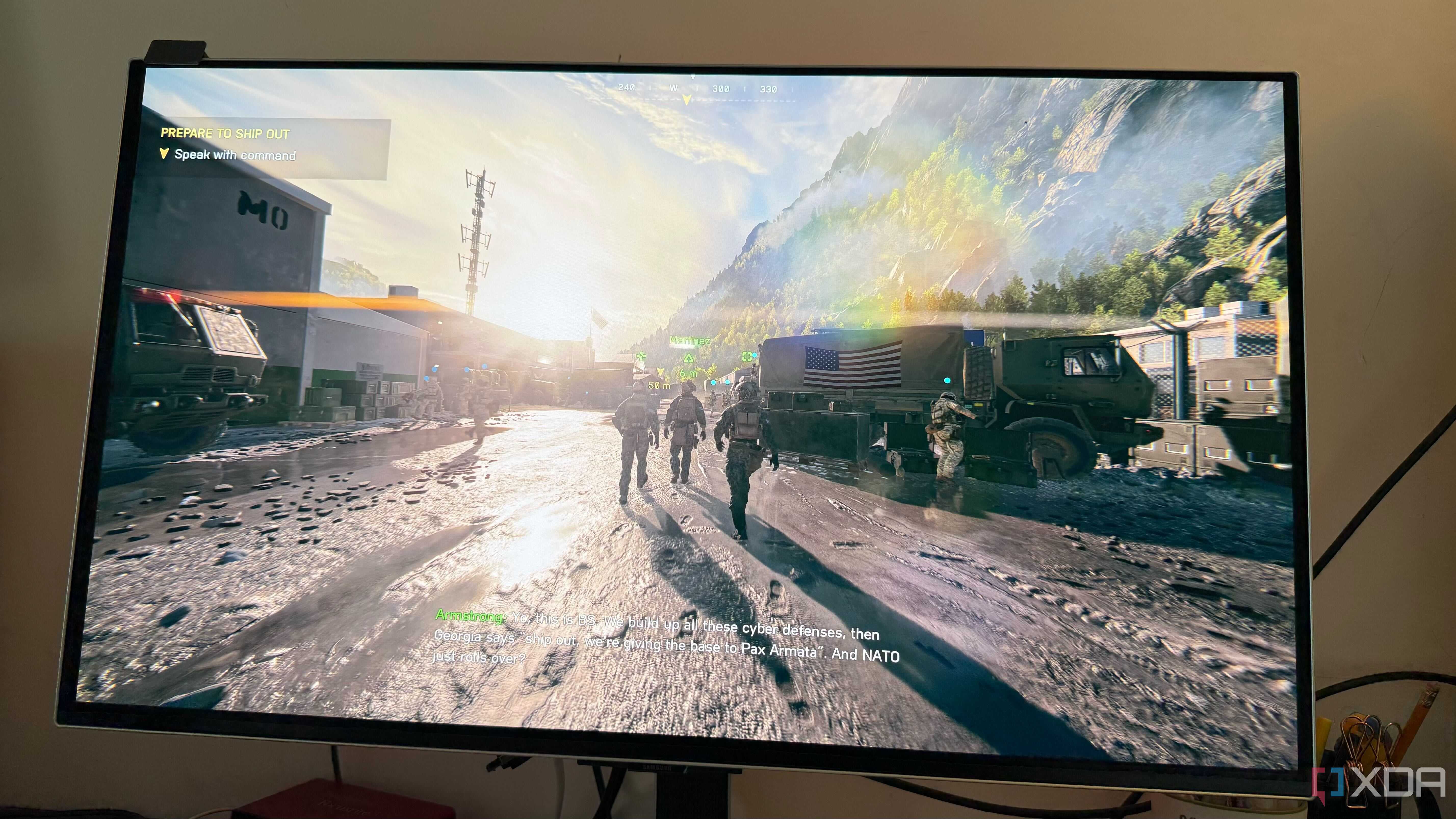
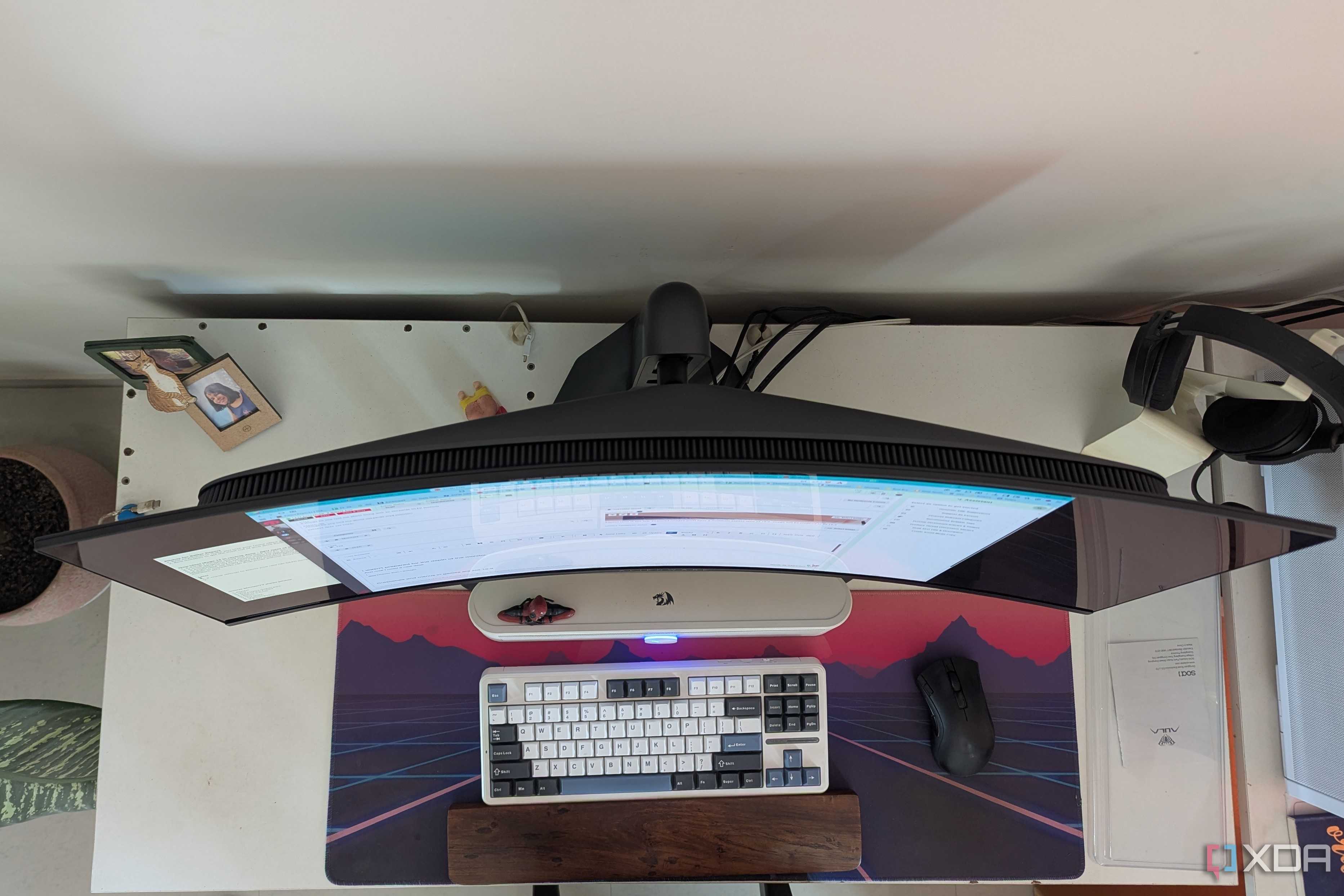
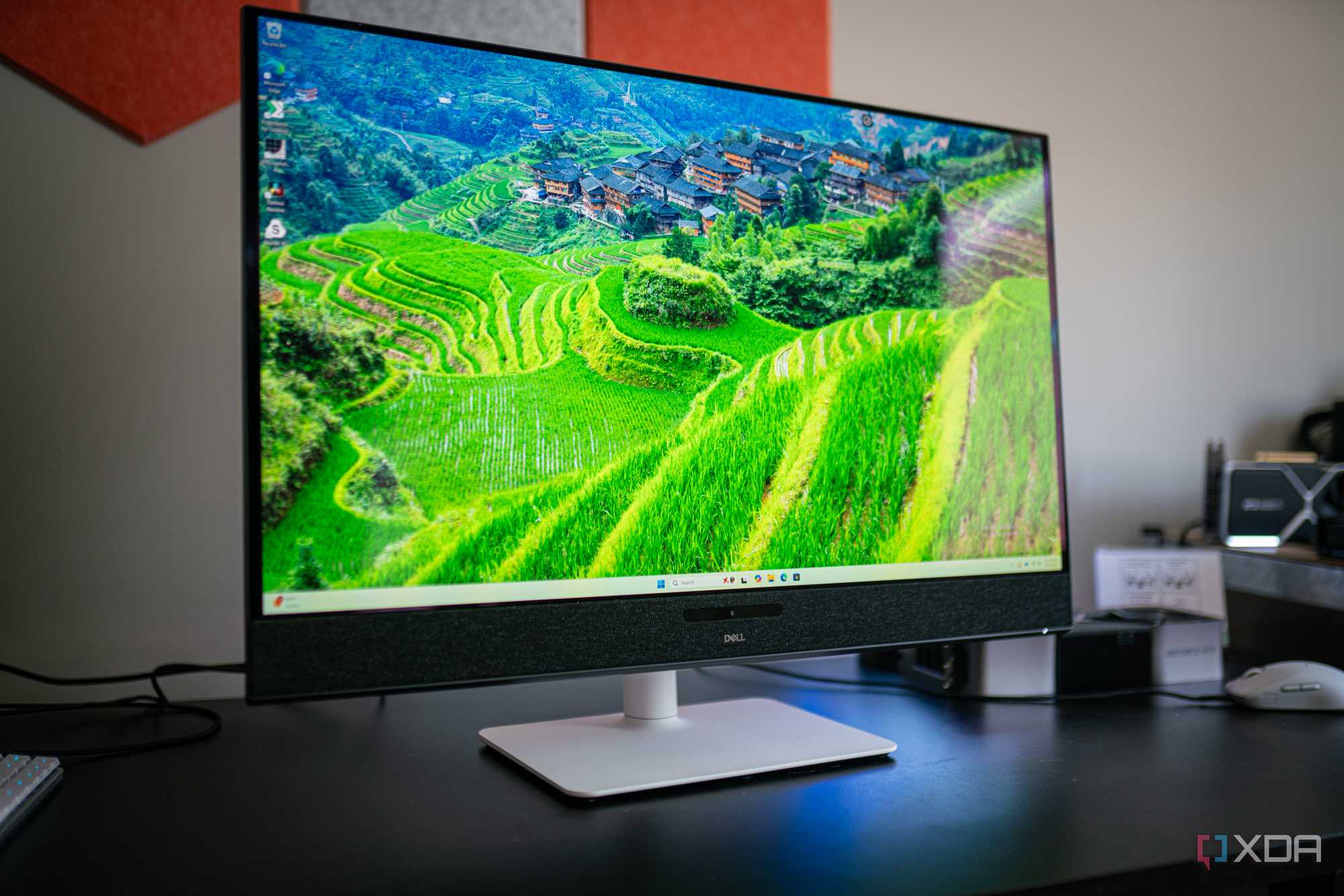




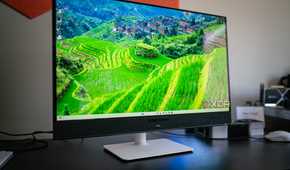
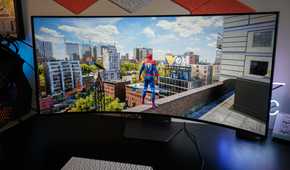
OLED brightness isn’t simply “lower” than LCD. It’s inconsistent in a way that can feel broken if you don’t know what’s happening. A small HDR highlight can look blindingly bright, while a mostly white web page or document suddenly looks dull. This isn’t your imagination, and it isn’t a bad panel. It mostly comes down to automatic brightness control, or brightness limiting. OLEDs have much stricter power and heat constraints, so most panels will automatically control brightness as a conservation measure.
Brightness in general on OLEDs can be weird if you're used to LCD panels. The max brightness might be much lower than you expected, which makes a setup where your monitor is in front of a window untenable. Even if you just have a bit too much ambient light, that can make a significant difference in the viewing experience.
The finish matters
Glossy or matte does actually make a difference

The surface finish of an OLED monitor has a bigger impact on image quality than most people expect. Glossy OLED panels tend to look spectacular in controlled lighting. Blacks appear deeper, colors look more saturated, and fine details pop in a way that matte displays struggle to match. Text and UI elements often look crisper too, since there’s no diffusion layer softening edges. The downside is obvious: reflections. In bright rooms or with poorly placed lighting, a glossy OLED can turn into a mirror, constantly pulling your attention away from what’s on the screen.
Matte coatings solve that problem, but they introduce their own compromises. The anti-glare layer scatters incoming light, which reduces reflections but also slightly lifts blacks and softens contrast. On OLED, where perfect blacks are one of the main selling points, that diffusion can feel counterproductive. Fine details can look a bit hazy, and text clarity can take another hit on top of existing subpixel quirks.
Text clarity can be worse
I haven't experienced this, but it can be a real issue

High resolution and perfect contrast don’t automatically translate into better text rendering. Many OLED monitors use non-standard subpixel layouts, and Windows’ font rendering (and other operating systems) still assumes a traditional RGB stripe. The mismatch can result in text that looks soft, fringed, or slightly off, even at high DPI.
This tends to show up most in productivity workloads: code editors, terminals, long documents, or dense webpages. It’s subtle, but if you stare at text all day, you’ll notice it. Users coming from IPS panels are often surprised that OLED can feel less comfortable for reading, despite being superior on paper.
Not all high-refresh rate panels are created equal
Some are functioning right on the edge

On paper, a ultra-high refresh rate OLED monitor sounds like a solved problem, but in practice, high-refresh OLEDs can behave very differently depending on resolution, firmware, controller design, and how strict the panel is about signal timing. This is my personal experience with my Samsung G8 display, and I was surprised to find just how "on the edge" these displays are running when you crank up the refresh rate to the advertised limit.
Panels can be extremely sensitive to specific DisplayPort configurations, and on some monitors, different profiles are often used by manufacturers to achieve a higher refresh rate. On my 4K "240hz" panel, Samsung is operating right up against what DisplayPort 1.4 is capable of when the panel is put into "Game Mode", and this can trigger intermittent artifacts like thin static lines, and flickering near the edge of the screen. These are issues that only appear in specific scenarios, at least for me. What makes these problems especially frustrating is their inconsistency. They can disappear for weeks, then suddenly return without any obvious change.
These issues are pretty few and far between on some models, but from what I can tell from searching forums is that they absolutely do exist, and they certainly can fool someone into thinking something is wrong with their monitor at a hardware level.
HDR on Windows is still not great
And that's where OLEDs shine the most

OLED is often the perfect match for HDR, and in games or movies especially, it's transformative. The problem is everything around that experience. On Windows, HDR still feels half-baked, only toggled on when needed rather than something you leave enabled all the time.
SDR applications frequently look worse with HDR enabled, with washed-out colors, odd brightness mapping, or inconsistent behavior between apps, which is probably the most annoying thing. Since most daily desktop tasks, like browsing, writing, and file management are still SDR, many users end up turning HDR off by default and only enabling it for specific content.
Accepting these trade-offs is relatively easy
None of these quirks negate what makes OLED special. For gaming, media consumption, and visual impact, it’s still in a league of its own. But OLED isn’t a flawless, no-compromise upgrade, especially for desktop use. If you're planning on only using an OLED for desktop and productivity use, I'd strongly consider going with another panel type.
