


Summary
- Upgrade your setup with Bluetooth speakers for better sound quality and a wireless connection for entertainment.
- Improve lighting with key and monitor lights for better visibility and enhanced streaming quality.
- Enhance your workspace with a monitor arm for flexibility, tidiness, and putting your monitor in portrait mode.
Getting the most out of your setup or home office includes accessorizing. While you want to make sure your PC or laptop offers the performance you need, there are some things you can get to make your home office more enjoyable. Of course, everyone has different needs, so don't just buy things on a whim, make sure you thoroughly look into the items before you purchase to make sure they will work for you and your setup.
Whether you're looking for better ergonomics or want to make some of your gadgets more accessible, there is likely to be something to help. From monitor stands to lights and chargers, there is no shortage of items that can not only make your area look nicer but will offer better functionality and generally make your life easier.
6 Speakers
Music, movies, and more


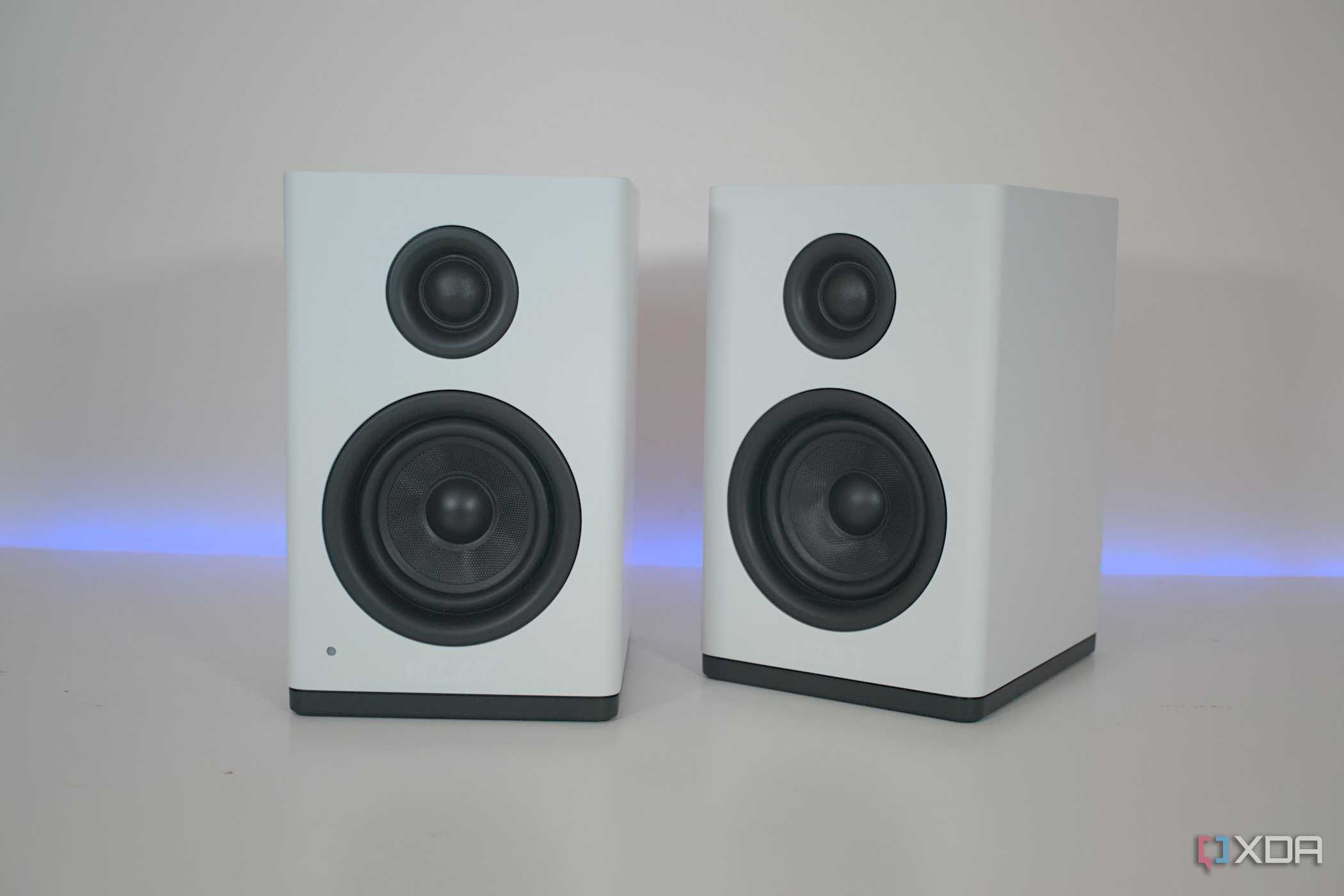
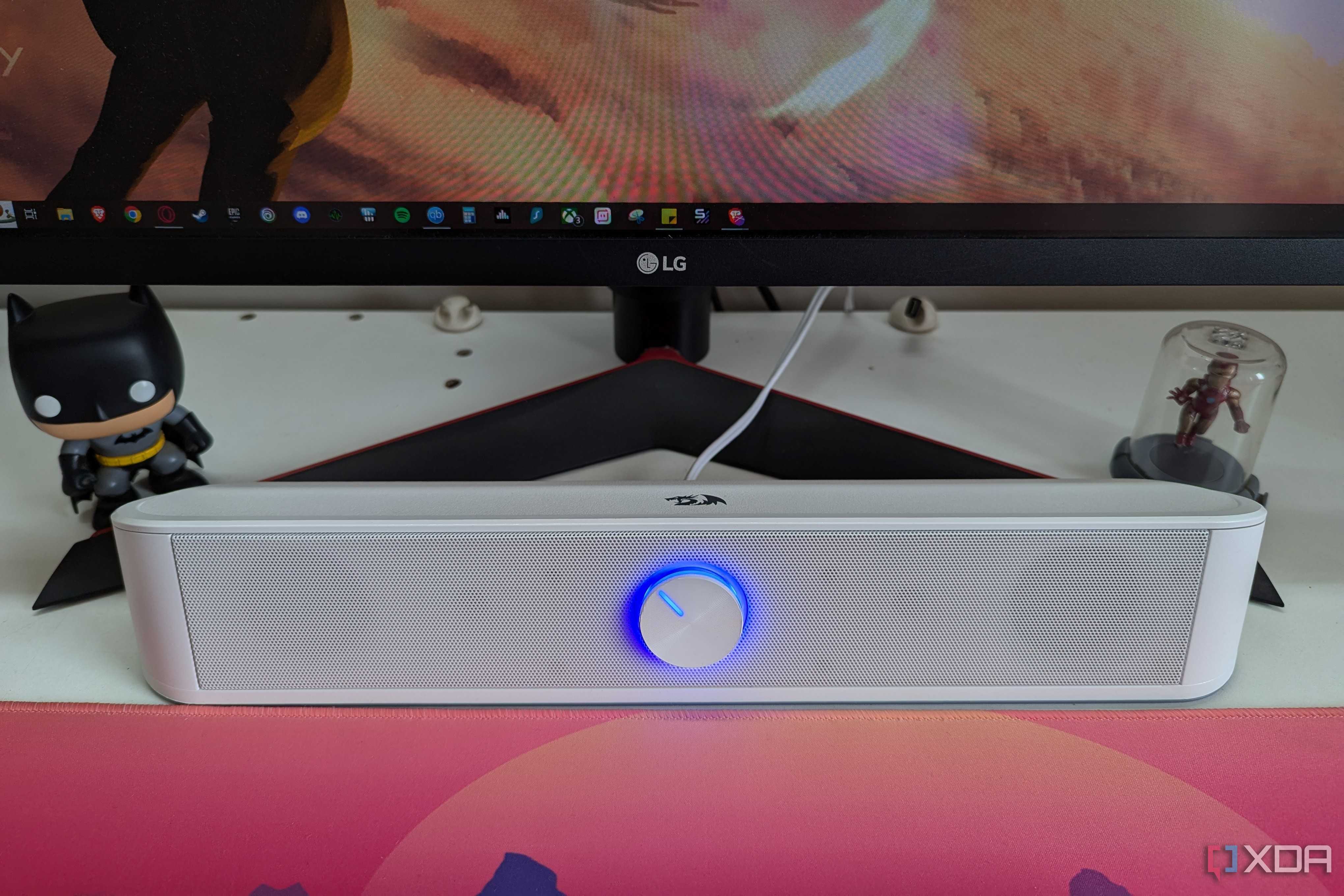
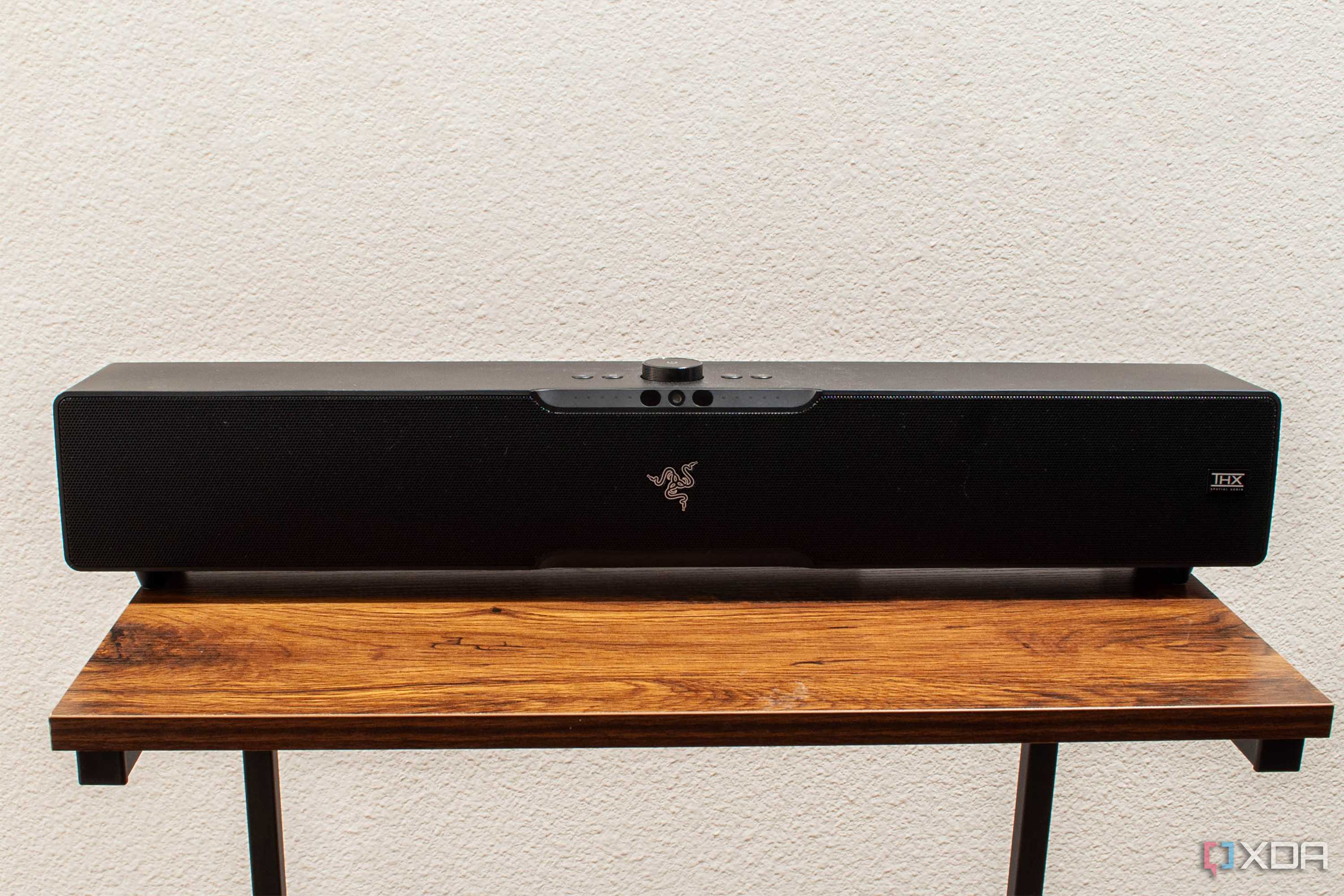
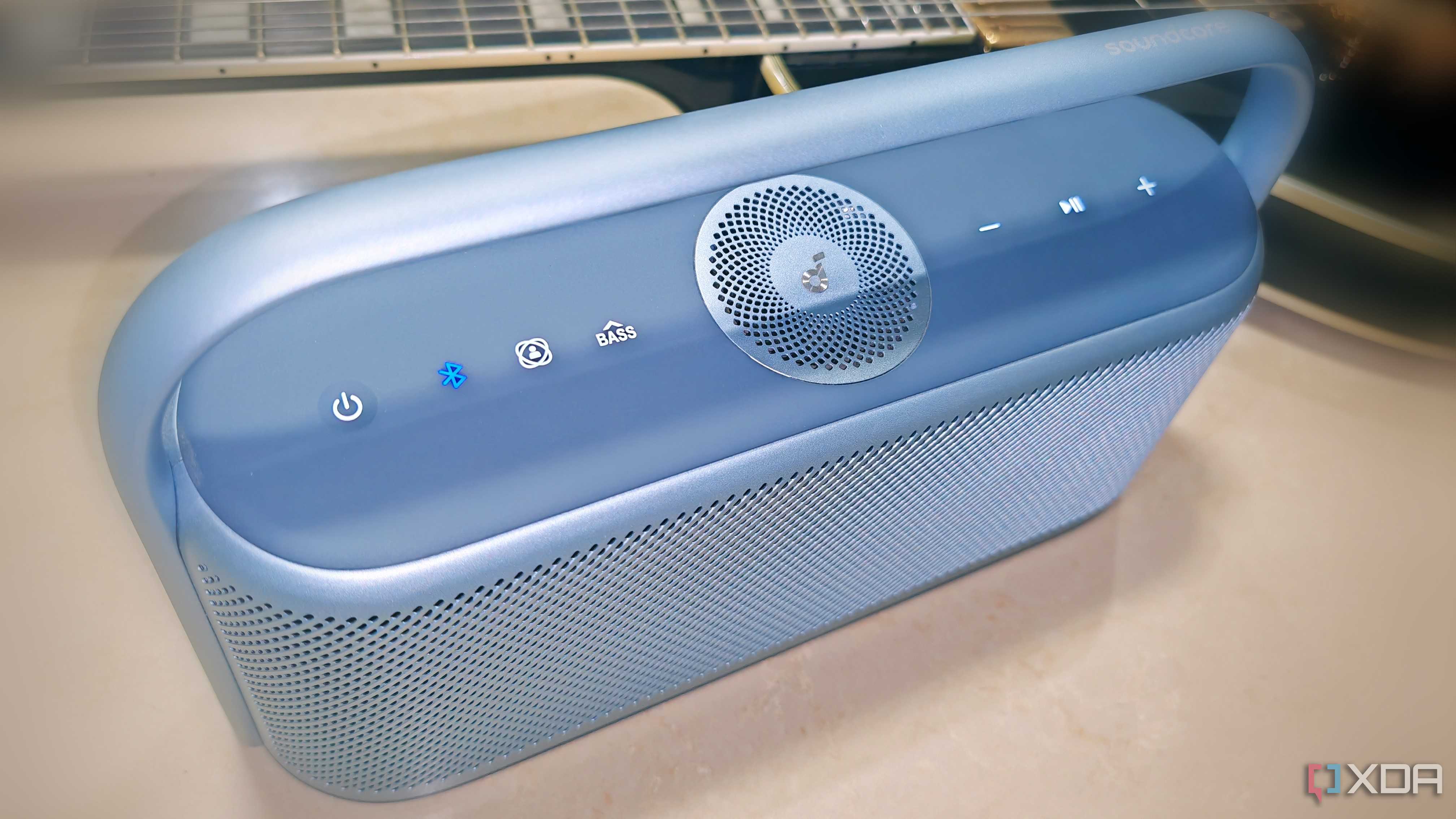
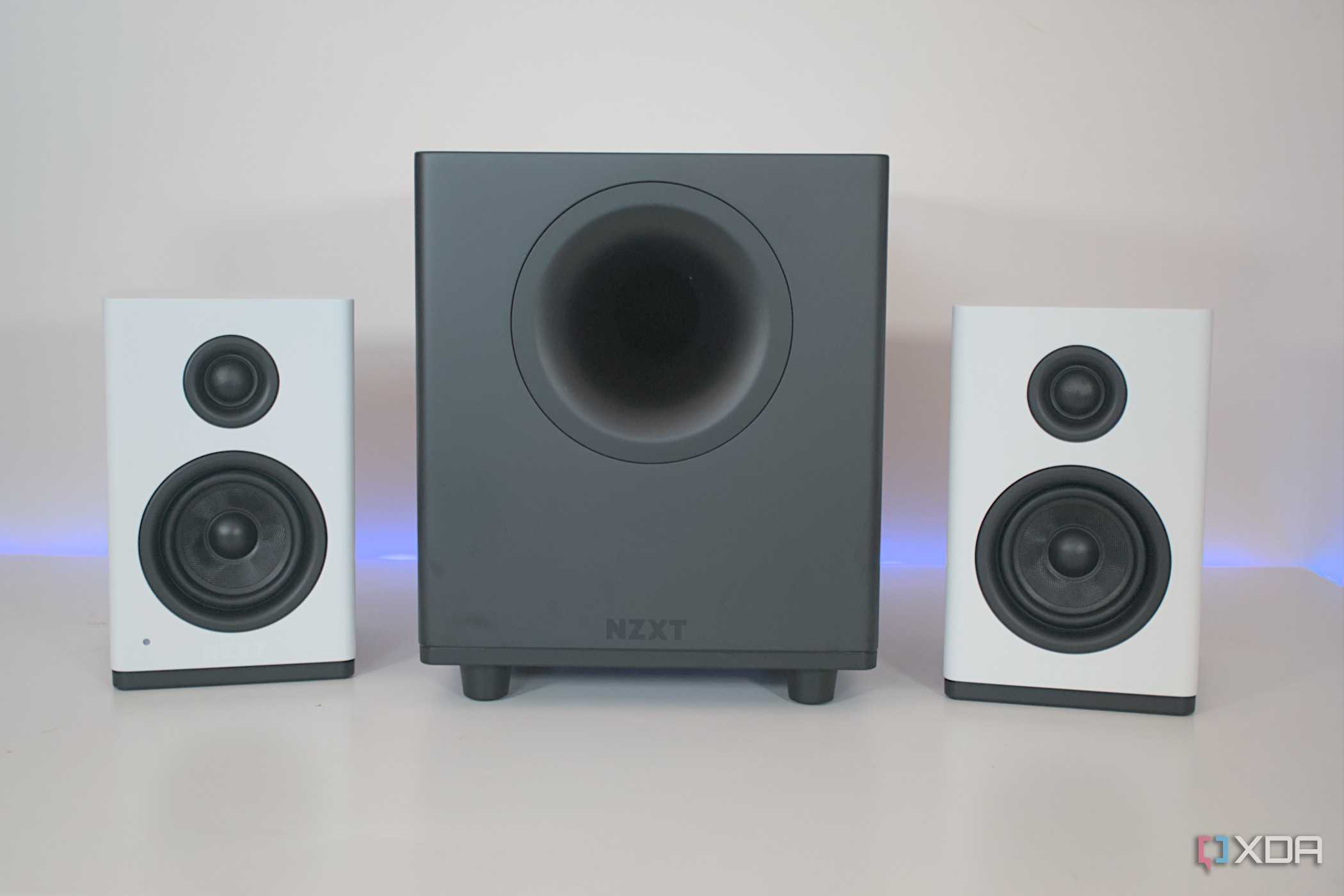

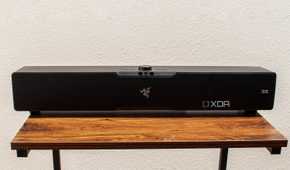
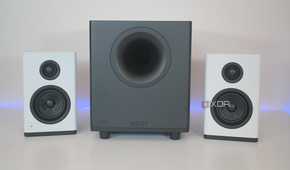
Speakers offer amazing versatility when listening to your favorite music, watching a movie or even playing your favorite games. Bluetooth speakers are great for wirelessly connecting other hardware for entertainment and enjoyment and, in most cases, you can still plug them directly into a laptop or PC should you want to. Being able to connect your phone, music player, handheld gaming system, or any Bluetooth device to your speakers will have you, your family, and friends enjoying better sound quality in no time. The real decision will come down to whether you want a soundbar, dual 2.1 bookshelf speakers, or a proper surround sound system for your office.
-

Logitech Z407
The Logitech Z407 speakers come with a subwoofer, two desktop units that can be positioned horizontally or vertically, and a wireless control dial. It features wired as well as Bluetooth connectivity.
-

Razer Leviathan V2
The Razer Leviathan V2 is a premium soundbar with two speakers and a subwoofer. It connects via USB-C and Bluetooth, so it works with PCs and smartphones.


5 Key and monitor lights
Let others see you more clearly


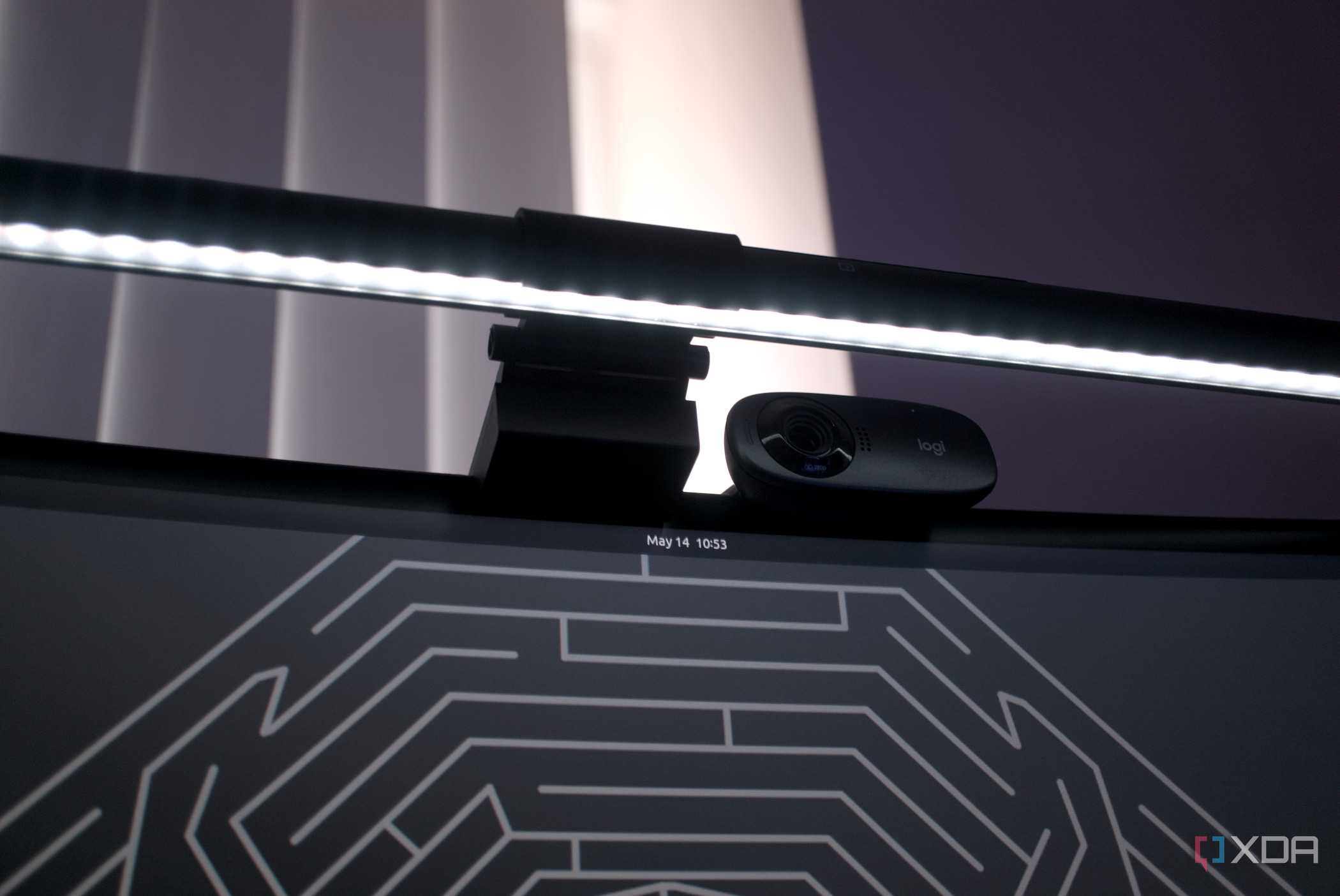
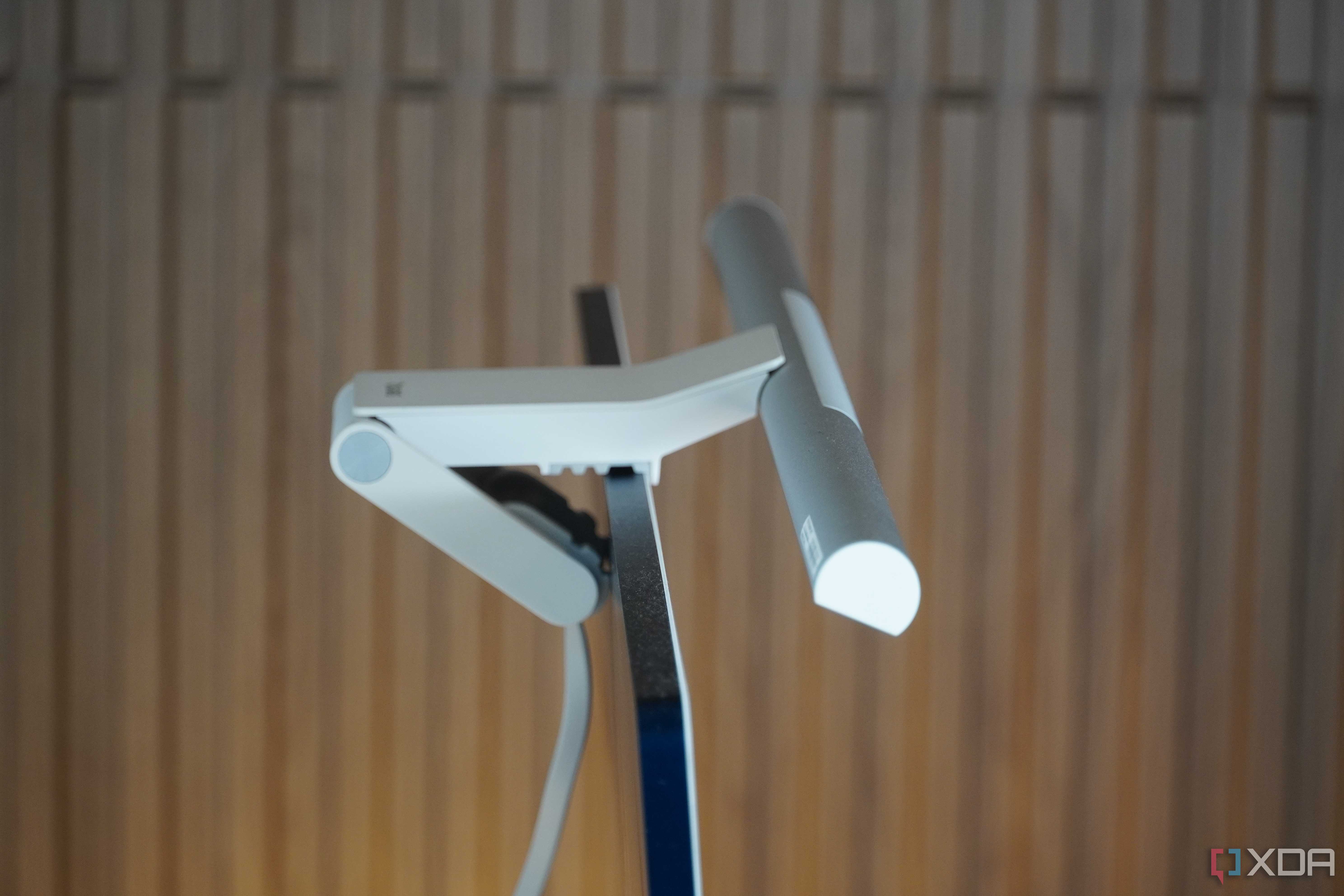
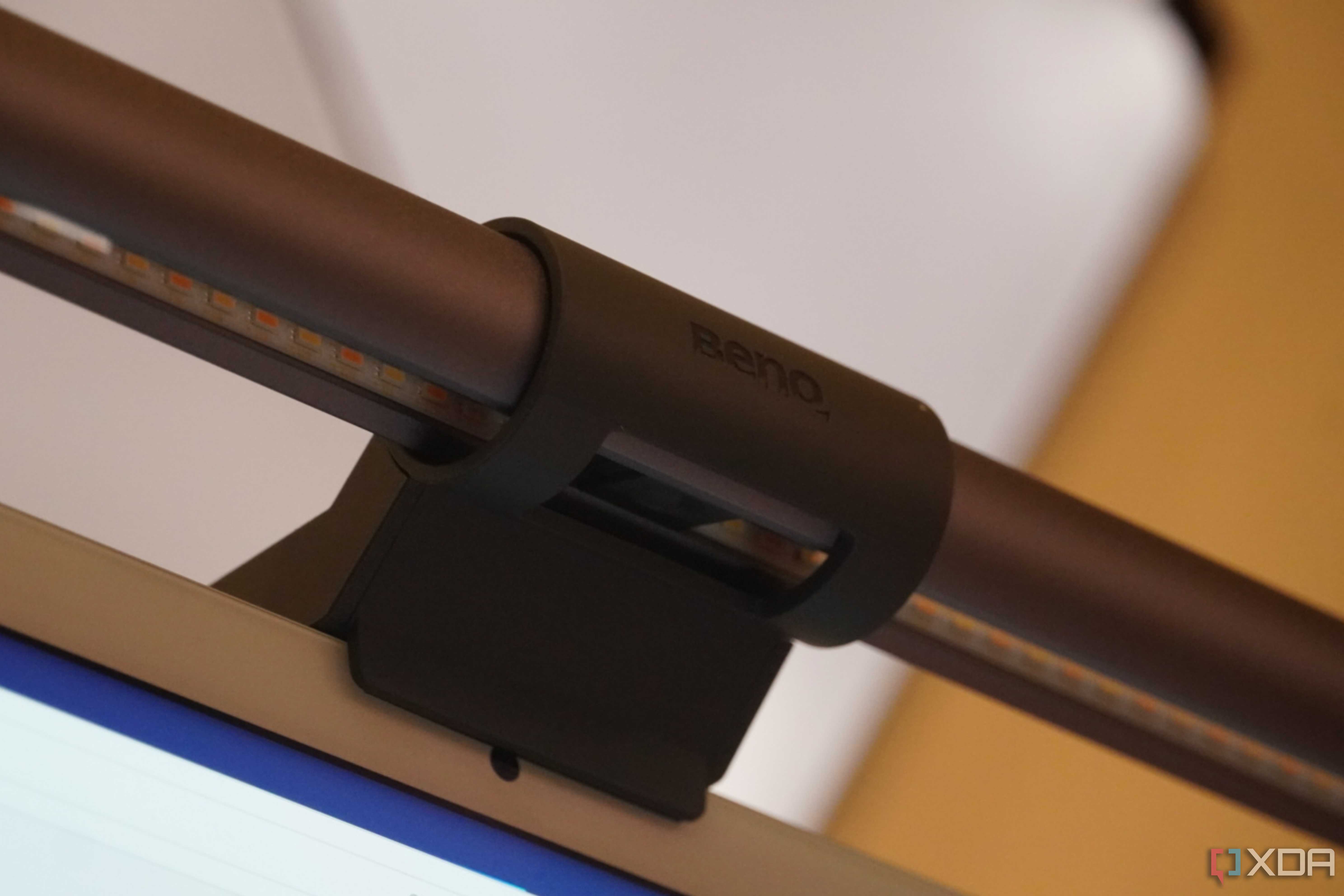
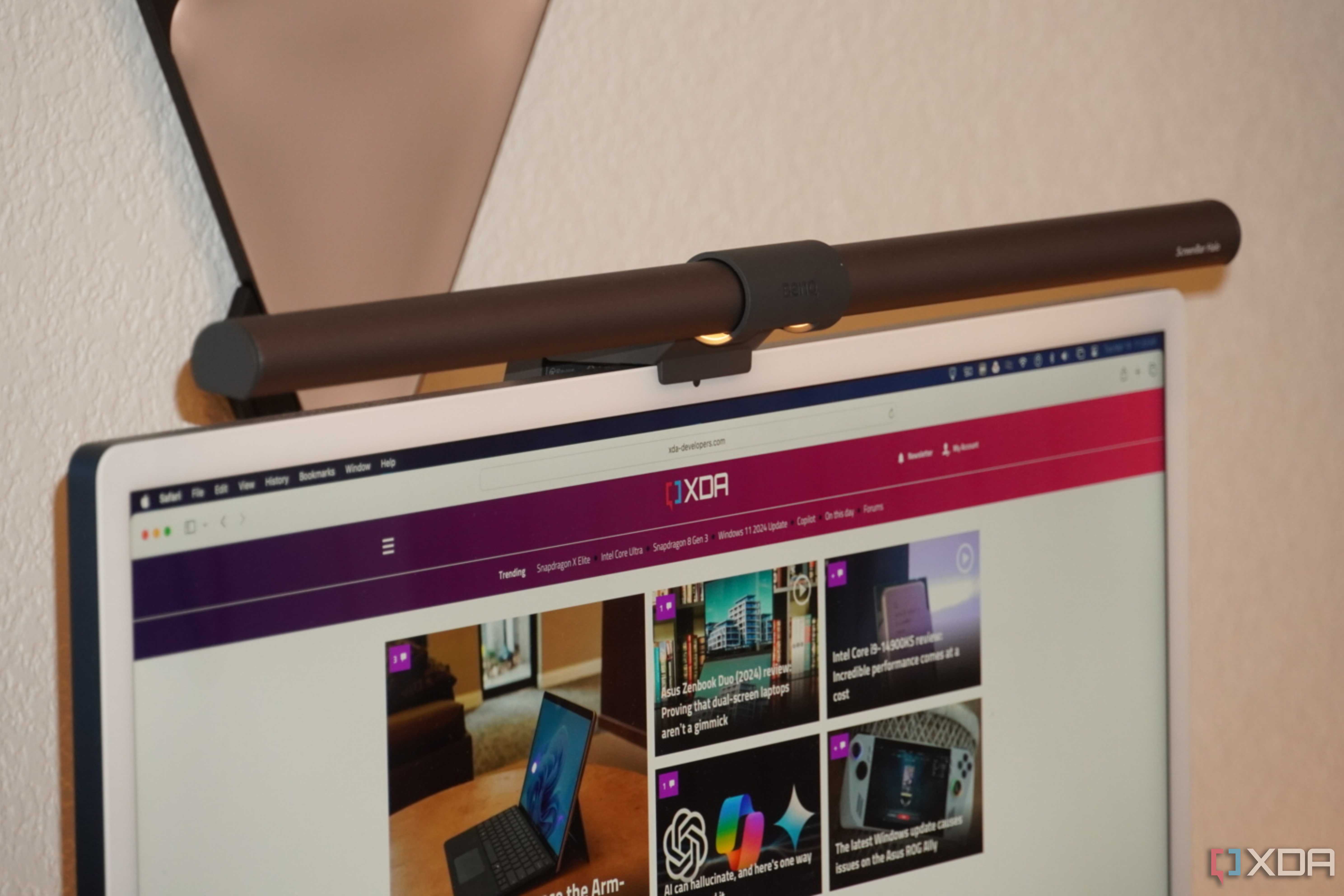
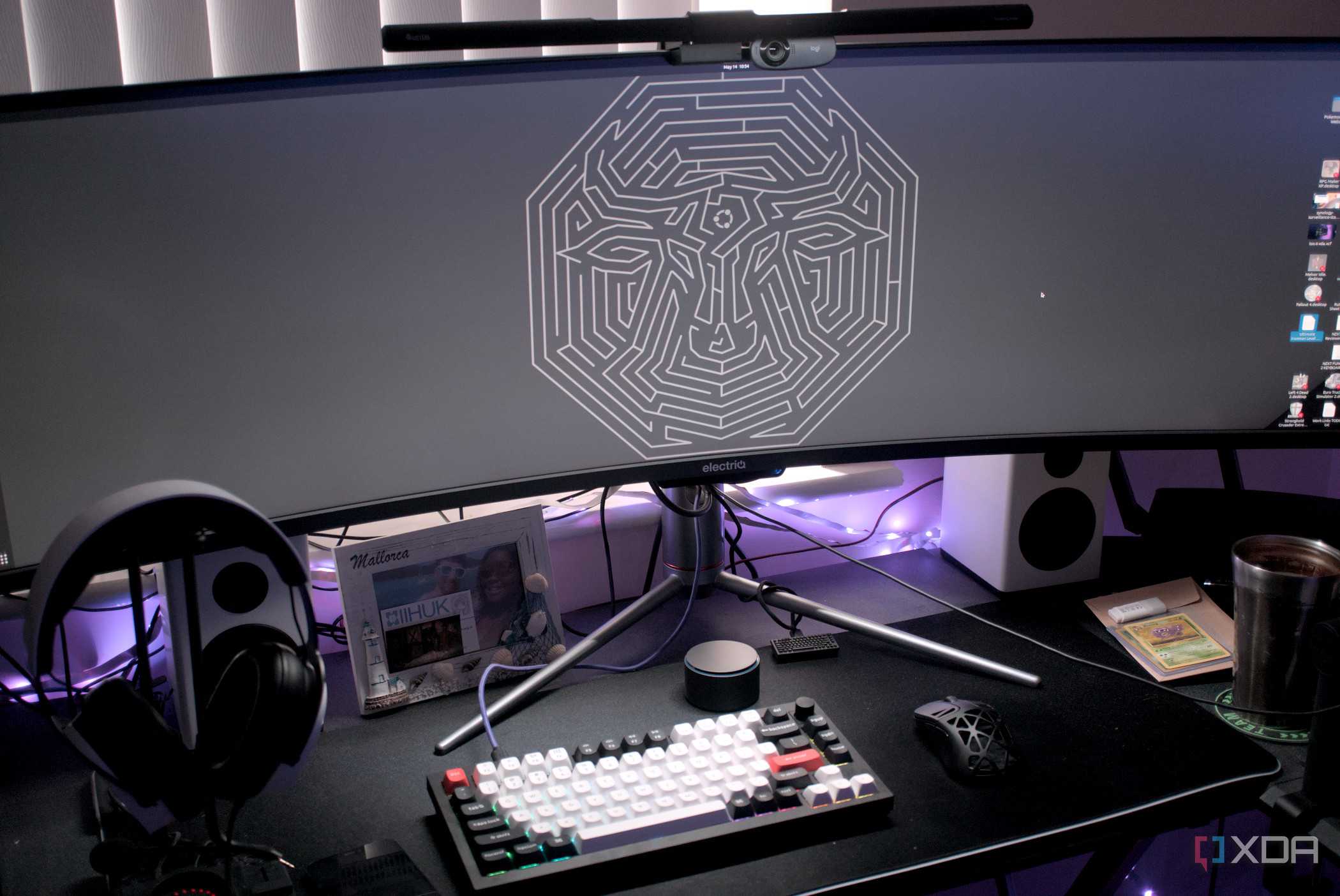
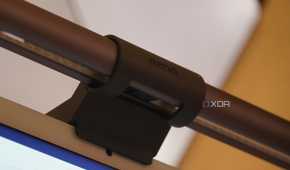
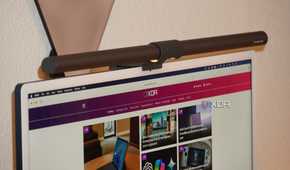

Sometimes the lighting in a room just isn't good enough and that is where the key and monitor lights come in. Monitor lights will sit atop your monitor and are great for helping to light up your desk and keyboard area so you can see everything you need to. Key lights, on the other hand, have their own mounting setup and are generally used to help add a bit of extra light for webcams to pick up. Key lights are an essential part of any streamer's setup as they allow them to have a direct light source in front of them for the webcam without being blinded. While either light can be used in either circumstance, there is no denying that each is best for its own designated purpose.

Quntis ScreenLinear Pro+

- Connectivity
- USB-C
- Color
- Black
- Weight
- 660 g
- Dimensions
- 508 x 20 x 20 mm
4 Monitor mounts and arms
The more screens the better, right?


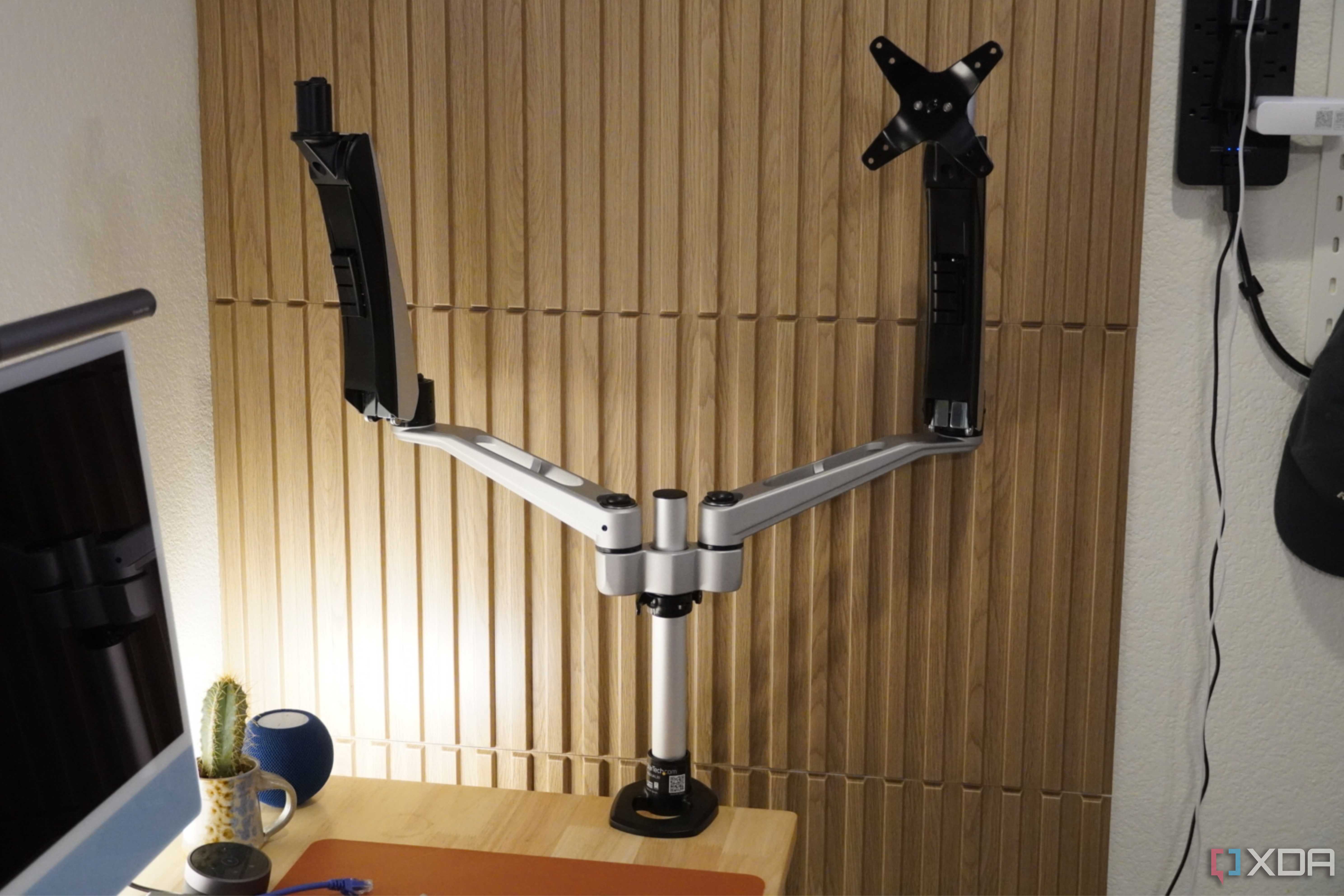
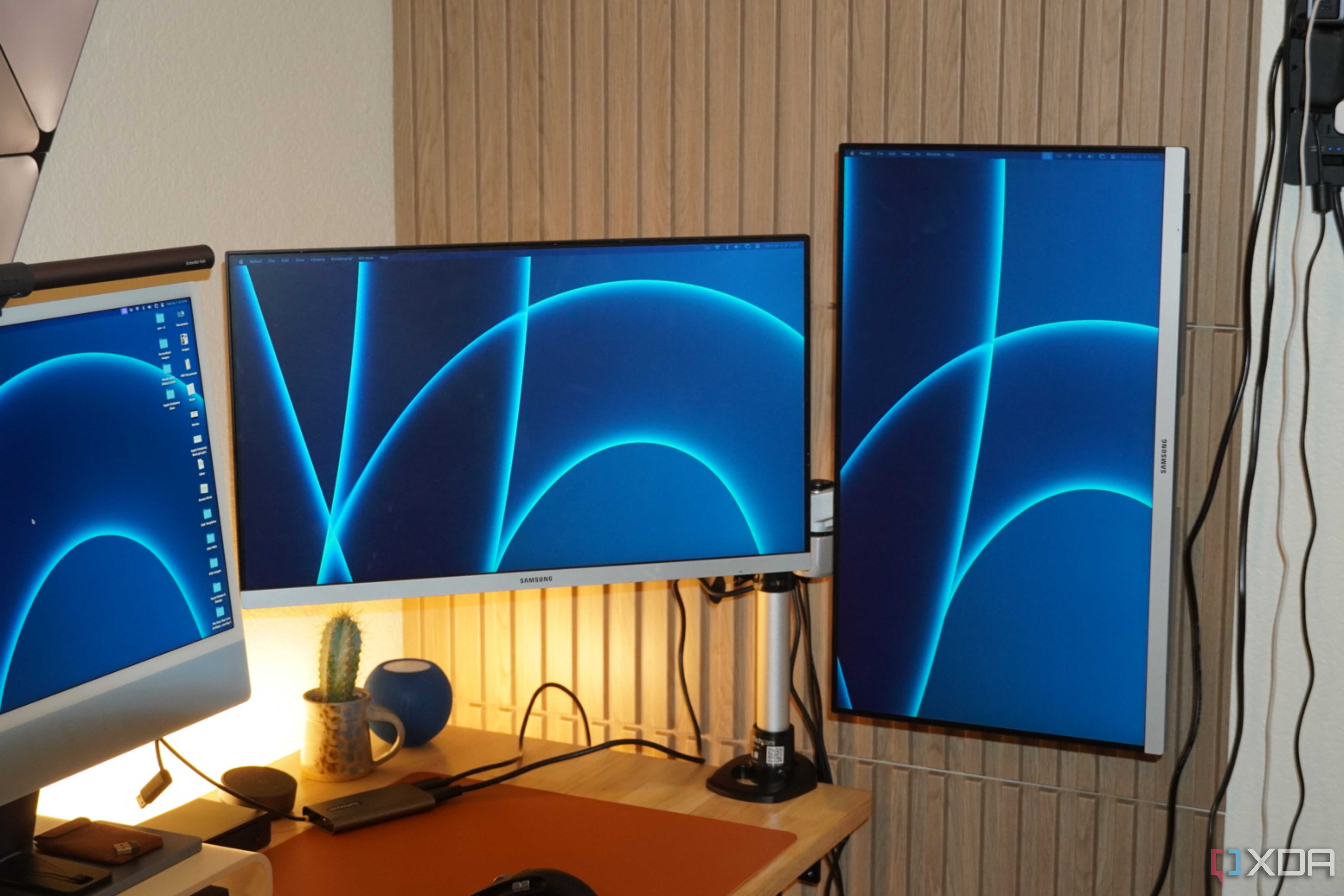
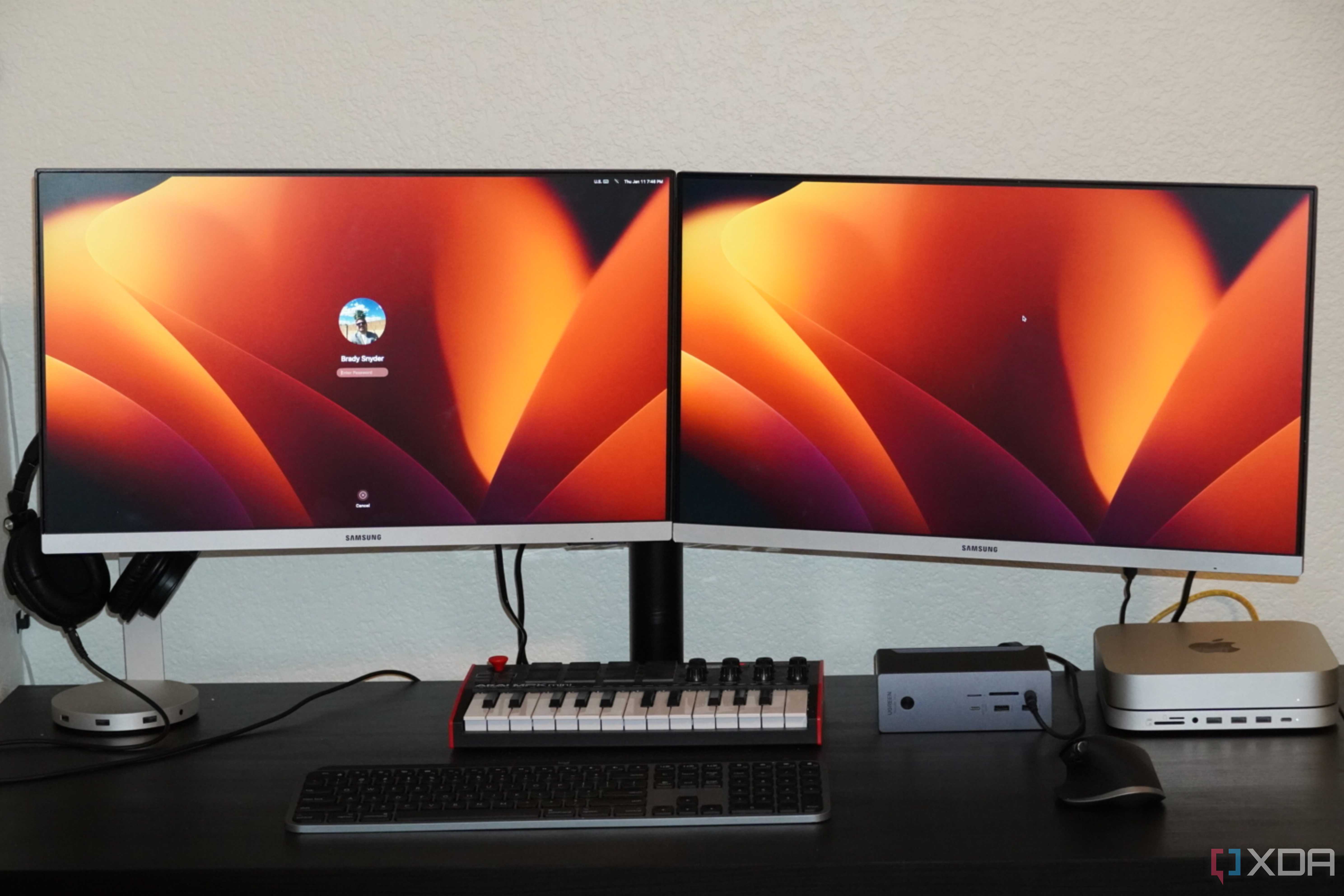

A good monitor arm can be an absolute life changer. Not only does it allow you to get your monitor in the perfect position, but it can also help keep your desk area more tidy. A lot of monitor arms have inbuilt cable management systems. Not only does this allow you to route the monitor cables, but you can use them for your mouse, keyboard, or any other cables as well. Most monitor arms clamp to the side of your desk so they can free up loads of space, allowing you to utilize the space directly beneath the monitor. One of the biggest advantages is that they allow for a secure way to put your monitor in portrait mode. You can even get monitor arms that allow you to connect two or three monitors to a single mount, freeing up even more space.
-

Wali Single Monitor Mount (GSDM001)
It supports a wide range of monitor sizes, and has a gas spring arm with adjustable tension.
-

Ergotron LX Single Monitor Arm
This aluminum LX arm is compatible with 75x65mm and 100x100mm VESA compliant monitors
-

Onkron G50 Single Monitor Mount
The G50 from Onkron is a great option for anyone that doesn’t want to spend too much on a monitor arm.


3 Wireless phone charger


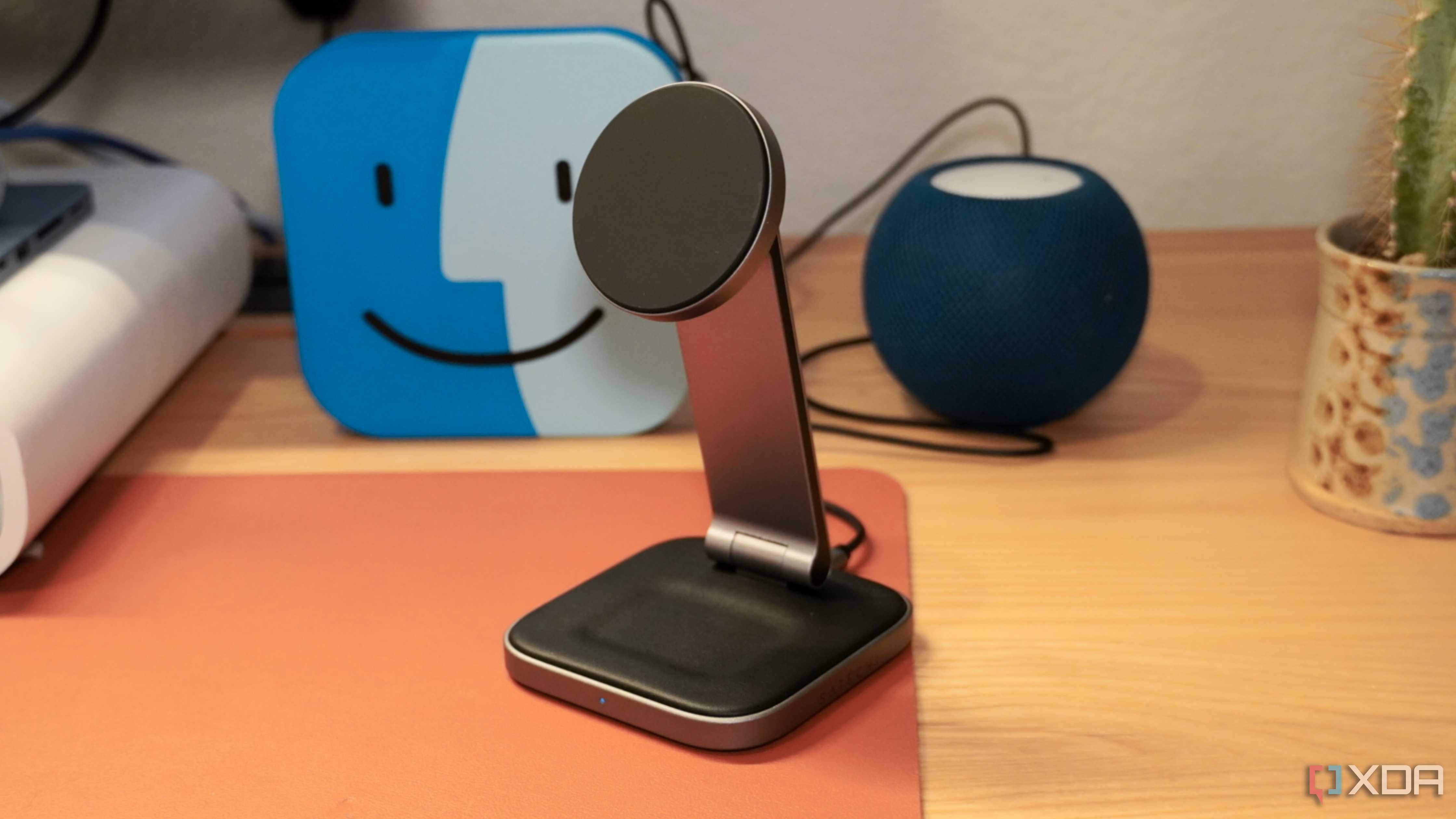
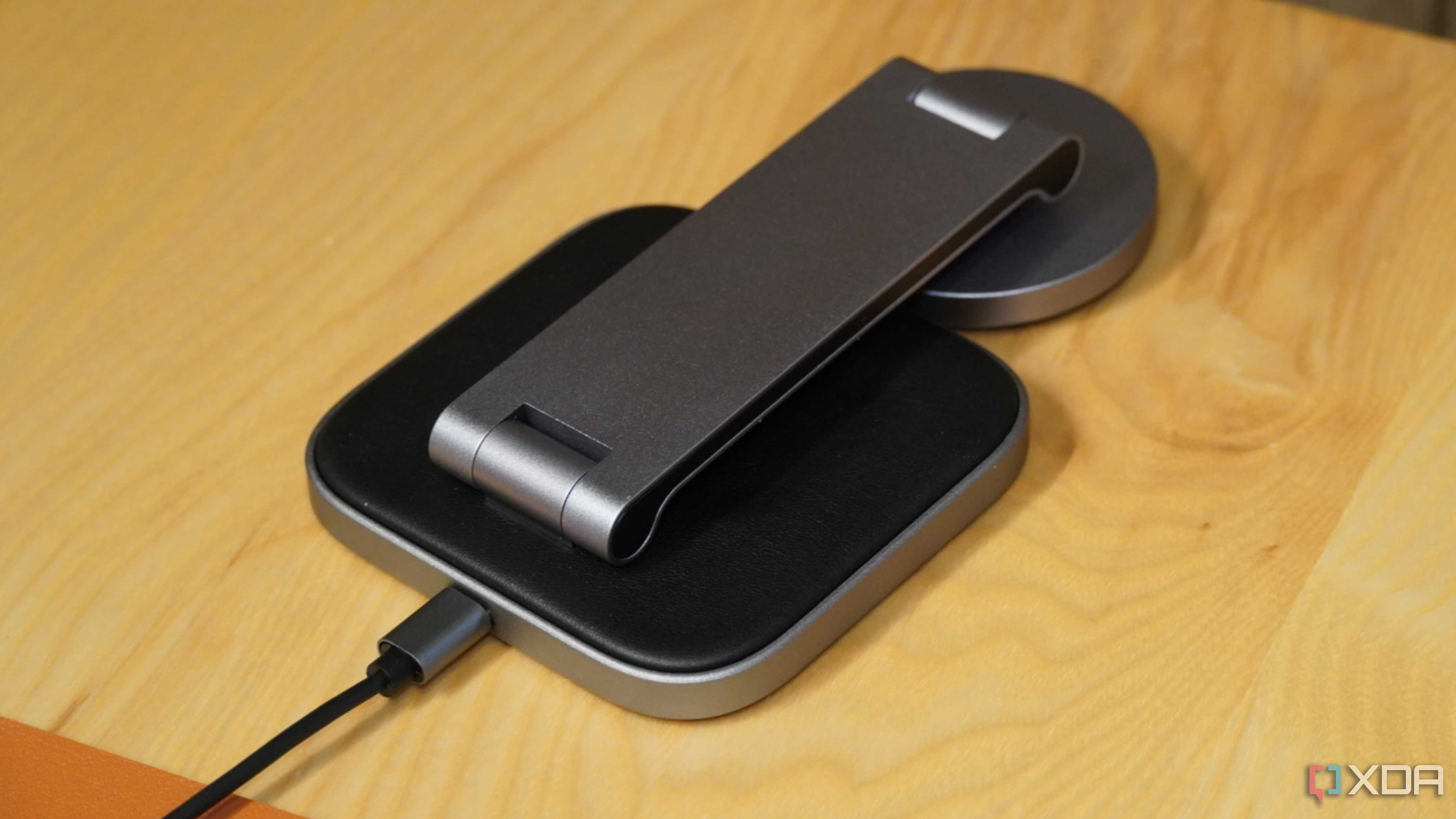
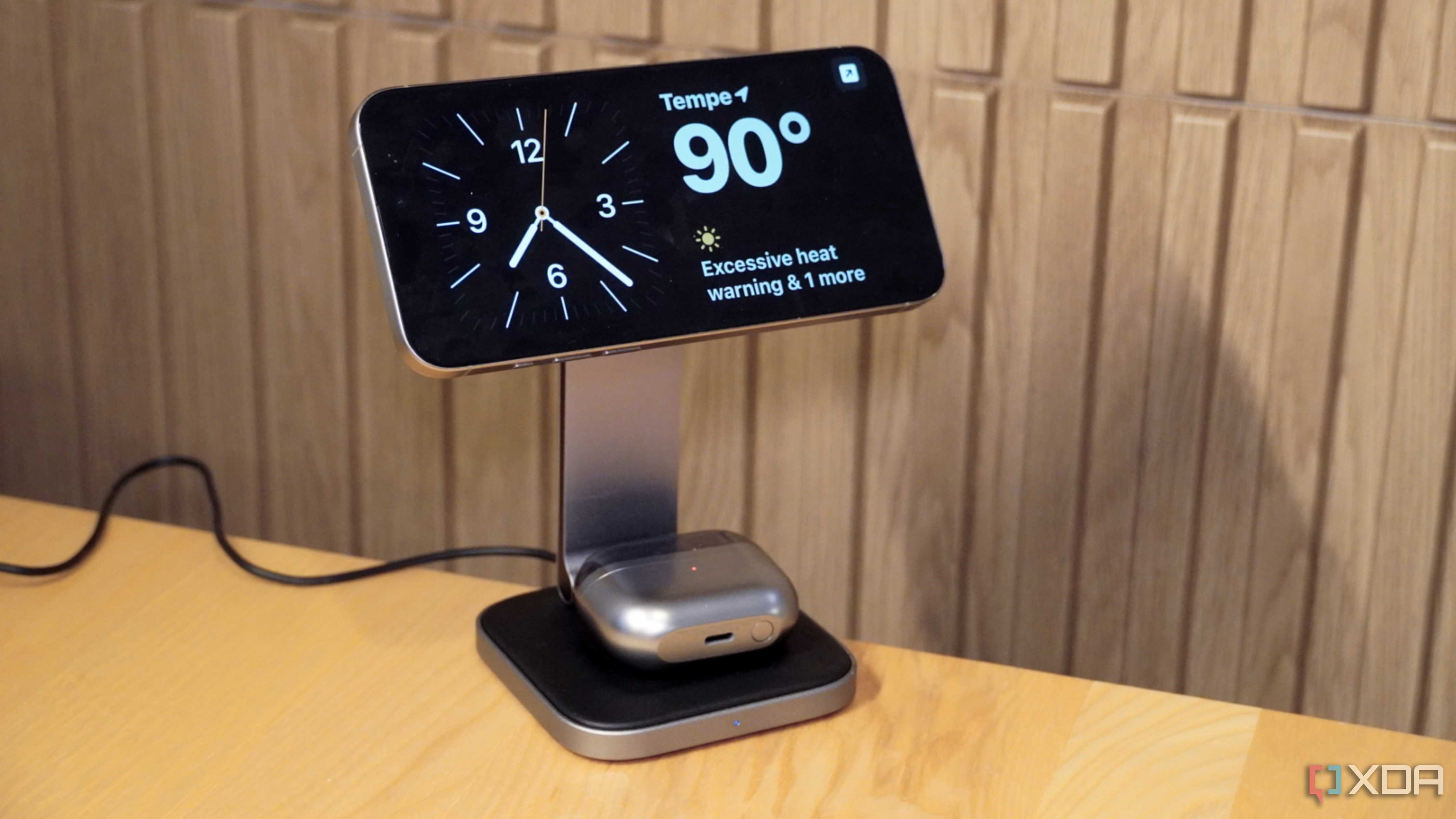
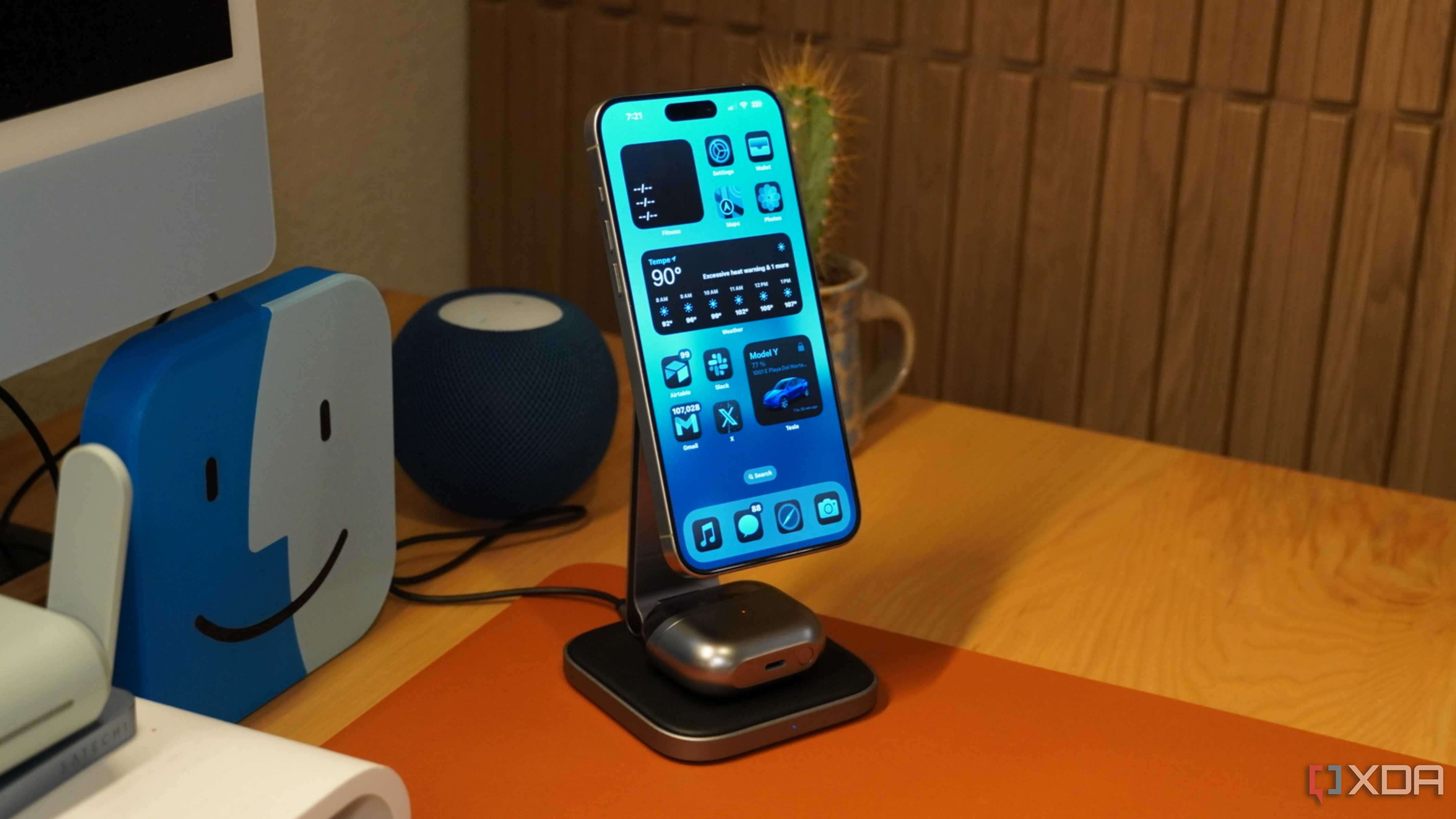
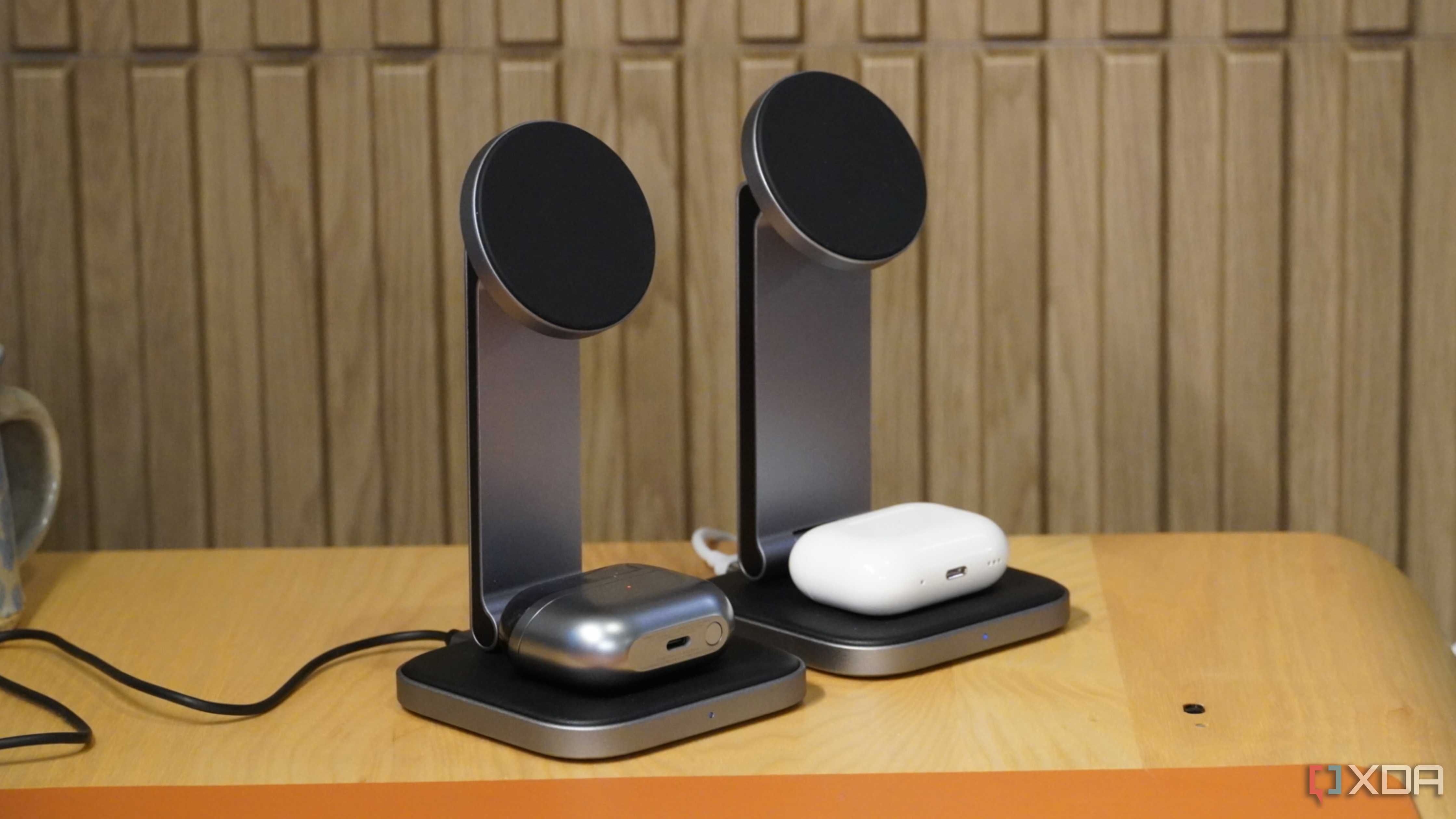
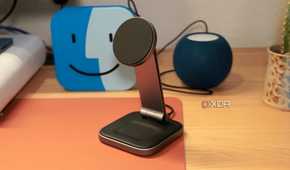
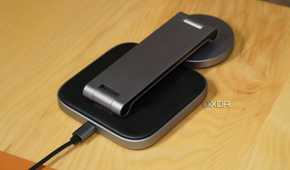
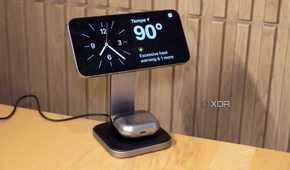
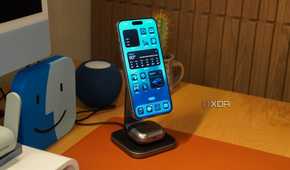
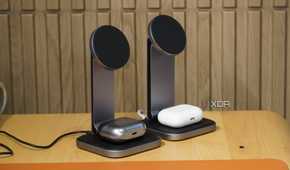
You might not think much of it, but a good wireless phone charger can save you some time and make sure your phone is already ready to go. If you're like me, you may frequently sit down at the PC for just a couple of minutes at a time. I work from home, so sometimes I just want to send a quick email or check something. Having to plug my phone in would be too much of a hassle, but having a wireless charger I can set it on, means I can get a bit more charge, even if I'm only there for a couple of minutes. It also means that when you are ready, you can just pick it up and go, no need to worry about the pesky cable.
2 USB charger


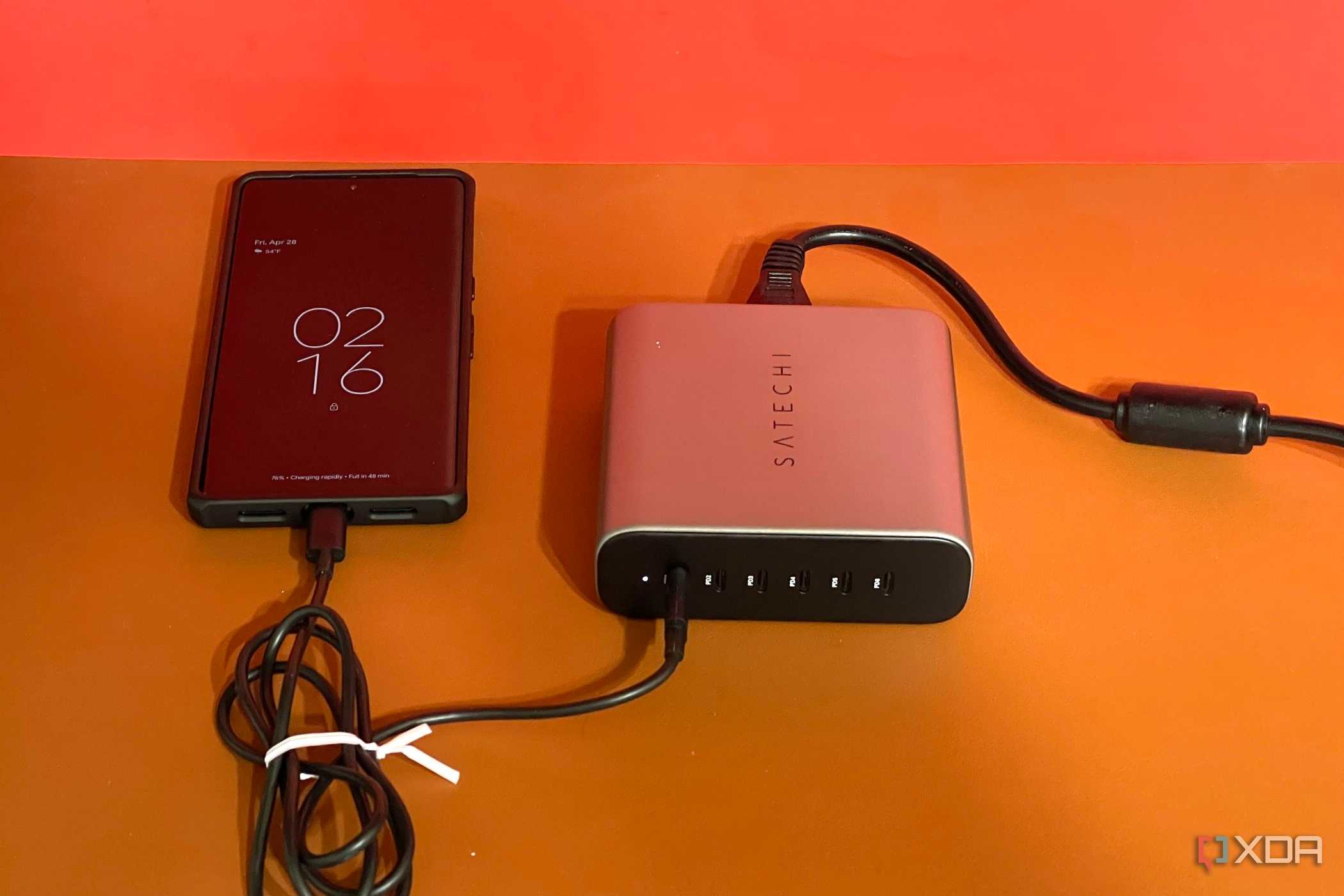
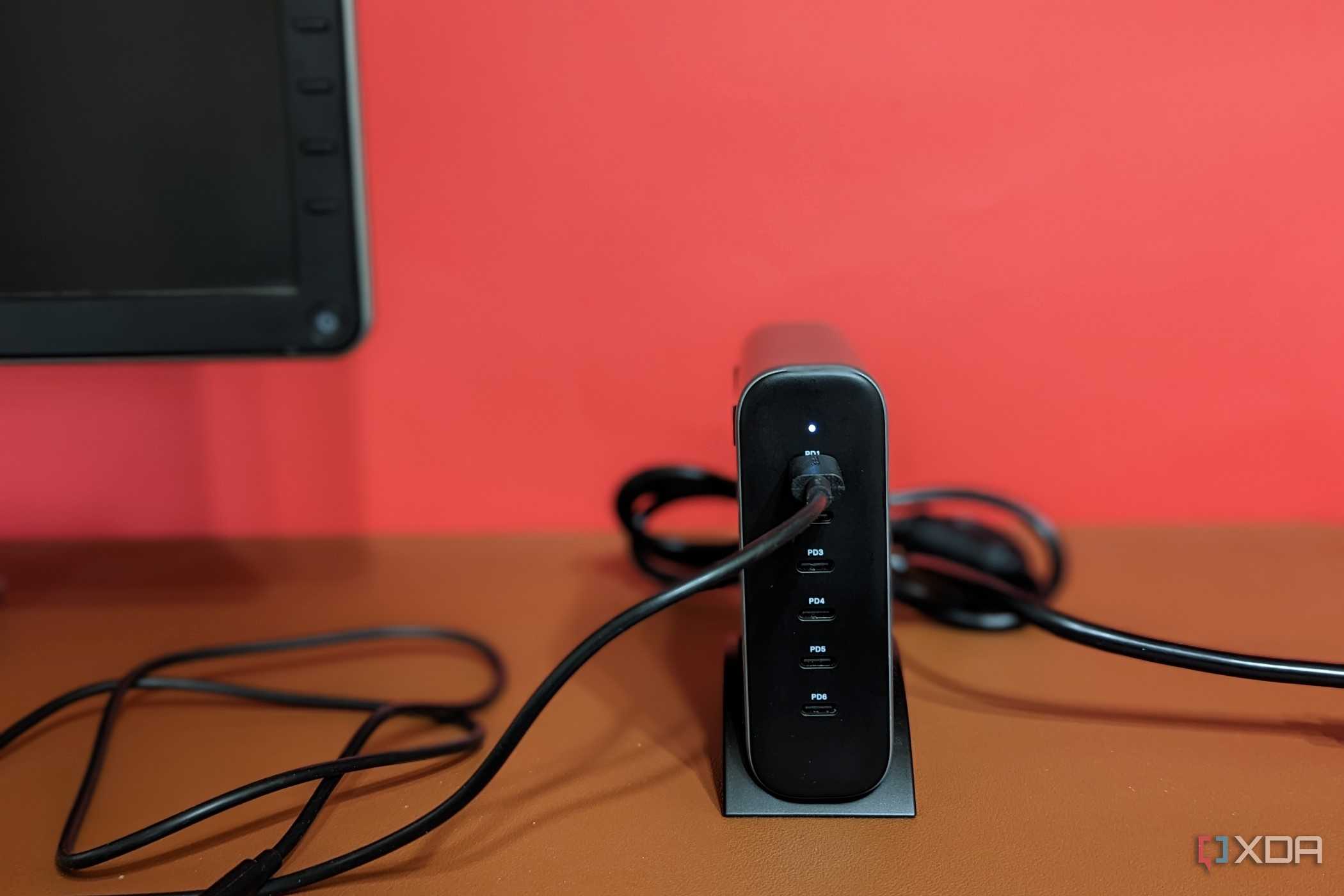
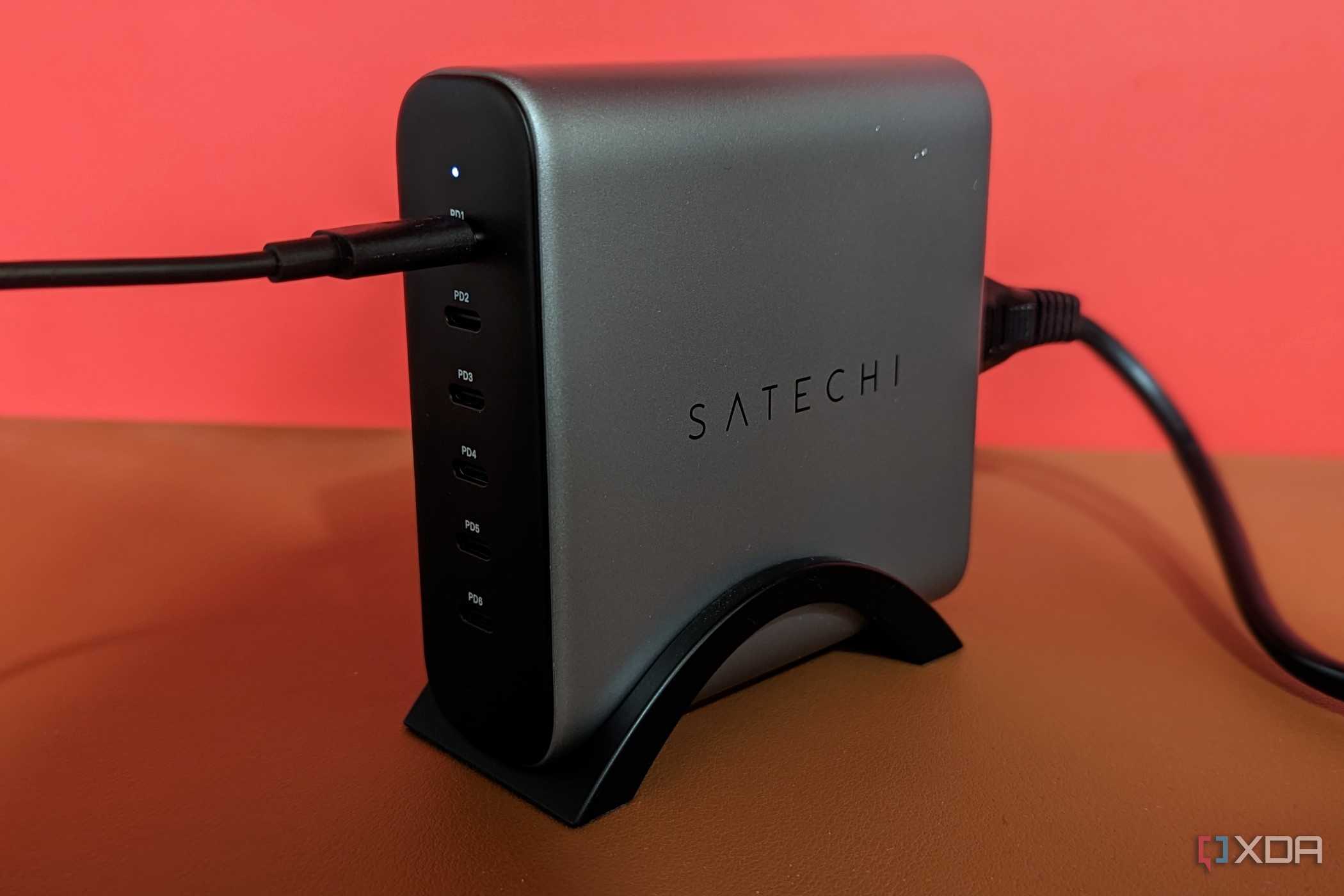
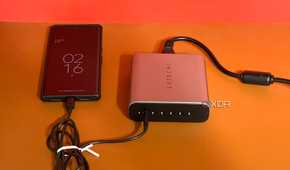
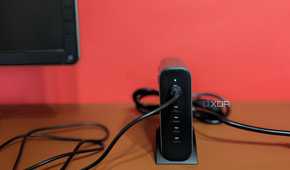
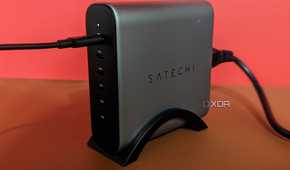
When I say USB charger, I am talking about one that plugs into the wall and has multiple connections. Tablets, phones, gaming controllers, handheld gaming devices, portable monitors and so many more products all use USB chargers these days. Instead of having a charger for each device, you can get one that has multiple ports on it, allowing you to charge multiple devices simultaneously. If you do consider a multi-USB charger, make sure to check its specifications and make sure its output and total wattage are enough for the devices you want to use with it. Also, you can get them with both USB-A and USB-C connections, or a combination of both, so make sure it has the correct ports for your charging cables.

Satechi 200W USB-C 6 Port GaN Charger
- Brand
- Satechi
- Output
- Varies, max is 200W Max
- Input
- 100-240V 50/60 Hz 2.5A Max
1 Docking stations


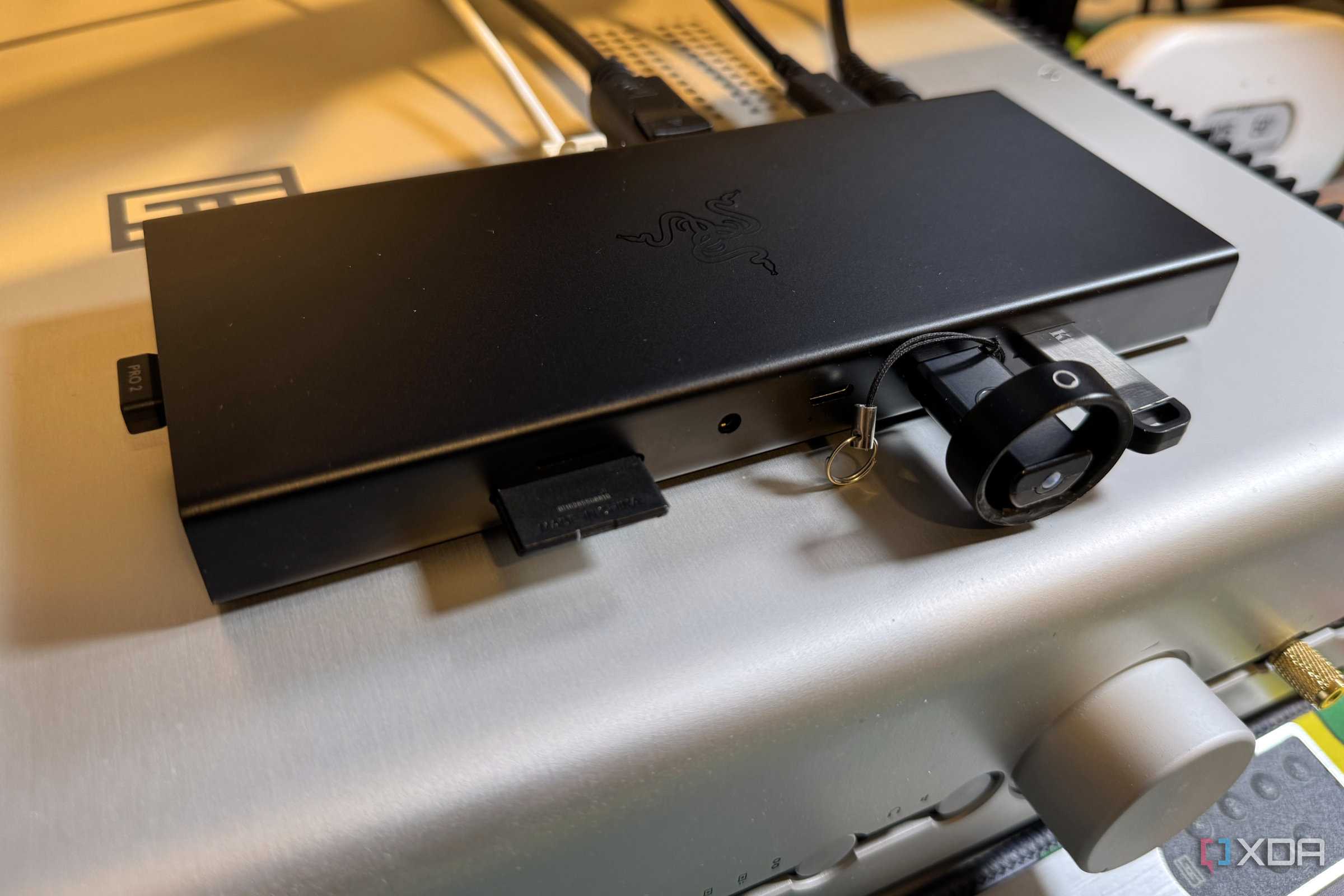
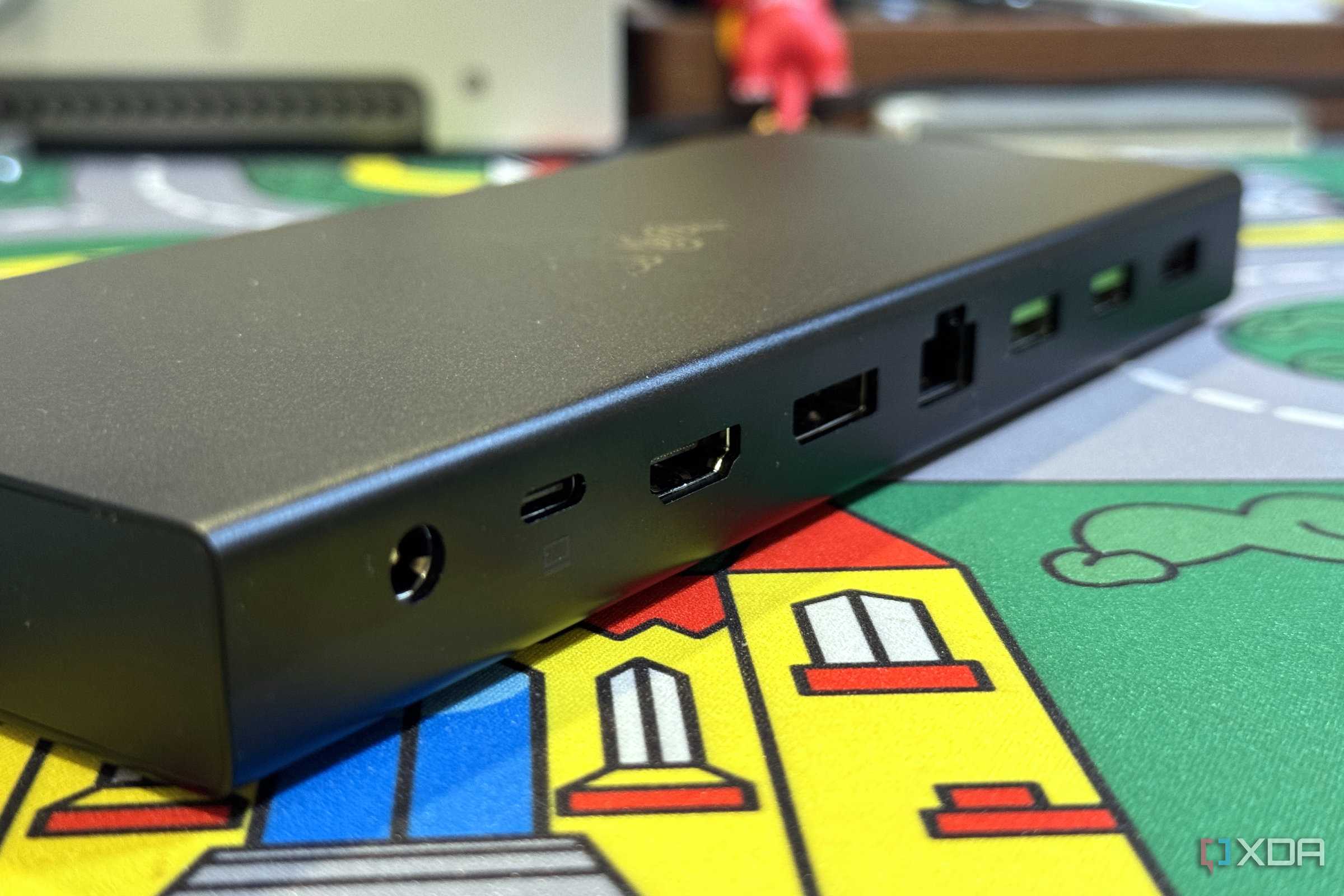
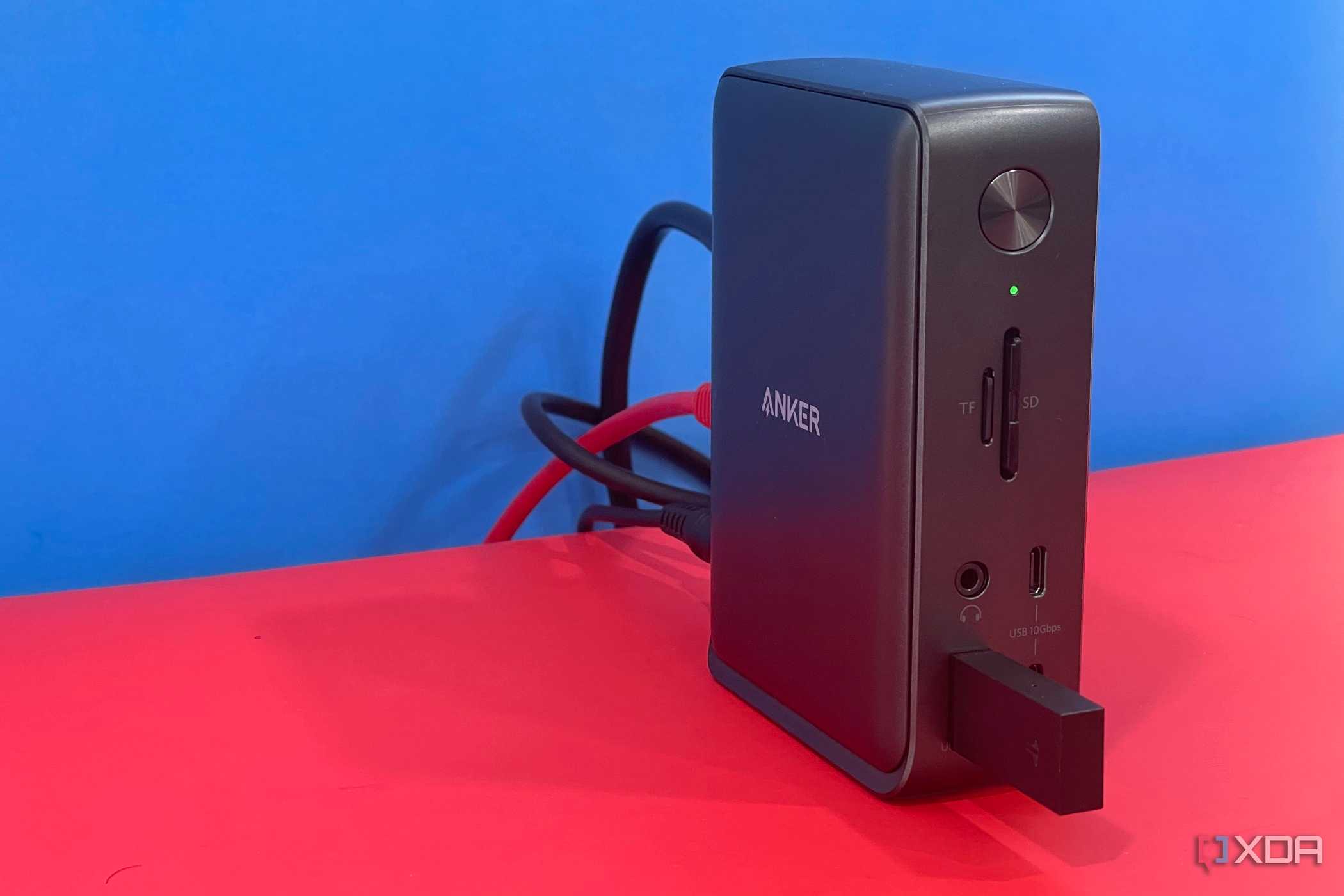

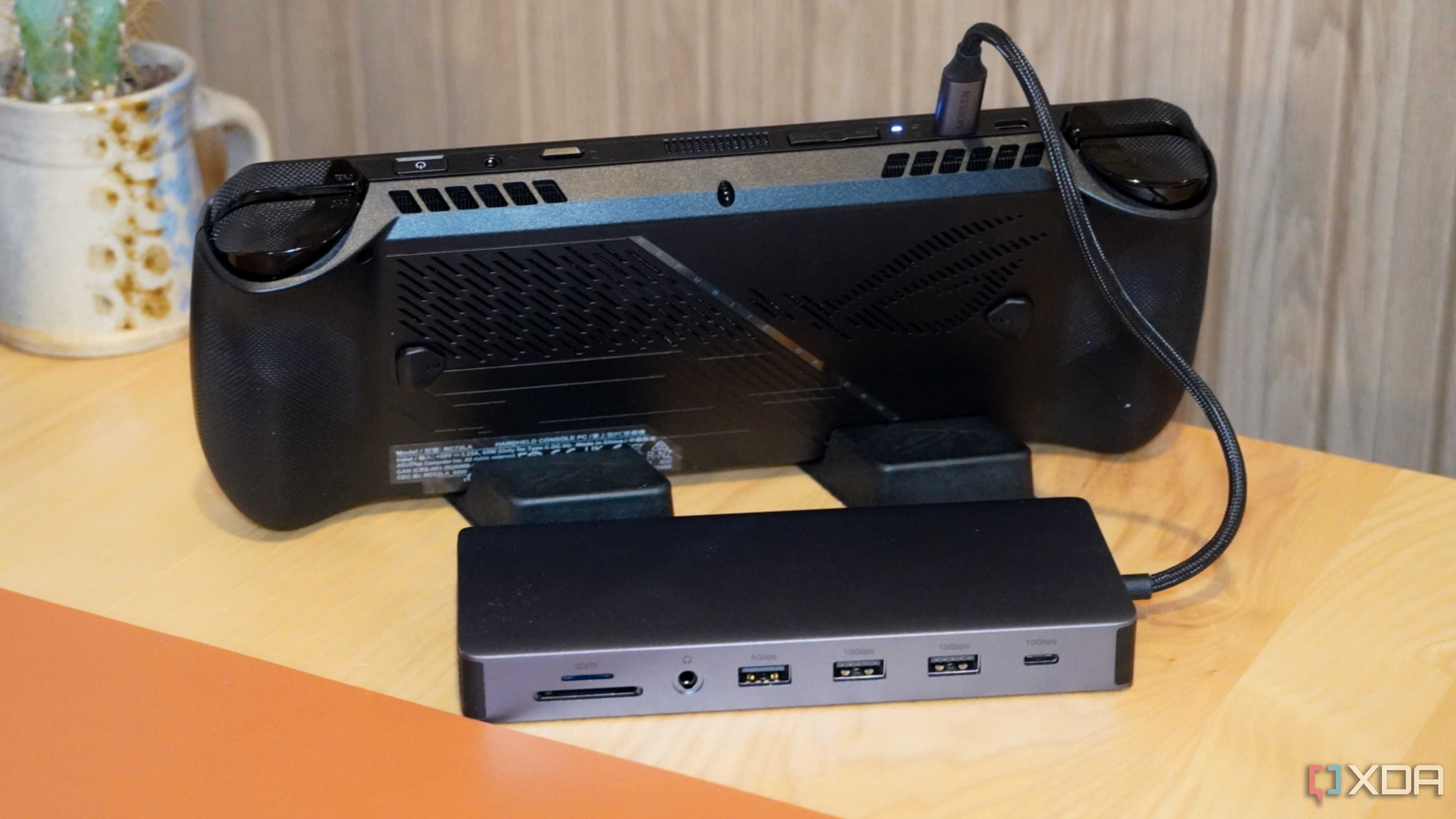
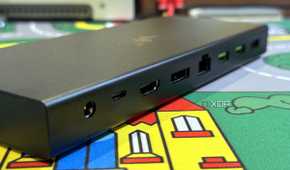
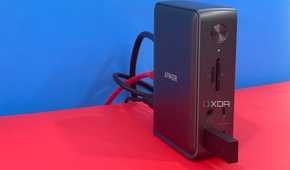
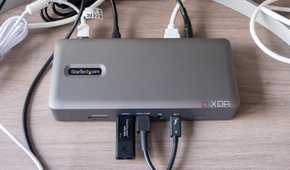

A good USB-C Dock can make your PC experience so much better. Docking stations can be used on PCs, laptops, and even handheld gaming devices. It will allow you to add more ports to your device. Or, they can save you from having to unplug your monitors, speakers, and peripherals if you use multiple devices regularly, you would simply just unplug the dock from one device and plug it into the next. USB-C docks can add extra USB-C power ports, normal UBA-A and USB-C ports, LAN ports, HMDI/DP ports, and more. Some docks also have an M.2 slot, so you can add a bit of external storage to any device you may use with it. Another small accessory worth purchasing if you haven't already got one.
-
-

Anker Prime 160W Charging Docking Station
- Charging speed
- 160W
A 14 port power docking station featuring 3 USB ports for charging, 6 USB ports for data transfer, 1 gigabit ethernet port, 1 full-function upstream port, a 3.5mm audio jack, 2 4k60hz HDMI video outputs and a combined charging output of 160 watts. Features an LCD screen that displays real-time system information.


More accessories to enhance things
Depending on what you're into, there are loads of things you can get for your PC setup or home office. Smart lights come in many different forms and offer you control either via a phone APP, your PC, or even an Amazon Alexa. There are also all kinds of cool desk clocks, headphone/controller stands, and more for you to put on your desk. A lot of people even get figurines or stuffed animals to help make their setup more enjoyable.
Those who like to keep things tidy will want to invest in some cable management/routing accessories. Whether it's hiding the clutter of cables coming from your PC, or trying to hide that pesky cable running up your wall as best you can, they are another accessory that comes in many forms. PC enthusiasts looking for more functional things to add to their home office may even want to consider something like a 3D printer. It may sound odd, but they can be a great talking point if anyone comes over, and they can help you create a load of helpful and stylish accessories, and, best of all, you can customize them to your own needs!
Setting up your PC and home office is a very personal experience, but these days there are just so many accessories out there, that it really can be quite enjoyable!
