


Summary
- Multiple GPU setups are not as necessary now; focus on size considerations for flagship GPUs.
- Motherboards now support multiple CPU generations, offering more upgrade paths than before.
- M.2 slots are now common on low-end motherboards, providing access to fast SSD speeds at affordable prices.
I've been using and building custom PCs for a long time, and I've noticed over the years how quickly the premium features of motherboards make their way to the mid- and low-range boards. For example, in the last decade, we've gone from a handful of premium motherboards with M.2 NVMe SSD slots, to now seeing them on almost every motherboard, from the cheapest to the most expensive models. That's far from the only feature that has trickled down to nearly every motherboard, and as a result, it's never been a better time to build a PC.
6 No more worries about multiple GPU setups
It's sad to see Crossfire and SLI go, but they're unnecessary

In the mid-2010s, multi-GPU setups were still pretty common among enthusiasts, even if the waning support for them in games meant their last days were coming. Even then, it took careful reading of motherboard specifications to find one that could fully support Nvidia's SLI or AMD's Crossfire. Some motherboards would support up to four graphics cards in this manner, but over time, the limit was reduced to dual graphics card support for the Nvidia GTX 1000 series and AMD's RX Vega family.
While specialized software like crypto mining or AI training can still use multiple GPUs at once, for the average consumer, single graphics cards are the norm today. That means no more worrying about whether your motherboard can support multiple graphics cards, but it does bring a new consideration instead. That's size, with the flagship GPUs often occupying four PCIe slot spaces. Admittedly, this is less of an issue considering you won't be plugging in a second GPU. But for those who want to use additional PCIe cards with SSD storage or capture cards, it can be a problem.
5 Motherboards now support multiple generations
AMD always did this, but even Intel uses the same socket for longer
Source: XDA-Developers 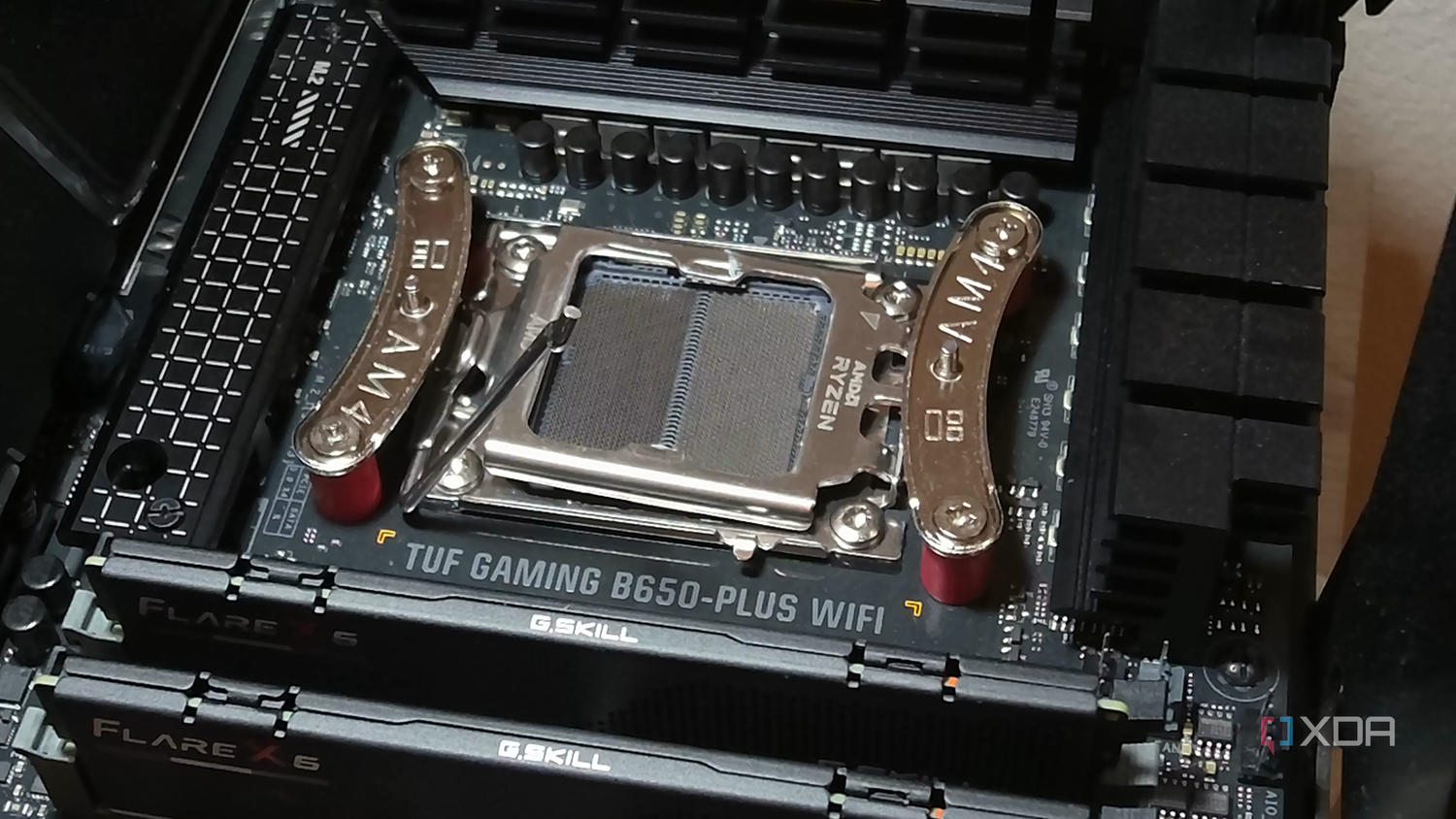
Source: XDA-Developers 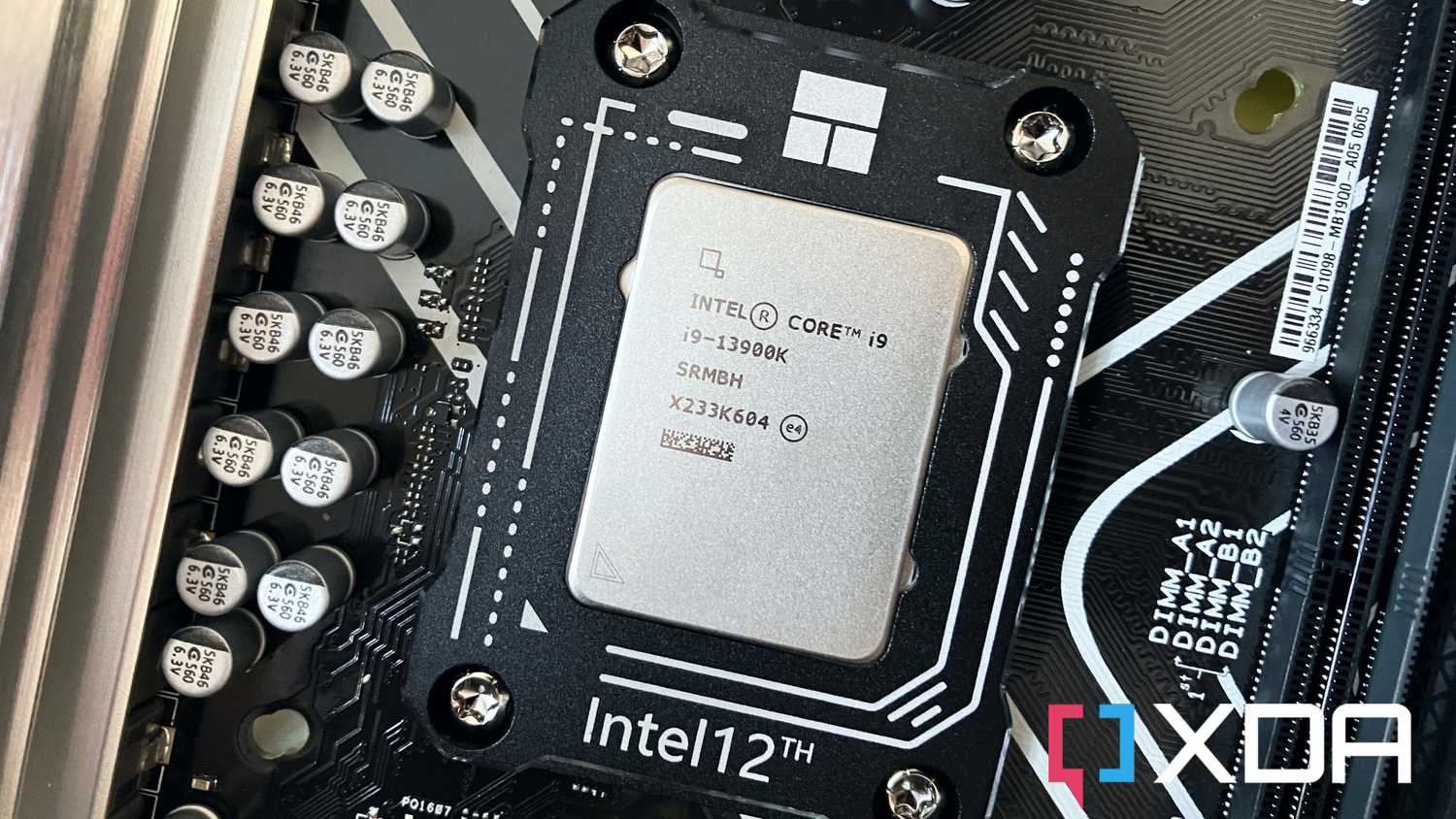


Source: XDA-Developers 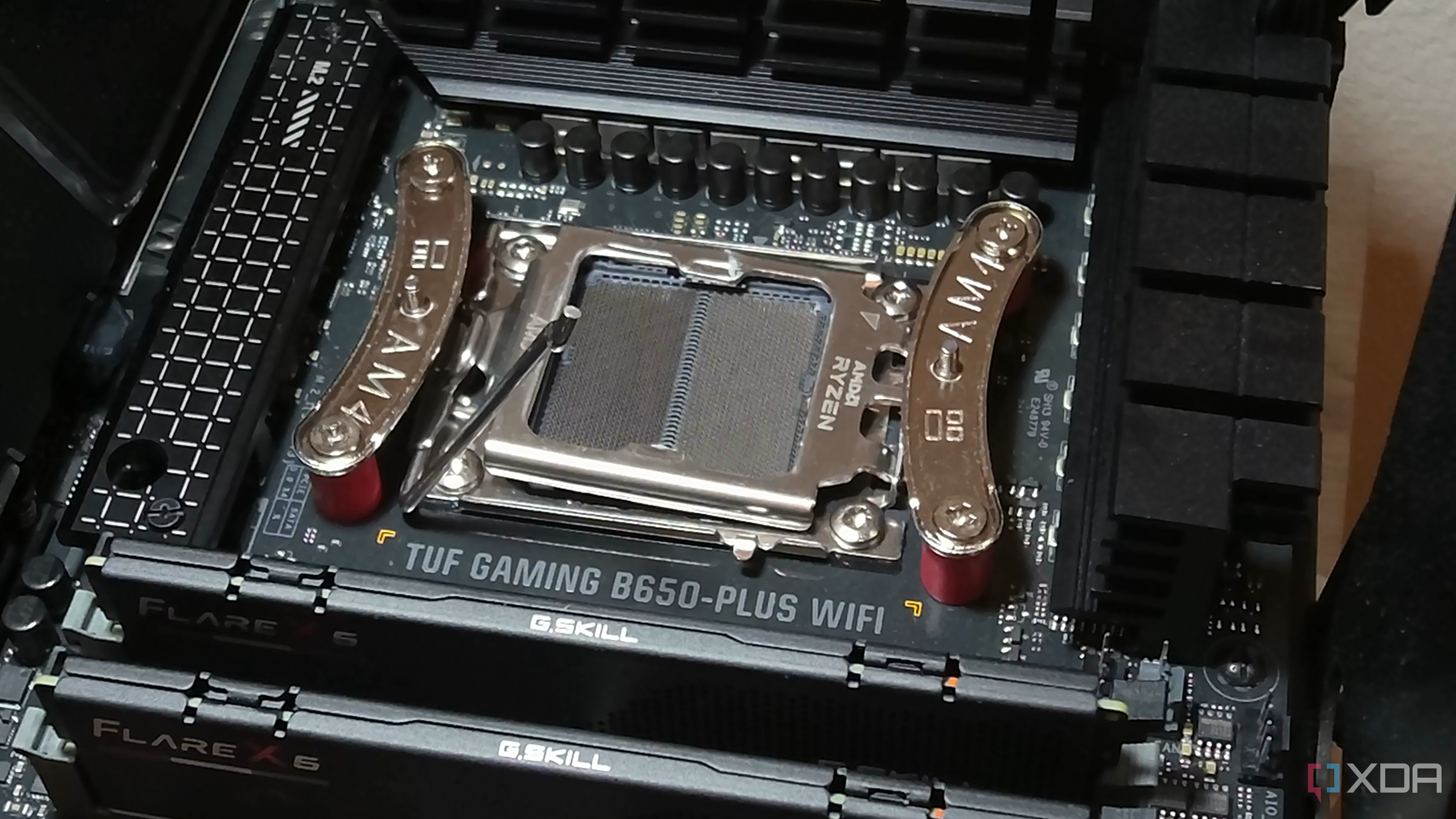
Source: XDA-Developers 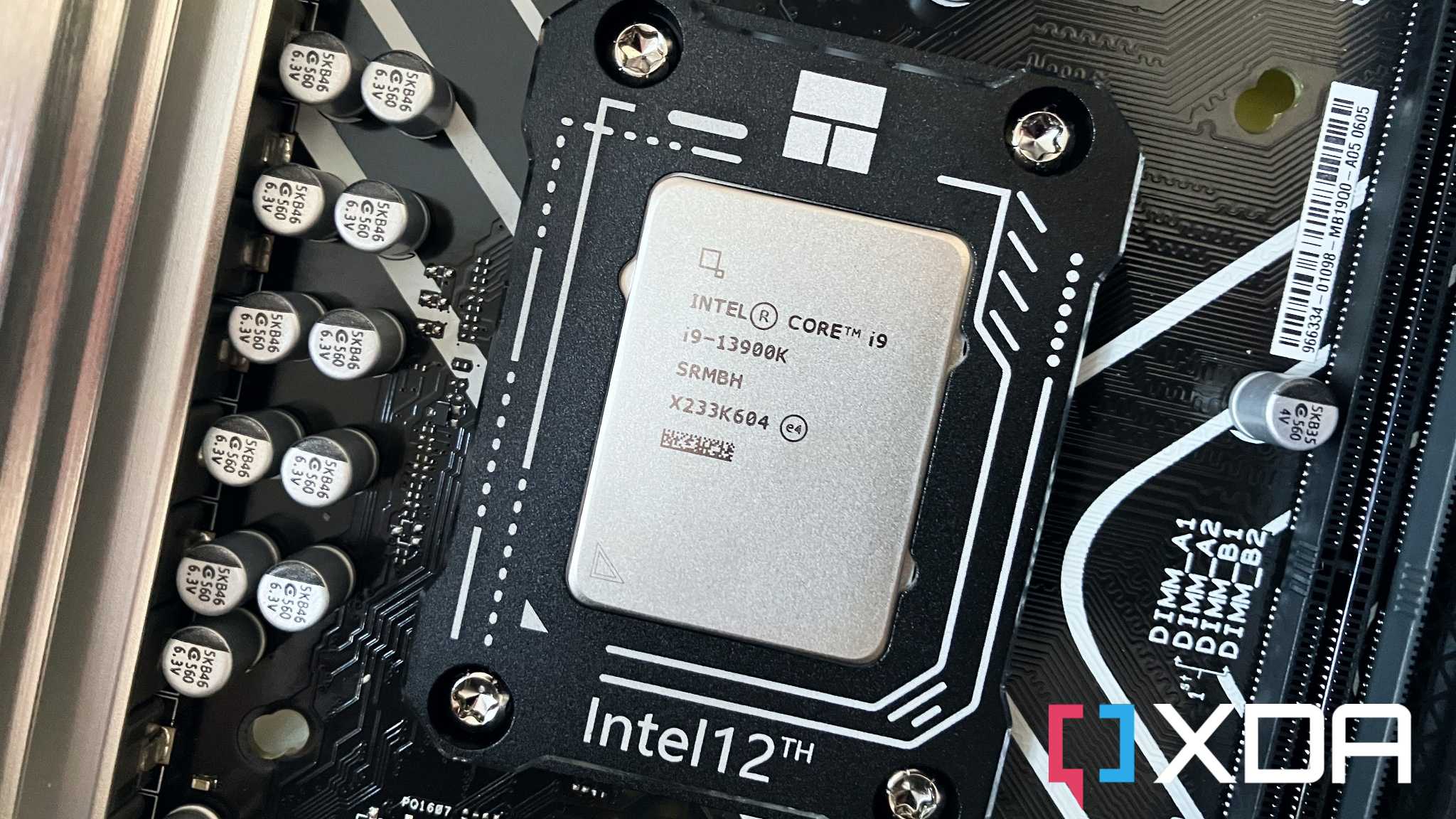
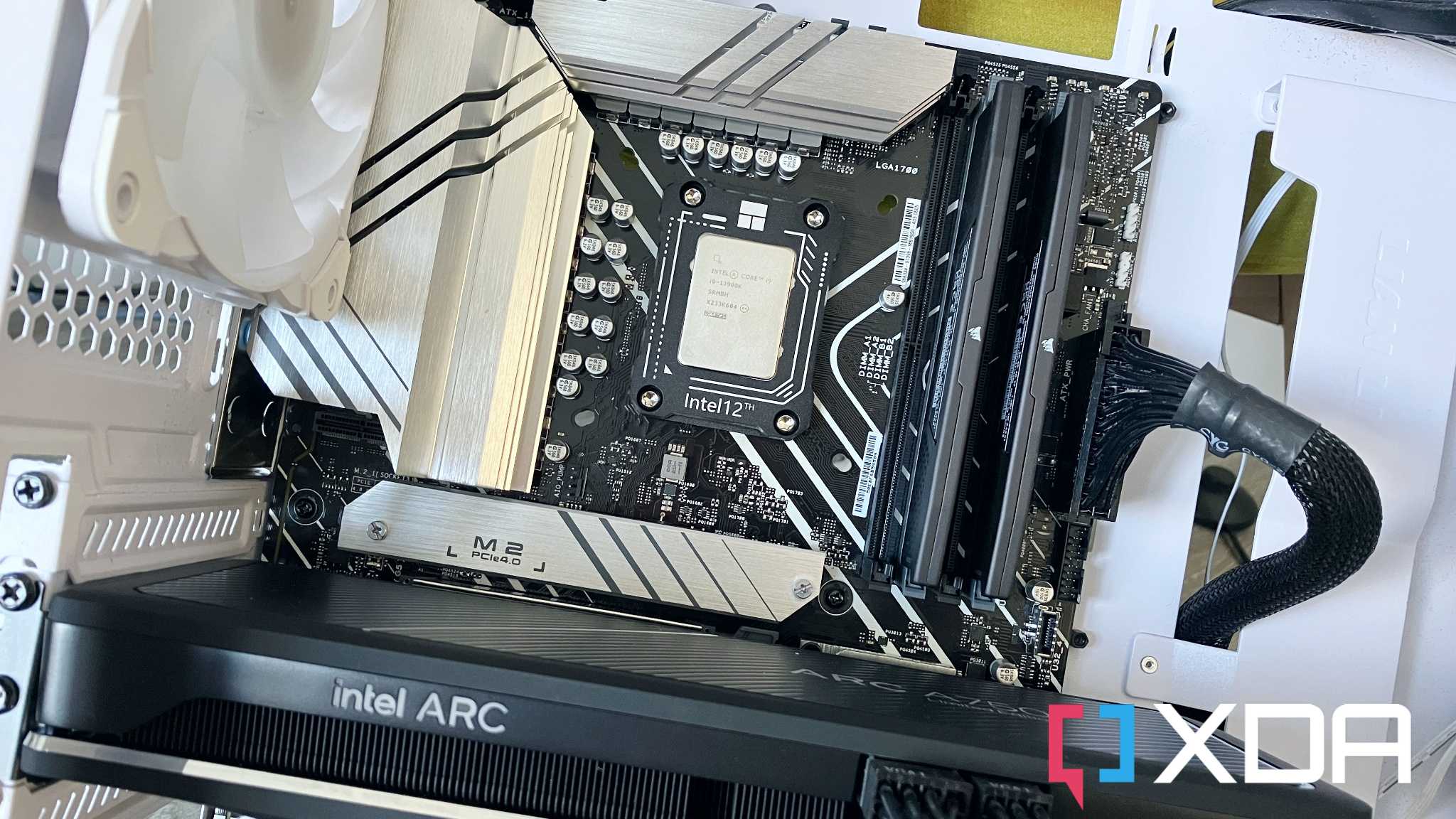
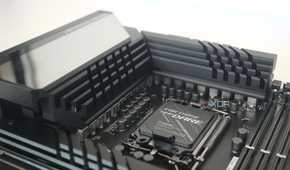
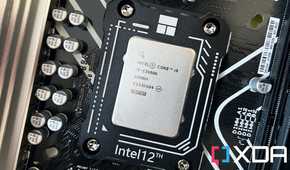
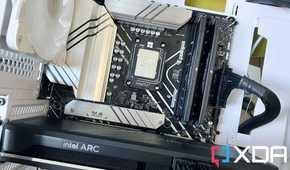
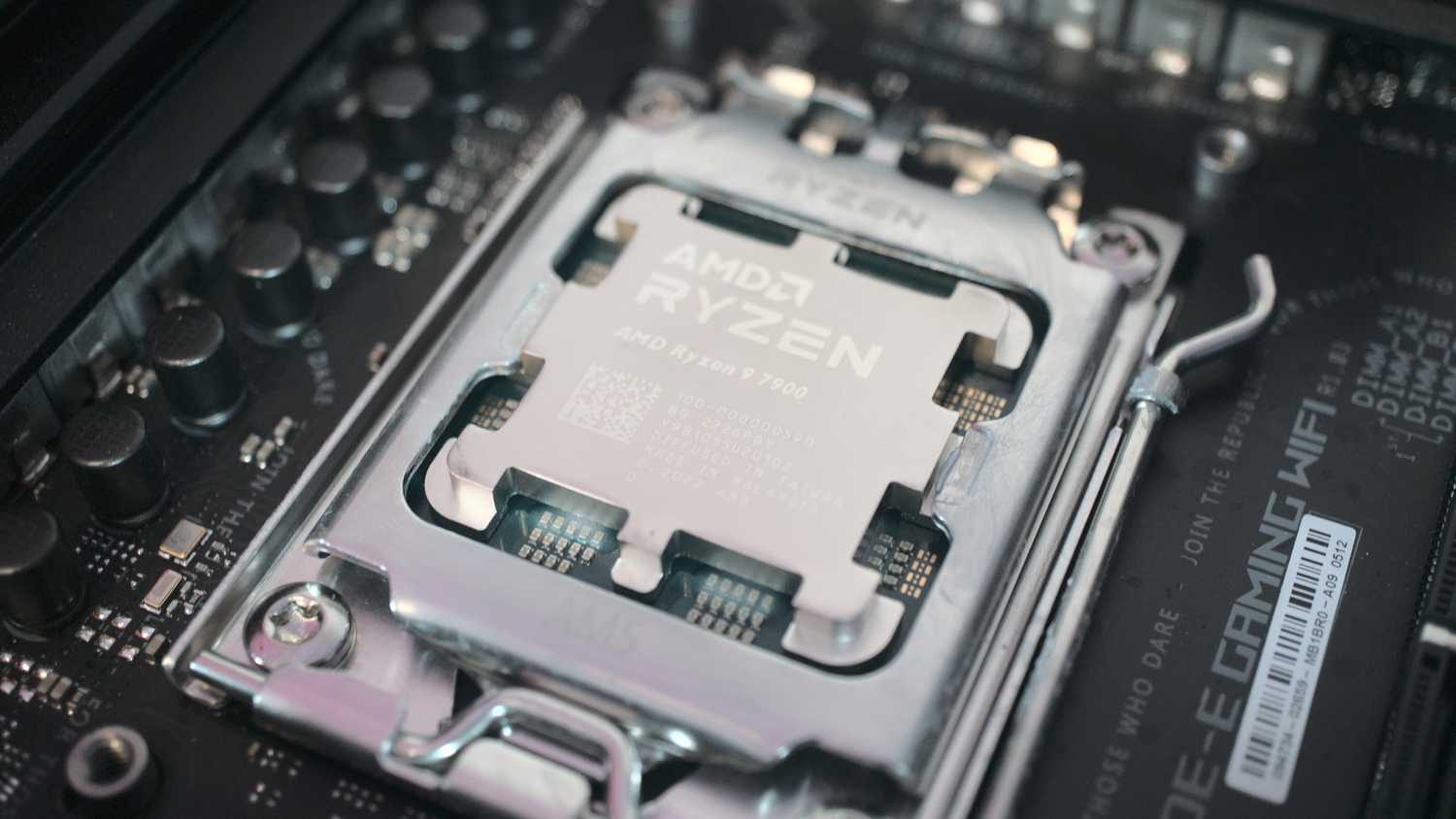
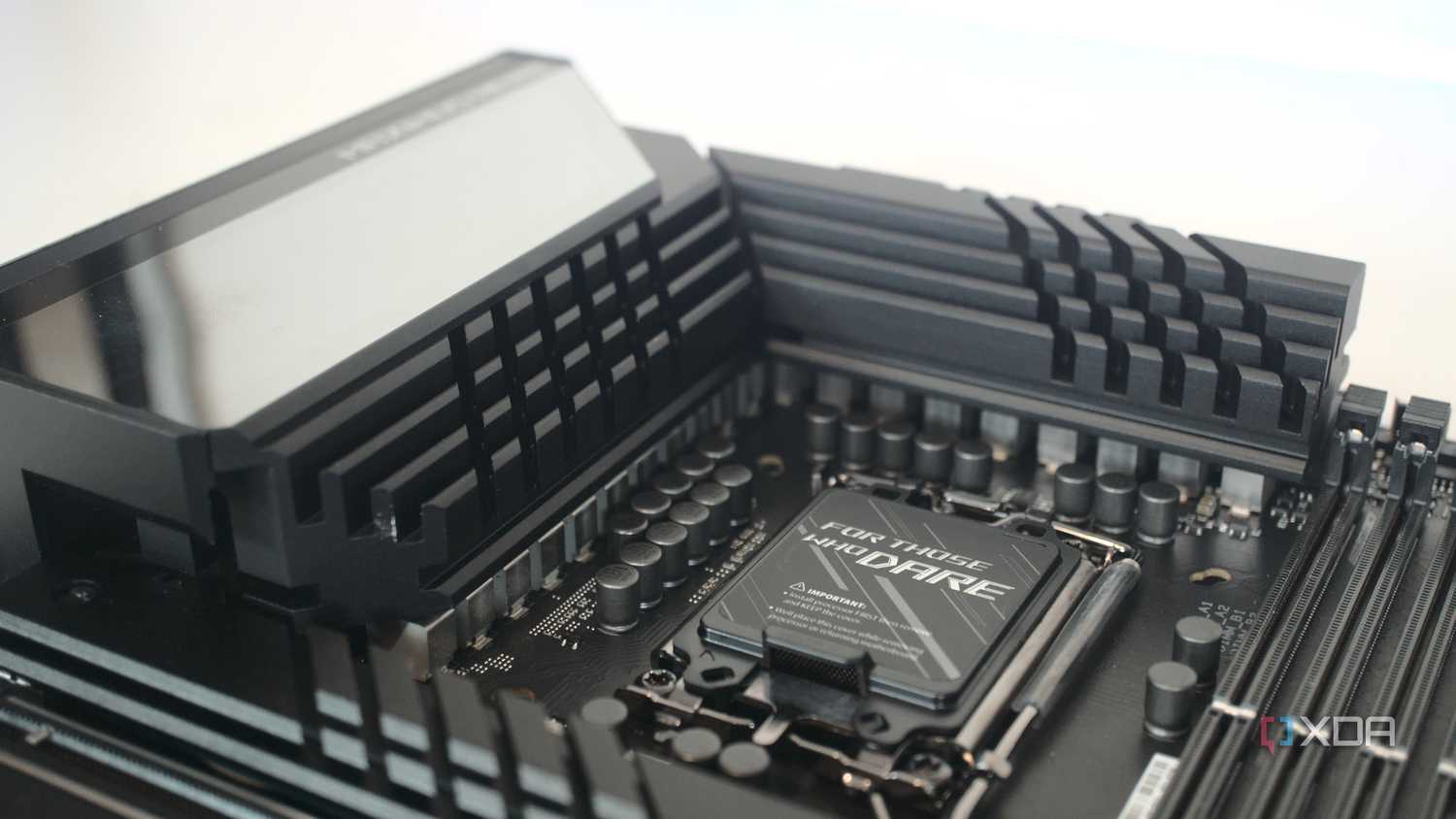
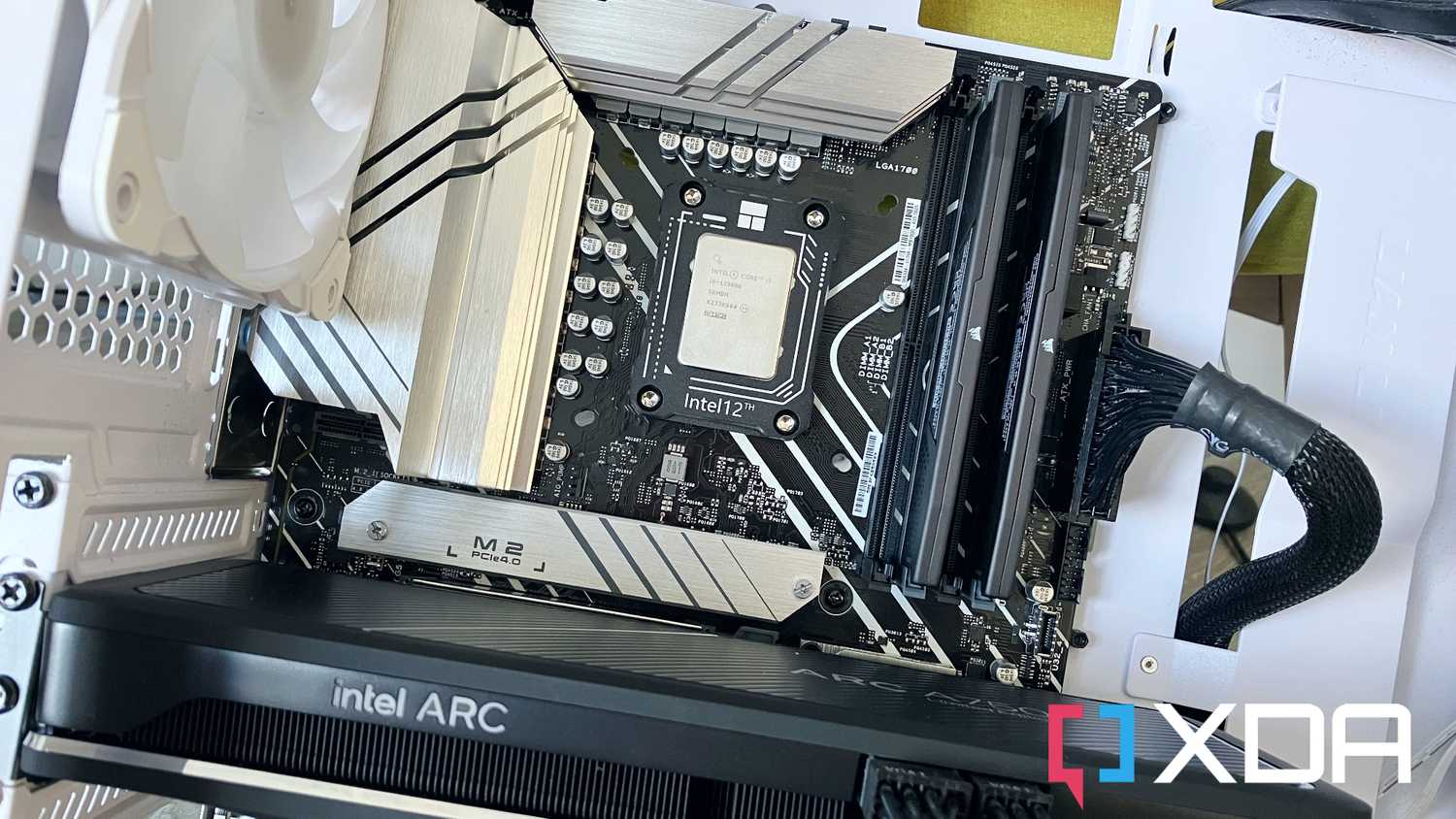
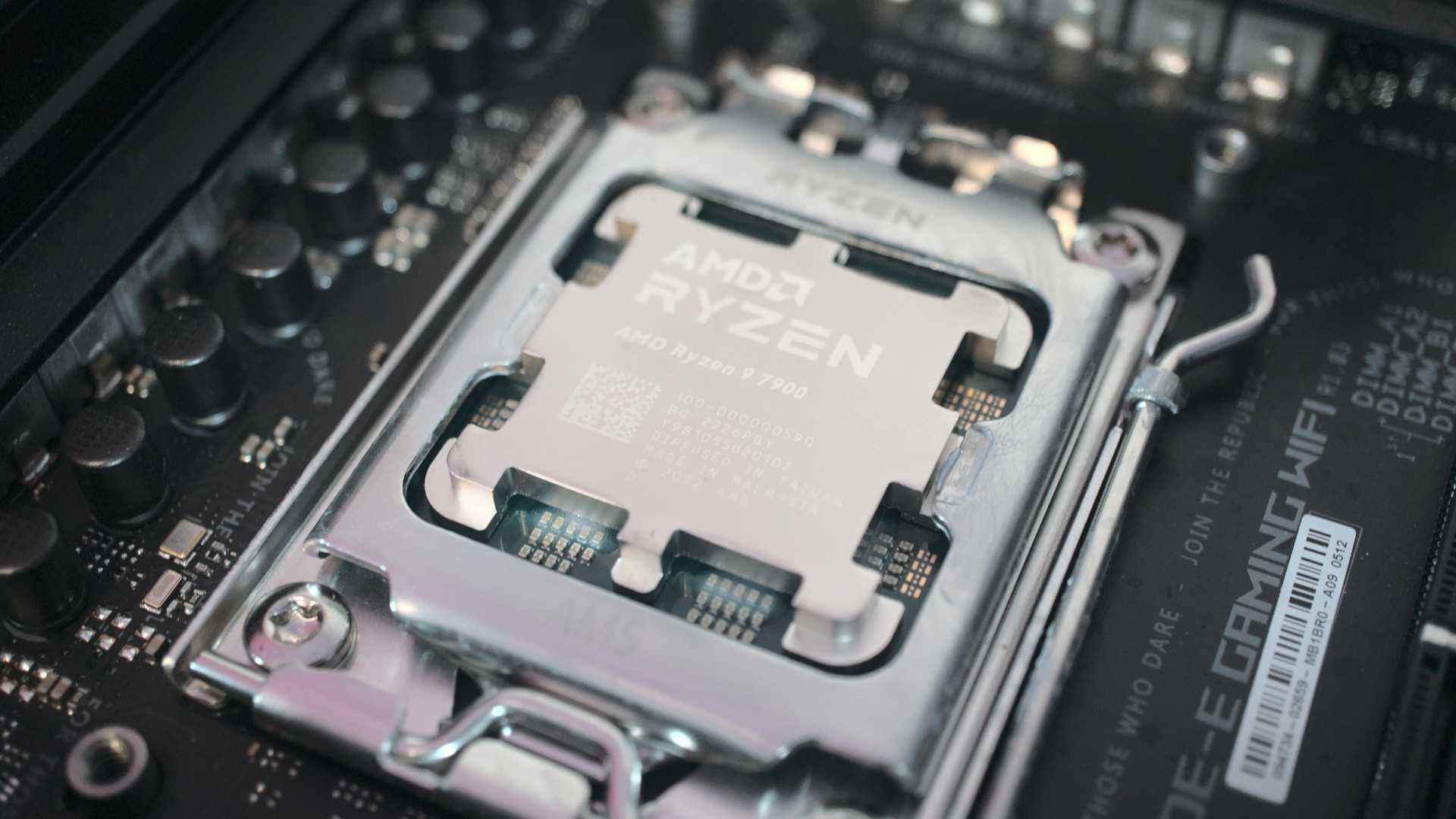
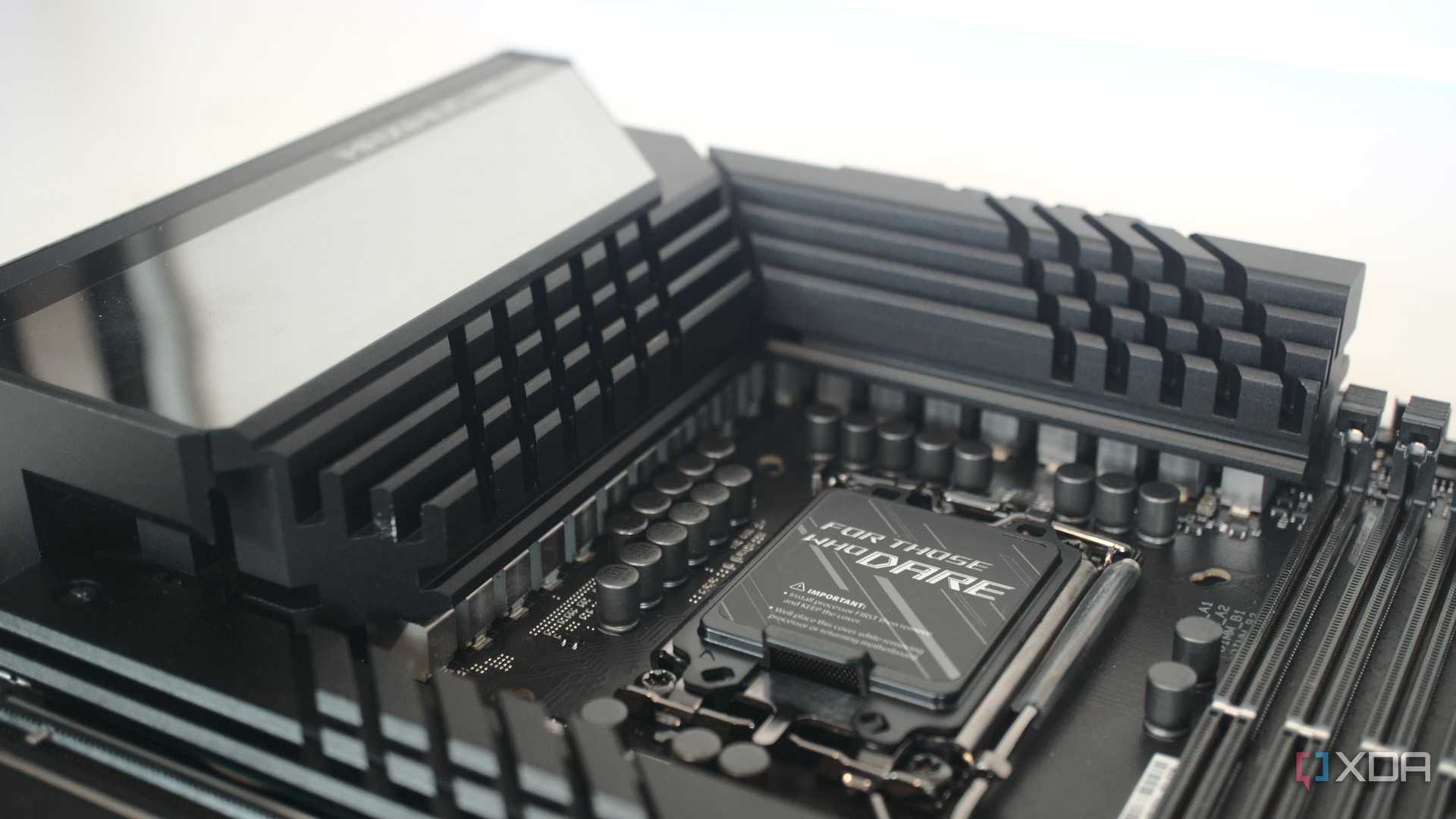
One of the most important things to consider when picking a motherboard is its CPU socket. This socket informs which processor you can choose and also what potential upgrade paths you have. Nowadays, you can generally be assured of socket support through several generations of CPUs. Intel has supported 12th, 13th, and 14th Gen Intel Core processors on the LGA1700 socket, which spans the 600 and 700 series chipsets. AMD supported the AM4 socket through Ryzen 1000, 2000, 3000, 4000, and 5000 series processors, giving nearly seven years of upgrade options.
When we go back a decade, Intel famously supported CPU sockets for only two generations. Even when the socket hadn't physically changed, like when Coffee Lake and the 300-series chipset came out, it still didn't offer compatibility with Skylake or Kaby Lake CPUs as some pins had been reassigned. At the same time, AMD was using the AM3+ socket, first released in 2011, but it didn't get a successor until Ryzen launched in 2017. It's worth noting that AMD's last CPU for the AM3+ socket was in 2015, effectively handing control of the CPU market to Intel for several years until AMD could fight back with the Ryzen range.
4 M.2 slots are even on low-end boards
A decade ago, only a couple of motherboards supported them

When I built my first custom PC with higher-end parts a decade ago, I couldn't quite stretch the budget to an Nvidia GTX 980 Ti, but I did make sure I had the best flagship CPU at the time. That was the Intel Core i7-4790K, an unlocked beast that could overclock on a suitable motherboard. That motherboard for me was the black and yellow MSI MPower Z97, which, along with its overclocking chops, had one of the first M.2 slots that supported PCIe NVMe, although at Gen 2 x2 speeds. That motherboard was almost as expensive as the CPU, but it was worth it for me to get the bleeding edge of SSD speeds.
Nowadays, even the most affordable motherboards that don't support overclocking or high TDP processors still have at least one M.2 slot for PCIe 3.0 or 4.0 NVMe SSDs. It's incredible that low-cost motherboards slated for low-power office machines have access to almost the fastest SSD speeds. M.2 slots are standard equipment for motherboards now, with midrange and premium motherboards having two, three, four, or even five onboard. That's a lot of speedy storage, and, as a bonus, it tidies up the cable clutter needed to build a PC.
3 RAM speeds are fast enough
DDR4 is now mature and DDR5 is faster still

If you're buying a motherboard right now, your RAM choices are between DDR4 and DDR5. These memory technologies are fast enough for any task you could throw at them, with DDR4 topping out at around 5,333MT/s and DDR5 currently going up to 8,200MT/s. I've said that latency is often more important than speed, but that's not what I will focus on here. Instead, it's time to talk about where RAM was a decade ago and how much better you have it with motherboards now.
In 2014, DDR4 launched on the consumer market, but for the first half of the year all you could get was DDR3. Now, DDR3 has lower latency than later versions, but it also has slower speeds and lower capacities, so the newer versions of RAM are much stronger in performance. I had 16GB of DDR3 2,400MT/s in my computer back then, and even the slowest DDR5 I've used leaves it in the dust. Prices are much better now as well, I paid close to $250 for those four modules, and you can get 16GB of DDR4 or DDR5 for a fraction of that price. Today's motherboards are also more stable and require less sticking to the QVL lists when buying memory, something I can't say was an easy task back then.
2 Expanded selection of I/O and expansion ports
More headers for USB, fans, and RGB, among other things

Motherboards are the central hub for all your hardware to plug into, but they didn't always have enough headers, I/O ports, and other features to handle everything. Over the years, RGB and addressable RGB headers have been added; fan headers have increased in number and in the number of fans each could power, and internal USB headers have been added to enable faster standards.
Those aren't the only improvements over the last decade, but they're important ones that make building a PC easier. One of my favorite improvements is reinforced PCIe and RAM slots, which makes damaging the slots significantly harder. I've had several PCIe slots come off attached to the PCIe card I was removing, so adding the metal reinforcement fastened to the motherboard is amazing.
1 BIOS updates are safer than ever
Dual BIOS chips and Flashback mean fewer bricked motherboards

Updating the firmware of motherboards used to be a scary thought. If something went wrong or the power was interrupted, the chance of bricking the motherboard was an ever-present danger. Nowadays, many motherboards have dual BIOS chips, so a failover mode will boot with the second chip and restore the other one if something goes wrong. That's only one safety feature of modern motherboards, and BIOS Flashback is another significant improvement. This feature lets you update the BIOS firmware from a USB drive without needing to plug any other hardware into the motherboard. It can update the firmware so that newer CPUs can be used without needing an older CPU or recover from failed updates by retrying the flashing procedure. These two safety features rarely existed back then, and I can't wait until they're standard on every motherboard, including the low-end variety.
The last decade has brought more usable motherboards to every price point
The standard features on any affordable motherboard these days are already ahead of flagship motherboards from a decade ago. Things like M.2 PCIe SSD slots, dual BIOS and flashback, more I/Os, and better-placed fan connectors are all par for the course now. As motherboard makers continue to tweak component arrangements to suit the space inside the modern PC chassis, boards will only improve further, making it easier to build a PC than ever before. I hope things like multiple generations of CPU support remain a feature, bringing better value to those building PCs.
