


If you’re like me, you’re always after that last bit of performance. Low average framerates can be irritating enough to turn me completely away from playing the game in question until my next upgrade, but sometimes it’s not down to raw processing power. A few extra tweaks here and there can have a positive compounding effect on your framerate. Here are 7 reasons your framerate isn’t as high as it otherwise could be.
7 Background applications
Turn all the non-essentials off

This is one of the biggest culprits when it comes to sucking away performance, especially if you have a mid-range or budget system. Applications like Discord, Chrome, Slack, Teams, and Spotify can all eat up valuable resources. Now, that’s not to say that all of you will see performance boosts by closing these specific programs, but these are some of the more common applications. If your system has 16GB or less of system memory, this will be especially important.
6 Hitting your VRAM limit
Unfortunately, it's outside your control
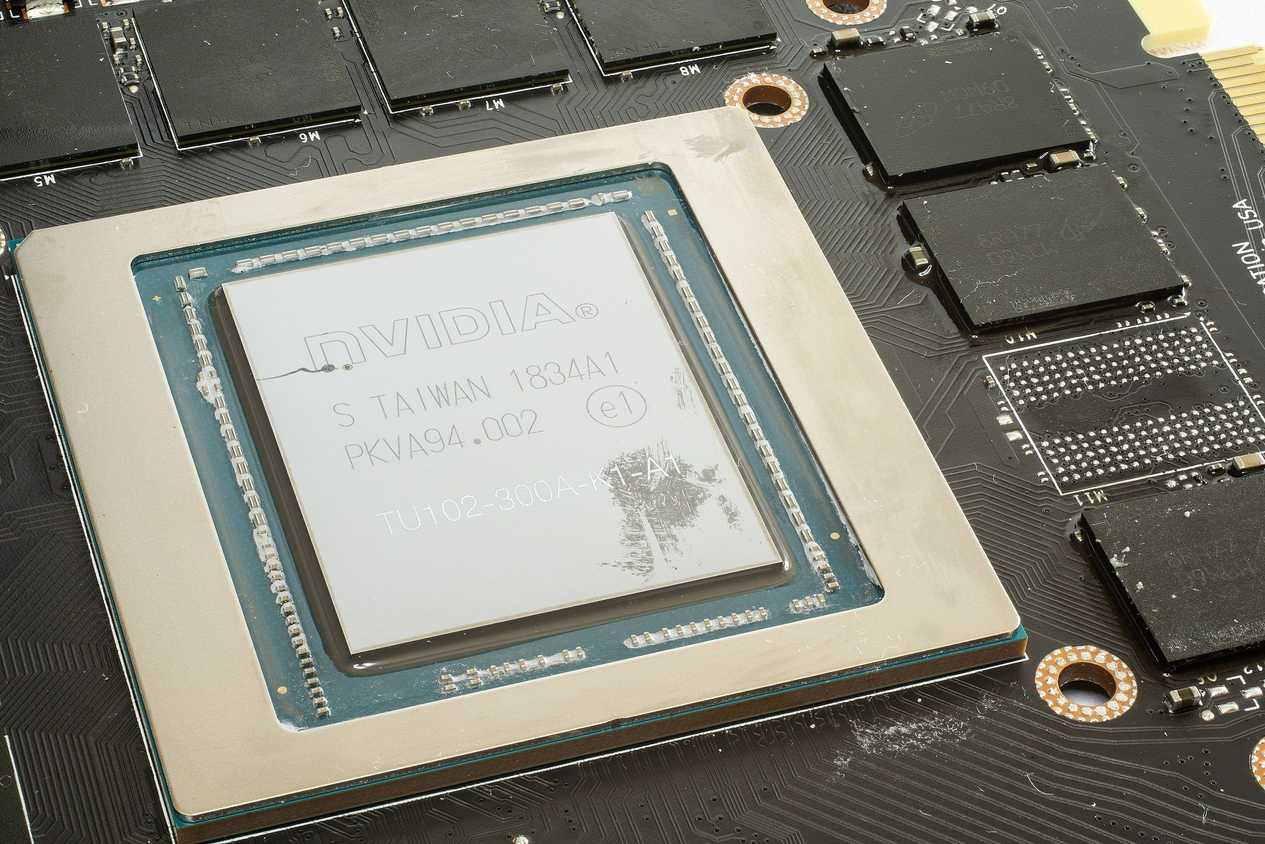
Source: Wikimedia Commons 
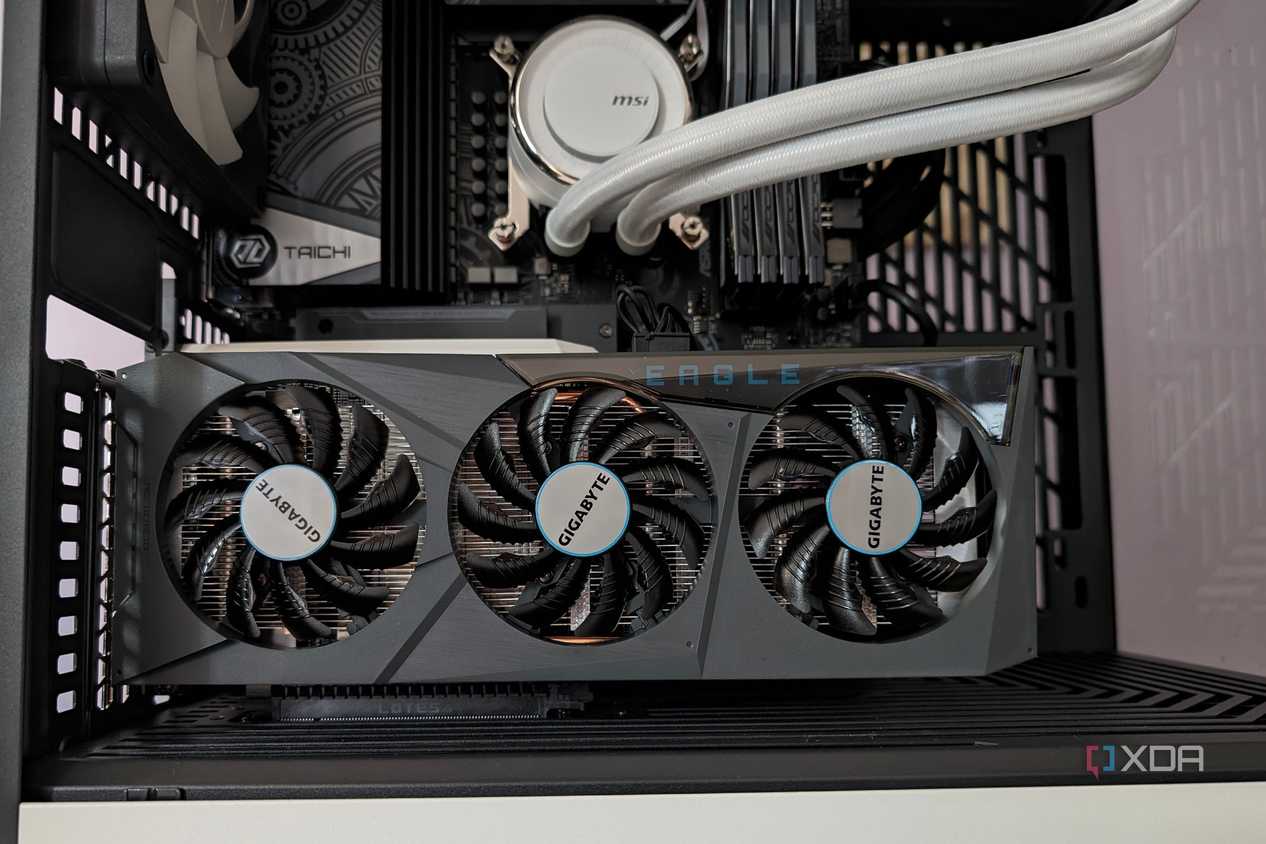
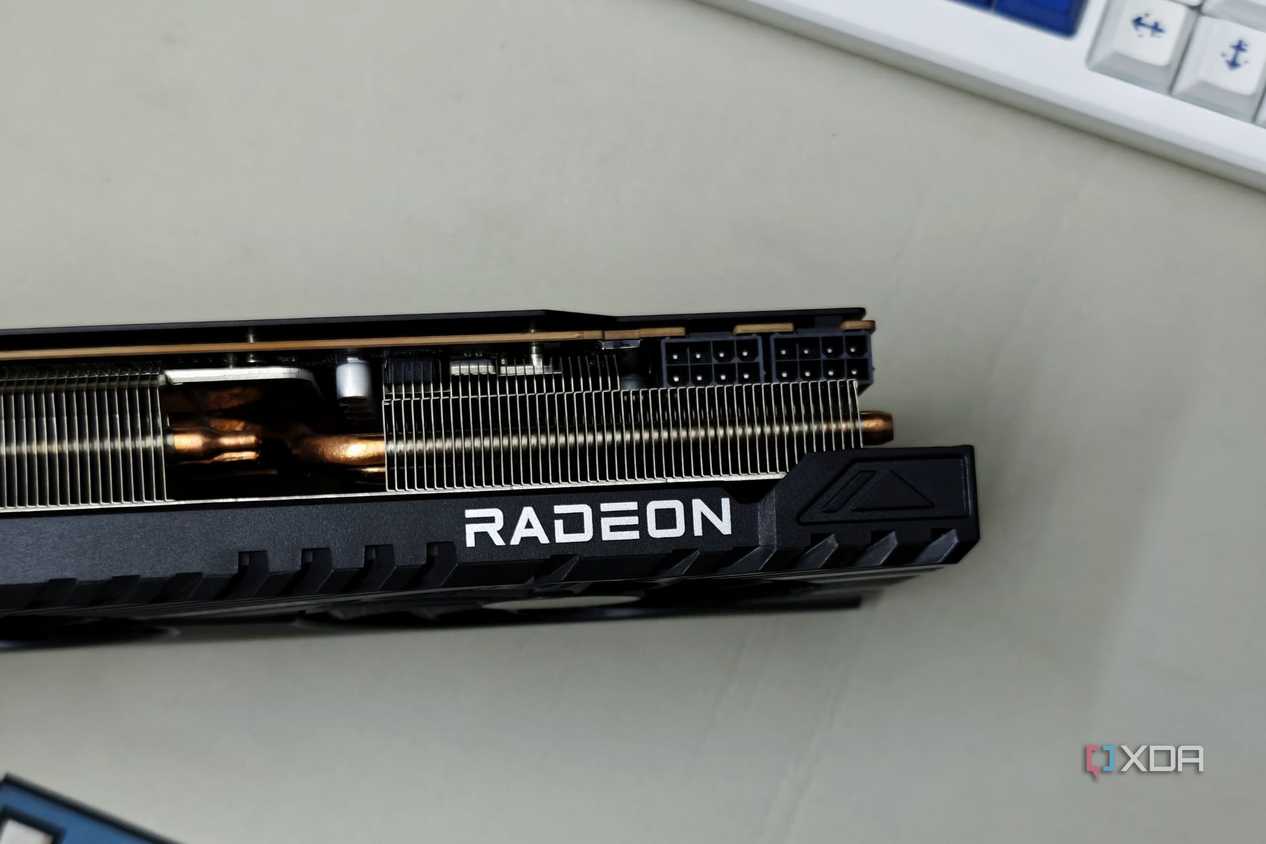
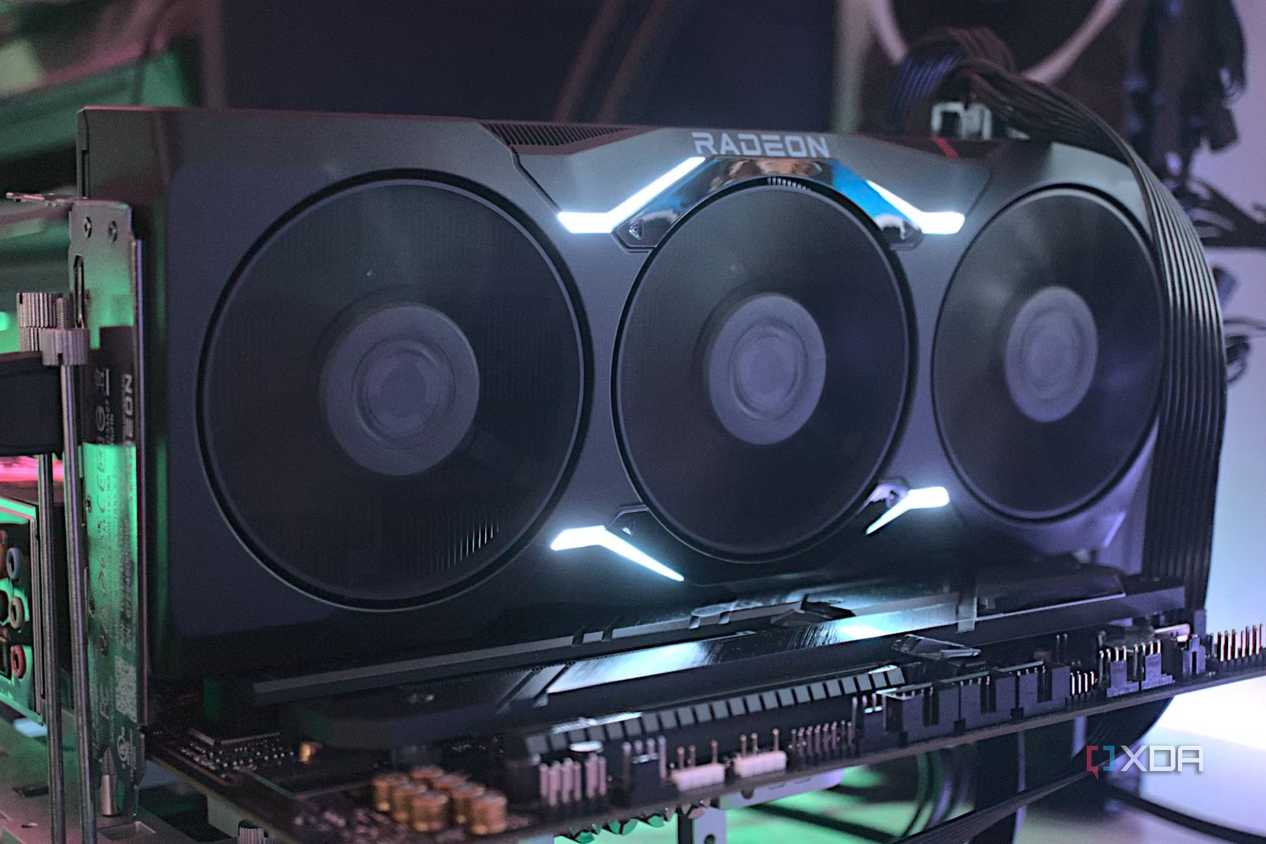


Source: Wikimedia Commons 
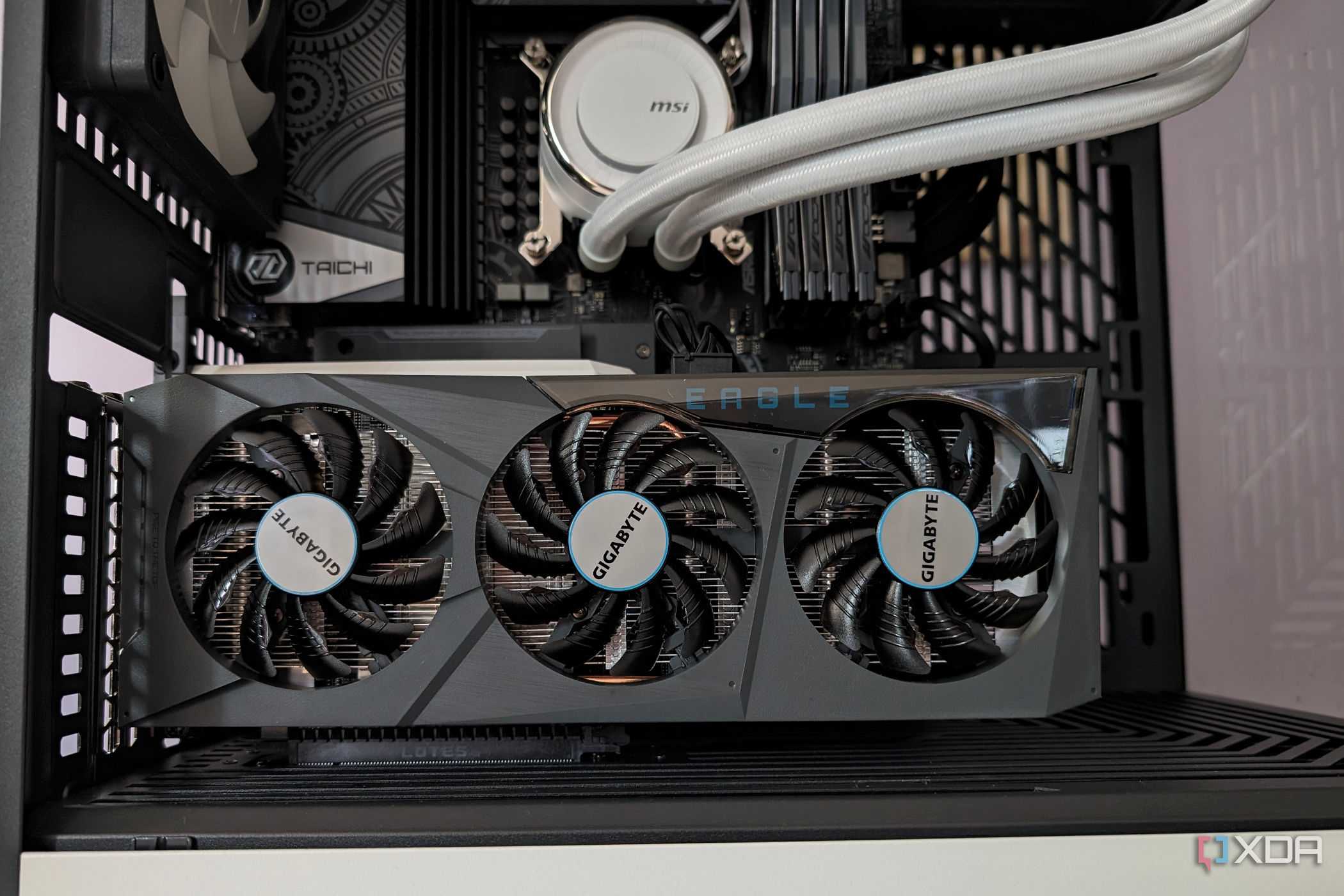
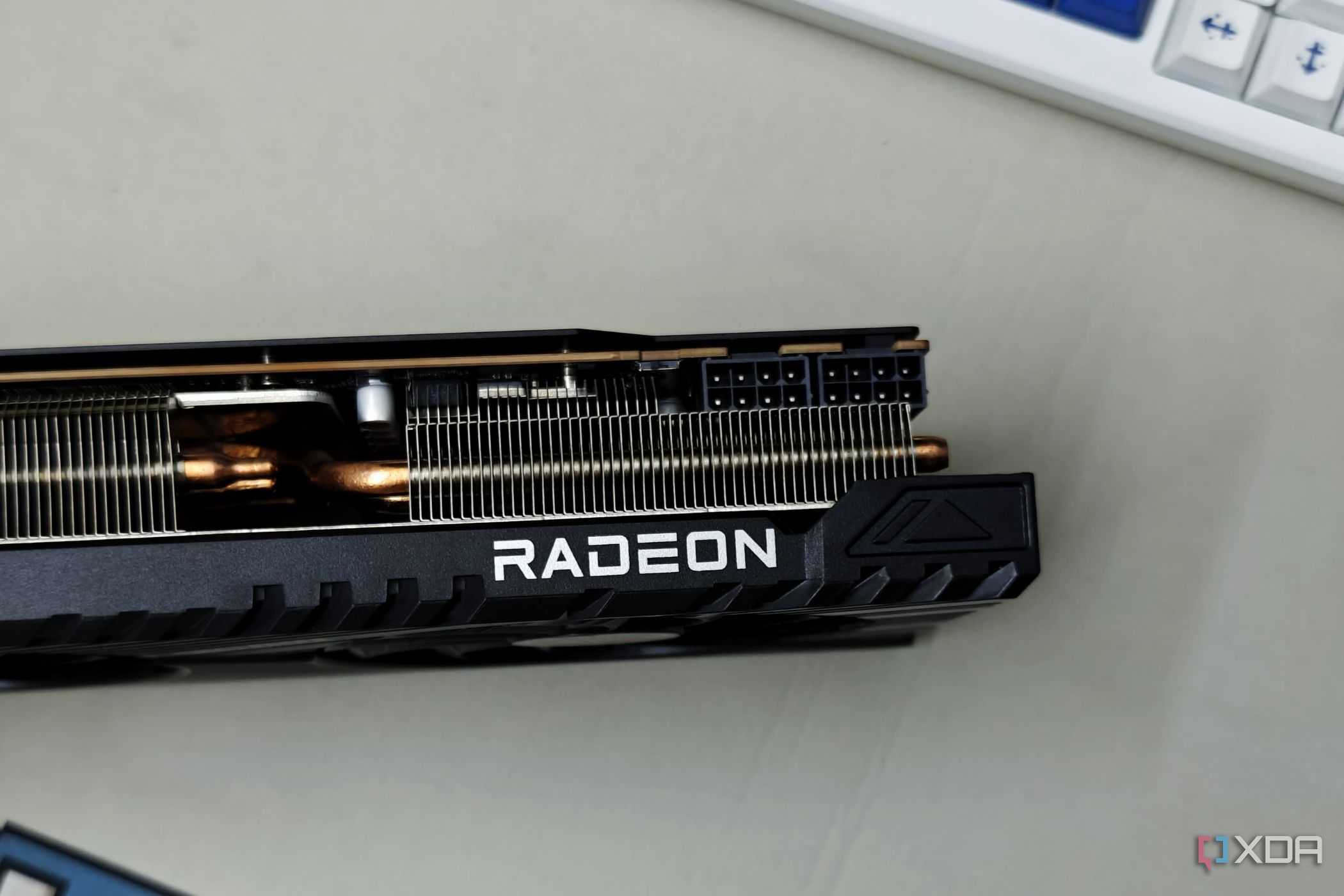
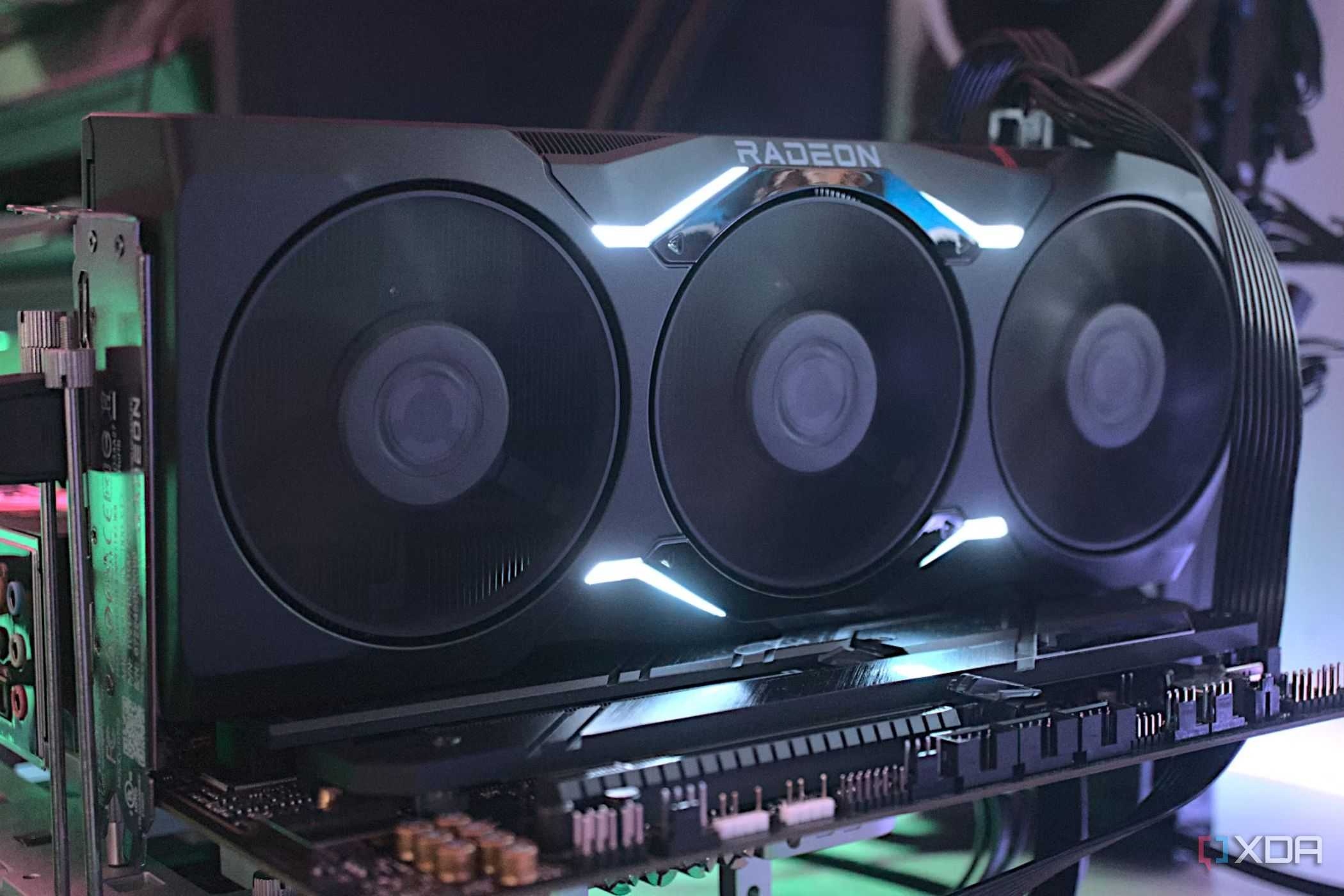
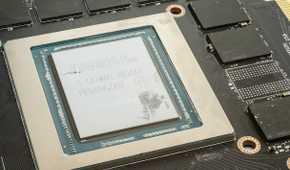

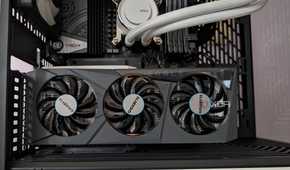
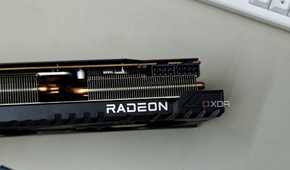

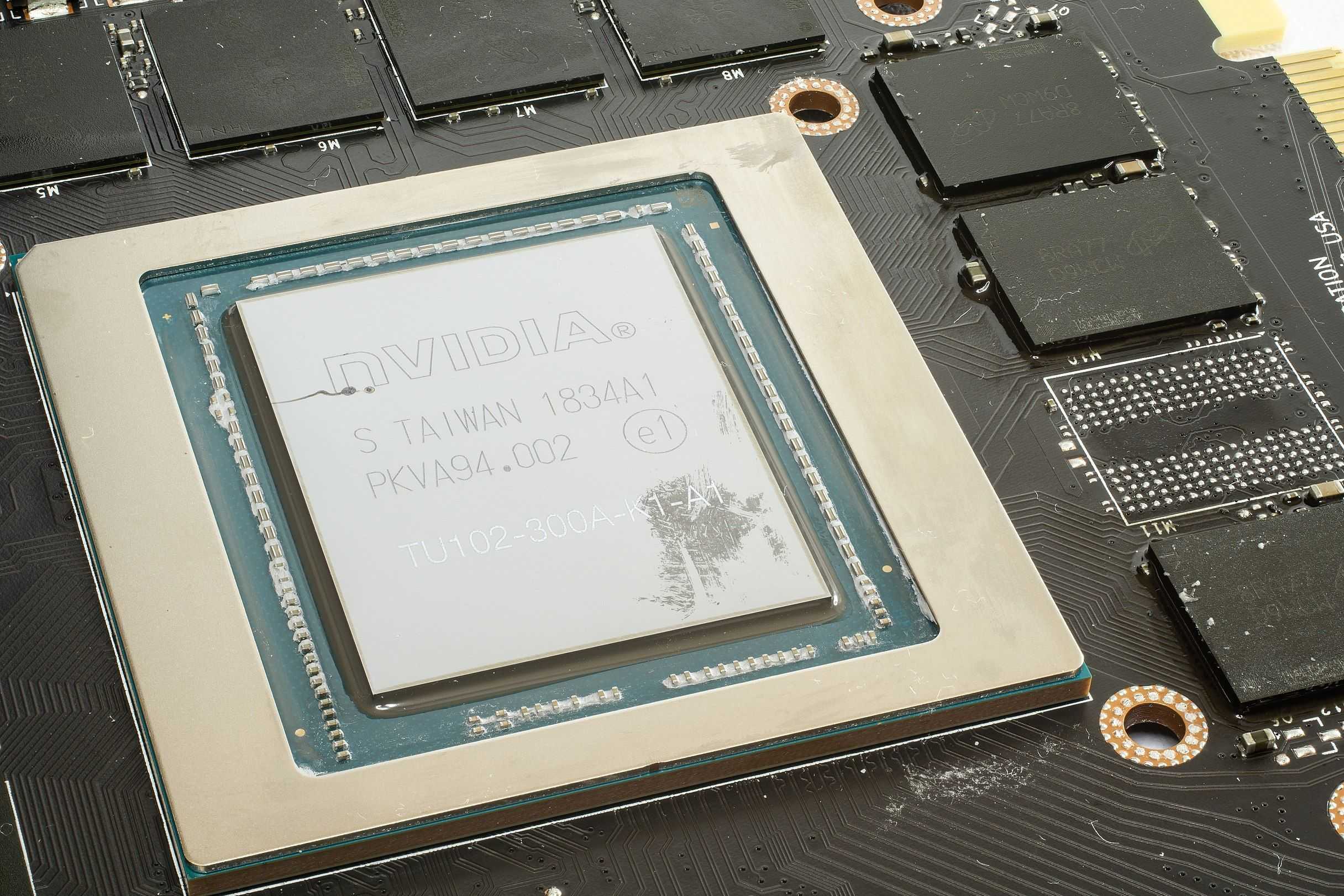
Hitting your VRAM ceiling can result in stuttering and a sharp decrease in average framerate. Unfortunately, many mid-range GPUs these days simply don’t come with enough VRAM to keep up in AAA titles. Unlike system memory, VRAM isn’t able to be upgraded simply by adding more modules. To get more of it, you’d have to replace your GPU entirely, which can be costly.
5 You don’t have XMP/EXPO turned on
One of the most common settings to forget about

Intel’s XMP and AMD’s EXPO are built-in profiles for your RAM that allow them to run at their rated speeds. Without it, you’re looking at a significant performance difference. XMP and EXPO can be turned off or set to default after a BIOS update or CMOS clear, so if you’ve done either of those recently, it’s worth double-checking if you’ve remembered to turn it back on. Prebuilt computer manufacturers will also neglect to turn this setting on sometimes as well.
4 Your GPU drivers are out of date
An easy way to ensure you’re not missing out on performance

Graphics card drivers can have a very real and tangible effect on your performance in games. This is especially true for any new games. If you’ve fired up any recent releases that just aren’t running the way they should on your hardware, this is almost certainly why. I had this experience personally with the new STALKER title, where after I updated my GPU drivers, my FPS had almost doubled.
3 The game is installed on a HDD
HDDs just aren’t good for gaming

If you’re trying to run any kind of modern title off of a spinning platter, you probably just shouldn’t. The woefully low read speeds of a standard HDD are just not high enough and can sometimes affect framerates. If you have big stutters and massive load times, swapping things over to an SSD will do wonders.
2 In-game graphics settings are set too high
Taking a trip through the settings can pay dividends

This may seem very obvious, but many users don’t bother to crack open the graphics settings of their games. In cases like VRAM limitations or an underpowered CPU, tweaking things specifically for your system is key to getting better framerates. If you already do this, it’s worthwhile to take the time to tweak the settings with an FPS counter open, and watch what effect each setting has on framerates.
1 Your GPU power limit is at default
If you have the headroom, turn it up

Modern graphics cards will boost above their core clock when there’s additional temperature and power headroom, and you can control to what degree this occurs. If you’re not up against your PSU’s limit and your GPU isn’t too toasty, turning up the power limit can help squeeze out just that little bit more performance.
Optimization lies around every corner
This is certainly not a comprehensive list, and the list of things you can do to optimize your PC for higher framerates is virtually endless. Sometimes, though, if your PC is struggling, it is just a sign that it’s time to start considering an upgrade. Whether that’s an entirely new rig or just upgrading piecemeal, is up to you.
