


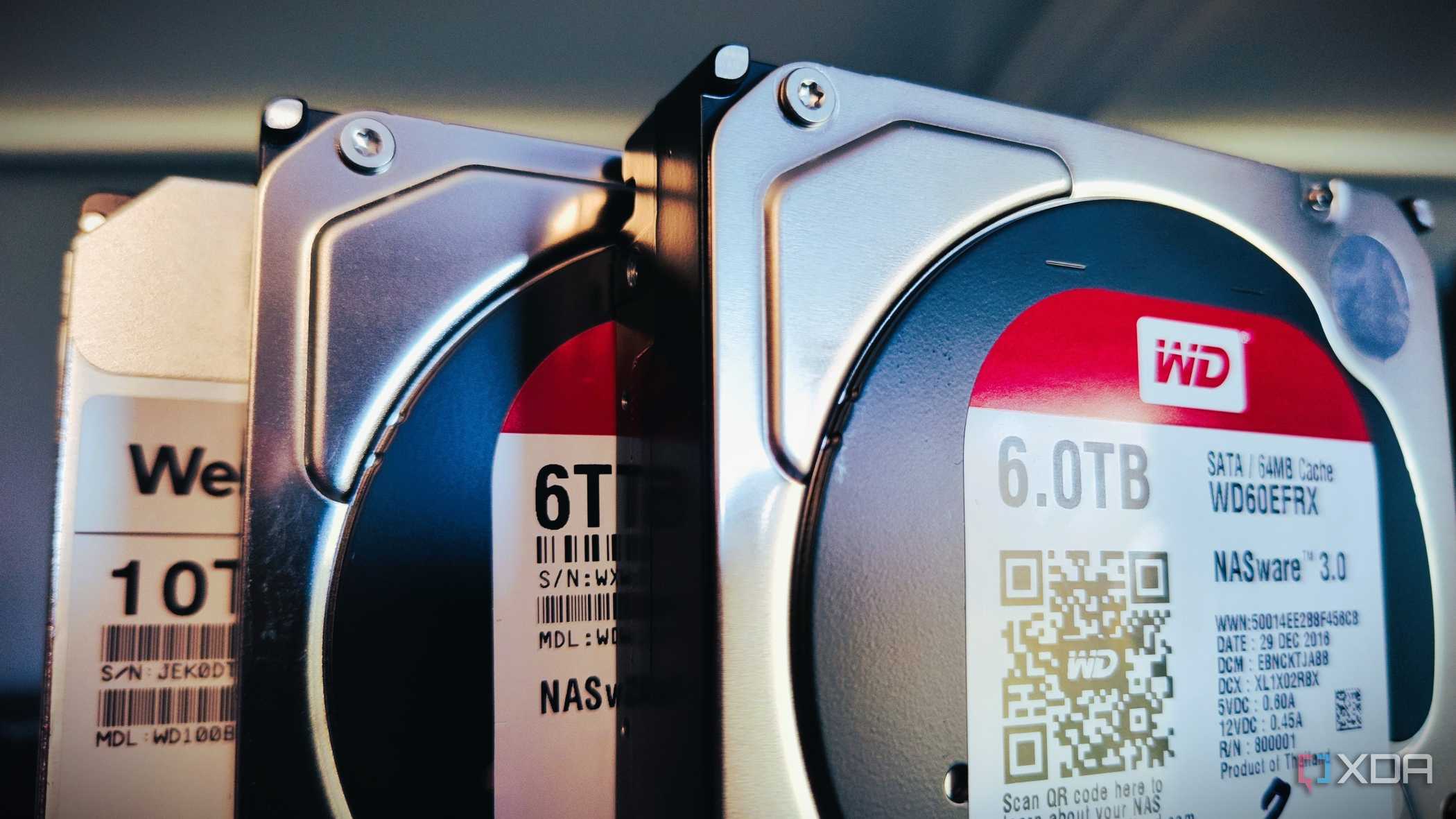
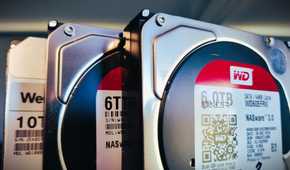
It's been the better part of seven years since I got my first NAS enclosure and stuffed it full of 3TB drives, and in the years since, it's collected family photos, business documents, device backups, more containers and VMs than I want to count, and random folders full of work backups and a whole lot of media. It's the heart of my networked smart home, and I couldn't run my household without it.
Not that it's still the same NAS enclosure, because it isn't. Or the second, or the third, but I think it's maybe the fourth and fifth models that are in use right now. Neither has any original hard drives, memory, or cache drives, making them the modern-day NAS of Theseus. But their data has persisted, over several apartments, one house, and dozens of network configurations. As well as the essential programs and services they run, keeping my home and my digital life in good order.
It's not only about backups
But that's a good place to start


The main reason I picked up a NAS in the first place was to create a home media server, to back up the stacks of physical media that I knew would eventually degrade, and to reduce our streaming subscription costs. Over the years, I've expanded the functionality to make it more user friendly, but it's still used for media. Back then, the amount of personal data I had to keep secure was significantly lower, with easily replaceable game installations being most of my data use.
Nowadays, I've got our family devices backed up to the NAS, whether mobile, Windows, or macOS, along with backups of the cloud storage providers I also subscribe to. That might seem like an odd choice, but I've found that with the mix of devices we own, it's easier to keep some level of cloud subscription for the native solution for each platform, back it up to the NAS, and occasionally trim it from the cloud so that I don't have to increase service tiers. That way, I don't have to worry about home security for sharing the NAS as cloud storage, and more importantly, nobody in my family has to worry about which app is being used to back up data.
And now I have a tiered system that's nearly immortal
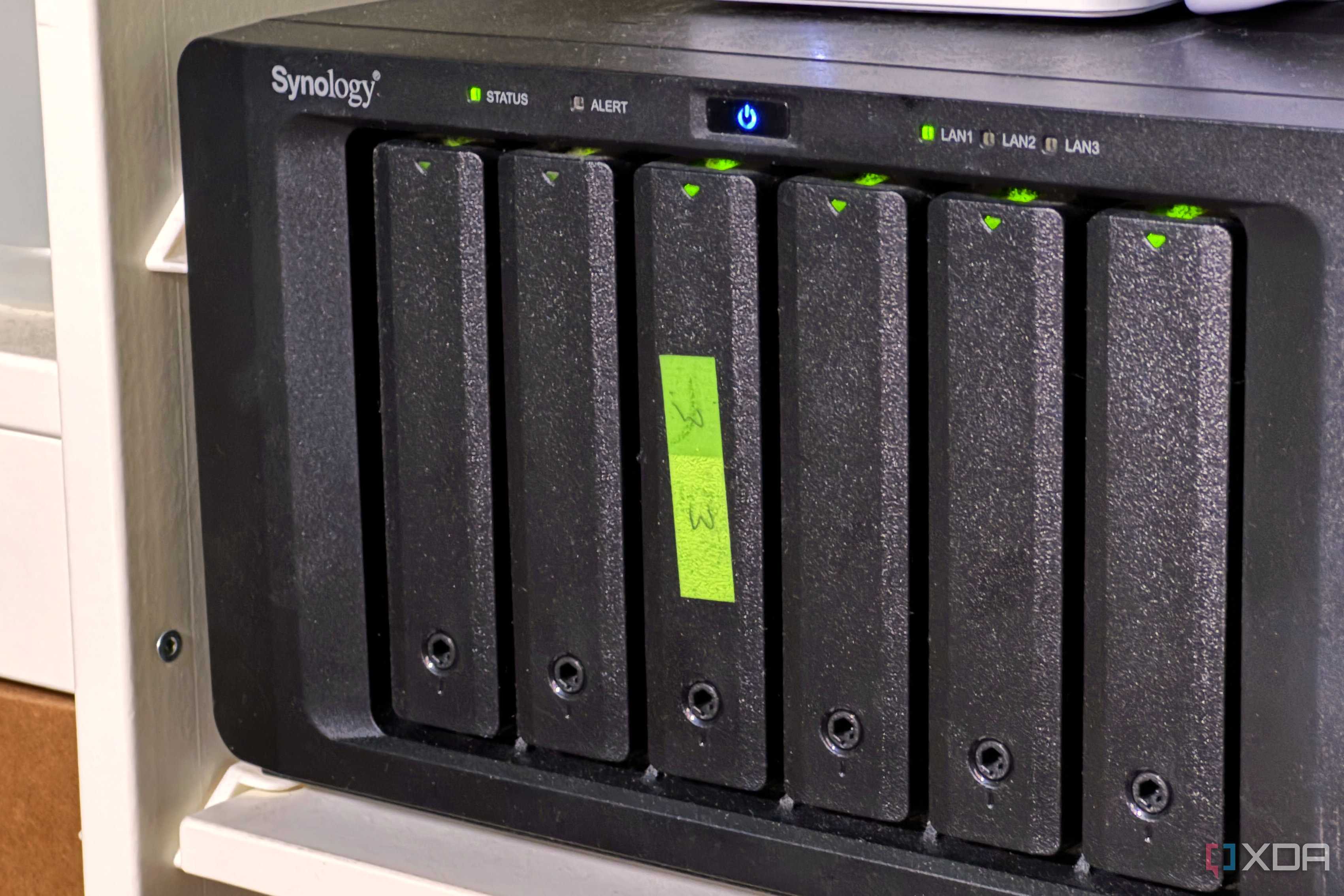
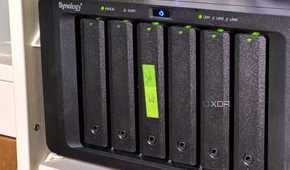
With TrueNAS virtualized on a Proxmox host, some ZFS snapshot magic, and a few scripts to manage those snapshots, my NAS is as close to immortal as I can make it. Snapshots are set up to trigger six times an hour, and trimmed so that there are enough for disaster recovery but not so that they take up all the storage capacity. The really clever bit happens over the network, with snapshots sent to a Synology NAS with plenty of large hard drives in 2-drive redundancy hybrid RAID, so that even if my TrueNAS machine needs a bare-metal restore, there are pristine snapshots available.
And while ZFS only handles the storage pools, running TrueNAS as a VM on Proxmox means that the hypervisor is also taking its own snapshots of the VM, and Proxmox Server Backup is sending its own backups of the underlying operating systems to the Synology NAS. Both machines are on hefty UPS backup batteries, as is the networking equipment between the two, so even in-transit data can be saved if a power cut occurs. And every so often, the backups get sent to Backblaze for long term storage, which is also trimmed and dedup'ed so that I'm only backing up what's necessary to recover.
My NAS also runs my smart home
And where would my home lab be without oodles of data storage capacity?


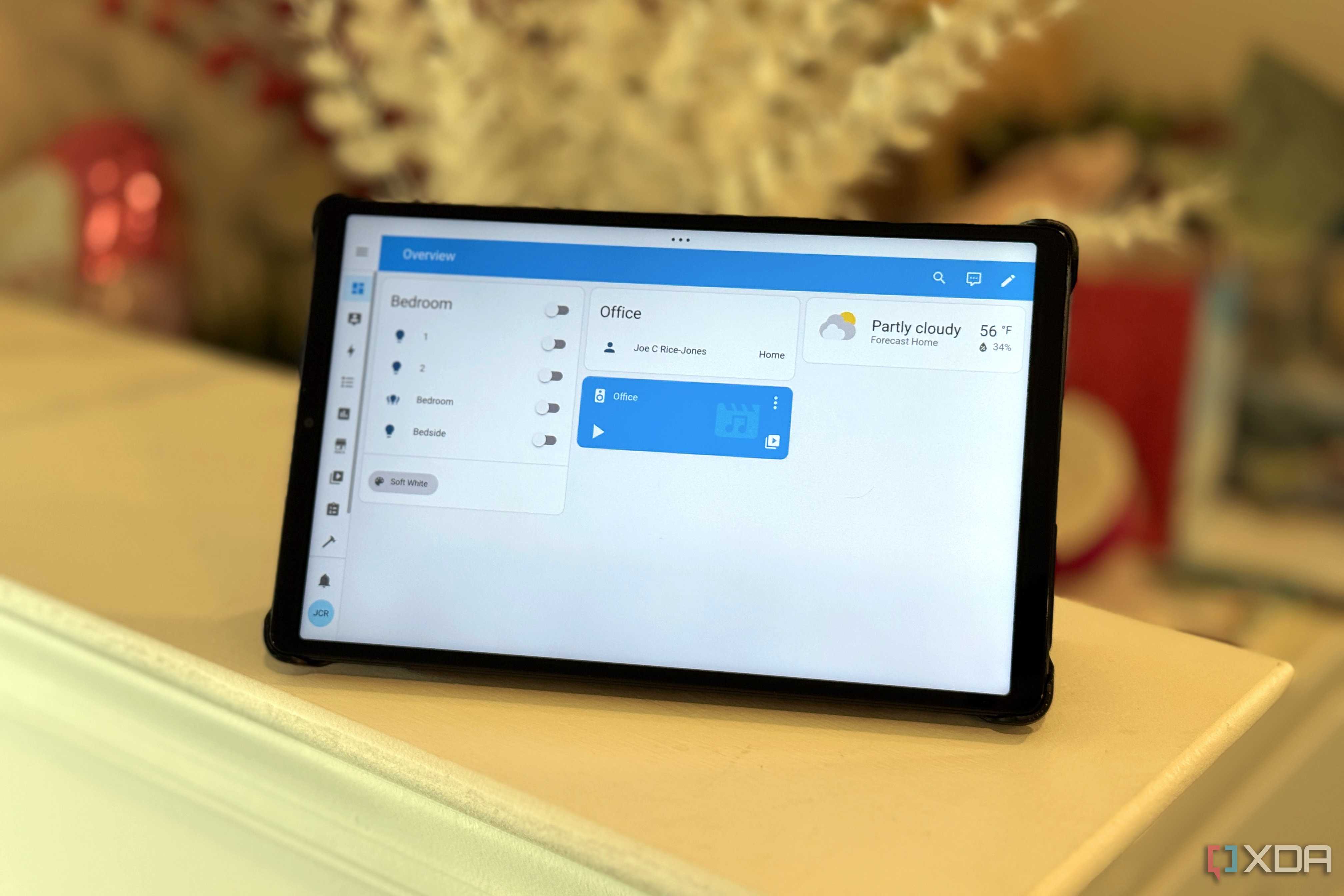

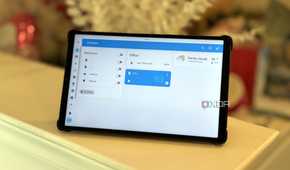
I'm a big smart device user, although I prefer to keep most things manually controlled with minimal automations set up. To free my smartphone from the dozens of apps that those devices need, I've got Home Assistant running in a VM on one of my NAS devices. Now I've got a single point of call to control my smart home, that doesn't rely on the cloud, internet connectivity, or any external services to work. As long as my internal network and NAS have power, my smart home is still smart, and that's the way I like it.
My home isn't a home without a home lab
One of my NAS devices has a quad-core Xeon CPU inside and is currently powering my home lab experiments and being a secondary backup for my primary NAS. That's going to change at some point soon when I build a workstation or server (depending on which chassis I end up picking up), because I'm straining the bounds of what that CPU can handle, and it also can't use a discrete GPU, but for now, my NAS is running the show. I've become very attached to my mad science experimentation, and it wasn't possible without a centralized, always-on network device in my home.
It enabled me to slim down my PC

When I first started using Plex, it was self-hosted on my gaming PC, with an 8TB hard drive storing media while the rest of the PC was used for work and games. The bottleneck there was that whenever someone was streaming media, my Ethernet connection crawled to a halt for anything else, including latency-dependent multiplayer gaming. Offloading documents, media files, and everything else that wasn't an app or game to the NAS has made the amount of storage I need to a point where it's easily handled by one or two M.2 NVMe drives, while mounting the NAS as a network share handles everything else.
My NAS is the heart of my smart home and backup solution
When I think about all the devices in my home, and which are essential, my NAS enclosures are at the top of the list. They came with a hefty initial investment, and every few years I need to replace some of the drives, but they've consistently saved me time, worry, and money while I've had them running. It's almost time for me to add another enclosure to the mix because the six-bay HDD unit is slowly filling up, and I need more bays to adjust to my ever-increasing data hoarding. I'll never not have one plugged into my home network, and it's one of the things I recommend to everyone to purchase, set up, and use daily.
