


It had been a long time since I last built an SFF PC, and just this past weekend, I was tasked with doing just that. This person wasn't going for an ultra-compact, save-all-possible-space sort of build; just something that would easily fit on their desk in their condo without being an eyesore. Simple enough.
If only I could tell my past self that it wasn't going to be simple at all. Besides running into other compatibility issues with the build, we ran into one other issue that brought everything to a screeching halt. We were saved by a cheap but extremely useful accessory: the humble fan splitter.
Too many fans
Not enough space!

For ATX motherboards, fan header space is almost never an issue, depending on the number of fans. Either the motherboard has enough headers to accommodate all the fans, or the case itself comes with some sort of hub to manage the fans.
In this scenario, we somehow ended up with twice as many fans as headers available on the motherboard, and compromising wasn't really an option. I could've powered the fans via Molex or SATA, but losing fan control simply wasn't in the cards. PWM passthrough was needed, so a splitter was really the only reasonable choice.
Balanced airflow
PWM passthrough keeps things consistent

A lack of fan control would mean that the fans would run at a single, likely high, speed. Or, best case scenario, some of the fans could be controlled, while others run full throttle all the time. While these noctua fans are pretty quiet, they're still noticable at high speeds, especially in a small enclosure. A single PWM header on the motherboard can provide power to multiple fans, but also controls the speed of the fans connected. Running all fans off of PWM ensures they all run at a consistent speed, ramp up and down together, and keep temperatures stable throughout the case.
Cable management was sorely needed
A splitter immediately solved a lot of cable woes

After trying the initial solution of Molex and SATA power, the internals of the system became a complete shambles. Cable routing wasn't even a mere suggestion in this chassis, and the extra cable bulk resulted in significantly higher temps while idle in the BIOS.
A splitter allowed me to route the significantly smaller fan cables exactly where I needed them to go. Every single centimeter of cable counted, and once I knew what headers I wanted to use and where, everything came together nice and neat.
When do you need more than a splitter?
You can't daisy-chain fans forever


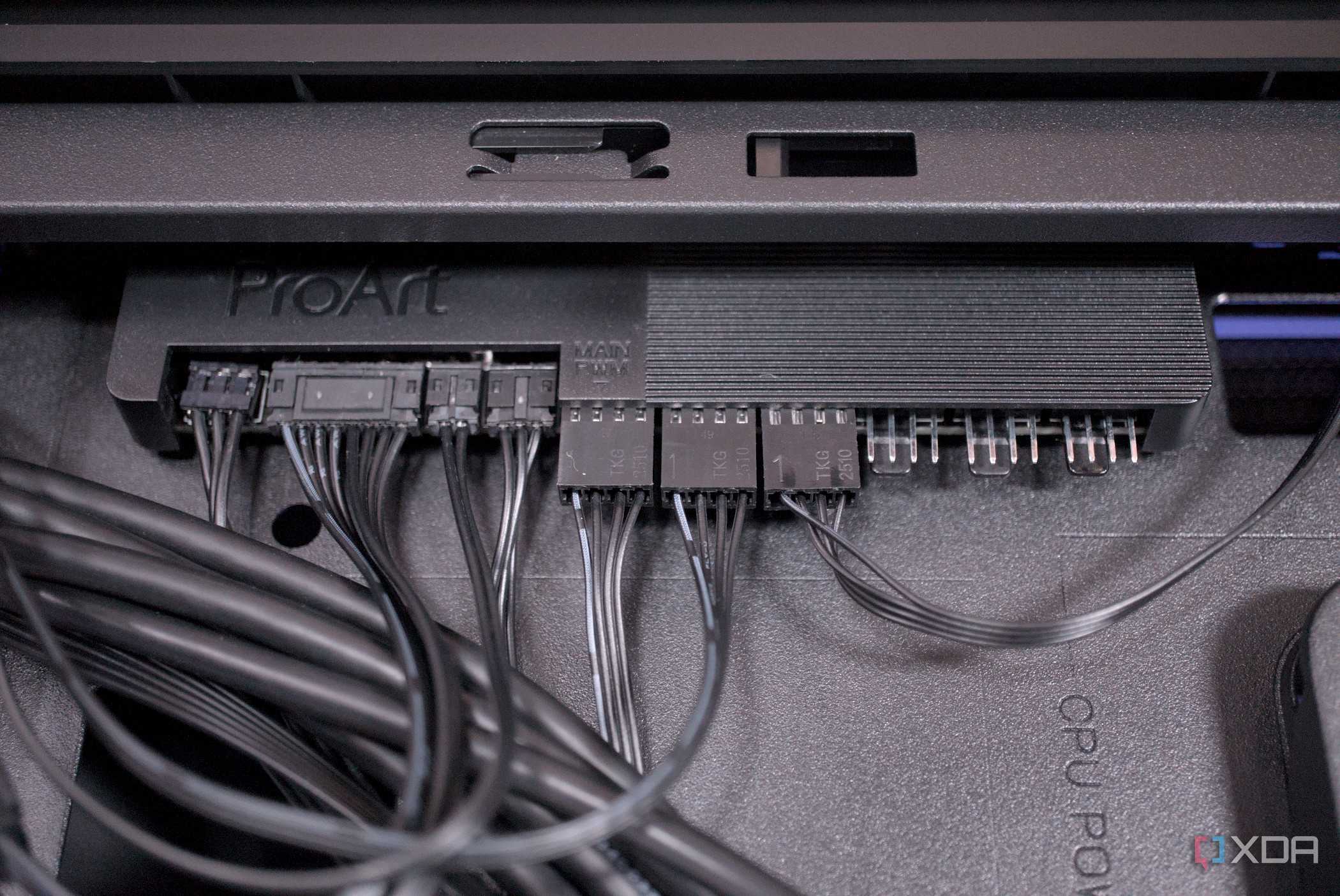
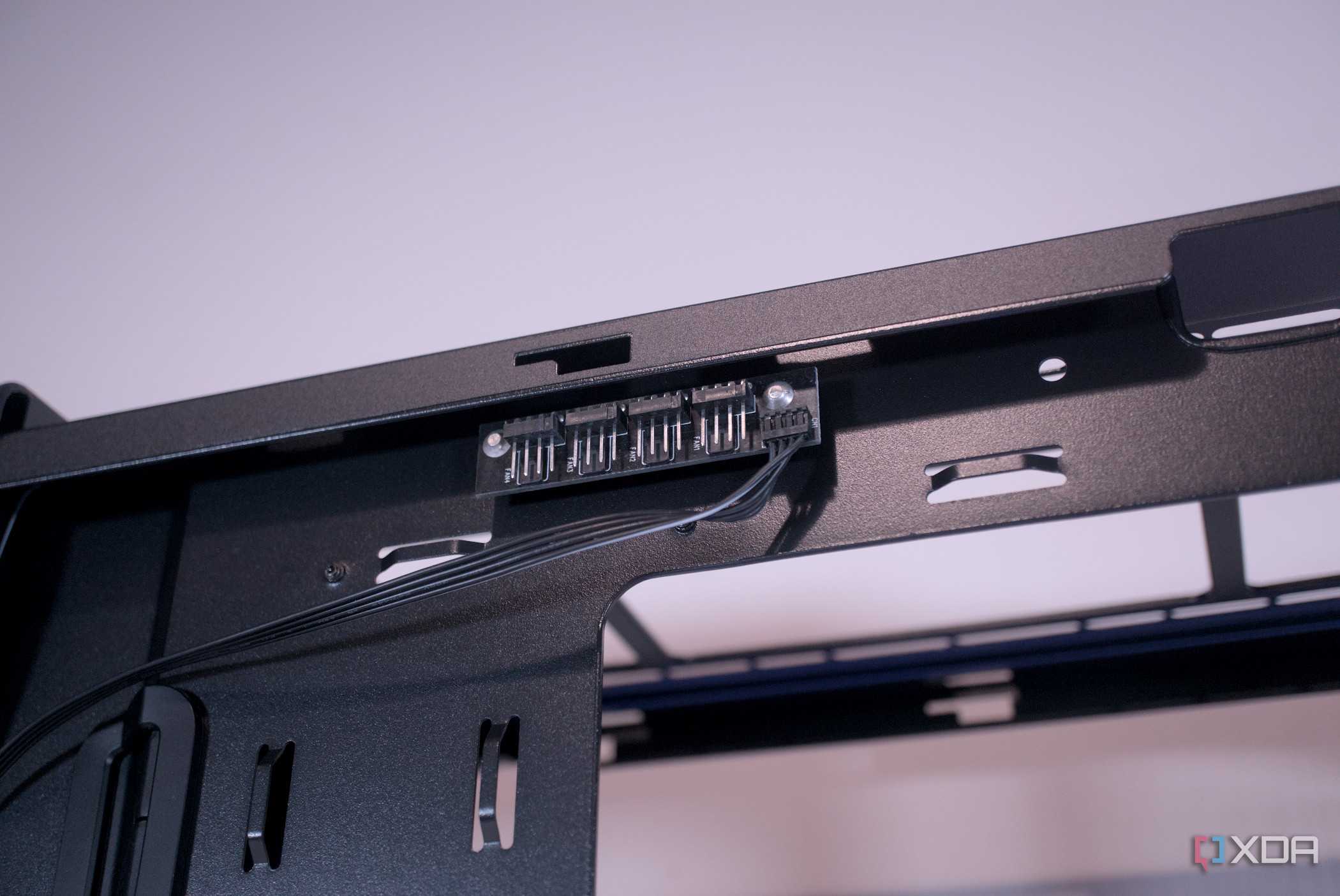
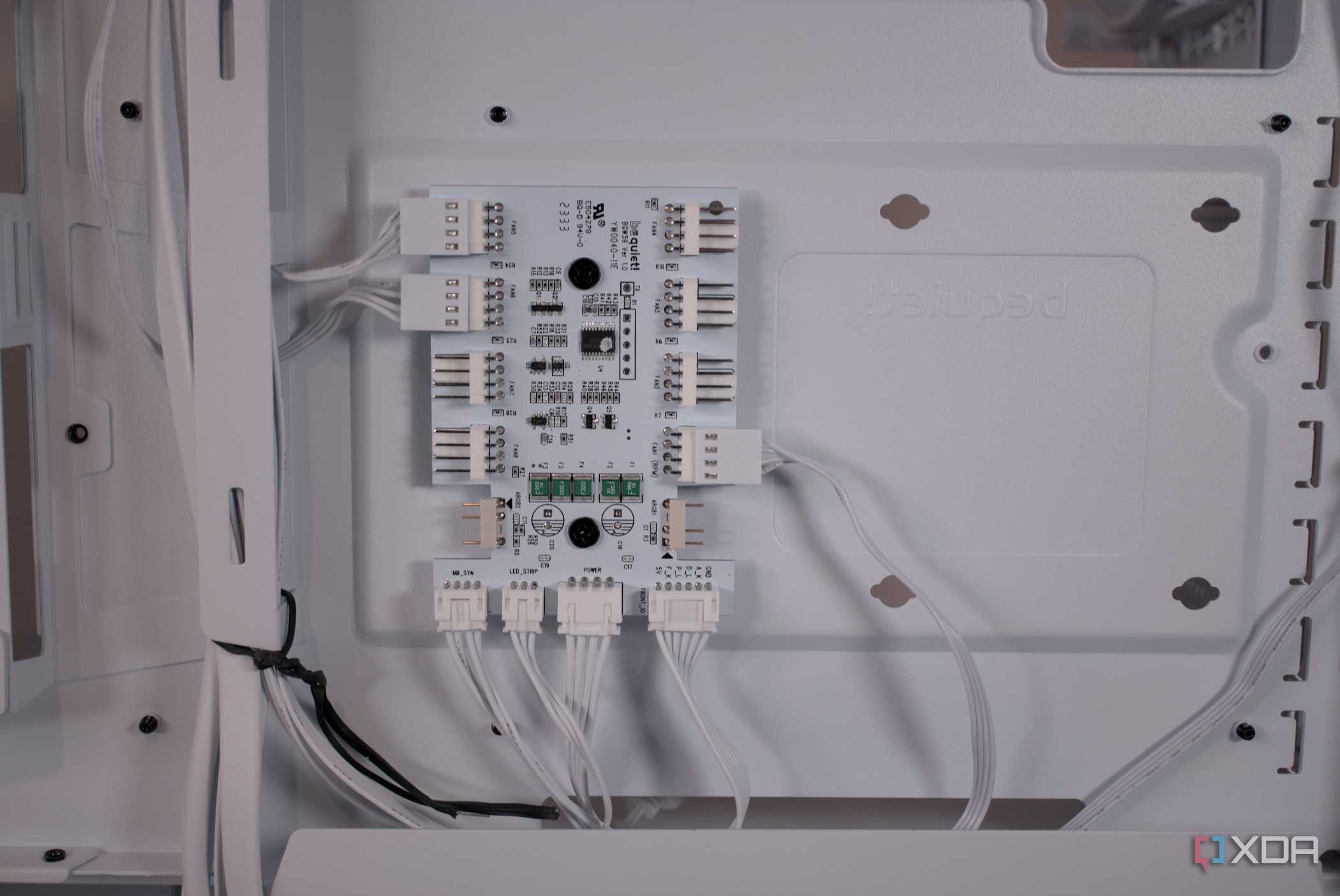
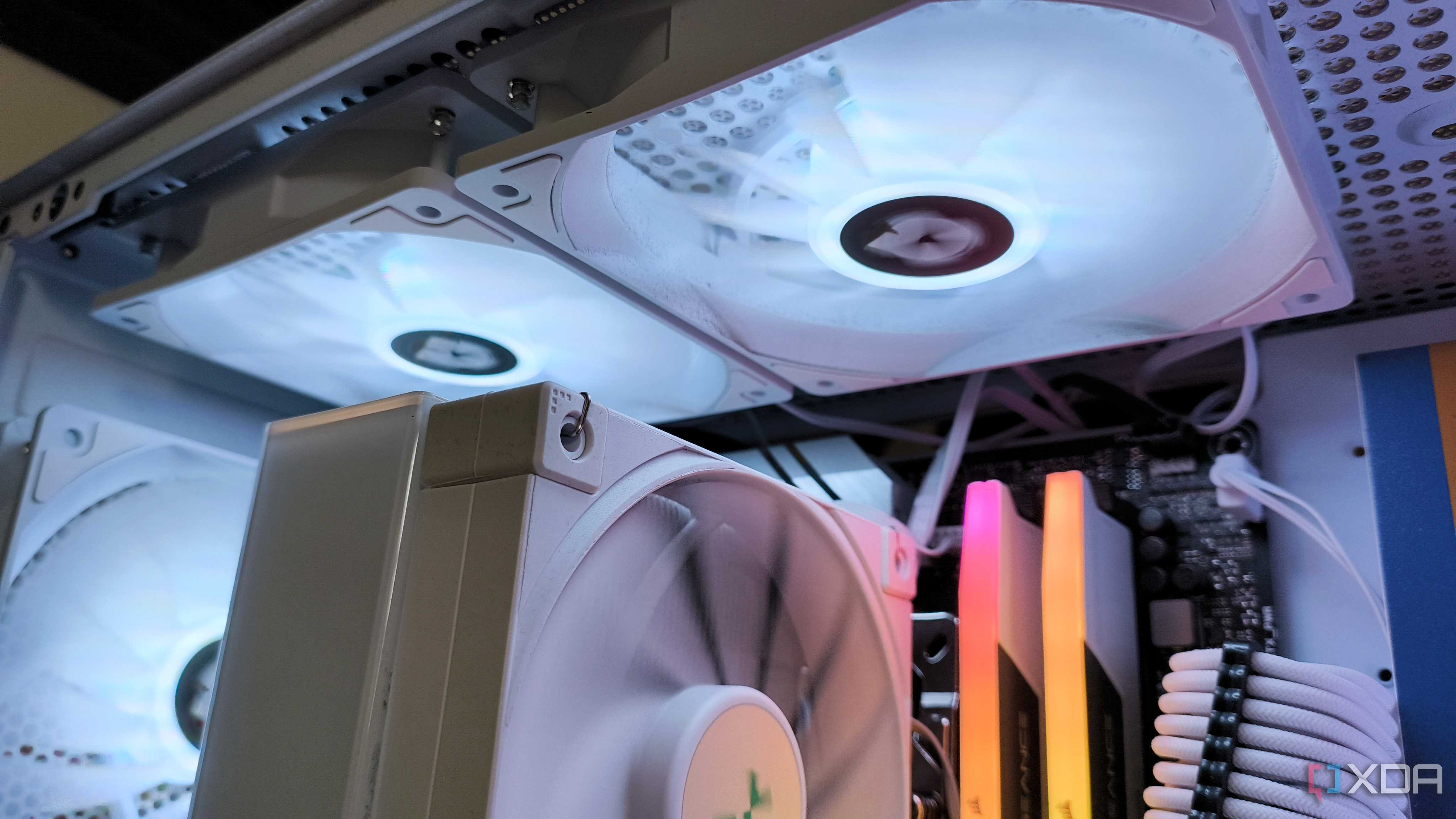
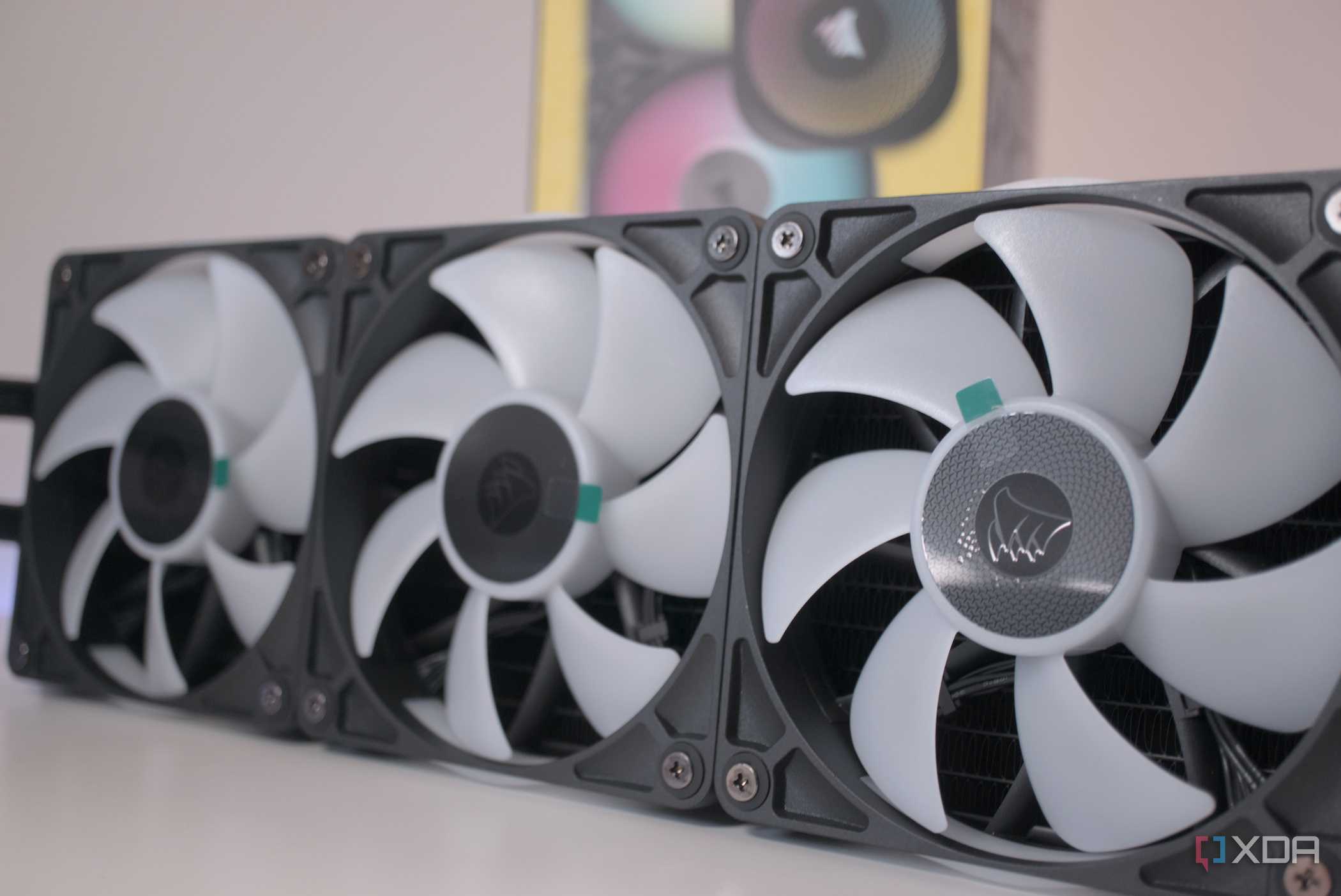
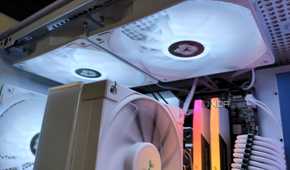
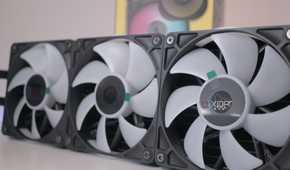
Unfortunately, there is a limit to how many fans you can connect to one PWM header on a motherboard. Headers will provide up to 1 amp, which is usually enough for 3 case fans. Anything over that is pushing it, and in the scenario I was faced with, I managed 3 fans on one header without an issue. If you're using fans with a particularly high power draw, it's possible that 3 fans is too many.
In those scenarios, something like a powered fan hub is required. These will usually take in Molex or SATA power from your power supply, and break out into many different PWM-enabled fan headers. These can be controlled by the motherboard via a couple of different headers, meaning you don't have control over each individual fan, just 2 groups of them, depending on how they're connected.
Fan splitters can come in clutch
While powering directly from SATA or Molex is certainly a last-ditch option, you should try to prioritize PWM control wherever possible. Looking back at this build, I spent far too much time trying to make alternative measures work that were messier, used more power, and made far too much noise.
