


Adobe apps are often run on both Windows and Mac machines. Here we will focus on the former platform, since having a choice of Adobe alternatives on your PC is handy for many reasons, especially with the rising price of Adobe apps. It's also important to find tools that will perform the best on your PC, so that you can work with the ideal editing tools. When looking over Adobe’s busting library of app software, there are strong alternatives for each type of Adobe app.
12 GIMP
Open-source Photoshop alternative
GIMP (GNU Image Manipulation Program) is an open-source raster graphics tool, similar to Photoshop. It’s free and can be improved with a multitude of plugins and scripts.
Using GIMP takes a little bit of extra programming knowledge. You need to use GitHub to install both the program itself and any plugins, like batch processing. There are plenty of tutorials to follow in order to do this with ease. The results you can create with GIMP are similar in quality to anything Photoshop can do, although there are fewer AI or ML features.

11 Photopea
Free browser-based Photoshop alternative
This is likely considered the best free alternative to Photoshop, and it runs great on Windows PCs. Photopea is a browser-based tool, so it doesn’t require installation or a heavy workload on your computer system.
The interface of Photopea is similar to that of Photoshop, so it works great as a like-for-like alternative if you’re new at moving away from Photoshop. You can import and export all the same file types and Photopea features most of the same tools you’ll find in Photoshop. If you'd like, you can upgrade for $5 per month to remove ads, gain up to 5GB storage, and receive 2000 AI credits, which are unavailable for free users.

10 Affinity Photo
Most similar Photoshop alternative

If you’re looking for similar power and development in a Photoshop alternative, then Affinity Photo is your best option. The Serif Affinity suite acts similarly to Adobe’s Creative Cloud, and since Serif was recently acquired by Canva — one of Adobe’s other biggest competitors — you’re getting even more for your money when using this software.
You can purchase Affinity Photo individually as a perpetual license, or you can buy the whole Affinity suite. Currently, Affinity products come with a free 120-day trial to test the product.

9 Inkscape
Free open-source Illustrator alternative

Although developed with a focus on GNU/Linux systems, Inkscape works well for PC users as an Illustrator alternative. It’s free and offers professional vector graphic editing, akin to Illustrator’s offerings.
To avoid paying Adobe-esque prices for a vector tool, Inkscape should be your chosen alternative app.

8 Affinity Designer
An Illustrator alternative

Another program in the Affinity bundle has a focus on vector graphics. Designer can be bought individually or as part of the bundle. In the years since Affinity Designer was released in 2014, it has fast become a crowd favorite as an Illustrator alternative.
The benefit of switching to Affinity Designer on your PC is that the Affinity suite provides perpetual licenses and has enough power to truly rival Adobe’s equivalent software. You don’t need expensive subscriptions, and Affinity offers a generous free trial for new users.

7 Scribus
Open-source desktop publishing

If you’re an InDesign user, there are few good alternatives from Adobe’s powerful desktop publisher. Scribus is an open-source layout design and publishing software available for Windows and other operating systems like Linux and Mac.
Scribus offers a great interface, color profiles like CMYK and spot colors for external printing, and ICC color management, to name a few features. It makes for a solid Adobe alternative.

6 Affinity Publisher
InDesign’s closest competitor

The final part of the “Affinity Trinity” set concludes with Affinity Publisher — an alternative to Adobe InDesign’s desktop publishing tool.
It works well on Windows and other operating systems, and, like other Affinity tools, it can be bought as a perpetual license as either a solo app or as part of the Affinity Suite alongside Photo and Designer. Its tools are similar to Adobe’s, and it has the least learning curve among them.

5 DaVinci Resolve
Free and premium video editing offerings
Source: Black Magic Design


Source: Black Magic Design
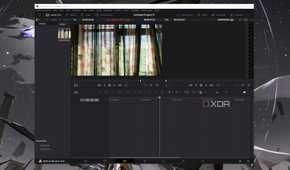
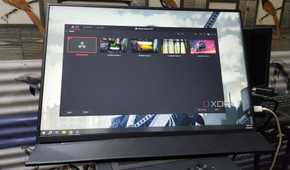
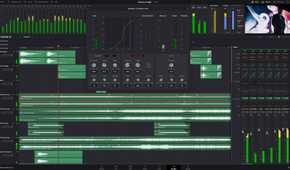
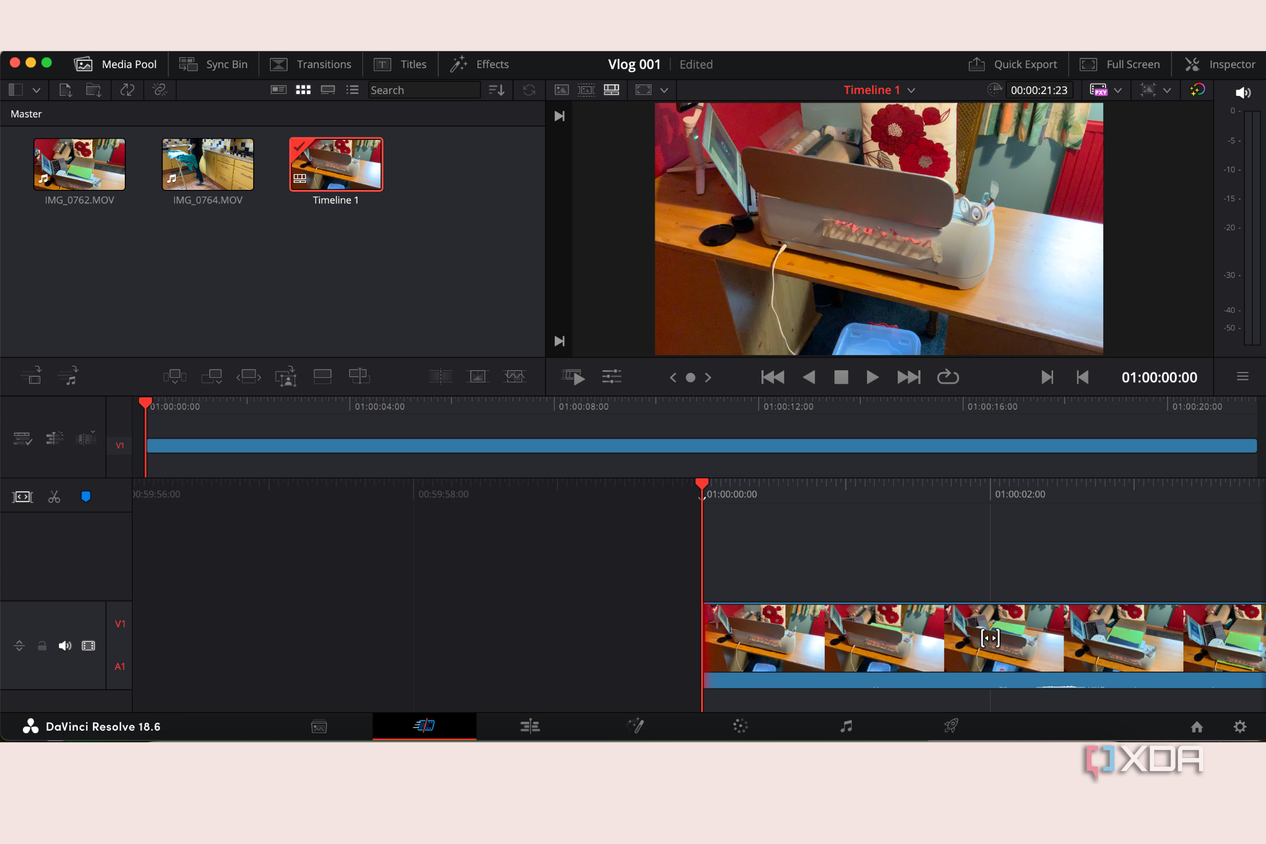
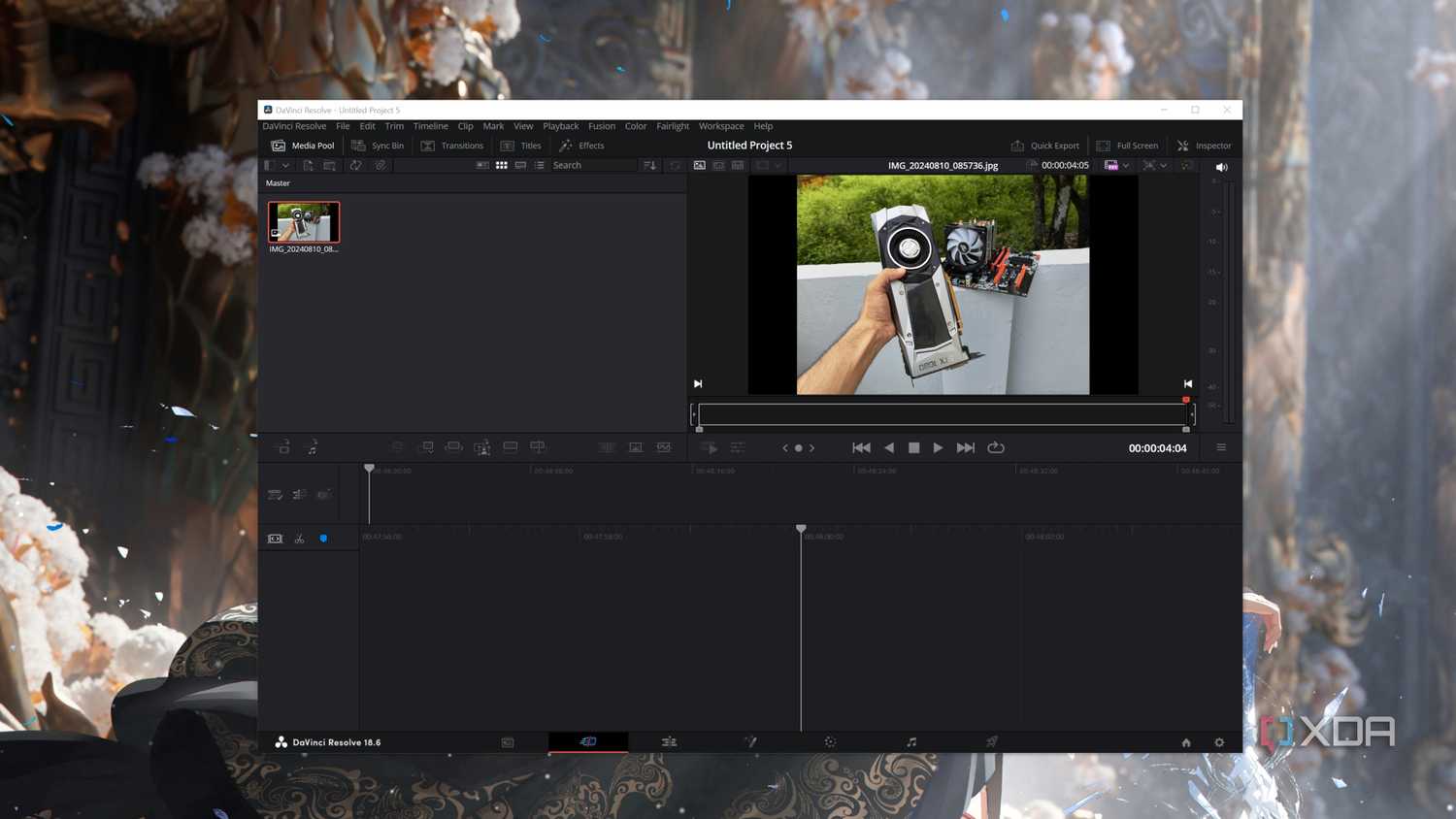
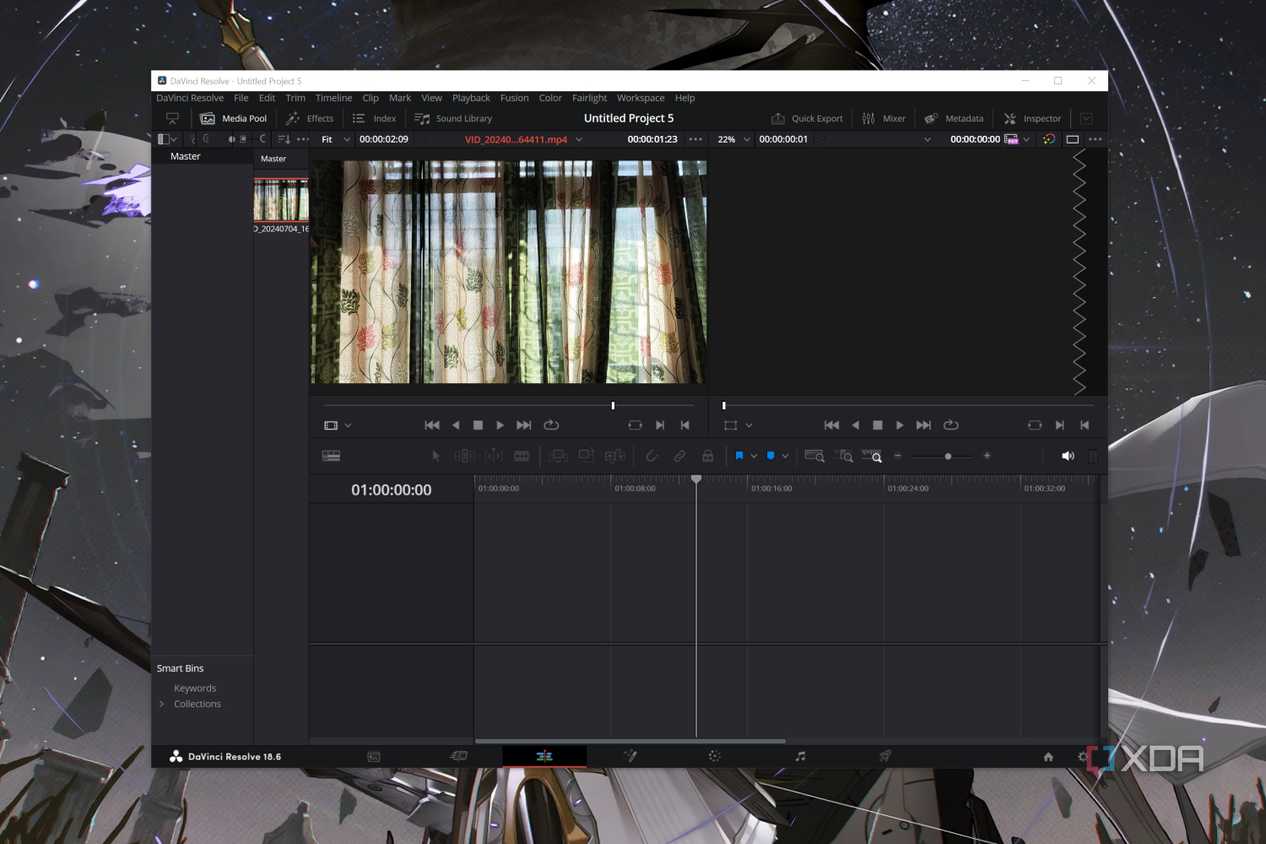
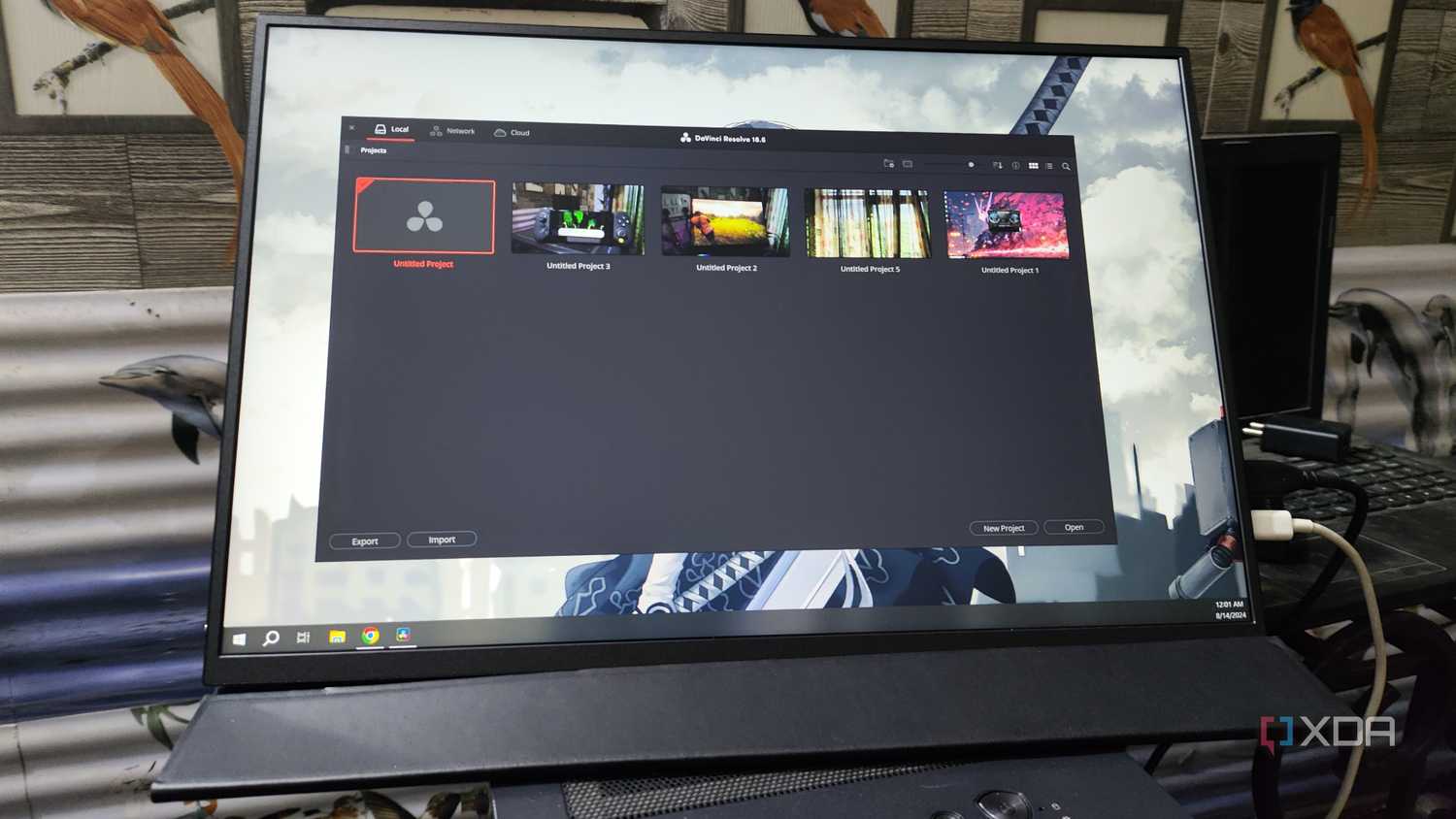
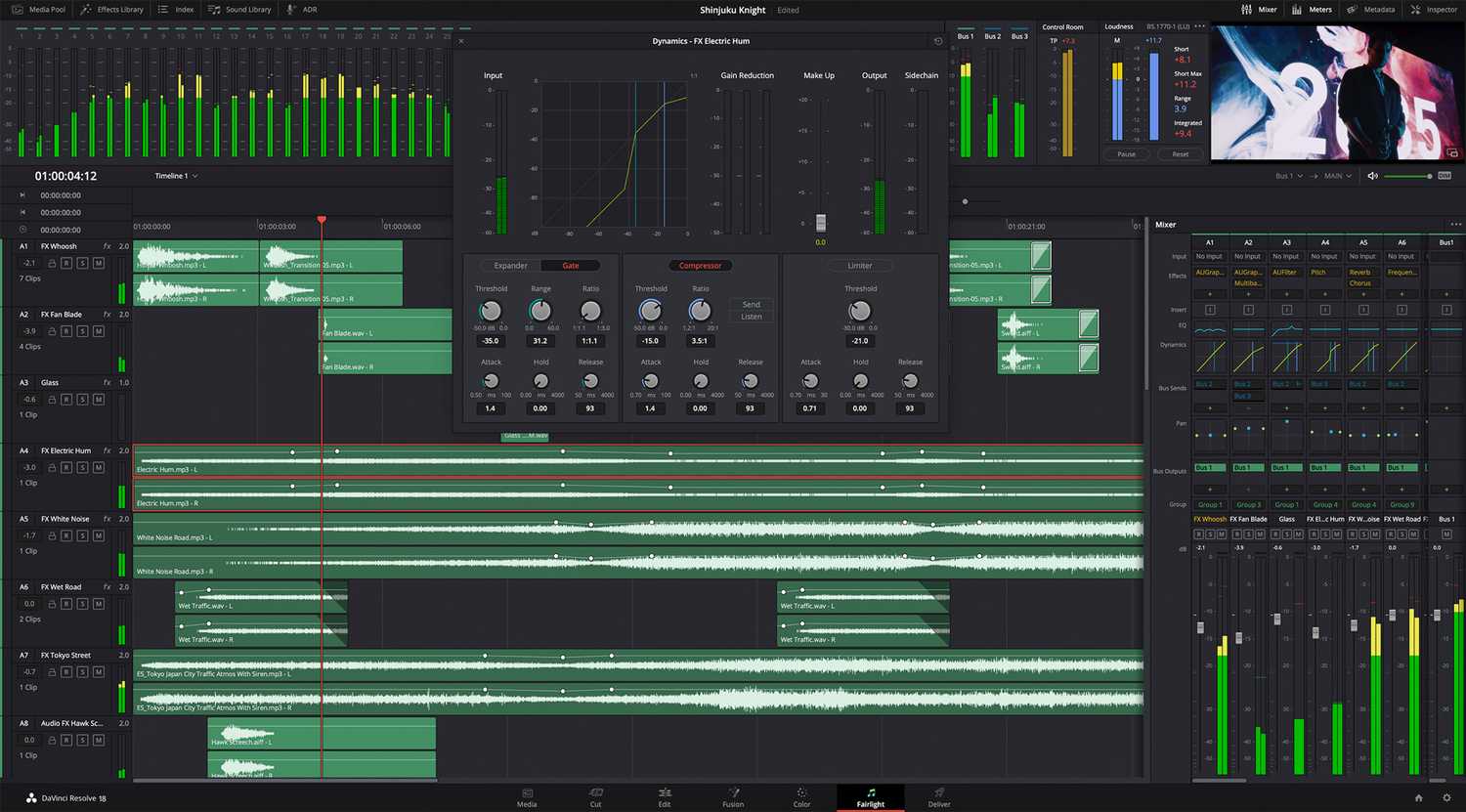
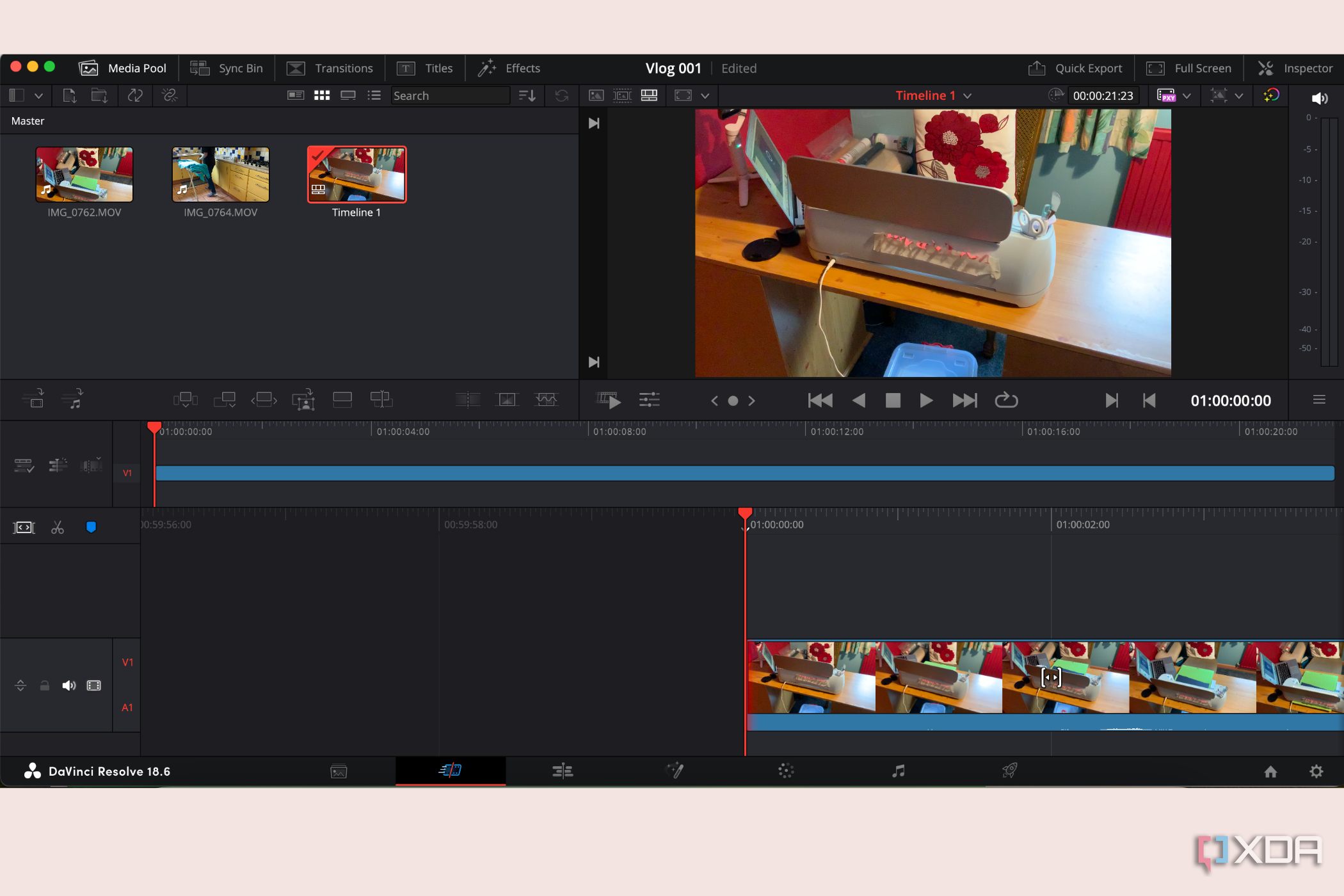
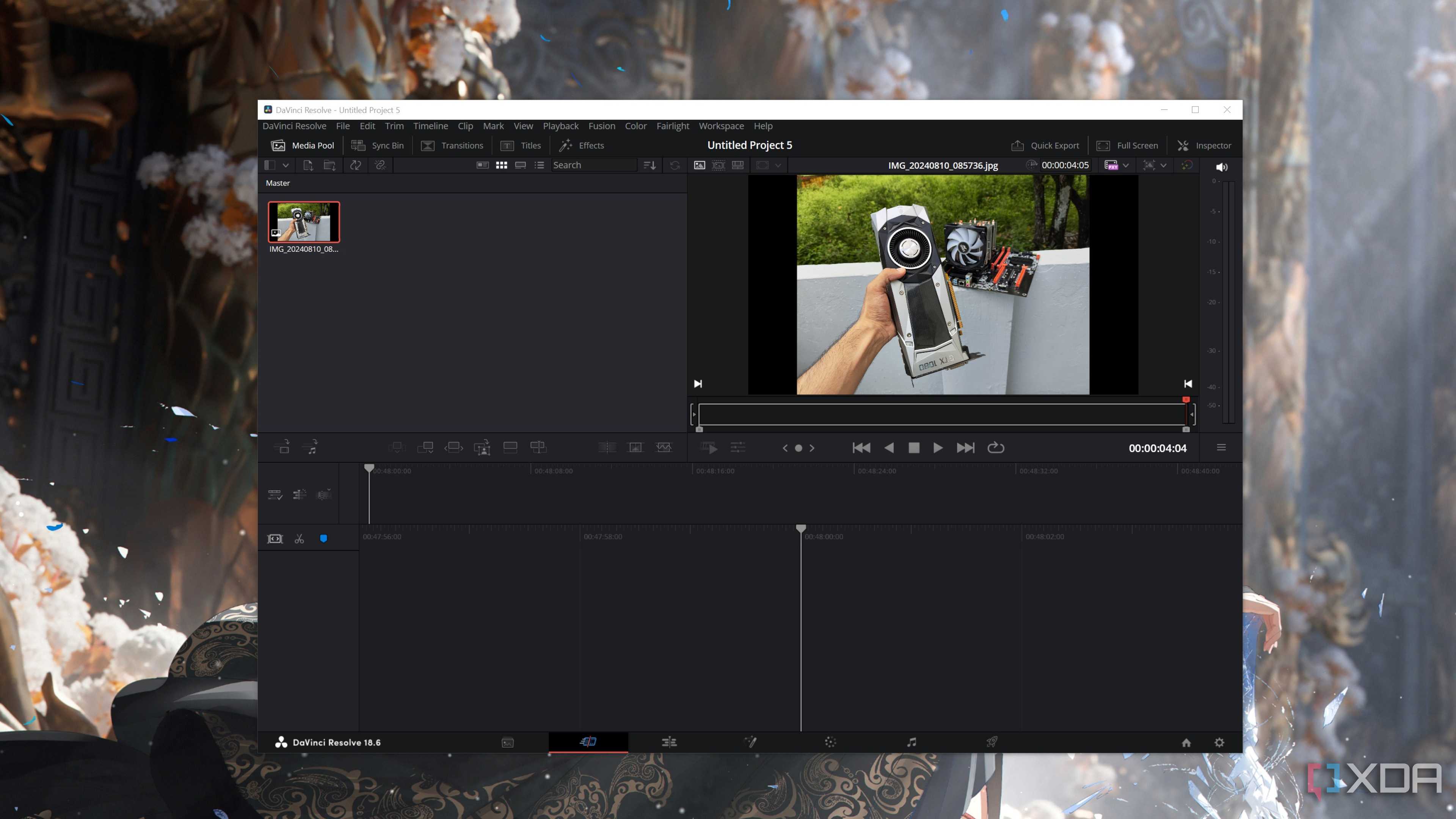
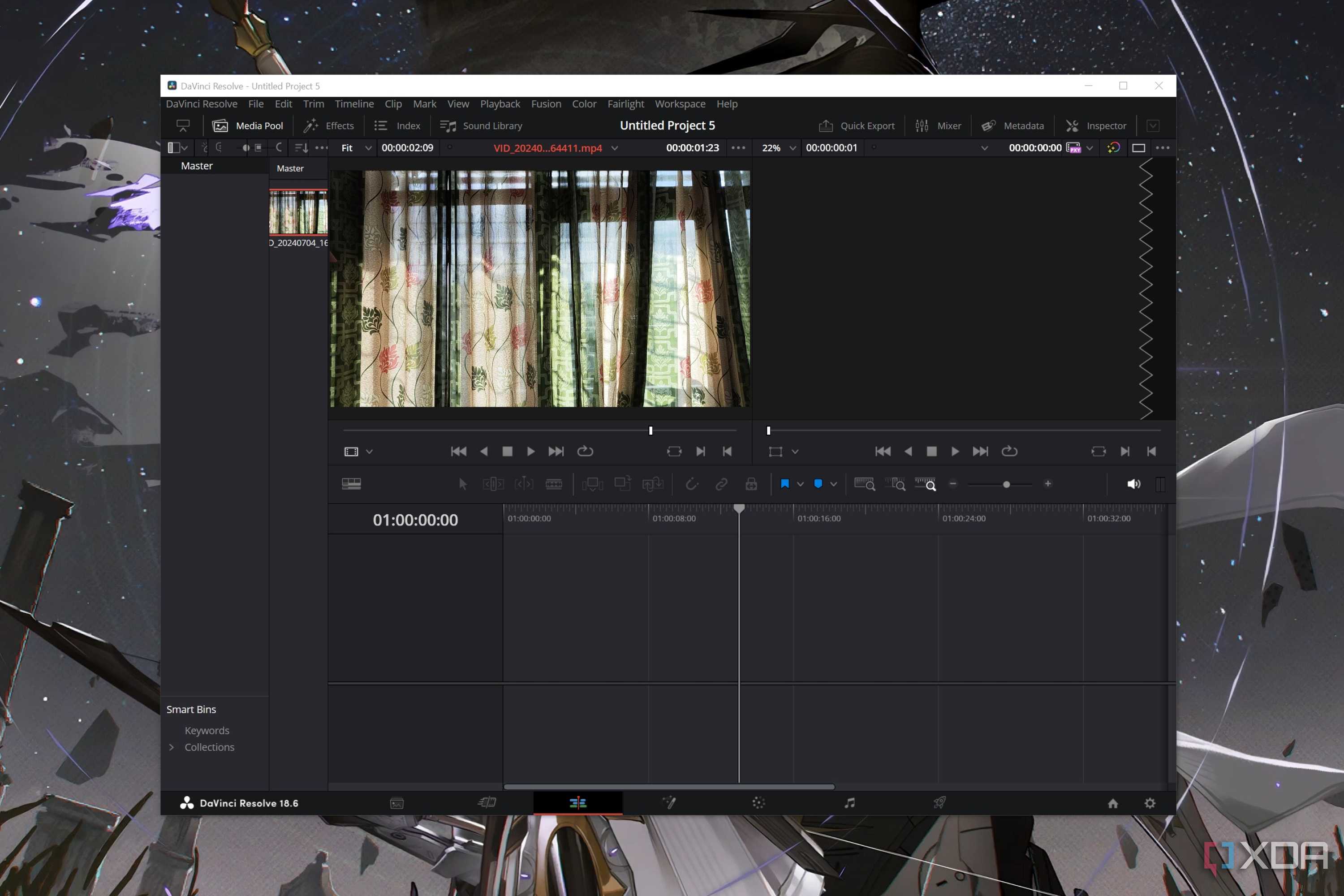
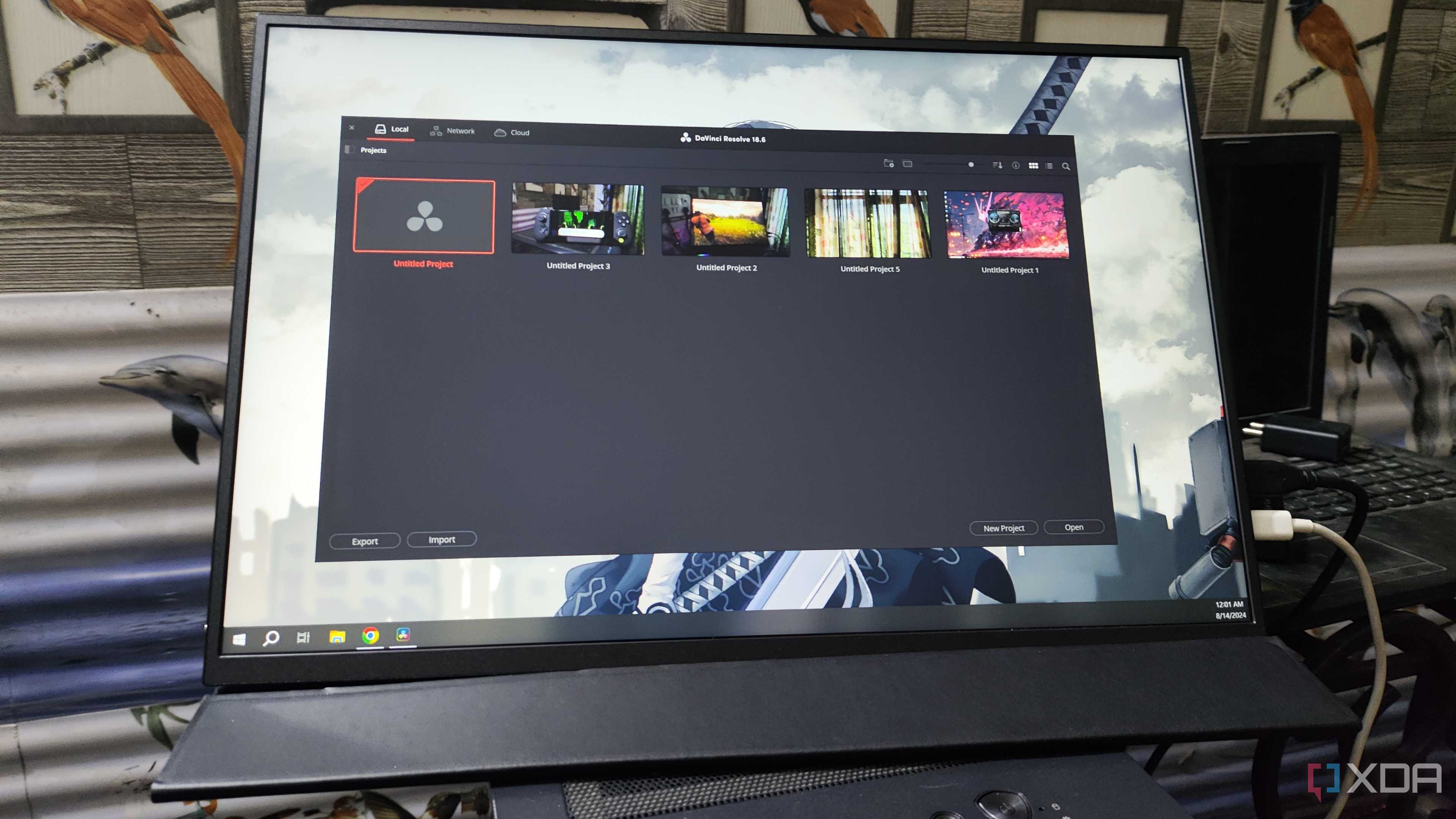
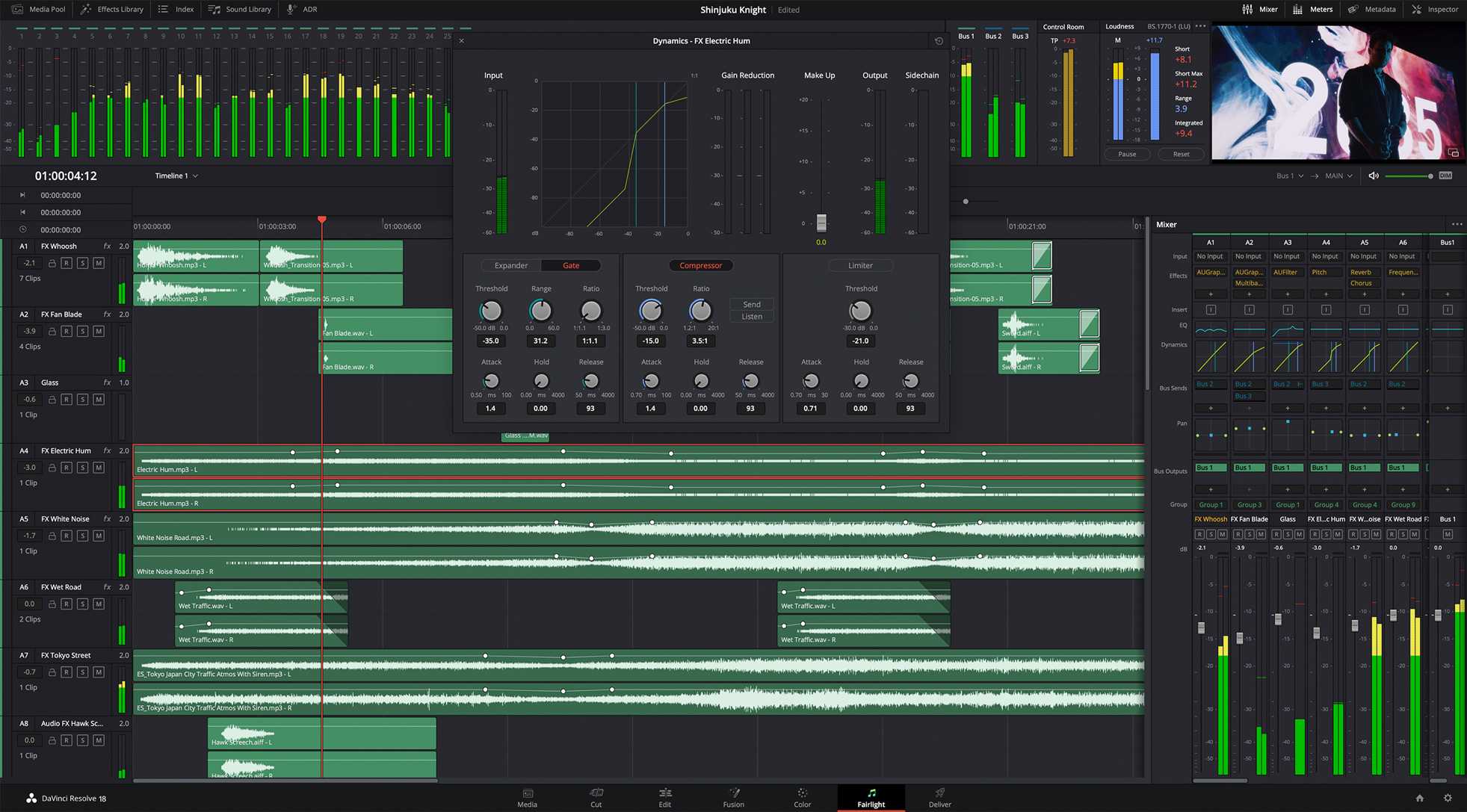
DaVinci Resolve is a free video editing tool, but you can also purchase DaVinci Resolve Studio for more premium offerings. Like with Adobe Premiere Pro or Adobe After Effects, there are plenty of DaVinci plugins that can enable you to take your videos to the next level.
Even the free version of DaVinci is used by many professional video editors and hobbyists alike. It’s a great option if you don’t wish to invest too heavily into video editing software just yet.

4 CapCut
A direct Adobe video competitor

Available in both desktop app and a mobile app versions, CapCut’s video editing tools sit in direct competition with Adobe Premiere Pro and its mobile version, Adobe Premiere Rush.
CapCut is available as a free app and software, but you can also purchase a one-time payment for a month of premium, or monthly and yearly subscriptions to its premium offerings for more choice.

3 Luminar Neo
AI-powered photo editing

Luminar Neo is an AI-powered photo editing tool developed by Skylum. While Skylum has other alternative apps, Luminar Neo is the closest in comparison to Adobe’s Lightroom offerings.
If AI editing impresses you, then Luminar Neo is the way to go. It offers an easy-to-learn interface and well-labeled editing tools to take your photos from bland to breathtaking.
Skylum also offers an up-and-coming exclusive portrait editing software called Aperty which is available from November 2024. This, combined with Luminar Neo, gives you all the options you’ll need for producing the best photos you can.

