


I'm an everywhere gamer, with my collection spread among several consoles, a towering gaming PC, Android and iOS devices, and a handful of PC gaming handhelds, like the ROG Ally X. I've always gone to the platform that has the games I want to play, or the way I want to play them, so that I always have entertainment wherever I may be.
That quest for entertainment has taught me something about compromise, as often, demanding titles are only playable on my desktop and nowhere else. I've tried GeForce Now and many other game streaming options, but all fall short in some way or another. Some only work with Steam titles, when my PC game collection is also on GOG, Epic Games, EA, and Ubisoft. GeForce Now and Xbox Cloud Gaming only have a limited selection of titles, even if everything else works well. And trying to remote into my PC and play that way is full of insufferable lag and latency, because remote desktop apps aren't designed for low-latency use.
I thought the dream of having my own game streaming server that could stream my huge collection to my PC gaming handhelds would end up just that—a dream—but not anymore. That's because there's a remote gaming server called Apollo, which does everything I wanted, with more features on the way.
Apollo lets me stream anything to my handheld
If it's installed, it can stream without needing proprietary methods


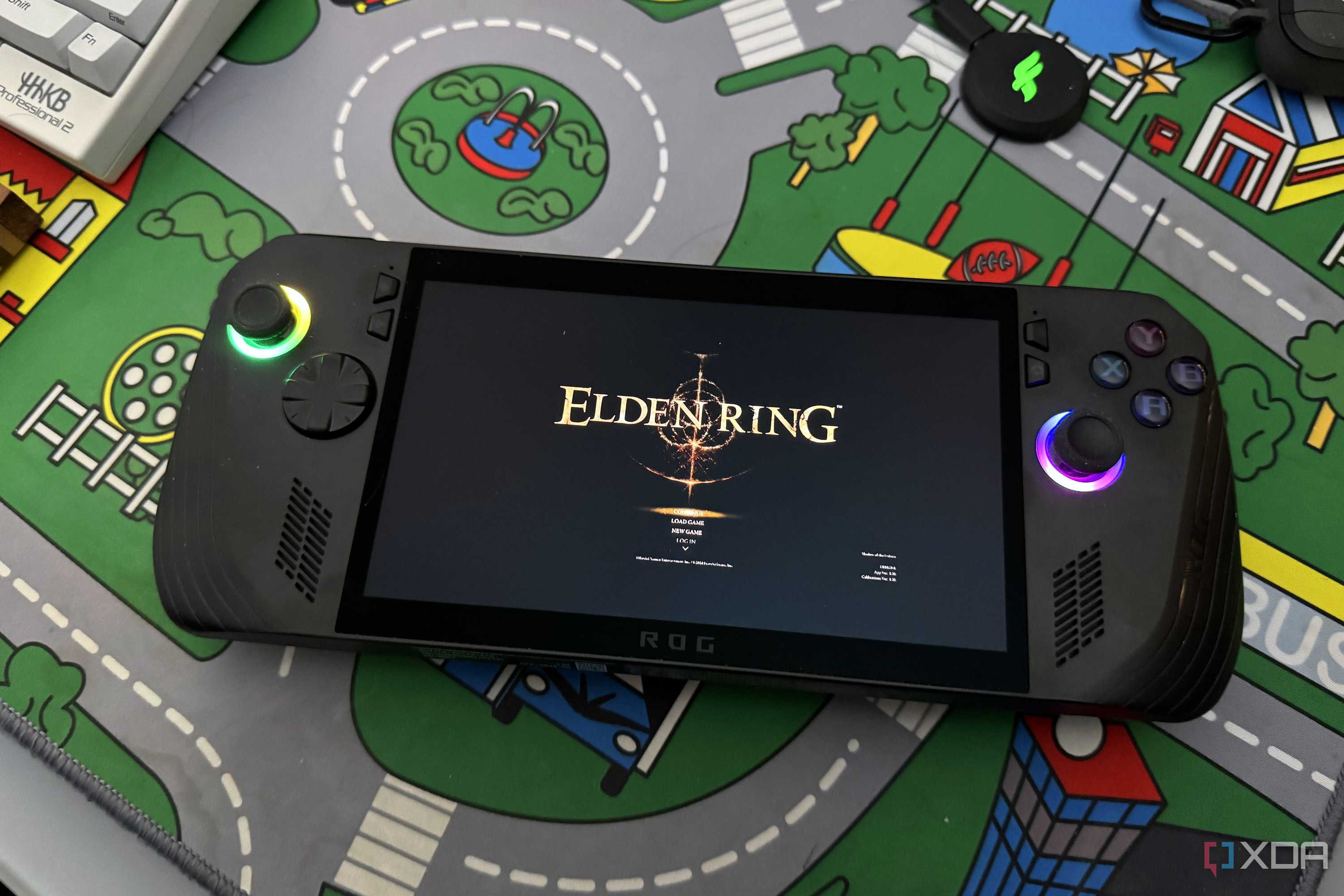



So, Apollo might not be the name of a game streaming server you recognize, but you might have heard of Sunshine and Moonlight or a little startup called Nvidia's streaming service, GameStream. Both Apollo and Sunshine are built with a re-implementation of the GameStream protocol, except Apollo works on any hardware, so you don't need an Nvidia GPU.
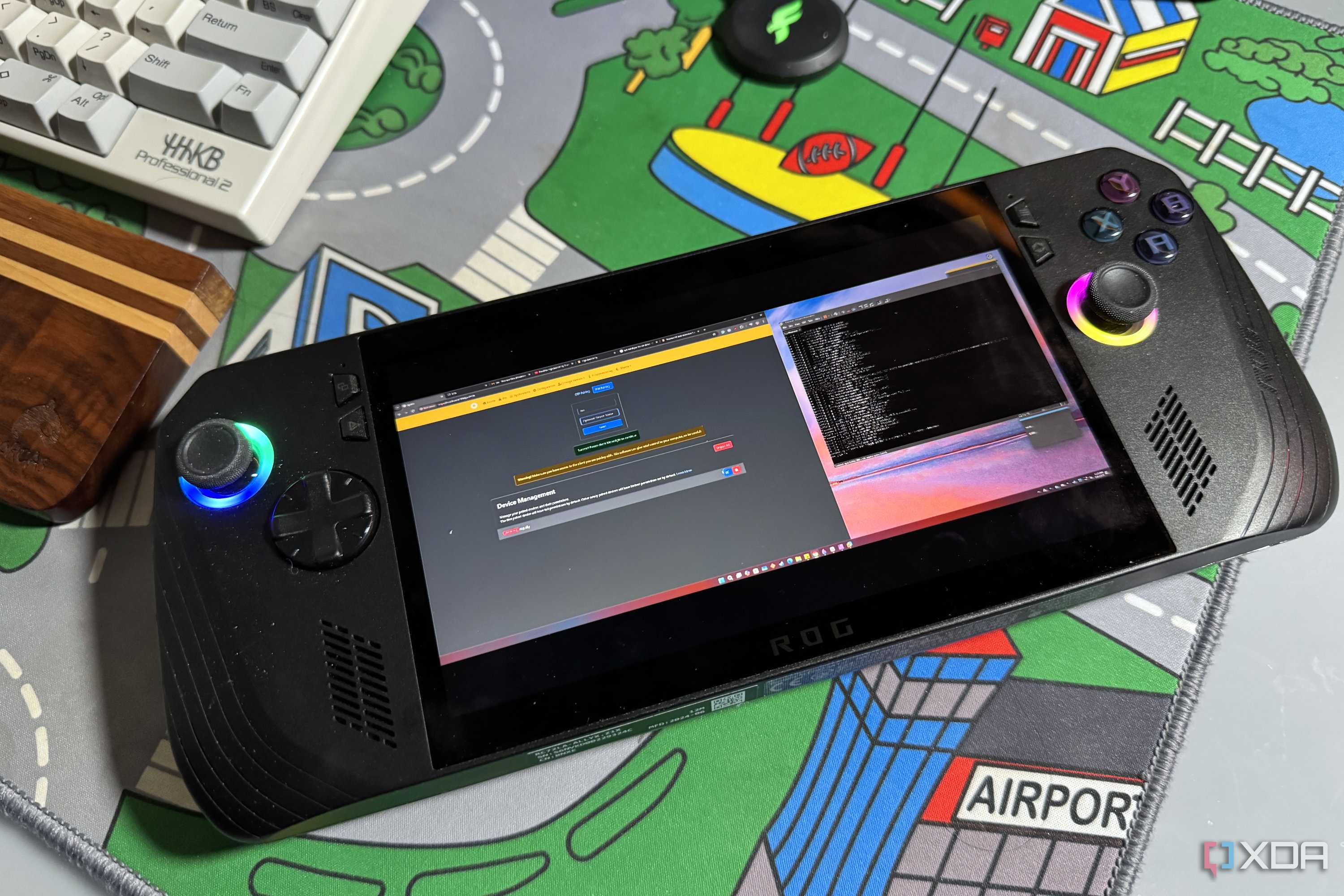
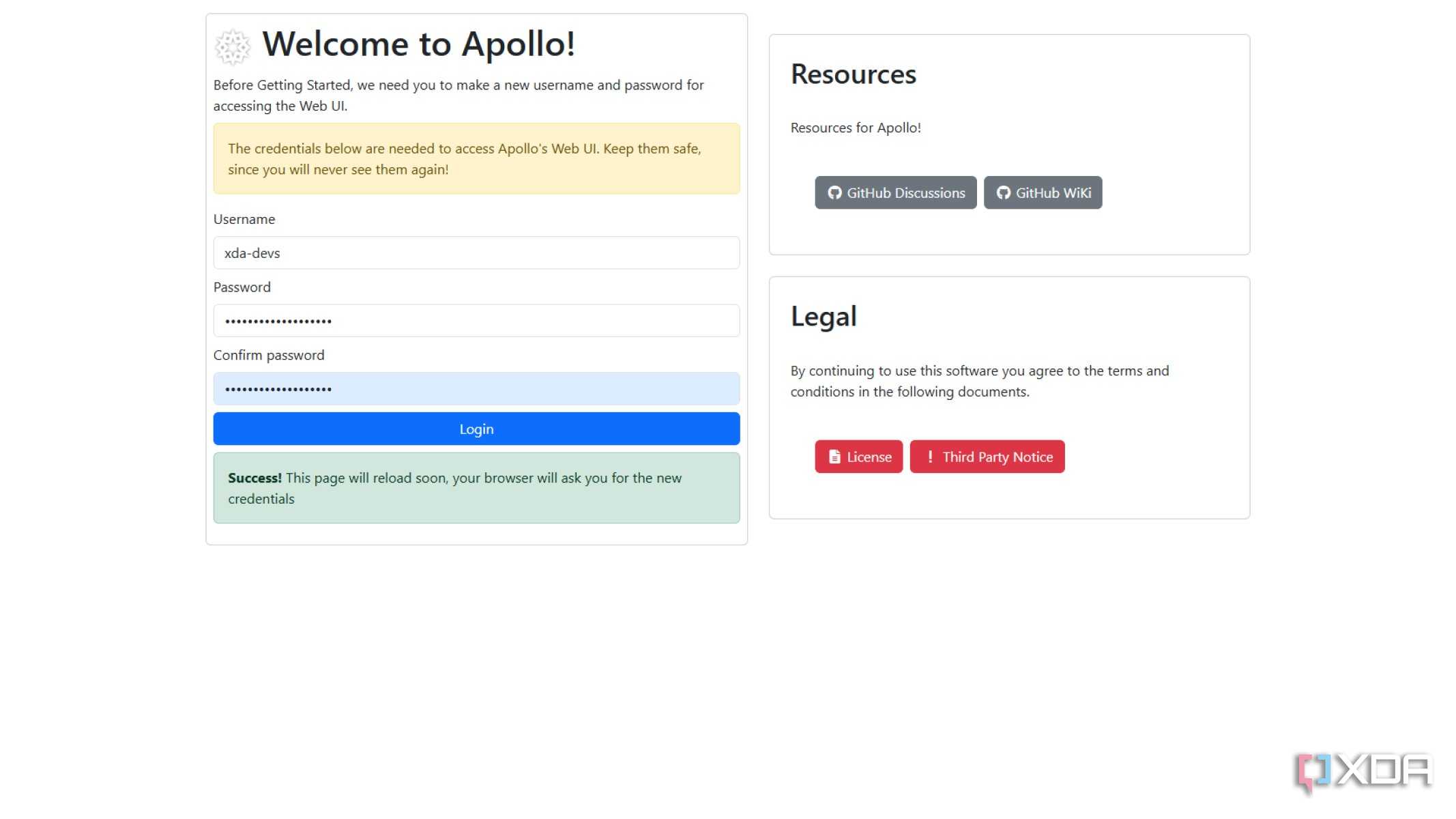
It also takes less than a few minutes to set up and start working. You install the server app, it loads, and even opens a web browser to the configuration pages. Unlike the previous incarnation, Apollo doesn't require any plugins to get virtual display support, which means you can stream HDR, high refresh-rate, and more, all while keeping an individual virtual display for every client you want to stream to. That means my ROG Ally X only needed setting up once, and I don't have to futz with settings again (unless I want to).


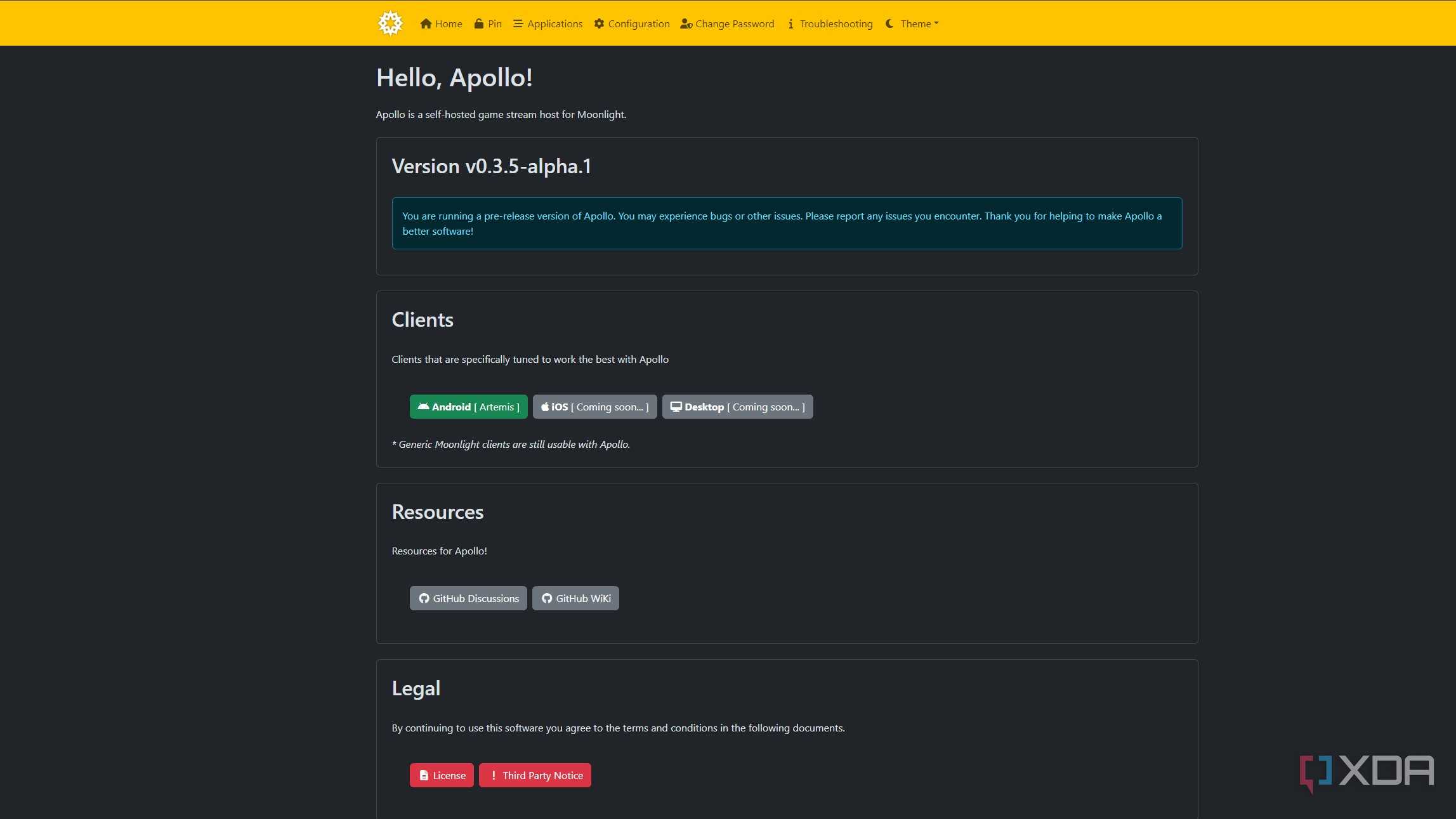
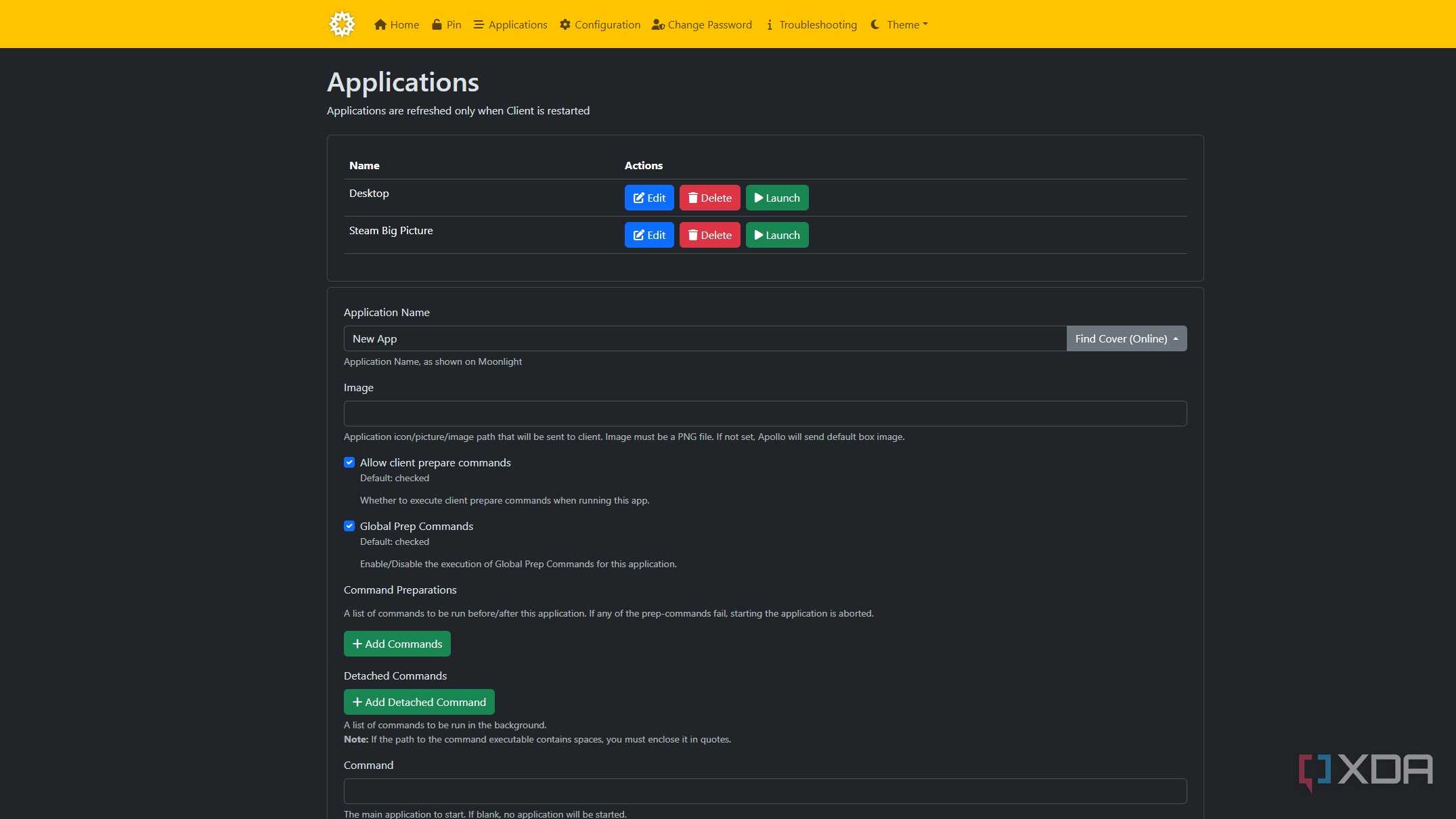
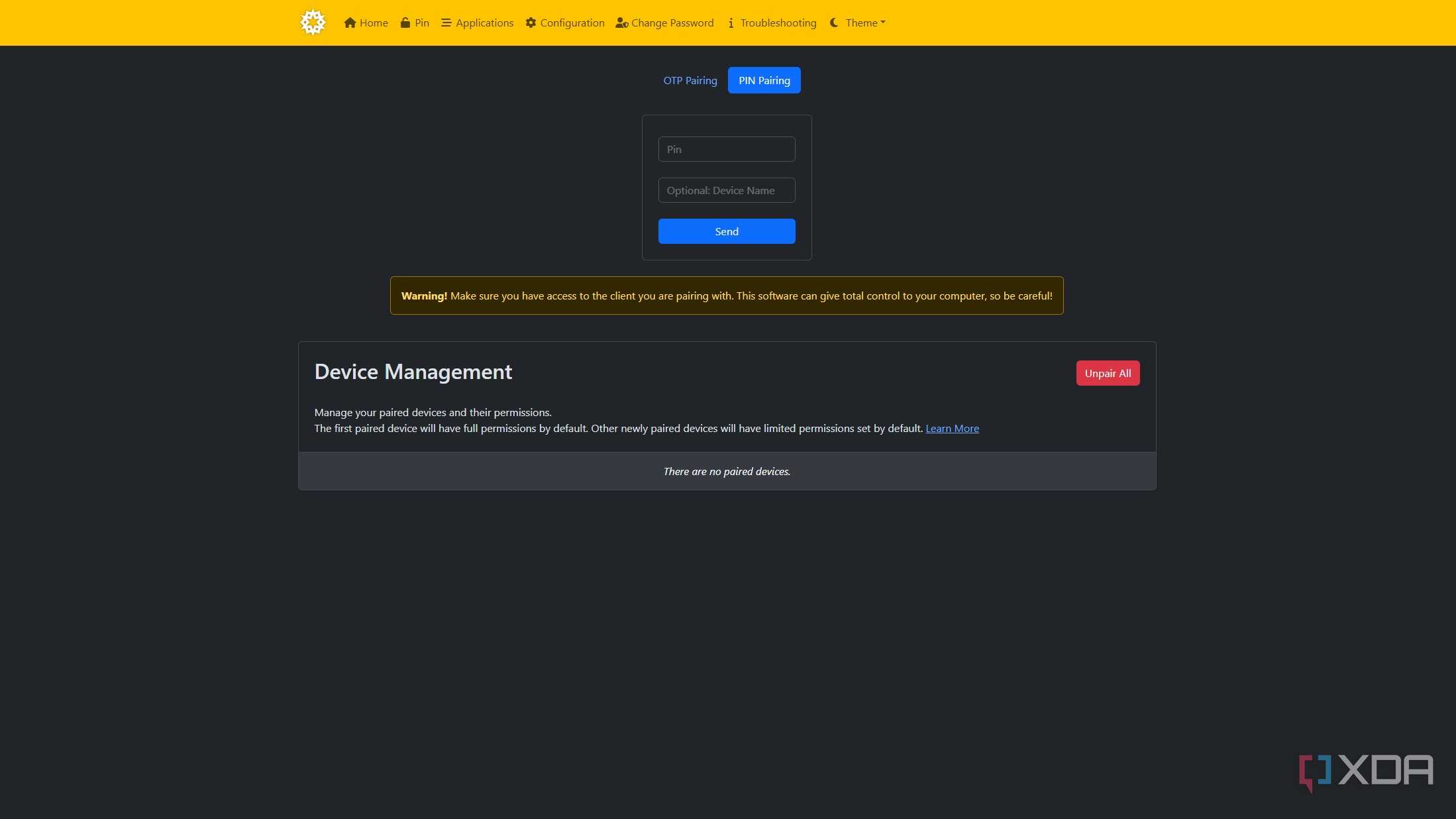
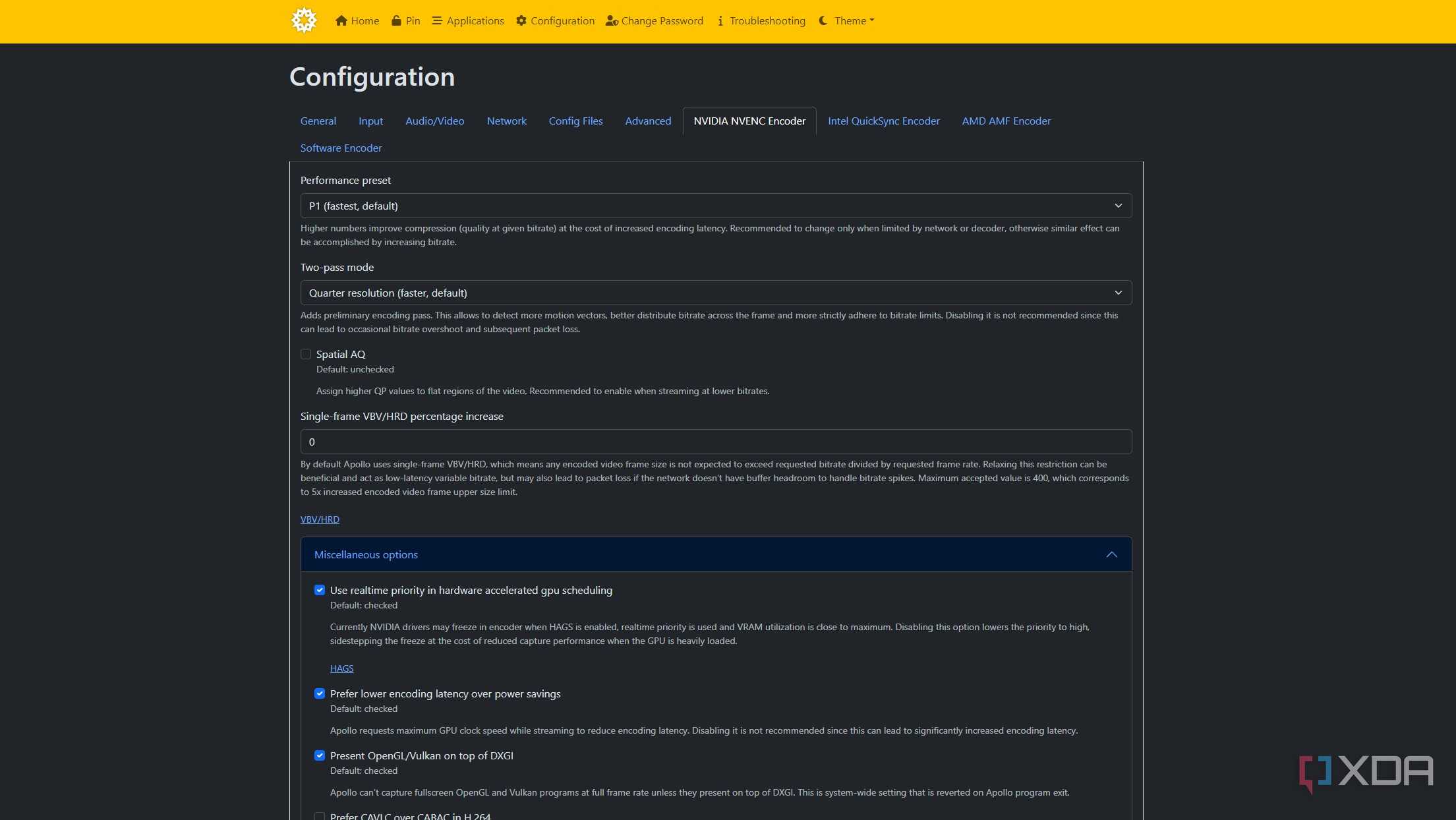

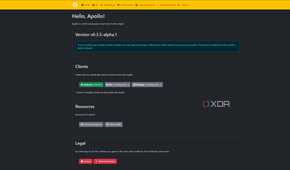
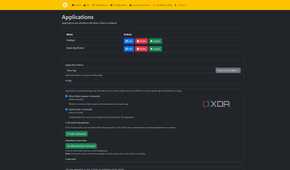
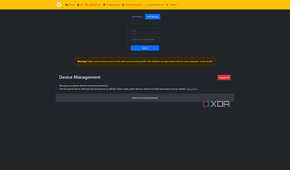
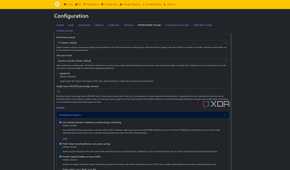
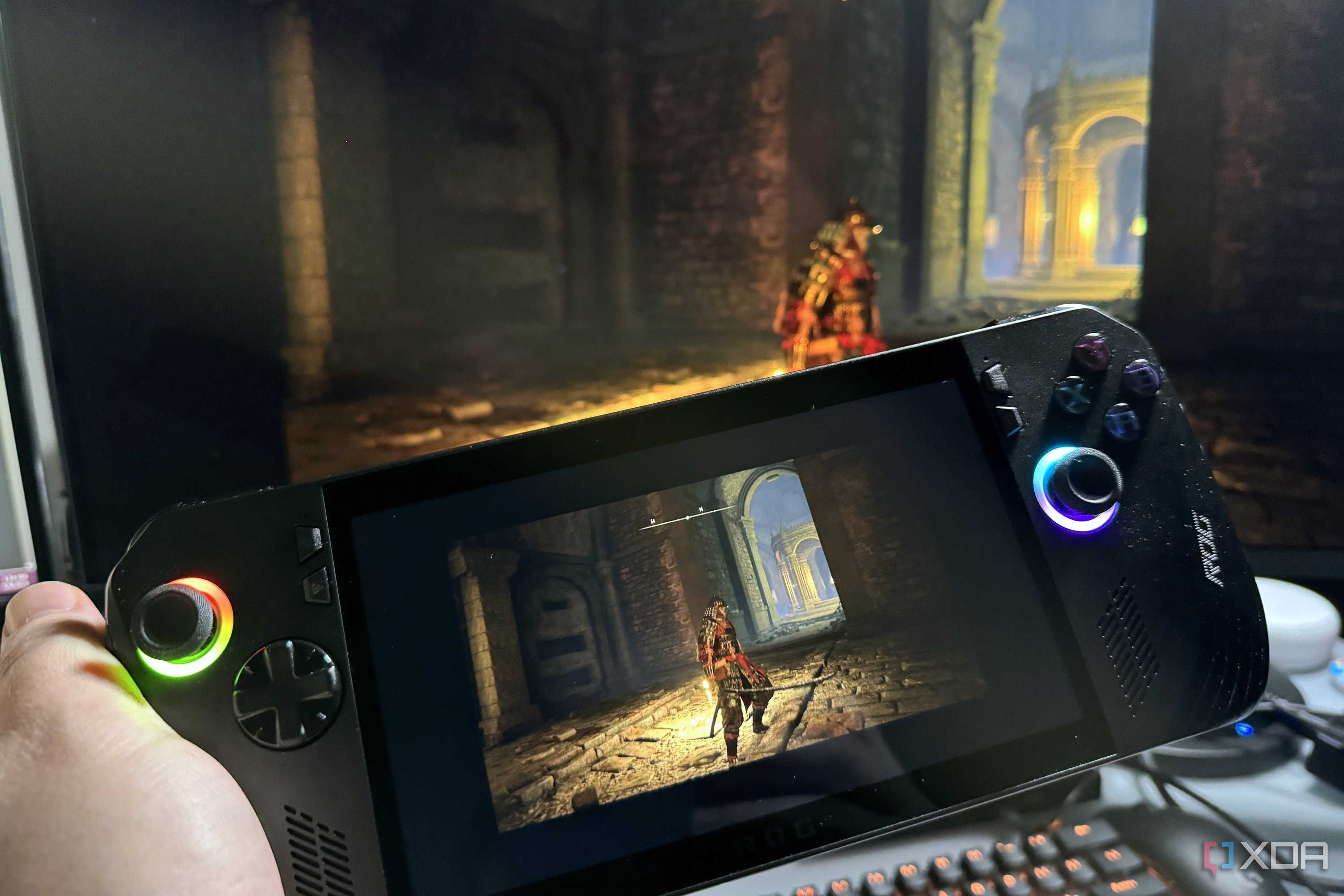
I've been streaming a ton of my recent gaming to my handheld, and the biggest takeaway is just how fluid everything is, even over Wi-Fi. I did run into a couple of minor issues along the way, but those were more of my own doing. All the monitors on my gaming PC are ultrawides, so Apollo makes a letterboxed virtual display to show on the handheld. I'll remember to change it to scaling on the GPU so that it will fit the screen properly one day.
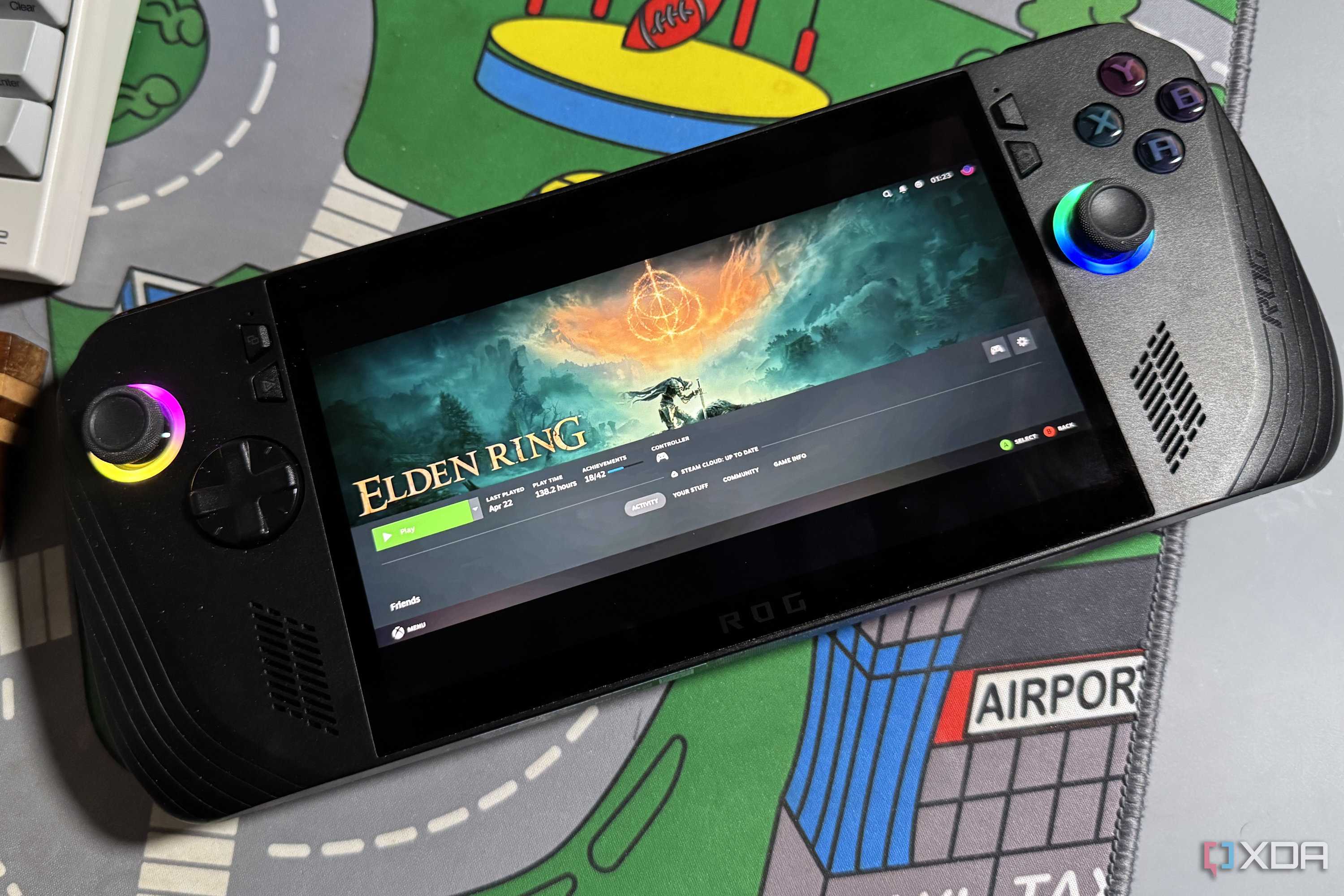
The other is that the Apollo streaming protocol makes it seem like you're on the desktop, which is a slight issue on the ROG Ally X because it automatically changes the controls and your left thumbstick turns into arrow keys. Not so great for gaming, but a tap of the command center button and manually selecting controller mode fixed that in a flash, and I was left alone to have no excuses other than my lack of skill as a Tarnished in Elden Ring.

It's only partway there currently
The server and Android client are functional but other clients are TBD

While the Apollo server is bumping along nicely, the only official client, Artemis, is an Android APK. Yeah, not so great for streaming to a PC gaming handheld, or to the Steam Deck, but the developer does say that clients for other platforms are on the way.
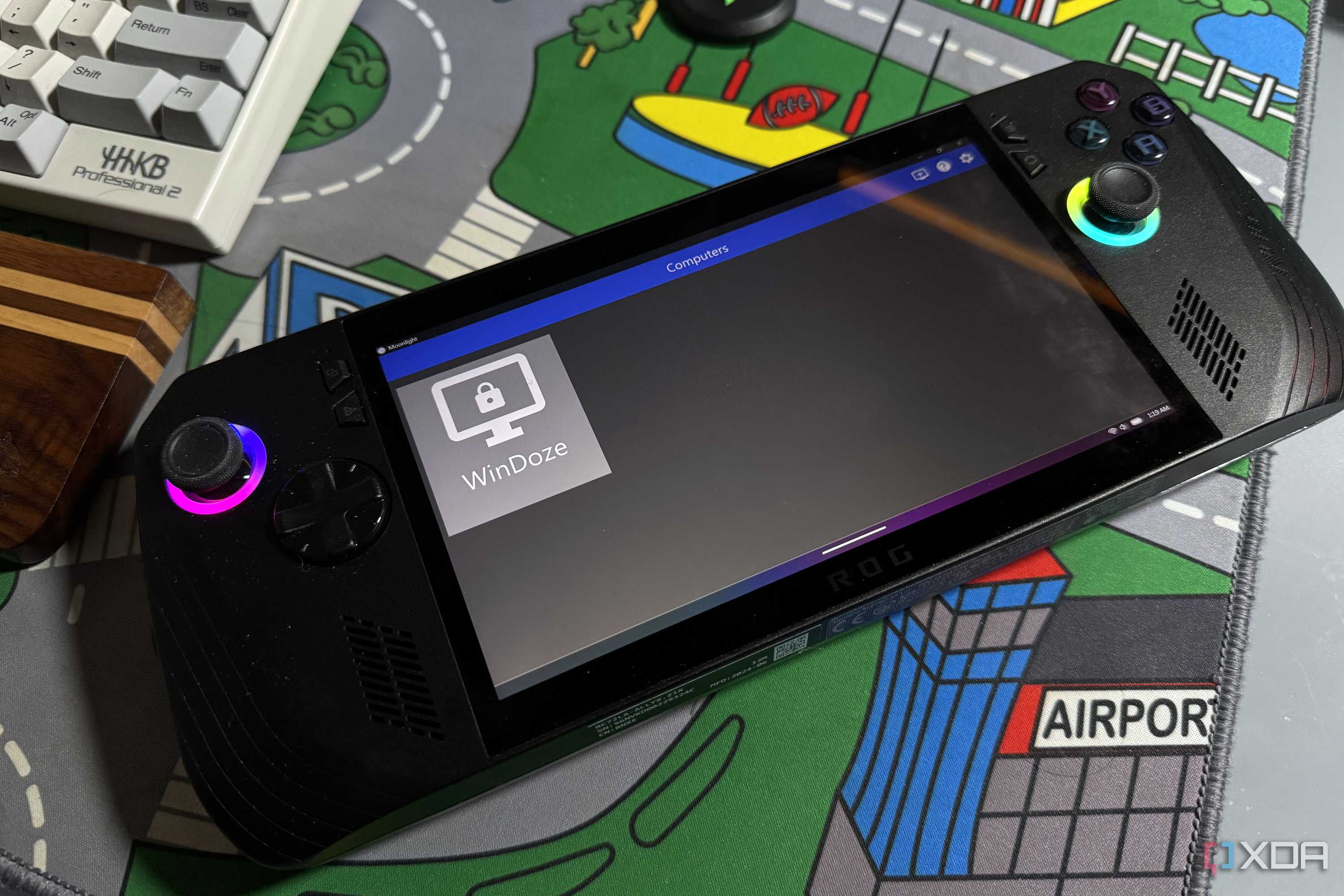
The good news is that you can still use any existing Moonlight client with the Apollo server, whether you want to use it on an Anbernic RG35XXSP or any other gaming handheld or phone. That's what I've been doing, with the stock Moonlight client, and it works fine. I can't wait to see what improvements the Artemis client for PC will have, though, and I'll be switching over to that once it's ready.
I love using my PC gaming handheld, but I love having options even more
I'm finding that I spend most of my gaming time on one handheld or the other these days, as I often don't want to be sitting at my desk when gaming. Mostly that's fine, letting me clear off my growing backlog of indie games and hits like Balatro that I really shouldn't have slept on, but there are plenty of games that I want to play that are too much for the Z1 processor in the ROG Ally X. But with Apollo set up, I don't need to worry about that because the main rendering is done on my gaming PC, and as a bonus I don't have to hear my PC fans because I can play in the other room.
