


You’ll often find me harping on about my home lab experiments or covering weird (but still useful) self-hosted services here on XDA. However, I seldom talk about the networking aspect of my experimentation suite. When I first started on my home lab expedition, I had 5GbE provisions on my main PC and a mere 1 Gigabit NIC built into the old rig I used as a Proxmox machine. Months later, I bought a 2.5GbE switch for the rest of my home lab paraphernalia, and it served me well for a long time.
Unfortunately, the 2.5 switch broke down last year, forcing me to look for another one to take its place. After hours of internal debates and deliberations, I ended up grabbing a heavily-discounted 10G switch before splurging some more on separate NICs. Now that it has been almost a year since I upgraded to the fast connection standard, I’ll admit that it’s overkill for most of the home lab community. Having said that, I also don’t regret making the transition to a 10 Gigabit connection one bit.
10GbE is a lot more affordable these days
Budget-friendly NICs and switches do exist


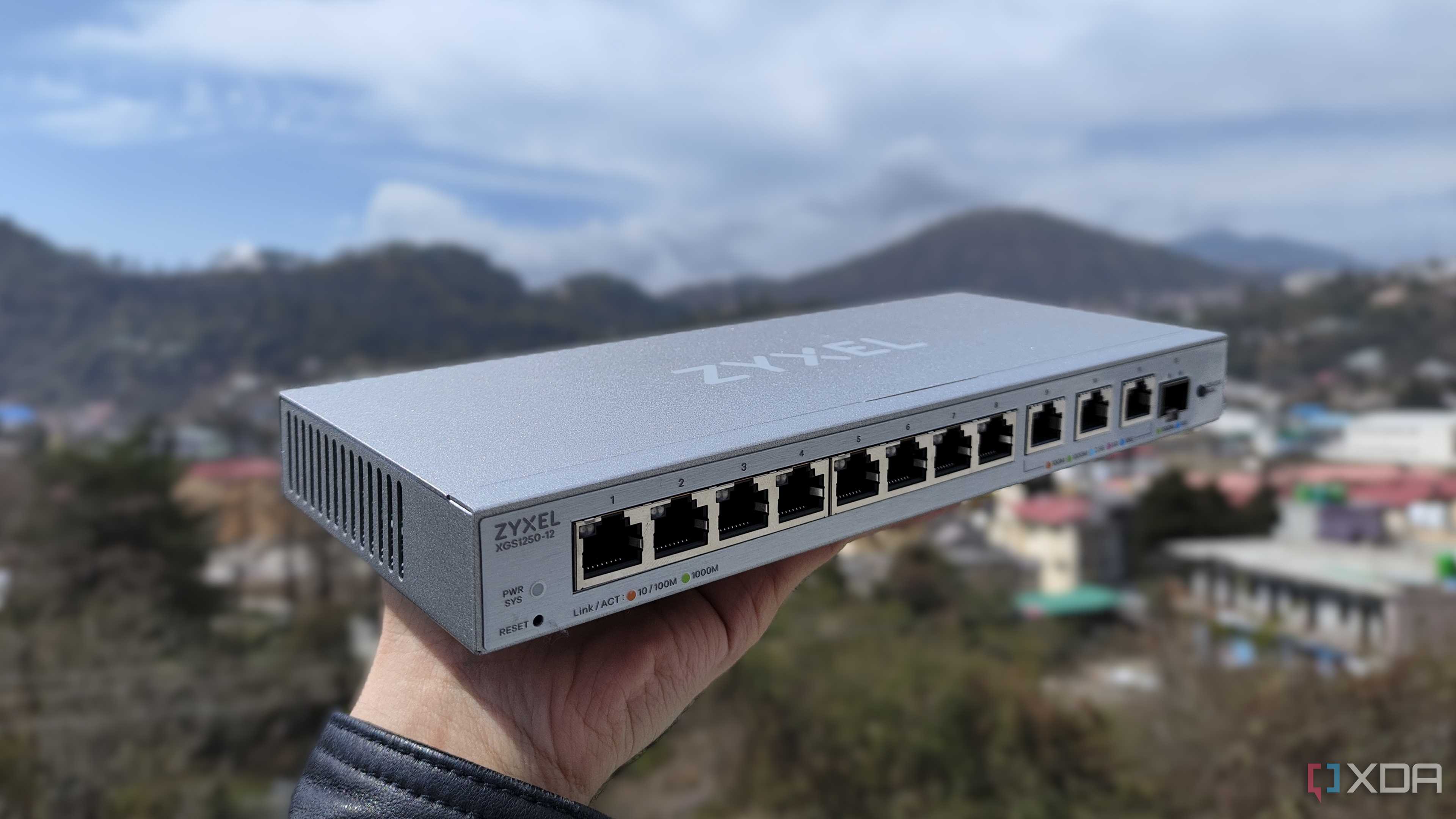
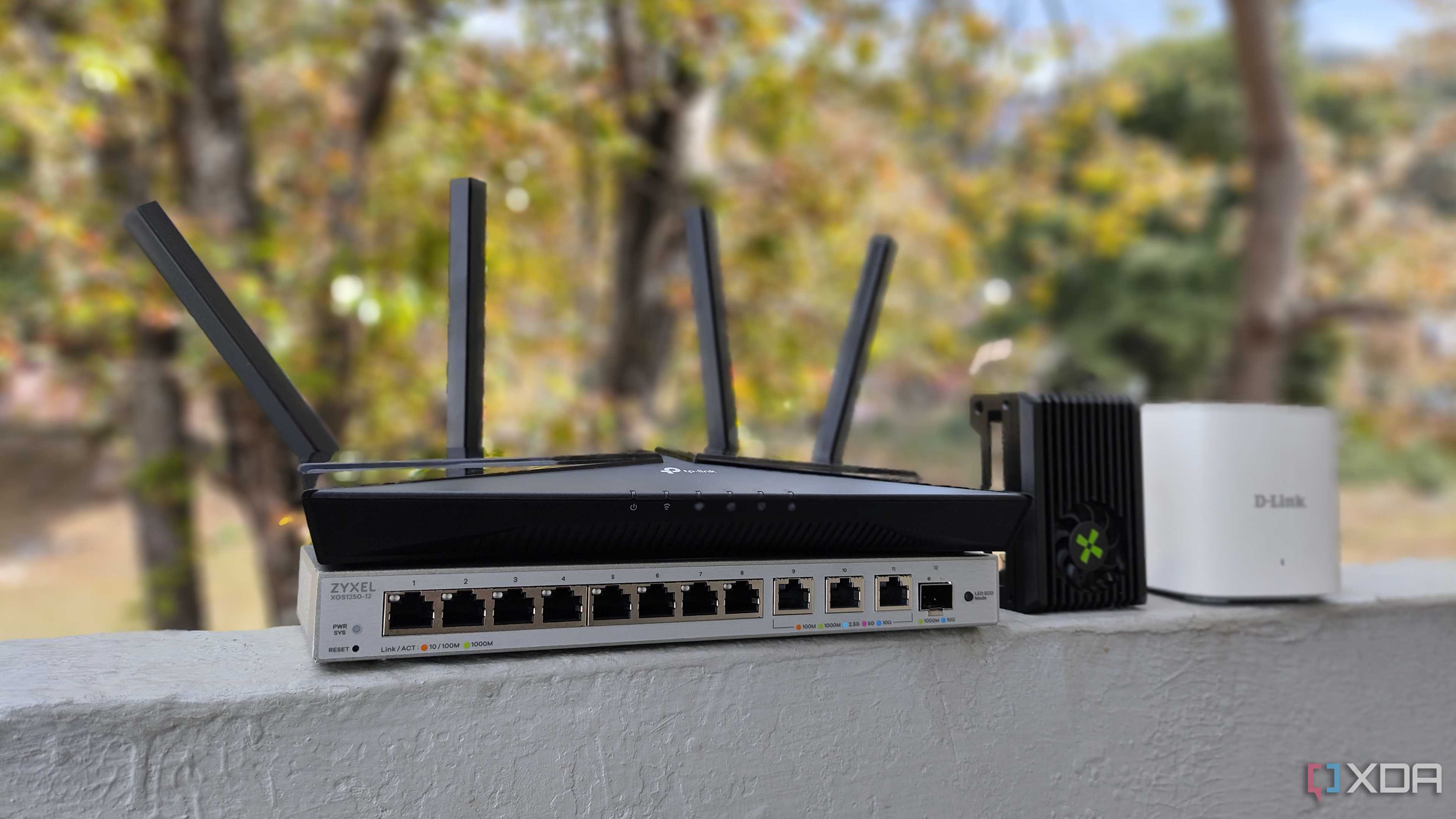
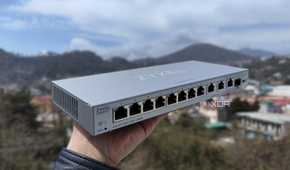
After my 2.5 Gigabit switch ascended to tech heaven, I ventured into the networking section on Amazon with my pre-conceived notions about overpriced 10G setups. While I wouldn’t call some of the options I saw there “cheap” by any means, I came across several switches that were priced far lower than I’d imagined. Take the Zyxel 10GbE managed switch I ended up buying, for example.
Amazon listed this switch’s price at $400 (converted from my local currency, of course), and it was discounted to $350. I’d also shortlisted a couple of other options on Amazon's US website, like the $250 8x 10GbE GiGaPlus switch, TRENDnet’s $230 5x 10G offering, and a $319 TP-Link 8x 10G switch. But sadly, none of these were available on Amazon India at the time, and I ended up grabbing the slightly more expensive 5x 1G + 3x 10GbE Zyxel switch (not that it’s bad by any means).

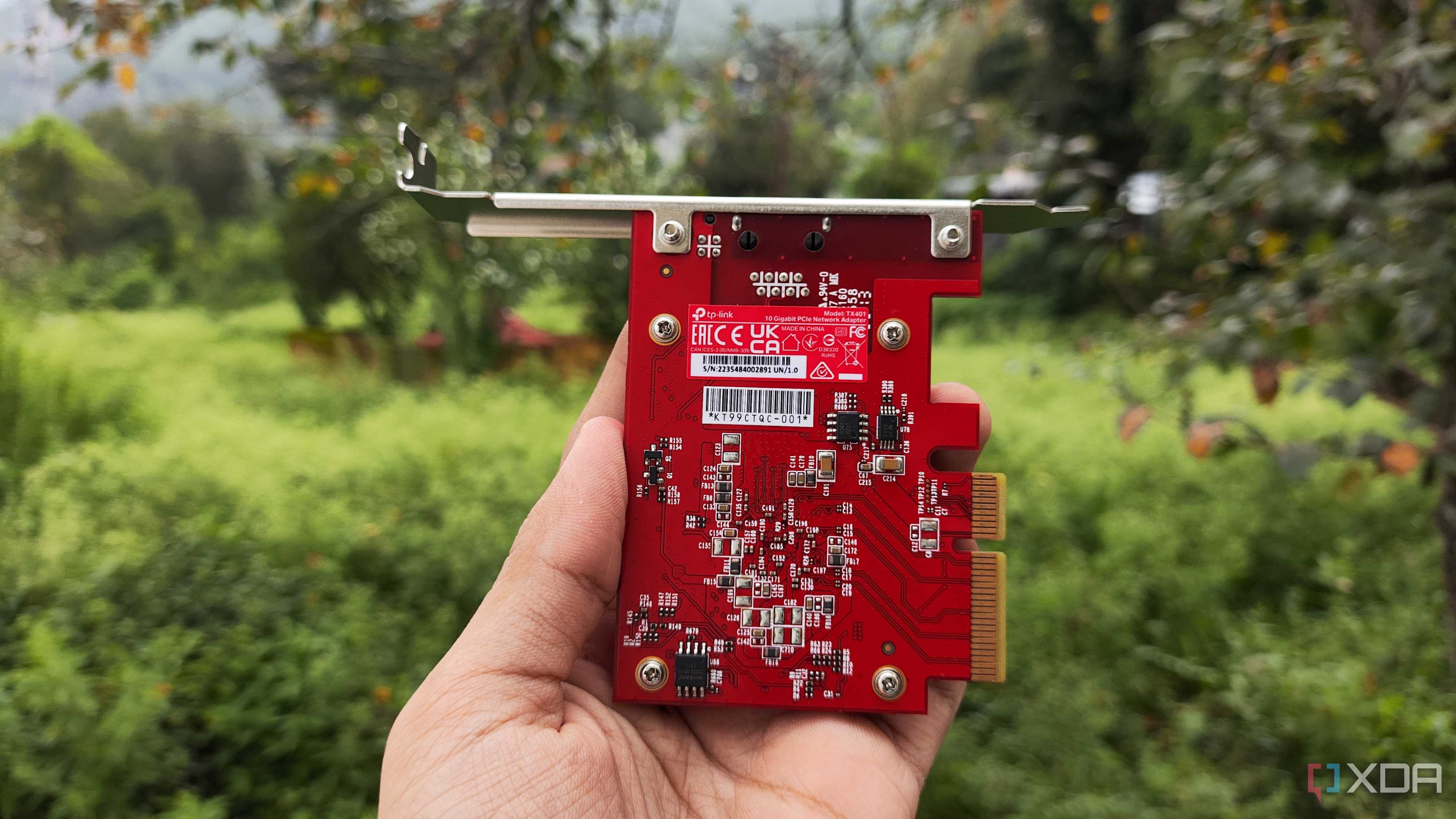
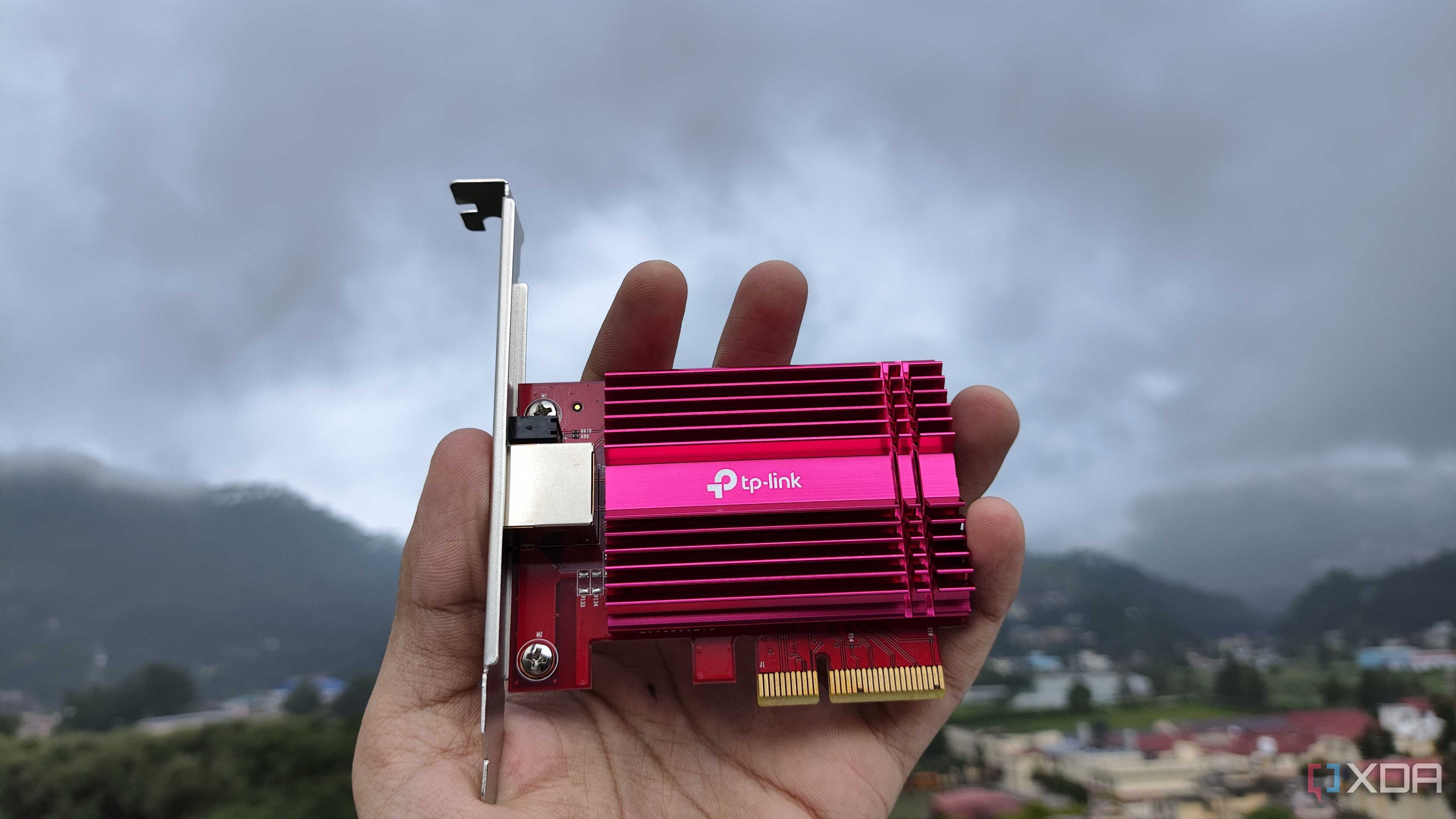
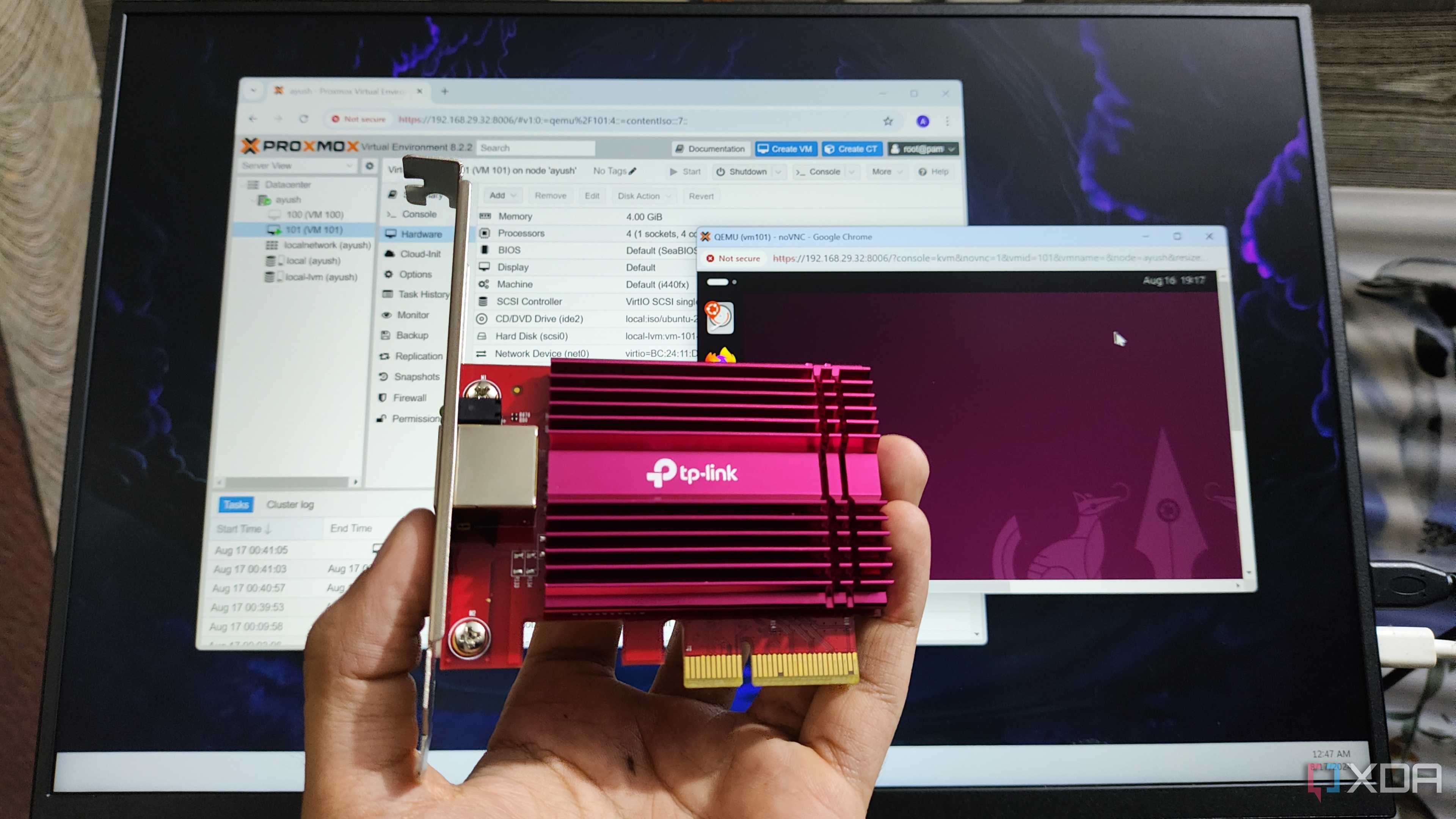
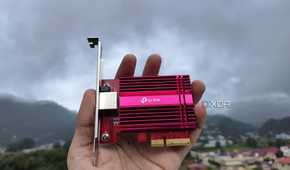
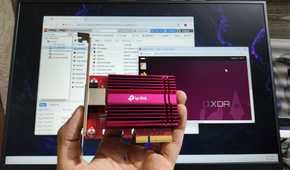
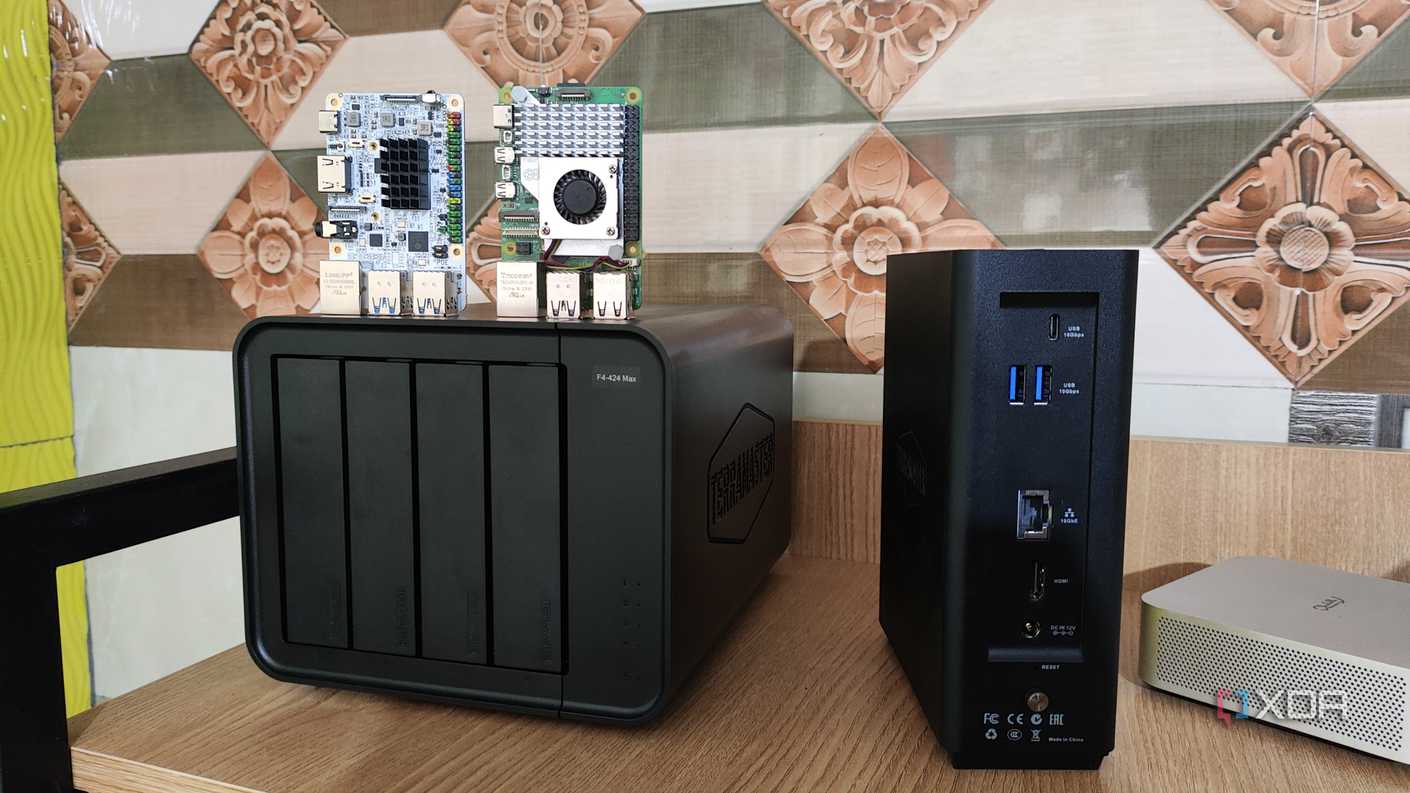
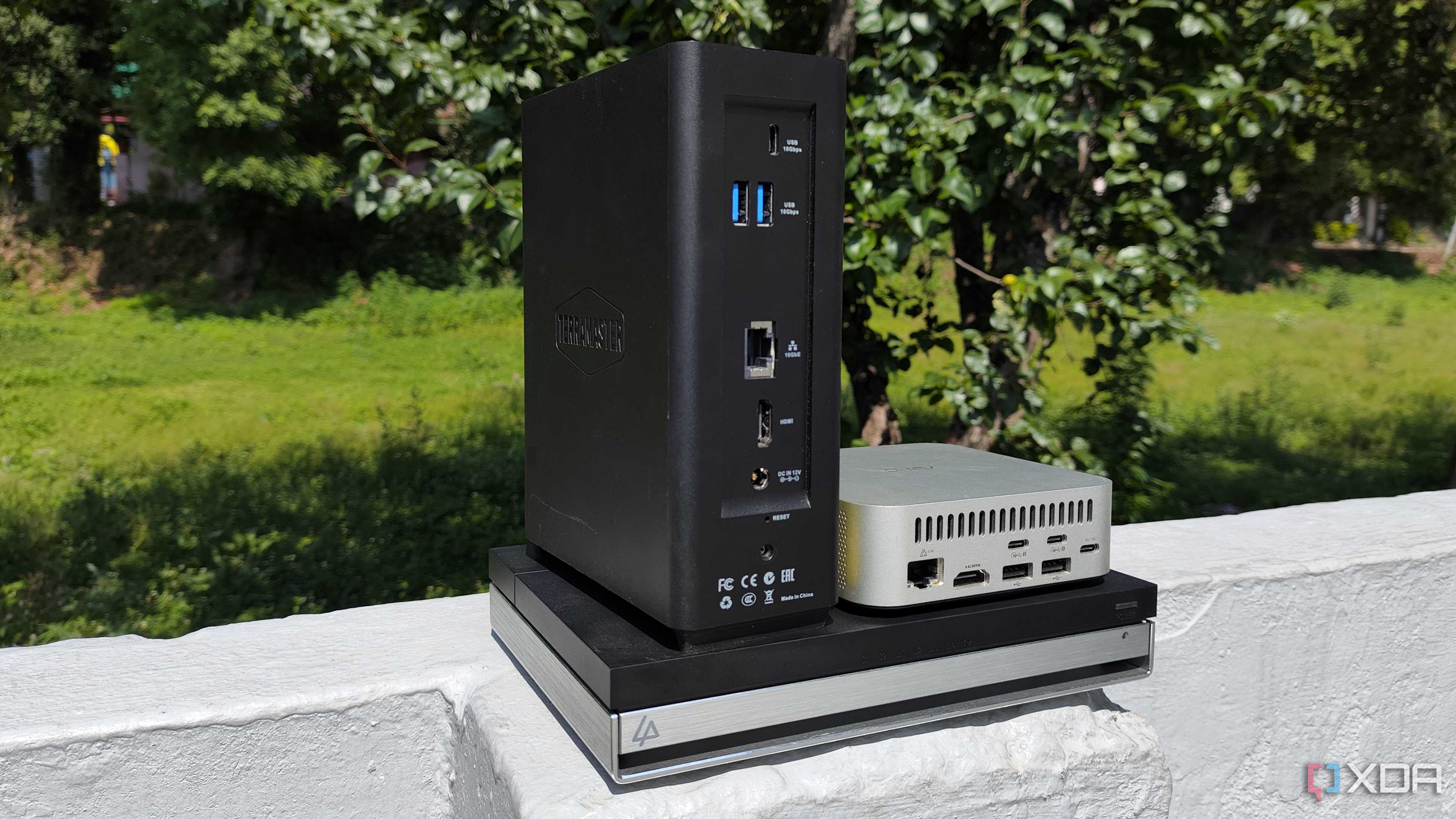
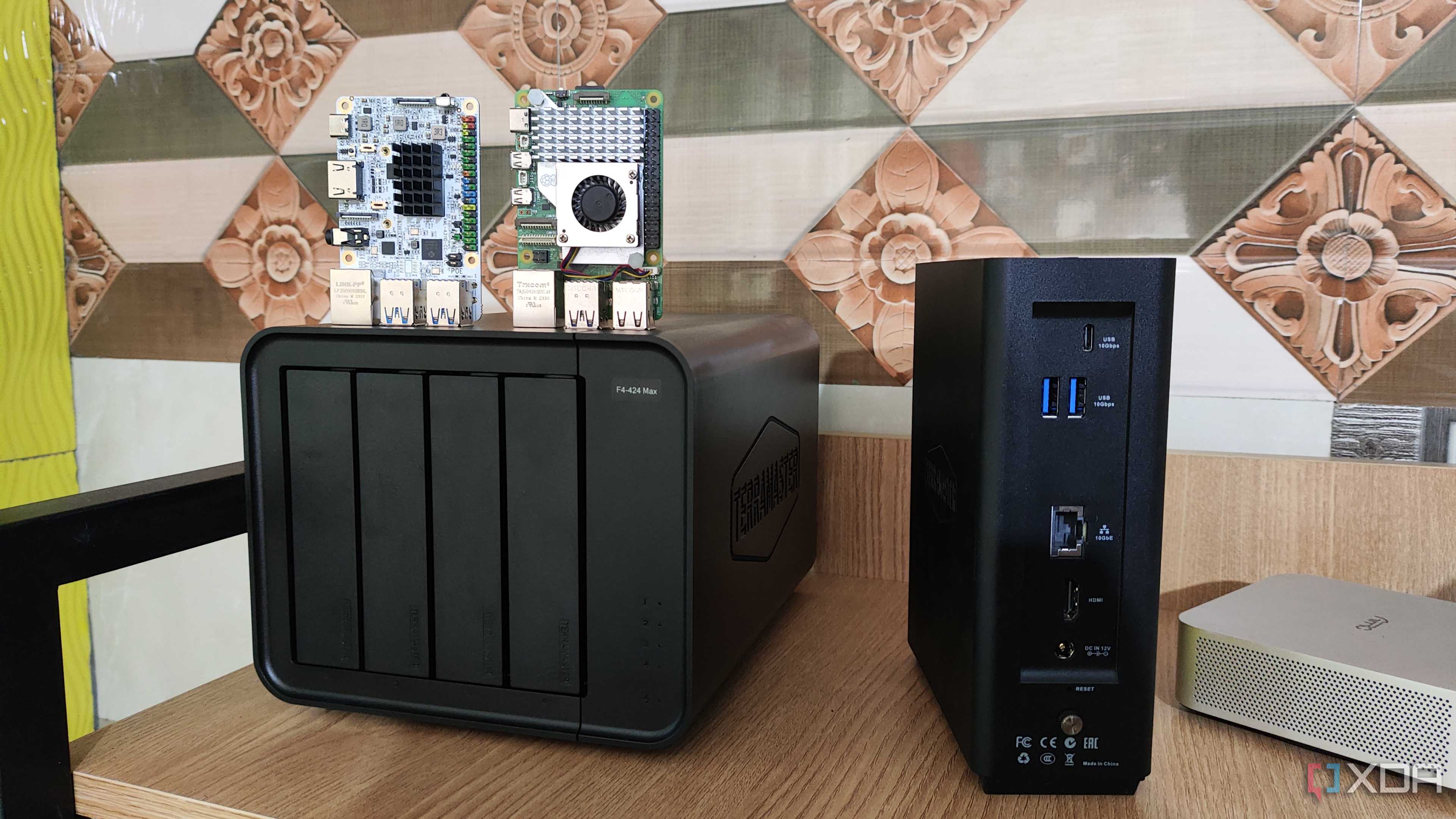
Switches were only a part of the pricing equation, as network cards and cables required their own budget. Once again, my options were somewhat limited compared to Amazon US, so I ended up grabbing two TP-Link TX401 cards for $100 each, alongside a couple of 10-meter Cat 6a cables for less than $30 (in total, I mean). One of the NICs currently resides inside my main PC, while the other works its magic within my dual-Xeon Proxmox workstation. The Zyxel switch I use as the centerpiece of my networking setup has three 10GbE ports, and the last one is occupied by my TerraMaster F4-424 Max NAS.
All-in-all, I paid less than $600 for the entire setup – perhaps even less if the switches I’d shortlisted were available in my region. Again, spending $600 on just the network may seem like too much to the average user, but for my nerdy self, who saw 10 Gigabit prosumer switches priced for a few thousand grands as a kid, the amount I ended up splurging didn’t seem that bad. Especially since I had a couple of workloads that could leverage the high-speed connection standard.
It’s perfect for my data-hoarding antics
Backups are faster than ever


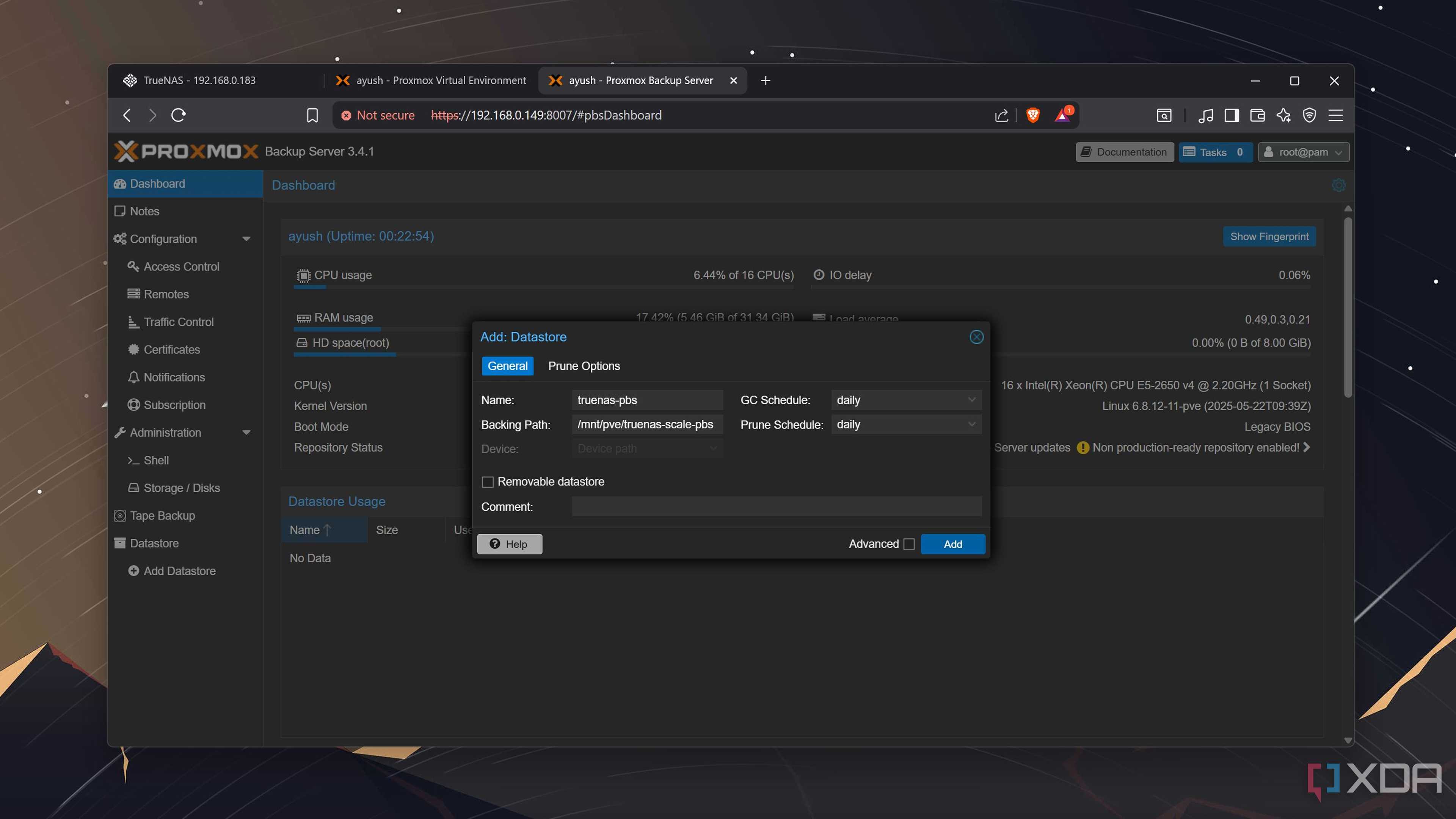
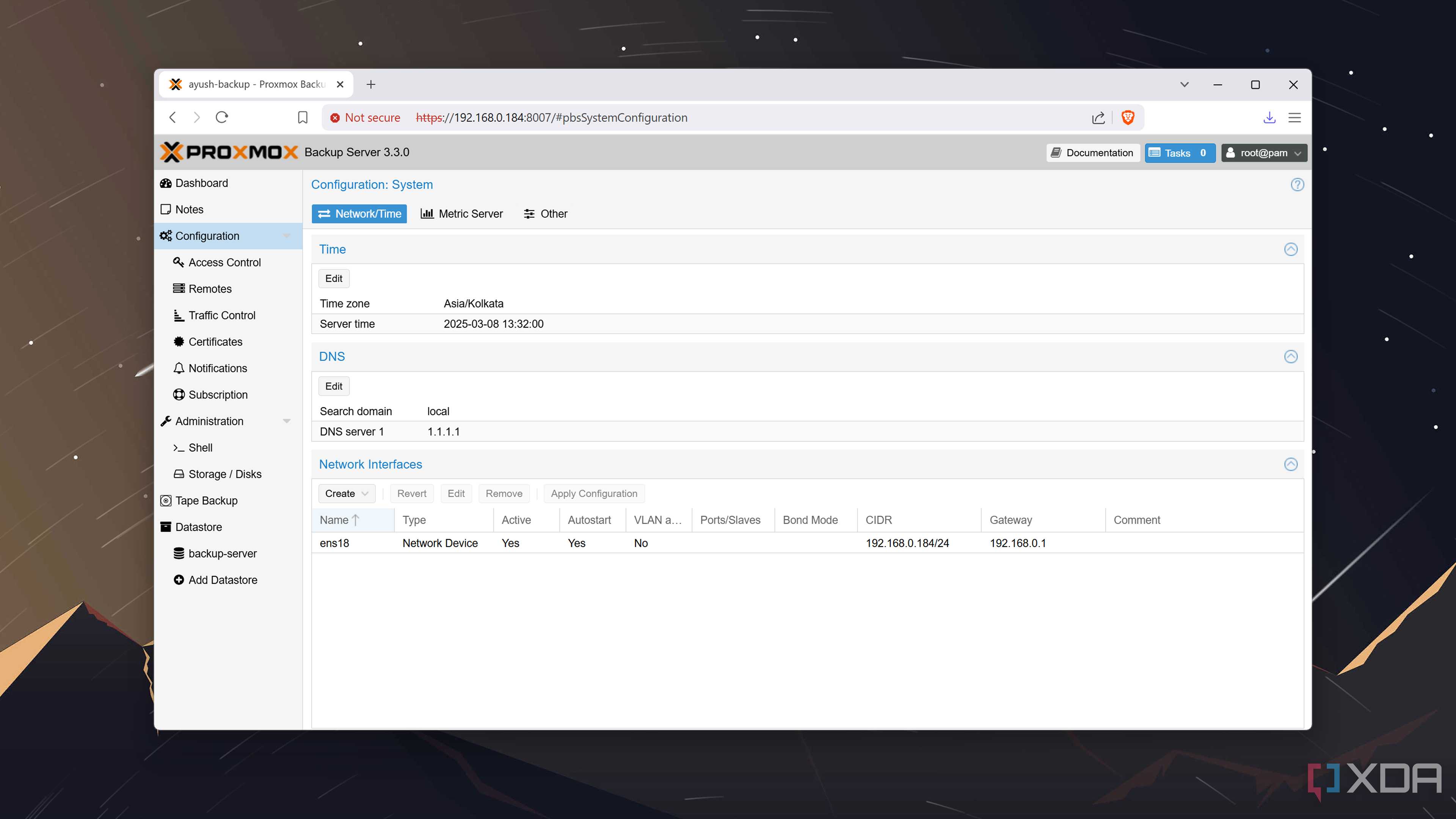
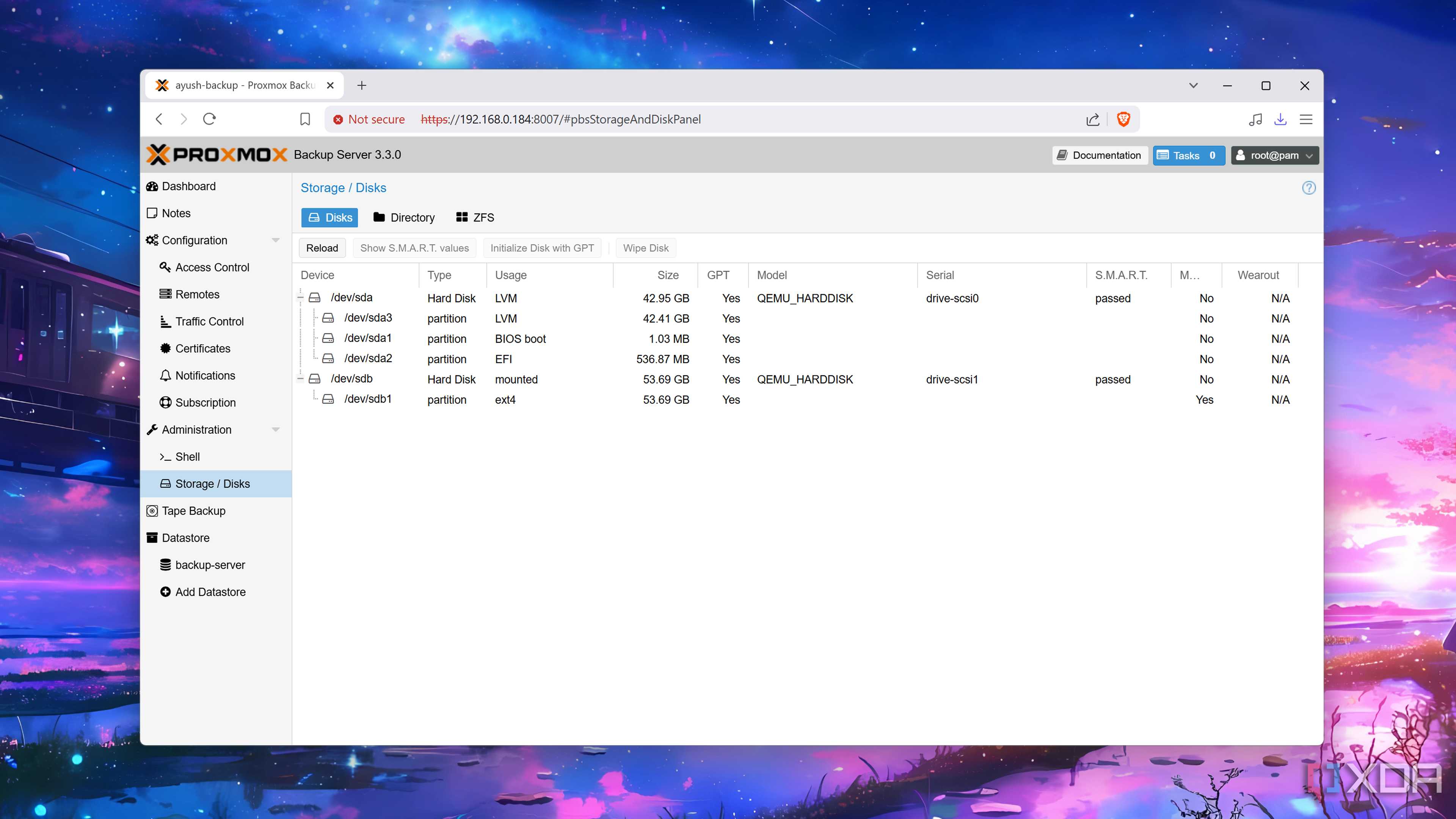
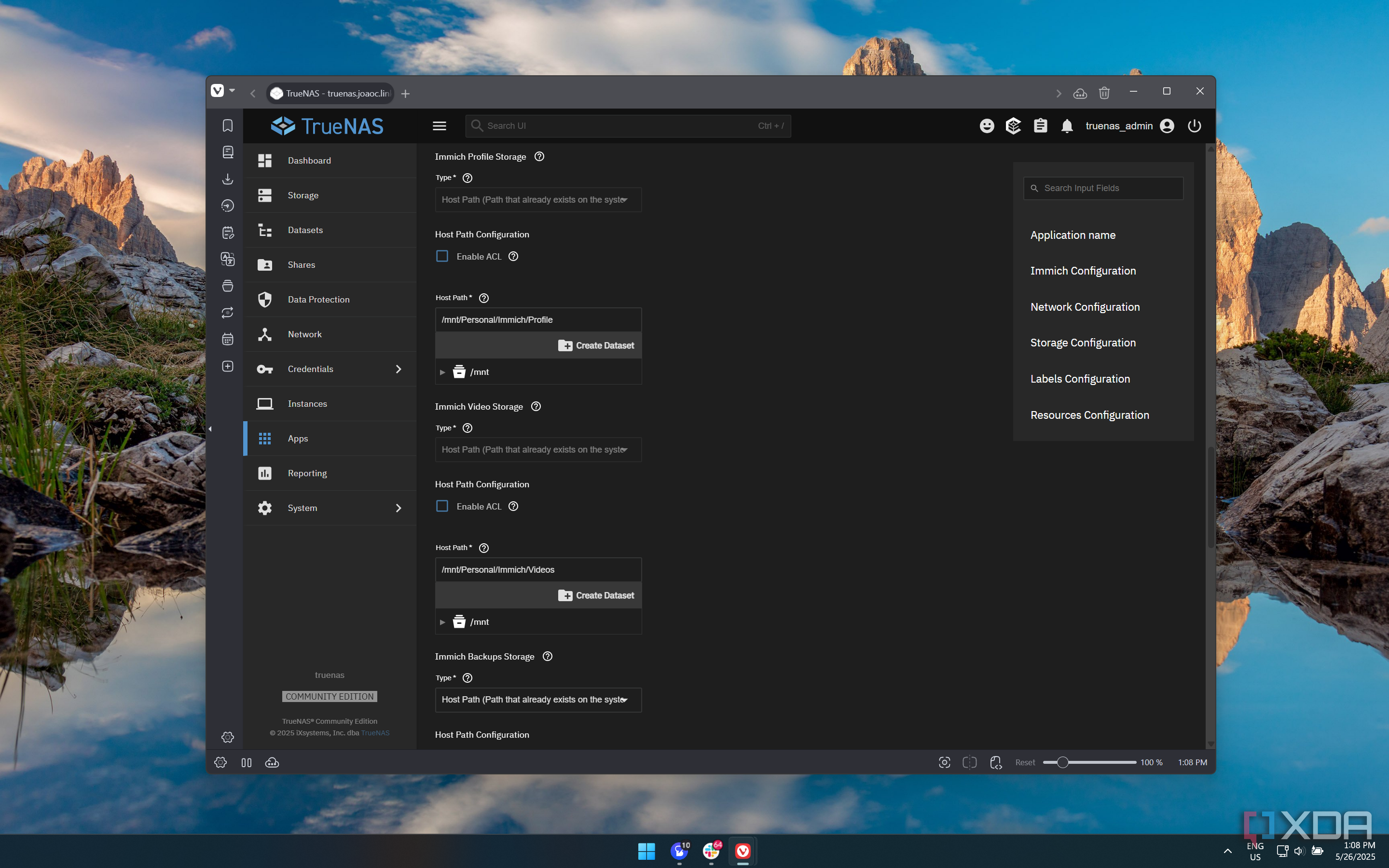
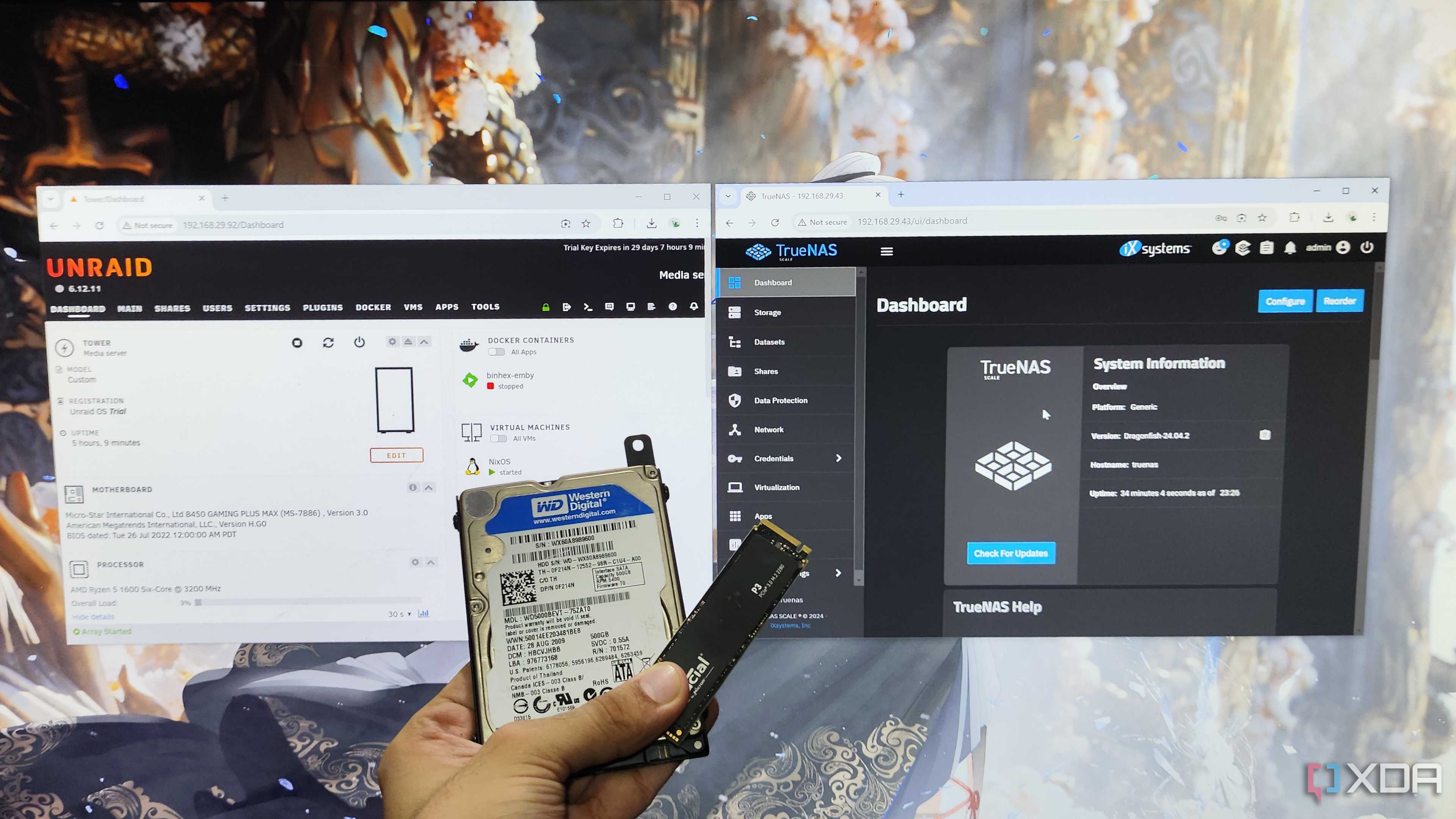

I consider backups one of the most essential maintenance tasks – not just for my PCs, but also for the workstation powering all the virtual guests in my setup. But as the number of VMs and containers started to grow, my 1G connection started taking ages to save their snapshots to my NAS. The 2.5GbE switch was definitely adequate, but once you include the NVMe drives and RAM cache-powered HDDs inside my NAS, it’s clear that the slow connection standard was the biggest bottleneck in my setup.
The first time I tried backing up files from my PC and home server over a 10G network, I was amazed at how quickly the snapshots were sent to my NAS. Whether it’s saving all the virtual guest data using my beloved PBS instance or creating spare copies of the documents stored on my daily driver, a 10GbE connection provided a much-needed boost to my backup operations – especially now that I’ve increased the snapshot frequency and expanded my arsenal of LXCs and VMs.
NAS transfers are just as quick

Besides scheduling regular backups, I tend to transfer quite a lot of data from my PC and home server to my NAS. There’s the Blender files and 4K videos I often sync with my NAS, alongside all the folders containing my painstakingly crafted coding documents.
On the home server front, I tend to store most of my ebooks, ROMs, ripped movies, music files, comics, and a host of other media on my NAS – and these files weigh as much as dozens of gigabytes. Sure, I could wait a few hours to send them over a low-speed connection, but the blazing-fast speed of 10GbE cuts down the transfer times by a huge margin.
Storing games on my NAS has become a viable project


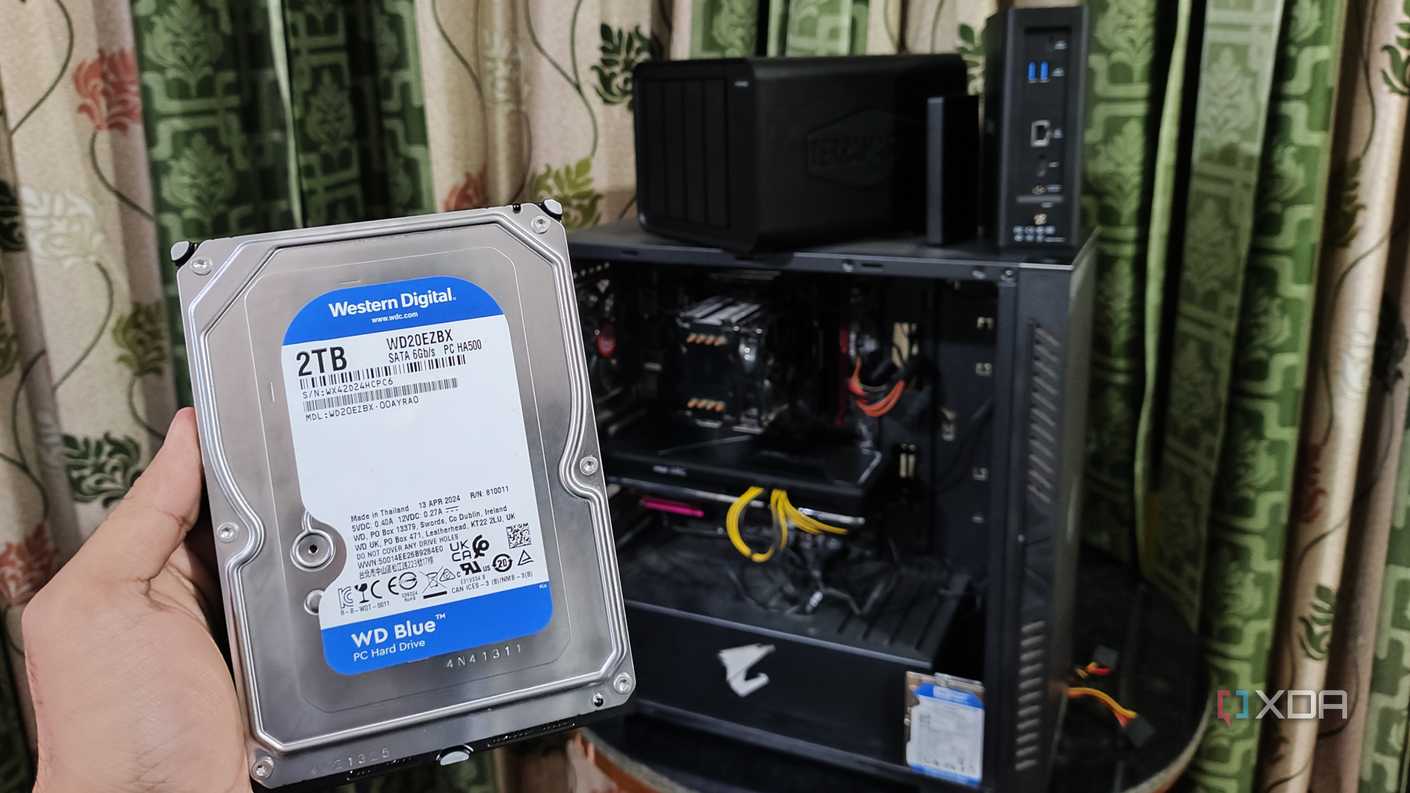


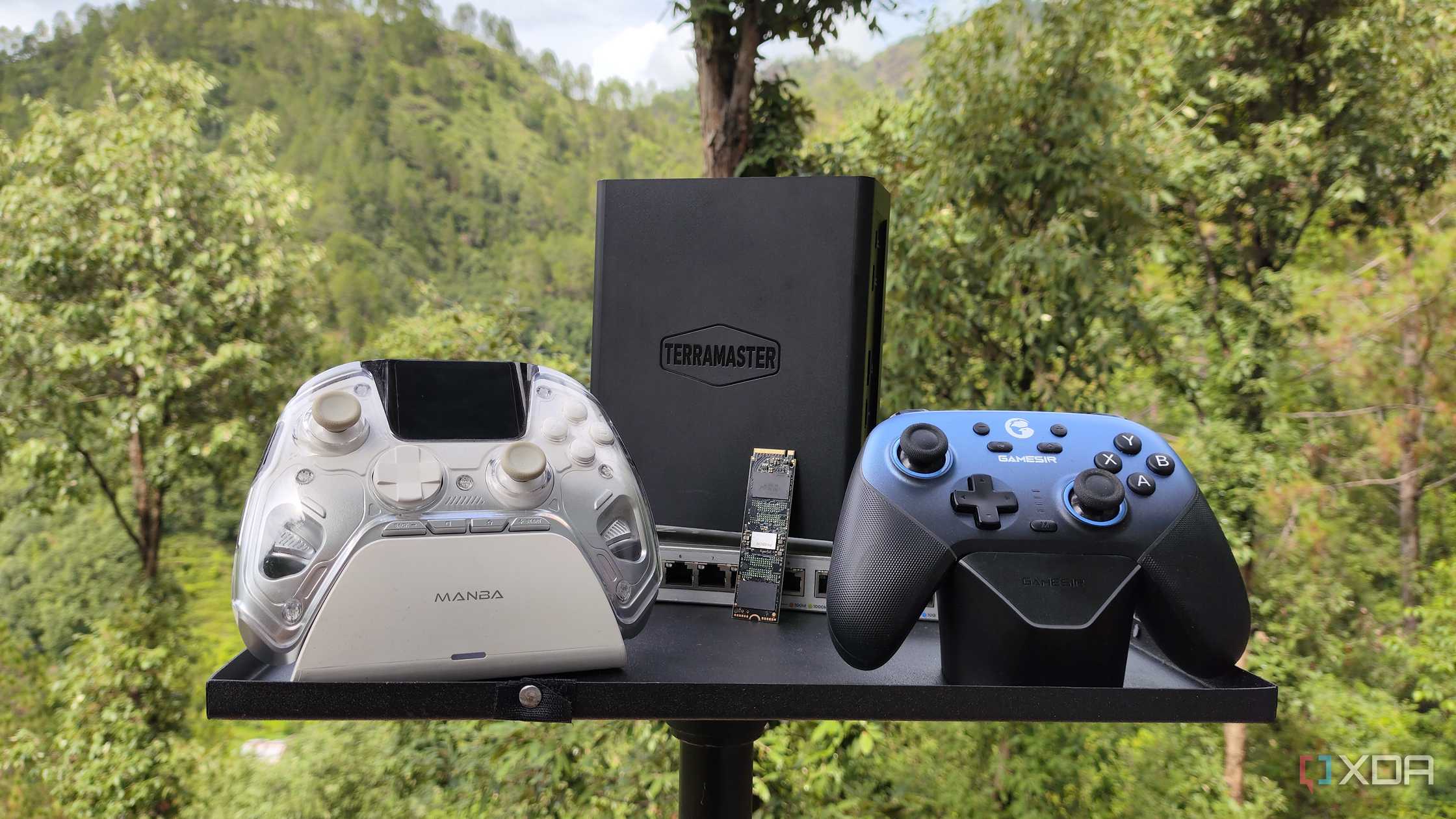
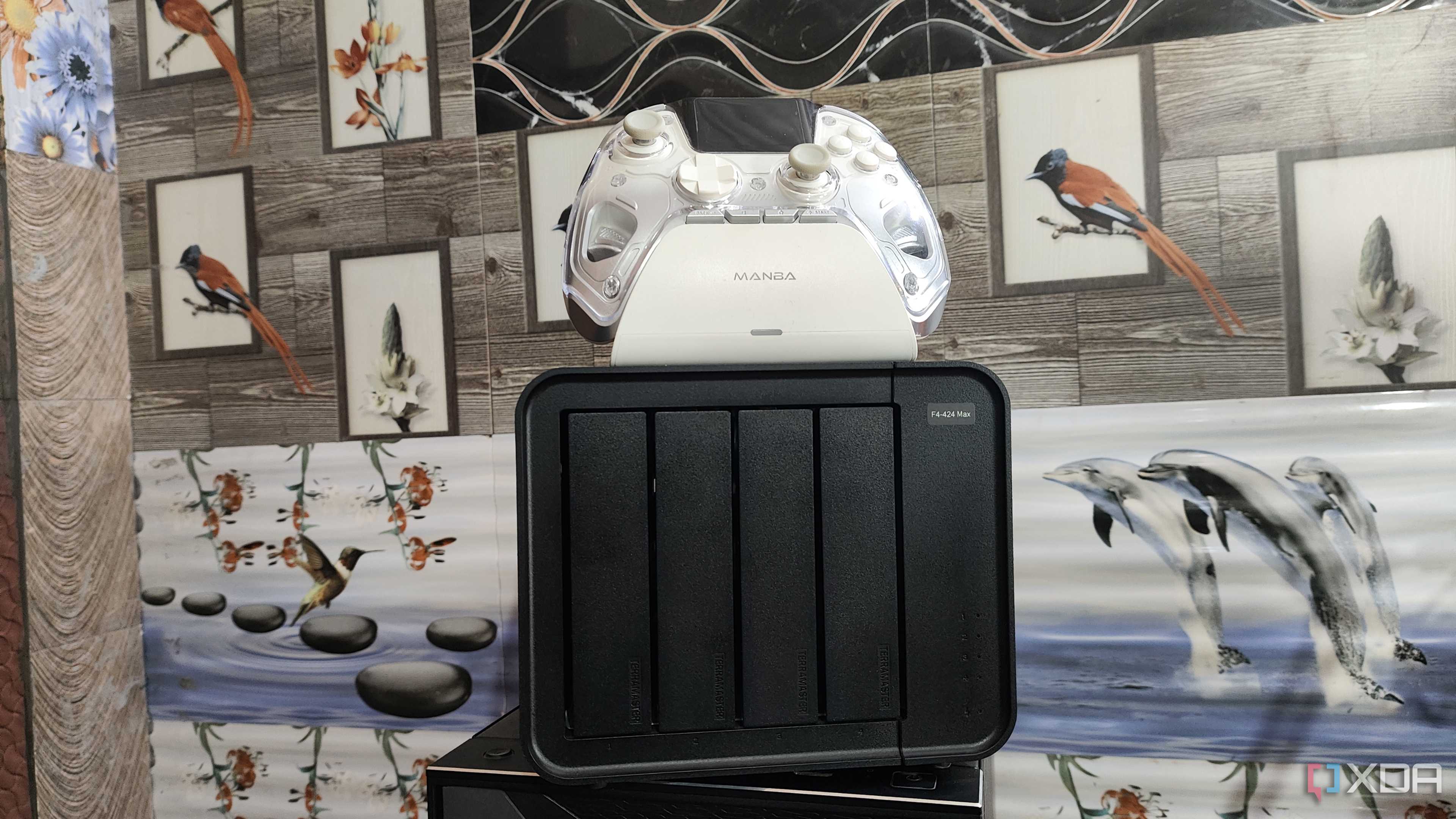

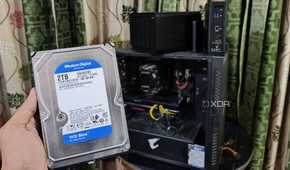
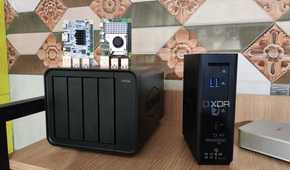
When I had my 2.5G switch, I came up with this weird idea of storing my Steam library on a NAS and accessing it over the network. Truth be told, I expected this preposterous notion to result in sky-high latency, constant crashes, and terribly long loading times. However, the iSCSI protocol dashed all my expectations and turned the seemingly wacky idea into a plausible setup… well, except for one minor nitpick.
You see, iSCSI shares provide minimal latency even in fast-paced titles, and I encountered zero crashes while using them. The loading times, however, were far from ideal, with the NVMe drives failing to hit their full potential at 2.5G speeds.
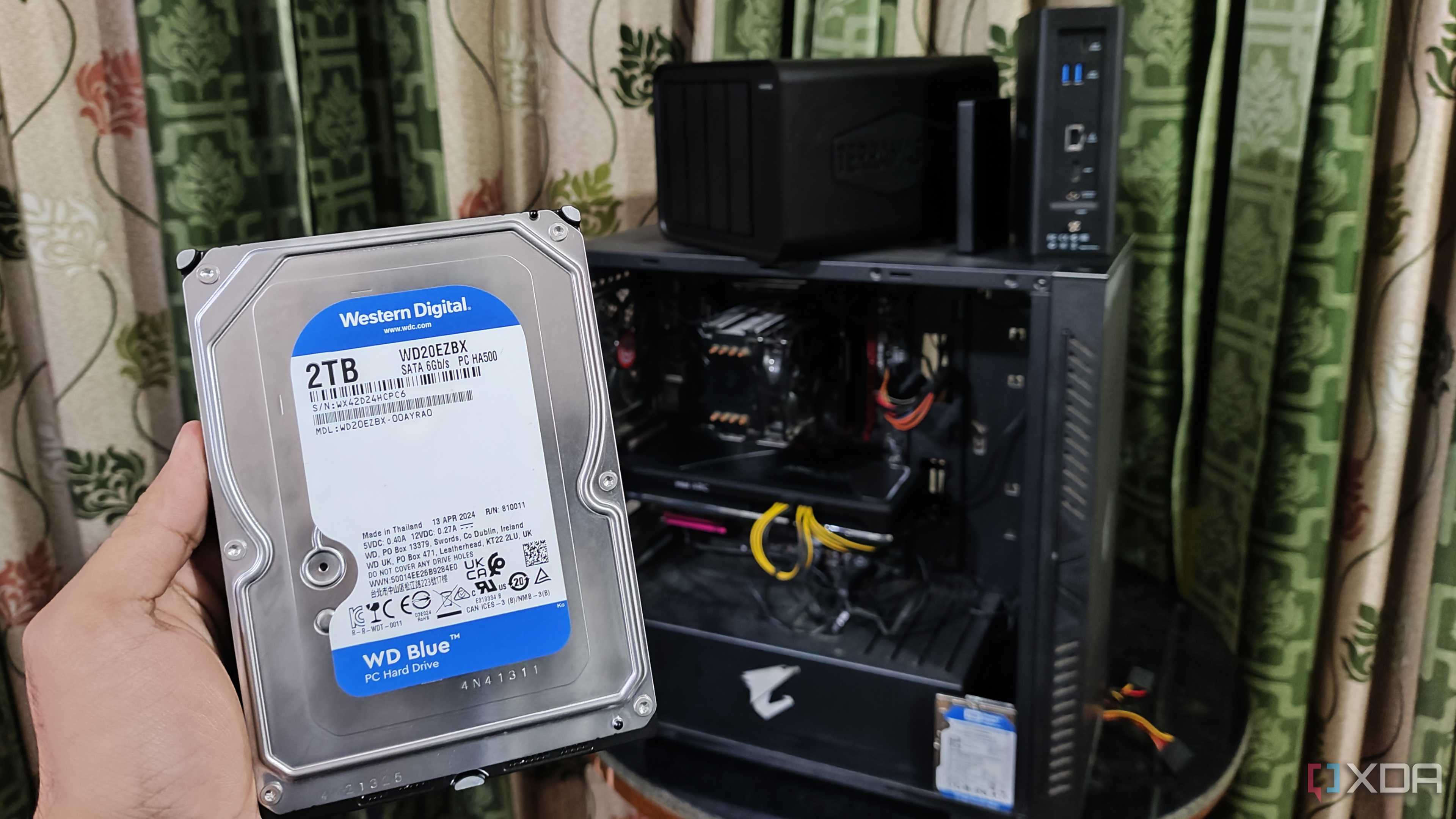
But after upgrading to 10GbE speeds, the loading times between a local NVMe drive and an iSCSI-powered SSD were borderline indistinguishable without a stopwatch. With RAM caching enabled, HDDs are just viable for this wacky project. Since I don’t have any more ports or drive bays in my gaming PC, I’ve started using my 10GbE connection to store some rarely-played titles on my NAS.
Still, it’s not for everyone
But I’ll always recommend upgrading to 2.5G

Although I consider it an invaluable part of my setup, I’d be lying if I didn’t admit that a 10G connection is overkill for the average home labber. After all, there are plenty of other meaningful upgrades you could invest in for your home lab before throwing money at a new switch, NICs, and cables.
However, if you’re still rocking a 1G connection and relying on a dedicated NAS/home server for your computing tasks, I’d suggest switching to a 2.5 Gigabit connection at the very least. With many HDDs reaching up to 180 MB/s in transfer speeds, the 1GbE standard becomes a bottleneck. Throw RAM caches and SSDs into the mix, and it’s better to go down the 2.5G route instead of staying on a painfully slow 1 Gigabit connection.
