


Lossless Scaling is often framed as a tool to give weaker GPUs a little extra life, mainly on the back of its impressive frame-generation capabilities. But Lossless Scaling is still one of my most-used programs, even with a PC packing an RTX 5090.
Even in this age of DLSS, upscaling, and frame generation, raw GPU horsepower counts for something. The RTX 5090 certainly exceeds the bar for raw GPU horsepower, but you don't need to let your GPU loose for every game all the time, and by leveraging tools like Lossless Scaling, I'm able to get consistently high frame rates without any semblance of stutter, and all while maximizing my efficiency.
High-end GPUs consume a lot of power
It's shocking


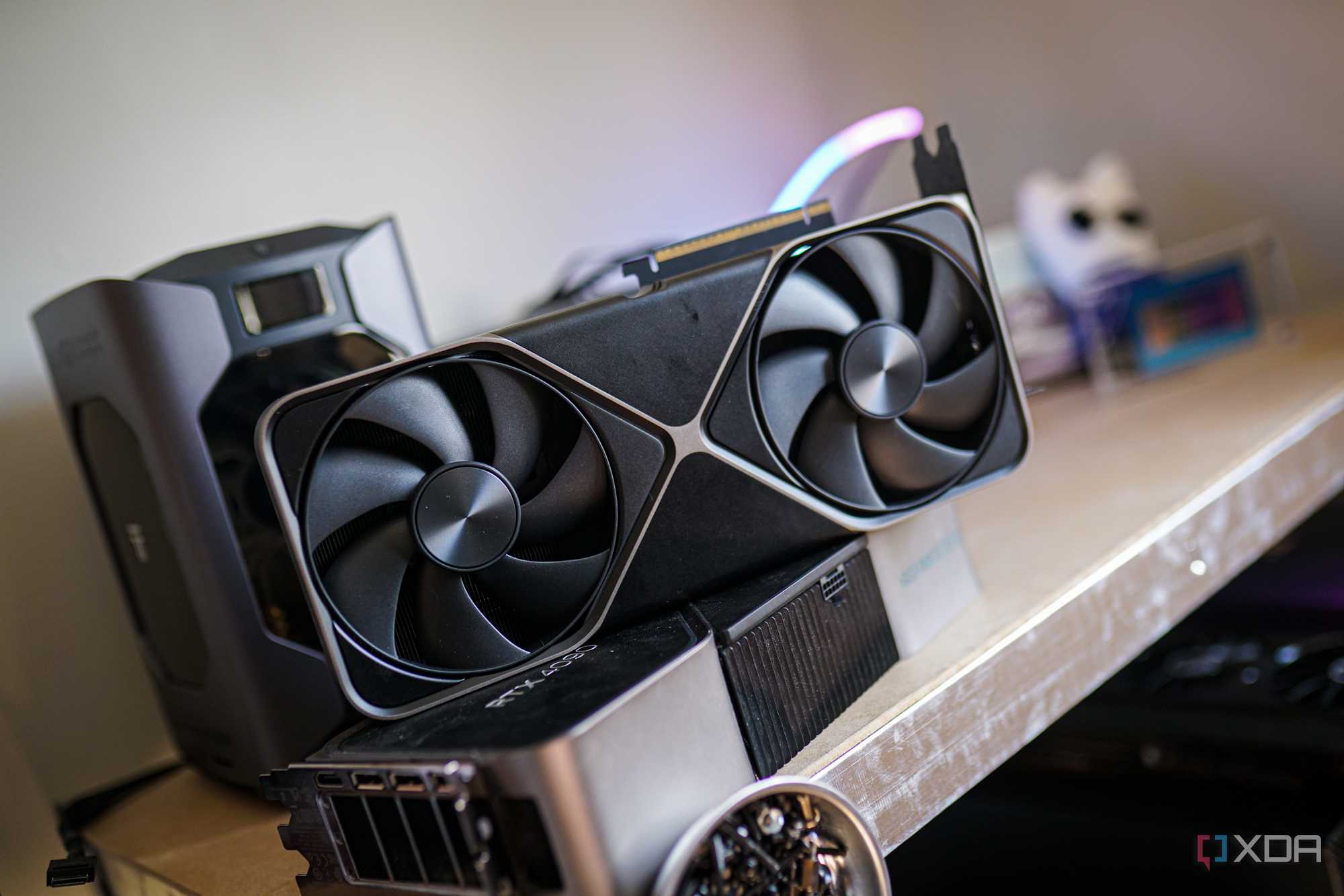
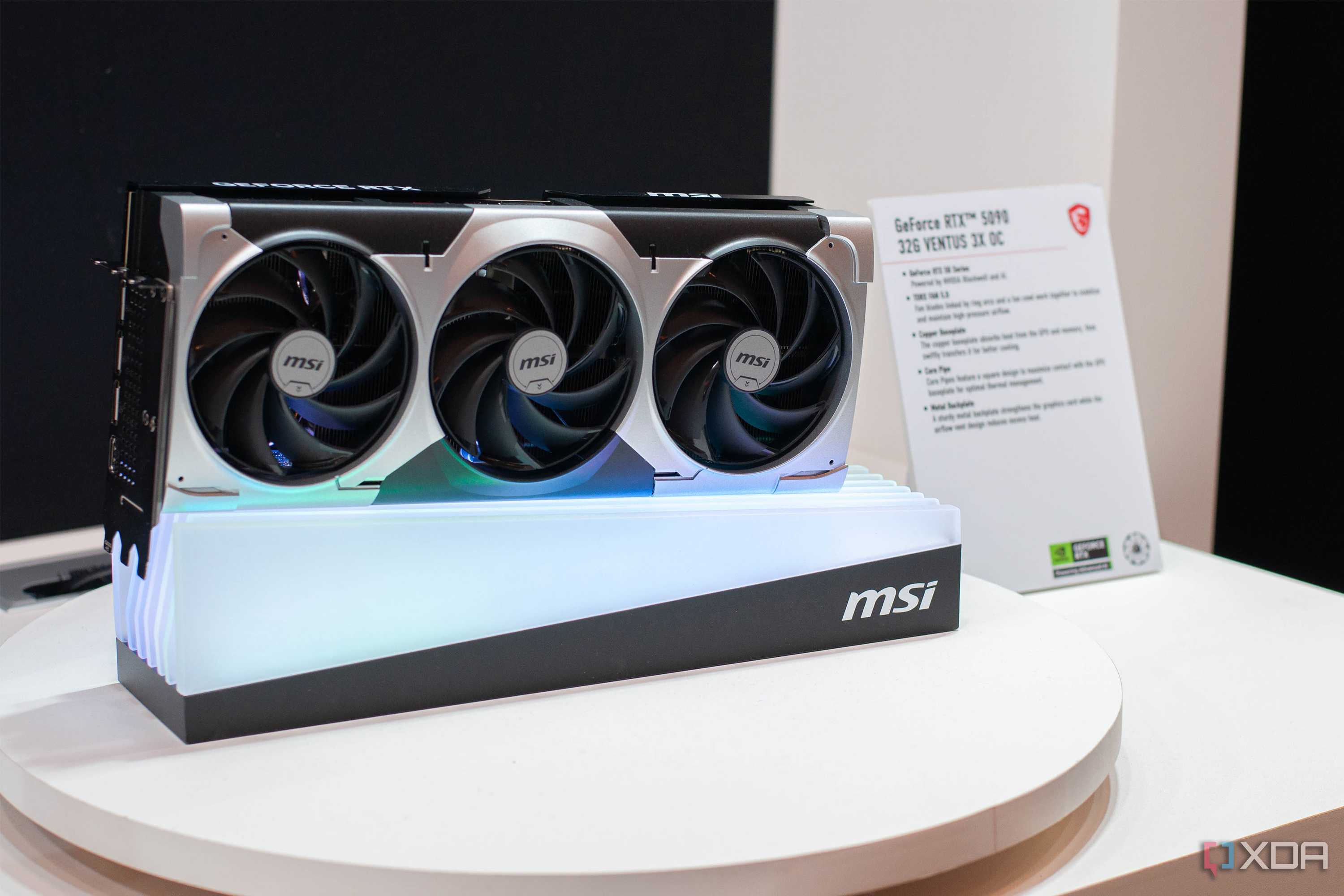

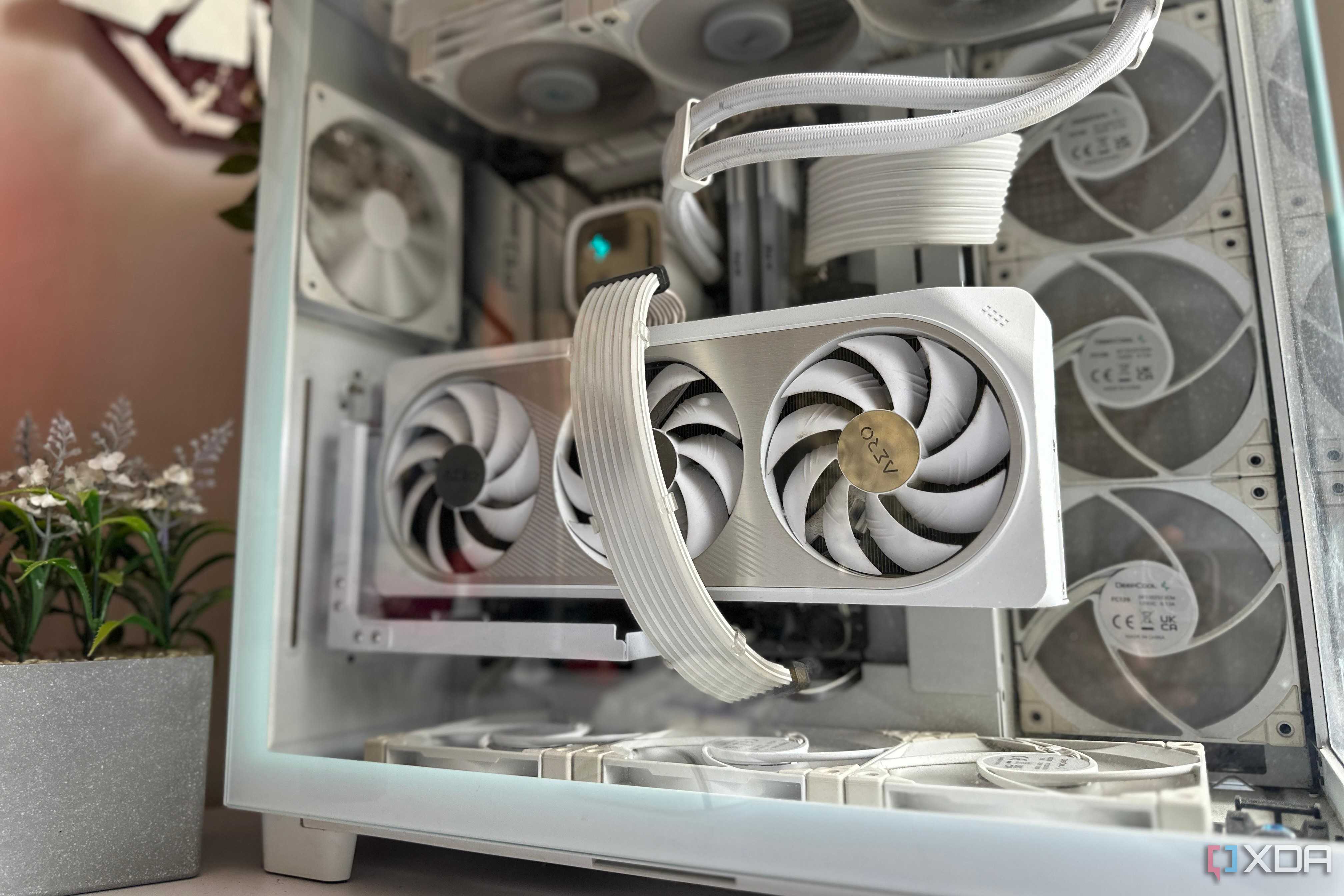
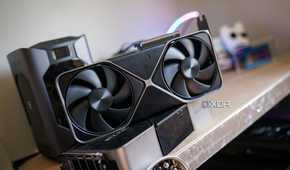
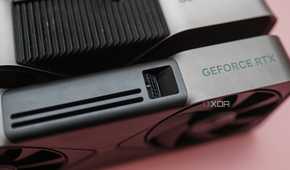
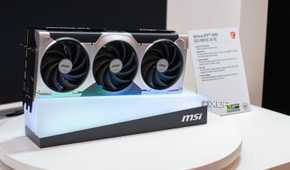

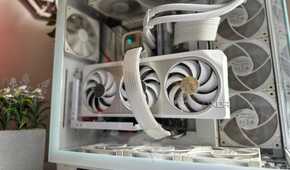
I live in the US, so fortunately, I don't usually notice massive changes in my electricity bill based off how much power my gaming PC is drawing. That doesn't mean power should go to waste, though. At idle, the RTX 5090 can draw around 50W, and it's not alone in that regard. High-end GPUs with high power demands bias toward high idle and load power draw. No one should be surprised by that. And under load, the RTX 5090 can easily climb over 500W, often dancing somewhere around 550W in just about any game where it's being 100% utilized.
The RTX 5090, in particular, is pushed pretty hard. You can run the card with an undervolt and around an 80% to 90% power limit and largely see the same performance. It depends on the silicon you have, though, and my RTX 5090 isn't particularly stable when it comes to an extreme undervolt. That's where Lossless Scaling comes into play. I'm able to intentionally limit the performance of my games, and then use Lossless Scaling to push ahead of whatever I was able to get with in-game settings. It gives me effcient performance while maintaining smoothness.
Although I'm focused on power draw for power draw's sake here, there are other benefits to running your GPU more efficiently. Most notably, temperatures. My PC is inside a Fractal Terra small form factor case, and although the GPU is able to keep itself cool without too many issues, I'll never argue with extra thermal headroom and less noise. The goal is simply to keep the RTX 5090 running at its most efficient state, but some unintended upsides are never a problem.
Just short? Make up the difference
Don't waste any rendered frames


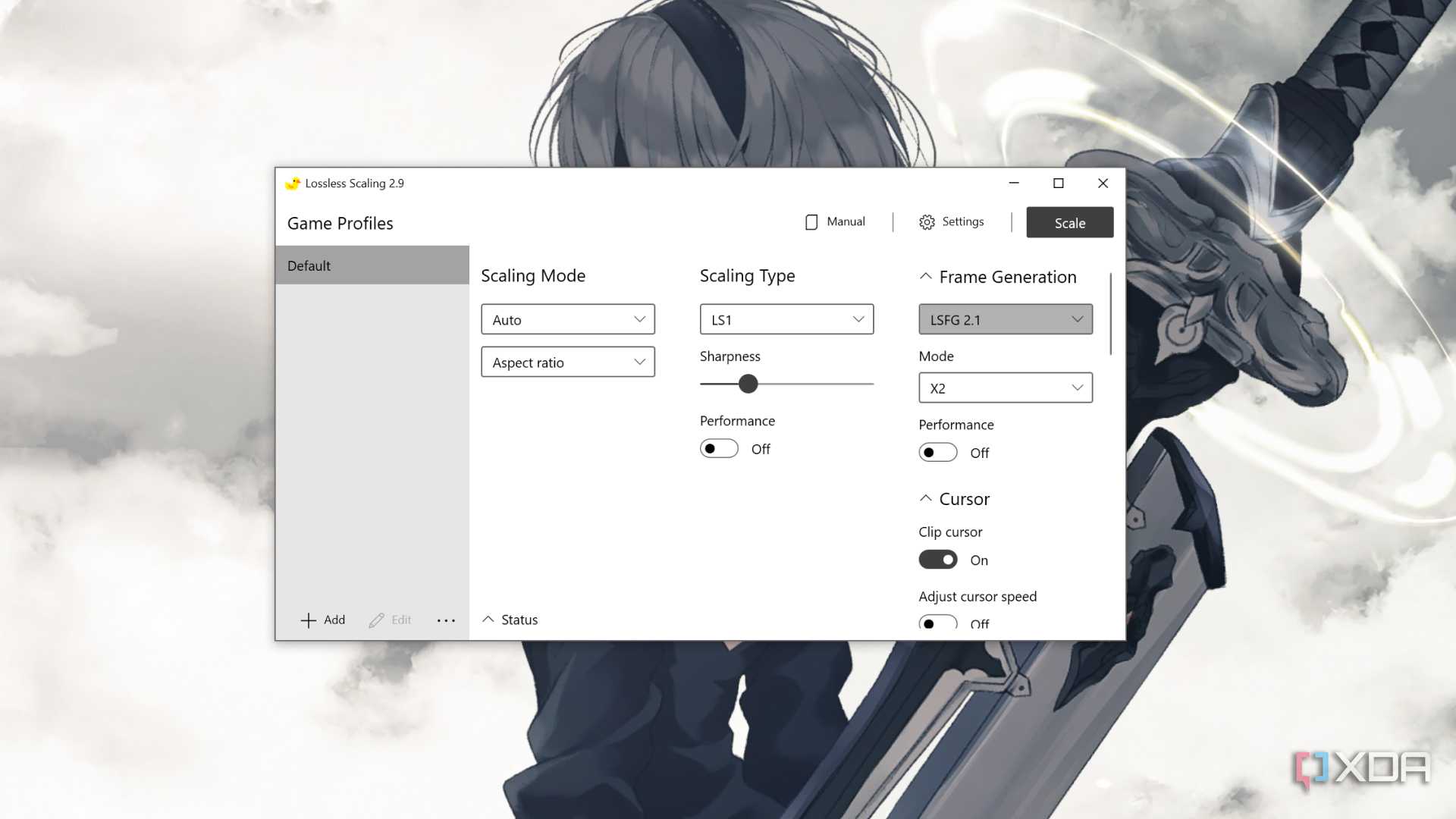
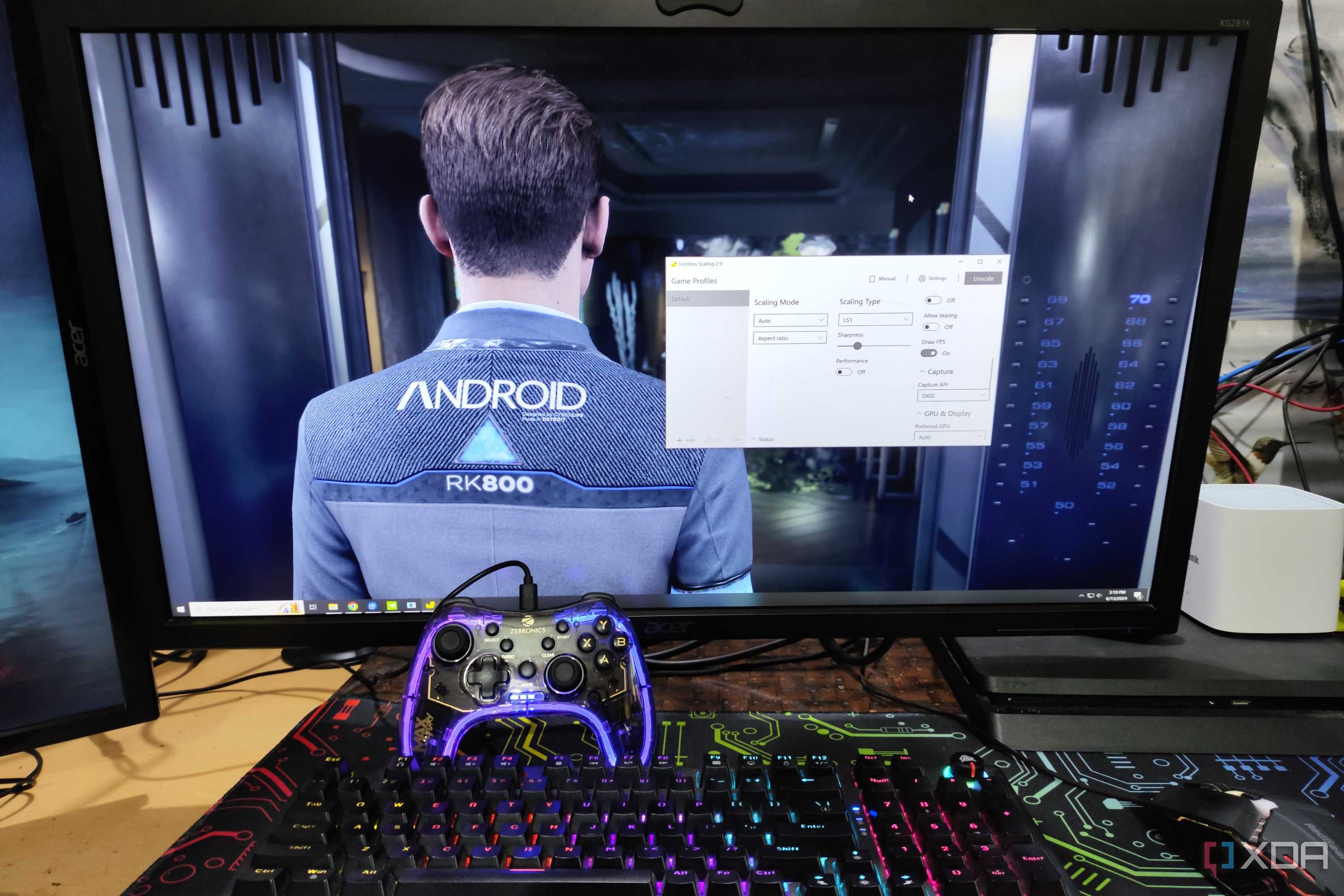
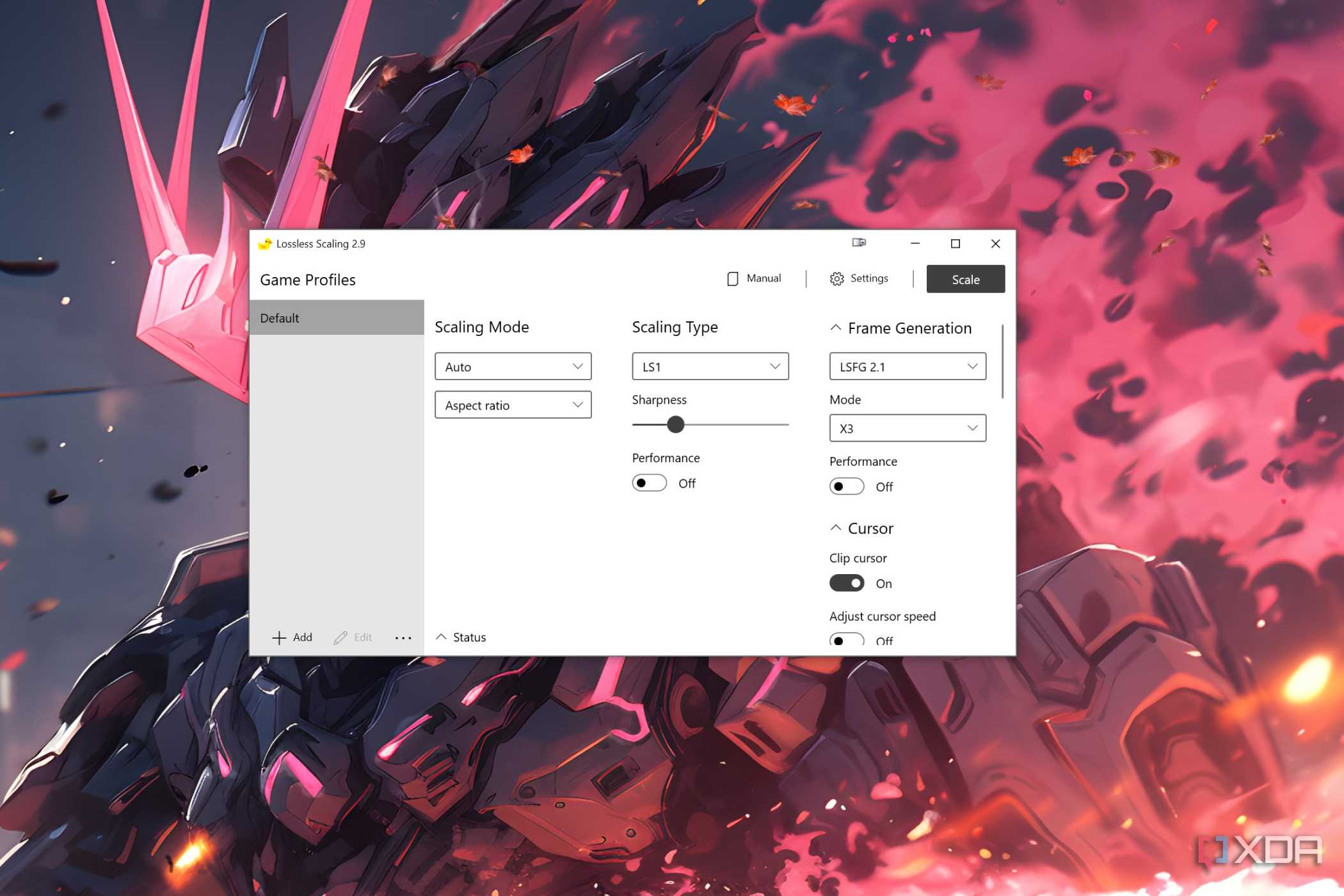
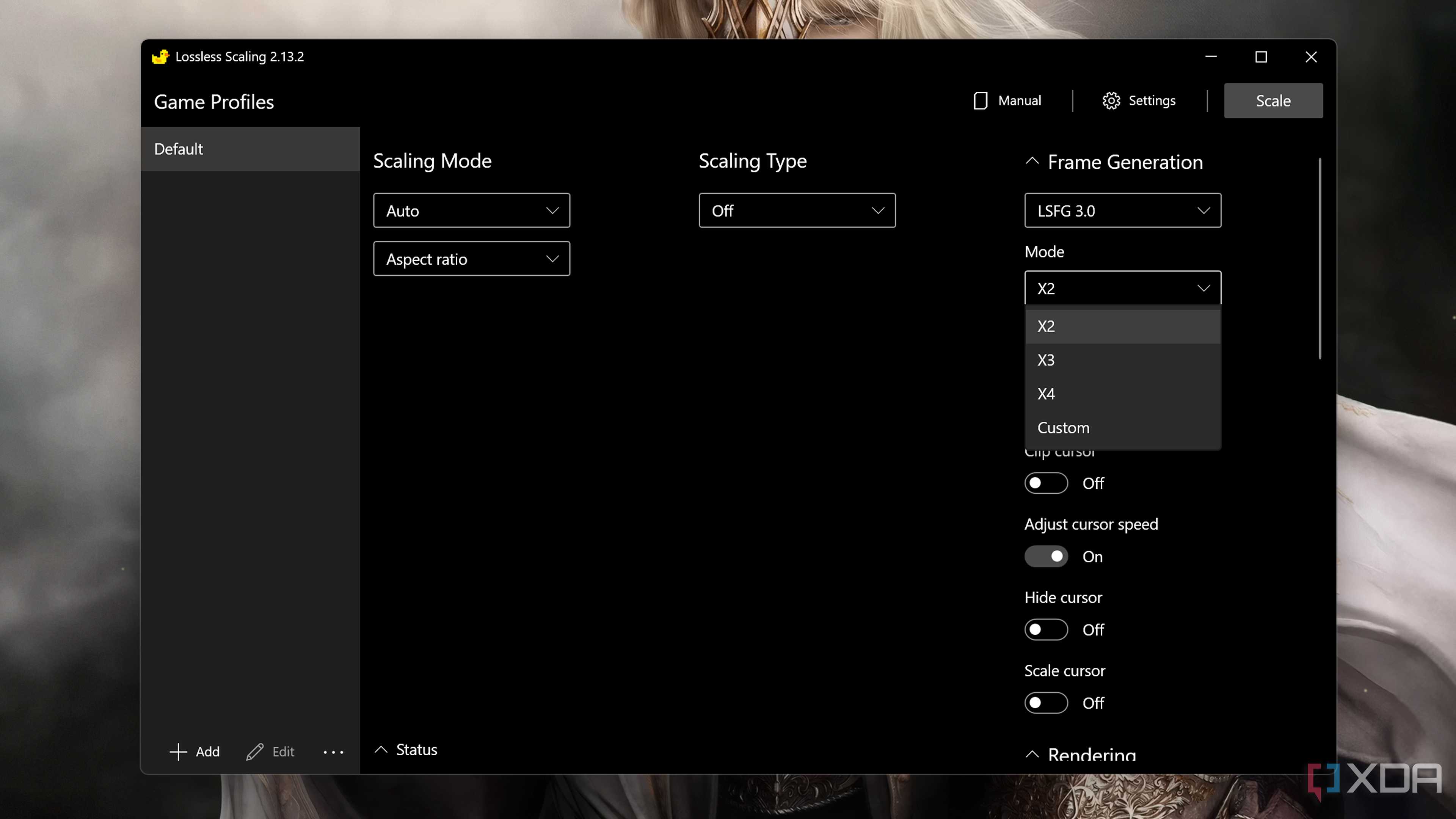


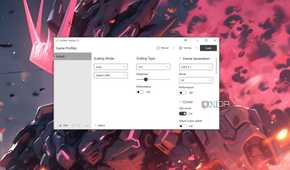
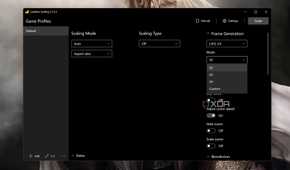
For as powerful as the RTX 5090 is, it's not a GPU that will fully saturate an equally high-end gaming display. I use a 240Hz monitor, and the RTX 5090 often isn't powerful enough to fully saturate that 240Hz refresh rate without some help from upscaling and/or frame generation. Short of tech showcases like Doom: The Dark Ages and Cyberpunk 2077, I'm usually hovering above 100 fps but below 200 fps in the games I play. The setup is simple. I cap my frame rate at 120 fps, and I use Lossless Scaling's frame generation to easily get me up to 240 fps.
This is why I love Lossless Scaling, and why I think it's such a versatile tool. You can use it to push into playable territory, but it's extremely effective if you're already running at a high frame rate and want to push things further, too. Not only do you get more efficient performance out of your GPU due to the fact that you're limiting your frame rate, you also get much more consistent performance. If you're able to cap your frame rate somewhere that's easy work for your GPU, you can almost guarantee you'll stay locked at that frame rate.
Let me provide a more concrete example. I was recently pulled out of Destiny 2 retirement — don't ask — and the RTX 5090 can hit somewhere around 160 fps with maxed-out settings at ultrawide 1440p. Anyone who's played Destiny 2 knows that whatever average you pluck out doesn't tell the full story. Performance is highly variable depending on what you're doing in the game, and oscillating between a high and low frame rate is noticeable, even if the frame rate doesn't dip into stuttering territory.
Instead of settling for an inconsistent frame rate, I cap the game at 120 fps, use Lossless Scaling, and barely ever see my frame rate dip below 240 fps. In more modern games, you can accomplish the same thing with DLSS, but there are thousands upon thousands of games that don't support DLSS where Lossless Scaling fills in the gaps. For instance, I recently re-installed Wolfenstein: The New Order to run back through the game on the highest difficulty, and I completely forgot that it has a 60 fps cap. Not a problem for Lossless Scaling.
Not perfect, but it works a treat
A few visual artifacts never hurt anyone

Although you buy an expensive GPU for the raw power it provides, it's not always practical to slam it with the heaviest workload possible and hope for the best. Even if the average frame rate comes out well, you could have wildly inconsistent performance or fall just short of what your monitor is capable of. And particularly in games that are a few years old that haven't gotten the DLSS treatment, Lossless Scaling closes the gap.
Make no mistake, DLSS or FSR frame generation is better. Lossless Scaling, due to how it works, struggles with keeping the HUD stable in games, and you'll see a wash of artifacts any time you need to interact with a menu, even with just 2X frame generation. But given the efficiency and consistency improvements, that's a reasonable trade-off for me.

