


Ever since April 2020 when NVIDIA showed off the second generation of their Deep Learning Super Sampling (DLSS) Super Resolution upscaler, the gaming world just hasn't been the same. Some would argue that it marked the day developers began to forget how to optimize games, letting upscalers do their work, but it's just as easy to see the upside — glorious and undeniable as it has been.
Six years on, NVIDIA just released the global version of DLSS 4.5, which is perhaps the most noticeable increase in visual quality when using Super Resolution even on the lowest internal resolutions. Of course, it comes with a bit of an added cost, but it's one I'm more than willing to pay on my RTX 4070 Ti.
DLSS 4.5 turned my 1440p GPU into a 4K card overnight
I was happy at 1440p a week ago


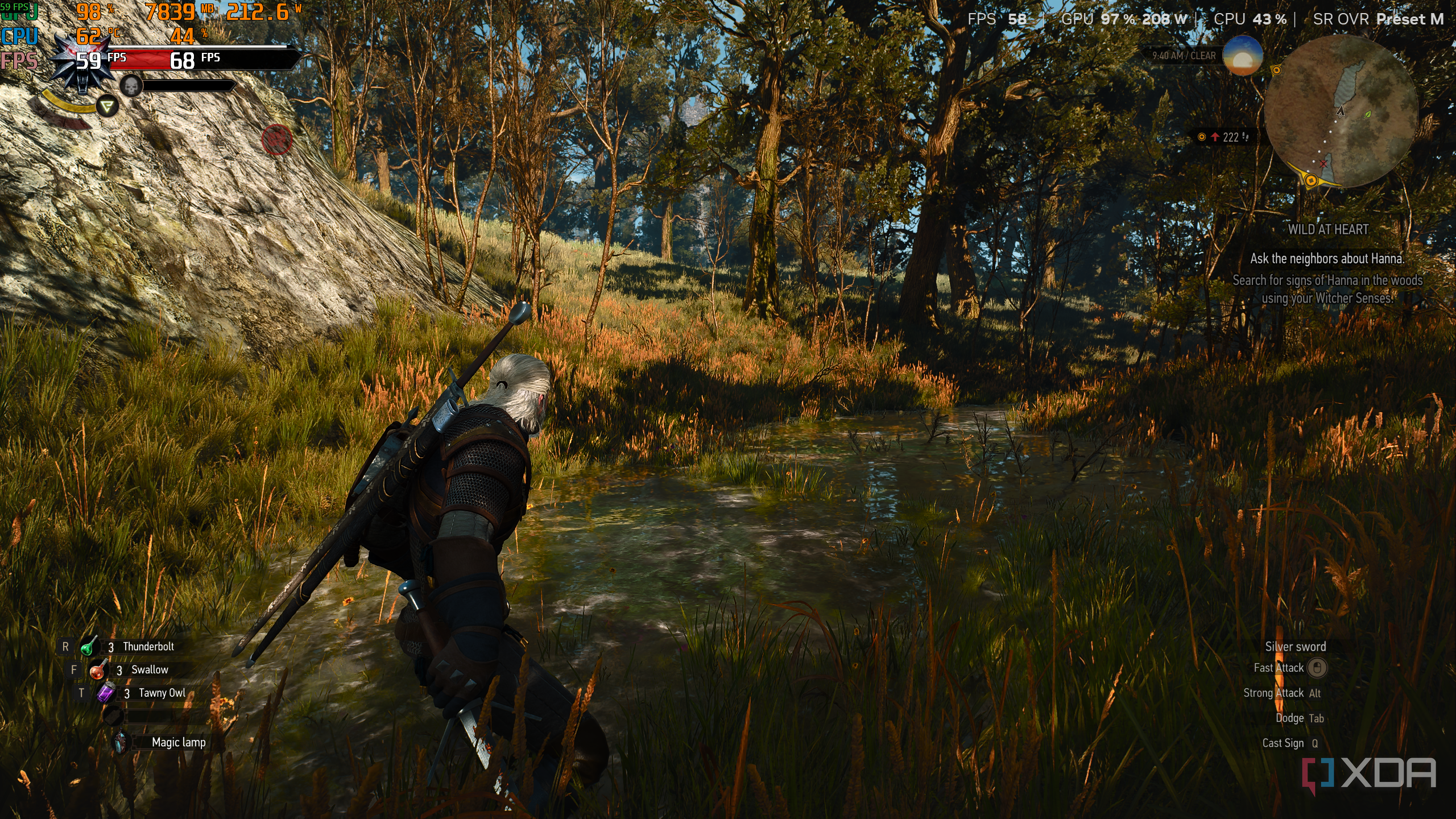
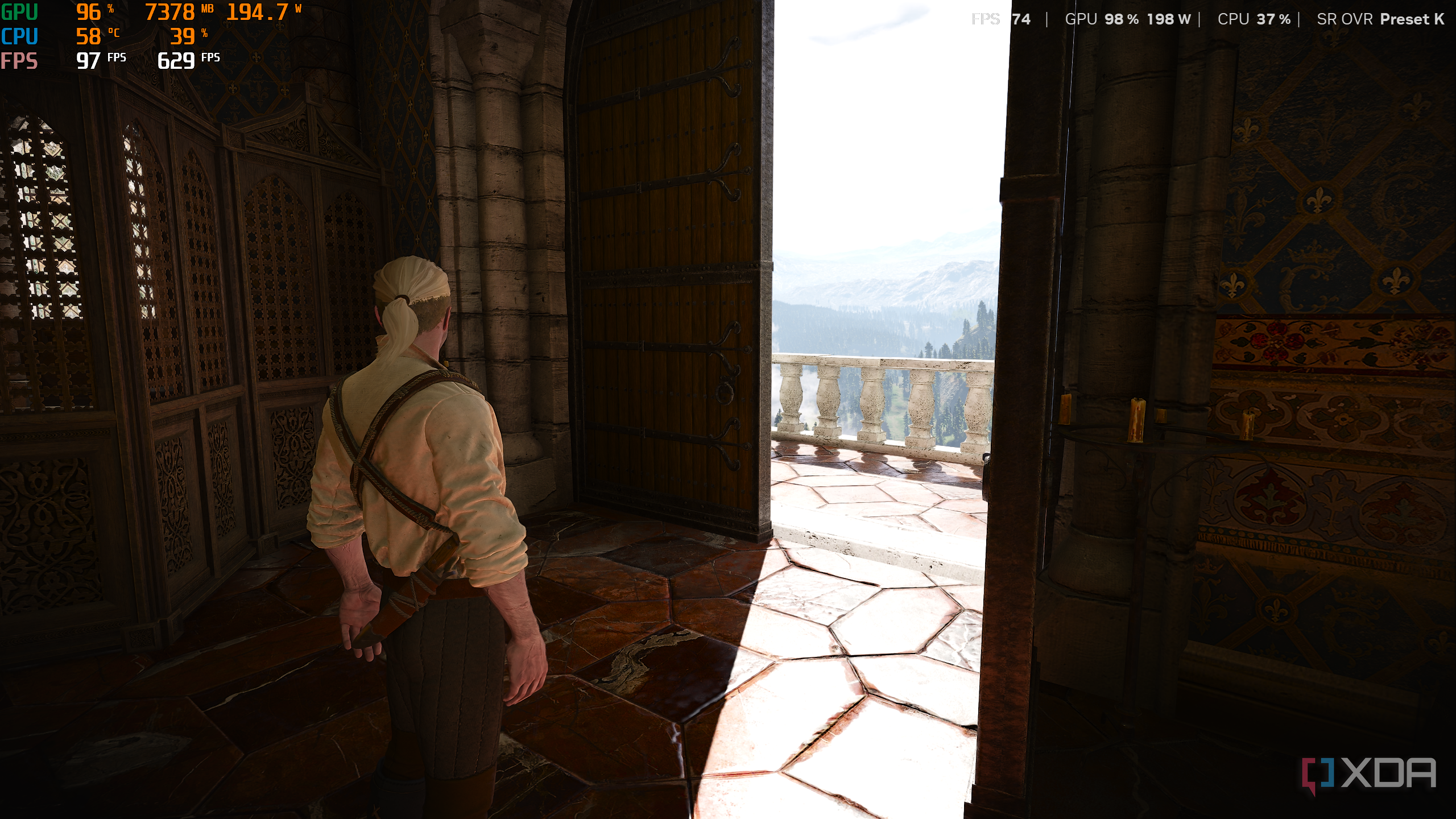
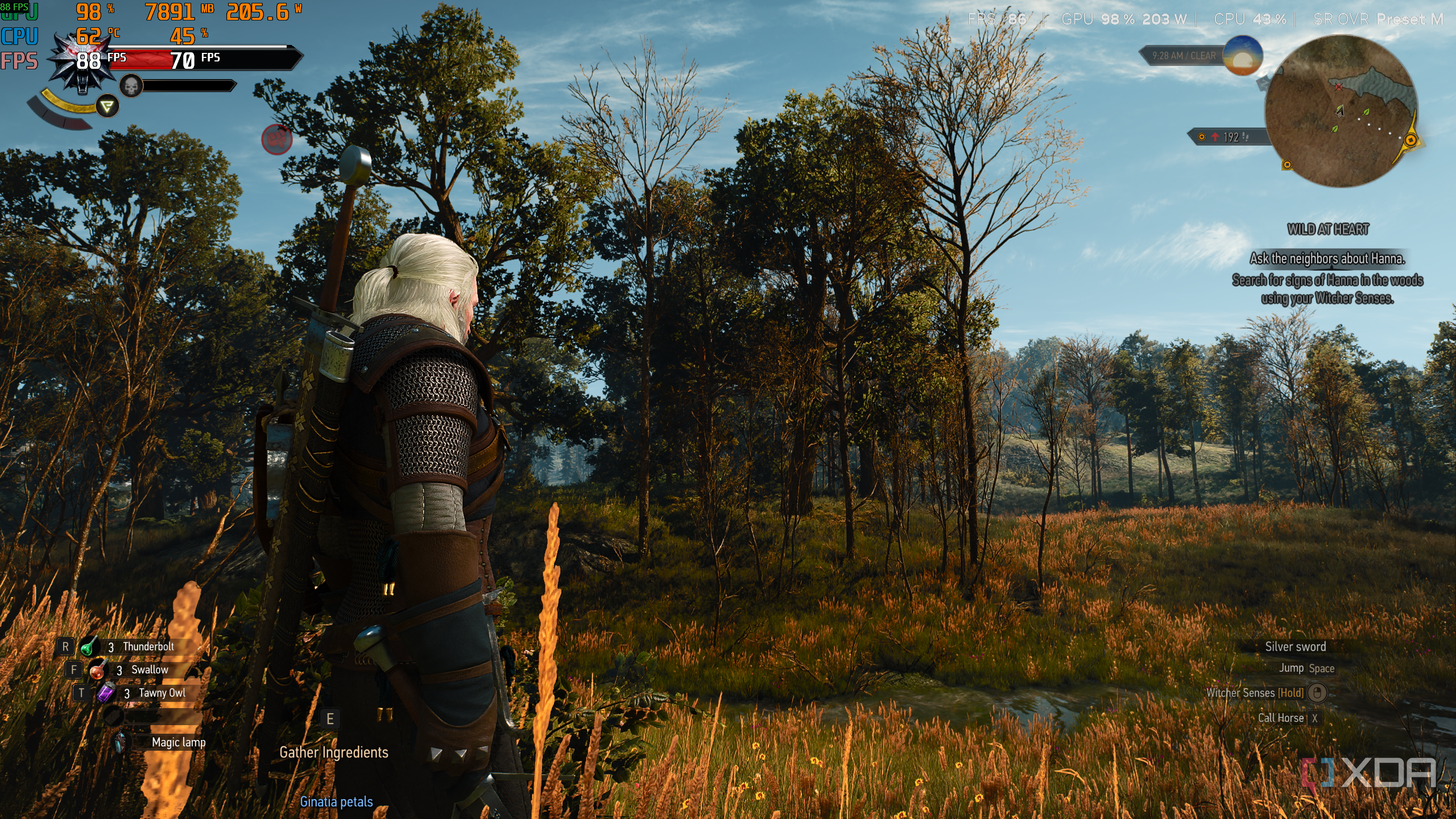
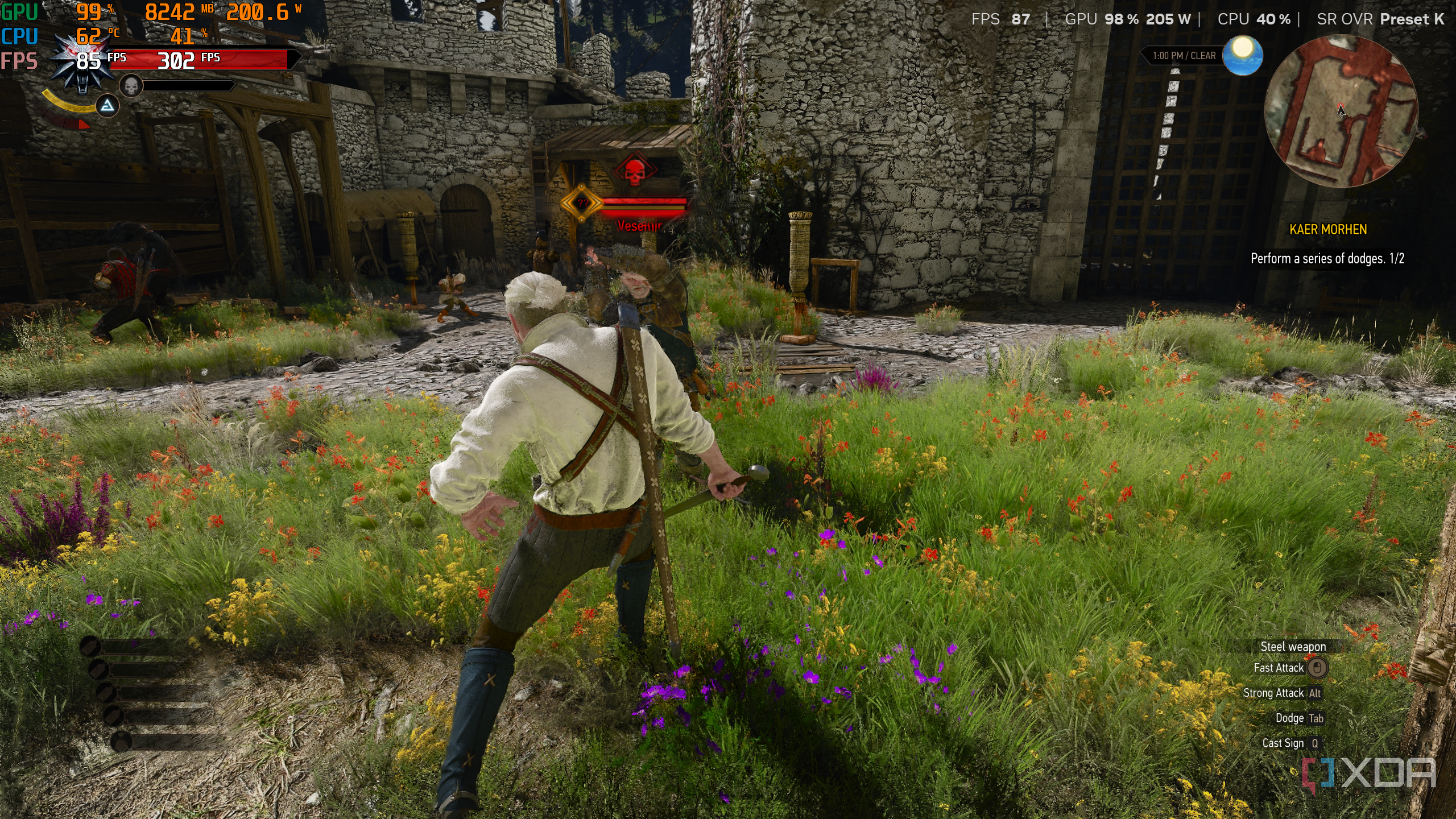
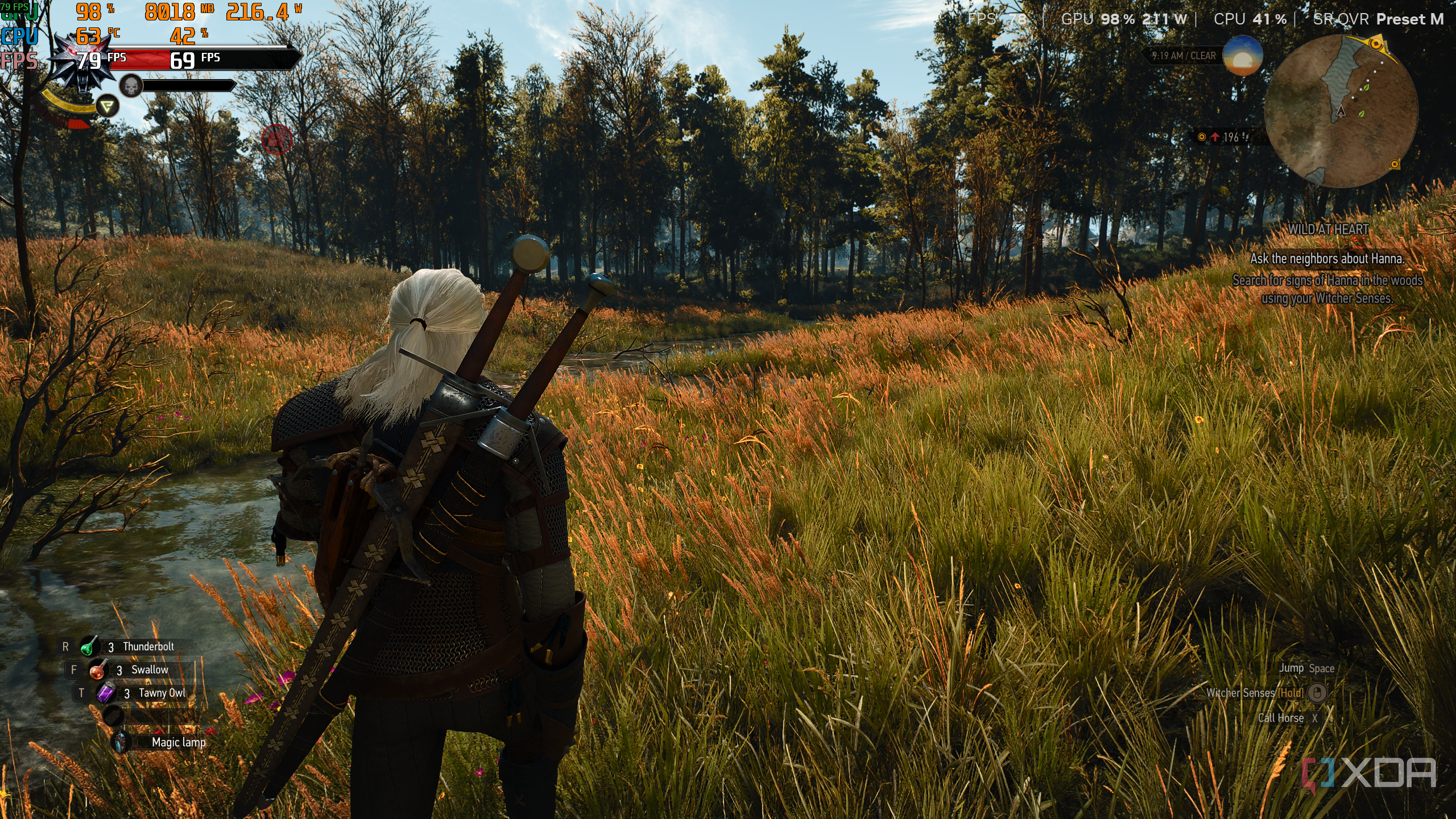
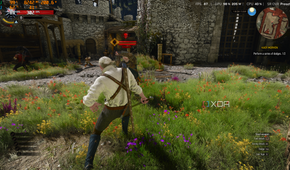
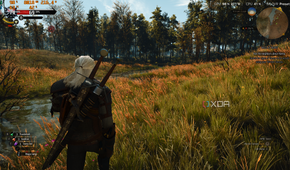
As someone who has sworn by 1440p since the decade started and will continue to do so until it's over, I've never truly felt my GPU reaching its limit in any game. The few times I've benchmarked the latest games on 4K, the cracks have definitely shown, but that's because I knew well before purchasing my RTX 4070 Ti in 2023 that it's not 4K gaming I'm after. 4K gaming is something NVIDIA has been promising in their marketing and tech shows for quite a while now (they even tried to make 8K happen with the RTX 30-series), but unless you're on the very bleeding edge of the newest GPU tech in town, it still feels like a pipe dream.
It's that chasm that DLSS 4.5 is hoping to bridge, and so far, it does look like it's more than capable of the job. Not only is there a marked improvement in the image quality when using DLSS, but it comes at a rather low cost. It's almost black magic, the way DLSS 4.5 very well turns 360p native resolution frames all the way up to 2160p while still making the image quality look good enough to go head-to-head with a PlayStation 5 or Xbox Series X.

Let's talk about the costs
DLSS 4.5 wants more power and VRAM from your GPU
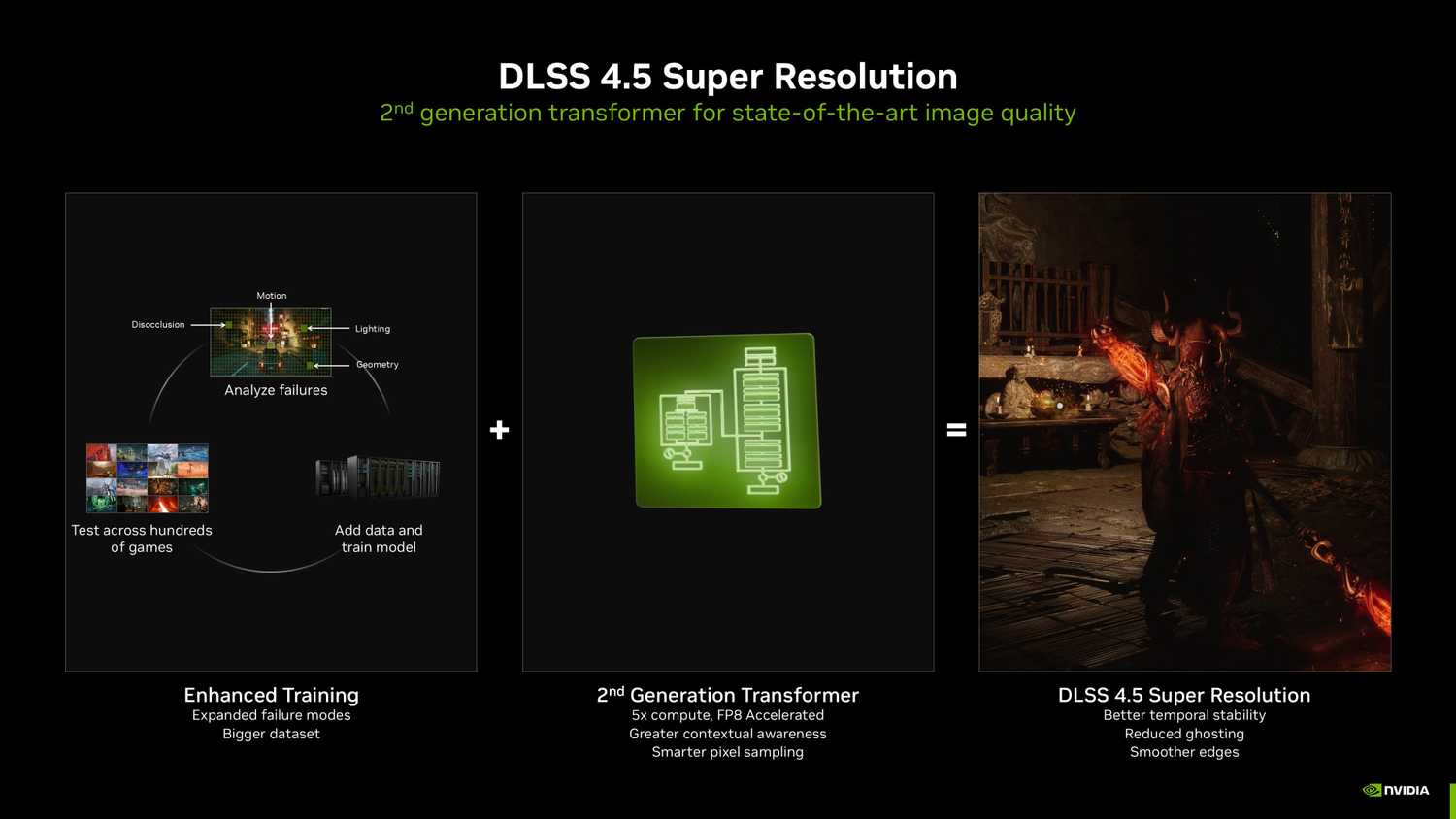
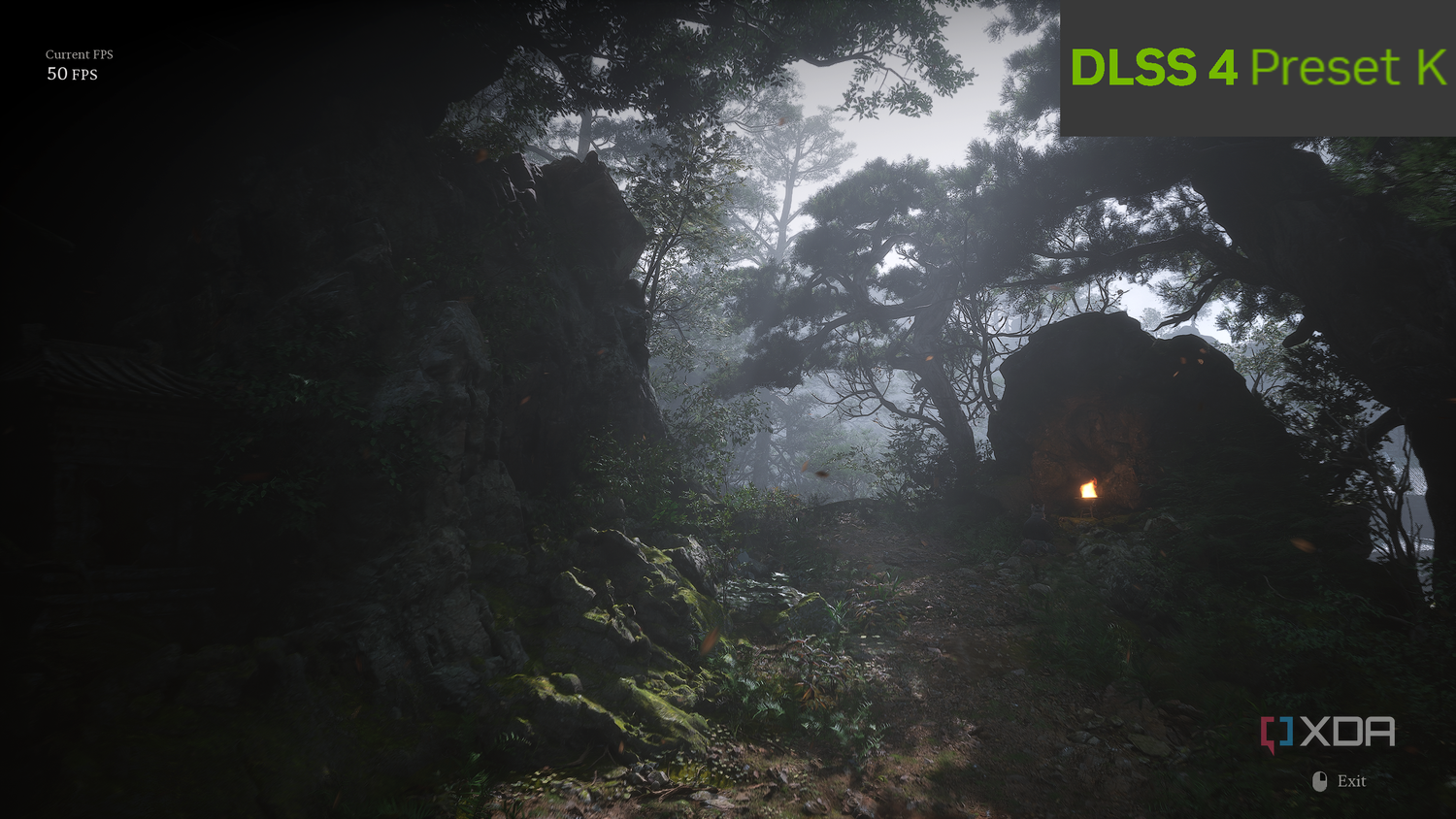
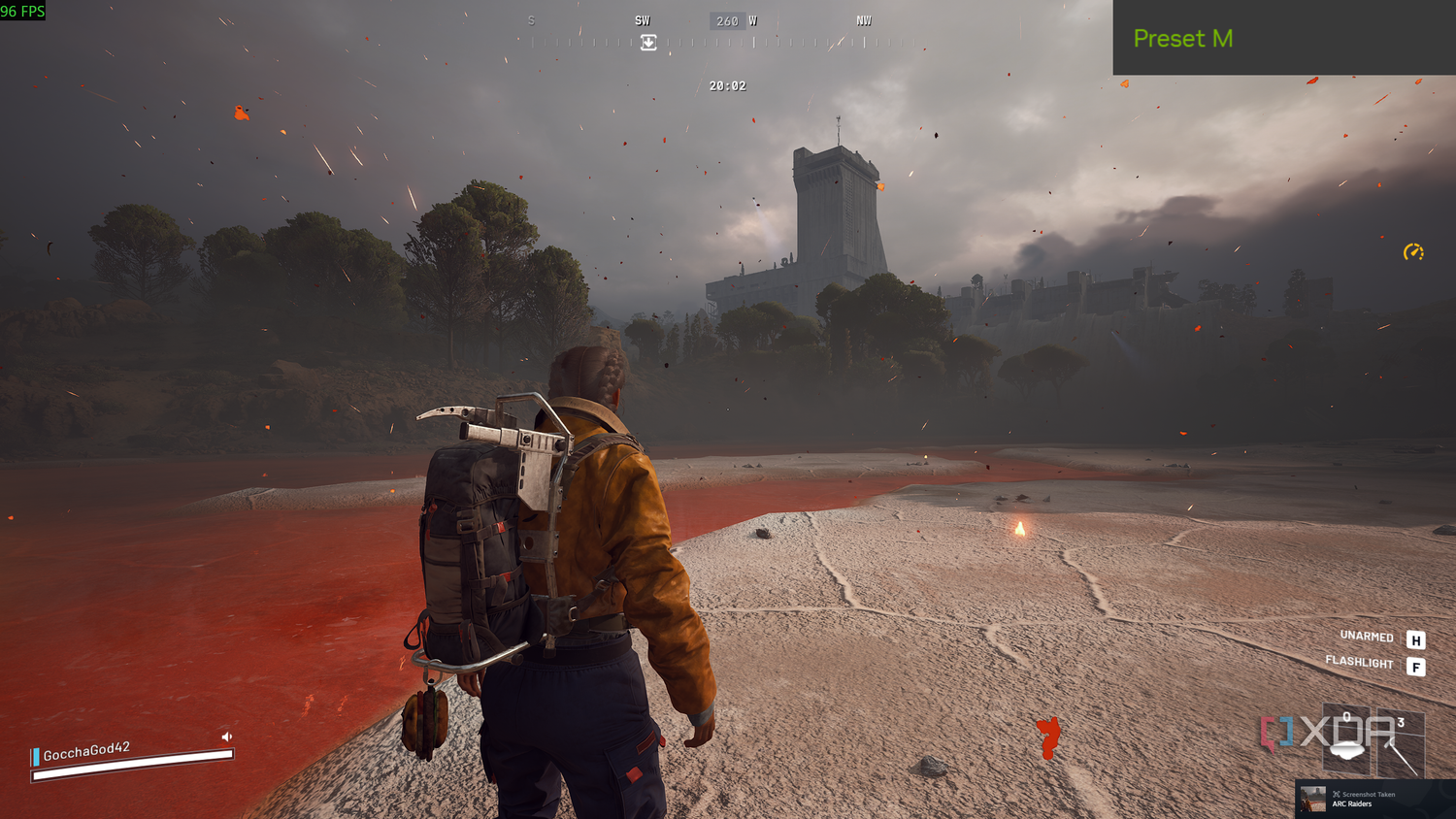
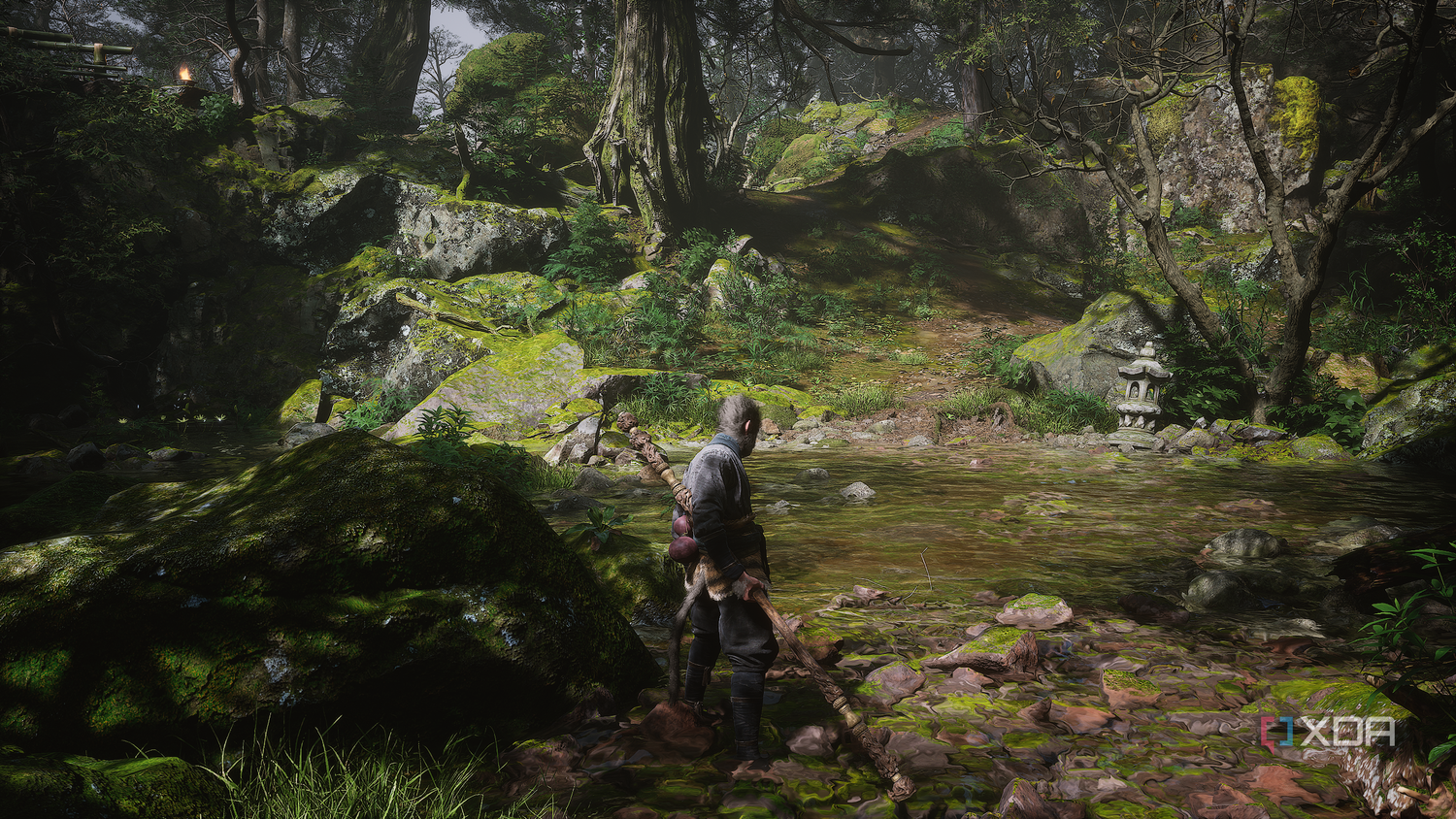


 Credit: Nvidia.com
 Credit: Source: Nvidia.com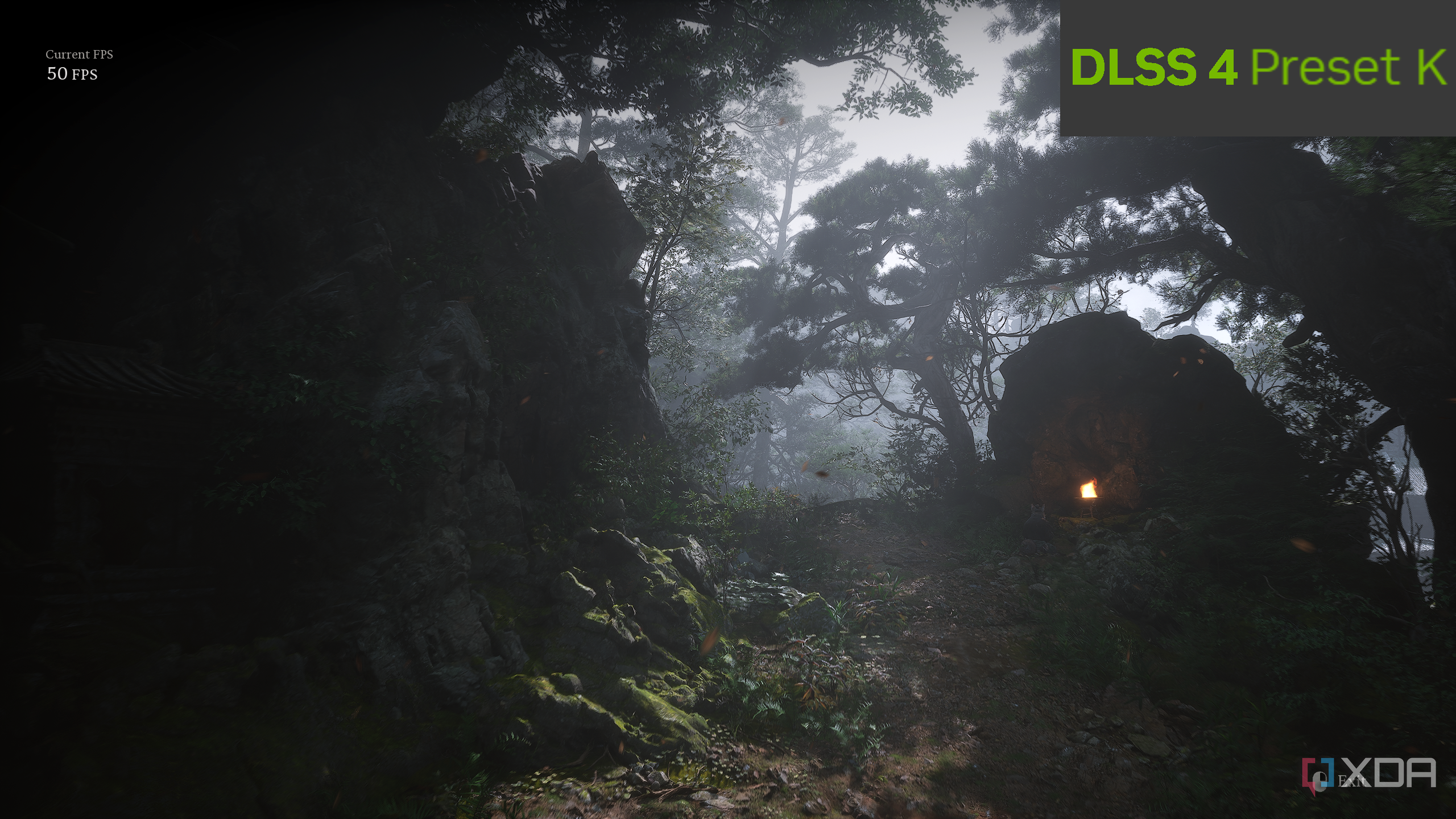

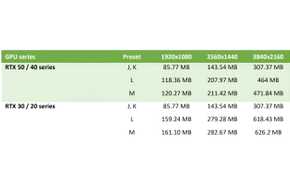
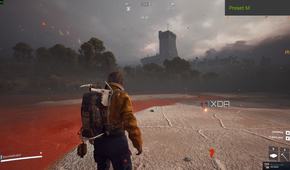

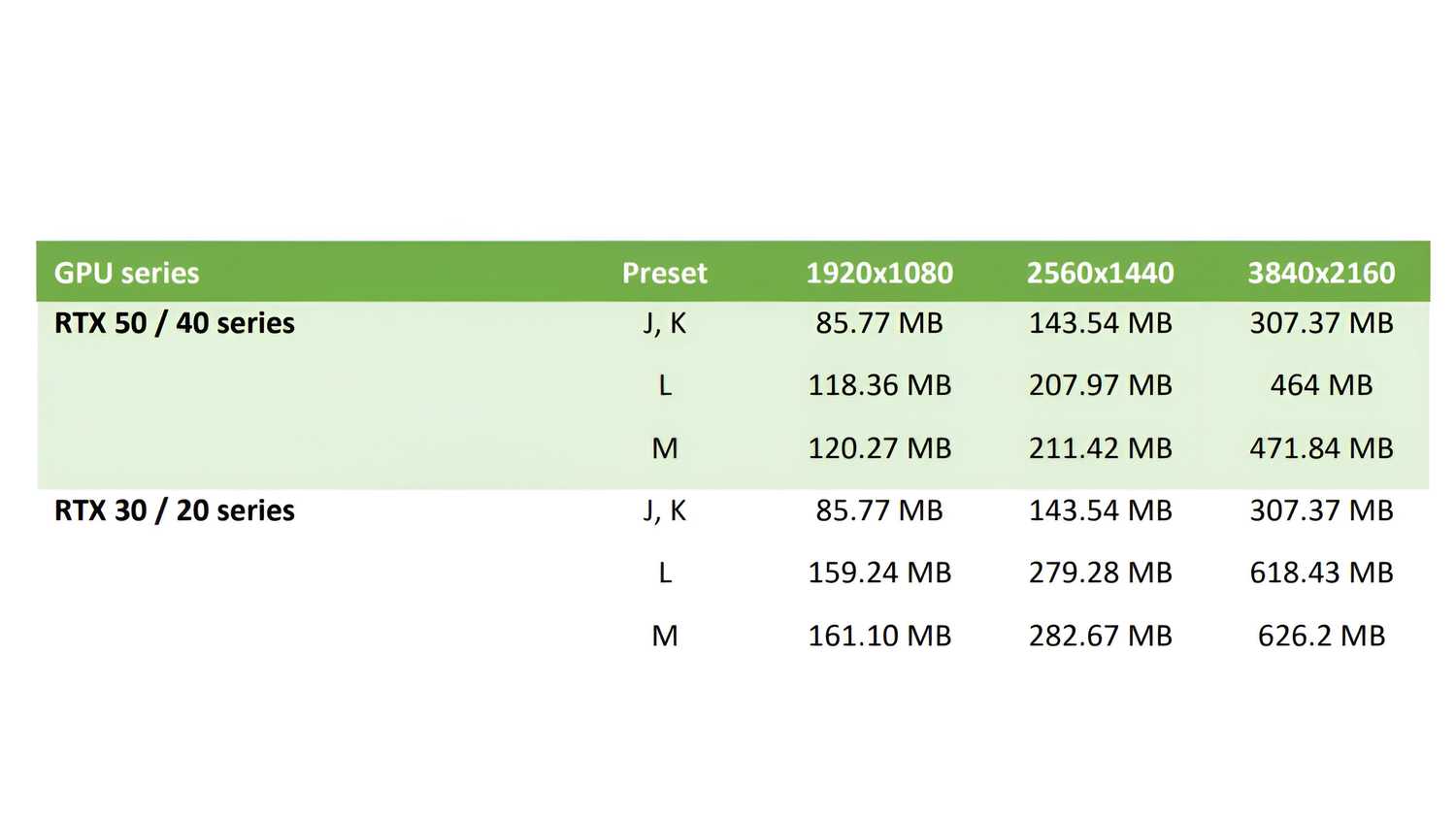
Nothing good ever comes for free, and DLSS 4.5's improvements in image quality and stability come at the cost of a bit more resources. However, it's a small price to pay, provided you've already paid the larger price and are an existing RTX 40 or 50-series user. According to the official programming guide by NVIDIA, DLSS 4.5's presets do come with a significant VRAM overhead. At 1440p, your GPU would need about 47% more VRAM to run DLSS 4.5 instead of DLSS 4, and on 4K, that cost goes up from around 300 MB straight to nearly 500 MB — a 53% increase, give or take.
If you're on any card above the RTX 4070 Ti, that's a VRAM cost that's rather easy to pay. In fact, there's another added cost here, which is the power draw. Using DLSS 4.5 results in more power draw from your GPU, which, in my testing, is about a 5% increase. Now, a lot of gamers don't particularly pay attention to the power draw of their GPUs, but the ones who do, and the ones who run their graphics cards undervolted, would want to know about the increased power draw. It's definitely not a lot, but it's certainly not insignificant, either.
Lastly, there's the FPS cost. No matter which game you play, switching from DLSS 4 to DLSS 4.5 will result in a few dropped frames. The new upscaler eats up around 4–5% of your frame rate, but for the remarkably increased image quality, that's a price I'm more than happy to pay.
That's because now, if you've always wanted to stick to DLSS Quality for the best compromise between image quality and frame rate, you can happily and confidently drop to DLSS Balanced and enjoy the same level of image quality, and often for even better frames. So, comparing DLSS 4's Quality preset to 4.5's might result in the latter delivering a handful of FPS less, but what the new upscaler version allows you to do is be assured about going even further below in the internal resolution slider to DLSS Balanced or Performance. Not only will it deliver better frame rates, but unless you've got your eye firmly attached to the screen, you won't be able to tell the difference, thanks to sharper anti-aliasing and significantly improved temporal stability with DLSS 4.5.
My games look better, and 4K is now an option
Foliage is sharper and shimmers are almost gone


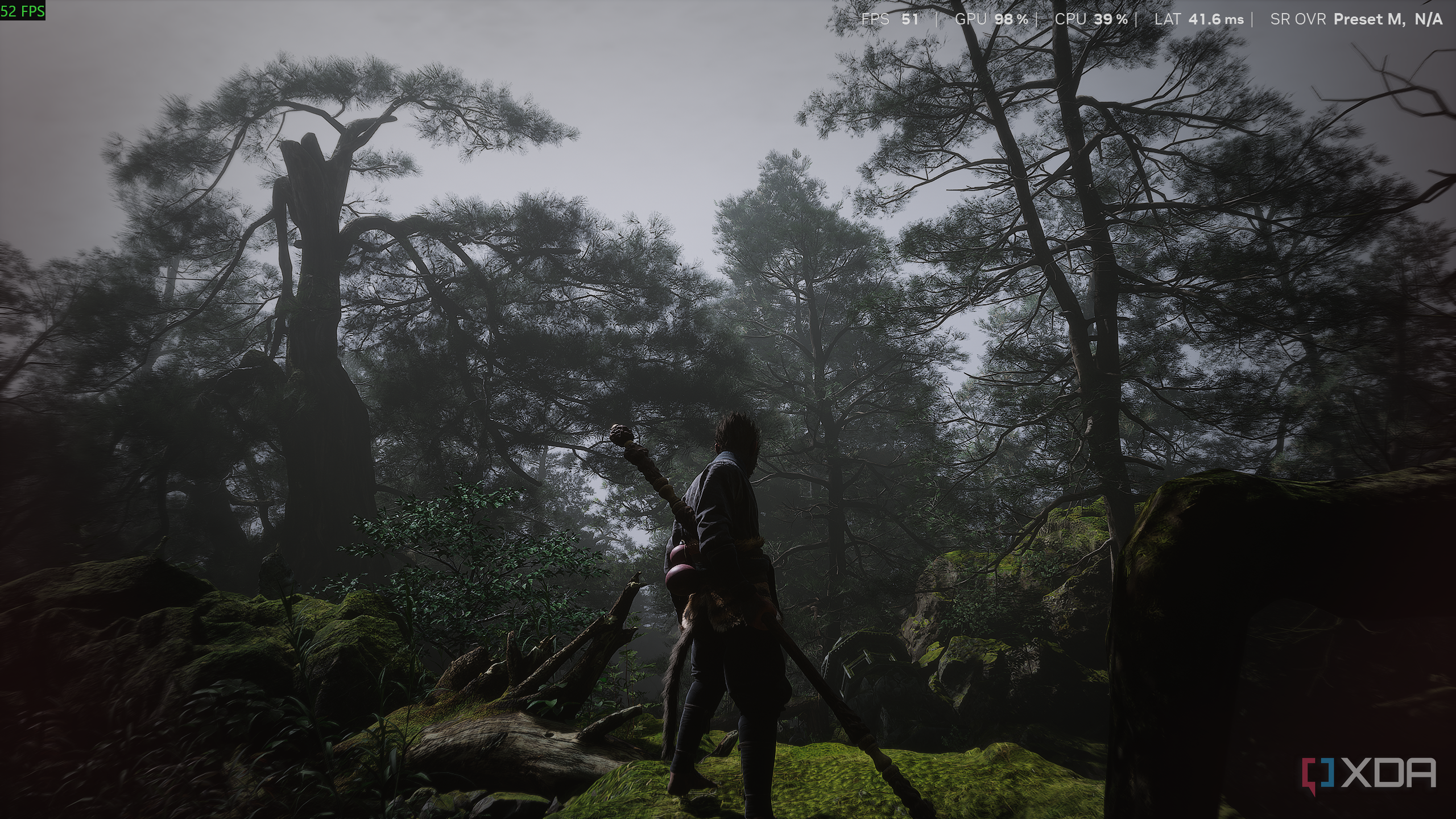
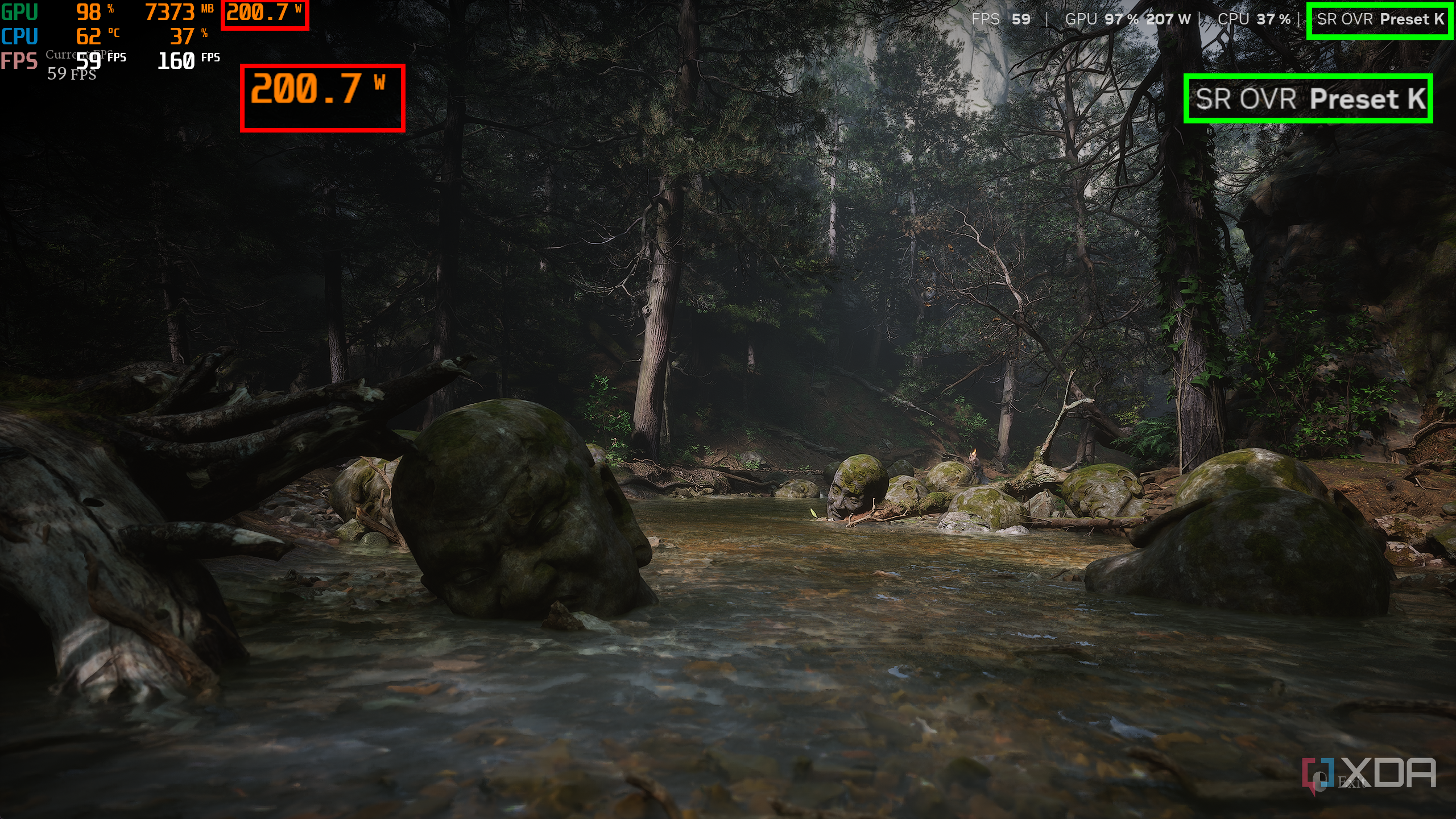
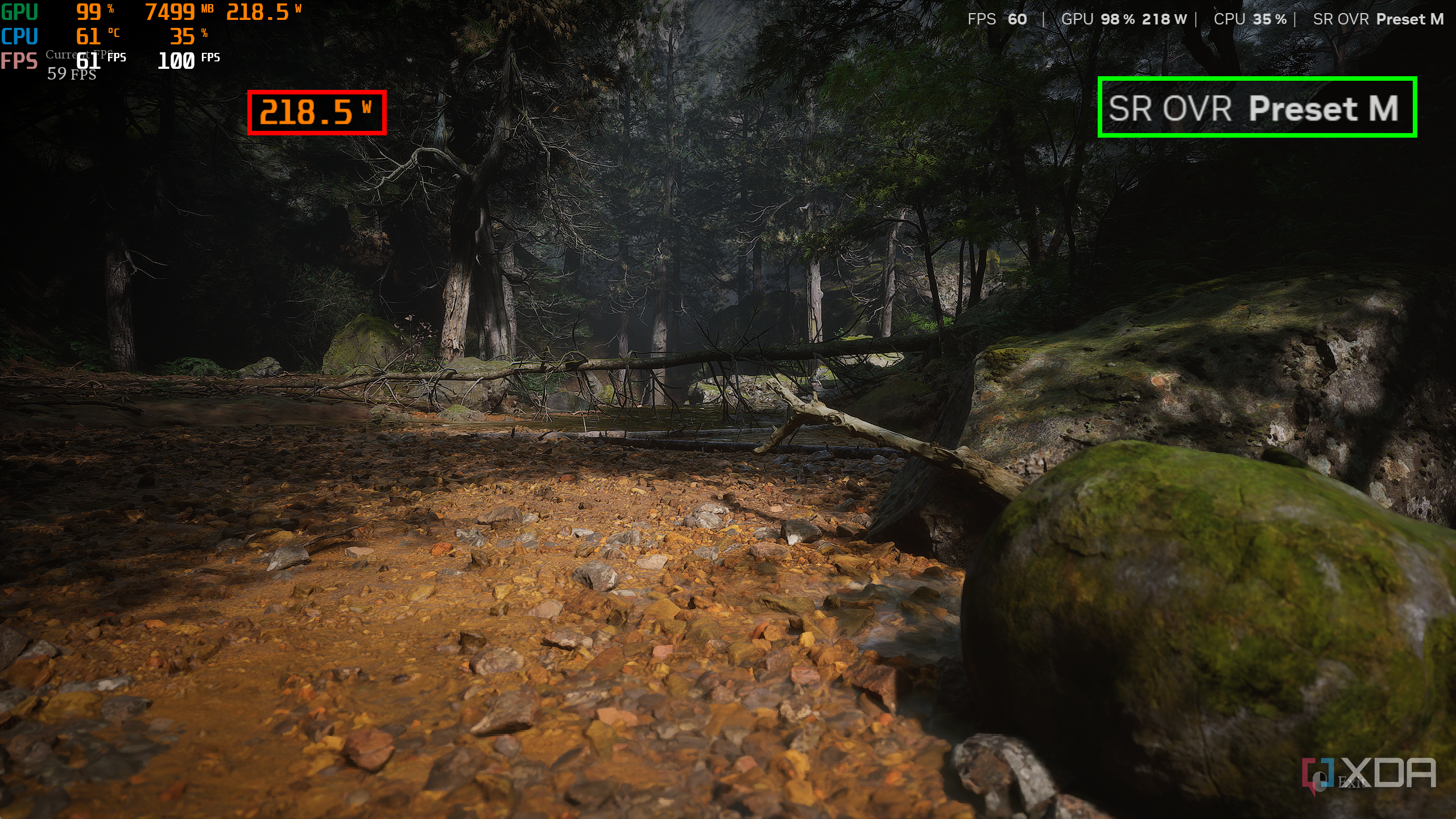
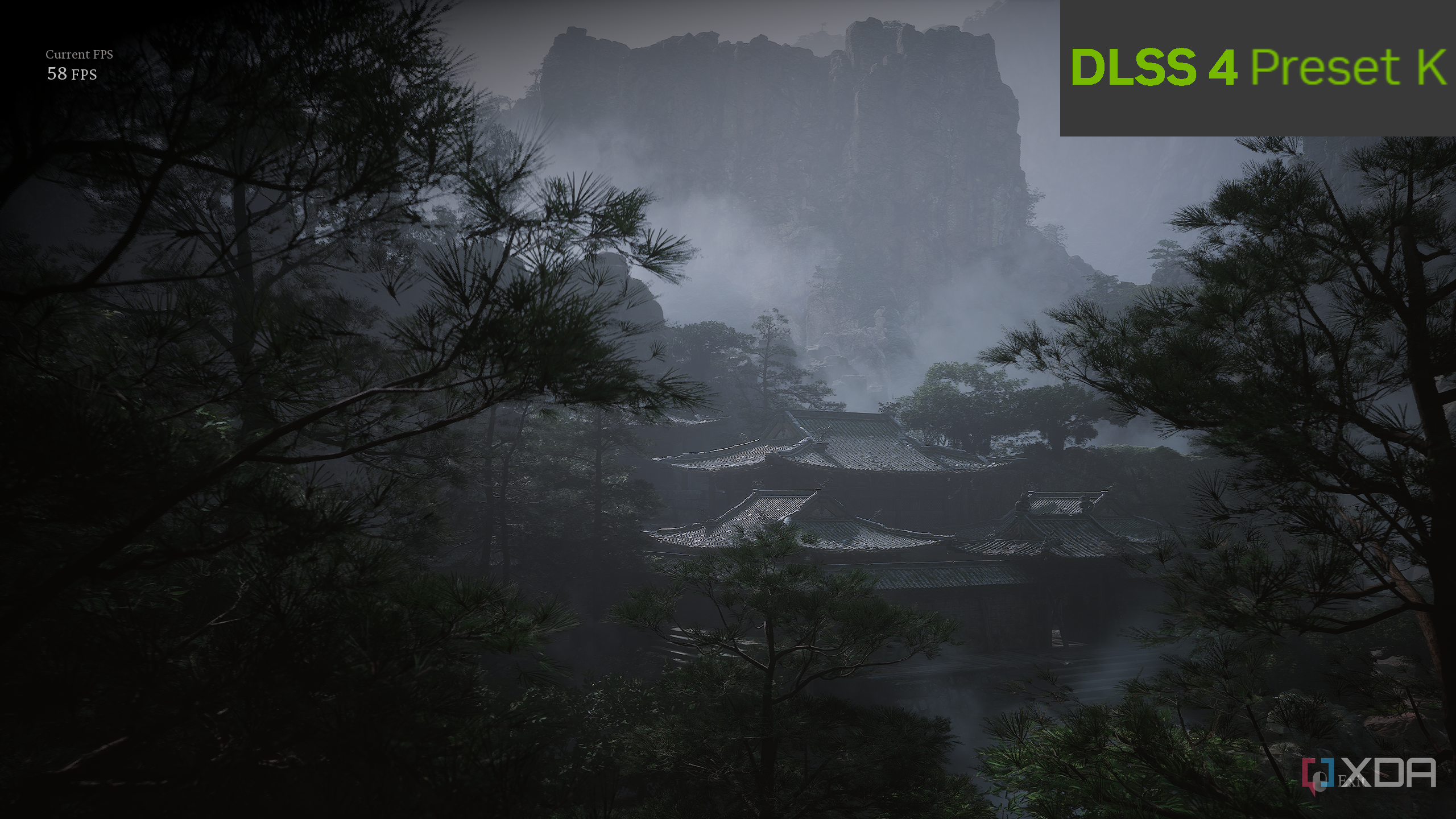
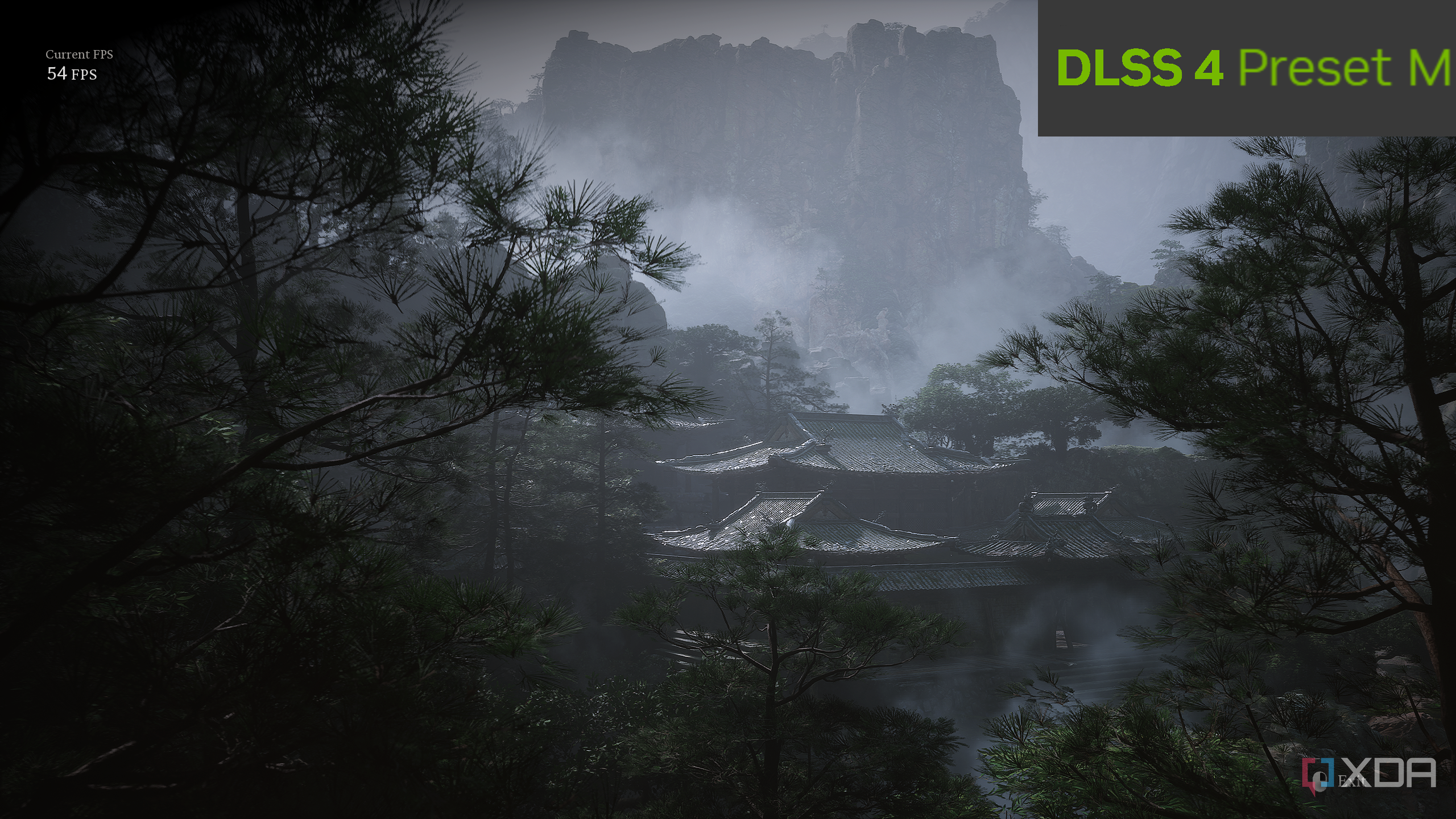
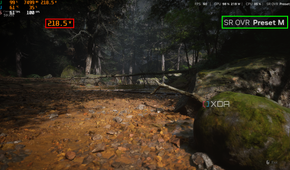
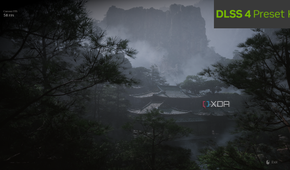
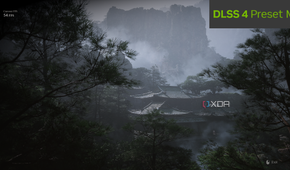
Having just bought a new 4K TV, the first thing I did was boot up Black Myth: Wukong on it. Initially, while using DLSS 4, the game delivered 64 FPS while using roughly 7.2 GB VRAM and 205 W of power. Over on DLSS 4.5, the number dropped to 61 FPS with a 4.7% increase in power draw and a 3% increase in VRAM usage, but the upside was well worth it. The new preset is considerably better at dealing with ghosting and Unreal Engine 5's woeful shimmer problem, all while delivering sharper semi-distant foliage. In fact, dropping to DLSS Balanced took my FPS average into the 70s, while still looking just as good.
Switching over to 4K on my 144Hz TV, the VRAM usage climbed significantly, and that's where I started wishing I'd gotten a 4070 Ti Super instead. Still, with the 12 GB VRAM I did have, I managed to get about 65 FPS without ray tracing, and DLSS set to Performance, all while playing at the "Very High" graphics preset with a few sliders tweaked here and there. What I was then looking at, was 4K 60 FPS on my RTX 4070 Ti, and having played the same game on a base PlayStation 5, the image quality is unparalleled. Not to brag about my $2000 gaming PC being more powerful than a $500 console, but this felt like a good moment to think about how before DLSS 4.5, I would have gone ahead and finished the game at 1440p exclusively because the cost of 4K would've been too high.
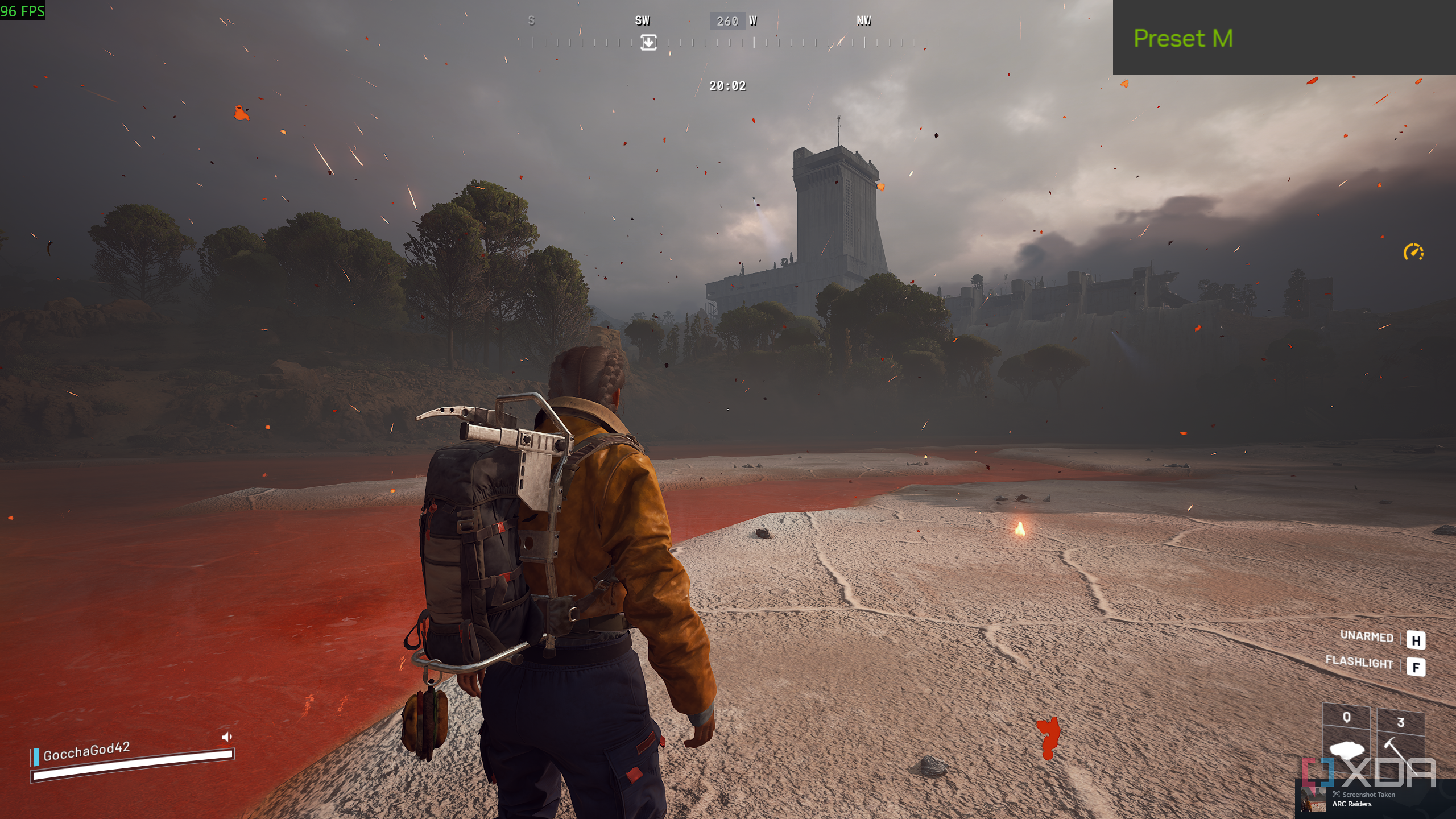
I'm not going to play Arc Raiders on my TV while connecting it to my PC, but for testing purposes, I still connected it to the new display, where, again, dialing things up to 2160p resulted in quality I couldn't otherwise have expected from something like DLSS Performance or DLSS Ultra Performance. I'm still not sold on Preset L, which is all about DLSS Ultra-Performance, but Preset M's Performance is now something I don't feel the "ick" about before using.
DLSS 4.5 breaks my "Quality or bust" rule
I'm confident taking things down a notch now


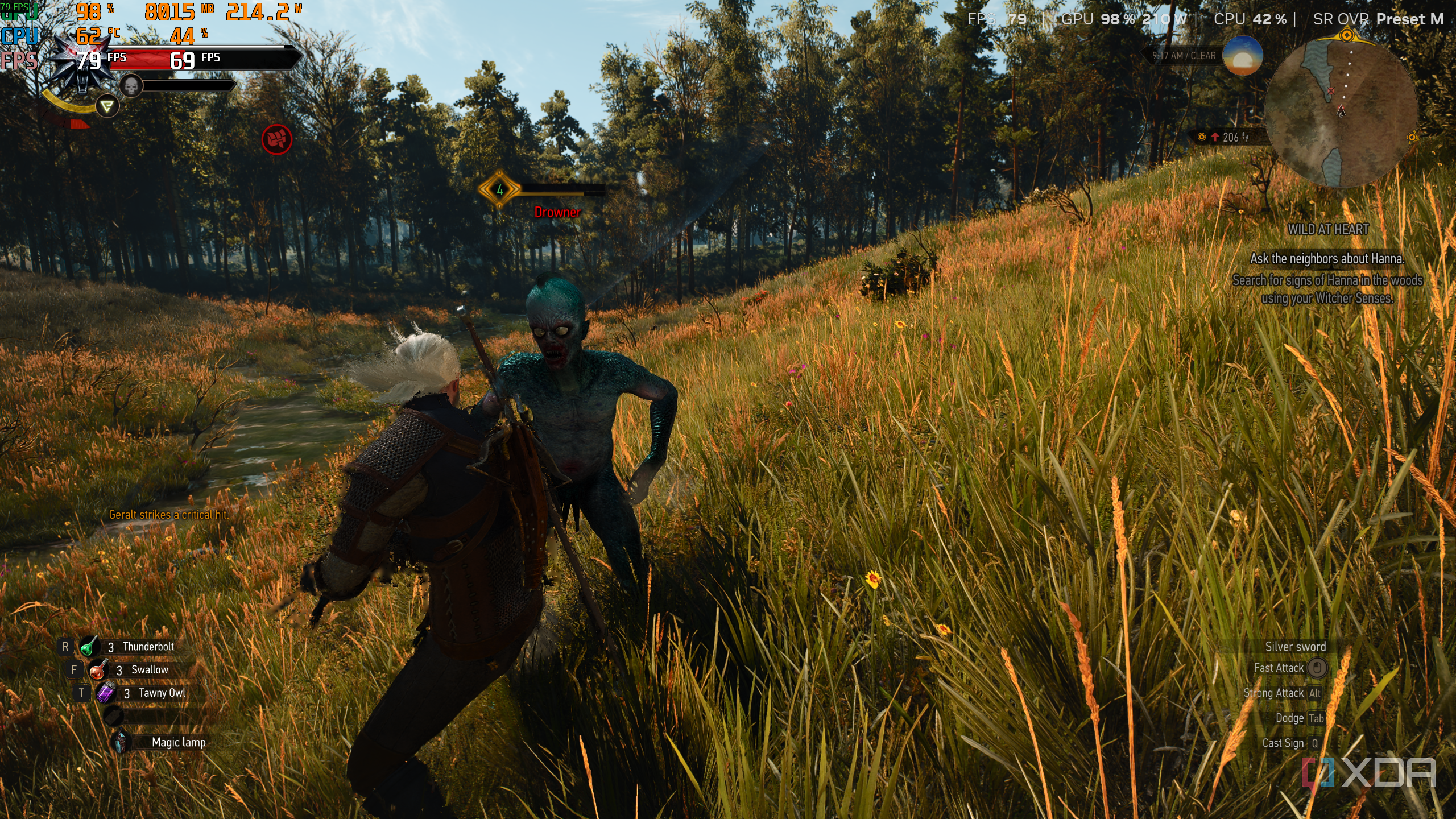
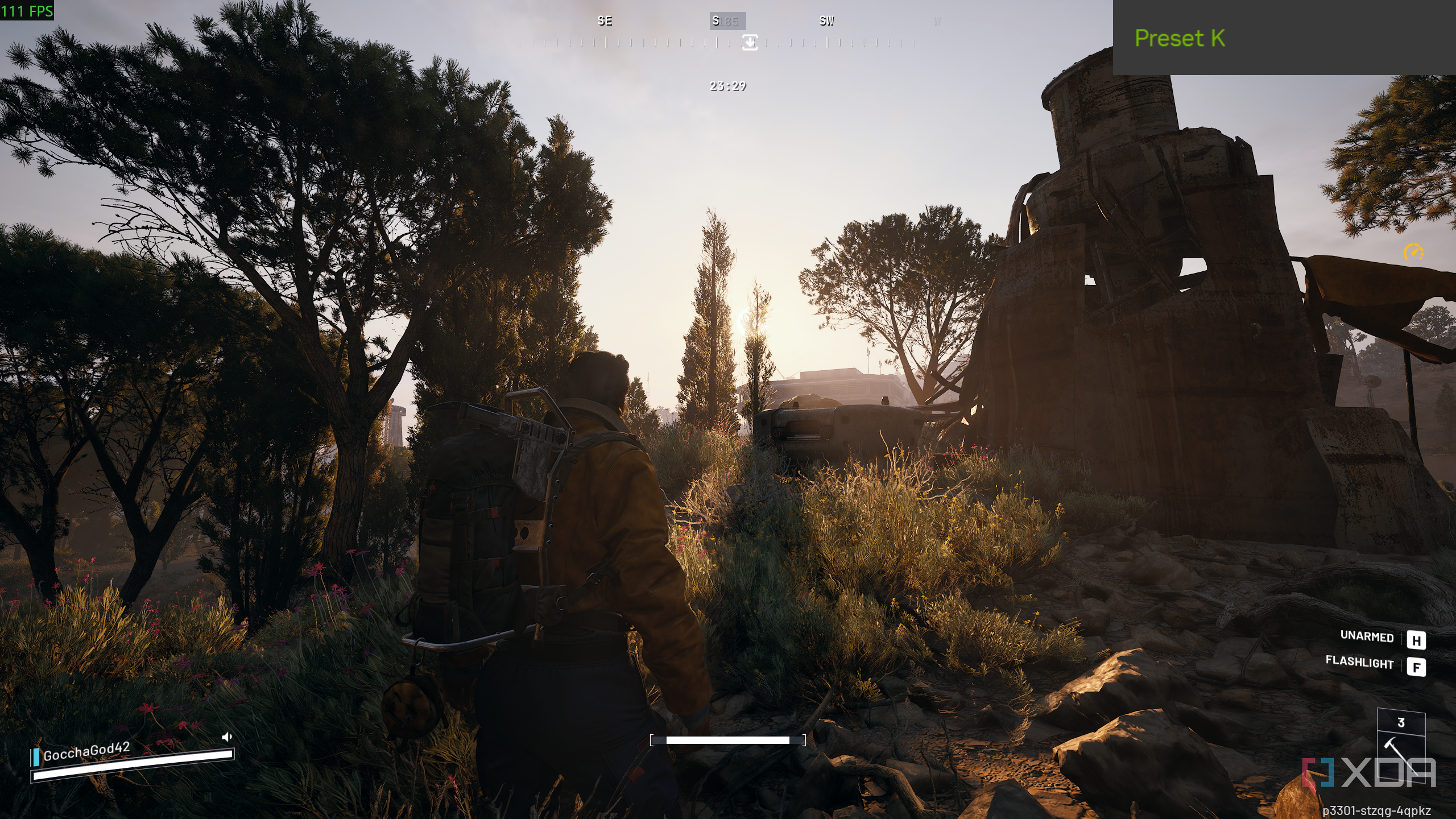
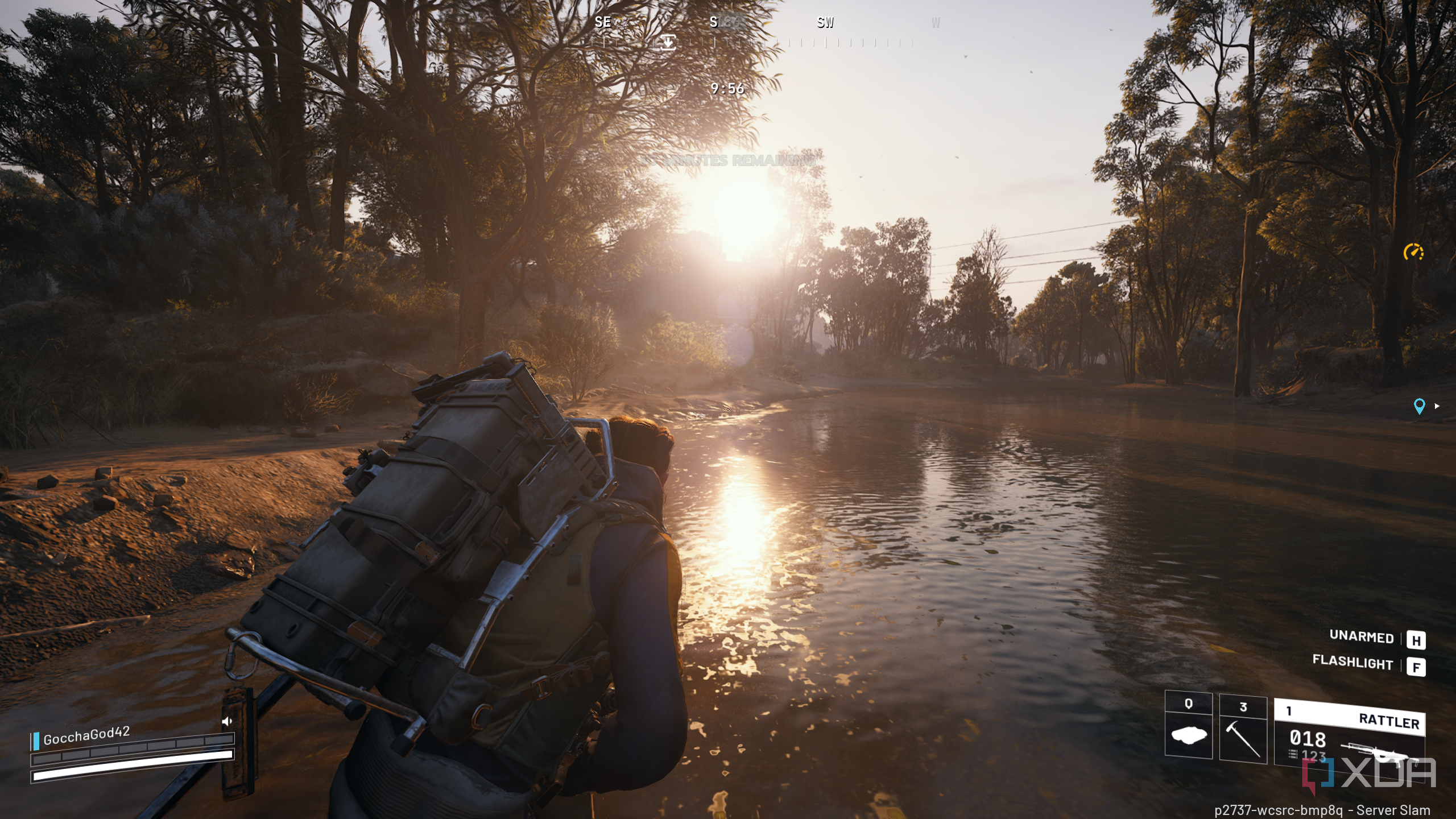
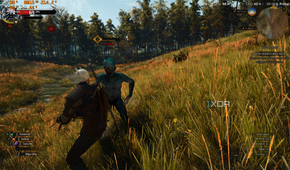
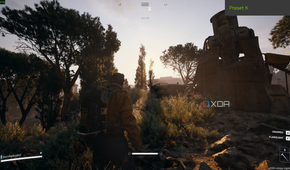

I'm really glad this tech exists, because for the longest time, DLSS had this unspoken rule for me: it's either going to be set to Quality, or I won't use it. Balanced was something I knew was there, but never something I willingly clicked on unless I was benchmarking or feeling brave. And Performance? That was the preset I'd hover over like it was going to poison my image quality the second I touched it.
DLSS 4.5 has completely flipped that. Now, I'm actually going all the way down to DLSS Performance to maximize my frame rates while still getting some rather impressive image quality and sharpness, and that makes it easily the most usable it has ever been on my 4K TV display.
Whenever I feel like taking a break, kicking back on the couch, and enjoying ray tracing, I can actually do it properly, and in a way I simply wouldn't otherwise get on my PlayStation 5. FSR 2 is definitely not there yet on the Sony console, and we still don't know when PSSR will arrive on the PlayStation. Until then, I'm more than happy to be using DLSS 4.5 on my 4K TV through my ridiculous 100-ft HDMI cable.
DLSS 4.5 on older RTX cards is impressive, but not as "free"
It's not as breezy for 20 and 30-series owners



 Credit: Source: Nvidia.com

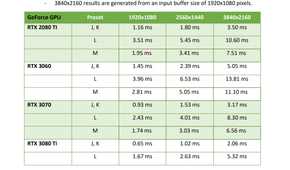

Something I don't want to gloss over here is that DLSS 4.5 is not a completely equal experience across the board. Yes, it's available on older cards too, and that alone is impressive and commendable. NVIDIA didn't have to extend the new upscaling tech even to those owning seven-year-old GPUs, but they did, and that matters.
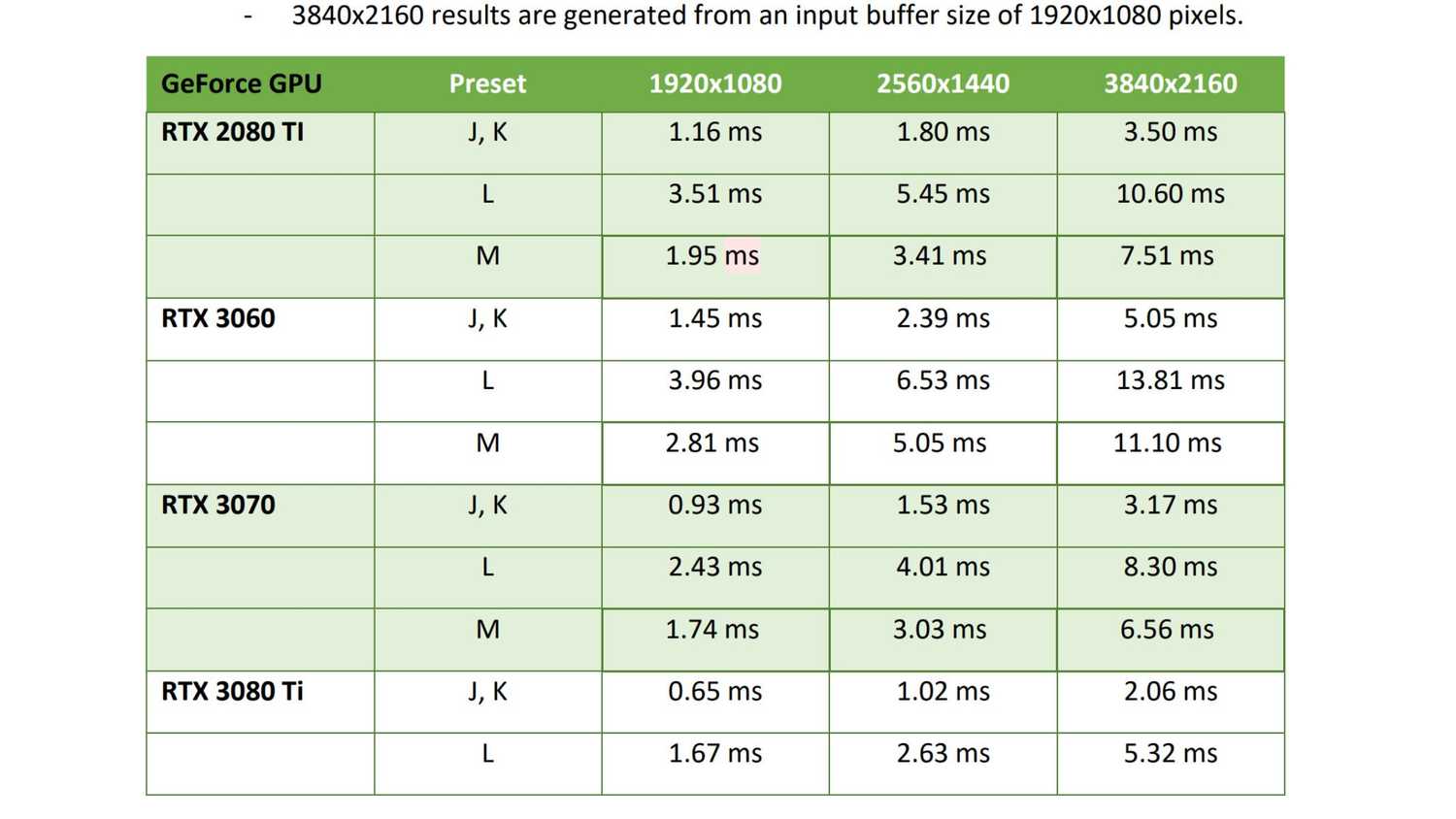
That said, 20 and 30-series owners are on older architecture, and they do end up paying a heavier price for the same DLSS 4.5 upscaling. RTX 20 and 30-series cards pay 97% more VRAM on DLSS 4.5 than they would for using DLSS 4. At 4K resolution, that cost goes up by 103%. Those are some whopping numbers.
Even for RTX 3070 users, the upscaling is great, and they can now start playing at Performance and Balanced presets in games they already use. Anything above that is still valid for 4K use, honestly.
20-series users, however, unless they're on the very cutting edge with a 2080 Ti, might just want to stick to DLSS 4 instead of going up to DLSS 4.5, or at the very least, switch between the two presets and see which one suits their needs better over perhaps an hour of gaming.
DLSS now feels like an essential tool for me
DLSS has genuinely reshaped what my hardware is capable of.
The funny part is that DLSS always used to feel like a luxury feature that you turned on when you wanted extra frames, and then politely ignored once you had enough GPU power. Now, however, it feels like an essential tool that genuinely reshapes what my hardware is capable of, and more importantly, how confident I feel pushing settings I'd normally avoid.
I'm not chasing bragging rights or some fake "8K dream" anymore. I just want my games to look clean, stable, and sharp, and DLSS 4.5 is finally delivering that without making me compromise my vibe.
