


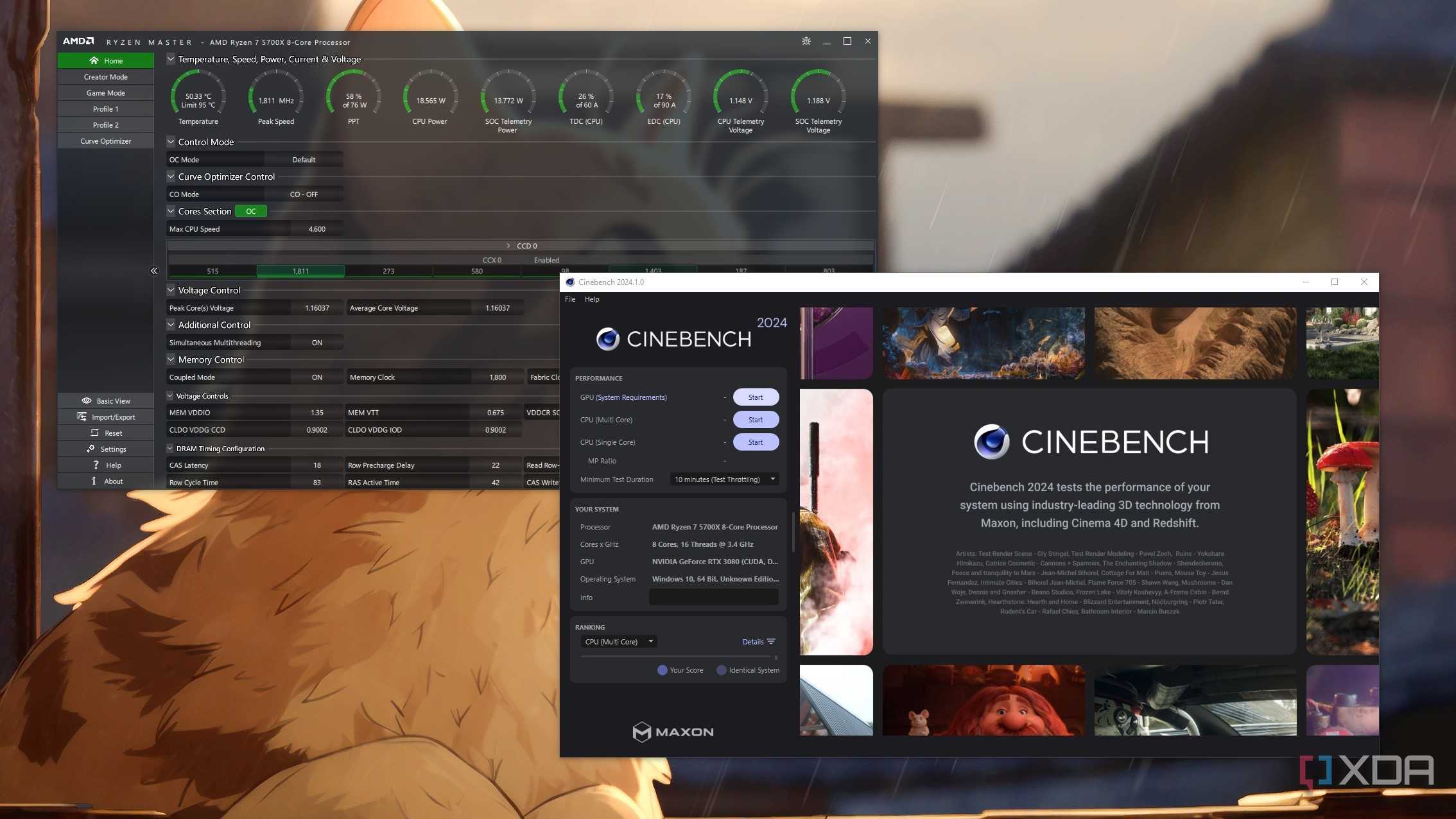
I know the pain and frustration of dealing with high CPU temps. Even the idle temps on my Ryzen 7 5700X were unusually high, and upgrading from an air cooler to a liquid cooler barely helped. That's when I finally tried undervolting my CPU, and the results were more than positive. My idle temps dropped significantly, the load temps improved for the better, and I couldn't notice any performance drops. Undervolting saved me the cost of an expensive cooler upgrade, so if you're dealing with high CPU temps, maybe it can do the same for you.
Lower CPU temps guaranteed
Without any hardware upgrades


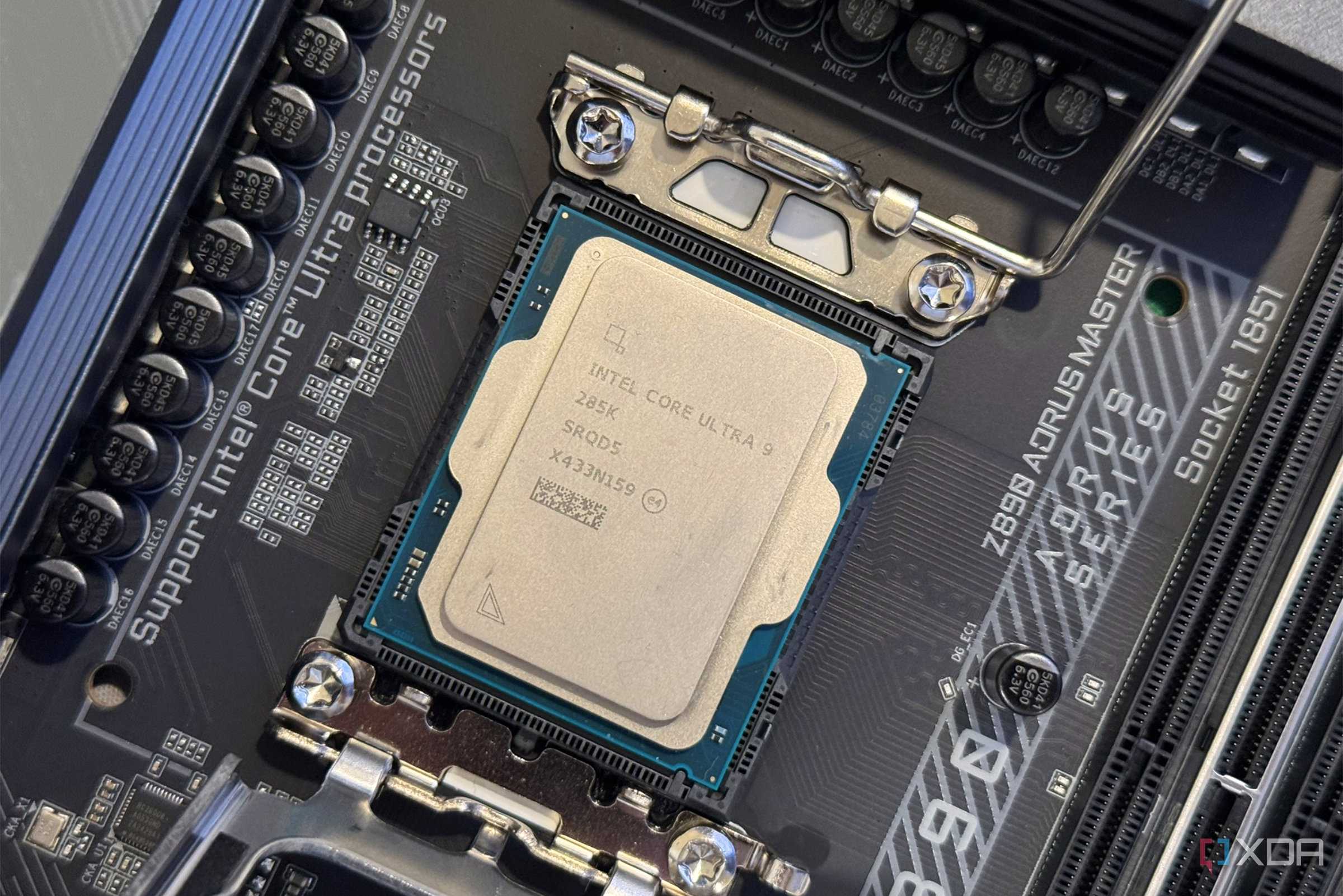
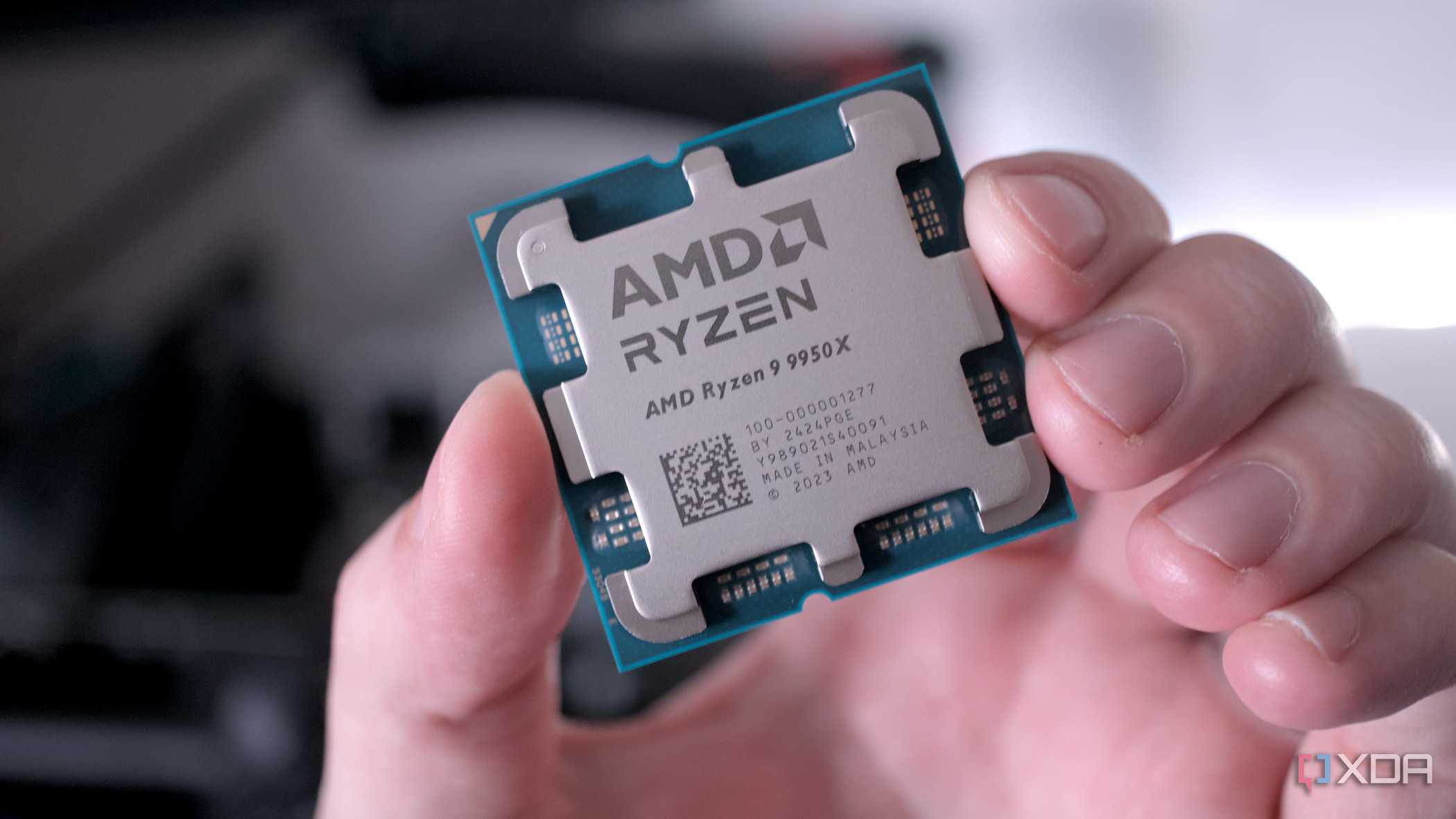


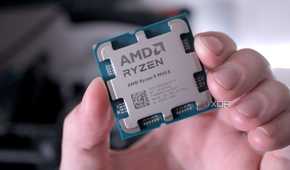



The best thing about undervolting is that it's bound to reduce your CPU's operating temperature. Your leverage might vary, depending on your silicon, but a reduction is bound to happen as you lower the voltage being supplied to your chip. Modern high-end CPUs tend to run hot out of the box, boosting automatically till they hit their thermal limits. This behavior is intended to maximize performance, but it also necessitates a strong cooler if you don't want to deal with thermal throttling.
Undervolting your CPU is a neat solution to sidestep this problem. By using the voltage-frequency curve of your processor, you can make it run at a lower voltage without a significant performance reduction. This directly leads to lower power consumption and, hence, lower CPU temps. What you're essentially doing is cutting excess voltage that isn't really necessary for maintaining the performance level you're used to. Without upgrading your cooler, fans, case, or anything else, you've lowered your CPU temps permanently.
Maybe even better performance
With just a few clicks

Undervolting your CPU is as much about maintaining performance as it is about reducing temperatures. If you end up reducing voltage more than necessary, you risk a significant drop in performance, or worse, system instability and crashes. However, sometimes, undervolting can actually end up increasing performance. The lower temps help the CPU create more thermal headroom, which helps it sustain its boost clocks for longer, improving overall performance.
The biggest way you'll see an improved gaming experience with undervolting is smoother frame pacing. Your CPU hitting boost clocks for longer will mean lower FPS dips, improving gaming performance without necessarily increasing the average FPS, although that could also happen if you're lucky. So, with a few clicks, you're not only making your CPU cooler, but also achieving better frame times, and maybe even higher peak performance.
Lower power draw never hurt anybody
And I'm not complaining about a quieter PC


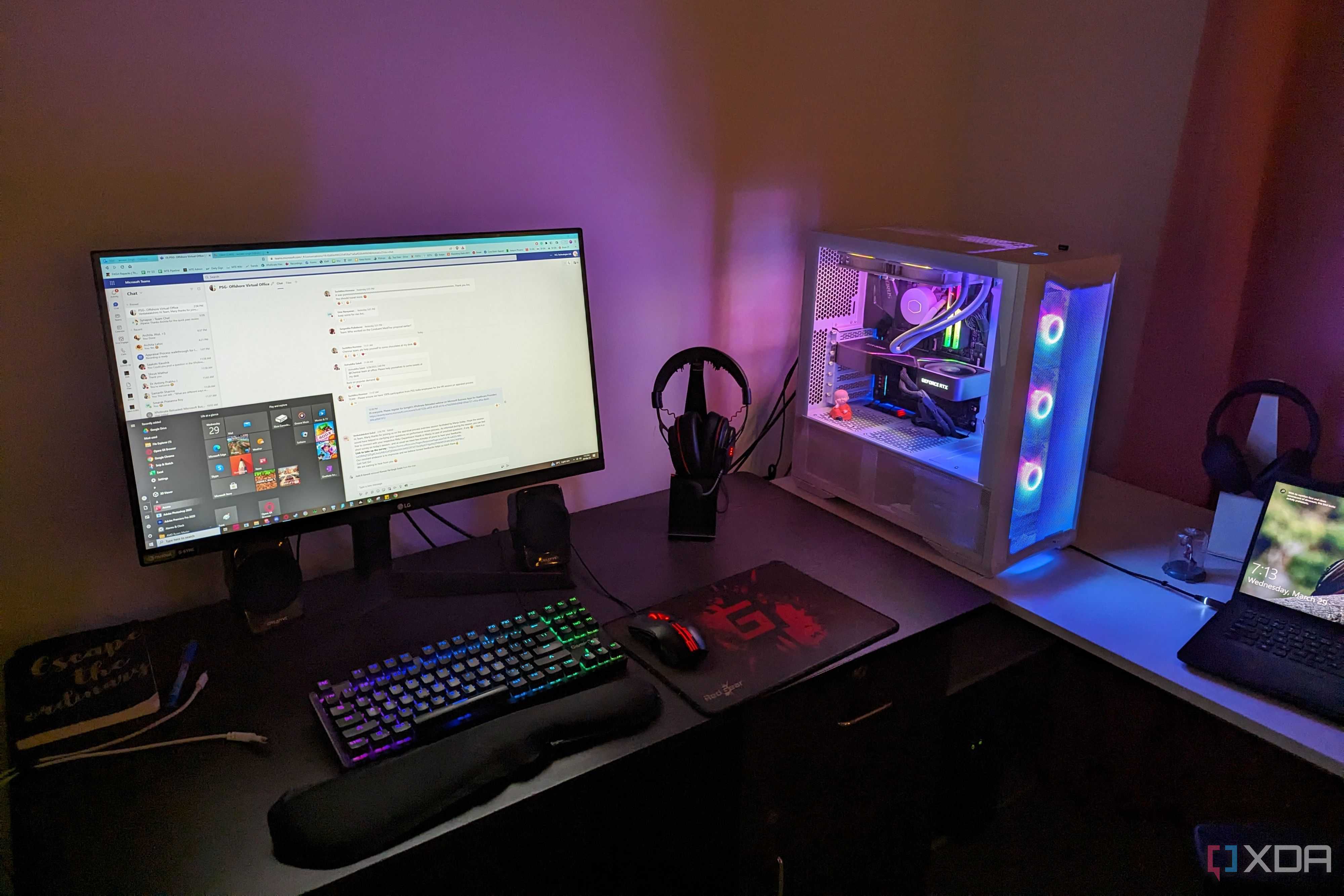
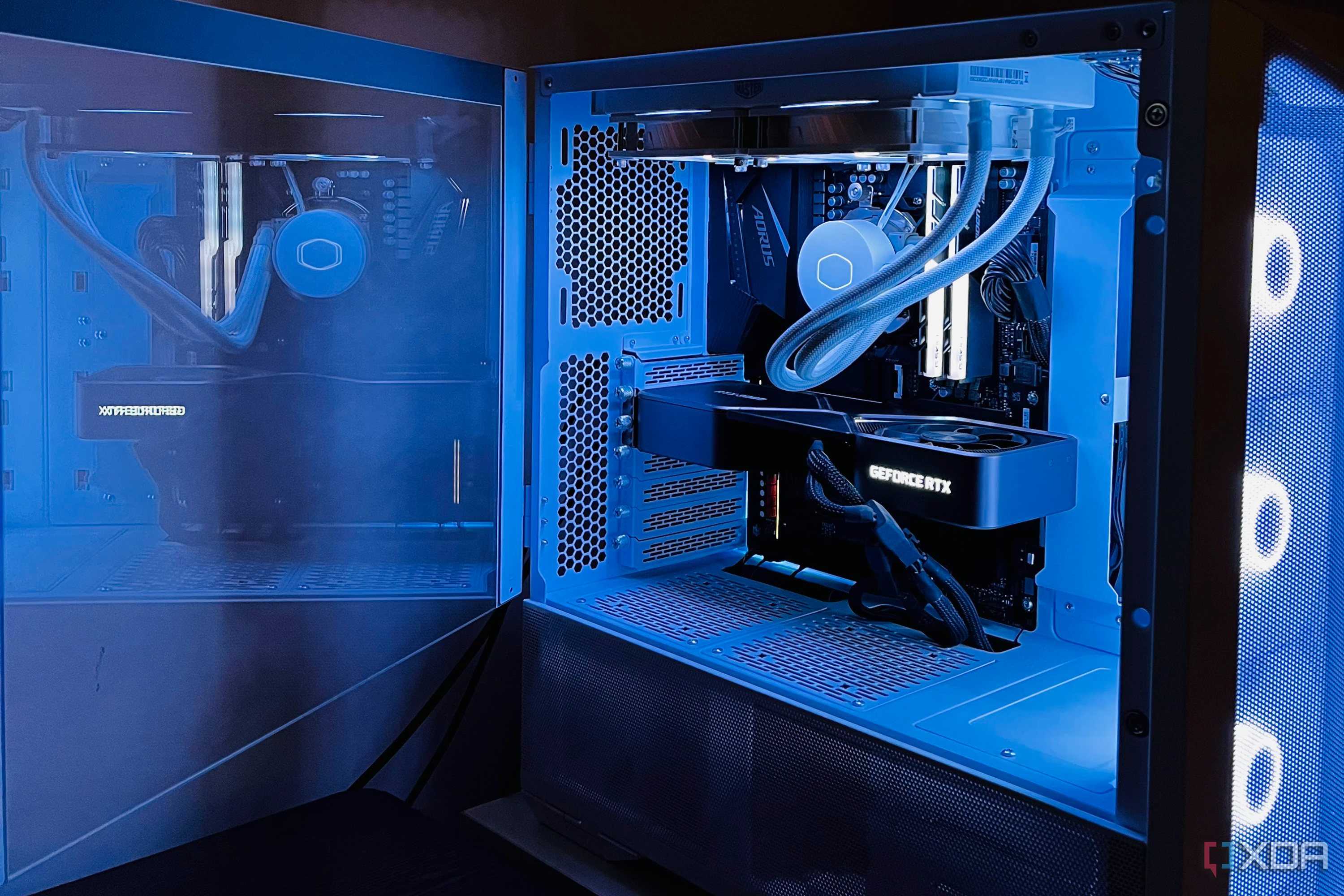
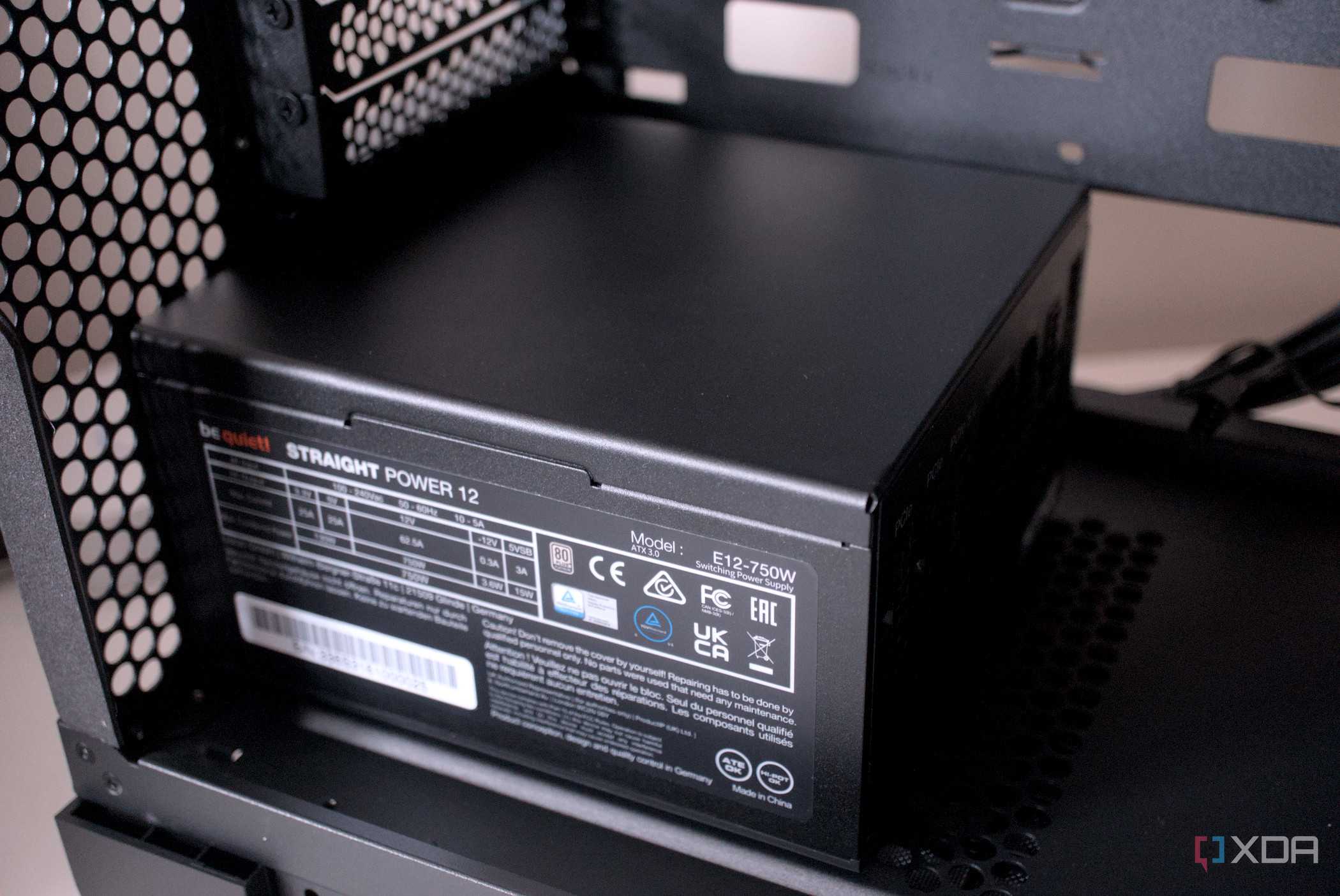
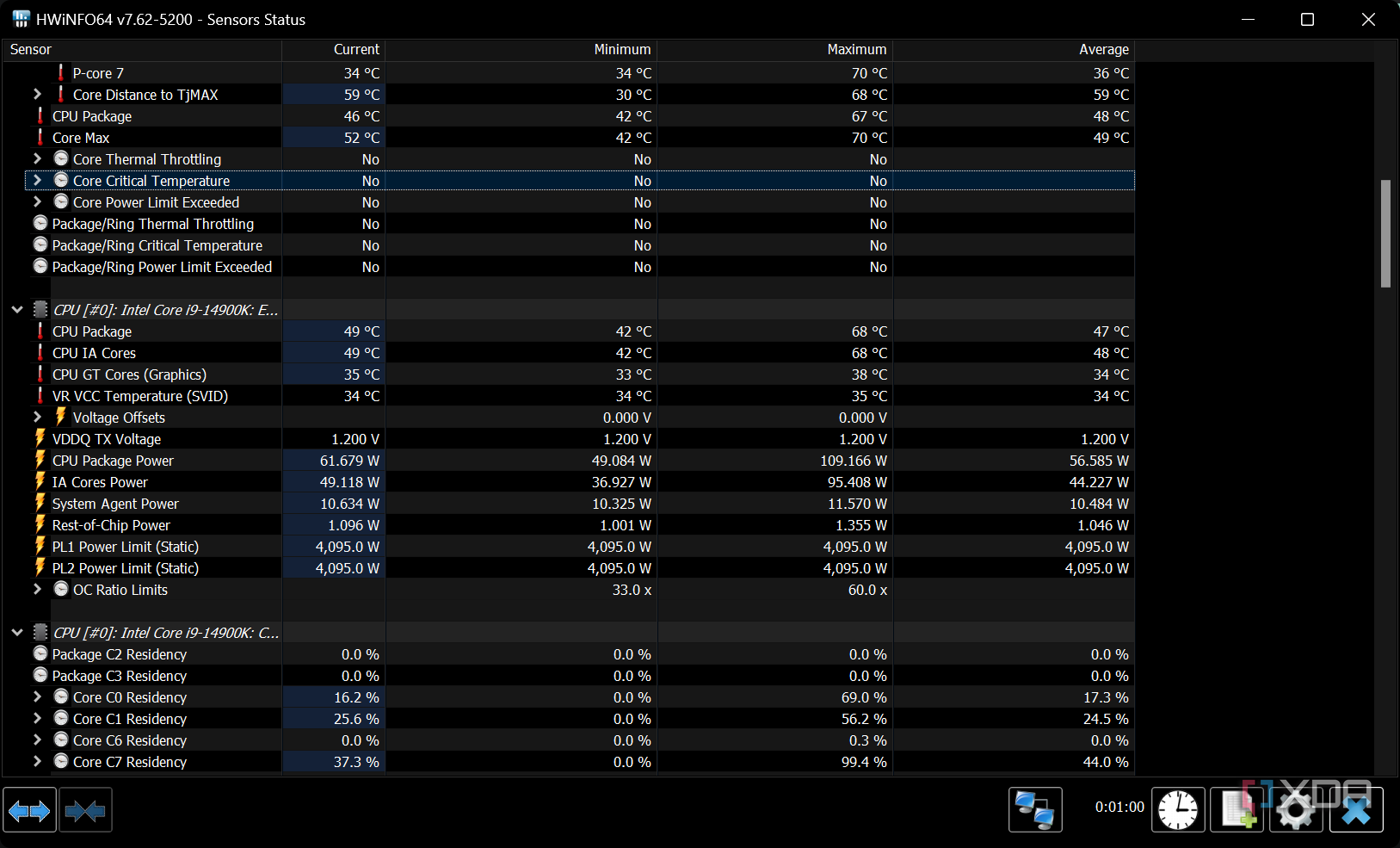




It might not matter to most people, at least not directly, but undervolting your CPU can also reduce your system's power consumption. Desktop users usually don't care how much power their high-end PC consumes to deliver the experience they paid for, but lower power consumption isn't just good for your wallet. It can also impact how hard your cooler needs to work, and, by extension, how noisy your PC gets under load.
The reduced heat dissipation by your CPU will directly translate into lower fan speeds, making your PC quieter with just a few simple tweaks. You're not only extending your CPU's lifespan by running it cooler, but also allowing your fans to run slower, contributing to a silent and more premium PC experience. There's also the added benefit of making your fans last longer. Largely, however, enjoying the same performance at a lower power consumption and noise levels isn't something you should easily shrug off.
If undervolting doesn't work for you, you can always go back
Trying undervolting has no downside, except the time and effort you'll put in. If you don't get a significant temperature reduction or performance increase, you can simply revert to stock settings. In most cases, however, undervolting the CPU reduced power consumption and operating temperatures, at least. This also means that even if you don't get an FPS bump, you'll get to enjoy lower noise levels. Free perks like this are hard to come by, so give undervolting a shot when you can.
