


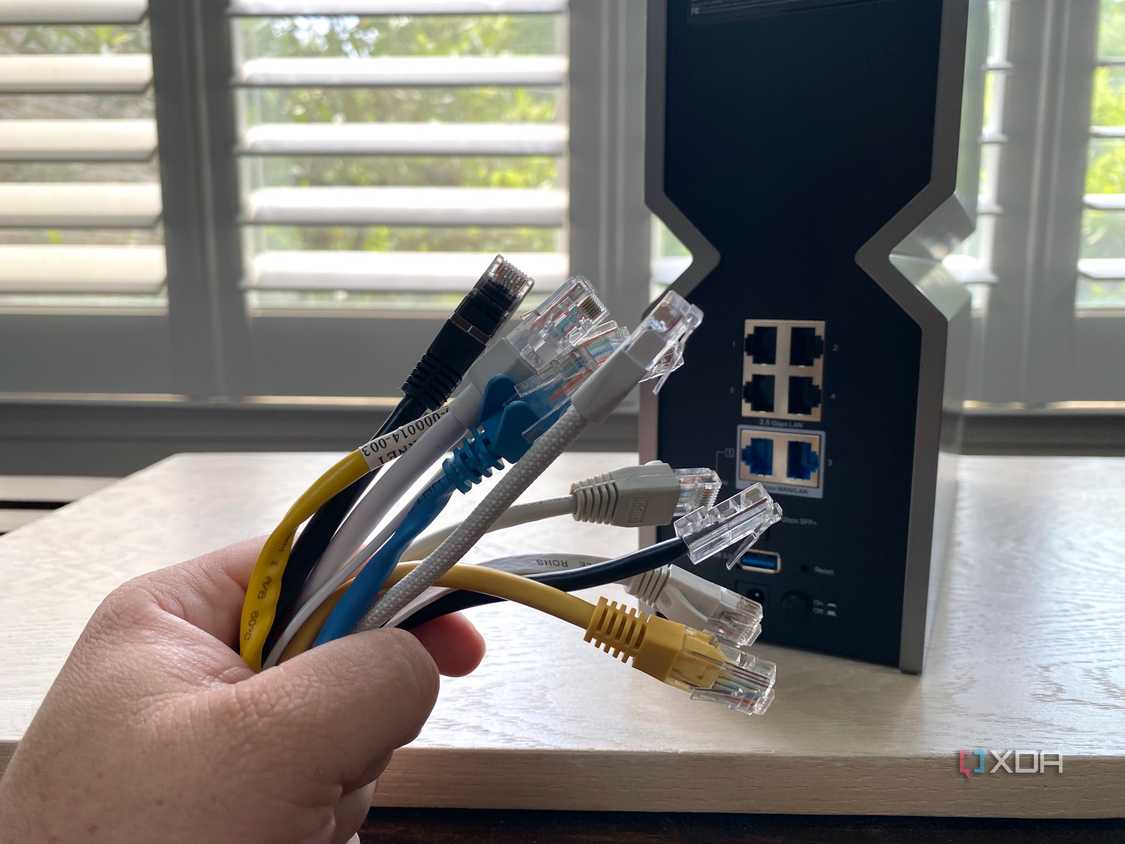
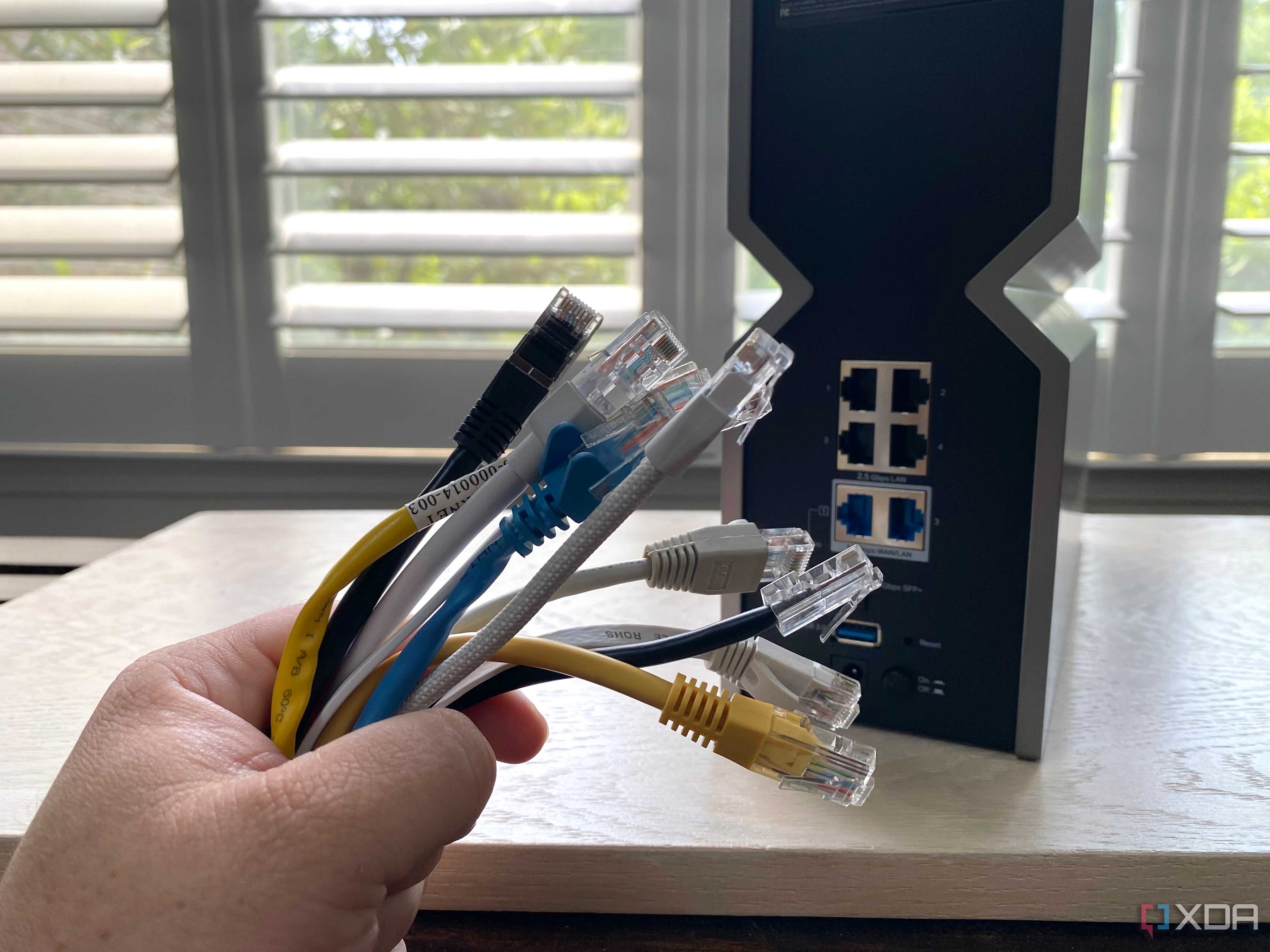
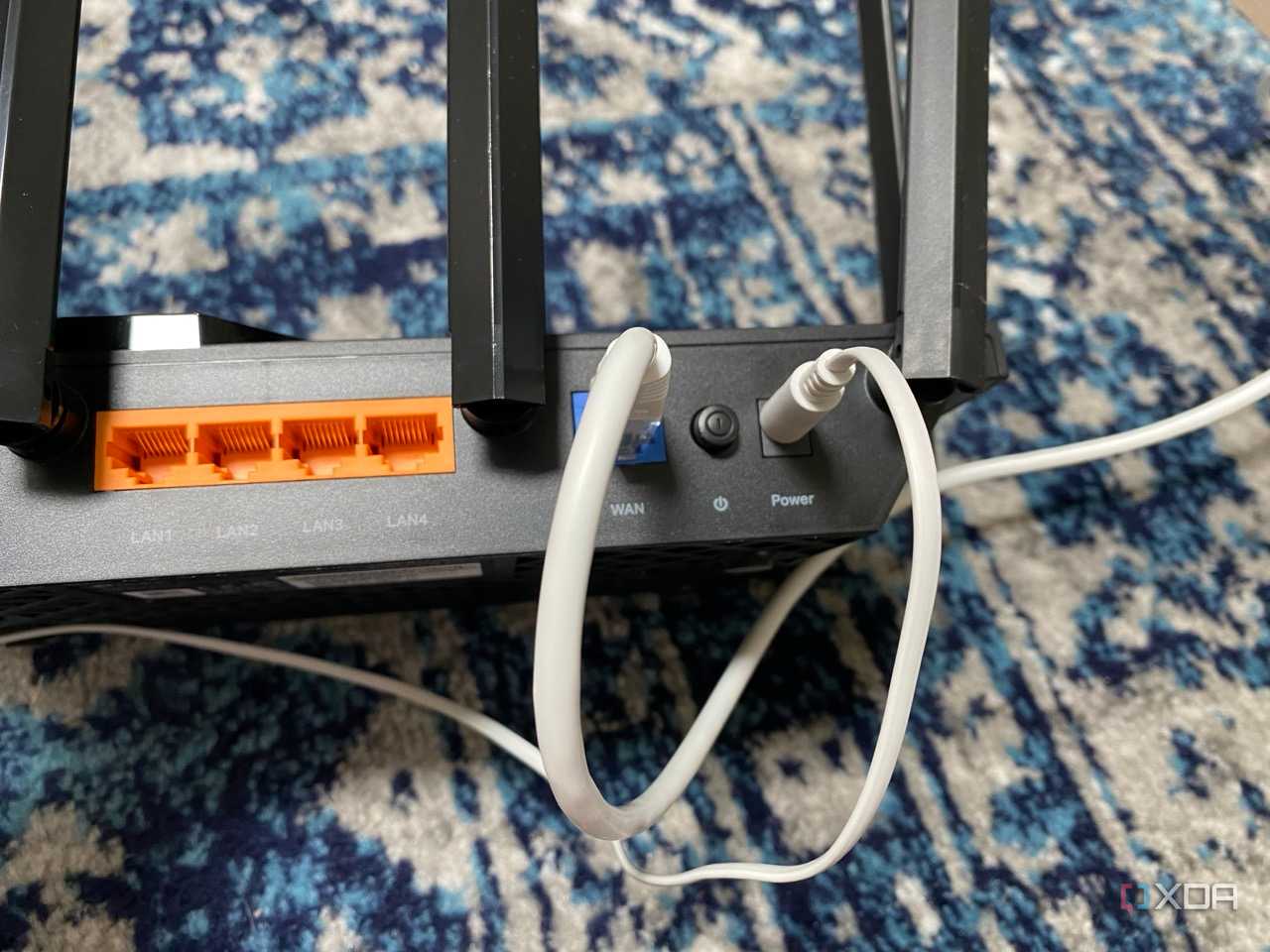
There are two ways to connect hardware to your local area network (LAN). The first is through the use of Ethernet, which is the tried and tested method, but wireless technologies have come a long way over recent years and are now the preferred route for most people. Depending on what you plan to connect to the network, it's important to consider what you need to use the device for, which can often make wired networking the better option. It's sometimes even believed by some that wireless networking has replaced Ethernet, but that's far from the truth.
Even though we're currently on Wi-Fi 7, though most home routers and access points will be either Wi-Fi 5 or 6, Ethernet cabling still provides notable advantages over these super-fast wireless standards.
Wired vs. wireless
To cable or not to cable?
Source: Unsplash Credit: Source: Unsplash


Source: Unsplash Credit: Source: Unsplash
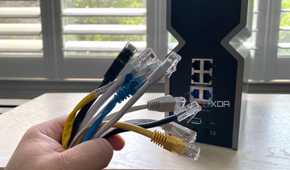
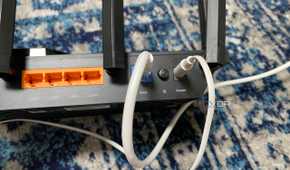
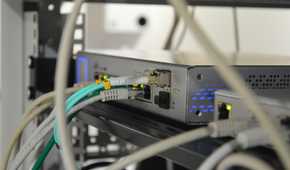
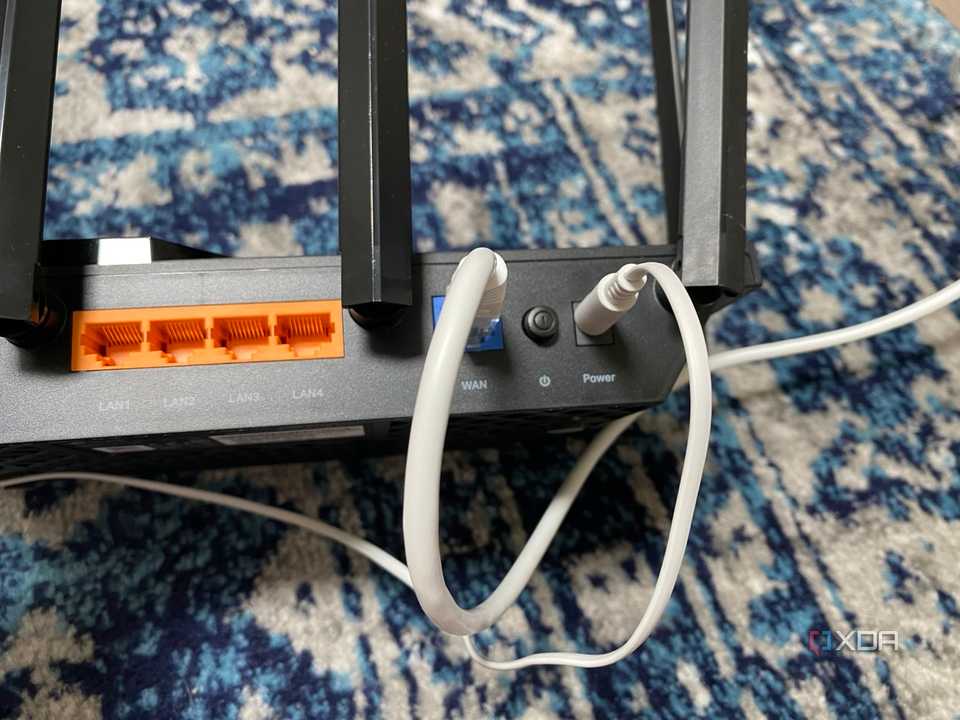
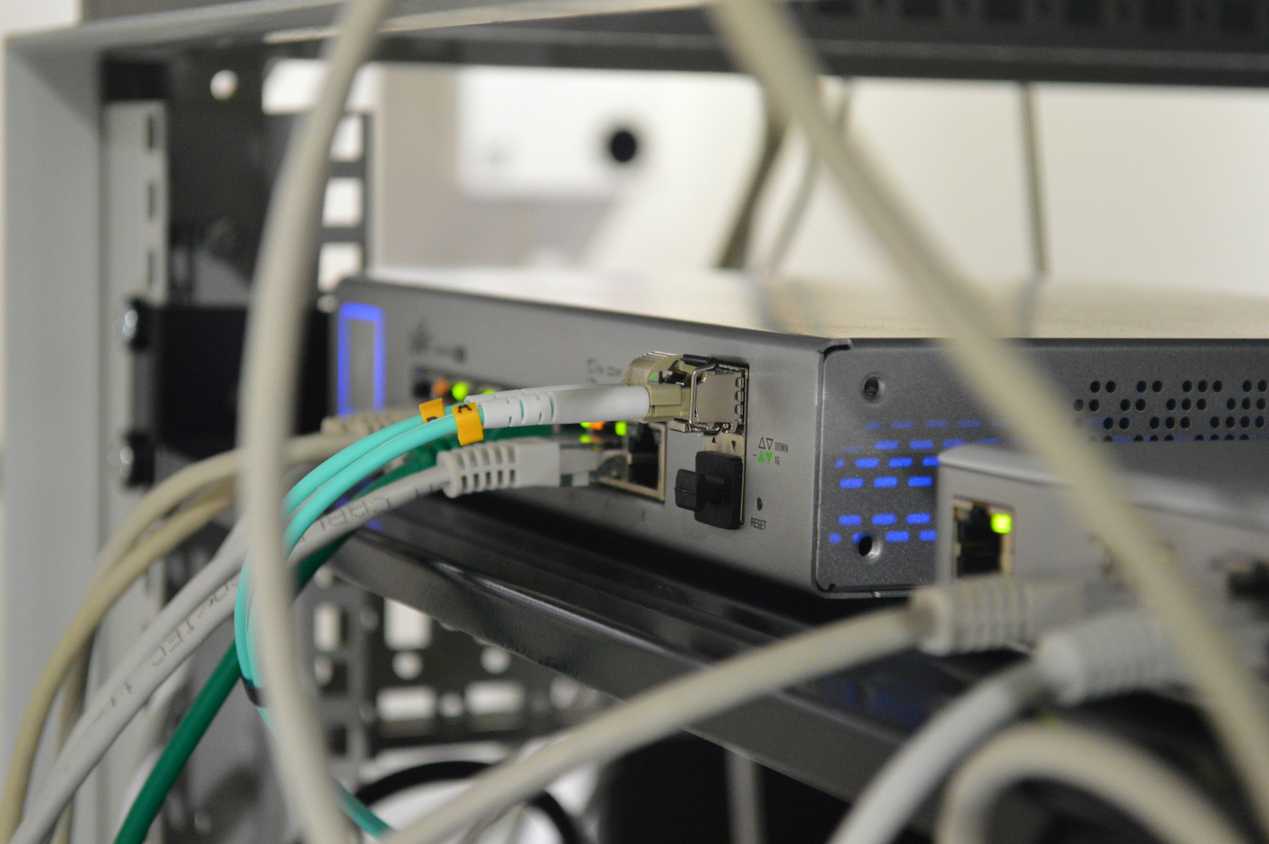
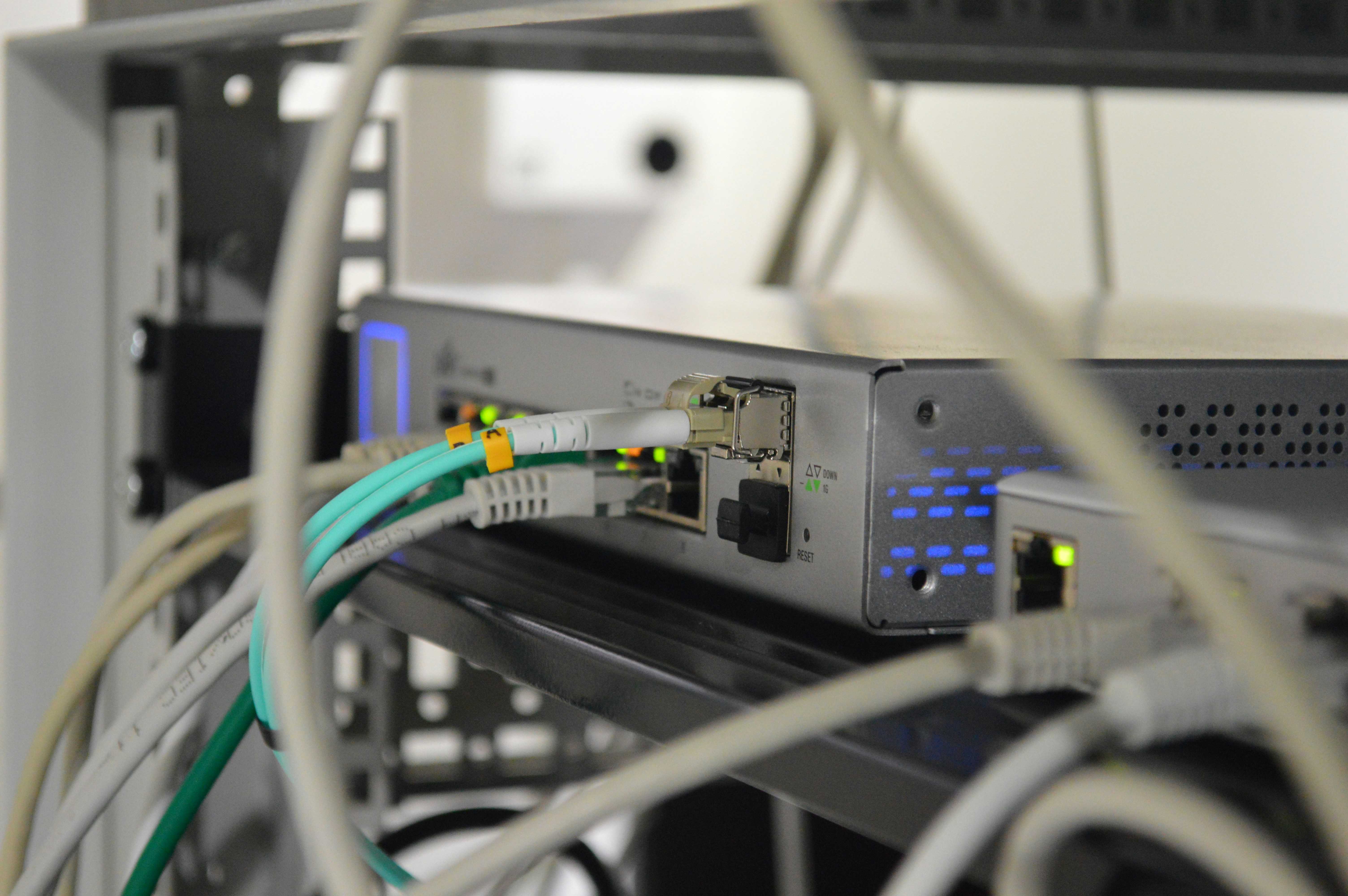
Ethernet has been around since the start of networking as we know it today. The Internet relies on Ethernet links between servers and networking infrastructure. When accessing your favorite services or apps, you may connect to your router via wireless signals, but your router then uses a wired connection to the ISP, which also has incredibly long cables buried underground to handle your requests. Your packets will eventually arrive at a data center, where the company will have everything in place to pass data between its entry point and the destination server.
Within your home, however, wireless technologies simply made more sense. In the early to mid-2000s, we started to see wireless routers with faster speeds and better reliability, and coverage. Wired connections typically forced desktop PCs and other devices to be placed strategically, unless the entire home was fully wired with various outlets. Although wireless networking is a technological marvel, it's not perfect and suffers from rather damning limitations. With wired networking, so long as you can connect a cable between the two points, you're good to go.
Fully utilize the best of both connection methods to enjoy a great wireless experience and take full advantage of Ethernet capabilities.
Wireless signals need to pass through walls and other materials that can inhibit strength and even interfere with what's being transferred. Because of how the technology works, there's also increased latency compared to wired networking. This means that while you can certainly achieve the marketed maximum speeds on the packaging of routers and access points, there are so many variables that can affect your connection. For Ethernet, if you have a 10Gb port on your PC and a 10Gb port on your router, you will (more than likely) enjoy 10Gb speeds.
If wireless networking I about convenience, especially with smart home devices, smartphones, tablets, and laptops, then wired networking is about reliability and performance. It's how I go about planning my home network, fully utilizing the best of both connection methods to enjoy a great wireless experience and take full advantage of Ethernet capabilities.
Use both for maximum potential
Create a smarter home










We send and receive more data each year, and this isn't likely to change anytime soon. It's largely why wireless standards are being replaced faster than most homeowners are upgrading their own hardware. That said, no matter what standard you happen to be using, you simply cannot beat the power of Ethernet. Wi-Fi 7 has impressed us so far, and I really enjoy using access points with this level of performance and signal coverage, but I always switch back to Ethernet for fixed applications.
Before routing everything with cables, I was limited by a rental property and a loved one who didn't wish for any Ethernet cables to be visible; otherwise, I would have had bundles truncated between rooms. This is why we relied on wireless networking, and the technology certainly has come a long way. It's possible to enjoy online gaming and streaming, regardless of where you happen to be within the property, but it was far from perfect. I encountered the occasional video call disconnect, sudden, rare buffering in games, and issues with throughput.
When migrating larger files across the network, everything slowed to a halt, especially when Netflix was streaming HD content to the big screen. What I needed to do was to reconfigure the entire network, using Ethernet for the important fixed devices, such as PCs and servers. Eireless could then be used for mobile devices, guests, and IoT/smart home hardware. This not only takes the brunt of the work from wireless modules that were unable to keep up with demand, but it also ensures all the important hardware has uninterruptible data connections.
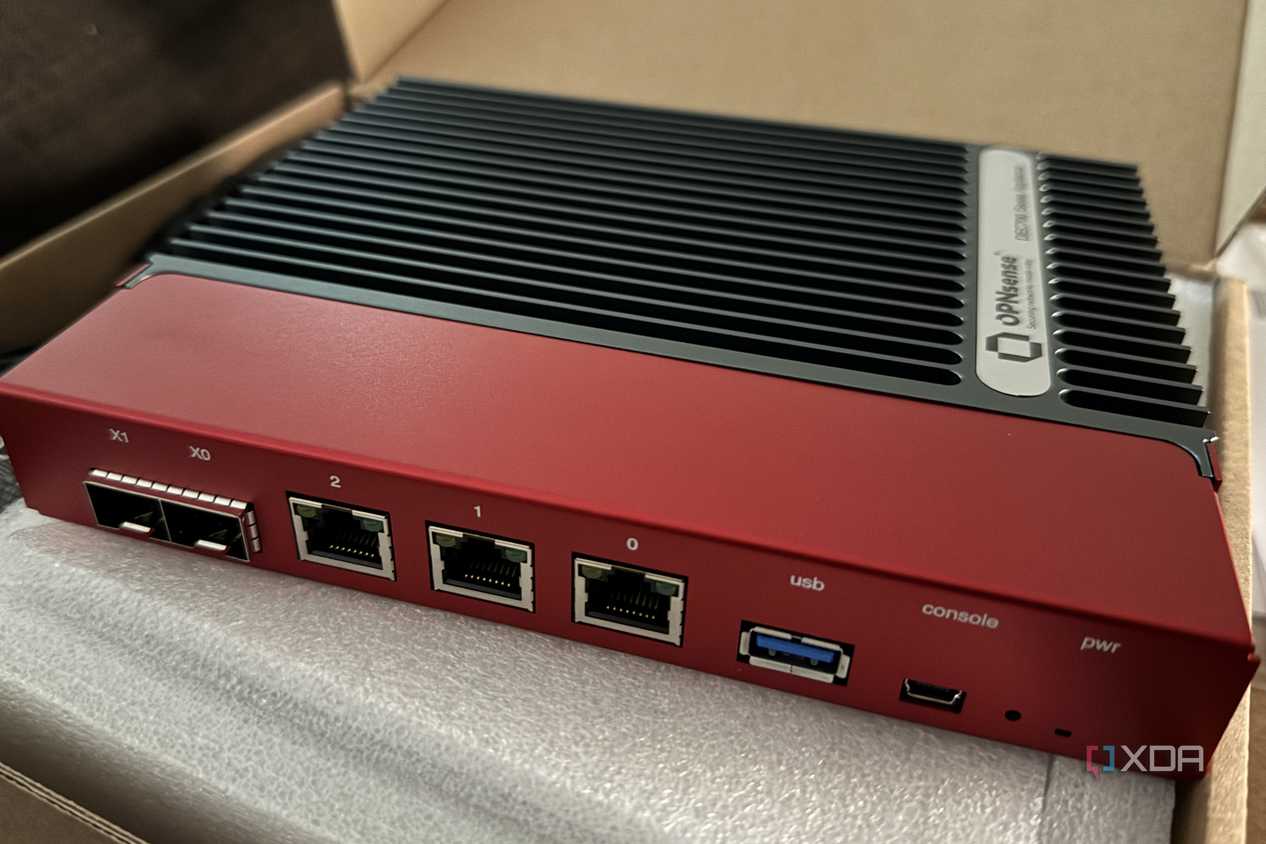
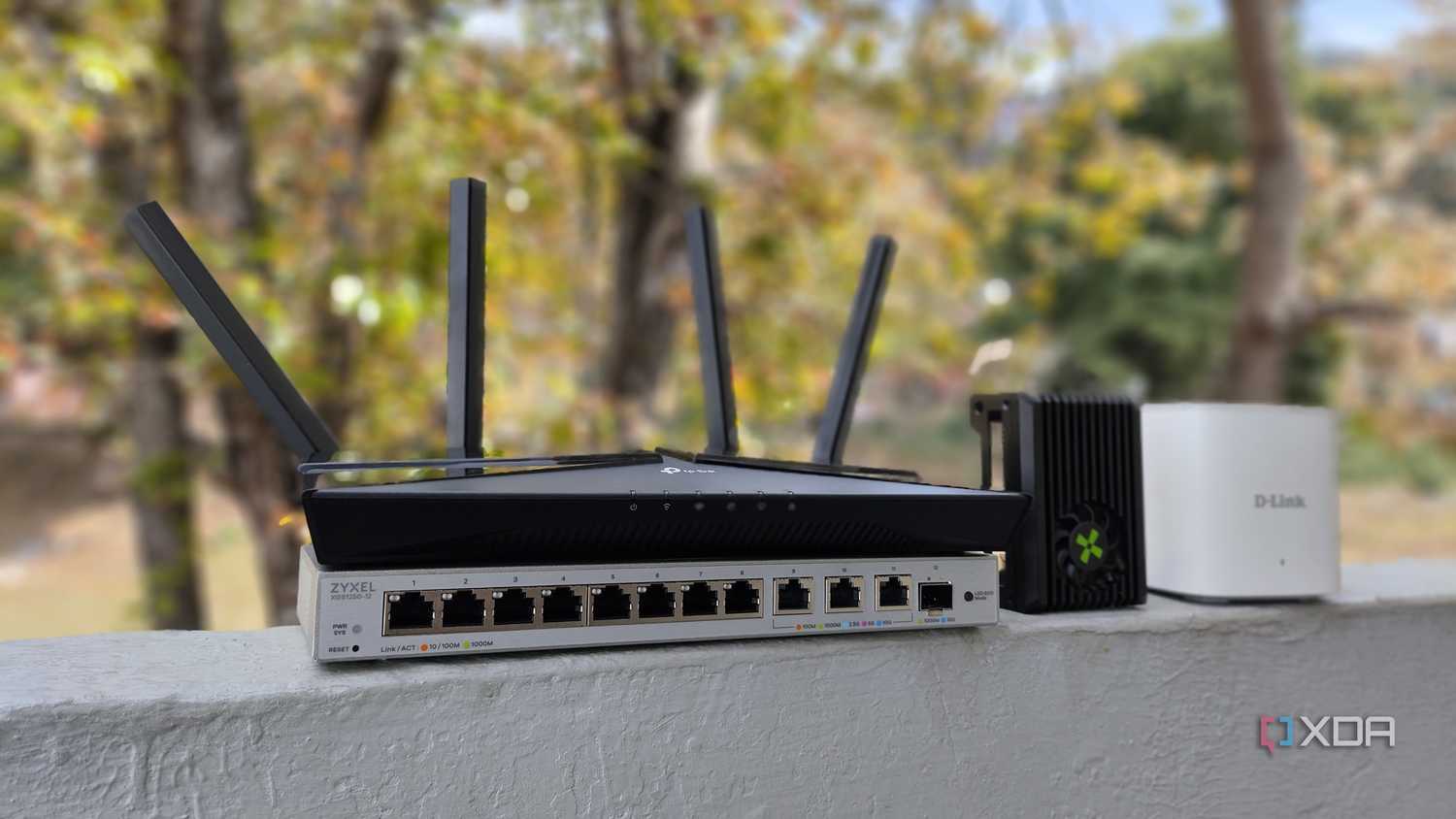
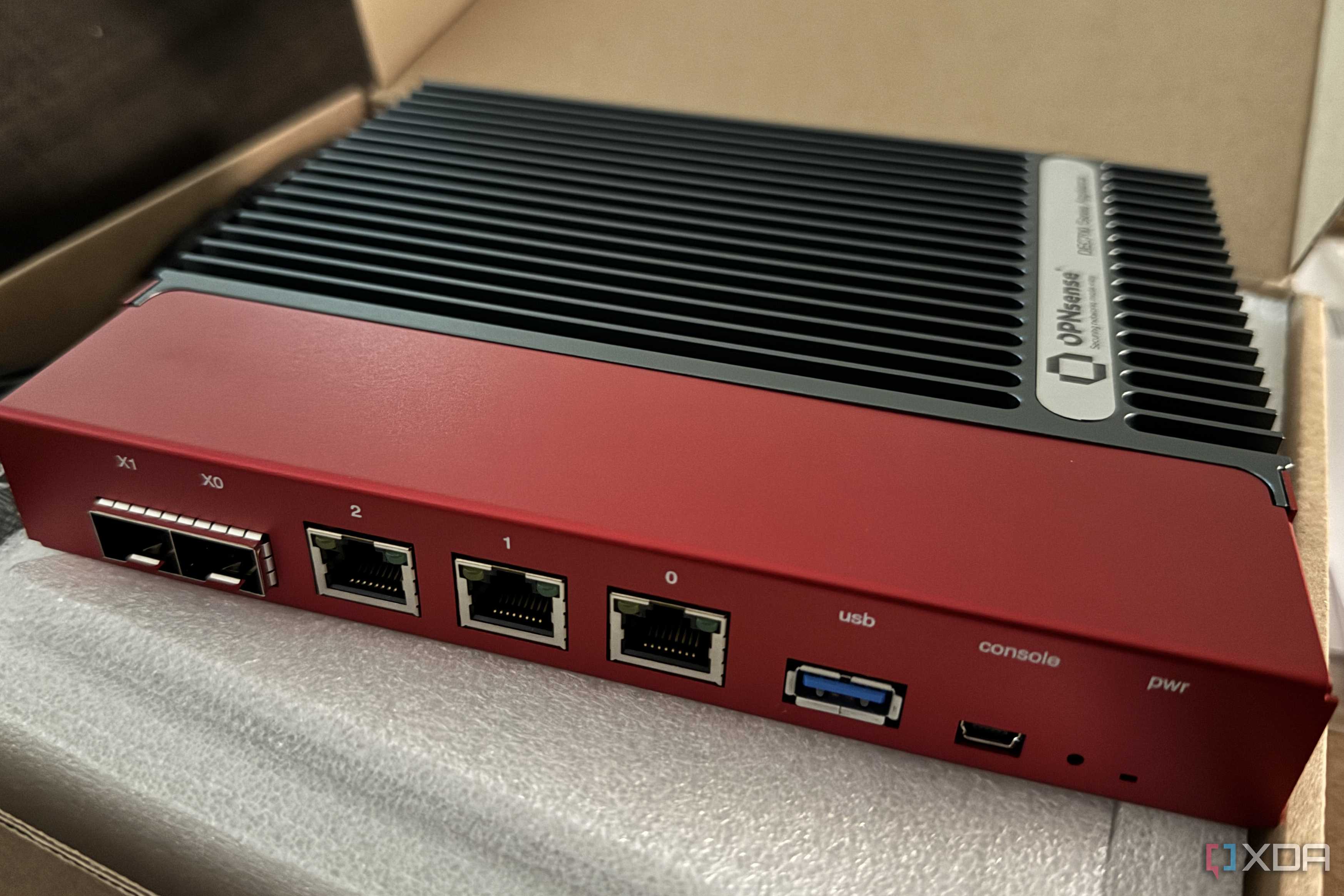
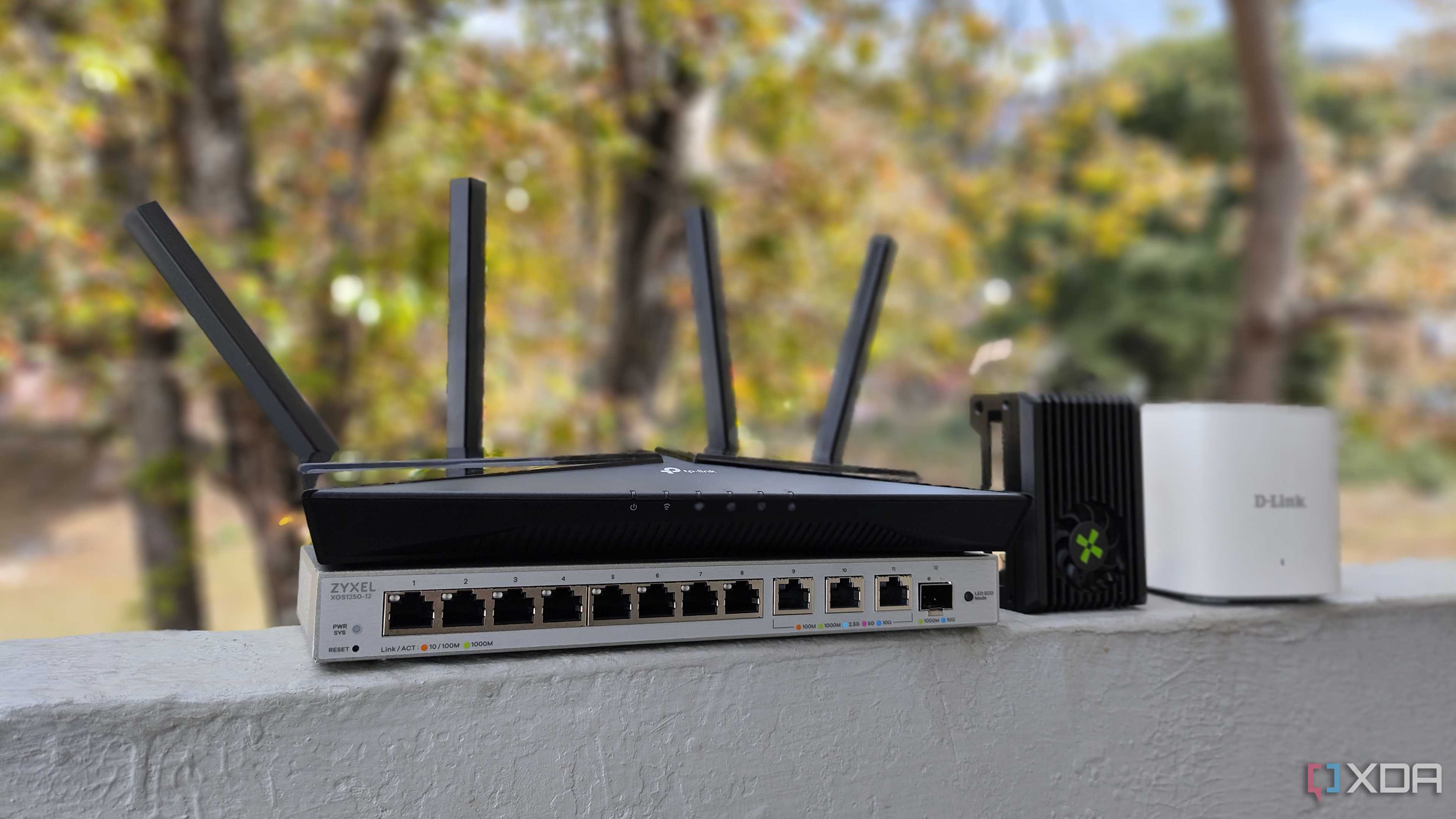
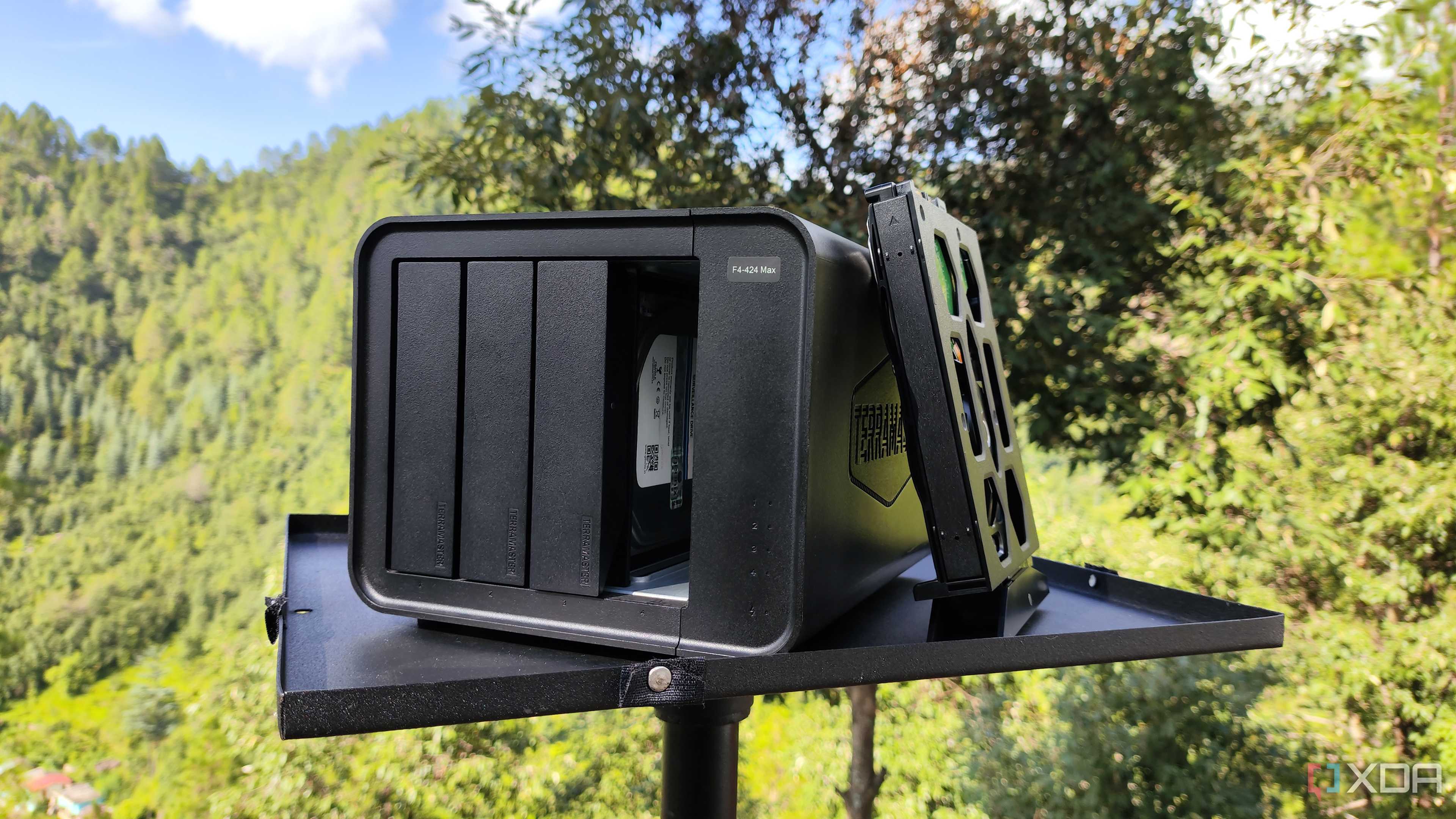
Self-hosting more services from home almost required this. There was no way I was going to run a Jellyfin server on a desktop system with a wireless NIC. Not a chance. That's why it was vital I swapped rooms to ensure the office had access to the incoming fibre connection. Everything was present in one room. PCs for work and play, as well as the firewall, switches, and servers. The home office was now fully wired with just two APs positioned to provide wireless coverage throughout the home. Although our super-fast APs were great, they still fell short of Ethernet performance.
Why using Ethernet is important
It's not all about numbers

Security is something we should all consider when either planning or deploying a home network, and that's precisely what cables provide. Wireless security is notably better these days, and you can configure APs and routers so that it's less likely for malicious parties to break into your network, but Ethernet provides better peace of mind thanks to relying on a physical connection. If someone gains access to your wired backend, it's already too late, and you likely have far more things to worry about than network interference.
Newer wireless standards do help ease congestion, as well as improve throughput, but there's always a limit to how many clients can be simultaneously handled before encountering bandwidth issues. Ethernet doesn't have this problem. As we add more and more hardware into the home that requires connectivity, the home wireless network can quickly become congested. Moving as much to cabling as possible can help ease the load, especially if those devices are more serious offenders when it comes to sucking up valuable bandwidth.
A good mantra to follow is to wire as much as you can and fall back to wireless where practical. PCs, servers, consoles, and TVs can all be connected through cabling, especially if you're able to run wires through walls. Phones, tablets, laptops, and other devices can all utilize the now-free wireless network. I've also written about why it's essential to have all your IoT and smart home gadgets on VLANs, which can be achieved with your router or access point, although this is advanced functionality that requires research and planning.
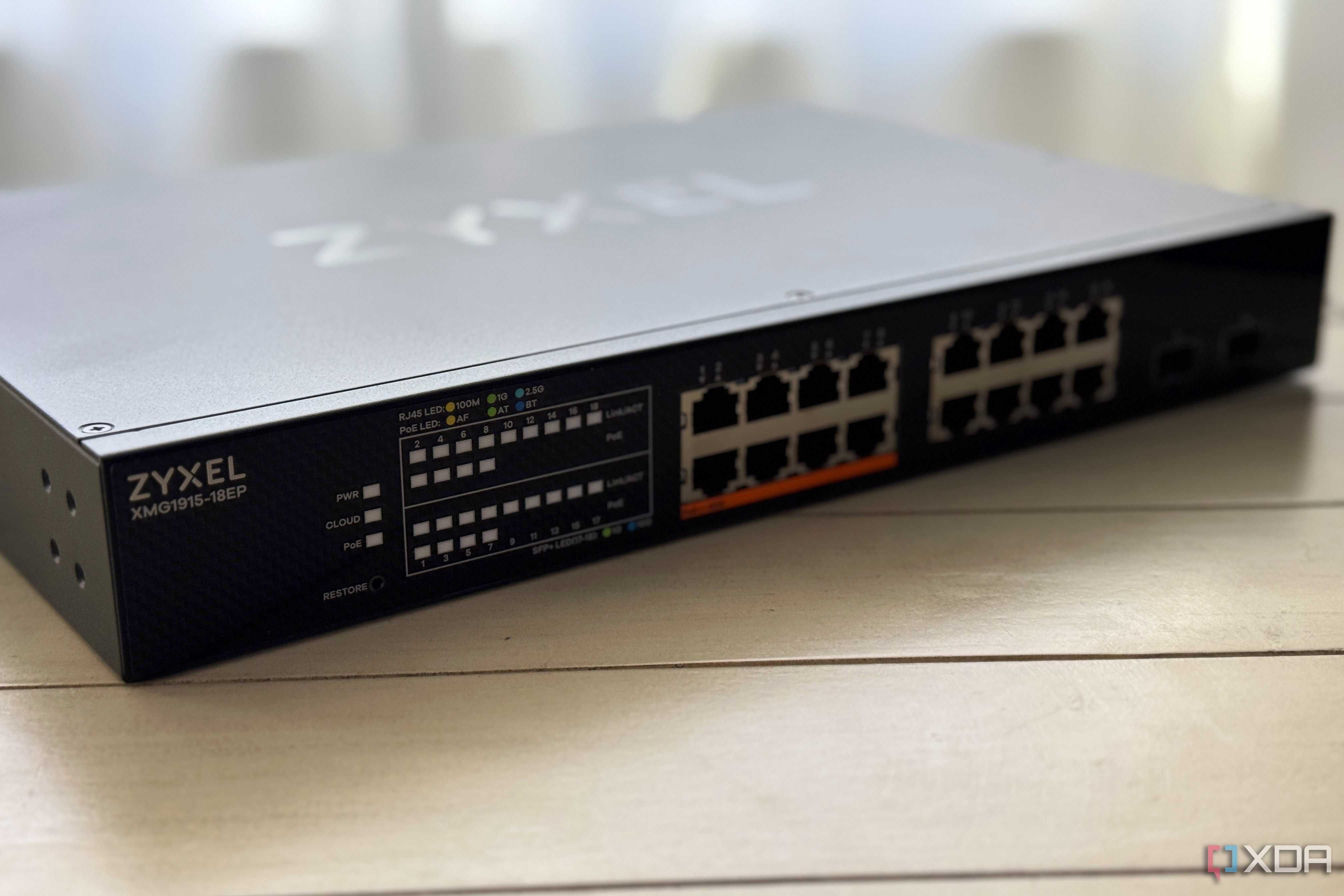
One final point I'd like to make here for wired connections is Power over Ethernet (PoE). Wanting to purchase an IP camera or two for home security? These can likely be powered through PoE, which means you can provide data and power to your new cameras with nothing but an Ethernet cable and a compatible network switch. It's amazing to see how far Wi-Fi has come, but Ethernet will always play a major role in networking, be it inside a data center with thousands of servers or a two-bedroom flat.
