


When picking out a broadband package from an internet service provider (ISP), you'll often see that they usually include a router. If you have a fiber connection to the home, your modem or optical network terminal (ONT) will have an Ethernet port that can be used for the supplied router, providing a means to create a wireless network and hook up a few devices using cabling. What you may not know about ISP-provider routers is that they can often be bad for your local area network (LAN).
I relied on British Telecom's own Smart Hub for years, even after building countless routers and firewalls for work. It's simply something I kept overlooking. There wasn't any need to mess with my home's network. It worked, provided good wireless coverage for our rented abode at the time, and if it ain't broke, don't fix it, right? That was until I finally got around to making some changes to my LAN and adding a few Internet of Things (IoT) devices to the network.
The router is always horrifically located
In a dark corner with the worst signal positioning
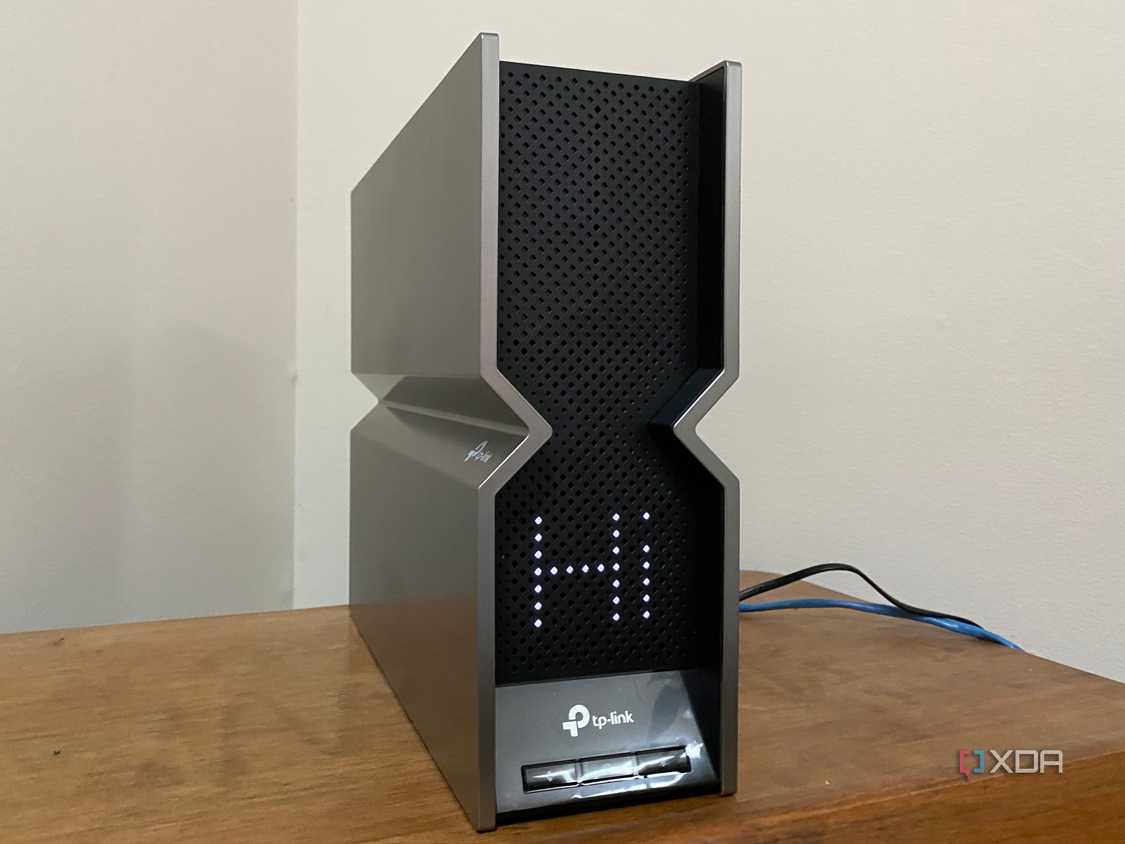
Archer BE800 ready to configure 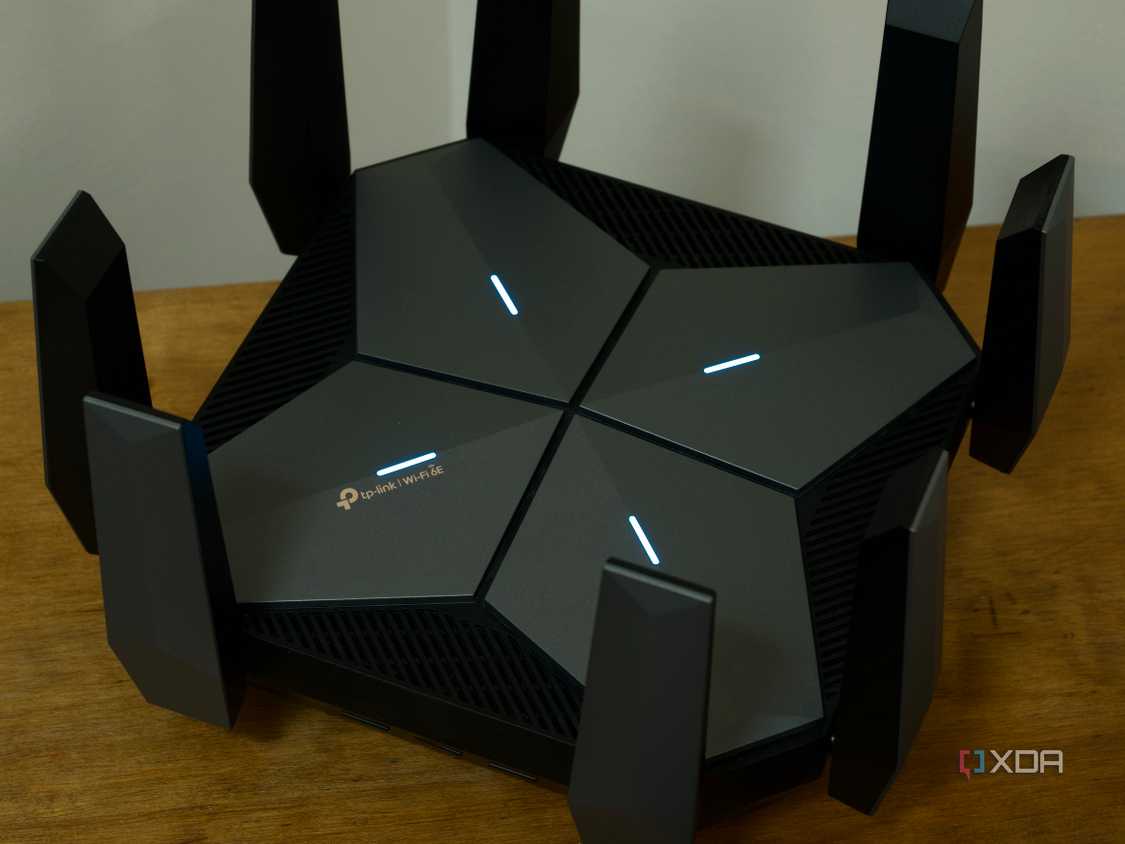
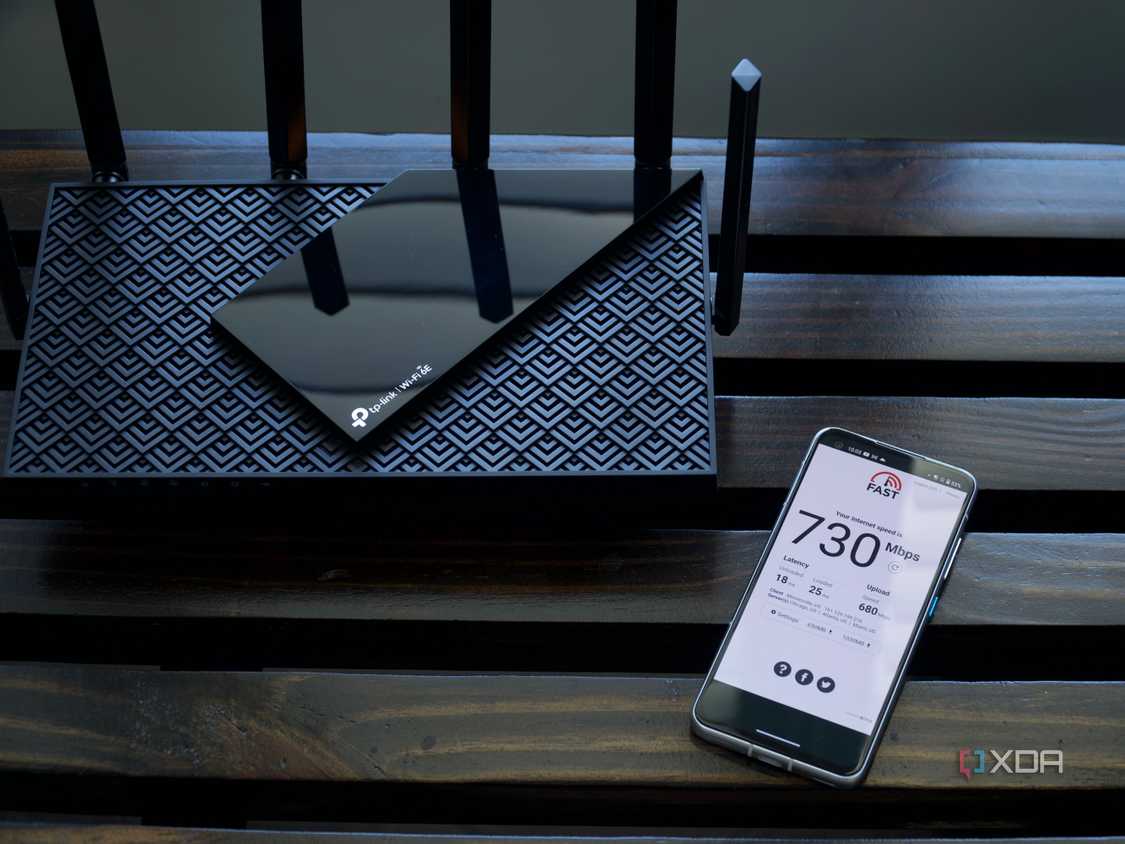


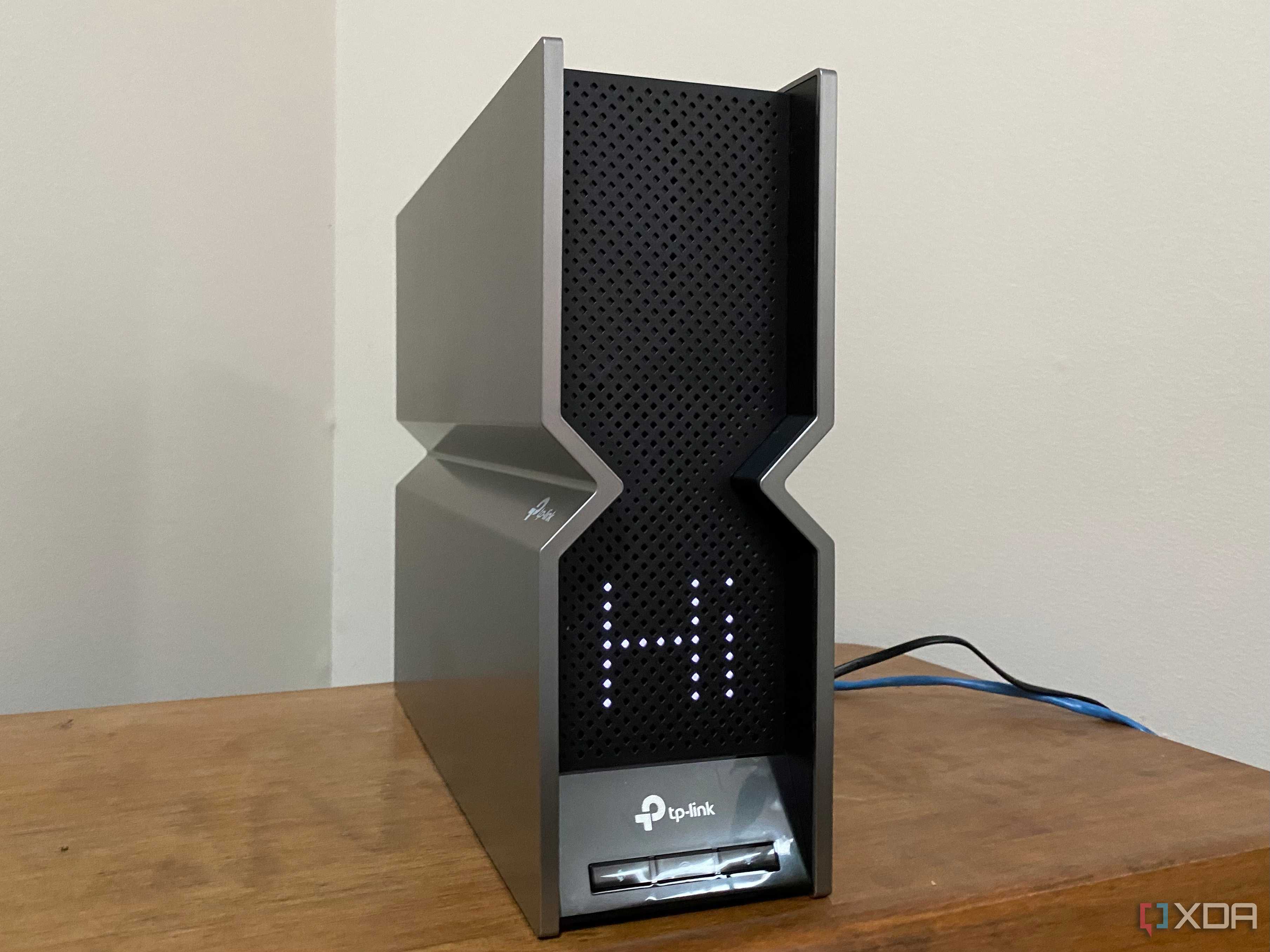
Archer BE800 ready to configure 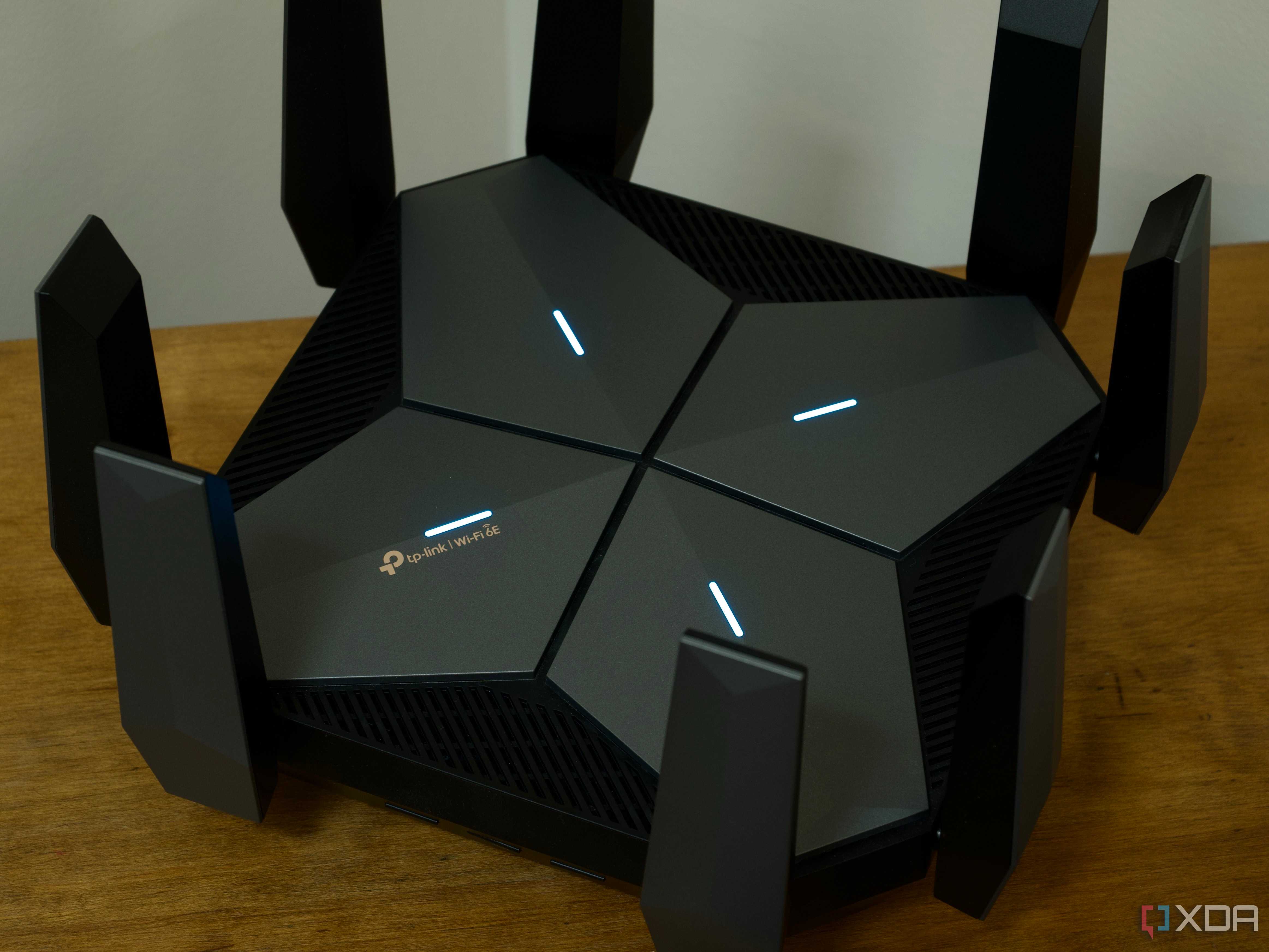
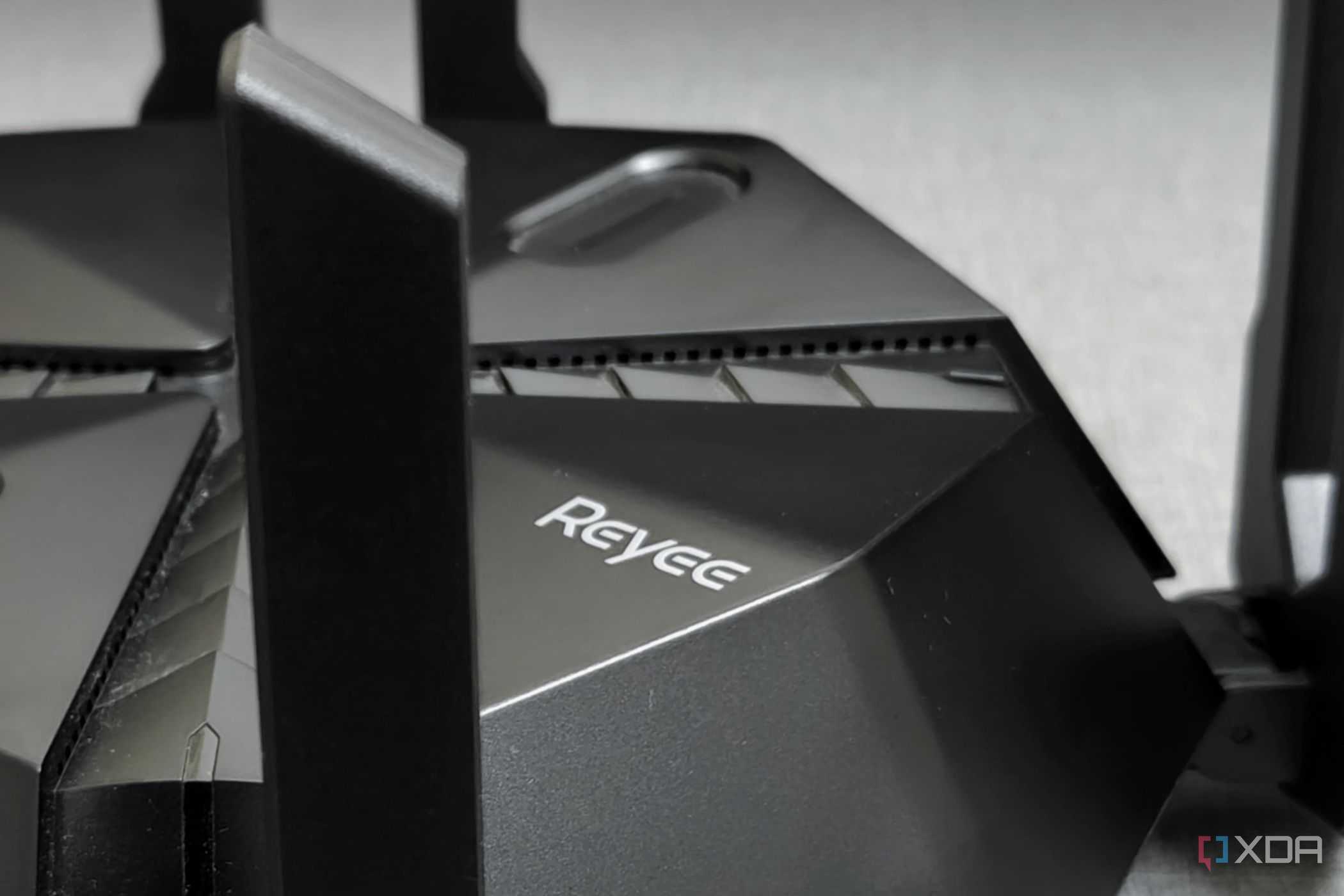
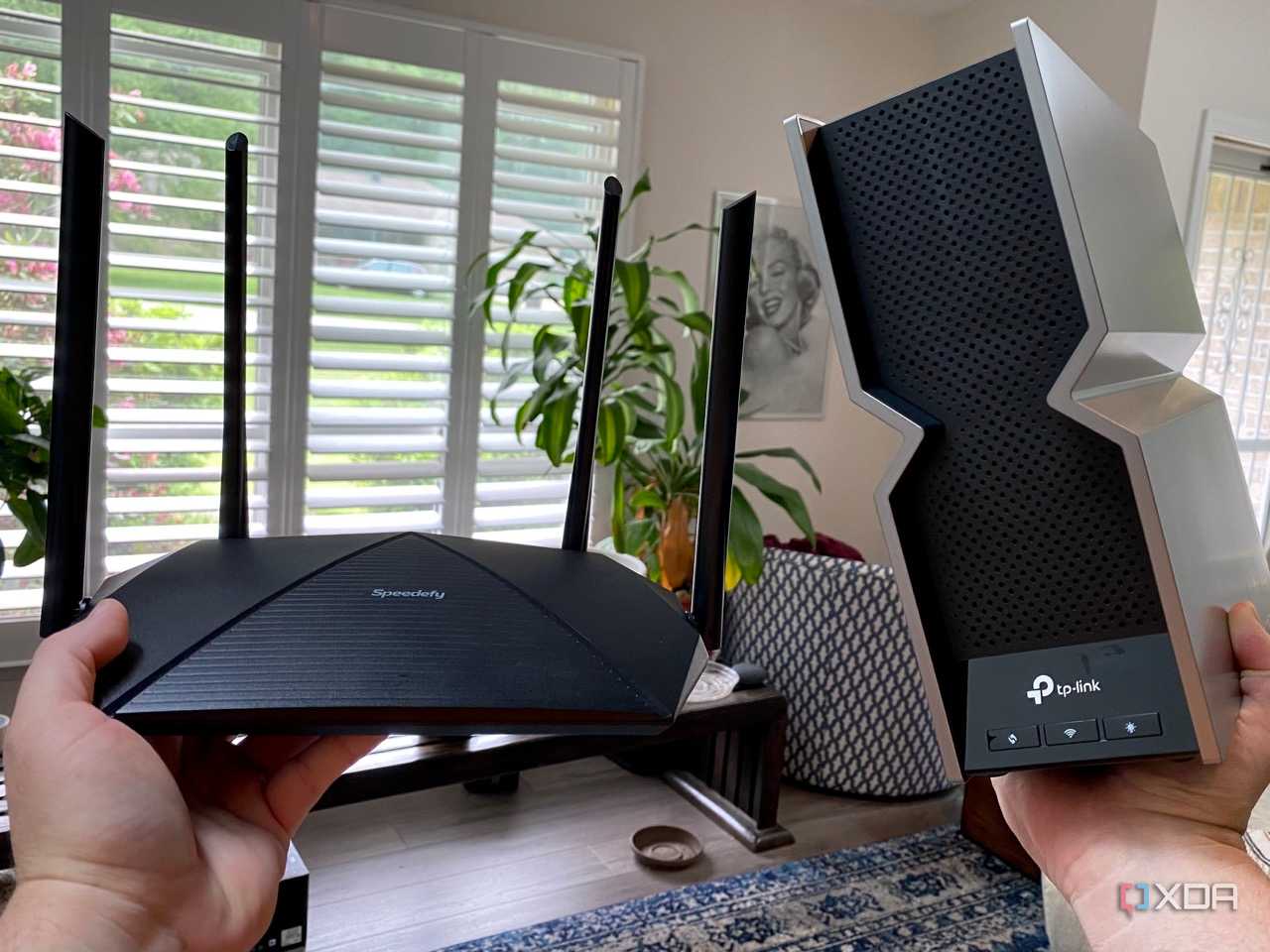


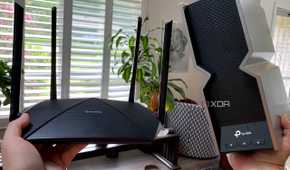
We eventually moved to a three-story townhouse. That wouldn't be too bad if the logical expectation of installing the ONT was satisfied, but it wasn't. Like previous installations, BT and Open Reach decided it would be much better (not to mention quicker and cheaper) to install the ONT and fiber entry into the downstairs living room. Okay, I thought, it was a recent build, and the paper-thin floors should allow for the wireless signals to pass through.
Oh, boy, was I wrong. Even the second floor had trouble maintaining good connections with the router. The top floor was almost impossible. Now, I know the Smart Hub from BT isn't a terrible router, and its wireless capabilities are actually okay, but it's just not a good fit for a home when the install location of the fiber terminal is not strategically positioned within the building. There's not much the router can do if it's quite literally up against a brick wall.
But then, even with the previous house, we had some issues with the Smart Hub, at least earlier versions of it. Wi-Fi performance wouldn't cause any heads to explode. Adding IoT hardware simply compounded the problem. There just didn't seem to be enough grunt behind the plastic shell to handle a modern smart home. Then there's the firmware, which can limit what you can do with the router, including almost anything with the wireless signals.
And these signals have some serious work cut out for them in most homes. You've got exterior brick walls, water tanks, cupboards, appliances, interferences, radiators, flooring, and more. It's a marvel that we're able to get stable wireless signals throughout the home as it is. But fixed combo units like an ISP router are limited by their location. You can't readily move it throughout the home without having cabling on display, and that's something that many (my wife included) simply can't deal with.
Doing it myself
It was finally time to move on


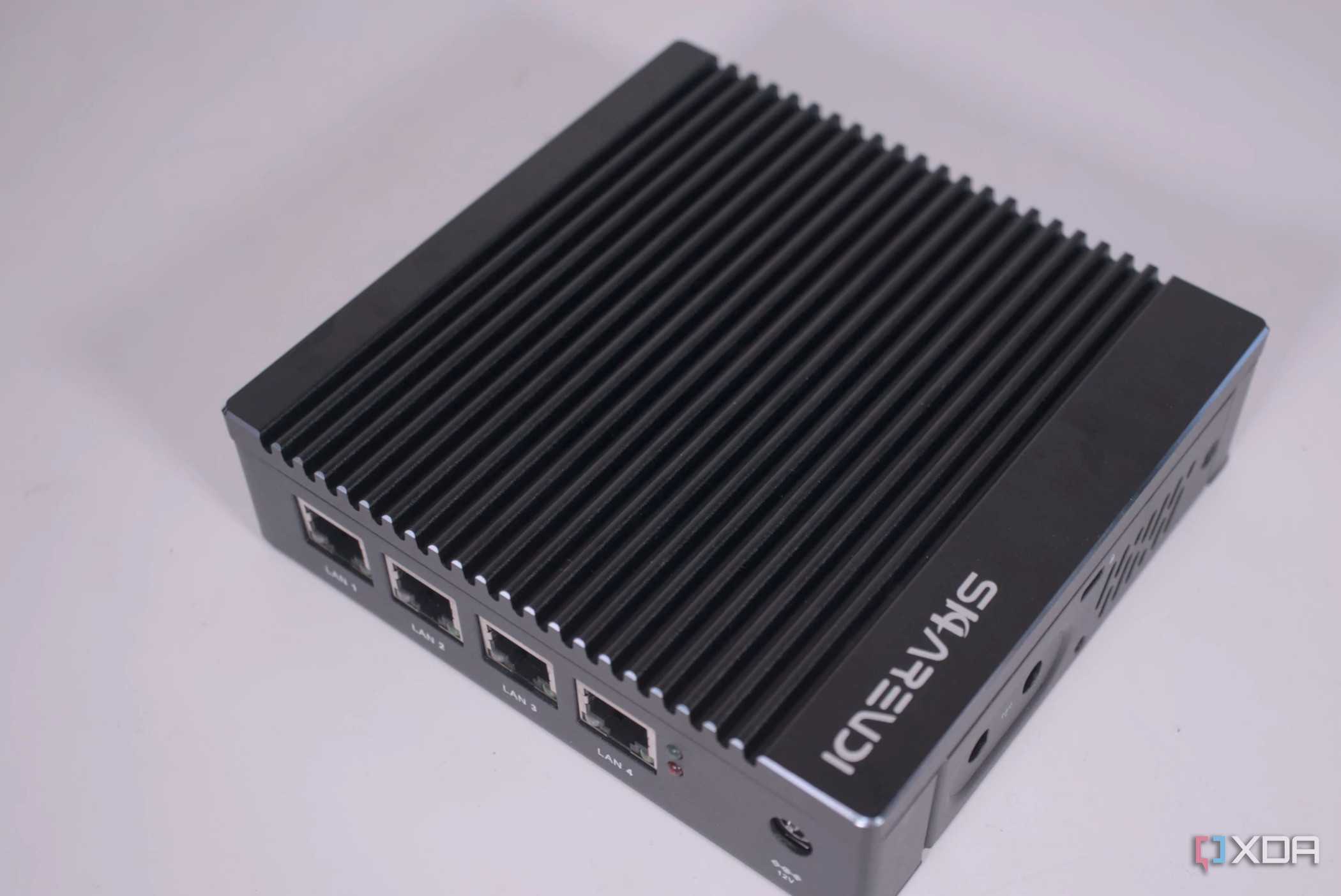
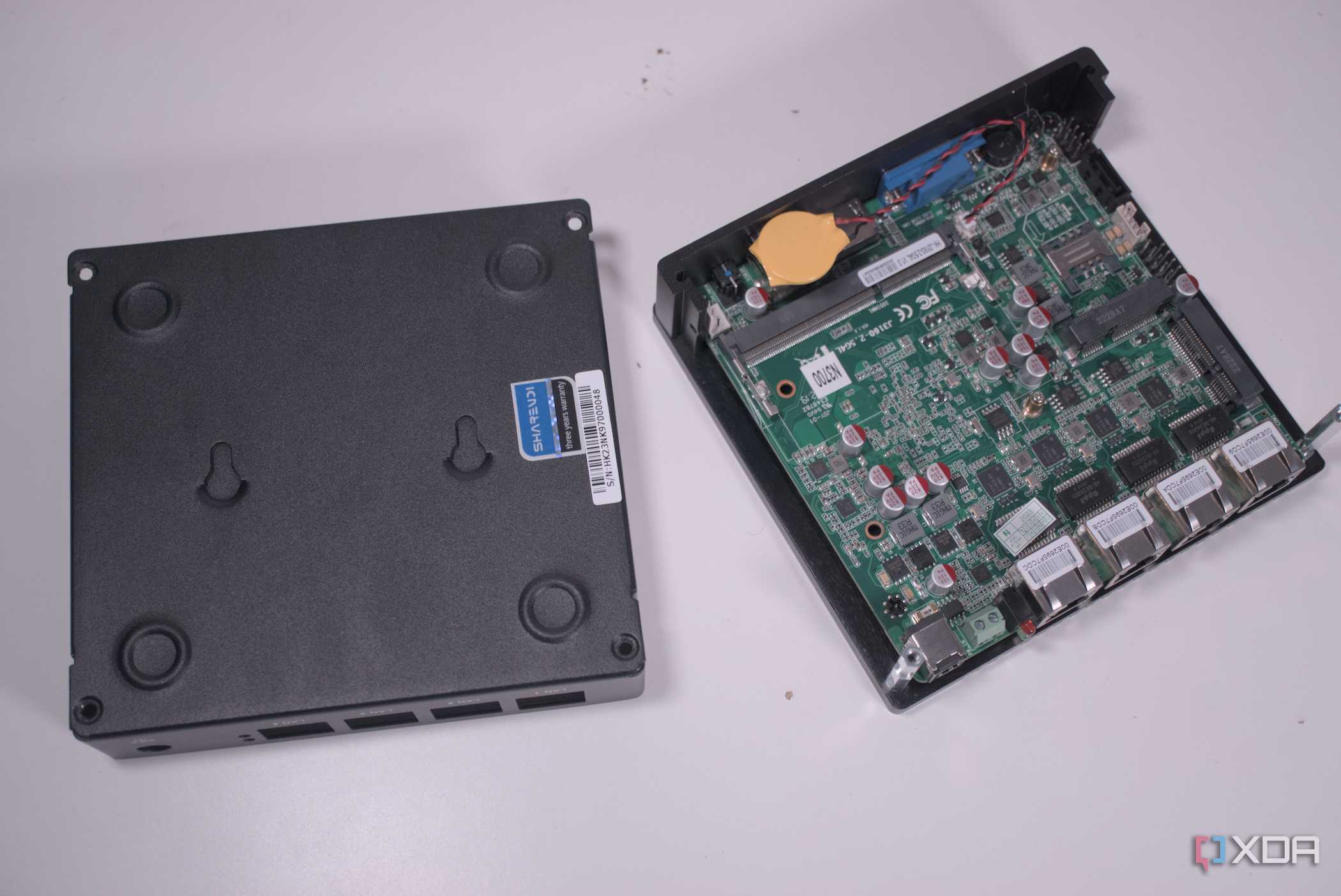

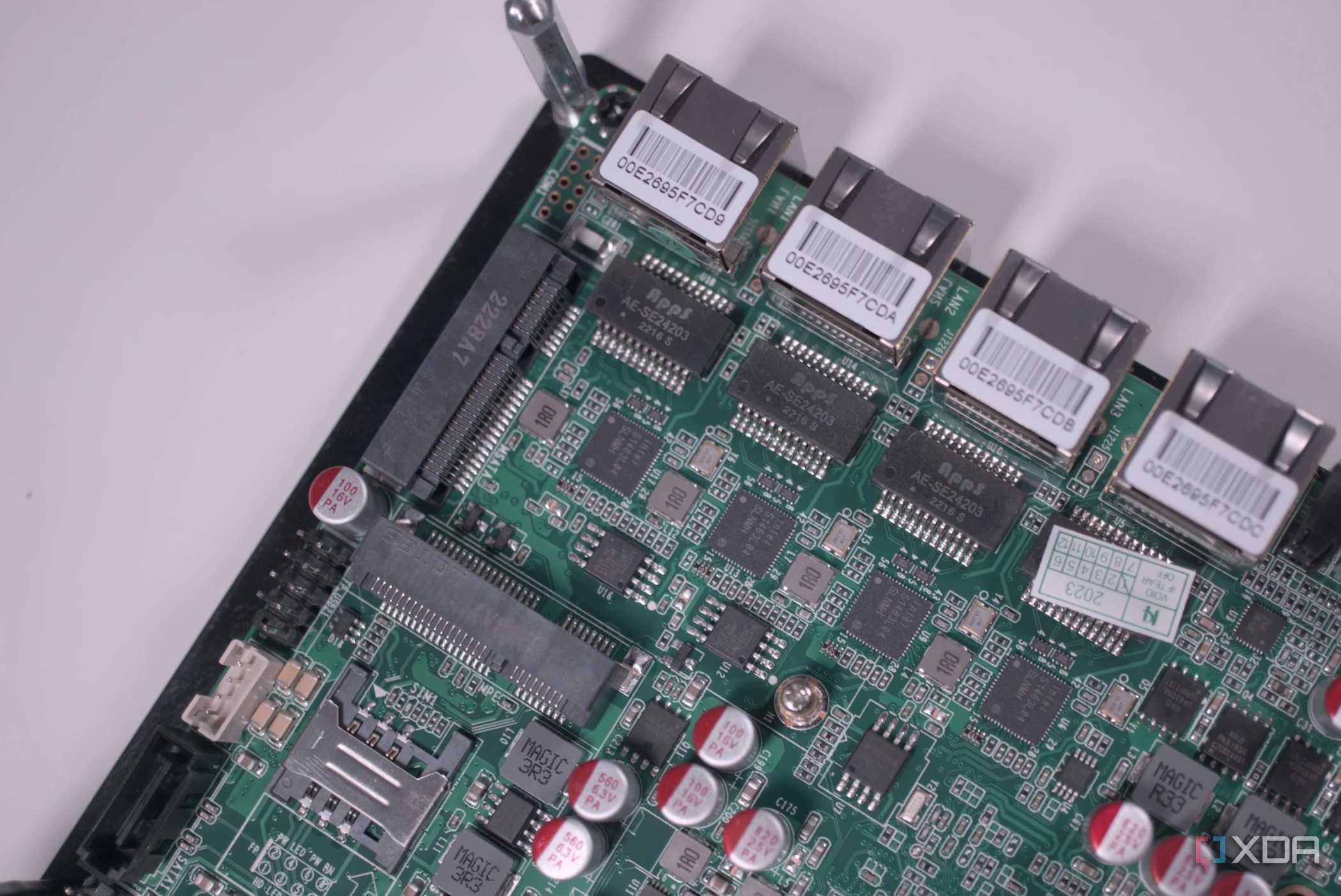


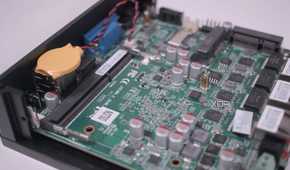
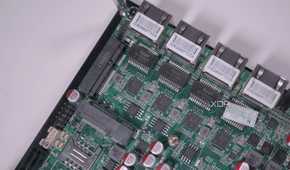
I finally had enough of dealing with sluggish performance in rooms that should have stable connectivity with the router, dealing with smart devices not connecting with the network, and realizing that other people had better networking than myself, which was simply unacceptable. I'm forking out for high-speed internet, and not being able to fully utilize it without being physically tethered to the router was the tipping point, especially when moving into our first house purchase. That's when I decided to create my own personal router/firewall and use some access points.
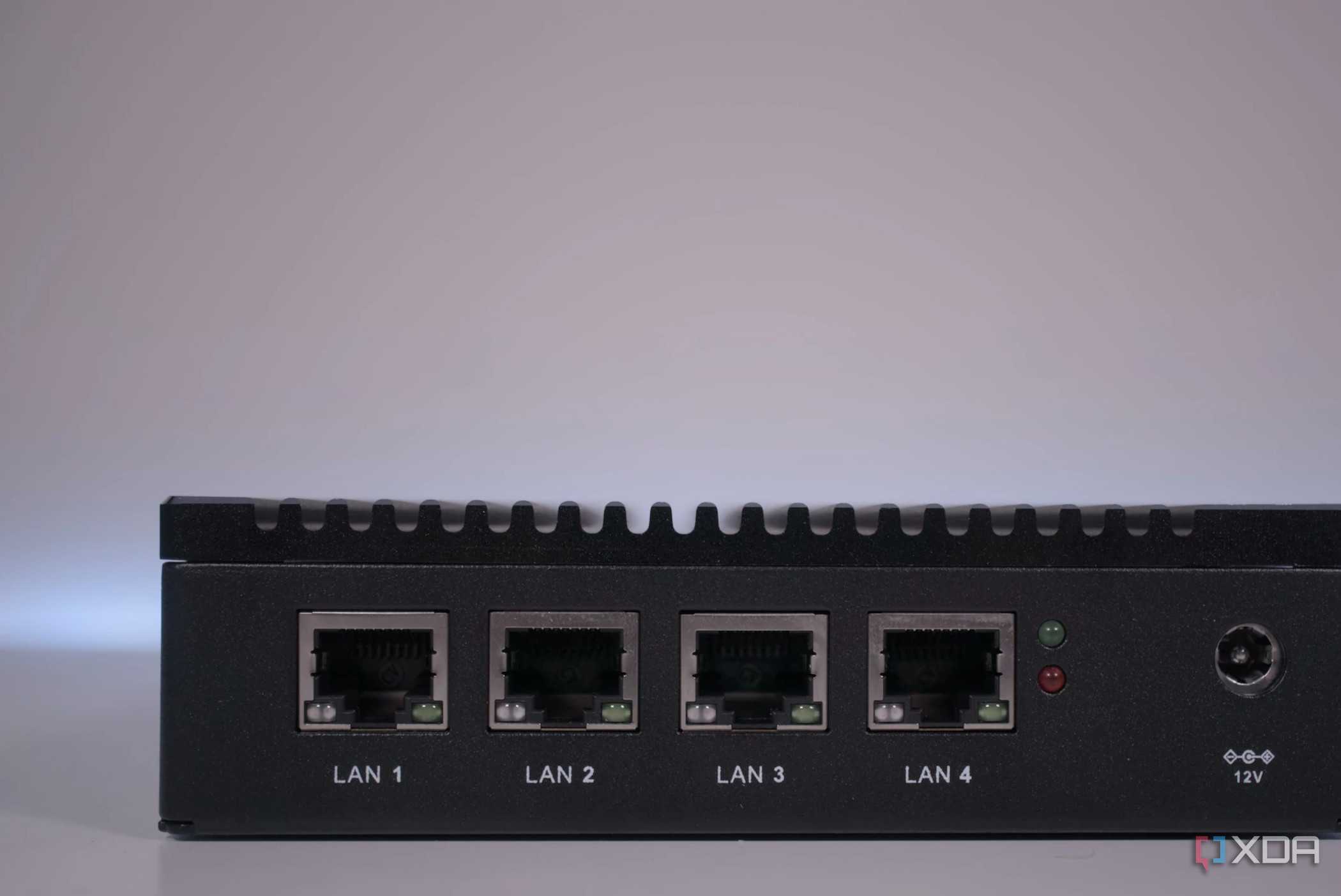
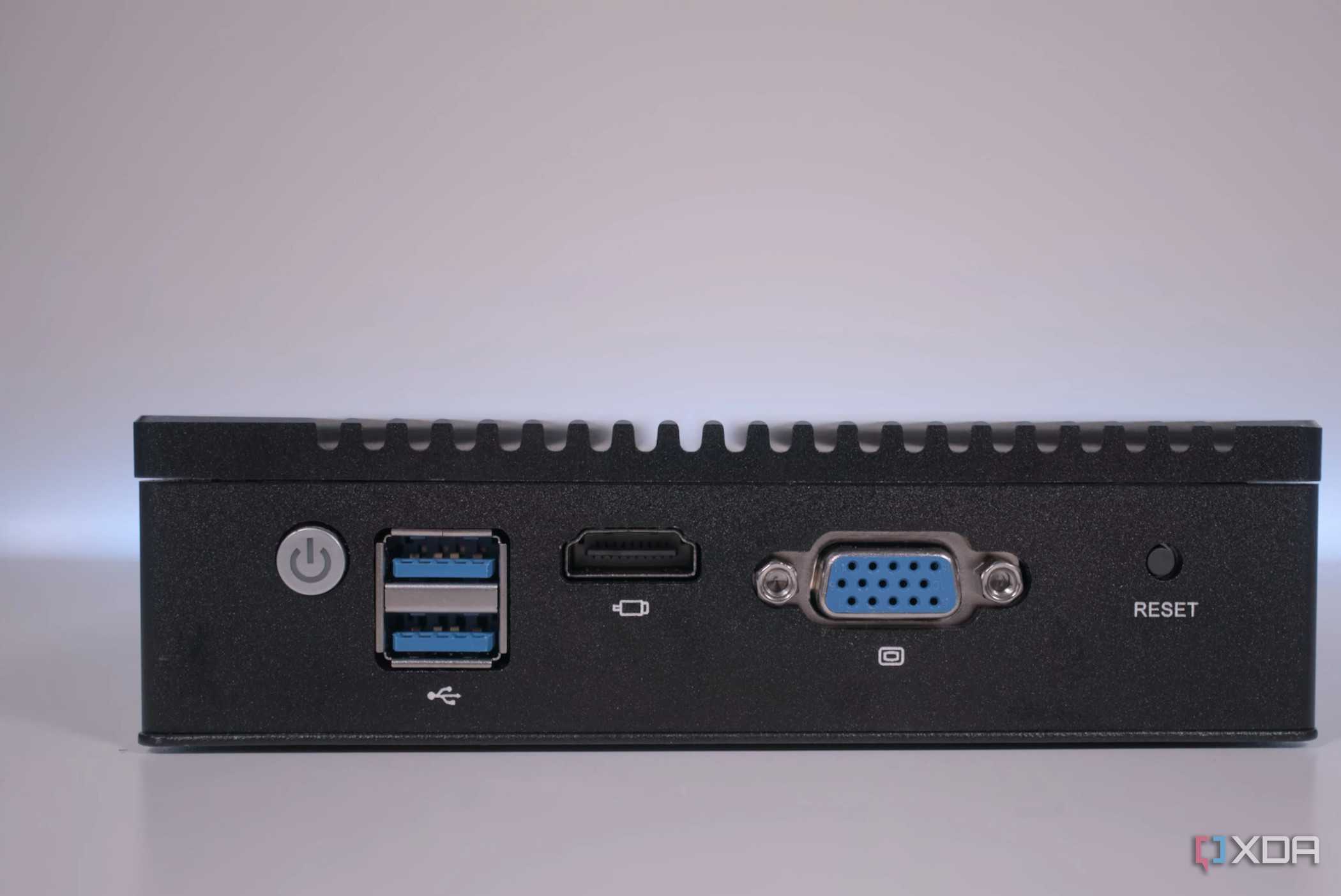
Knowing how to put one together, all I needed was a compact and low-power mini PC with a passively cooled CPU. Sharevdi came with the answer with a system rocking an Intel N3700 processor and four 2.5 Gb Intel LAN ports. That's all we need for a capable network with enough bandwidth to handle the fiber link as well as everything on the local side of the firewall. Swapping out the old router for a custom OPNsense box was simple enough. All that's required are PPPoE credentials, and with them, the line was active within a few minutes.
The best part about creating a custom router is that it's entirely wired up. This allows me to position access points (APs) around the property. I'm using one downstairs in the dining room, which is centrally located, facing outward from the external wall. This provides excellent coverage throughout the home itself. A second is located in the external office building to cover that and the rear garden. Finally, a compact AP is in the garage to facilitate smart home automation for entering the driveway and/or garage. With all three running in tandem, wireless coverage is excellent.
You don't have to build it yourself
ISPs like BT can provide additional wireless devices to help extend coverage throughout the home. They'll usually have them either available as an optional extra or something they could offer as a solution should you reach out due to connectivity problems. Building a custom router is a great project; however, since you learn a lot in the process, you have full control over everything relating to the LAN, and can enable and use more advanced features, such as traffic shaping, VPN, DDNS, certificates, and monitoring.
