


Building your very first PC is never really easy, no matter how many tutorials you've watched on YouTube or parts you've memorized. In fact, it took me a couple of weeks just to properly research and source the parts for my first gaming rig back in 2012. By the time everything arrived, I thought the hard part was behind me. I knew that putting the parts together as a beginner would be time-consuming, but with YouTube tutorials to reference, I assumed I'd be on the safe side.
The thing is, no matter how many PC build guides you watch, you'll likely run into unexpected hiccups once you're actually sitting in front of an open case. Sometimes, you may not realize the mistakes until your PC is up and running. Even a small oversight is all it takes to cause bigger problems down the line. That's exactly what happened to me, but I'm glad I learned it the hard way, because looking back, I wouldn't be nearly as confident building PCs today if it weren't for these mistakes.
Poor airflow planning
I overlooked the importance of pressure balance inside the case


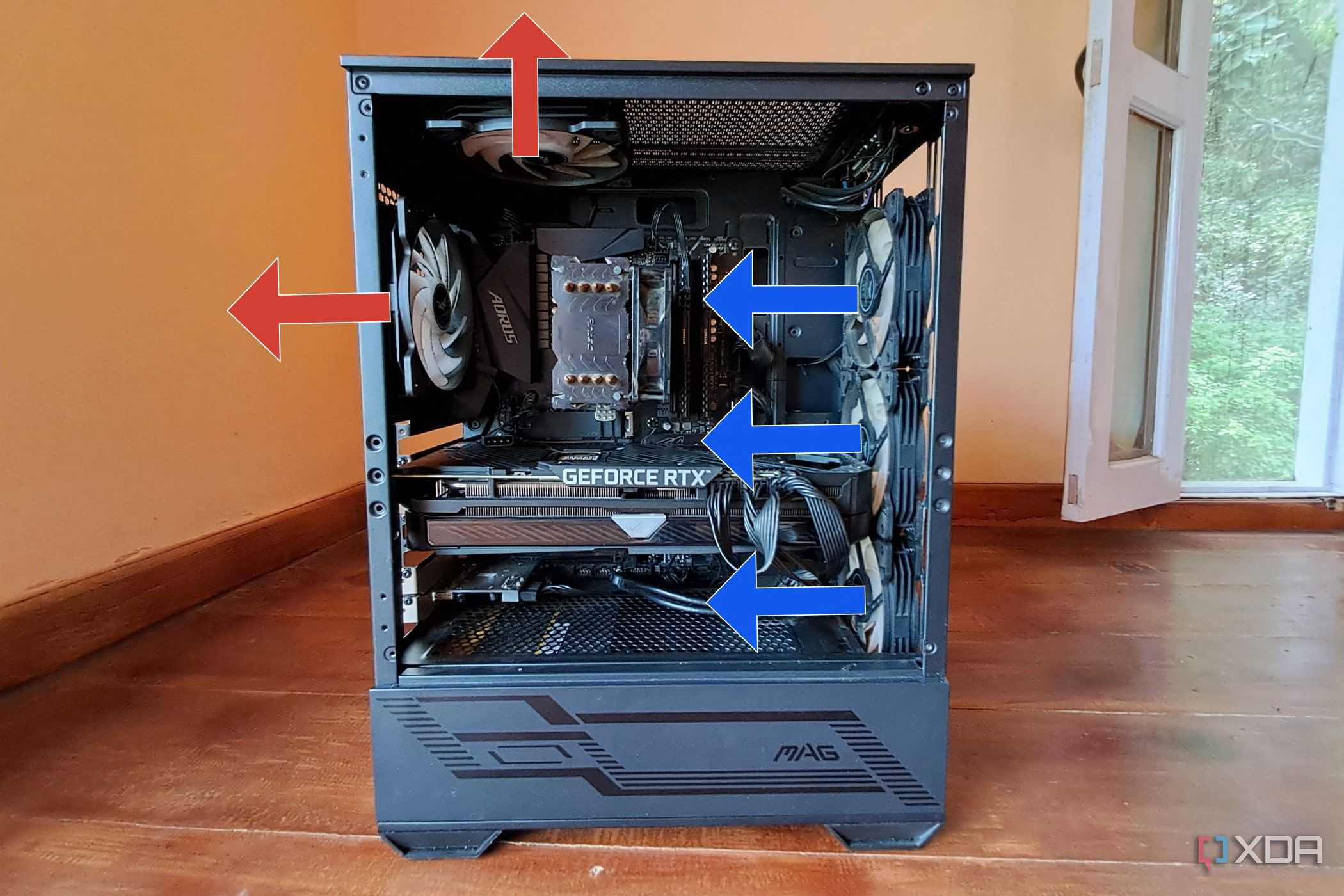
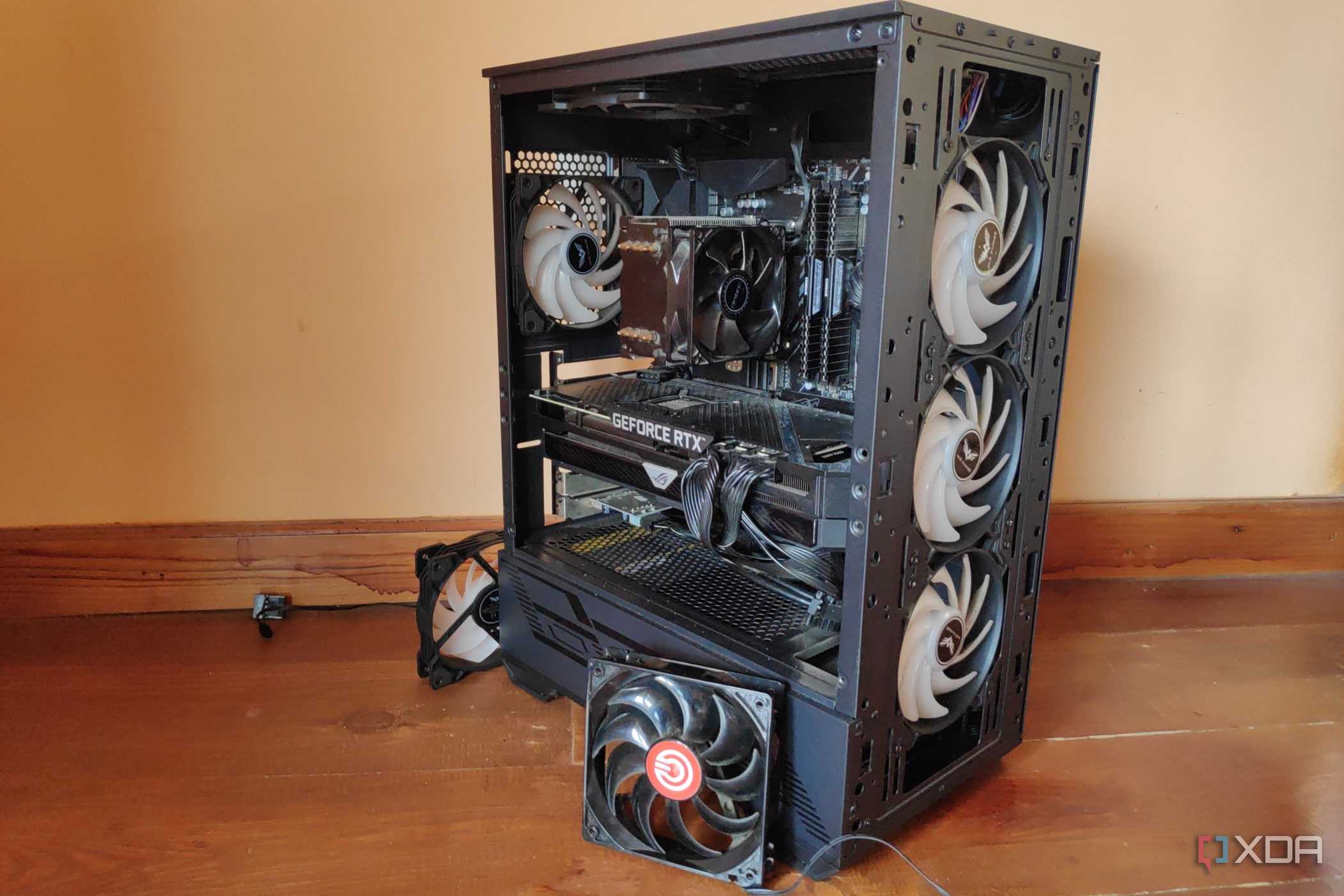
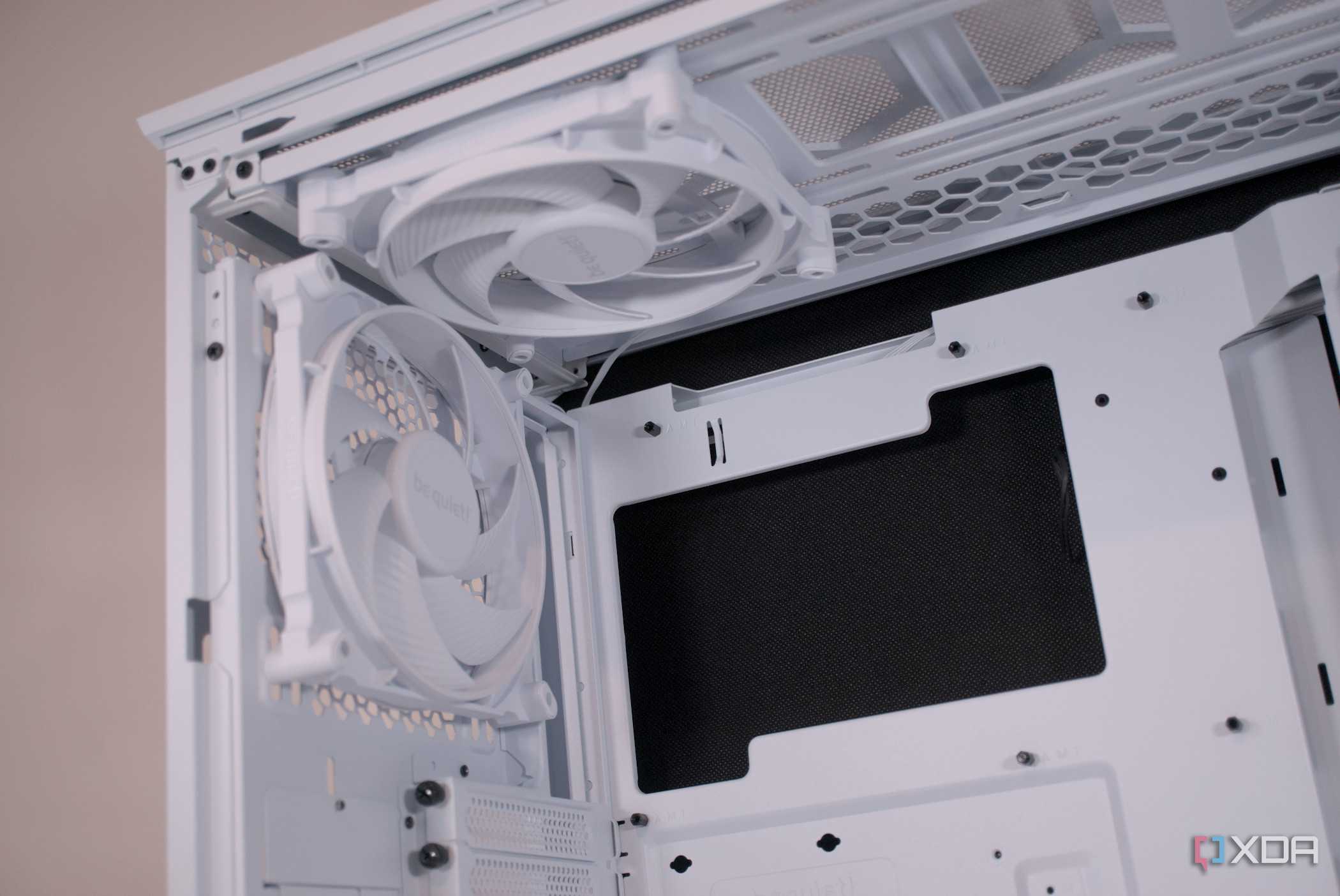
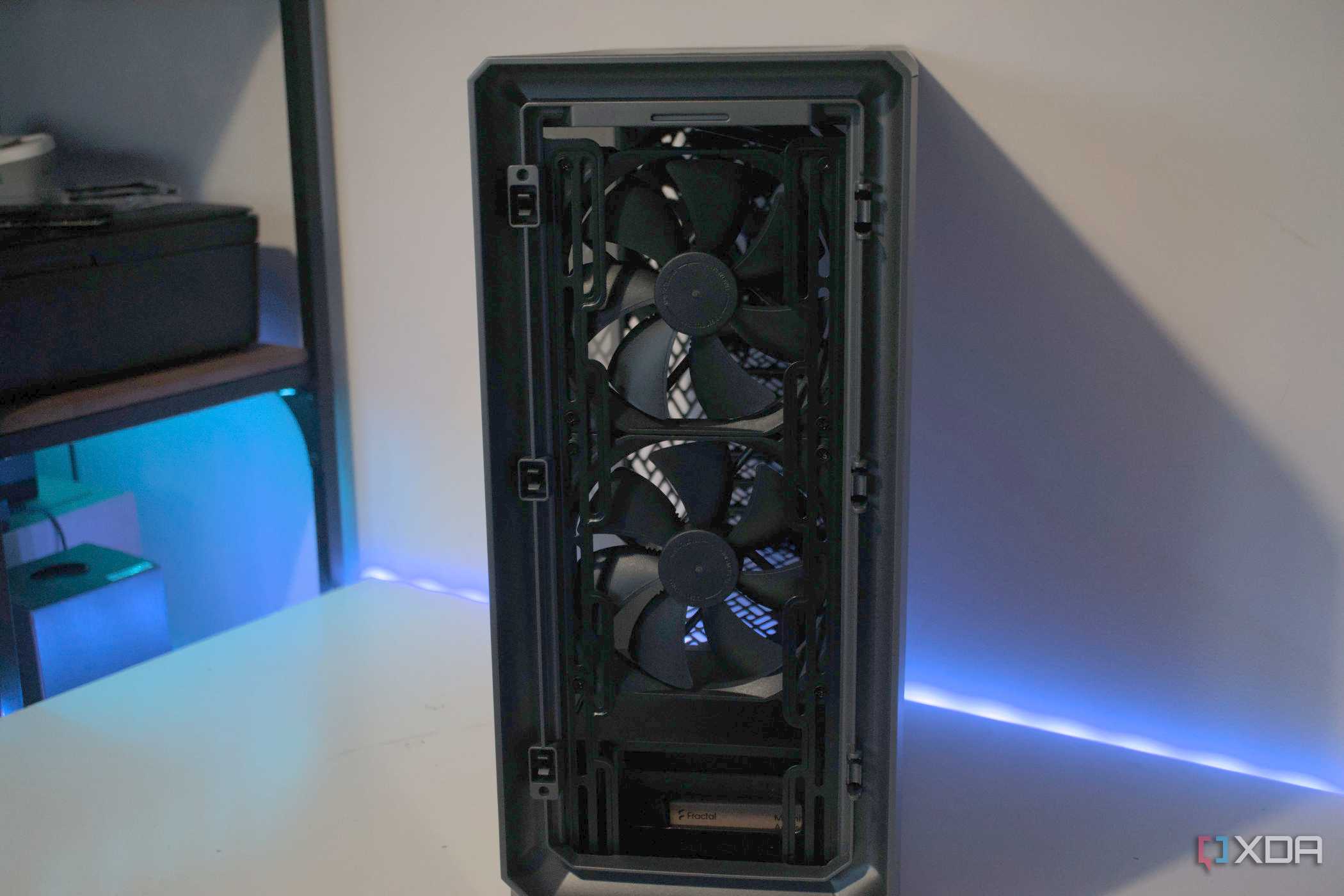
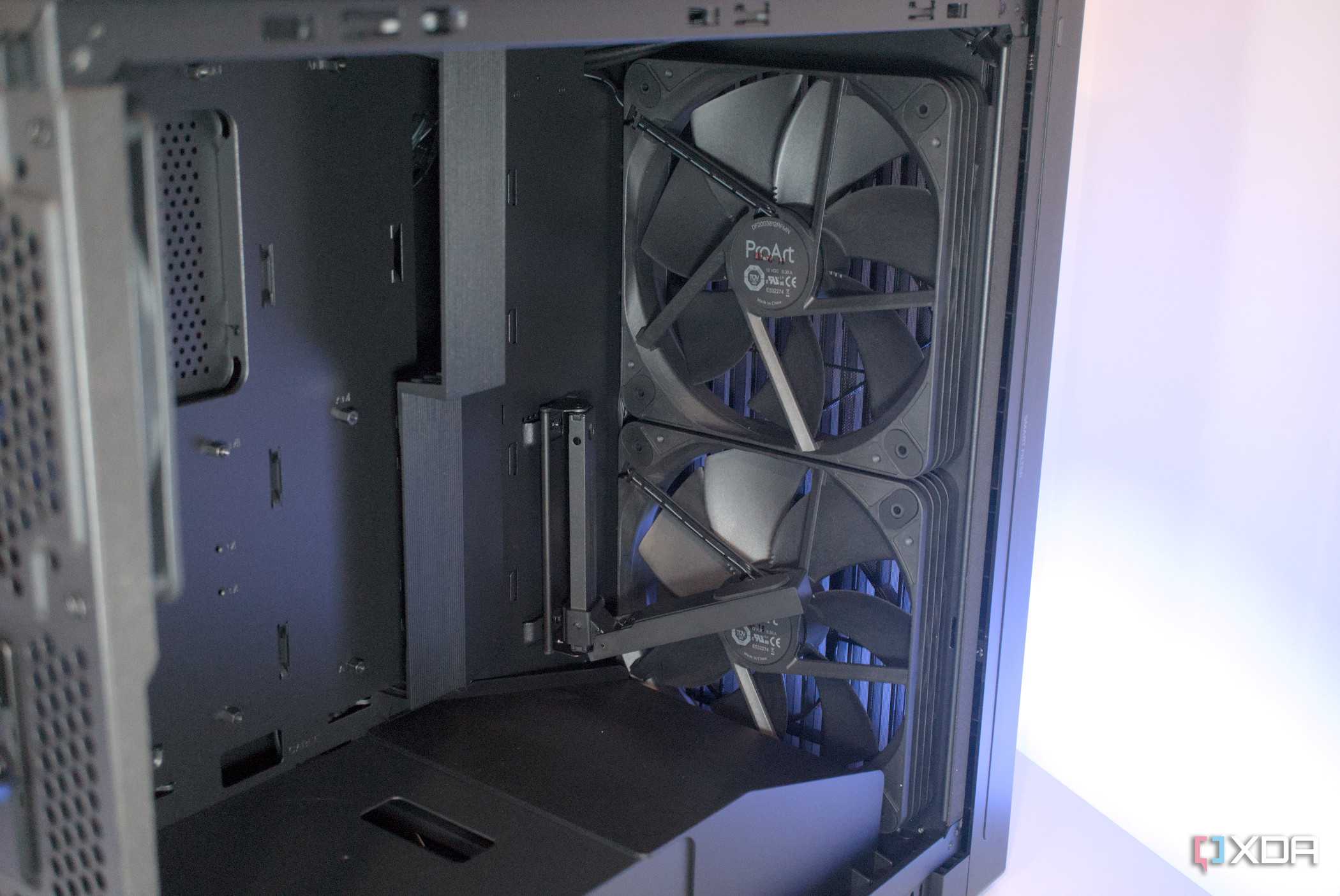
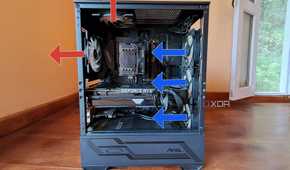
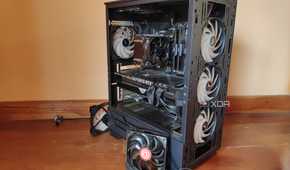
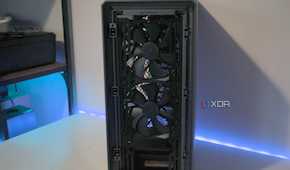
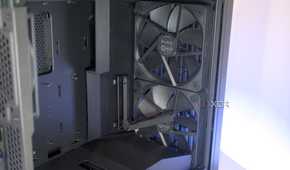
The case I bought for my first PC was the Corsair Carbide 300R, which came with one intake and one exhaust fan, along with mounting holes to install five additional fans. Since I wanted the best possible cooling performance, I decided to fill every single fan mount. I added another intake fan at the front, two exhaust fans at the top, and two more exhaust fans on the side panel without giving a second thought to pressure balance. I thought it would help with temperatures, but it had the exact opposite effect because I created negative air pressure inside the case.
Sure, more air was being pushed out, but I didn't have enough intake airflow to supply fresh, cool air. I eventually learned that this pressure imbalance causes turbulence, creates hotspots, and pulls dust in through every unfiltered gap in the case. Instead of lowering temperatures, my fan configuration caused my CPU and GPU to run hotter. Additionally, dust accumulated within a couple of weeks. However, after reinstalling the two fans on the side panel as intakes, the temperatures dropped immediately, and dust buildup was no longer a problem. This experience taught me the importance of maintaining slight positive air pressure inside the case.
Poor cable management
Learned the hard way that messy cables impact performance, not just aesthetics


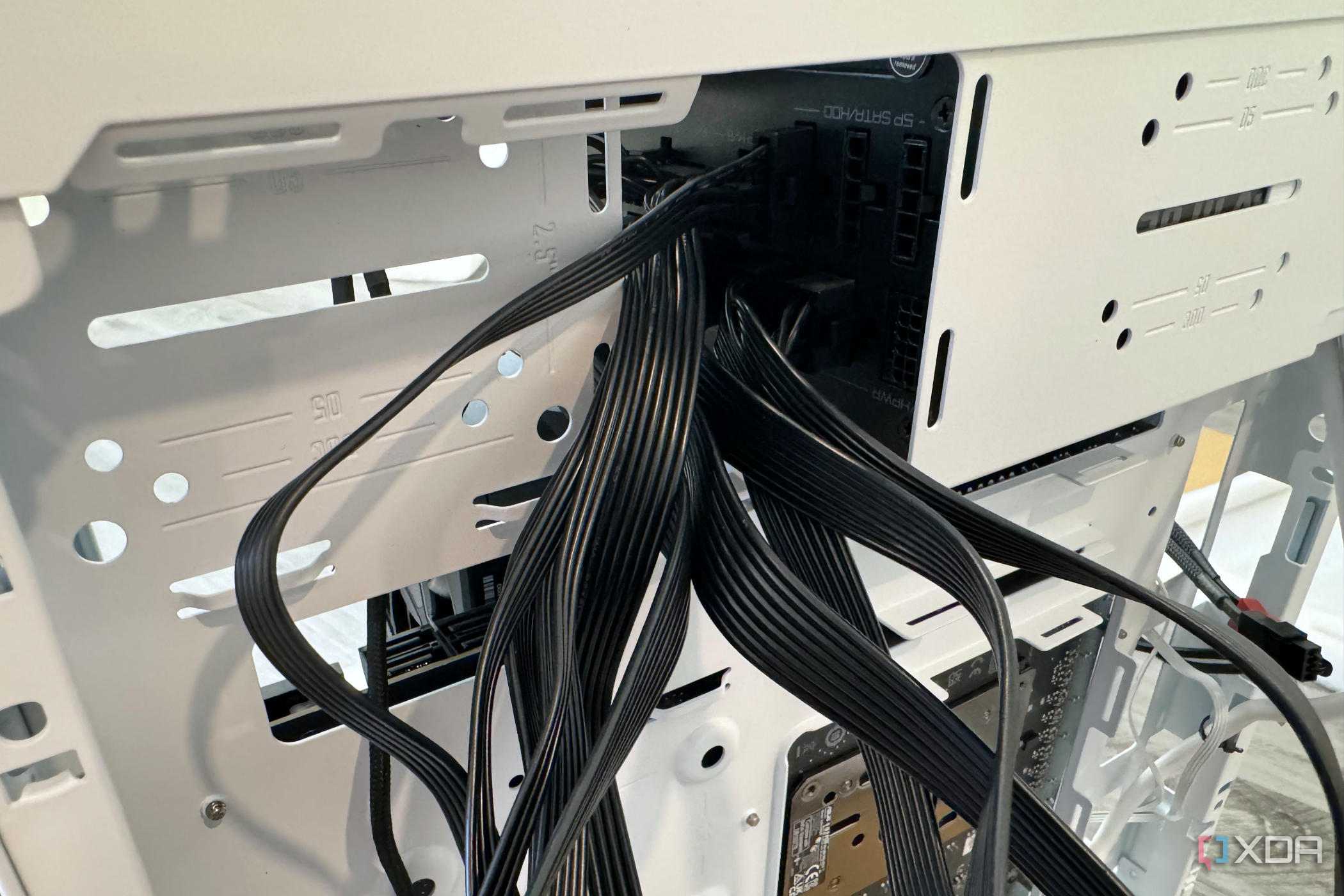
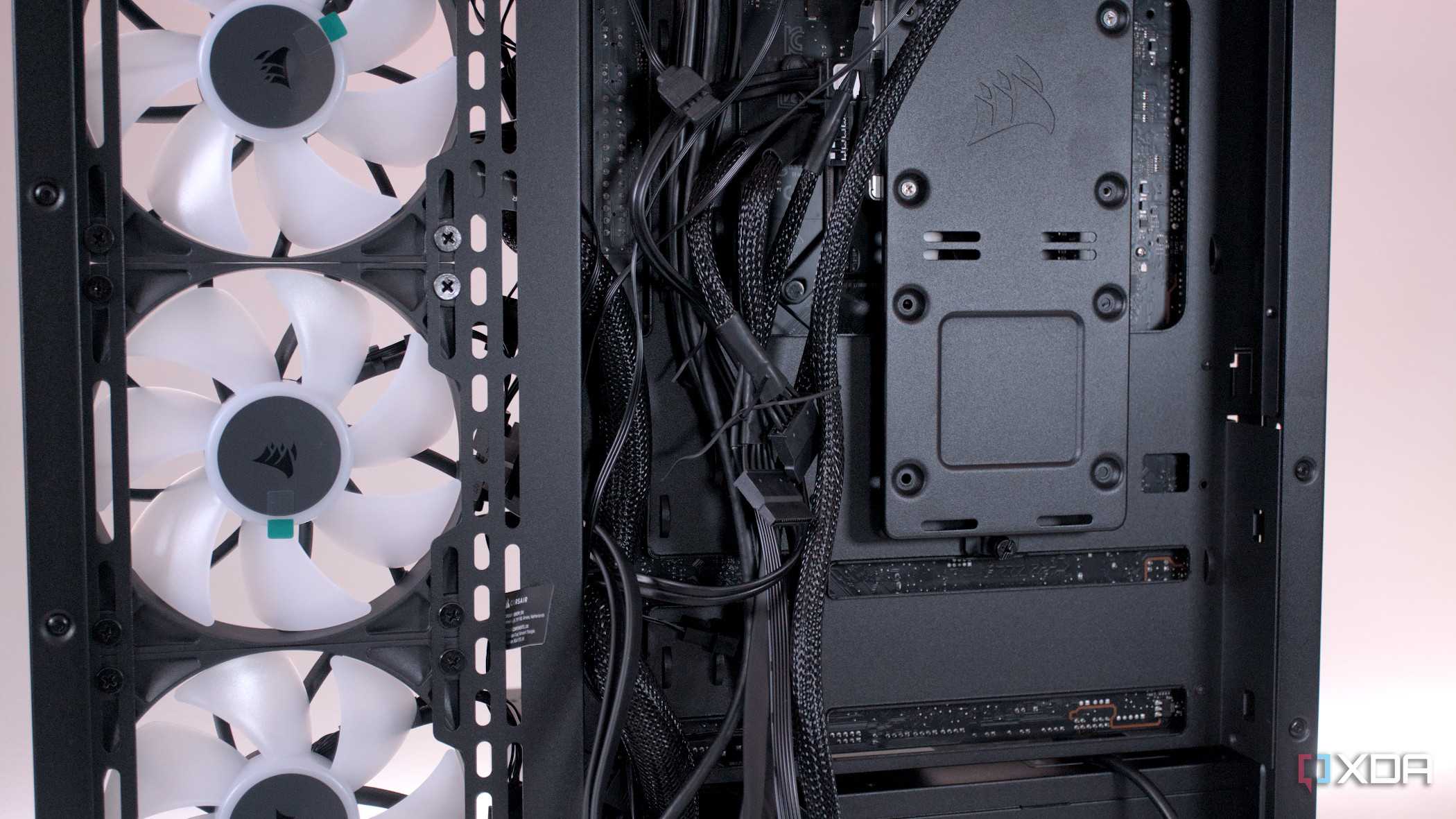
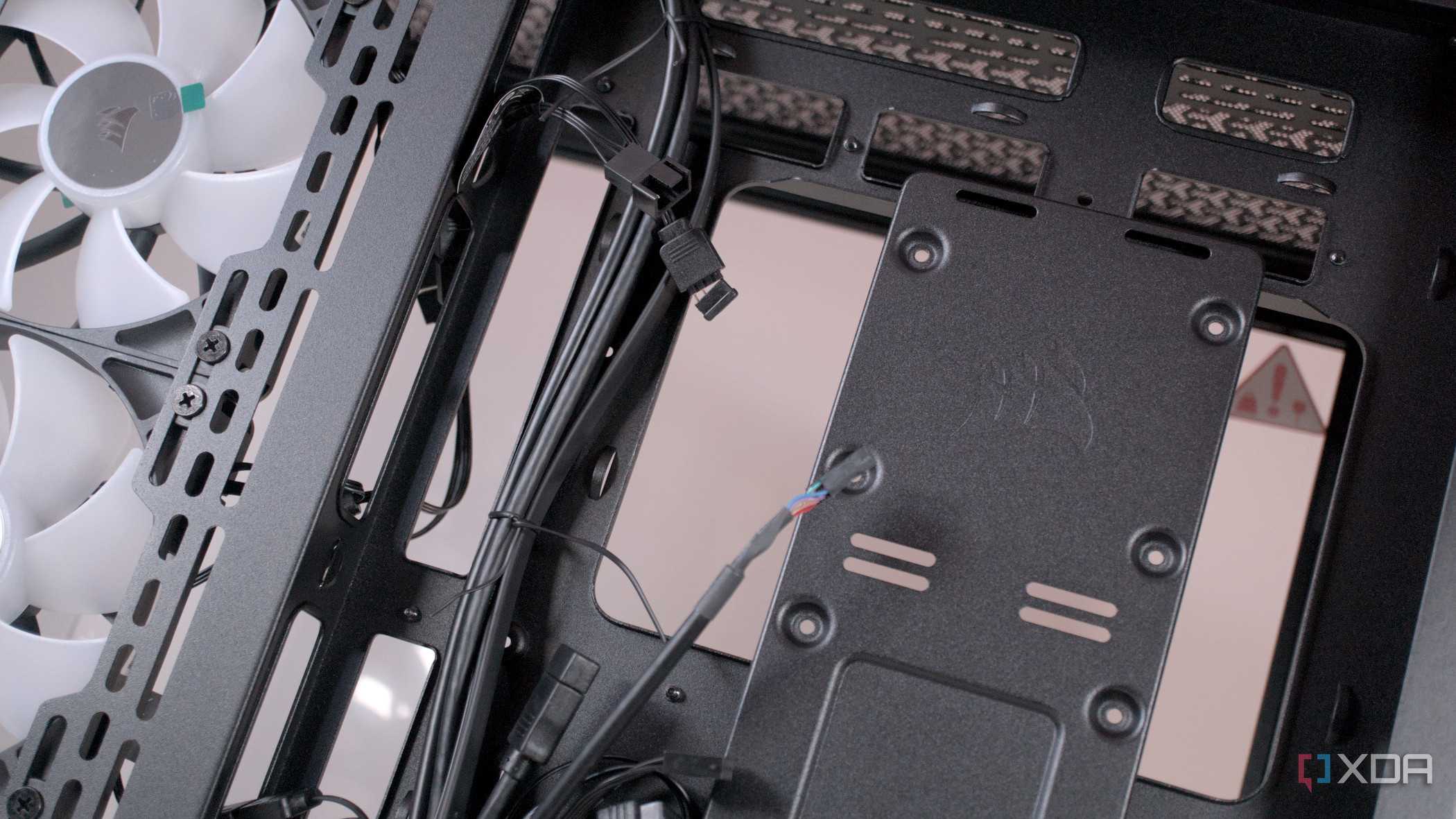
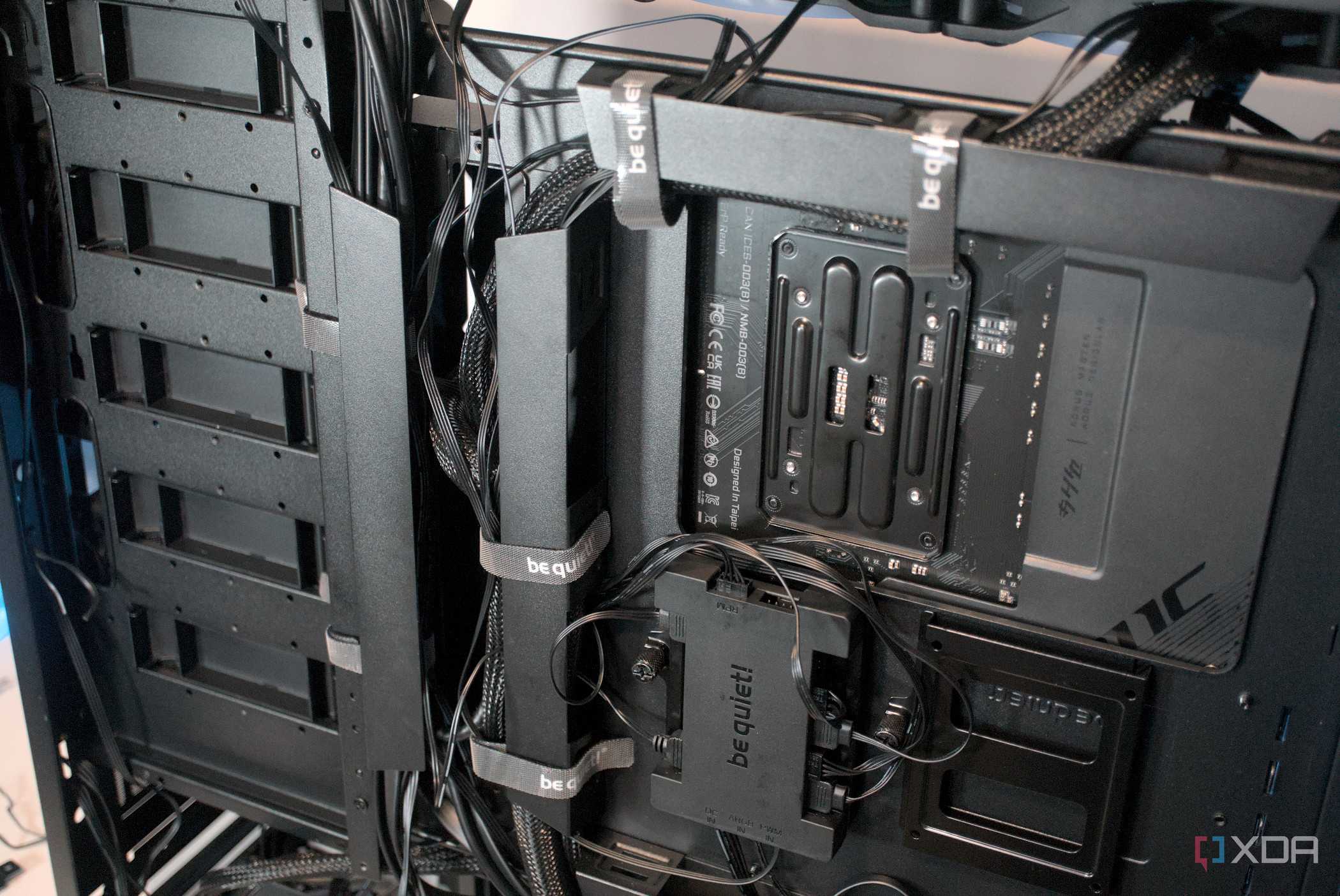
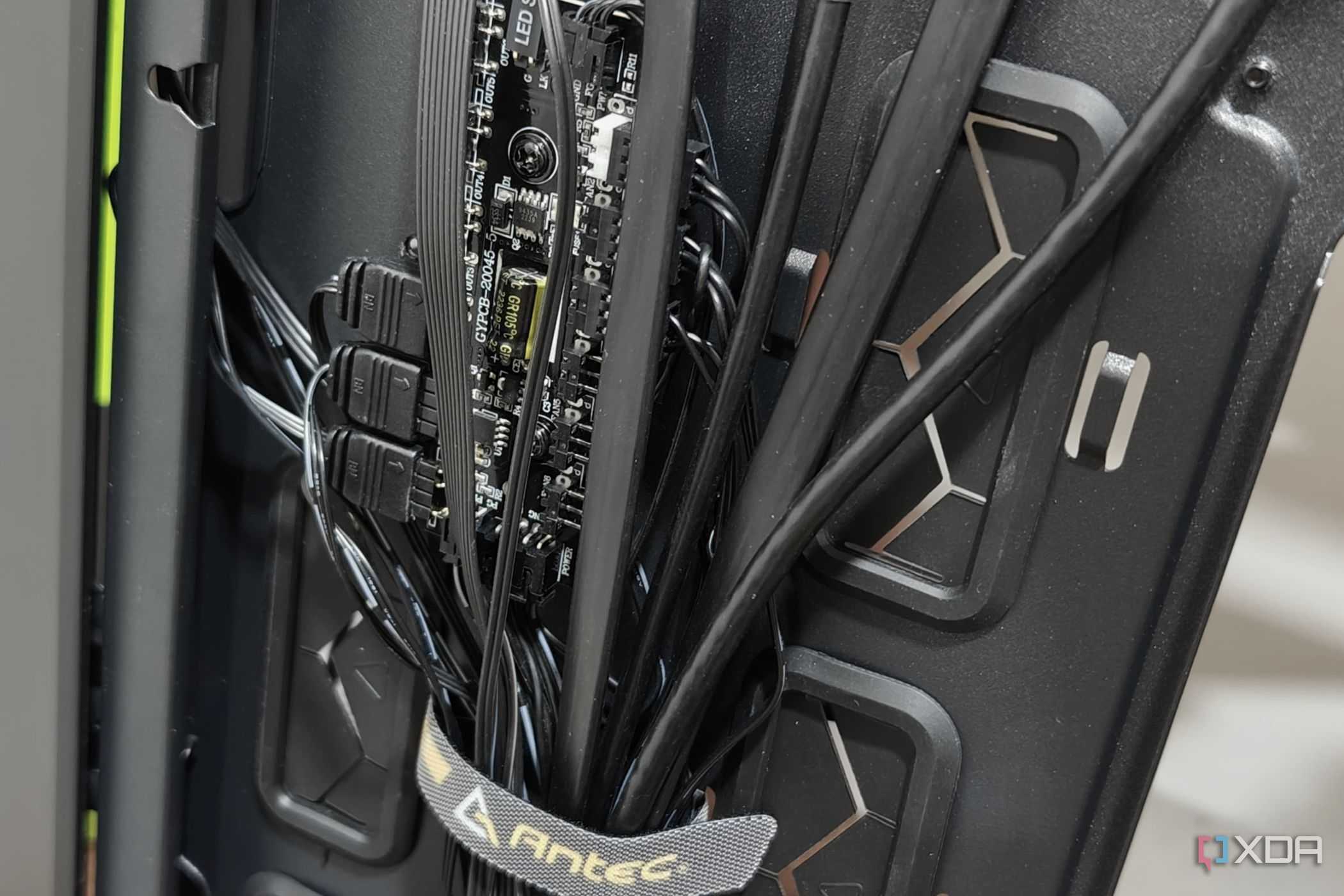

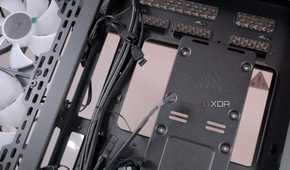
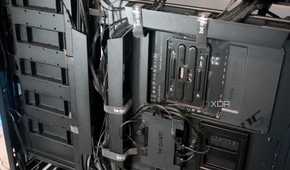
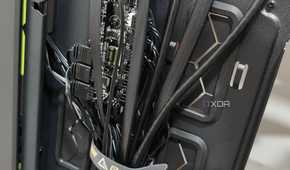
Since my case didn't have a tempered glass side panel to showcase my components, I didn't bother spending time on cable management. At the time, it felt like a waste of energy to route wires neatly or secure them with ties, since nobody would ever see the inside of my case. But little did I know that those dangling cables could hinder airflow and impact cooling performance. Yes, my initial fan configuration was far from ideal, but the sloppy cable management only exacerbated the issue.
Remember when I said I had only two intake fans at first? If that wasn't enough of a mistake, I made it worse by letting loose cables block the little airflow I did have. Cool air had to make its way through tangled cables before reaching the CPU cooler and GPU, which meant I had to deal with high temperatures from the outset. Additionally, cleaning became a hassle because I had to deal with cables in the way. Thankfully, a friend offered to help me reroute everything through the back panel and tie it down properly. And as expected, the difference was night and day, proving that proper cable management can be just as important as adding more fans.
Overlooking RAM clearance
I didn't check if my CPU cooler would block the DIMM slots


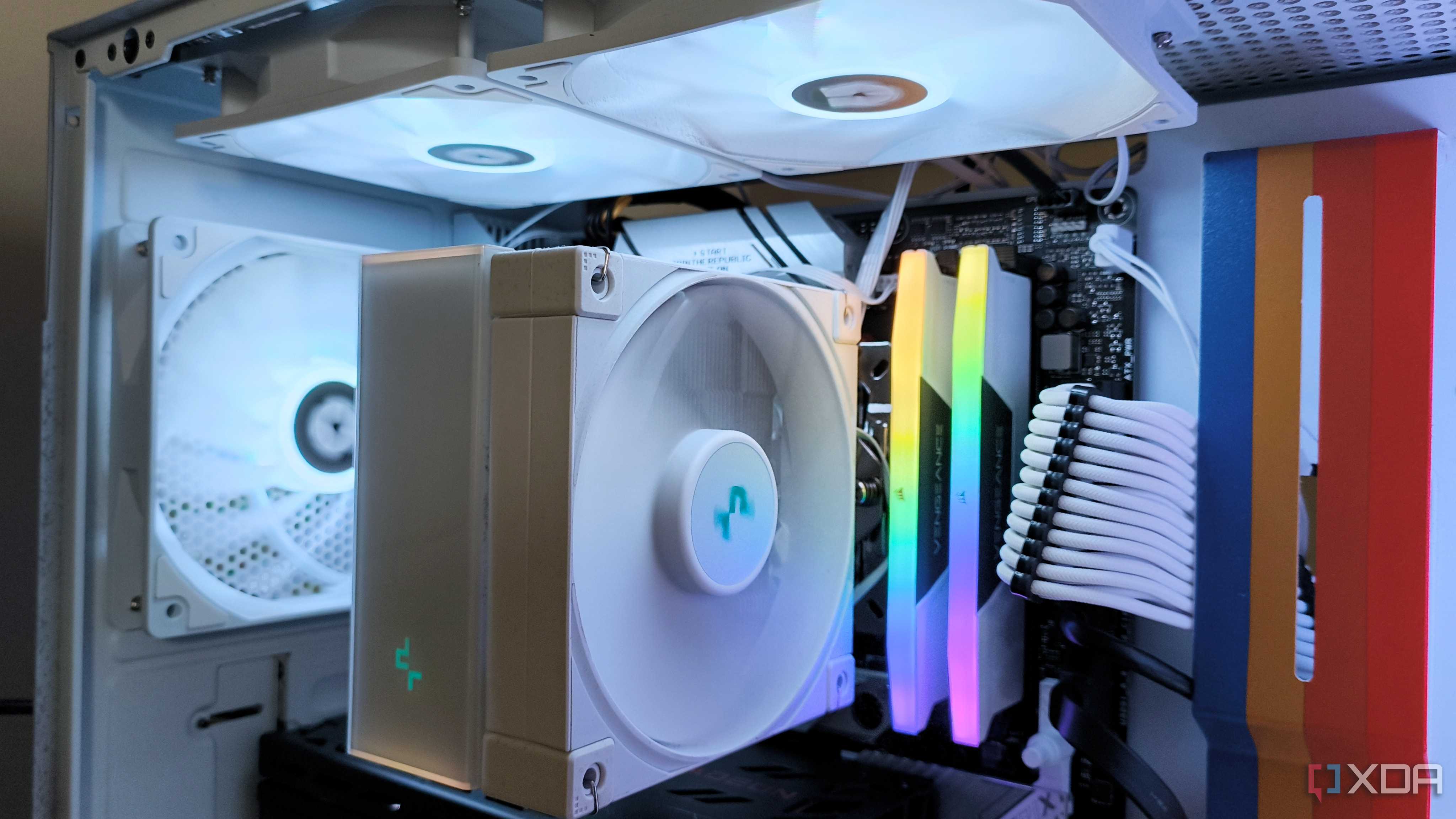
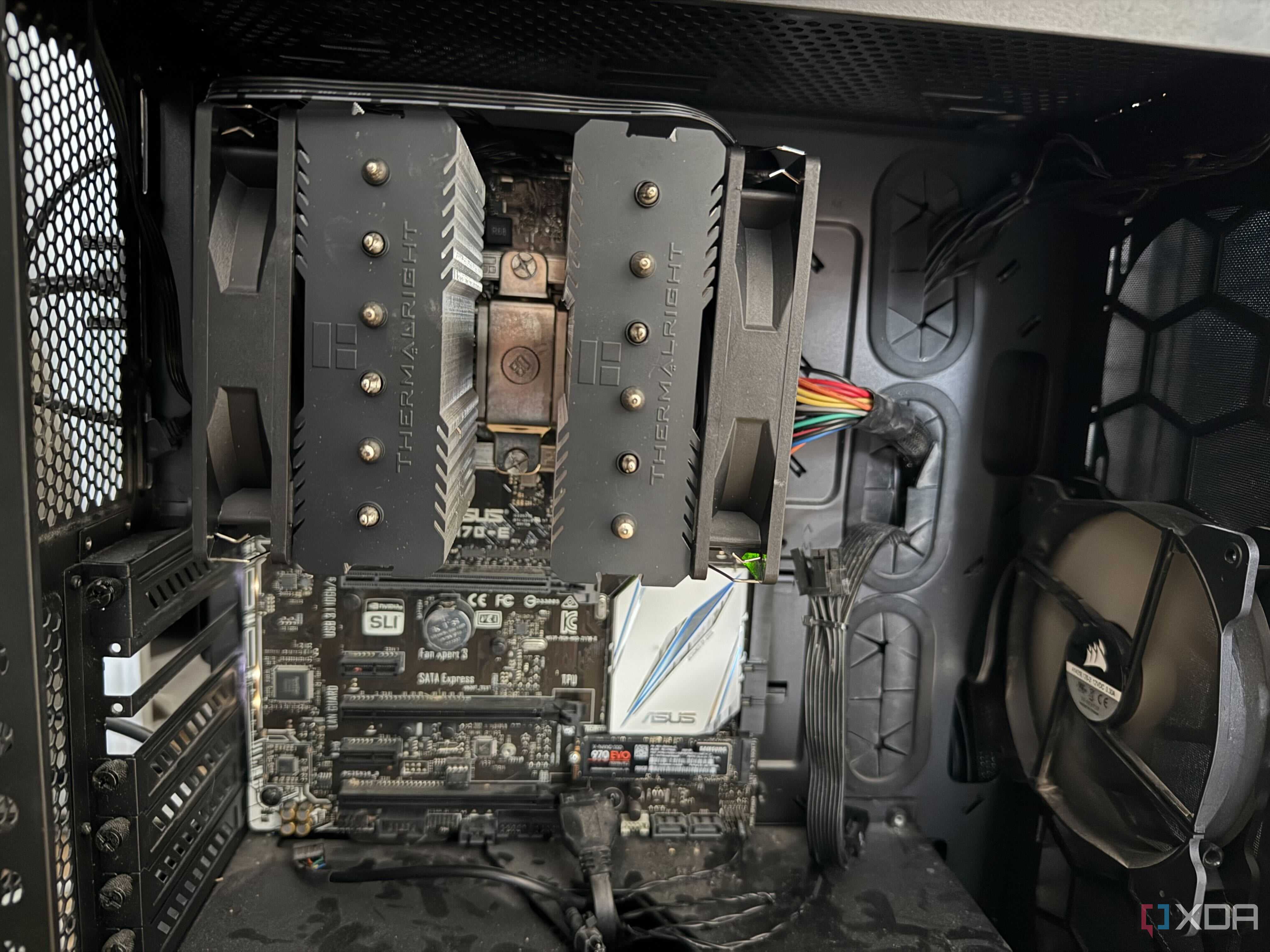
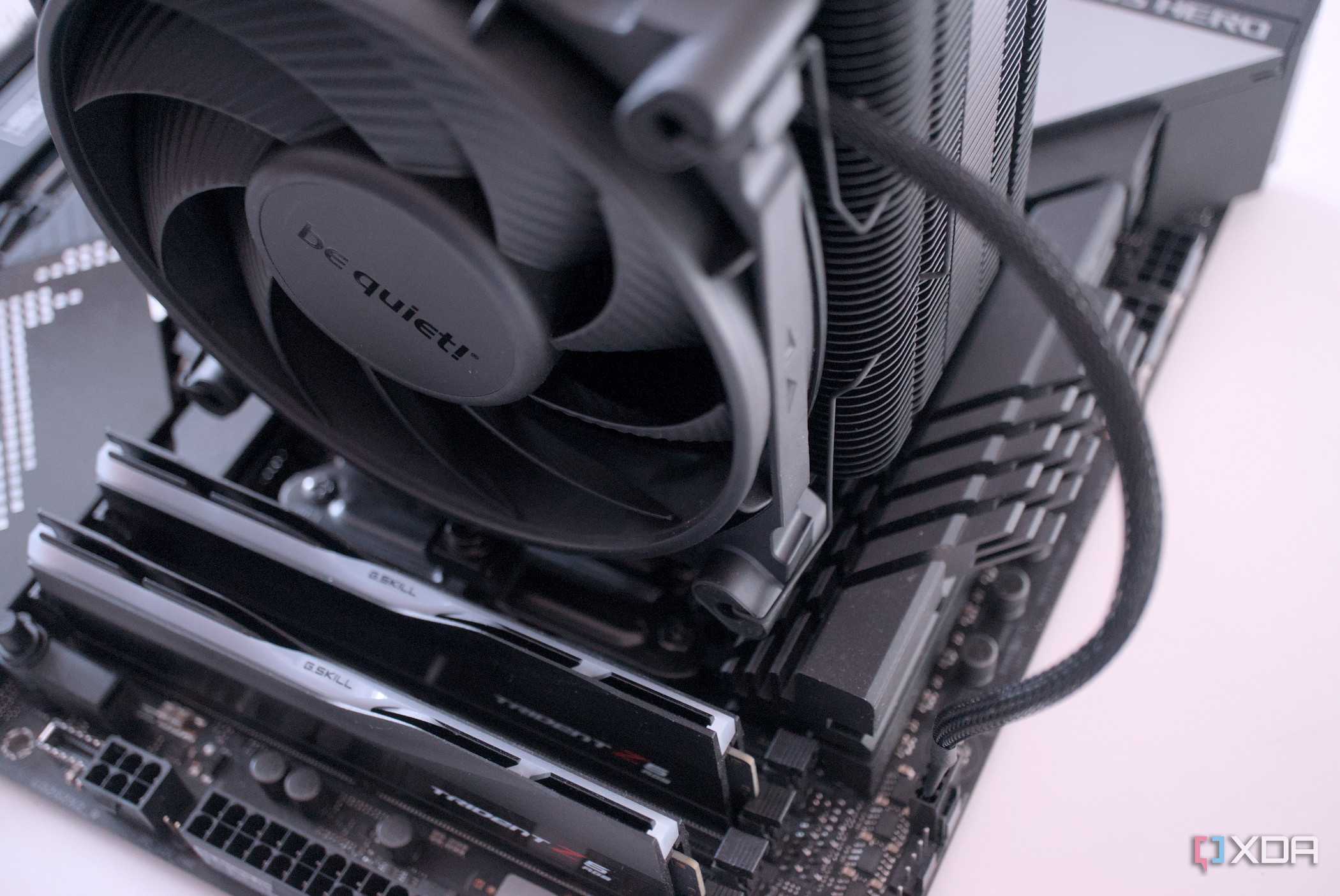
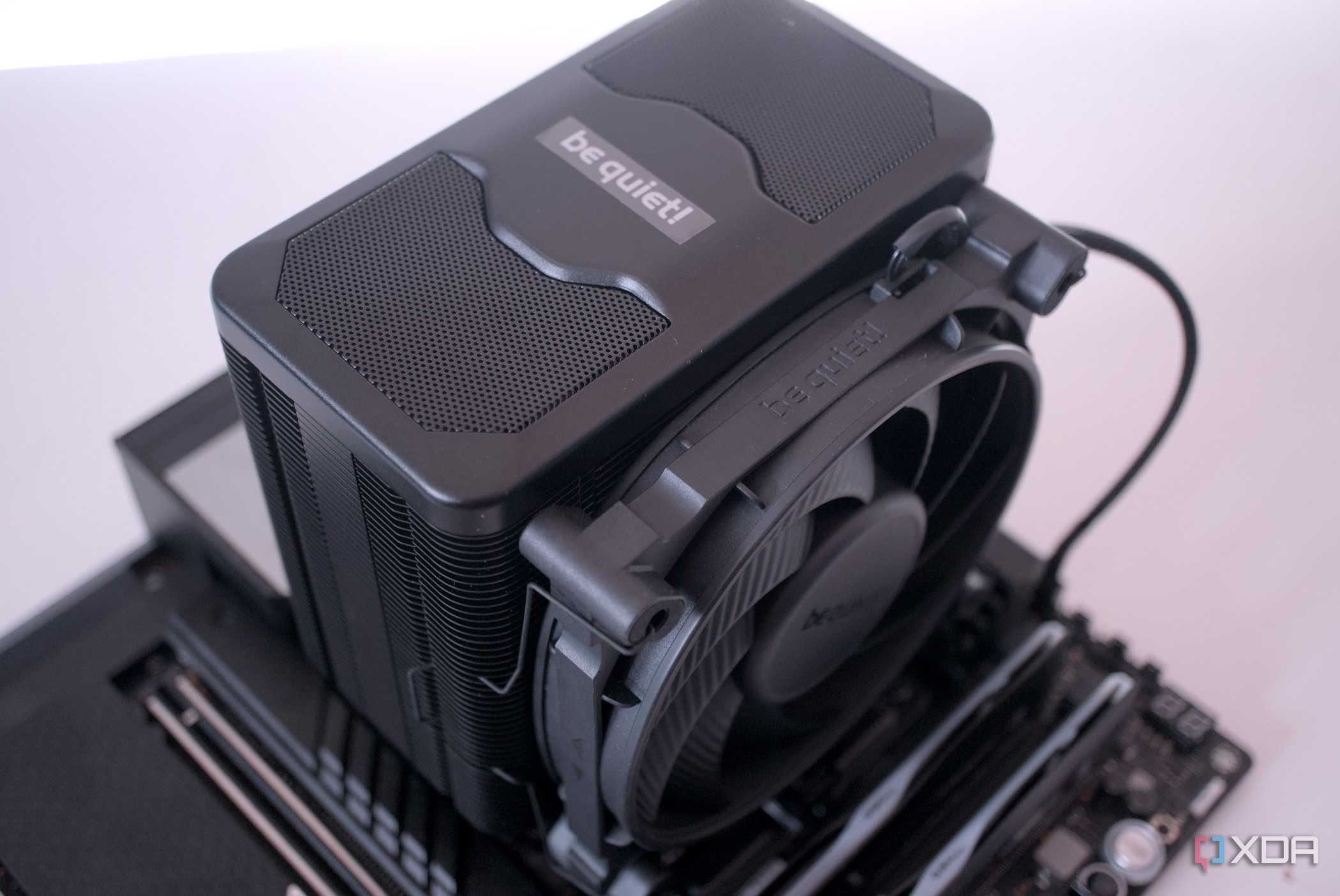
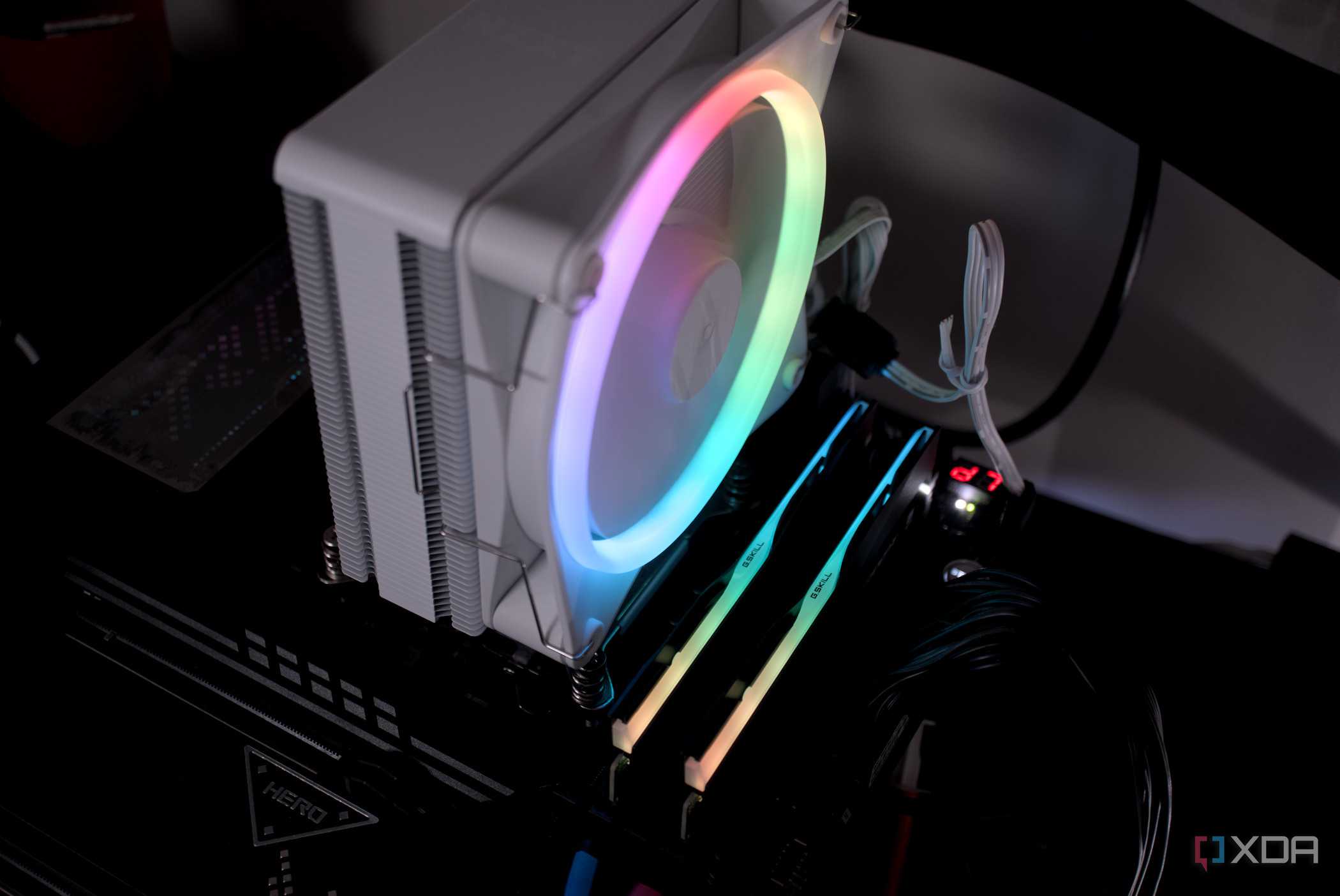
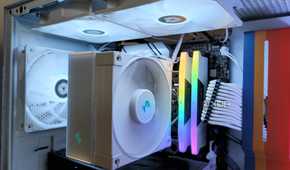
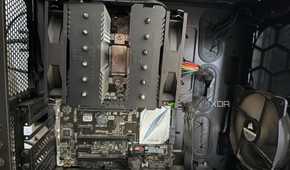
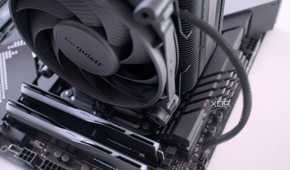
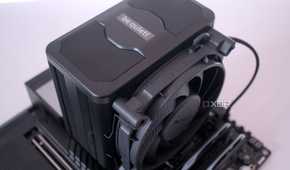
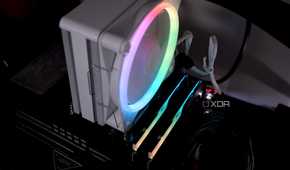
I purchased the G.Skill Ripjaws X DDR3 RAM for my first PC because I thought its tall heatspreaders would help it stay cool while running at XMP speeds, even though they were more about aesthetics than functionality. Back then, I didn't realize that RAM height could cause problems during installation. I opted for the Cooler Master Hyper 212 EVO air cooler for my CPU, which was a highly popular option at the time. However, while installing it, I quickly realized that its fan extended right over the first DIMM slot on my motherboard.
This wouldn't have been an issue if I had only had two RAM modules, because I could've just used the second and fourth DIMM slots. But I had four 4GB sticks, so I really needed to use the first slot. I had no choice but to mount the fan slightly higher on the heatsink, just enough to clear the RAM. Although the cooler worked without any issues, I knew I wasn't getting the best cooling performance because of the fan placement. Nowadays, since I opt for AIO liquid coolers, RAM clearance is no longer a concern, but if I were to switch back to air coolers, I know I would need to double-check the clearance on my motherboard.
Expect surprises while building your first PC
If there's one thing I learned from my first PC build, it's that no amount of planning or watching YouTube videos will prepare you for every possible situation. After all, it's highly likely the build videos you watch are based on different cases and parts than yours. From airflow behaving differently than you expected to clearance issues, there are always little details you don't necessarily anticipate. Of course, it can get frustrating when it takes a few more hours of your valuable time, but that's when you actually learn from firsthand experience. Looking back, I wouldn't want my first build to have gone perfectly, because those mistakes gave me the confidence to tackle almost any issue I encounter today.
