


Running your home network can be as simple as a router and a few wireless clients or as complex as a multi-node configuration with VLANs, switches, access points, and a custom router and firewall. Regardless of how you manage your local area network (LAN), it's important to consider some free tools that can transform how you interact with everything connected to the router. From IoT gadgets to home servers, growing your network can introduce unwanted complexity that makes such tools almost a necessity.
Home networks have grown over the decades from a simple modem and desktop PC to consist of wireless devices such as a washing machine, smartphones, TVs, consoles, network-attached storage (NAS), and various sensors. I use a bunch of tools regularly to better understand my network, detect issues before they become actual problems, improve network-wide security, optimize performance to get the most out of all devices, and further develop my skillset.
OS-based network tools
Ping, Traceroute, and IPConfig


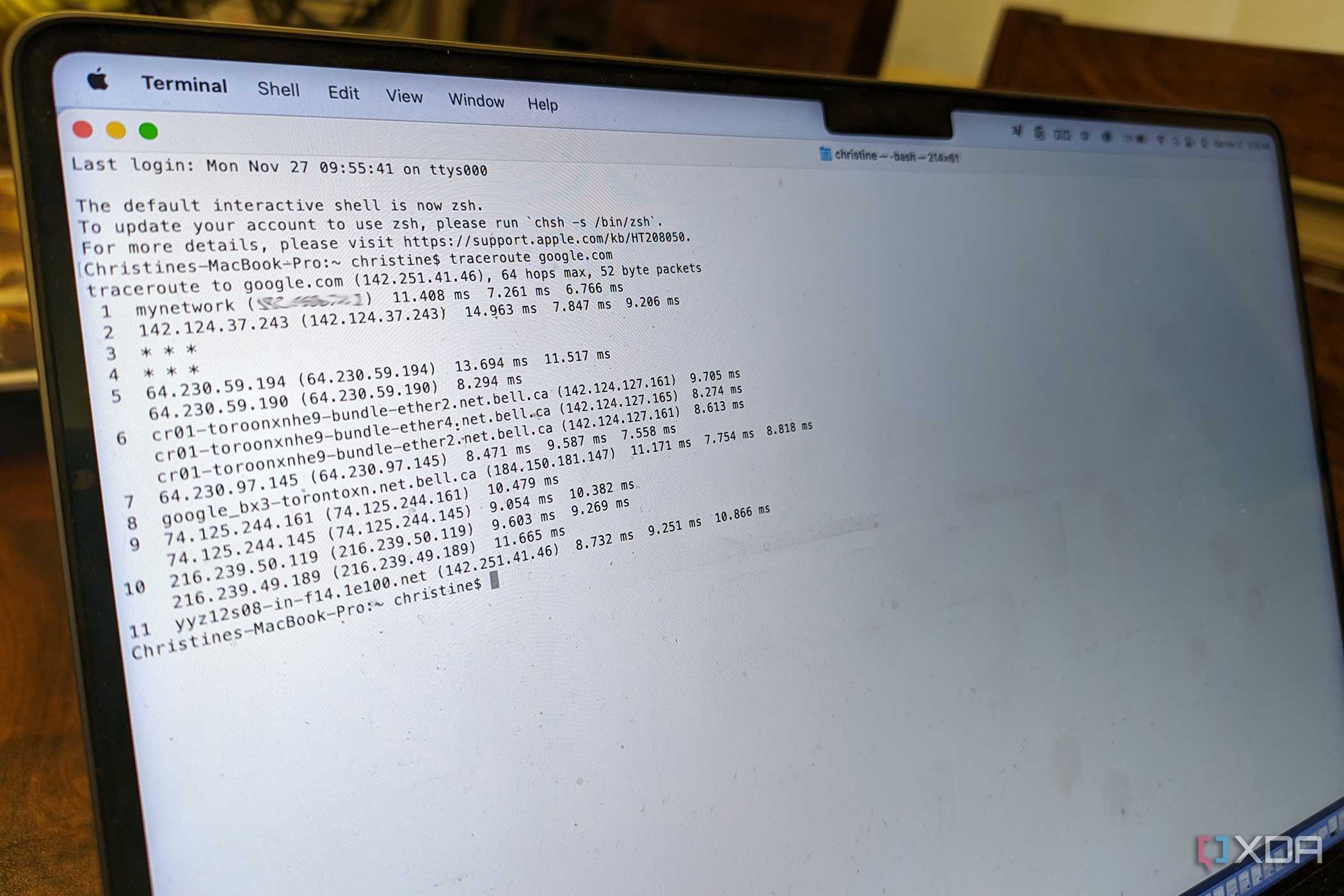
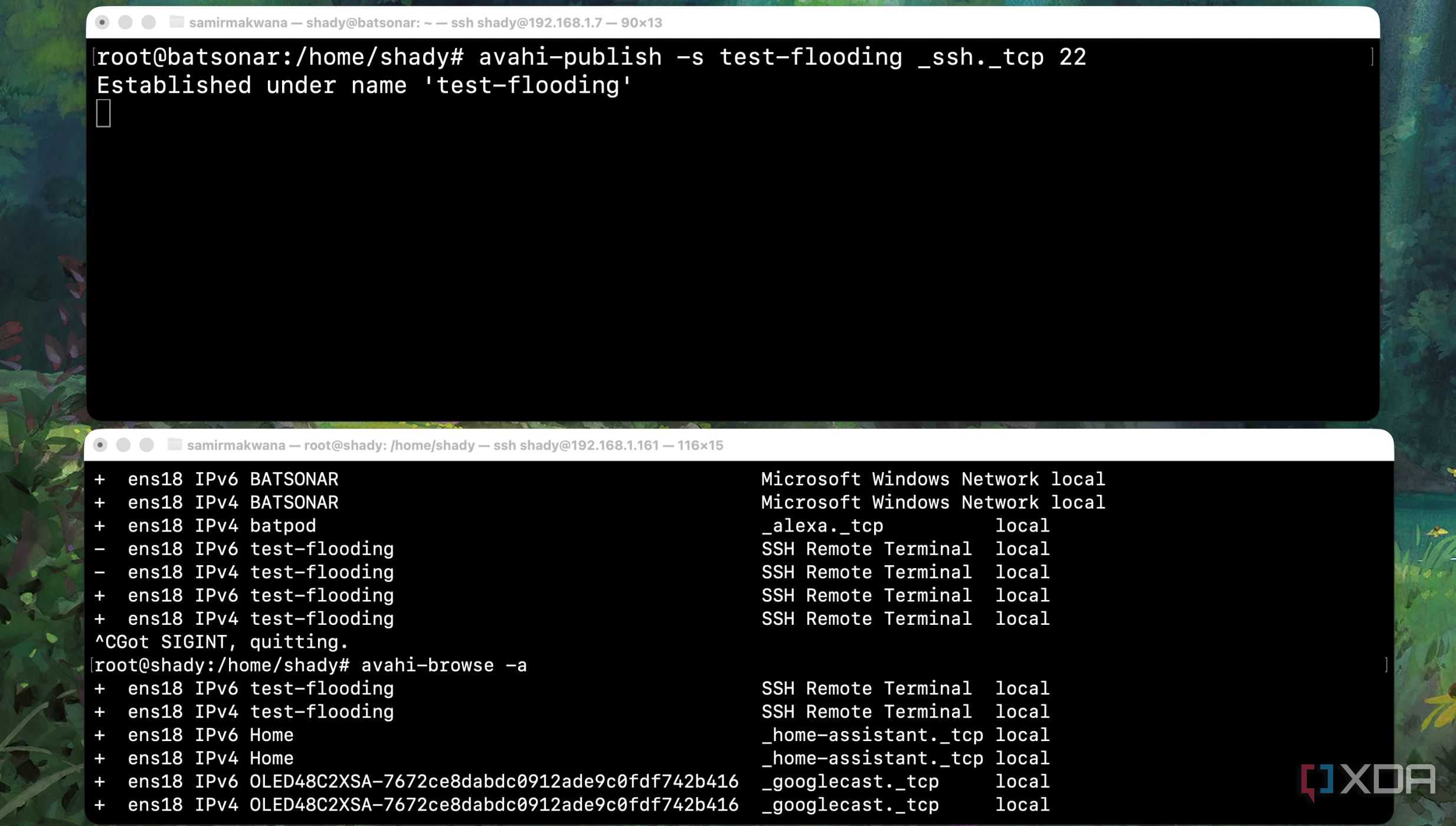


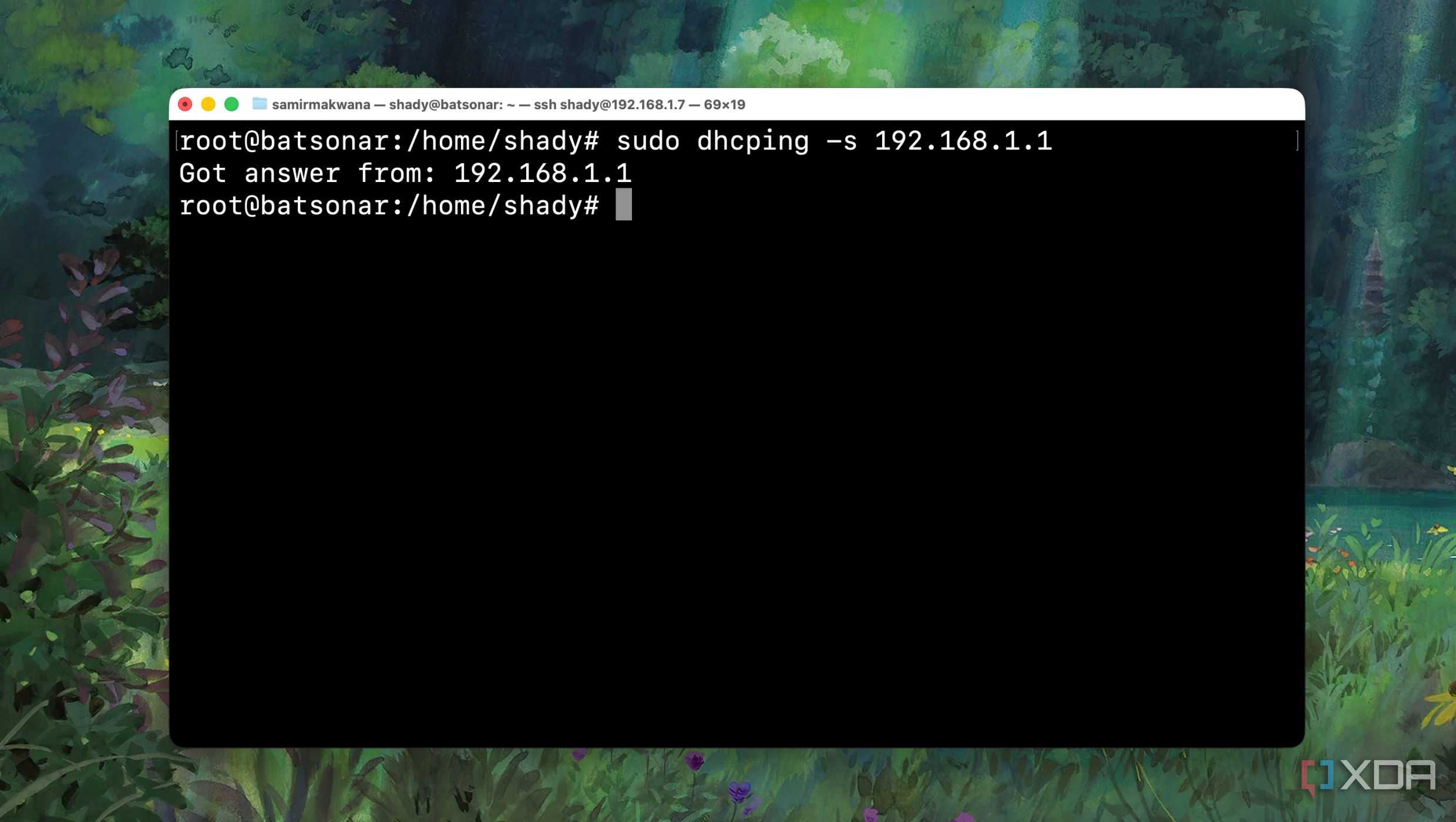
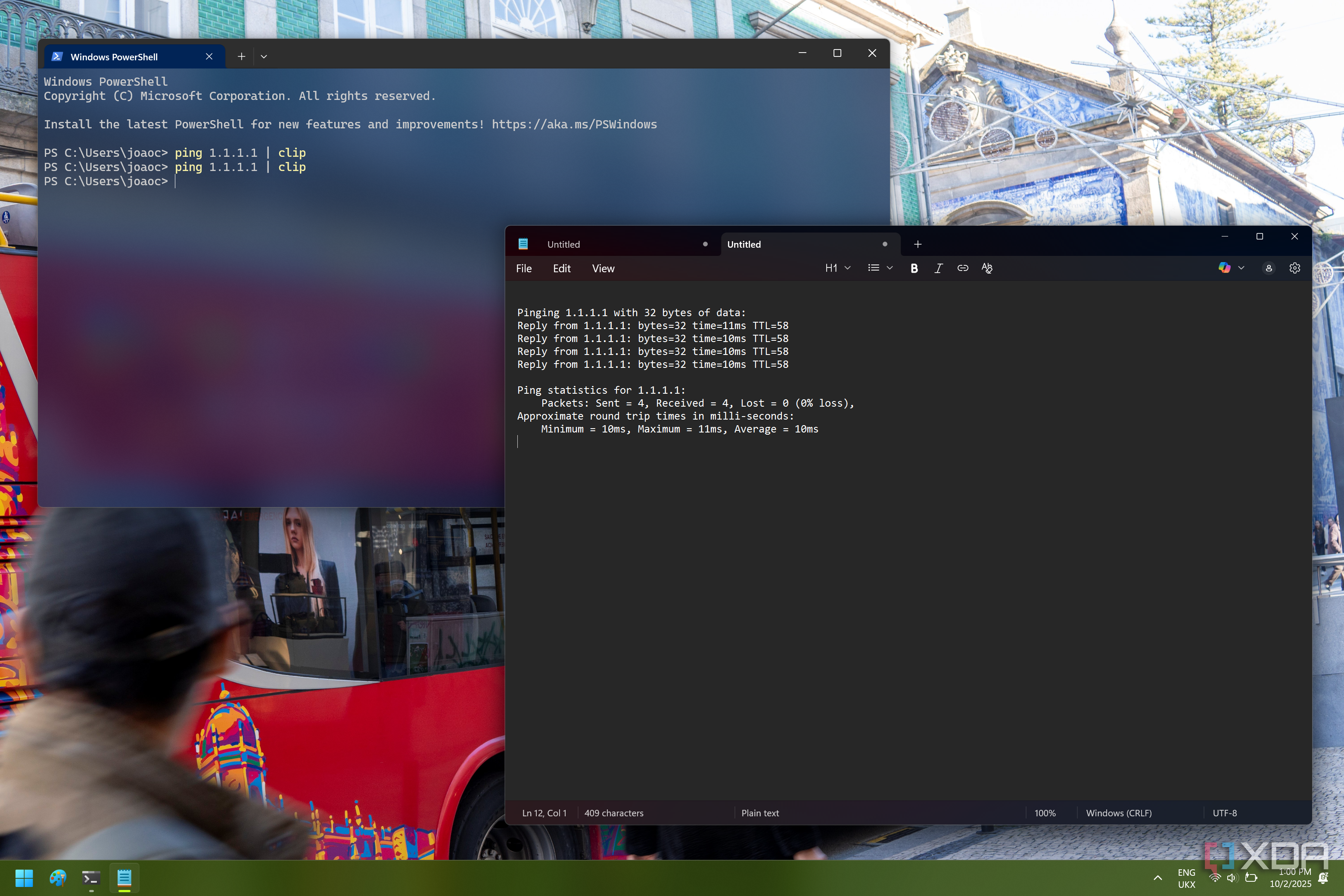
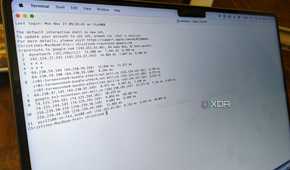
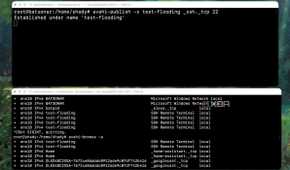

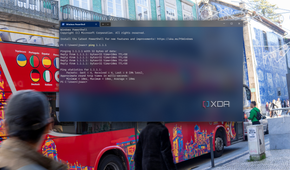


The best free tools are those that ship with your system's OS. Linux, macOS, and Windows all support basic networking tools such as Ping for checking connectivity and latency, Traceroute to trace packets, and IPConfig to showcase currently assigned or configured IP settings. Ping can prove invaluable, even if at first it seems slightly too basic to really do anything. Ping can show issues with connectivity or performance on the network.
Traceroute takes things up a notch by providing the means to diagnose routing issues and see whether performance degradation is due to the LAN itself or something outside of your control. This can be especially useful if you're rocking a network-wide virtual private network (VPN) like me. Finally, IPConfig will become your new best friend to confirm assigned IP addresses, DNS servers, and more. These three tools alone are a great start.
Wireshark
See what's happening on your LAN


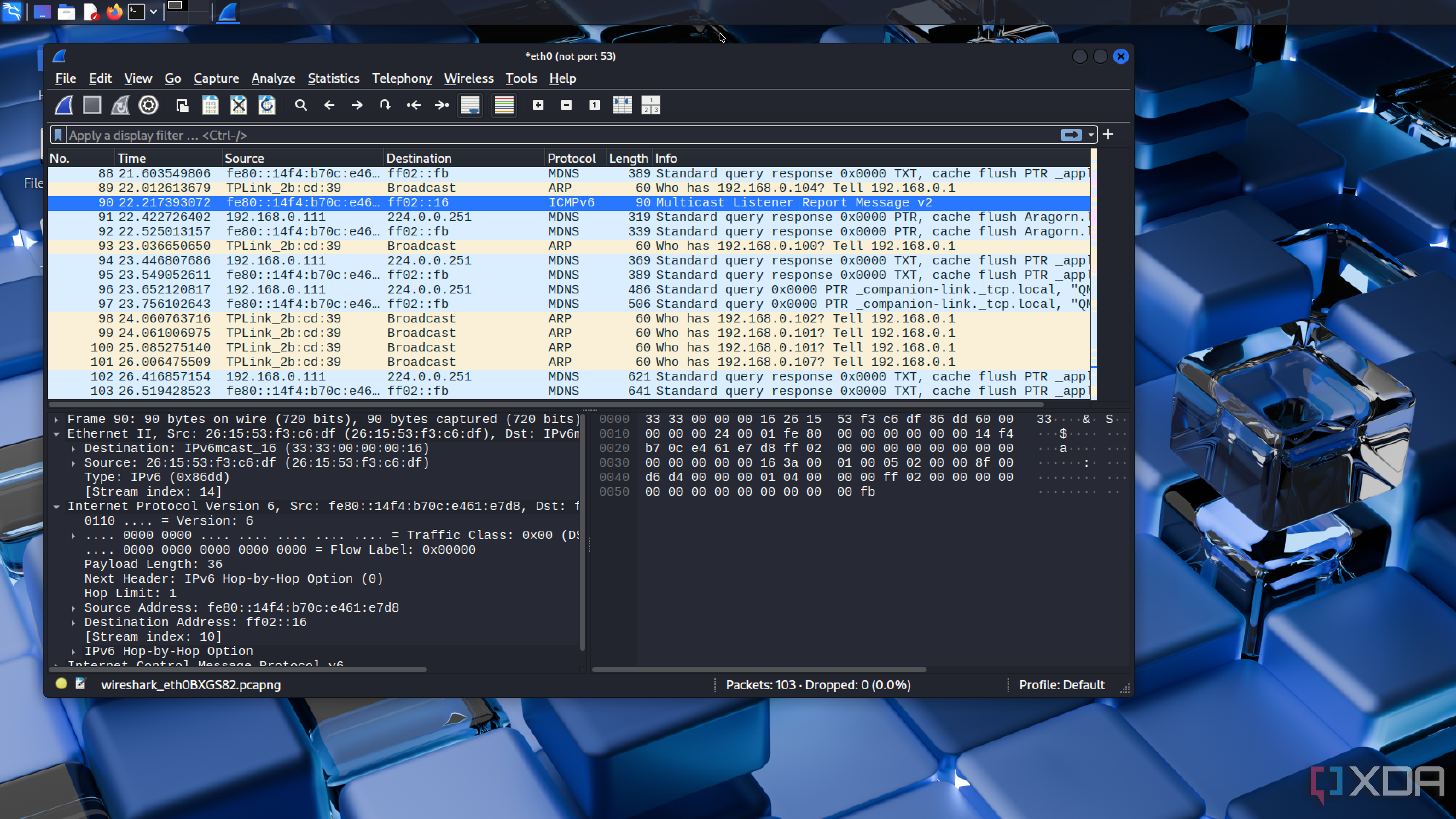
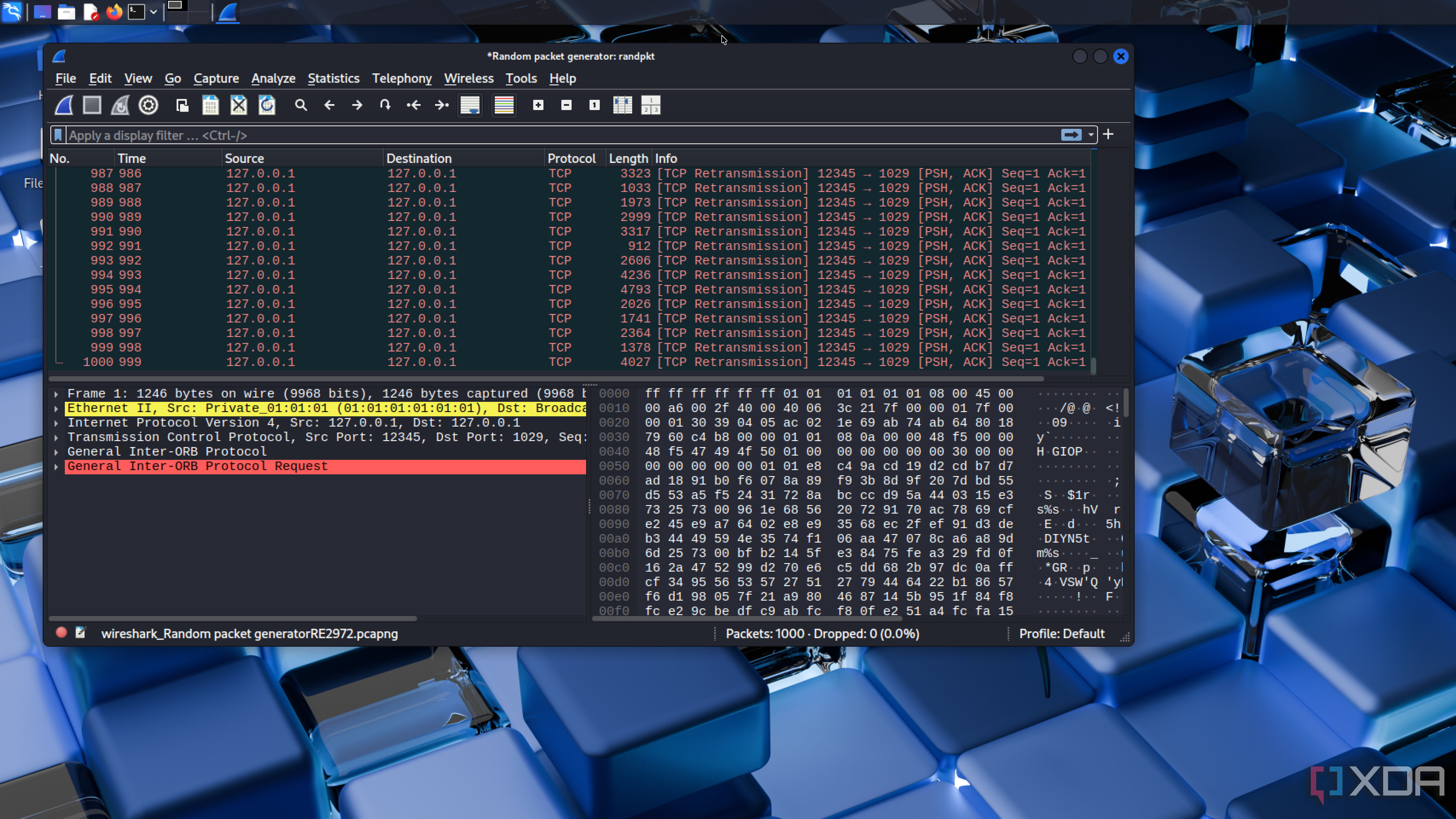
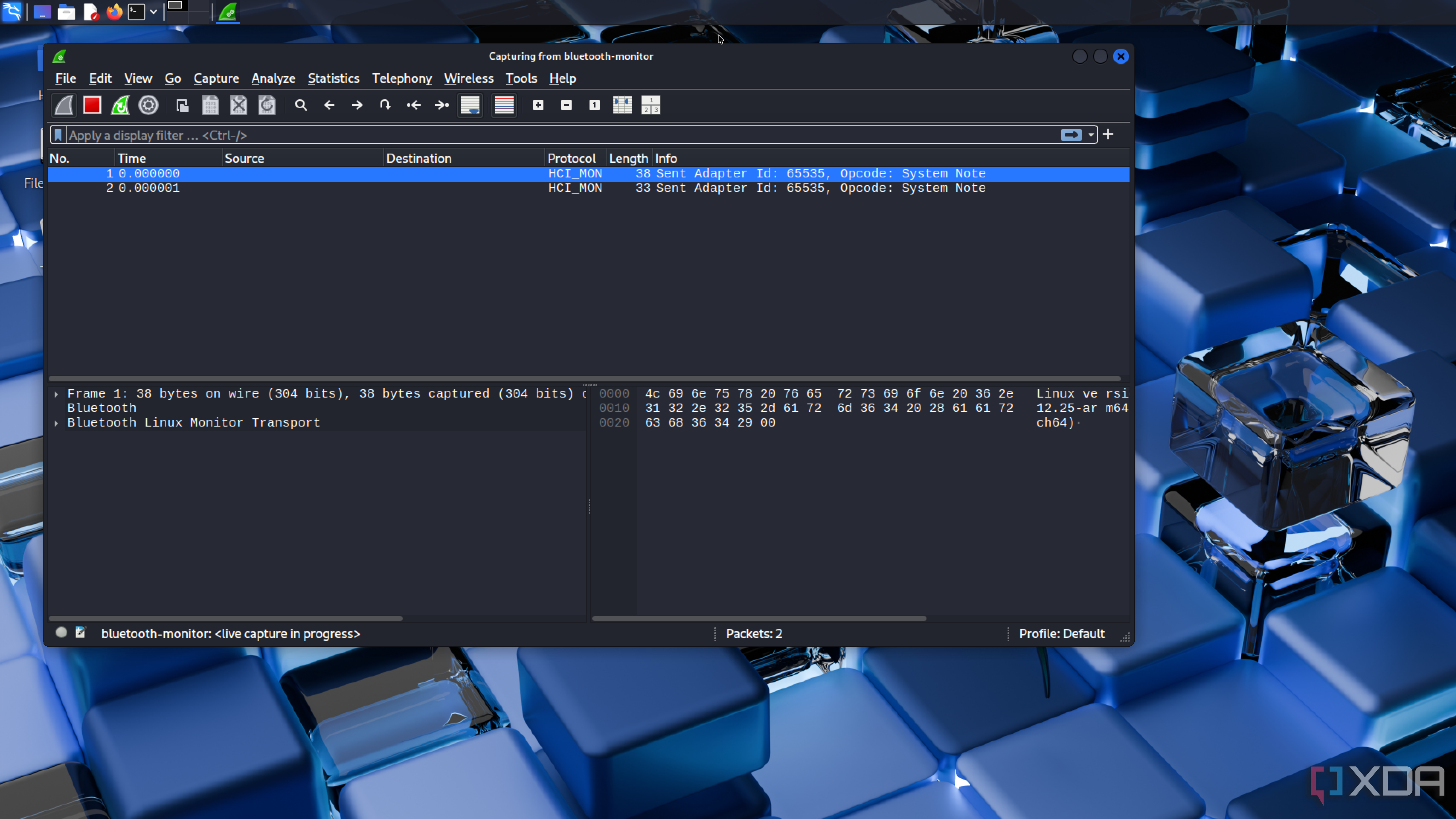
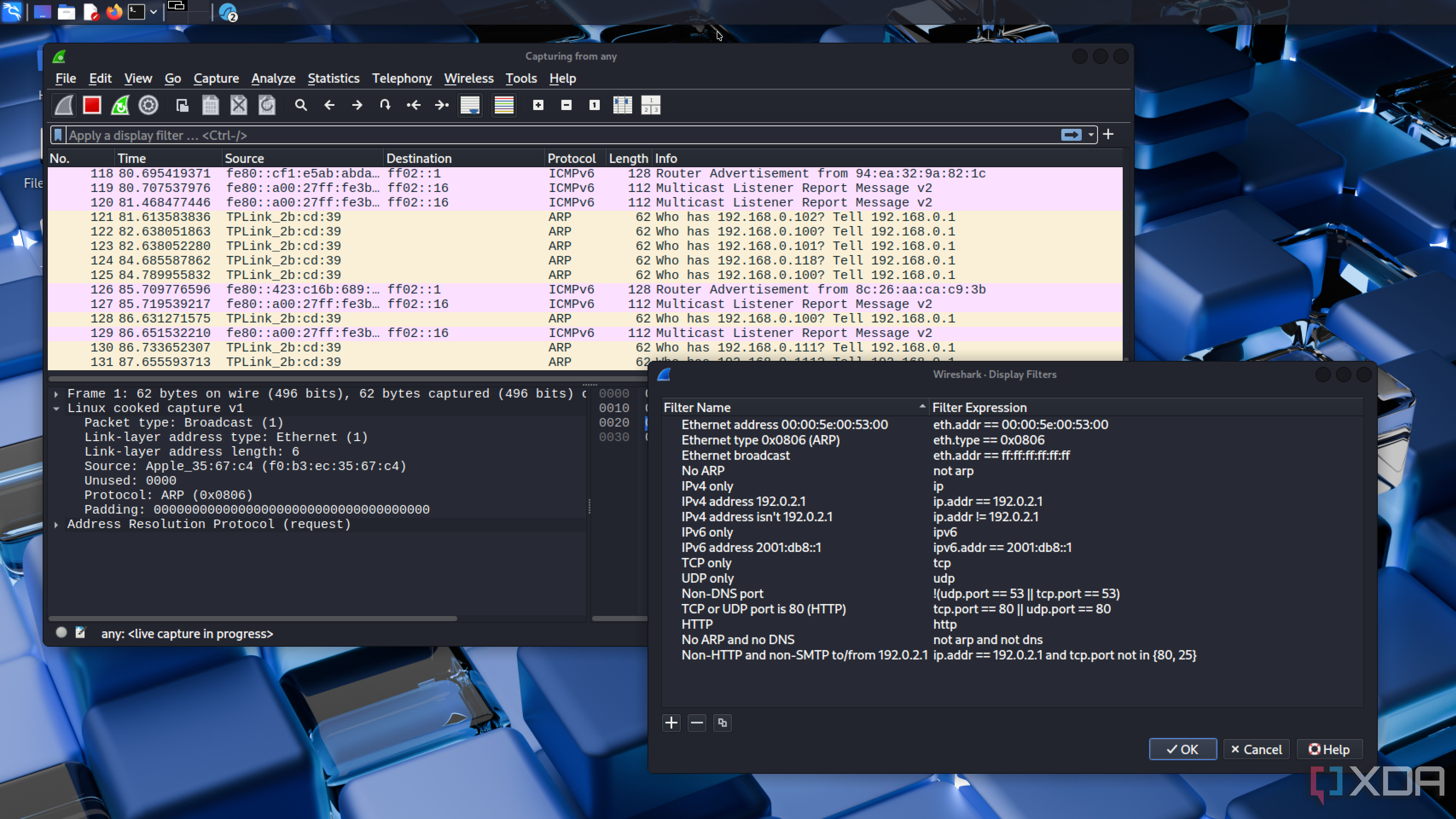
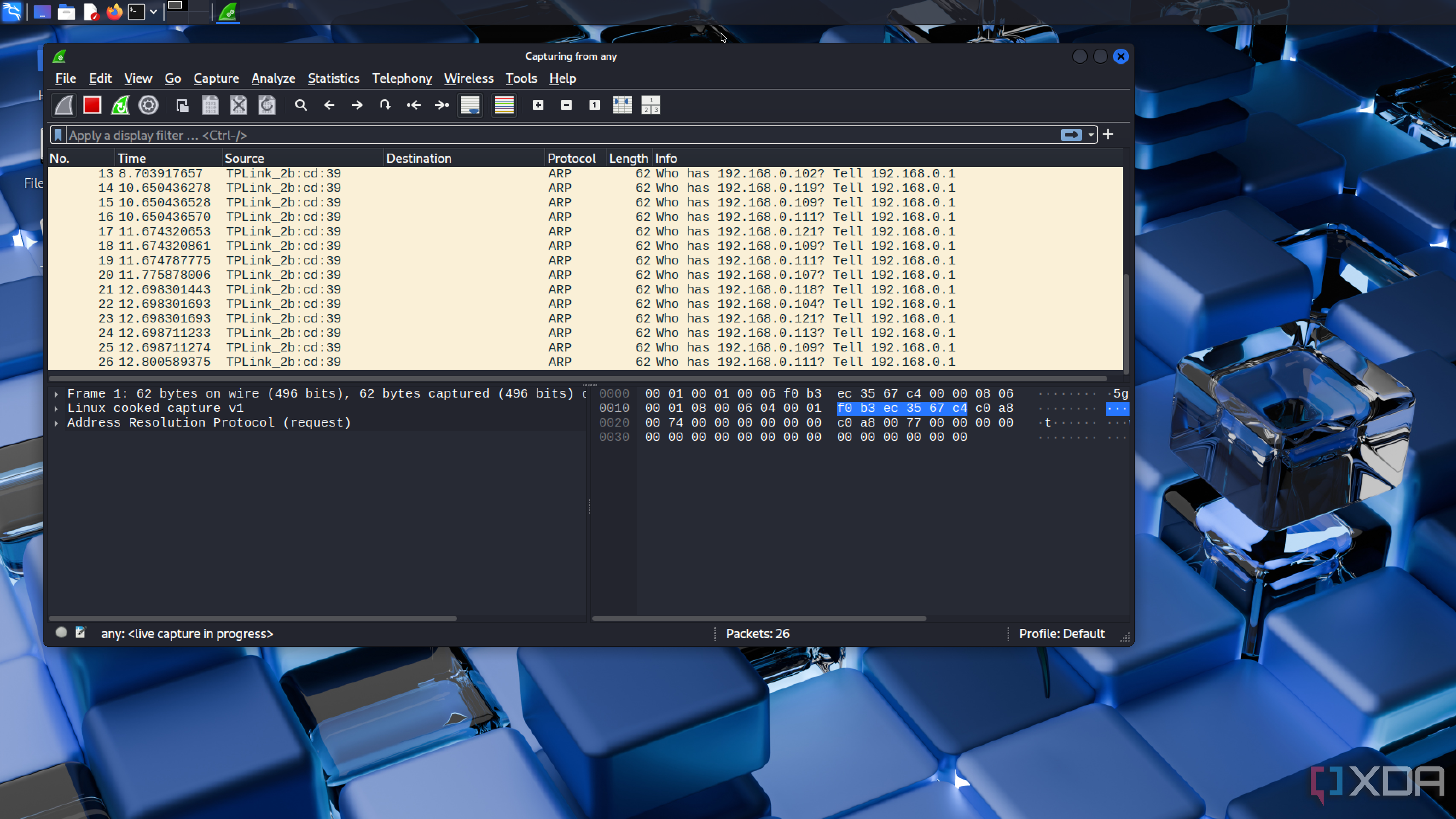
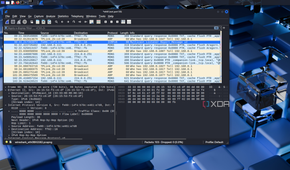
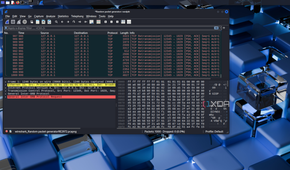
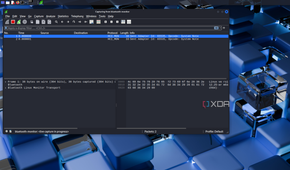
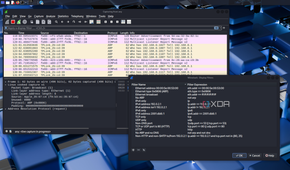
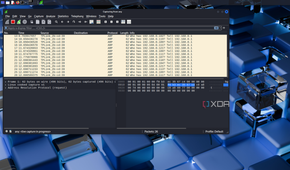
Some operating systems have network monitors to show which apps are using the most bandwidth, but packet sniffers like Wireshark do this on a network level, replacing apps with clients. Although slightly puzzling at first glance, Wireshark can become a valuable tool for monitoring the activity of all your network clients. Wireshark works by intercepting packets as they travel across the network, allowing for deeper inspection of traffic.
If I have a device that simply won't connect for whatever reason, Wireshark can help me figure out why. It can also show any clients with excessive broadcast or multicast traffic, though regardless of how you use Wireshark, you'll learn more about how protocols such as DHCP, TCP, and DNS work. It can also be cool to see what happens when you attempt to connect to a website or service.
ntopng
Visualize your network in real-time


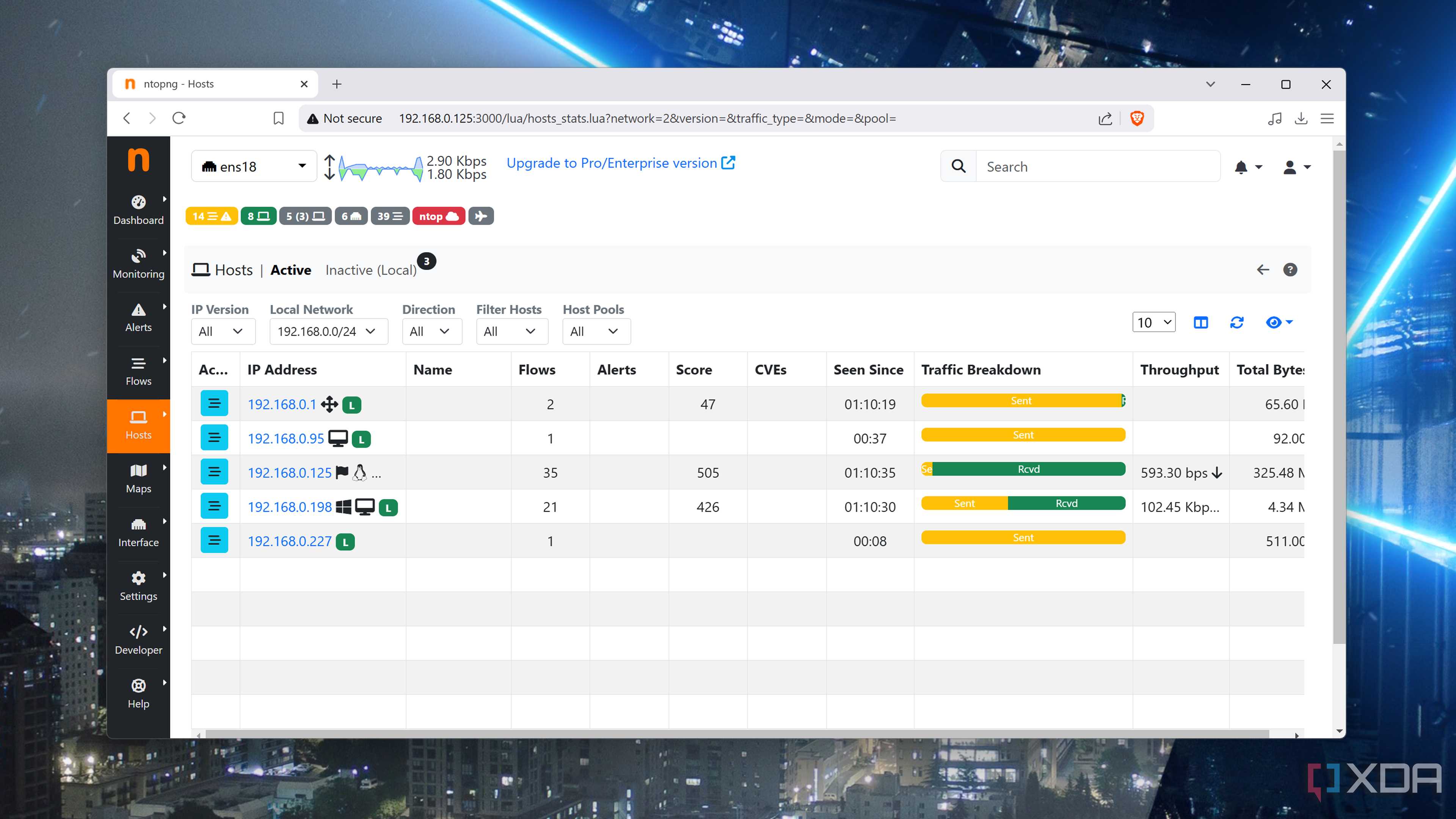
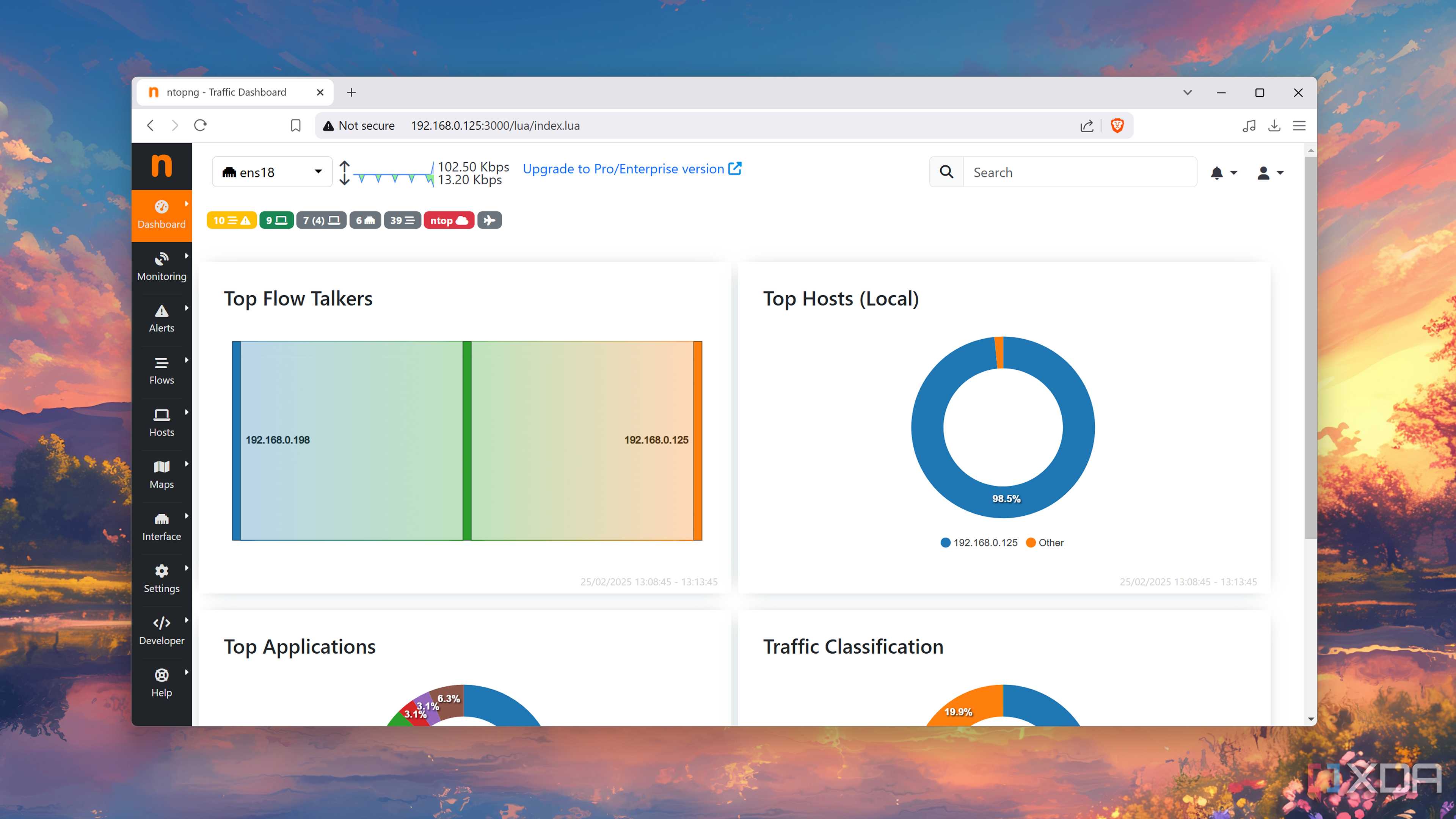
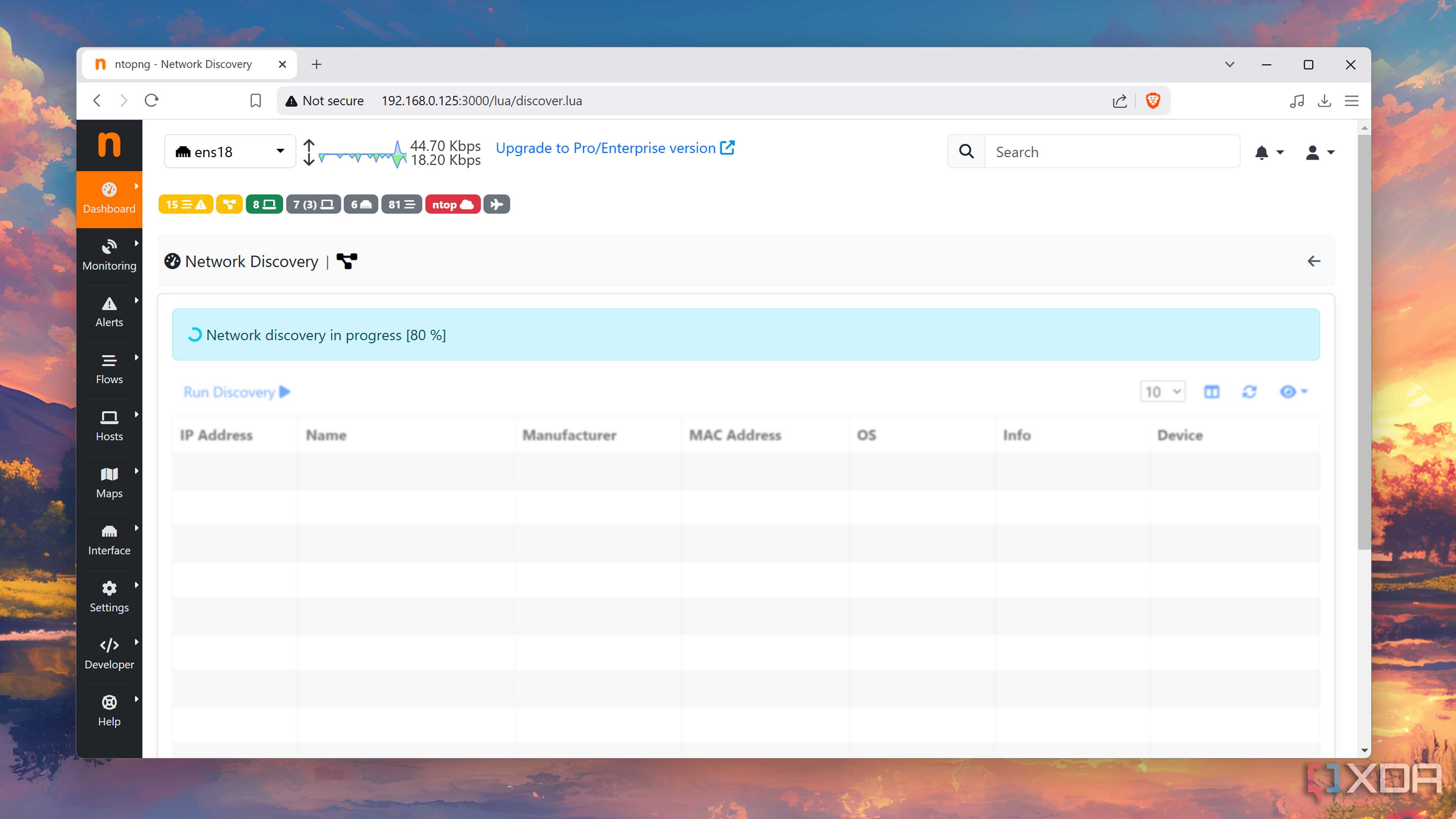
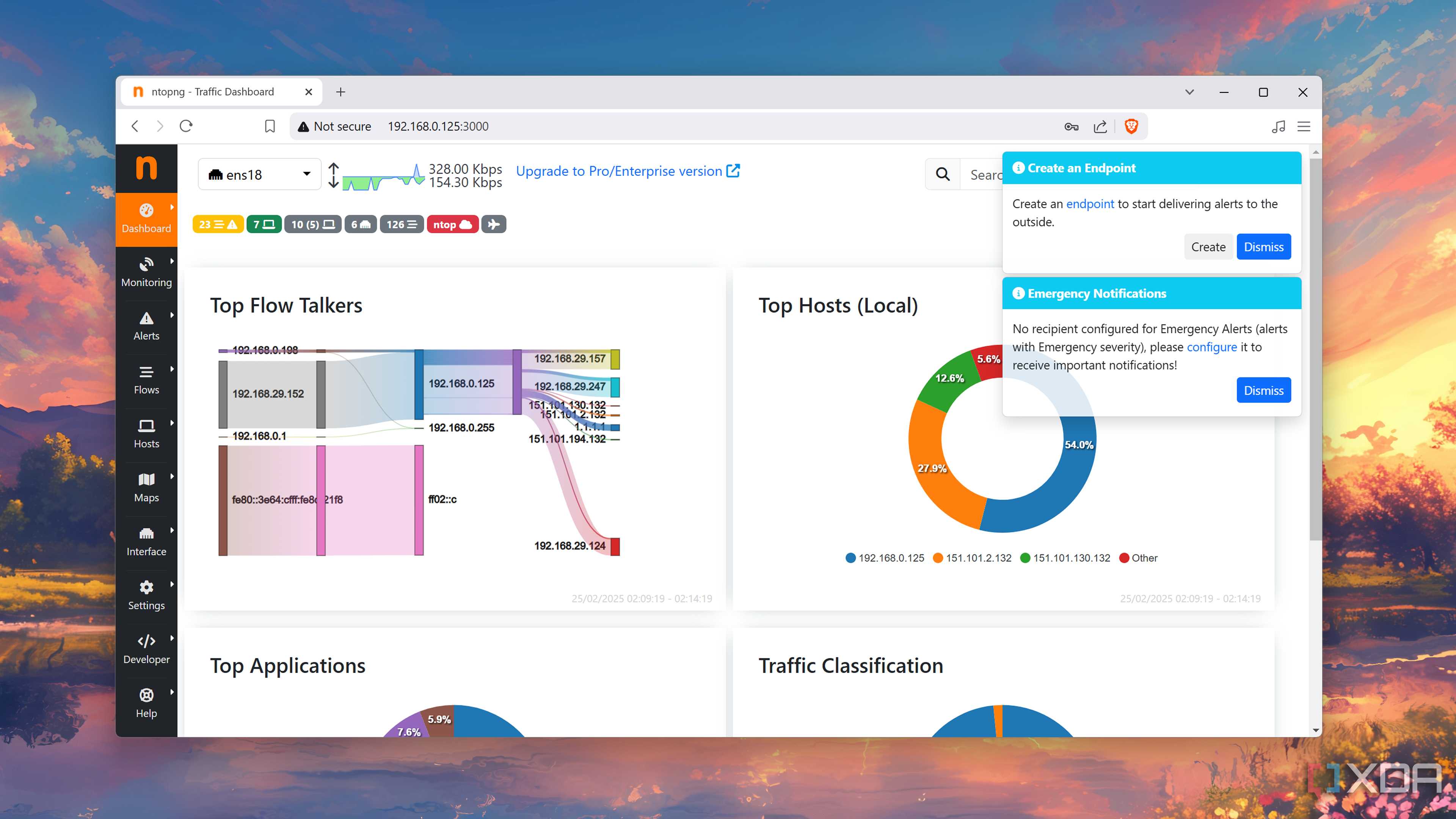
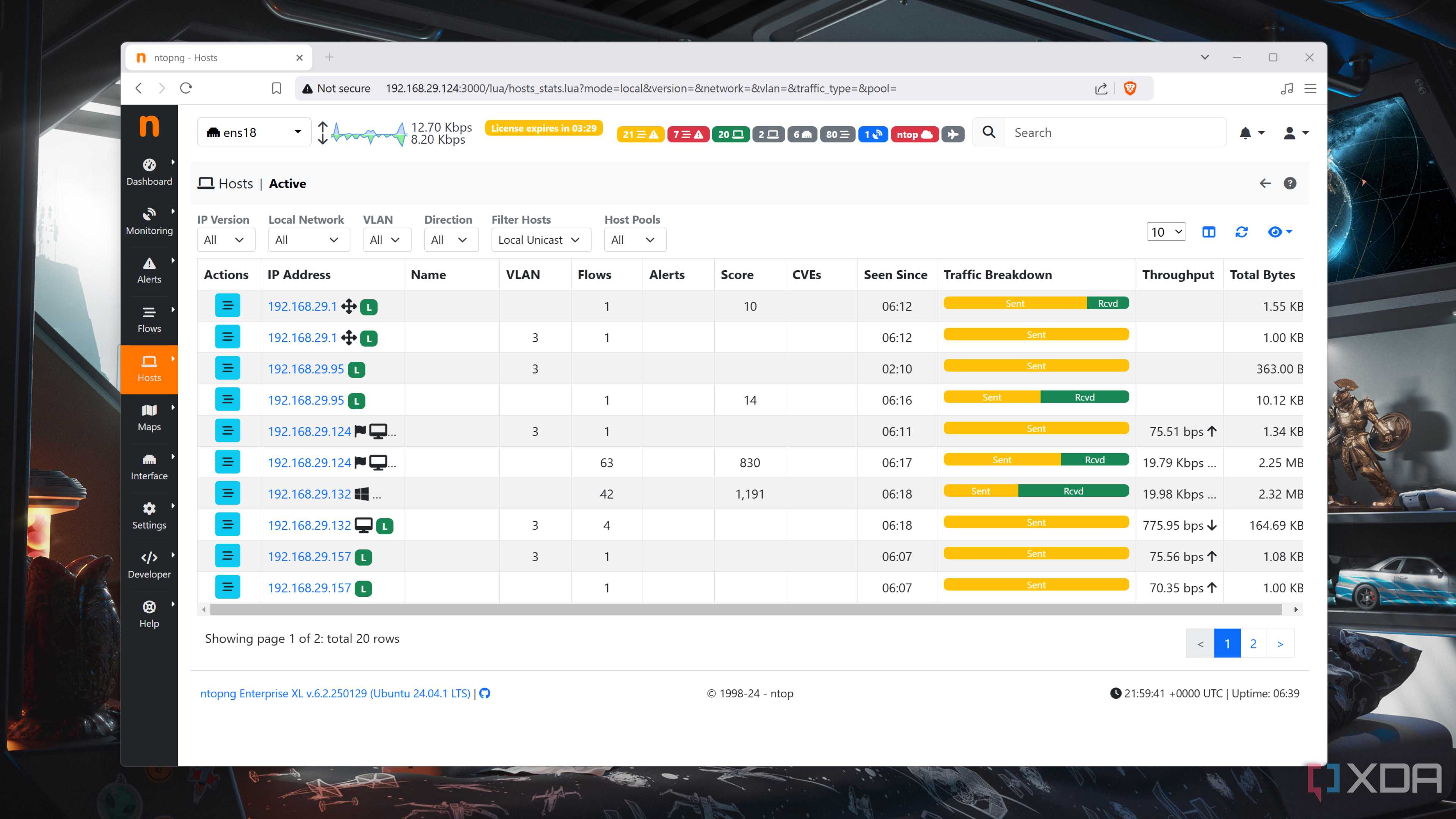

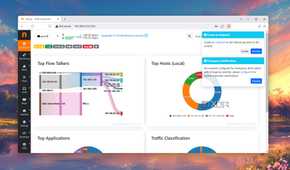
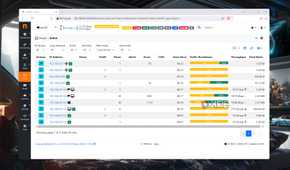
Ntop is a cool tool I frequently fire up and check to see how the network is performing. I've got it running on OPNsense, but you can install ntopng on just about anything connected to the LAN. As well as real-time monitoring of LAN and WAN traffic, one can use ntopng for discovering devices and profiling hosts. With a glance, I can check IP and MAC addresses, hostnames, and traffic volume of each client.
It's a good way to understand what is dominating network traffic with classification to match browsers, gaming, file transfers, cloud services, and more. I've even configured alerts and anomaly detection for when new devices are added to the LAN, traffic surpasses set thresholds, and suspicious behavior. It looks the part and isn't terribly complex to use. For deeper analysis, I switch to Wireshark.
AdGuard
Block all the things

No one wants to see targeted advertising and trackers. That's where Pi-hole and Adguard come into play. I relied on both at a time to protect the entire LAN against these annoyances, but eventually settled on Unbound handling it all to consolidate. Still, AdGuard is my go-to choice for running such software to load up rules and start filtering out unwanted DNS requests. If you've never used a tool like this, I highly recommend doing so.
AdGuard needs to be up and running continuously, so you'll need a device like a Raspberry Pi or a server to host it. If you're running your own firewall, it may be able to launch AdGuard directly, keeping everything relating to the network stack on specific hardware. This way, the only time you're unprotected is when the LAN goes down.
Network Mapper (nmap)
Discover everything on your LAN


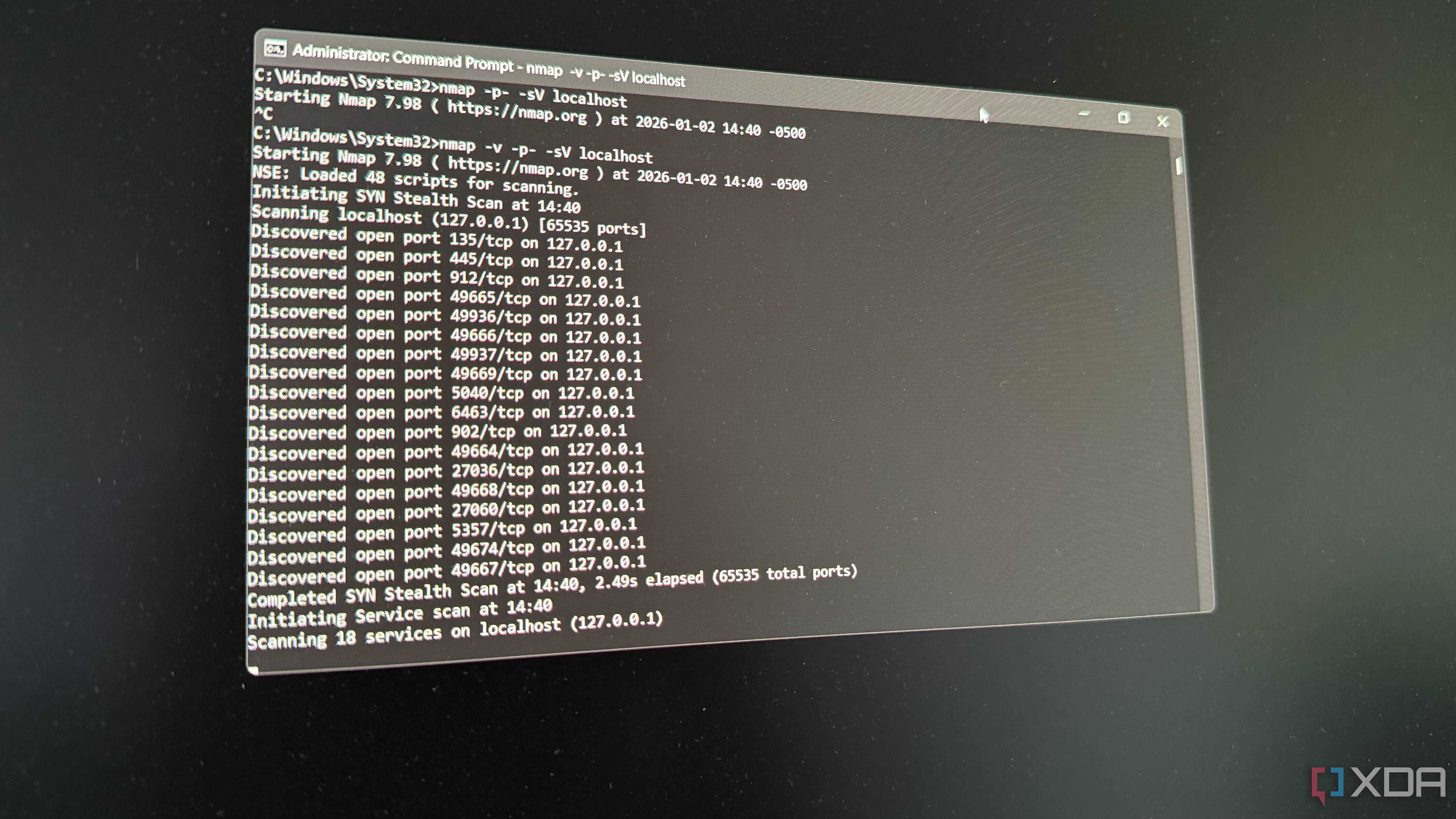
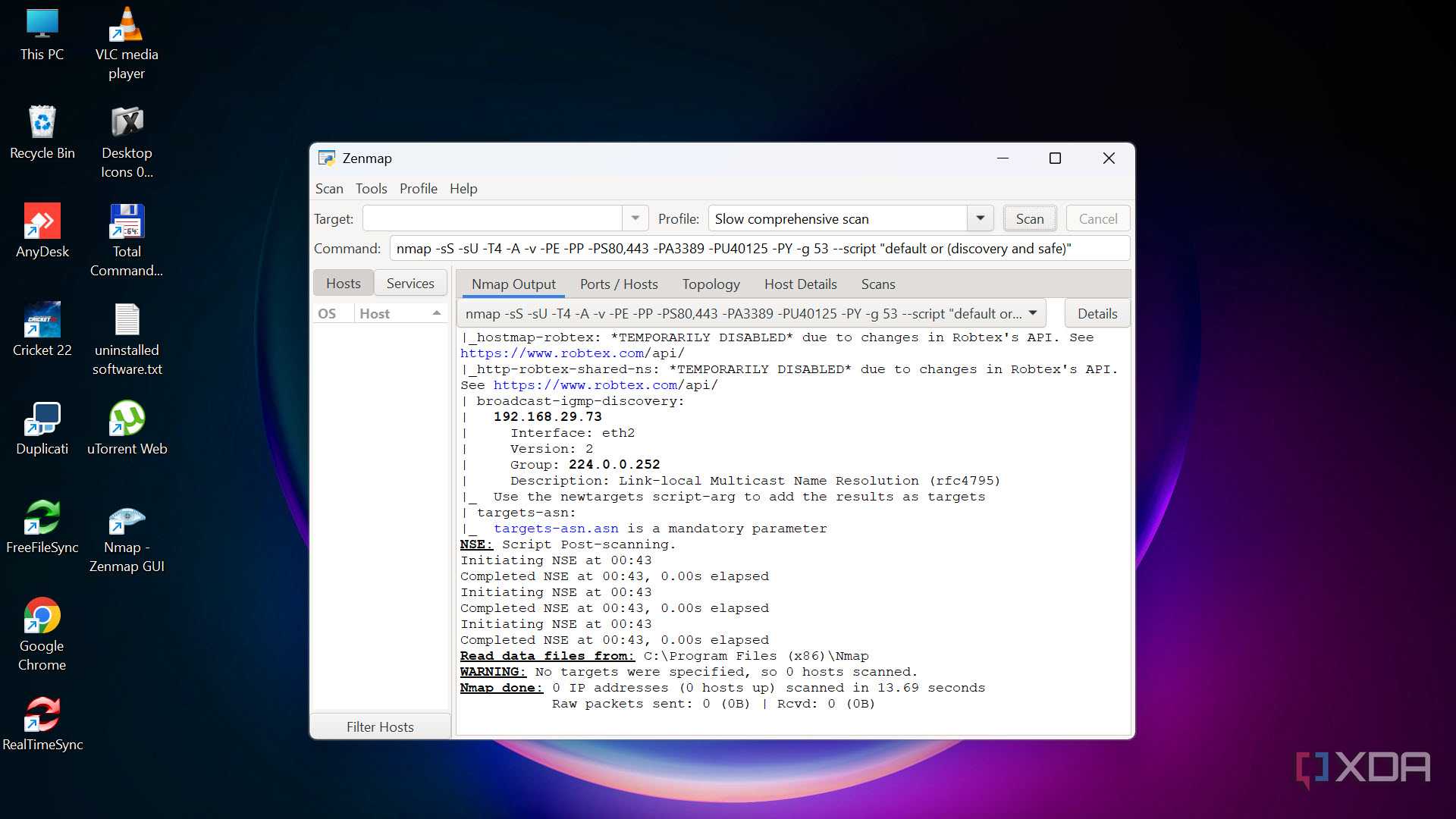
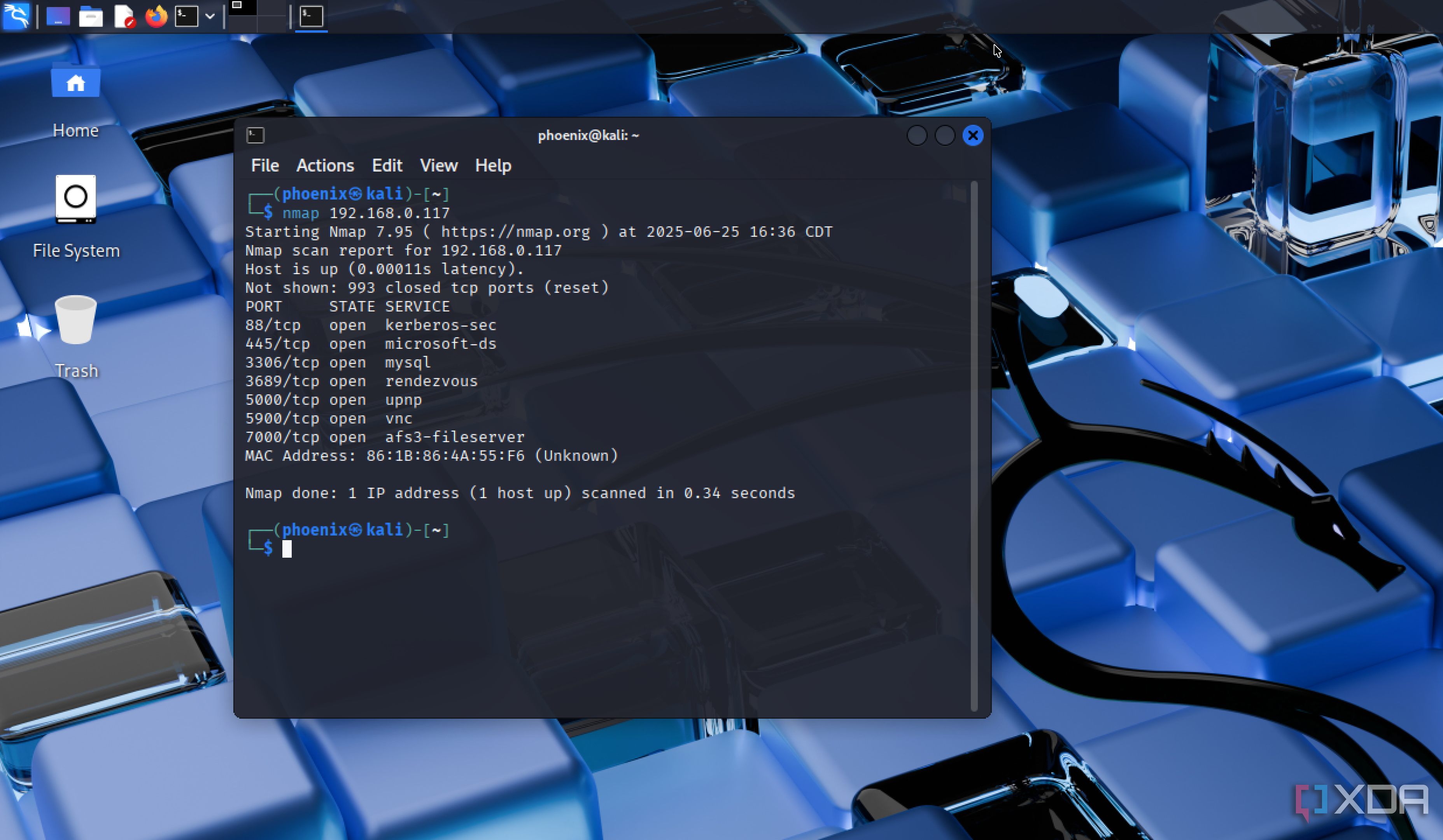
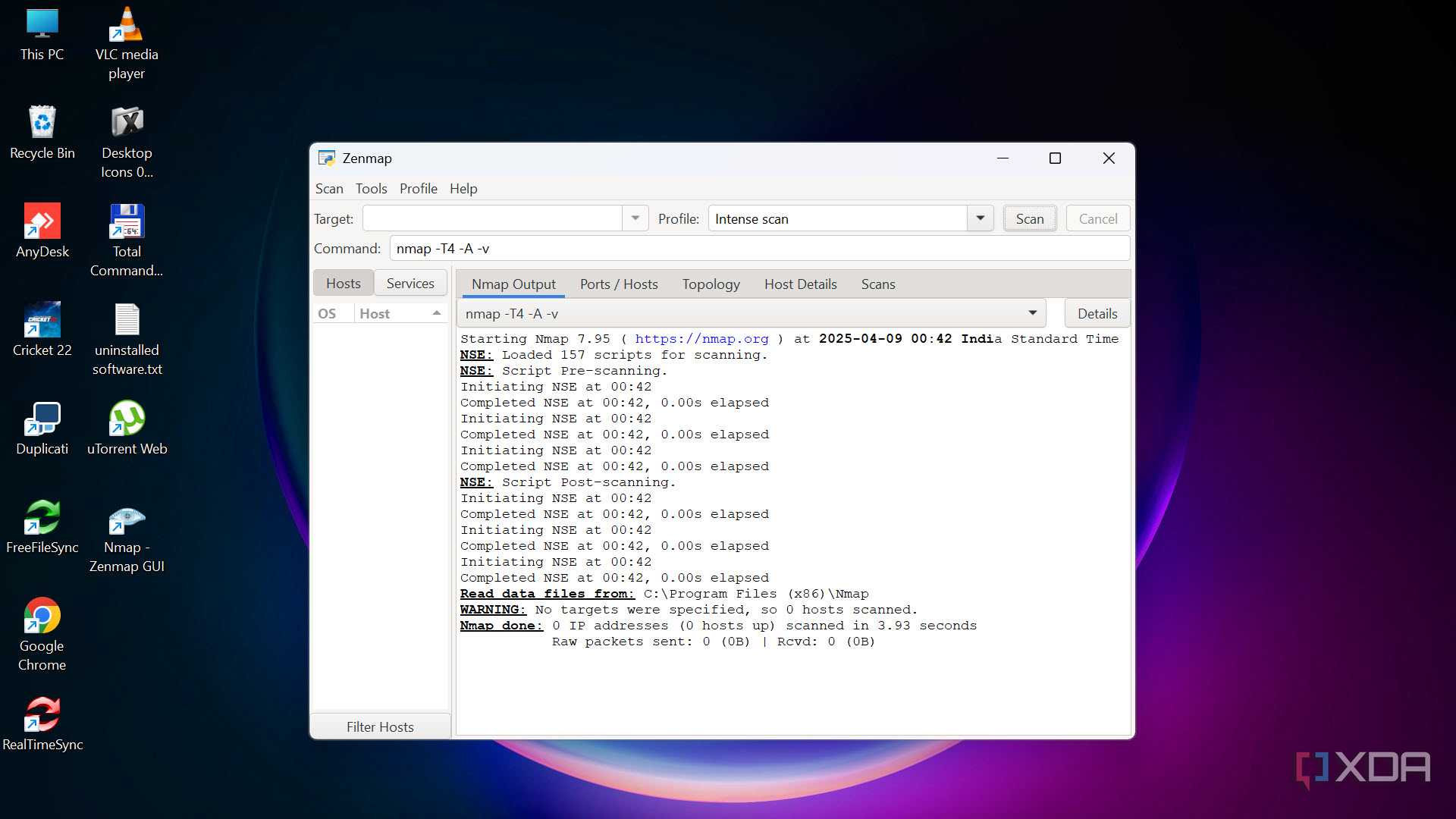
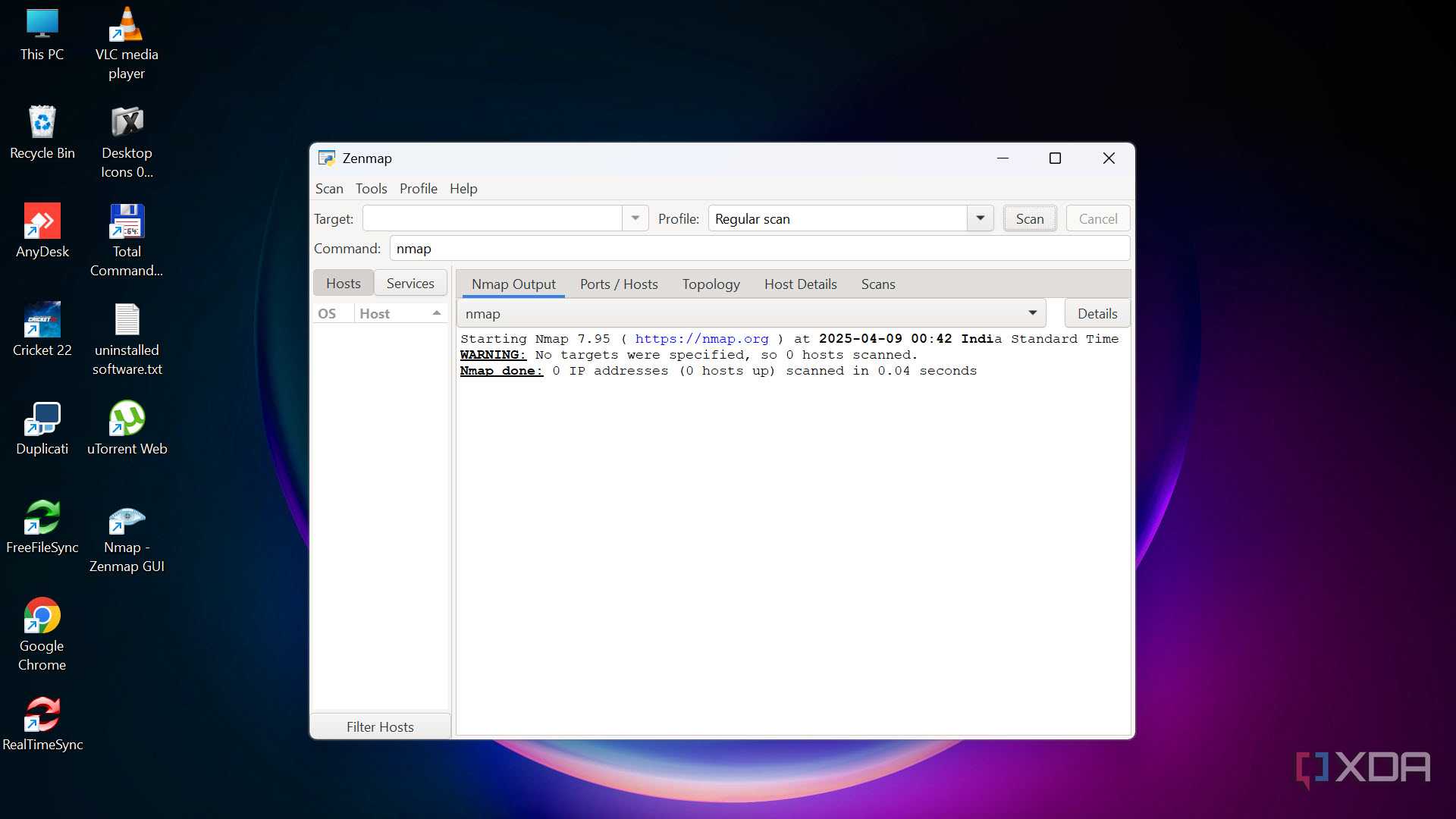
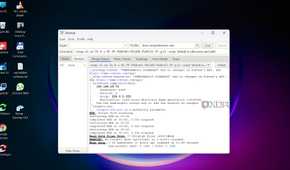
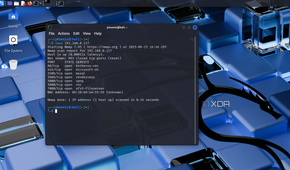
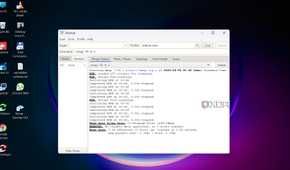
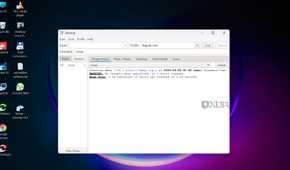
Nmap is an incredibly useful tool that can be used instead of ntopng to discover hosts and services on your LAN. Once a home lab is up and running with a few services live, it can be tricky to keep tabs on everything outside of a homepage dashboard. That's where nmap comes into play. This tool can detect active devices through scanning IP ranges, identify open ports and services, and perform basic OS detection.
Using something like nmap is a great way to verify that your firewall rules are in place and everything is protected and/or segregated. As well as checking what devices are connected to the LAN, it's possible to use this tool to identify unknown clients and see which ports are open.
OPNsense is also great
Building your own firewall and router is an excellent decision to get more from your network. It's brilliant for learning new things and configuring the LAN accordingly. Software such as OPNsense comes with plenty of tools and features that make managing a network that much more forgiving, and it doesn't take long to learn the ropes.
