


My living room TV has been powered by a Chromecast with Google TV (4K) ever since I moved into my current apartment, and it's admittedly a big upgrade from using LG's old webOS interface. But Google TV is still a bloated launcher for this device's processing power, and I find it can be pretty sluggish as a result.
I thought that was something I just had to live with, but as it turns out, I was wrong. The community has created custom launchers for Android TV devices, and by moving away from the default Google TV launcher, I unlocked a much better experience with the content I care about and much better performance.
Google TV isn't a great launcher
And Google doesn't want you to move away from it

The official launcher on Google's TV streaming devices, such as the Chromecast with Google TV, is just called Google TV, and it's not entirely terrible for a TV. You get some recommendations for content at the top, your apps next, then more recommendations from individual streaming services you've signed in to.
There are a couple of problems with this approach, though. First, promoted content doesn't always mean it's content you actually want to watch. I find interesting content much more often by recommendation of actual people than by some kind of algorithm, and if I do want to indulge and look for something new on a whim, I'd rather open a specific app and look for it than have it shoved in my face every time I use my TV. Google TV's recommendations just add more steps to getting where I want to go.
Perhaps even more frustrating is that Google TV can be quite slow. I know this Chromecast is a few years old at this point, but not only does it take a while to wake up when I first turn on my TV, but the launcher itself can also feel sluggish. Sometimes it doesn't respond immediately to moving the pointer, so I press the D-pad a second time, only to overshoot where I wanted to go. Having every single app in one row also makes it a bit harder to get to all my apps at any given time.
Unfortunately, Android TV (the operating system) doesn't normally let you change the default launcher. You can install other app launchers, but they can't be set as the default, so Google TV is always lurking in the background. When you turn on your TV, you may still see a profile selection screen for the Google TV launcher. However, there are ways you can work around it.
The alternatives I recommend
Arc Launcher is all about your apps


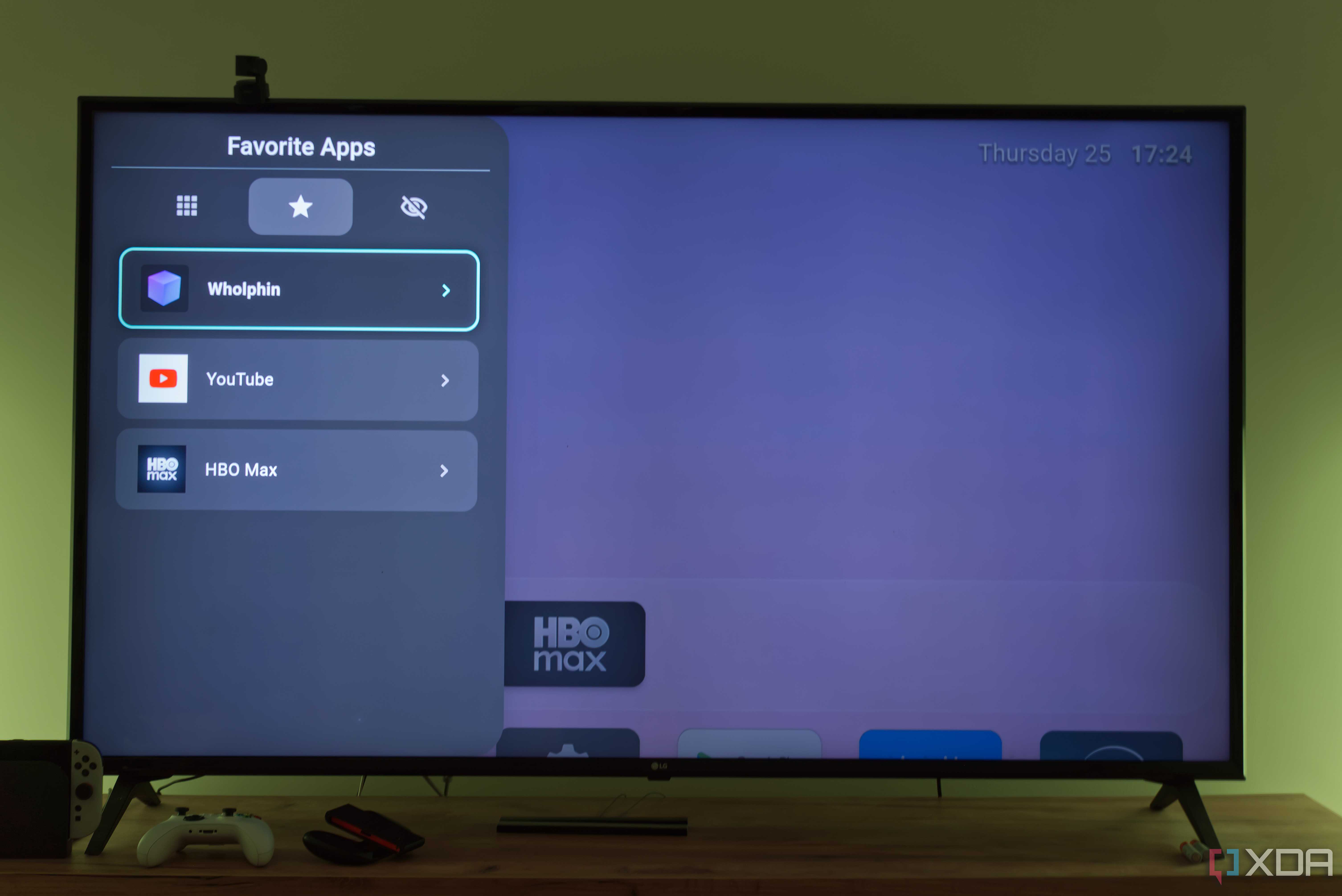
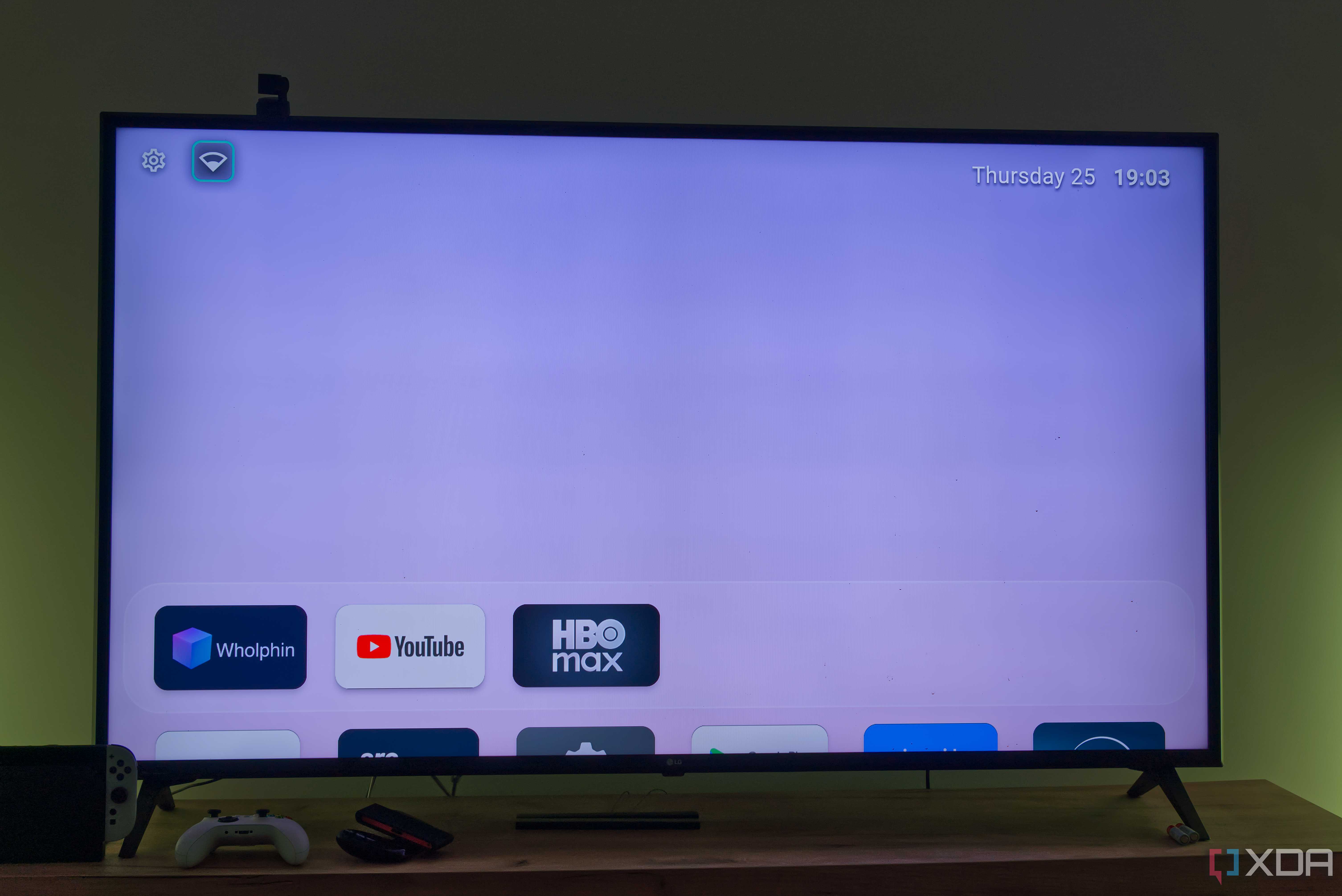

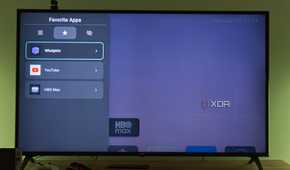
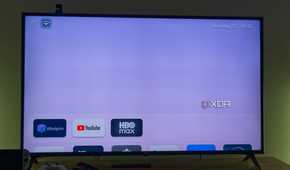
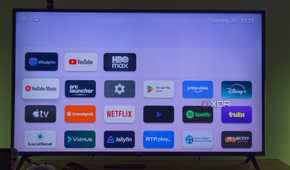
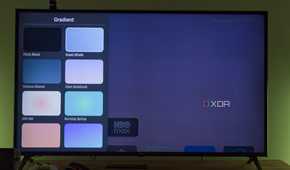
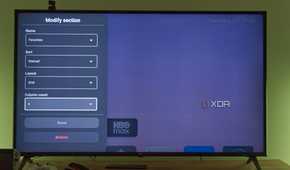
I looked around for other launchers that could replace Google TV, and I landed on two that seem to be the best. These cut out all the fluff and just focus on what I actually care about, but they do it in different ways. One is Arc Launcher, a fork of another Android TV launcher with additional improvements.
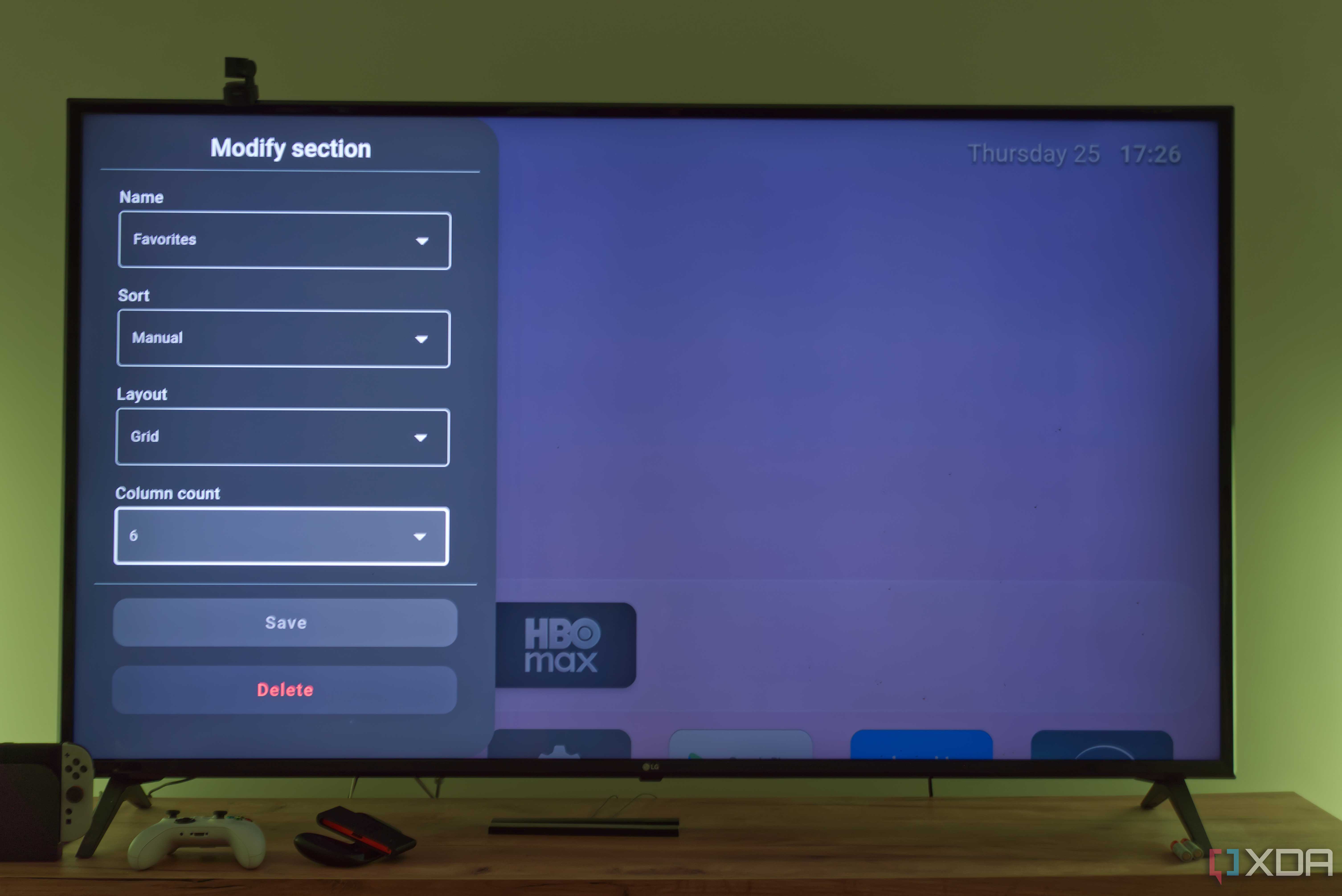
Arc Launcher does away with all the recommendations and direct content integration, and instead just shows me my apps so I can navigate content from each one individually. This is a fairly basic launcher, but it lets me organize my apps into a grid, so it's much easier to jump into a specific app when you have a long list, rather than endlessly scrolling through a horizontal row.
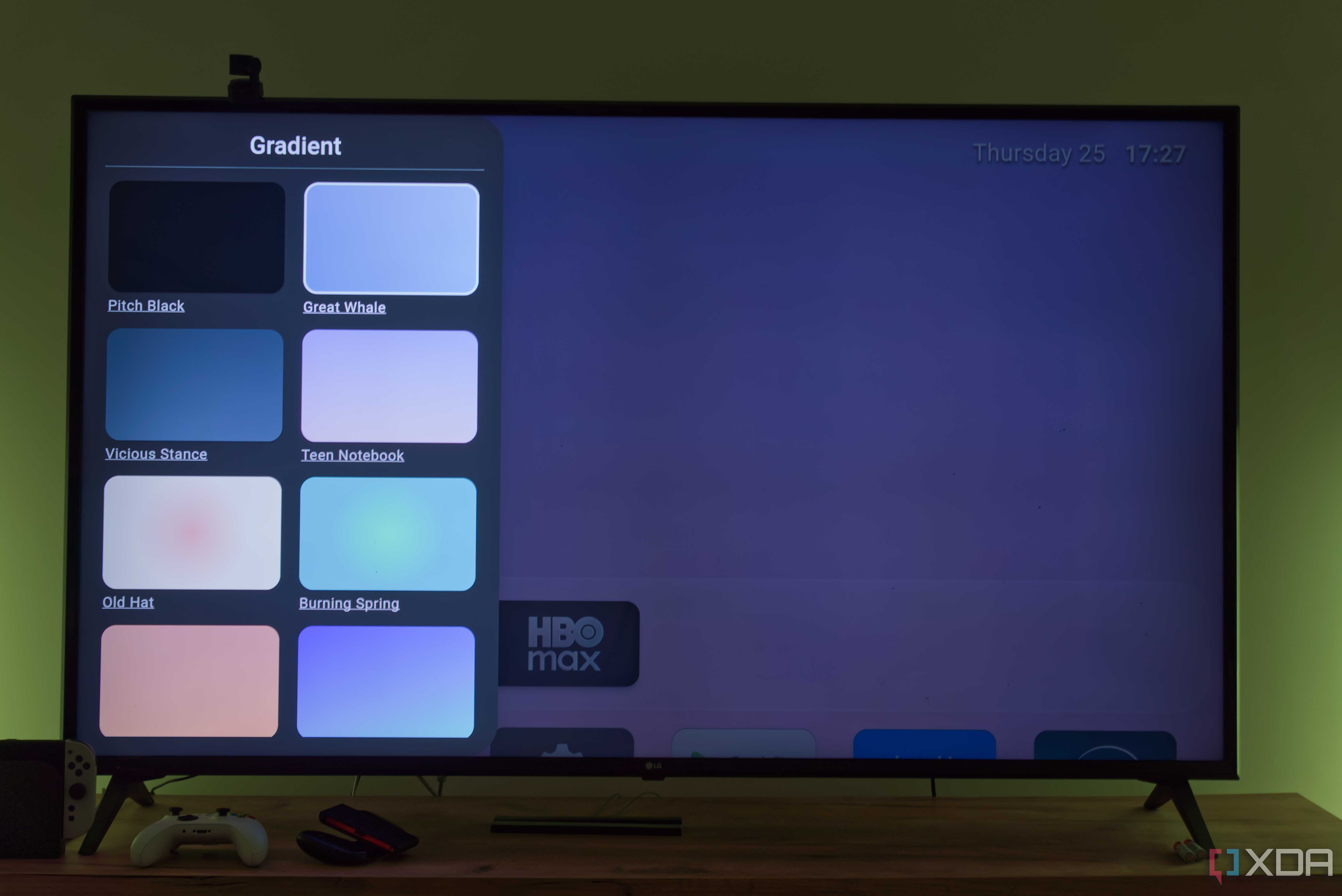
Because it's bare-bones, it's also very lightweight and fast, but it still looks good. You can choose from a set of gradient-colored backgrounds for the home screen, or add images to your device to set as wallpaper, with an option to dynamically change wallpapers based on the time of day. It's a very solid option if all you want is access to your apps and nothing else.
The downside of this one is that you have to sideload the launcher, so you'll need to download the APK file to your PC or phone and use an app like LocalSend to beam it to the TV, or use a web browser to download it directly on the TV. You also need to enable developer mode to allow third-party apps to initiate app installs using an APK file.

Projectivy is highly customizable


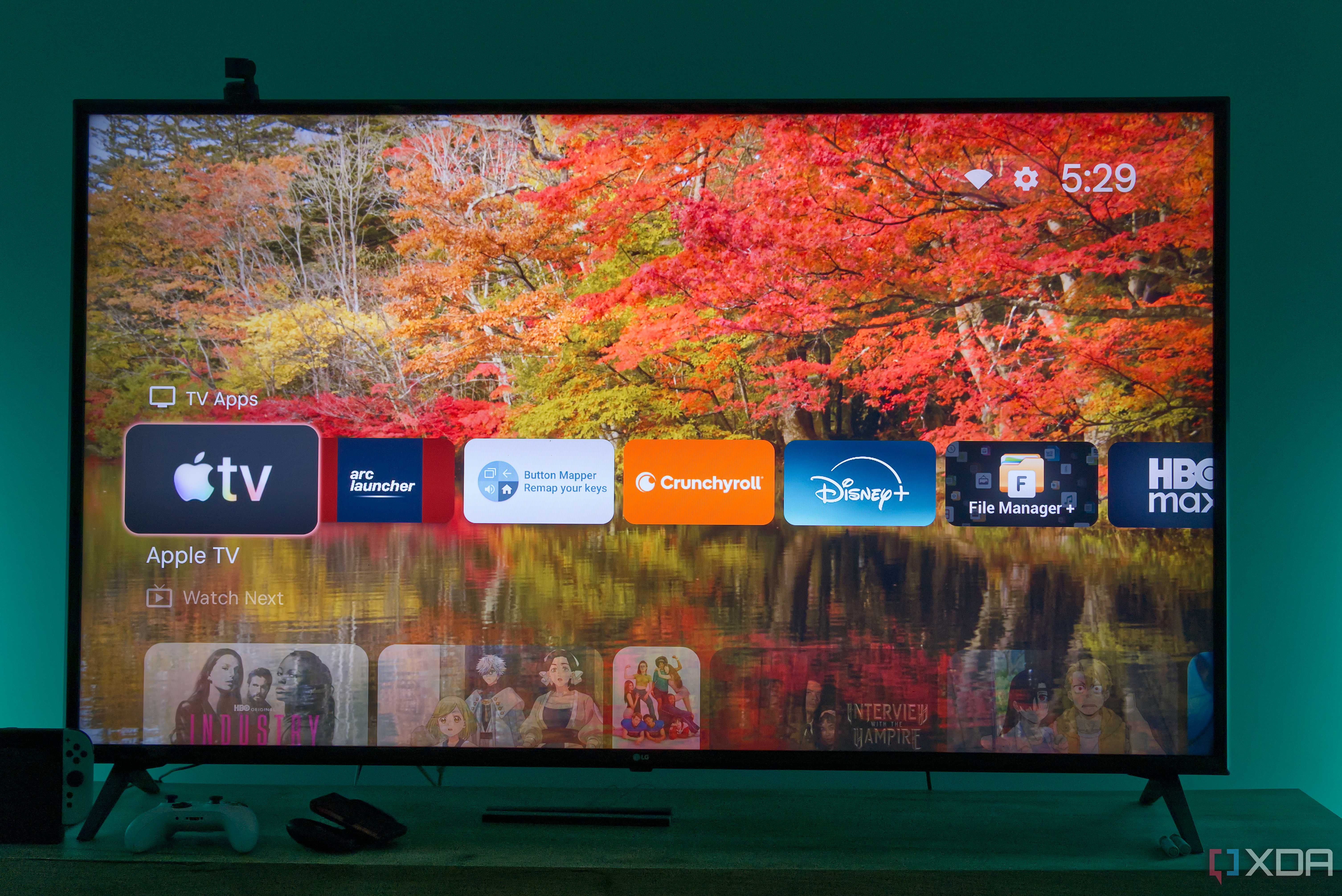
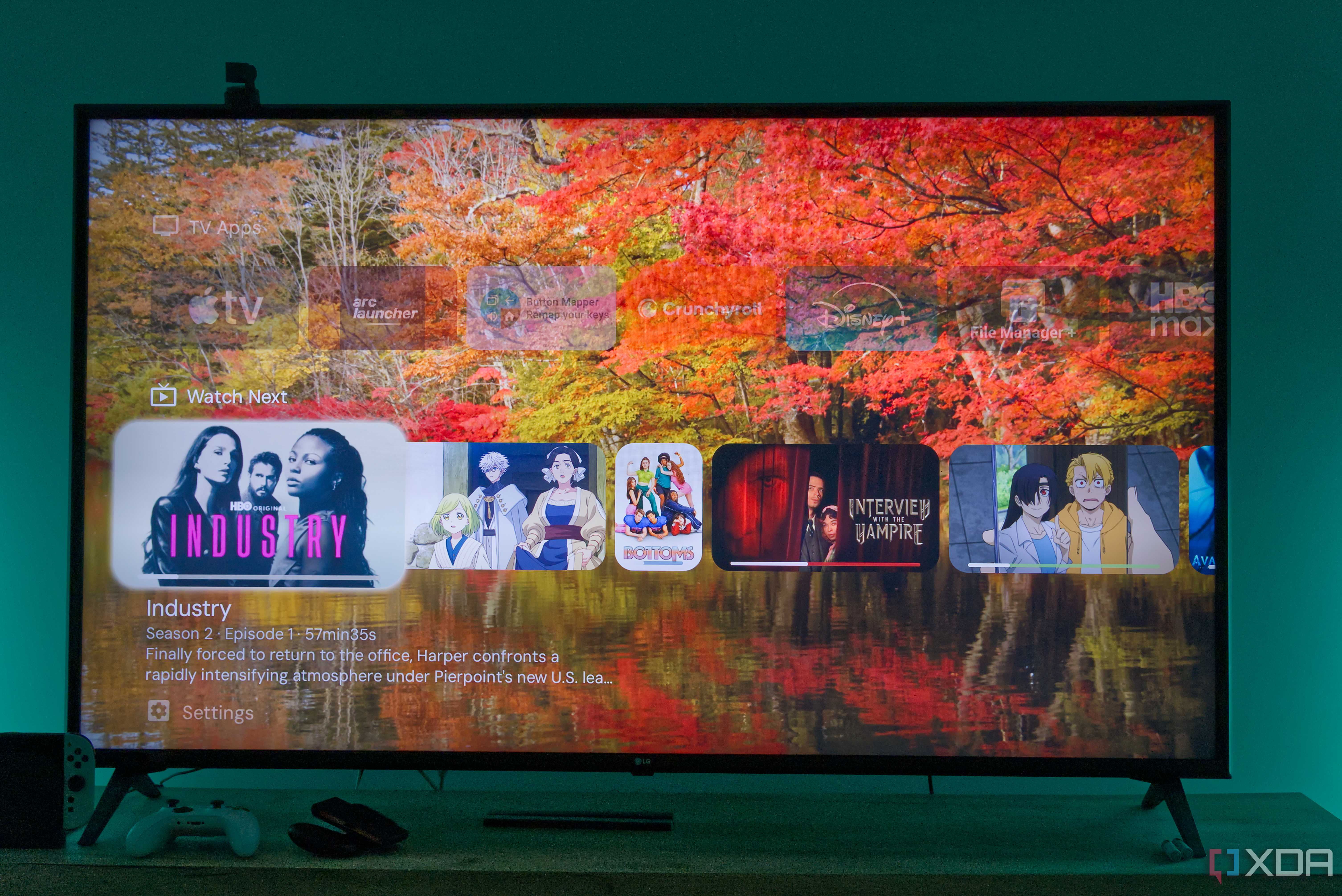
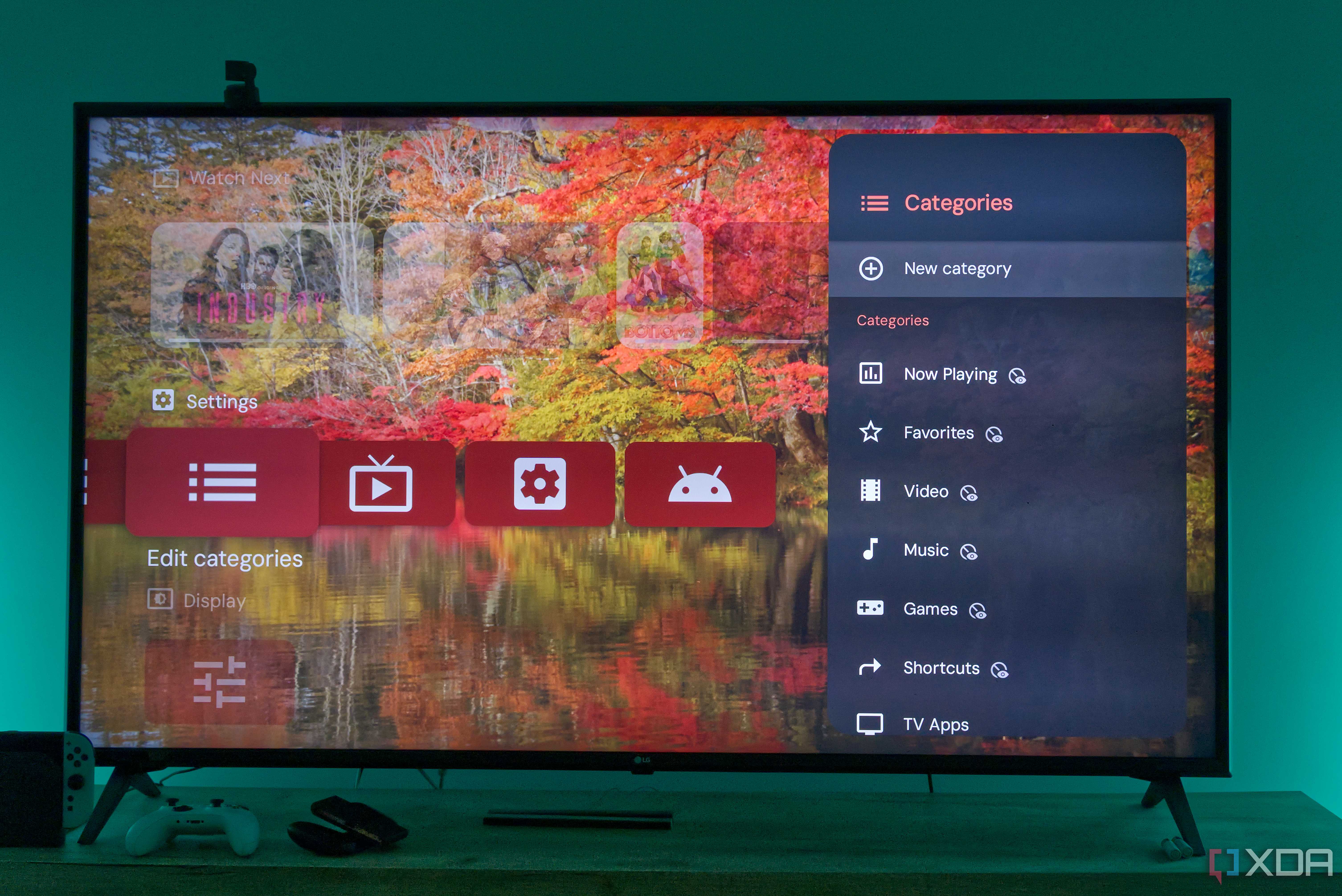
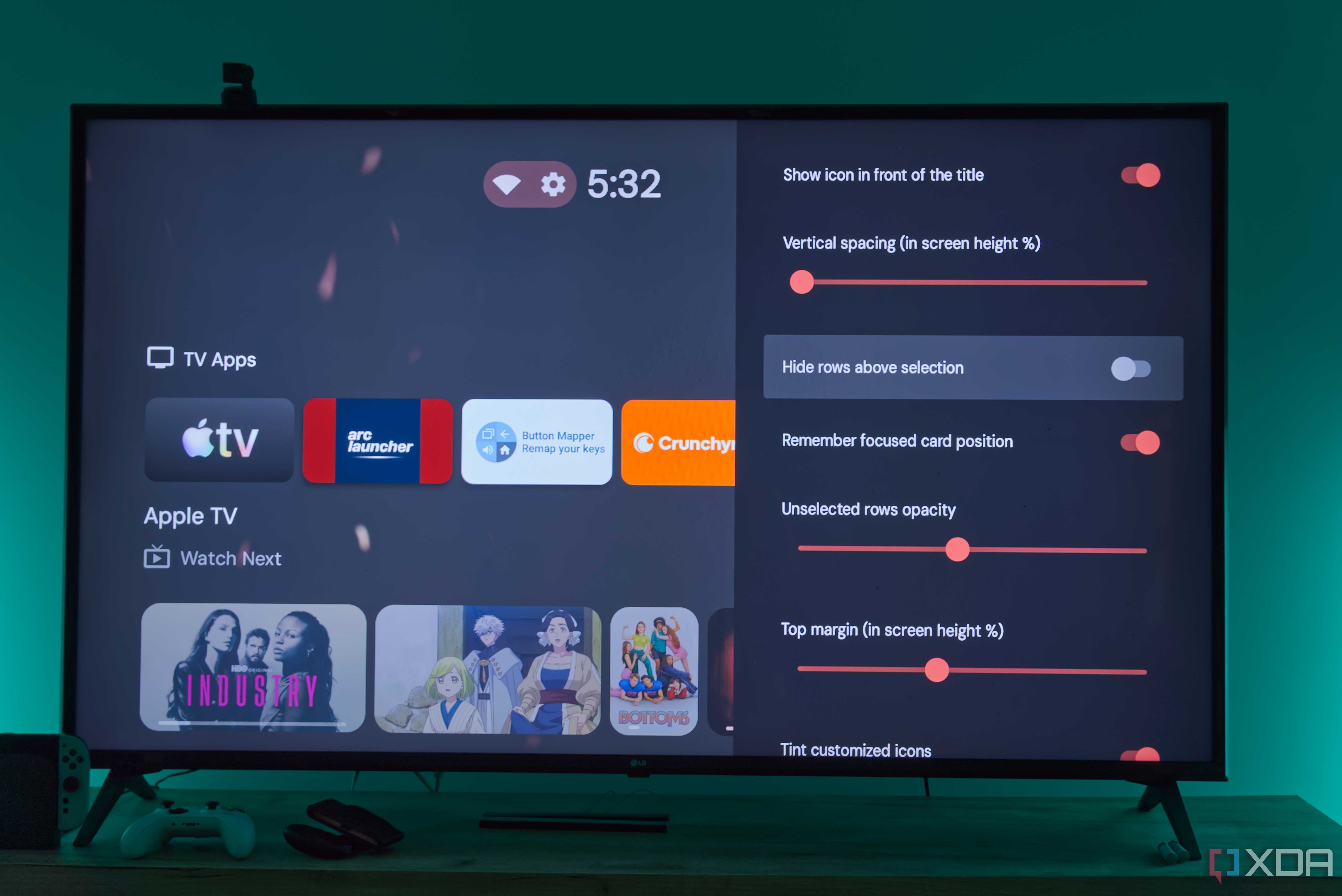
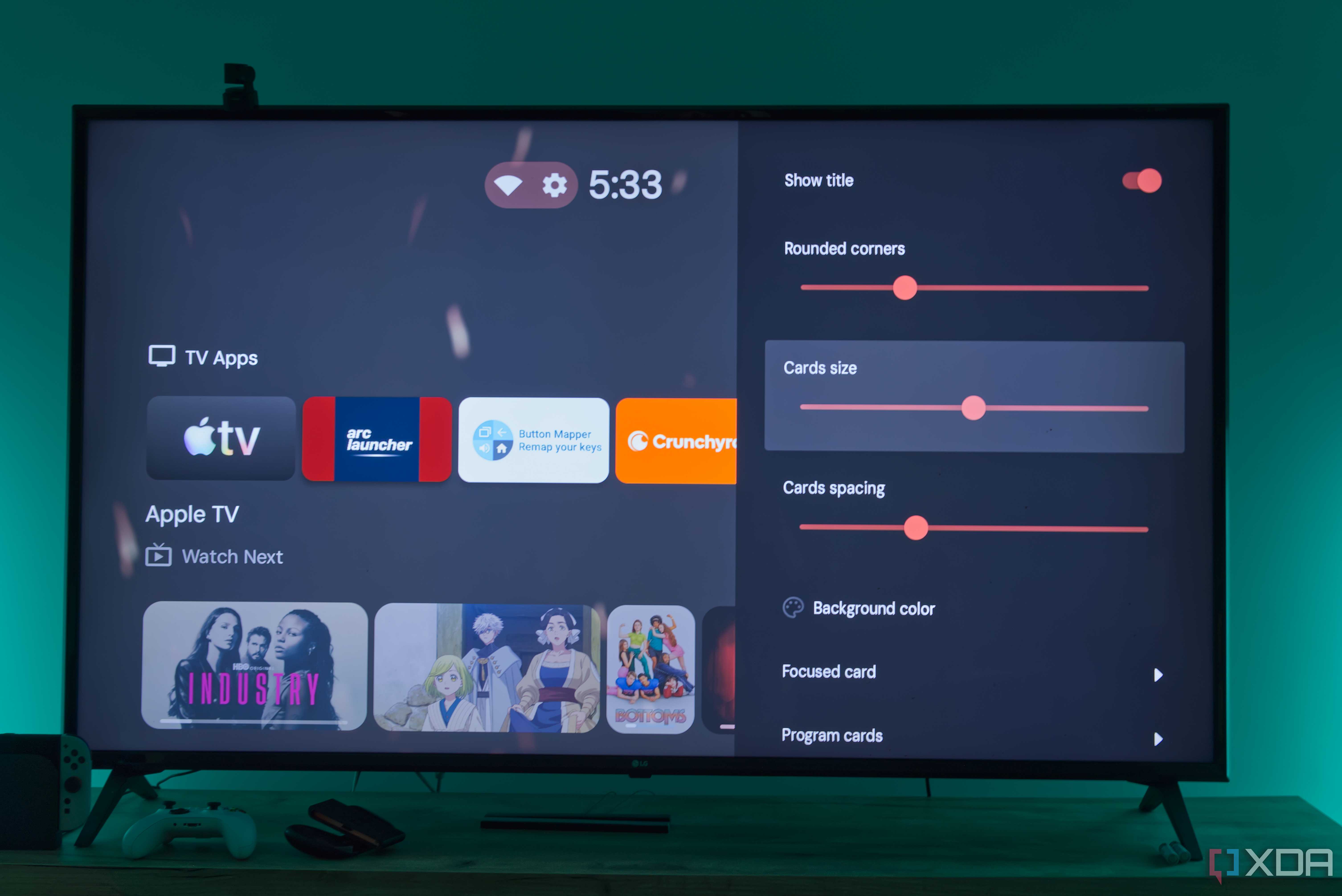
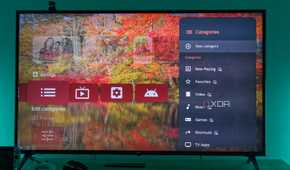
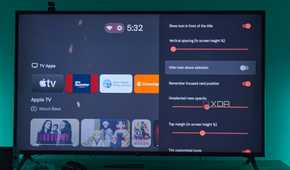
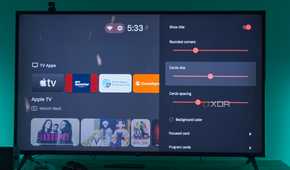
Another option I found, though, was Projectivy, which I think I like more, though I'm still on the fence between these two. Projectivy has a layout a bit more similar to Google TV, with multiple categories arranged vertically, each displaying its apps in a row.
However, it's way more customizable, so you can have multiple categories for different types of apps, adding a bit of verticality to browsing your app list. Plus, there's also a "Next up" section that can pull content from individual apps, and I do like that. This only pulls shows and movies I've actually watched, so it's genuinely useful and not just algorithm-based recommendations.
On top of that, Projectivy has automatically changing picture wallpapers that look a bit nicer than the gradients provided by Arc. Even with those extra features, this launcher feels much smoother than Google's launcher and is far more customizable, making it a huge leap in user experience. There are even plugins you can install to further customize the experience, though I'm not sure how much they may impact performance, since I've mostly stuck with the vanilla experience.
A benefit of this launcher compared to Arc is that it's available on the Play Store, so you don't have to go through the hassle of sideloading it. I'd recommend perhaps starting with this one before Arc since it's just easier to set up.

Avoiding Google TV
Remapping buttons goes a long way

Google may not let you replace the default launcher in software, but you can remap the buttons on your Google TV remote with an app. There are a couple of remapping apps on the Play Store that let you repurpose any of the buttons on your remote to perform a wide range of actions, including launching an app.
With one of these apps, it becomes very easy to remap your Home button to open one of the launchers above instead of Google TV. You can use any other button, too, of course, but the Home button is the one I instinctively press to go to the launcher, so it made the most sense to me. This works by using Android TV's accessibility services, and it's a lifesaver in situations like this. It would be nice if you could disable the default launcher outright, but this is the next best thing.
The app I used (linked below) has a Pro version. When I tried to configure the Home button, I briefly saw an ad for the paid version, but you can ignore it and map the Home button anyway.

I actually enjoy using my Chromecast now
I didn't realize how much the default Google TV launcher was holding back my experience with my living room TV, but now that I've tried Arc and Projectivy, I don't think I'll ever be going back to the way things were. These launchers feel so much more fluid, and I actually feel like I'm in control of my experience. It would still be nice to have more options for changing the default launcher, but this is a much bigger upgrade than I expected.
