


Handheld gaming devices are currently taking the market by storm. They make it easier to enjoy your favorite games on the go, and some of them can also double as a laptop as they run the Windows operating system. However, devices such as the Asus ROG Ally can leave users wanting more, especially when it comes to the overall storage.
Luckily, upgrading the storage on the ROG Ally is quite easy and can be done in just a few minutes. In this article, we are going to take things a step further and show you how to utilize a 2280 M.2 instead of the standard 2230 M.2 drive that comes with it. Firstly, you will need an adapter which can be found on Amazon for around $10 by searching for ROG Ally SSD adapter.
Before you start, you will want to decide how to get an operating system onto your new SSD. Are you going to clone your old drive to your new drive? Or, will you be reinstalling Windows with Asus Cloud Recovery?
Installing a 2280 M.2 in the ROG Ally
It's easier and quicker than you may think
-
Remove the six screws from the back side of the ROG Ally and take the back cover off.

-
Disconnect the battery. Be careful when disconnecting the wire and do not pull too hard on it. Slow and gentle wins the race.

-
Remove the small black cover protecting the SSD.

-
Remove the SSD and replace it with the adapter.


-
Install the 2280 SSD and secure it into place.

-
Replace the black SSD cover.
-
Reconnect the battery wire back to its connector.

-
Put the back casing on and tighten all the screws in place.


The back paddles won't feel responsive until all 6 of the screws on the back cover are back in place and firmly screwed in.
And you're done! You can now utilize a standard-sized 2280 M.2 drive in your Asus ROG Ally. There are a couple of benefits to doing this, with the main one being it can be cost-effective for many users. It also doesn't take long at all. The whole process doesn't even take 5 minutes and, in most cases, you only have to remove a total of seven screws.
You may have to plug in the power cord the first time you turn your ROG Ally on after changing the SSD.
Is it worth it?


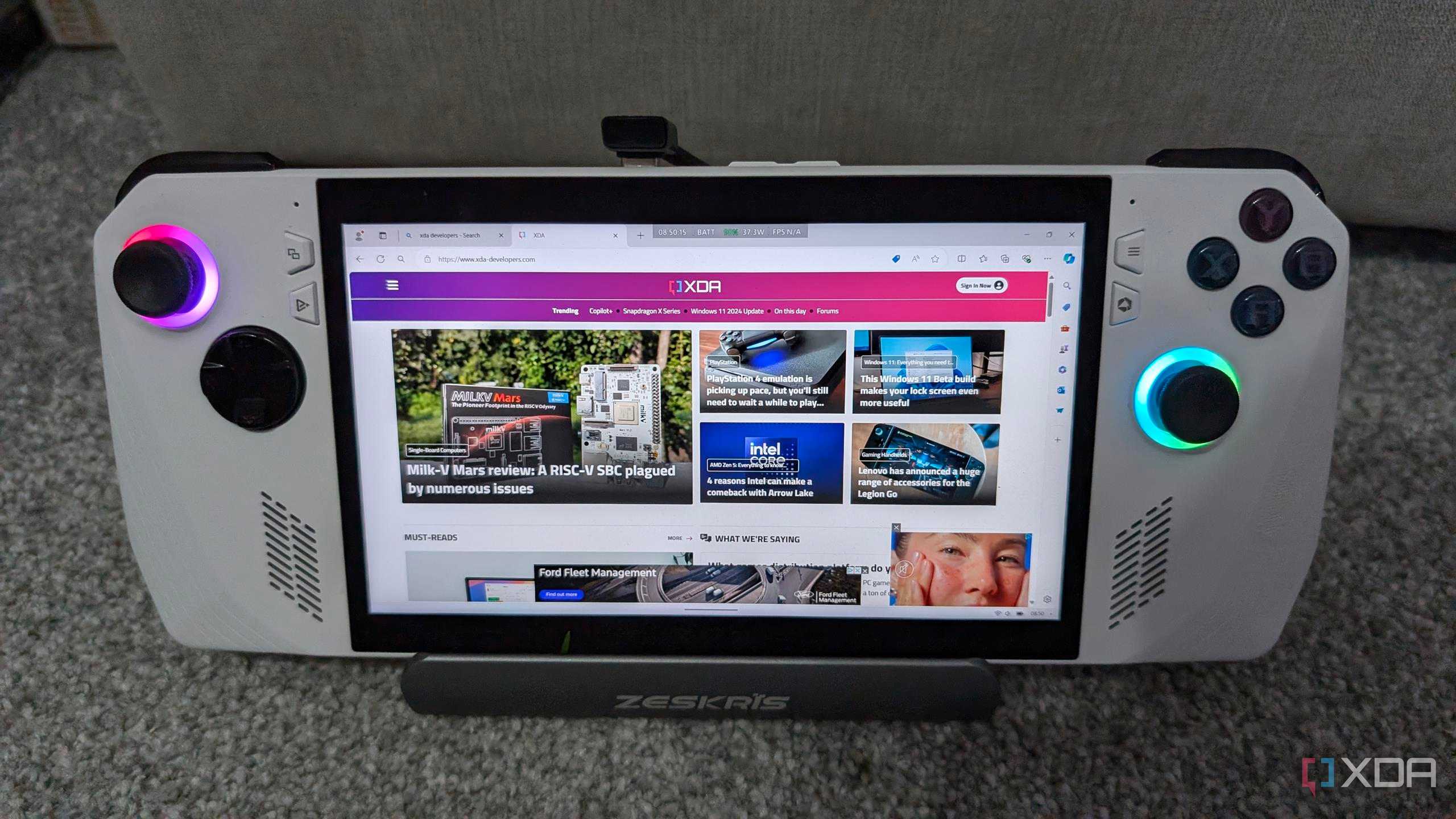
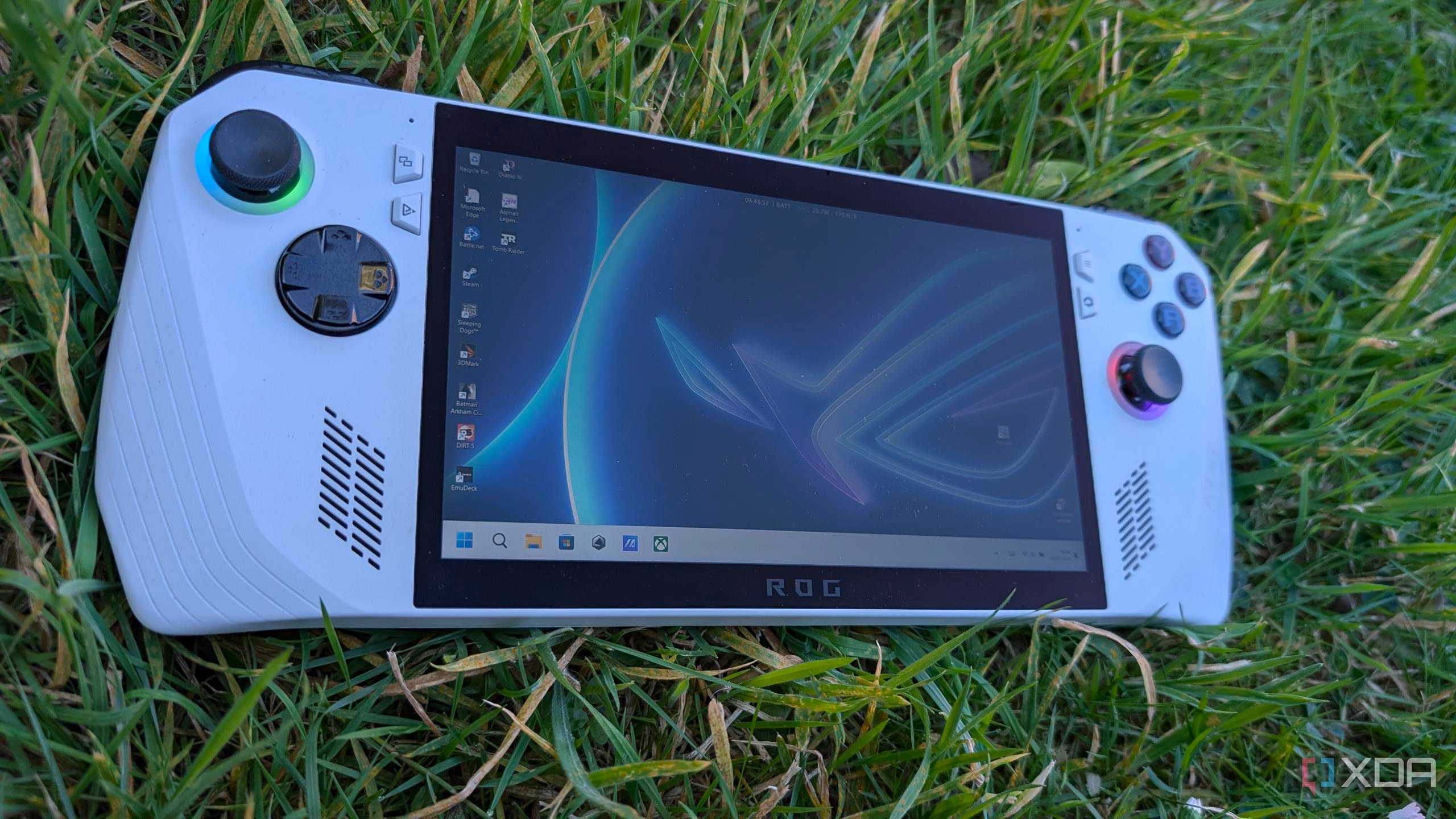
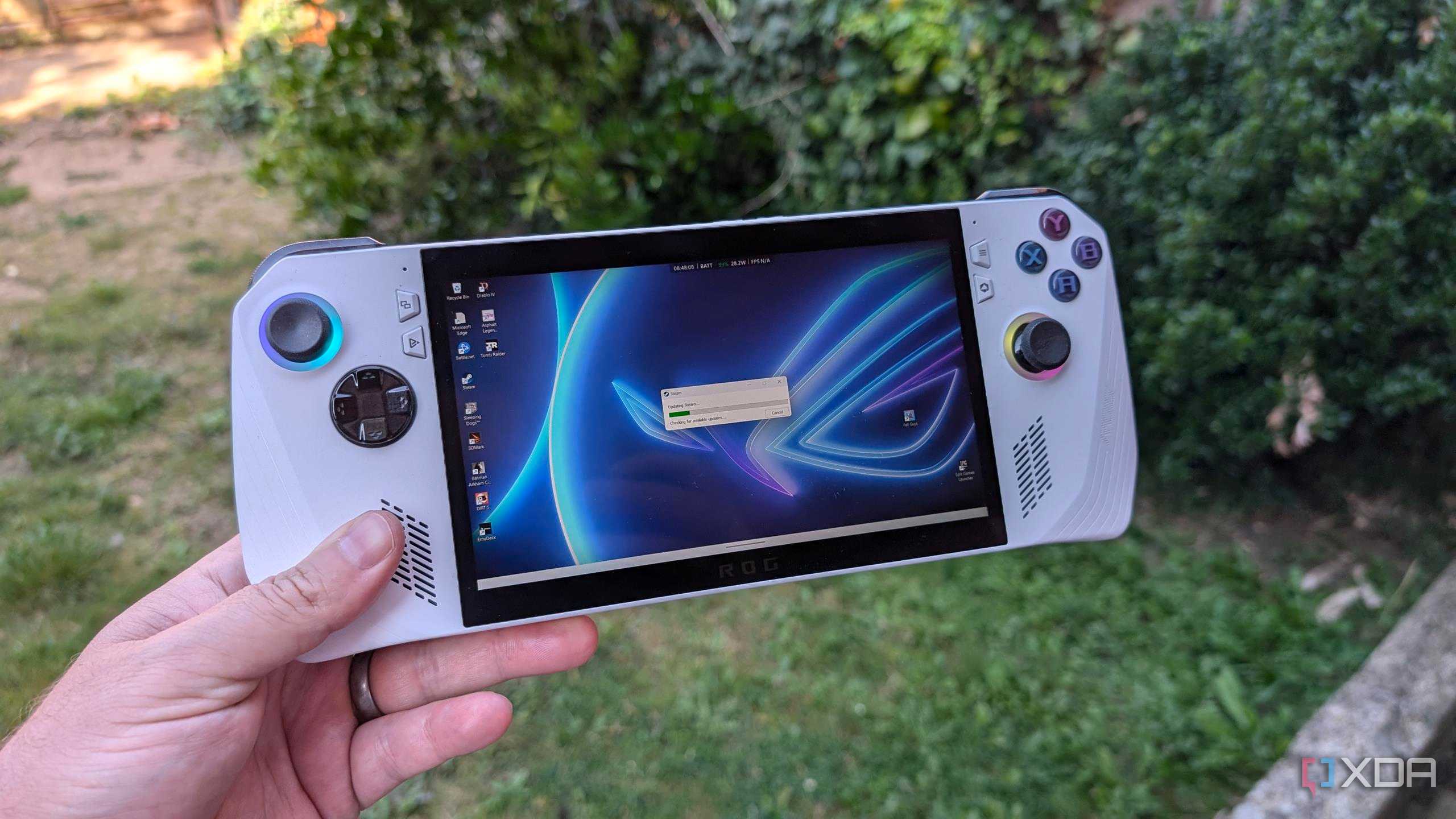
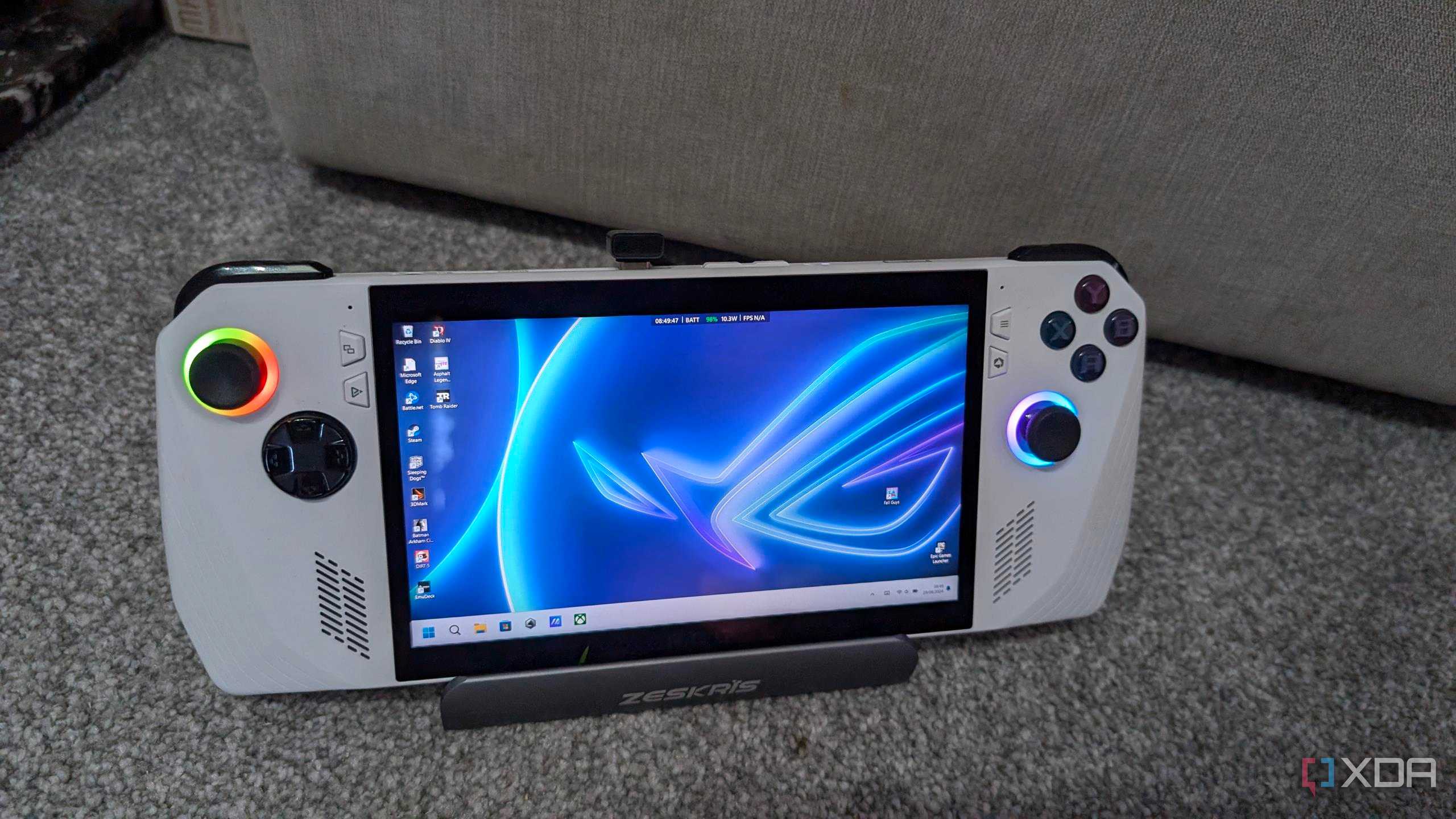
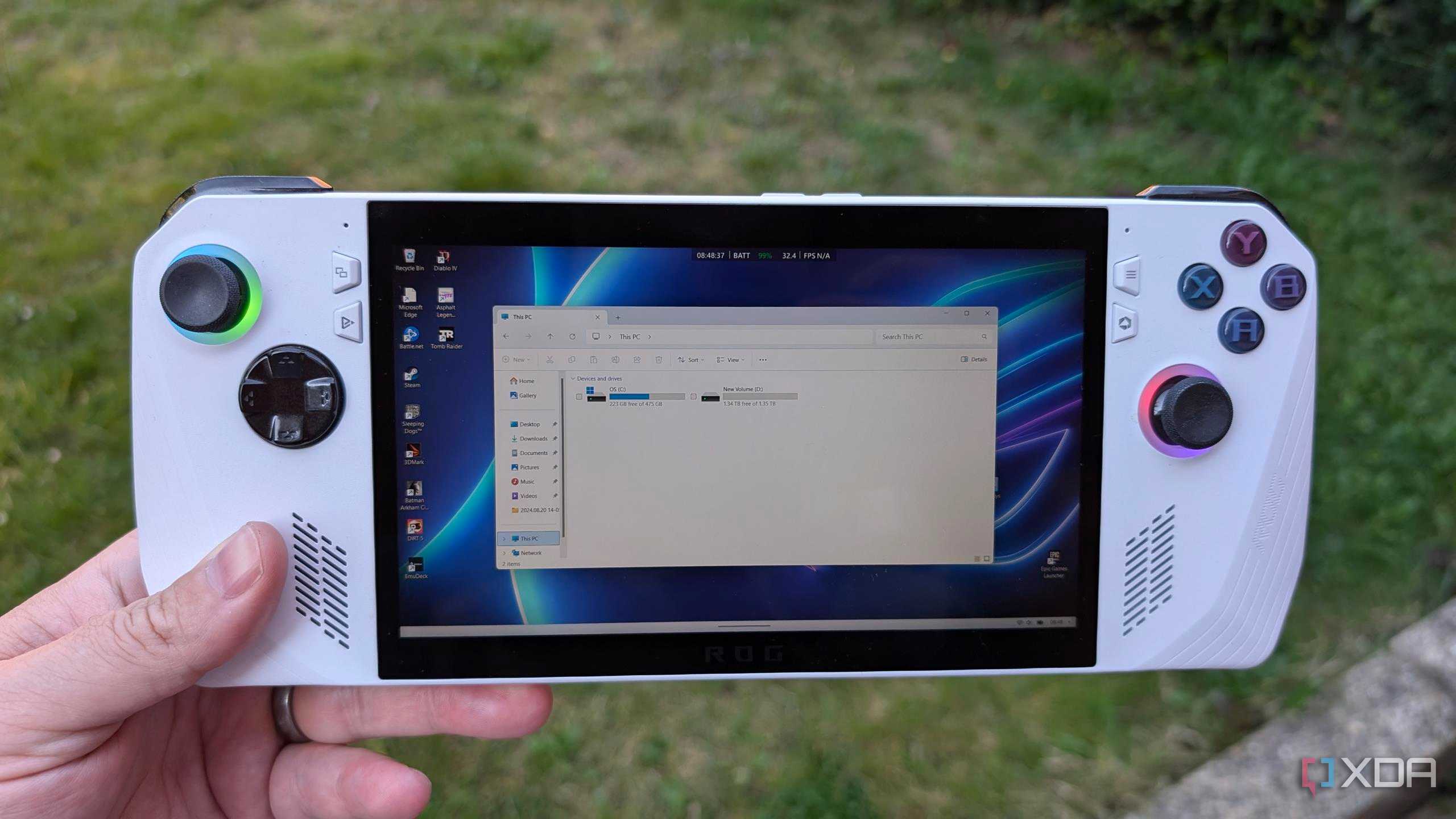



While it will depend on your individual needs, in most cases it will be worth it. If you have a spare 2280 M.2 SSD from your PC, it's much cheaper to buy the adapter needed to install the 2280 SSD into the ROG Ally than it is to buy a new 2230 SSD. Of course, the 2280 drives are easier to get your hands on, especially if you frequent brick-and-mortar stores for your PC parts.
I've been using the 2280 adapter in my ROG Ally for just over a week now and have not noticed any performance issues. The FPS while gaming is the same and the battery still lasts as long as it did before installing the adapter, so all in all, it was a win-win situation for me.
