


The choice of file system matters quite a lot when it comes to storing data, especially when you're working with a lot of it. Your typical network-attached storage (NAS) may use EXT4 or BTRFS, and while these are excellent filesystems to store data and run operating systems, I opt for ZFS on my NAS and home lab hardware. That's largely down to its ability to create snapshots, which are invaluable for backups, rolling back to earlier save points, and recovering data. Think of them as save game crystals in Tomb Raider on PlayStation.
What is ZFS?
Smashing through all the jargon


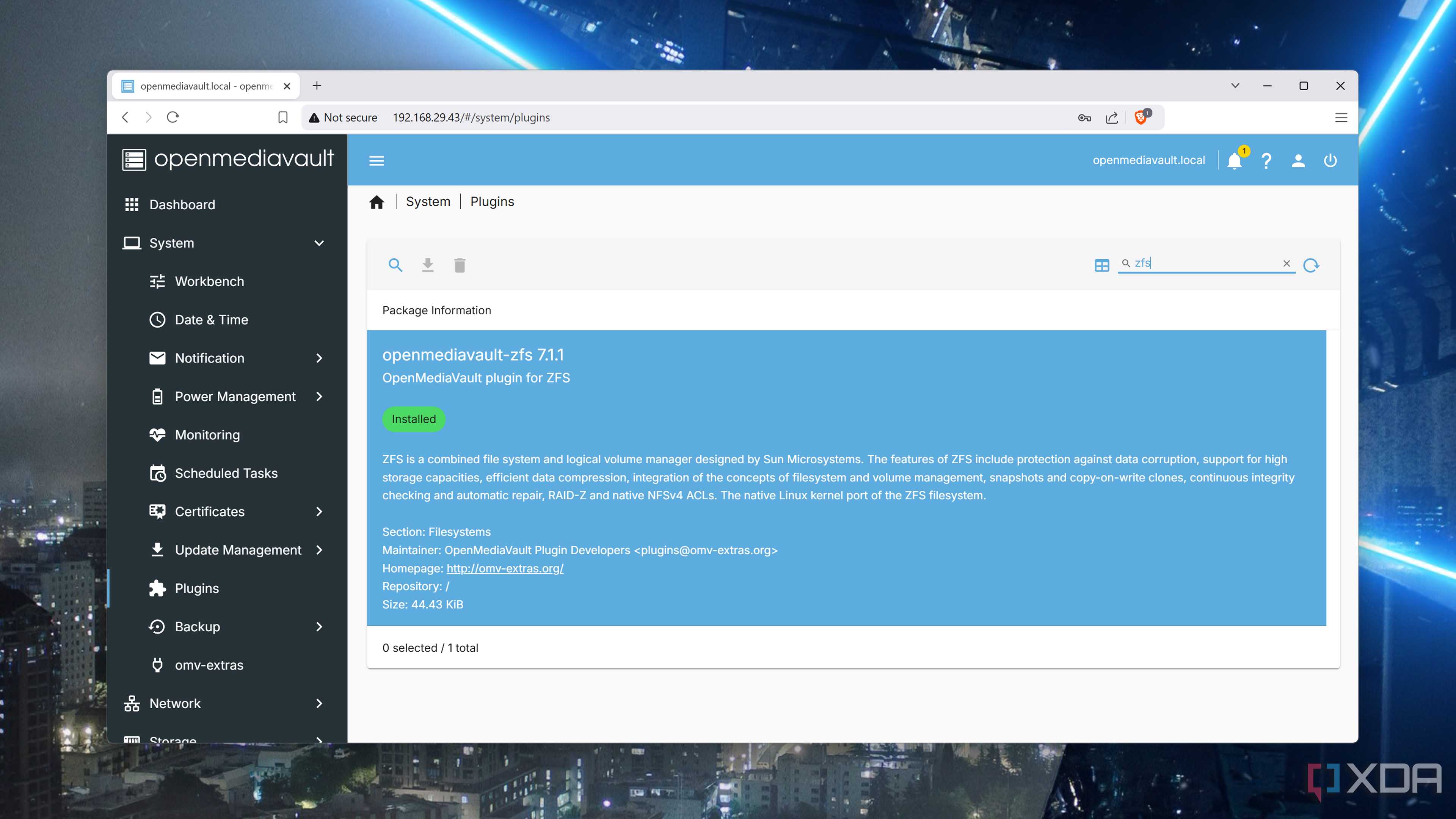
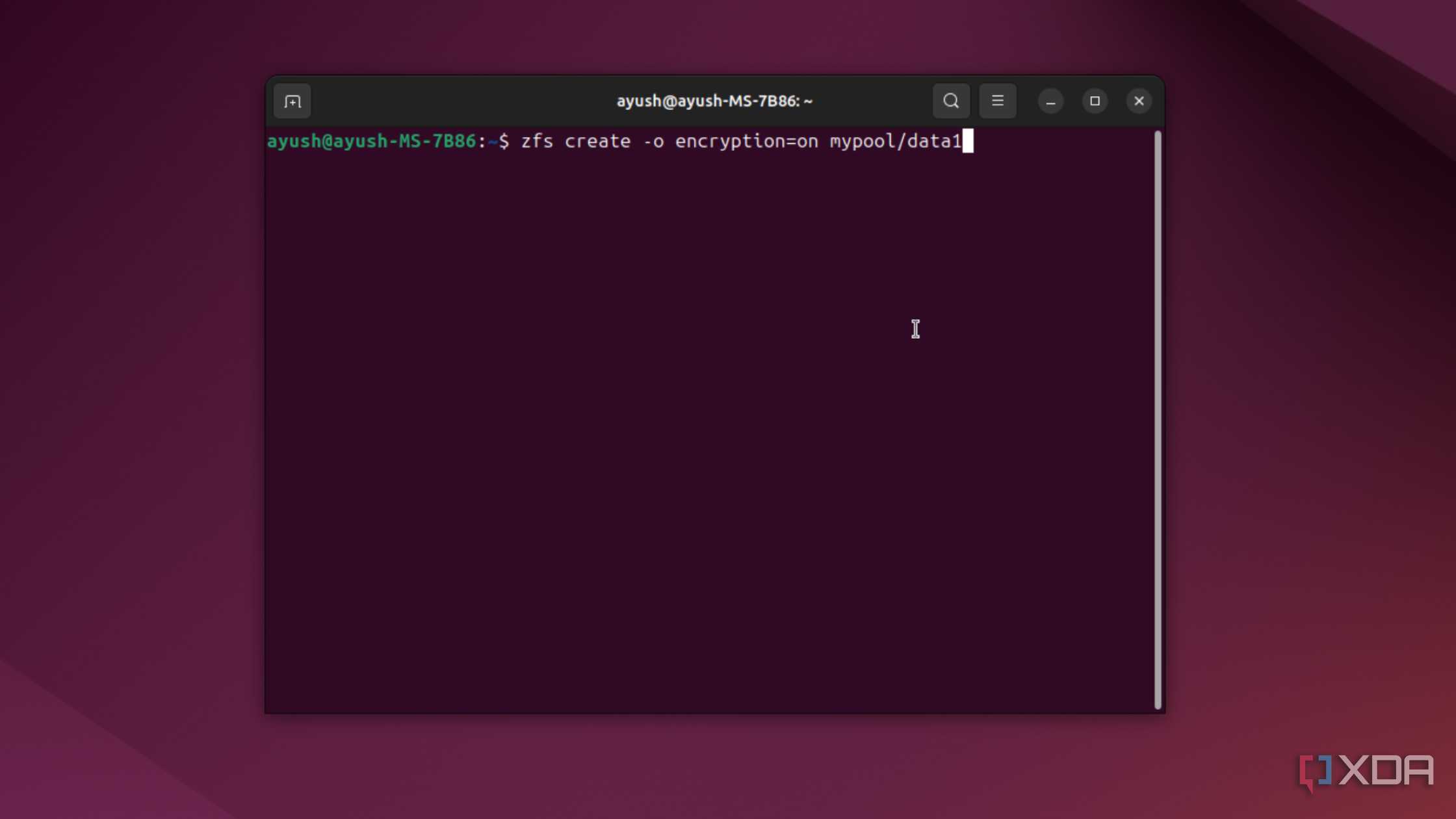
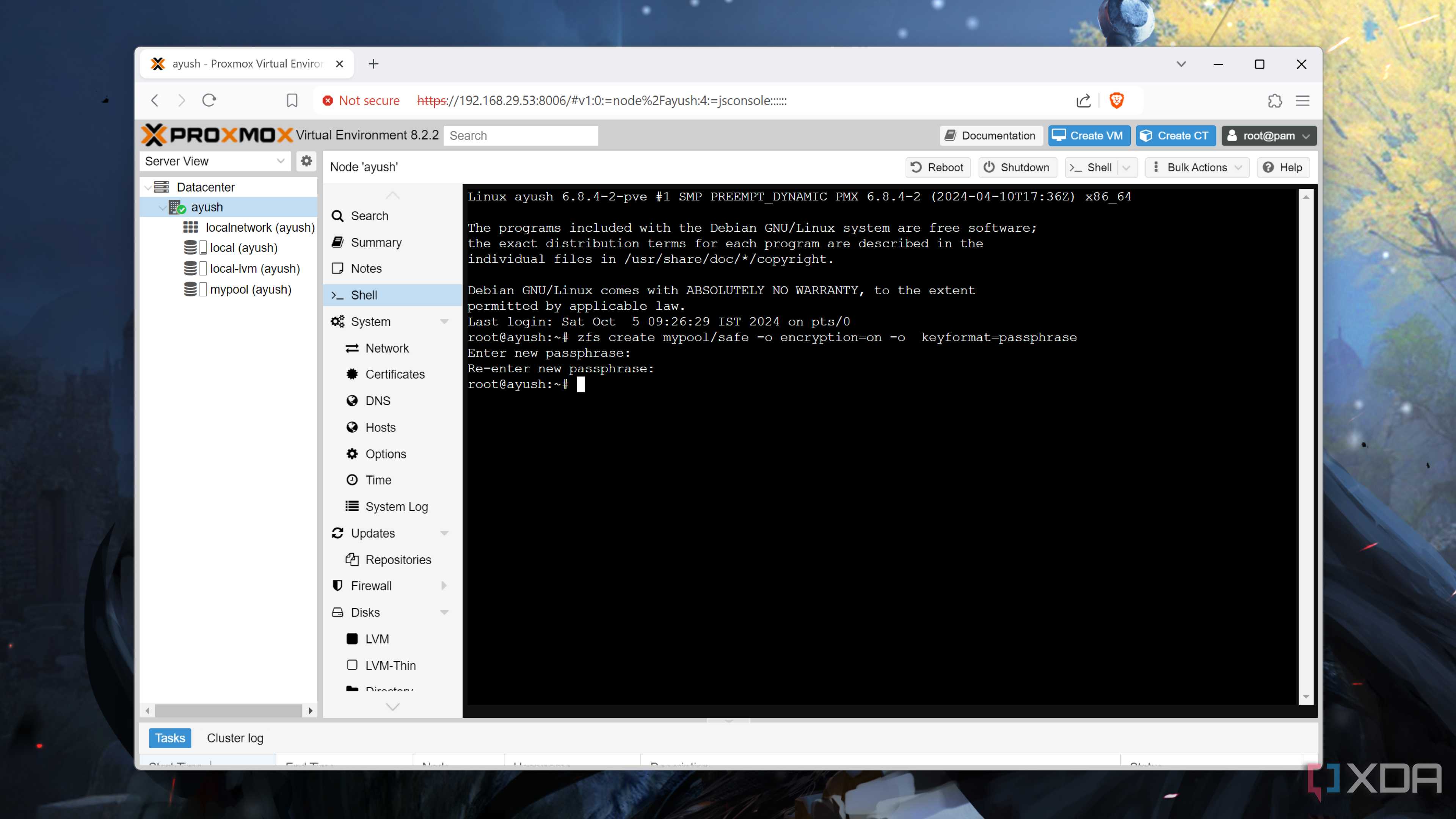
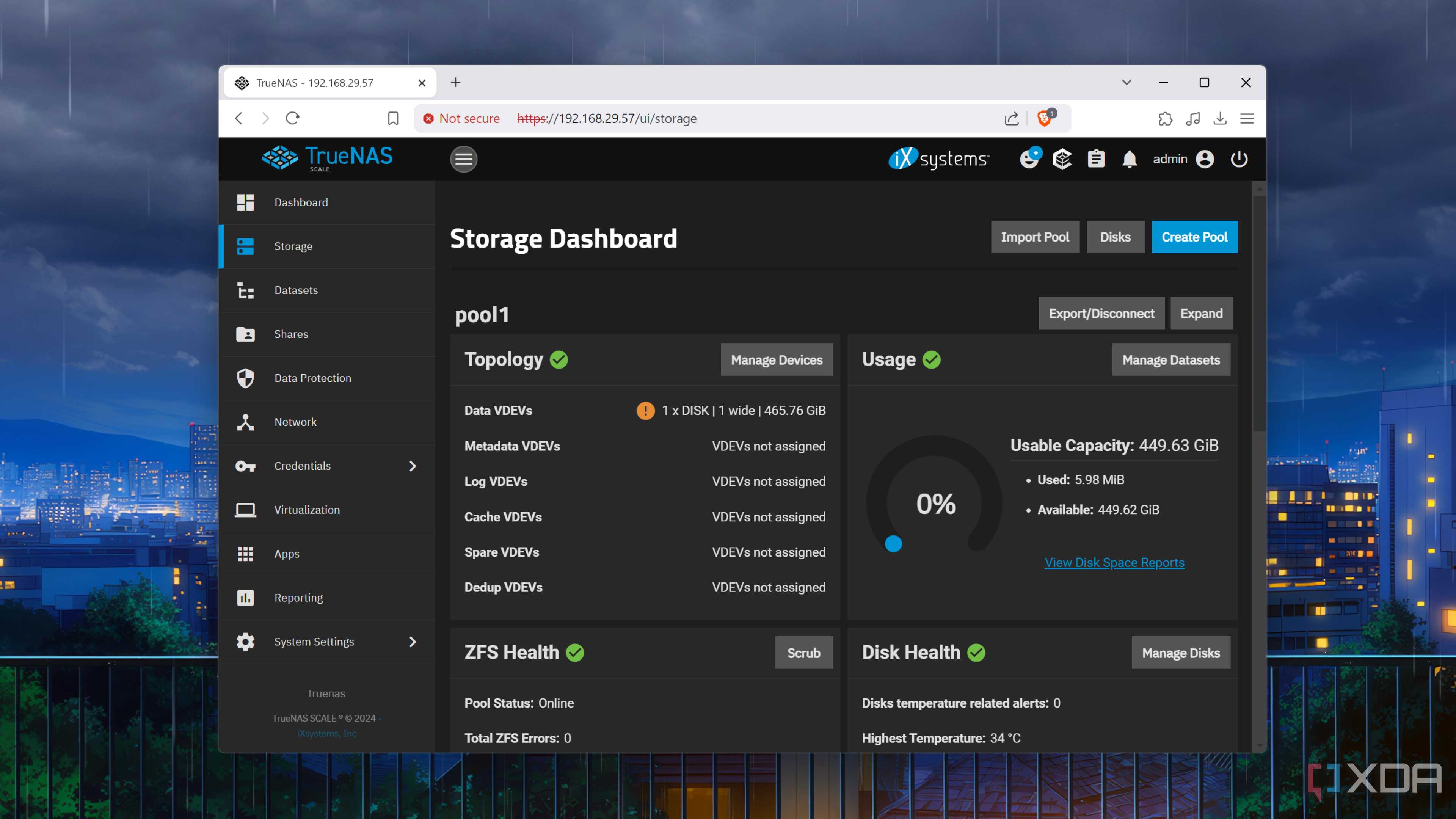
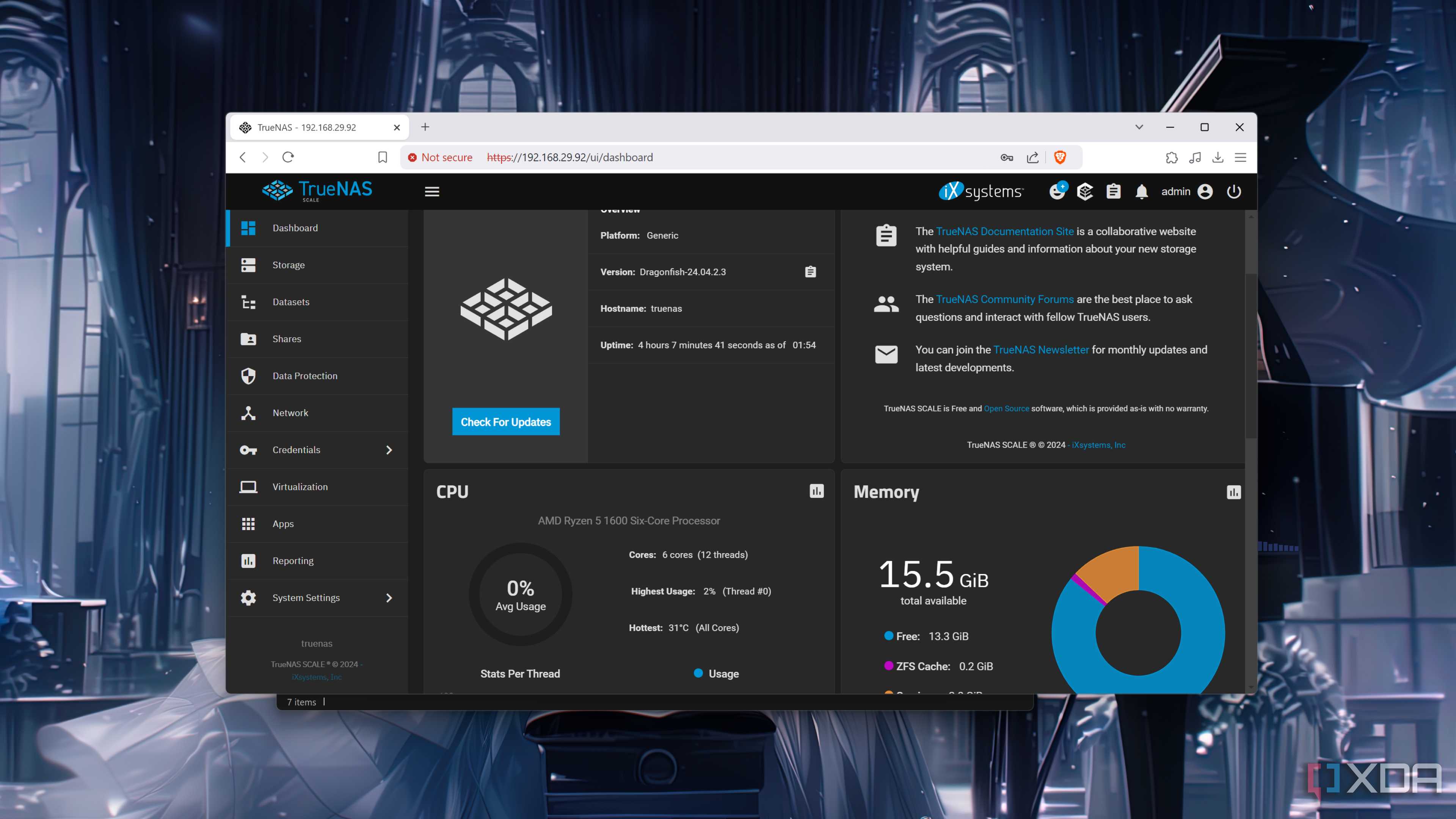
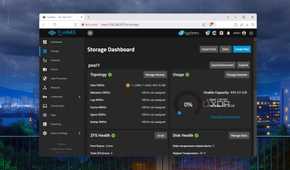
Zettabyte File System (ZFS) is a file system with volume management capabilities. Created by Sun Microsystems (now Oracle) in 2005, it has since been developed into one of the most robust file systems for storing data. When using ZFS on servers, there's a strong chance you're using OpenZFS, which was introduced in 2006 as a fork of Sun Microsystems' ZFS file system. Although technically different, these two file systems are often referred to as simply ZFS — TrueNAS is at the forefront of development and includes OpenZFS, but you'll only find references to ZFS.
This does make it slightly confusing to discuss ZFS without specifically pointing to either development branch, but I'm a huge fan of open-source software and believe in the future of OpenZFS. Interestingly, one of the founding members of OpenZFS is Matt Ahrens, who was also one of the primary architects of the original ZFS. One of the great parts of OpenZFS is its ability to self-heal. This means the file system can effectively detect and correct errors on the fly without human intervention or a dedicated file system checking feature.
Not everyone needs ZFS or more advanced RAID configurations, but it's nice to have, and the fact that it's no more difficult to set up and manage than other file systems makes it a great choice if you need some of the advantages it offers over other options on the market.
What makes it great for NAS and servers?
Snapshots, checksums, and RAID


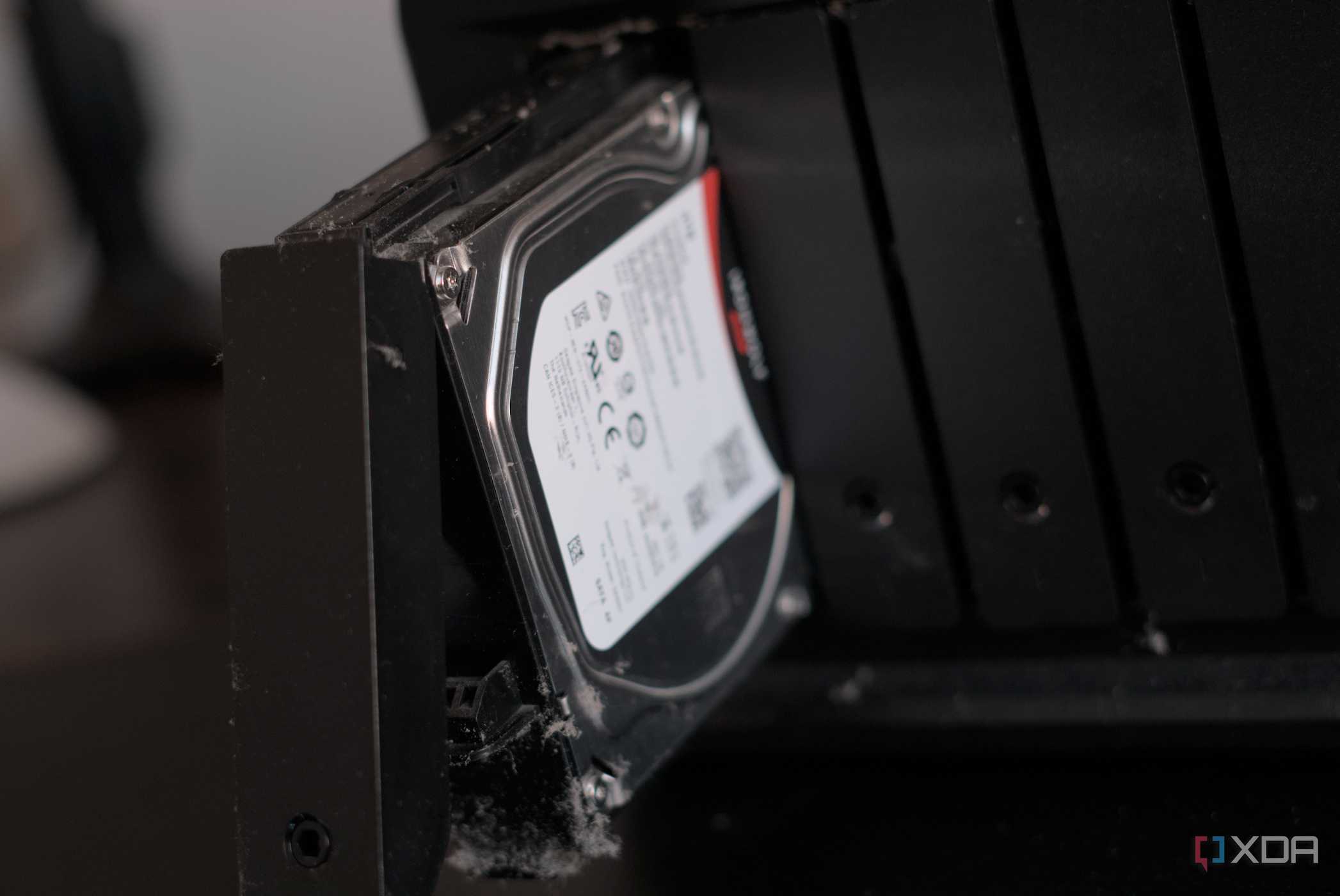
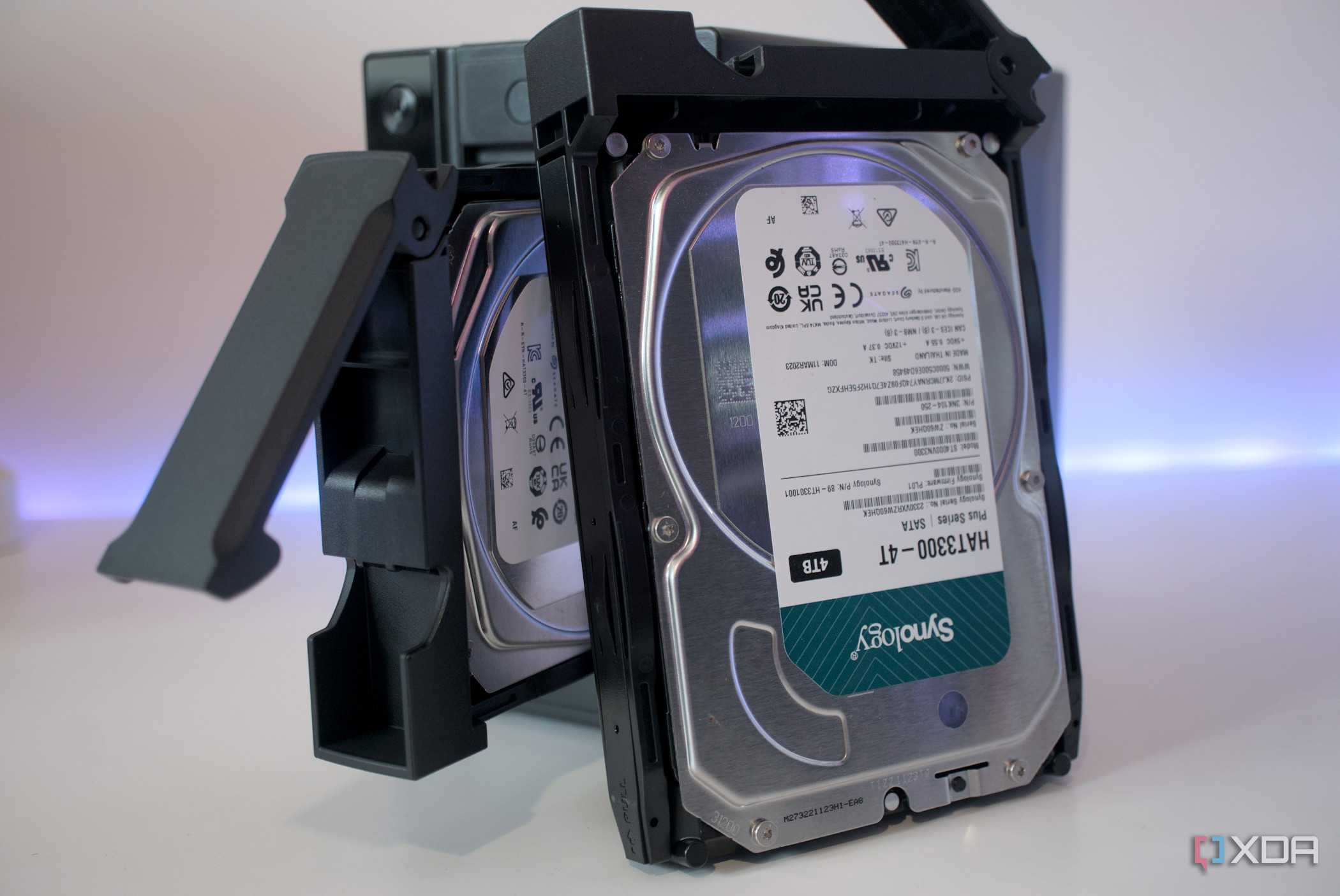
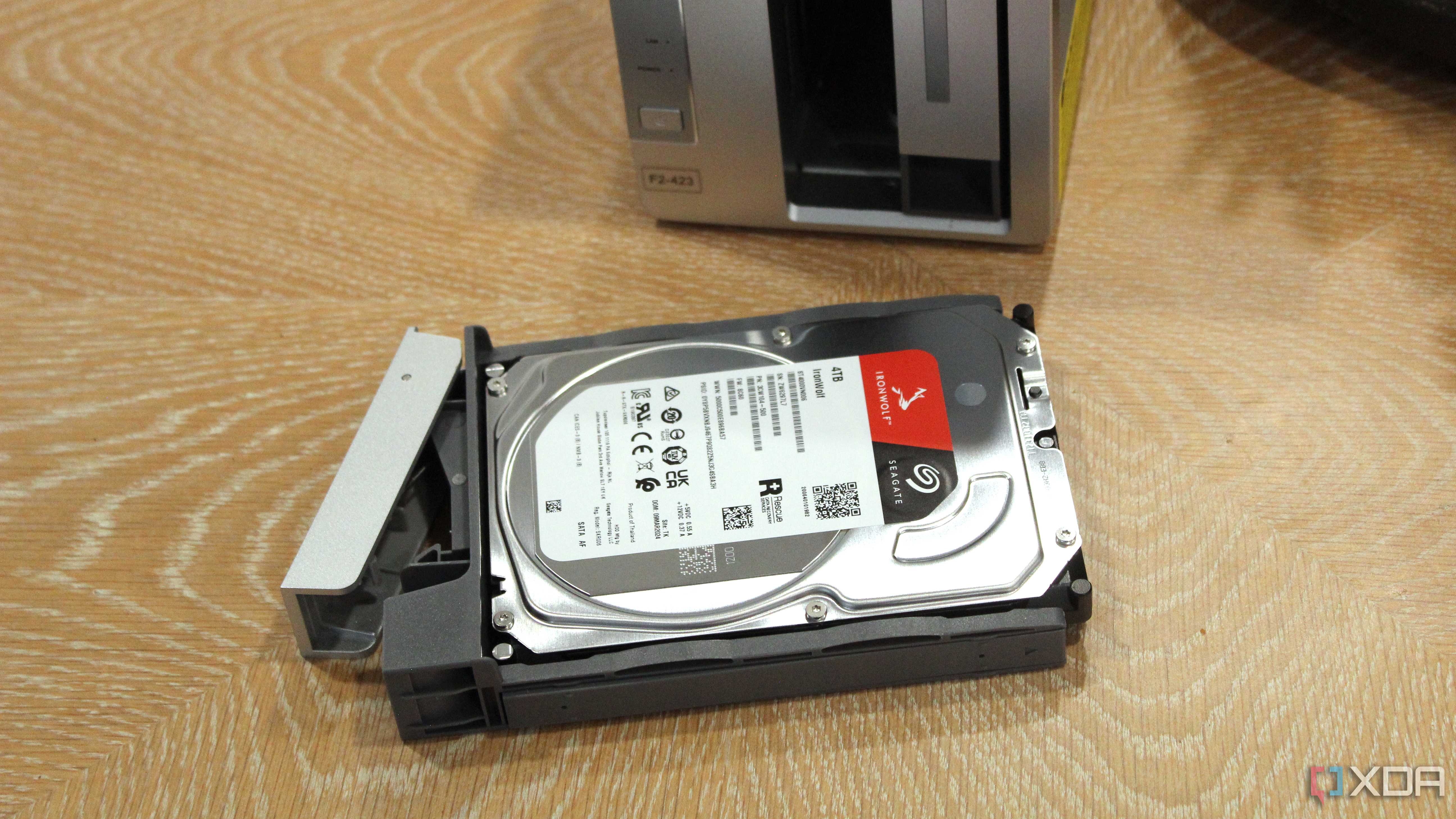
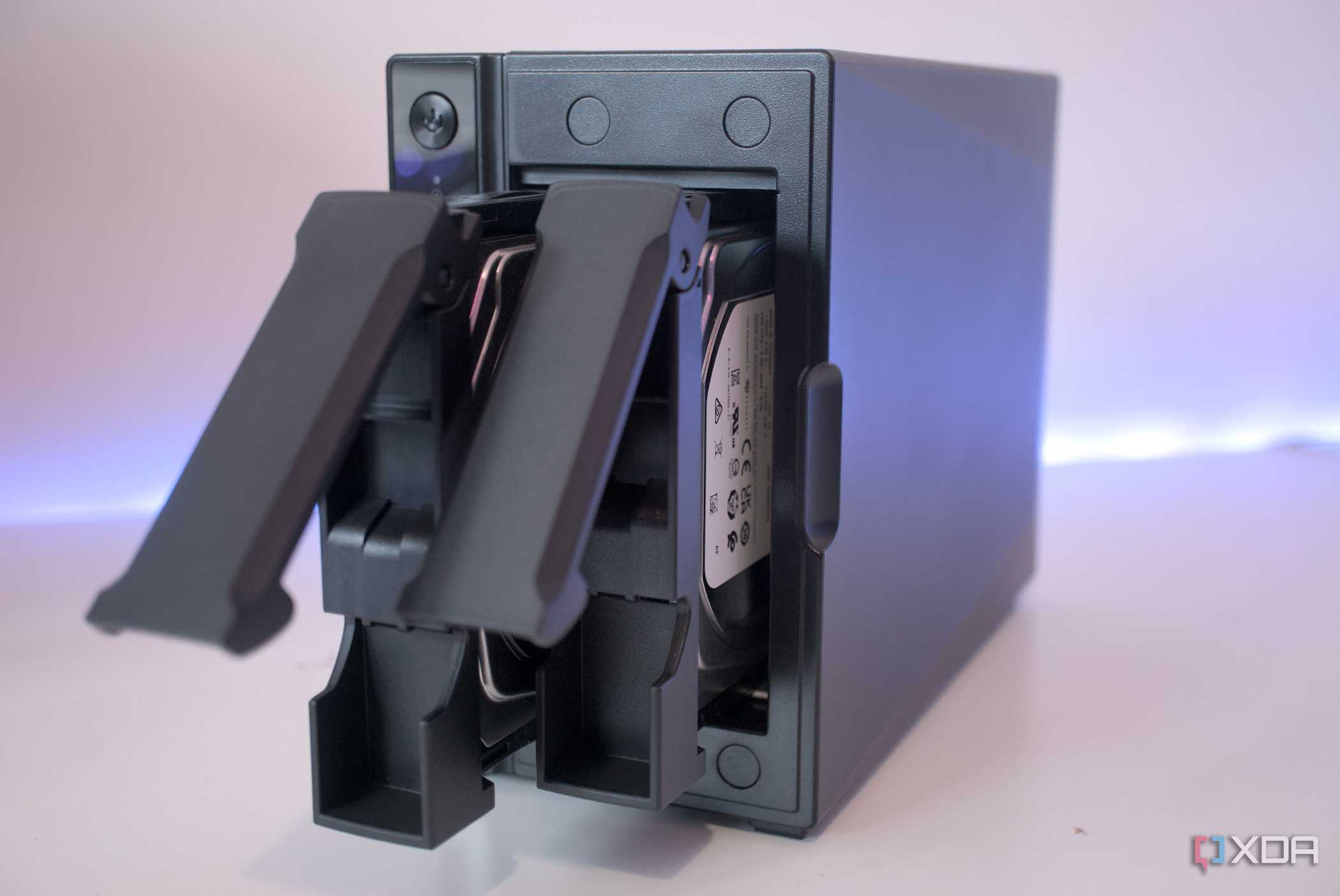
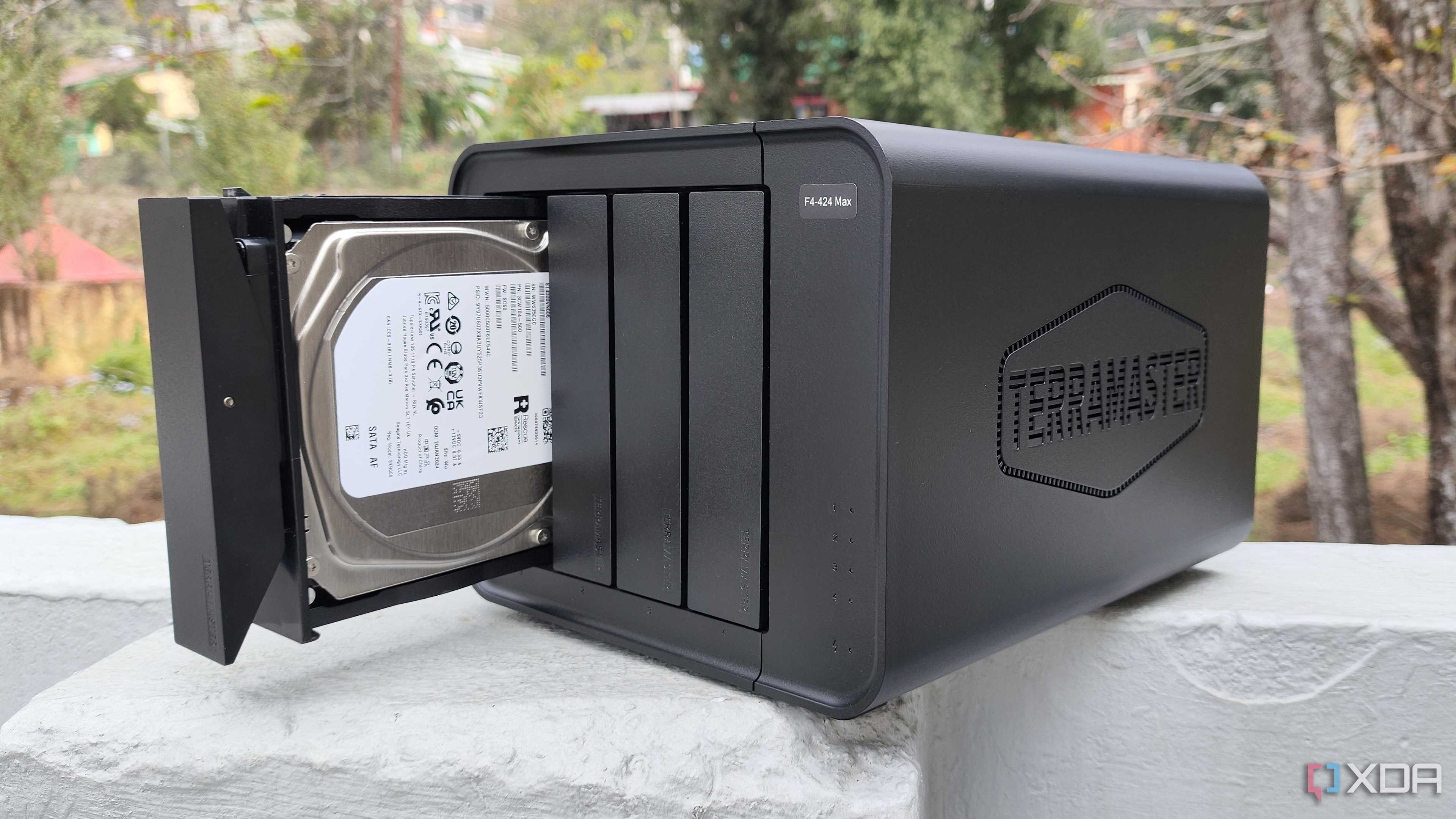

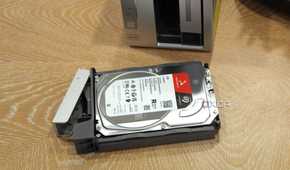
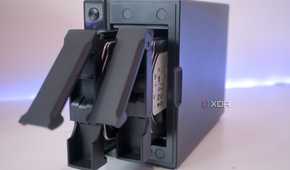
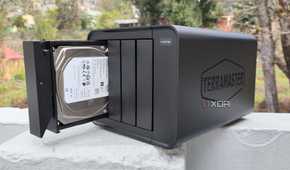
I've touched on what makes ZFS so good for NAS and general storage, but here are some reasons why I find it to be the superior choice for home lab hardware and network storage, especially in my home.
Snapshots
Copy-on-write and snapshots make ZFS incredibly secure for storing data. The worst scenario is to lose a single bit of data, and this file system does everything it can to ensure you'll never have such a headache. Having used ZFS for years, I've yet to encounter data loss not caused by human error. Unlike journaling file systems, ZFS doesn’t modify the data stored in the blocks when you overwrite some files. Instead, it creates an entirely new block and modifies the metadata of the updated data to link to the newly created block.
You can then use snapshots, which contain information about the file system at a specific point in time, to act as save points in case anything goes wrong and you need to rewind time. What's great about snapshots is the ability to load back to an older version if you accidentally overwrite or delete some files. Backups should always be made, but even they can be written with the same new data you wish to revert from.
Self-healing capabilities
Whenever a file is moved to a ZFS pool, end-to-end checksums are created for data and metadata. These are used to check for errors within the data. Should any be detected, the file system will automatically attempt to repair the data with the help of mirrored datasets. You can even configure ZFS to periodically perform data scrub tasks to check the integrity of stored data and prevent bit rot from creating issues. Using ZFS with ECC memory would offer substantial protection against local data loss.
Compression, encryption, and deduplication
Should you have a lot of data to store on a NAS or home server, ZFS is my go-to file system because of how great its snapshots are. But ZFS also has incredibly useful compression, encryption, and deduplication capabilities. Compression is great for saving much-needed space. We're creating more and larger files, and capacities are limited by the available budget. Encryption is a solid choice for those working with sensitive data, and deduplication eliminates redundant copies of the same data — another tool to free up space.
RAID support
A Redundant Array of Independent Drives is an amazing facility that lets you leverage multiple drives in striped, mirrored, parity, or hybrid setups. ZFS is one of the best options if you’re planning to use complex RAID configurations on your NAS. Beyond conventional RAID types like striping and mirroring, ZFS also lets you set up RAID-Z storage pools. Operating systems developed around ZFS, such as TrueNAS Scale, can even allow for special DRAID modes, which is more than what you can do on a BTRFS file system.
