


When it comes to project management, Jira and other big names often dominate the conversation. But what if you are looking for a free or budget-friendly approach? Here is where a powerful solution like Notion comes into play. While it has gained popularity as a versatile workspace, Notion packs a surprising amount of project management features to replace your existing Airtable databases and Trello boards in no time.
Unless you're leading a huge team with very specific requirements, Notion's project management features might be all you need. Intrigued? Let's dive in!
7 Multiple database views

Notion isn’t just limited to tables and list views. It is jam-packed with multiple options to view project details per your preferences. It offers flexibility that rivals and even surpasses traditional project management tools.
Notion offers multiple database views, such as table, board, gallery, list, calendar, and timeline to choose from. You can toggle between views to gain new insights, track progress, and identify potential roadblocks. For example, use the Kanban board to see the status of tasks, then switch to the calendar view to check for scheduling conflicts.
Such flexibility, combined with its user-friendly interface and powerful features, makes Notion a compelling alternative for managing projects of all sizes and complexities.
6 Powerful collaboration features

Collaboration features are the backbone of any project management tool, and Notion excels in this area. You can share a specific Notion page with different permissions, such as Edit, Comment, and View, with team members.
Multiple users can work on the same project simultaneously without any conflicts or delays. You can add comments to specific blocks of content, tasks, or pages, and even use @ to mention team members and notify them of updates.
There is even an option to share an entire workspace with others. It can be quite handy when you have all the project-related information in a single workspace. It creates a collaborative environment where teams can work together effectively, share ideas seamlessly, and stay aligned on projects.
5 A range of templates to get started


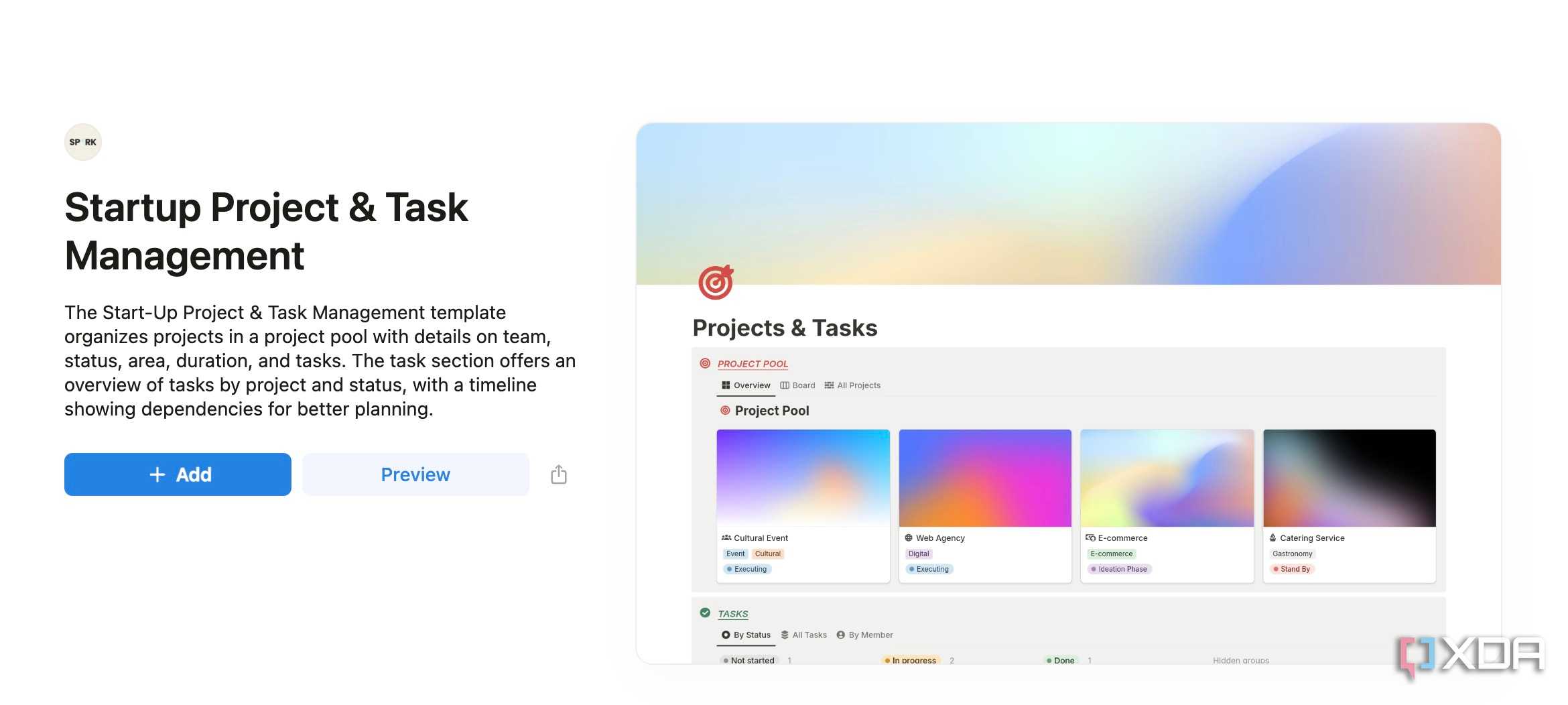
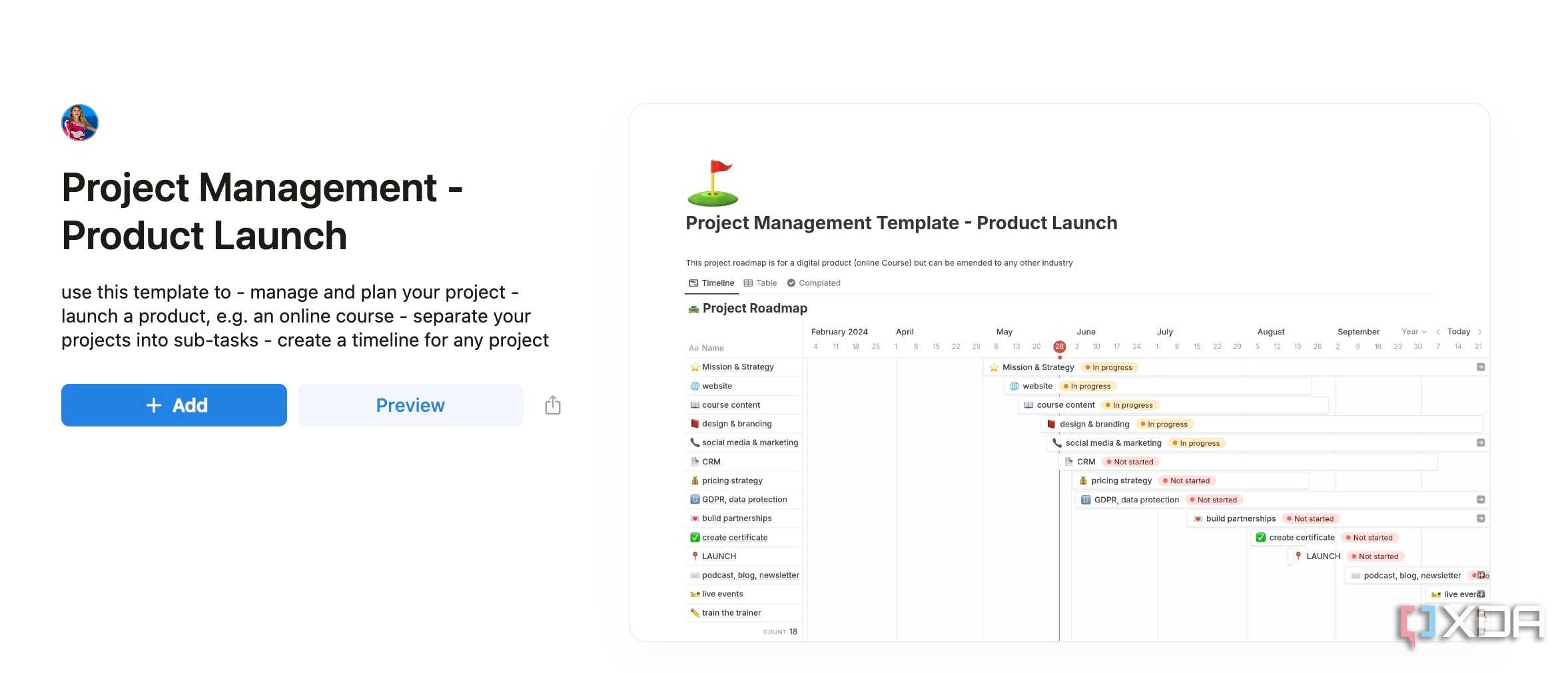
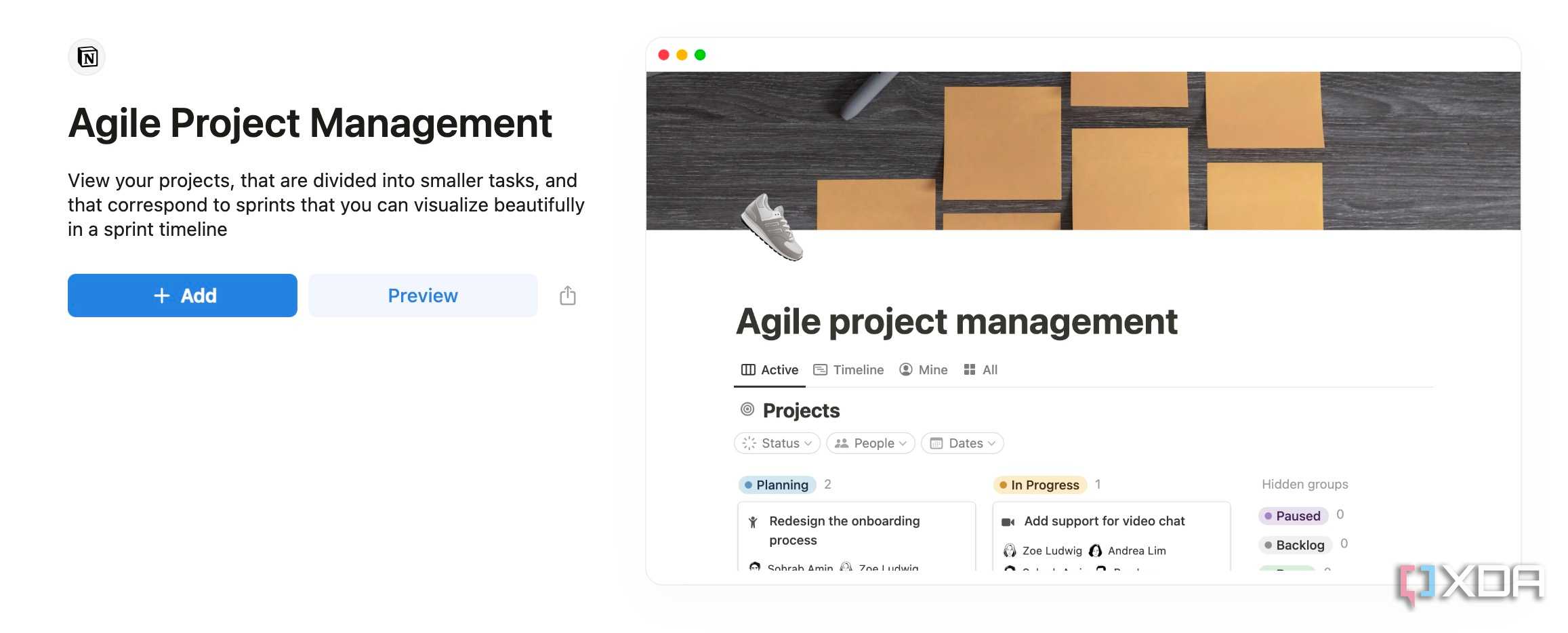
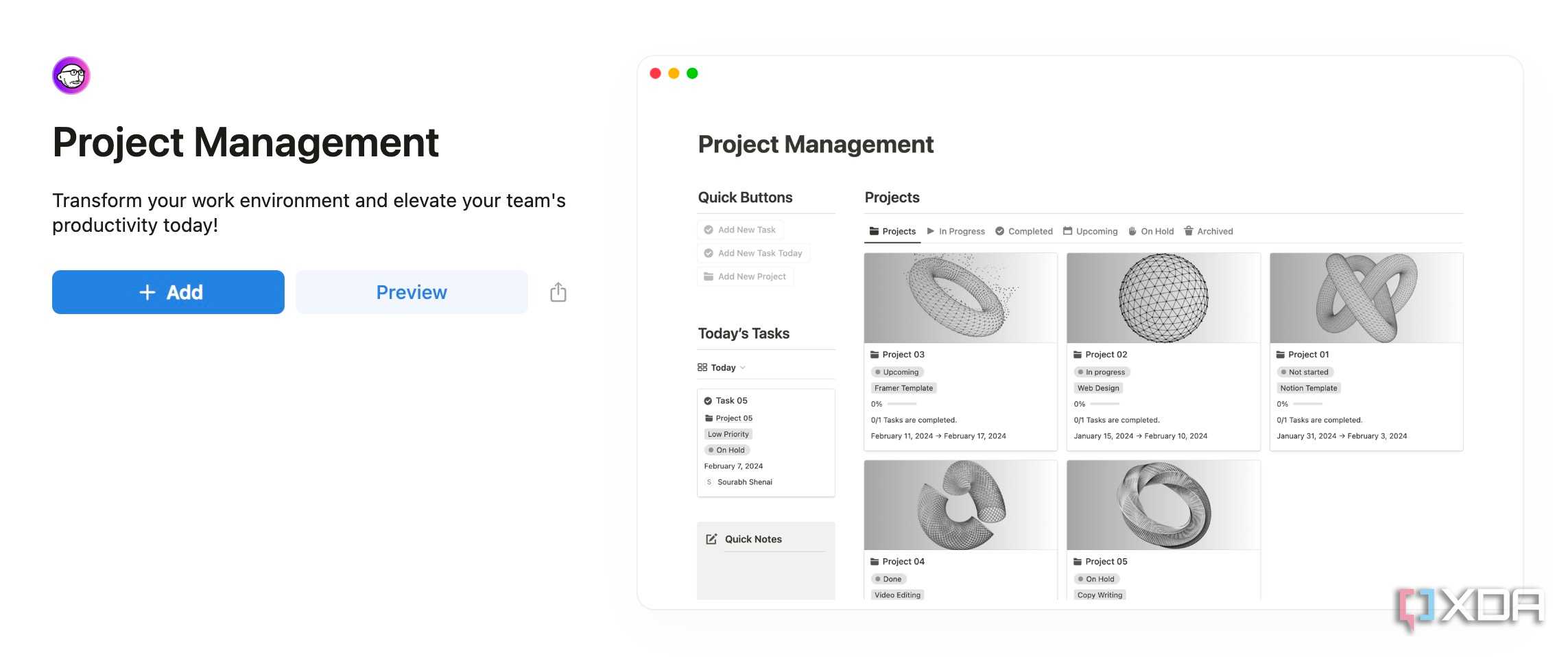
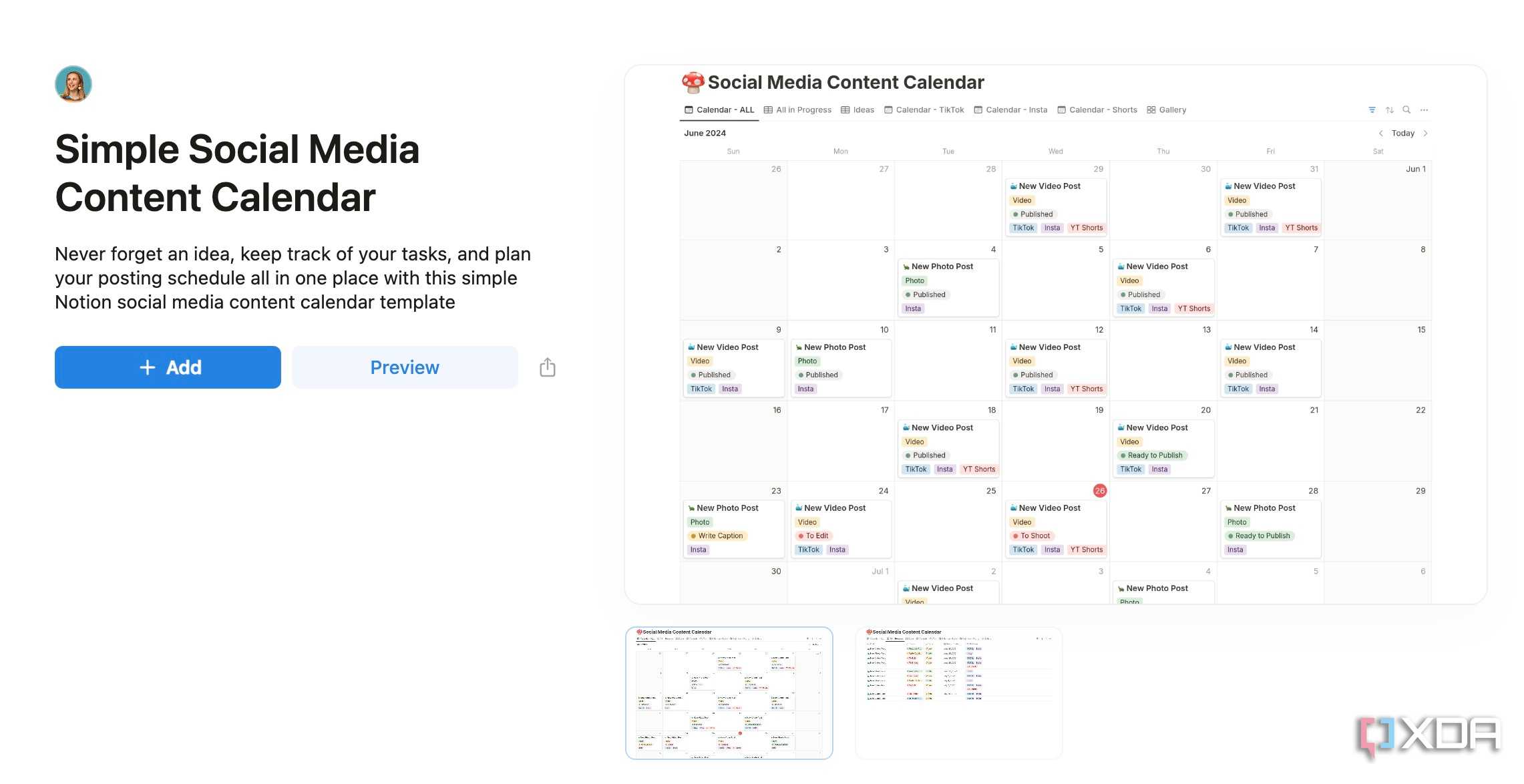
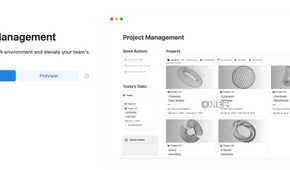
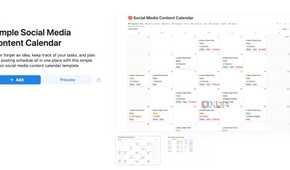
Here is where Notion truly shines. It offers a wealth of project management templates to help you get started. Whether you want to create a simple project tracker, product launch roadmap, or a complex Kanban board, you can get the job done with just a single click.
These templates provide a solid foundation and are fully customizable. You can easily add or remove sections, modify properties, and adjust views to align with your specific project requirements. You can also explore content calendar templates where you can plan and schedule your blog posts, social media updates, and other content.
4 Built-in form tool

Notion recently announced the form tool. If your project involves gathering customer data, doing surveys, quizzes, or collecting employee input, you don’t need to use another tool like Google Forms or Microsoft Forms to complete the task. You can easily type /Form and create a dynamic form with relevant details like text, multiple choice, date, person, number, checkbox, email, URL, and more.
3 Automation with third-party services

Notion offers multiple tools to automate your databases like a pro. You can create buttons, synced blocks, linked databases, and even explore Notion APIs for a custom workflow. Power users can explore database automation to unlock a host of possibilities.
For instance, you can connect your Slack workspace with Notion and create a trigger where the system sends a Slack alert whenever a team member changes the task status from In Progress to Complete. The possibilities are endless here.
2 A robust free plan
Notion offers an excellent free plan where you can create a collaborative workspace with unlimited blocks and databases, integrate it with Slack, GitHub, and more, and invite up to 10 guests. The free plan should be more than enough for individuals and small teams.
1 Notion’s all-in-one approach

Notion has a significant advantage here over traditional tools like Trello, Asana, Jira, and Airtable. Notion boasts a block editor, which is quite customizable. You can insert databases with different views and add relevant notes, tasks, customer information, widgets, and much more on a single page. It’s entirely up to you to design a page the way you want. There are no visual restrictions.
This versatility makes it a powerful all-in-one solution for various project management needs.
My Notion setup does it ALL
Don’t mistake Notion as another note-taking tool; it's a productivity powerhouse that can genuinely transform the way you manage your projects. With its versatile databases, collaborative features, and automation, it rivals (and often surpasses) expensive tools like Trello, Asana, and Jira, especially for individuals and small teams. Why wait? Set up a workspace, design your database, invite your team, configure automation, and give Notion a genuine try.
In addition to handling project management, Notion can also function as a subscription manager. Check out my separate guide on creating a powerful subscription tracker from scratch in Notion.

