


Contrary to popular belief, you don’t need a powerful Xeon system for DIY projects. Sure, certain server tools favor overpowered hardware, but there are just as many platforms that work well on budget-friendly consumer-tier systems. Take Proxmox, for example. Capable of running on bulky enterprise-grade hardware, potato laptops, and everything in between, it’s perfect for reviving low-end hardware as home server nodes.
But what about Single-Board Computers that cost less than $100? While it’s kind of a disaster on Arm systems, x86 boards are fair game. Source? Yours truly, who uses a spare Radxa X4-based Proxmox node for home server experiments.
This pint-sized board doubles as a neat PVE node
And it’s all thanks to the Intel N100 processor under the hood


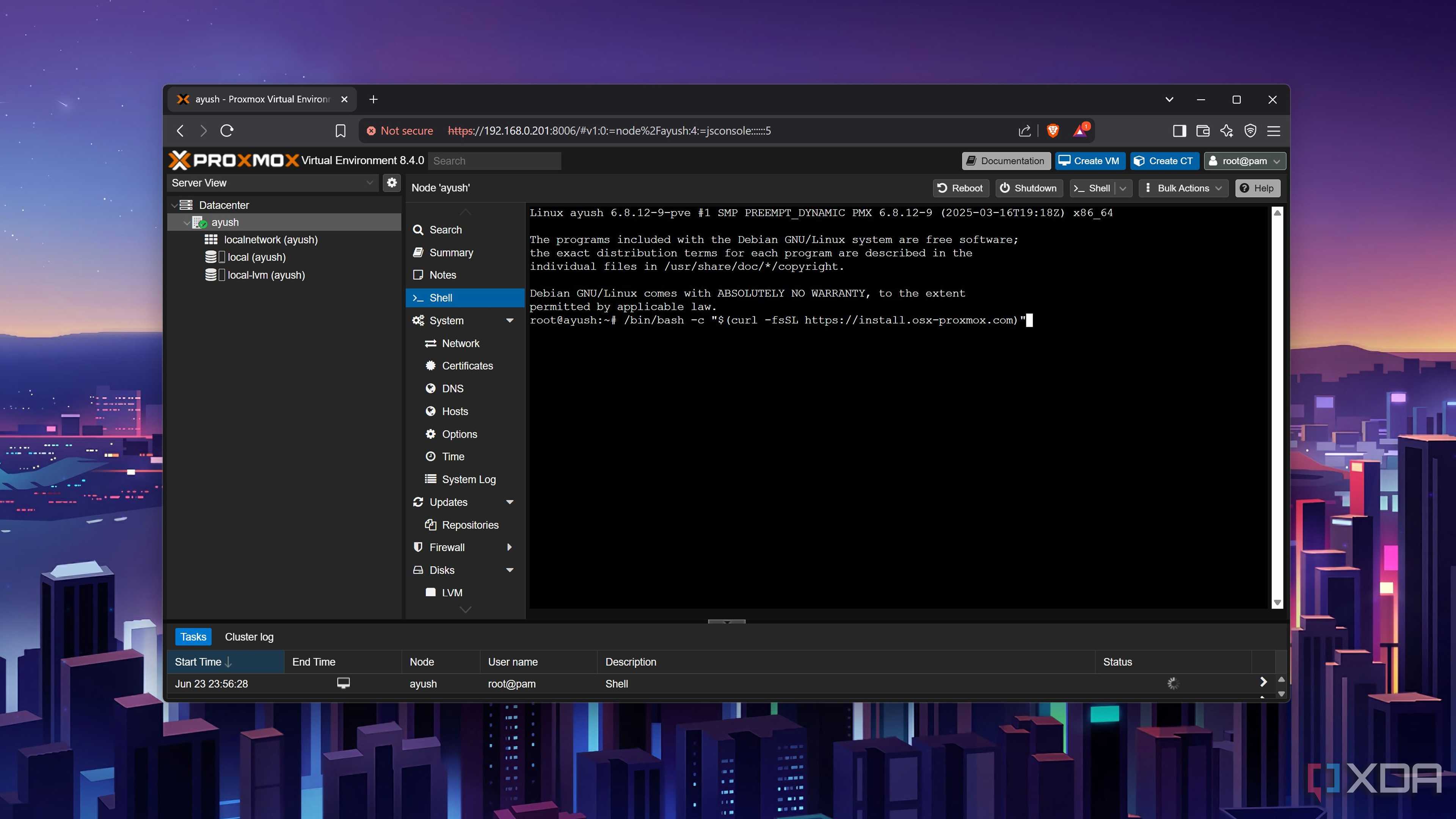
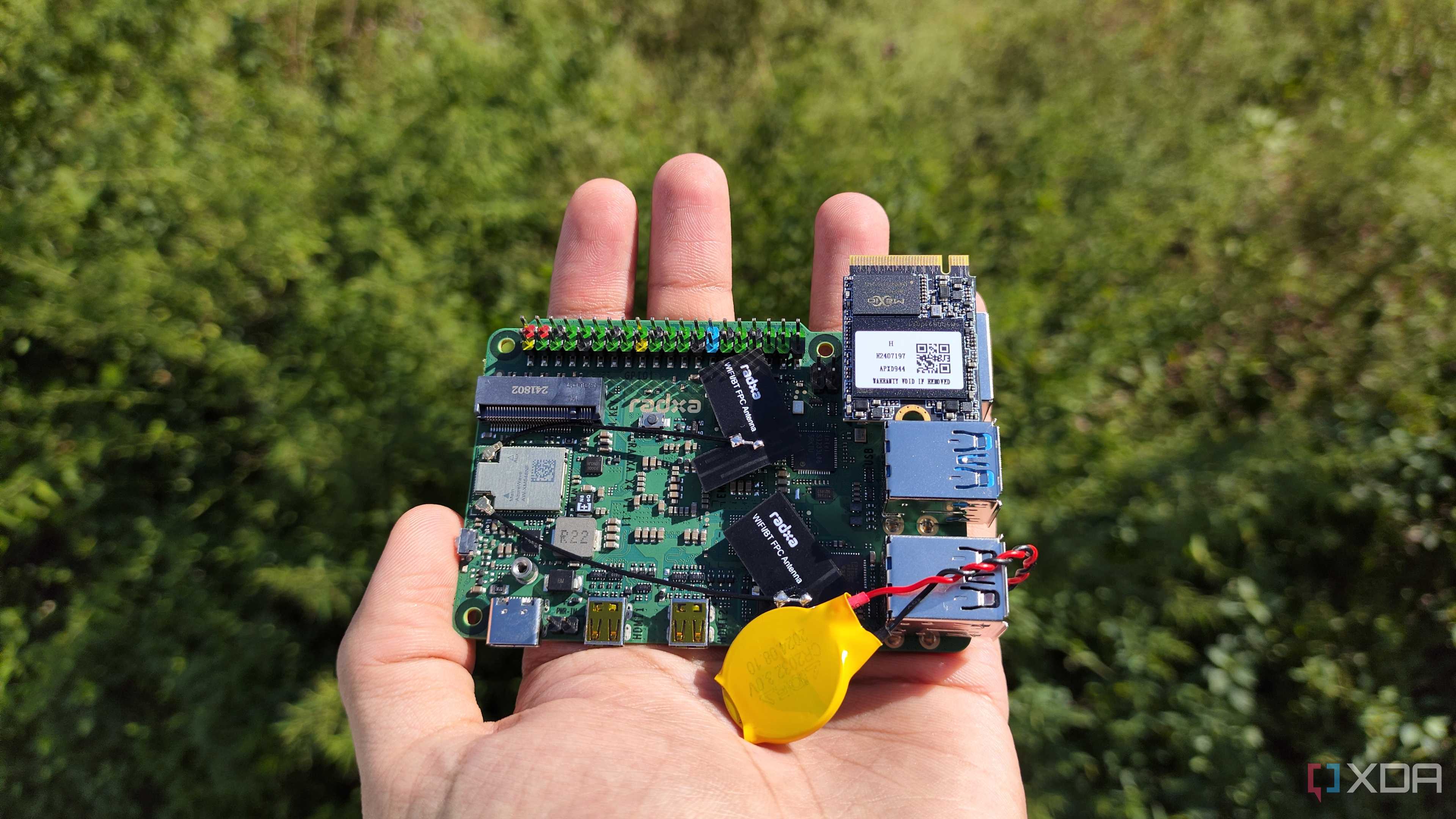
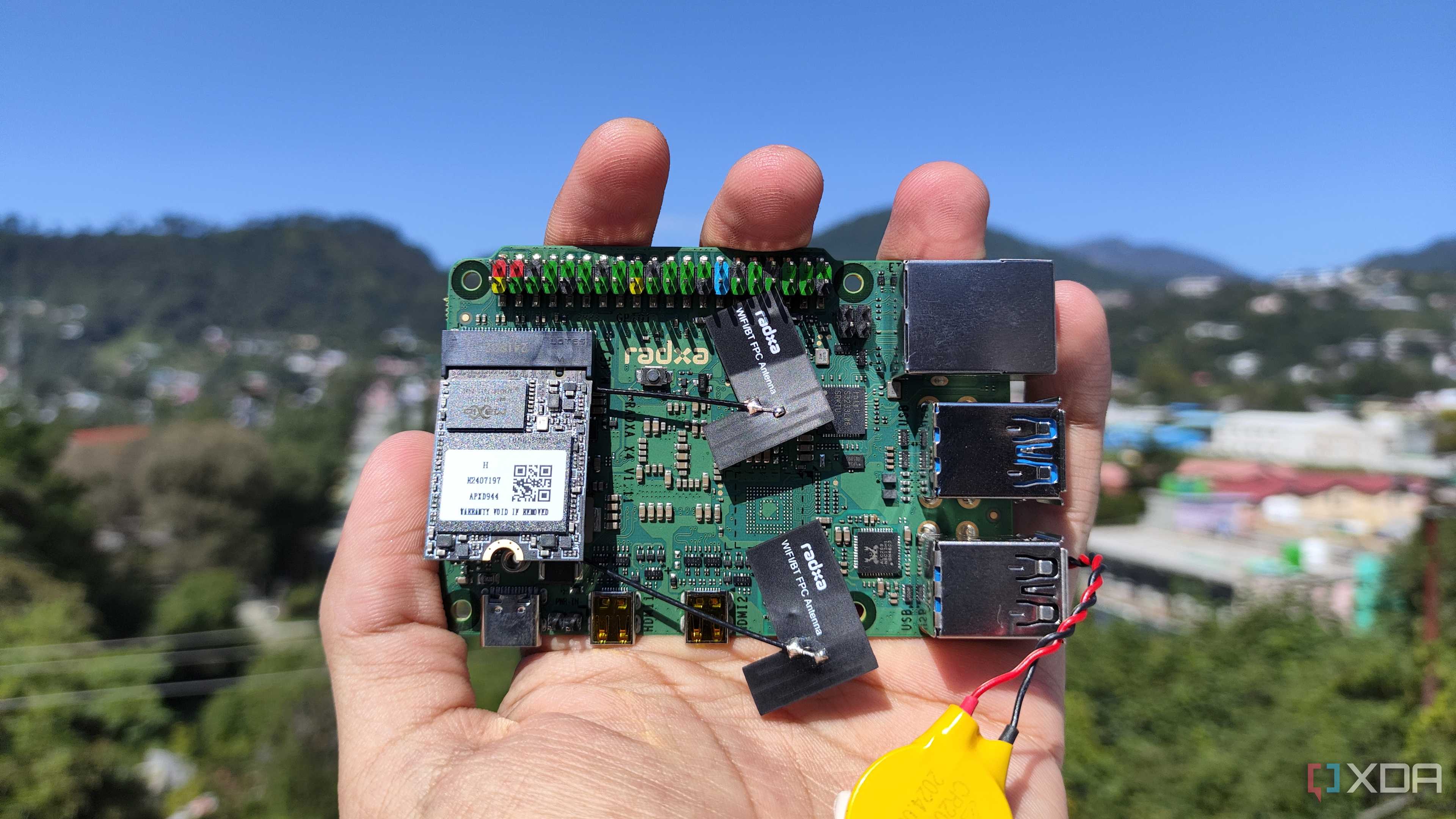
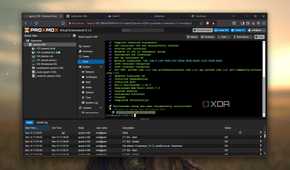

If you’ve read my articles on XDA, you’ve probably seen me gushing over the Radxa X4. Despite bearing similar price tags as typical Raspberry Pi 5 models, it ships with an x86 CPU – thereby ridding me of the compatibility problems and performance issues of conventional Arm SBCs. Better yet, the processor in question is the Intel N100. And having relied on this quad-core CPU for Proxmox projects in the past, I can confirm that it can hold its own against typical server workloads.
In fact, I’ve run out of RAM on more than one occasion, while the CPU chugs along nicely, and not the other way around. While we’re on the subject of memory, I’ve got a Radxa X4 with 8GB of LPDDR5 RAM, which retails for roughly $88. You could go for the $75 4GB variant to keep the overall cost of this server under $125, but I recommend picking the 8GB model to run LXCs (and even a VM or two) without overencumbering your RAM resources.
Its utility goes up when I go down the LXC route

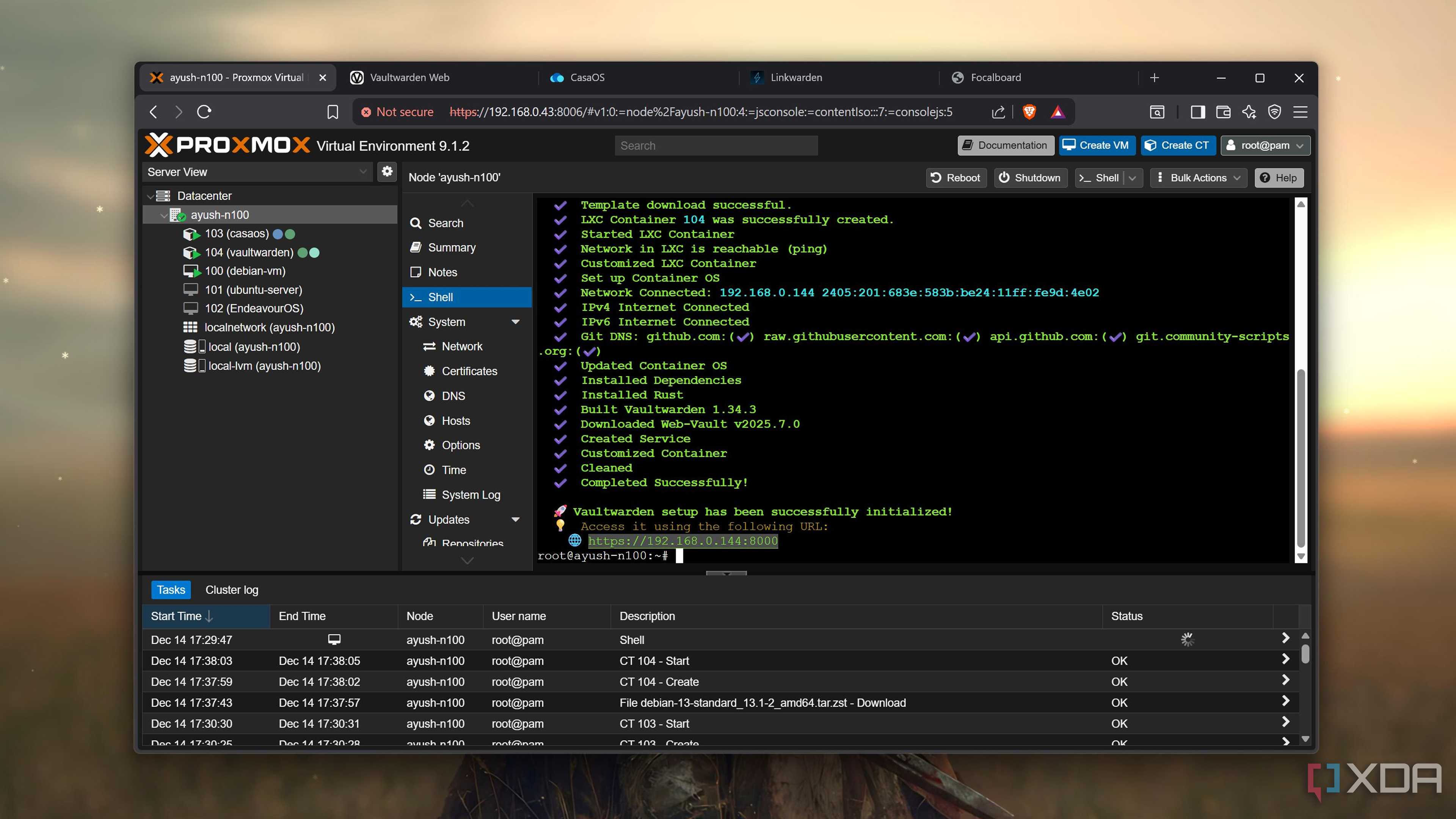
Until recently, the more powerful nodes in my home lab were littered with virtual machines. I’ll admit that gazing at dozens of VMs felt great, even more so when I showed my arsenal of virtual machines off to my buddies. However, LXCs are far more efficient than virtual machines for the majority of my experiments – especially when the machine powering everything is an Intel N100 SBC.
I’ve noticed that the Radxa X4 is slightly slower than the Aiffro K100 and other N100 systems in my arsenal, probably due to the weaker cooling provisions. Regardless, it can run around a dozen LXCs, including a few Docker containers inside a nested CasaOS instance. Barring certain LXCs, most of my favorite self-hosted services are pretty lightweight, so they run without any issues on the SBC-powered server. I even have two CLI-based VMs – one running Ubuntu Server, and the other relying on Alpine Linux – for experiments that require better isolation provisions. Heck, I can even run them with my LXCs, though the resource consumption metrics start to hit the red zone whenever I do that.
Even Microsoft’s flagship OS works surprisingly well as a VM as long as I overprovision the RAM. But I wouldn’t dare run it alongside the rest of my virtual guest collection. Deploying a macOS VM, however, isn’t something you should try on this budget-friendly node. Yes, I speak from experience.
Even its iGPU has some neat use cases

The Intel UHD Graphics that ship with the N100 are surprisingly useful for home lab tasks. For example, the iGPU supports Quick Sync Video, making it a decent option for hardware transcoding on Jellyfin. While its AI prowess is less than admirable, I can run some low-parameter LLMs (or SLMs, I guess) on it and pair them with Home Assistant. Sure, it won’t be as fluid as using a high-end Team Green GPU, but it’s not terribly awful, either.
I could use it in a cluster as well
But I wouldn’t go for a Ceph-based HA cluster

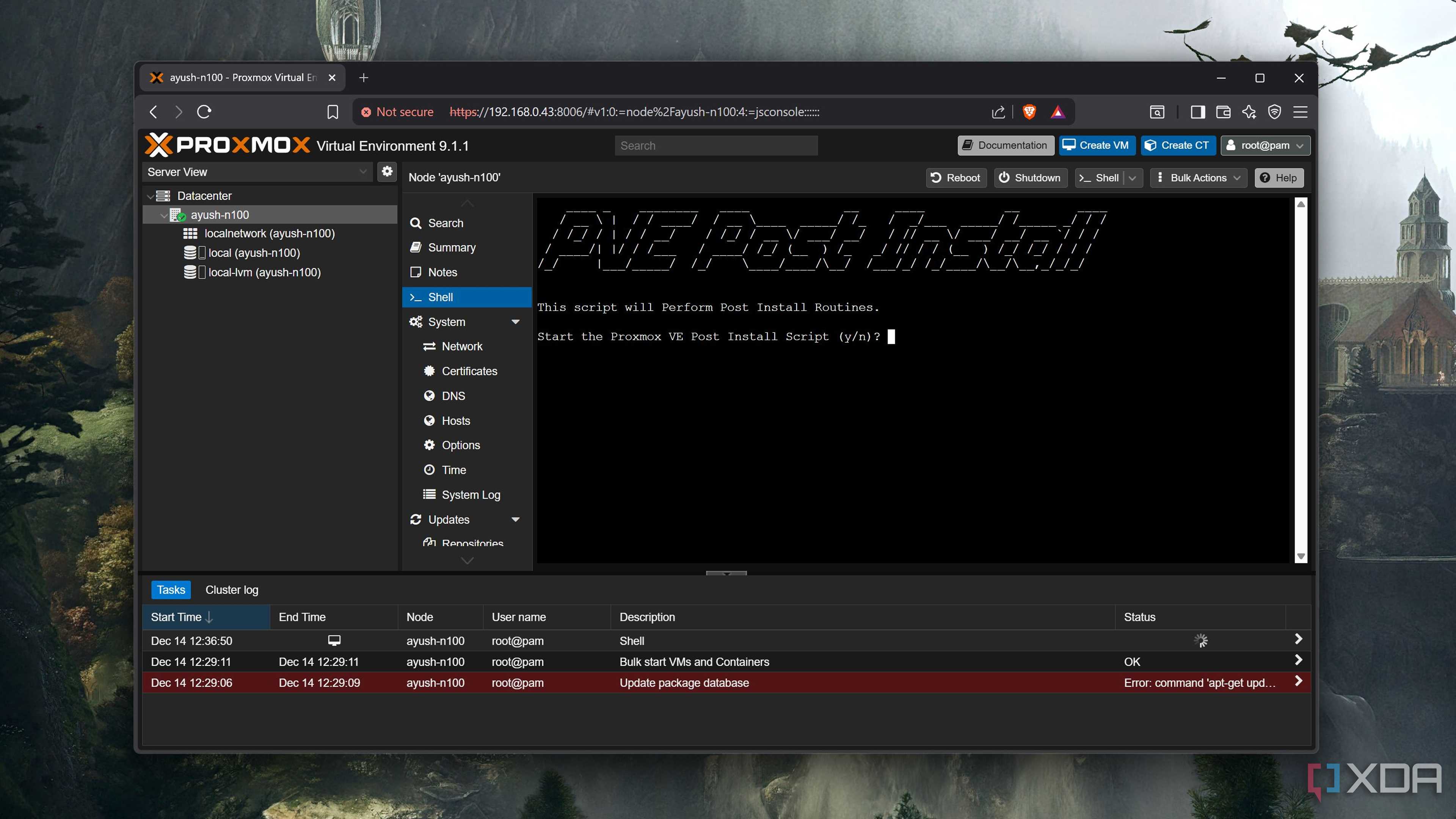
I’m currently running the Radxa X4 in a standalone Proxmox setup, and will configure it to self-host essential monitoring, notification, documentation, and management utilities over the weekend. It could technically work as a secondary node for clusters as well – provided I use a NAS-based dataset for distributed storage.
That’s because the SBC just doesn’t have the right number of ports to function as a Ceph-based cluster. I’ve got a ($45) 500GB no-name SSD slotted into the single 2230 slot, which is great for booting into Proxmox and storing virtual guest data. But if I wanted to configure it in a Ceph environment, I’d have to rely on eMMC/USB storage – and that’s not a risk I’m willing to take. Likewise, I can’t recommend converting it into a data-archival PBS vault, as it’s not possible to add typical SATA hard drives to the SBC.
But for the average home lab tasks, this sub-$150 server is surprisingly useful. It can run my favorite LXCs, handle CLI virtual machines, and even leverage the underdog iGPU in certain self-hosted apps.
