


Integrated graphics have come a long way, especially when looking to transcode media. I've gone from network-attached storage (NAS) enclosures with weak processors and integrated graphics that can't really handle heavier tasks when required to full builds with dedicated hardware in the form of a graphics card. It was almost required since our existing playback device of choice didn't support all the formats stored on Plex.
I ended up using a GPU, starting with an Nvidia GeForce RTX 1060 and ending up with a T1000 GPU to handle the workload. It worked well inside systems with either next to no integrated graphics processing or one where I didn't want the CPU handling it. The T1000 was fast, efficient, and relatively straightforward to add to a Proxmox node. But what I really needed was to use integrated graphics, namely Intel Quick Sync. This is a great feature supported on many Intel CPUs.
Once moving to a few low-power Proxmox nodes with Intel Core i5-7400 chips inside them, I could finally dedicate almost an entire node to running Jellyfin. The result was less power usage, better flexibility with having the T1000 available for other tasks, and almost no difference in the capabilities of the media streaming platform. That, and we didn't really require transcoding thanks to direct play.
Dedicated cards have a place
Just not for my media center


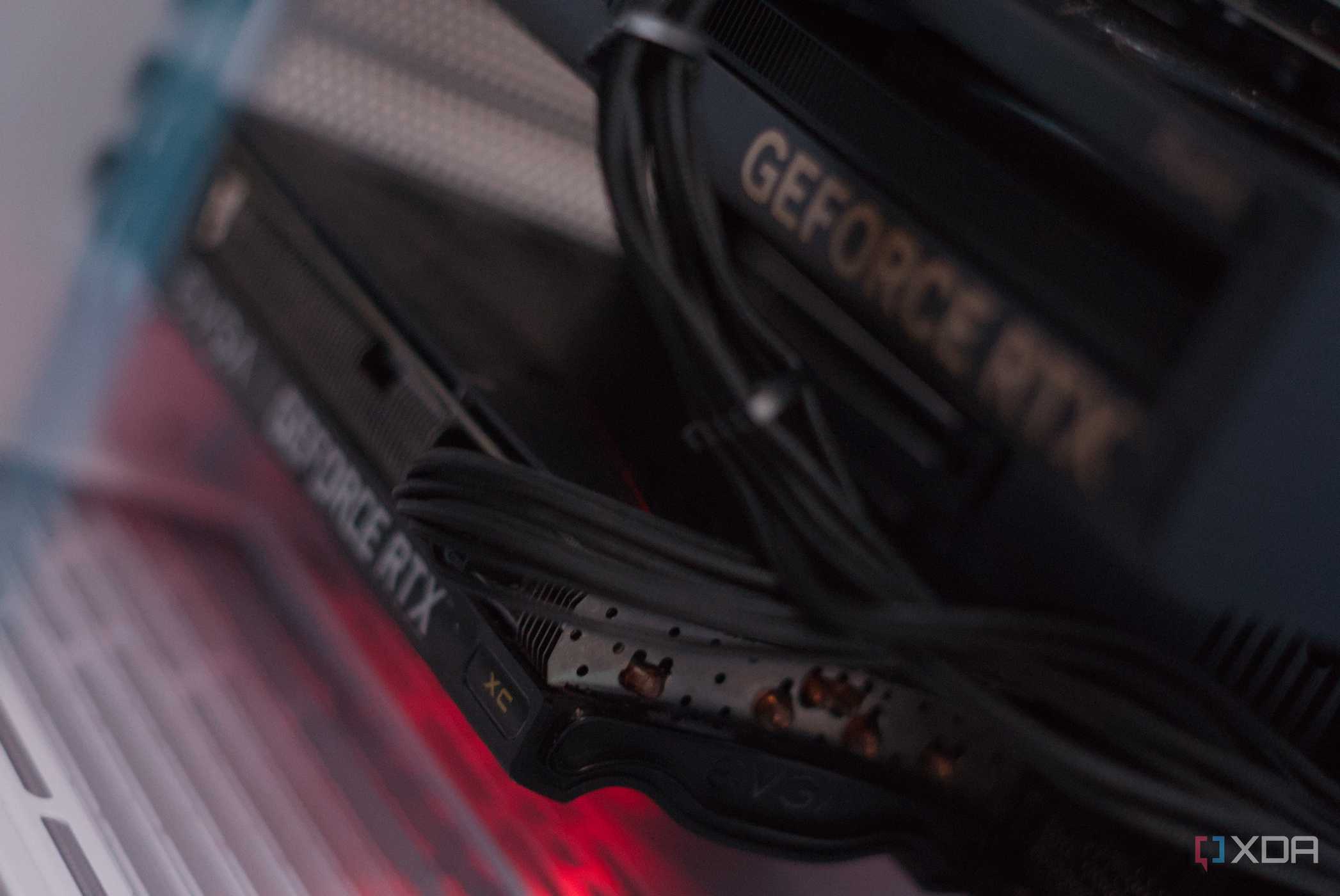
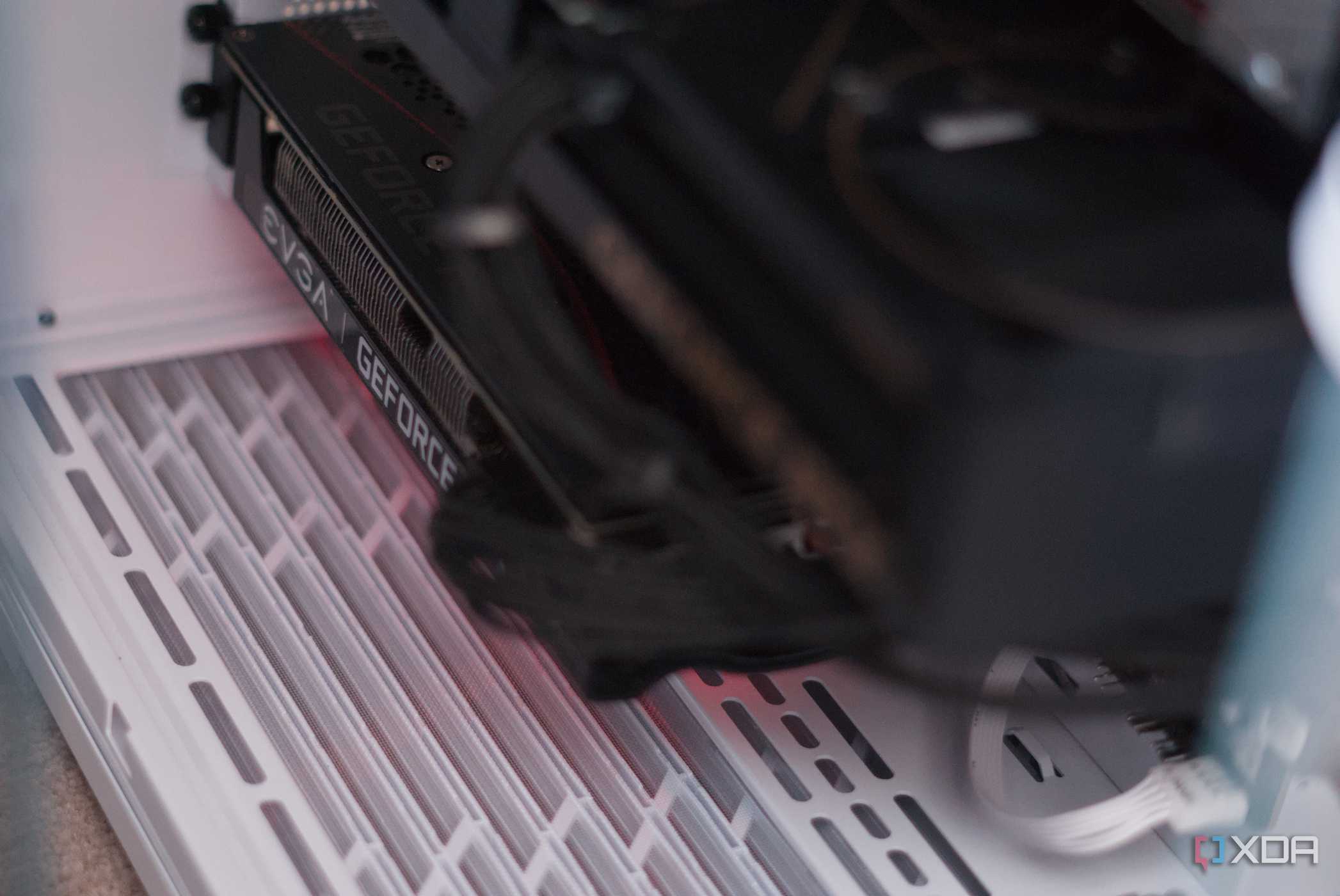

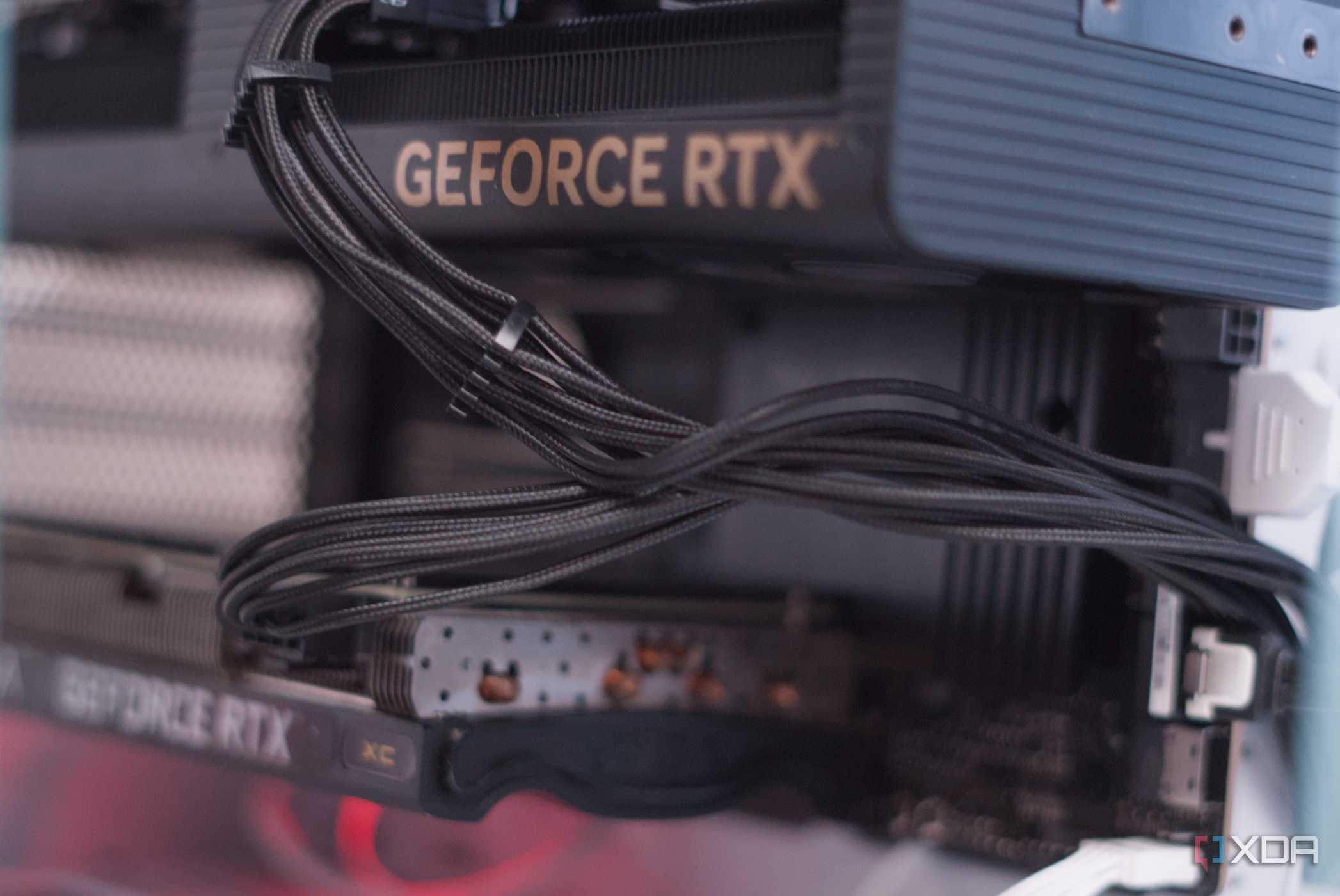
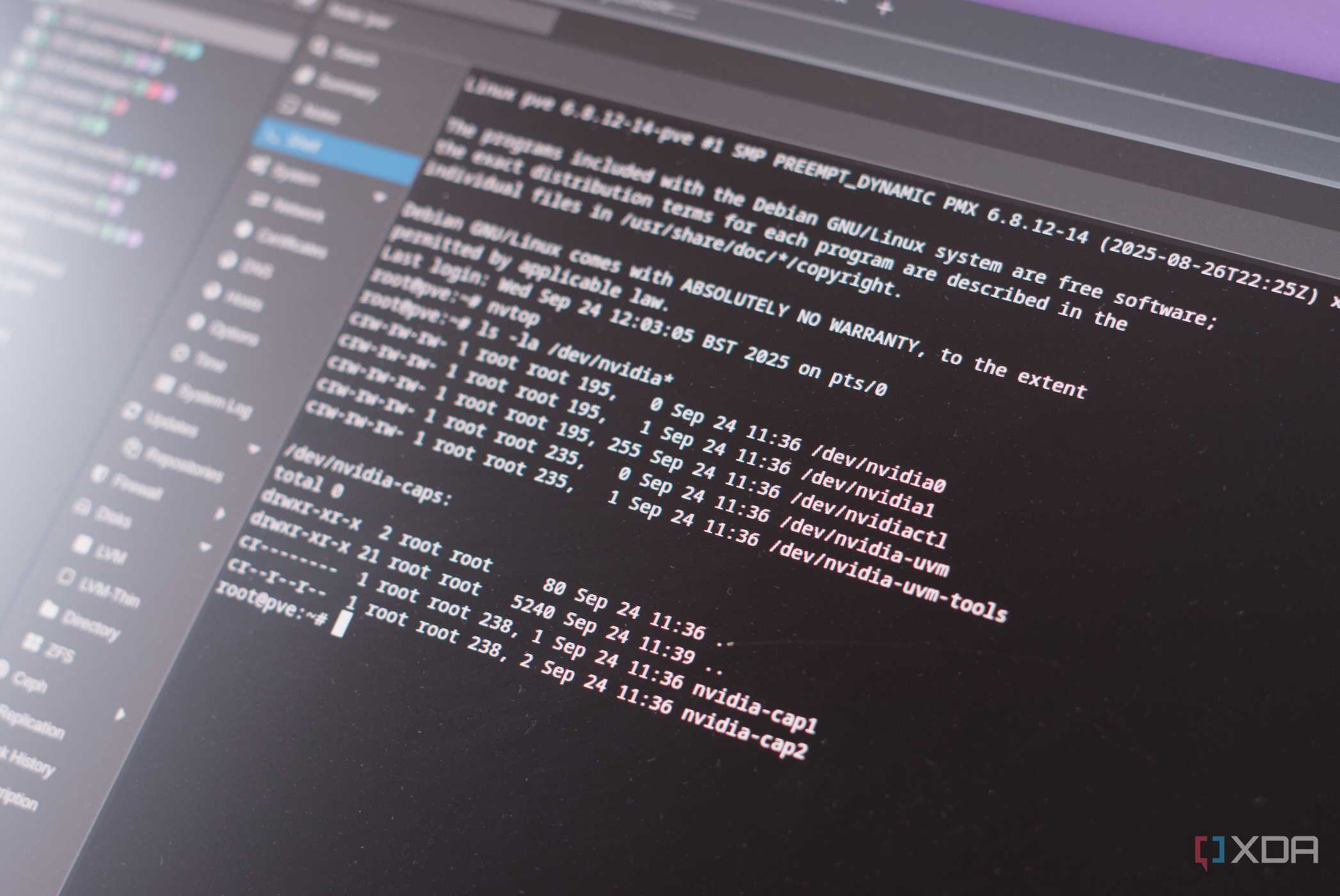

Using a GPU to handle specific workloads is a must-have, depending on what you wish to achieve. For running a large language model (LLM), you absolutely need one to run a capable model with decent results. But for transcoding, it all depends on what you're running, the file types, and what devices will be clients. Most modern TVs, smartphones, and other devices will largely support most formats
The GTX 1060 and T1000 were solid choices at the time since the NAS I used had a PCI slot, but the integrated graphics were fairly poor. Later, I moved to a single Proxmox server with an old Dell PowerEdge R210 II. It was fairly capable, but the CPU would be dedicated to handling transcoding without Quick Sync and other helpful features. That's where the GPU would come into play.
Even moving to a single system using an overboard CPU saw the omission of the GPU, thanks to the Threadripper being able to brute force absolutely everything. That was a considerable expense in terms of power usage. The issue with running everything on one system is it creates a single point of failure. But the same could be said for using a GPU for transcoding. If that part ceases to function, it would need to be replaced.
Dedicated hardware for something that could be achieved using other required components, like the CPU, also helps reduce power consumption. It's a waste of the GPU since it largely stayed underutilized with very little usage outside of some transcoding here and there. But there's just not much of a need for this feature, at least in our home. Intel's Quick Sync is great when used with a capable chip.
The Core i5-7400 isn't the most powerful CPU available, not even close. But it's absolutely perfect for handling a few workloads, including running Jellyfin or some other media streaming service. Four cores and Intel HD Graphics 630 allow the two Proxmox nodes to make quick work of video-related work, such as streaming and surveillance footage. With H.264 and HEVC support, I was ready to move everything over.

Jellyfin
- iOS compatible
- Yes
- Android compatible
- Yes
- Desktop compatible
- Yes
Jellyfin is one of the best Plex alternatives you can get, and that's thanks to its open-source nature and powerful set of features. There are apps for basically every platform and it's completely free to run your very own server.
Proxmox is key for my setup
iGPU passthrough and lightweight containers

With two nodes running Proxmox, the virtualization platform fully came alive, allowing me to quickly move instances between hardware. It's even possible to split services across nodes for redundancy and load balancing. Dropping dedicated hardware for transcoding and moving from NAS operating systems to Proxmox forced me to rethink my entire architecture.
All that Proxmox requires to fully utilize the available integrated GPU is to have it enabled in the BIOS, ensure drivers are loaded on the host, and pass the devices to the containers. It's largely automatic, and nothing needs to be changed outside of checking the settings within the BIOS. Jellyfin or Plex can then be configured with VA-API or Quick Sync.
So, it seems like a fairly obvious move to drop dedicated hardware and make use of integrated graphics, but just how different is the performance? I put the Core i5-7400 to the test. It's good enough for 1080p transcodes. Reducing 4K down to 1080p is without any buffering issues, though three streams start to stretch things slightly.
We don't typically view simultaneous streams, so having the means to handle multiple transcodes at once is almost pointless. DirectPlay is usually the go-to option and is usually available for the clients we use - the official Jellyfin app on Samsung and TCL smart TVs. For quality, there was no way for me to visually distinguish between the outputs.
Less hardware, fewer headaches
No more driver woes

Nvidia drivers are fairly solid on Linux, though there certainly are issues that can creep up. The same can't really be said for Intel CPUs. It's also less likely to encounter compatibility-related quirks. Whether you're rocking a capable Intel CPU inside a Synology NAS or a consumer-grade desktop-class chip inside a PC, Quick Sync is ready to go and can largely handle any Jellyfin load.
And let's be honest, it's not just the GPU that remains largely idle, but the entire system isn't going to be doing much even while streaming something. Having Intel Quick Sync configured and used ensures a smooth transition between nodes with the same platform. I don't need to hunt down the same GPU or make any changes to the instance. Simply move it across and fire it up.
Now, instead of forking out for anywhere between 50-200W, depending on the GPU, I'm fully utilizing the iGPU within the CPU, which is already installed and running the system. No additional hardware, resulting in a substantial saving compared to dedicated hardware. This has a compounding effect when coupled with dropping rack servers and beefy CPUs for afforable compact systems.
