


Ever since NVIDIA dropped DLSS 4.5 globally, I haven't been able to get enough of it. I've been quite vocal about how the new upscaler version took my 1440p machine and gave me the confidence to finally start using a 4K display for my games. After all, DLSS 4.5 is allowing me to jump down to presets like Balanced, Performance, and Ultra Performance — ones I never thought I'd touch.
That being said, as I was merrily gaming on my 4K 144Hz panel while running Cyberpunk 2077 with DLSS 4.5's Performance preset, I wondered just how much lower the internal resolution could go before DLSS stopped "working." Out came Special K, and I soon found out that for all the limits NVIDIA puts on its upscalers in games, it can do more when pushed.
DLSS 4.5 is almost worthy of a "5.0" title
The enhanced image quality and stability are remarkable


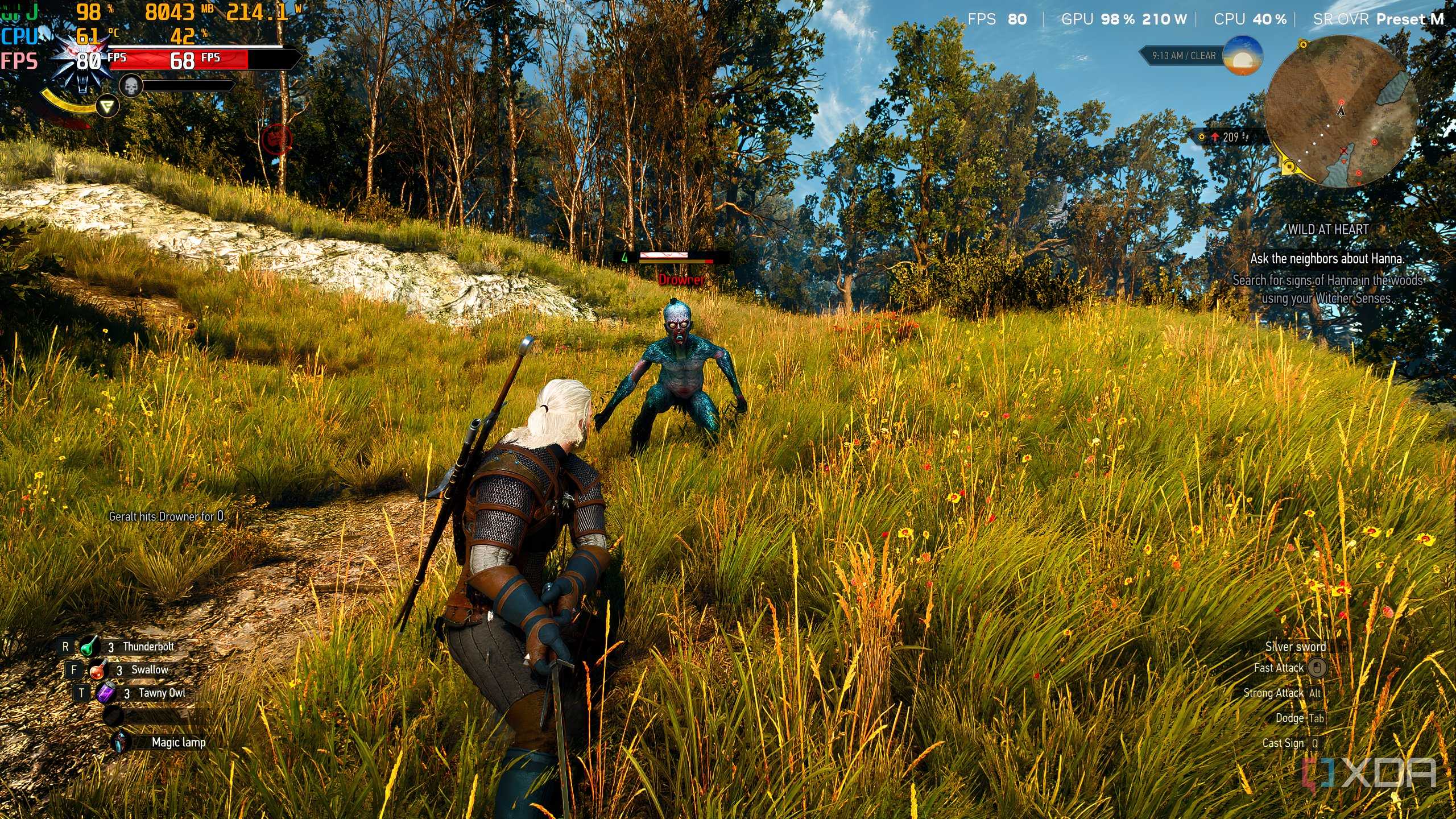
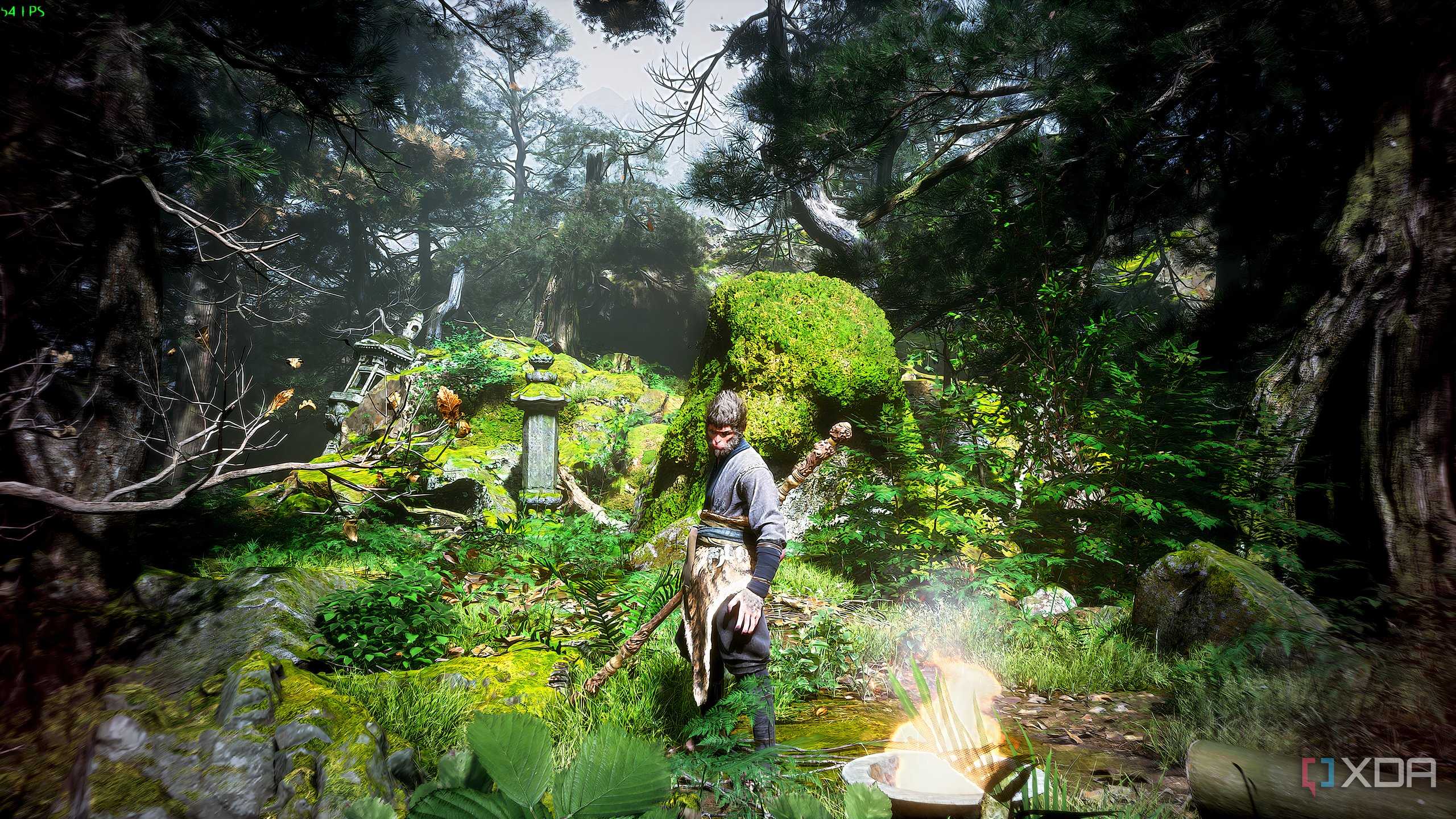

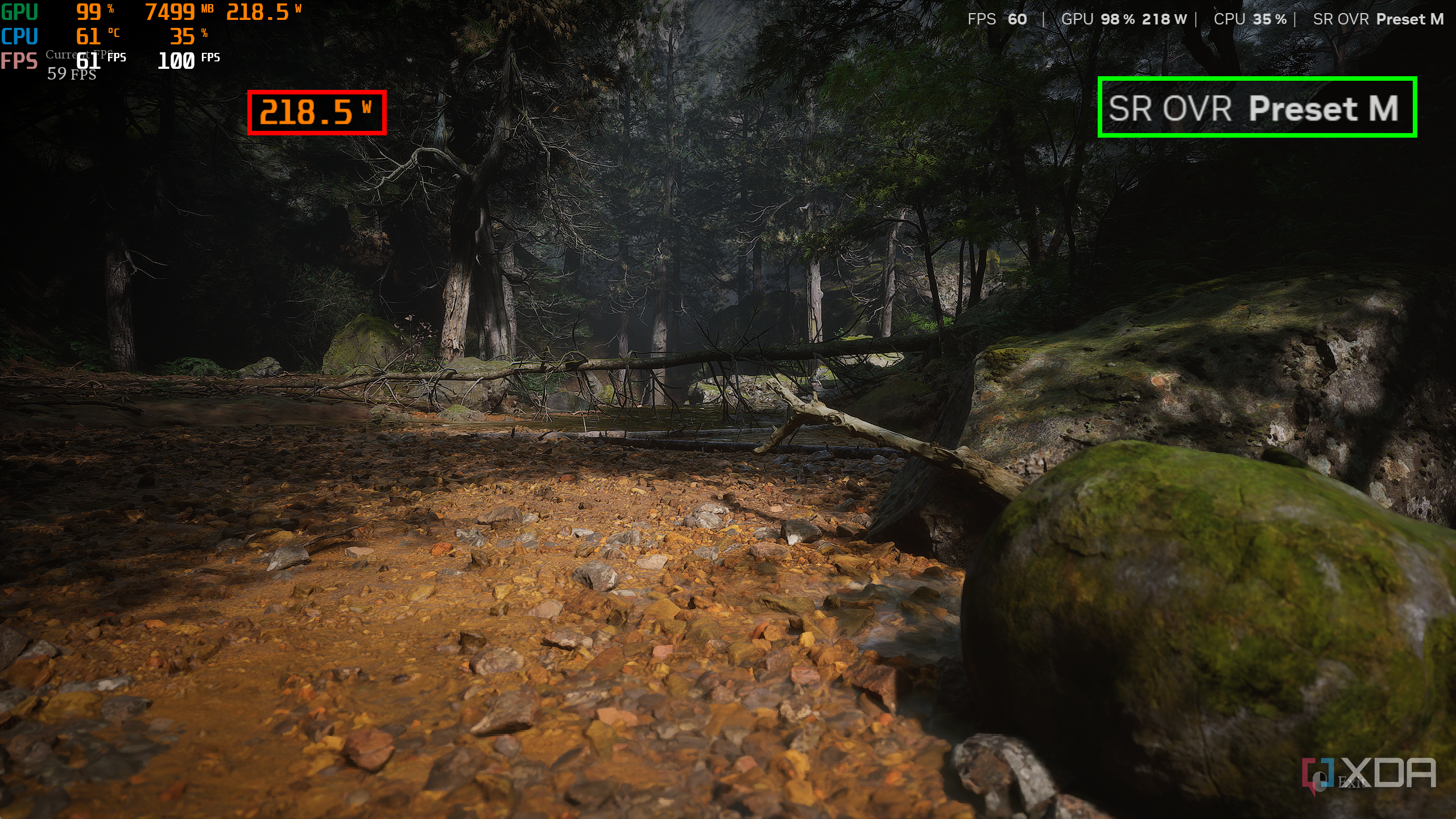


Ever since NVIDIA came out with DLSS 2.0 in early 2020, the upscaling tech has been nothing short of impressive. DLSS 1.0 was a blurry mess, but in hindsight, it was more a proof of concept than a fully-functioning upscaler. Six years later, DLSS 4.0 was doing tremendously well with its temporal stability and image quality, but not without a handful of drawbacks and limitations. For starters, DLSS 4.0's image quality remained impressive, but only in the Balanced-to-Quality preset range. The moment you went down to presets like Performance or Ultra Performance, the downgrade in image quality was readily apparent, and it hindered the overall experience significantly.
While DLSS Quality and DLSS Balanced keep the internal resolution of the game at 66.6% and 58% respectively, the Performance and Ultra Performance presets take things down to 50% and 33.3%, respectively. At 1440p, DLSS Ultra Performance internally renders games at 480p before upscaling them to QHD, and at 4K, that number becomes 720p.
Testing 480p on a 1440p display
This is what DLSS Ultra Performance does anyway


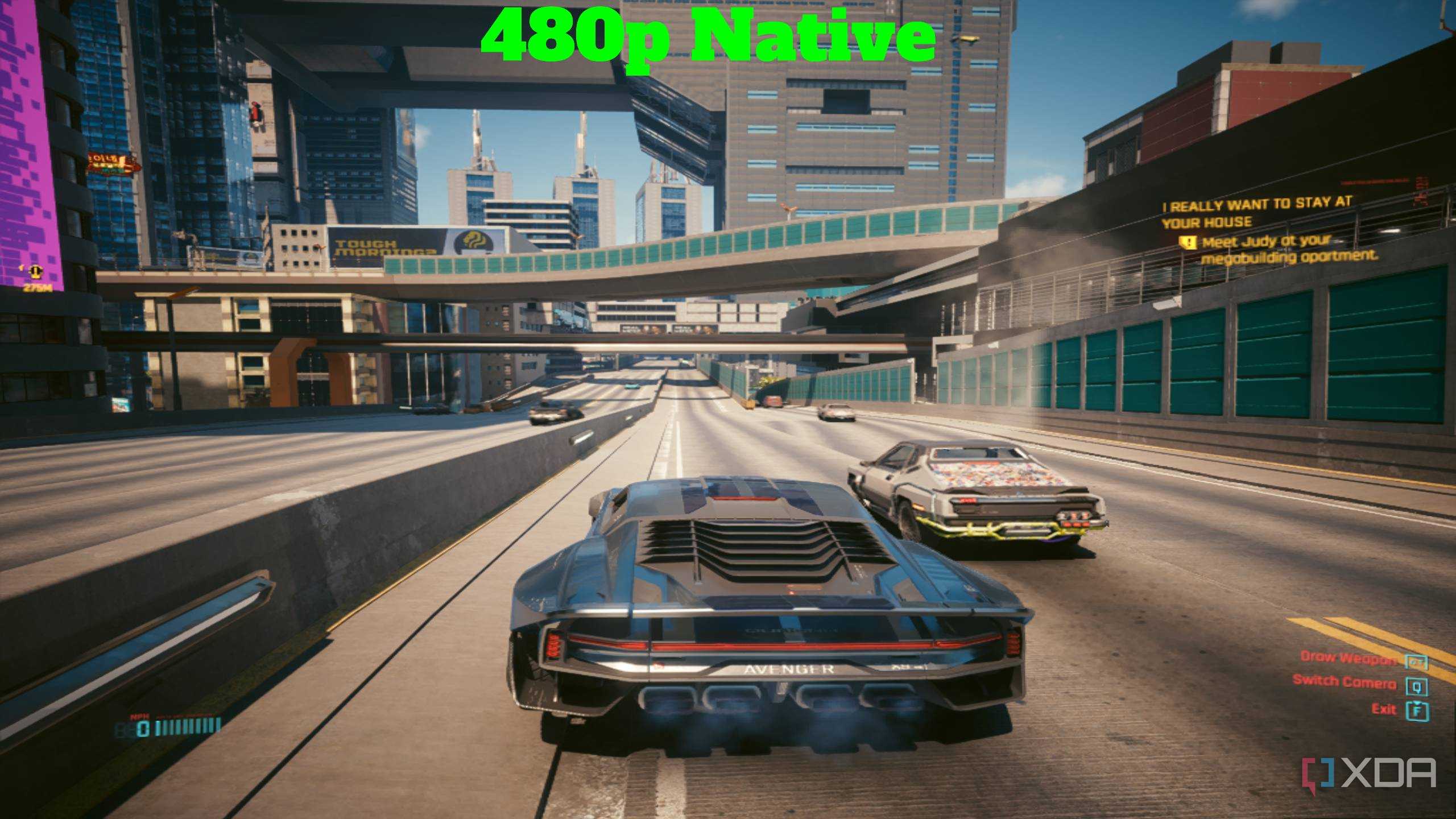
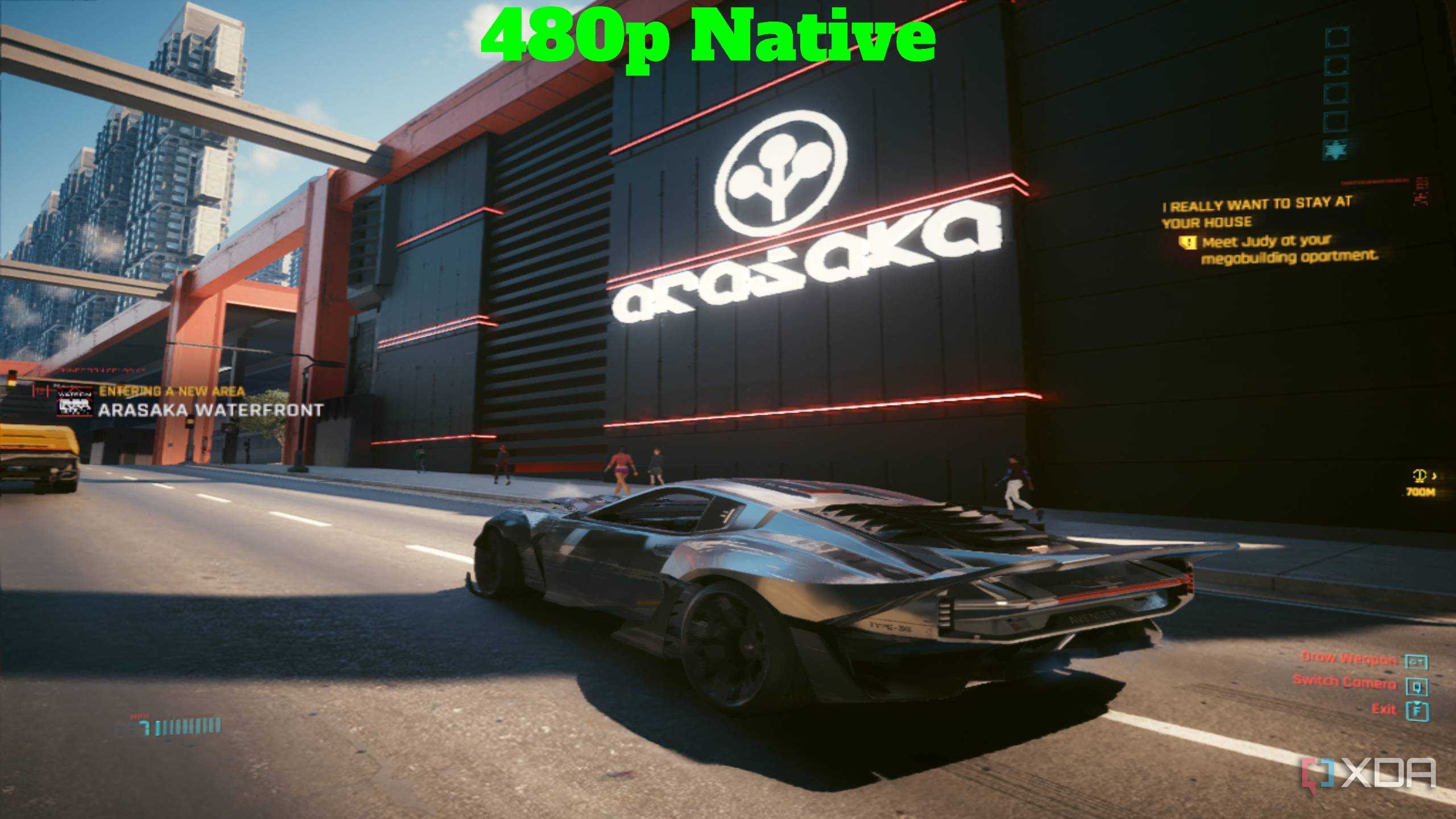
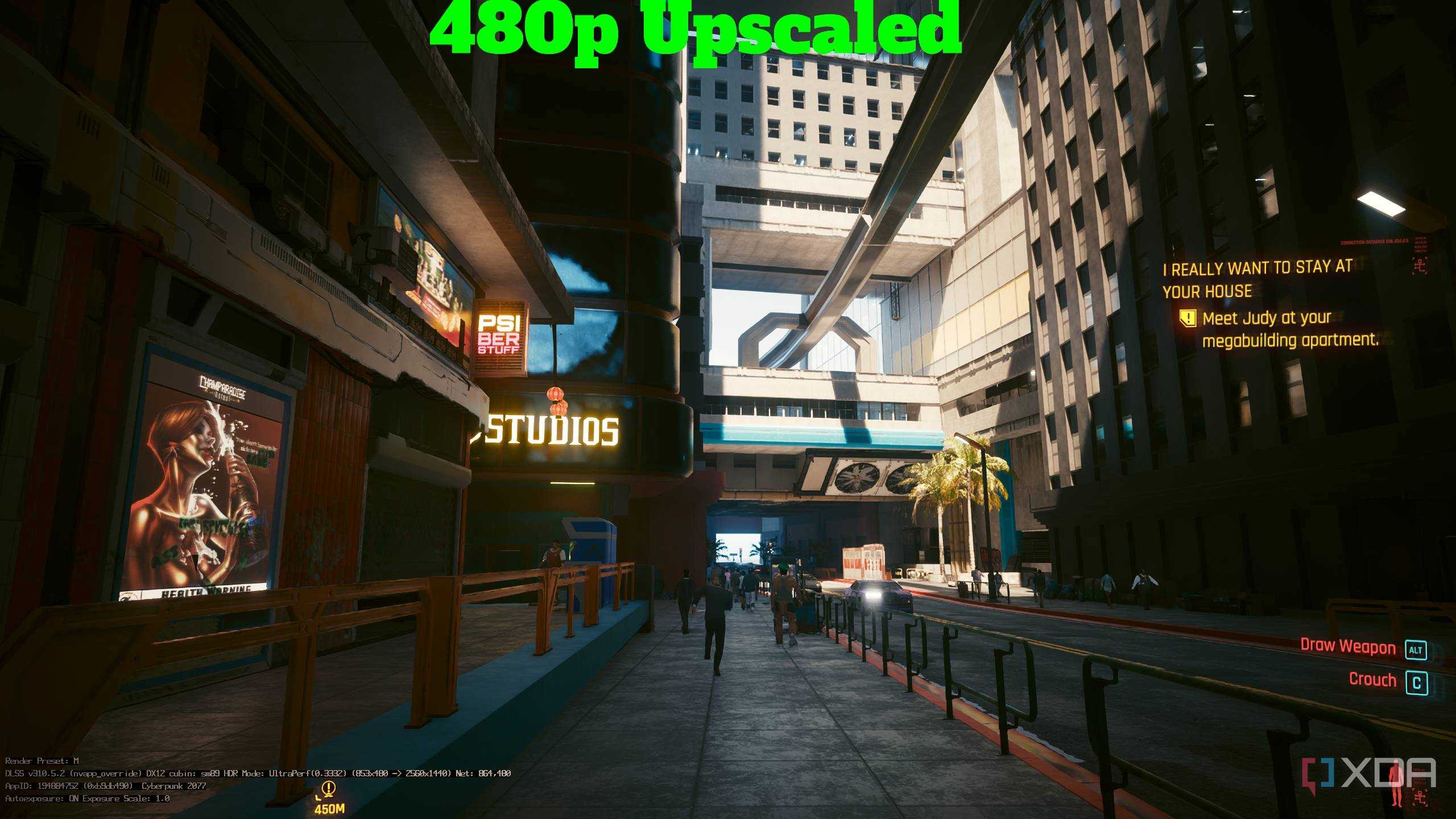
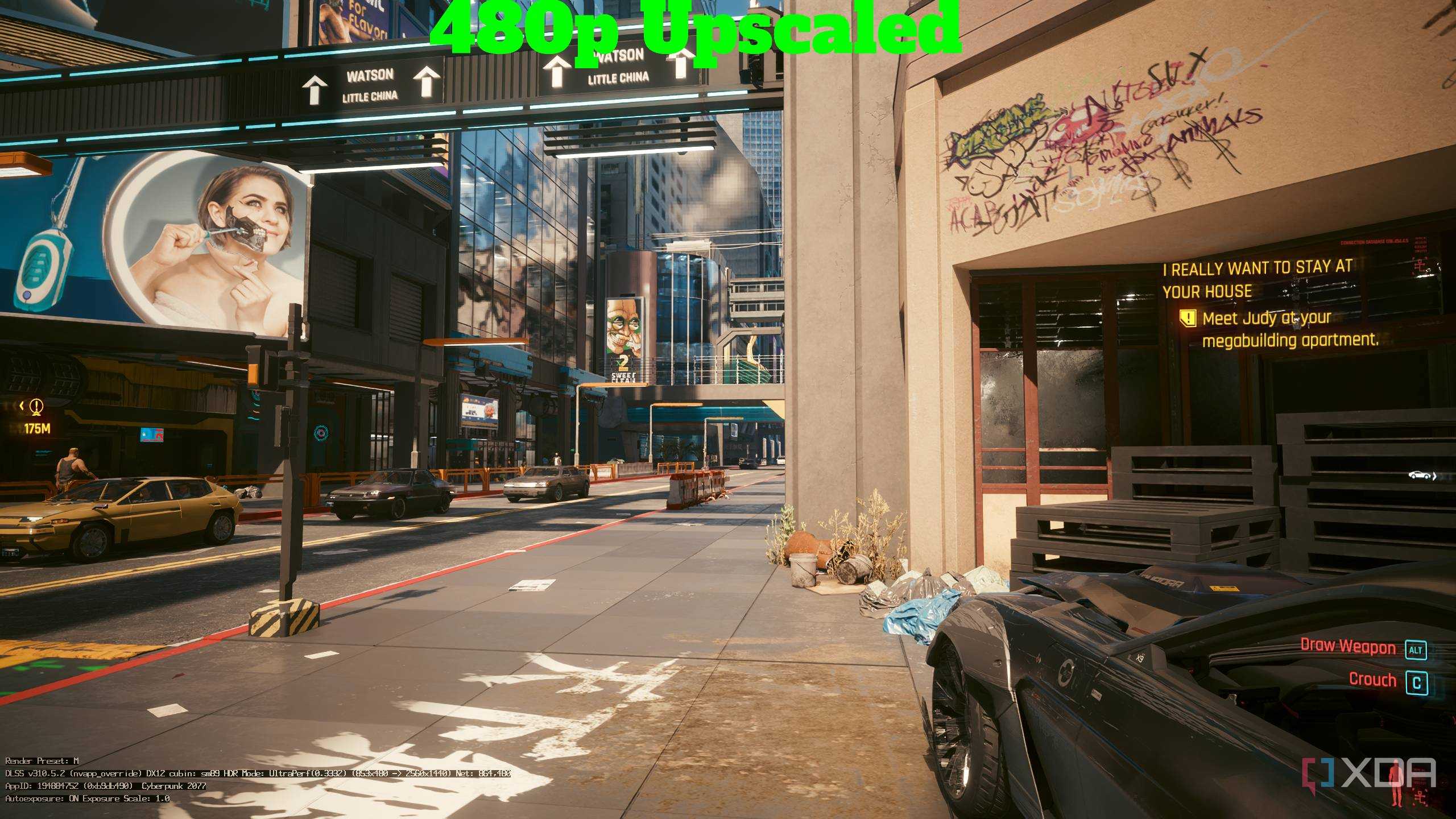
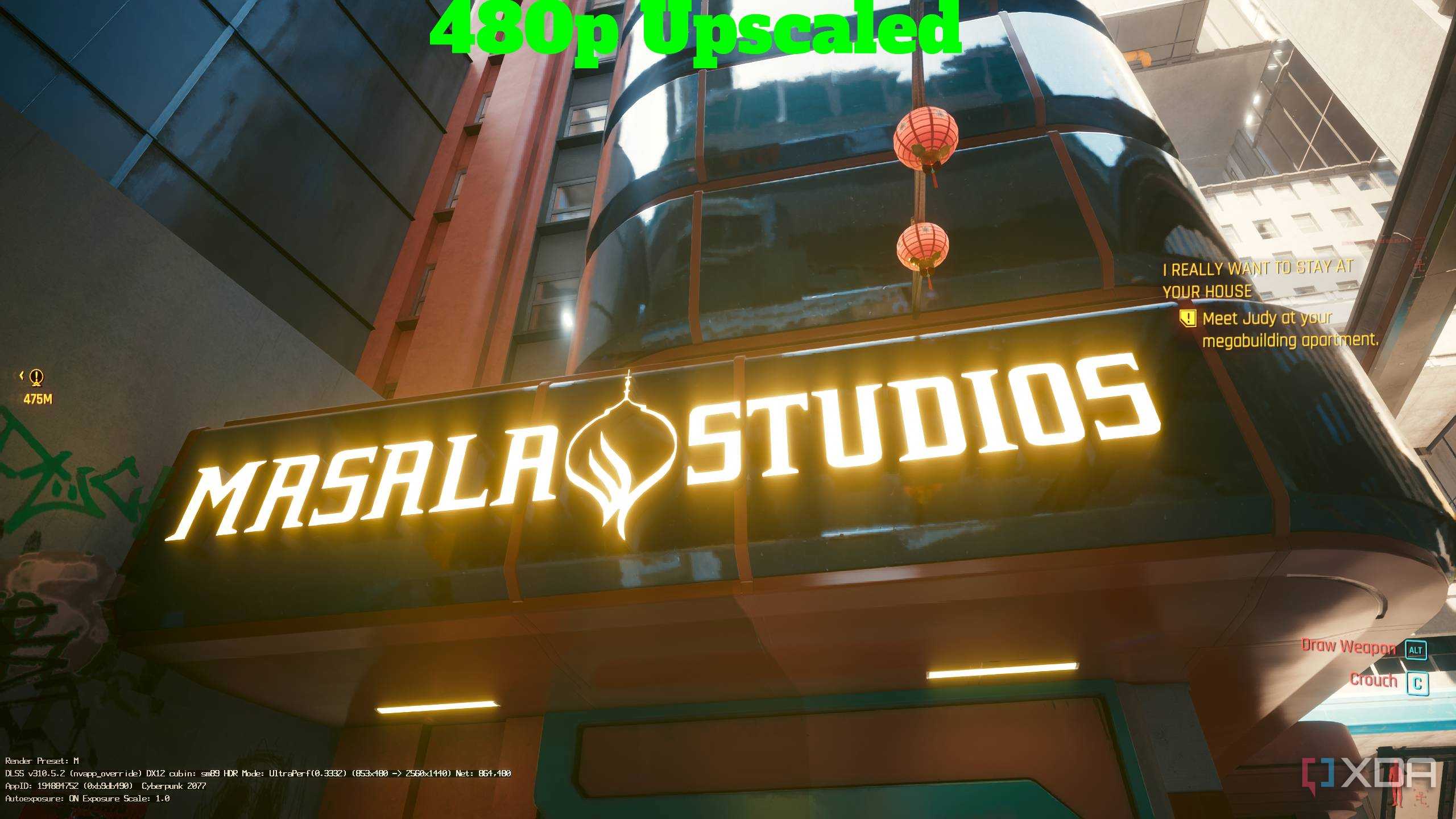
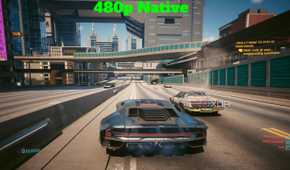

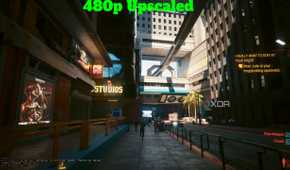
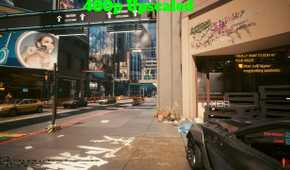

The first thing I did was test Cyberpunk 2077 at Ultra Performance with Preset L, which internally rendered the game at 480p on my 1440p display. Here, things were pretty stable, and I didn't need Special K to go down to 480p on the game. However, forcing 480p natively on the game showed a day-and-night difference between the two. A native 480p resolution on Cyberpunk may look appealing with its VCR-esque aesthetic, but it's certainly not easy on the eyes when you're in the middle of gameplay.
Turning on Ultra Performance, however, upscaled the internal 480p resolution right back up to 1440p, which isn't just playable, but properly impressive. After all, we're still talking about maxed out graphics and ray tracing set to max, too. The edges of all moving objects, including vehicles and hostile enemies, all remained completely stable without any ghosting, which left me pleasantly surprised. After all, I was expecting a few shimmer edges at Ultra Performance, and I never got them.
240p is nearly the breaking point
That's how low I went at 1440p


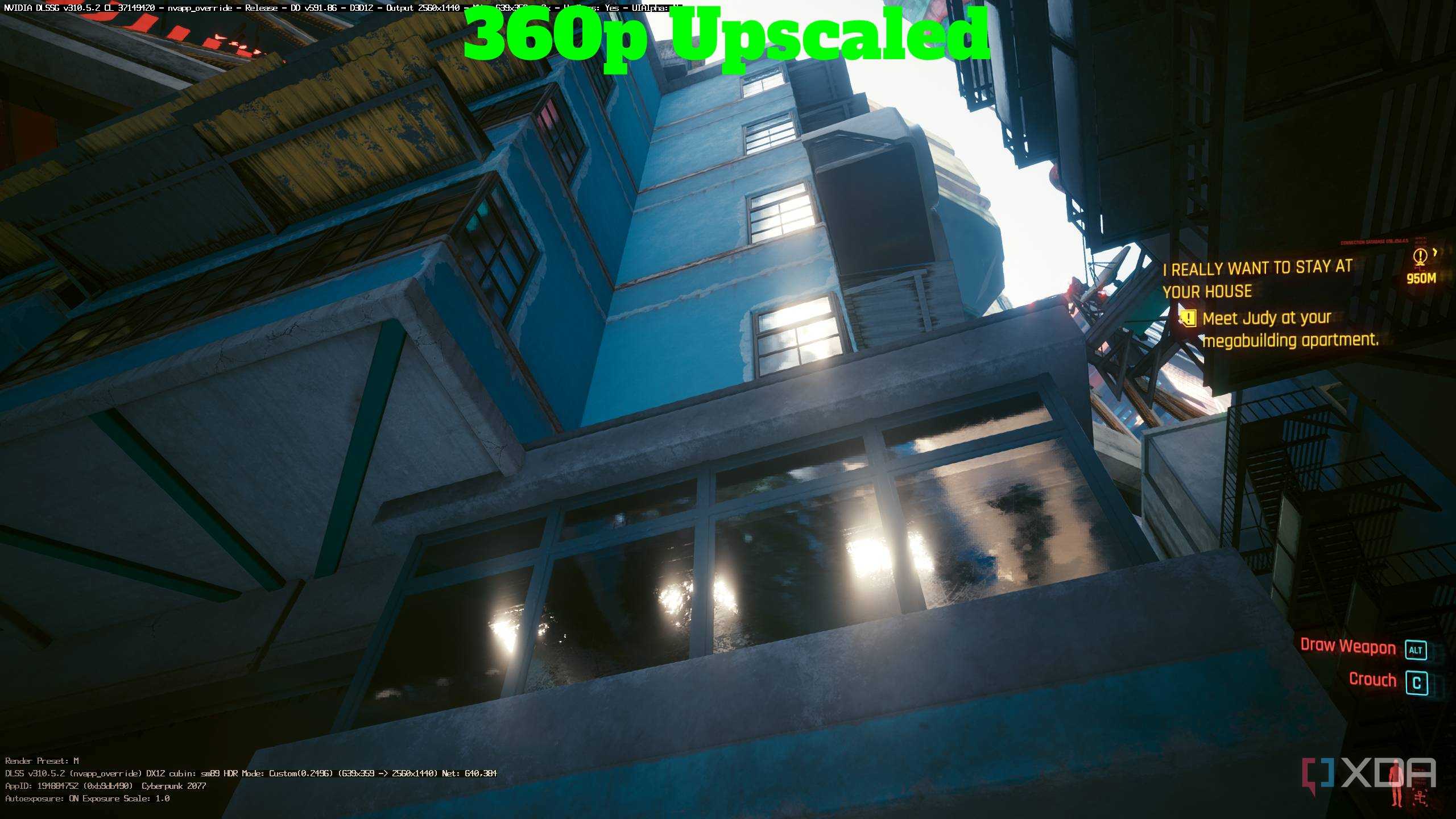
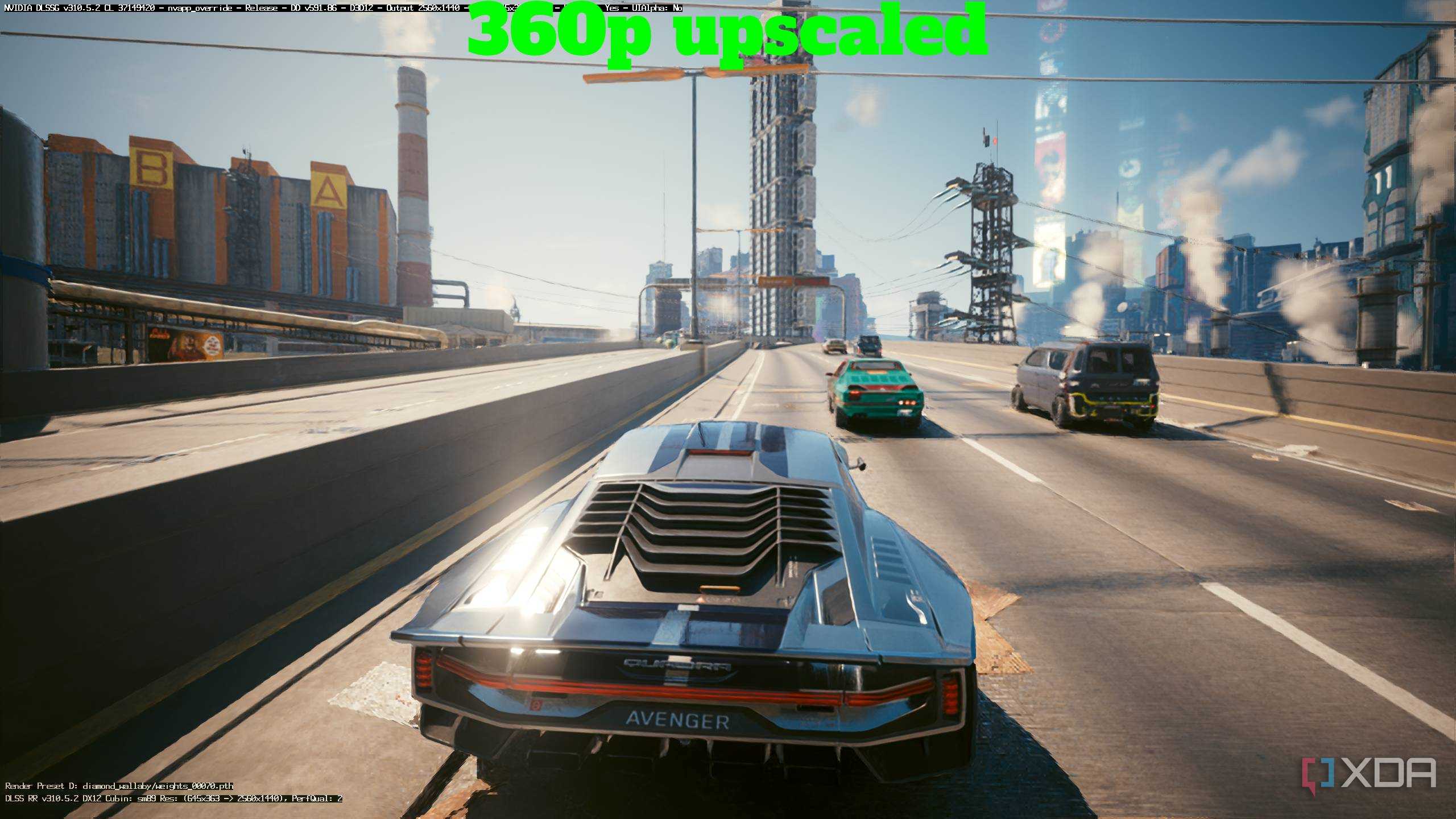
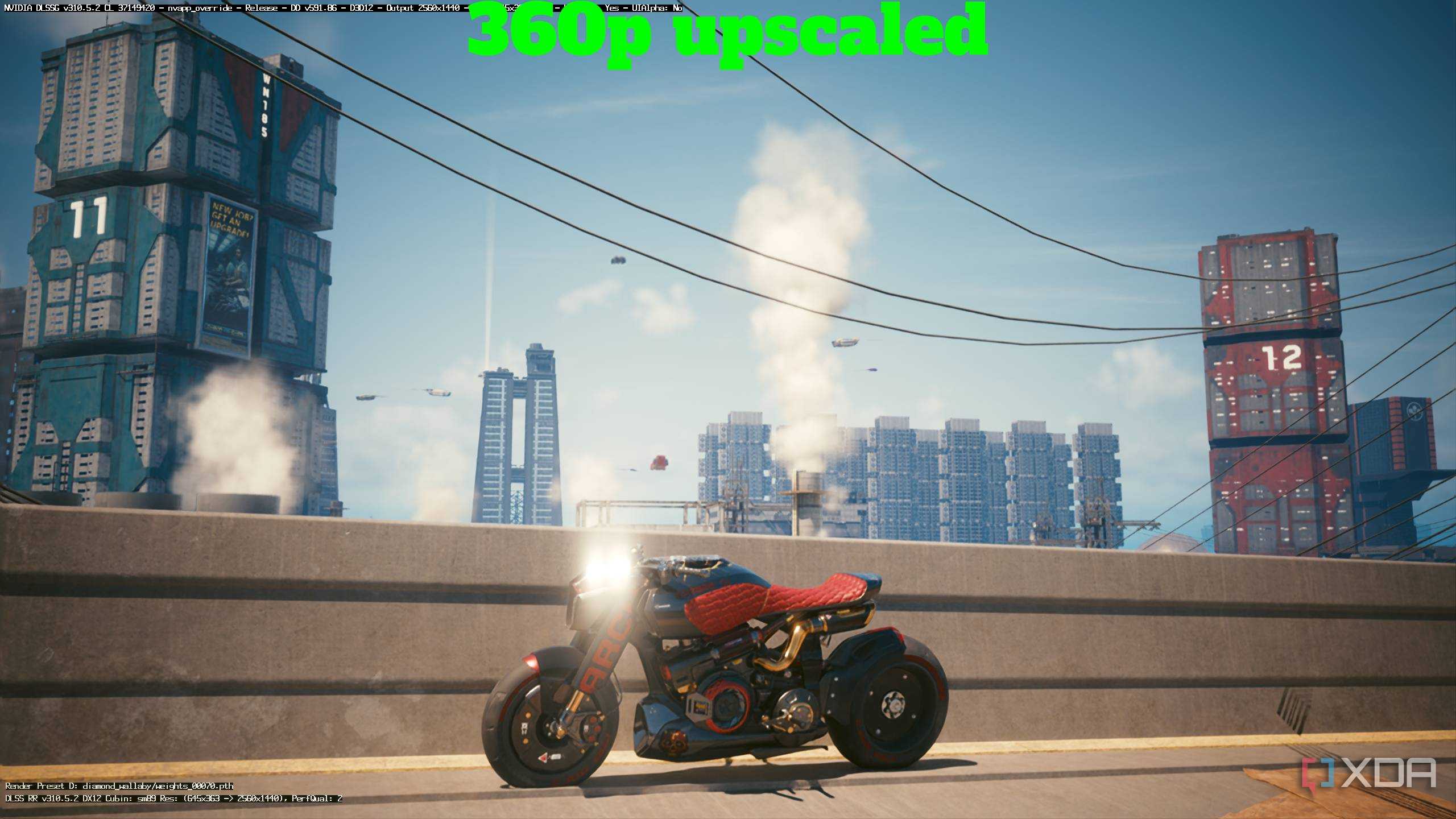
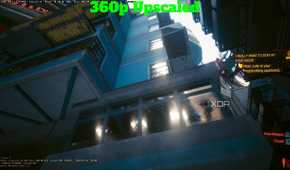
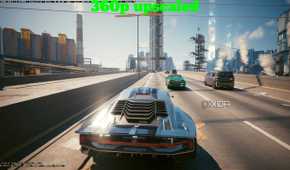
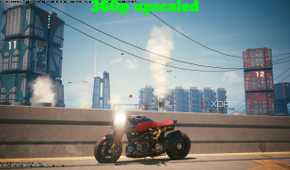
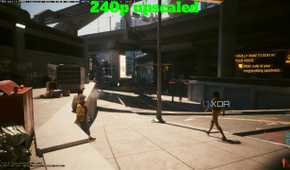
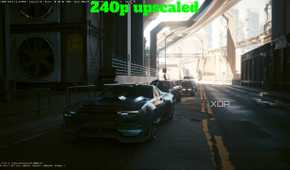
At 1440p, an internal resolution of 480p is par for the course, since DLSS Ultra Performance handles that by itself. However, since I never got to test the breaking point, I figured I'd whip out Special K and test how much lower I could go. The first stop was 360p, which meant dropping the internal resolution of the game down to 25%. Here, the game pretty much stayed stable, but it was quite apparent that DLSS was working overtime. While the world geometry remained unchanged and stable for the most part, it was people, their faces, and vehicles that took the brunt of the dropped resolution — blurred features and even blurrier edges took center stage here at 360p. And yet, I'd daresay it was playable, even if it took a while to get used to.
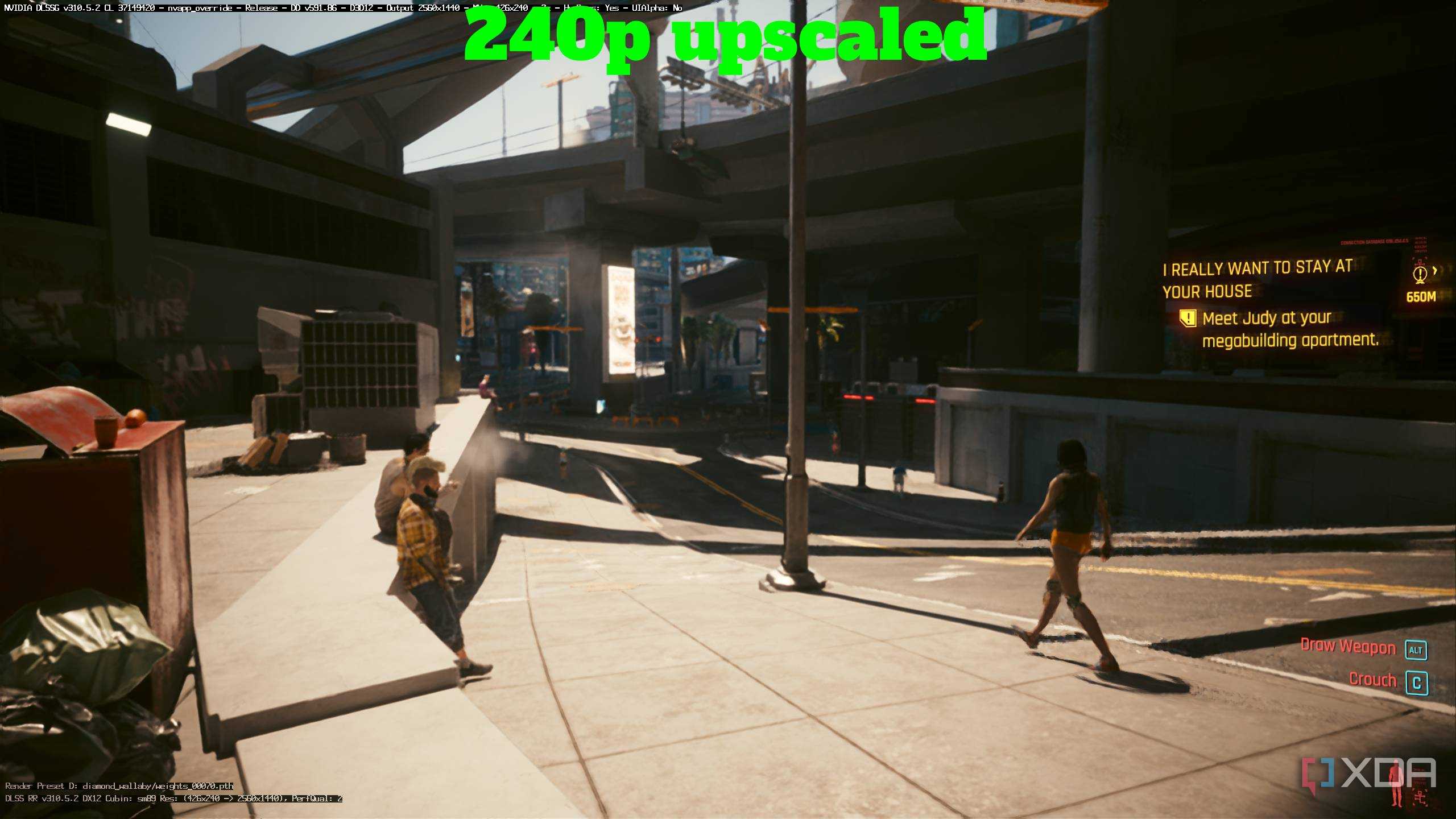
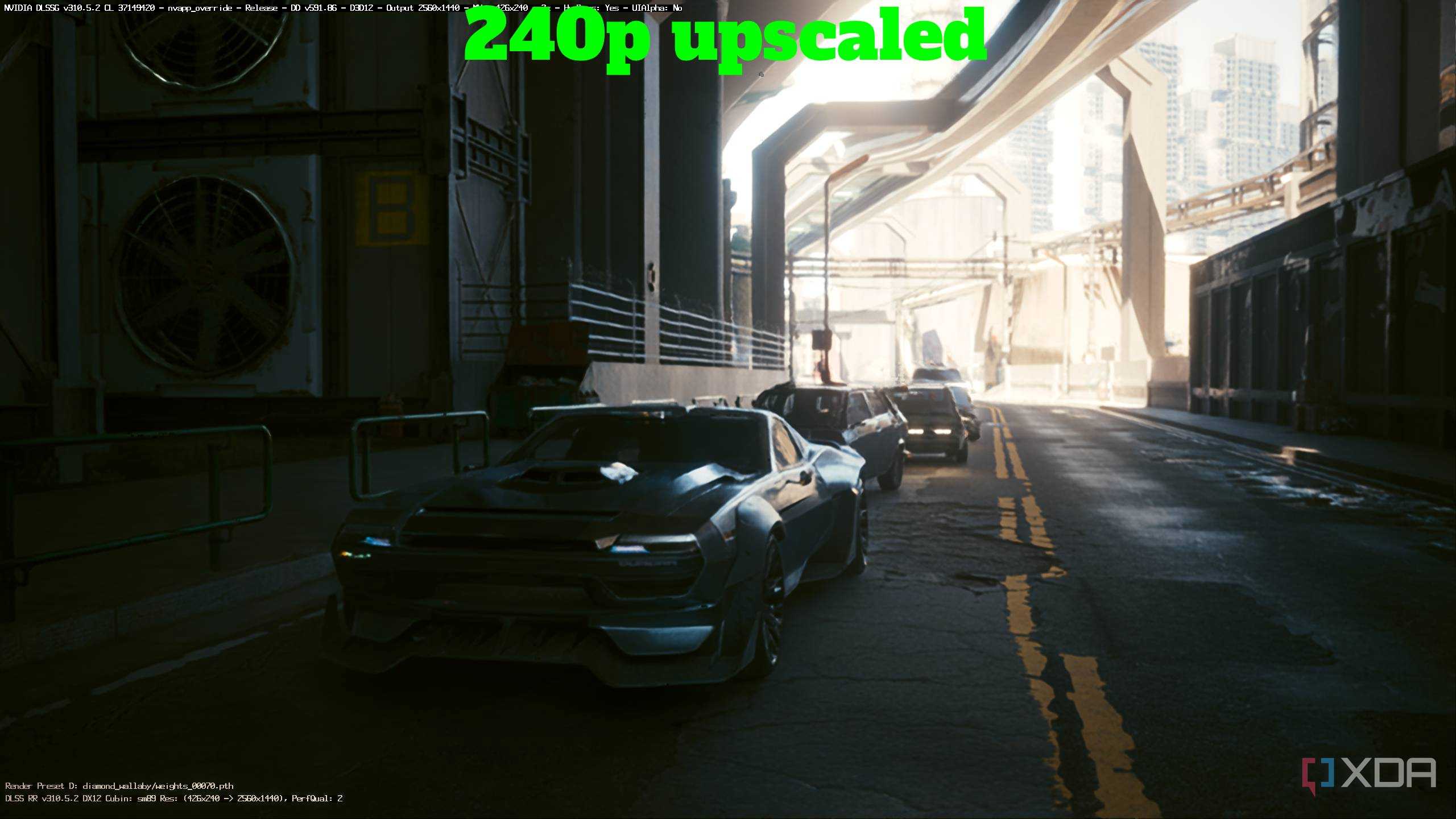
It was then time to move to 240p, and this is where DLSS gave up. At 240p, the internal resolution of the game was at about 16%, and understandably, DLSS wasn't up for the job. In its defense, 240p isn't part of the job, either. Now, I'm not saying that Night City became a complete, blurry mess — far from it. The world remained stable, although every single edge in the geometry now shimmered and demanded attention — like seeing the worst of Unreal Engine 5 on a REDengine game. Pedestrians and other NPCs left behind ghosting trails everywhere, and driving around the world became nigh impossible, especially since any place with shadows became a shimmery, dark mess.
Truth be told, it's still insane how much of Night City was retained even at 16% internal resolution, and only goes to show how DLSS is genuinely capable of feeling like magic at times. Still, this is not a game meant to be played at 240p, considering just how much is lost — there's no detail in any of the textures, buildings somehow begin popping in and out of existence, and it's tough to read any of the UI elements.
I even broke the game with Path Tracing

While I was at it, I figured I'd try moving from Ray Tracing Max to Path Tracing, just for kicks. Somehow, while at 360p, Path Tracing broke the game, turning the entirety of night city into a rapidly-blinking LED light strip. It was fascinating to look at, to say the very least. The world remained stable for the most part, but the lighting took on a mind of its own, determined to turn one of gaming's most impressive open worlds into a yellow-and-green mess.

Special K
Special K is a PC gaming utility that offers a frame rate limiter, HDR settings, DLSS settings, and much more via a global injection into PC games.
480p at 4K is surprisingly good-looking


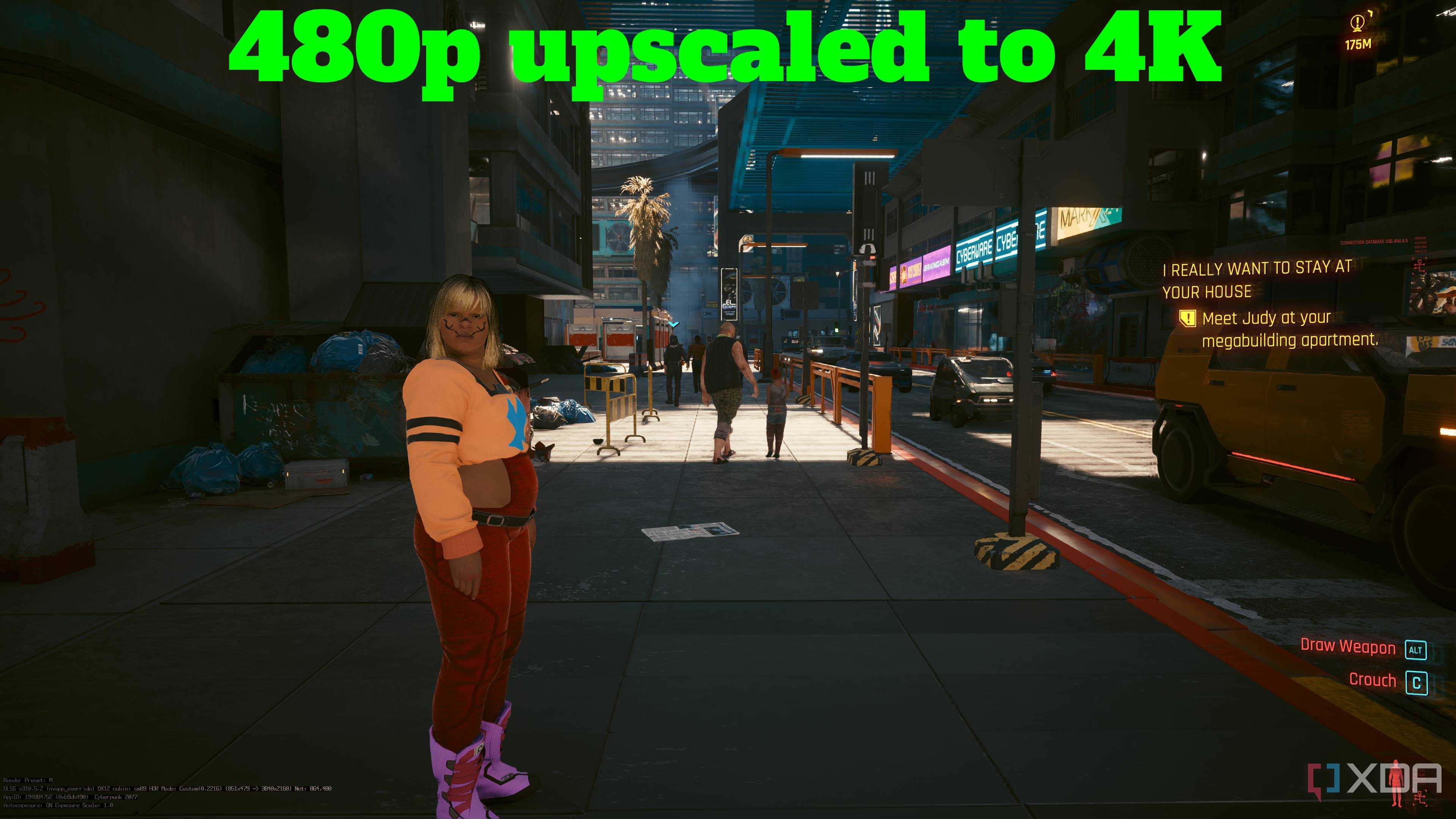
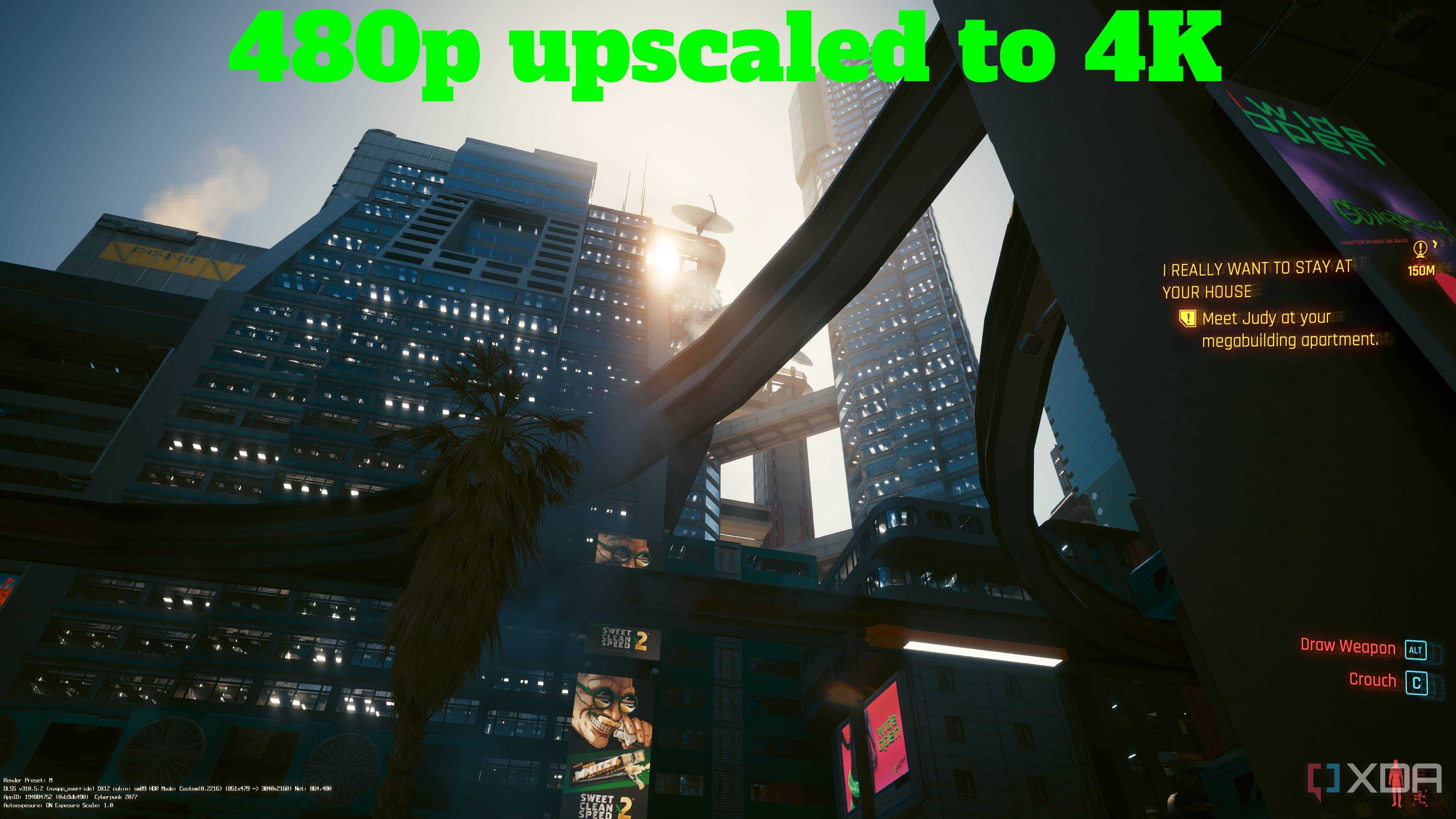
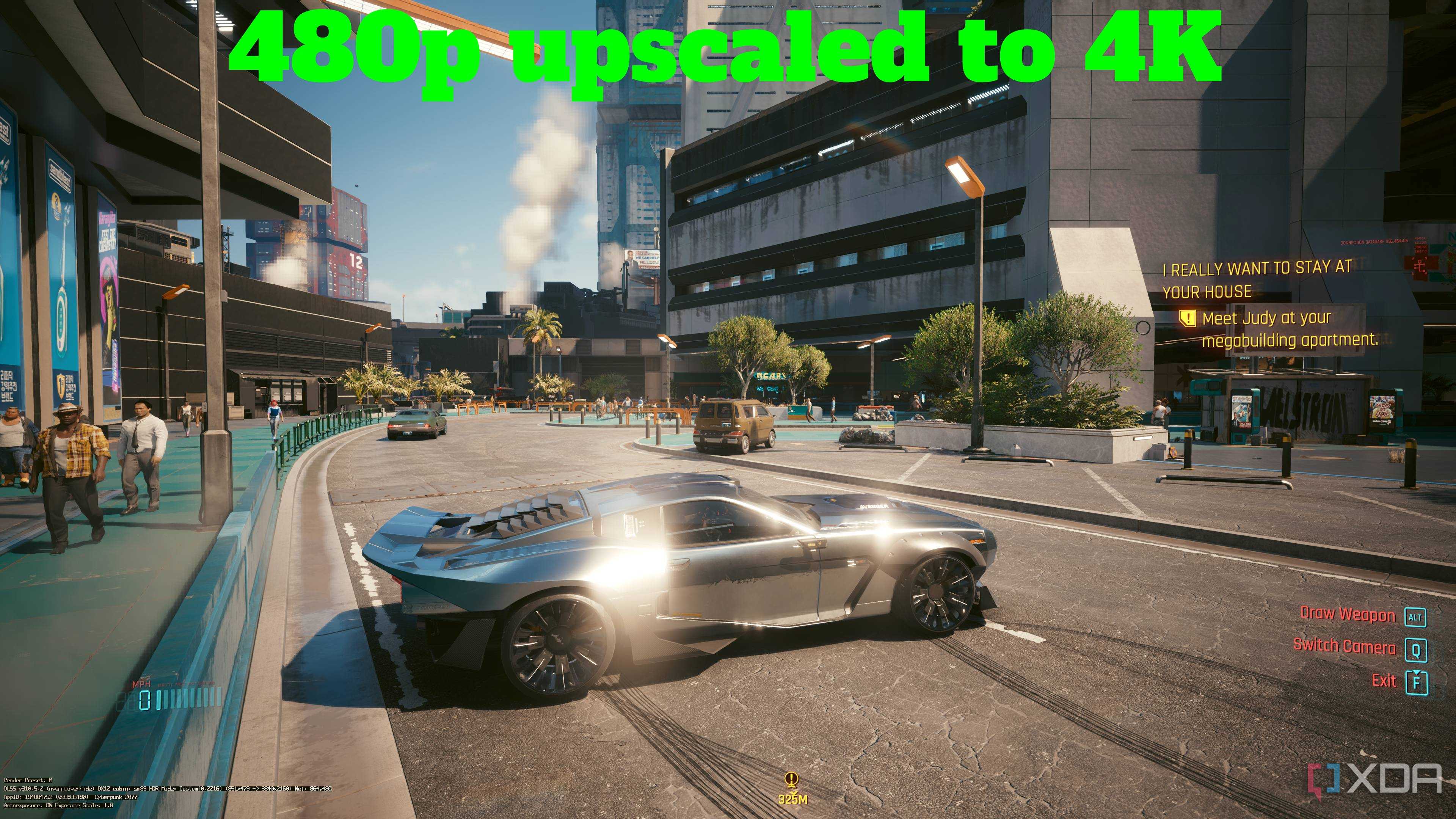
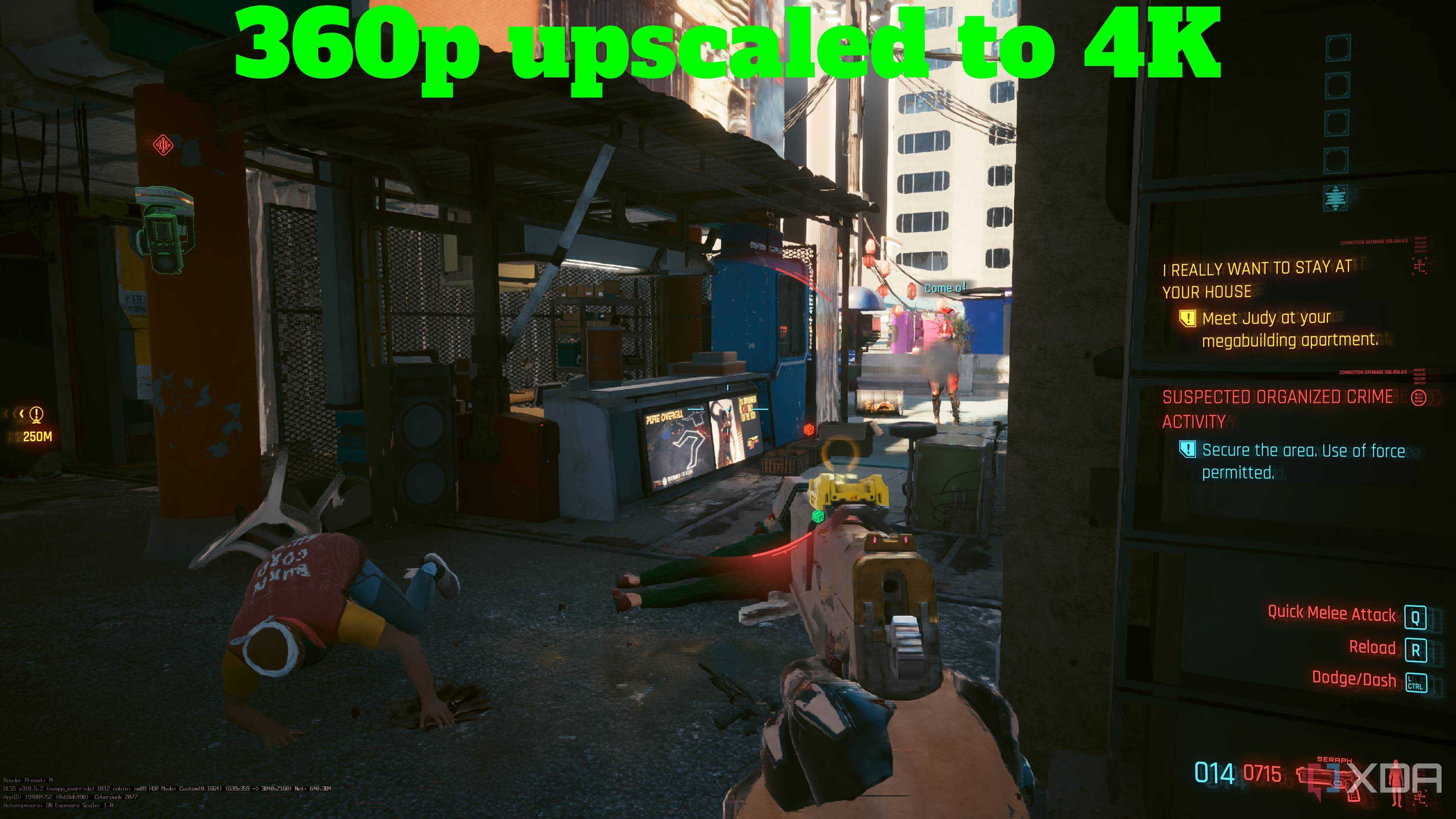
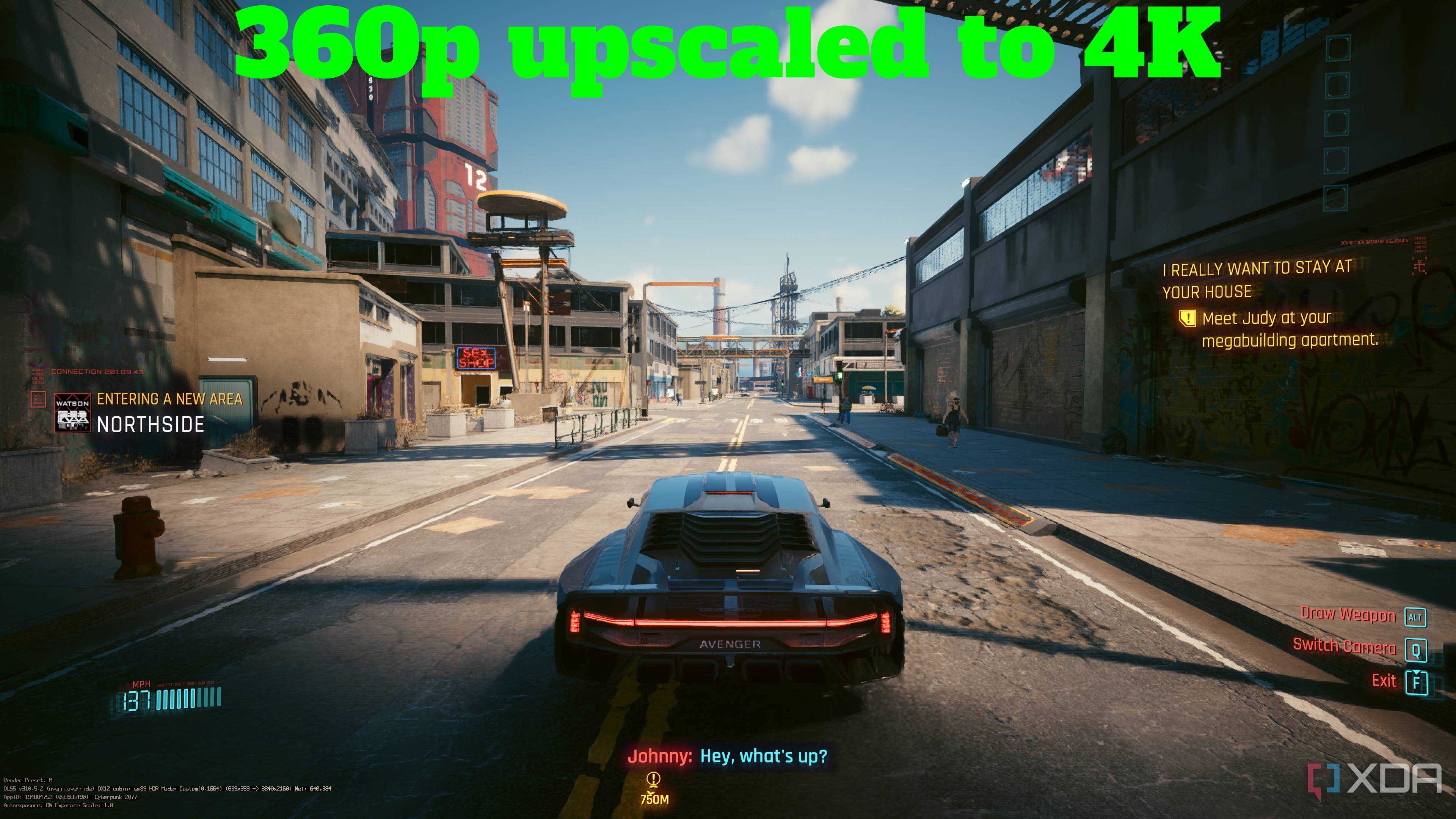
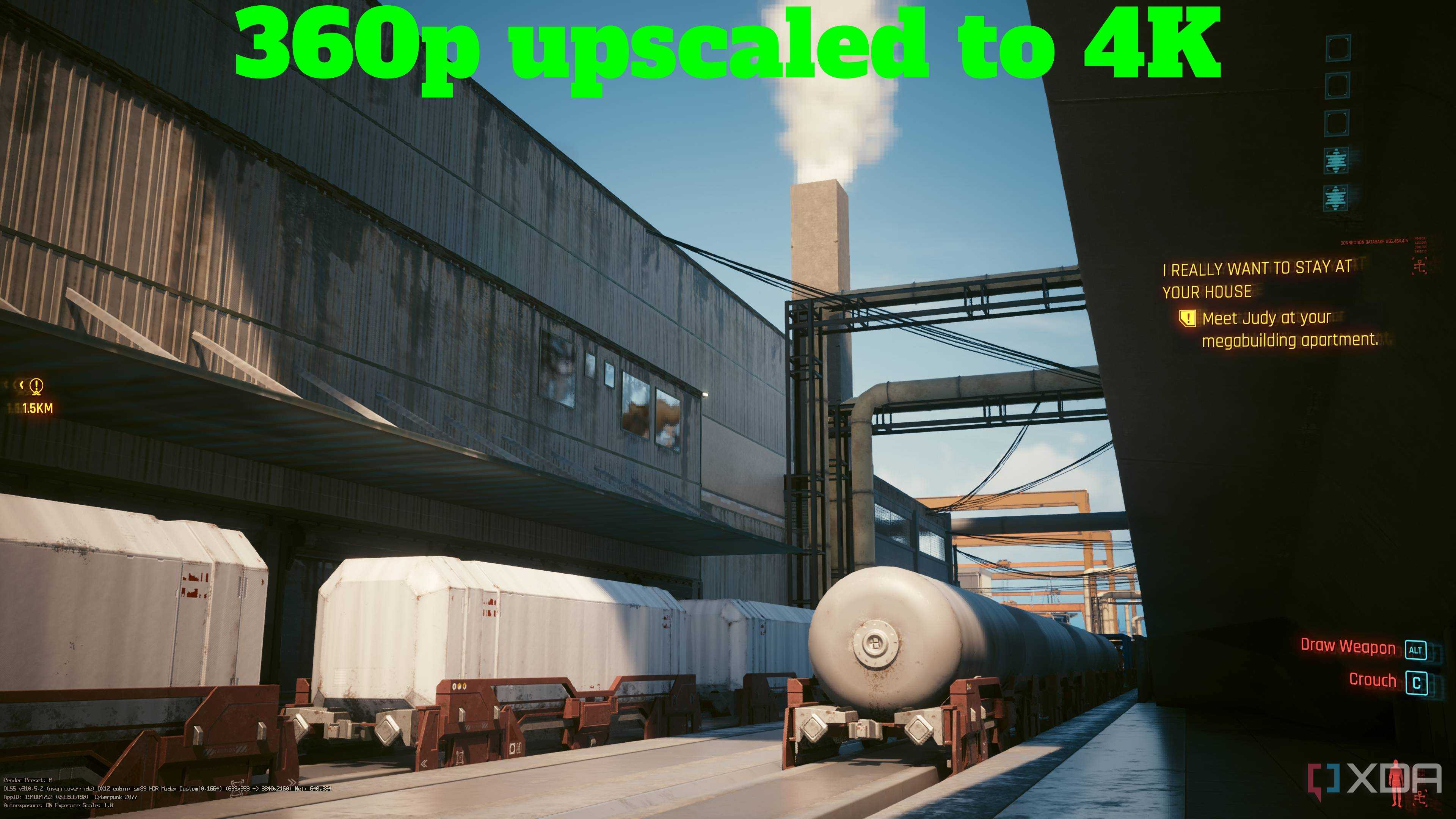
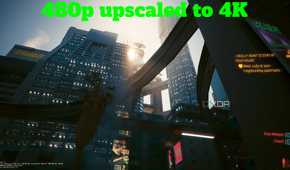
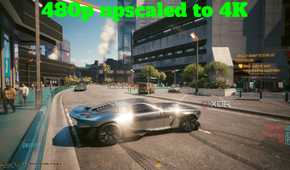
Call it the path tracing, or the fact that Cyberpunk looks great in general, but going down to 22% of the game's resolution and dropping to just 480p while running the game at 4K still delivered great results. A few facial features and shimmery-haired NPCs aside, the world remained largely stable, with just reflections in glass and water taking the brunt of the upscaling — they were blocky, betrayed their polygons under the light, and were rather unpleasant to look at. Everything else, from the vehicles and buildings to the bullet trails during firefights were all visually impressive — a testament to how DLSS 4.5 managed to deliver fantastic results even while going below Ultra Performance.
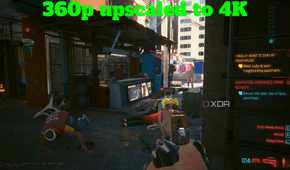
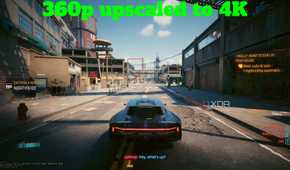
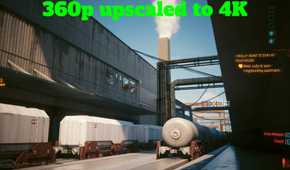
The next stop was 360p on a 4K display, at 16% internal resolution. This was going to be tough for the upscaler, and after two lengthy reboots while using Special K, I beheld Night City in all its 360p glory. This is where DLSS 4.5 began to tear at the seams. Particle effects were nothing more than shimmers, and even while standing still, NPCs and my own character had a ghosting trail around them. While driving around, Night City's roads and buildings became terrible to look at — shimmering meshes, textures popping in only when you got closer, and every letter on every signboard merging into each other.
I pushed DLSS far beyond its usual limits, and it continued to impress
DLSS 4.5 almost bulldozes through the bar instead of just raising it.
DLSS 4.5 has truly raised the bar, and it stops just short of completely bulldozing through it. Watching Night City remain playable, coherent, and sometimes downright impressive at resolutions as absurd as 360p and 240p feels less like traditional upscaling and more like technological sleight of hand.
Yes, 240p clearly breaks the illusion, and even 360p shows visible cracks, but the fact that we're even having the conversation is wild. Performance presets I once avoided like the plague are now genuinely usable, and coming back to Ultra Performance's 33.3% internal resolution felt like a welcome change.
Clearly, DLSS can be pushed well beyond its limits, and it still continues to feel magical. 4K gaming is more accessible than ever thanks to DLSS 4.5, and it has certainly reshaped my expectations.
