


While the PC industry continues to push the boundaries of performance, game developers continue to push the limits of the hardware we have. I love upgrading the components in my system; the process is somewhat cathartic for me, but I'm often left with extra parts I don't have a gaming-related use for. This past week, I decided to put these old parts to use as a TrueNAS server, and it went quite well, besides dealing with the limits of TrueNAS itself.
Revitalizing a dormant rig
It's dusty, but alive!


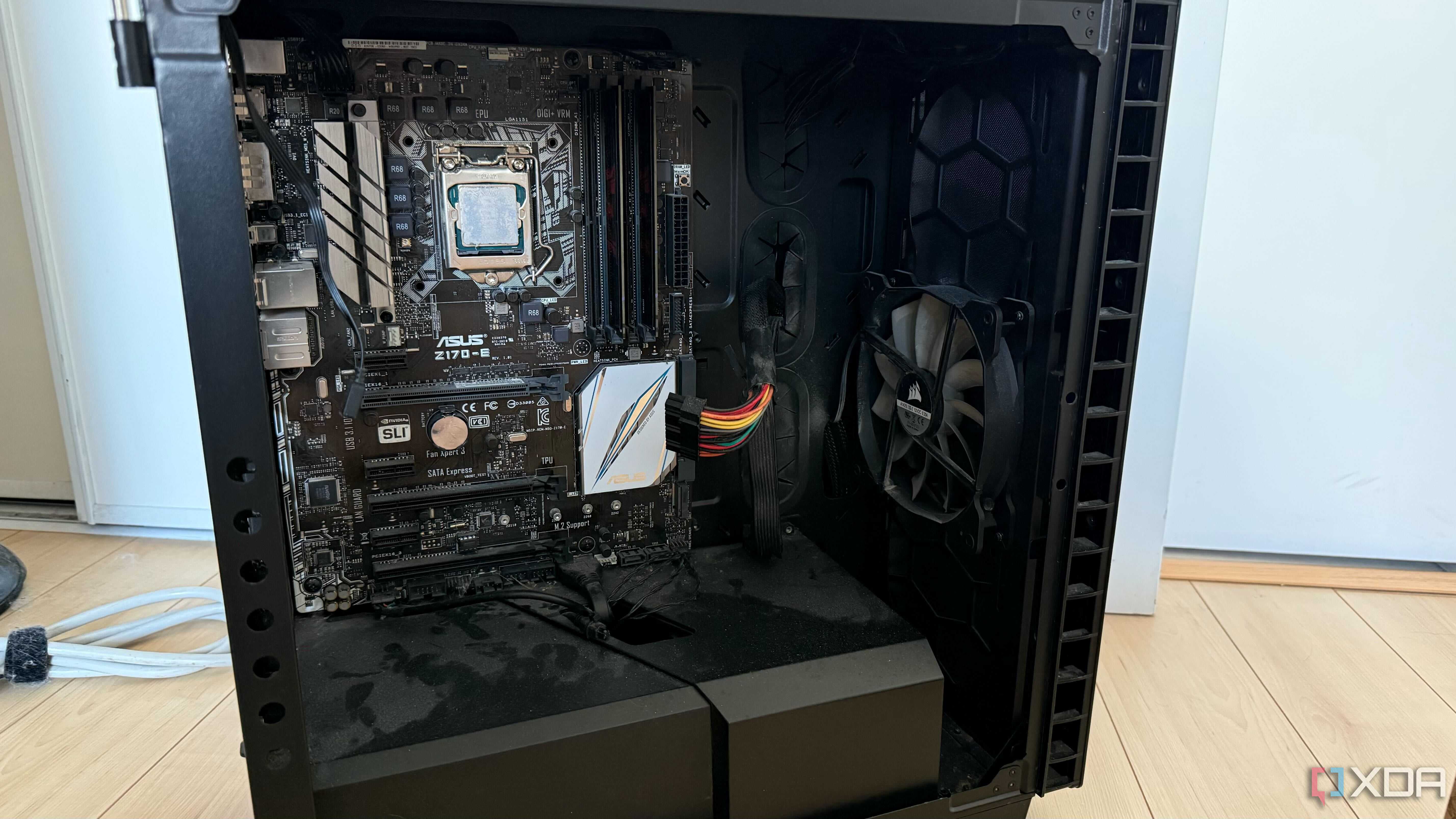
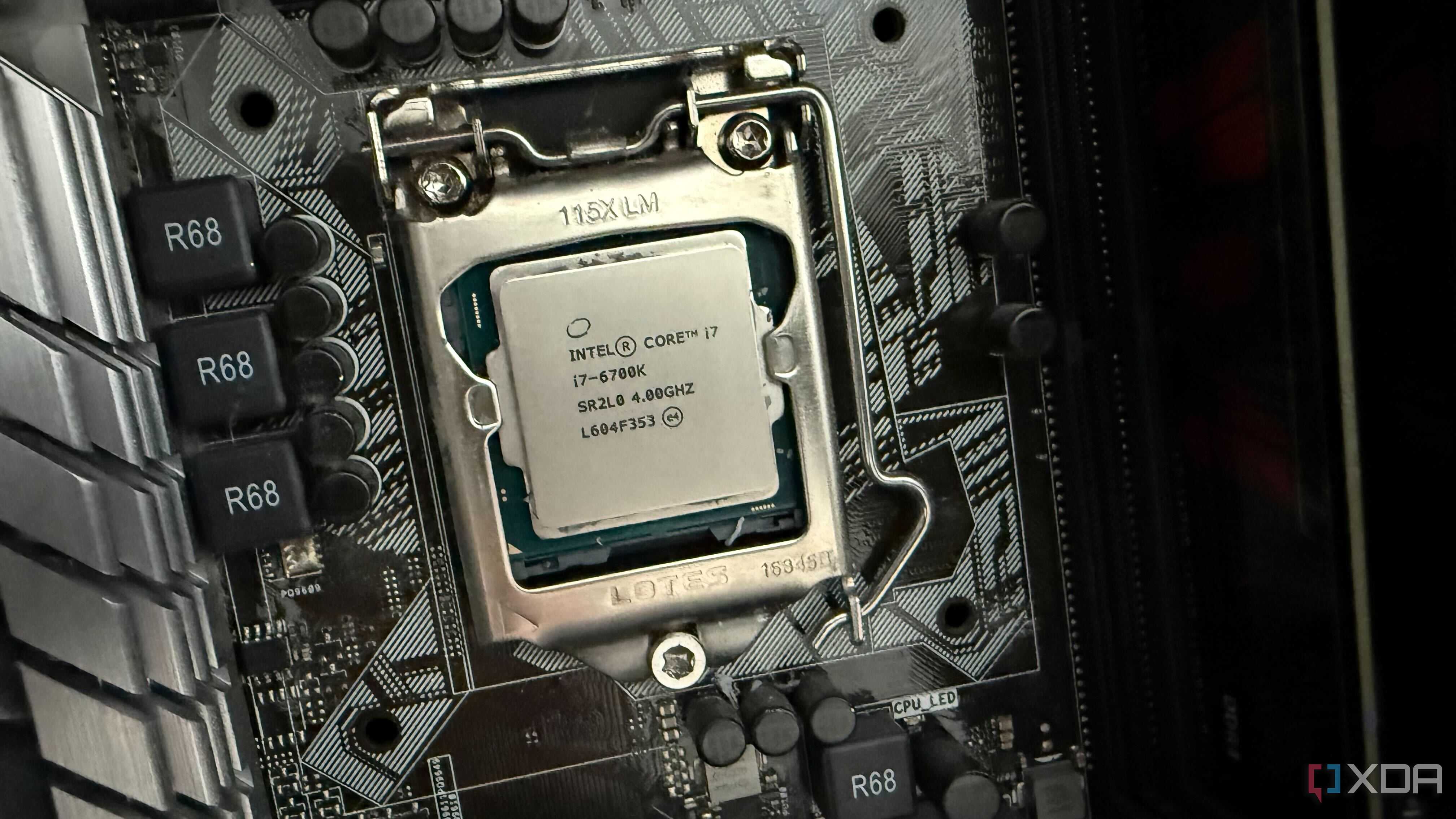
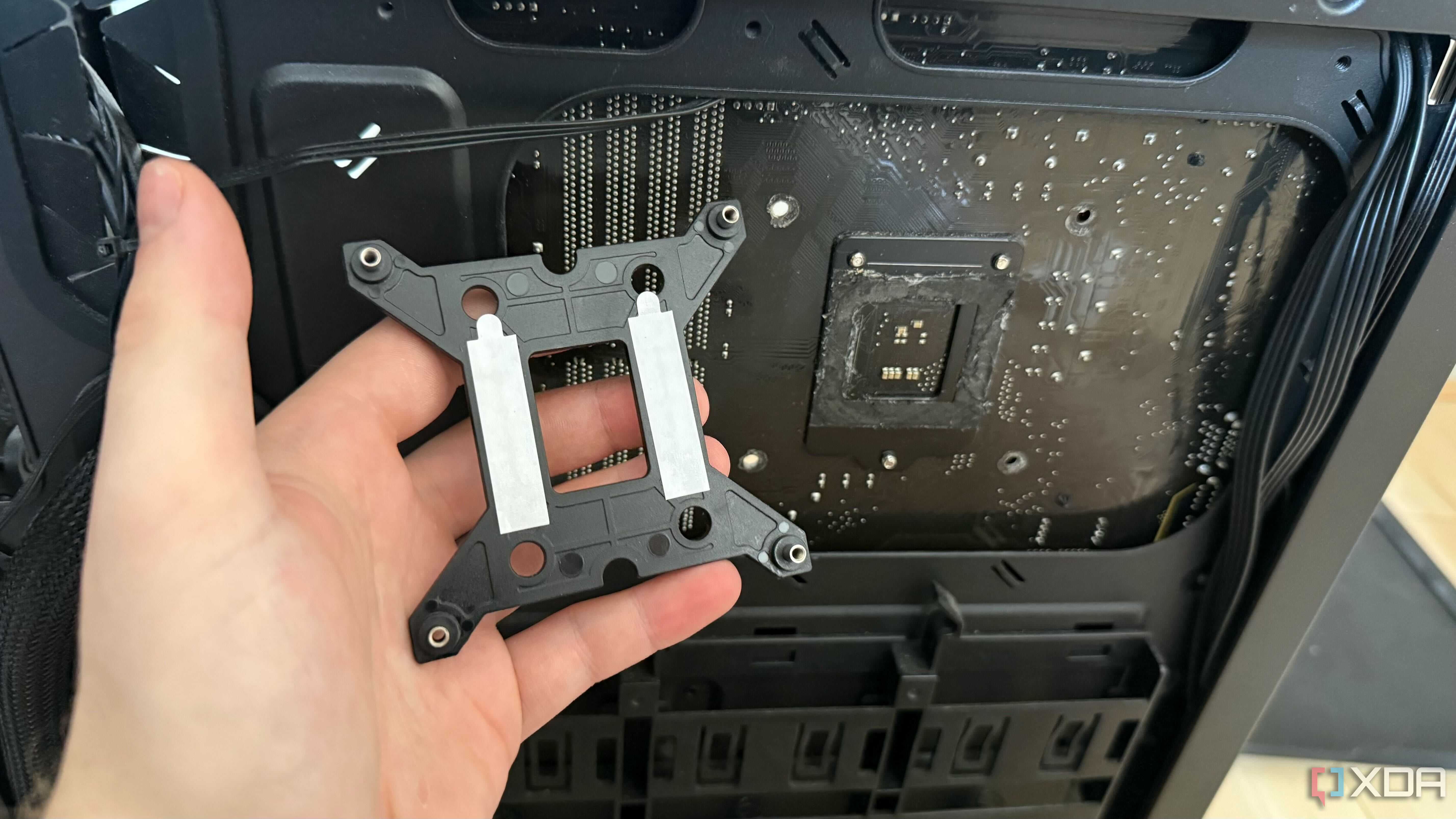
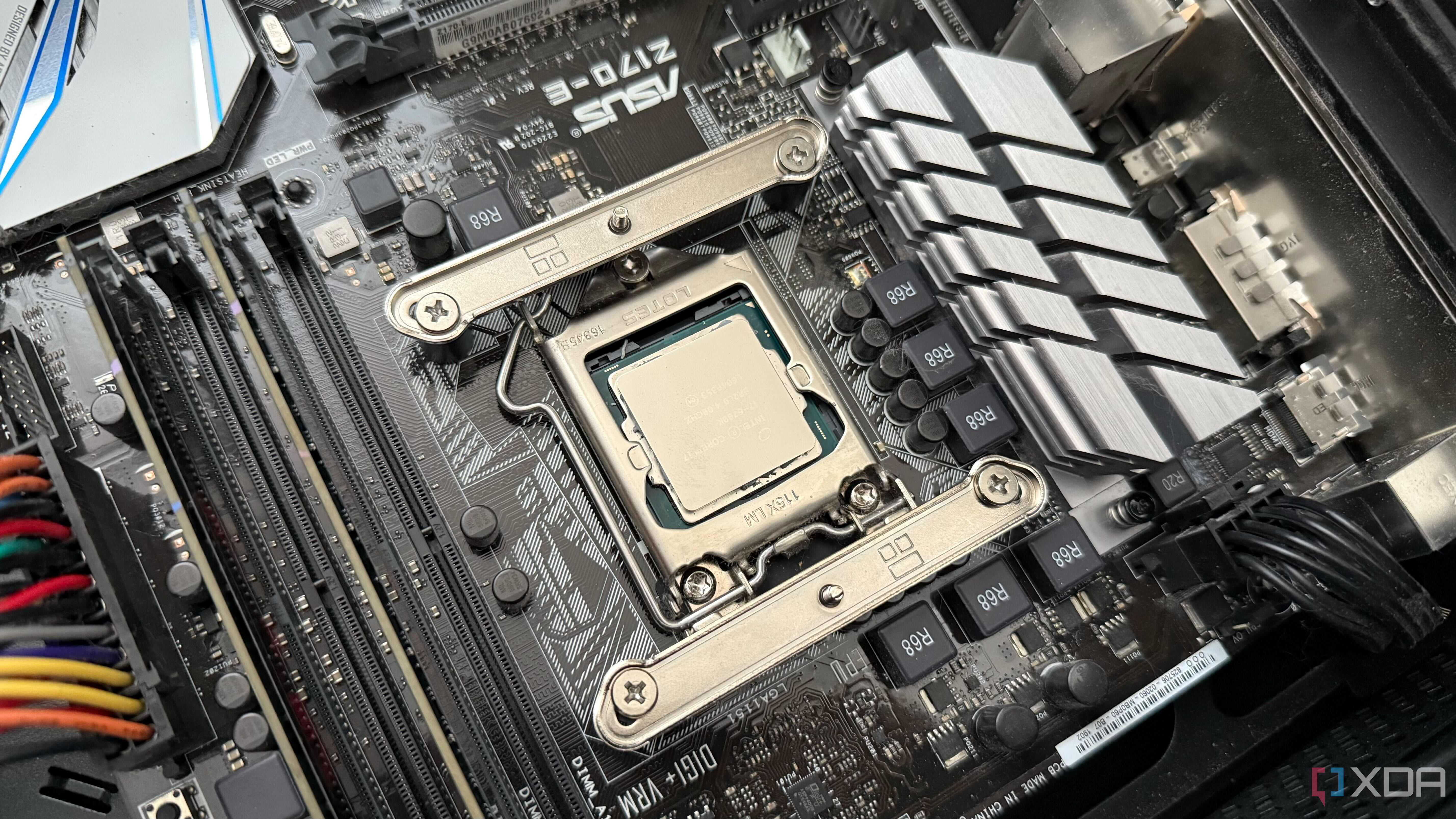
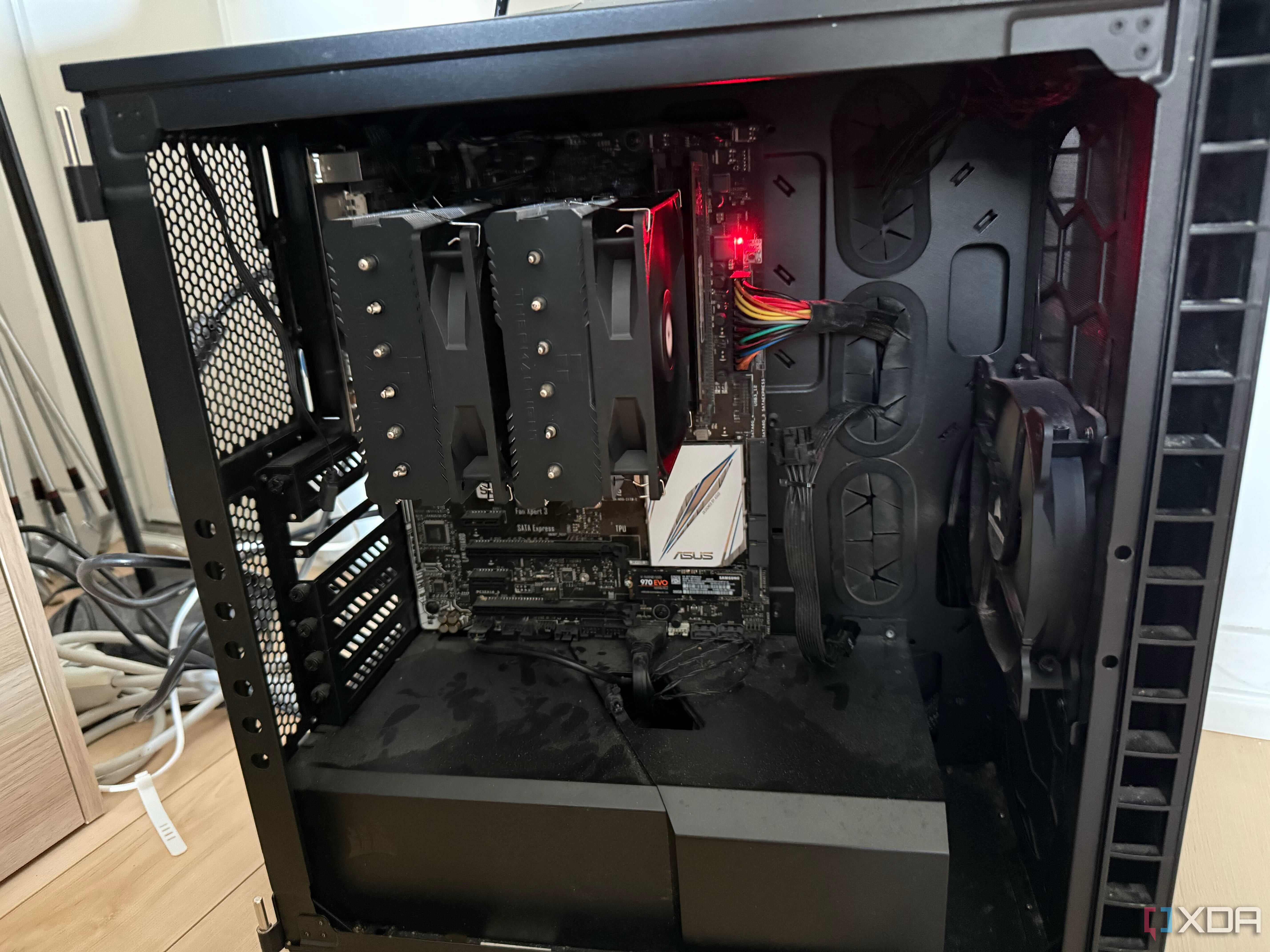
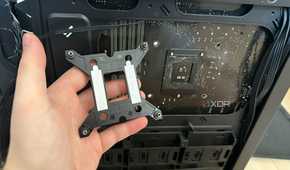
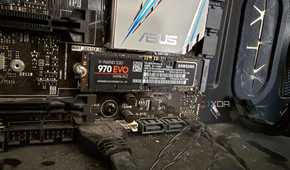
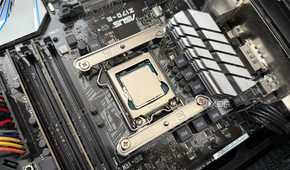
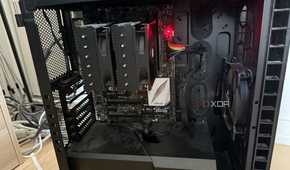
After upgrading my own rig from a 10th Gen i7 to an AM5 X3D chip, I handed down my old parts to my fiancée. She didn't really need an upgrade, her Skylake i7 and GTX 1070 were still kicking along just fine for the types of games she plays, but it was a good excuse to give her an upgrade regardless. As a result, her old build sat dormant for months. I always intended on turning it into some kind of server box, but it lacked a CPU cooler and a boot drive.
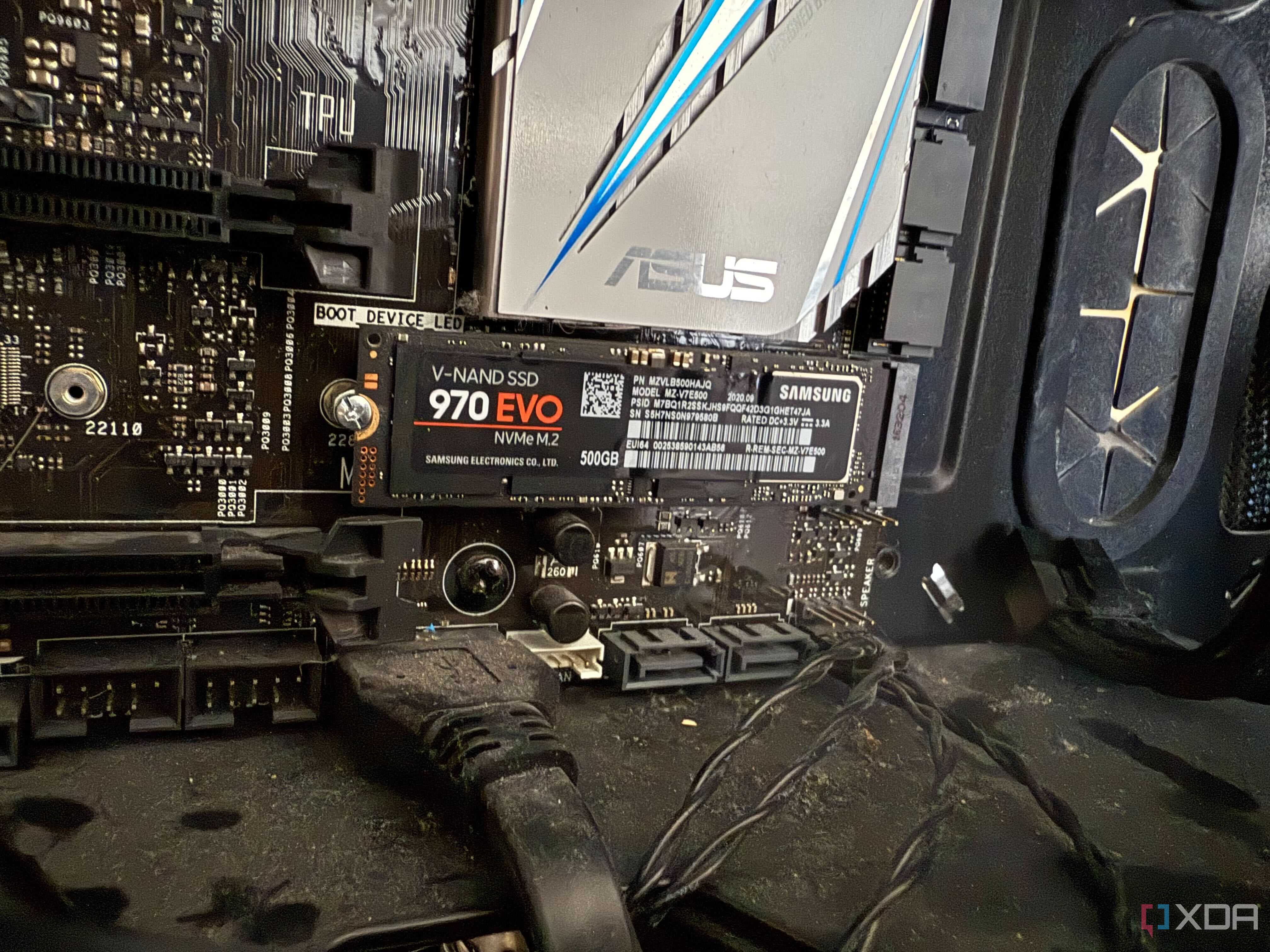
Eventually, I ordered the parts I needed to start. For the cooler, I went with the Thermalright Peerless Assassin 120. This is the same cooler I bought for my fiancée's new rig made from my spare parts. It performs wonderfully, is quiet enough, and keeps this project within my budget. For the boot drive, I measured my options carefully. I thought about potentially going with a SATA SSD, and leaving the M.2 slot open for other expansion, since the Z170-E motherboard only has one of them. I ended up going with a 1 TB M.2 Samsung 990 Pro because it was on sale, not for this machine, but for my personal rig—I did a cheeky swap with my 500 GB 970 EVO drive after cloning it. Additionally, I picked up some short Amazon Basics CAT 6 Ethernet patch cords, and an inexpensive TP-Link Gigabit managed switch, just so I have enough ports to get things up and running.

Getting this thing to boot was a challenge. After giving the thing a little dusting, mounting the cooler, and throwing in the drive, I couldn't get any kind of POST, with the system continually hanging on a solid red "BOOT_DEVICE" light. I tried different drives, different keyboards in case my inputs weren't being recognized for some reason, resetting the CMOS, and reseating the CPU. Any number of those things could've been the underlying issue, but it was only after I threw up a Hail Mary of installing a dedicated GPU that I managed to get any kind of display output, and a successful POST. The system is now booted, and works fine with the iGPU. I'll eventually throw in an old dGPU just to have, but the integrated graphics will be fine just for setup.
Installing TrueNAS
Incredibly simple


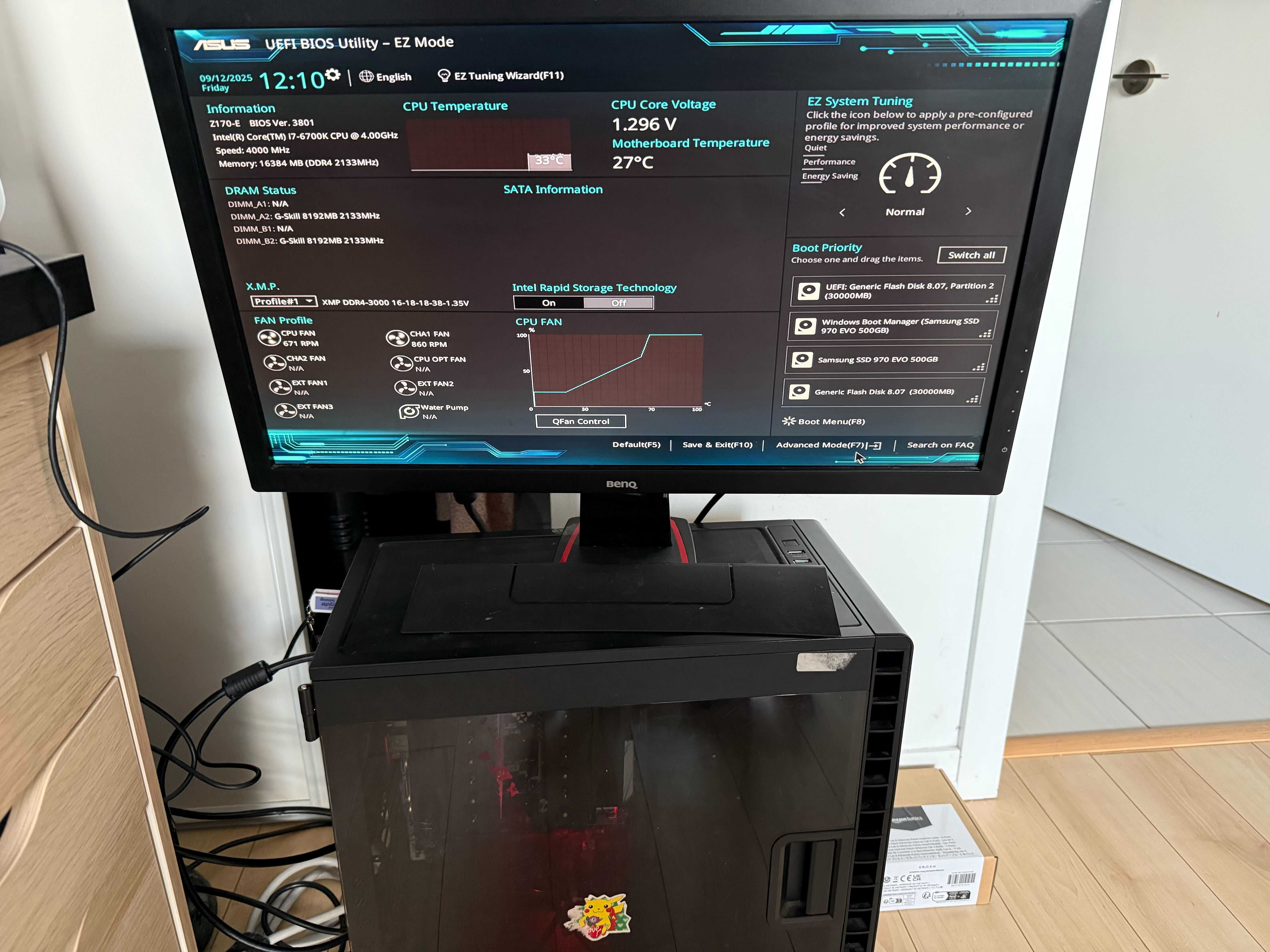
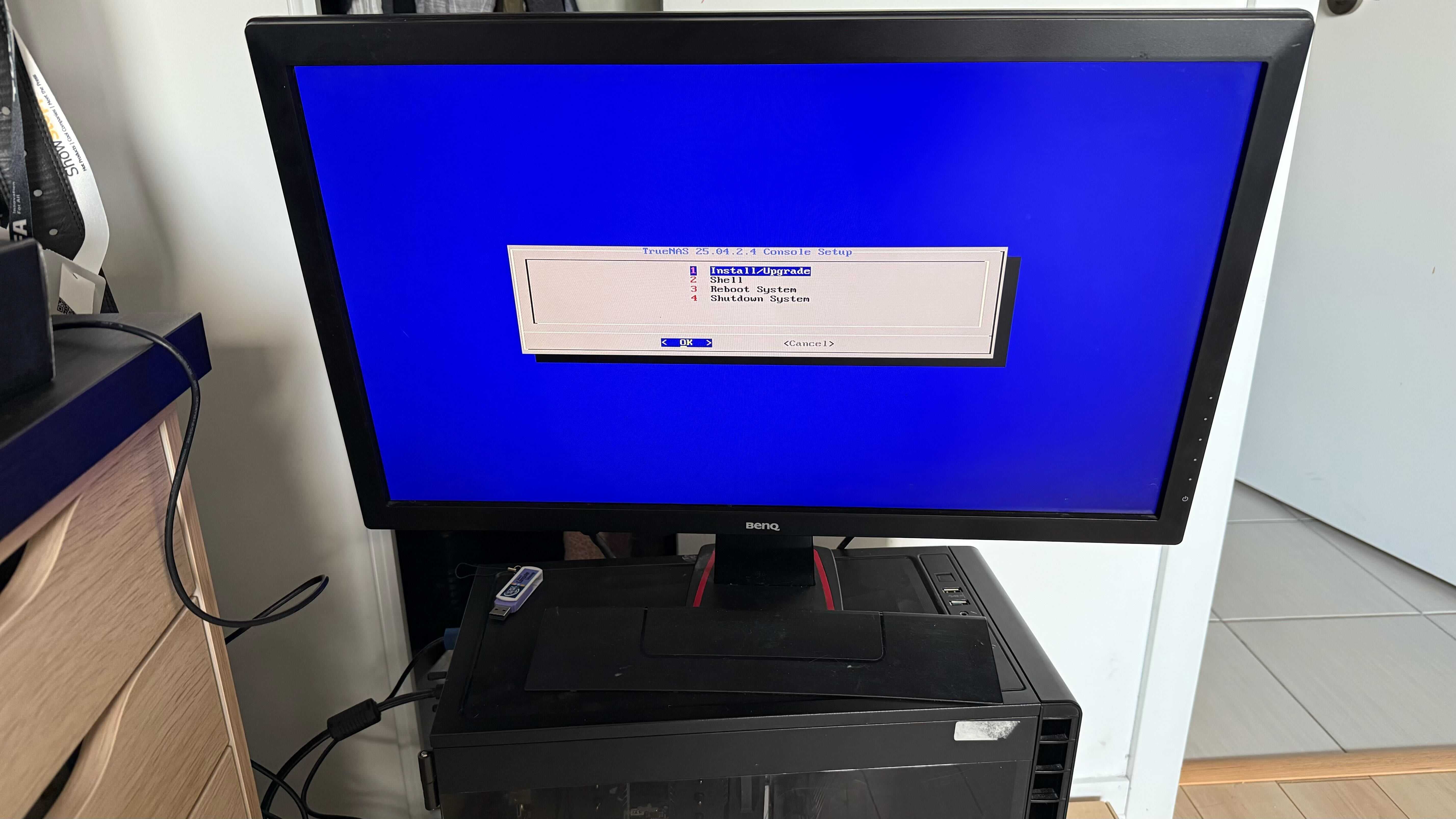
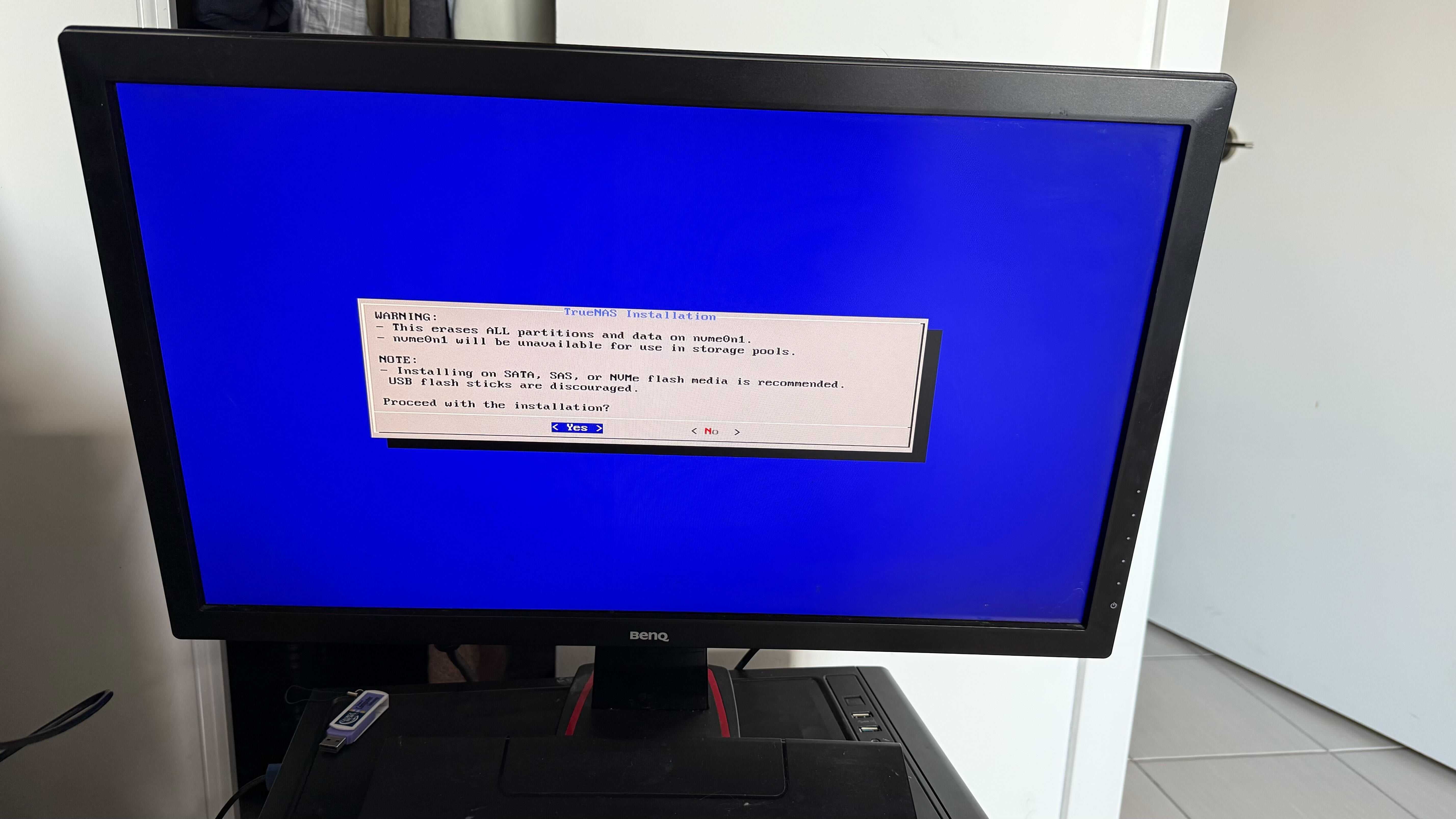
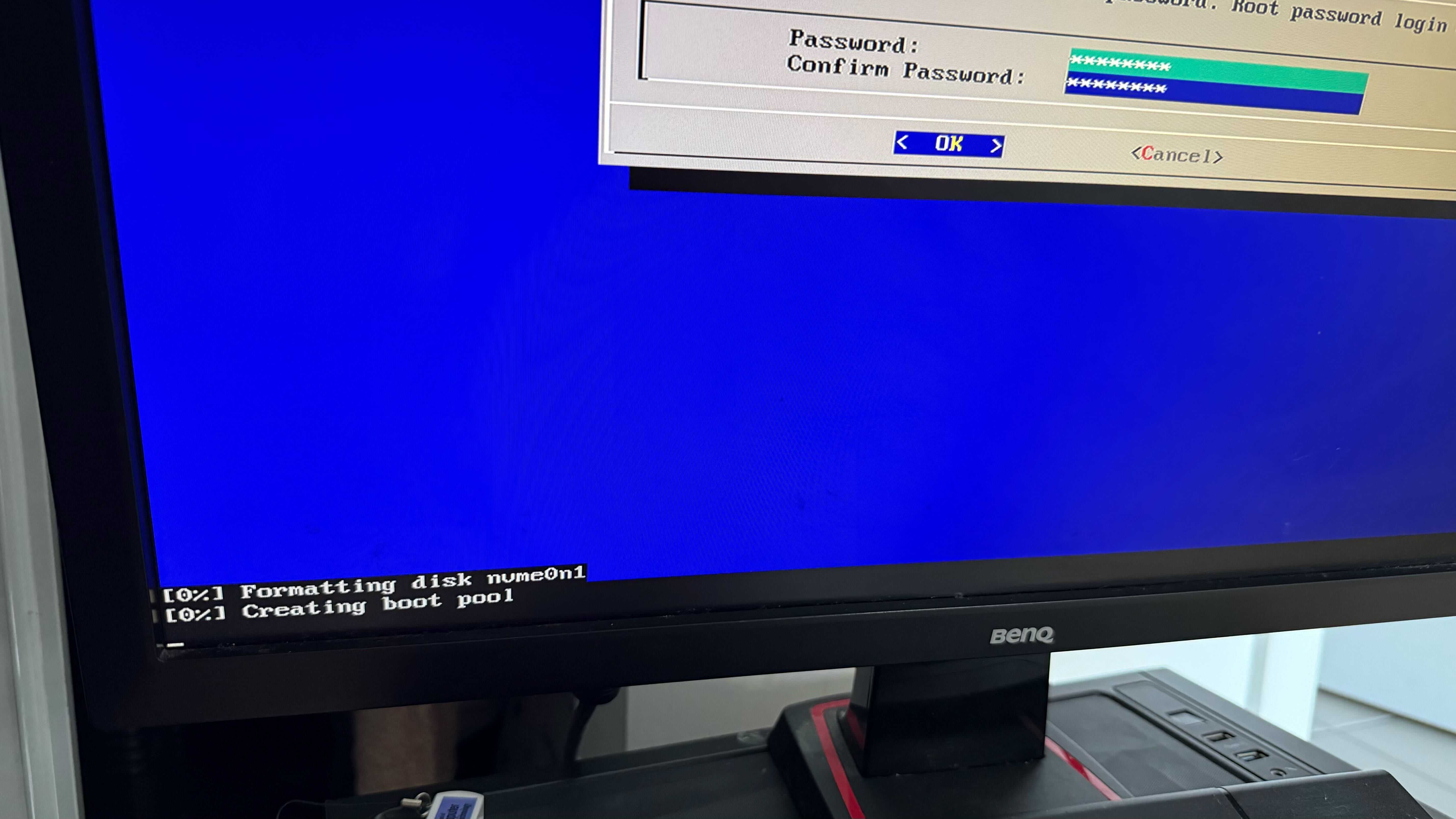
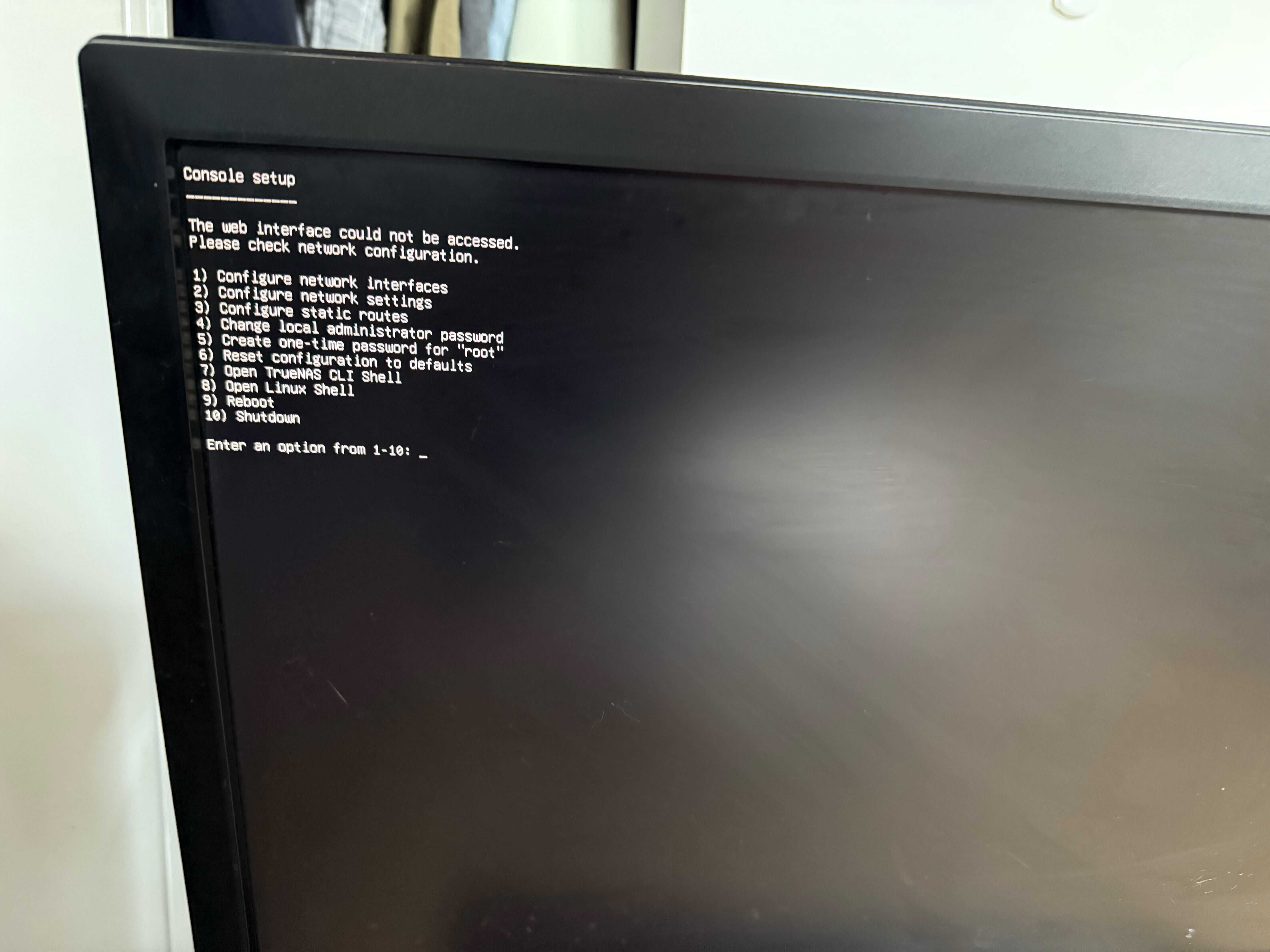
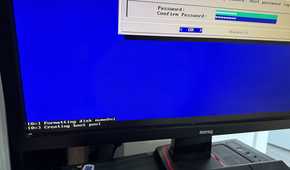
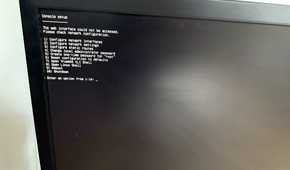
Flashing and installing TrueNAS onto the system was just as simple as any other operating system. A simple, no-frills menu where you set a root password, format the drive you want to boot off of, and away you go. After booting, I navigated the menus to set up my network configuration, give it an IP address, and I could easily access the TrueNAS web panel from my workstation.
TrueNAS is great, just not for this application
I currently can't make much use of it

Before installing TrueNAS on my old gaming rig, I wasn't super familiar with it. I had some limited experience with it in an environment where it was already deployed, so getting things setup from scratch was a new experience for me. I found out pretty quickly that it wouldn't be great for this specific type of deployment. Since I only had one drive, it was being used as the boot pool, and TrueNAS dedicates the entirety of the drive for this purpose. It's not possible to shrink it after the fact, and while it is technically possible to shoehorn it into a partition during the installation, it's not recommended.
The reason why it's designed this way is well explained in a forum post by a member of TrueNAS' staff. This is certainly something that could've been avoided had I read the requirements for TrueNAS, but regardless, the result is a box I can't actually install anything on without adding more drives, which is something I'm not super interested in doing at this time. I'll eventually add drives to this system and turn it into a more dedicated NAS box, but for now, a different solution is needed. Instead of TrueNAS, to get this box off the ground, I'll probably install Proxmox or a lightweight Linux distro.
Older processors still have a ton of life in them
What was once a gaming powerhouse less than a decade ago can become a serviceable home server, given the right configuration and operating system. Depending on the services you want to run, pretty much anything can function as a home server. In the future, I'll definitely be augmenting this rig with more memory, storage, and a dedicated GPU for transcoding.
