


When it comes to home lab devices, every tinkerer has their preferences. Many DIY lovers use energy-efficient mini-PCs as their server nodes, while others (including yours truly) drool over old enterprise-grade hardware that gulps energy like there’s no tomorrow. Likewise, some enthusiasts prefer building their home lab on top of their favorite Linux distros from scratch, but you’ll find plenty of folks relying on virtualization platforms for their computing projects.
Then there’s the SSD vs. HDD debate, which is pretty common in both server and PC gaming communities. Although many computing enthusiasts sit on either side of the fence, I refuse to take a side on this argument, as I use both storage devices equally in my home lab. And I wouldn’t have it any other way!
I use SSDs for high-speed workloads
They serve as amazing boot devices


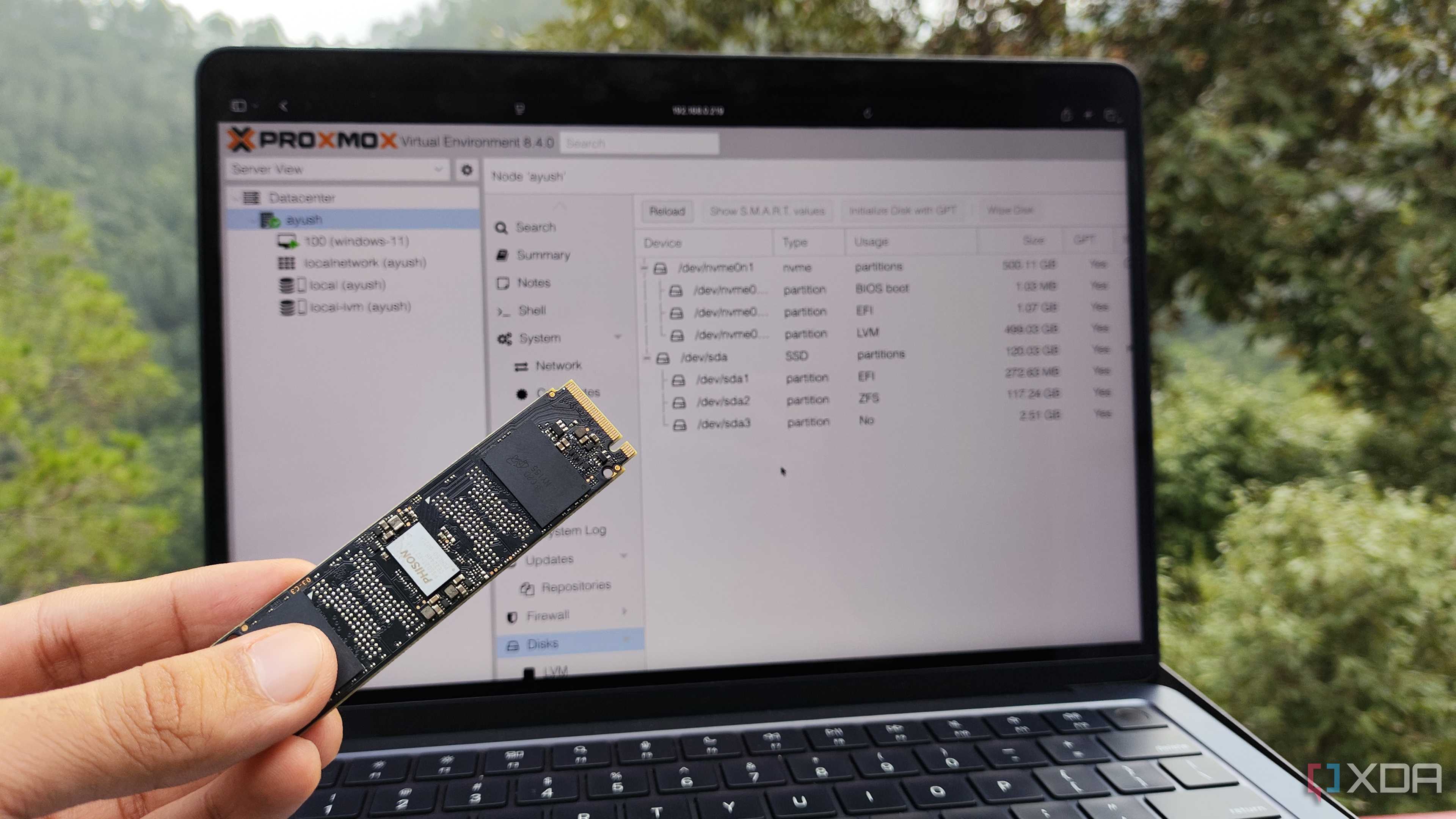

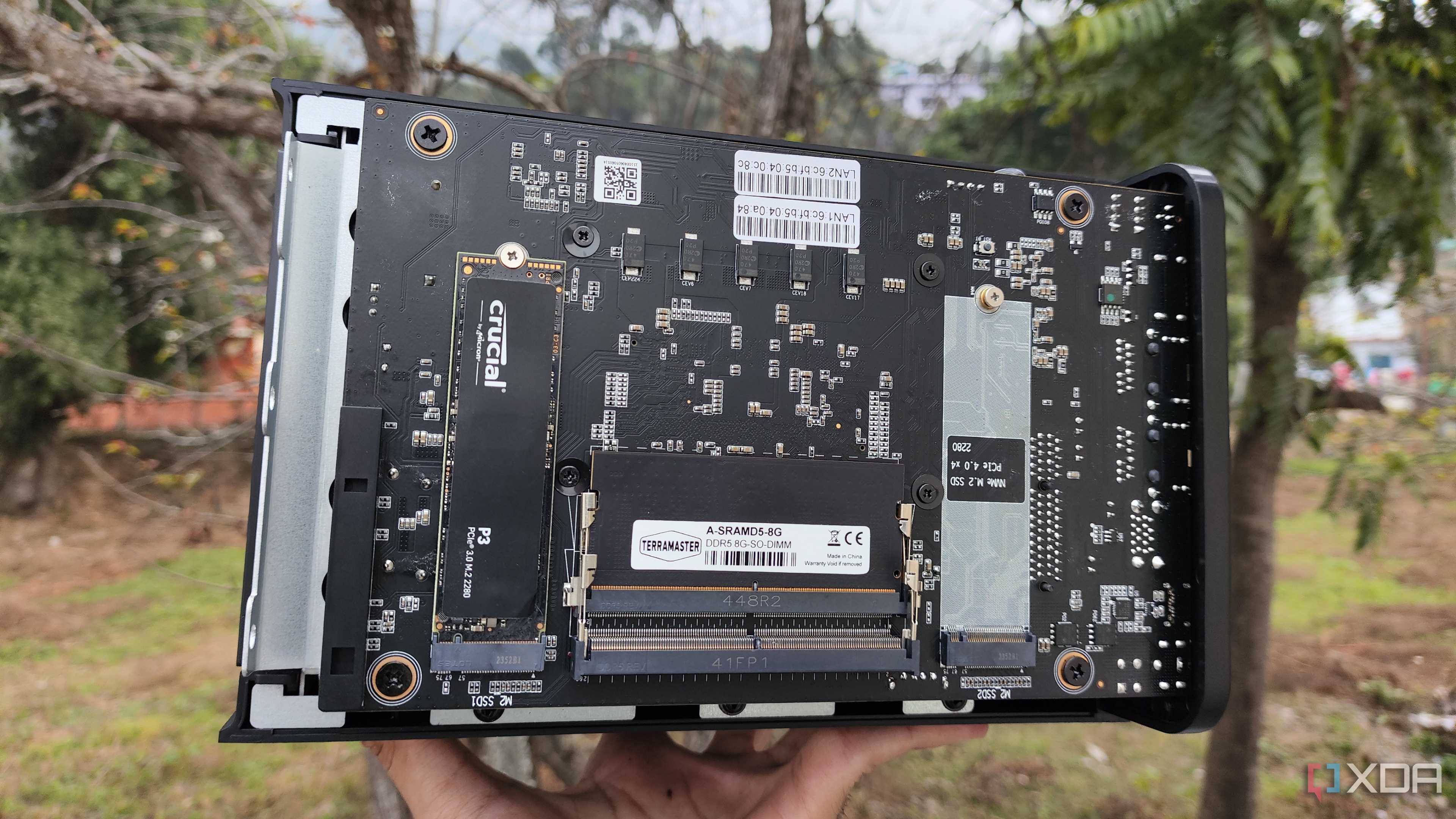
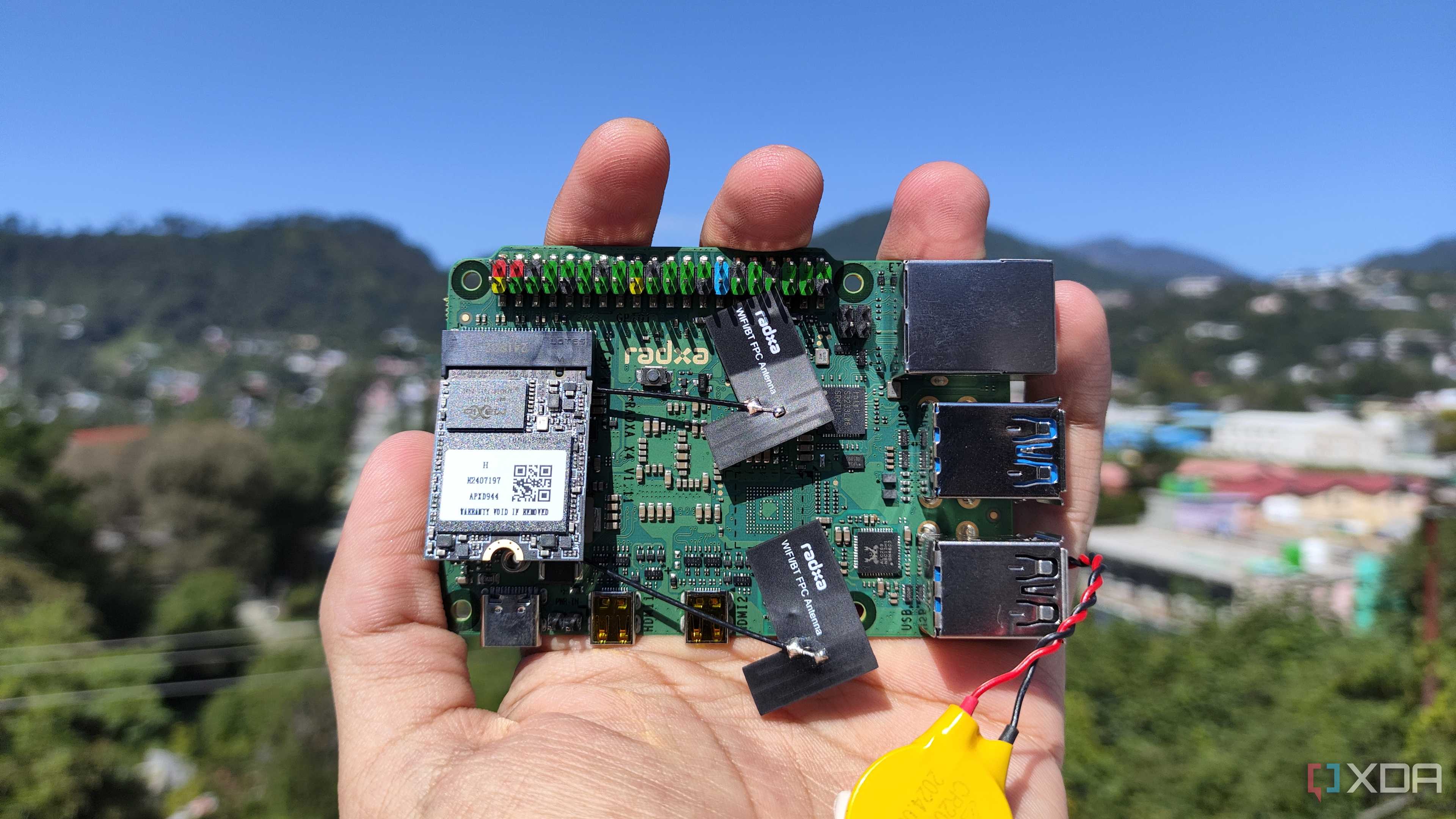
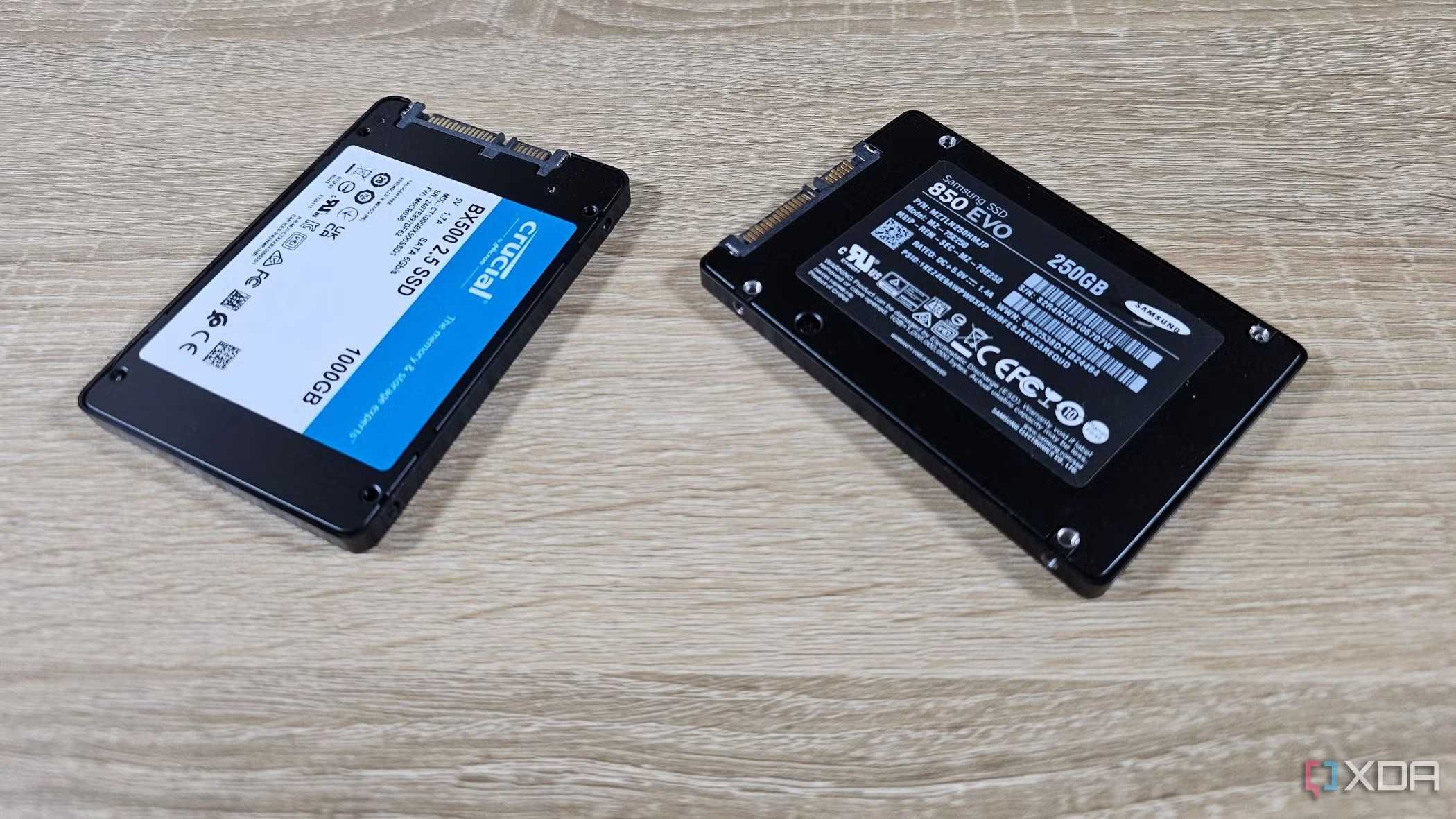


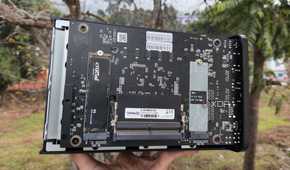
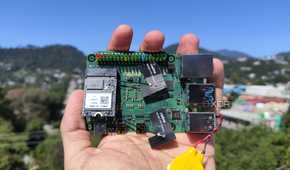
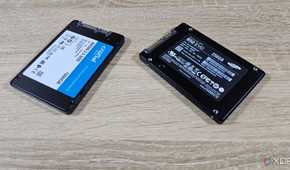
Although SATA SSDs and their lightning-fast NVMe counterparts tend to have a higher cost-per-terabyte ratio, their quick transfer speeds make them quite an asset in my setup. That’s because all the bare-metal operating systems rely on SSDs as their boot devices, as slow hard drives would make the distros too sluggish for my liking. This includes my Proxmox nodes, TrueNAS Scale machine, Proxmox Backup Server, and even the Radxa X4 and Raspberry Pi 5 SBCs that I use for hosting uptime monitors, DNS sinkholes, NUT managers, and other crucial services that need to remain active at all times.
In fact, I also leverage NVMe drives in certain virtual machines that could benefit from their high speeds. This includes my Arch Linux coding machines, Windows 11 dev environments, and the gaming-oriented VM (which works a lot better than it sounds).
Log2Ram can reduce SSD wear

A major issue I’ve noticed with SSDs is that their NAND cells can get worn out by constant write operations. Since I like to use them as my boot drives, I prefer to take some precautions to reduce the wear rate as much as I can. This includes the logs constantly written to my SSDs, with Proxmox and OpenMediaVault being the biggest log generators.
Luckily, Log2Ram fixes this issue on Debian-based platforms, as it relegates the log storage to memory instead of the SSDs. To avoid losing the log statistics upon shutdown, Log2Ram periodically syncs the RAM contents to the SSD.
But I'd never use them for long-term storage

While I do prefer SSDs for their high speeds, I’d consider this article incomplete if I didn’t go over their Achilles’ heel. They’re terrible for data archival – especially for cold storage use cases where they may not get plugged in for days. Unfortunately, this problem is directly linked to the way NAND flash cells operate. SSDs use charged cells to store data, and if left unplugged for a long time, they can start to discharge.
If you’re planning to use them for backups while keeping them powered down, they’re bound to experience some data loss. As such, I tend to shy away from SSDs for long-term storage, and that’s where my hard drives come into the picture…
My HDDs are great for everything else
Ideal for storing huge volumes of LXC and VM data


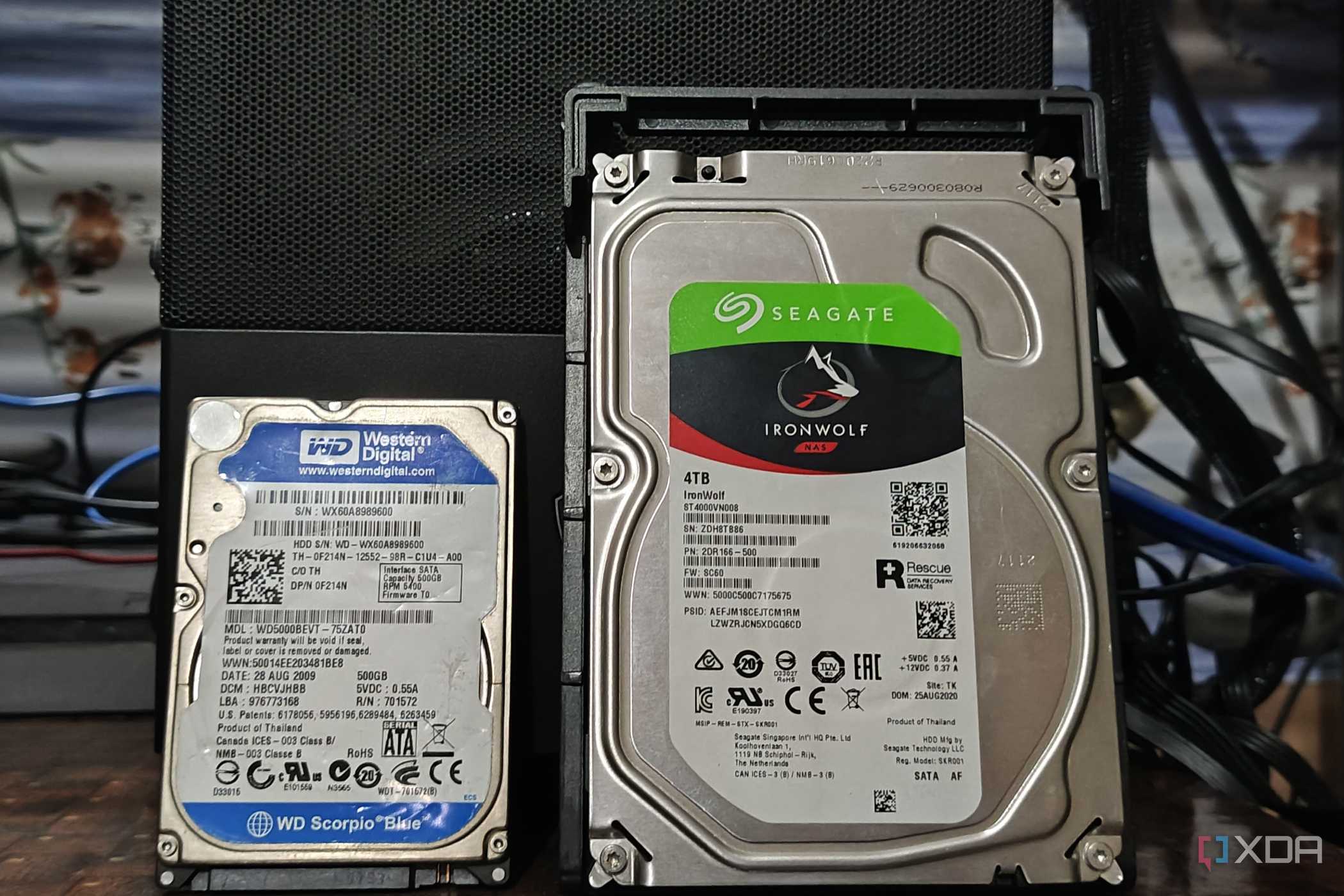
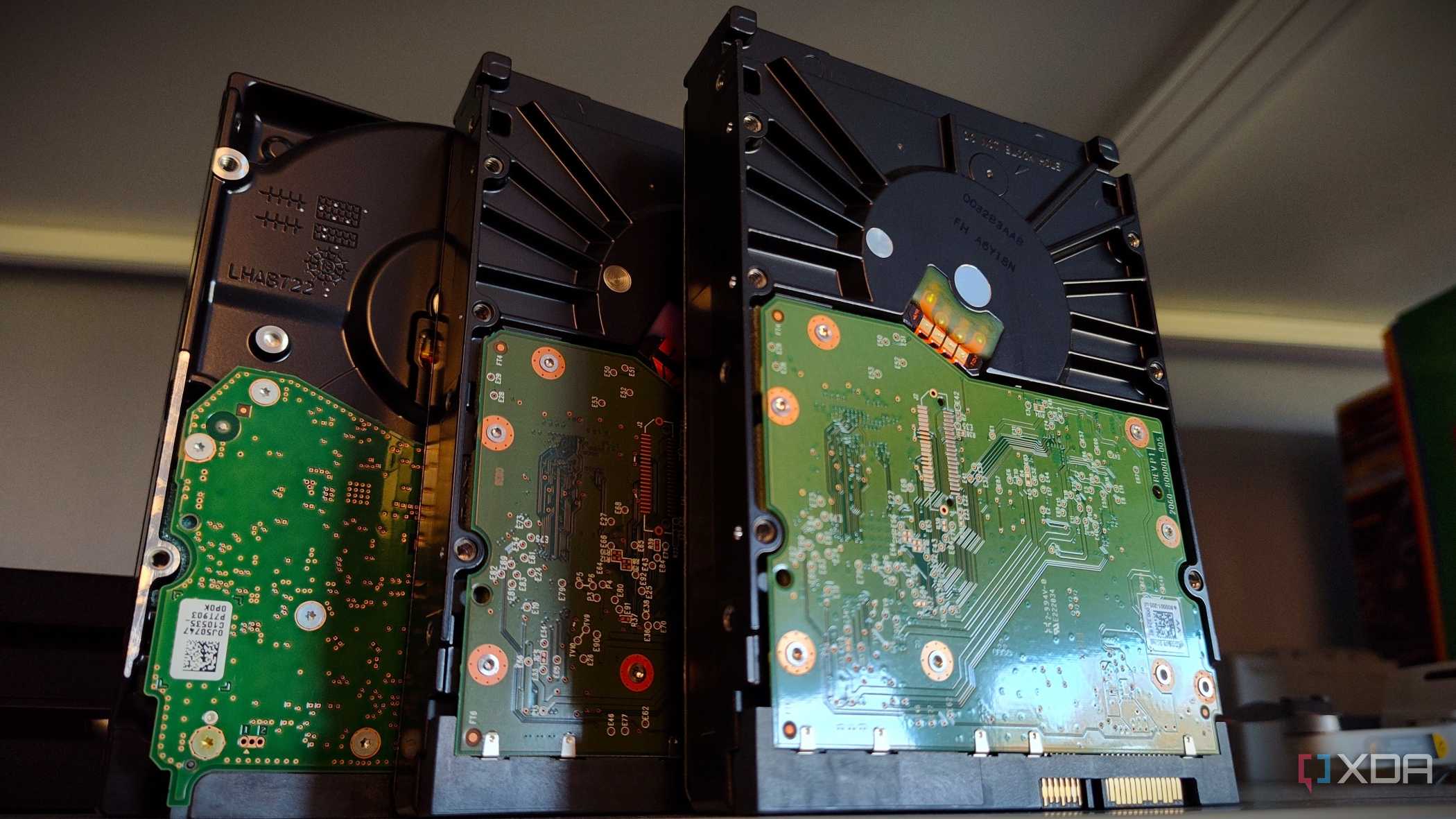
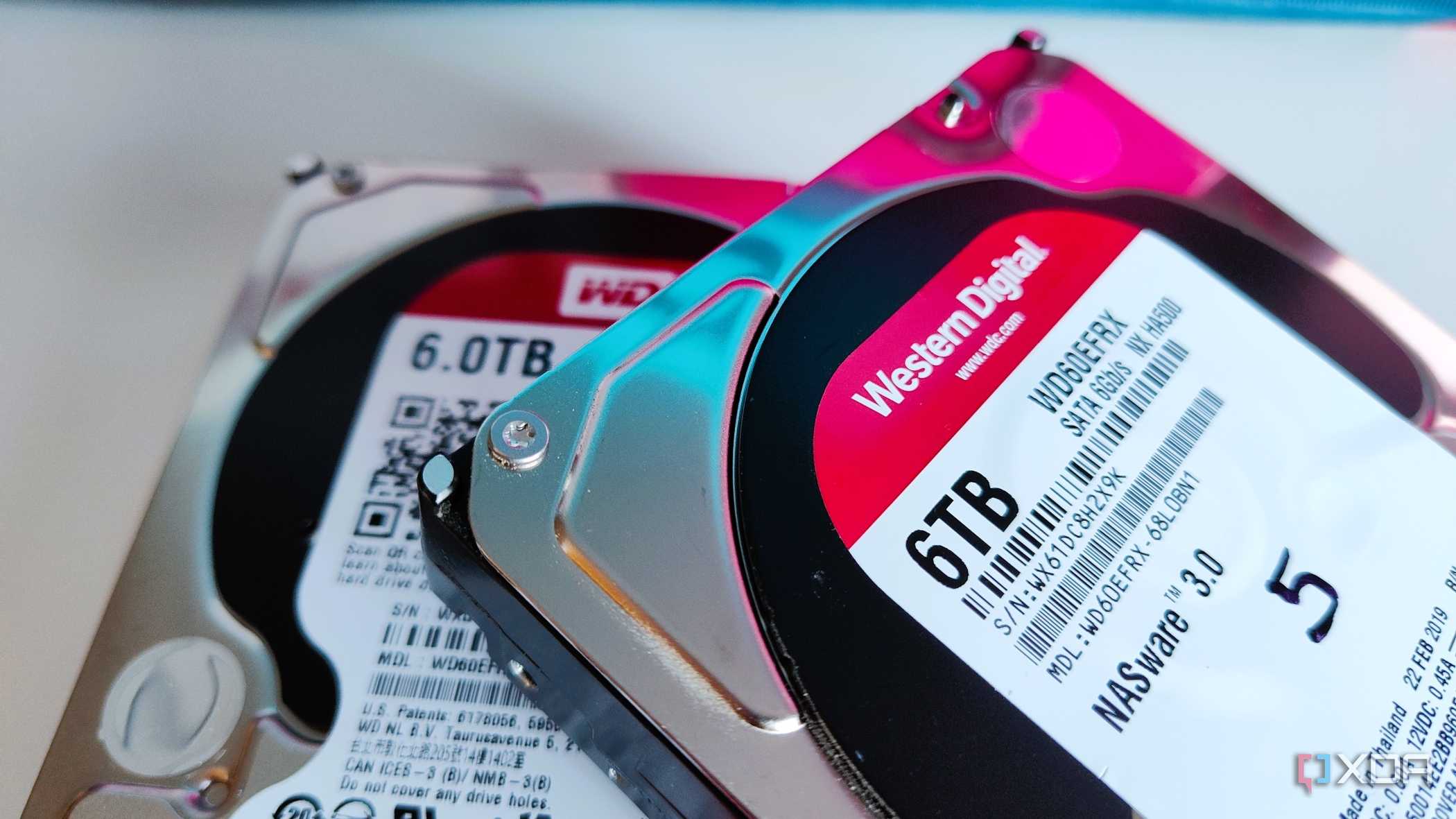
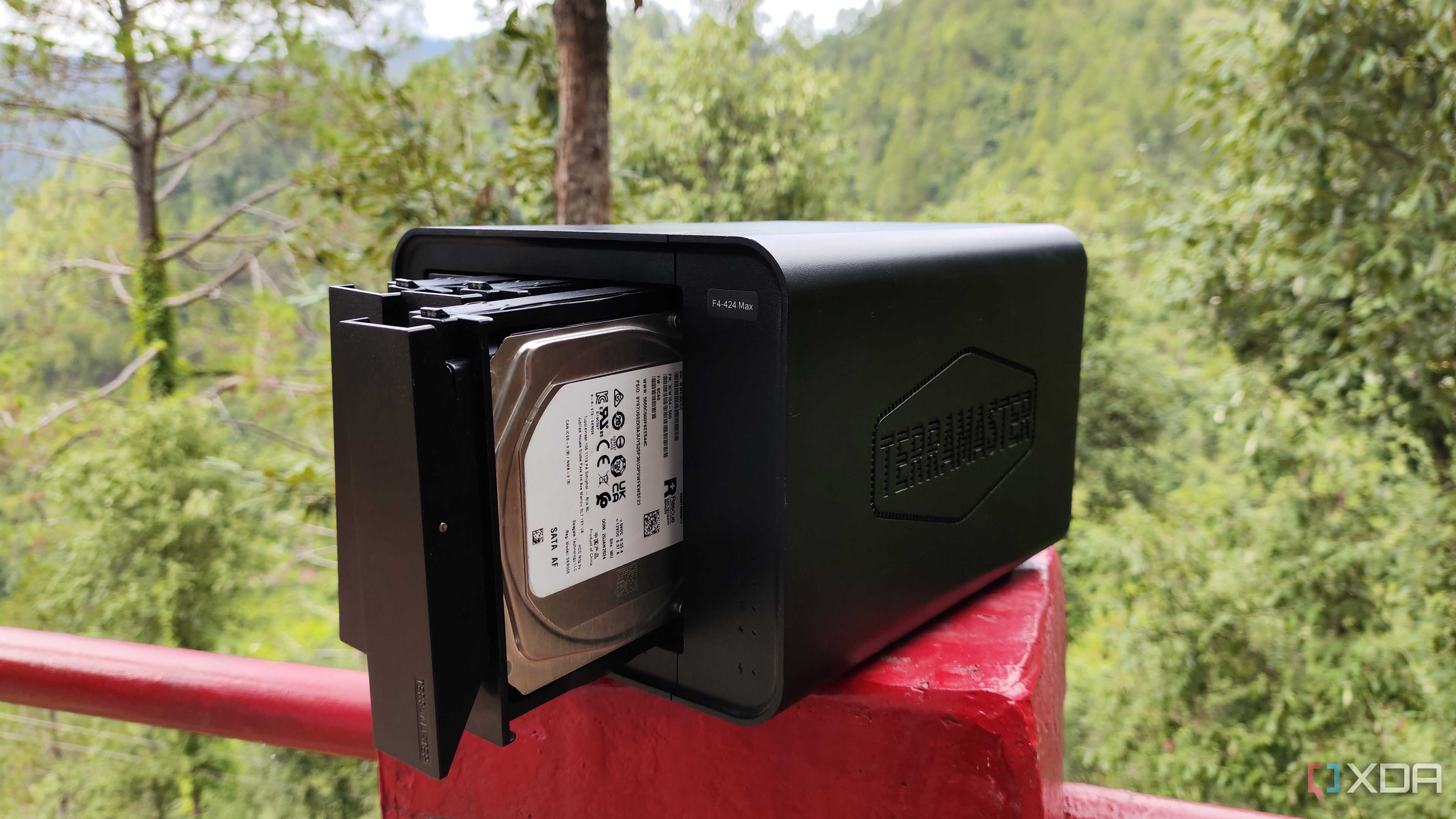
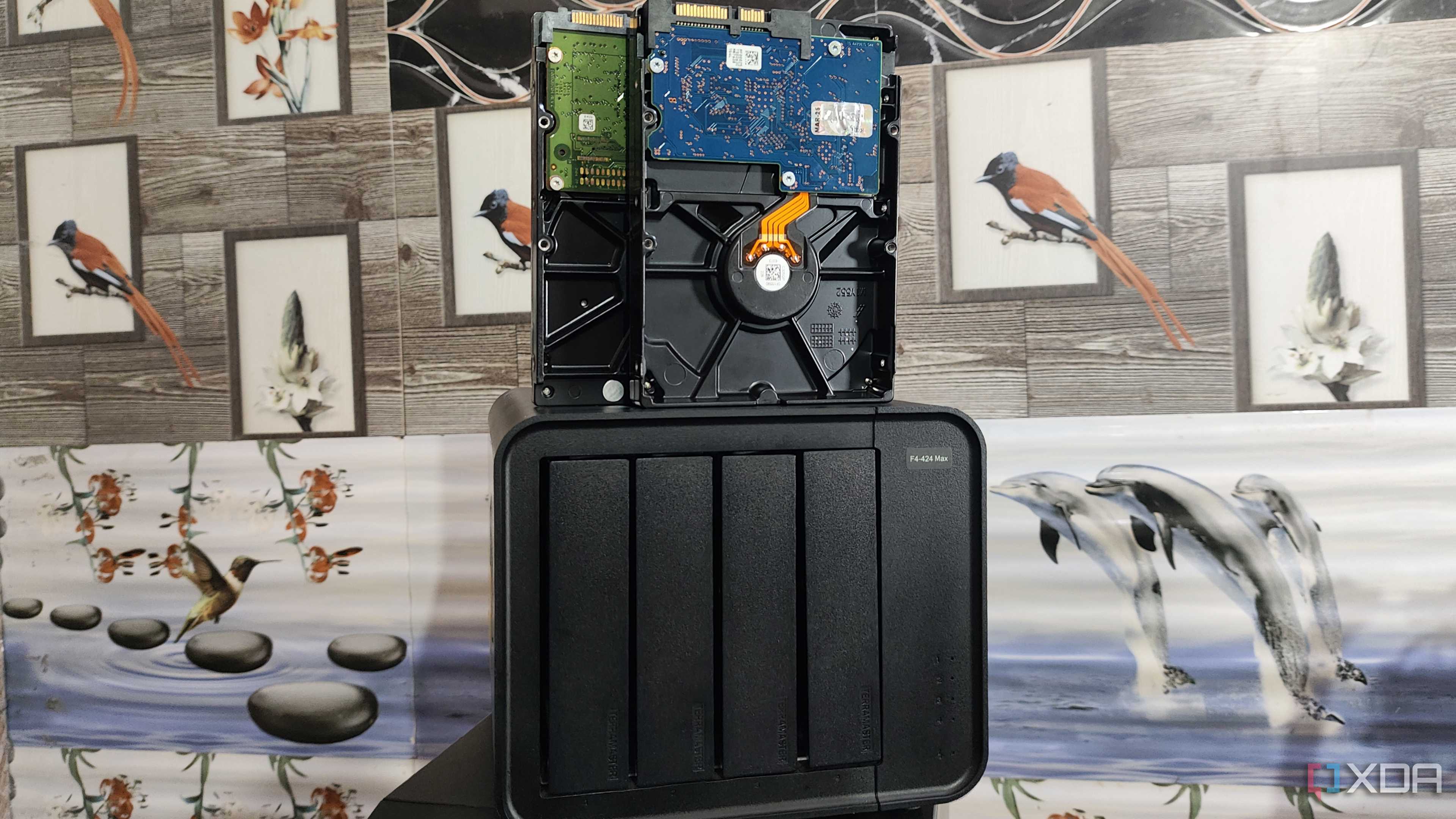
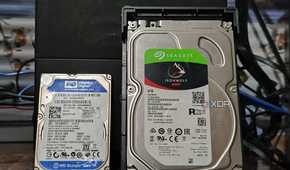
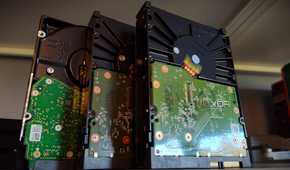
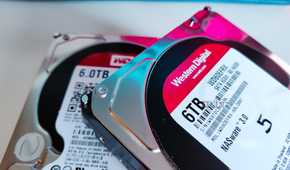
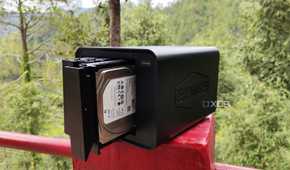
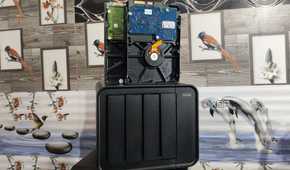
I’ve been a part of the self-hosting ecosystem for years and have deployed numerous services in my home lab – many of which involve terabytes of data. For instance, I use a mixture of Calibre-Web, Audiobookshelf, and Kavita to organize my ebook, comic, and podcast libraries, while RomM manages all the ripped game ROMs I’ve collected over the last decade. There’s Jellyfin for my movies and TV shows, Tube Archivist for grabbing my YouTube playlists, Immich for my photos, and the list goes on.
Storing all this data on SSDs isn’t feasible for a few reasons. There’s the offline data retention issue I mentioned earlier. SSDs are also more expensive than their HDD variants, and the difference in pricing becomes more noticeable as you go up the capacity ladder. High-capacity hard drives, like the 10TB models resting in my NAS server, are a lot cheaper than SSDs, making them great for the data I’ve hoarded all these years. They’re also great for archival workloads, as I can offload my PC as well as LXC + VM backups onto hard drives and let them remain in cold storage for extended periods.
RAID pools and RAM caches are my best friends

Hard drives are infamous for their sluggish transfer speeds, though I use a couple of facilities to circumvent this drawback. RAID setups, especially those involving high-end configurations, not only offer more reliability due to mirroring and parity drives, but also use striping to bolster their performance. I tend to use ZFS-powered RAID 5 pools, and while they tend to consume more RAM (and, well, disk space), they’re ideal for my arsenal of HDDs.
Speaking of memory, RAM caches are another trick up my NAS’ sleeve. By storing the most frequently accessed data inside the memory sticks, RAM caching provides a major boost to my HDD pools.
My noisy HDDs siphon more electricity, though

While the slow HDD speeds can be mitigated, hard drives also have some incurable defects that can’t be rectified. For example, I keep my NAS and home server tucked away in a different room, as the HDDs slotted into them make a lot of ruckus under heavy load.
Even leaving their noisy nature aside, hard drives guzzle a lot more energy compared to SSDs. The last time I checked, my HDDs consumed anywhere between 8 and 10W, with six of these siphoning more energy than two of my mini-PCs!
Heck, I'm planning to use tape storage in my home lab

Although I understand why some people prefer HDDs to SSDs (and vice versa), I can’t really commit to either faction. In fact, I’ve been eyeing tape drives for their superior backup provisions for a while, and have started allocating some budget for these older (but just as useful) storage units.
