


Like every smart home enthusiast will confirm, the first steps towards building a smart home start off with the basics and a simple plan. Maybe you want a few lights that turn on automatically or a camera outside your door that notifies you. Very soon you start diving deep into the rabbit hole of exploration and learning, and you're looking up hubs, the best protocols to use for controlling your lights, compatibility lists, and controllers. It's all too easy to get overwhelmed and have your basic plan looking like a whiteboard filled with jargon that doesn't mean much to you.
So, this time while planning a ground up and much-needed overhaul of my smart home set up, I decided to do something different. I handed the grunt work to NotebookLM. I already use the tool for work planning and deep research, so it only made sense that the tool could help me cut through the clutter and make more sense of how to approach my next smart home build. And honestly, it worked far better than I expected. Notebook is behaving like the smart home architect I wasn't sure I needed. It's helped me structure my upcoming smart home better, helped me avoid unnecessary purchases and made the entire process of upgrading my smart home a breeze.
Starting your smart home the right way
NotebookLM cuts through the confusion
Credit: 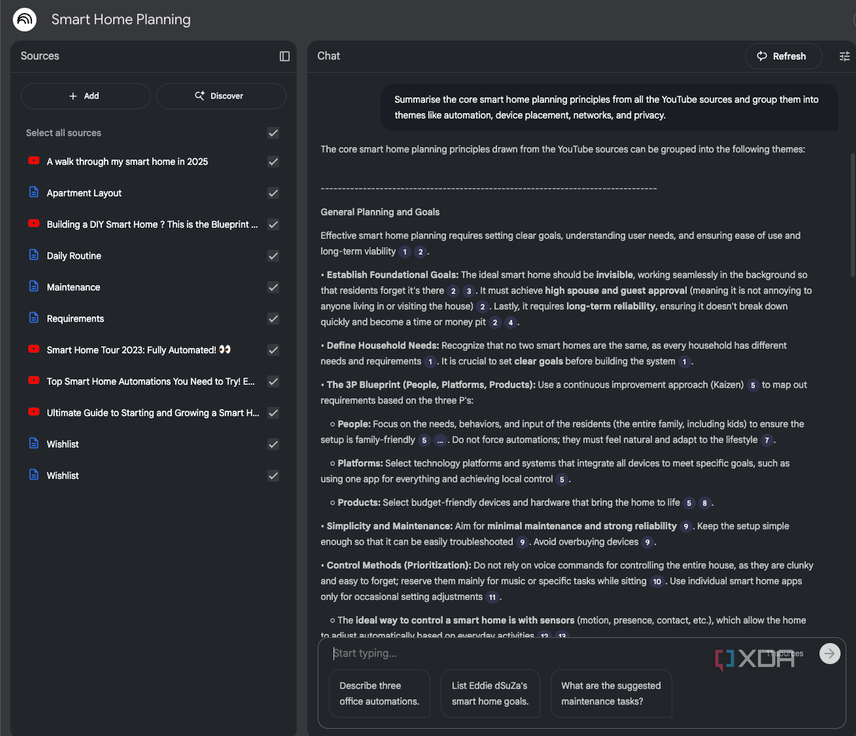
Credit: 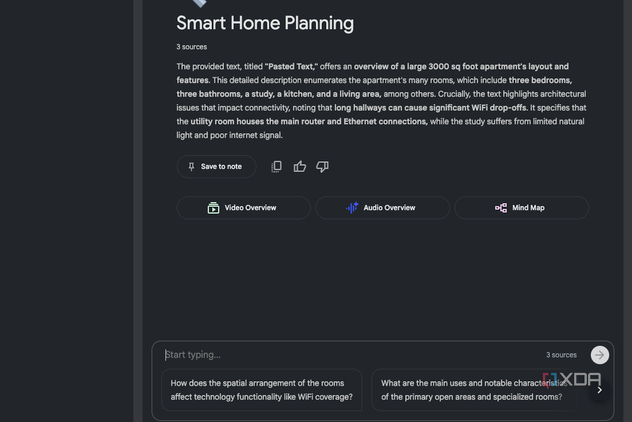
Credit: 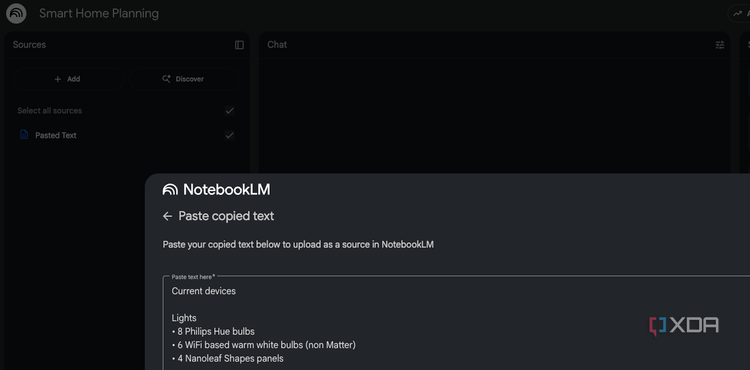
Credit: 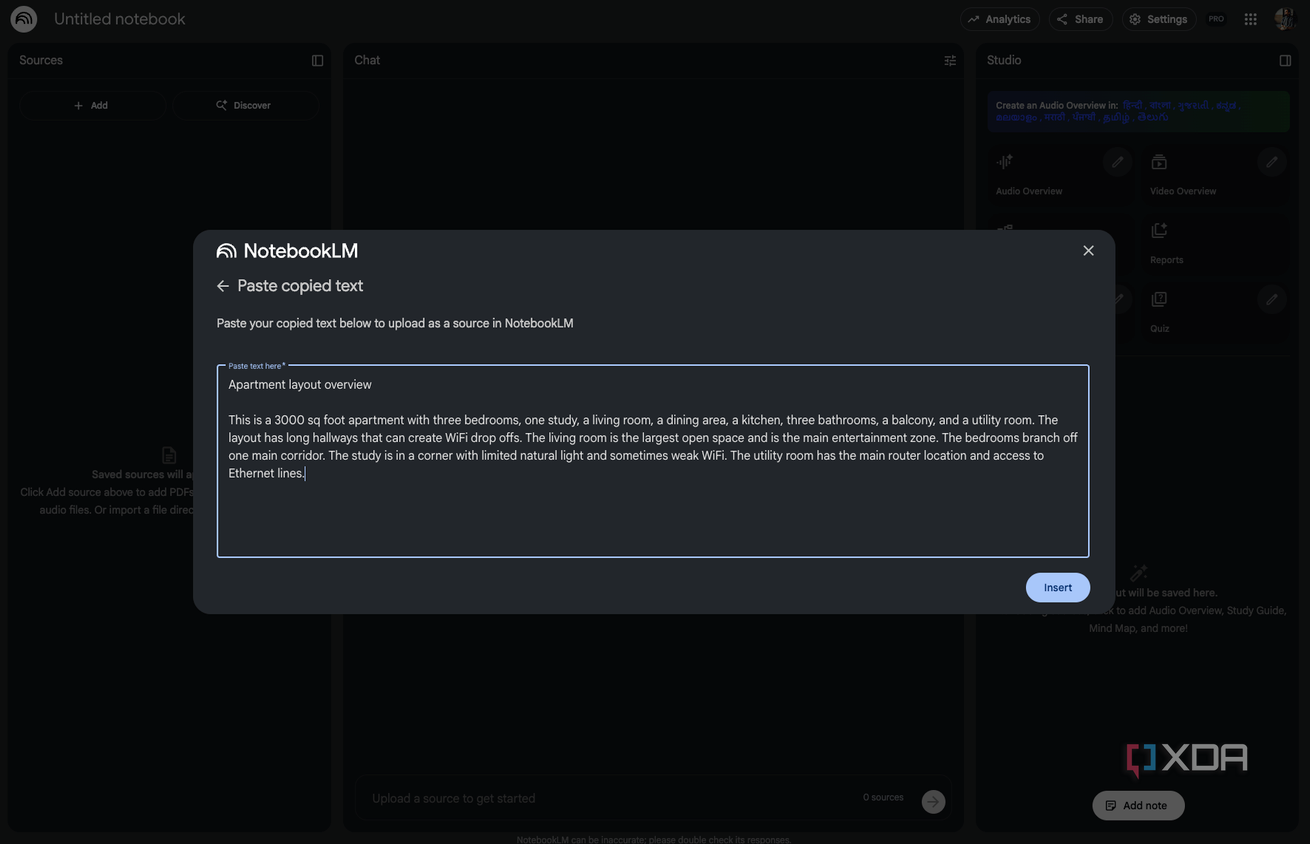
Credit:


Credit: 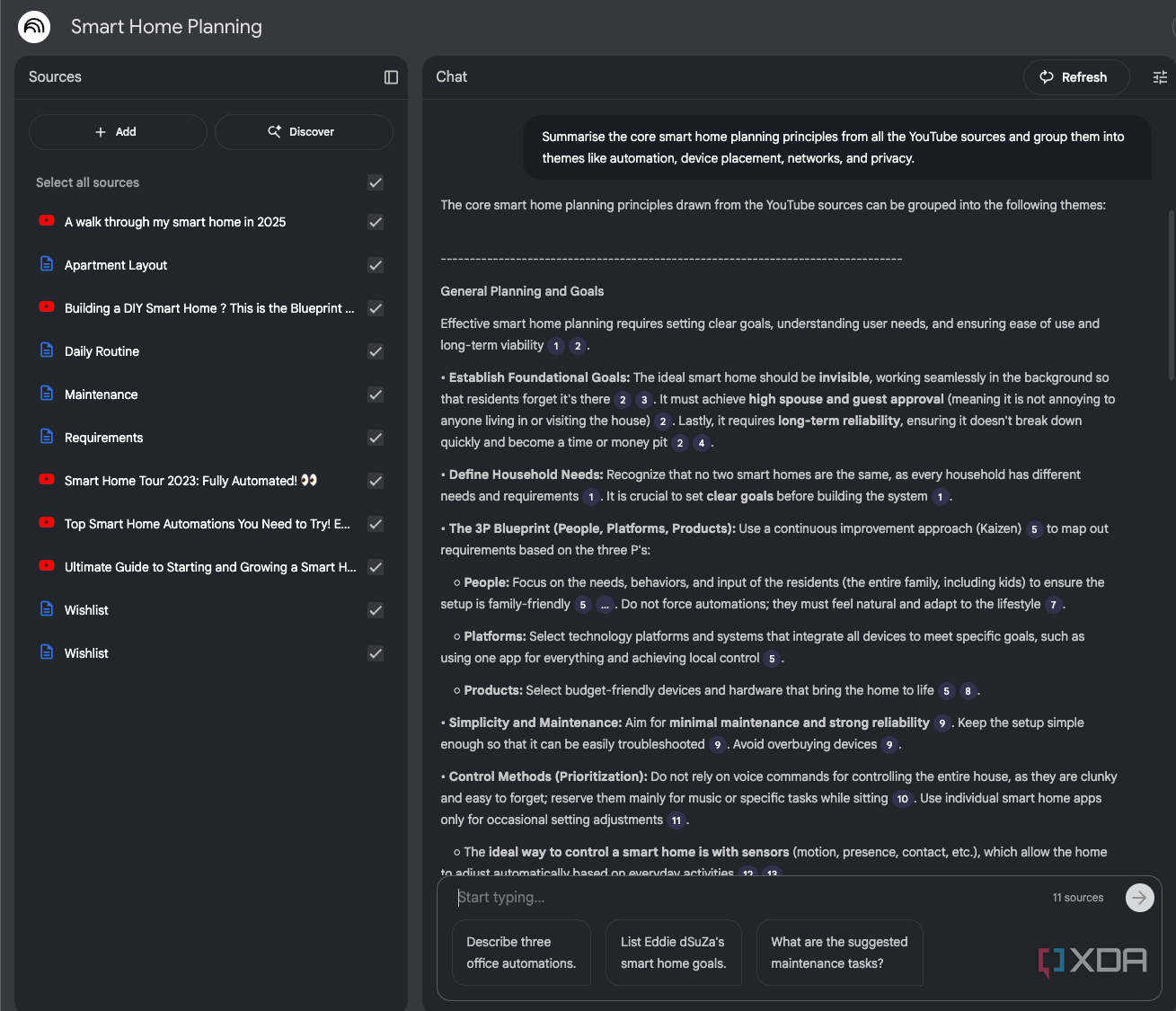
Credit: 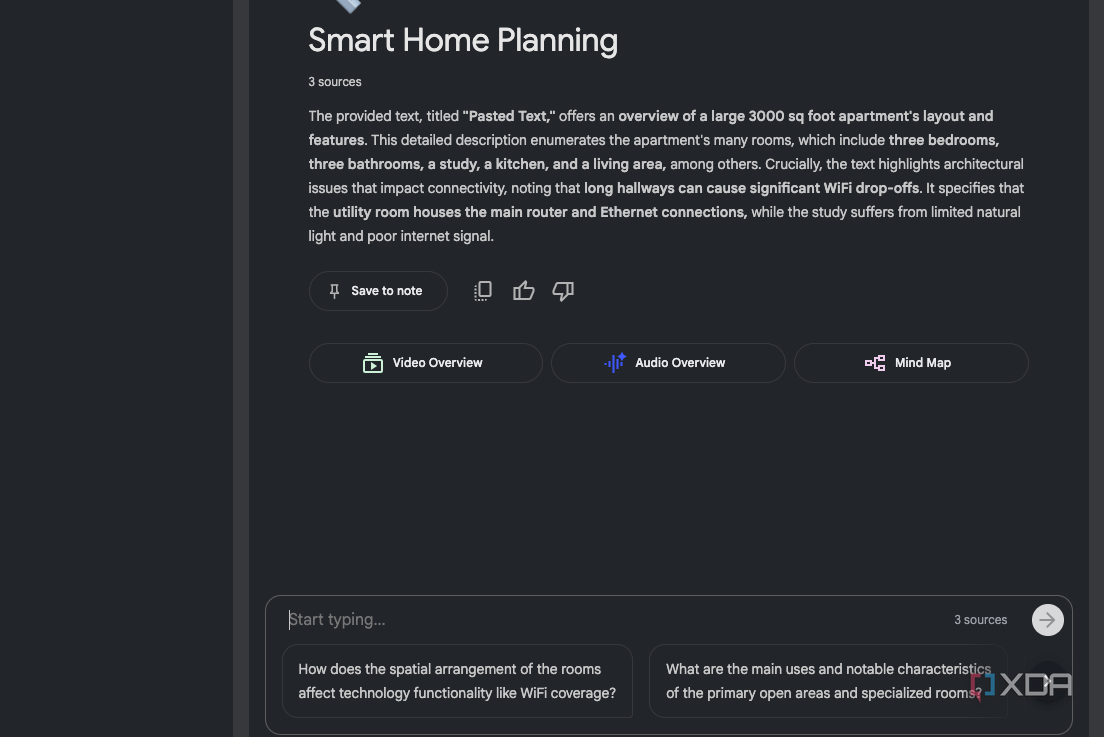
Credit: 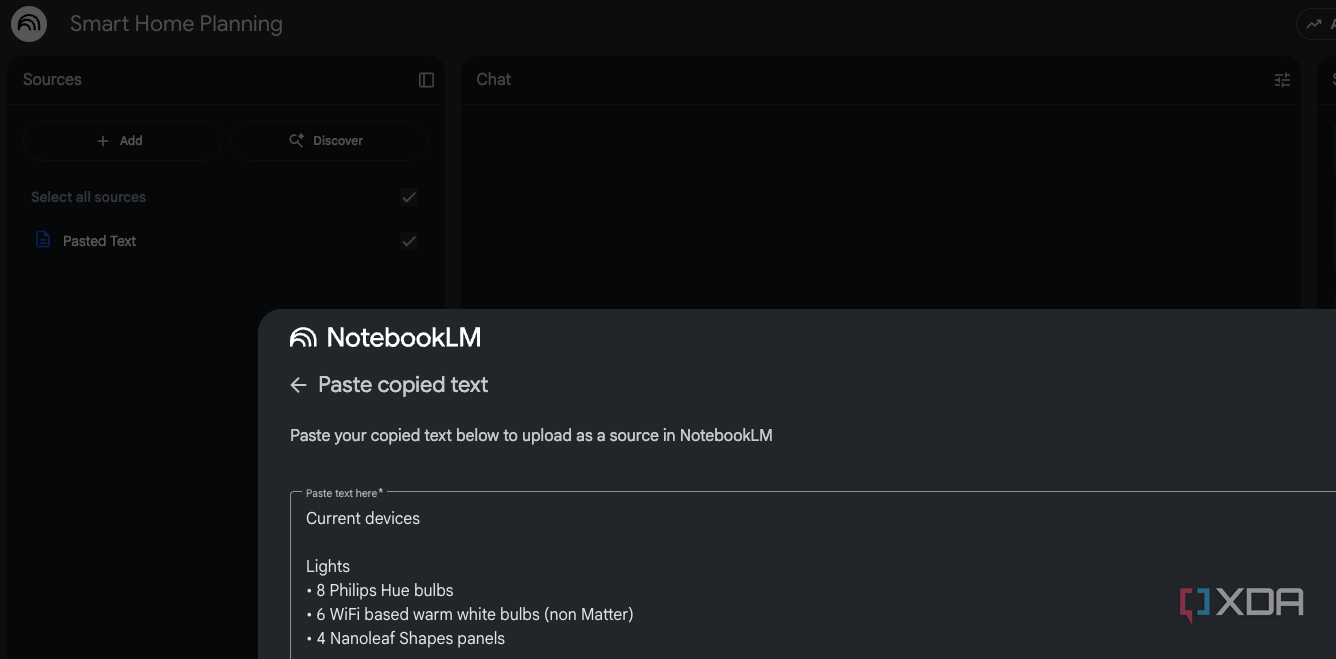
Credit: 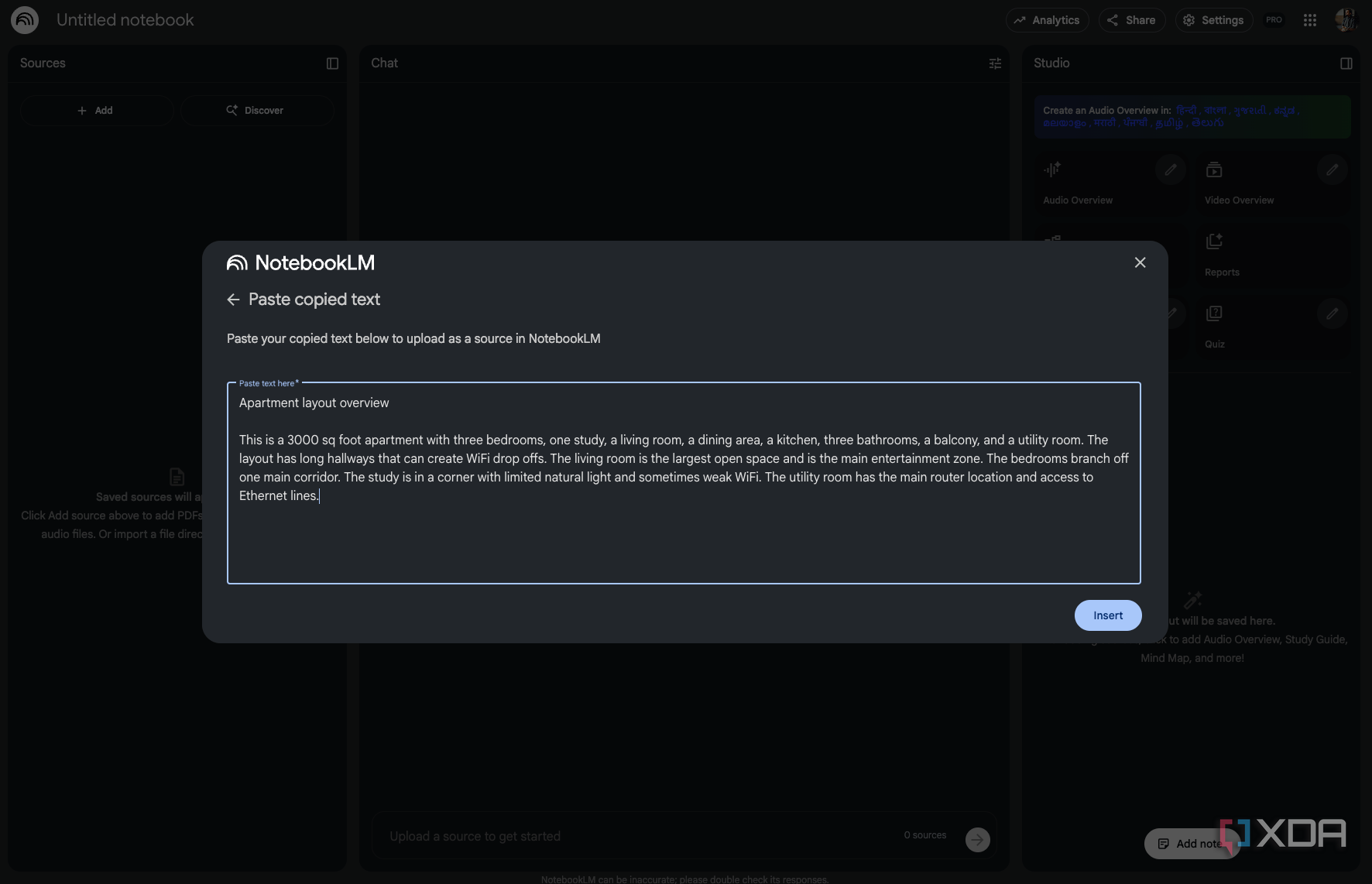
Credit:
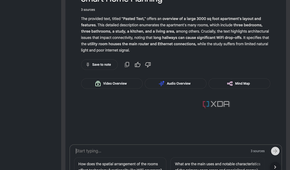
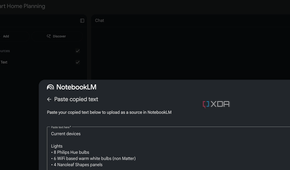
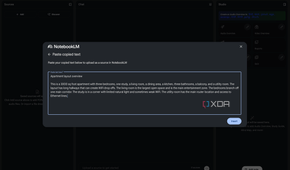
The first and, in my opinion, the biggest problem with building a smart home is that you never know where to start. Should you pick the ecosystem first or the components? Do I want Hue lights or simpler Wi-Fi-based options? Or perhaps we go to the basics and solve the network first. Every guide or video gives you a different option, which makes sense as the guide is based on the writer or presenter's personal experience and that might not necessarily translate to your needs. NotebookLM helps you escape that confusion by acting like a brain for your personal requirements and your personal smart home project.
Here's how I started. I made a list of every single reference I had collected and passed it along to NotebookLM. Comparisons, links to products I was interested in, notes from things I'd done already and interesting YouTube videos I'd come across. Basically, I dumped in every single piece of information I'd collected as part of my research. The idea was to let NotebookLM stitch together the pieces and make sense of all this information.
I asked it to map out every device I owned and group them based on ecosystem compatibility. Ironically, this was the perfect first step to making sense of what I have. It let me see which devices supported Matter, the ones that only worked with Alexa, Google Home, or both. The ones that needed their own hubs and the ones that could be adopted by a controller, or offered fully local control. This step has been an absolute time saver in trying to figure out which devices work where. Moreover, it was able to help me make an informed decision about what hardware I should keep around, and what I should replace.
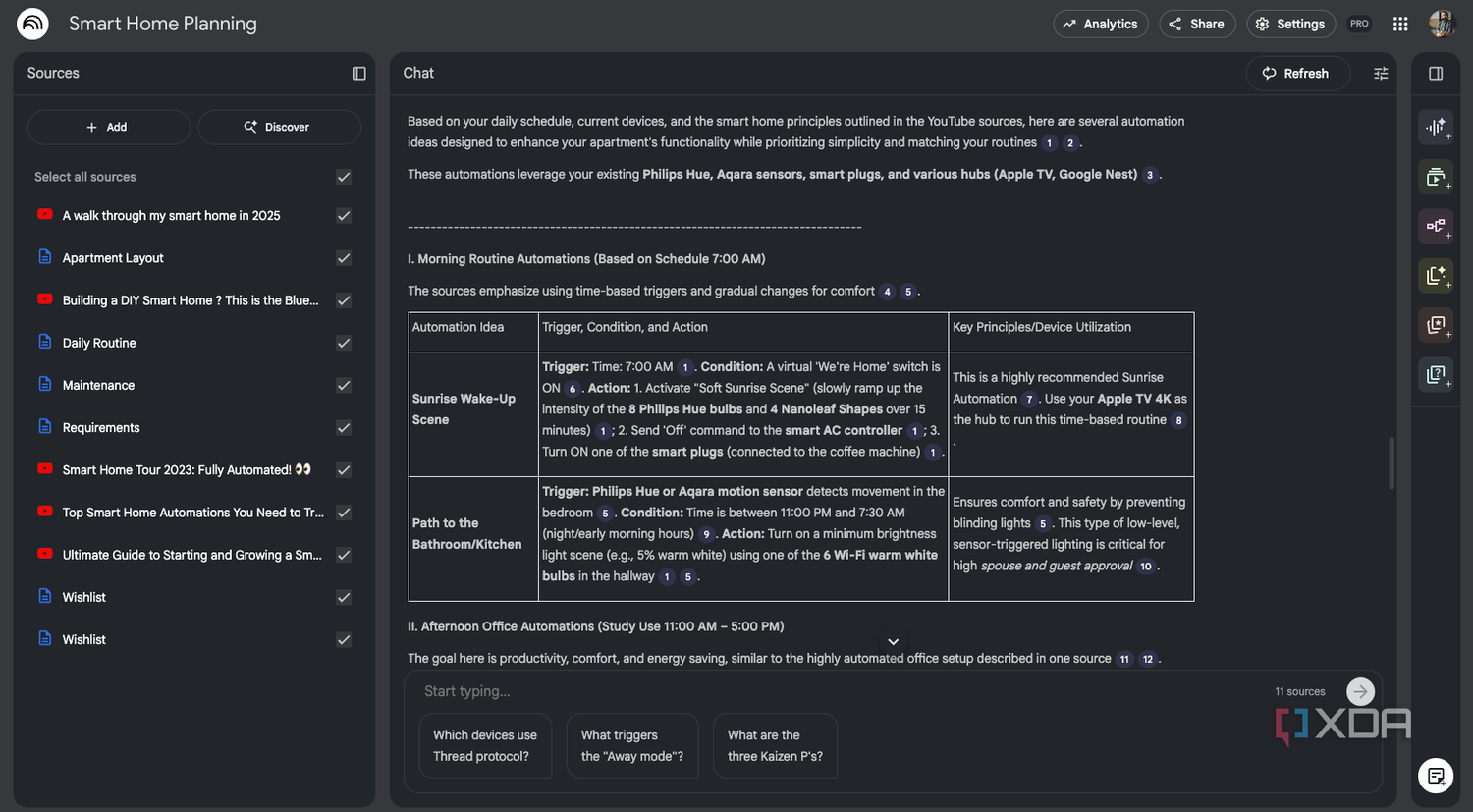
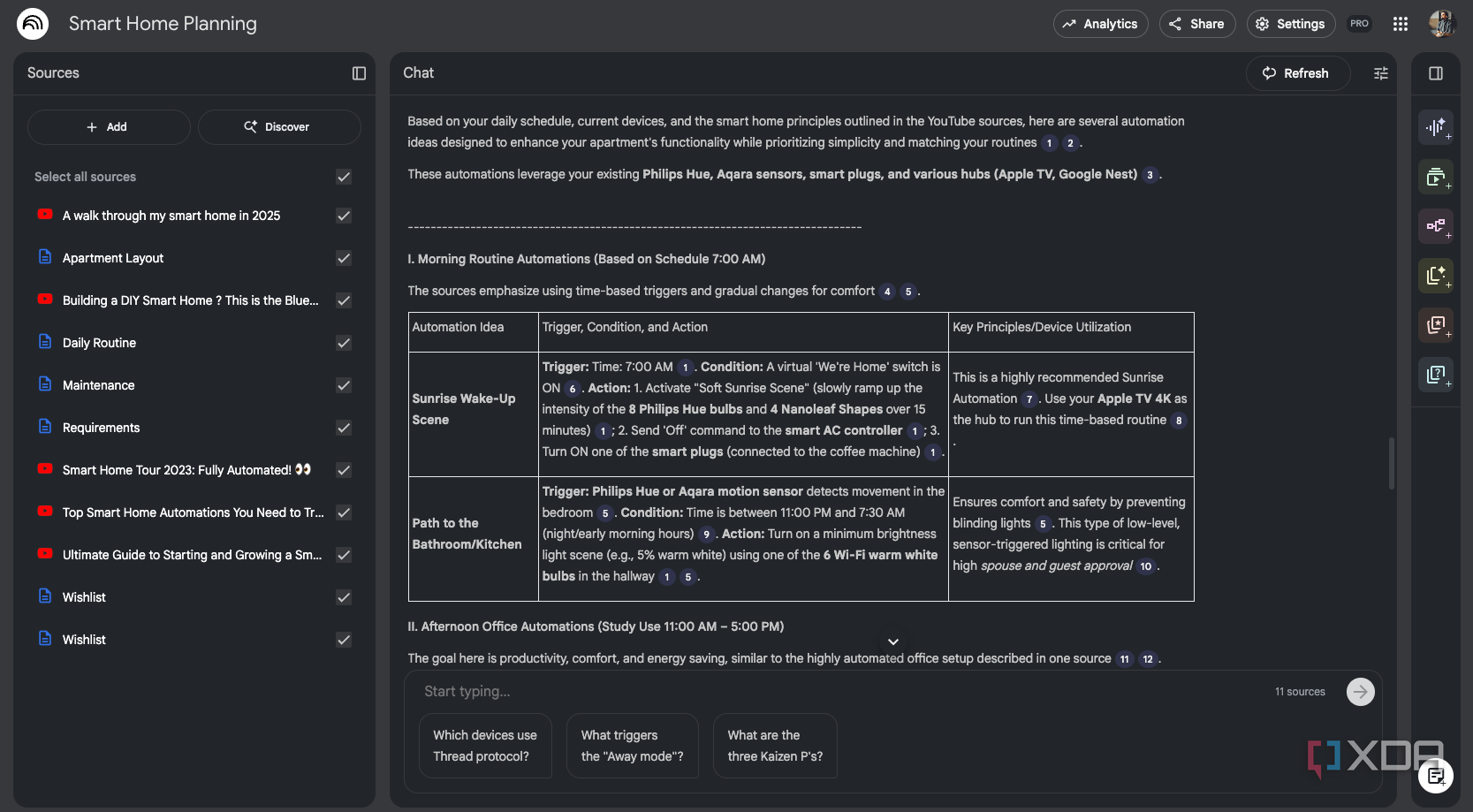
Next, I switched over to planning out the space. I gave NotebookLM an approximate layout of my room and asked for suggestions on what should go where. NotebookLM helped me make sense of where to place motion sensors and cameras. It flagged off areas where Wi-Fi might be suboptimal and needed bolstering. It even helped me come up with potential use cases and gaps in my smart home set up. The real fun was in how it helped me come up with automations. I ran NotebookLM through my daily schedule, things I do, my entertainment preferences and more, and it ran me through potential automations and routines.
A better way to plan your smart home
NotebookLM simplifies protocols, devices and long-term upkeep

An added advantage of using NotebookLM to plan out your smart home is the fact that you can question it and get into the nitty-gritty about why specific decisions are being made. Things like why a protocol might be better for your requirements, or why a specific kind of device was being used. It didn't just point me towards a product, but gave me a reason for using it. Similarly, it helped me stay on a budget by optimizing my device selection.
Finally, NotebookLM pushed me to think about privacy and safety. It built out a list of devices that had a microphone or camera. Cautionary information about things that should definitely be on a VLAN, or stuff where I should restrict data sharing. And above all, NotebookLM helped me tackle long-term maintenance. I was able to ask it to create an effective maintenance file with firmware versions, known bugs, reset instructions and more. Effectively, it created a checklist for me to ensure that my smart home deployment was on point and maintenance was easy and predictable.
NotebookLM turned my smart home chaos into a clear plan
Planning a smart home can come across as a bit of a puzzle if you're just starting out. There's a lot of moving pieces and a problem of plenty with the sheer number of devices on the market. NotebookLM changed that for me by taking a logical approach to the structure. It put together a smart home system that made sense in my home environment, fit my budget and, more importantly, explained why it made sense for me.

NotebookLM is an AI tool that lets you gather your own sources of information and use Gemini to generate insights, summaries, and ideas based on exactly what you add.
